




















Squishy Pixels 
by Varun Vachhar 
designer/developer at rangle.io
Pixel-perfect 
PSD to HTML/CSS
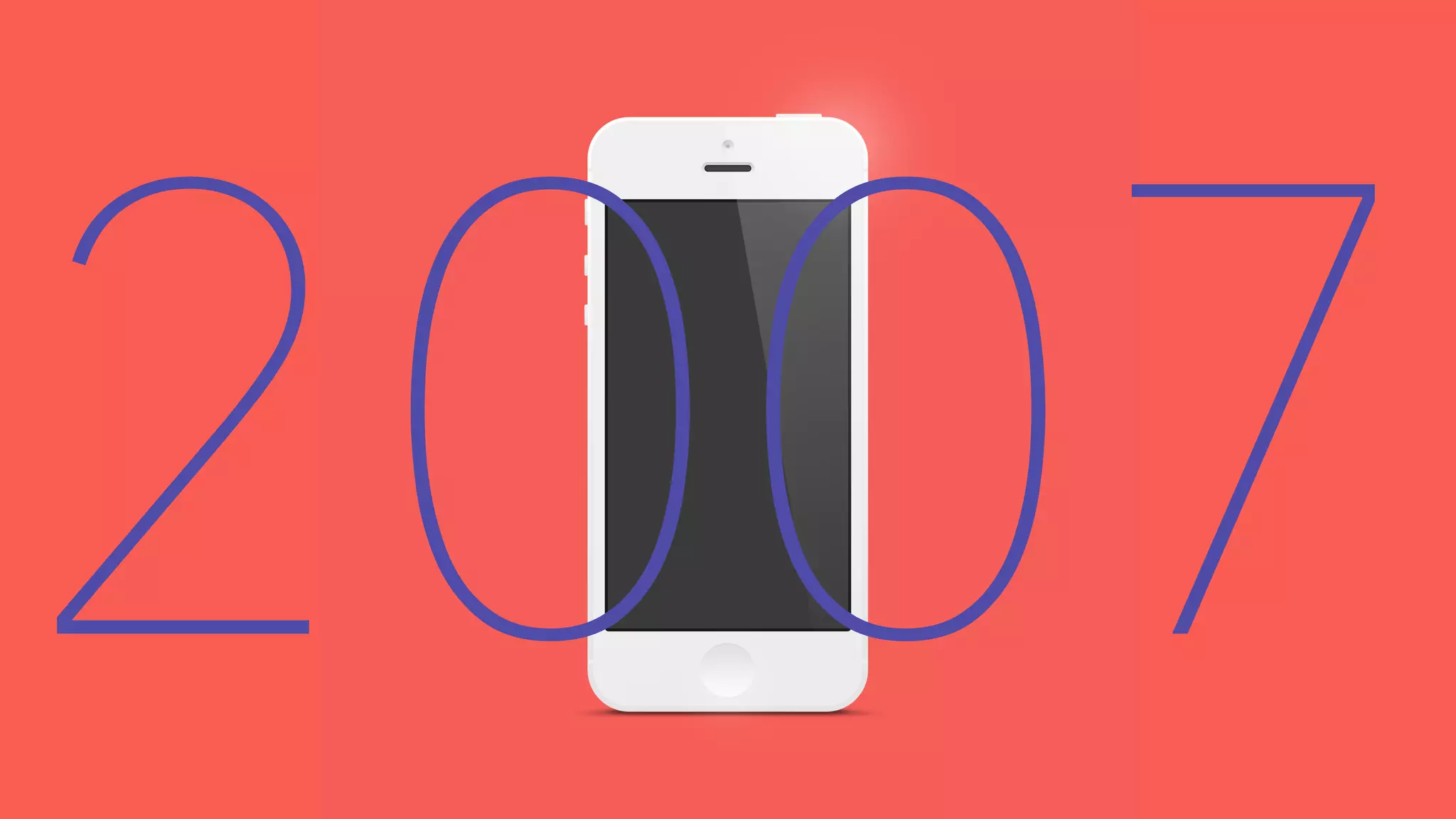
2007
native & 
m. domains
And Then 
There Were iPads
2010
We Had a Problem
Responsive 
Web Design
Fluid Grids 
Flexible Images
Responsive Web Design 
Responsive design is a technique in which the same HTML 
code is delivered to each device, but tweaks to CSS, allow 
it to adjust to the screen's form factor. 
– Ravi Pratap
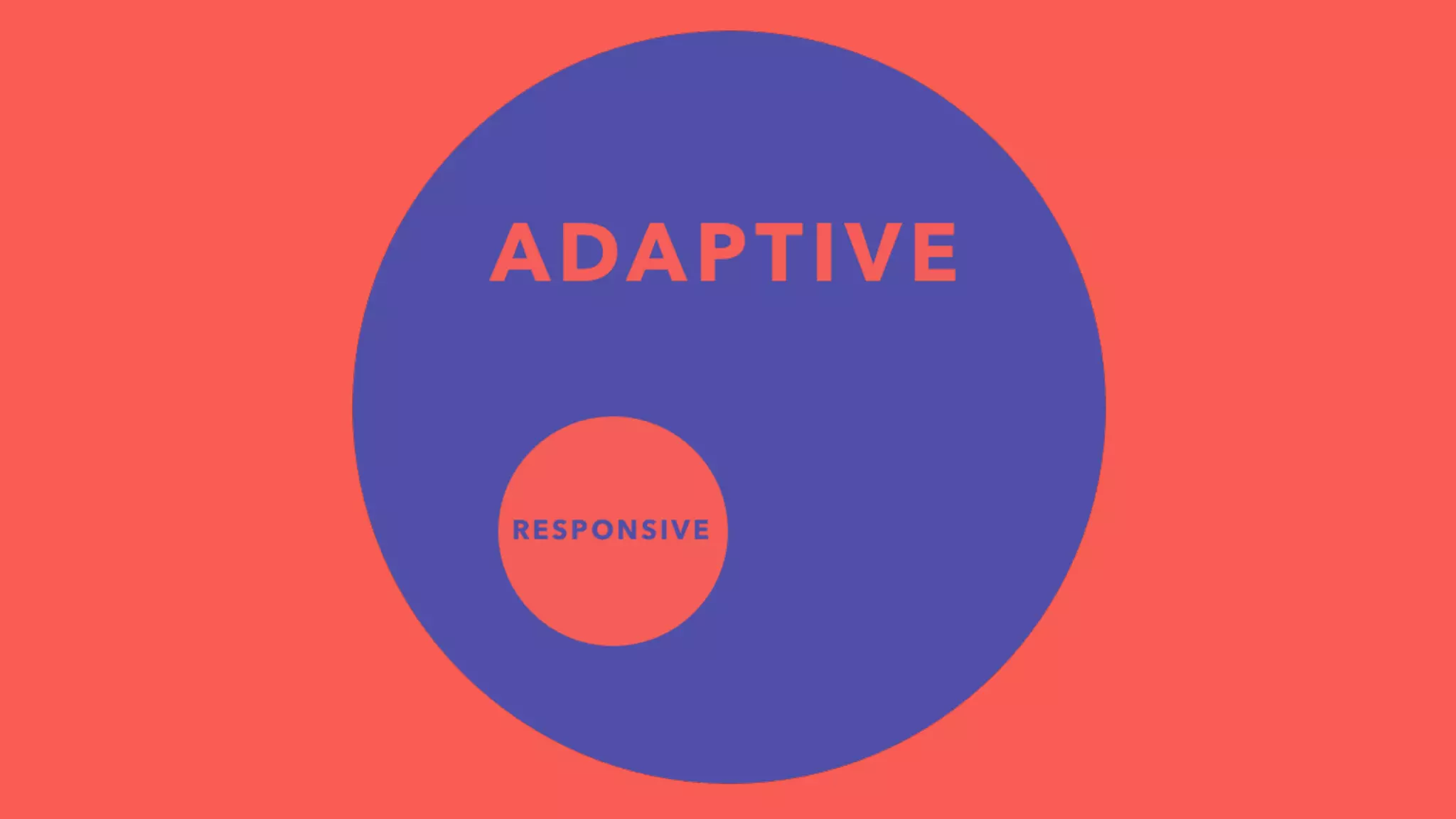
Adaptive 
Web Design
Adaptive Web Design
Adaptive Web Design 
uses the components of progressive enhancement to 
define design methods that focus on the user, not the 
browser.
RESS: RWD + Server Side Components 
Device Detection 
Adaptive Layouts
Wat!
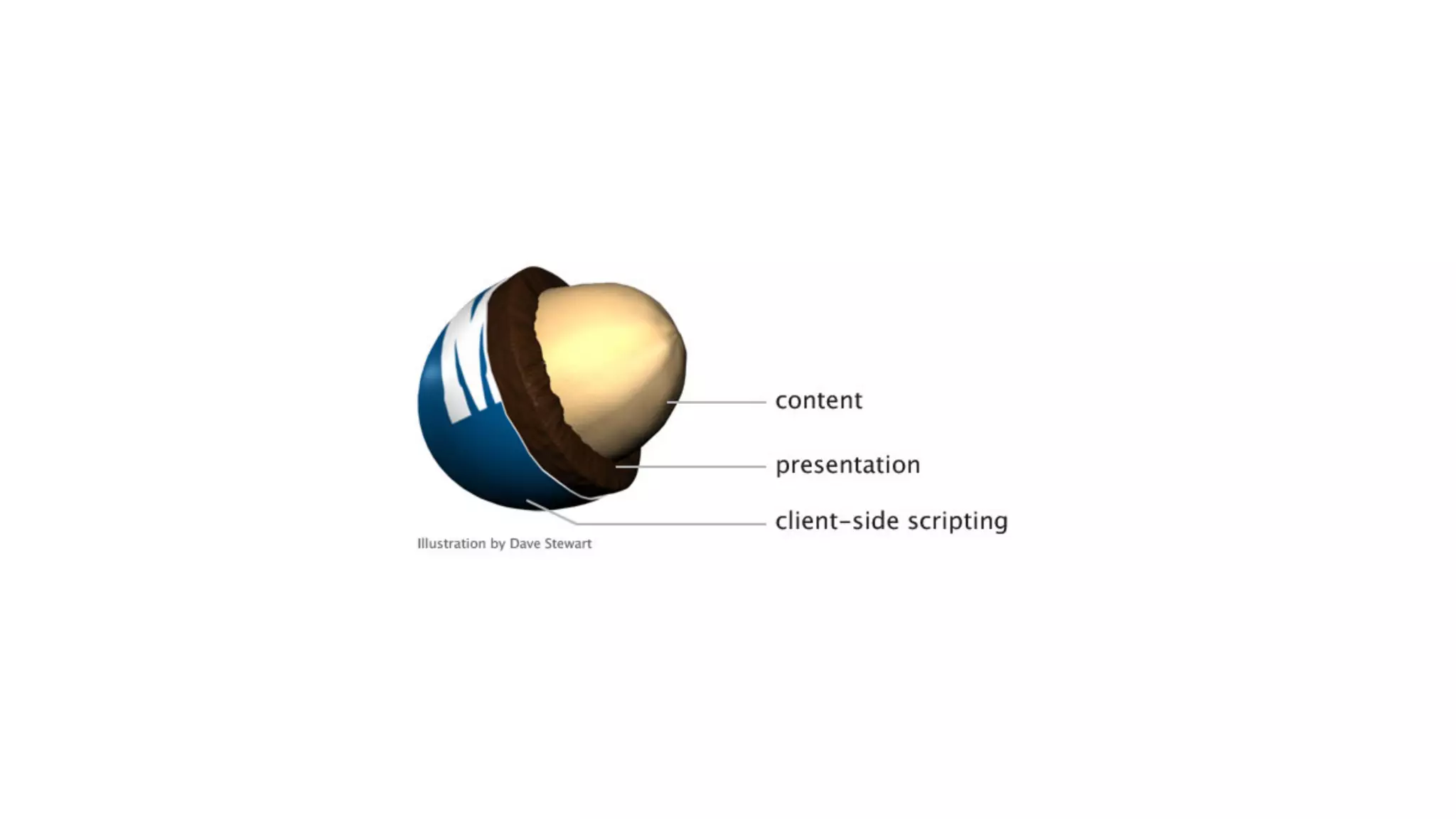
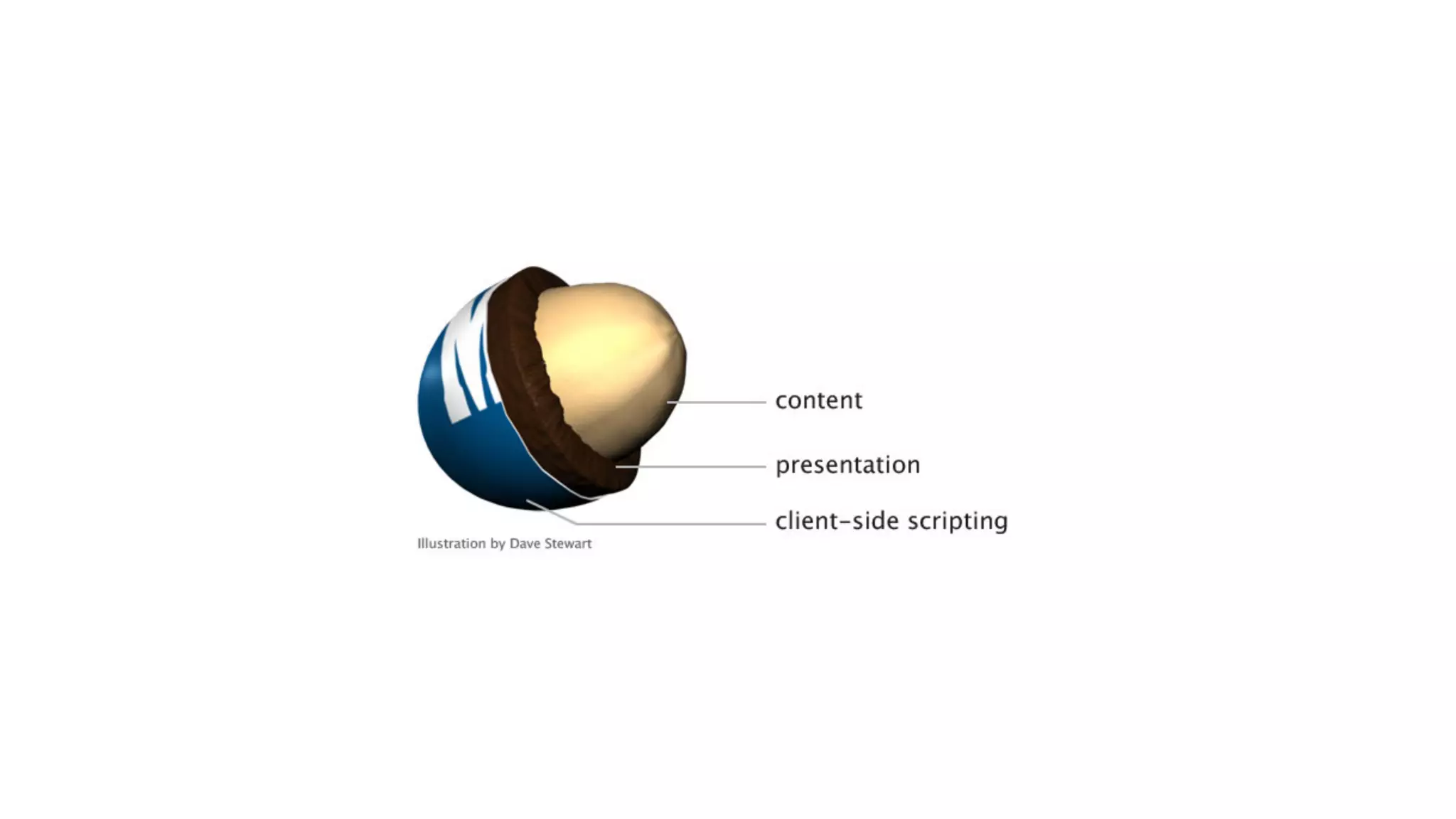
Progressive 
Enhancement
Brad Frost 
Future Friendly 
Pattern Lab
Jeffrey Zeldman 
Designing with Web Standards
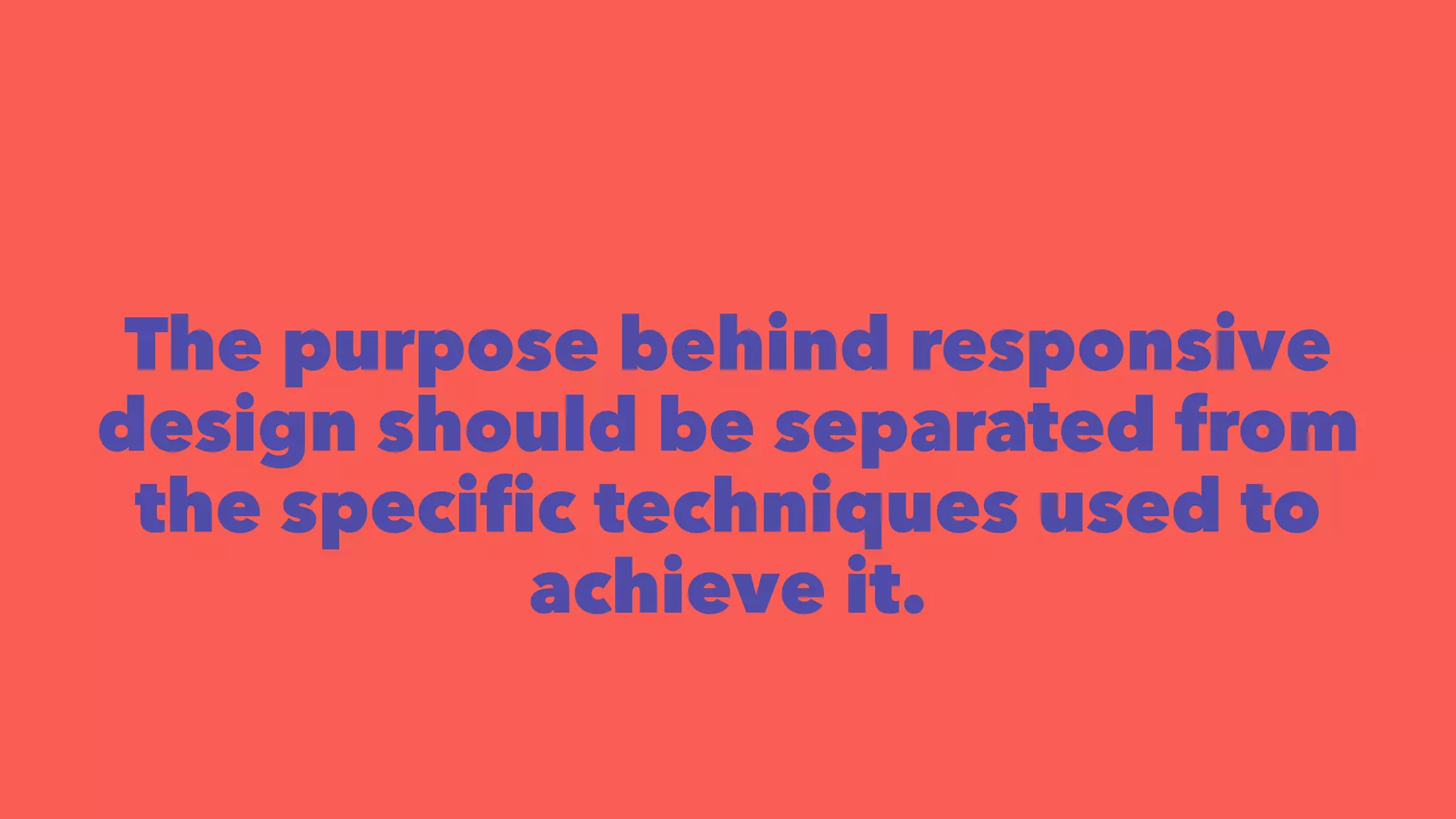
The purpose behind responsive 
design should be separated from 
the specific techniques used to 
achieve it.
Brad Frost 
A single Web experience that 
modifies based on the 
capabilities of the device and 
browser.
Responsive & 
Adaptive 
Web Design
Create A Single 
Web Experience
Content
Mobile-First CSS
Well Structured 
Meaningful Markup
Compress/Minimize!
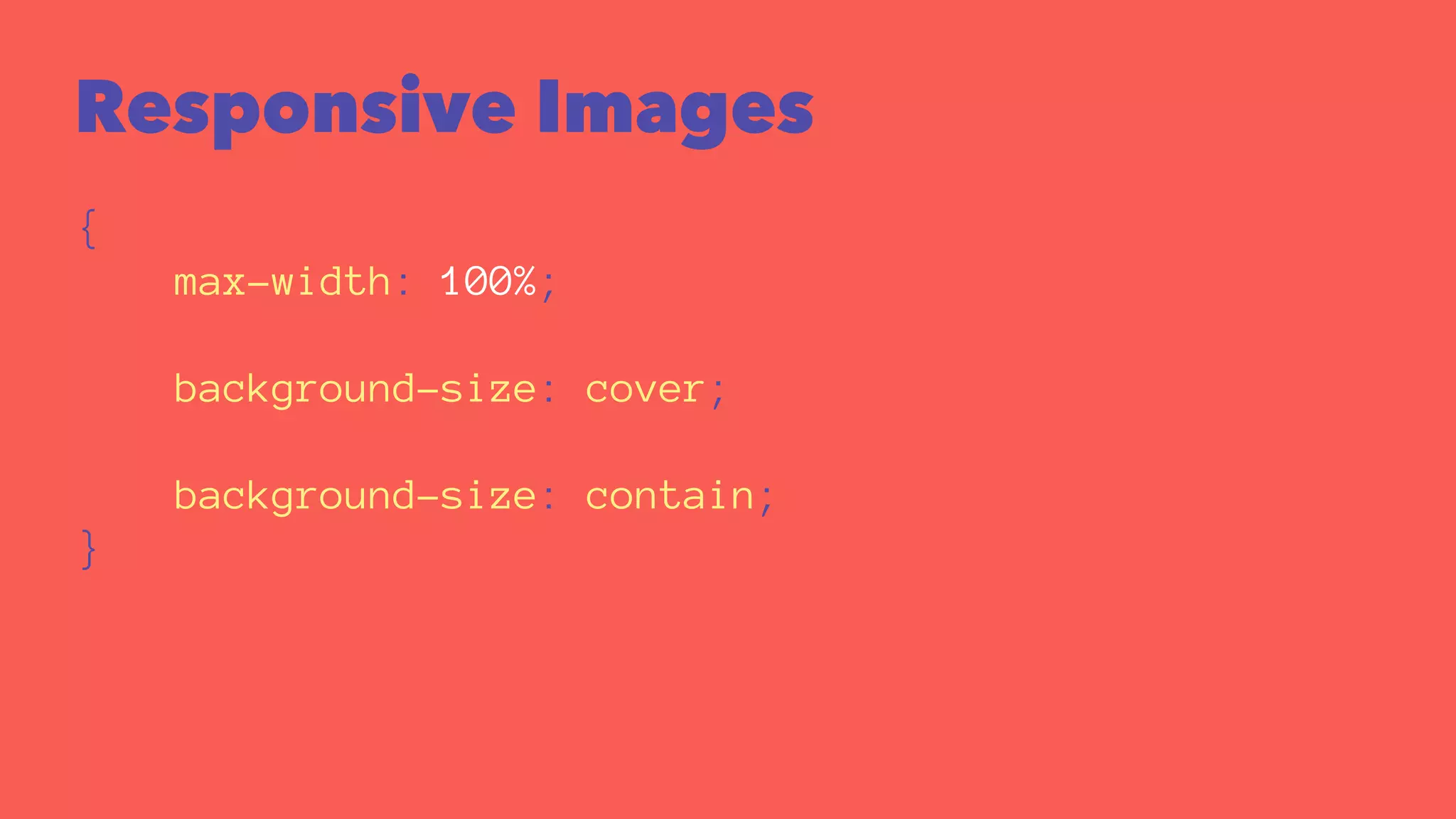
Responsive Images 
{ 
max-width: 100%; 
background-size: cover; 
background-size: contain; 
}
Responsive Images
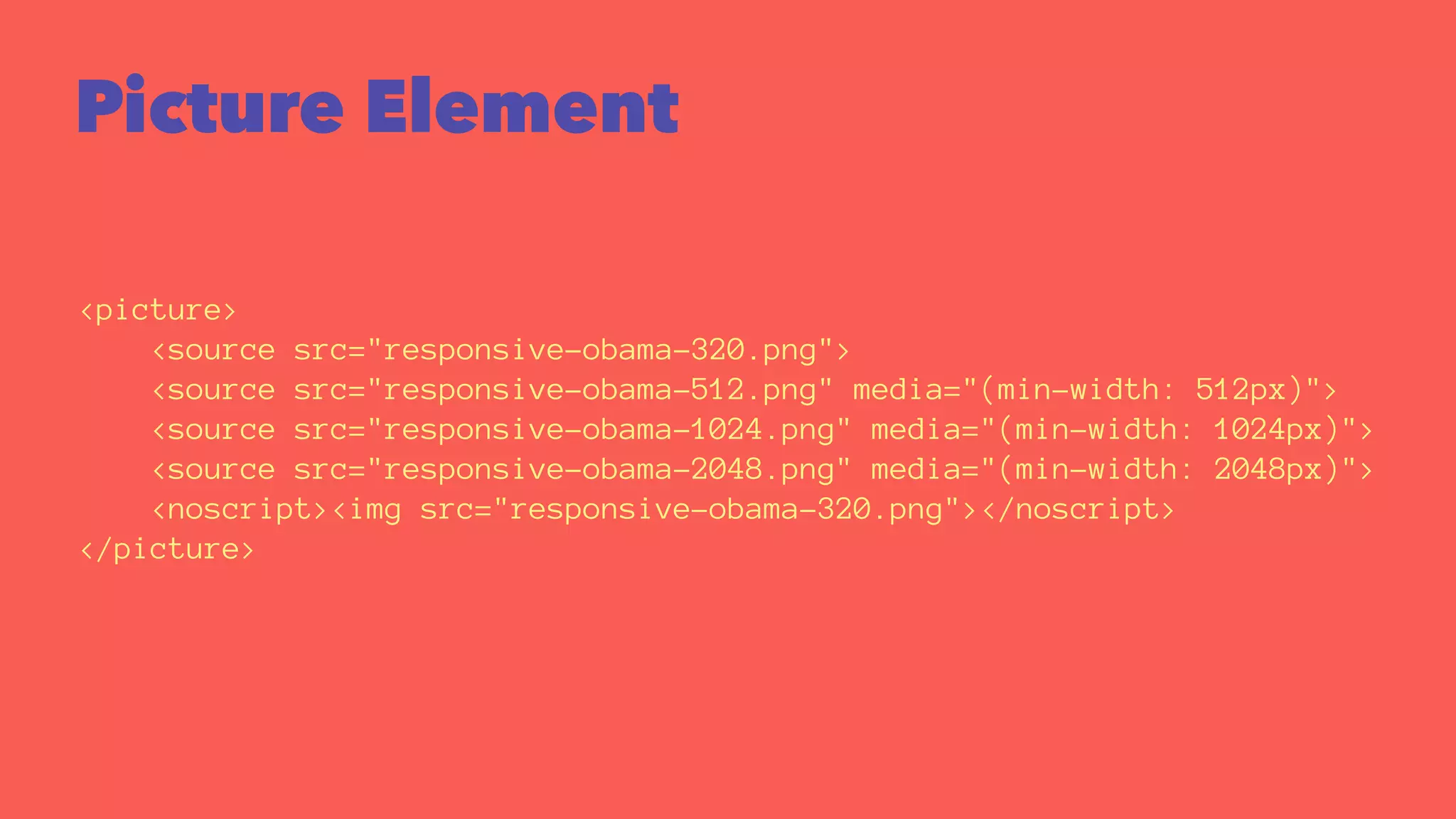
Picture Element 
<picture> 
<source src="responsive-obama-320.png"> 
<source src="responsive-obama-512.png" media="(min-width: 512px)"> 
<source src="responsive-obama-1024.png" media="(min-width: 1024px)"> 
<source src="responsive-obama-2048.png" media="(min-width: 2048px)"> 
<noscript><img src="responsive-obama-320.png"></noscript> 
</picture>
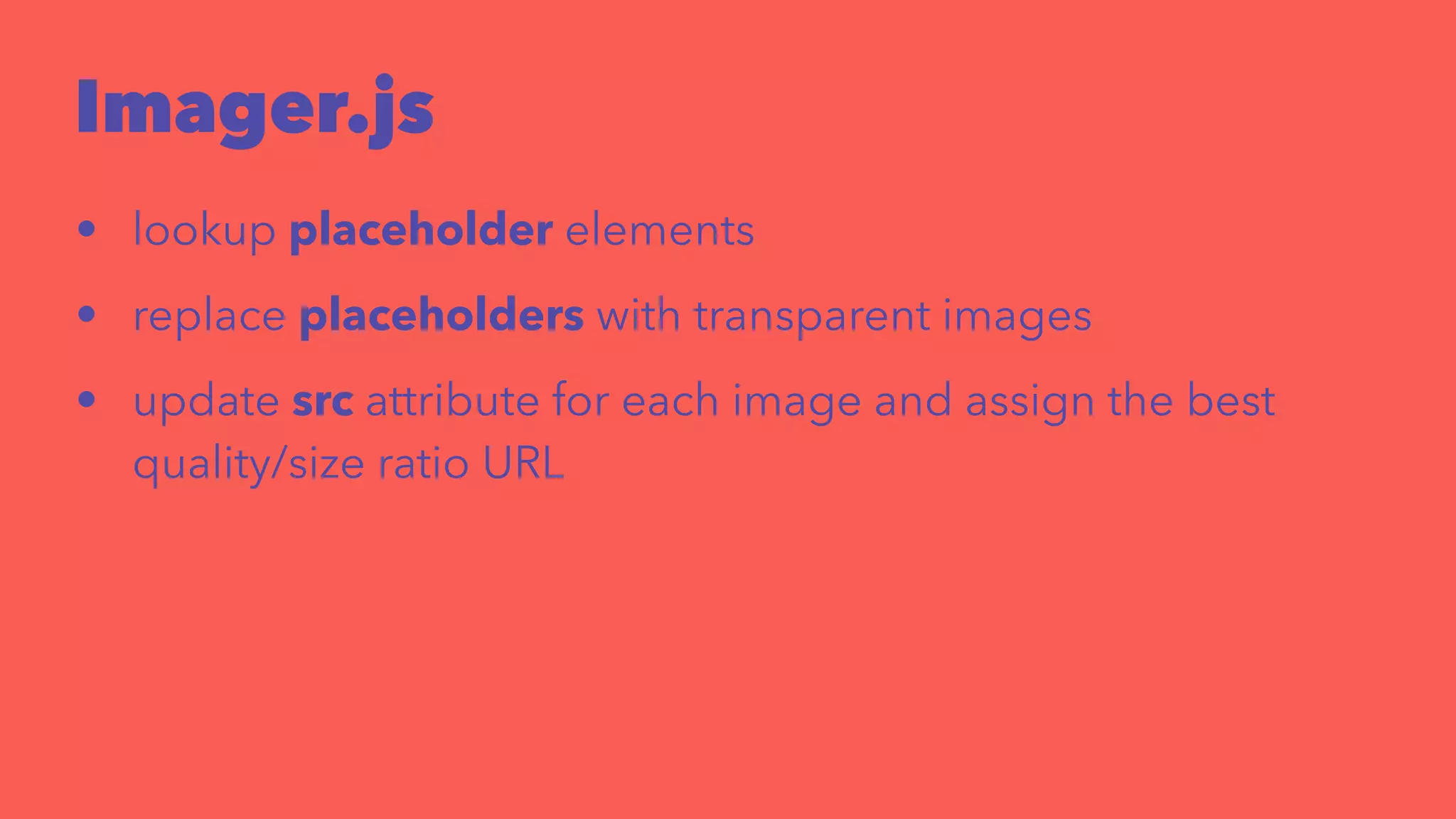
Imager.js 
<div style="width: 240px"> 
<div class="delayed-image-load" 
data-src="/img/image.png" 
data-alt="alternative text"> 
</div> 
</div> 
new Imager({ availableWidths: [200, 260, 320, 600] });
Imager.js 
• lookup placeholder elements 
• replace placeholders with transparent images 
• update src attribute for each image and assign the best 
quality/size ratio URL
Layouts
Adaptive Layouts 
Content resizes at fixed break points
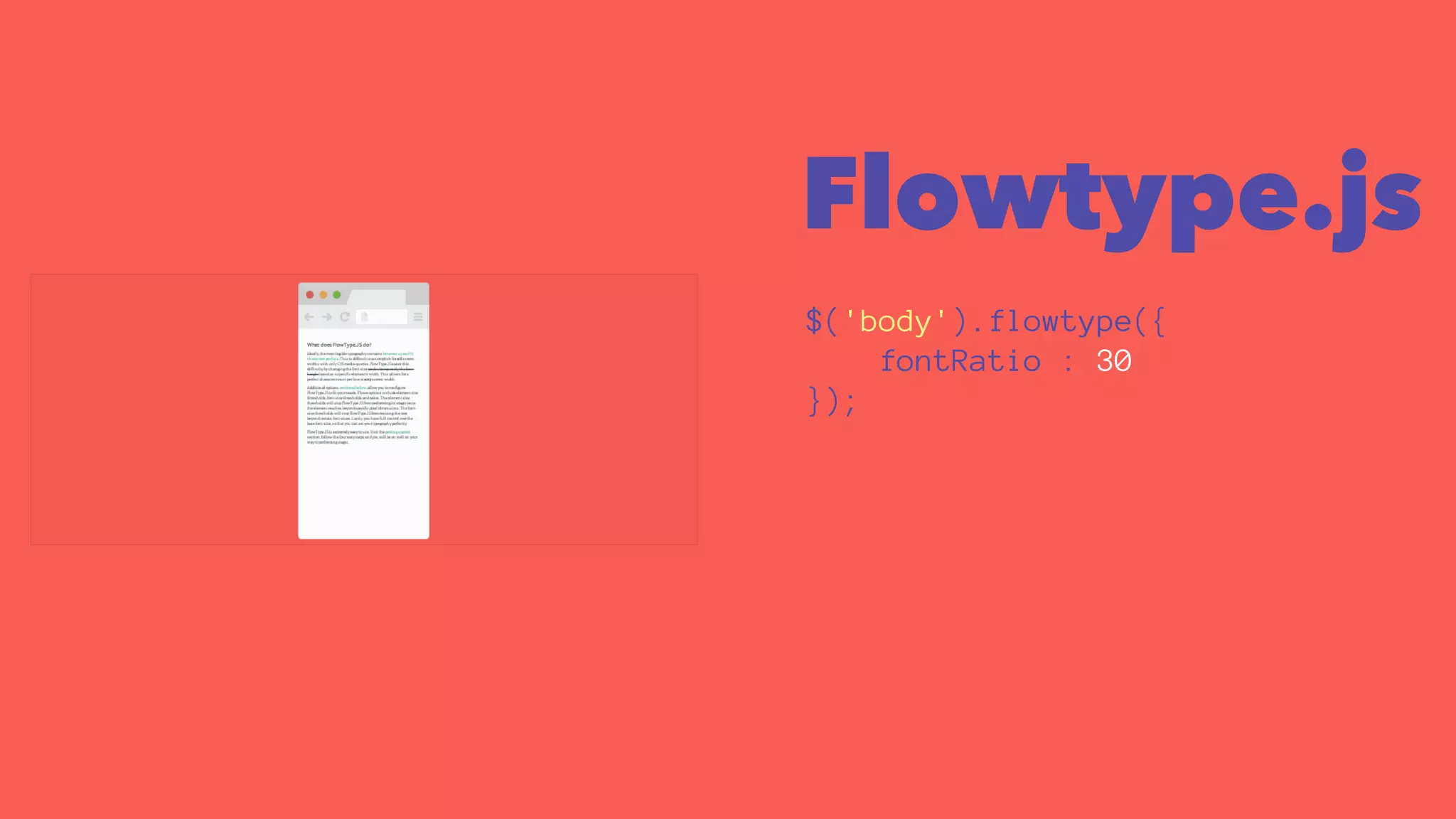
Flowtype.js 
$('body').flowtype({ 
fontRatio : 30 
});
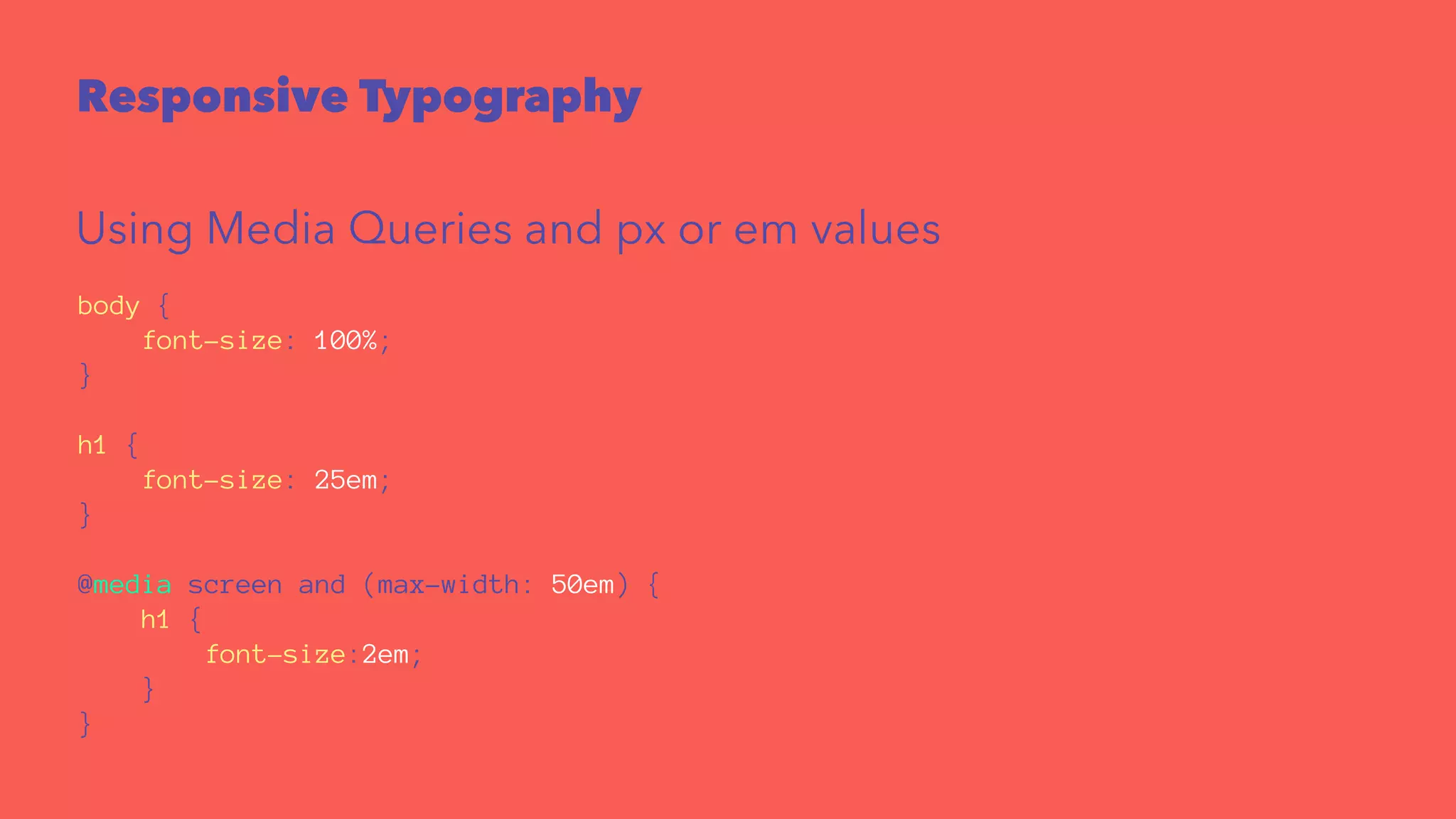
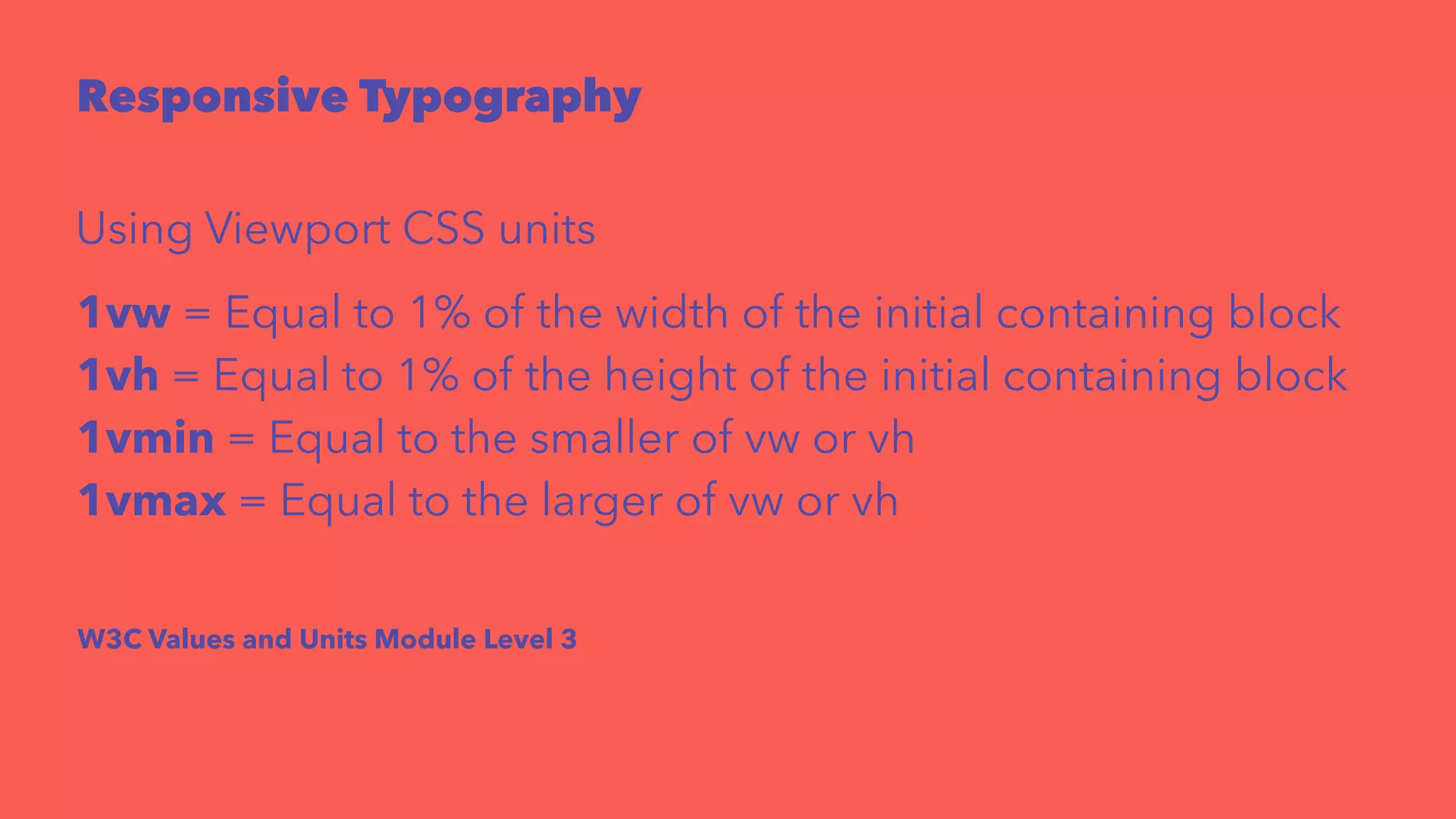
Responsive Typography 
Using Media Queries and px or em values 
body { 
font-size: 100%; 
} 
h1 { 
font-size: 25em; 
} 
@media screen and (max-width: 50em) { 
h1 { 
font-size:2em; 
} 
}
Responsive Typography 
Using Viewport CSS units 
1vw = Equal to 1% of the width of the initial containing block 
1vh = Equal to 1% of the height of the initial containing block 
1vmin = Equal to the smaller of vw or vh 
1vmax = Equal to the larger of vw or vh 
W3C Values and Units Module Level 3
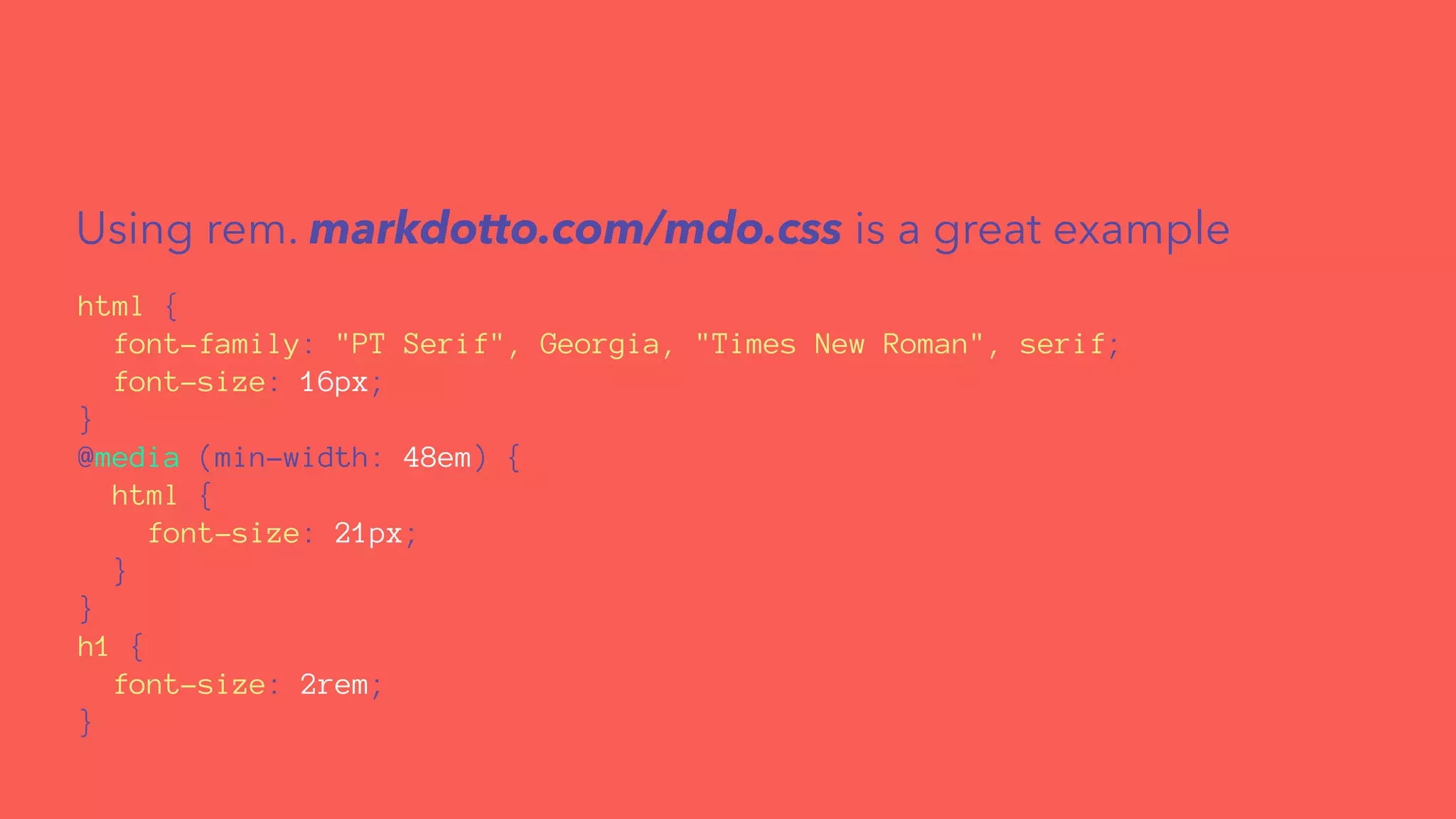
Using rem. markdotto.com/mdo.css is a great example 
html { 
font-family: "PT Serif", Georgia, "Times New Roman", serif; 
font-size: 16px; 
} 
@media (min-width: 48em) { 
html { 
font-size: 21px; 
} 
} 
h1 { 
font-size: 2rem; 
}
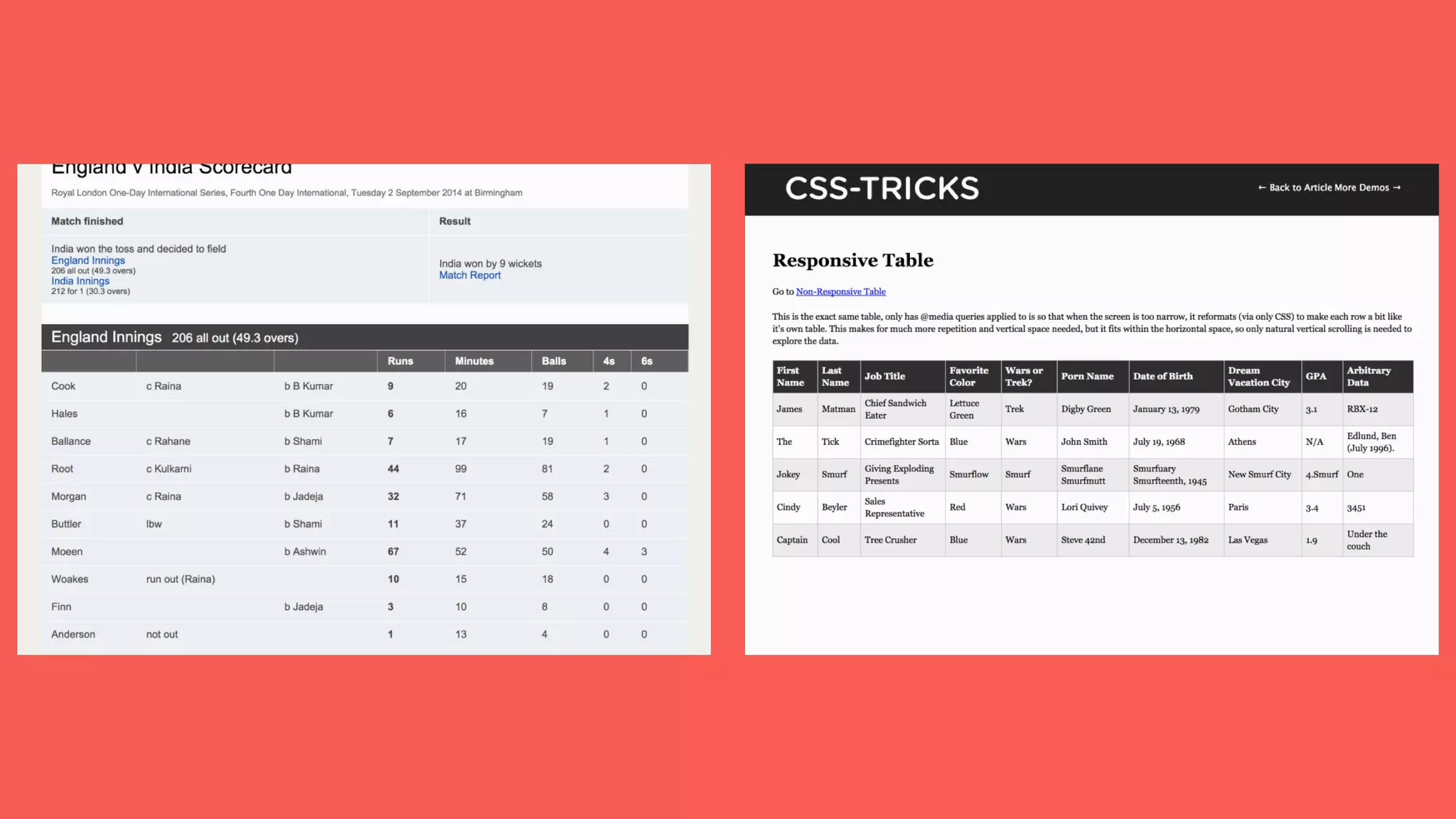
Responsive Tables 
Squishing VS Grouping
Optimize Animations 
for 60fps Everywhere
What Triggers Re-Layouts? 
What Triggers Re-Paints? 
How To Leverage the GPU?
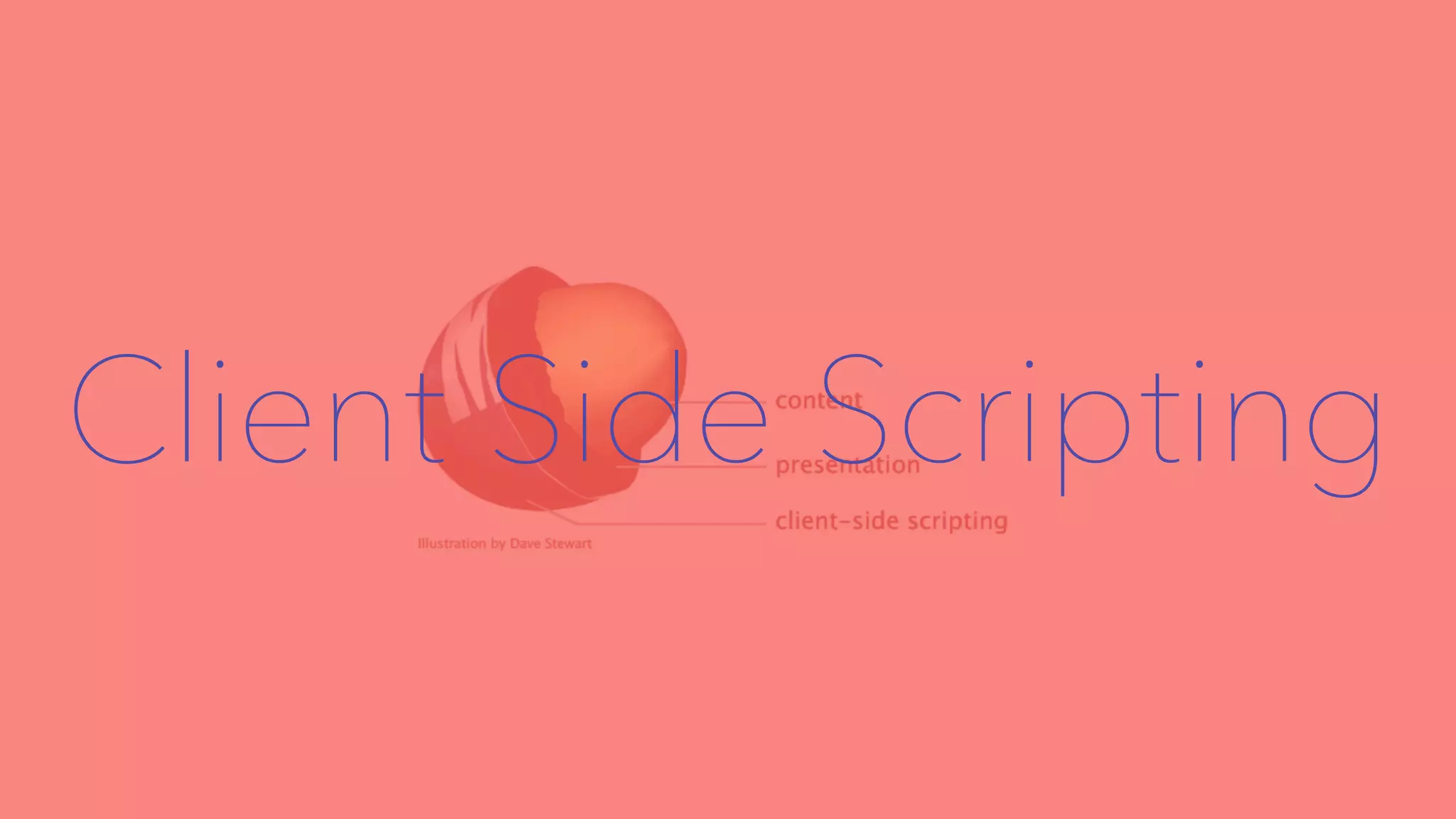
Client Side Scripting
responsivenews.co.uk 
BBC News developers 
responsive design blog
Cutting The Mustard 
2012 version by BBC
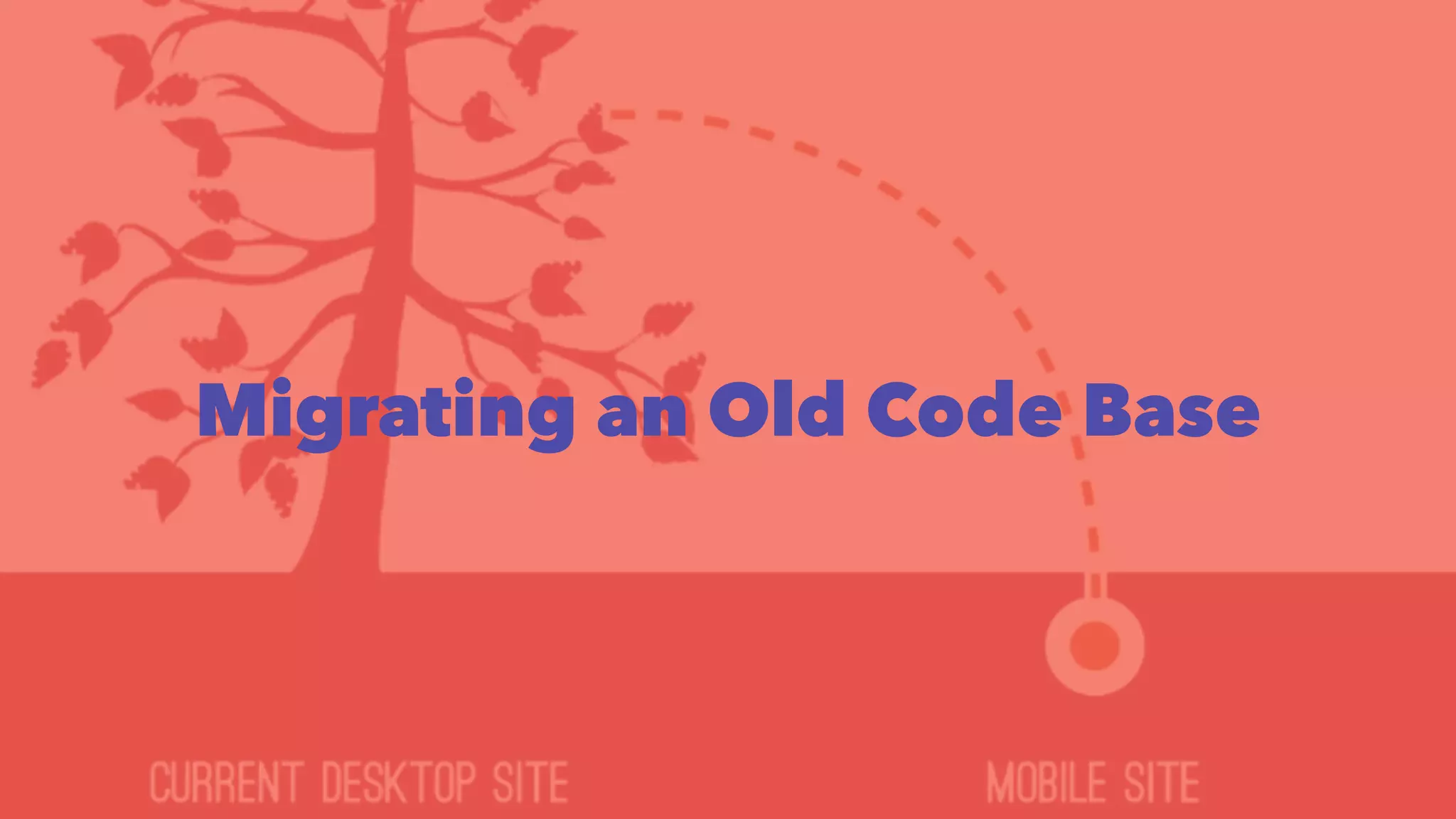
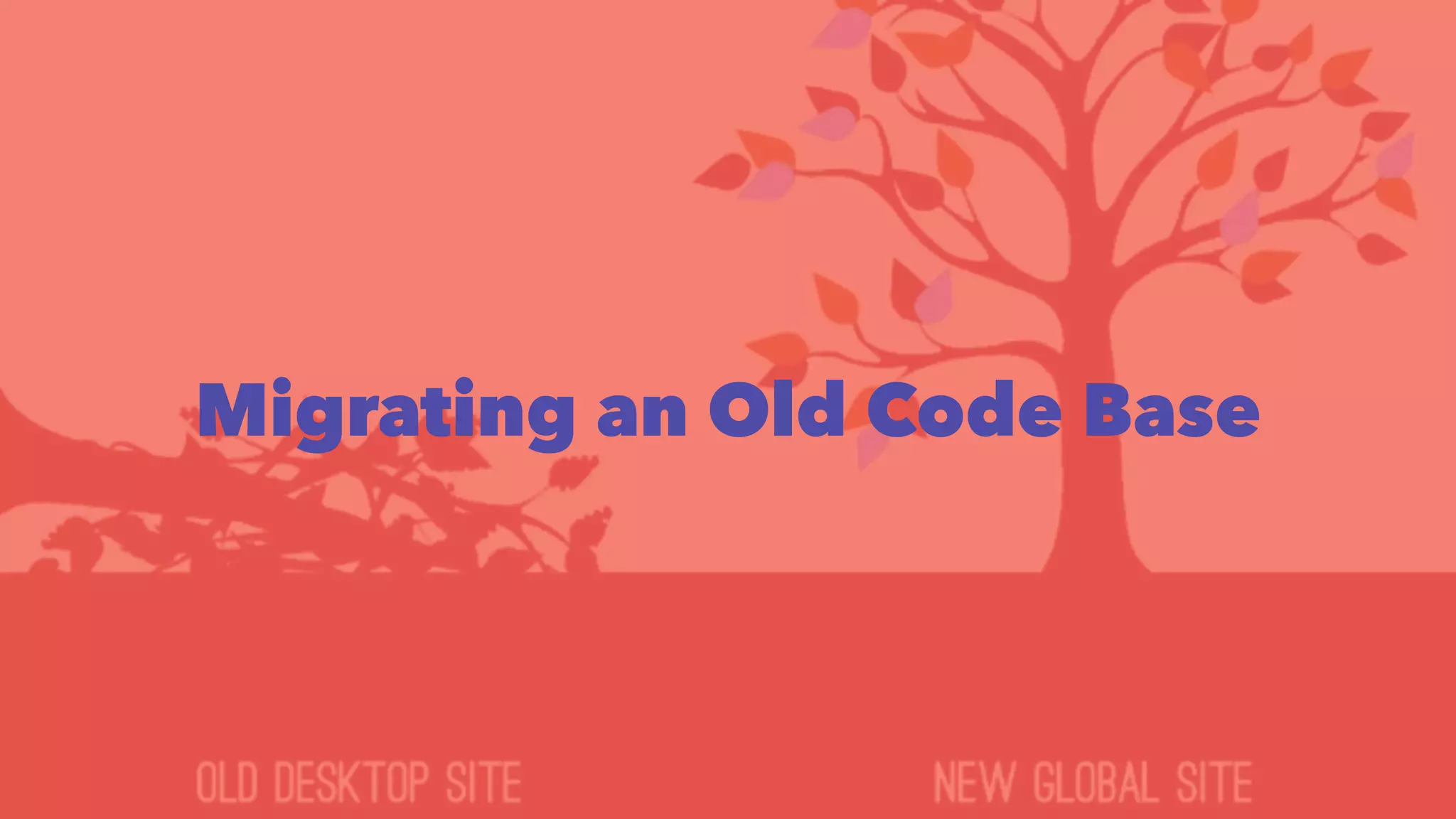
Migrating an Old Code Base
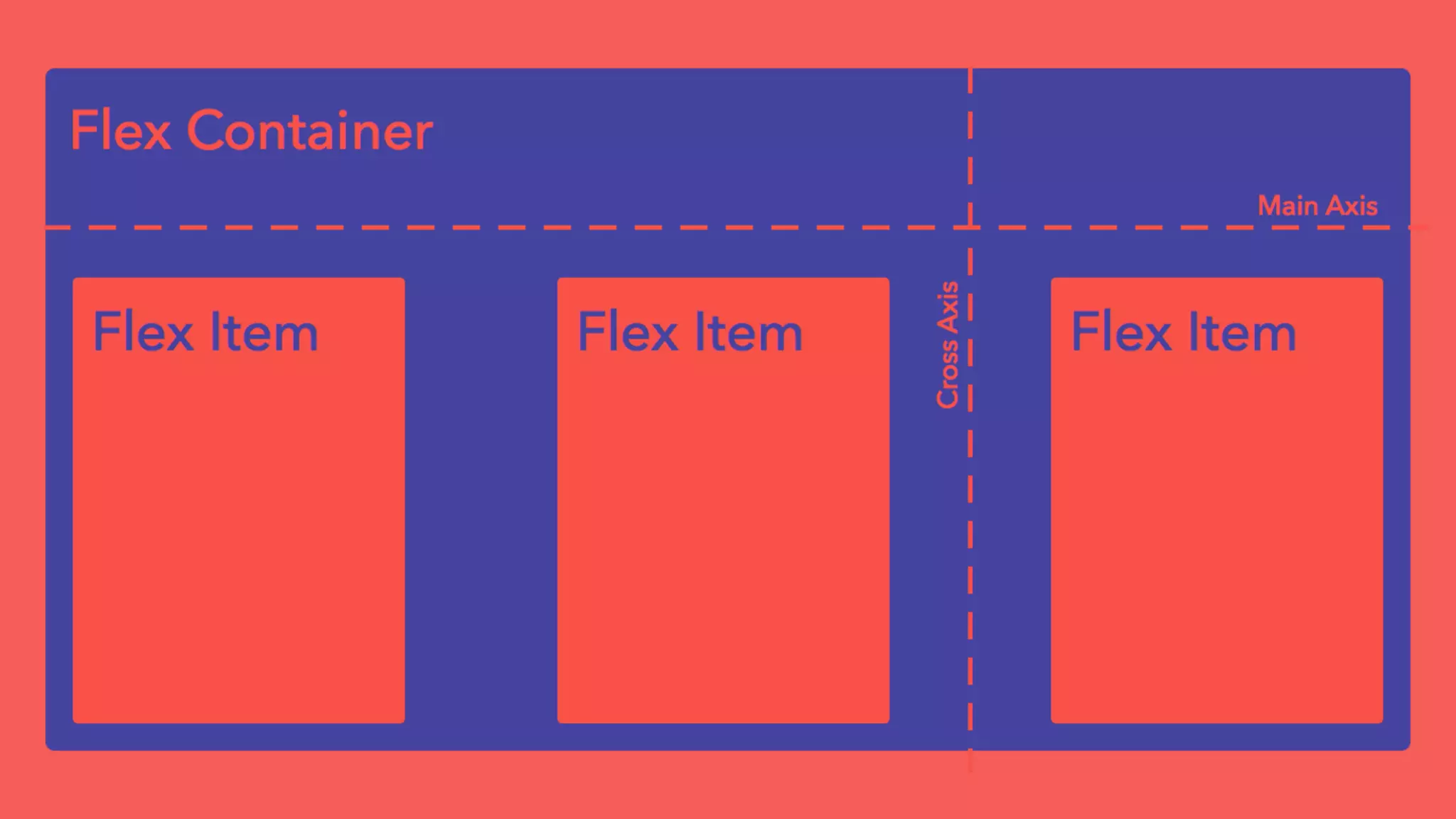
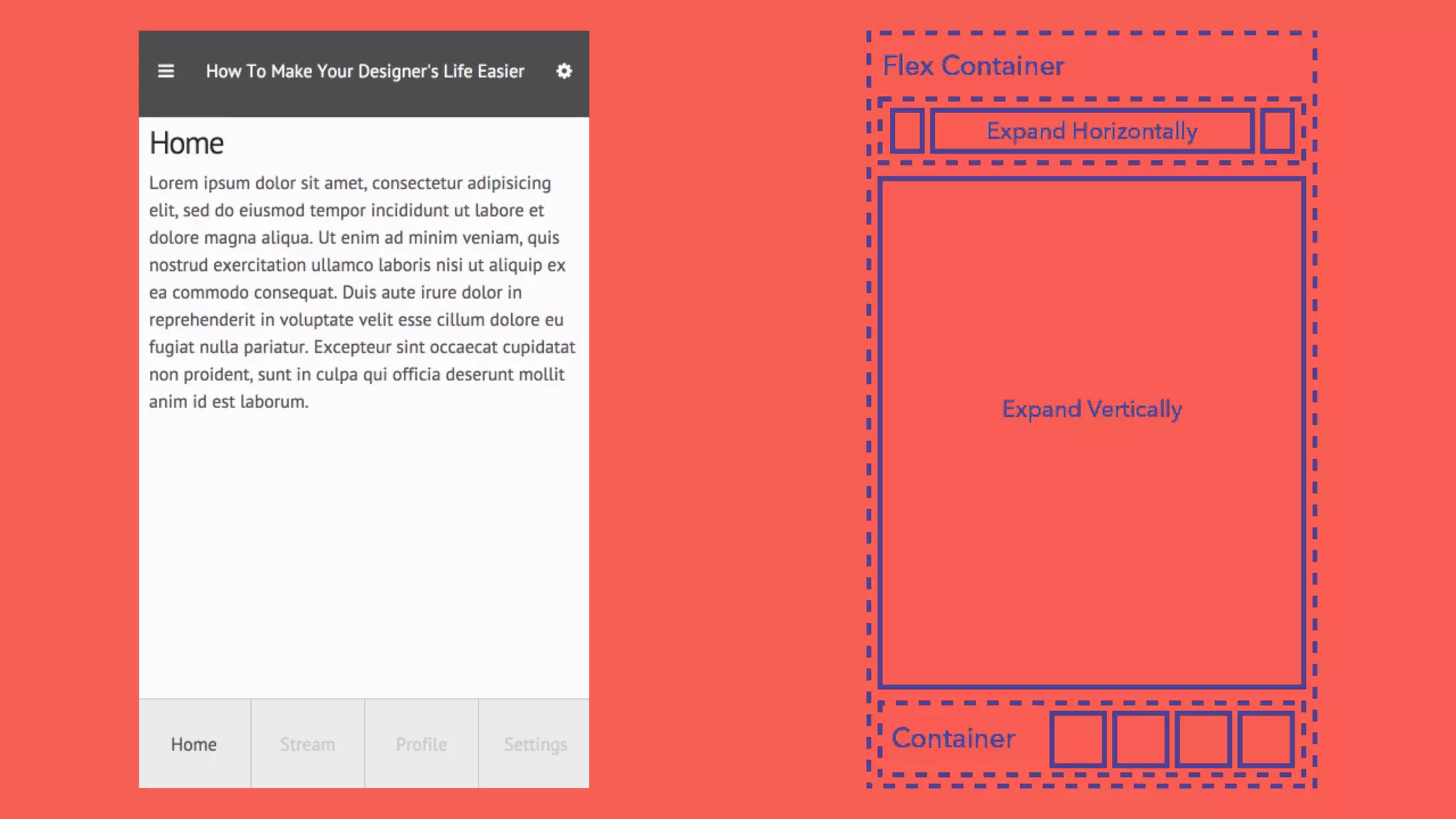
Flexbox!
Can I Use It? 
Mobile 
SASS mixins provide old flexbox spec too
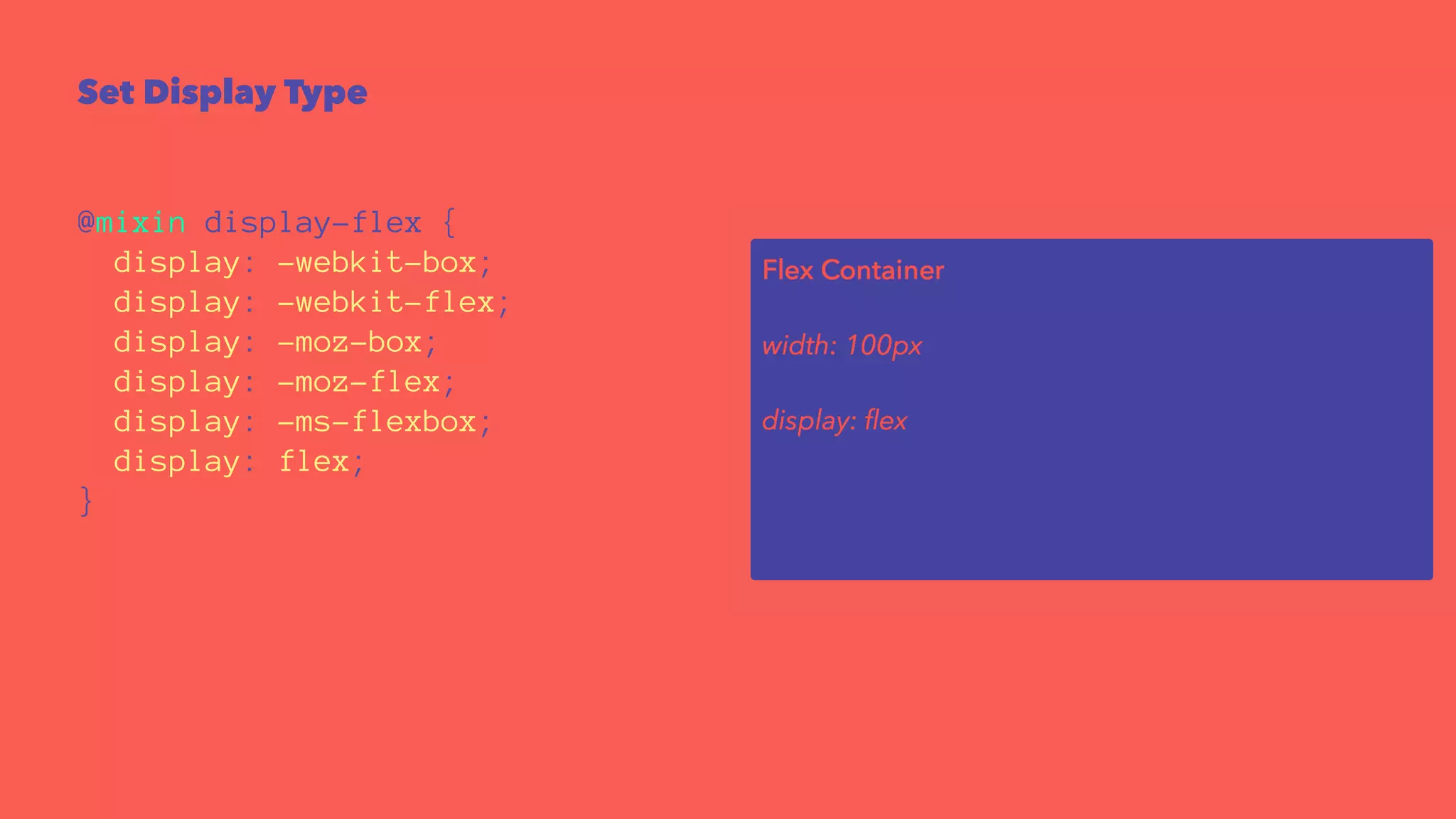
Set Display Type 
@mixin display-flex { 
display: -webkit-box; 
display: -webkit-flex; 
display: -moz-box; 
display: -moz-flex; 
display: -ms-flexbox; 
display: flex; 
}
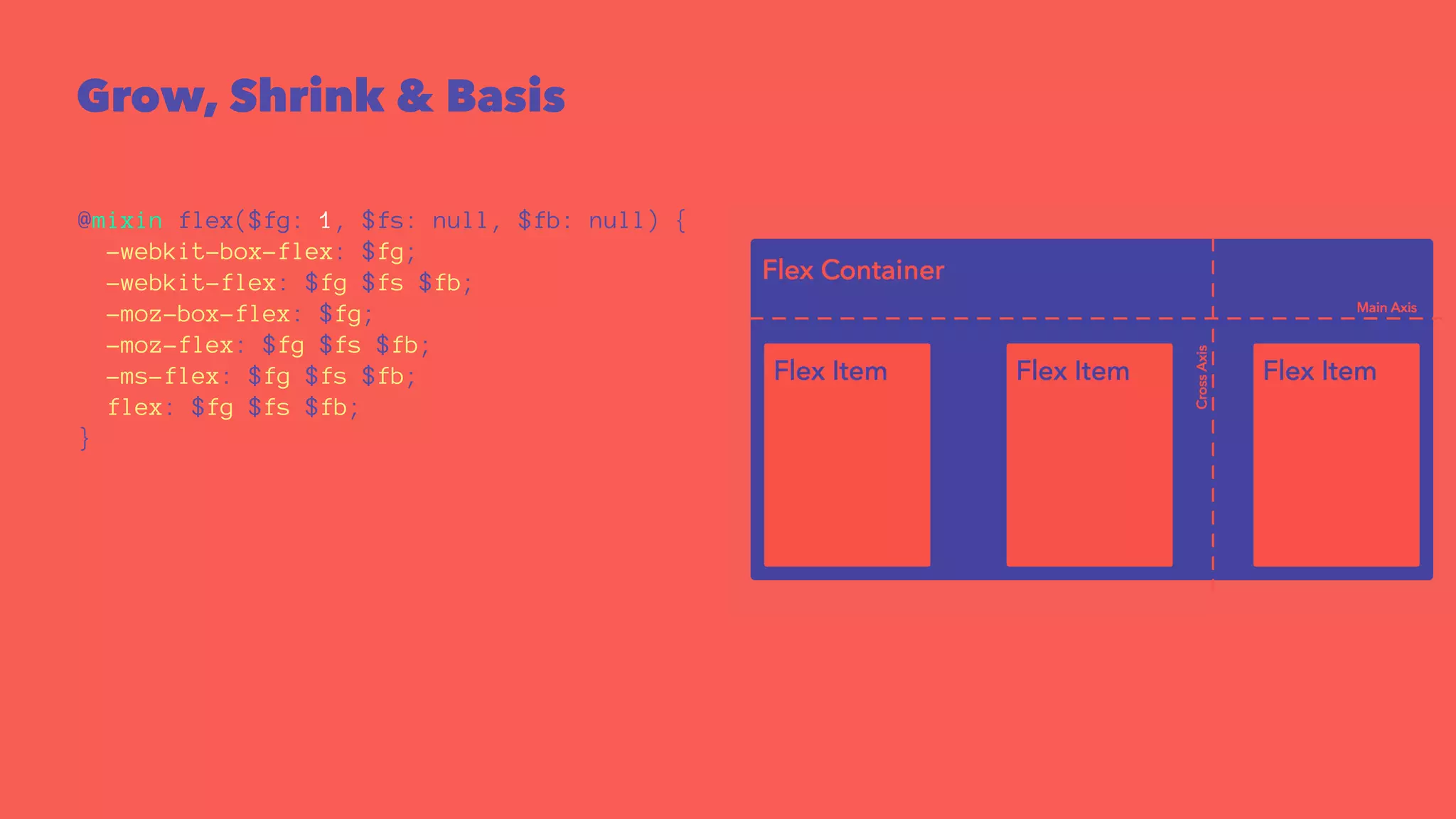
Grow, Shrink & Basis 
@mixin flex($fg: 1, $fs: null, $fb: null) { 
-webkit-box-flex: $fg; 
-webkit-flex: $fg $fs $fb; 
-moz-box-flex: $fg; 
-moz-flex: $fg $fs $fb; 
-ms-flex: $fg $fs $fb; 
flex: $fg $fs $fb; 
}
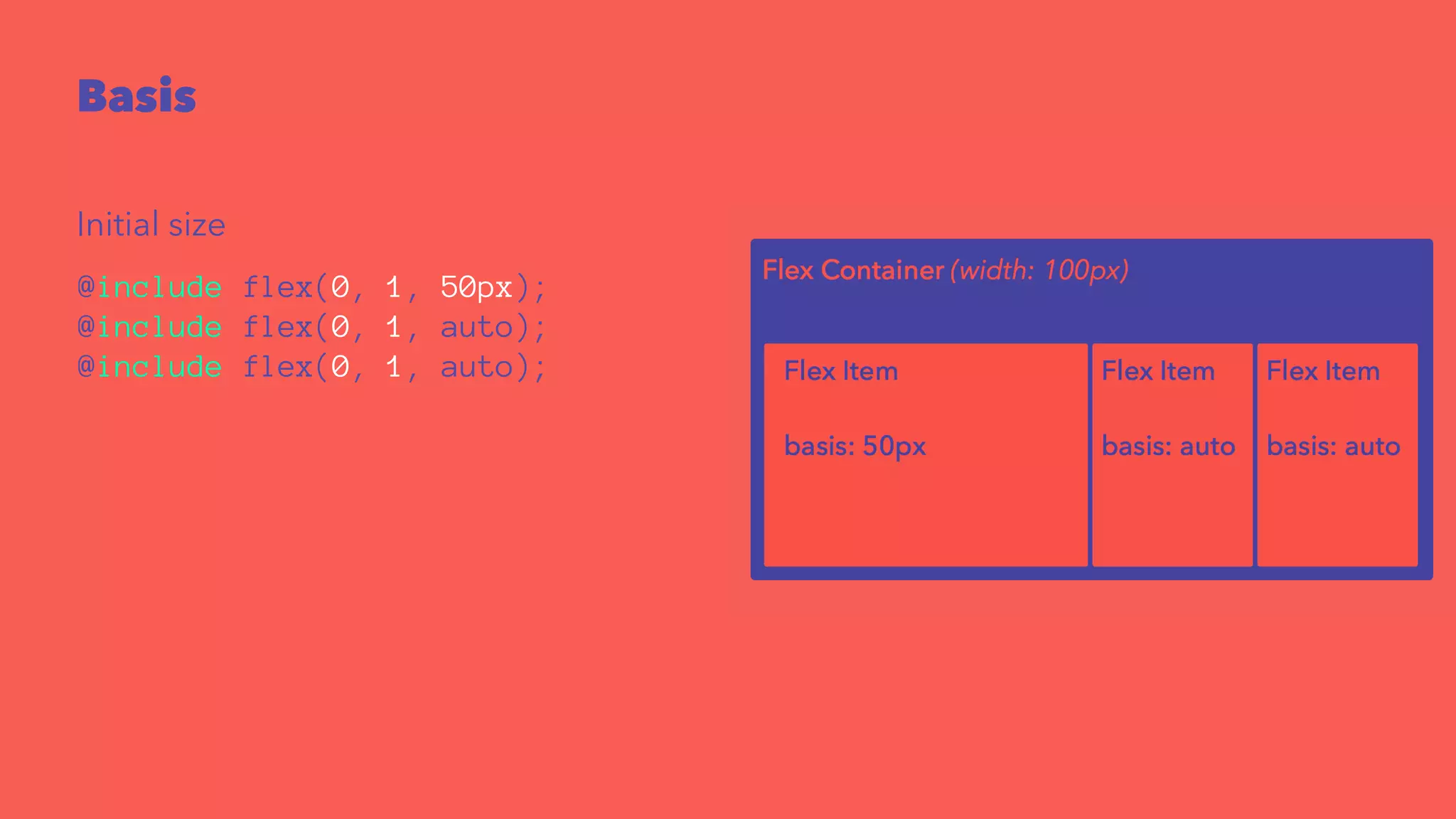
Basis 
Initial size 
@include flex(0, 1, 50px); 
@include flex(0, 1, auto); 
@include flex(0, 1, auto);
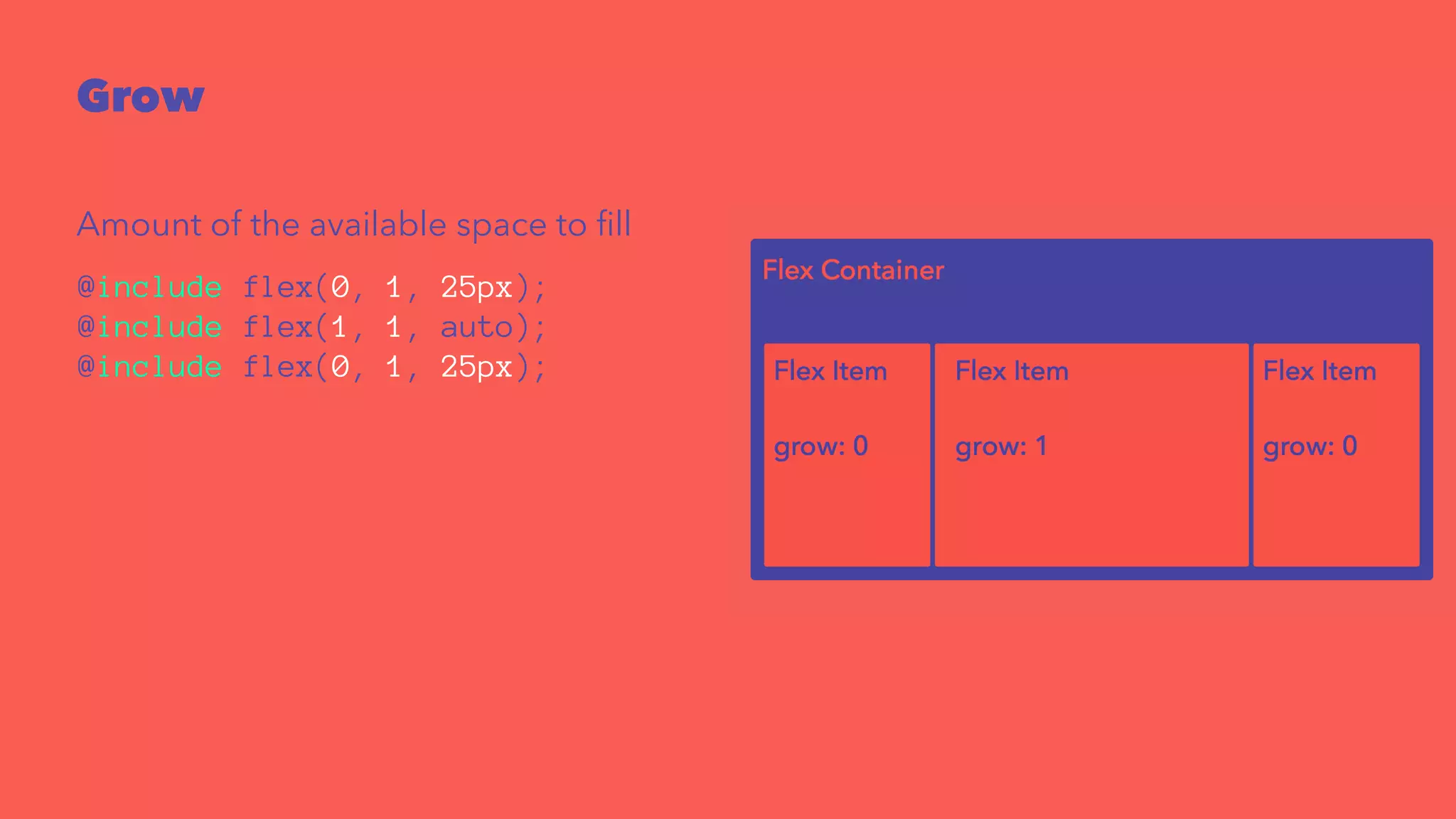
Grow 
Amount of the available space to fill 
@include flex(0, 1, 25px); 
@include flex(1, 1, auto); 
@include flex(0, 1, 25px);
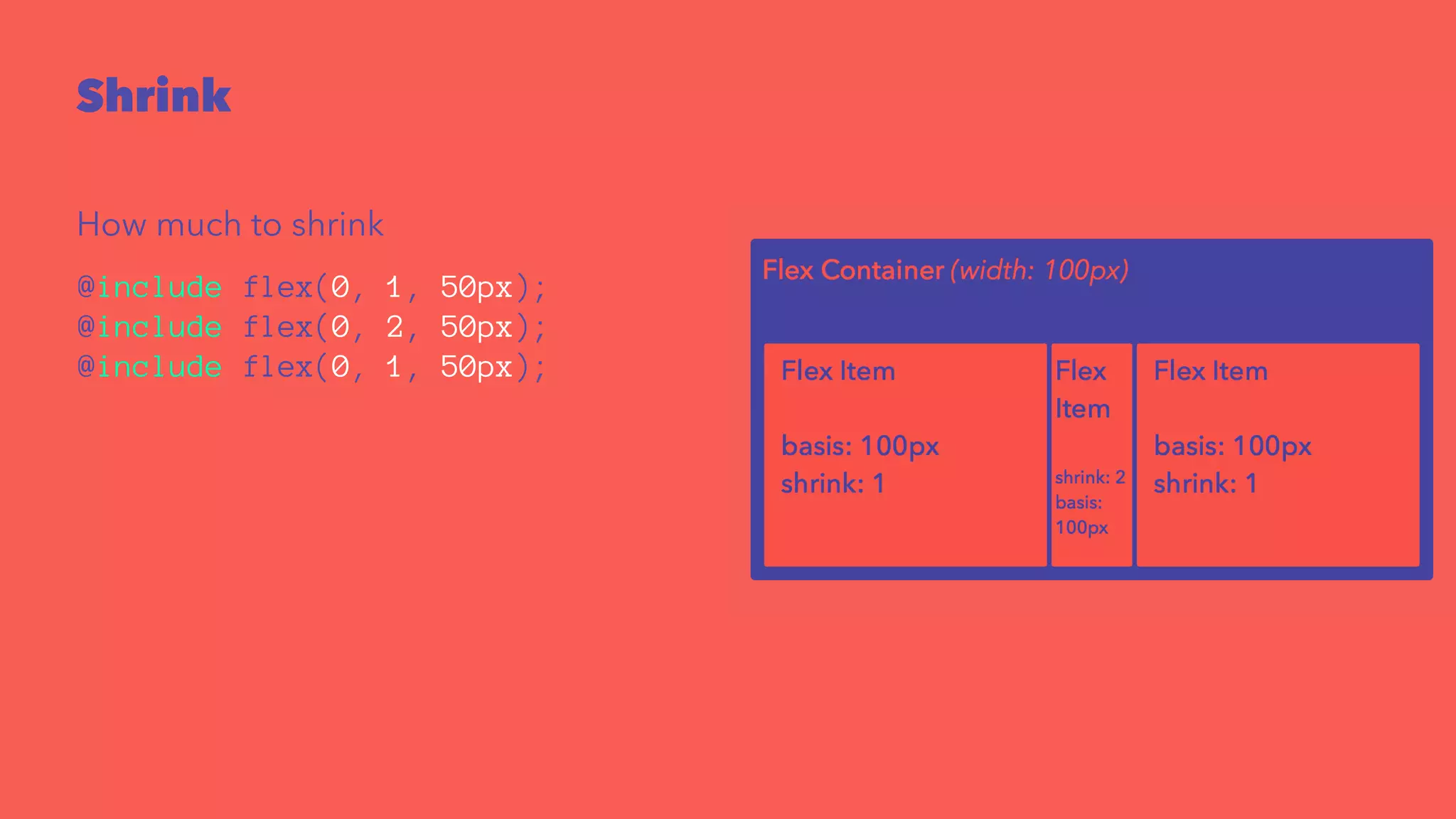
Shrink 
How much to shrink 
@include flex(0, 1, 50px); 
@include flex(0, 2, 50px); 
@include flex(0, 1, 50px);
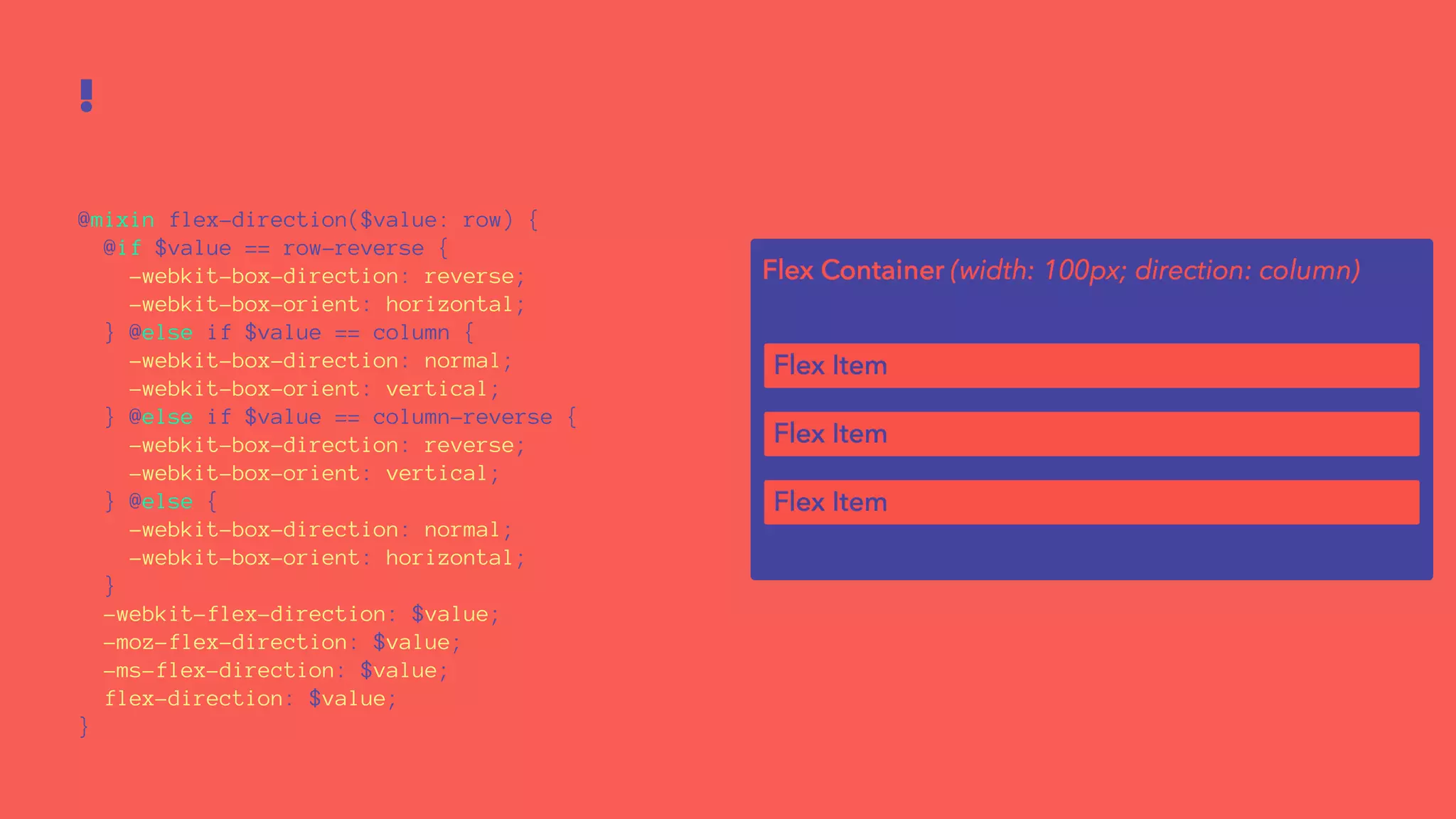
! 
@mixin flex-direction($value: row) { 
@if $value == row-reverse { 
-webkit-box-direction: reverse; 
-webkit-box-orient: horizontal; 
} @else if $value == column { 
-webkit-box-direction: normal; 
-webkit-box-orient: vertical; 
} @else if $value == column-reverse { 
-webkit-box-direction: reverse; 
-webkit-box-orient: vertical; 
} @else { 
-webkit-box-direction: normal; 
-webkit-box-orient: horizontal; 
} 
-webkit-flex-direction: $value; 
-moz-flex-direction: $value; 
-ms-flex-direction: $value; 
flex-direction: $value; 
}
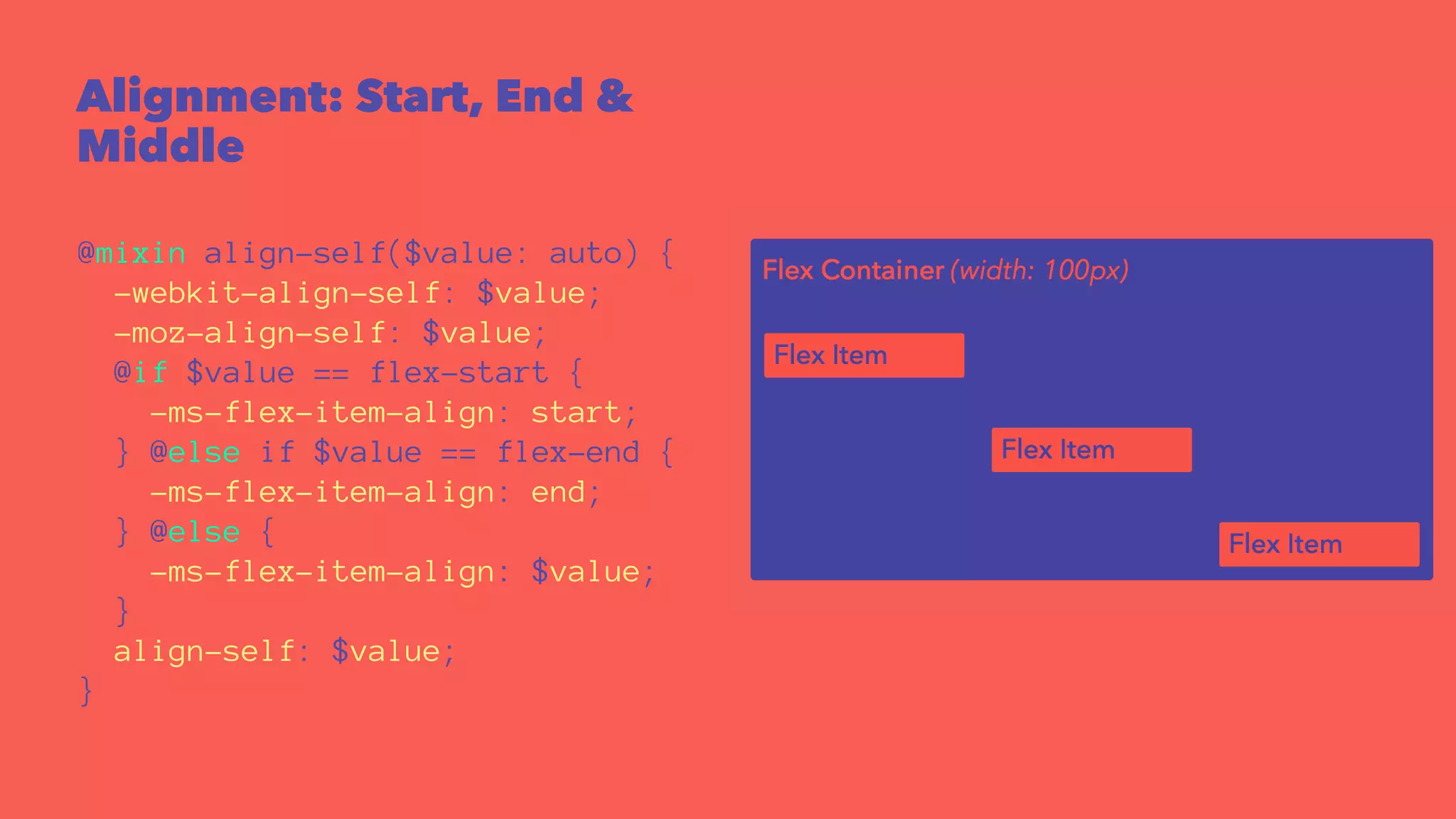
Alignment: Start, End & 
Middle 
@mixin align-self($value: auto) { 
-webkit-align-self: $value; 
-moz-align-self: $value; 
@if $value == flex-start { 
-ms-flex-item-align: start; 
} @else if $value == flex-end { 
-ms-flex-item-align: end; 
} @else { 
-ms-flex-item-align: $value; 
} 
align-self: $value; 
}
It Depends!
Varun Vachhar 
@winkerVSbecks 
varun.ca 
rangle.io
Squishy pixels
Squishy pixels
Squishy pixels
Squishy pixels
Squishy pixels

Squishy pixels