CAD - CAM - CAE
Casiano Arroyo, Manuel
Garrido, Roxana
Paredes, Jorge
Quino Quispe, Gustavo
Sanchez Loayza, Luis Guillermo
Tabuchi Yagui, Edgardo Toshiro
1. Generalities
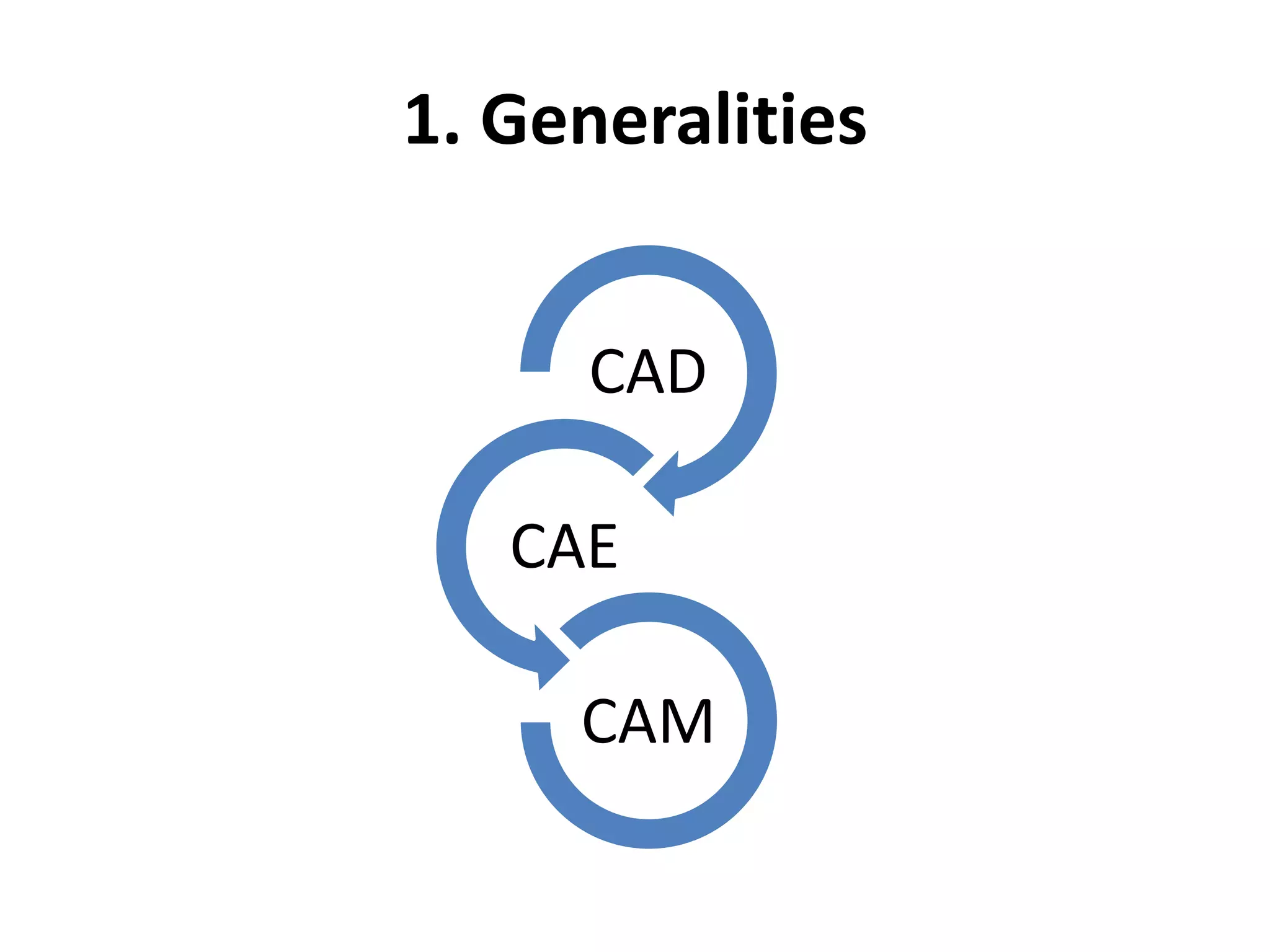
CAD
CAE
CAM
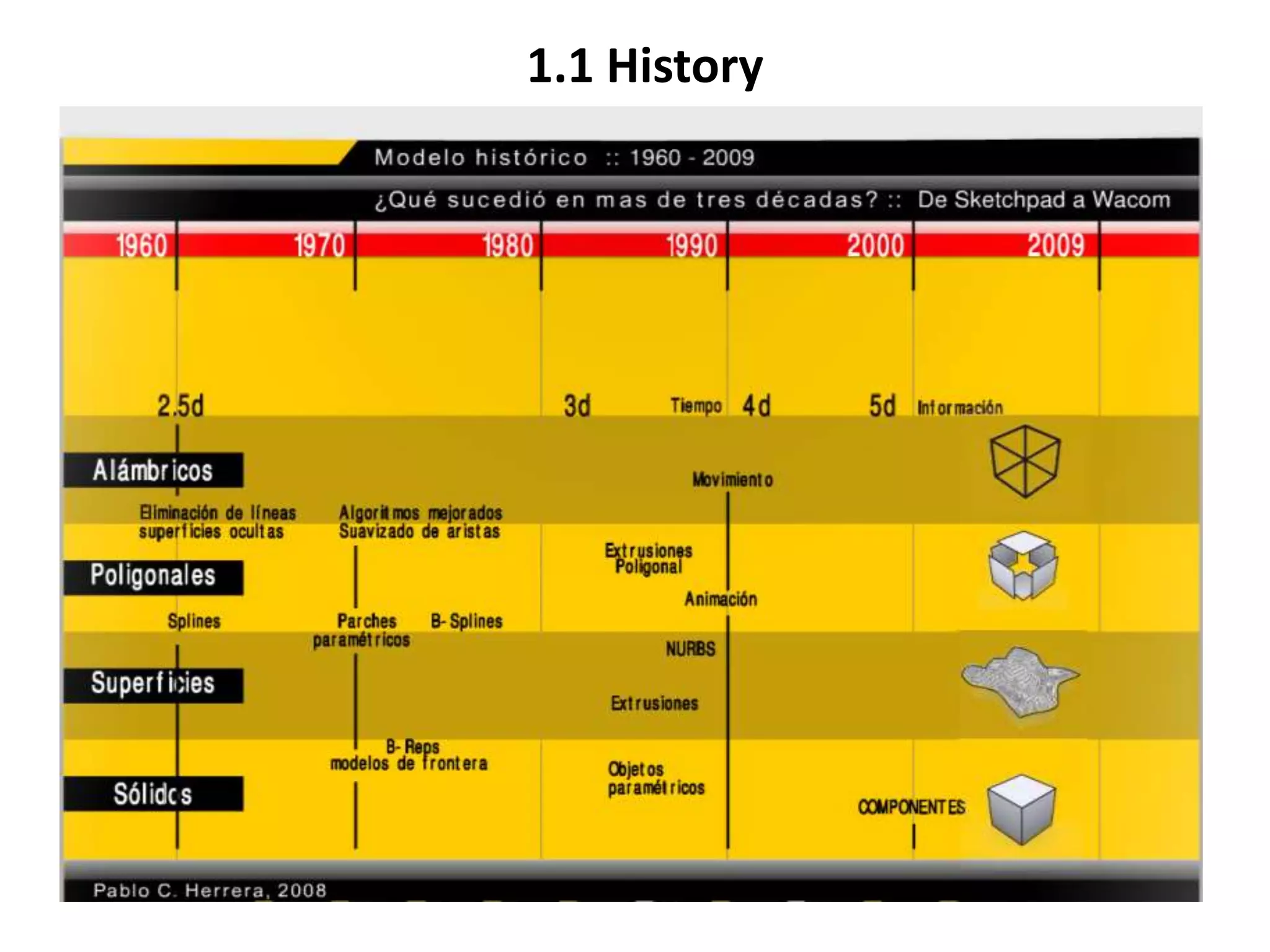
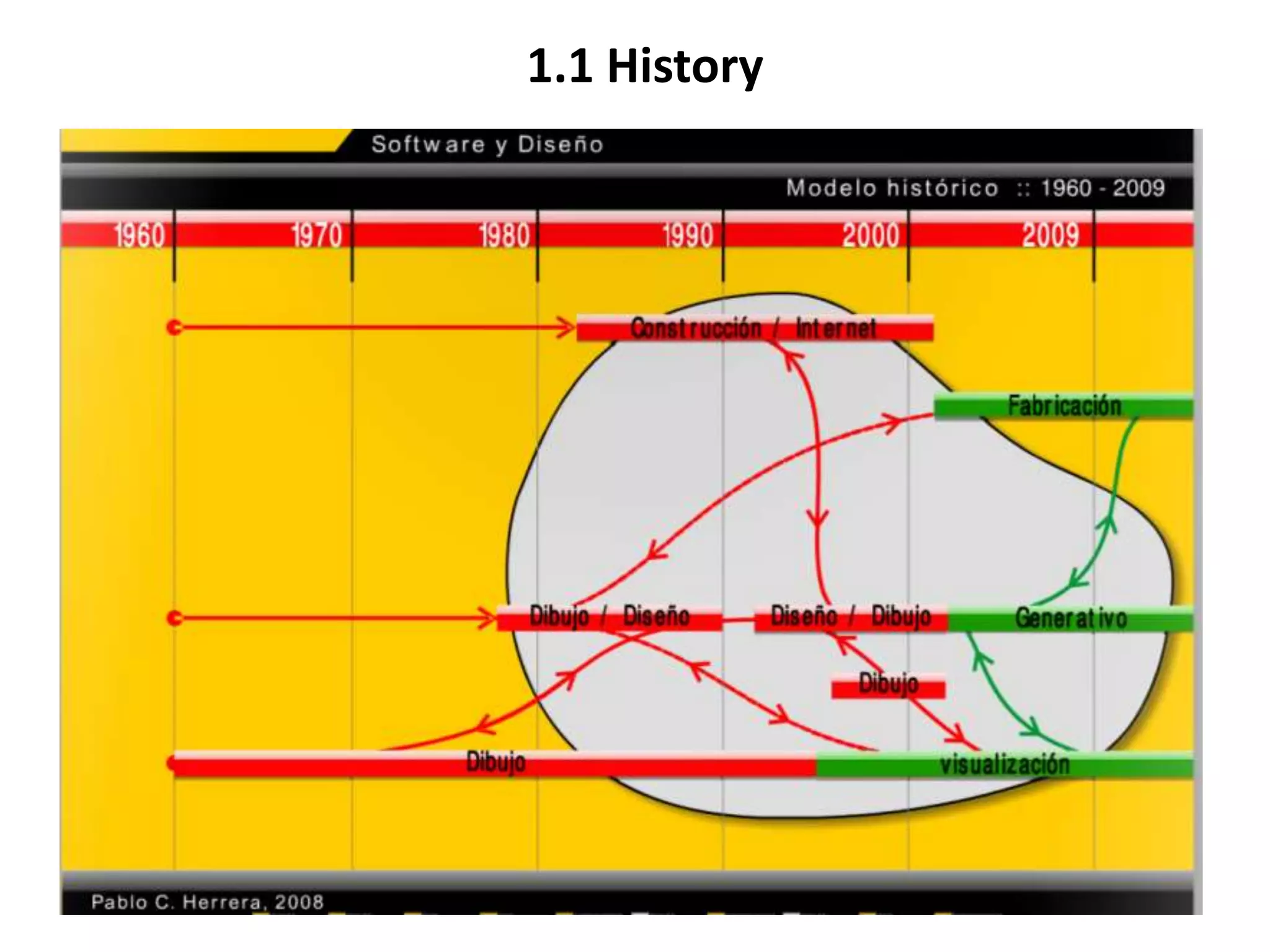
1.1 History
1.1 History
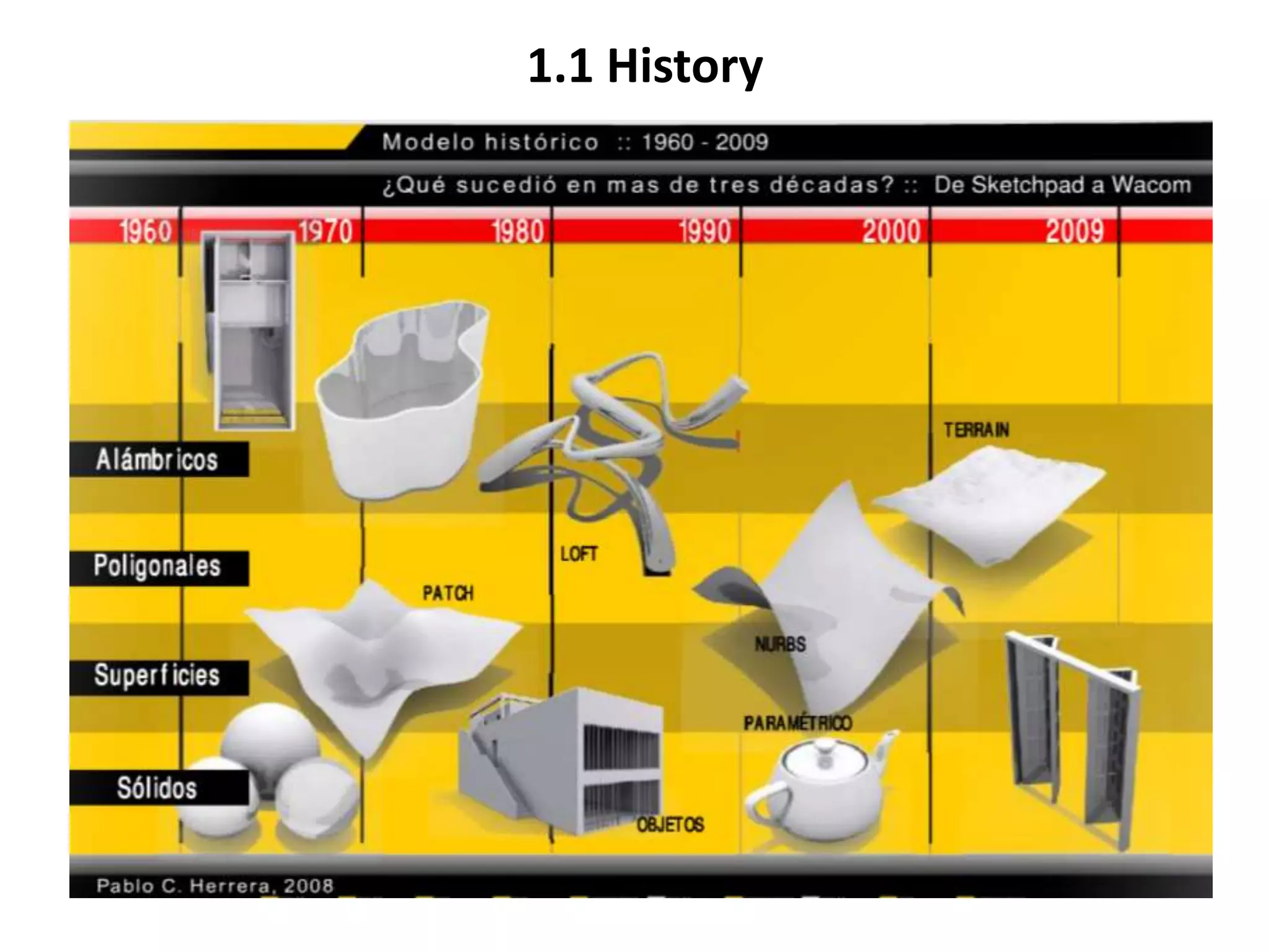
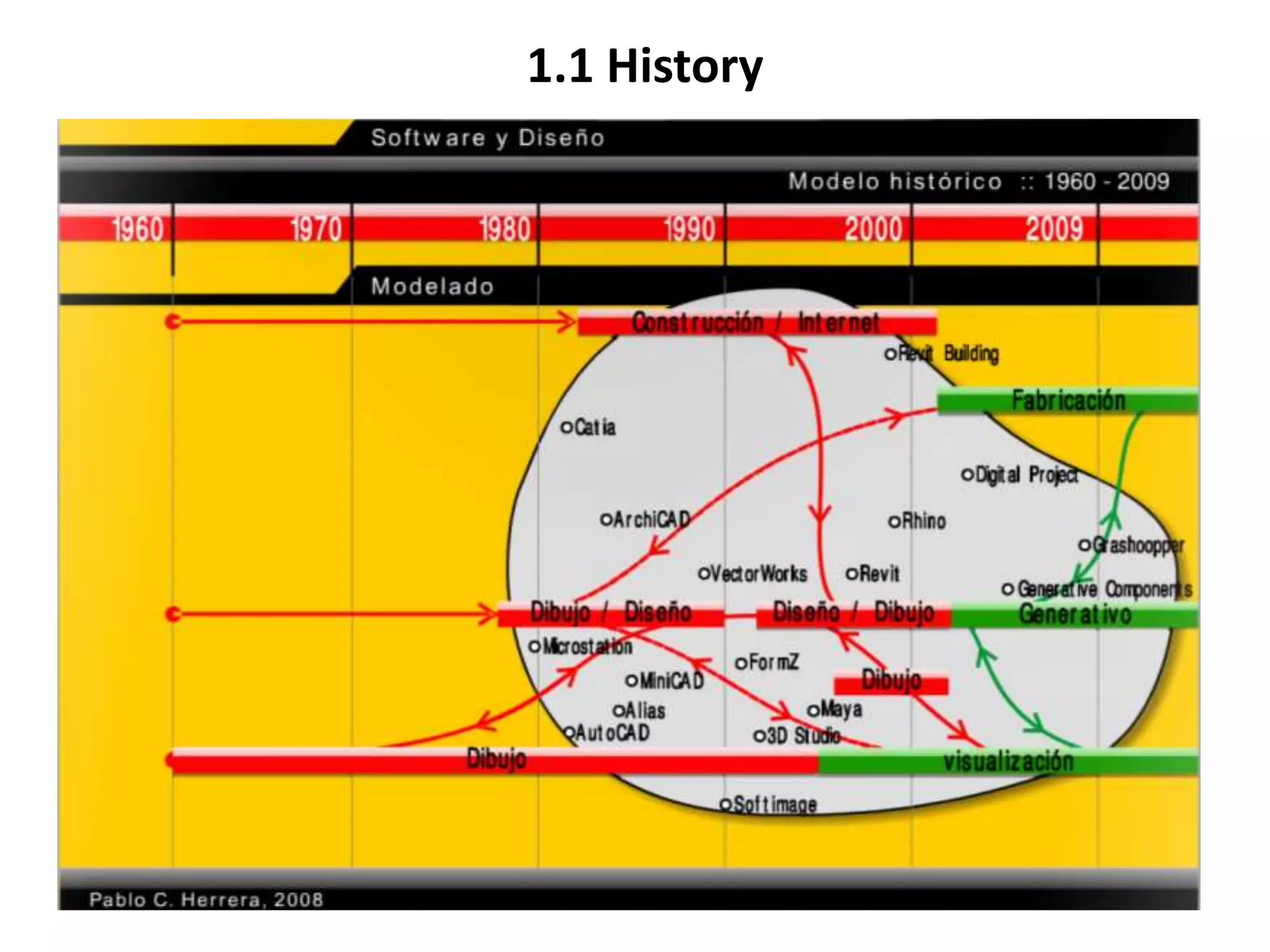
1.1 History
1.1 History
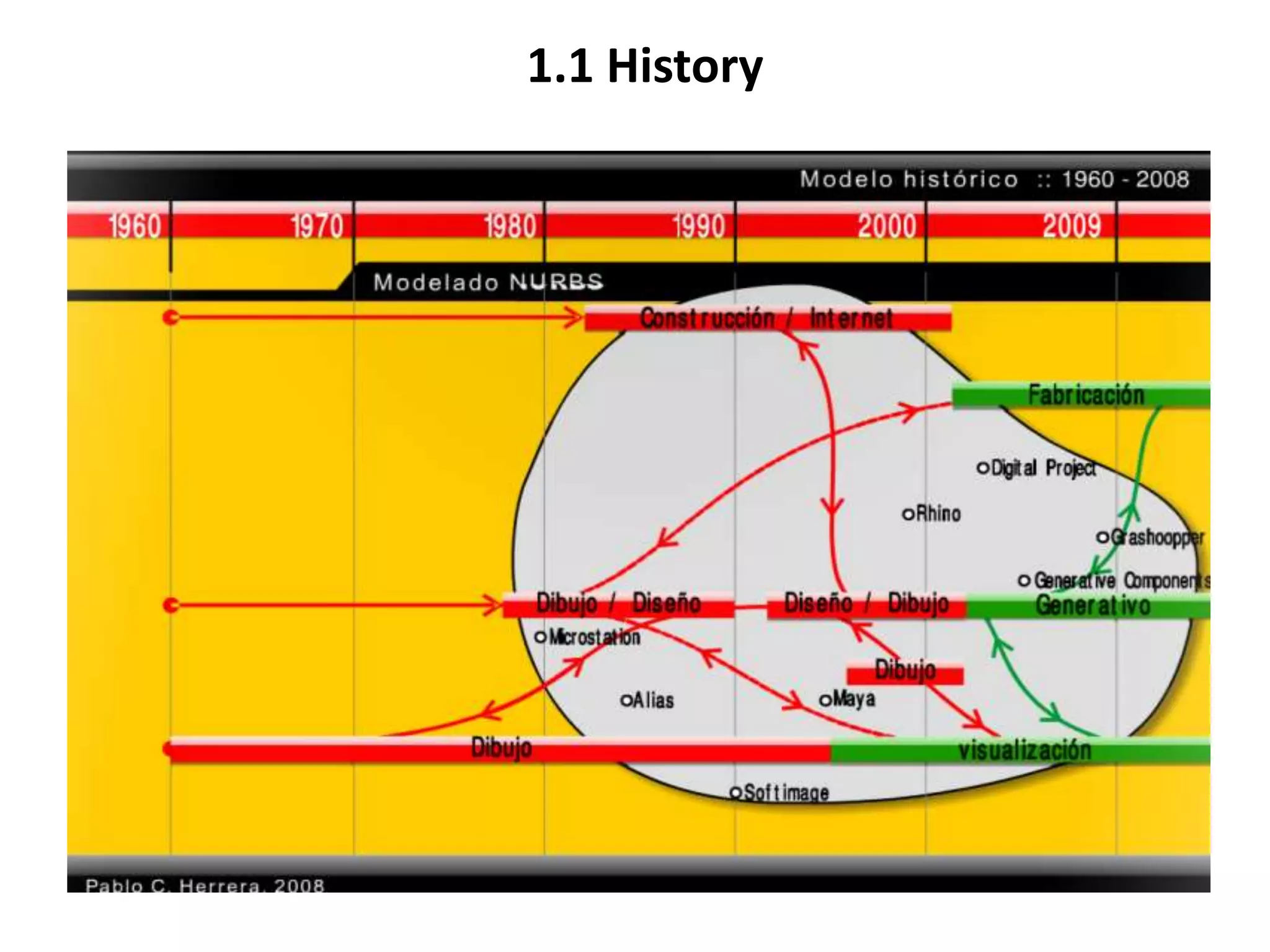
1.1 History
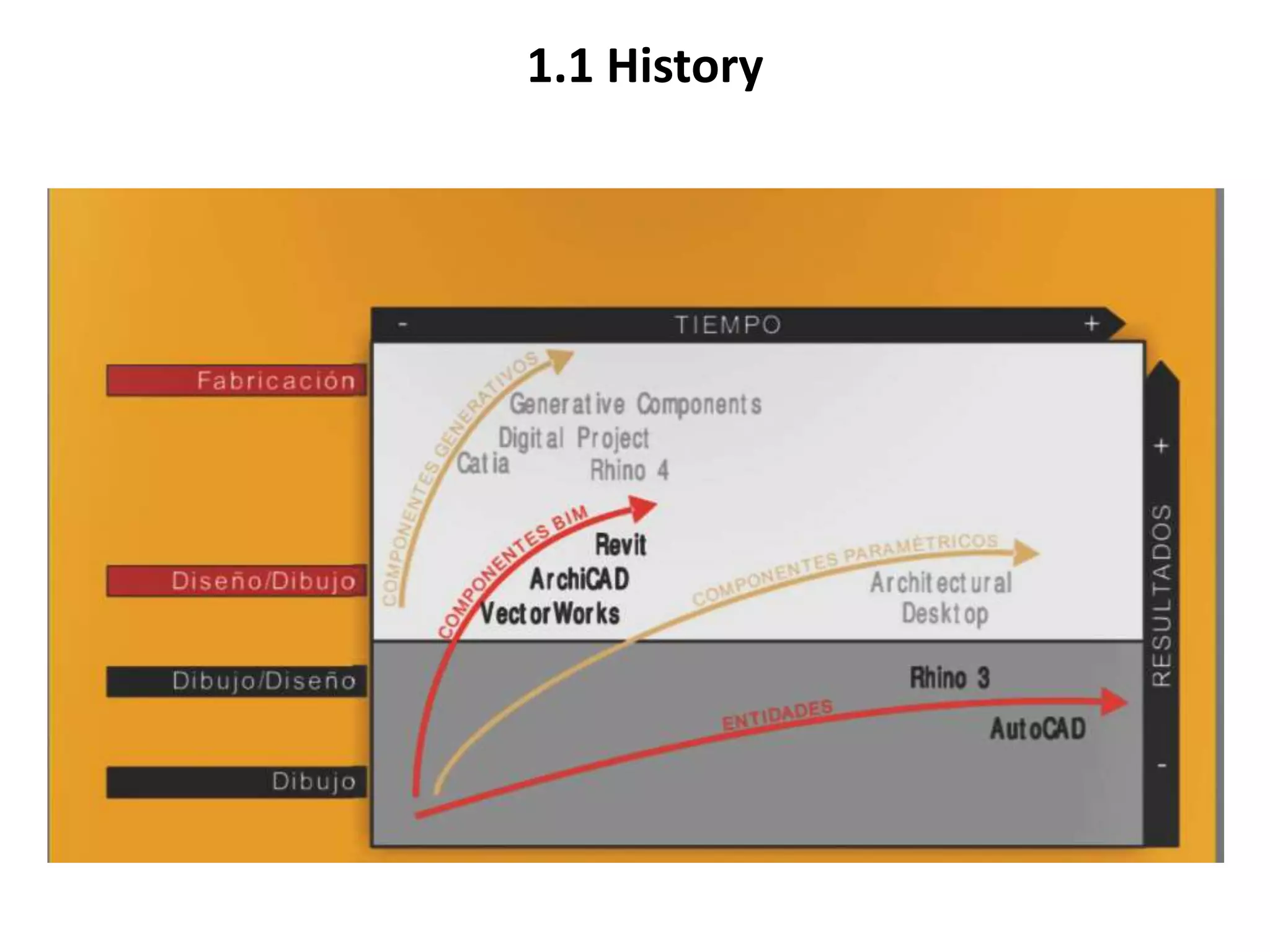
1.1 History
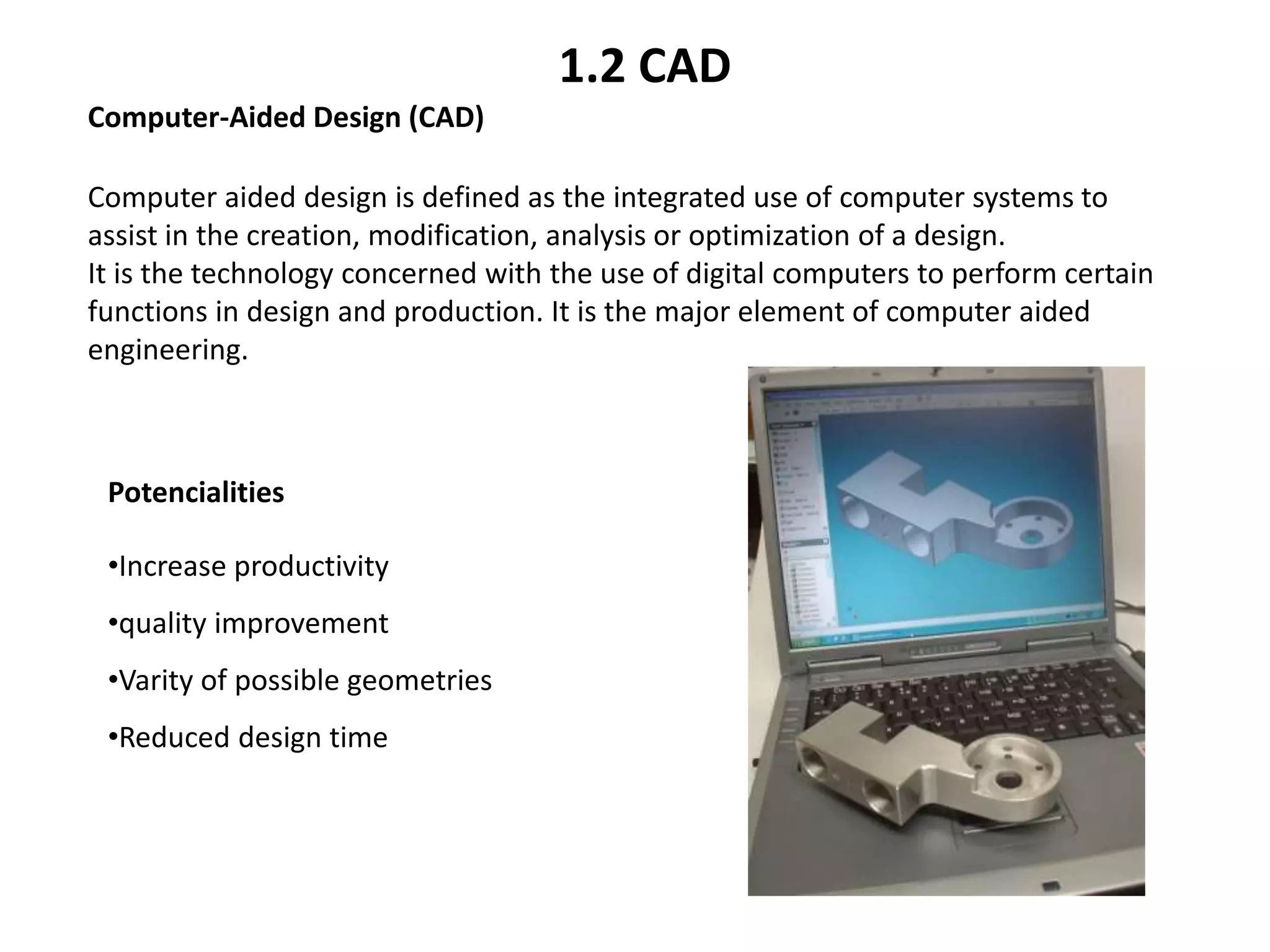
Computer aided design is defined as the integrated use of computer systems to
assist in the creation, modification, analysis or optimization of a design.
It is the technology concerned with the use of digital computers to perform certain
functions in design and production. It is the major element of computer aided
engineering.
Computer-Aided Design (CAD)
Potencialities
•Increase productivity
•quality improvement
•Varity of possible geometries
•Reduced design time
1.2 CAD
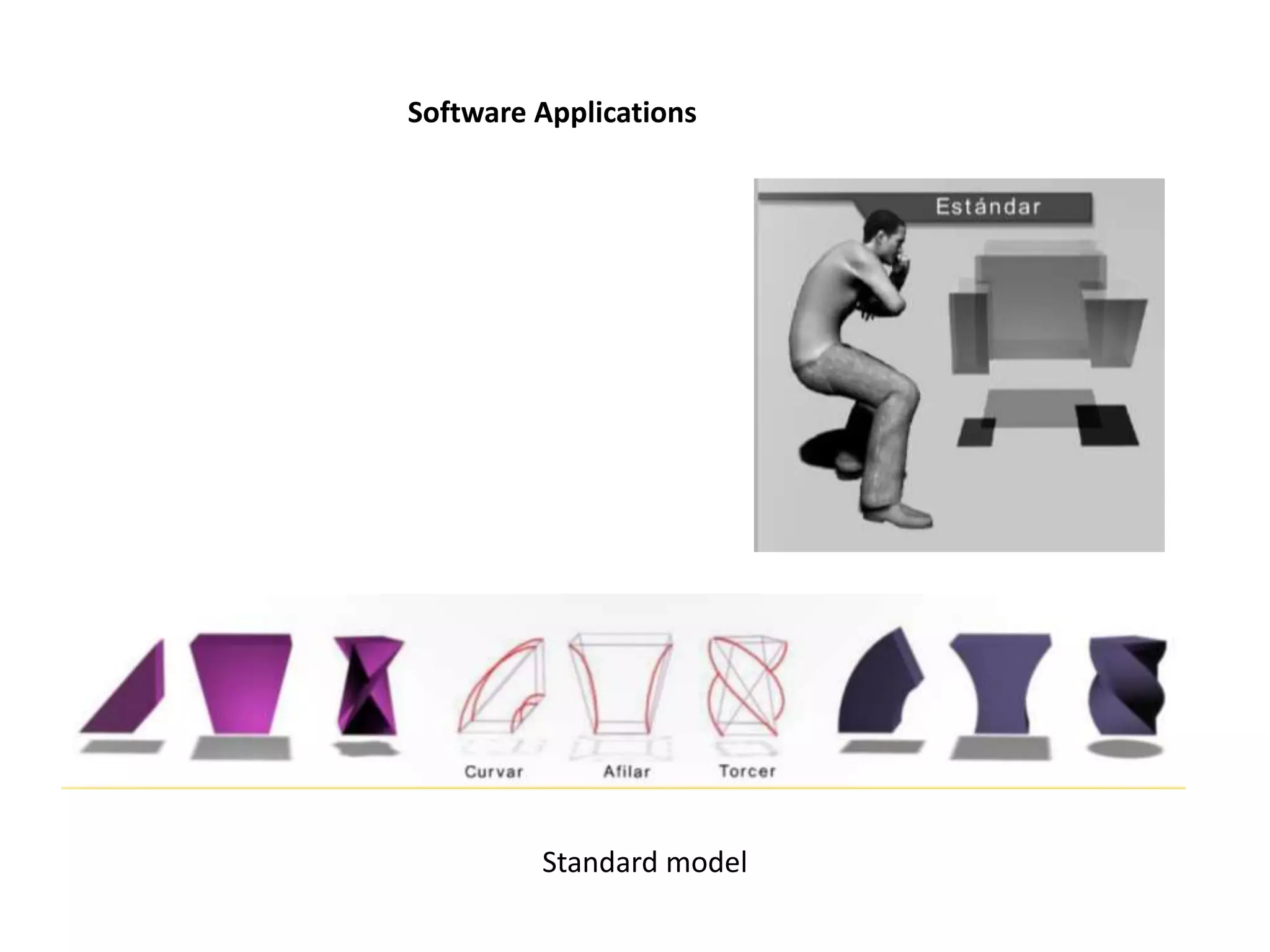
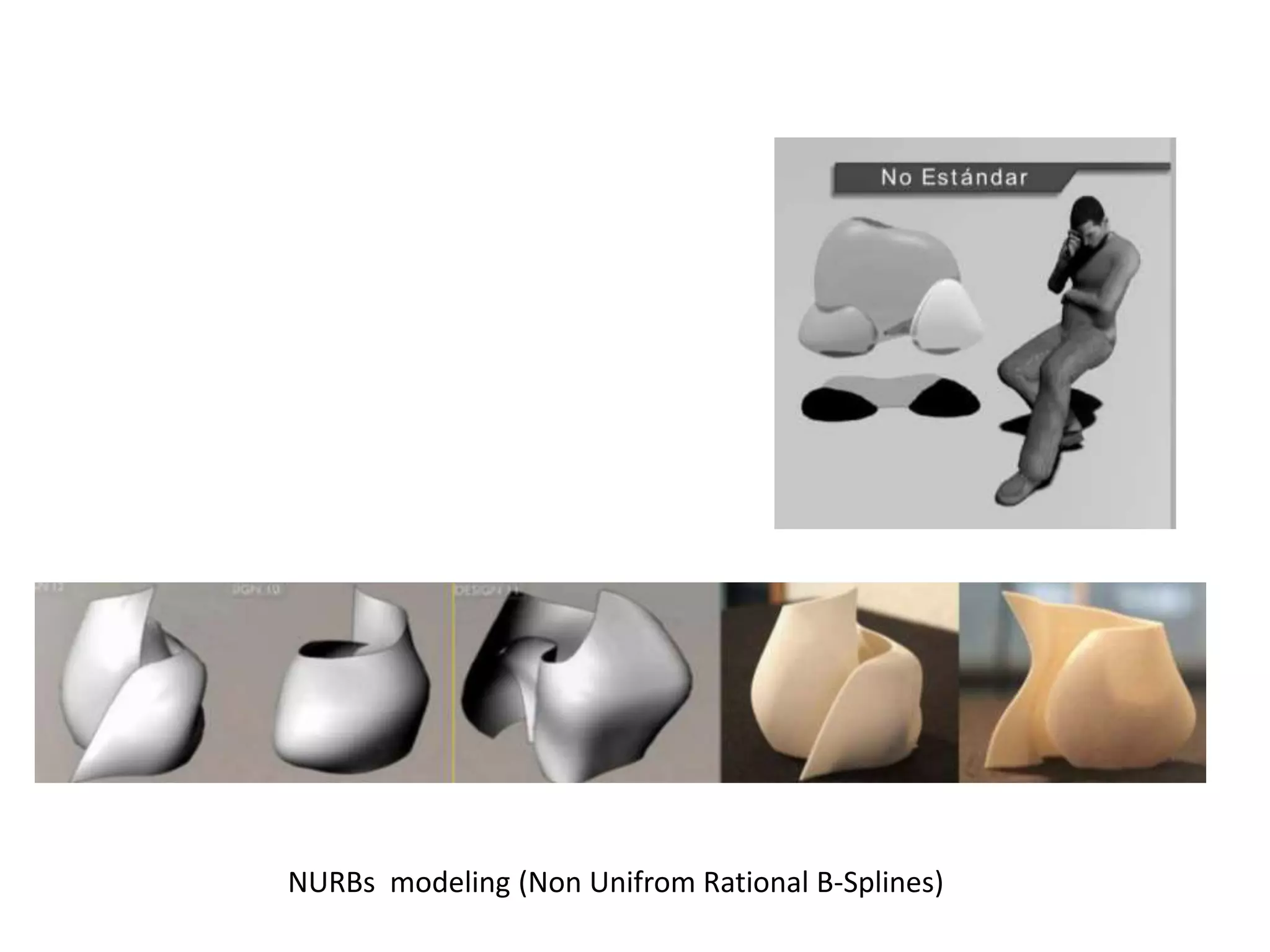
Software Applications
Standard model
NURBs modeling (Non Unifrom Rational B-Splines)
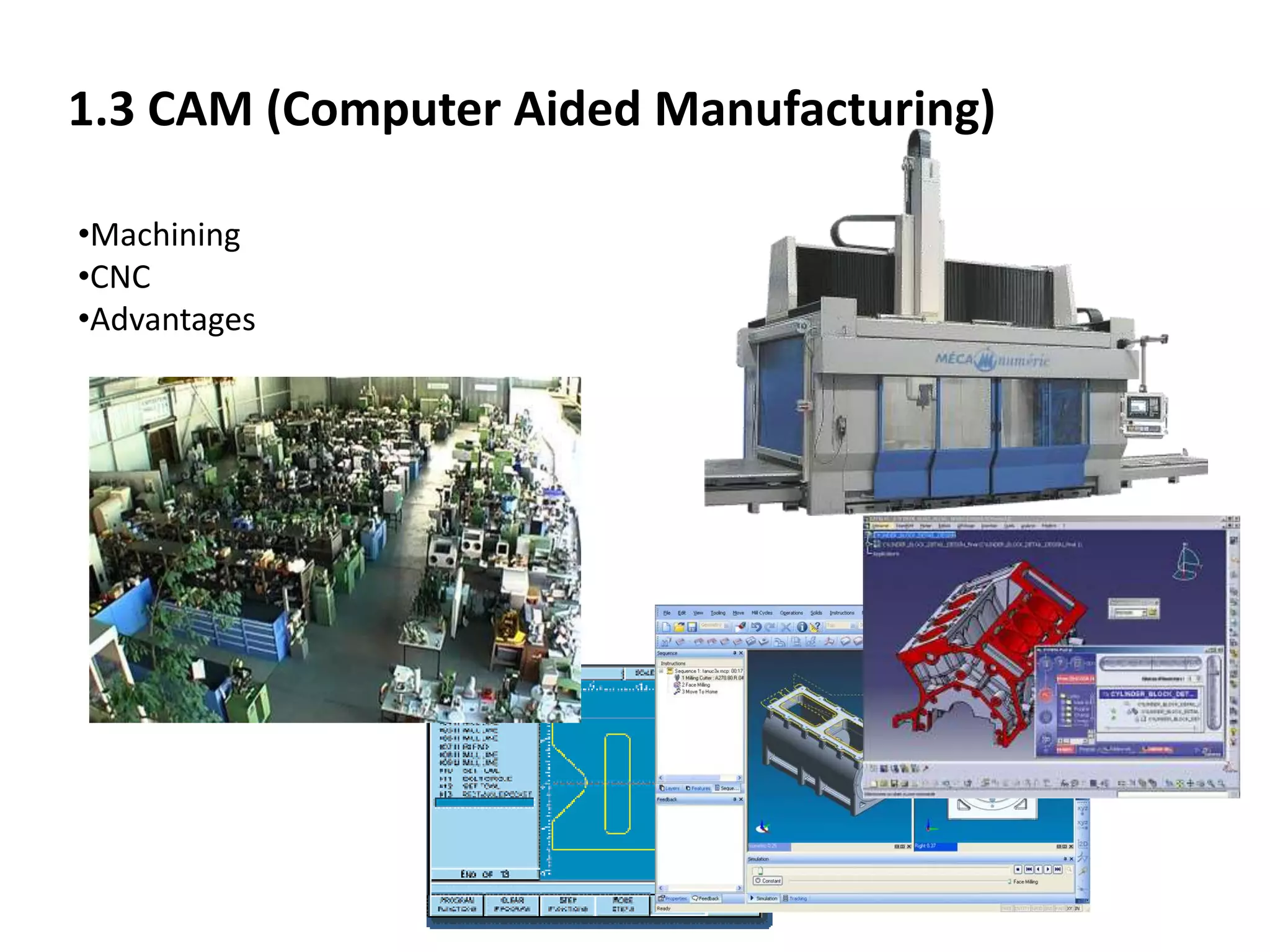
1.3 CAM (Computer Aided Manufacturing)
•Machining
•CNC
•Advantages
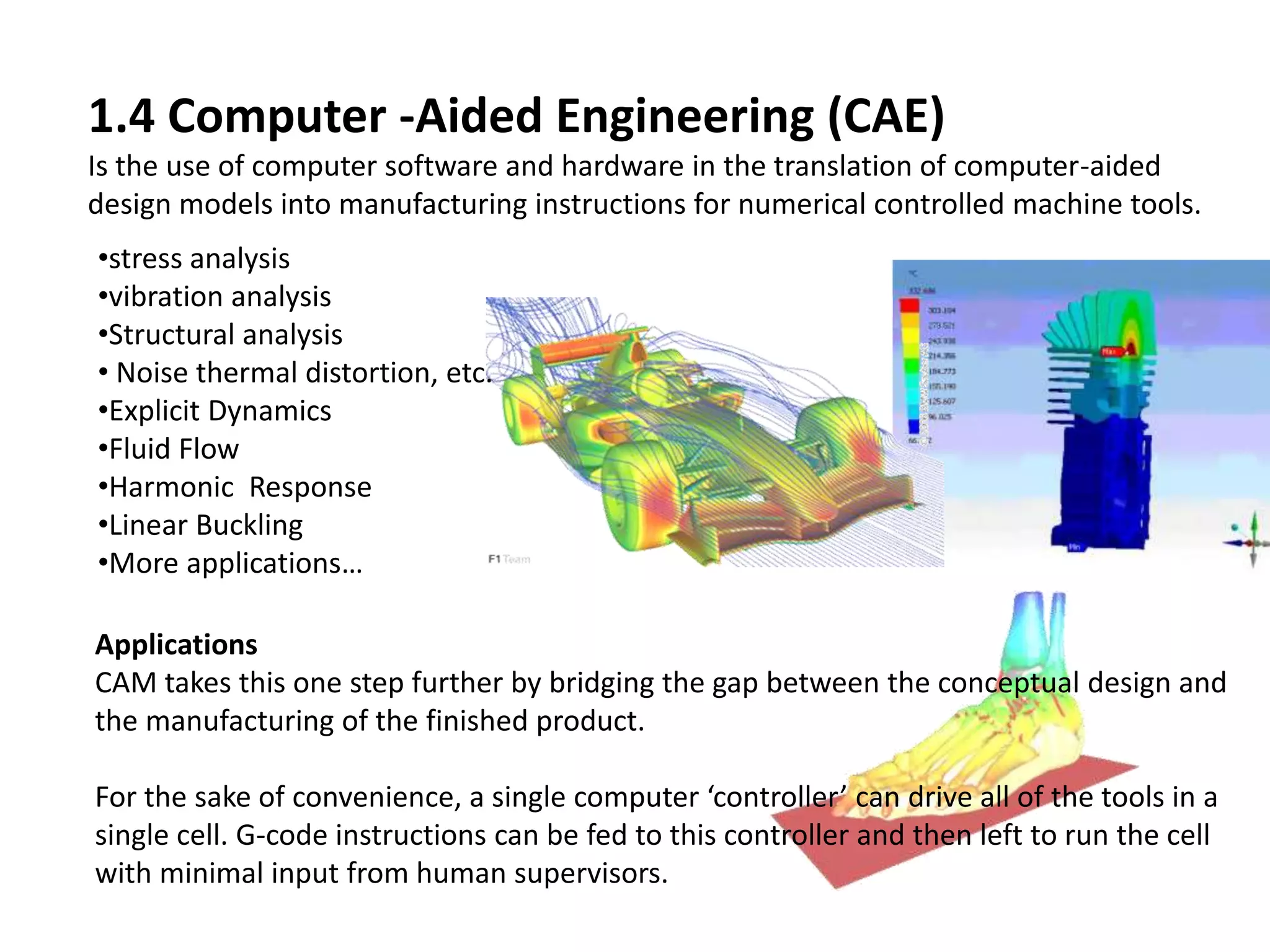
1.4 Computer -Aided Engineering (CAE)
Is the use of computer software and hardware in the translation of computer-aided
design models into manufacturing instructions for numerical controlled machine tools.
Applications
CAM takes this one step further by bridging the gap between the conceptual design and
the manufacturing of the finished product.
For the sake of convenience, a single computer ‘controller’ can drive all of the tools in a
single cell. G-code instructions can be fed to this controller and then left to run the cell
with minimal input from human supervisors.
•stress analysis
•vibration analysis
•Structural analysis
• Noise thermal distortion, etc.
•Explicit Dynamics
•Fluid Flow
•Harmonic Response
•Linear Buckling
•More applications…
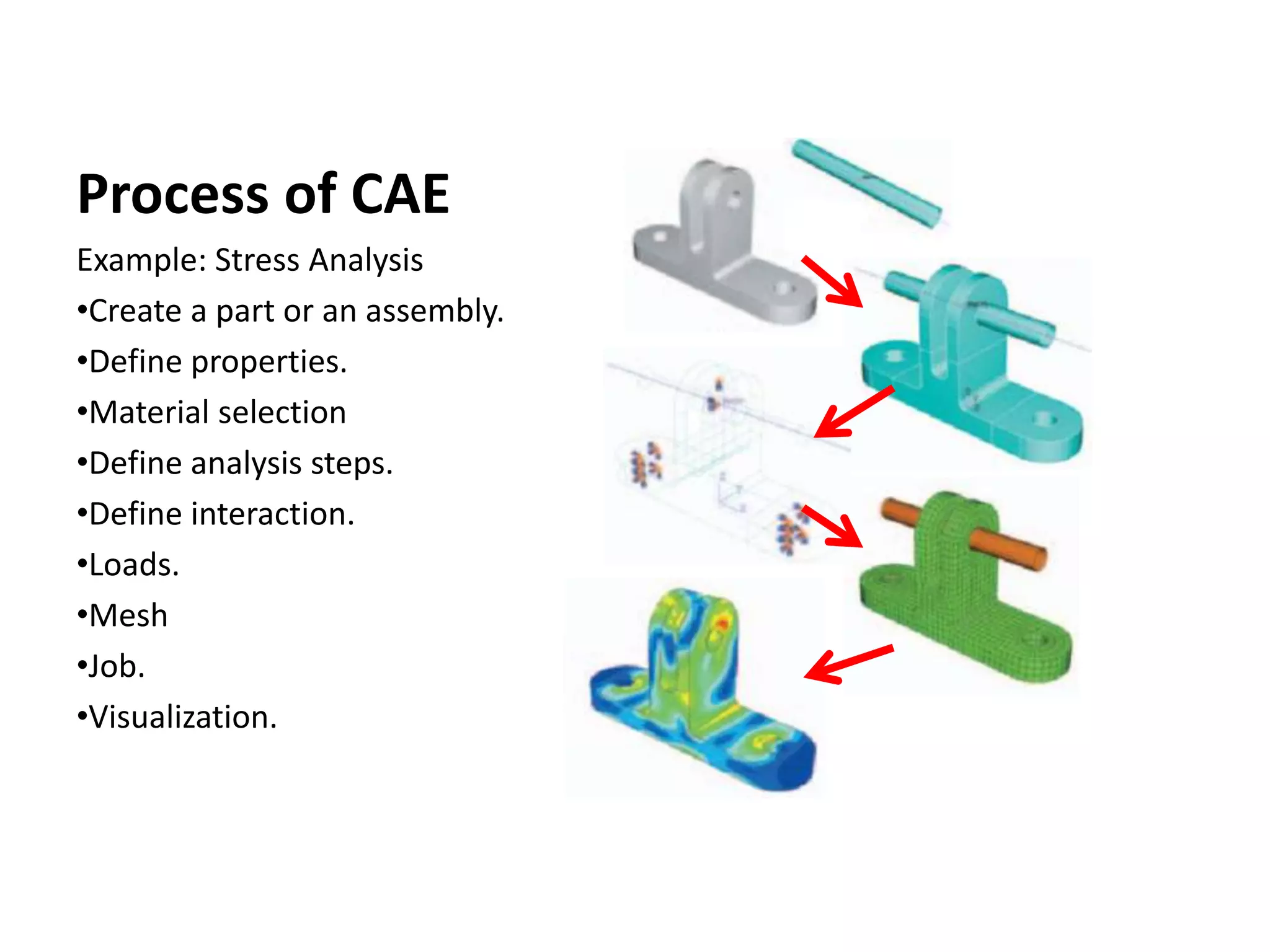
Process of CAE
Example: Stress Analysis
•Create a part or an assembly.
•Define properties.
•Material selection
•Define analysis steps.
•Define interaction.
•Loads.
•Mesh
•Job.
•Visualization.
2. CAD
2.1 Theory
CAD – Computer Aided Design
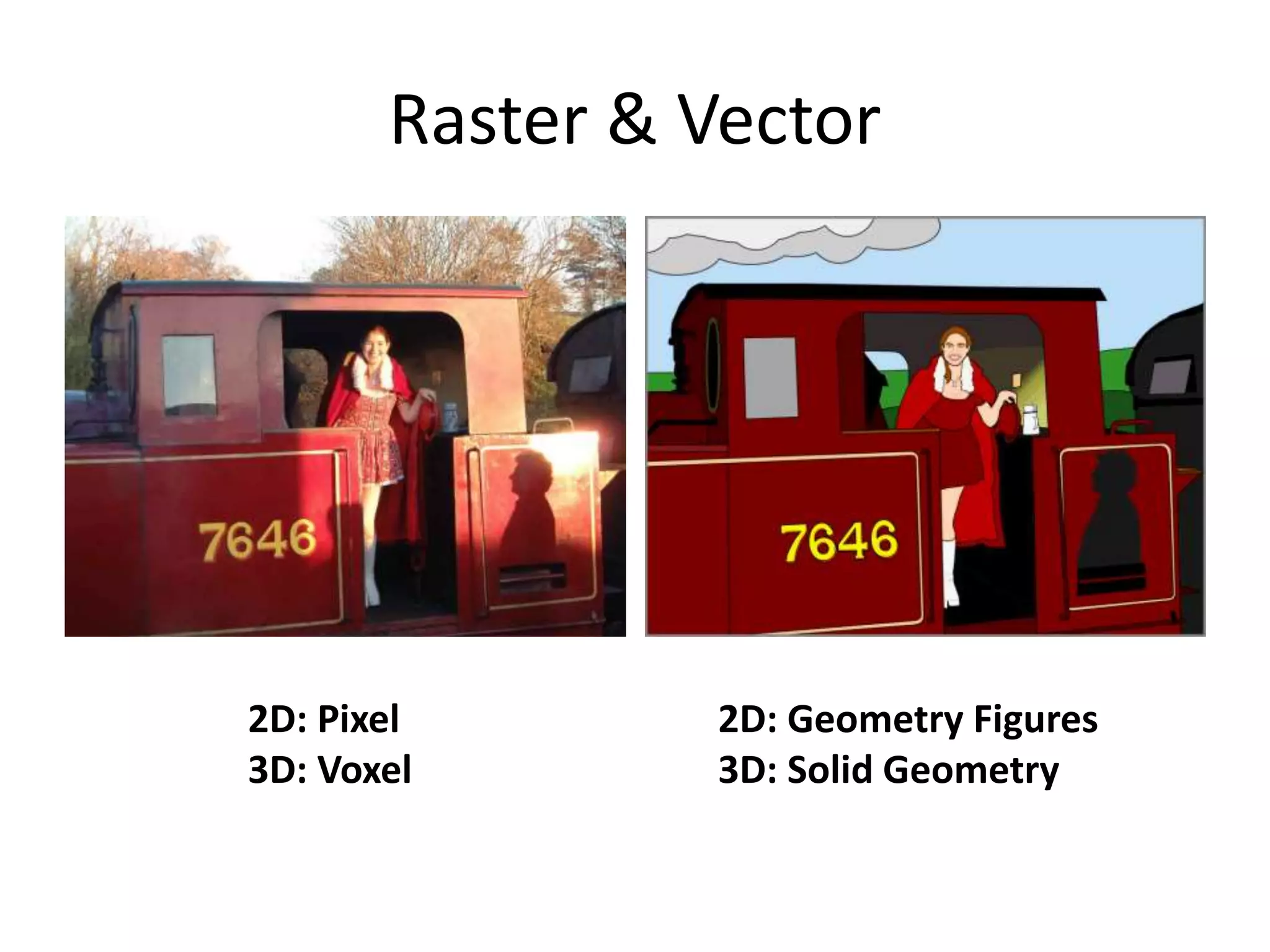
Raster & Vector
2D: Pixel
3D: Voxel
2D: Geometry Figures
3D: Solid Geometry
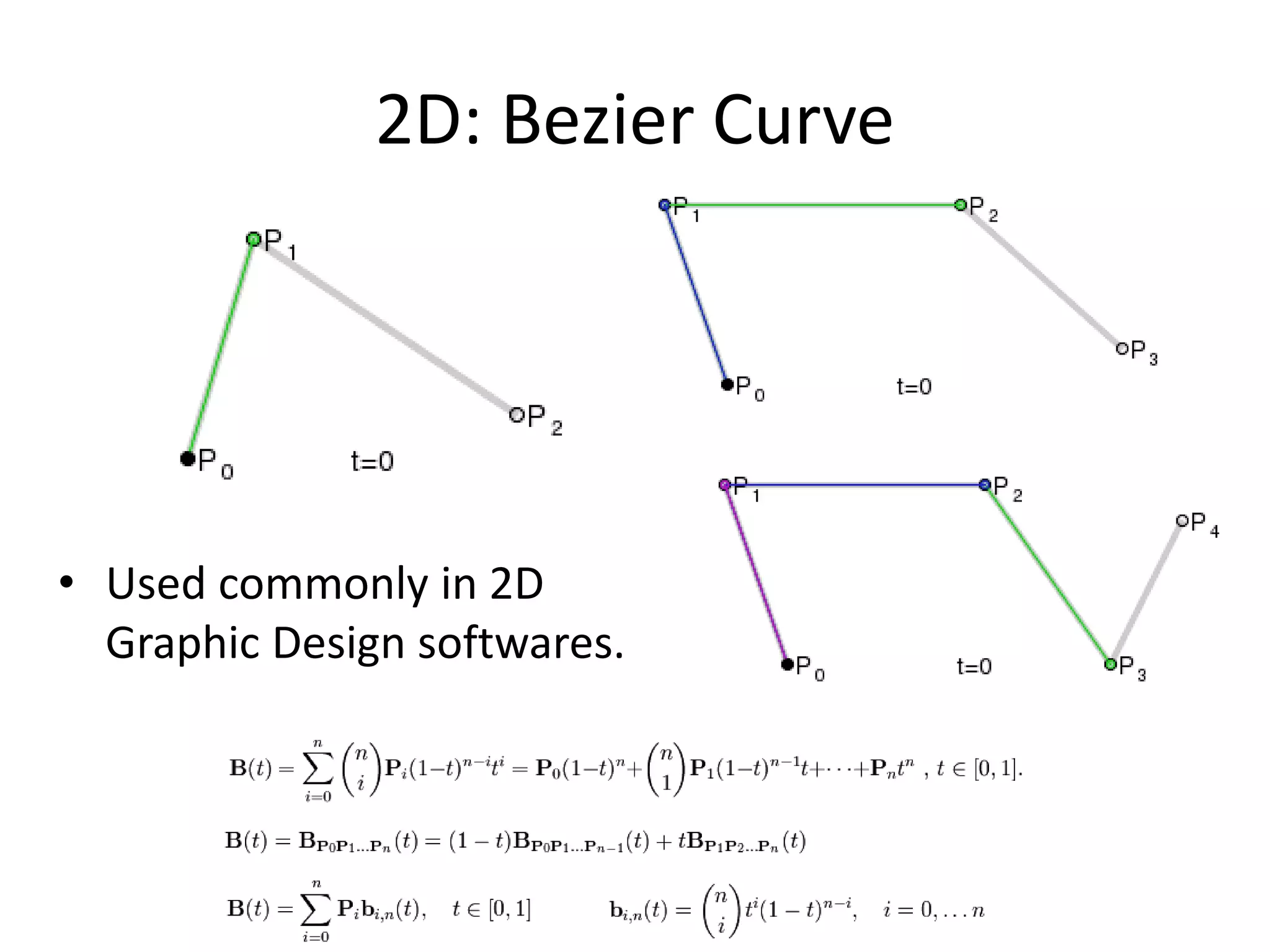
2D: Bezier Curve
• Used commonly in 2D
Graphic Design softwares.
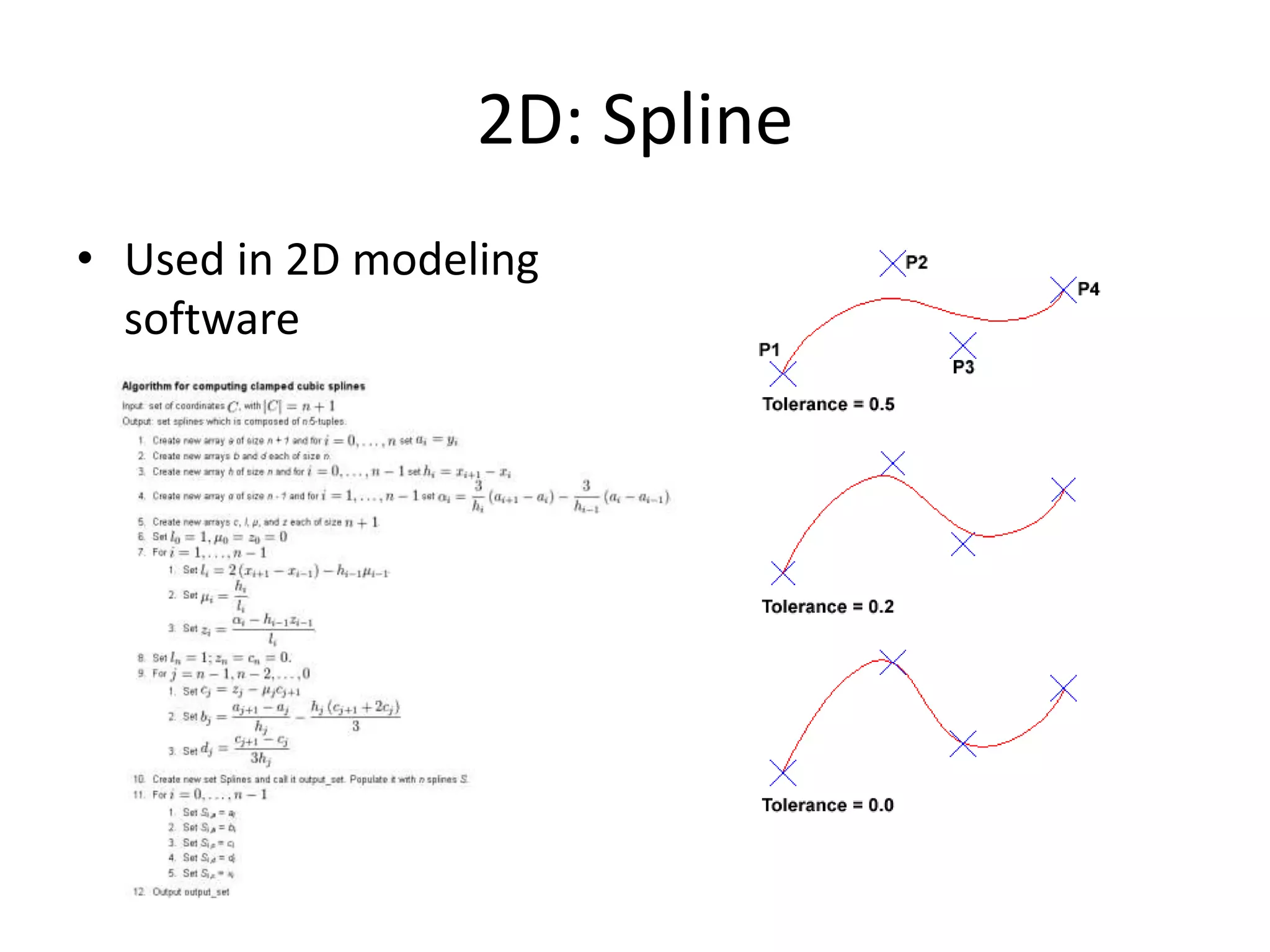
2D: Spline
• Used in 2D modeling
software
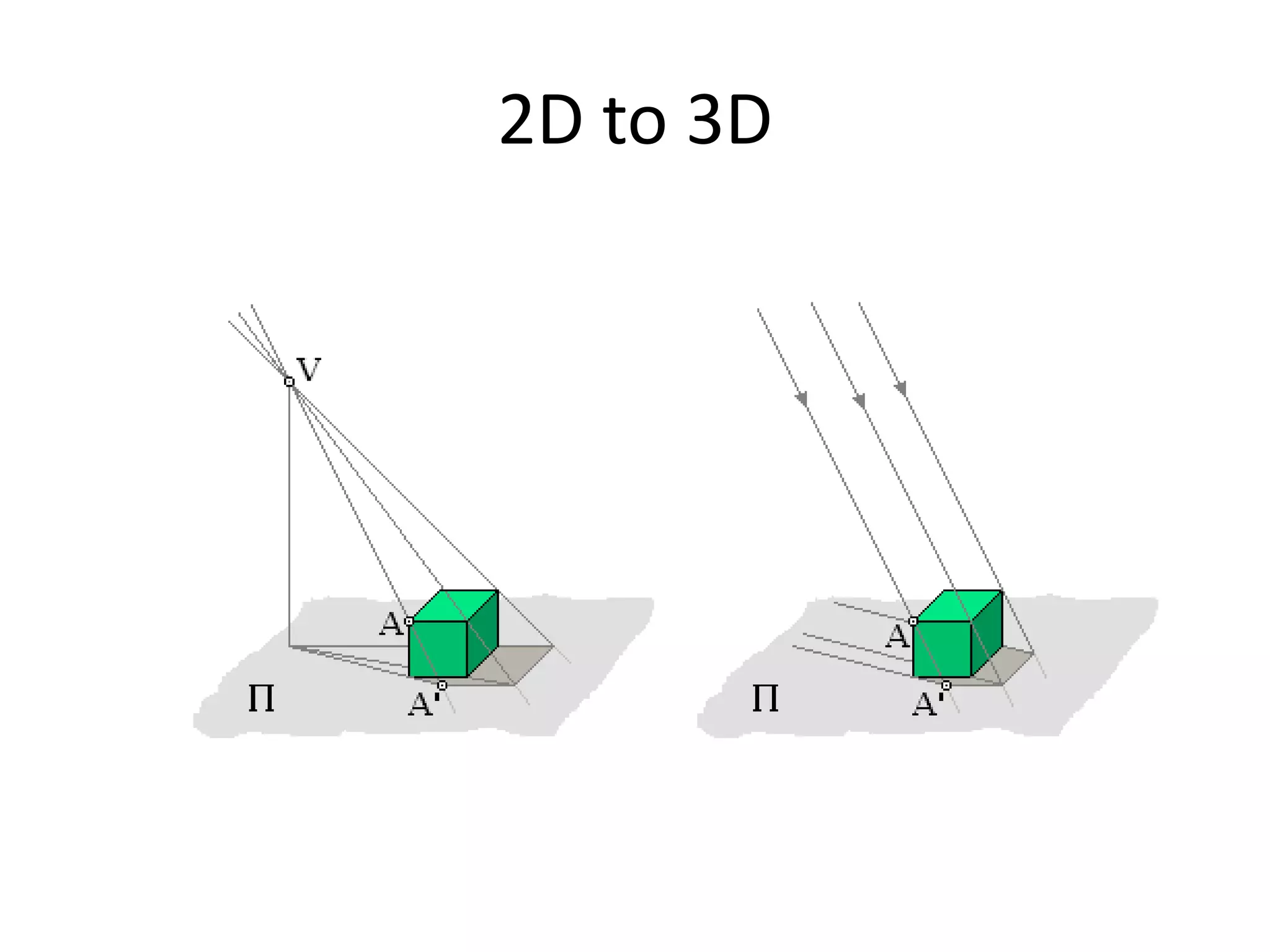
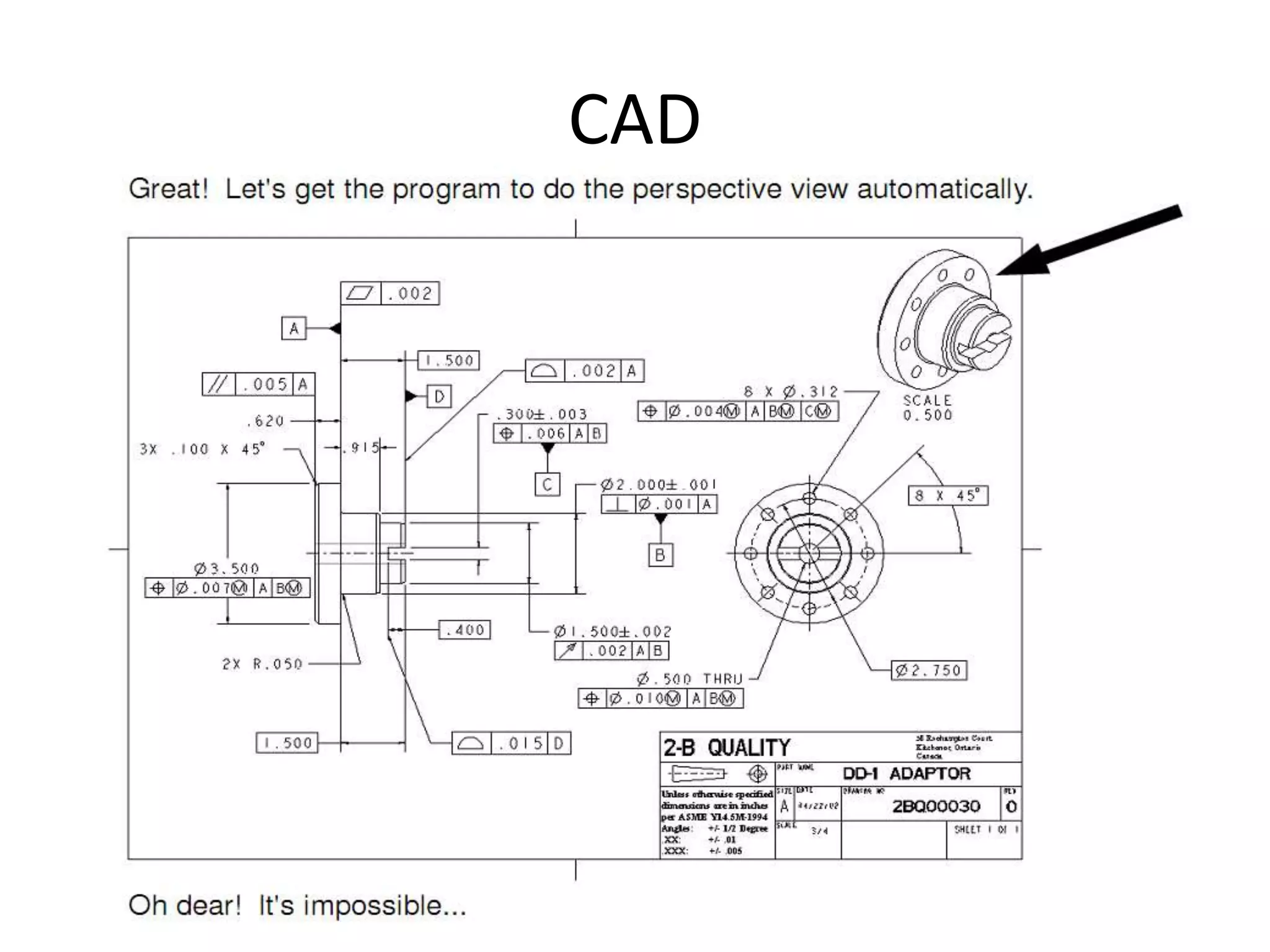
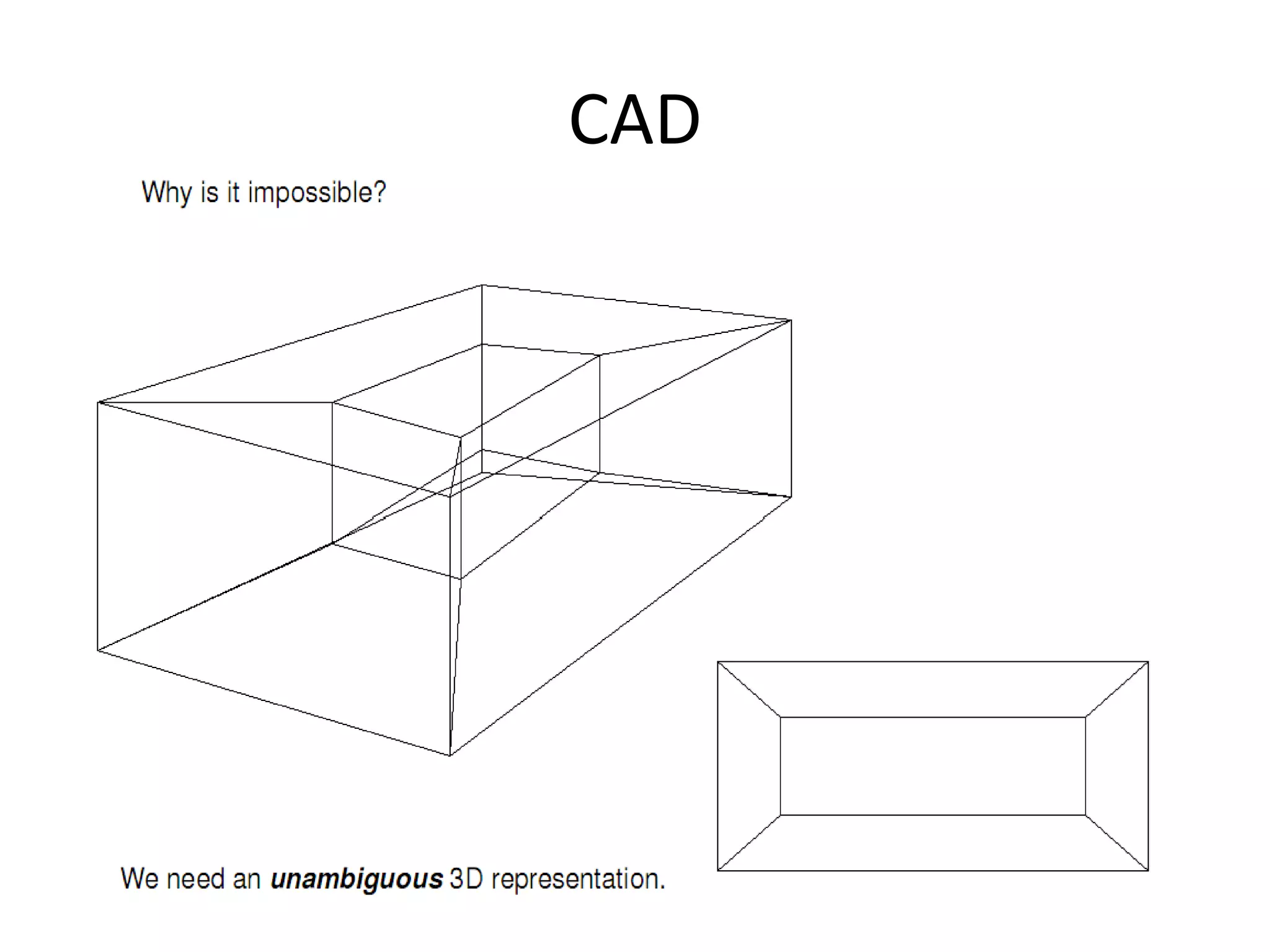
2D to 3D
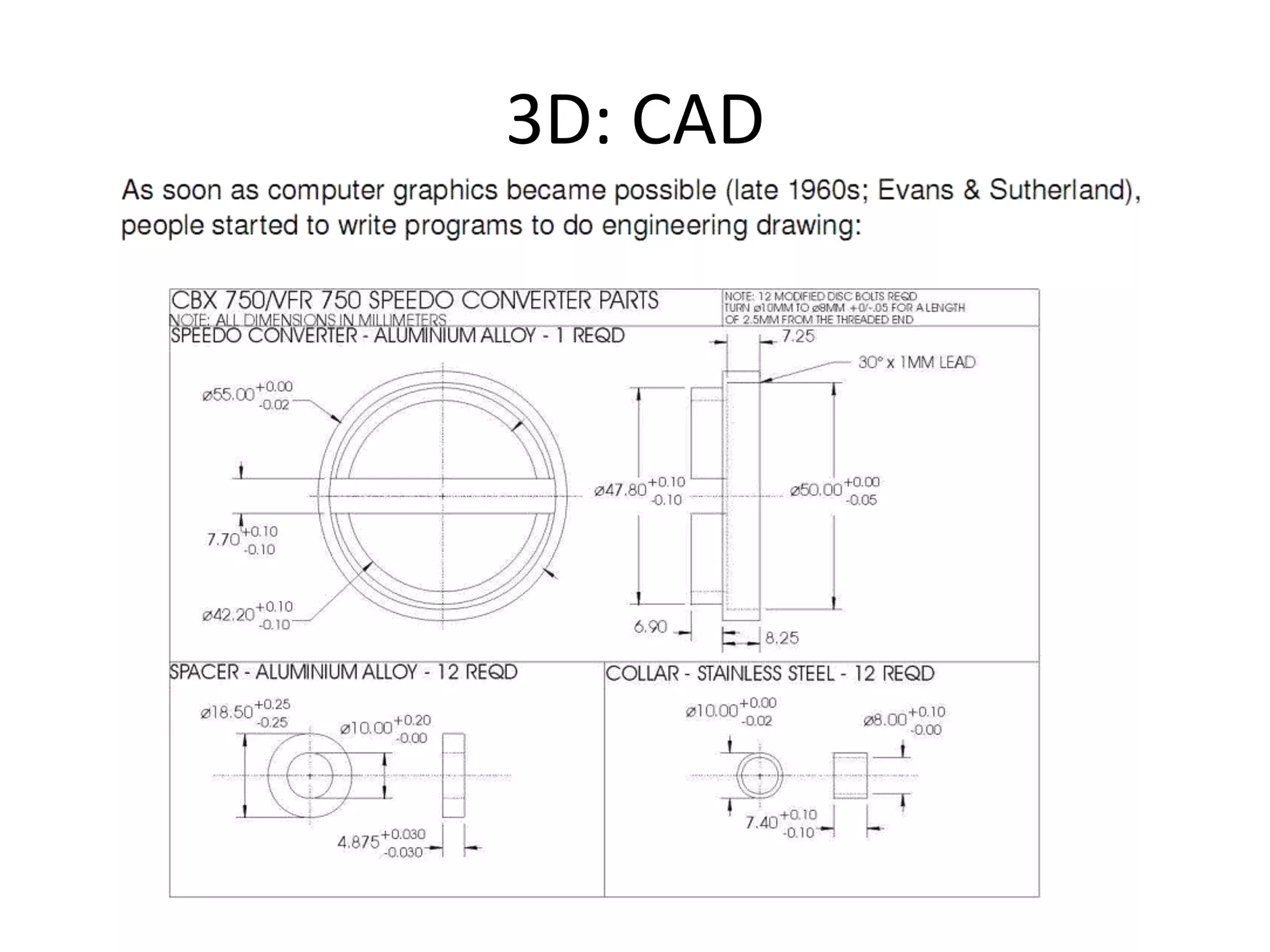
3D: CAD
CAD
CAD
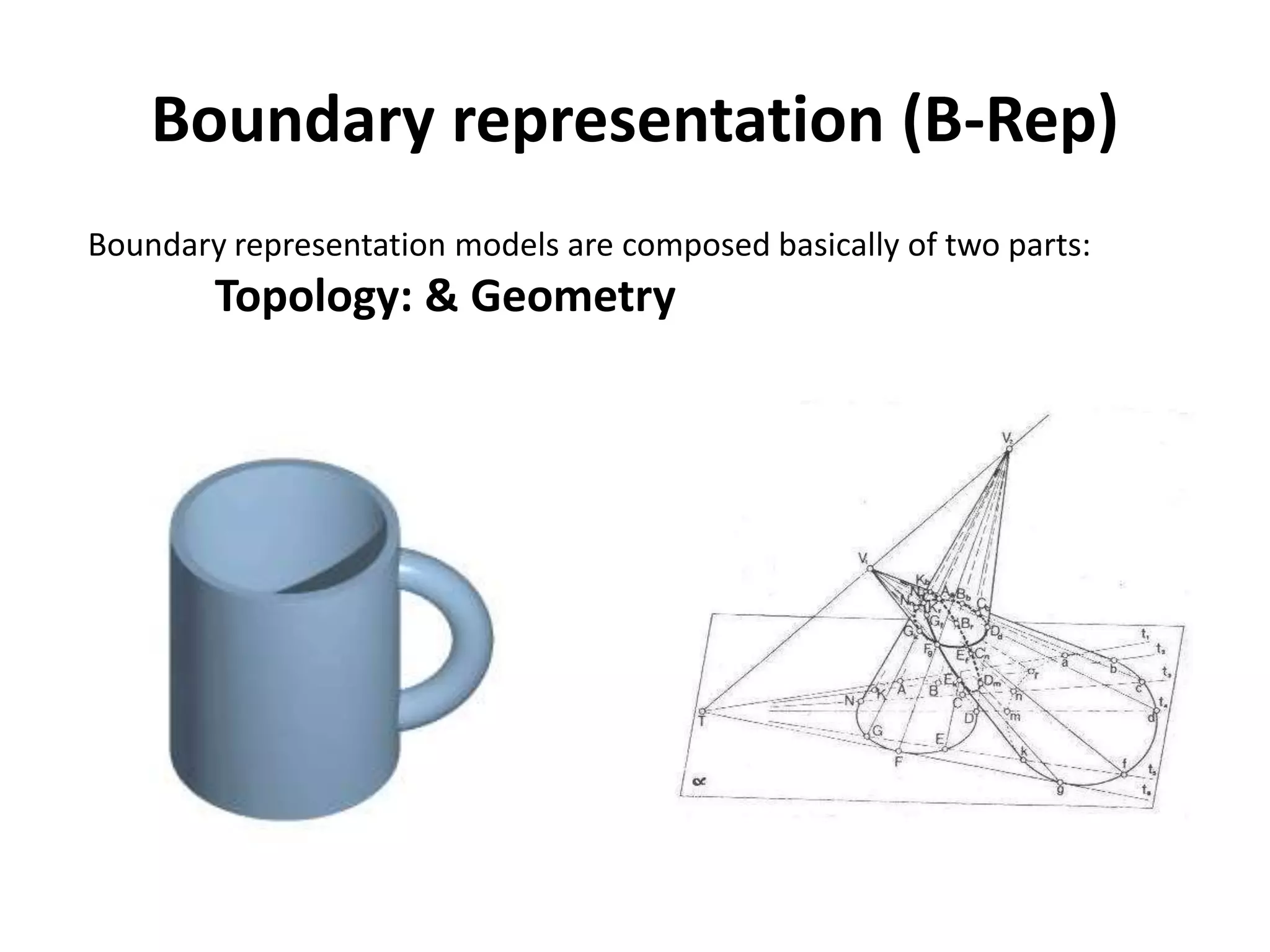
Boundary representation (B-Rep)
Boundary representation models are composed basically of two parts:
Topology: & Geometry
Boundary representation (B-Rep)
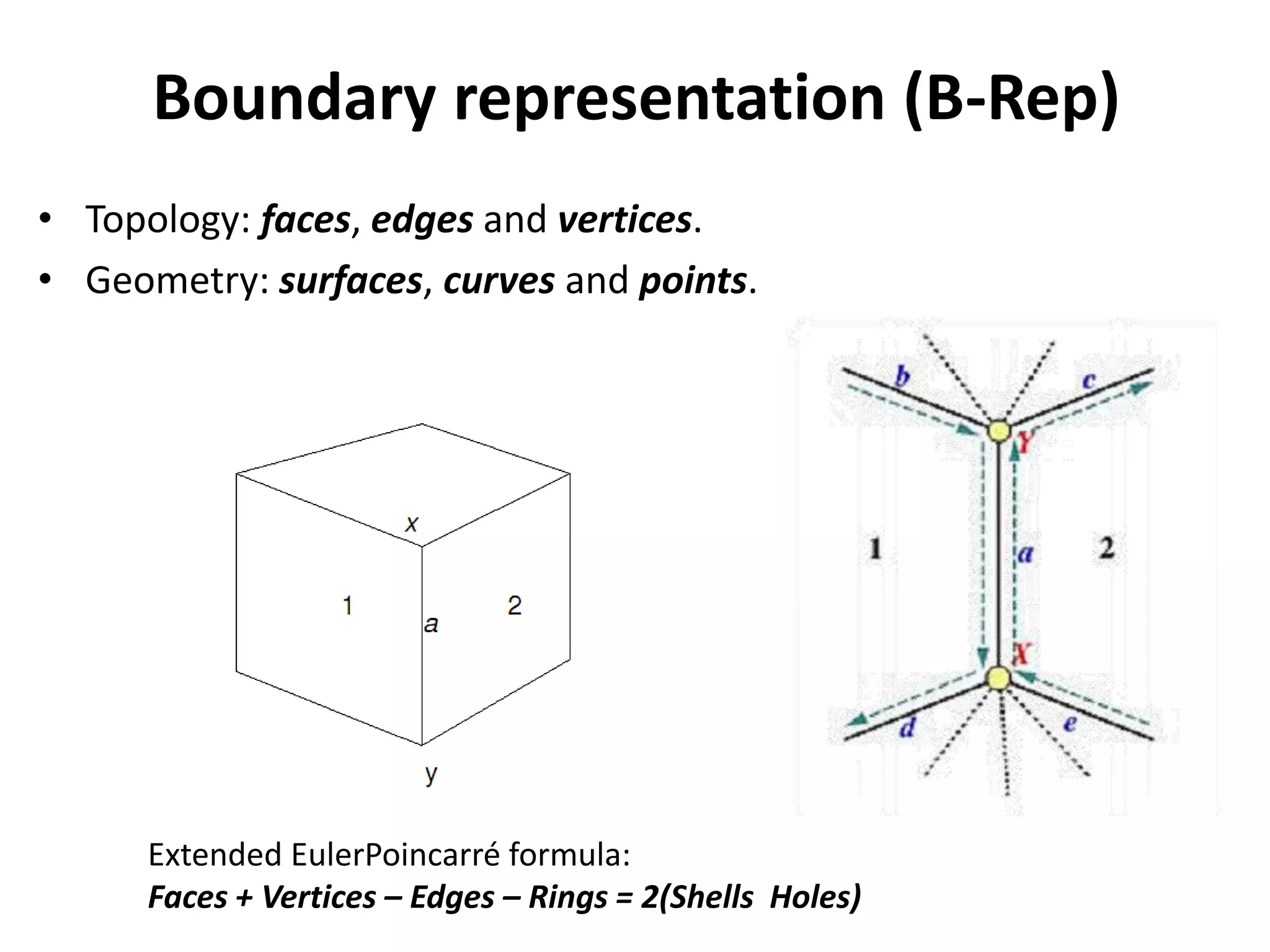
• Topology: faces, edges and vertices.
• Geometry: surfaces, curves and points.
Extended EulerPoincarré formula:
Faces + Vertices – Edges – Rings = 2(Shells Holes)
Boundary representation (B-Rep)
• The extended Euler-
Poincarré formula allow test the topology for
polyhedral solids:
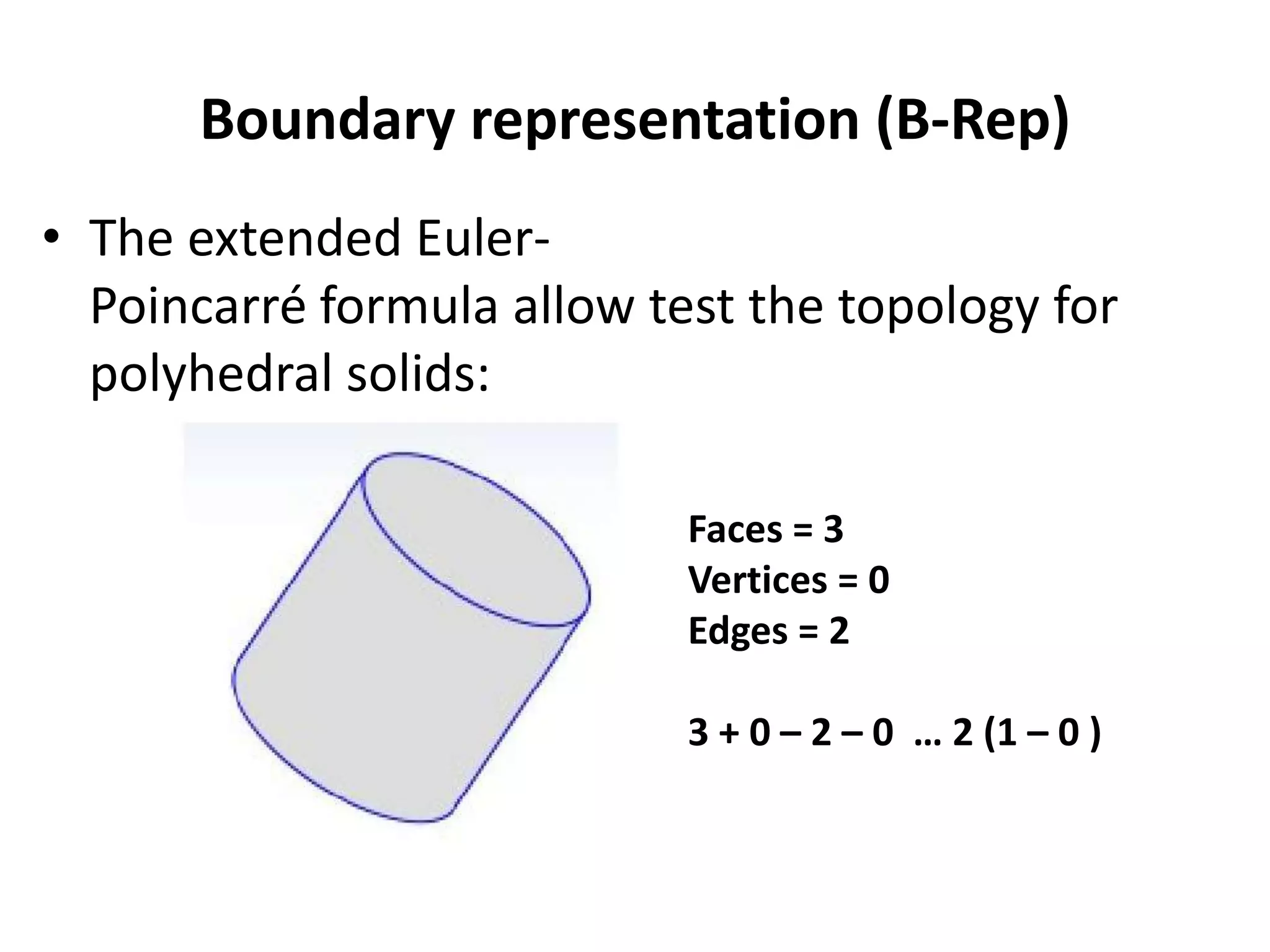
Faces = 3
Vertices = 0
Edges = 2
3 + 0 – 2 – 0 … 2 (1 – 0 )
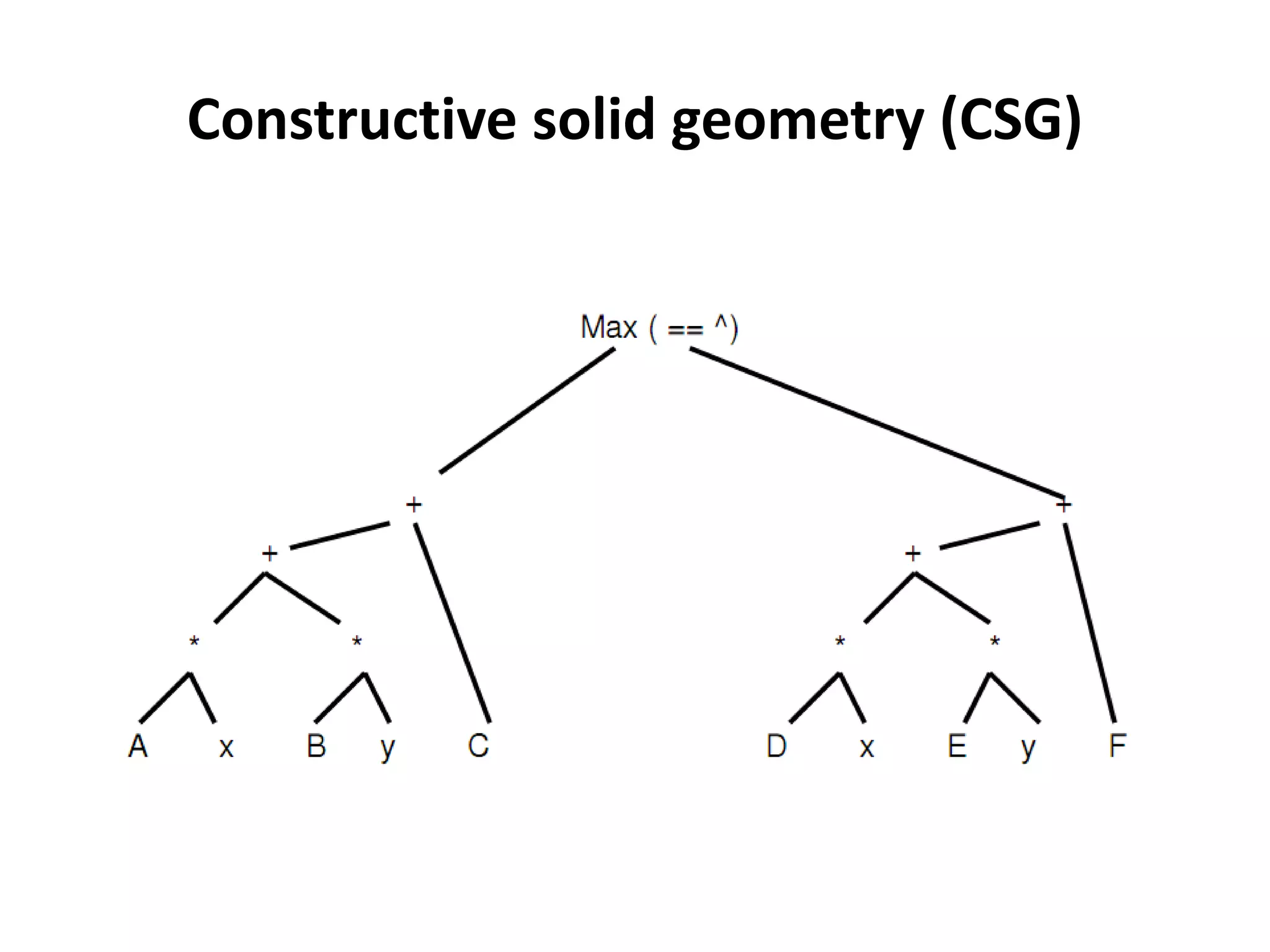
Constructive solid geometry (CSG)
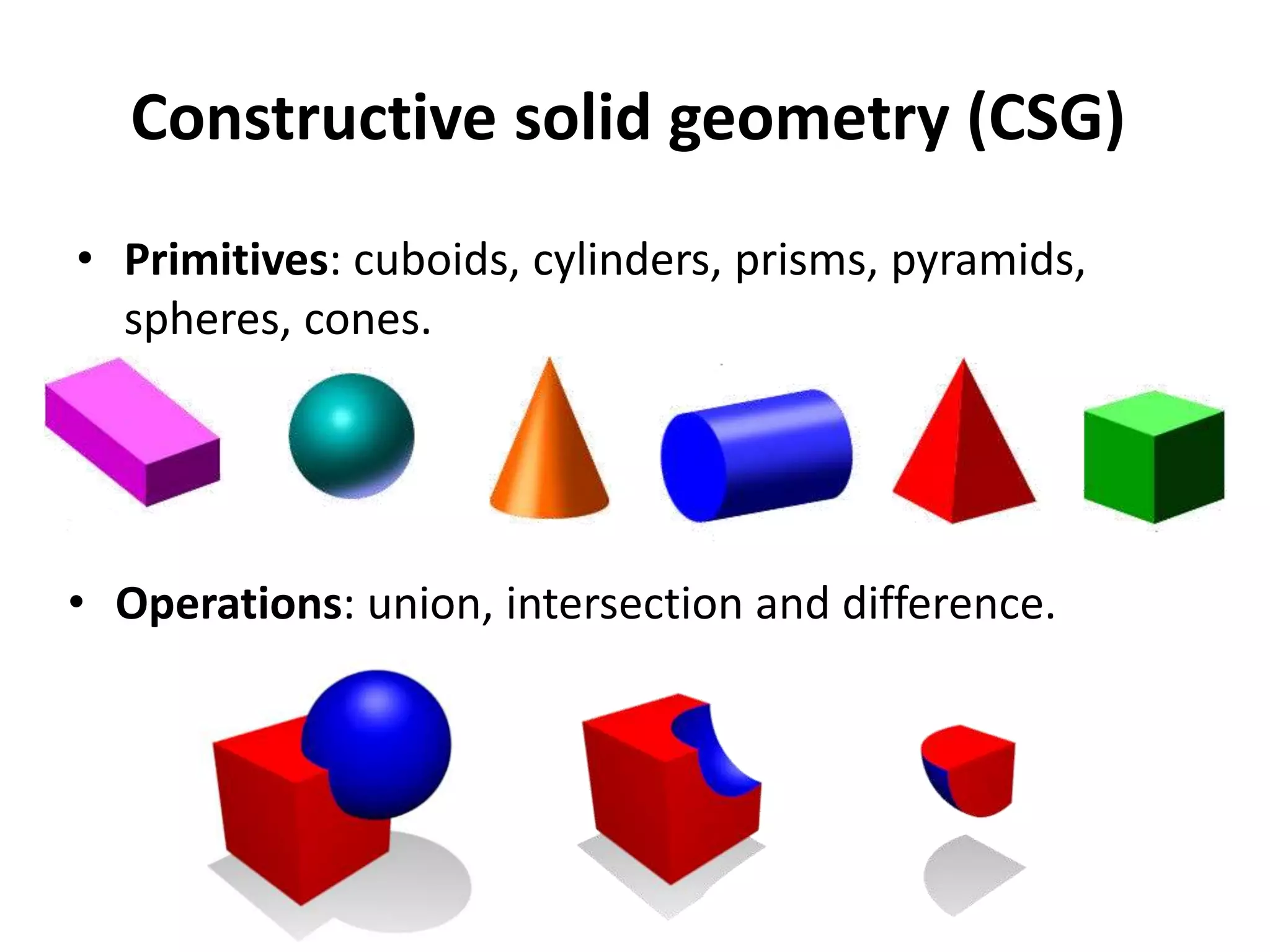
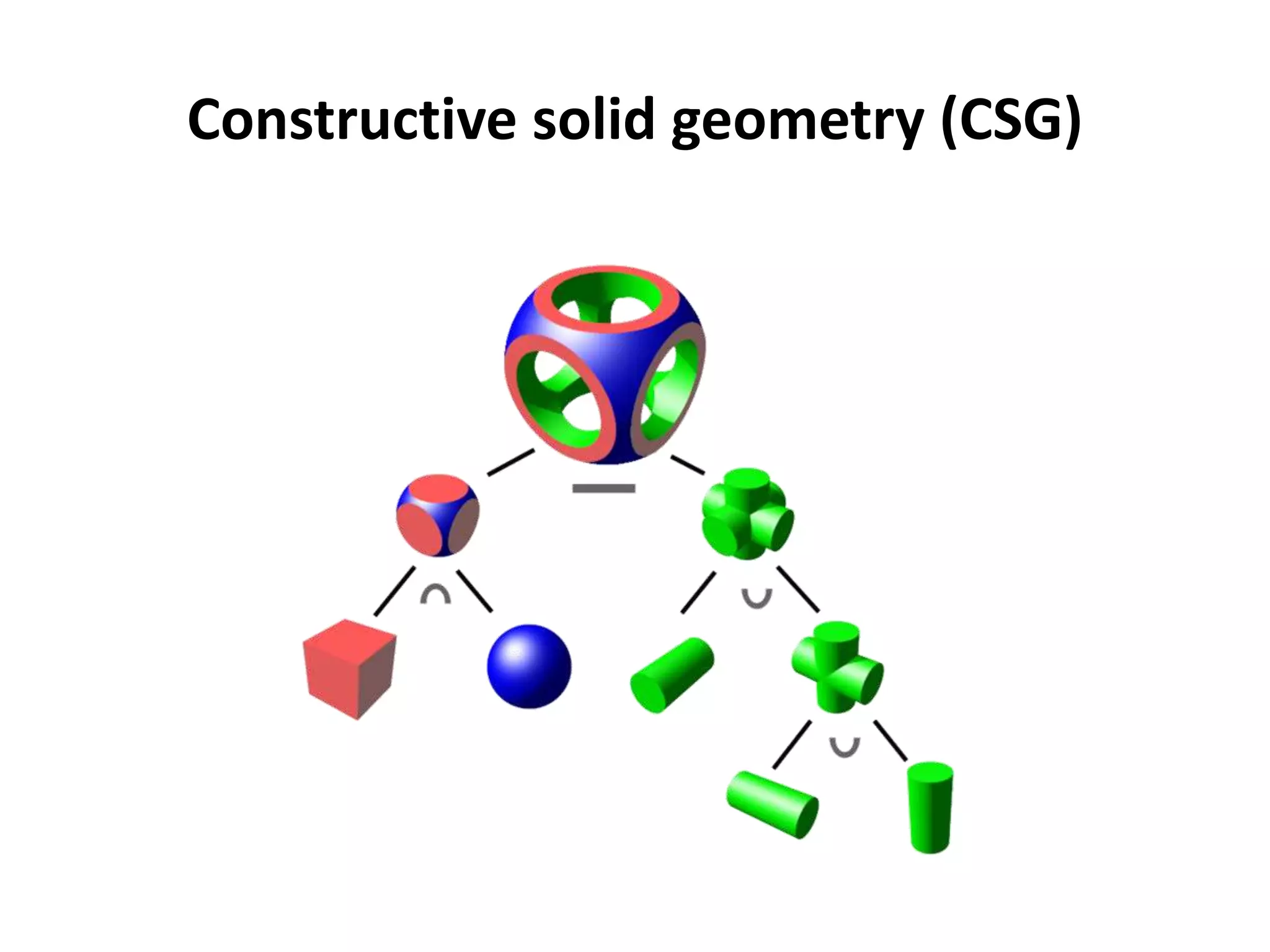
• Primitives: cuboids, cylinders, prisms, pyramids,
spheres, cones.
• Operations: union, intersection and difference.
Constructive solid geometry (CSG)
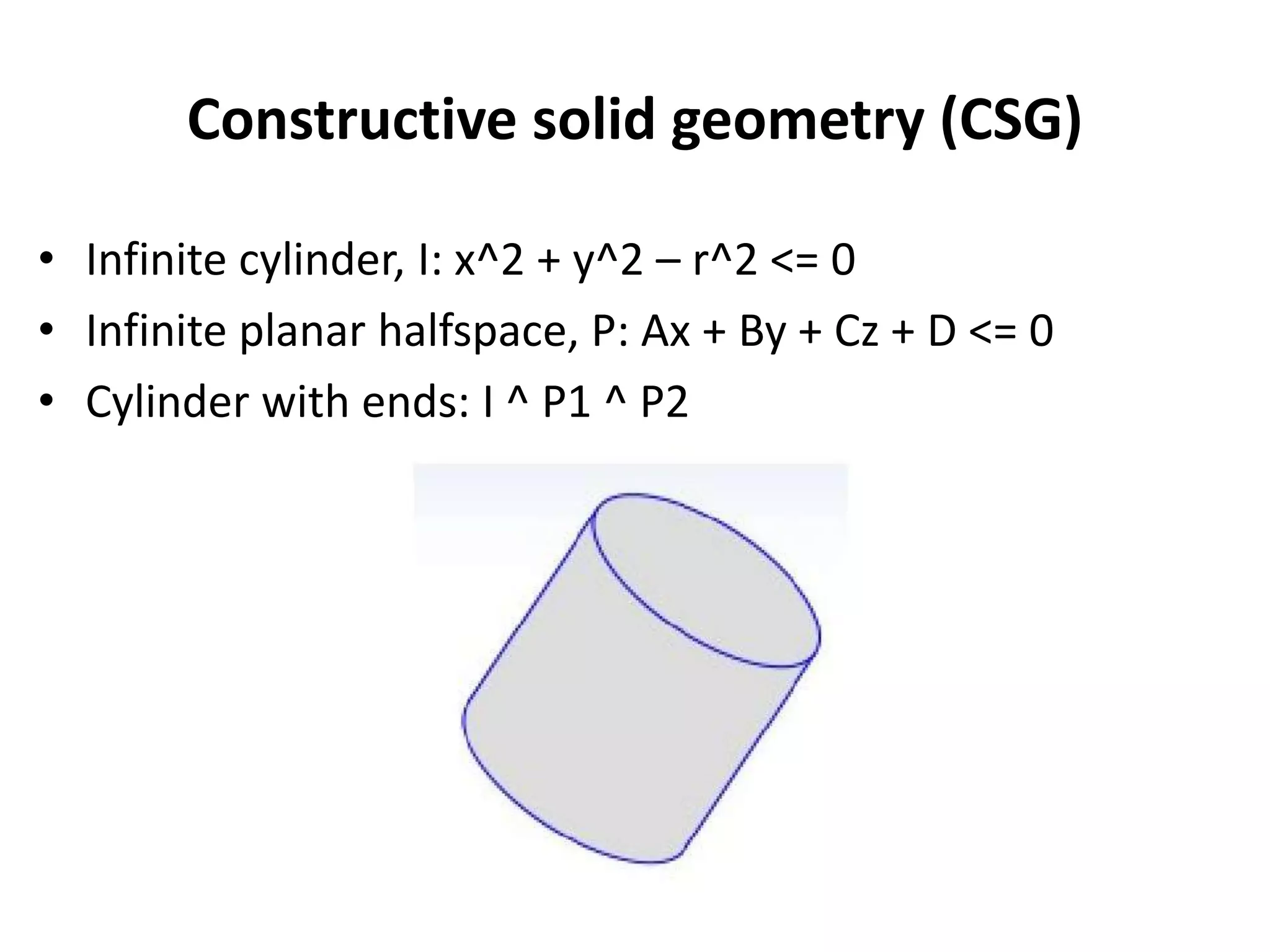
• Infinite cylinder, I: x^2 + y^2 – r^2 <= 0
• Infinite planar halfspace, P: Ax + By + Cz + D <= 0
• Cylinder with ends: I ^ P1 ^ P2
Constructive solid geometry (CSG)
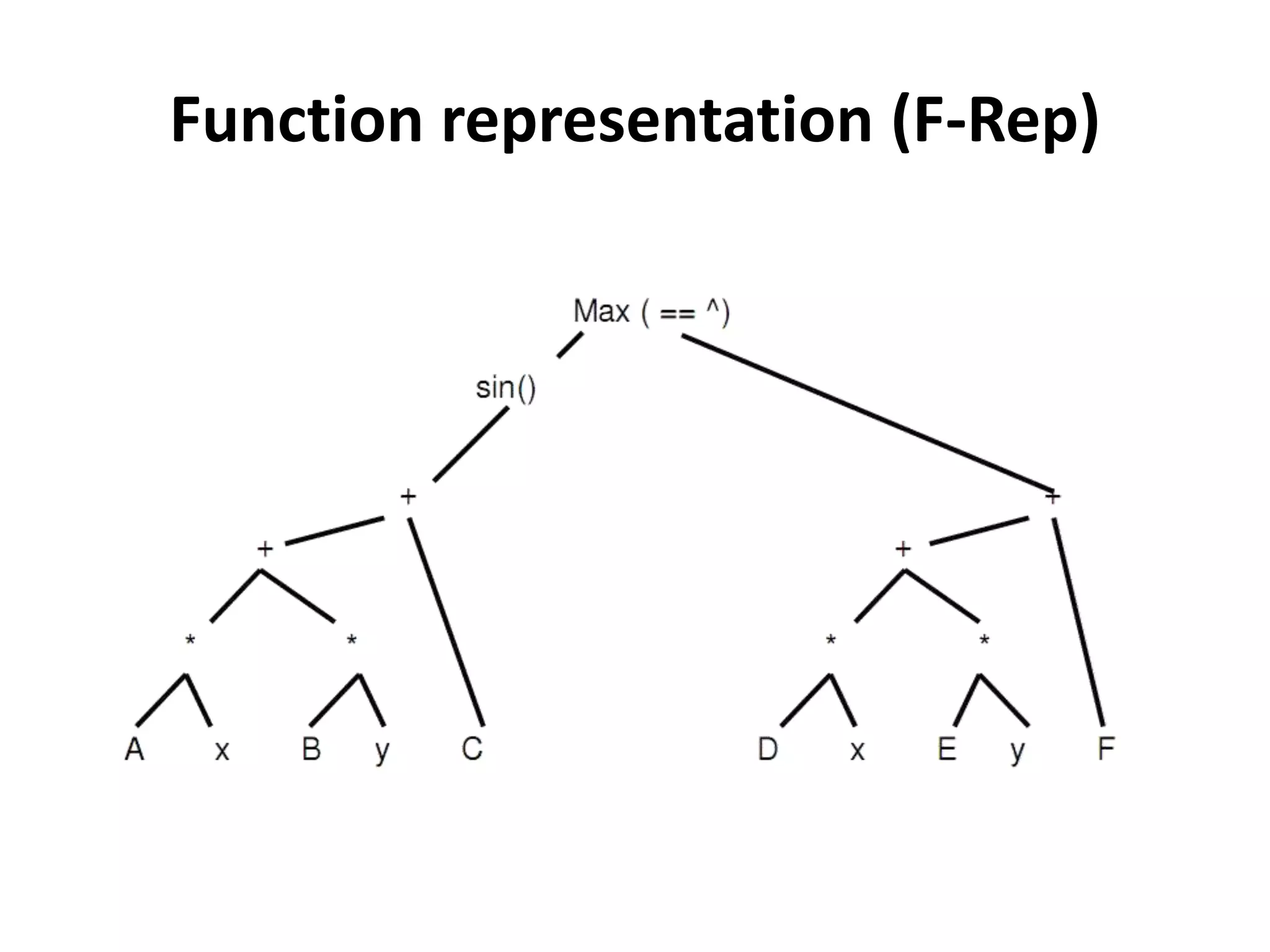
Function representation (F-Rep)
• The objects defined by a single continuous
real-valued function of point coordinates F(x)
• The points with F(x) >= 0 belong to the object.
• The points with F(x) < 0 are outside of the
object.
• The point set with F(x)=0 is called an
isosurface.
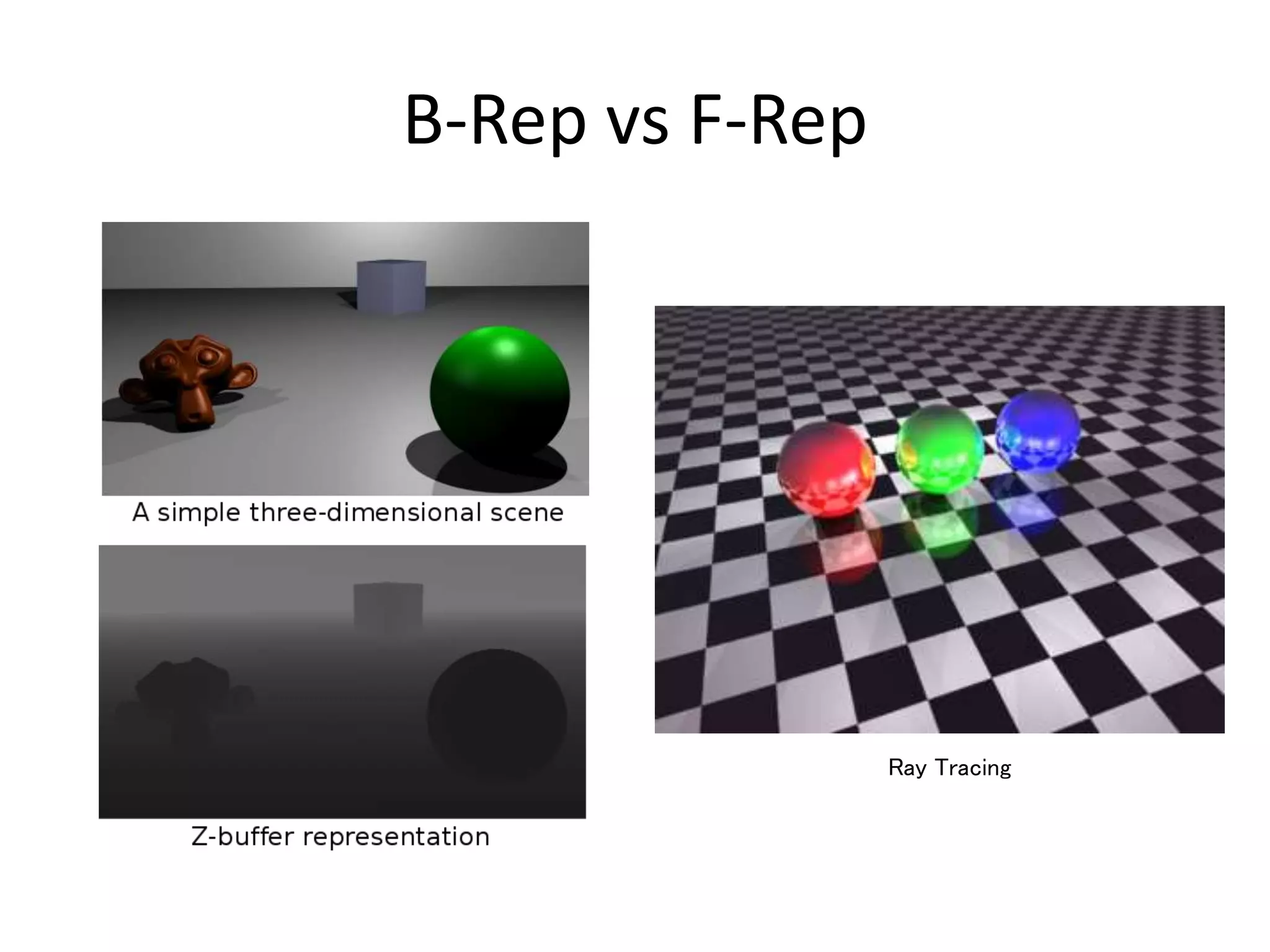
B-Rep vs F-Rep
• Calculating surface
area is easy
• The model is
evaluated
• Easy to triangulate
the surface
• Making pictures
is easy
• B-
rep primitives
are local
• Calculating volume
and mass is easy
• The model is
unevaluated
• Easy to make
numerically robust
• Input is pretty
straightforward
• The data structures
are compact
B-Rep vs F-Rep
Ray Tracing
The Z-buffer
All commercial systems are BRep. because the
the depth buffer or Z-buffer is the
predominant technology.
The silicon graphics and flight simulator then the
computer games impulse that technology.
• For each pixel store both colour and depth
• Send it 3D coloured triangles in any order
• Surfaces in front win
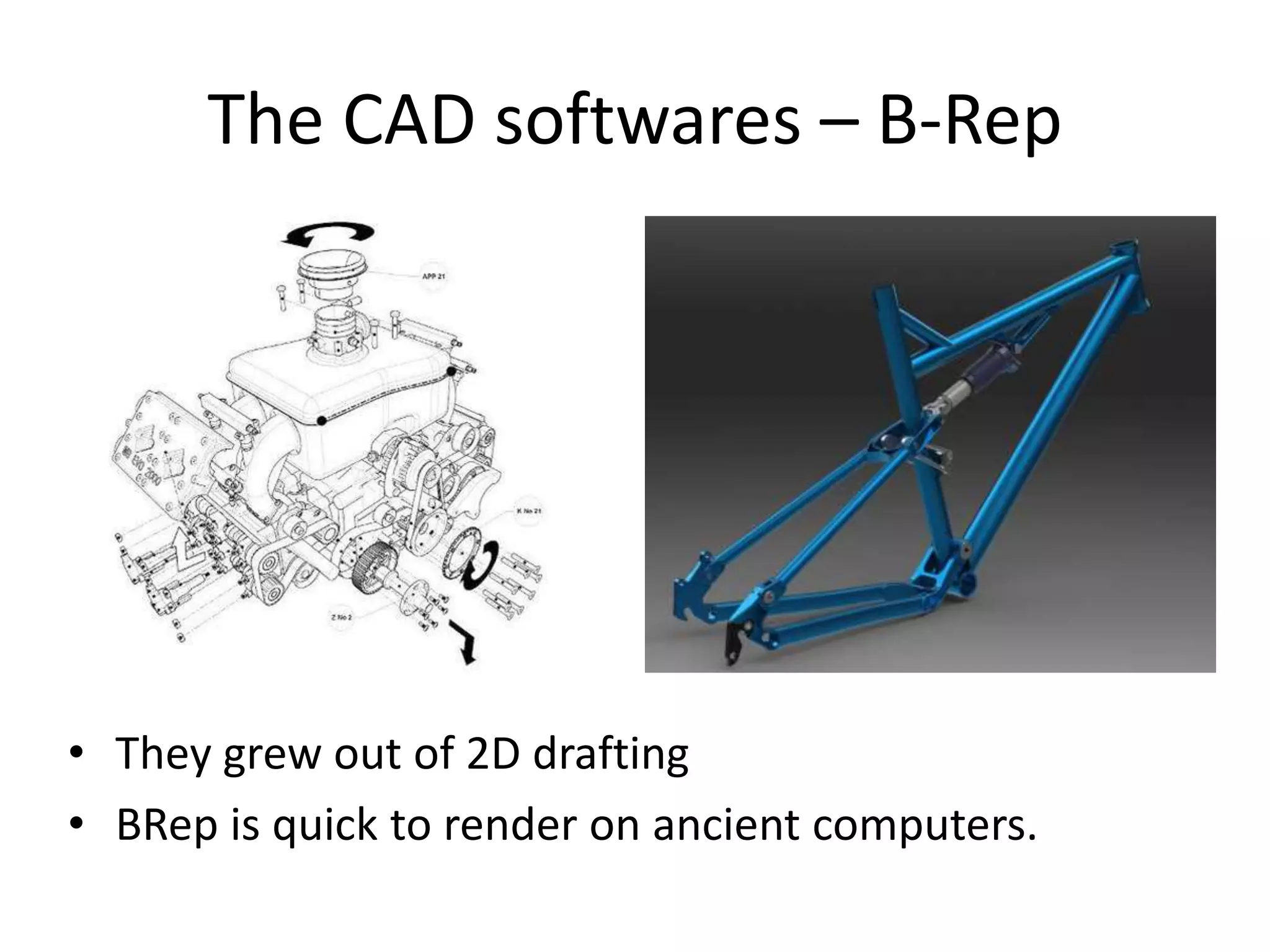
The CAD softwares – B-Rep
• They grew out of 2D drafting
• BRep is quick to render on ancient computers.
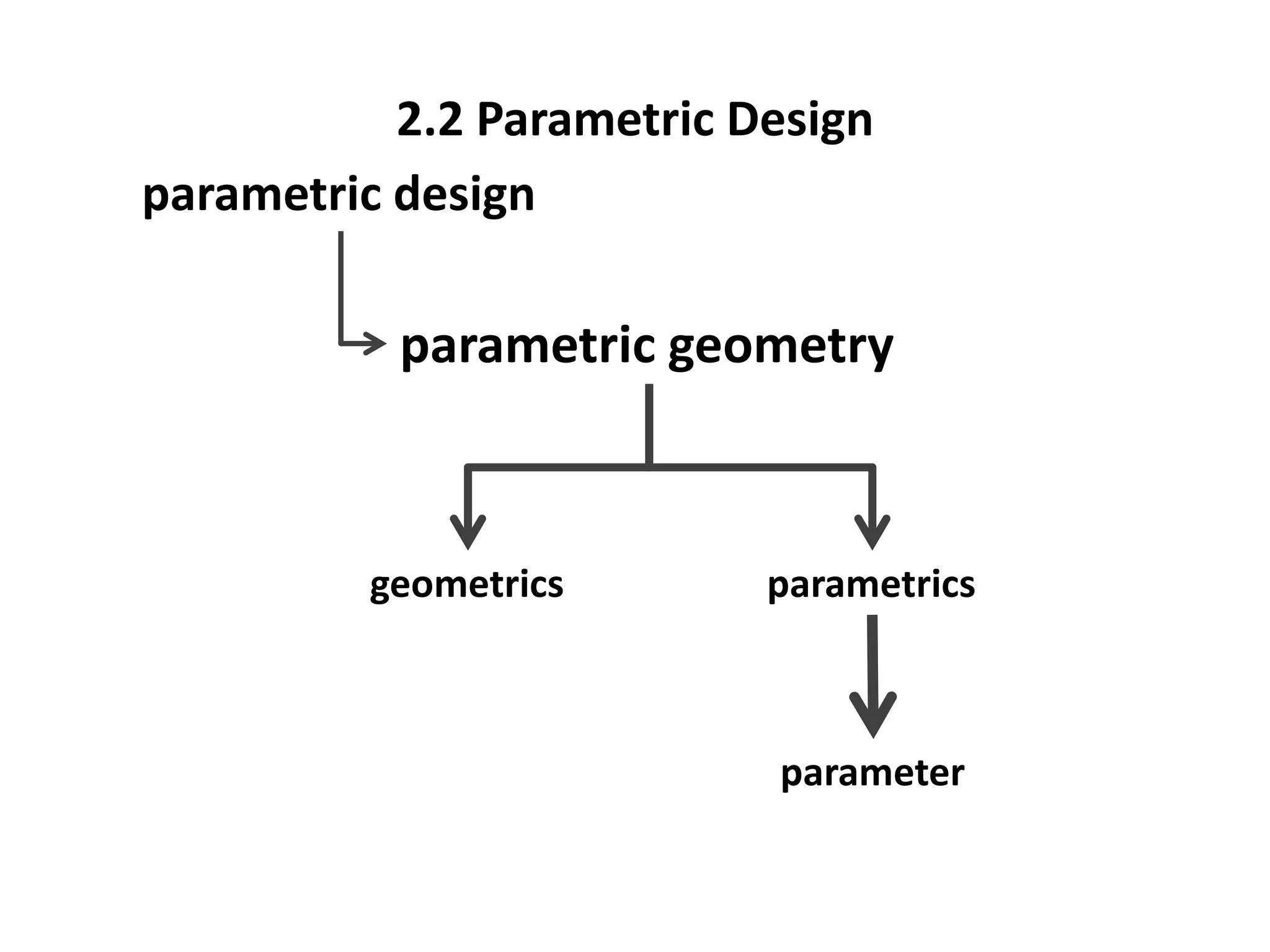
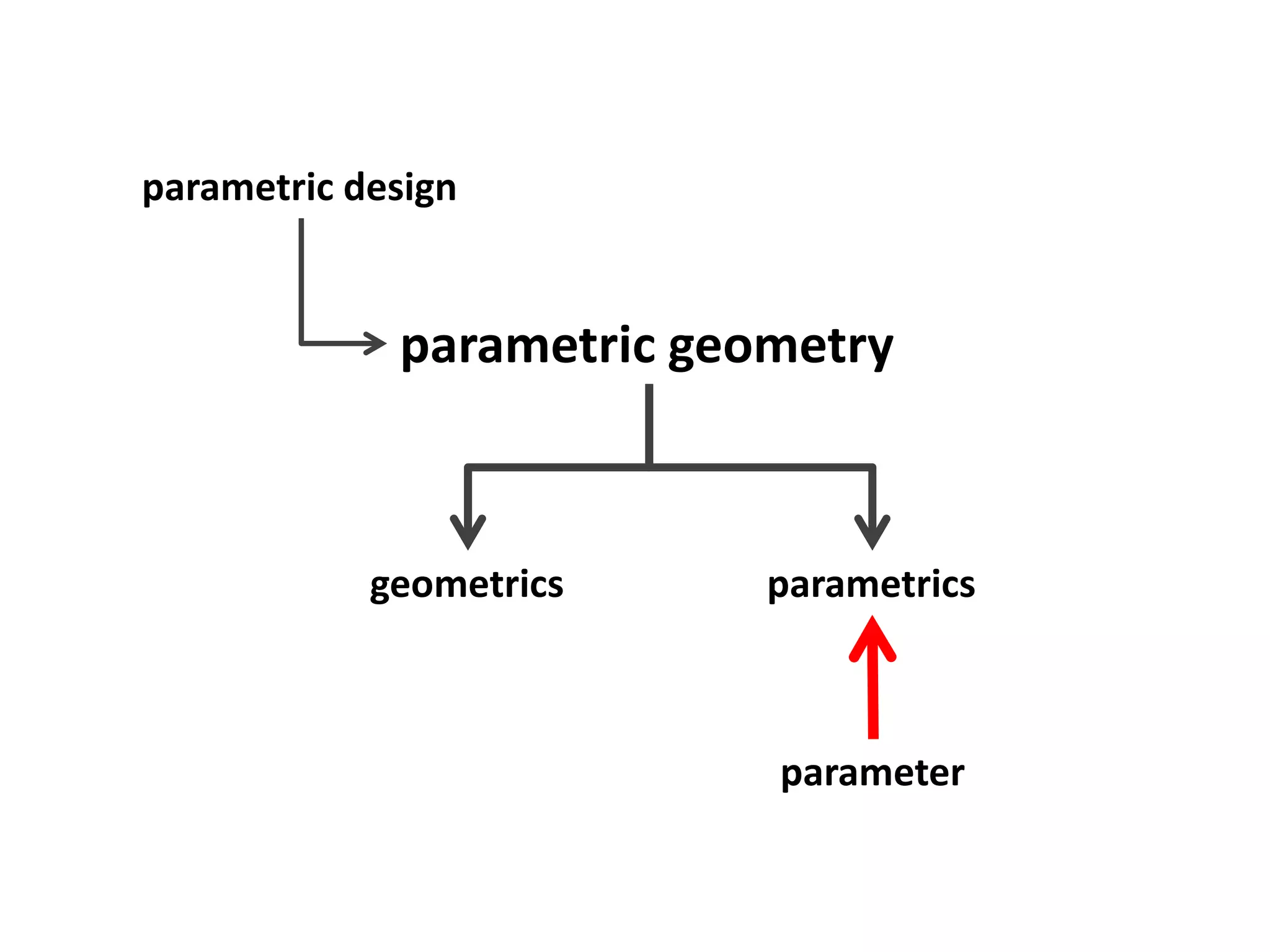
parametric design
parametric geometry
geometrics parametrics
parameter
2.2 Parametric Design
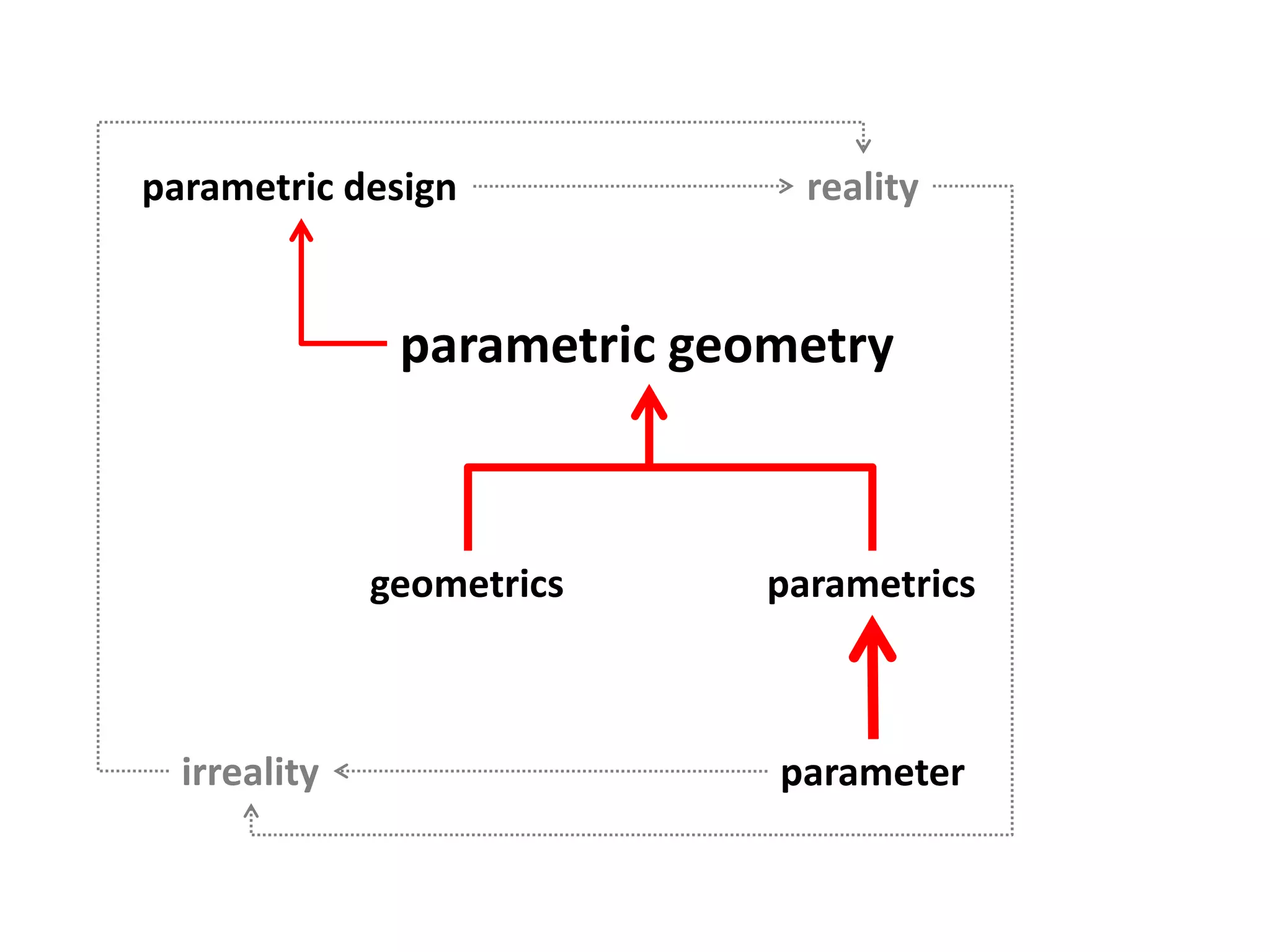
parametric design
parametric geometry
geometrics parametrics
parameter
parametric design
parametric geometry
geometrics parametrics
parameter
reality
irreality
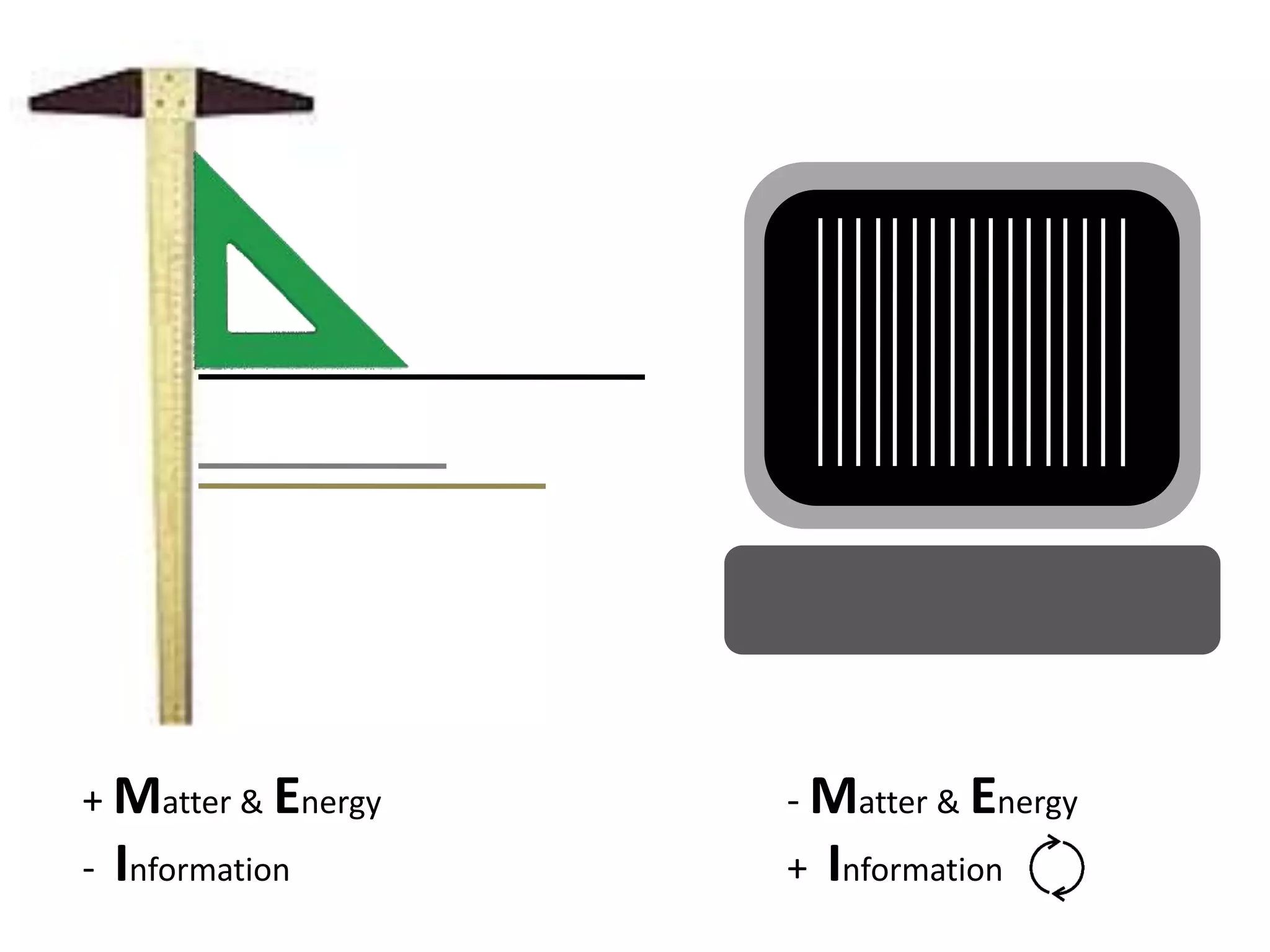
+ Matter & Energy
- Information
- Matter & Energy
+ Information
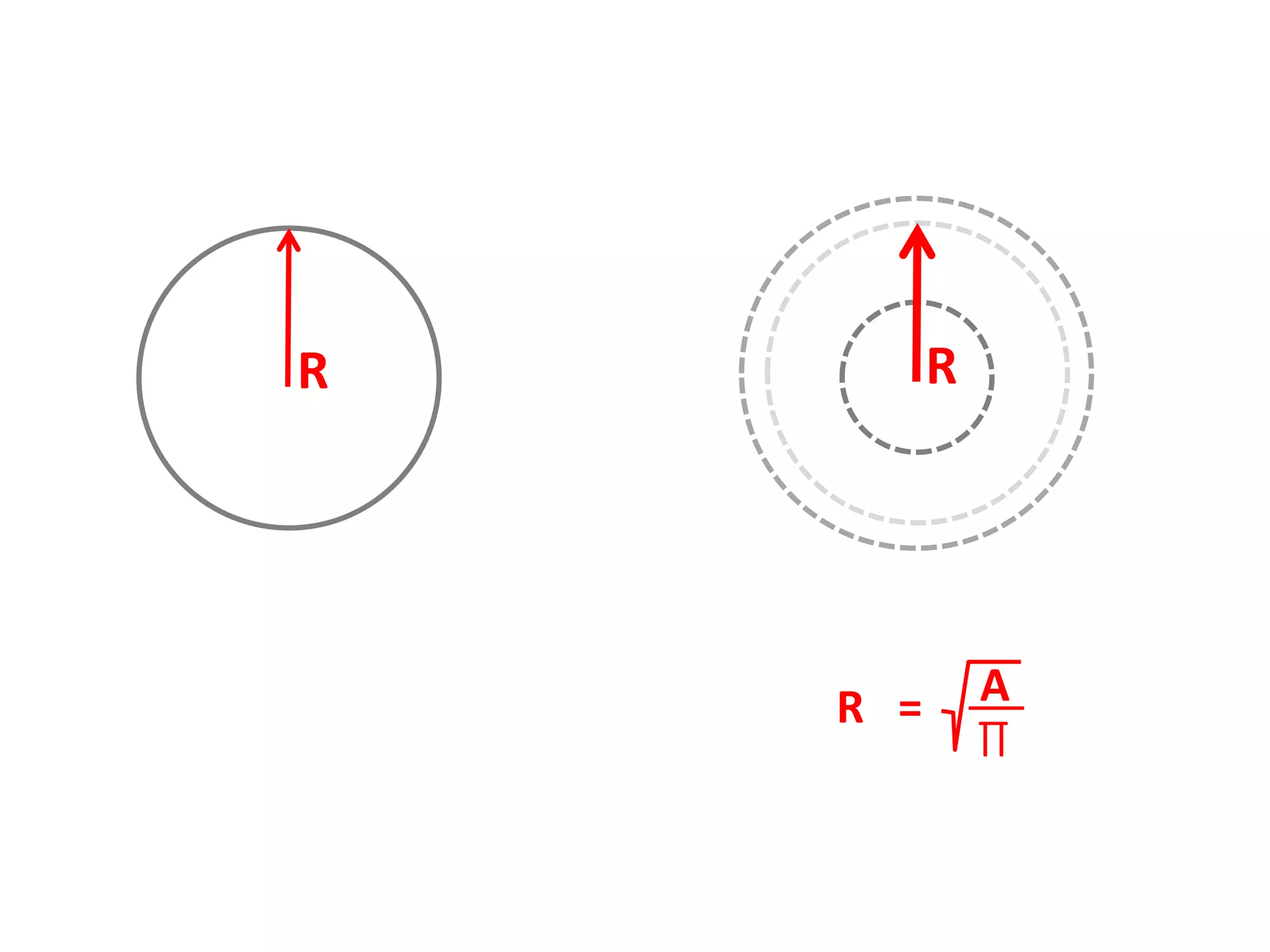
R R
A
∏
R =
A
B
n…
1
2
A = …
B = …
1 = [A+B+….]
2 = [1+B+A…]
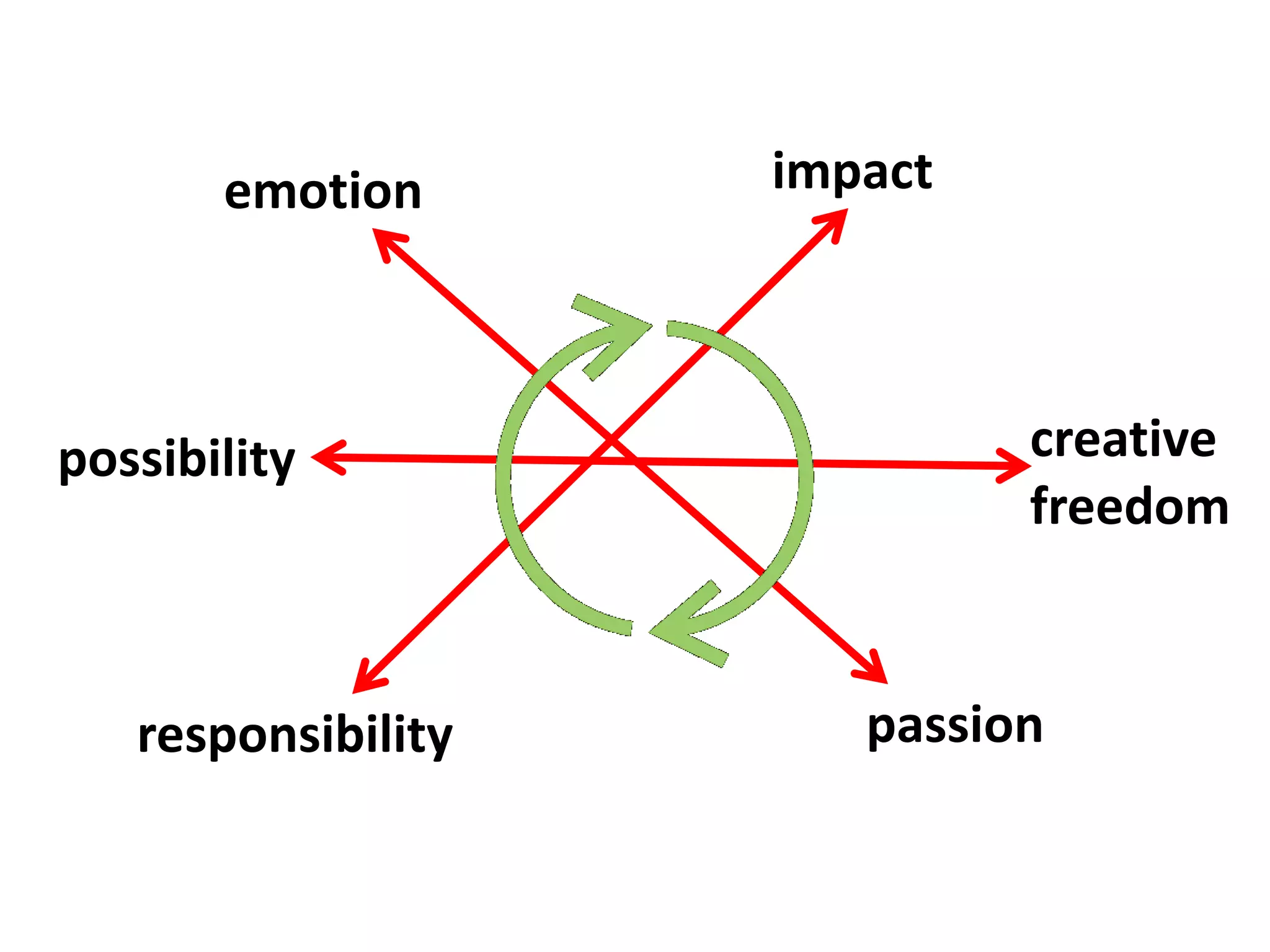
emotion
passion
creative
freedom
responsibility
impact
possibility
M E I
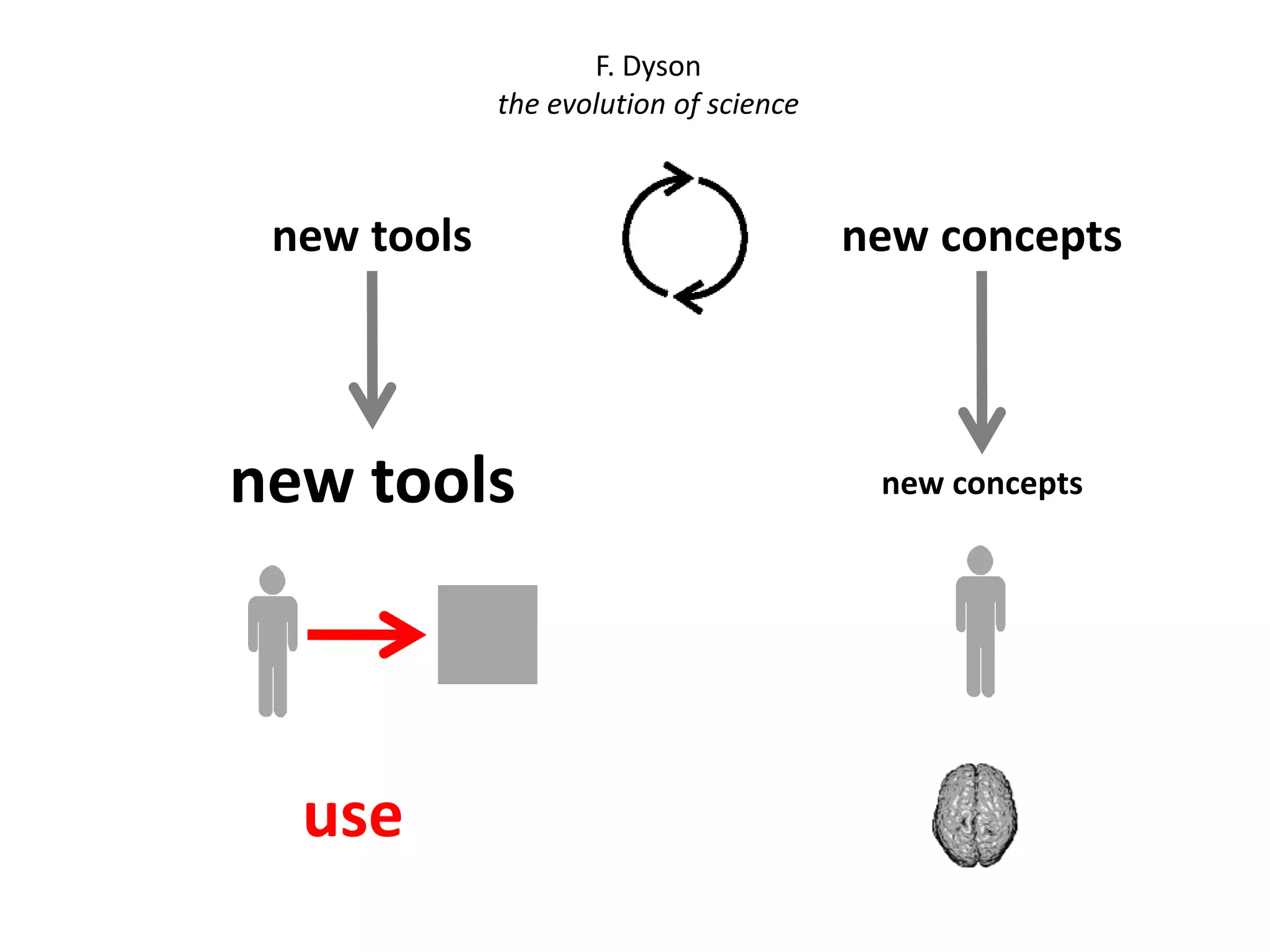
new tools new concepts
F. Dyson
the evolution of science
use
2. CAD
2.3 Software
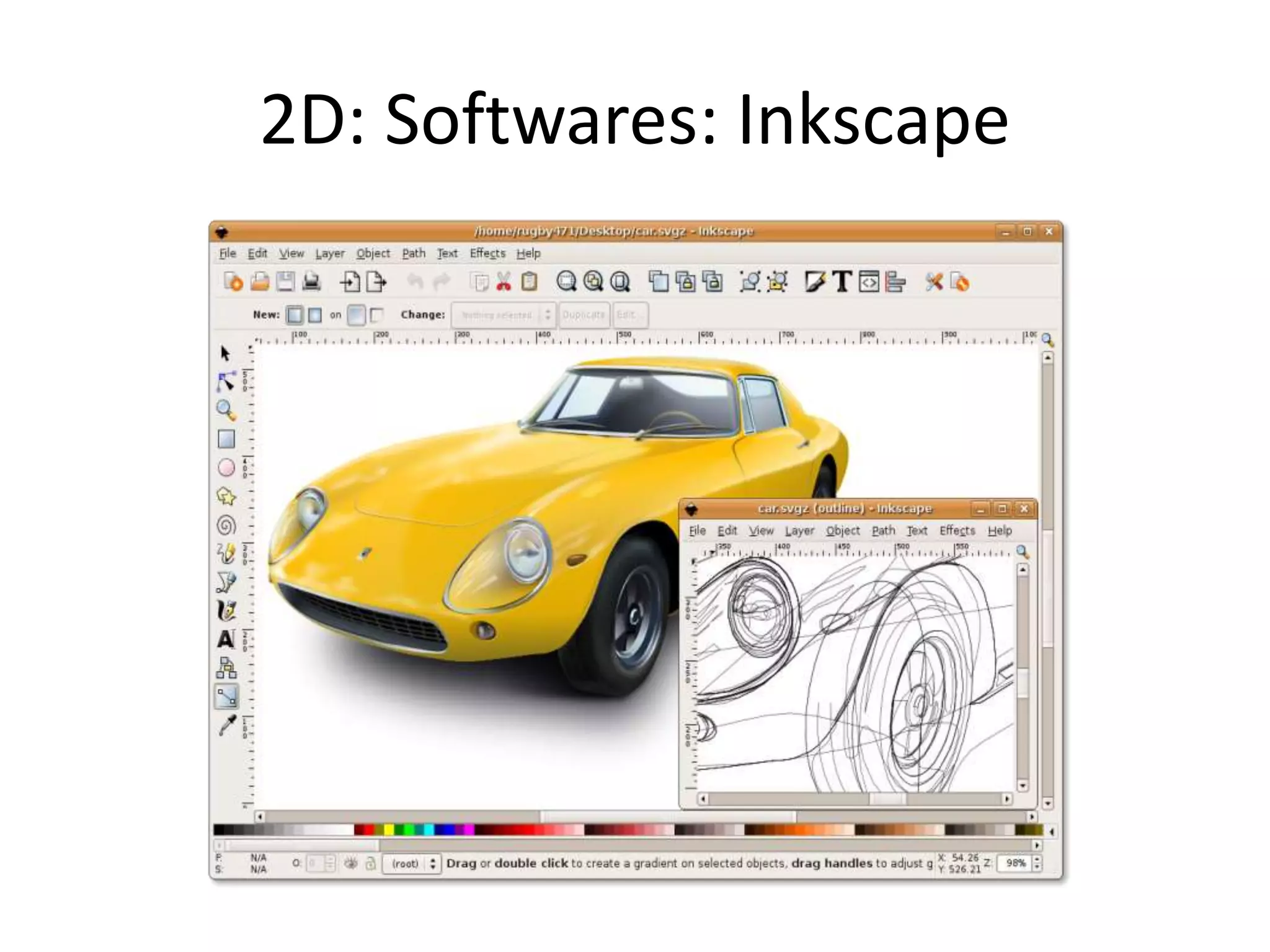
2D: Softwares: Inkscape
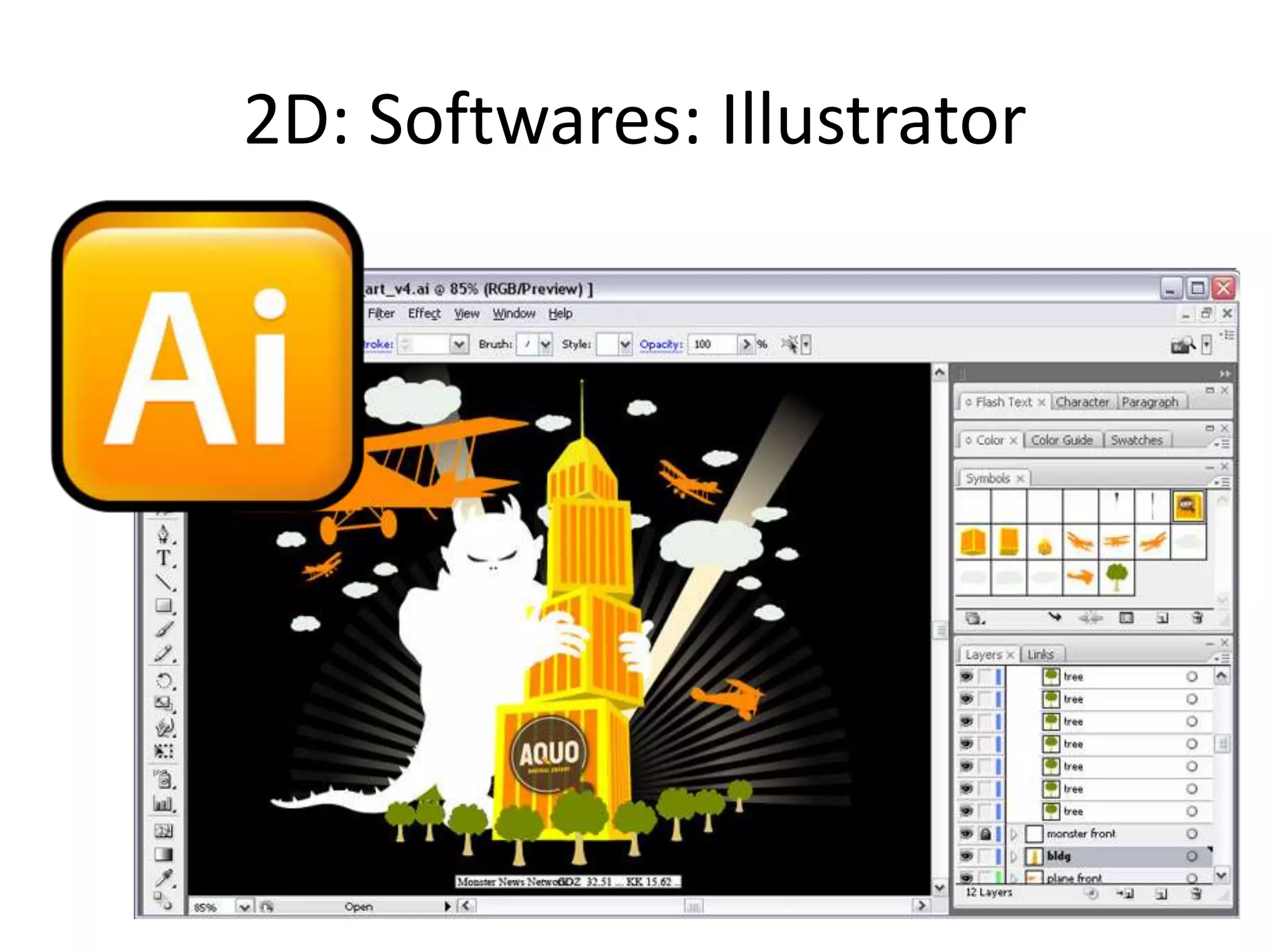
2D: Softwares: Illustrator
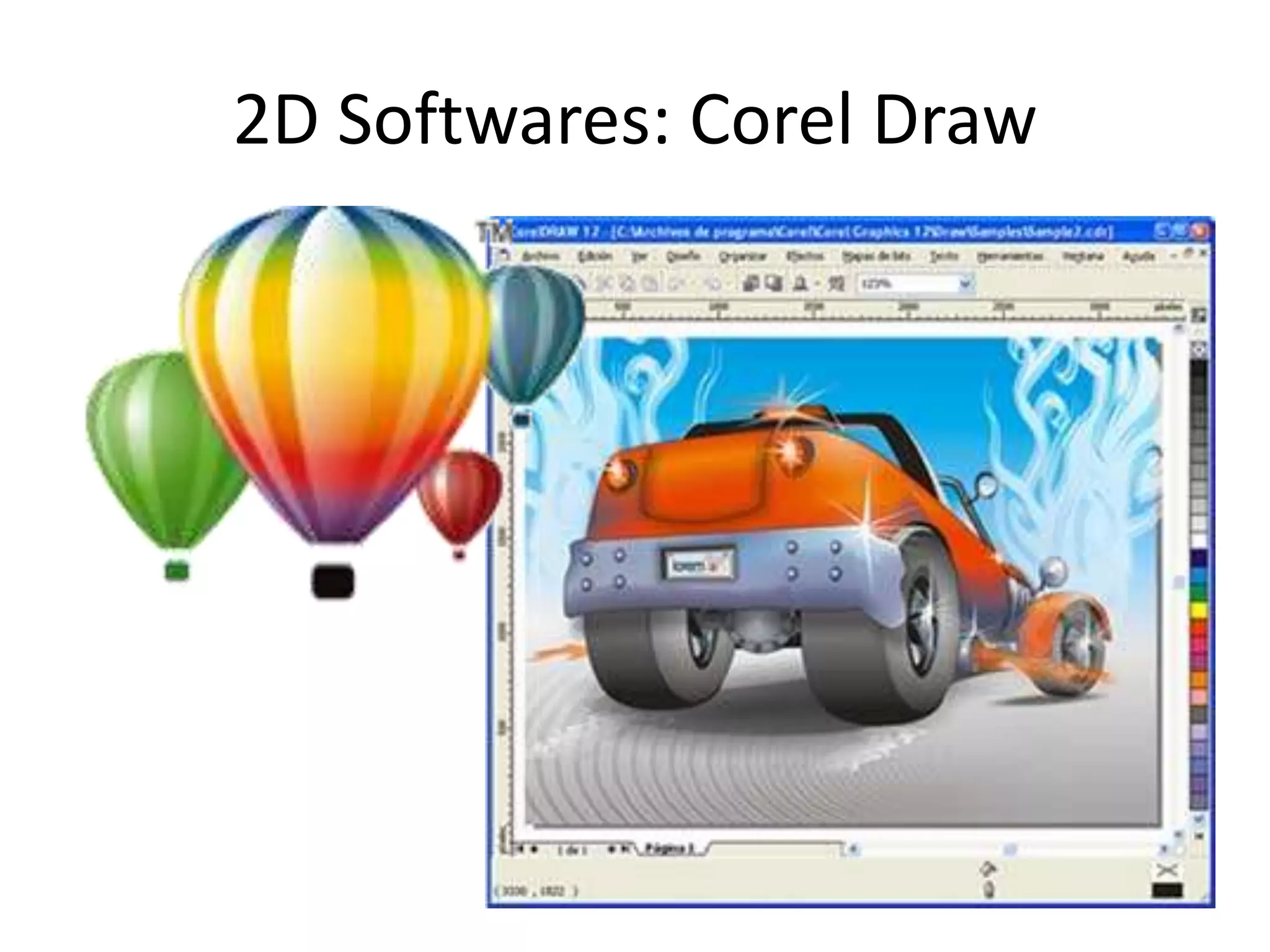
2D Softwares: Corel Draw
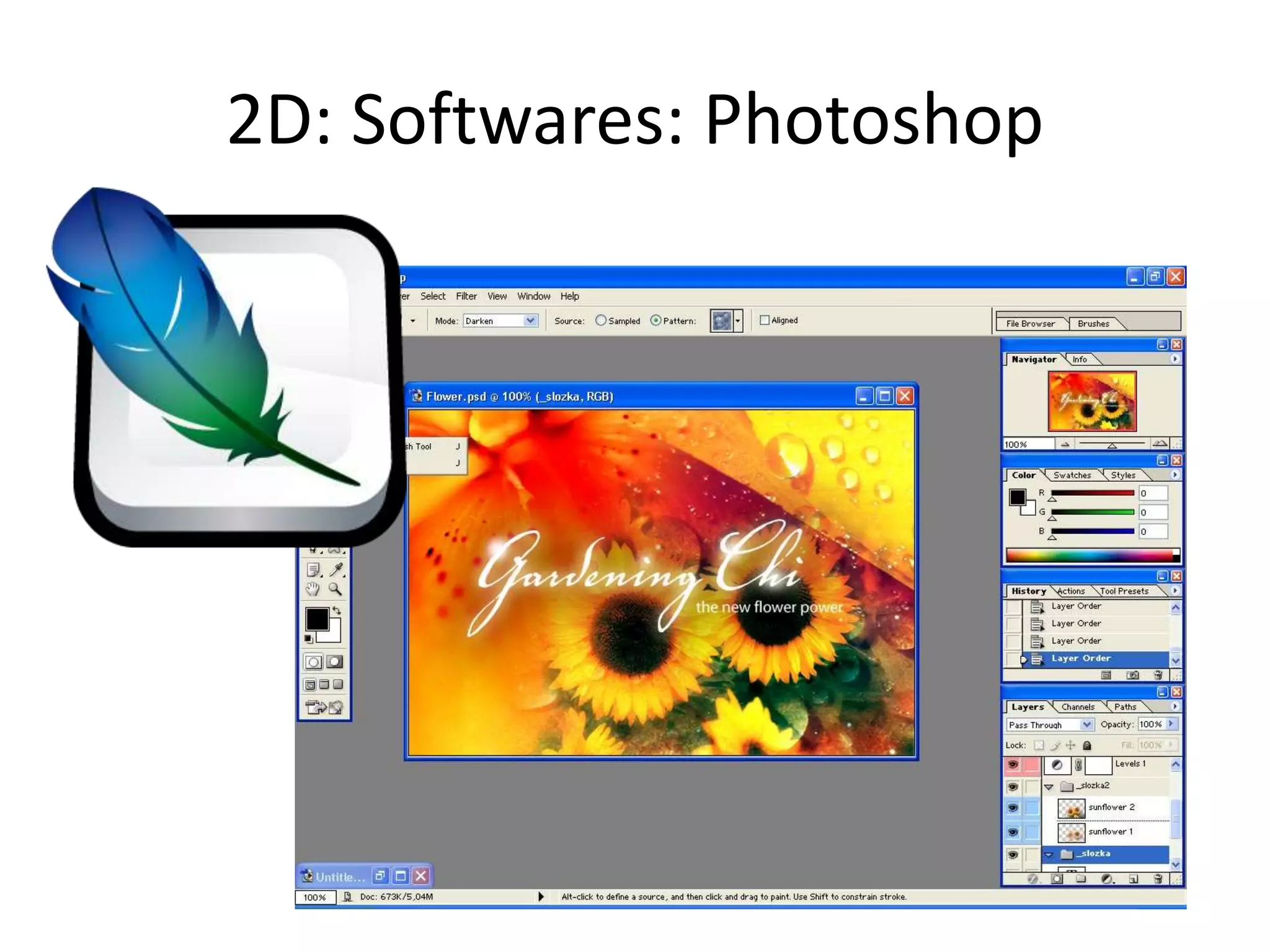
2D: Softwares: Photoshop
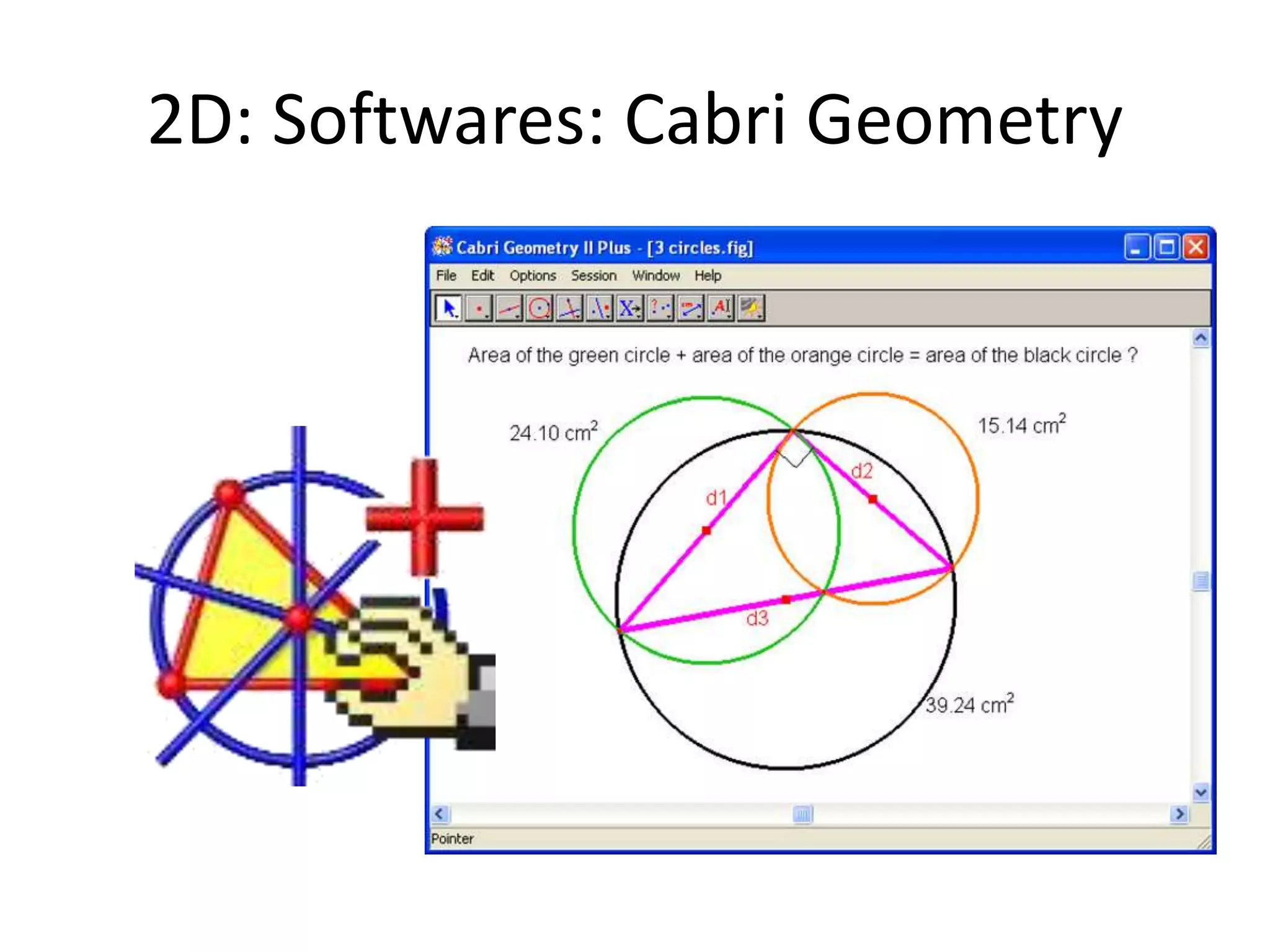
2D: Softwares: Cabri Geometry
3D Software: Blender
Modeling, animation, created by NeoGeo
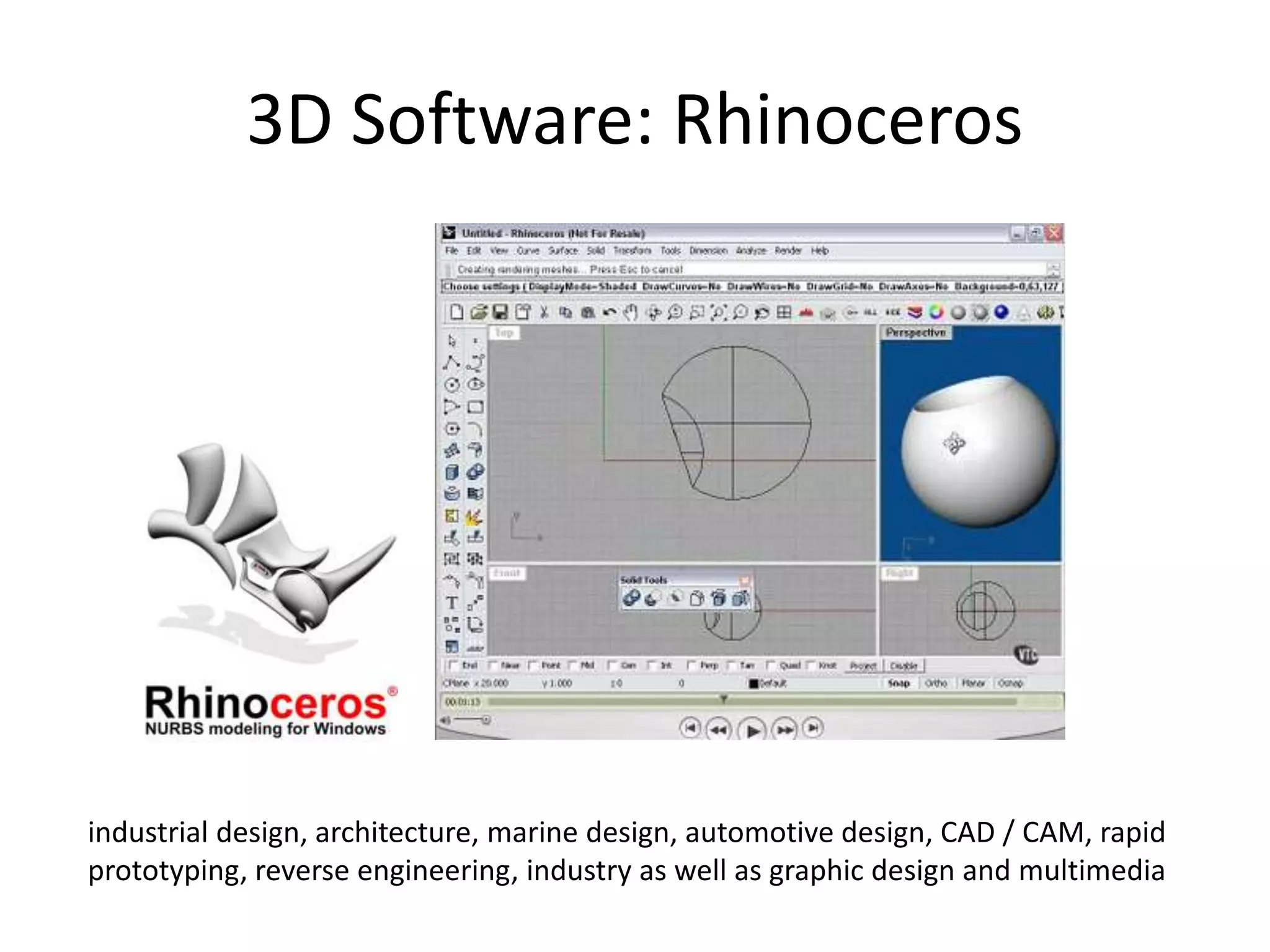
3D Software: Rhinoceros
industrial design, architecture, marine design, automotive design, CAD / CAM, rapid
prototyping, reverse engineering, industry as well as graphic design and multimedia
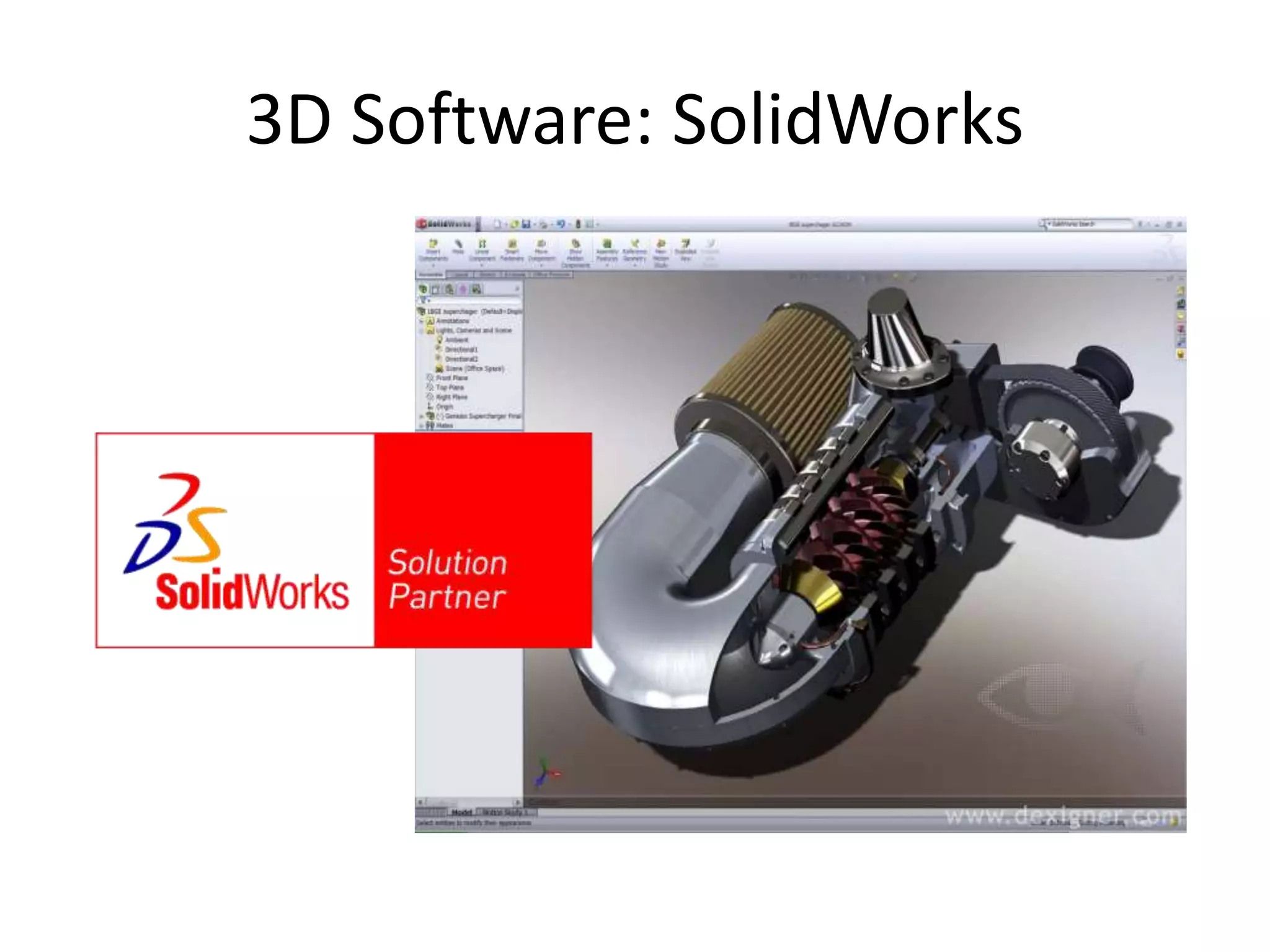
3D Software: SolidWorks
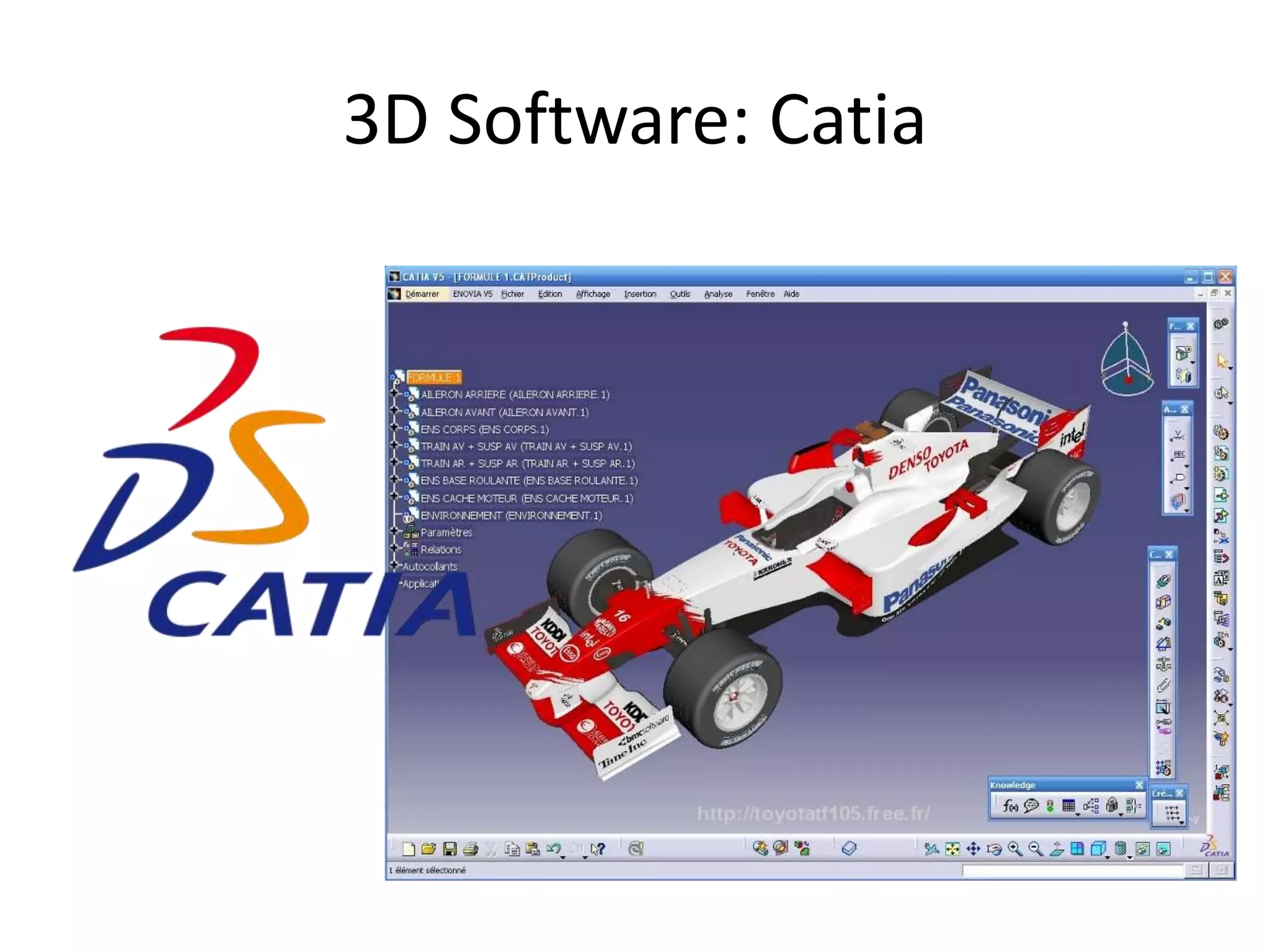
3D Software: Catia
3D Software: Pro Engineer
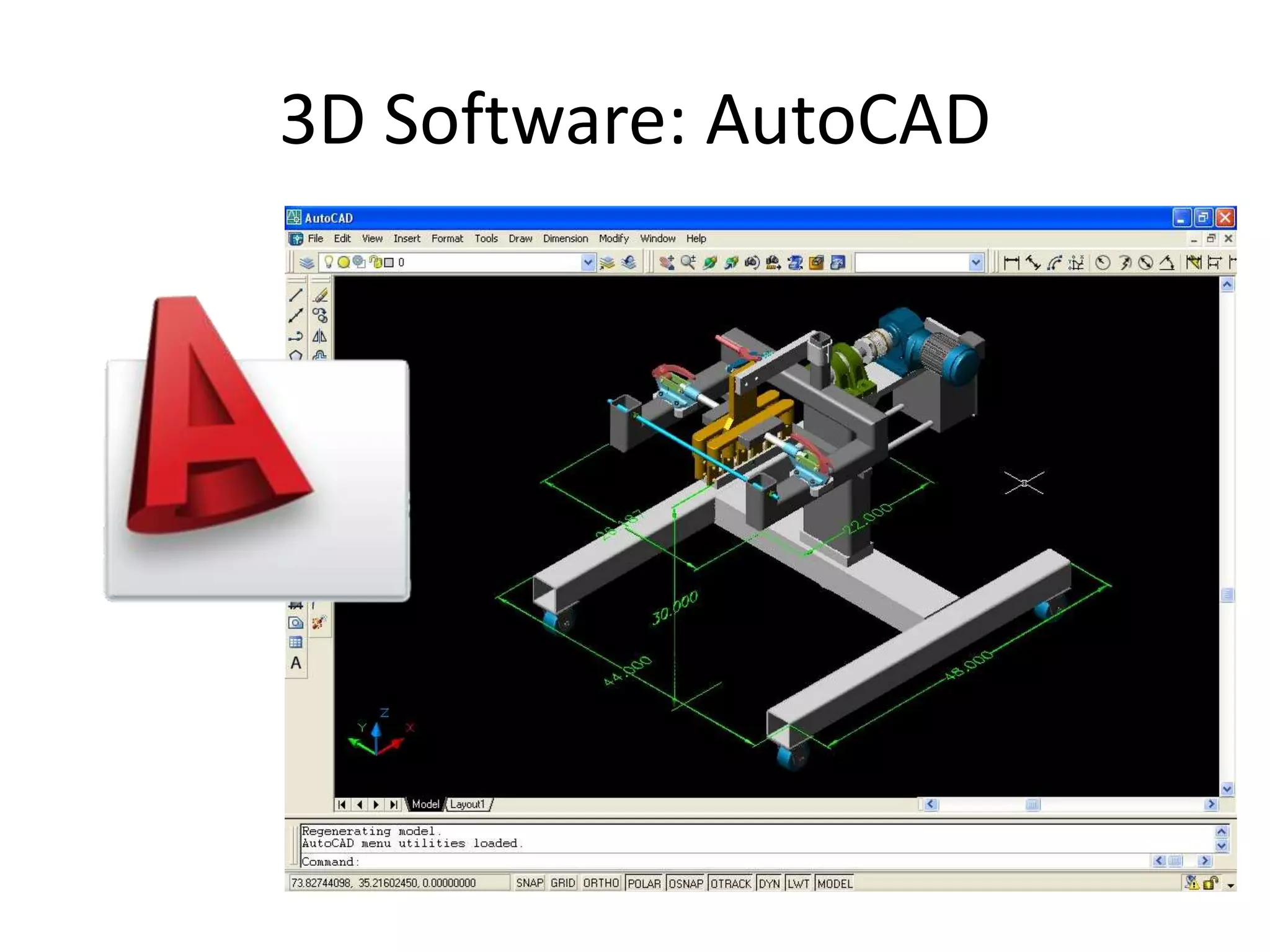
3D Software: AutoCAD
3D Software: Maya
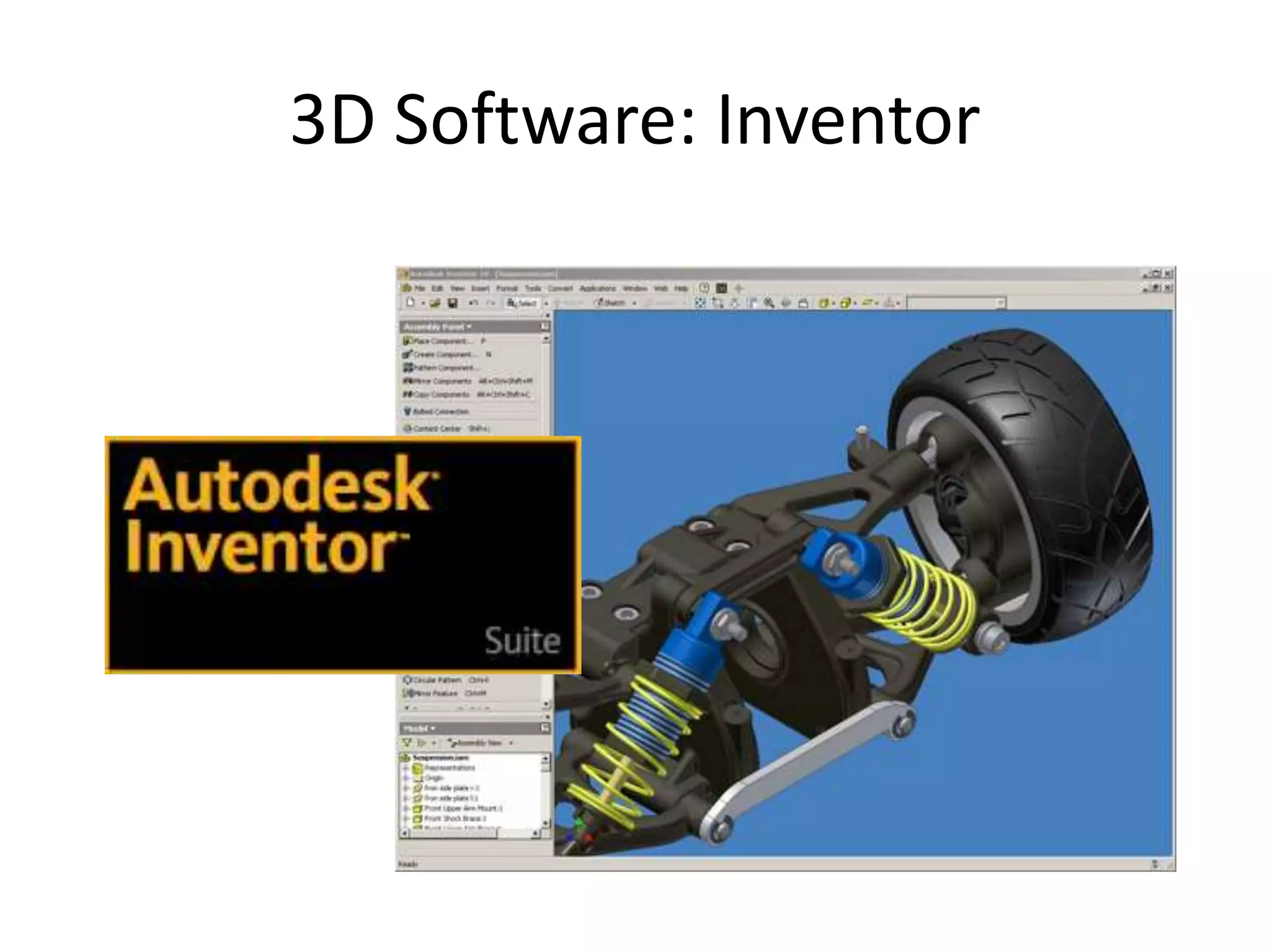
3D Software: Inventor
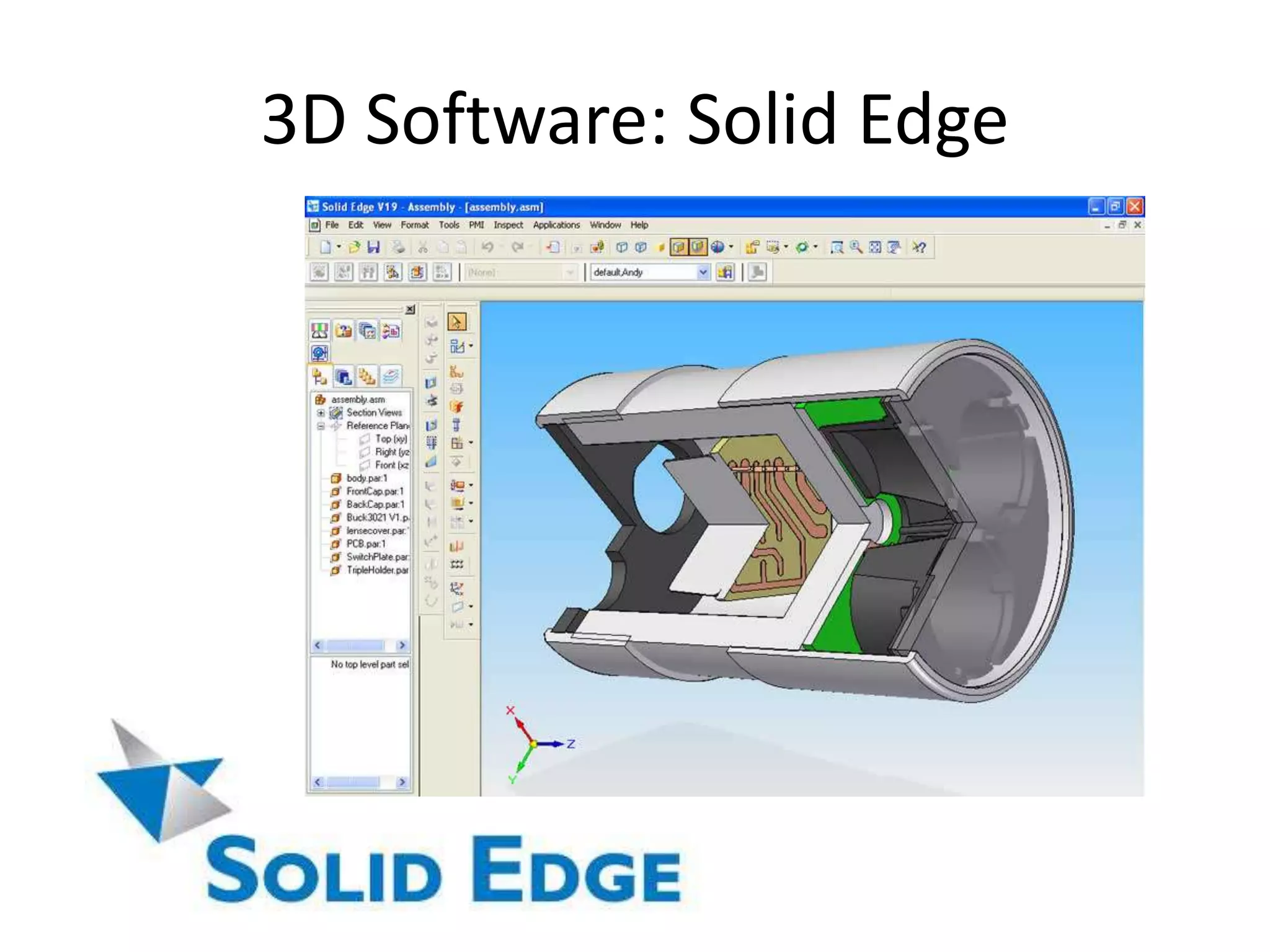
3D Software: Solid Edge
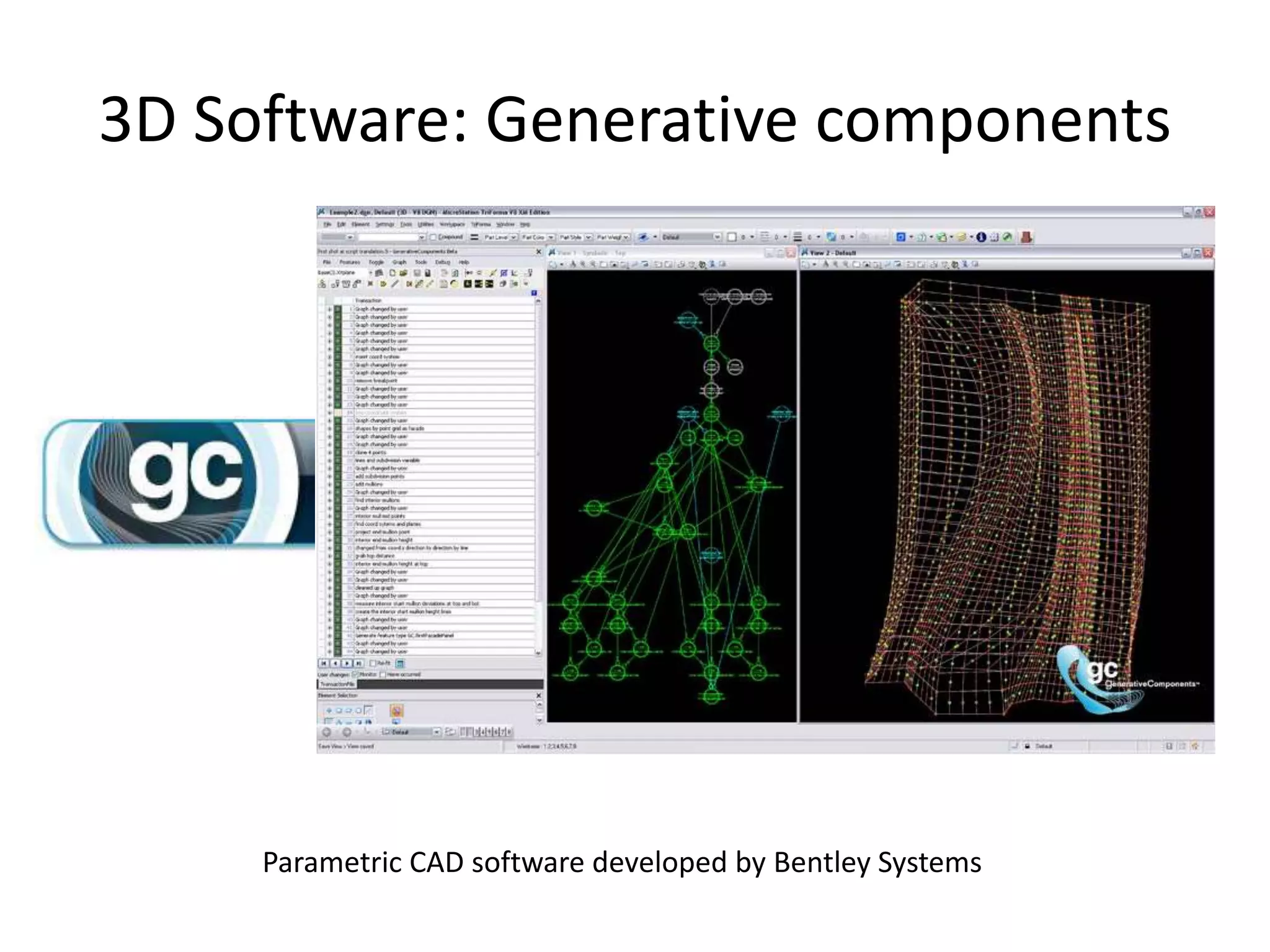
3D Software: Generative components
Parametric CAD software developed by Bentley Systems
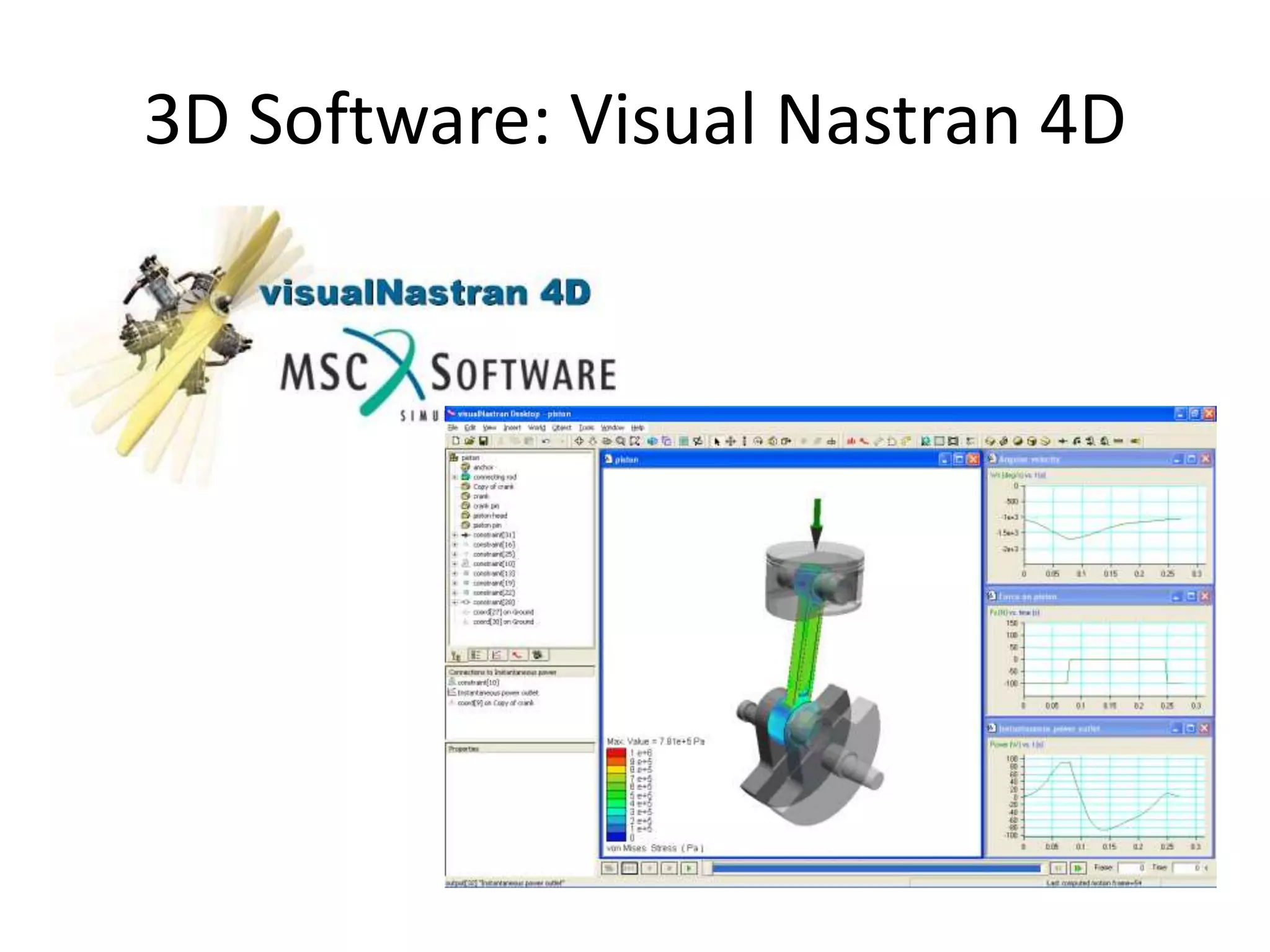
3D Software: Visual Nastran 4D
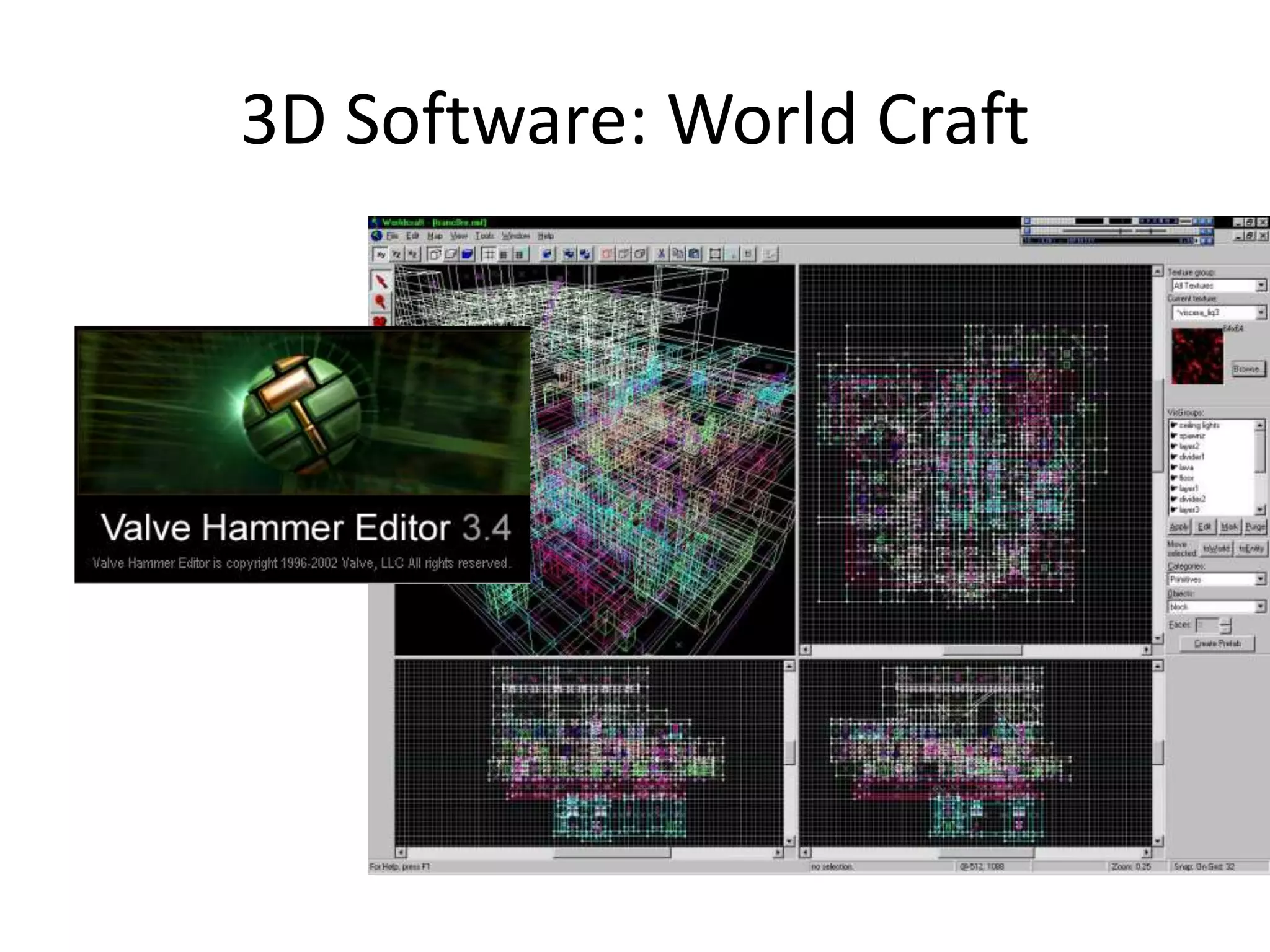
3D Software: World Craft
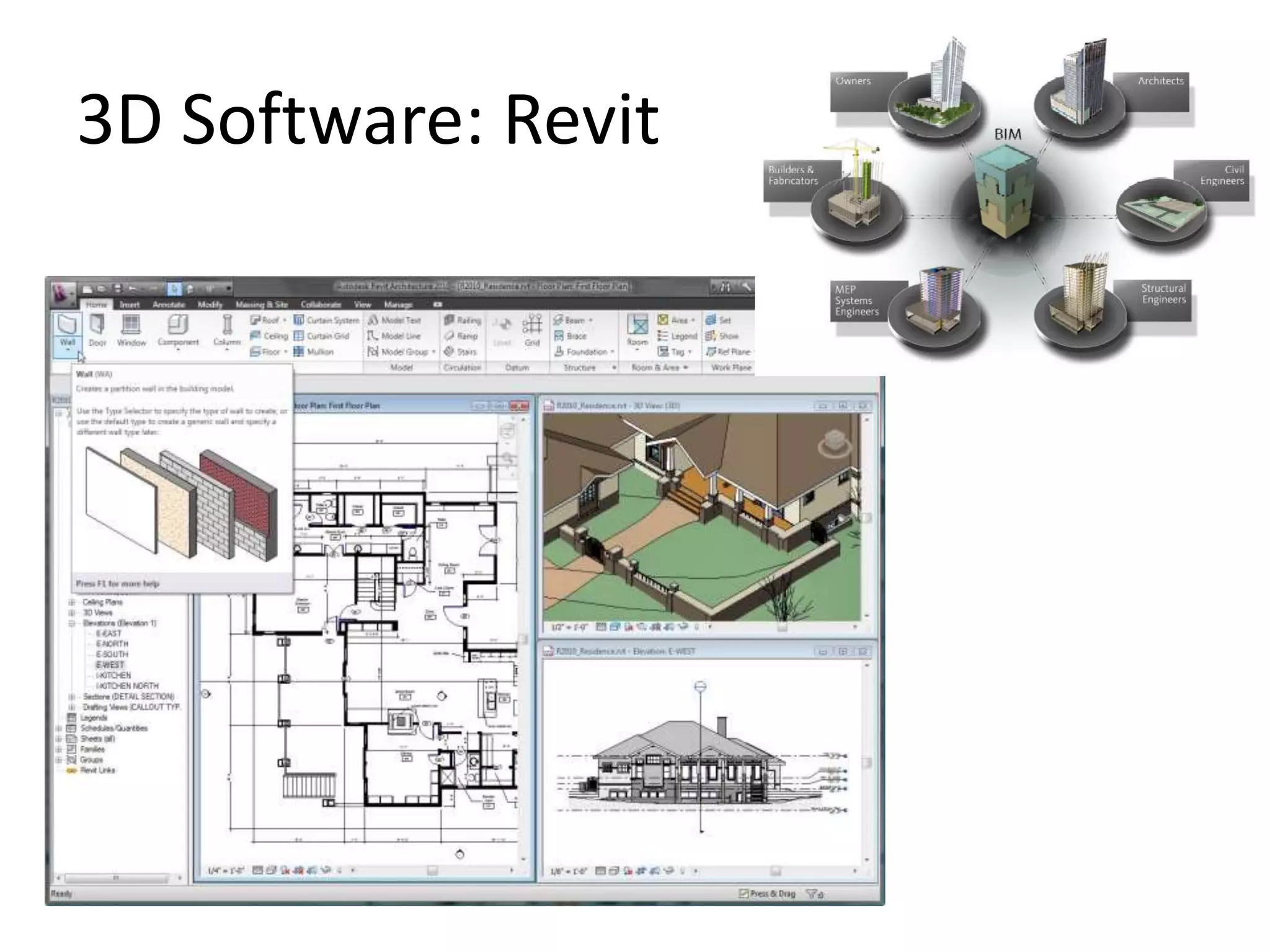
3D Software: Revit
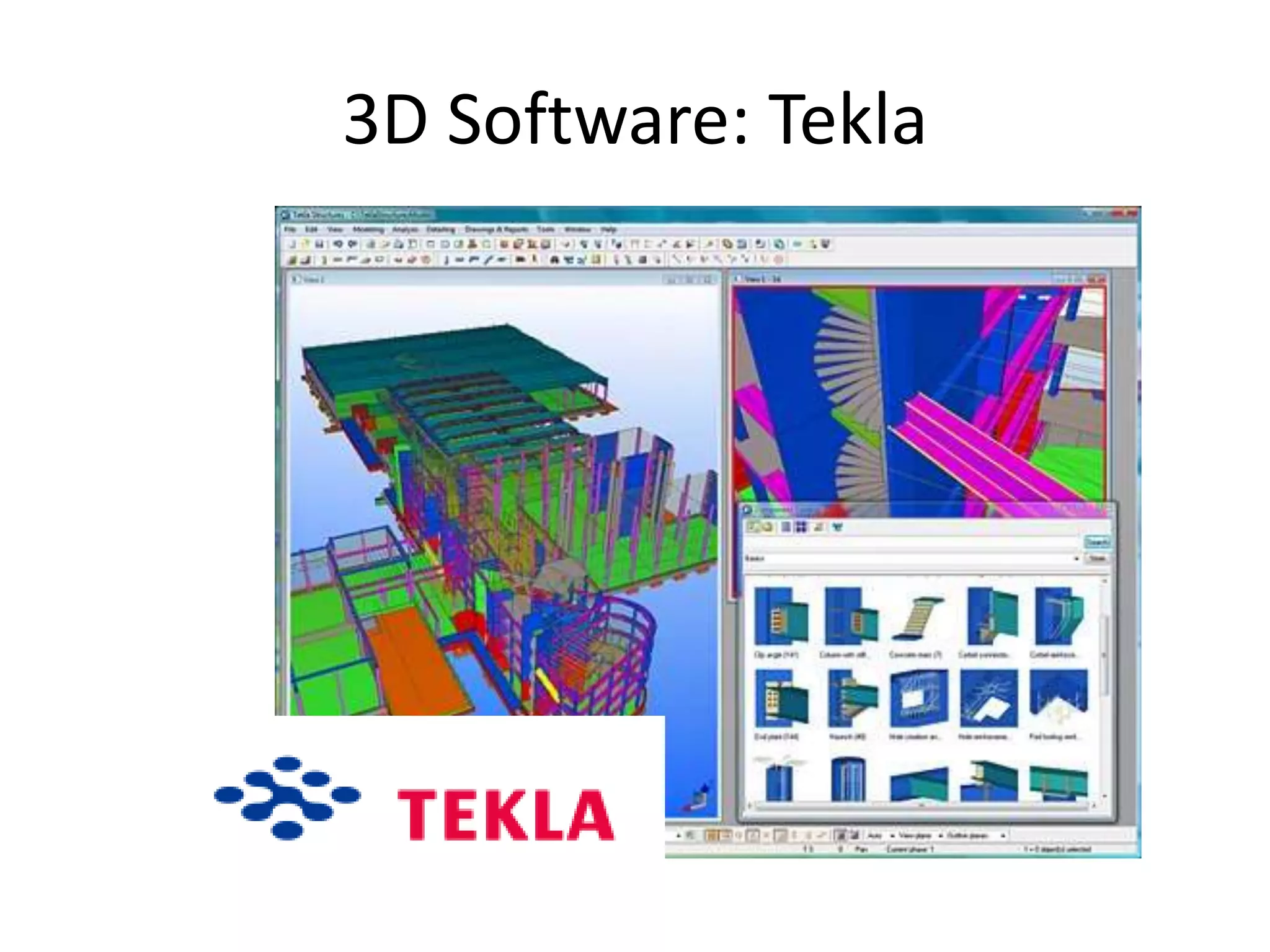
3D Software: Tekla
2. CAD
2.4 Examples
2.41 Computarization
It focuses only in the use of the software.
It requires knowledge knowledge about the
software and its tools.
Example
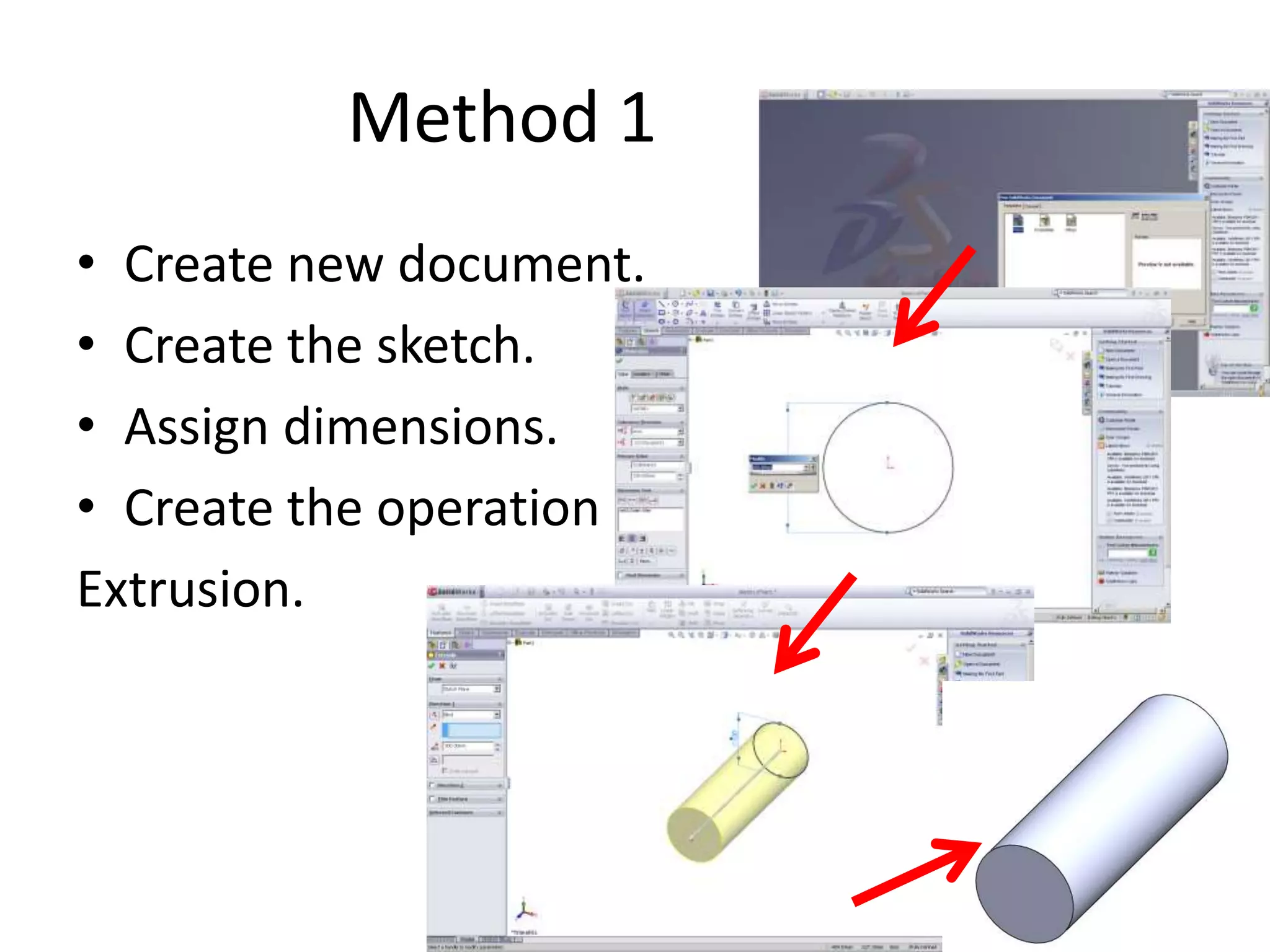
•Model a cylinder
Method 1
• Create new document.
• Create the sketch.
• Assign dimensions.
• Create the operation
Extrusion.
2.42 Computation
It focuses more in logic than in the use of the
software.
It requires knowledge of algorithms.
Example
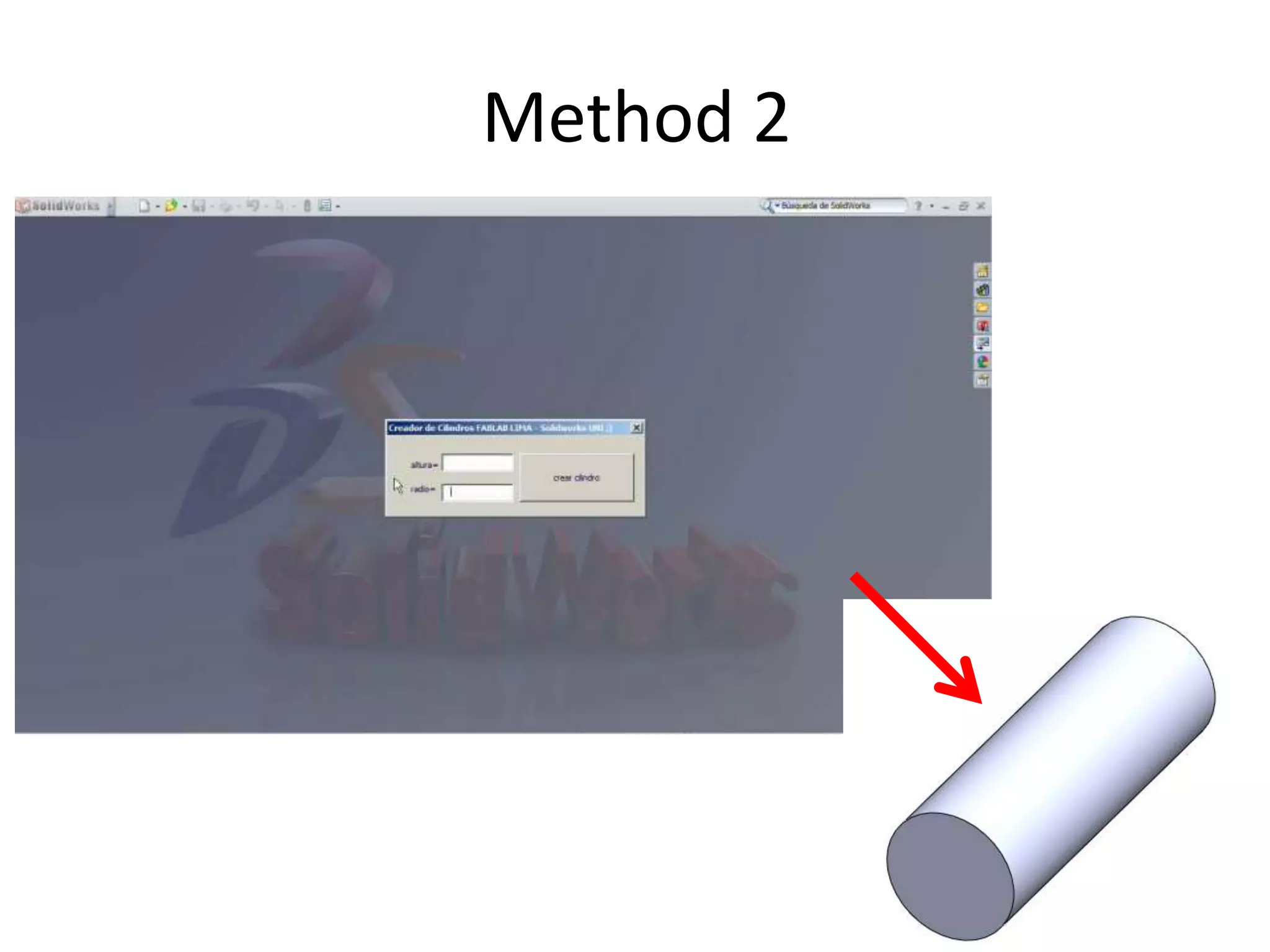
•Model a cylinder
Here a program was created using Visual Basic
and the API of Solidworks.
Method 2
2.43 Another Example
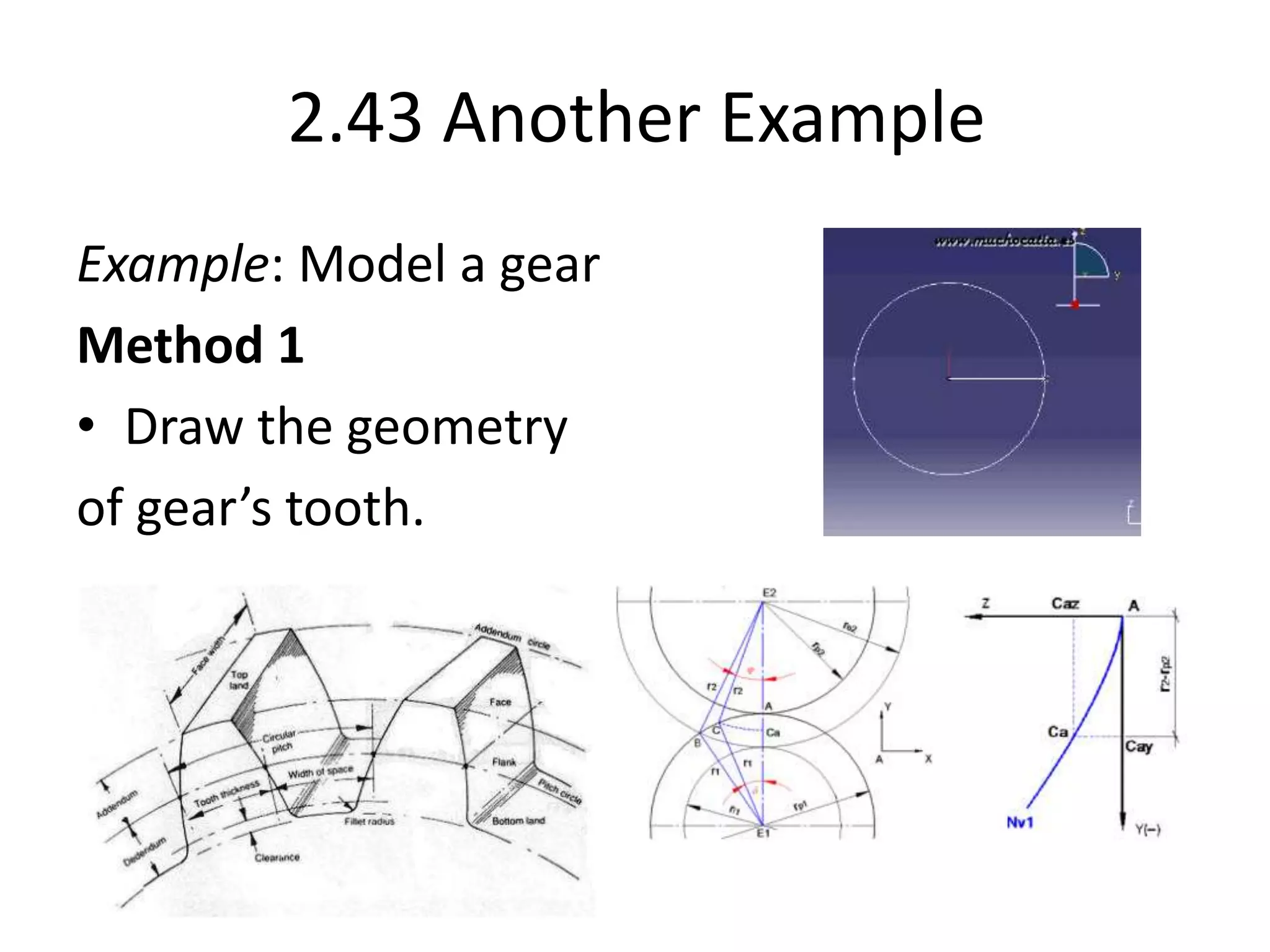
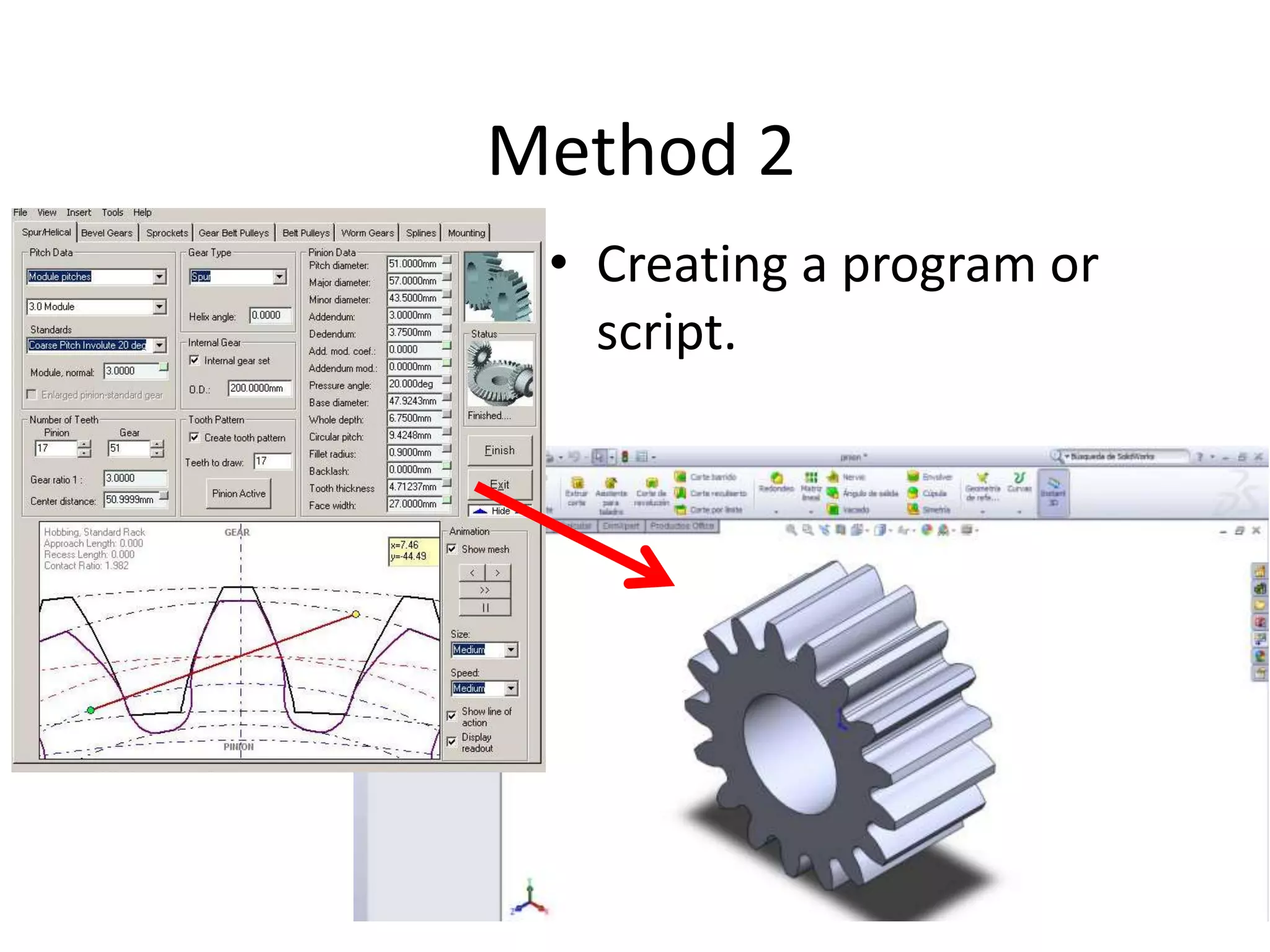
Example: Model a gear
Method 1
• Draw the geometry
of gear’s tooth.
• The geometry of the gear’s teeth is
complicated to draw.
• Each new gear would be a new problem to
solve.
• Thus it is strongly recommended to create a
routine to create gears with some initial
parameters.
• Creating a program or
script.
Method 2
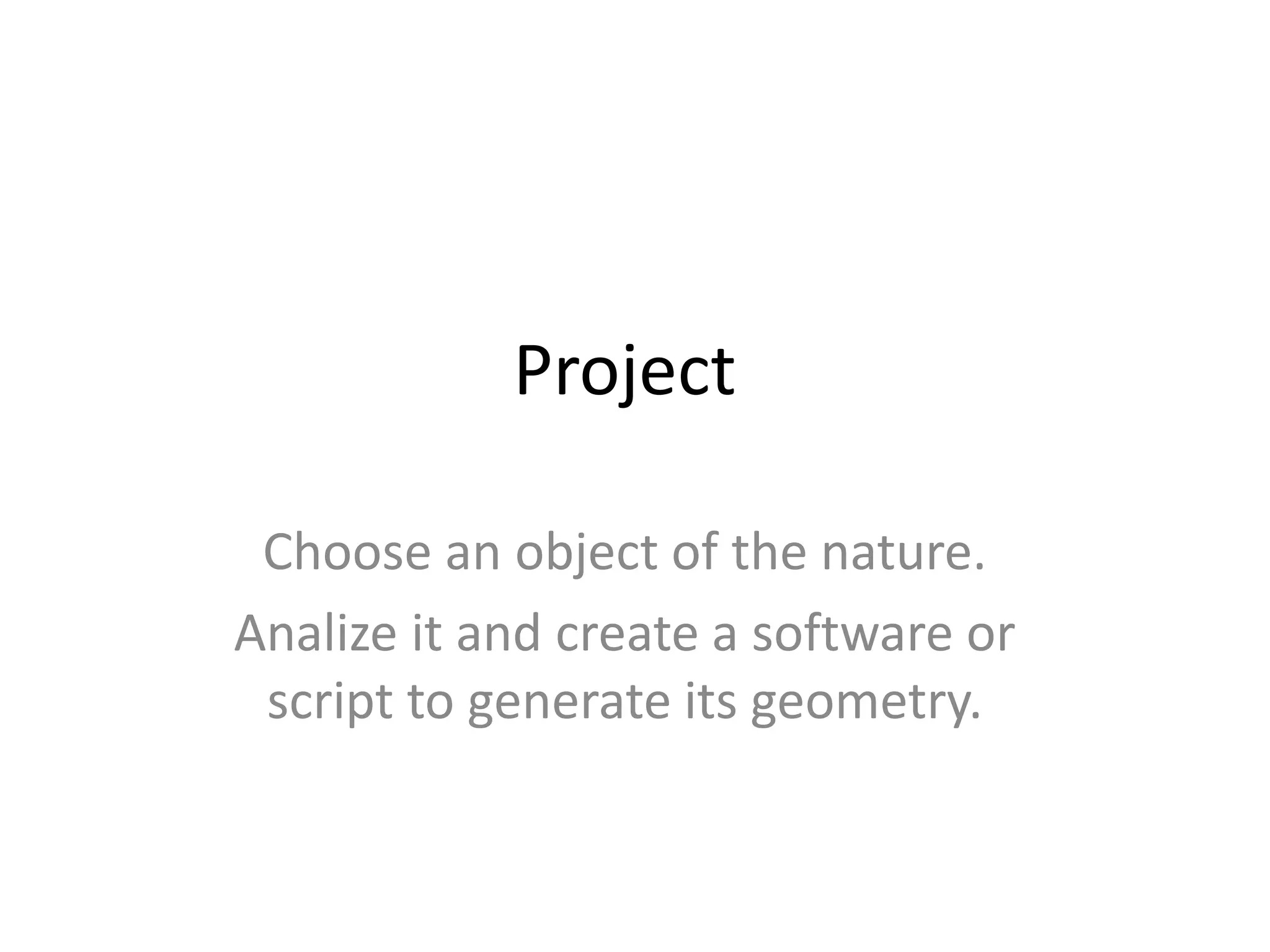
Project
Choose an object of the nature.
Analize it and create a software or
script to generate its geometry.

Cad cam cae