Productive Knowledge Work Samuel Driessen
Introduction myself you
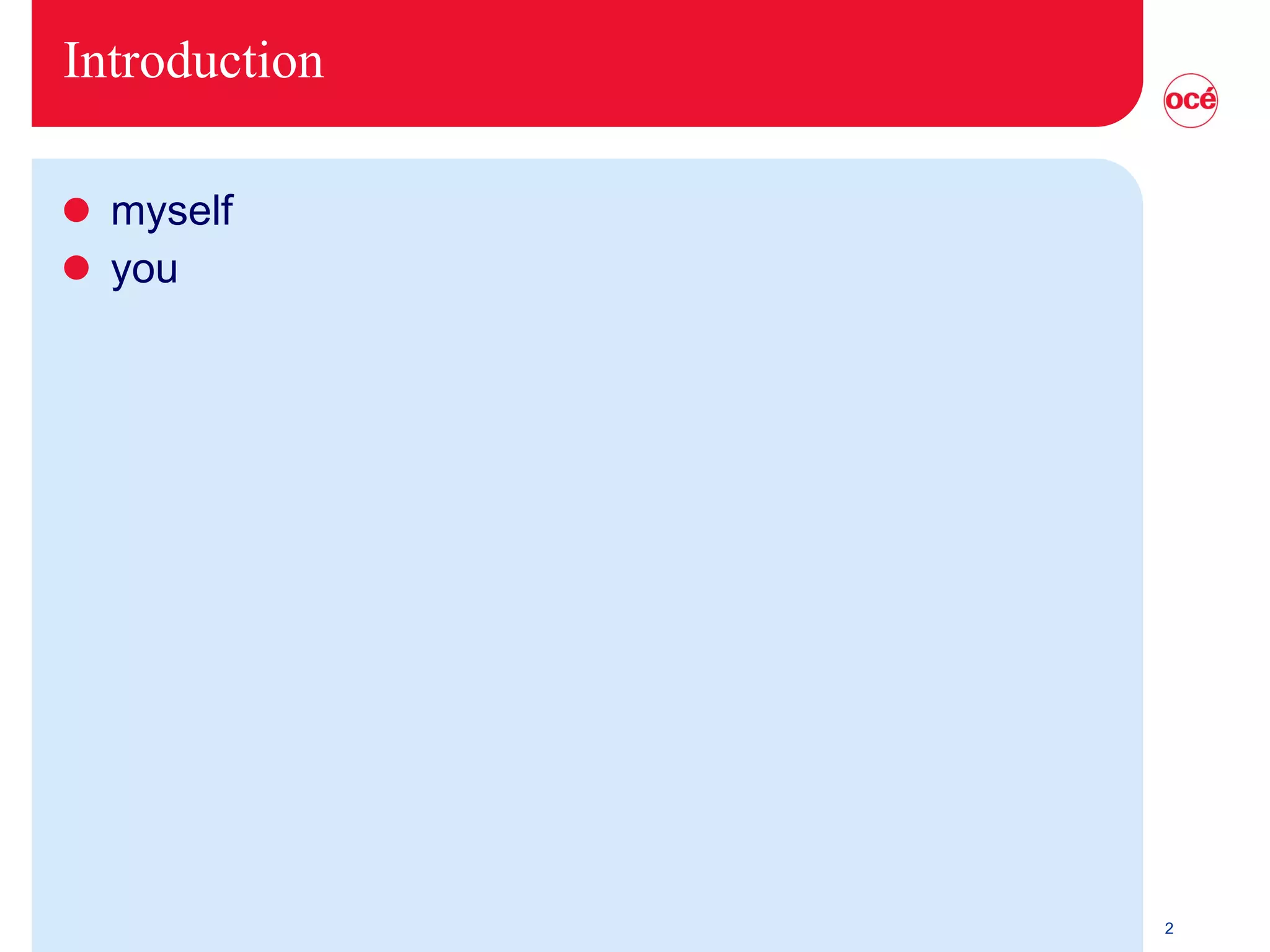
How do you get things done?
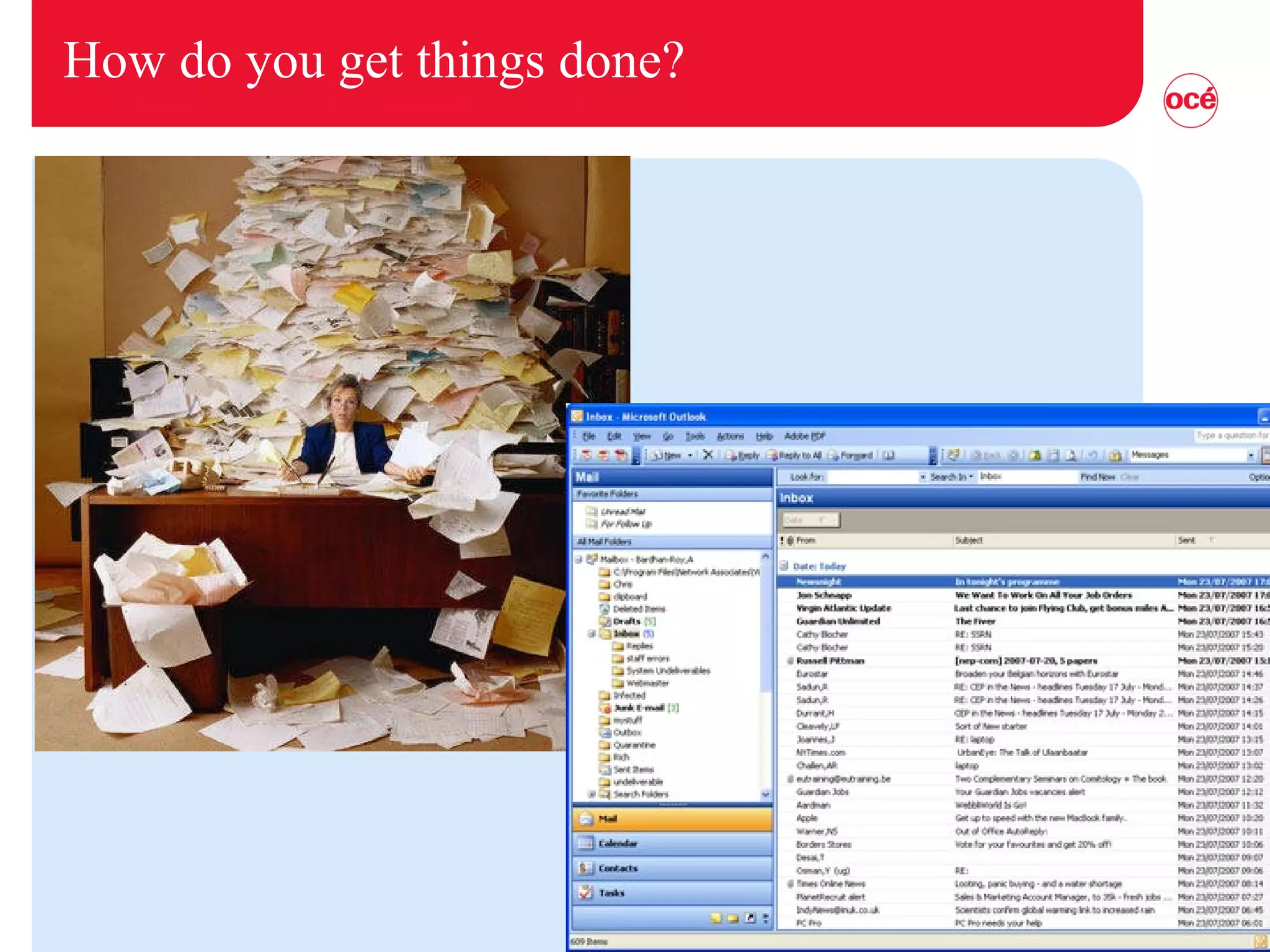
Or is this more like you?
Discussion Where do you stand? And why? Are you productive there? Example of (non-)productive behavior? Where do you want to stand? And why? Experience with other productivity methods?
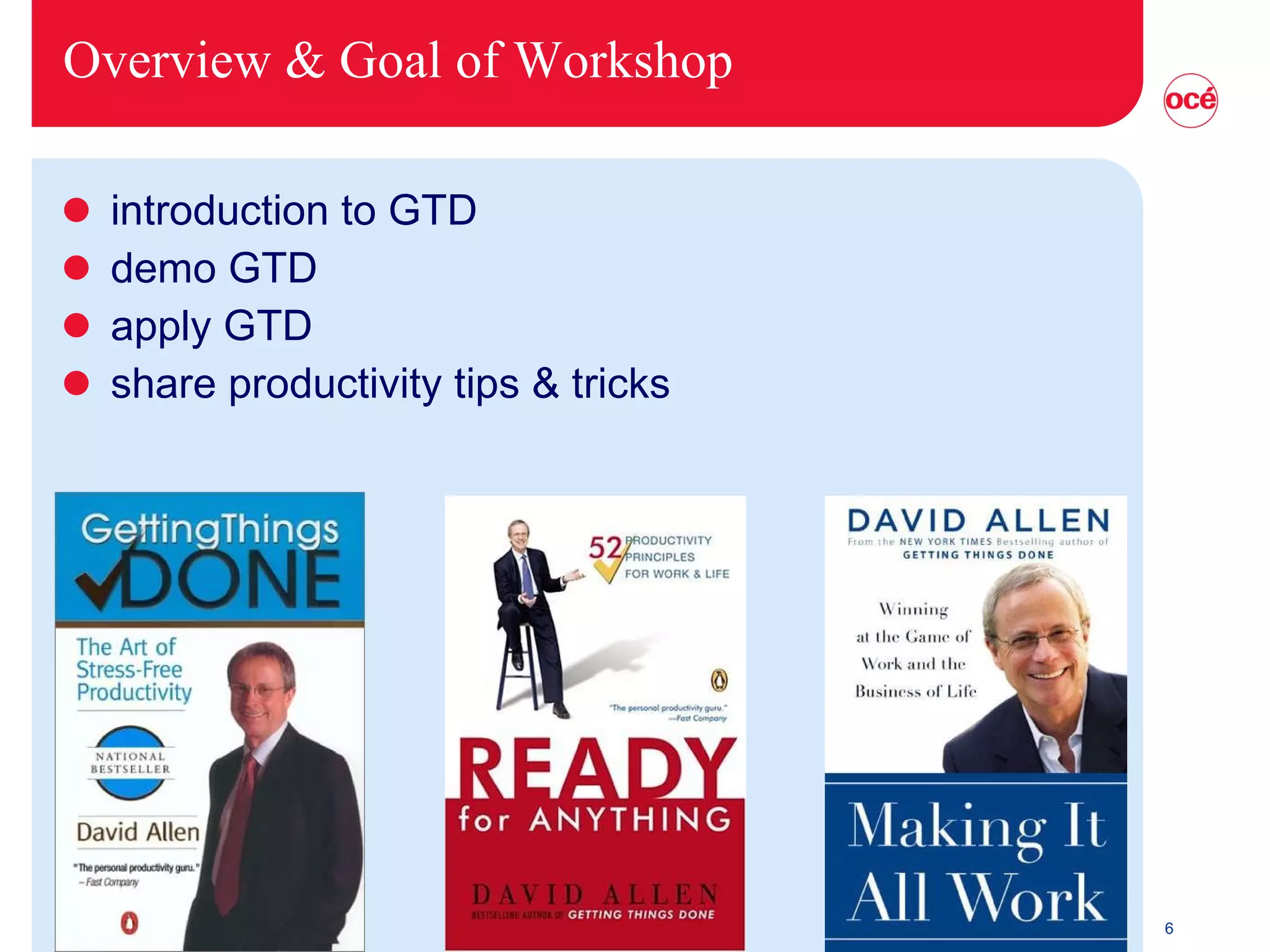
Overview & Goal of Workshop introduction to GTD demo GTD apply GTD share productivity tips & tricks
Situation Have you learned to be a knowledge worker (2.0)? “…  works primarily with information or … develops and uses knowledge in the workplace” (Drucker) Getting (the right) Things Done Productivity  =  Effectiveness   (Doing the Right Things) Performance  =  Efficiency   (Doing Things Right)
Productivity methods usually vague not practical not easy not work-private life integrated
Basics Get things out of your head… … put them in a trusted system … … so you have them when you need them.
Step 1 - A bucket Get everything out of your head books tasks ideas Collect it in a bucket
Step 2 - Process Bucket Top down One at a time Don’t put it back First time: Do it in 1 day. Then: Do it daily Is it actionable? Yes? What is the next outcome? What is the successful outcome? Do (< 2min.) - Delegate - Defer
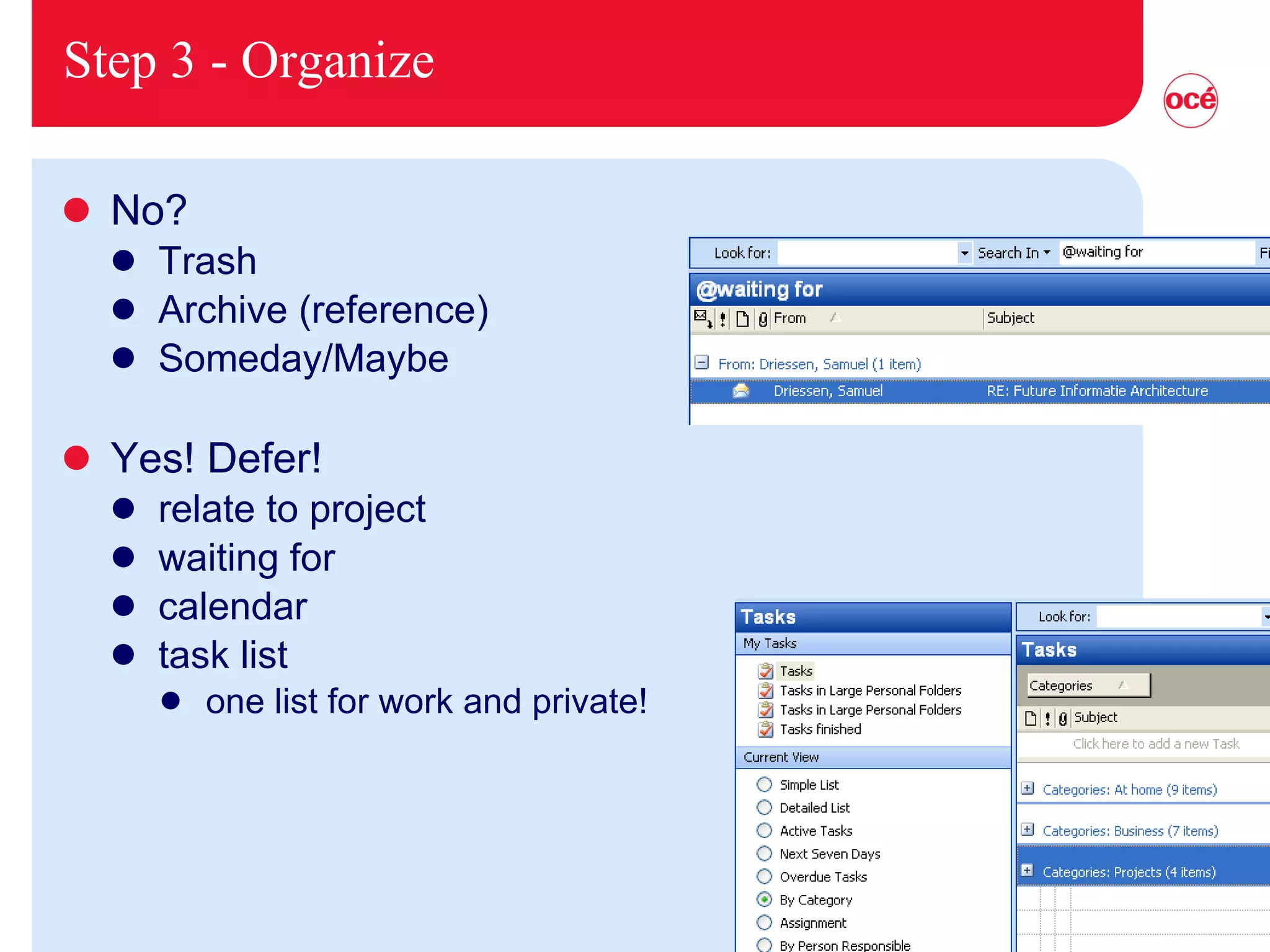
Step 3 - Organize No? Trash Archive (reference) Someday/Maybe Yes! Defer! relate to project waiting for calendar task list one list for work and private!
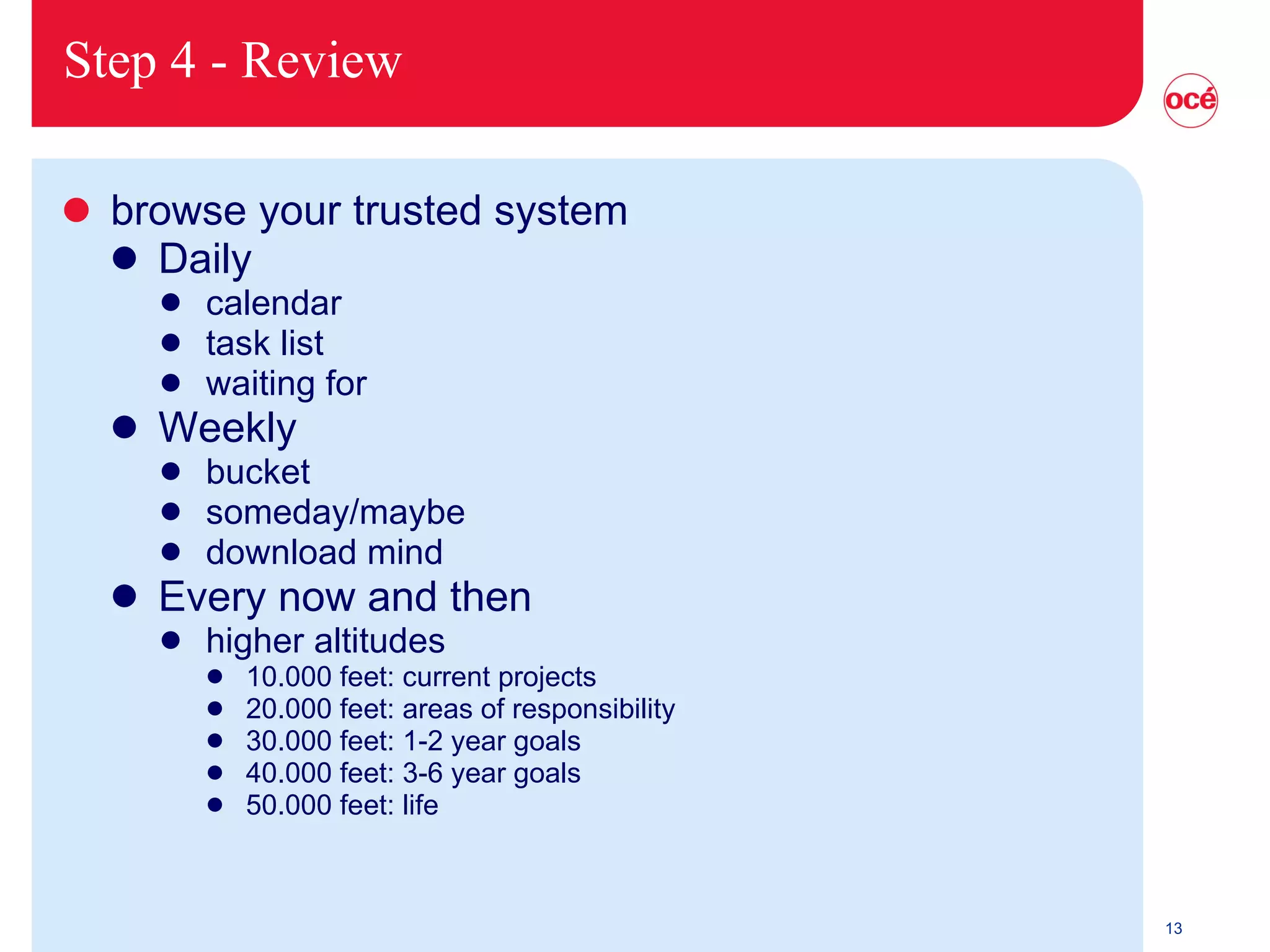
Step 4 - Review browse your trusted system Daily calendar task list waiting for Weekly bucket someday/maybe download mind Every now and then higher altitudes 10.000 feet: current projects 20.000 feet: areas of responsibility 30.000 feet: 1-2 year goals 40.000 feet: 3-6 year goals 50.000 feet: life
Step 5 - Do
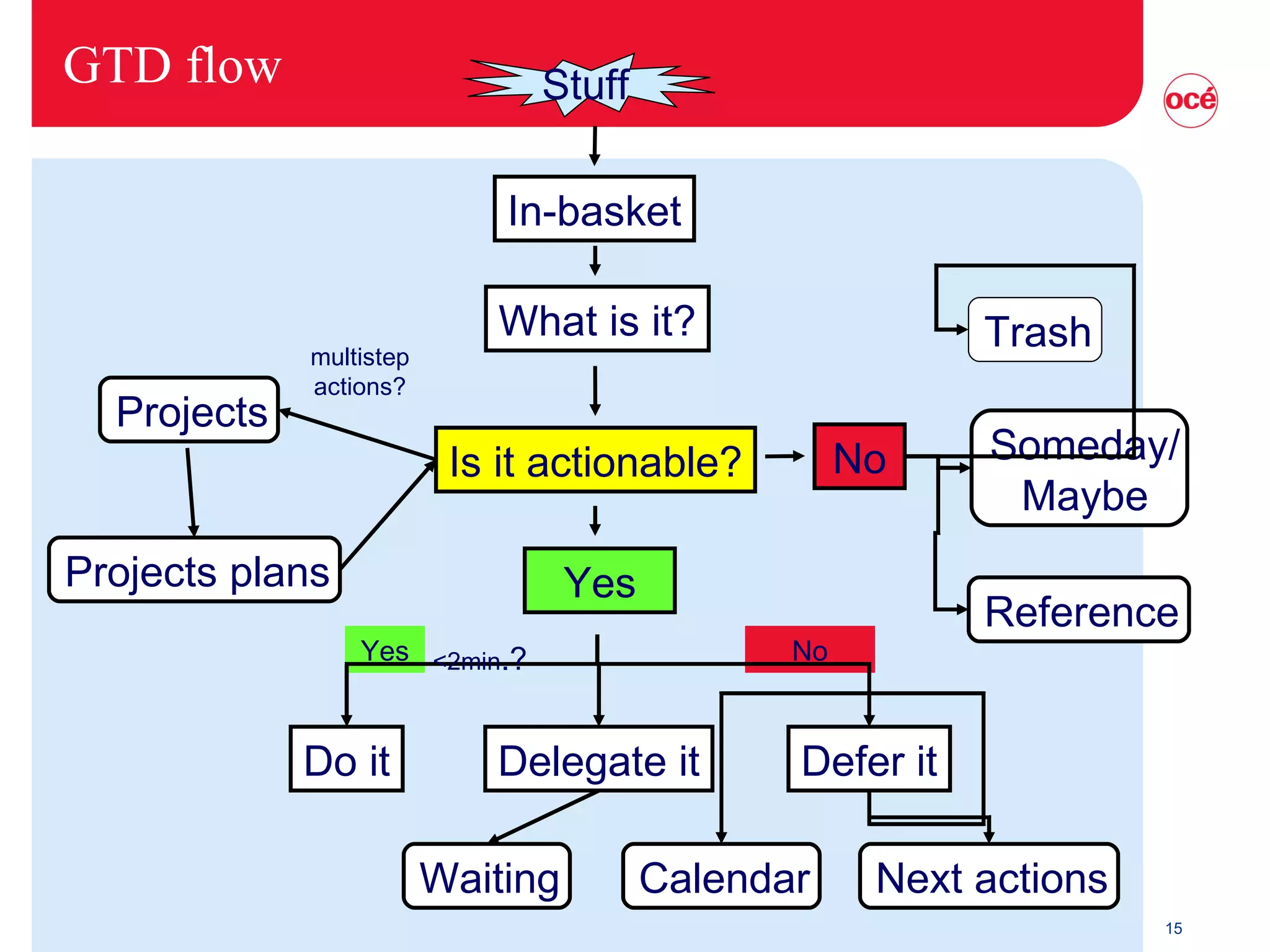
GTD flow In-basket What is it? Is it actionable? Do it Delegate it Defer it Waiting Calendar Next actions Projects Projects plans Trash Someday/ Maybe Reference No Yes Yes No <2min .? multistep actions? Stuff
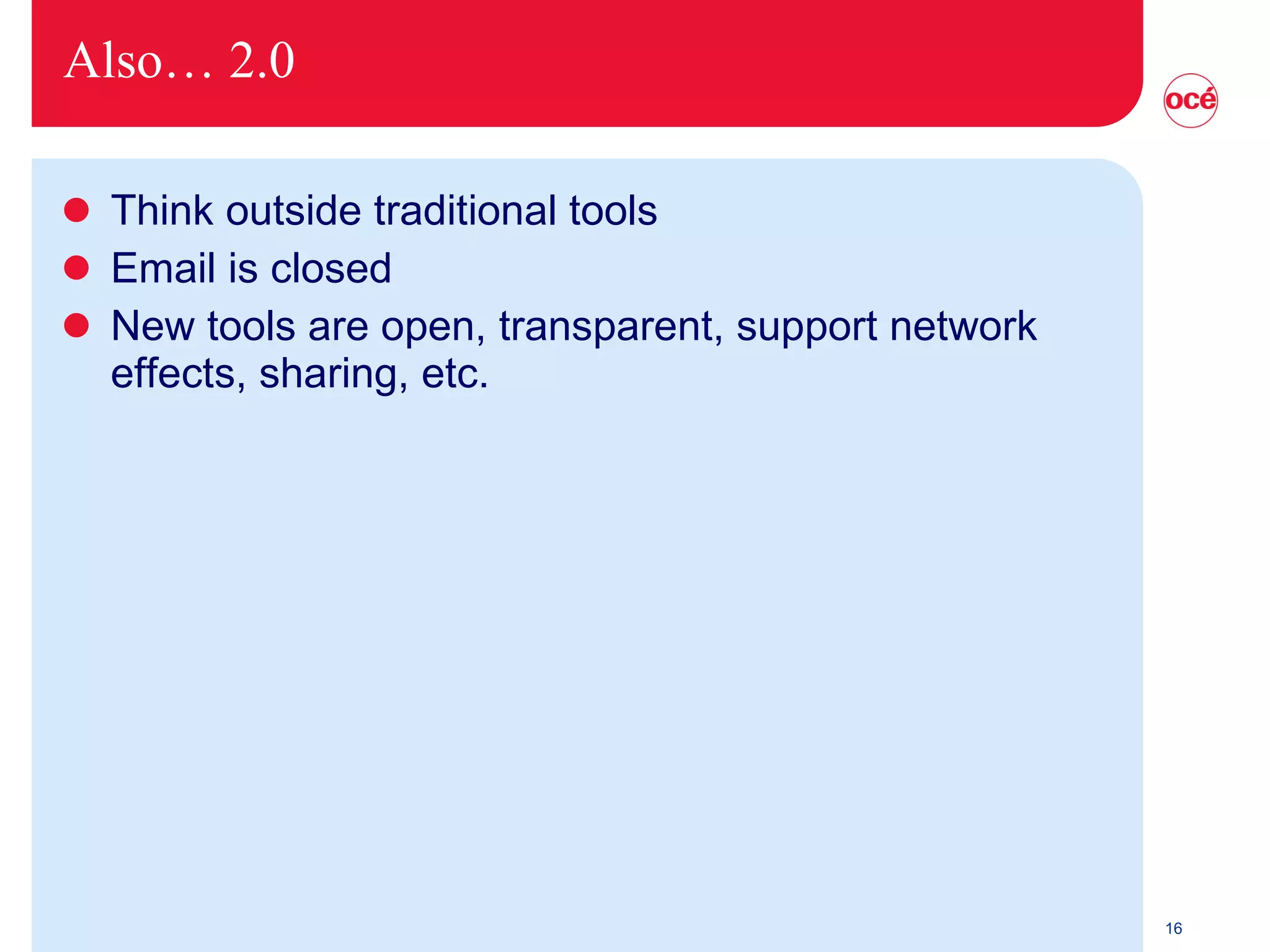
Also… 2.0 Think outside traditional tools Email is closed New tools are open, transparent, support network effects, sharing, etc.
Why focus on email? The primary workplace of a knowledge worker! “Email as a habitat”
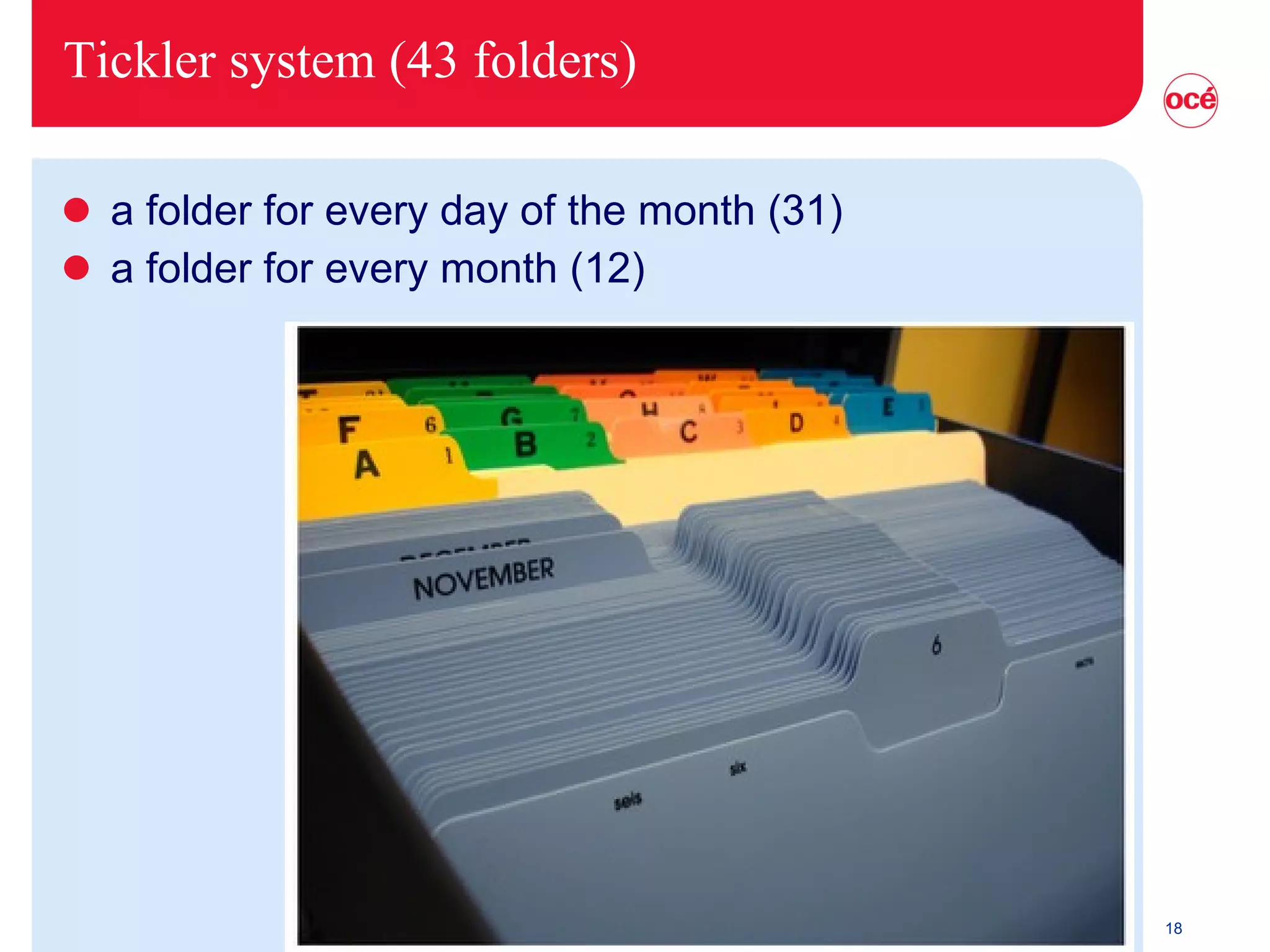
Tickler system (43 folders) a folder for every day of the month (31) a folder for every month (12)
Assignment Apply GTD steps to your work/life step by step, not all at once write plan on one paper Which step do you find the biggest improvement? Which step is the hardest to implement?
How I use it? My Bucket Inbox zero touch an email once 2 minute rule drag to calendar make task in Task list (print it) cc in pink internal feeds in Outlook Xobni in Outlook search Waiting for Turn off notification Scan articles I want to keep to pdf (small paper archive) Use an external feedreader Google Reader
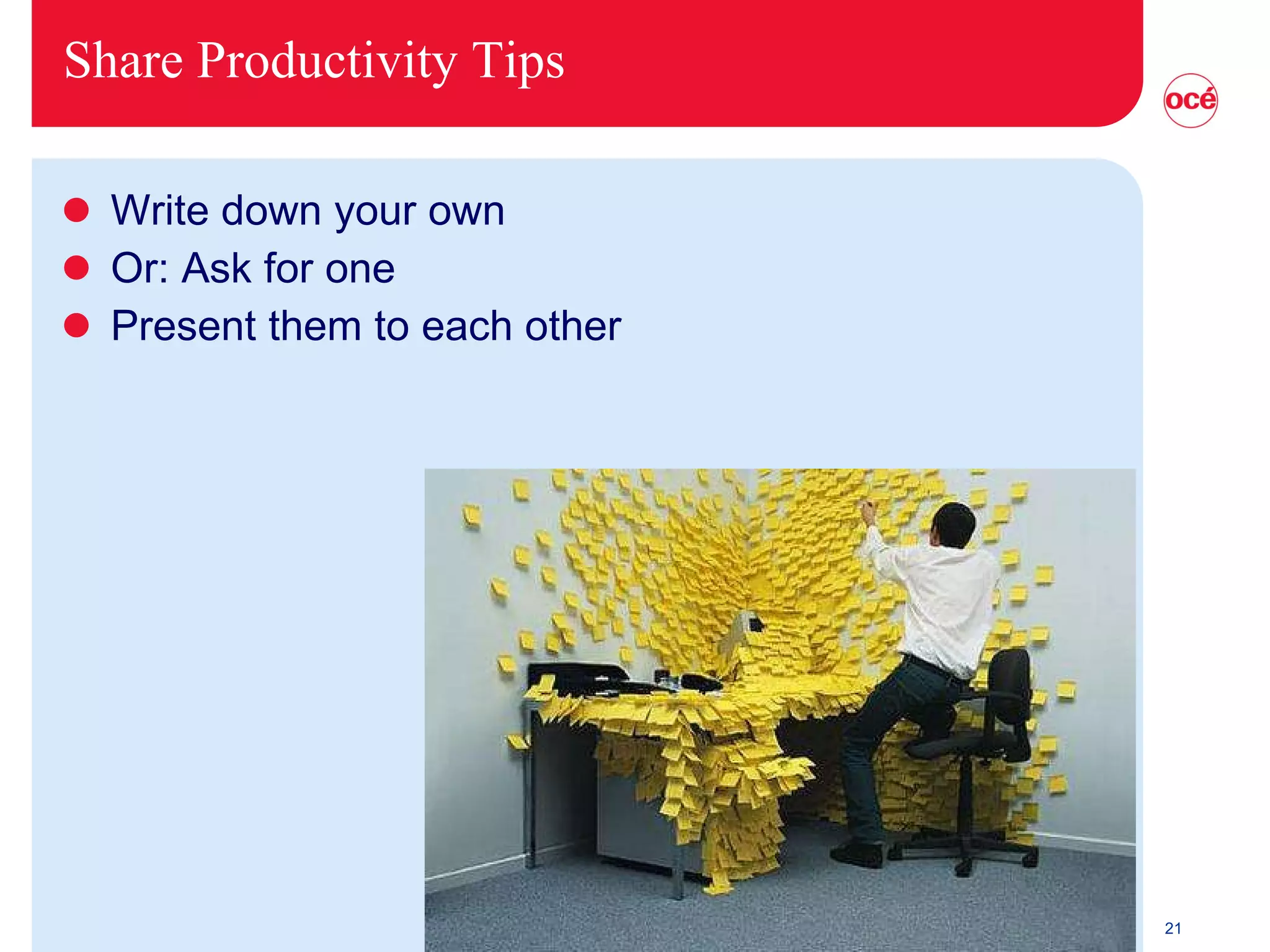
Share Productivity Tips Write down your own Or: Ask for one Present them to each other
Feedback & Follow-up Pass your action plan to a buddy & make appointment GTD Océ community? Profiency training?
Giveaways Handout: the GTD workflow the GTD summary Folder  Novay   productive Outlook use Internet: Business 2.0 article about GTD Wired article about productivity and GTD Video: How does David Allen work ? Video: Inbox Zero at Google by Merlin Mann Video: GTD at Google by David Allen
 

Productive Knowledge Work Workshop

  • 1.
  • 2.
  • 3.
    How do youget things done?
  • 4.
    Or is thismore like you?
  • 5.
    Discussion Where doyou stand? And why? Are you productive there? Example of (non-)productive behavior? Where do you want to stand? And why? Experience with other productivity methods?
  • 6.
    Overview & Goalof Workshop introduction to GTD demo GTD apply GTD share productivity tips & tricks
  • 7.
    Situation Have youlearned to be a knowledge worker (2.0)? “… works primarily with information or … develops and uses knowledge in the workplace” (Drucker) Getting (the right) Things Done Productivity = Effectiveness (Doing the Right Things) Performance = Efficiency (Doing Things Right)
  • 8.
    Productivity methods usuallyvague not practical not easy not work-private life integrated
  • 9.
    Basics Get thingsout of your head… … put them in a trusted system … … so you have them when you need them.
  • 10.
    Step 1 -A bucket Get everything out of your head books tasks ideas Collect it in a bucket
  • 11.
    Step 2 -Process Bucket Top down One at a time Don’t put it back First time: Do it in 1 day. Then: Do it daily Is it actionable? Yes? What is the next outcome? What is the successful outcome? Do (< 2min.) - Delegate - Defer
  • 12.
    Step 3 -Organize No? Trash Archive (reference) Someday/Maybe Yes! Defer! relate to project waiting for calendar task list one list for work and private!
  • 13.
    Step 4 -Review browse your trusted system Daily calendar task list waiting for Weekly bucket someday/maybe download mind Every now and then higher altitudes 10.000 feet: current projects 20.000 feet: areas of responsibility 30.000 feet: 1-2 year goals 40.000 feet: 3-6 year goals 50.000 feet: life
  • 14.
  • 15.
    GTD flow In-basketWhat is it? Is it actionable? Do it Delegate it Defer it Waiting Calendar Next actions Projects Projects plans Trash Someday/ Maybe Reference No Yes Yes No <2min .? multistep actions? Stuff
  • 16.
    Also… 2.0 Thinkoutside traditional tools Email is closed New tools are open, transparent, support network effects, sharing, etc.
  • 17.
    Why focus onemail? The primary workplace of a knowledge worker! “Email as a habitat”
  • 18.
    Tickler system (43folders) a folder for every day of the month (31) a folder for every month (12)
  • 19.
    Assignment Apply GTDsteps to your work/life step by step, not all at once write plan on one paper Which step do you find the biggest improvement? Which step is the hardest to implement?
  • 20.
    How I useit? My Bucket Inbox zero touch an email once 2 minute rule drag to calendar make task in Task list (print it) cc in pink internal feeds in Outlook Xobni in Outlook search Waiting for Turn off notification Scan articles I want to keep to pdf (small paper archive) Use an external feedreader Google Reader
  • 21.
    Share Productivity TipsWrite down your own Or: Ask for one Present them to each other
  • 22.
    Feedback & Follow-upPass your action plan to a buddy & make appointment GTD Océ community? Profiency training?
  • 23.
    Giveaways Handout: theGTD workflow the GTD summary Folder Novay productive Outlook use Internet: Business 2.0 article about GTD Wired article about productivity and GTD Video: How does David Allen work ? Video: Inbox Zero at Google by Merlin Mann Video: GTD at Google by David Allen
  • 24.