Downloaded 620 times

The document outlines a training session comparing LibreOffice applications with their Microsoft counterparts, including Writer, Calc, Impress, and Base. It covers features such as mail merge, sorting, chart creation, and editing capabilities. Additional resources and contact information are provided for further assistance.
Introduction to the training session.
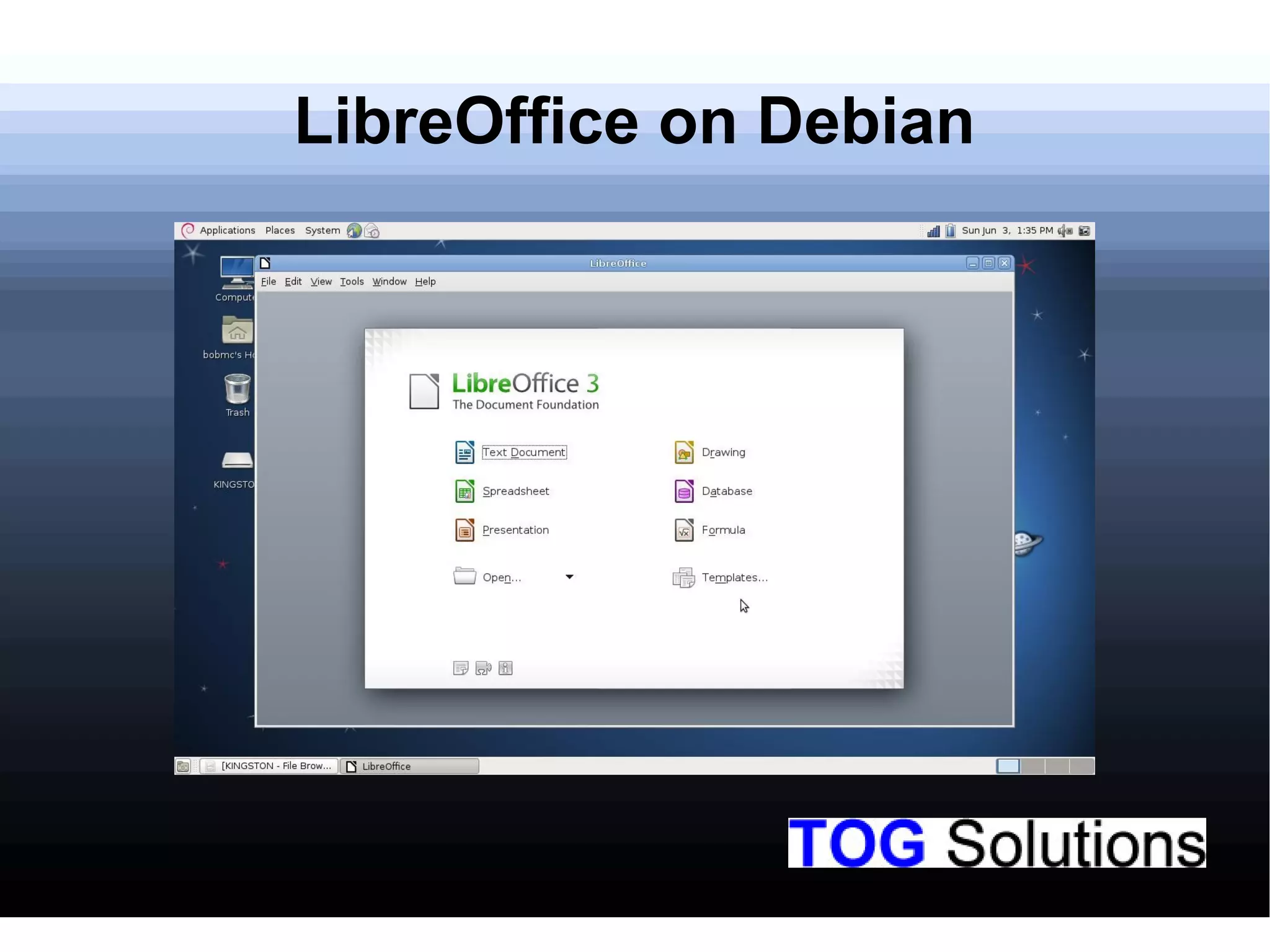
Overview of LibreOffice software installed on the Debian operating system.
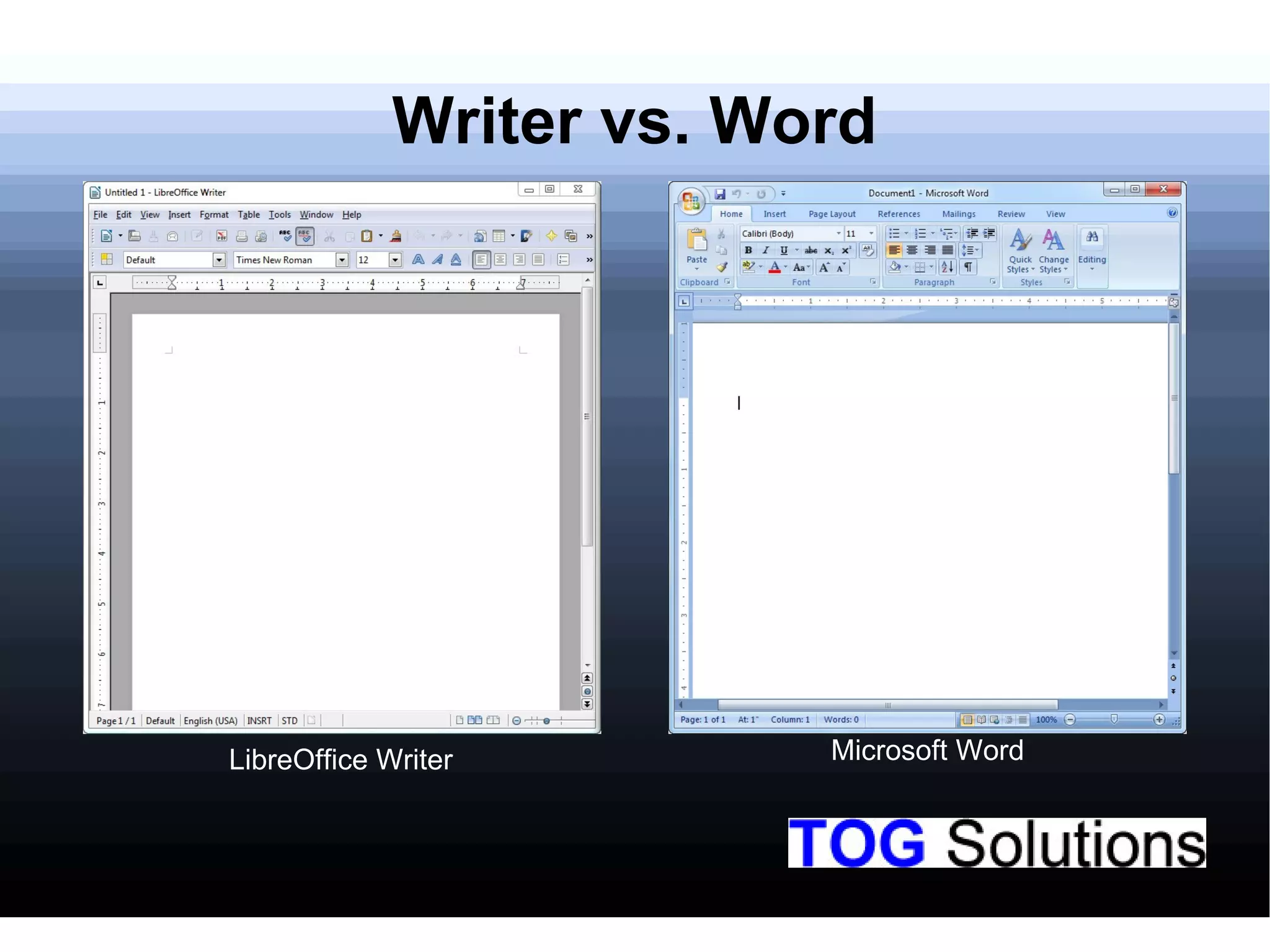
Comparison of LibreOffice Writer and Microsoft Word in features and capabilities.
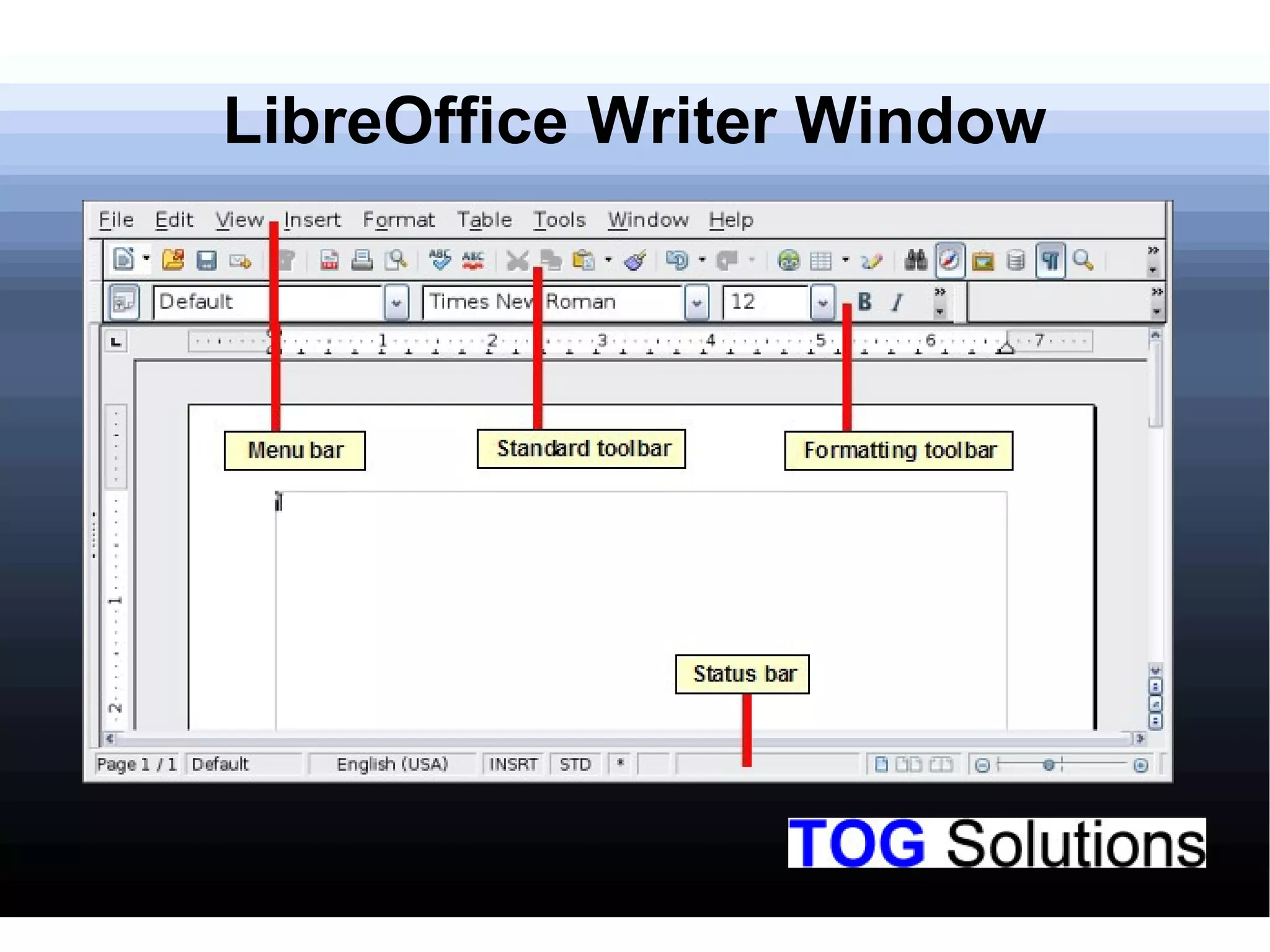
Description of the interface of LibreOffice Writer.
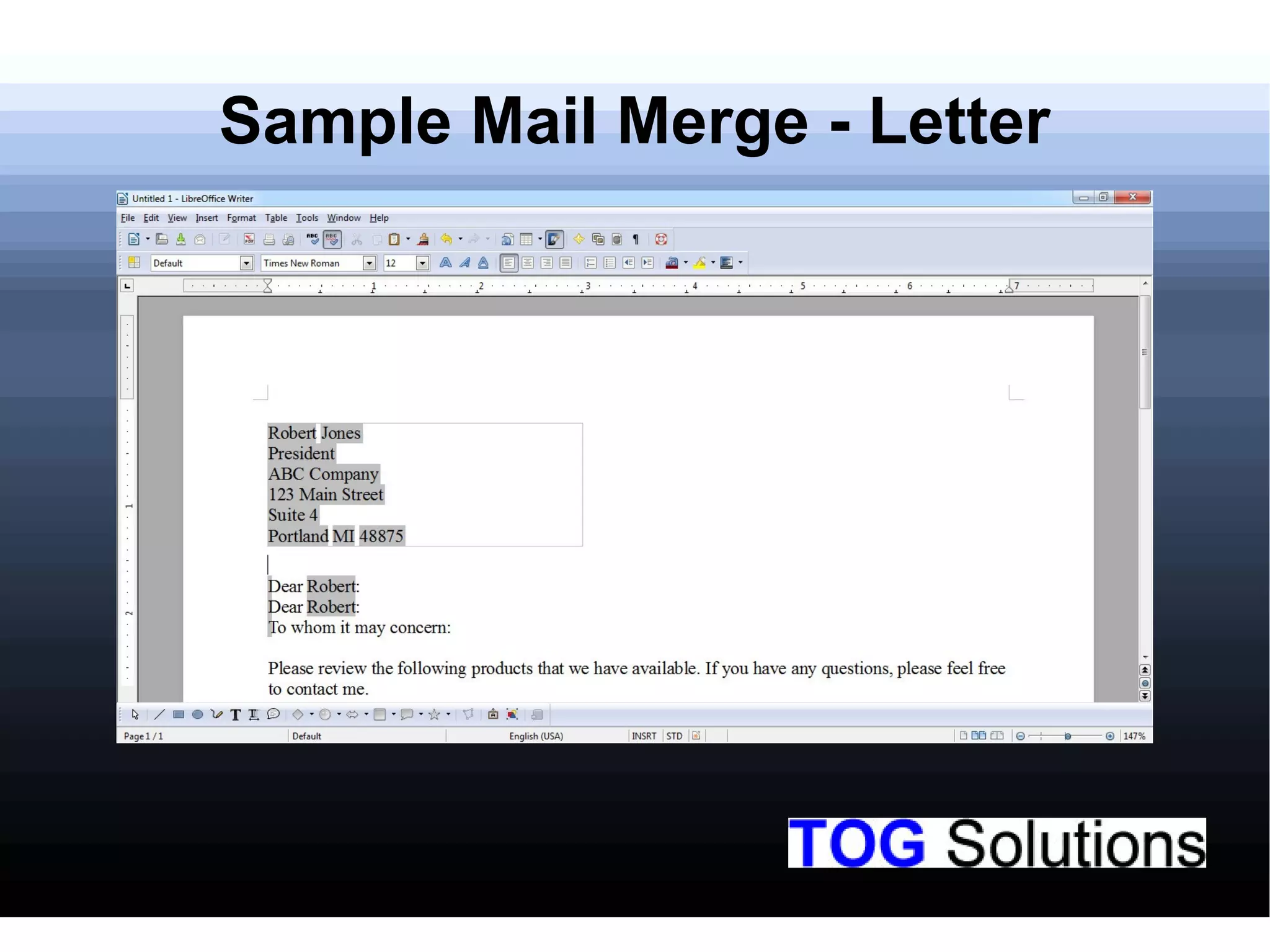
Demonstration of a sample mail merge for letters in LibreOffice.
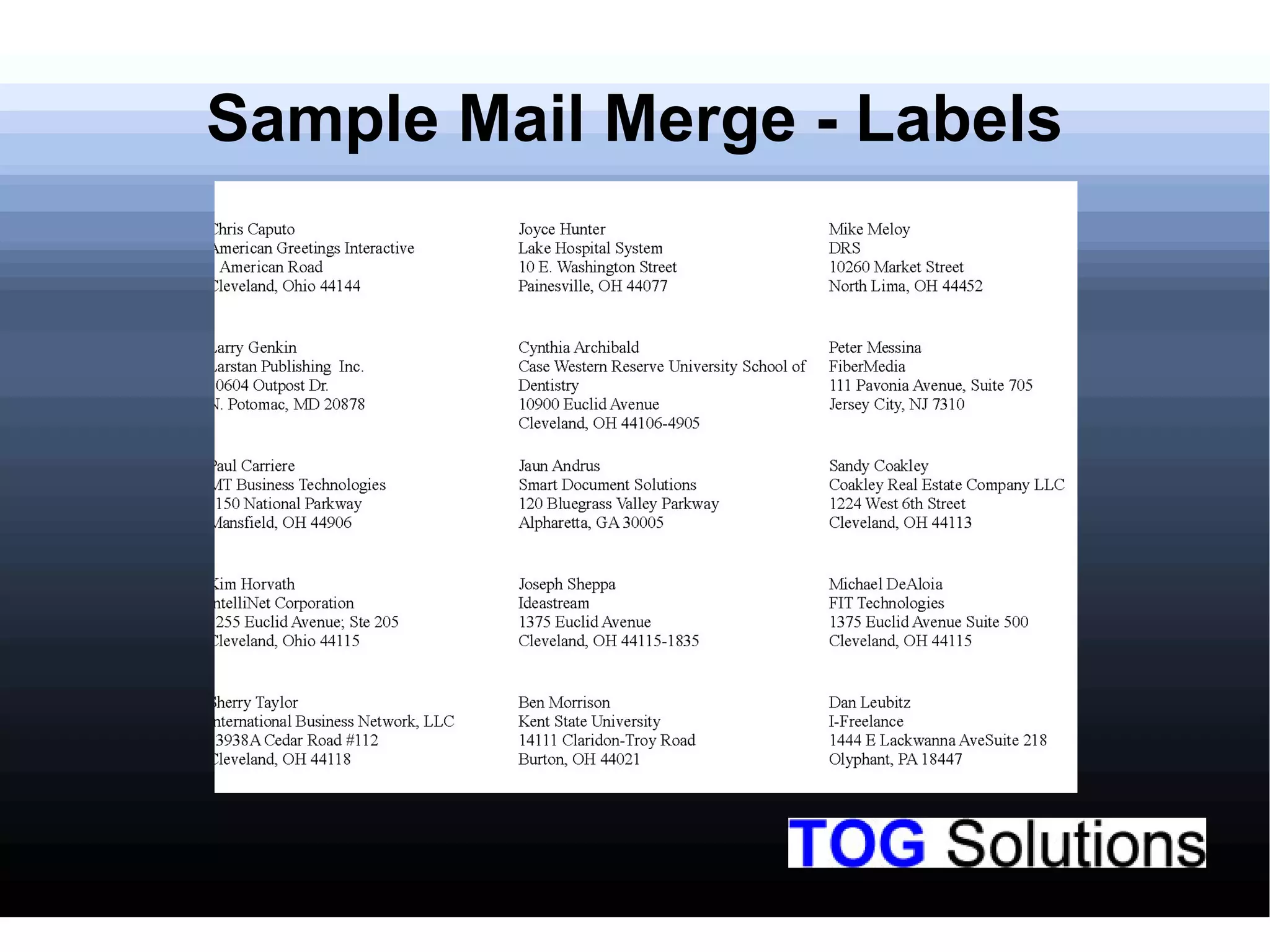
Illustration of a sample mail merge for labels using LibreOffice.
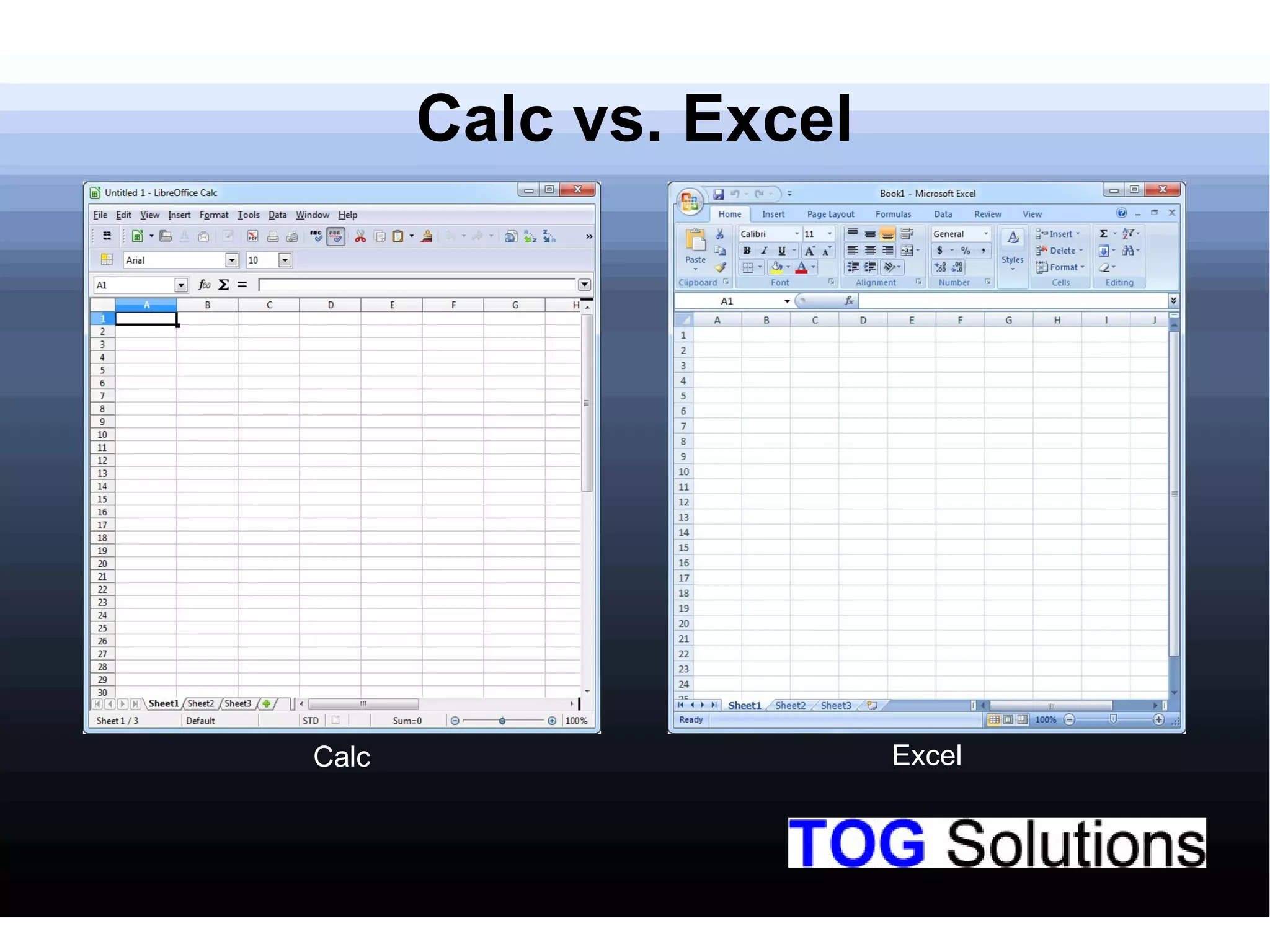
Comparison of LibreOffice Calc with Microsoft Excel in functionalities.
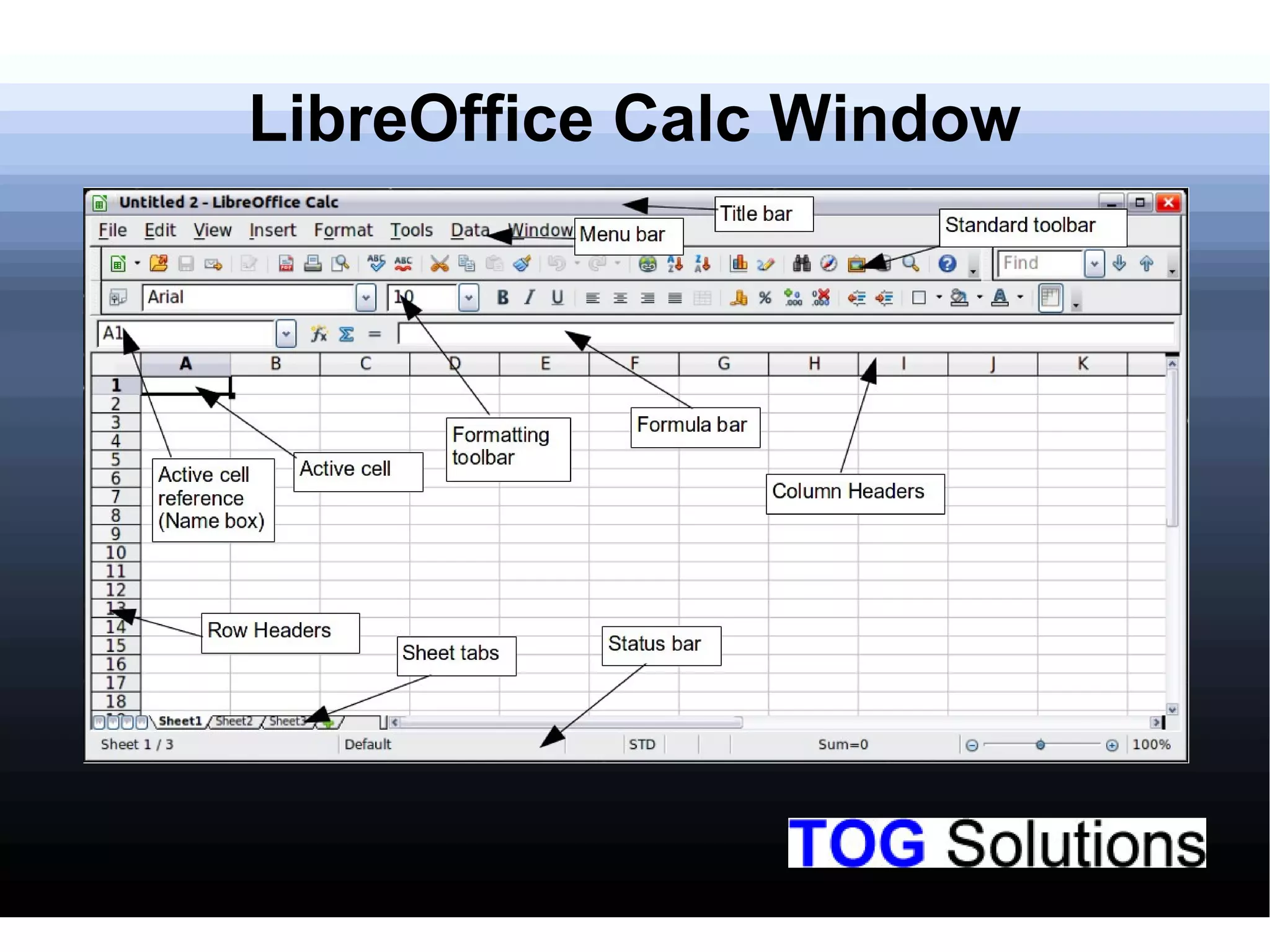
Overview of the LibreOffice Calc workspace.
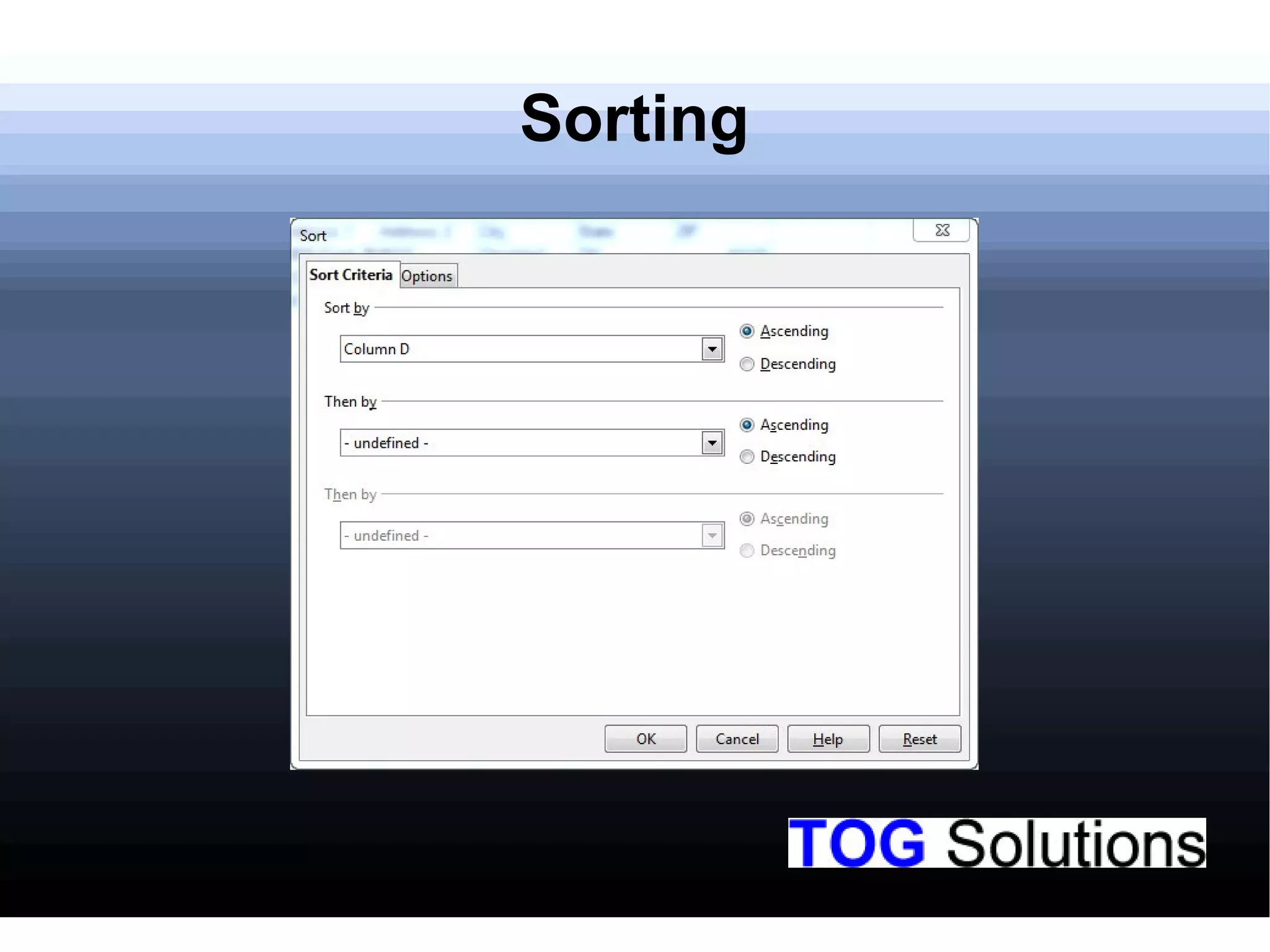
Explanation of how to sort data in LibreOffice Calc.
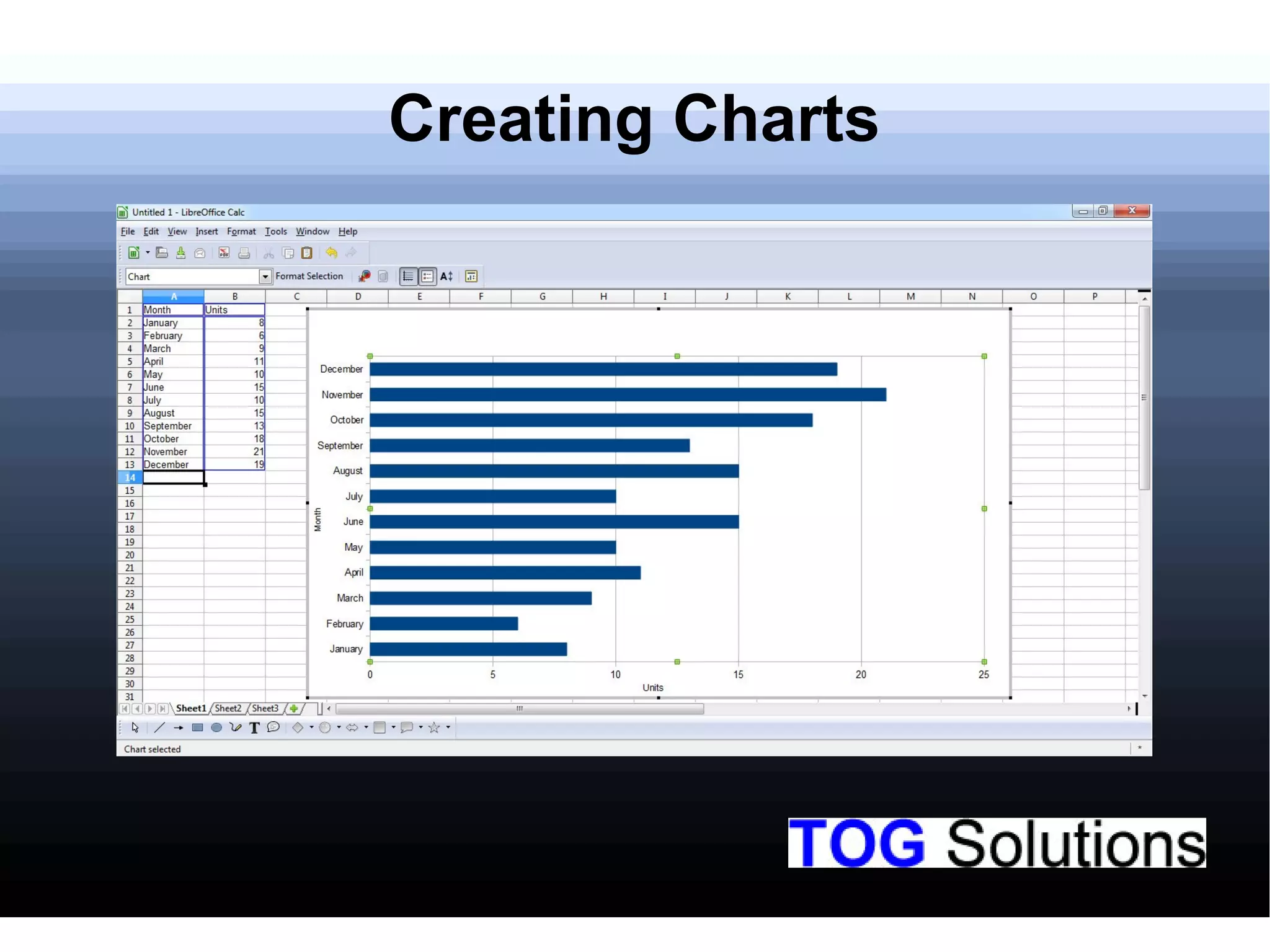
Instruction on creating charts within LibreOffice Calc.
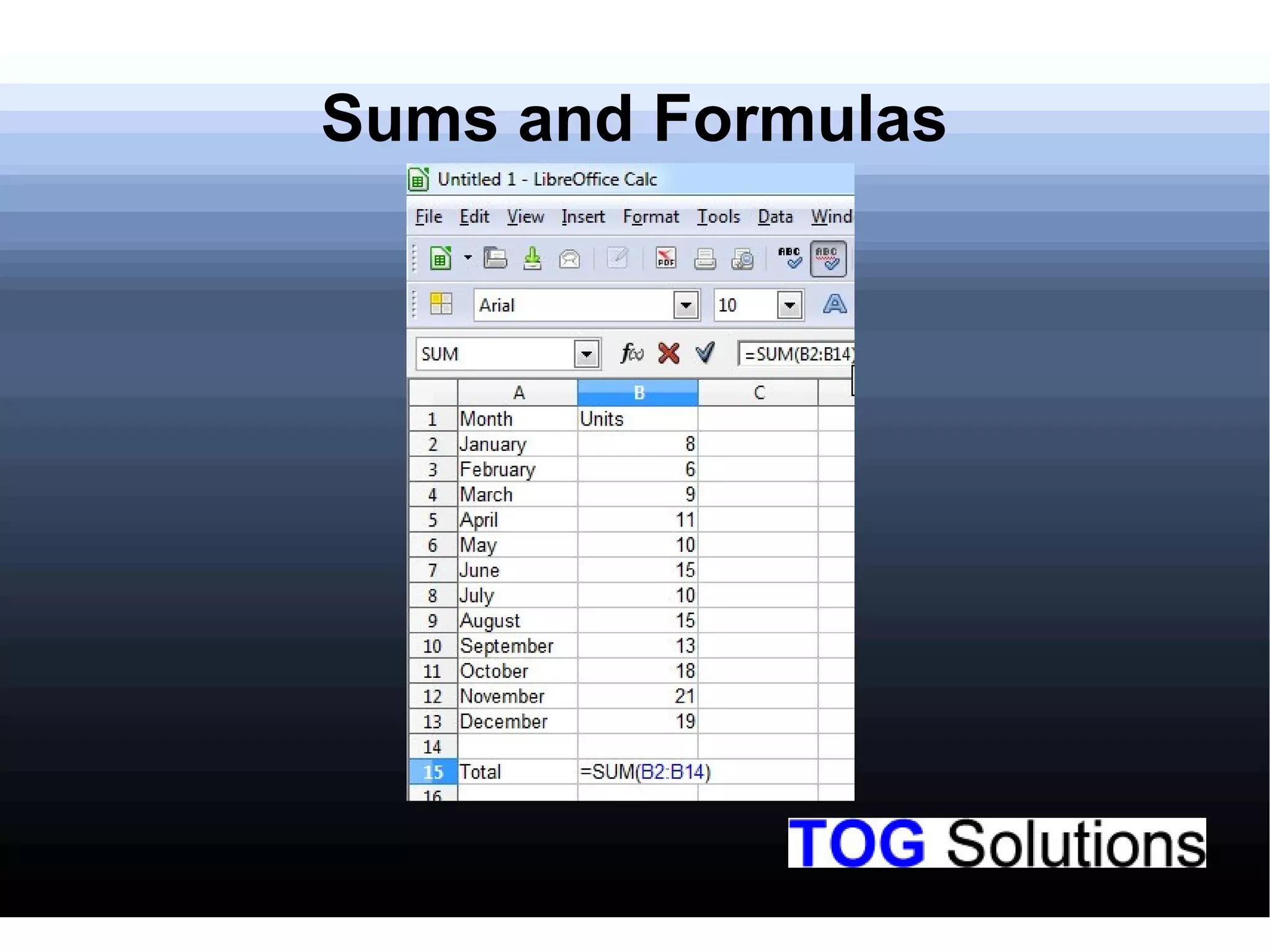
Description of working with sums and formulas in LibreOffice Calc.
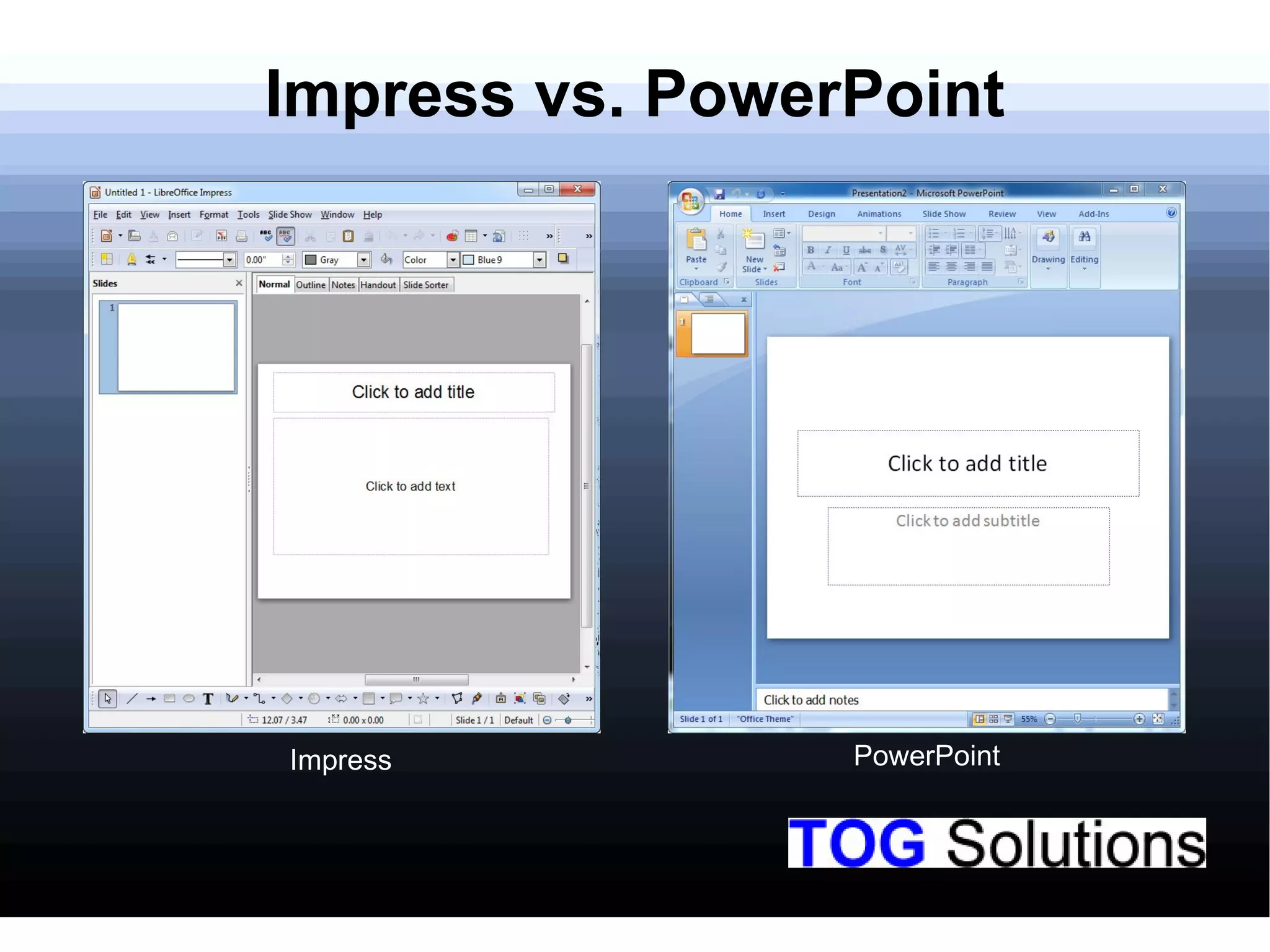
Comparison of LibreOffice Impress and Microsoft PowerPoint.
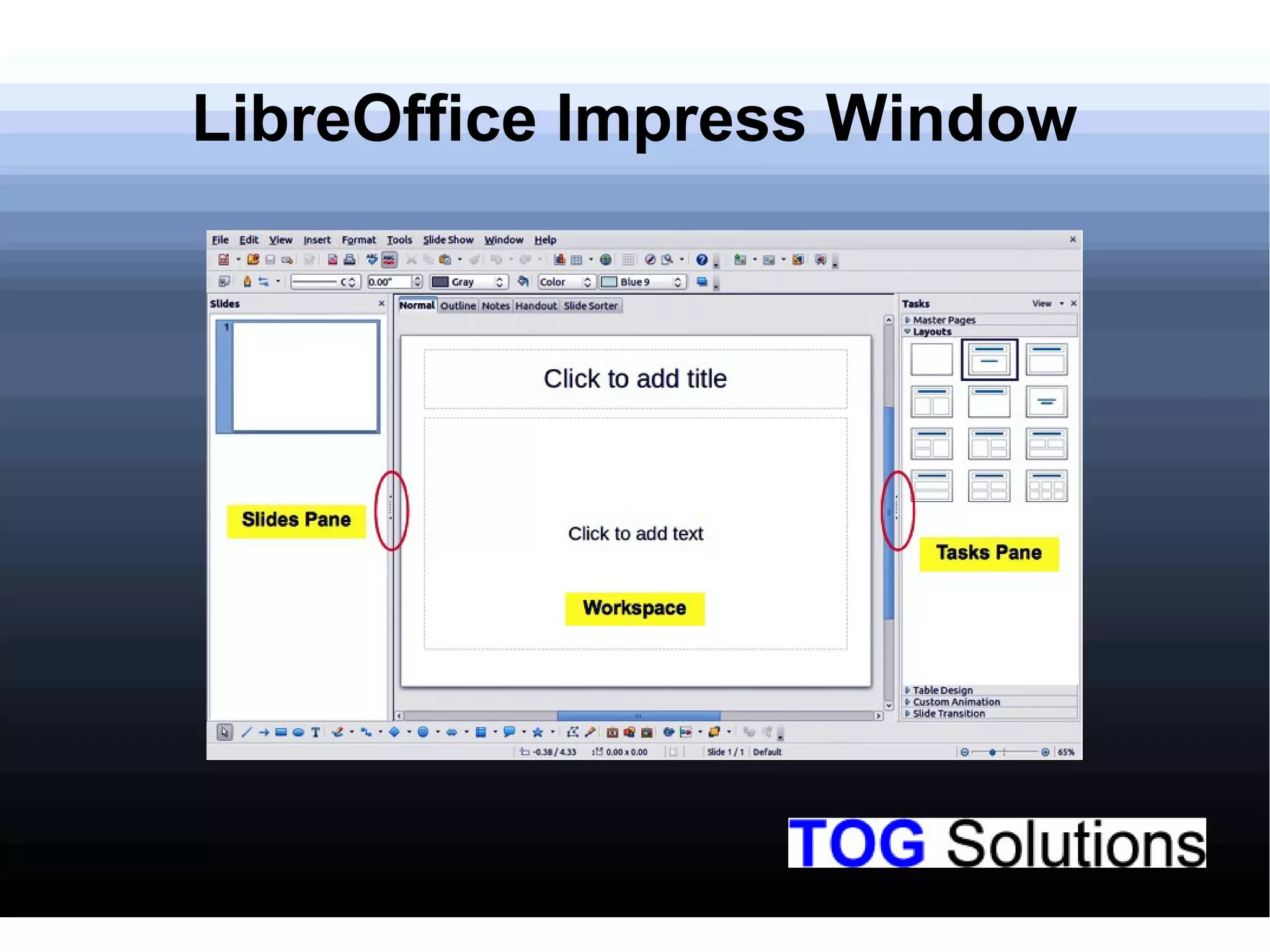
Overview of the interface of LibreOffice Impress.
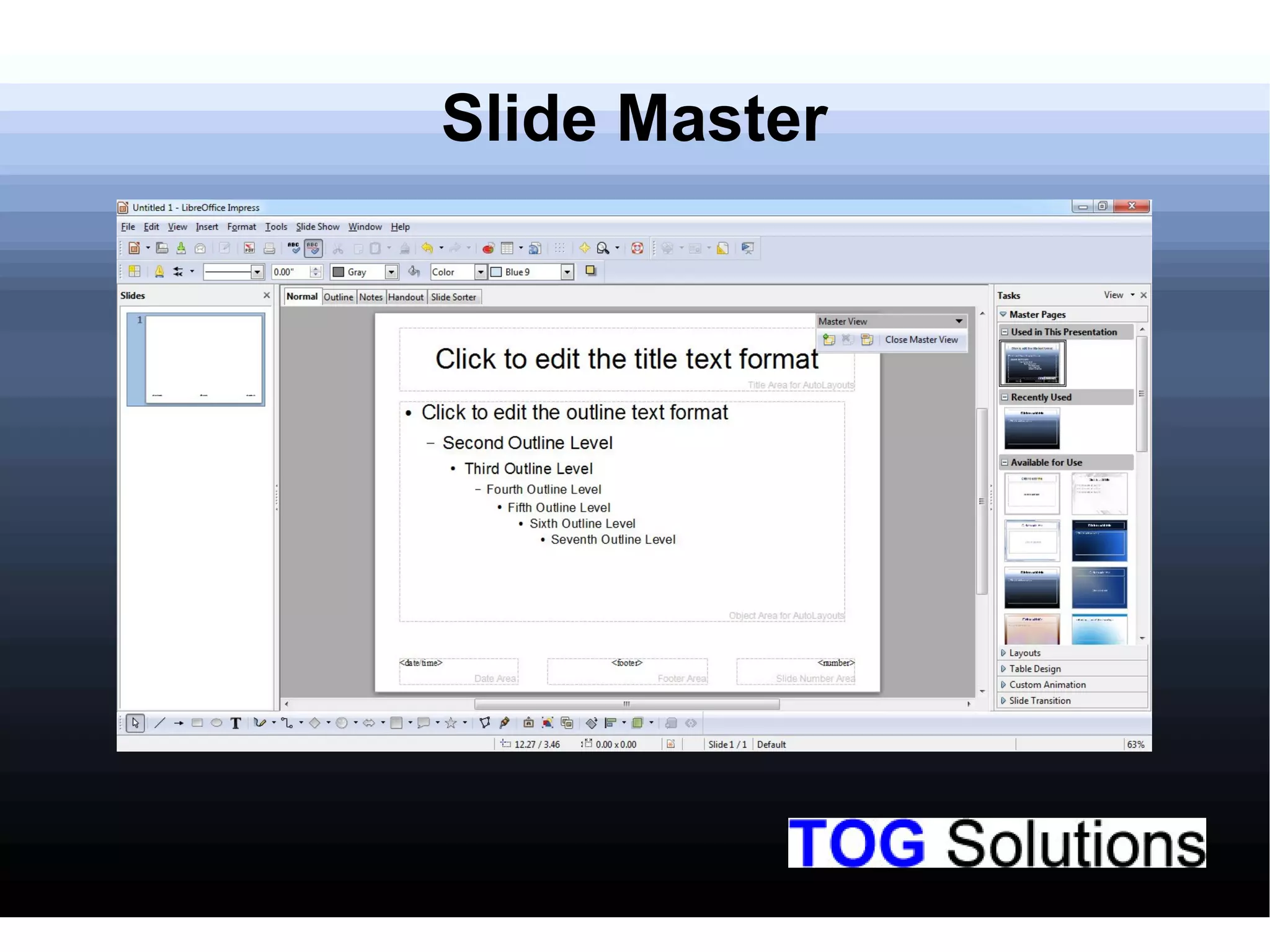
Explanation of the Slide Master feature in LibreOffice Impress.
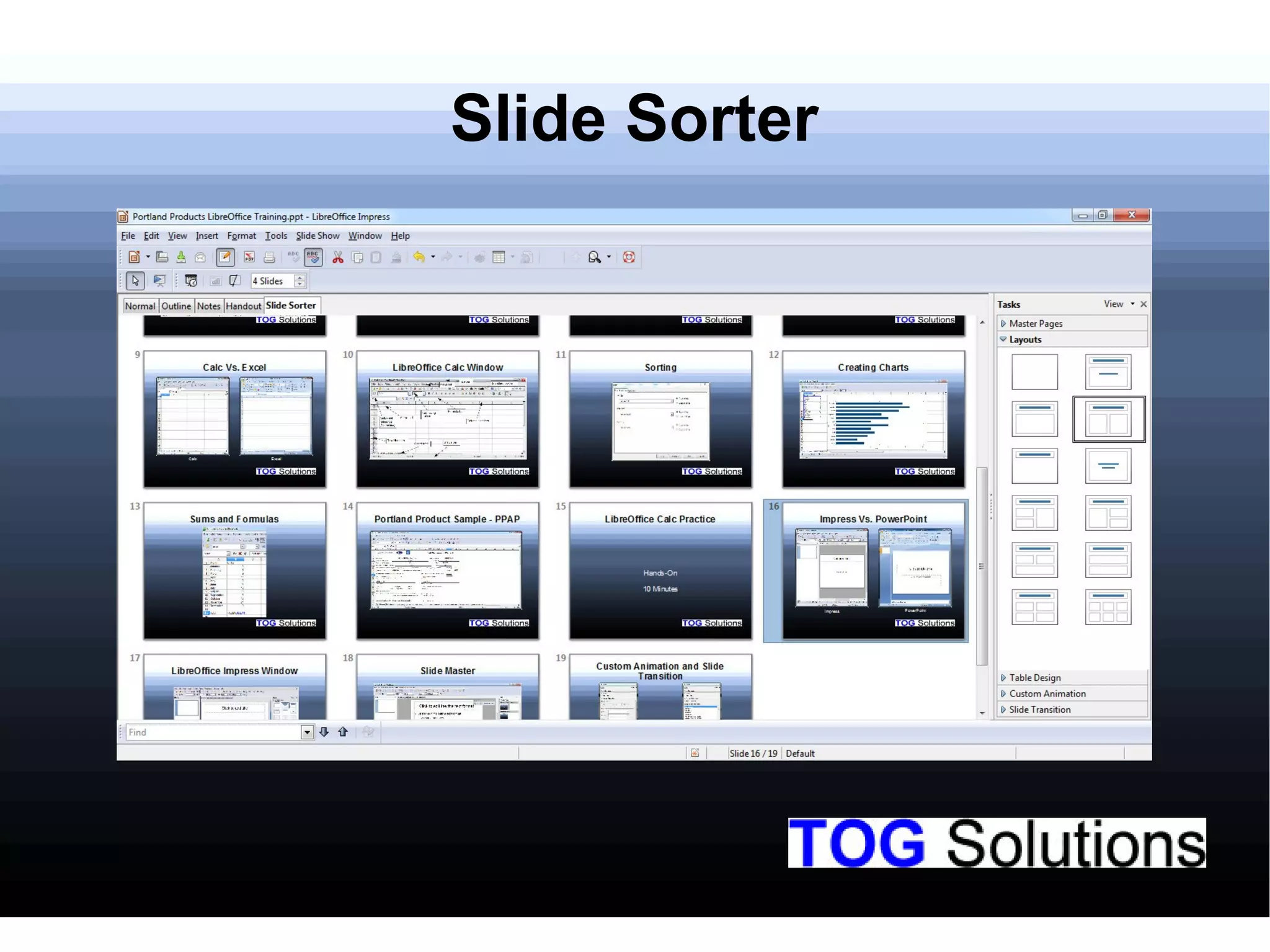
Demonstration of the Slide Sorter feature in LibreOffice Impress.
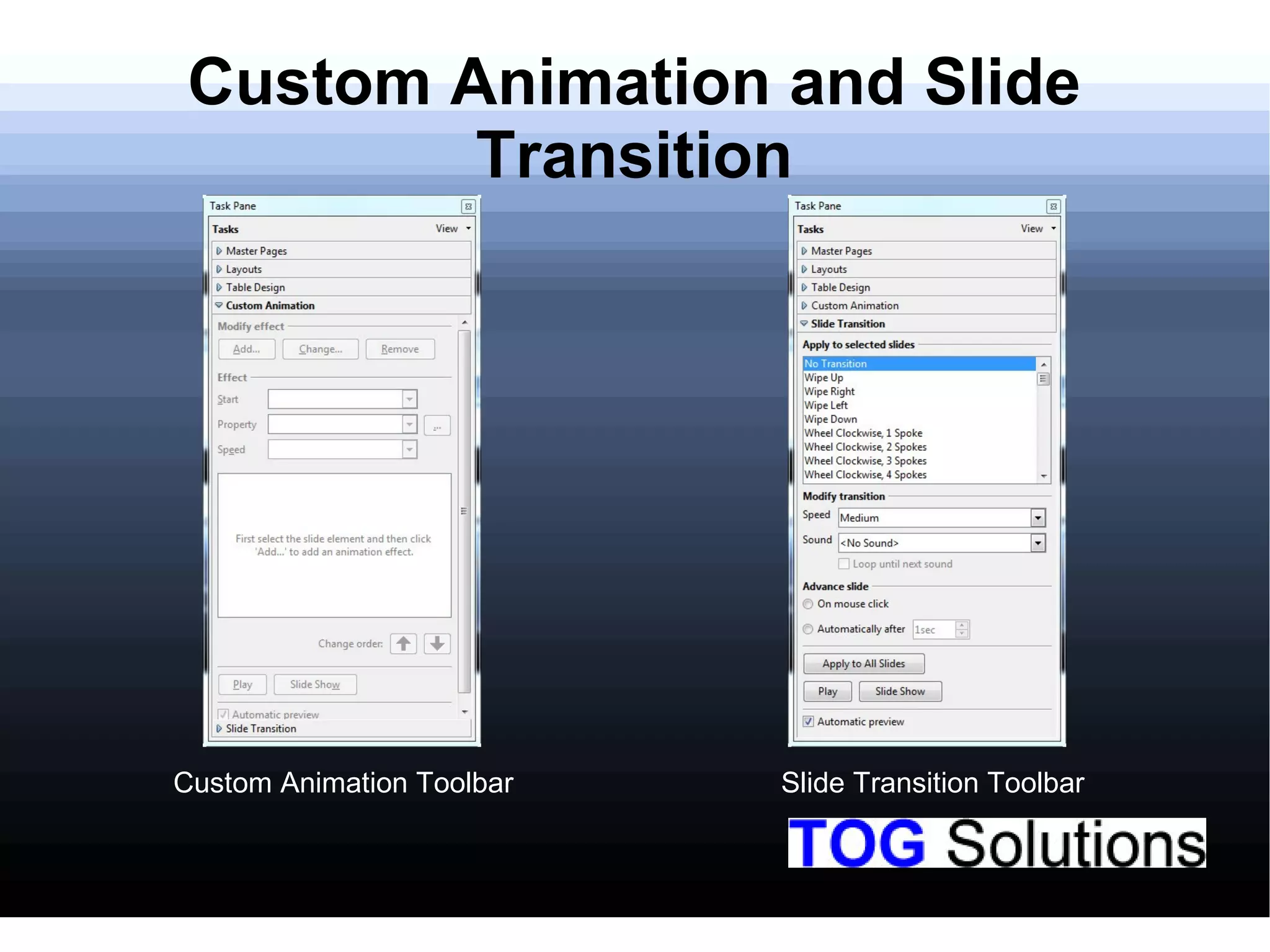
Teaching about custom animations and slide transitions in Impress.
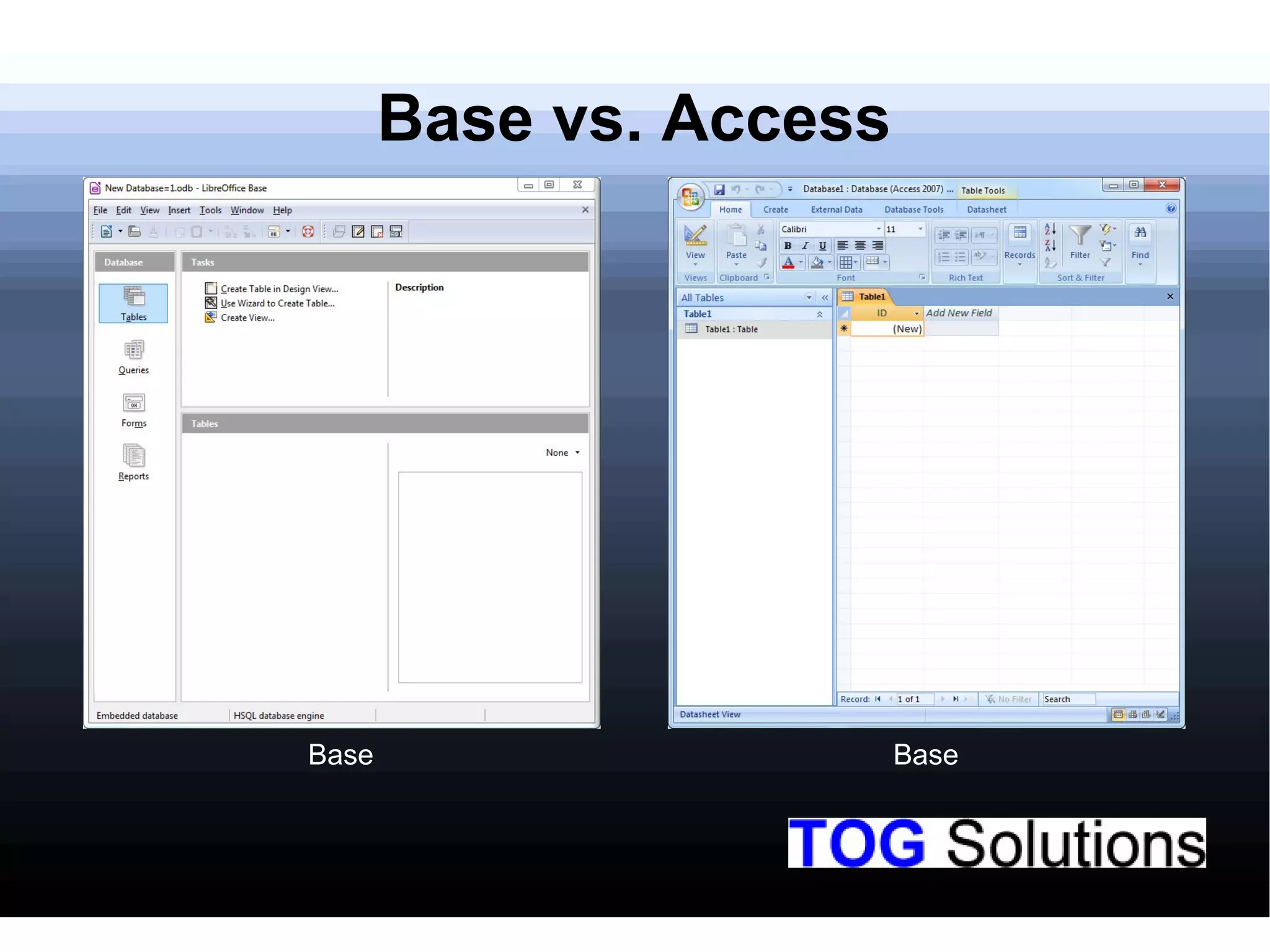
Comparison of LibreOffice Base with Microsoft Access.
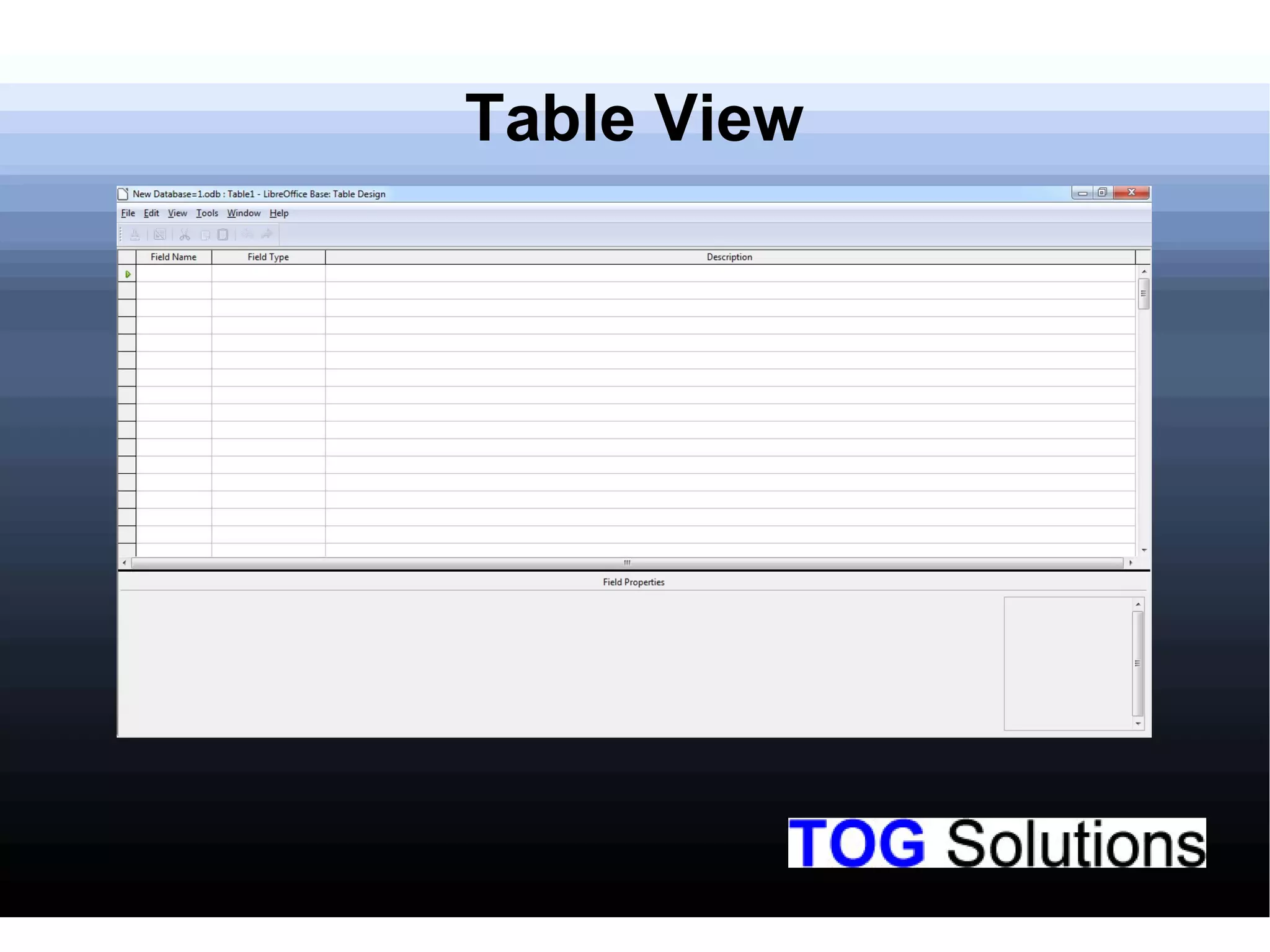
Description of the Table View feature in LibreOffice Base.
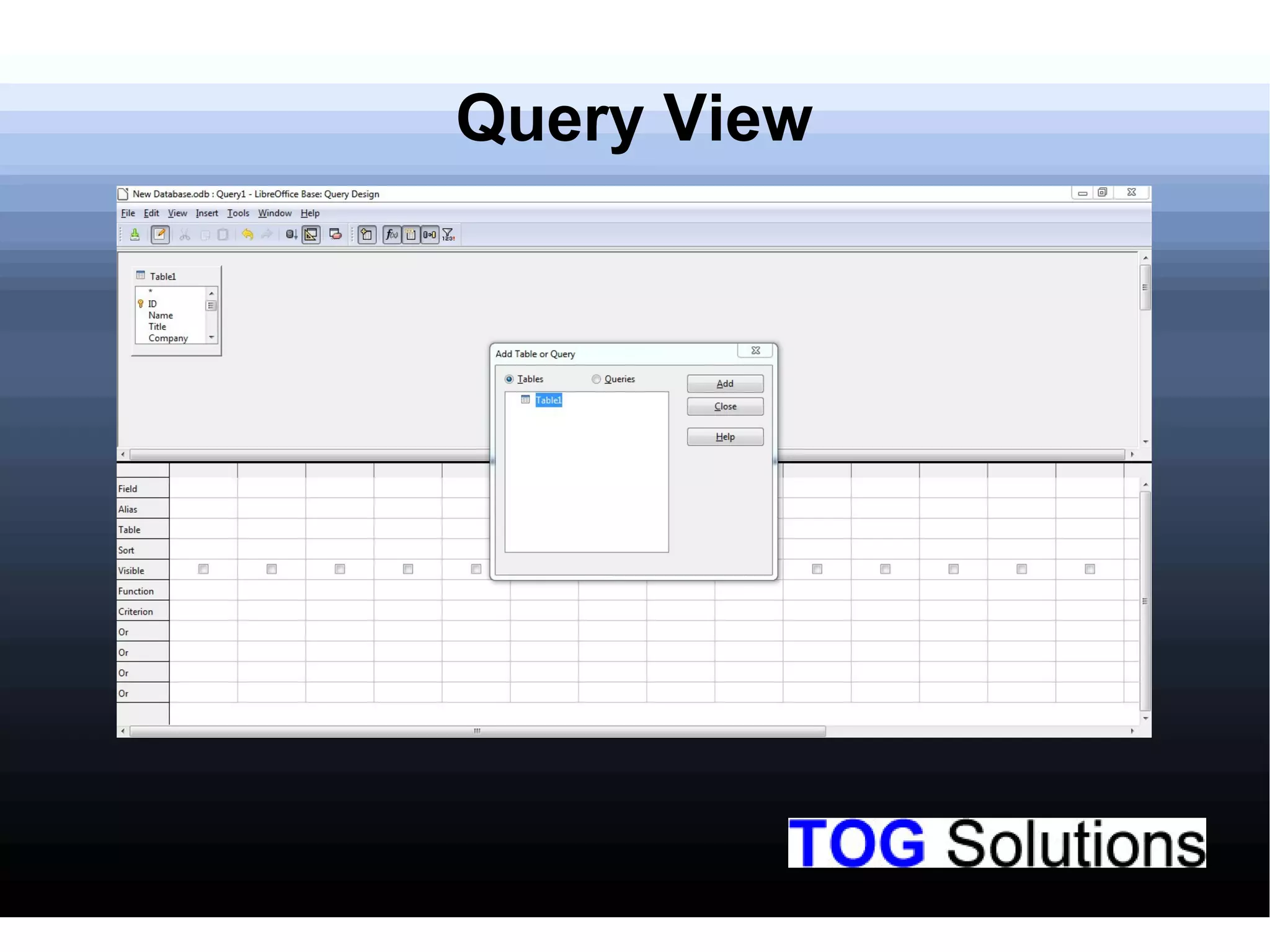
Overview of the Query View functionality in LibreOffice Base.
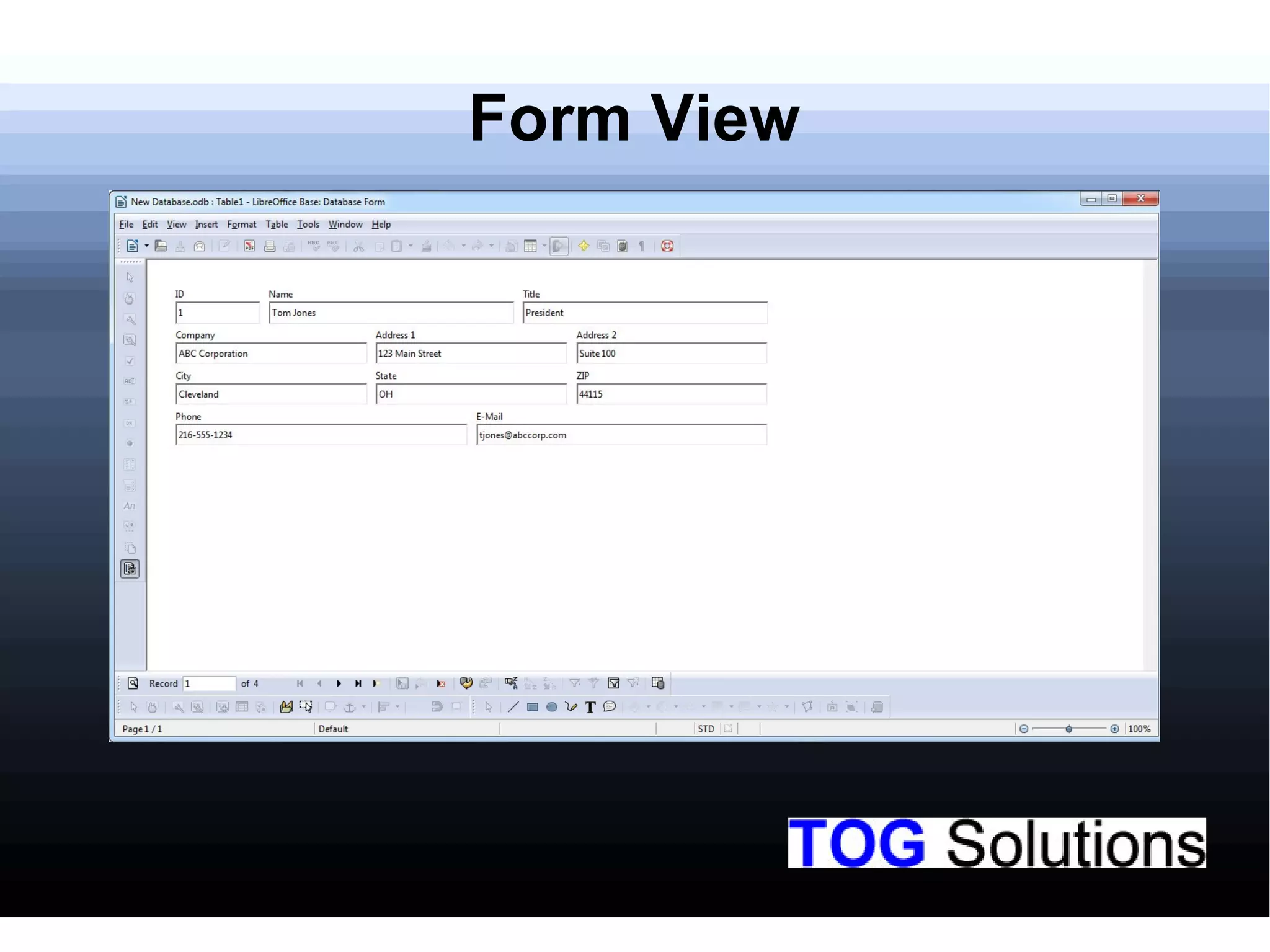
Illustration of the Form View option in LibreOffice Base.
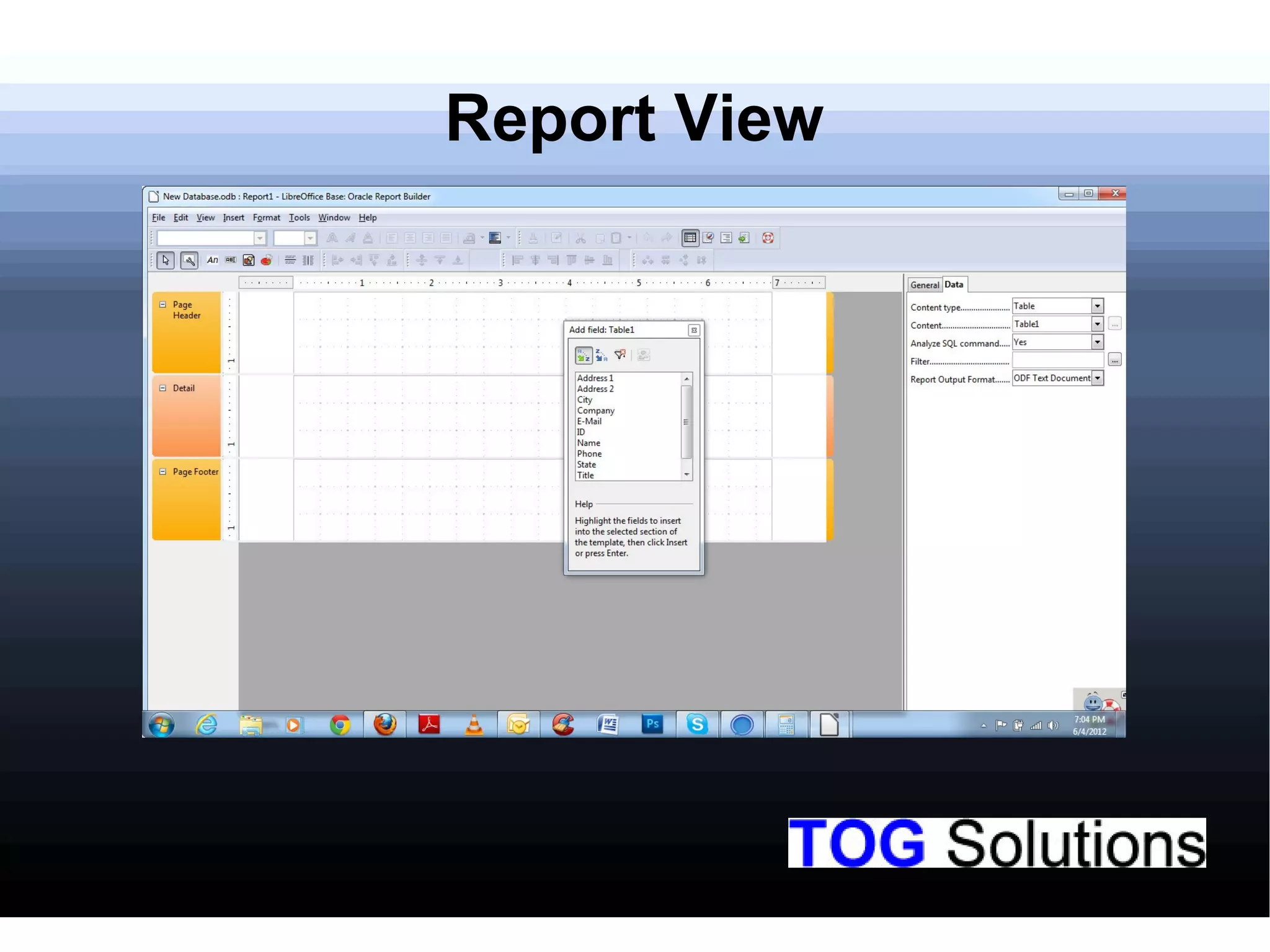
Explanation of the Report View in LibreOffice Base.
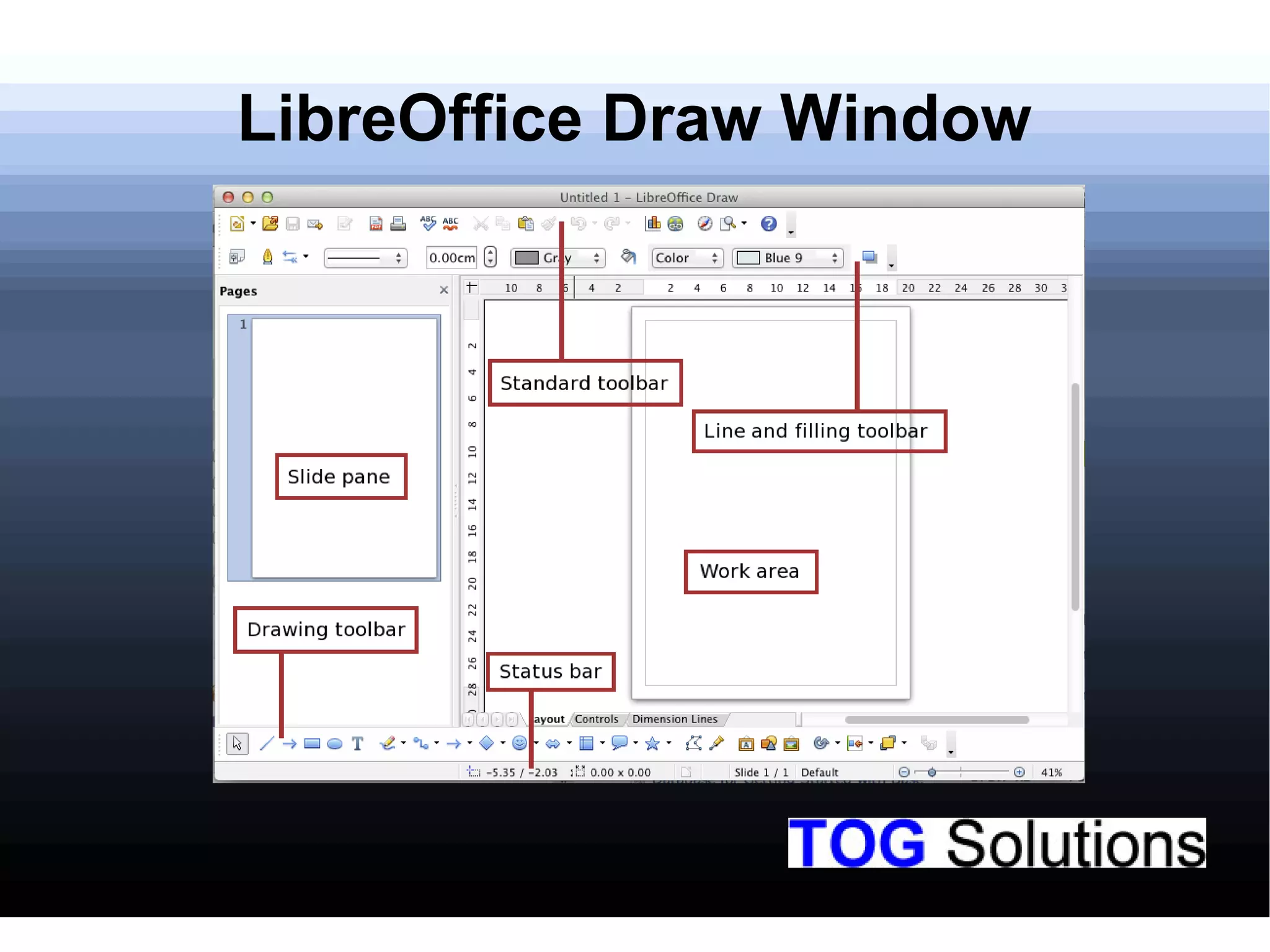
Overview of the LibreOffice Draw software environment.
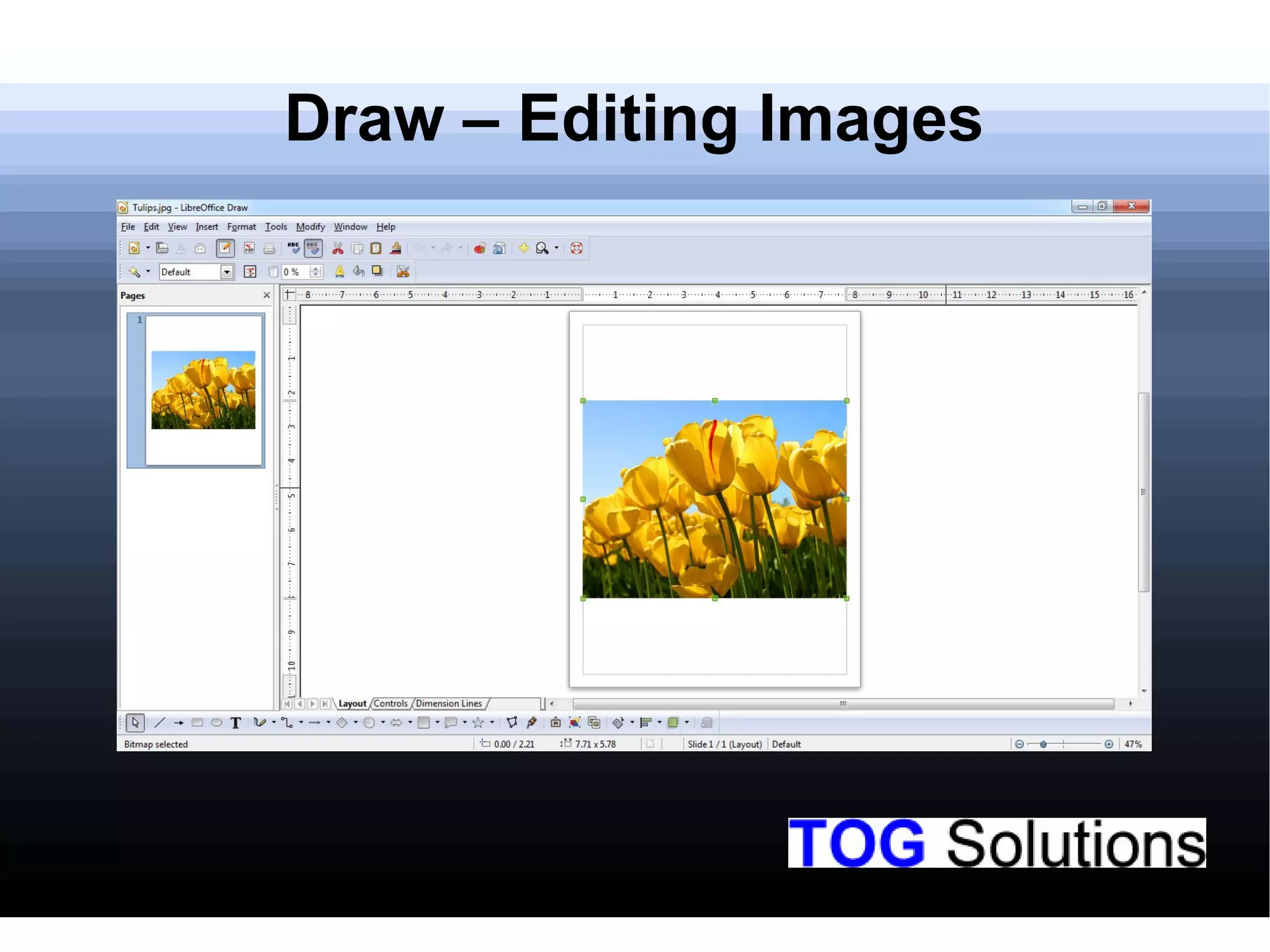
Discussion on editing images using LibreOffice Draw.
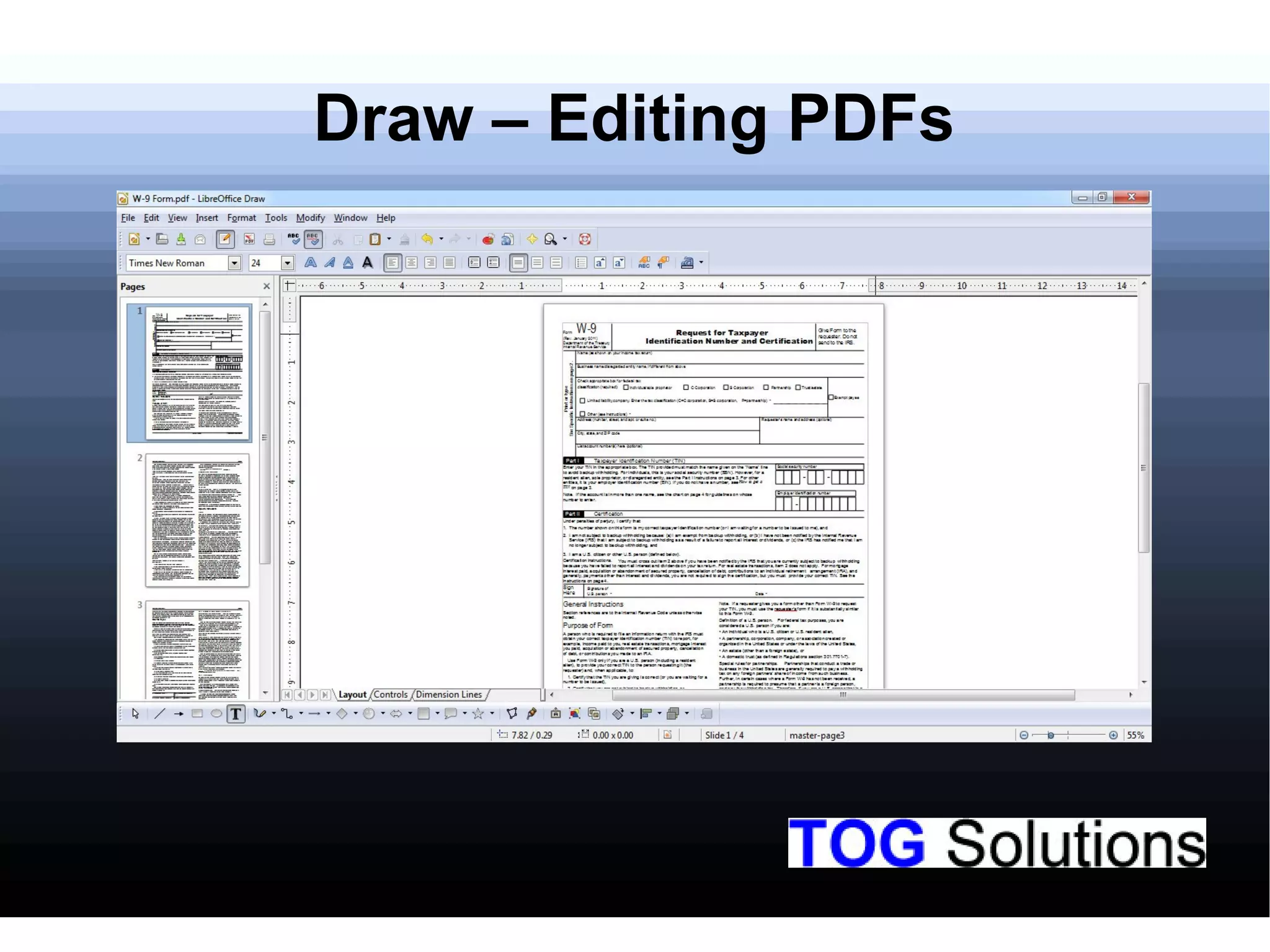
Explanation of how to edit PDF documents in LibreOffice Draw.
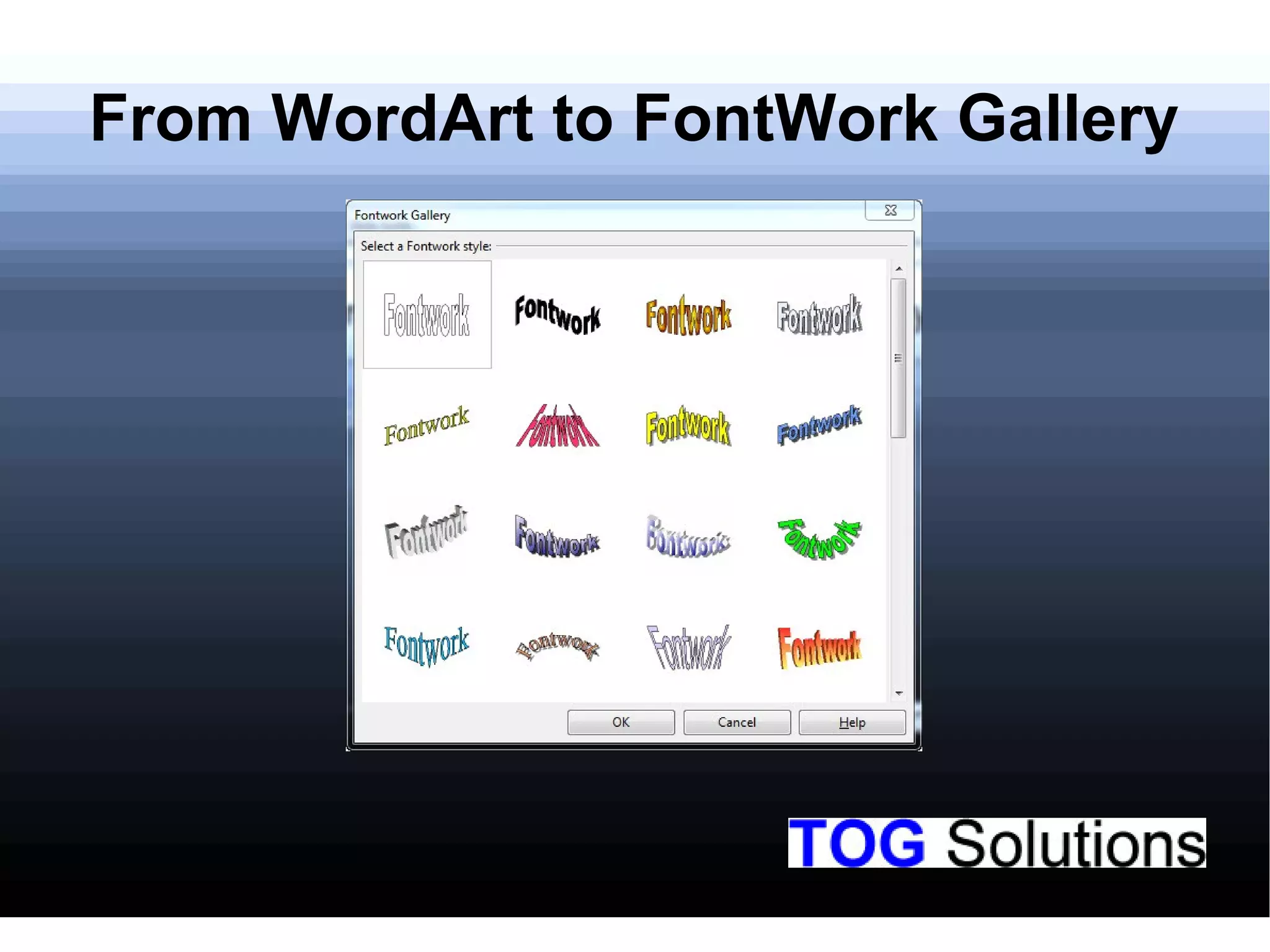
Overview of the WordArt and FontWork Gallery features in Draw.
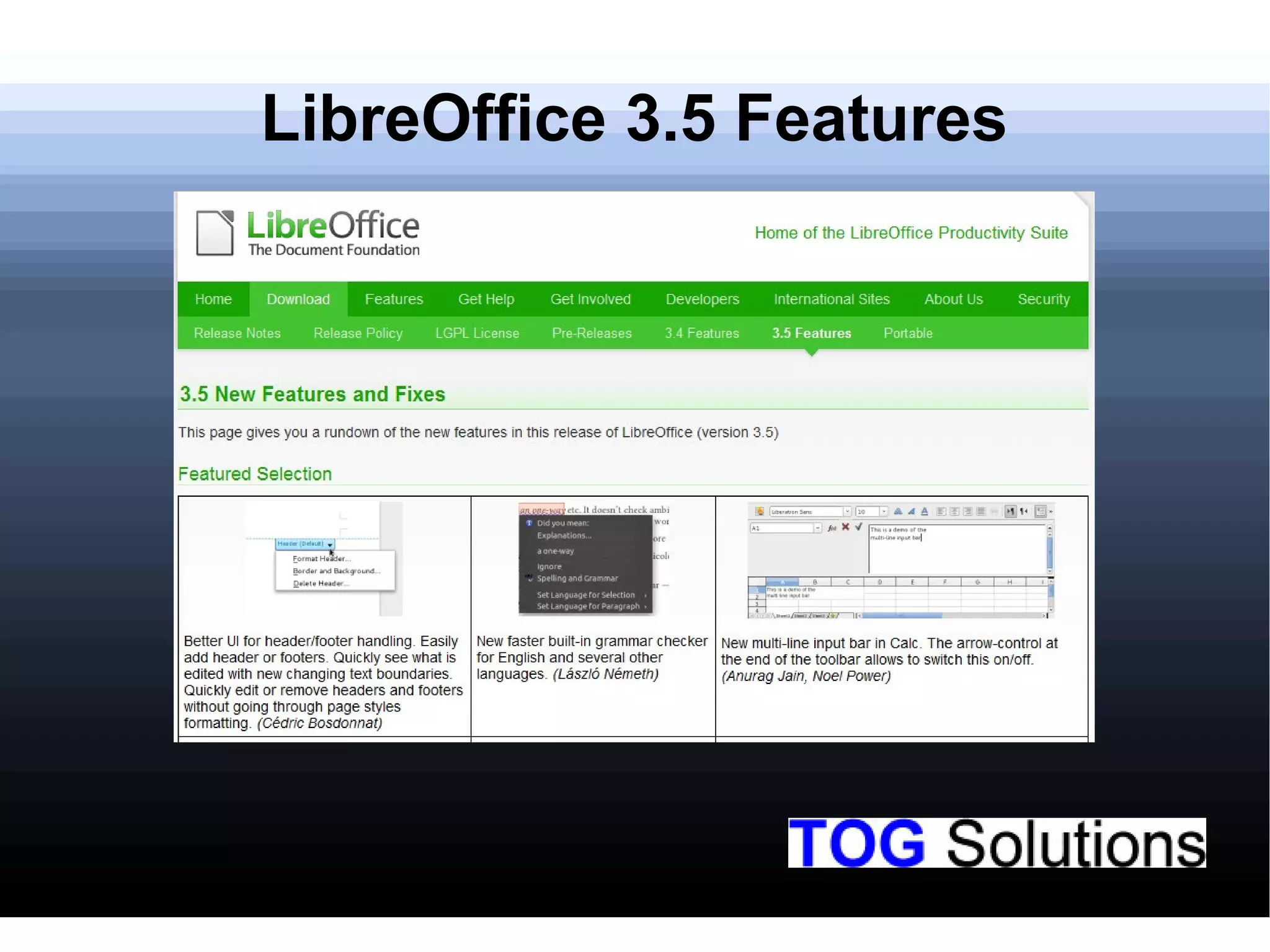
Highlighting significant features introduced in LibreOffice version 3.5.
A session for addressing questions from the audience.
Conclusion of the training session with gratitude and contact information.


