Highly available Puppet : automate the
deployment of new masters
Puppet Camp Paris
Guillaume Espanel April 8th 2014
Guillaume Espanel
I do devops at Objectif Libre
Linux "background"
Eager to learn new technologies
Objectif Libre
French Open Source company specialized in Linux Infrastructure:
Setting up / audit
Management
Training
Big focused on modern and innovative tools :
Parc management (Puppet and GLPI)
Virtualization (KVM, LXC, OpenStack..)
The problem
Infrastructures either grow or die.
The problem
Puppet needs to grow with it !
Solutions Outline
Use Puppet to deploy new masters
Synchronize manifests and modules with r10k
Setup a load balancing system : either SRV records or a
reverse proxy
Solutions Outline
Deploying new masters
What is a Puppetmaster
HTTPS server and Puppetmaster code
Manifests and modules
Certificates and a CRL
A Puppetmaster is also a Puppet agent.
Deploying new masters
Creating a new master
We want to take a server and turn it into a fully functionnal master.
Deploying new masters
Get certified!
A good master certificate is usually valid for :
hostname.example.com
puppet.example.com
hostname
puppet
Deploying new masters
But
An agent certificate is only valid for its own name. We have to re­generate
a nice master­grade certificate.
This is hard to automate since Puppet needs a signed certificate in order
to receive a catalog.
Deploying new masters
Solution
Change dns_alt_names before running the agent :
[main]
#...
dns_alt_names=puppet,puppet.example.com
#...
Deploying new masters
Installing the master role
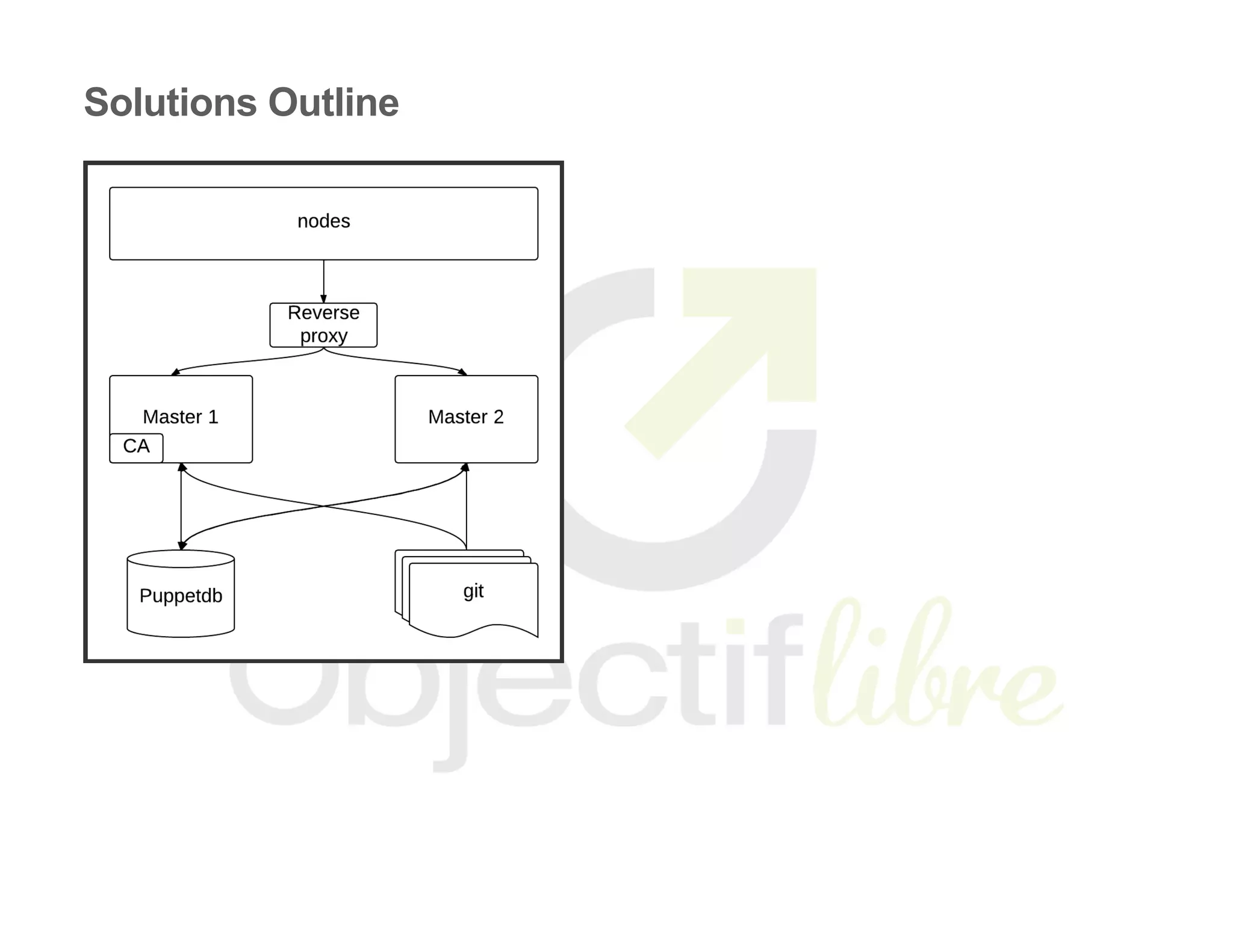
The secondary masters should not act as certificate authorities.
Other than that, secondary masters are identical with the primary one.
That means we have to take care of setting up the PuppetDB connection,
the ENC, the reports processors, hiera ...
Deploying new masters
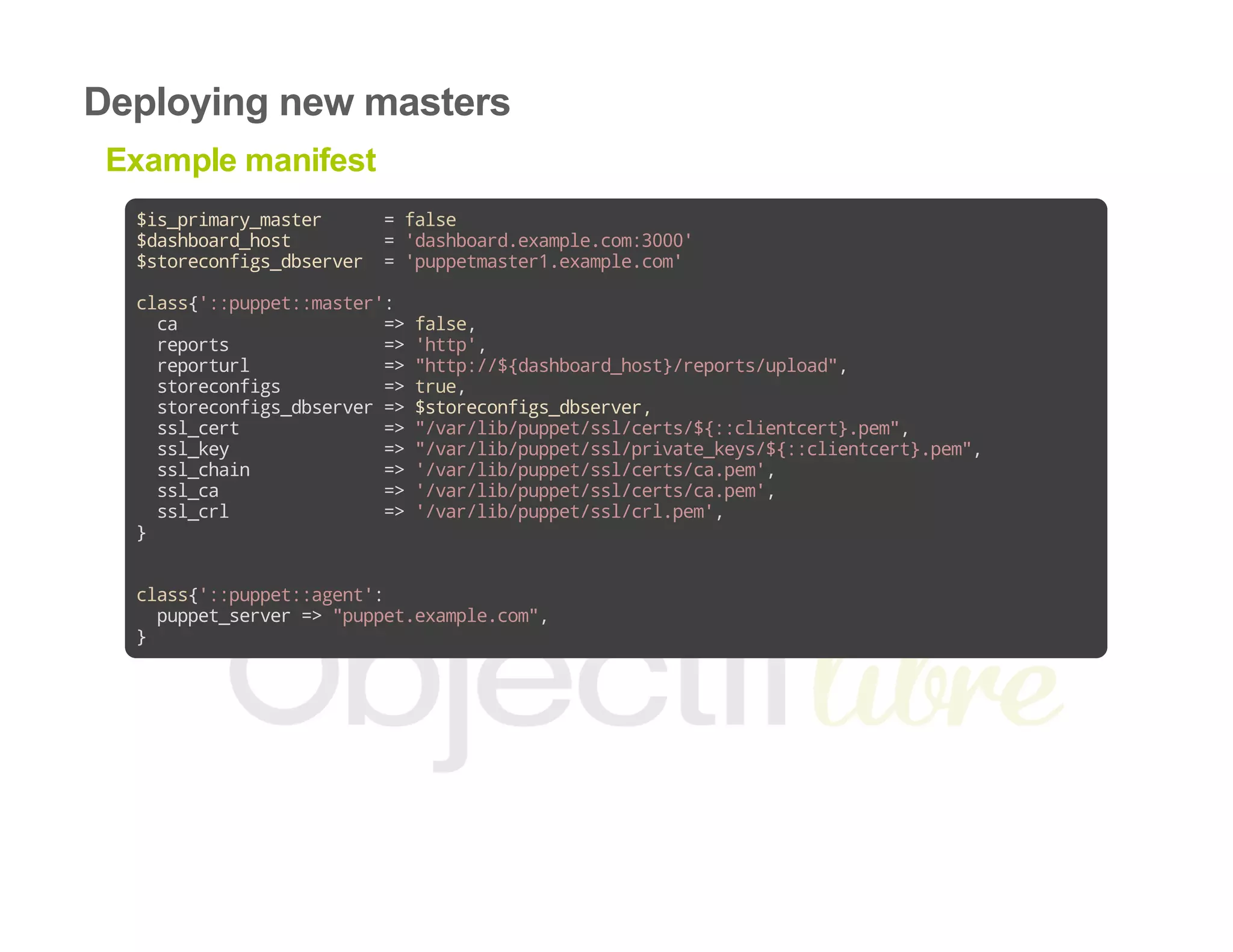
Example manifest
$is_primary_master =false
$dashboard_host ='dashboard.example.com:3000'
$storeconfigs_dbserver ='puppetmaster1.example.com'
class{'::puppet::master':
ca =>false,
reports =>'http',
reporturl =>"http://${dashboard_host}/reports/upload",
storeconfigs =>true,
storeconfigs_dbserver=>$storeconfigs_dbserver,
ssl_cert =>"/var/lib/puppet/ssl/certs/${::clientcert}.pem",
ssl_key =>"/var/lib/puppet/ssl/private_keys/${::clientcert}.pem",
ssl_chain =>'/var/lib/puppet/ssl/certs/ca.pem',
ssl_ca =>'/var/lib/puppet/ssl/certs/ca.pem',
ssl_crl =>'/var/lib/puppet/ssl/crl.pem',
}
class{'::puppet::agent':
puppet_server=>"puppet.example.com",
}
Synchronizing the modules and manifests
This part is identical on all our Puppet masters.
We will use r10k to pull our configuration out of a git repository.
Synchronizing the modules and manifests
Environments
r10k supports deploying multiple environments. For the sake of simplicity,
we will only use a standard production environment.
Our repository will only have a production branch.
Synchronizing the modules and manifests
What do we need?
A git repository containing the modules and manifests
r10k and its configuration
Synchronizing the modules and manifests
Example manifest
class{'::r10k':
remote=>'git@git.example.com:puppet/environments.git',
}
Synchronizing the modules and manifests
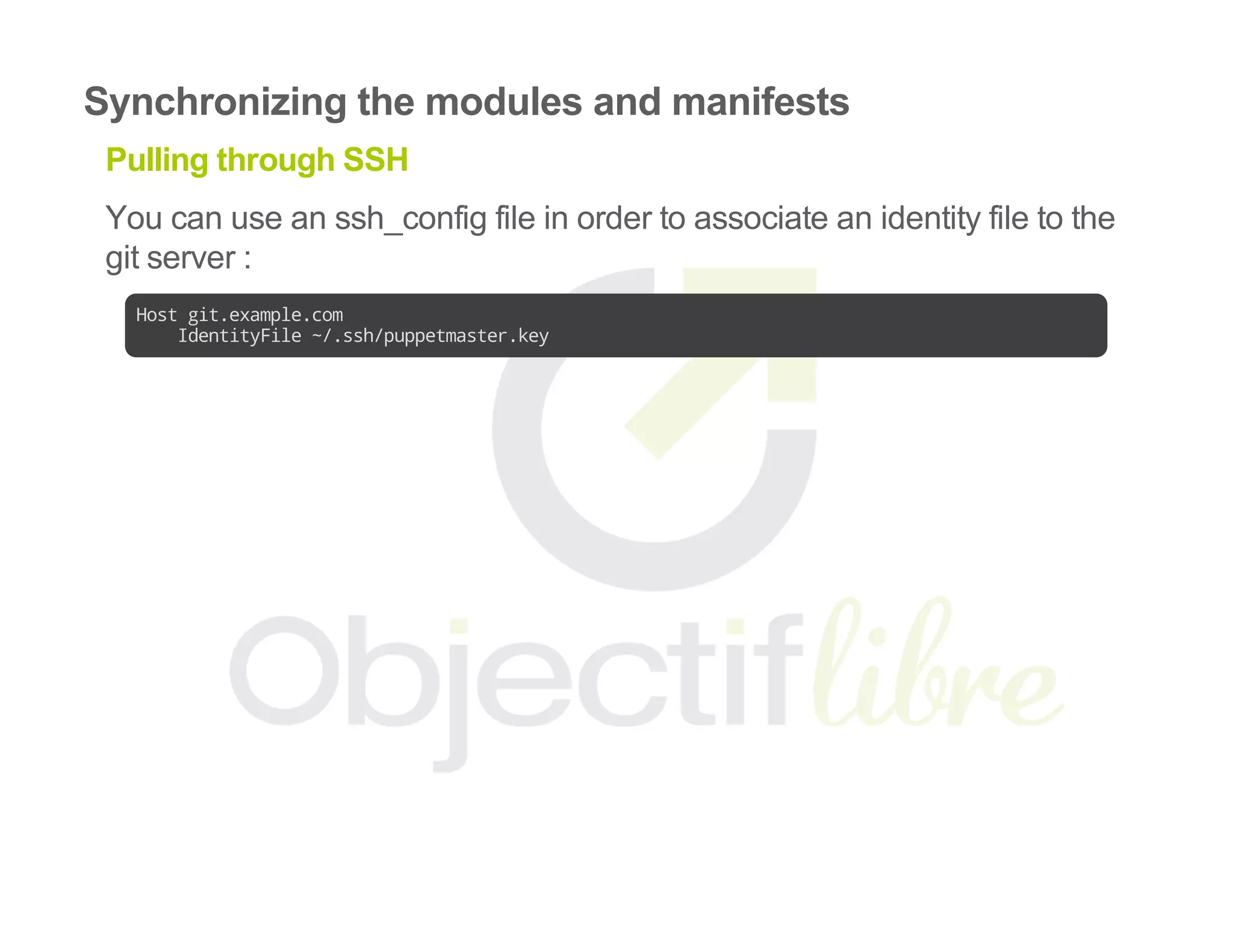
Pulling through SSH
You can use an ssh_config file in order to associate an identity file to the
git server :
Hostgit.example.com
IdentityFile~/.ssh/puppetmaster.key
Synchronizing the modules and manifests
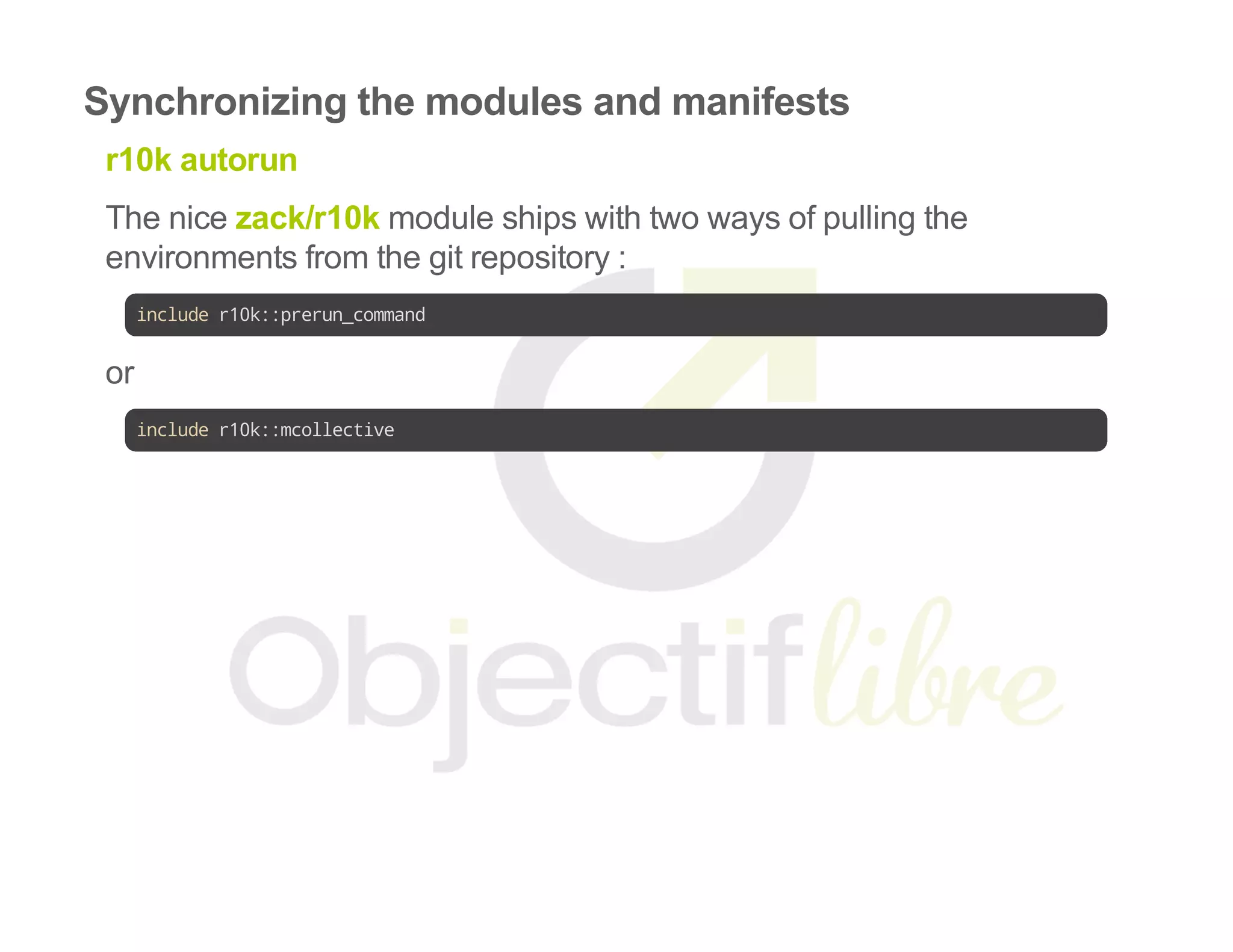
r10k autorun
The nice zack/r10k module ships with two ways of pulling the
environments from the git repository :
includer10k::prerun_command
or
includer10k::mcollective
Synchronizing the modules and manifests
Where do we go?
By now, should have a running secondary master.
We need to make it available for our nodes.
Mechanisms for load balancing and high availability
Classic web application load balancing
SRV Records
Mechanisms for load balancing and high availability
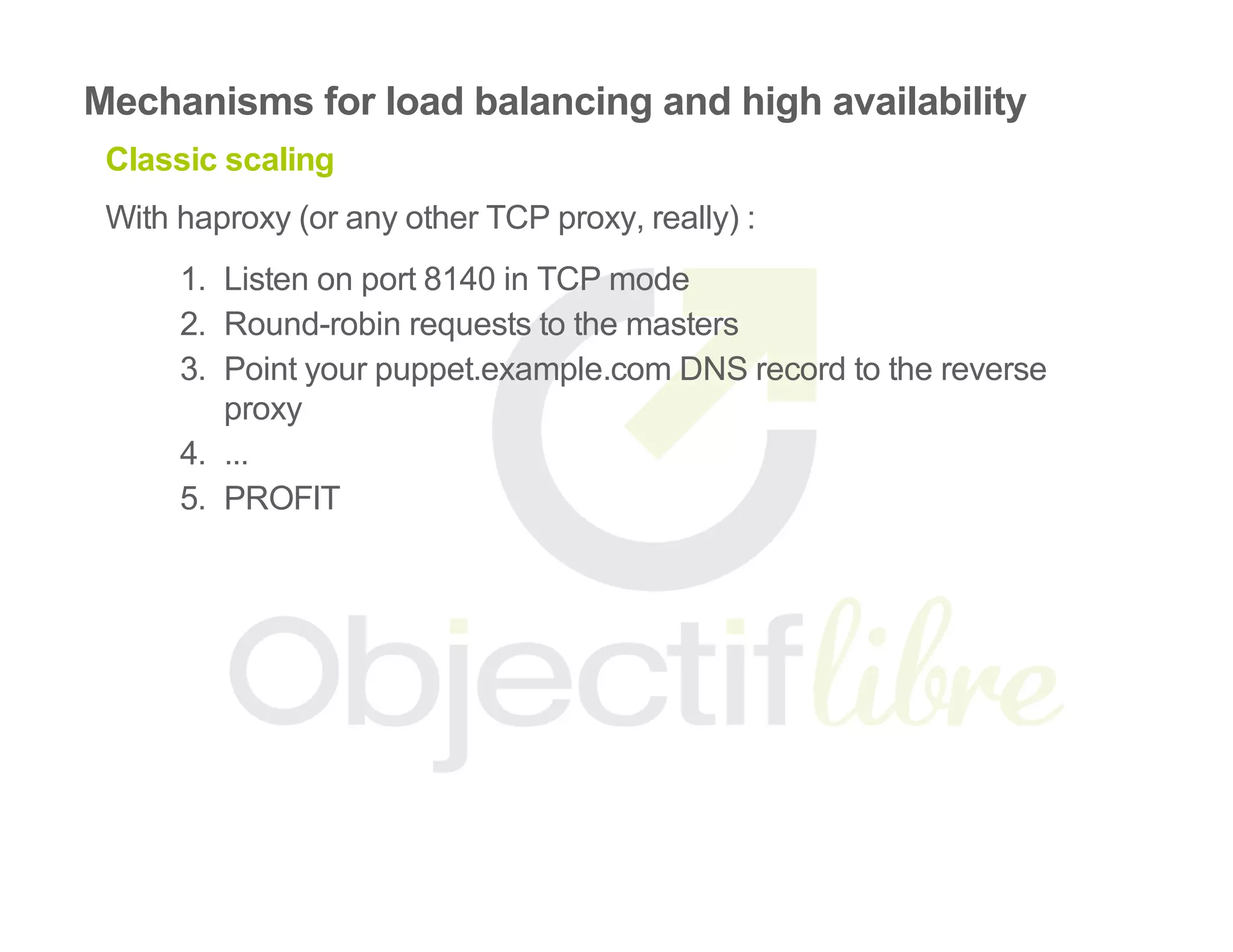
Classic scaling
With haproxy (or any other TCP proxy, really) :
1.  Listen on port 8140 in TCP mode
2.  Round­robin requests to the masters
3.  Point your puppet.example.com DNS record to the reverse
proxy
4.  ...
5.  PROFIT
Mechanisms for load balancing and high availability
Note
When deploying new agents, make sure they contact the "main" master
for CA stuff.
[main]
#...
ca_server=puppetmaster1.example.com
in the agent's puppet.conf
Mechanisms for load balancing and high availability
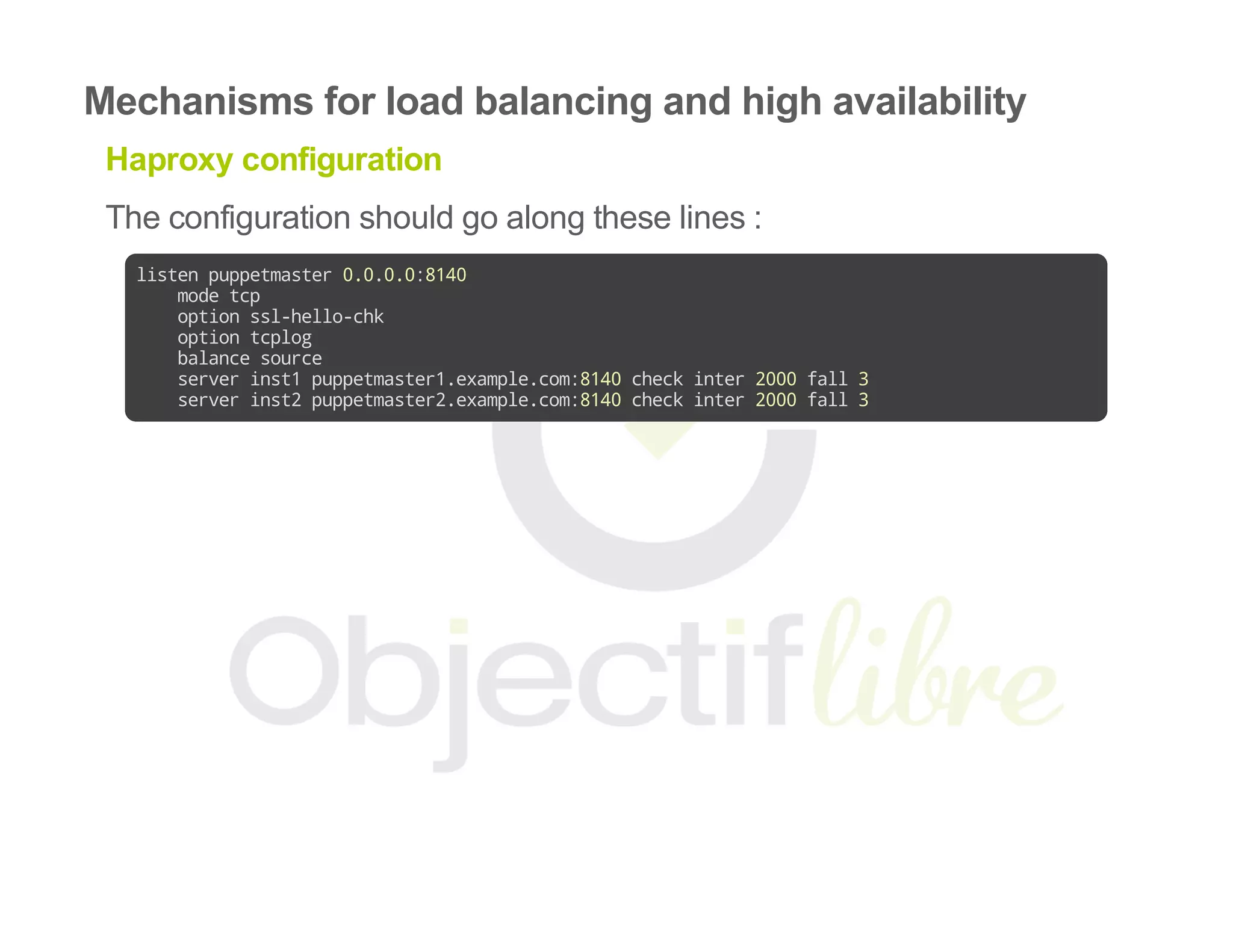
Haproxy configuration
The configuration should go along these lines :
listenpuppetmaster0.0.0.0:8140
modetcp
optionssl-hello-chk
optiontcplog
balancesource
serverinst1puppetmaster1.example.com:8140checkinter2000fall3
serverinst2puppetmaster2.example.com:8140checkinter2000fall3
Mechanisms for load balancing and high availability
Puppetizing haproxy
Puppetlabs' haproxy module dooes a great job at configuring haproxy :
On the reverse proxy :
includehaproxy
haproxy::listen{'puppetmaster':
ipaddress=>'0.0.0.0',
ports =>'8140',
balance =>'source',
options =>['ssl-hello-chk','tcplog'],
mode =>'tcp',
}
Mechanisms for load balancing and high availability
Puppetizing haproxy
And on each master :
@@haproxy::balancermember{"${::clientcert}_8140":
listening_service=>'puppetmaster',
server_names =>$::clientcert,
ipaddresses =>$::clientcert,
ports =>'8140',
options =>['checkinter2000','fall3'],
}
Mechanisms for load balancing and high availability
Puppetizing haproxy
The haproxy::listen resource will collect all the
haproxy::balancermember resources and add the new masters to the
pool.
Mechanisms for load balancing and high availability
SRV Records
SRV is for service
An SRV record looks like this :
_service._proto.name. TTL class SRV priority weight port target.
Mechanisms for load balancing and high availability
Puppet SRV Records
_x­puppet._tcp.example.com. 1800 IN SRV 0 5 8140
puppetmaster1.example.com.
_x­puppet._tcp.example.com. 1800 IN SRV 0 5 8140
puppetmaster2.example.com.
This declares two masters on example.com with a weight of 5.
Mechanisms for load balancing and high availability
What about the CA?
Theres an SRV record for that :
_x­puppet­ca._tcp.example.com. 86400 IN SRV 0 5 8140
puppetmaster1.example.com.
Mechanisms for load balancing and high availability
Tell the agents to use the SRV records
Edit their puppet.conf file :
[main]
#...
use_srv_records=true
srv_domain=example.com
Putting it all together
We wrote a nice ha_puppet module that takes care of
Setting up Puppet and Passanger
Installing and configuring r10k
Deploying a reverse proxy
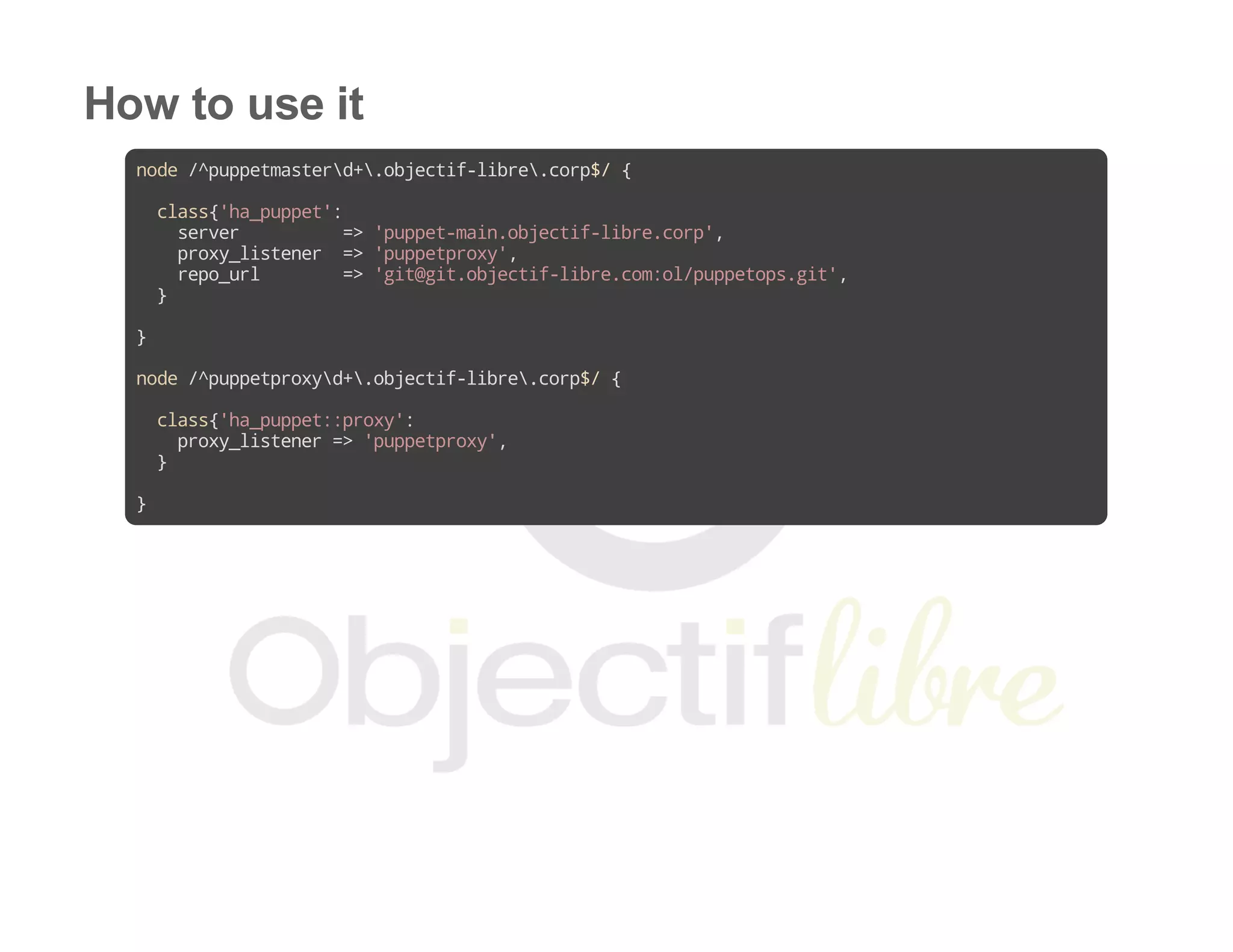
How to use it
node/^puppetmasterd+.objectif-libre.corp$/{
class{'ha_puppet':
server =>'puppet-main.objectif-libre.corp',
proxy_listener =>'puppetproxy',
repo_url =>'git@git.objectif-libre.com:ol/puppetops.git',
}
}
node/^puppetproxyd+.objectif-libre.corp$/{
class{'ha_puppet::proxy':
proxy_listener=>'puppetproxy',
}
}
Thanks and links
@steverjuk :
@acidprime : 
objectiflibre/ha_puppet :
https://github.com/stephenrjohnson/puppetmodule
https://github.com/acidprime/r10k
http://forge.puppetlabs.com/objectiflibre/ha_puppet
Questions ?
Or later... guillaume.espanel@objectif­libre.com
Twitter: @objectiflibre

Puppet Camp Paris 2014: Highly Available Puppet : Automate the deployment of new masters - Guillaume Espanel, Objectif Libre