Create!
What We Have Learned About
PD for the iPad
10 June 2013
Slide design by Susan Smith
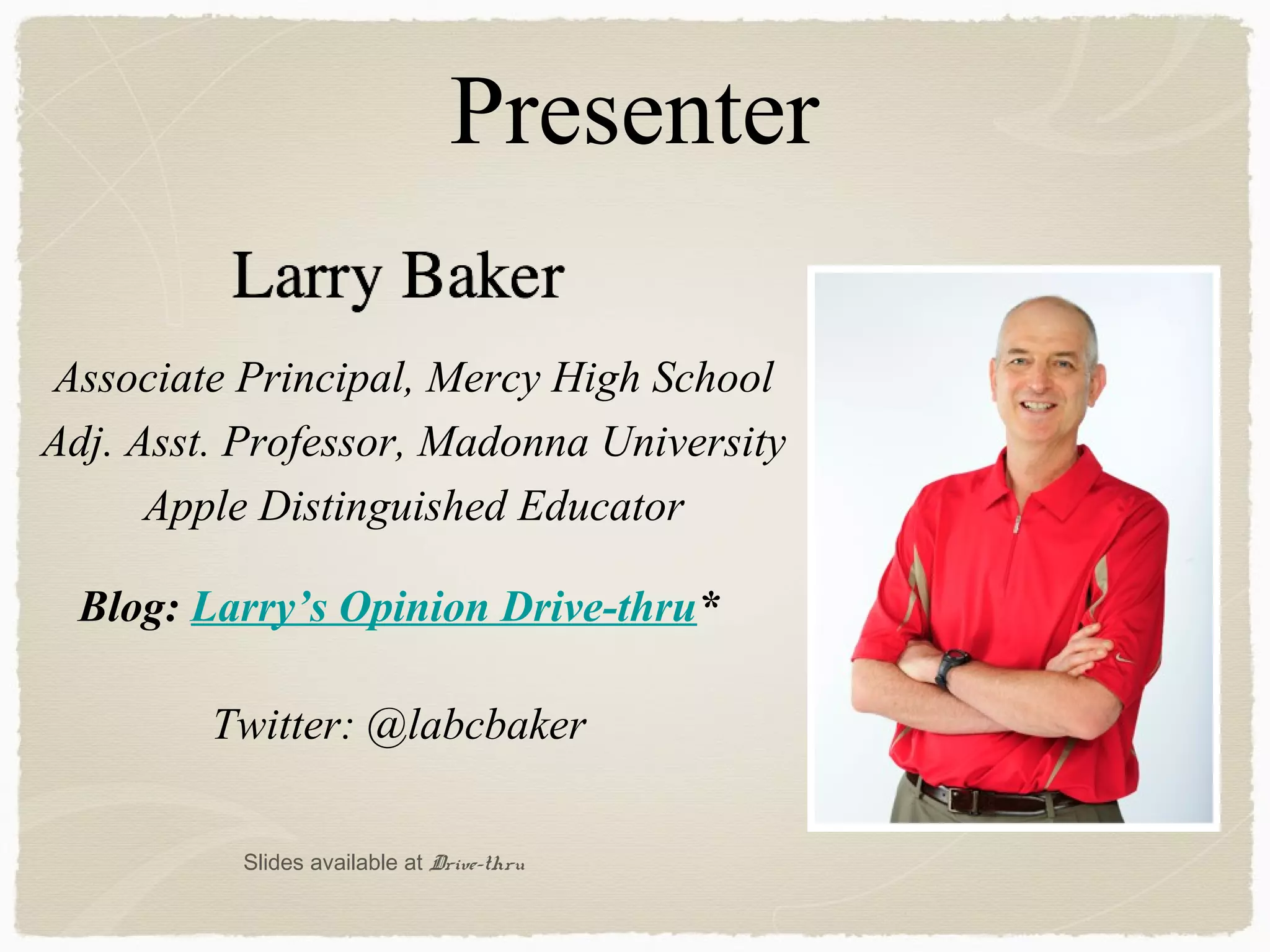
Presenter
Associate Principal, Mercy High School
Adj. Asst. Professor, Madonna University
Apple Distinguished Educator
Twitter: @labcbaker
Blog: Larry’s Opinion Drive-thru*
Slides available at Drive-thru
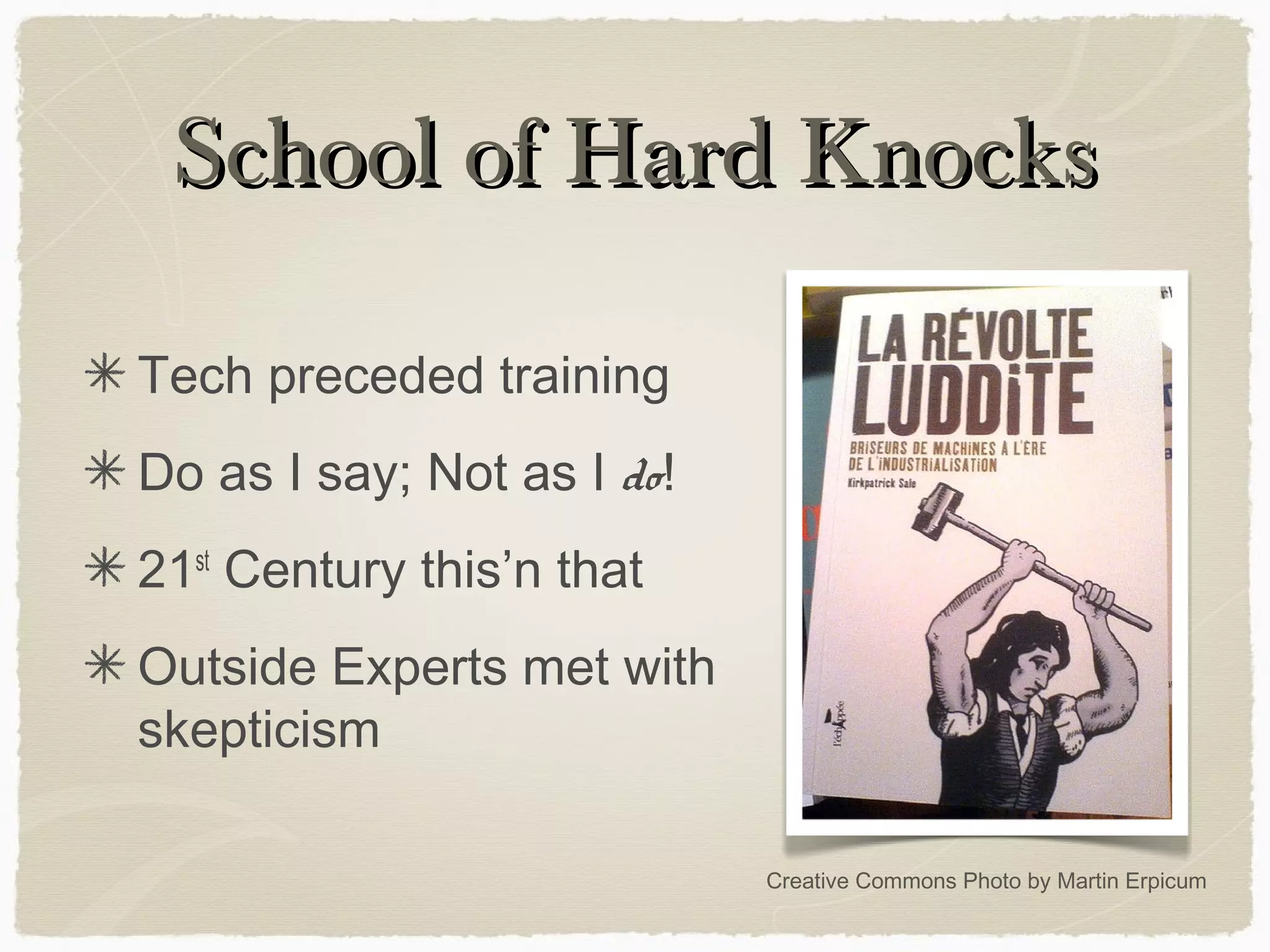
School of Hard KnocksSchool of Hard Knocks
Tech preceded training
Do as I say; Not as I do!
21st
Century this’n that
Outside Experts met with
skepticism
Creative Commons Photo by Martin Erpicum
Listening to FeedbackListening to Feedback
Creative Commons Photo by Practicalowl
Focus Areas
Creative Commons Photo by A Guy Taking Pictures
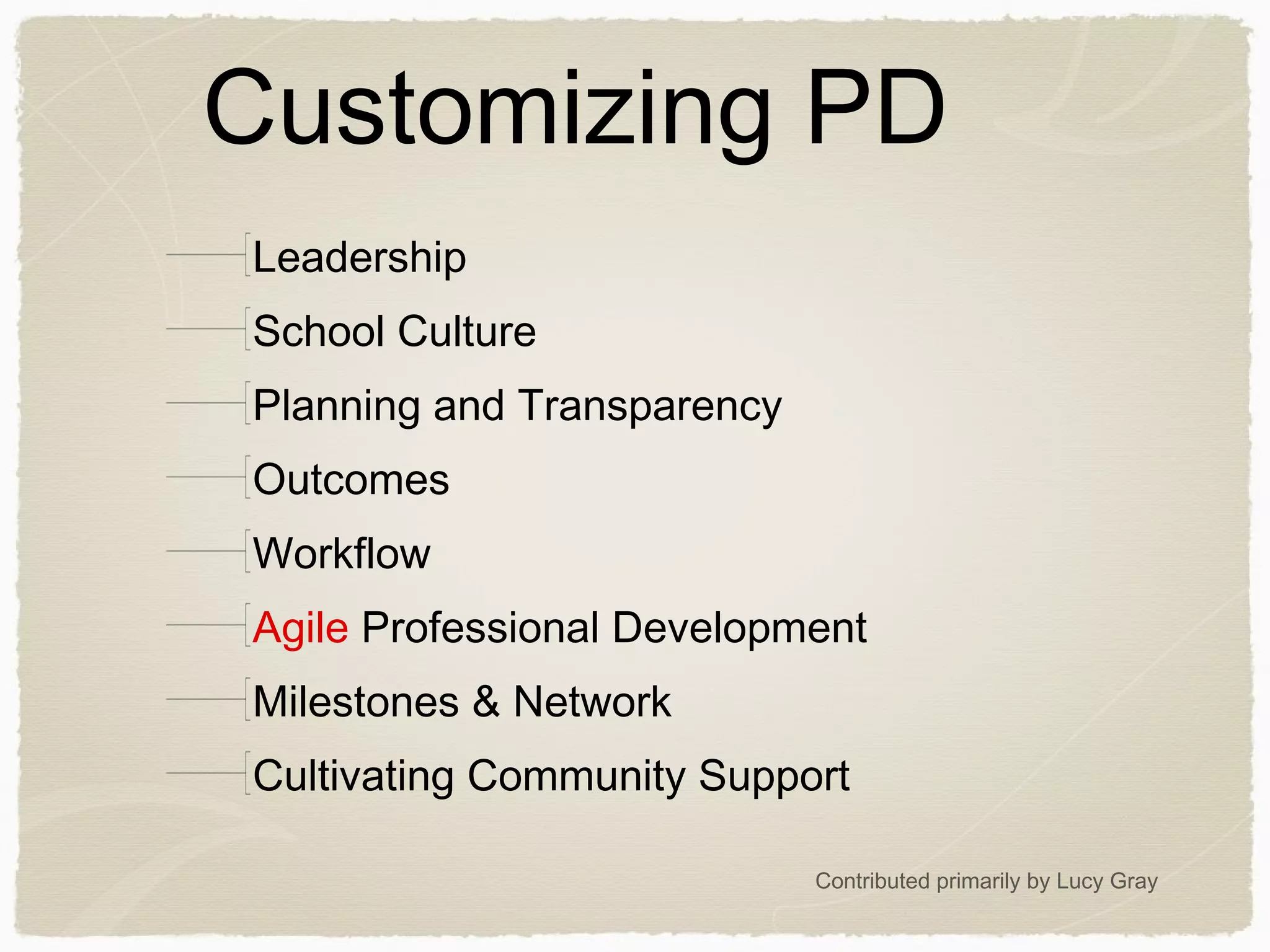
Customizing PD
Leadership
School Culture
Planning and Transparency
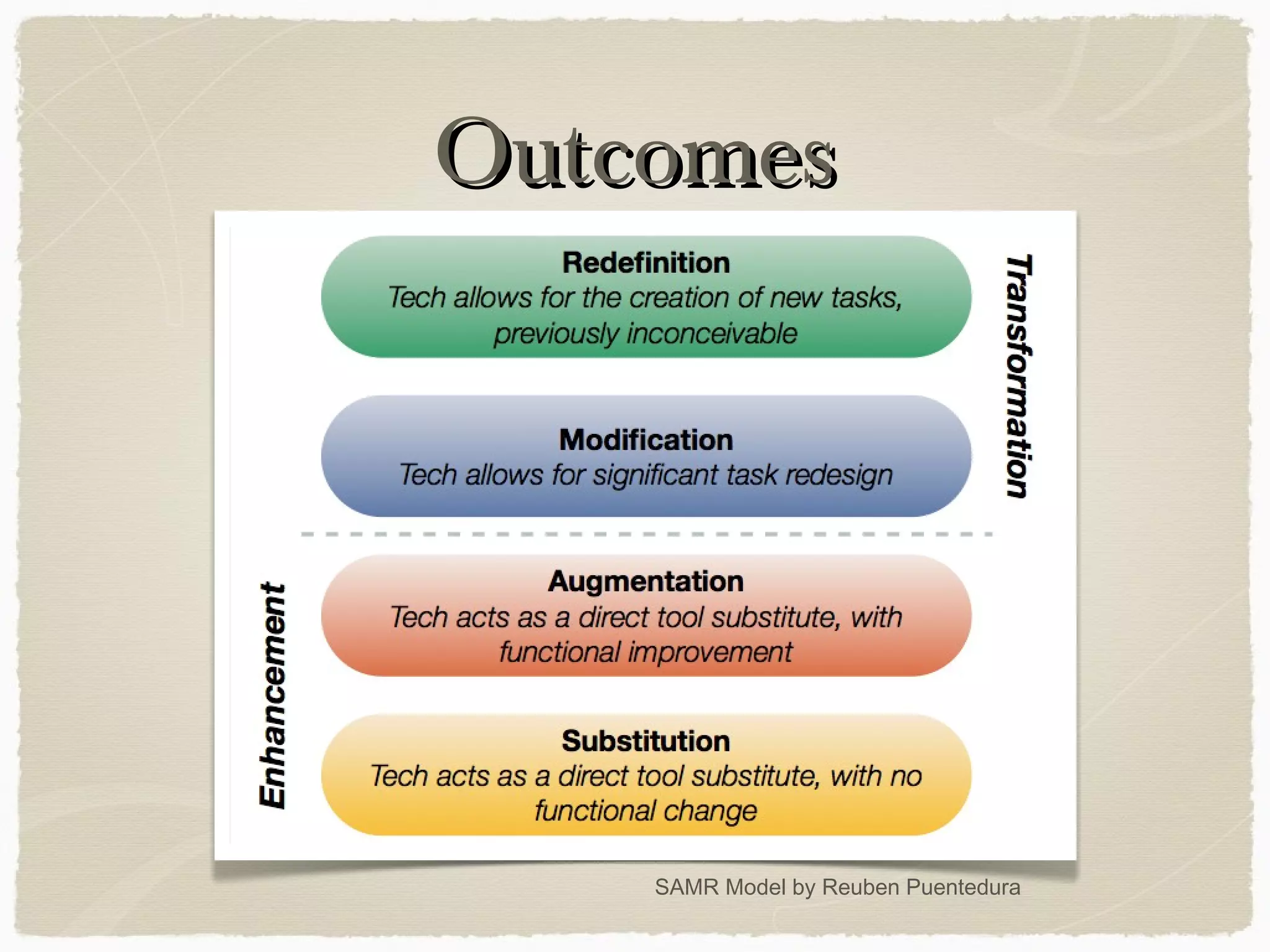
Outcomes
Workflow
Agile Professional Development
Milestones & Network
Cultivating Community Support
Contributed primarily by Lucy Gray
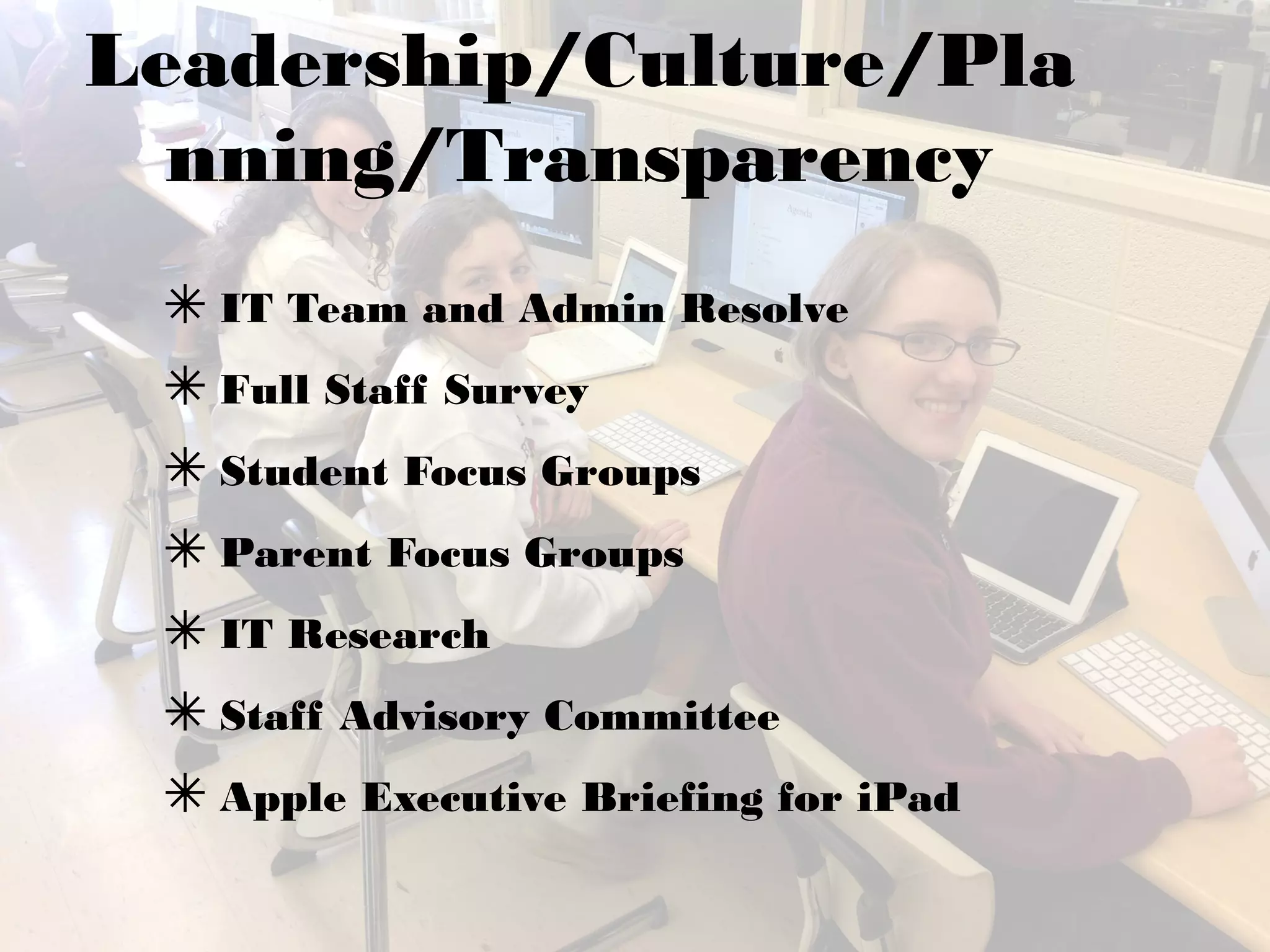
Leadership/Culture/Pla
nning/Transparency
✴ IT Team and Admin Resolve
✴ Full Staff Survey
✴ Student Focus Groups
✴ Parent Focus Groups
✴ IT Research
✴ Staff Advisory Committee
✴ Apple Executive Briefing for iPad
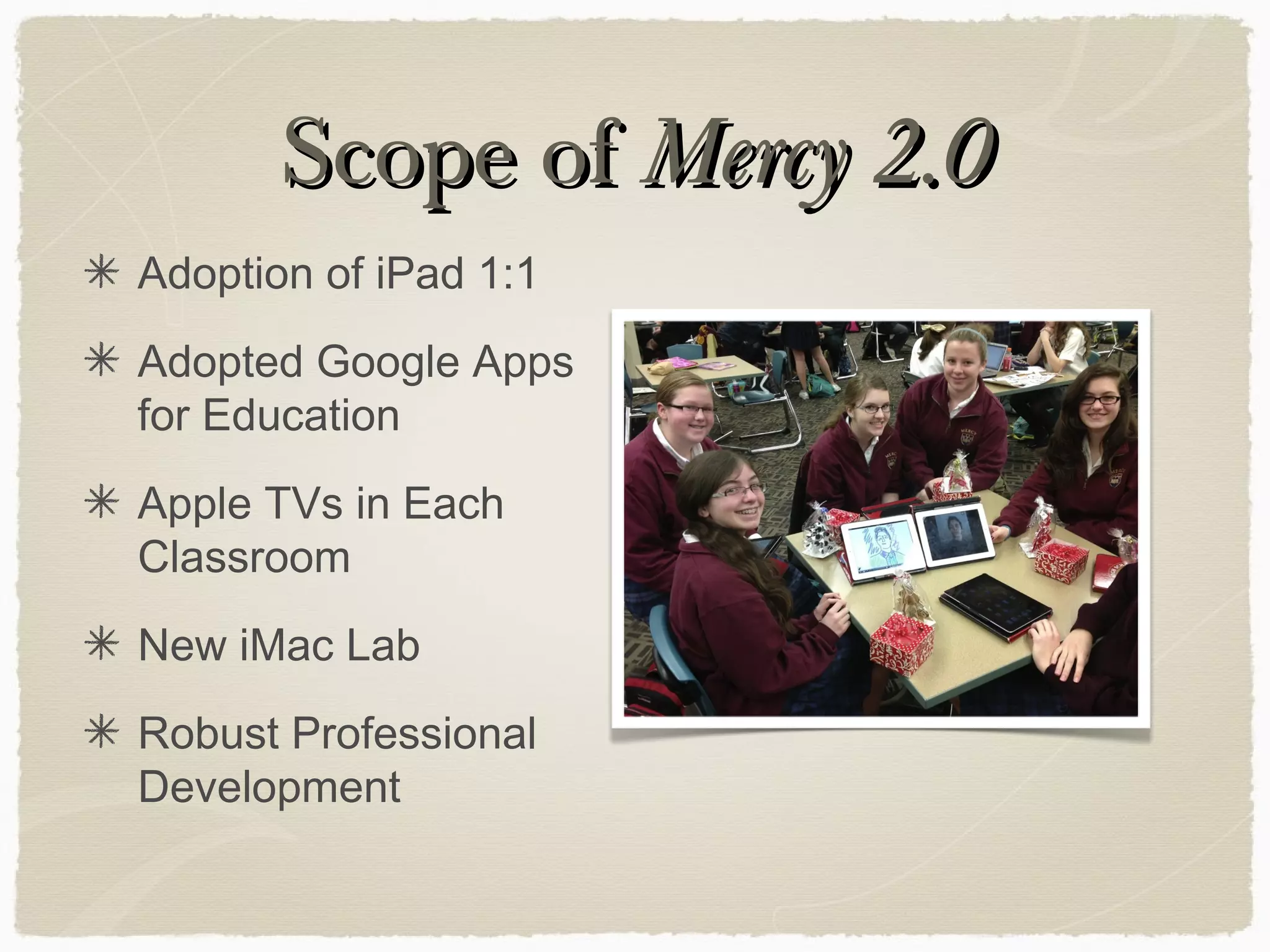
Scope ofScope of Mercy 2.0Mercy 2.0
Adoption of iPad 1:1
Adopted Google Apps
for Education
Apple TVs in Each
Classroom
New iMac Lab
Robust Professional
Development
OutcomesOutcomes
SAMR Model by Reuben Puentedura
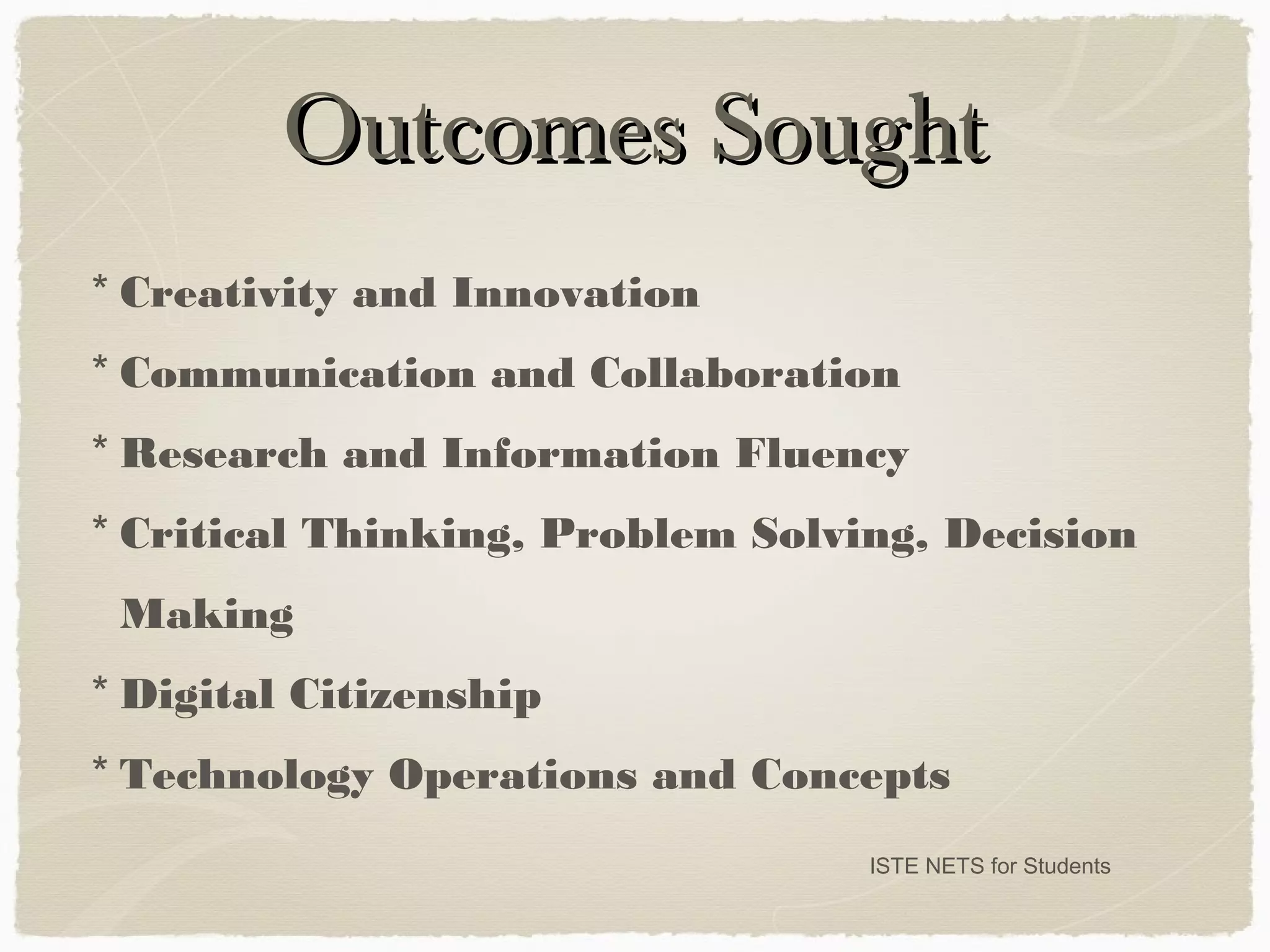
Outcomes SoughtOutcomes Sought
ISTE NETS for Students
* Creativity and Innovation
* Communication and Collaboration
* Research and Information Fluency
* Critical Thinking, Problem Solving, Decision
Making
* Digital Citizenship
* Technology Operations and Concepts
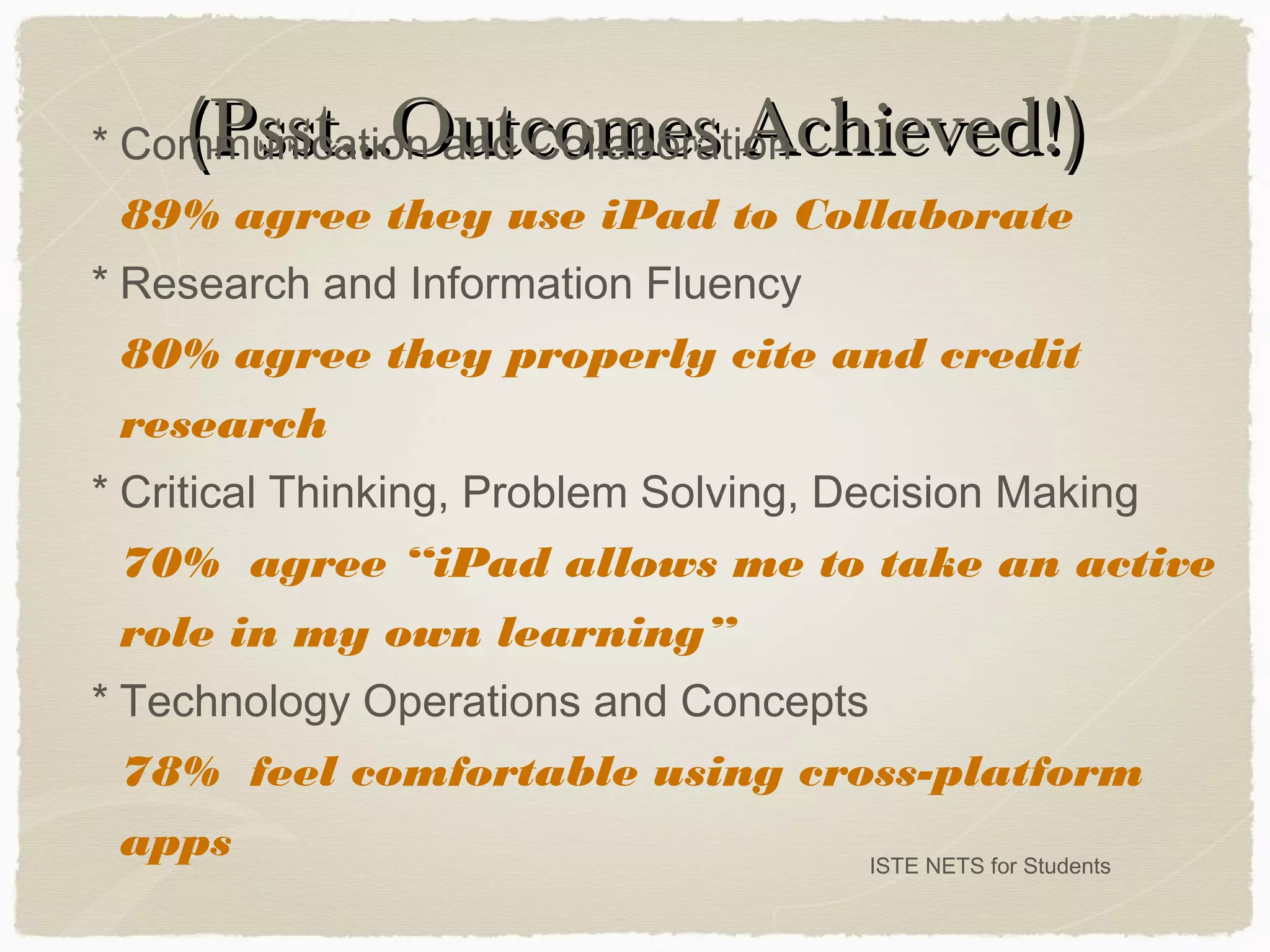
(Psst...Outcomes Achieved!)(Psst...Outcomes Achieved!)
ISTE NETS for Students
* Communication and Collaboration
89% agree they use iPad to Collaborate
* Research and Information Fluency
80% agree they properly cite and credit
research
* Critical Thinking, Problem Solving, Decision Making
70% agree “iPad allows me to take an active
role in my own learning”
* Technology Operations and Concepts
78% feel comfortable using cross-platform
apps
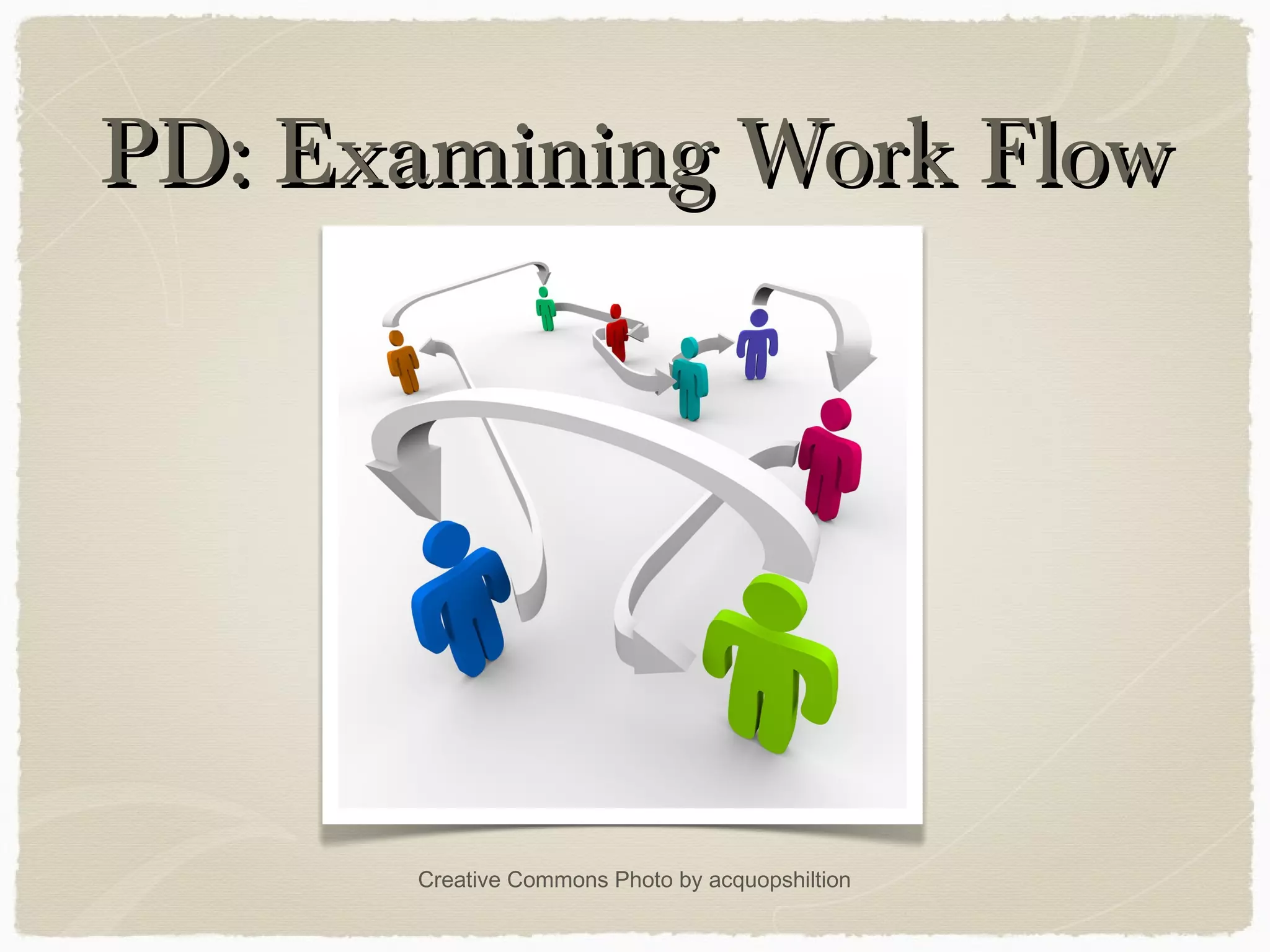
PD: Examining Work FlowPD: Examining Work Flow
Creative Commons Photo by acquopshiltion
Creative Commons Photo by Viewminder
Creating
Some
Excitement
PD:PD: UnboxingUnboxing
Creative Commons Photo by ntr23
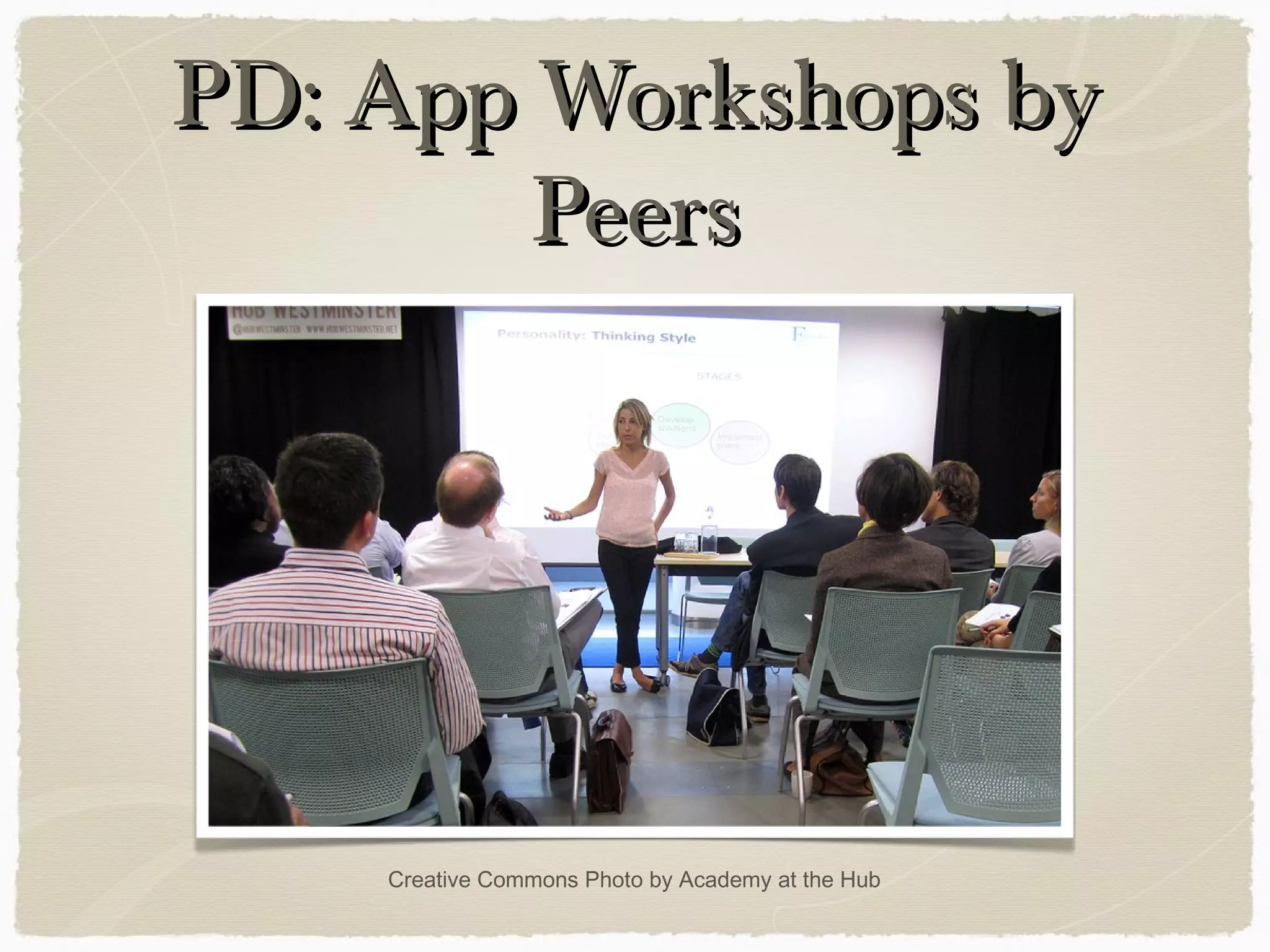
PD: App Workshops byPD: App Workshops by
PeersPeers
Creative Commons Photo by Academy at the Hub
Super TuesdaysSuper Tuesdays
Personal Productivity WorkshopsPersonal Productivity Workshops
Noteshelf
Dropbox
Evernote I & II
iAnnotate PDF
Presentations:
Keynote (and iMovie)
http://www.prweb.com/releases/2012/12/prweb10208317.htm
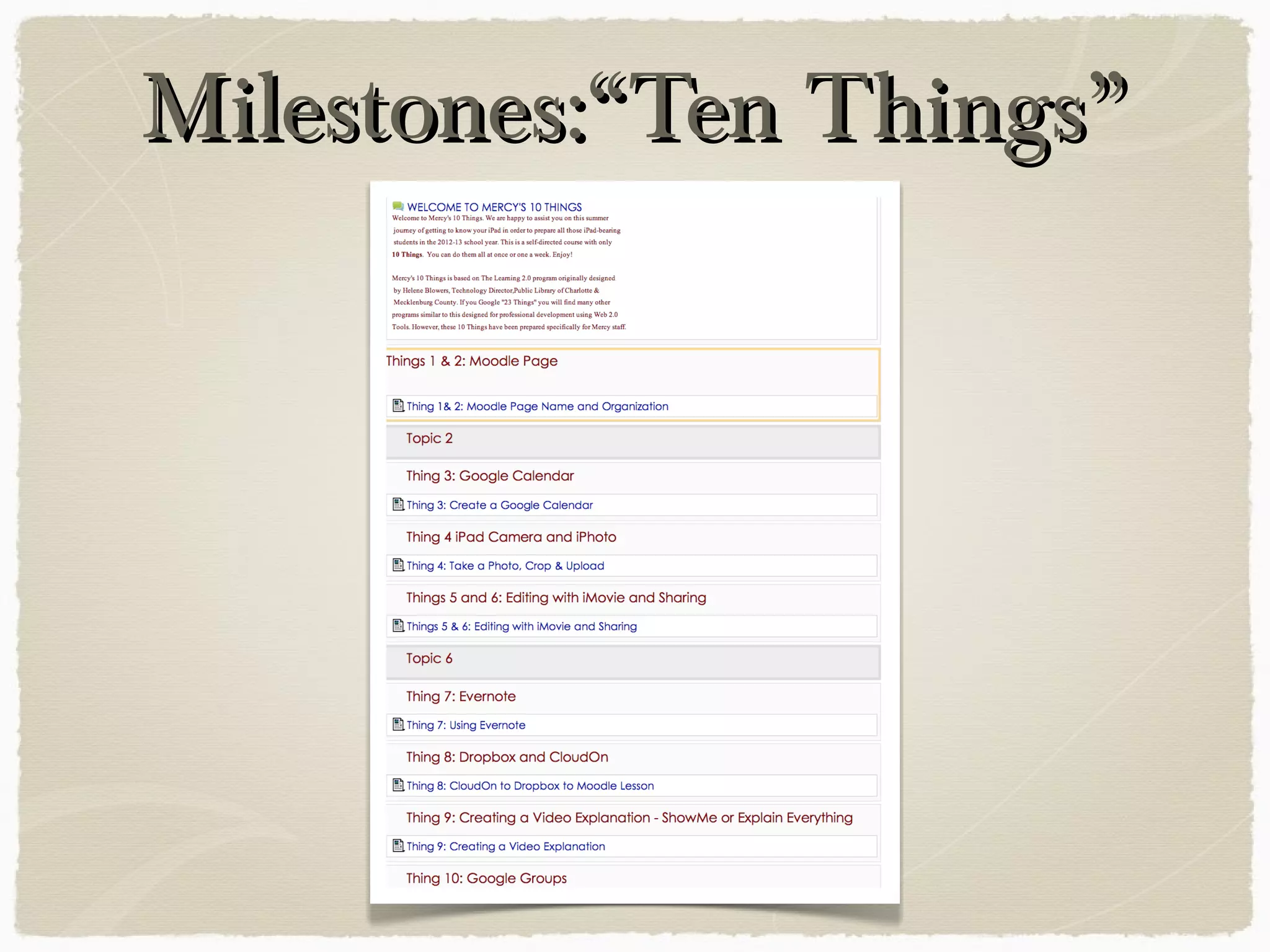
Milestones:“Ten Things”Milestones:“Ten Things”
Our Ten ThingsOur Ten Things
(Substitution)(Substitution)
Moodle Page
Google Calendar
Camera + iPhoto
Camera + iMovie
Evernote
Dropbox / CloudOn
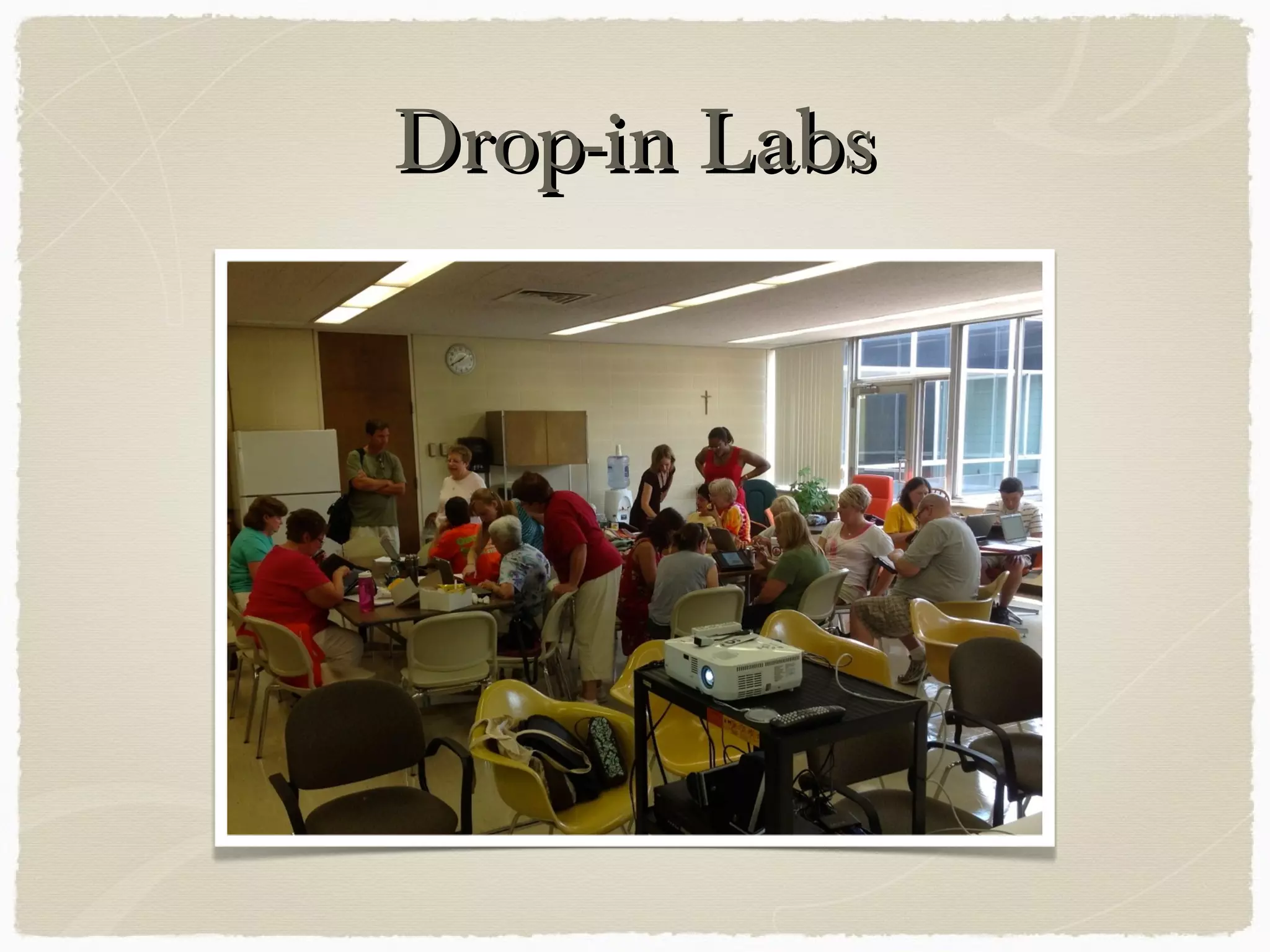
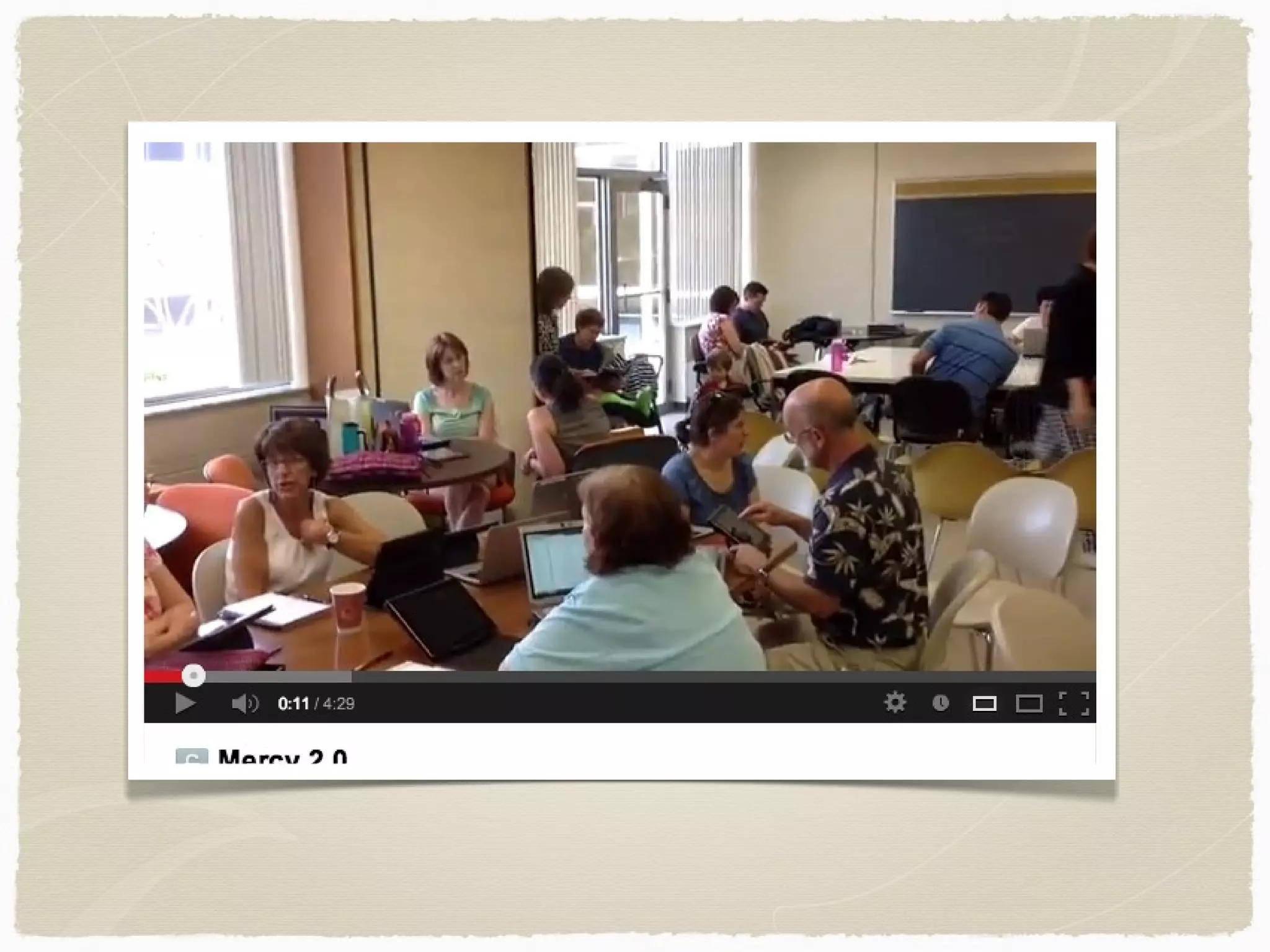
Drop-in LabsDrop-in Labs
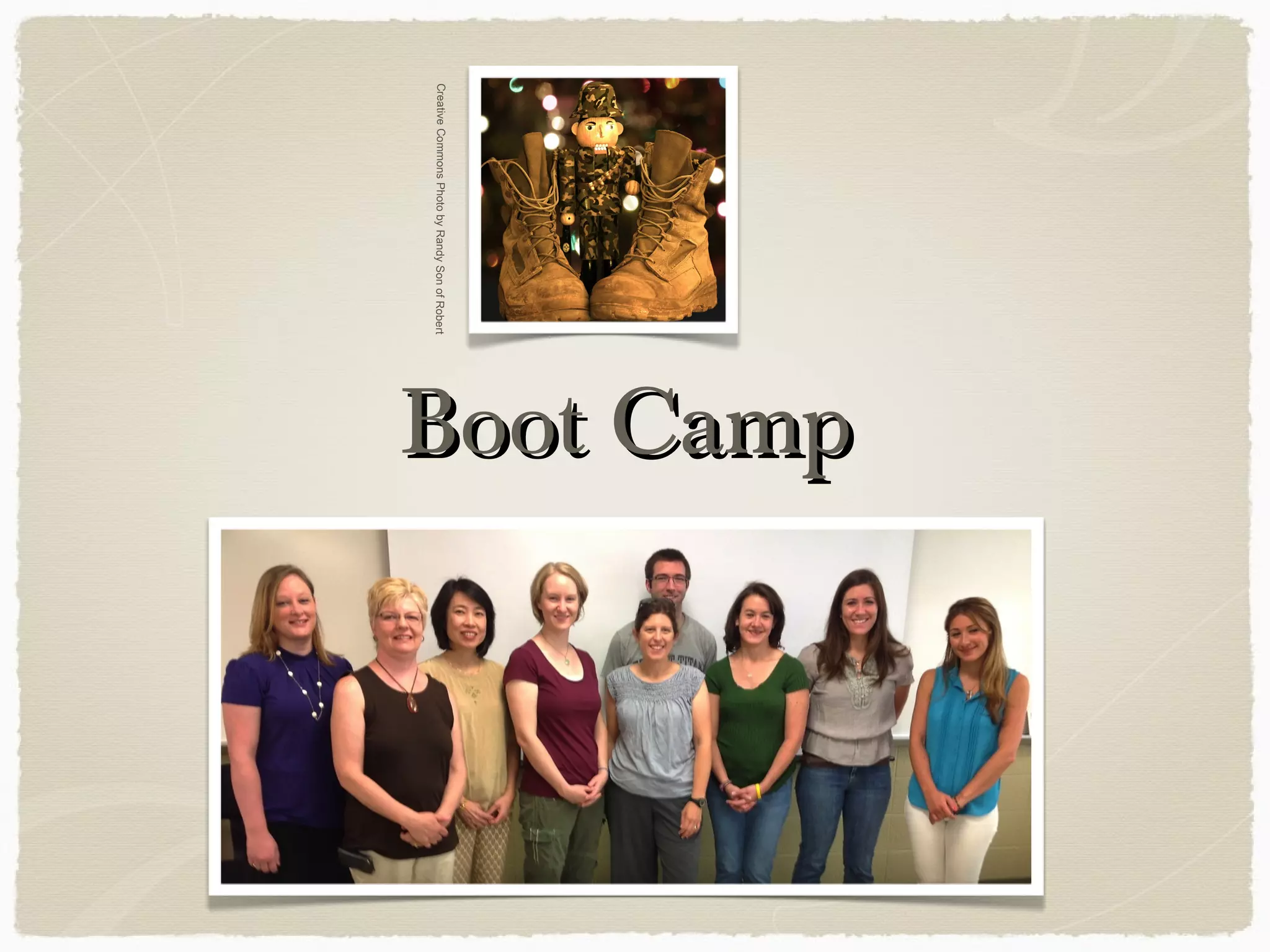
Boot CampBoot CampCreativeCommonsPhotobyRandySonofRobert
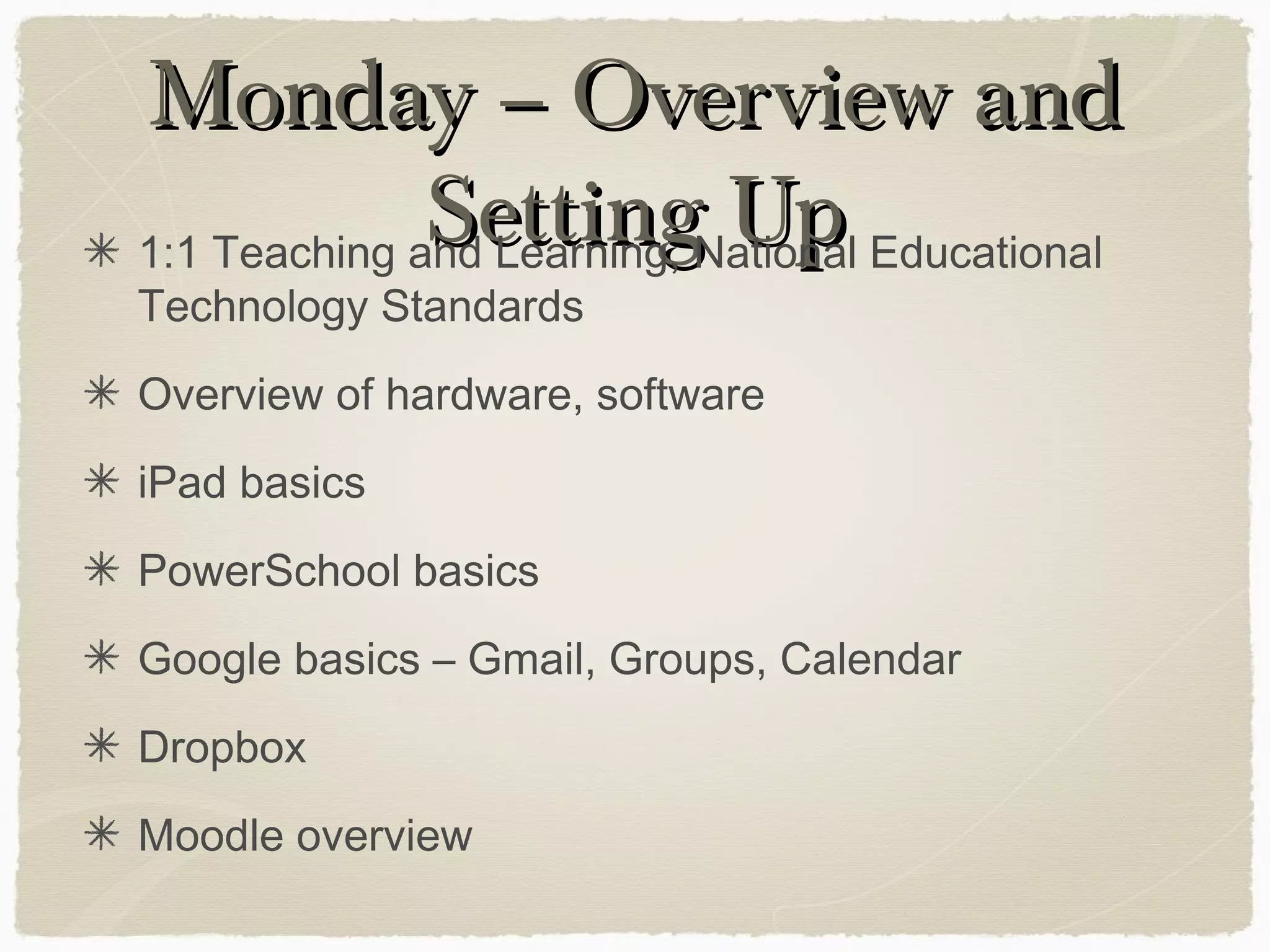
Monday – Overview andMonday – Overview and
Setting UpSetting Up1:1 Teaching and Learning, National Educational
Technology Standards
Overview of hardware, software
iPad basics
PowerSchool basics
Google basics – Gmail, Groups, Calendar
Dropbox
Moodle overview
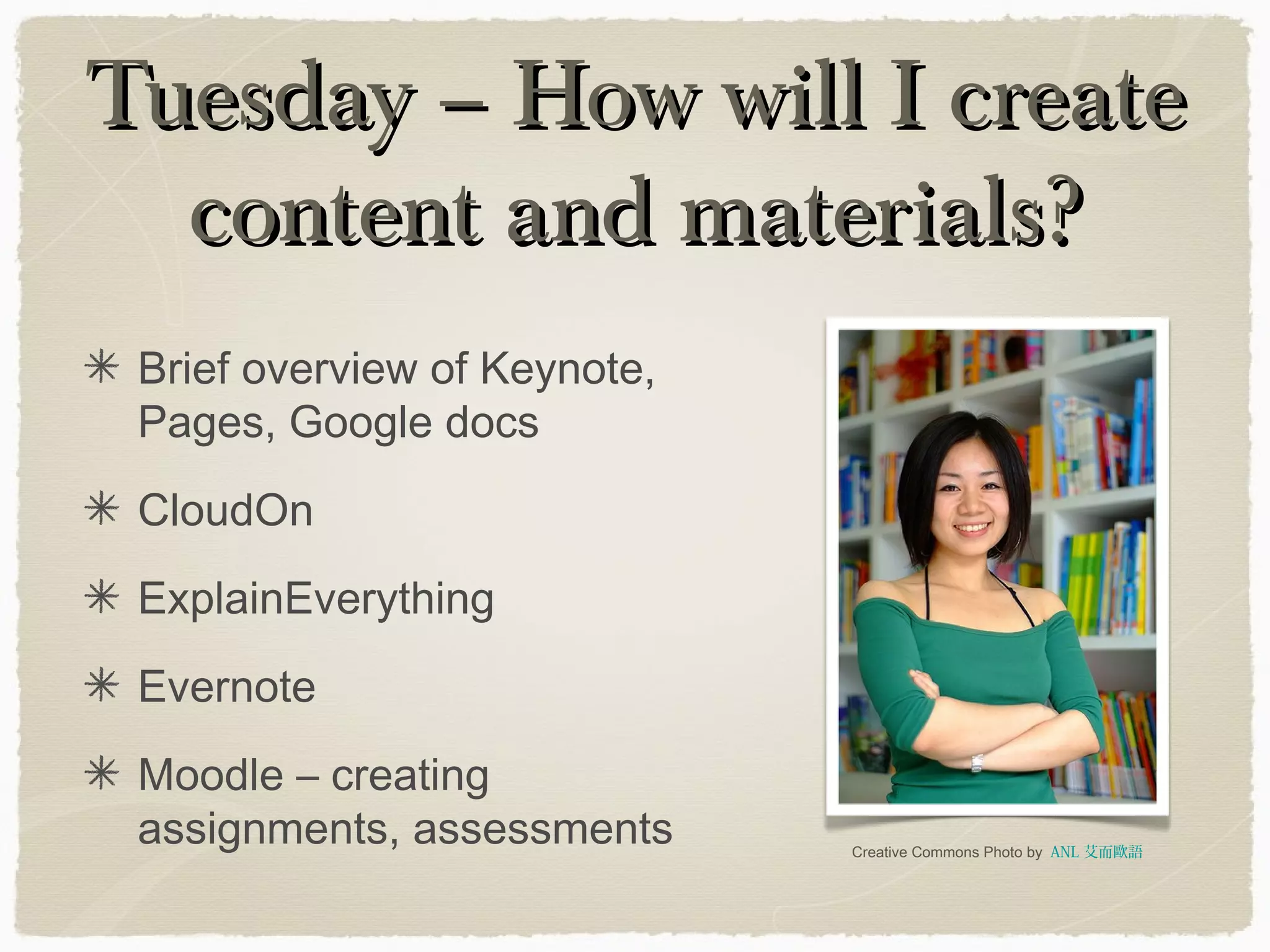
Tuesday – How will I createTuesday – How will I create
content and materials?content and materials?
Brief overview of Keynote,
Pages, Google docs
CloudOn
ExplainEverything
Evernote
Moodle – creating
assignments, assessments Creative Commons Photo by ANL 艾而歐語
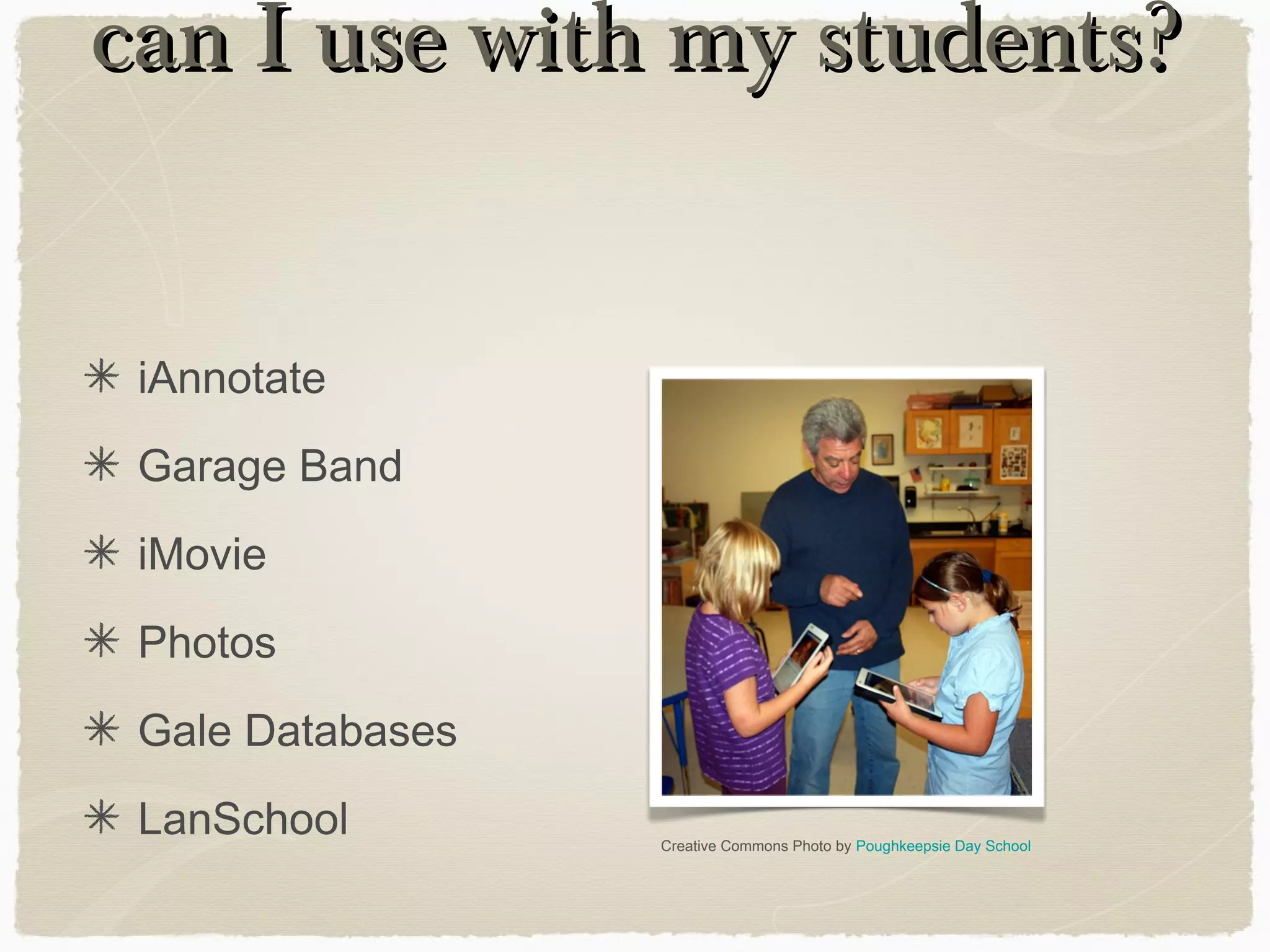
can I use with my students?can I use with my students?
iAnnotate
Garage Band
iMovie
Photos
Gale Databases
LanSchool Creative Commons Photo by Poughkeepsie Day School
PD:Rock StarsPD:Rock Stars
(& Peer Workshops)(& Peer Workshops)
Creative Commons Photo by Tanel Teemusk
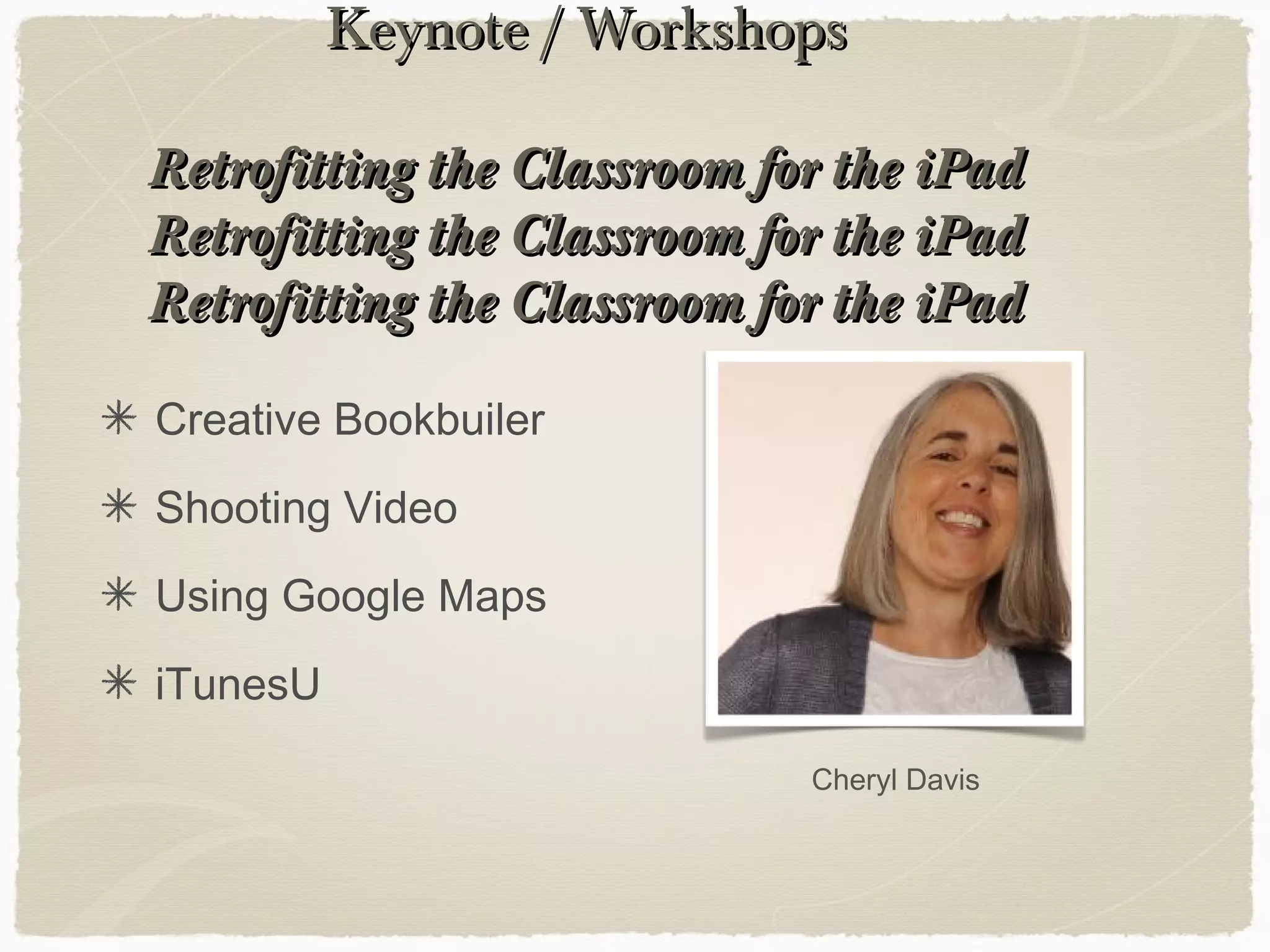
Keynote / WorkshopsKeynote / Workshops
Retrofitting the Classroom for the iPadRetrofitting the Classroom for the iPad
Creative Bookbuiler
Shooting Video
Using Google Maps
iTunesU
Cheryl Davis
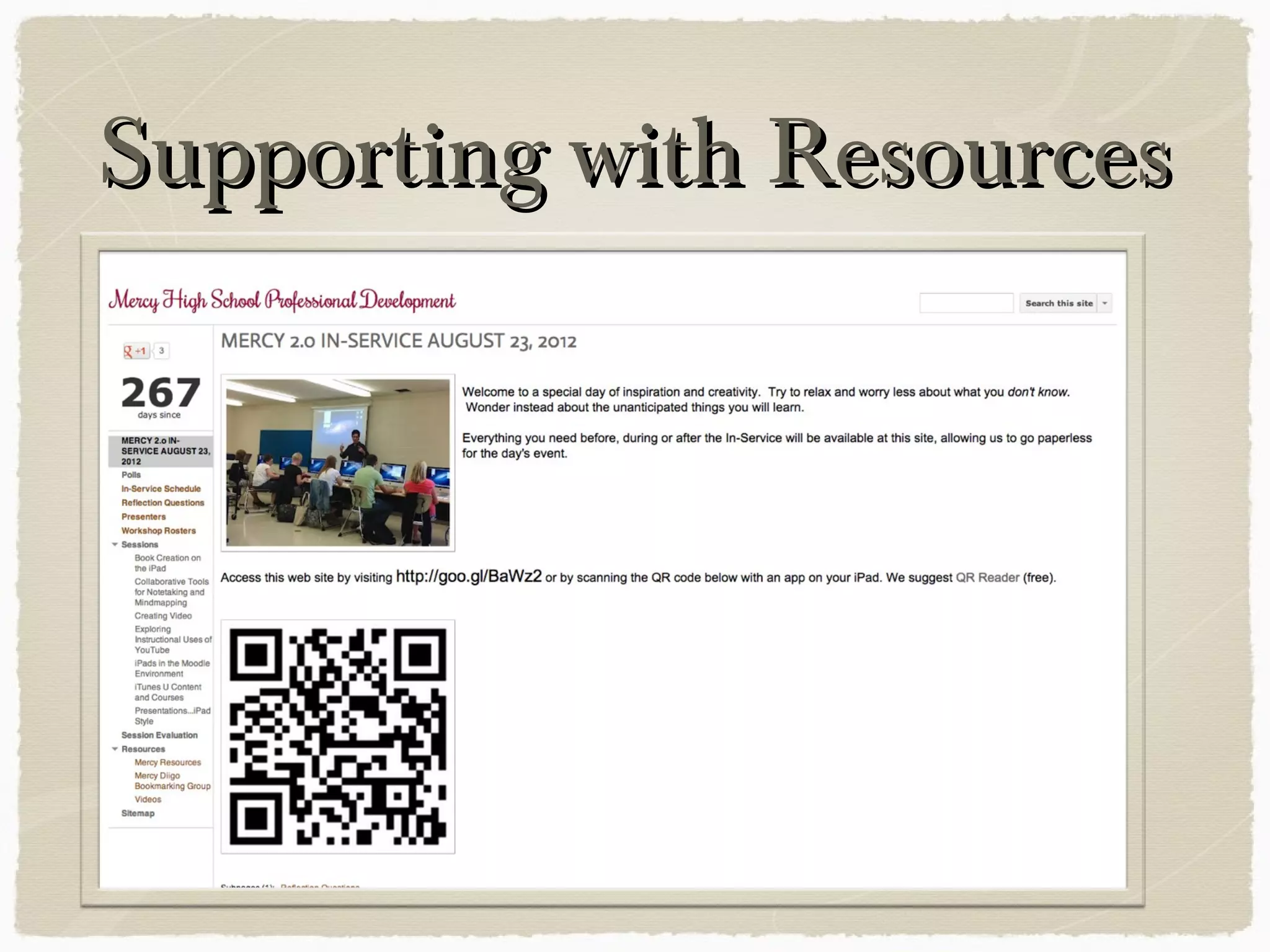
Supporting with ResourcesSupporting with Resources
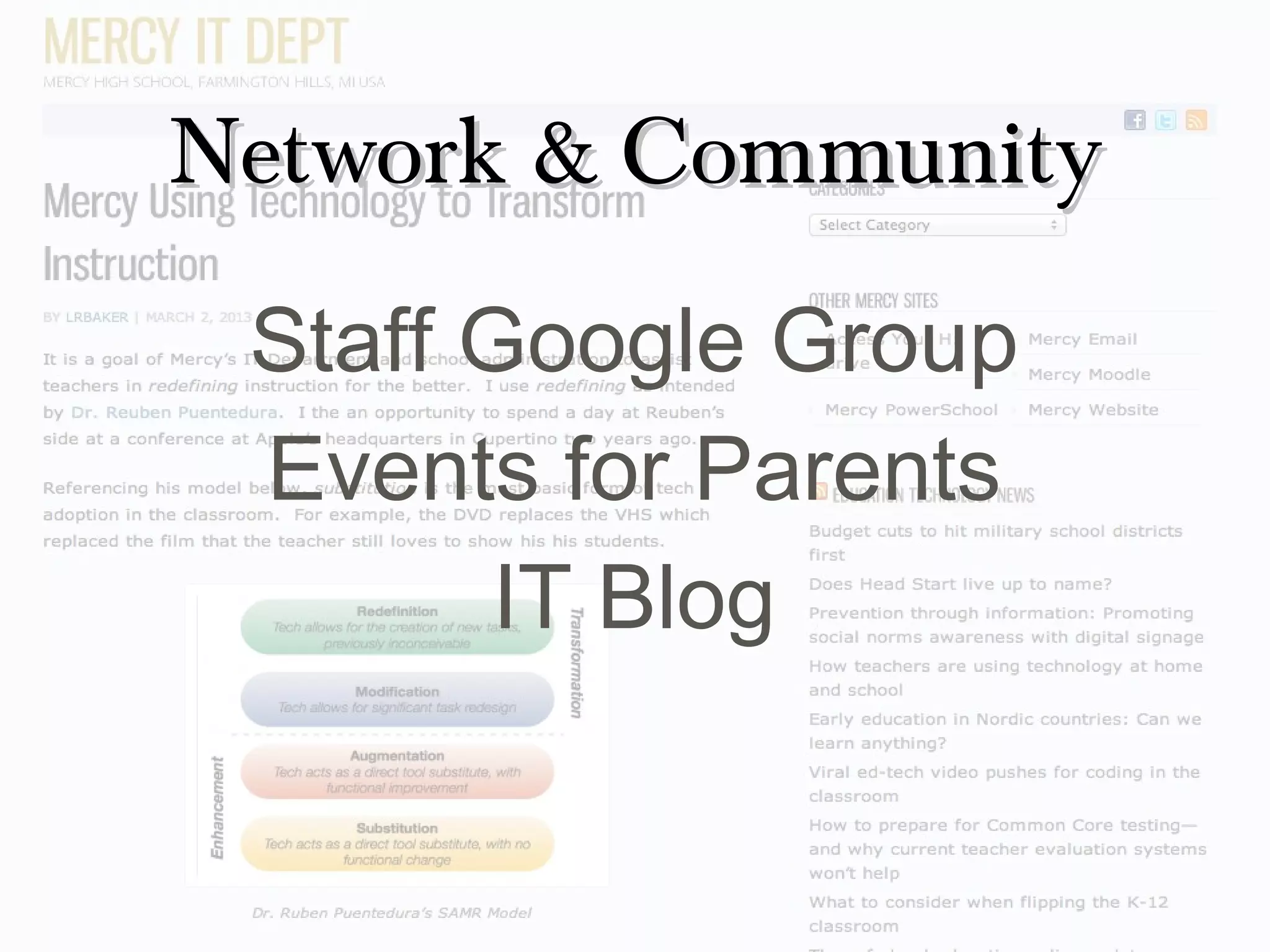
Network & CommunityNetwork & Community
Staff Google Group
Events for Parents
IT Blog
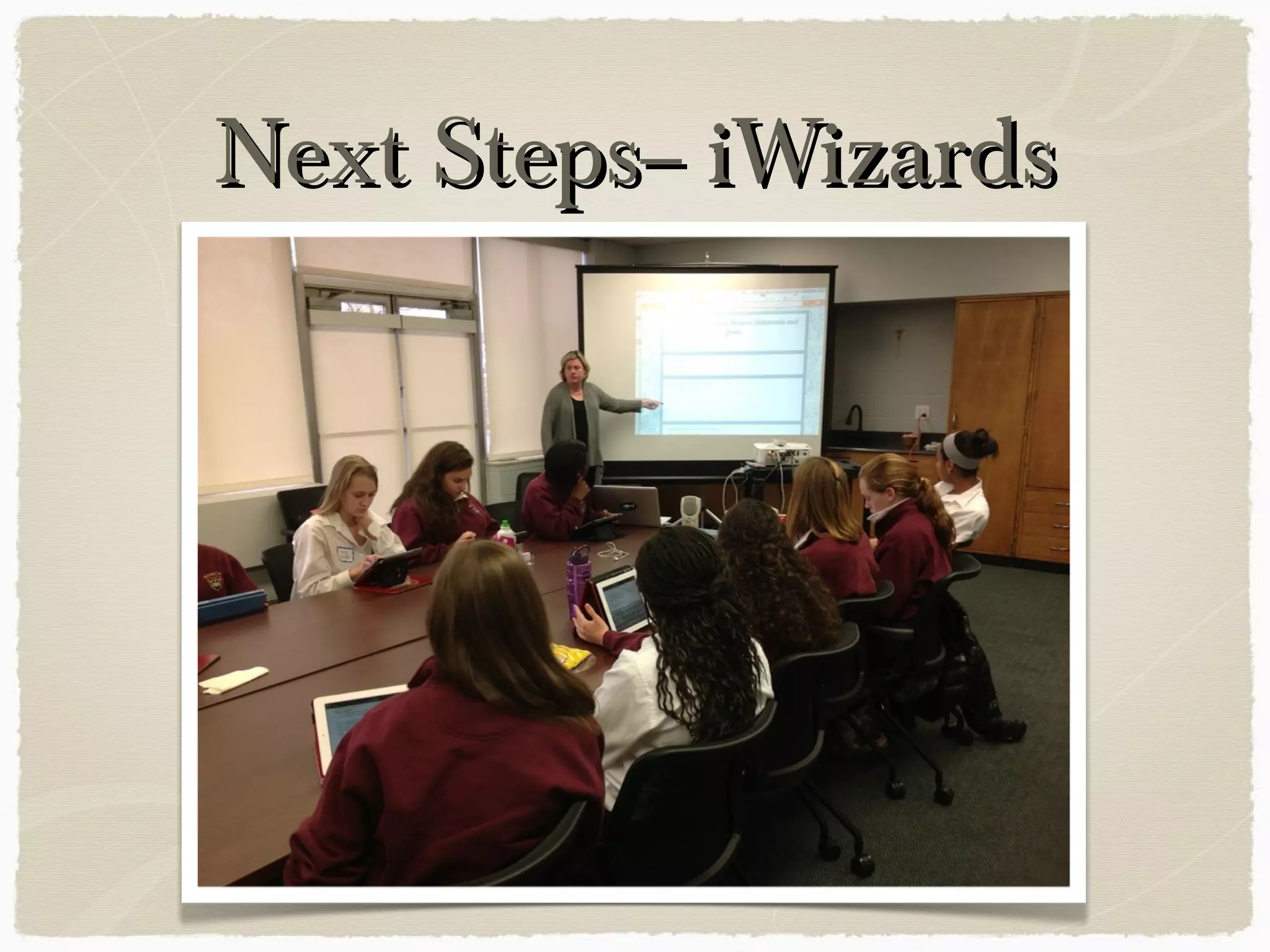
Next Steps-- iWizardsNext Steps-- iWizards
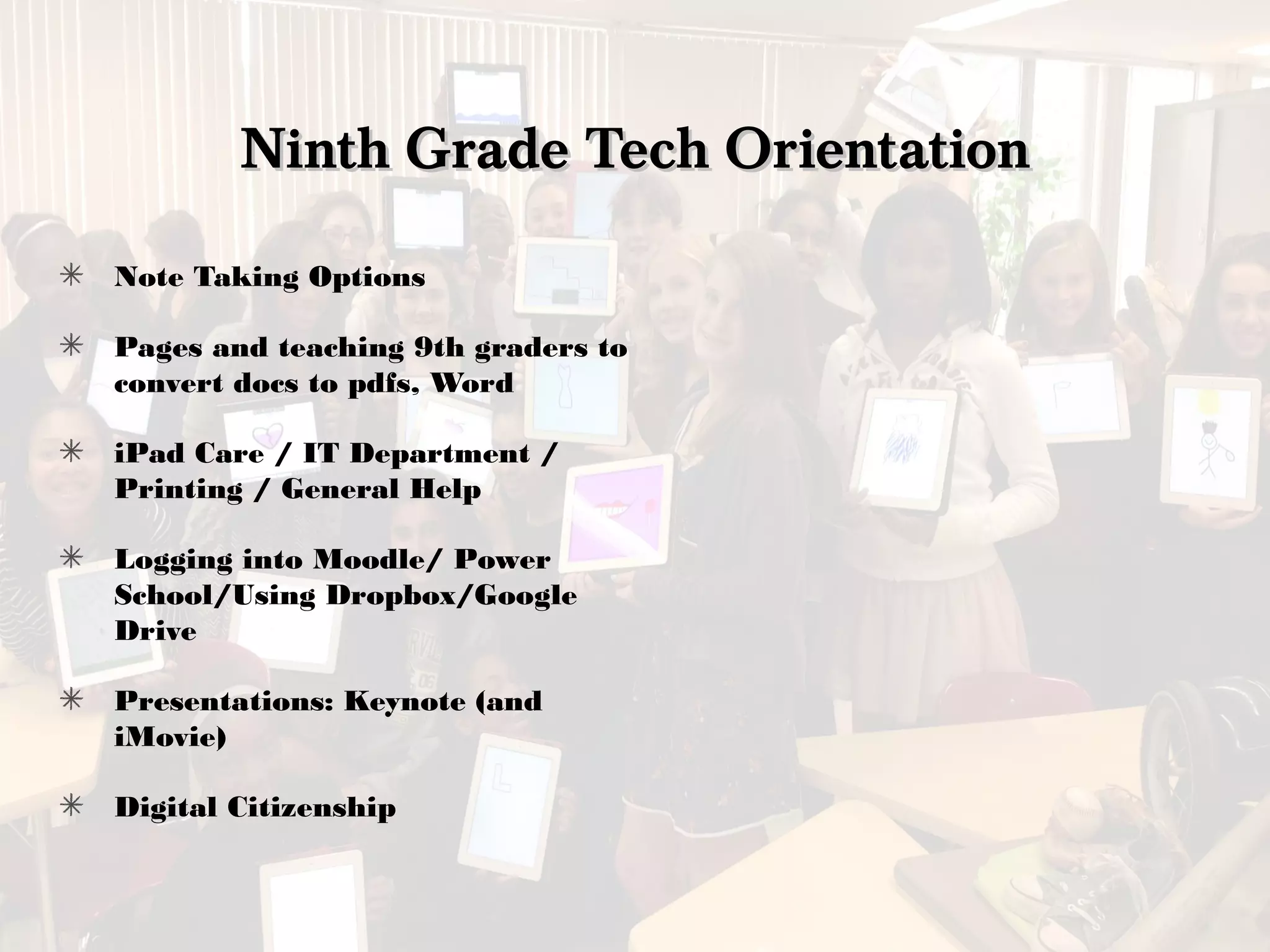
Ninth Grade Tech OrientationNinth Grade Tech Orientation
Note Taking Options
Pages and teaching 9th graders to
convert docs to pdfs, Word
iPad Care / IT Department /
Printing / General Help
Logging into Moodle/ Power
School/Using Dropbox/Google
Drive
Presentations: Keynote (and
iMovie)
Digital Citizenship
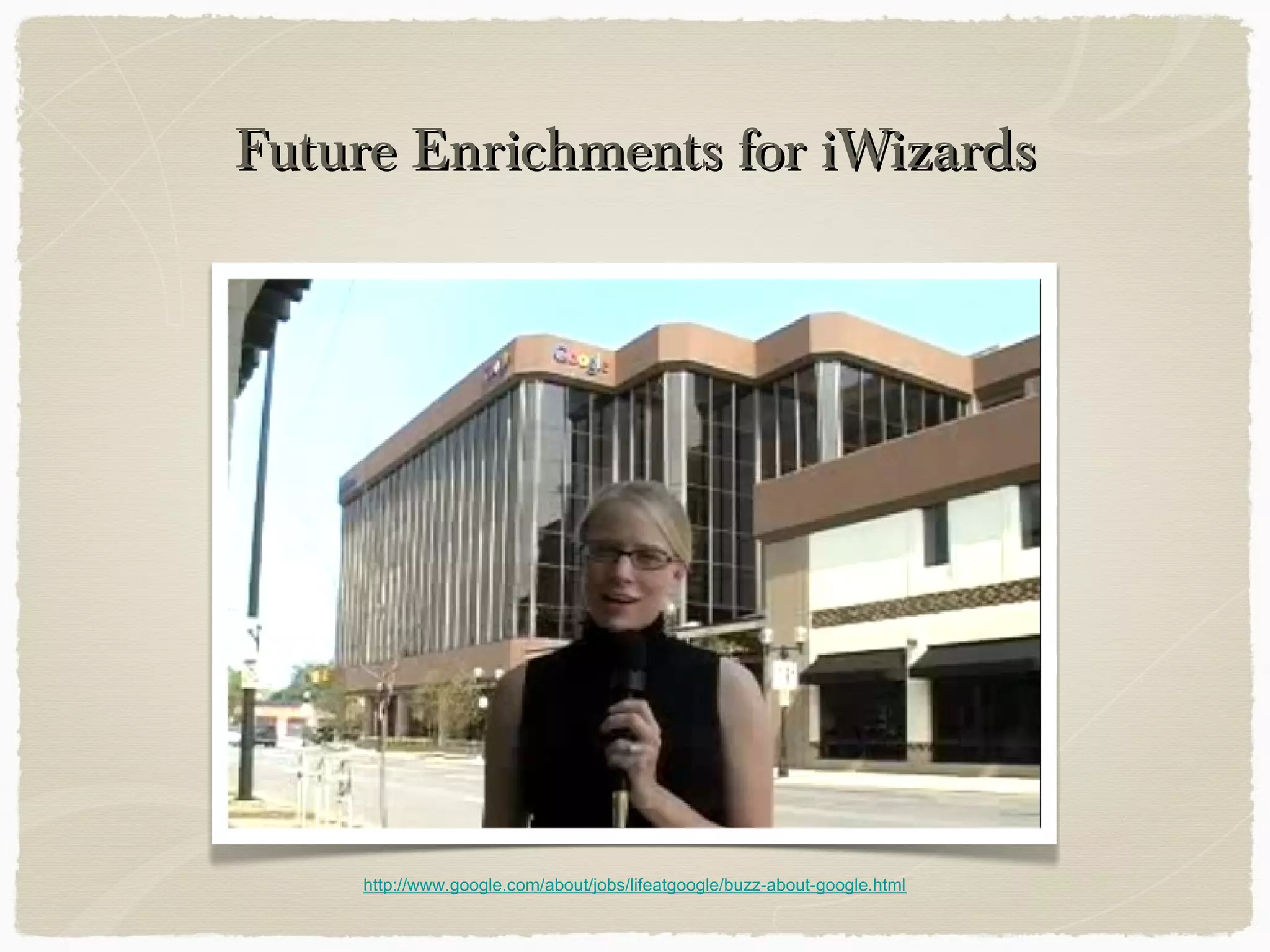
Future Enrichments for iWizardsFuture Enrichments for iWizards
http://www.google.com/about/jobs/lifeatgoogle/buzz-about-google.html
Taylor Talks TechTaylor Talks Tech
QuickTime™ and a
decompressor
are needed to see this picture.
Looking AheadLooking Ahead
Creative Commons Photo by Etolane
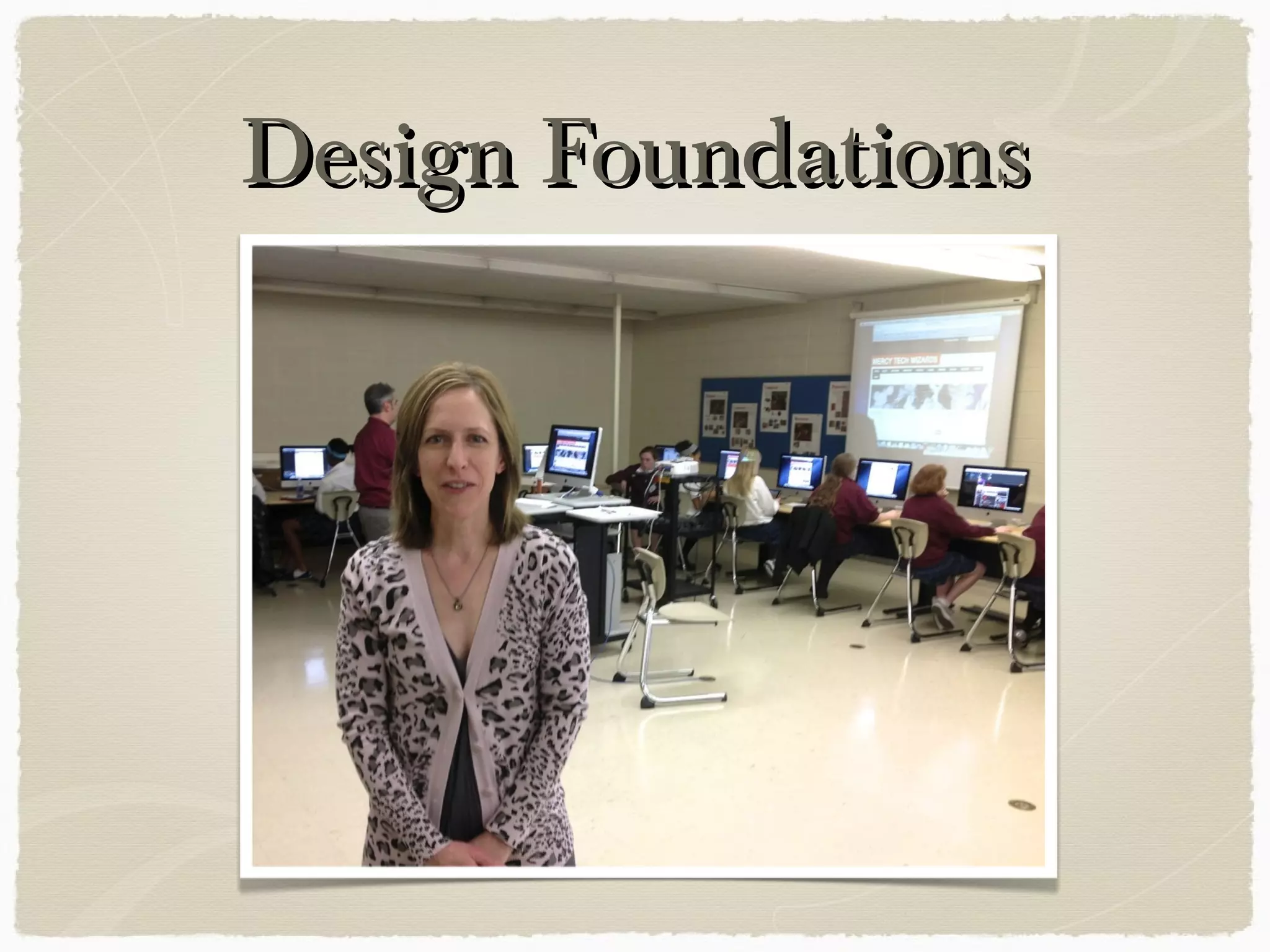
Design FoundationsDesign Foundations
DF Multimedia Includes….DF Multimedia Includes….
Video-editing
Web Design
PhotoShop
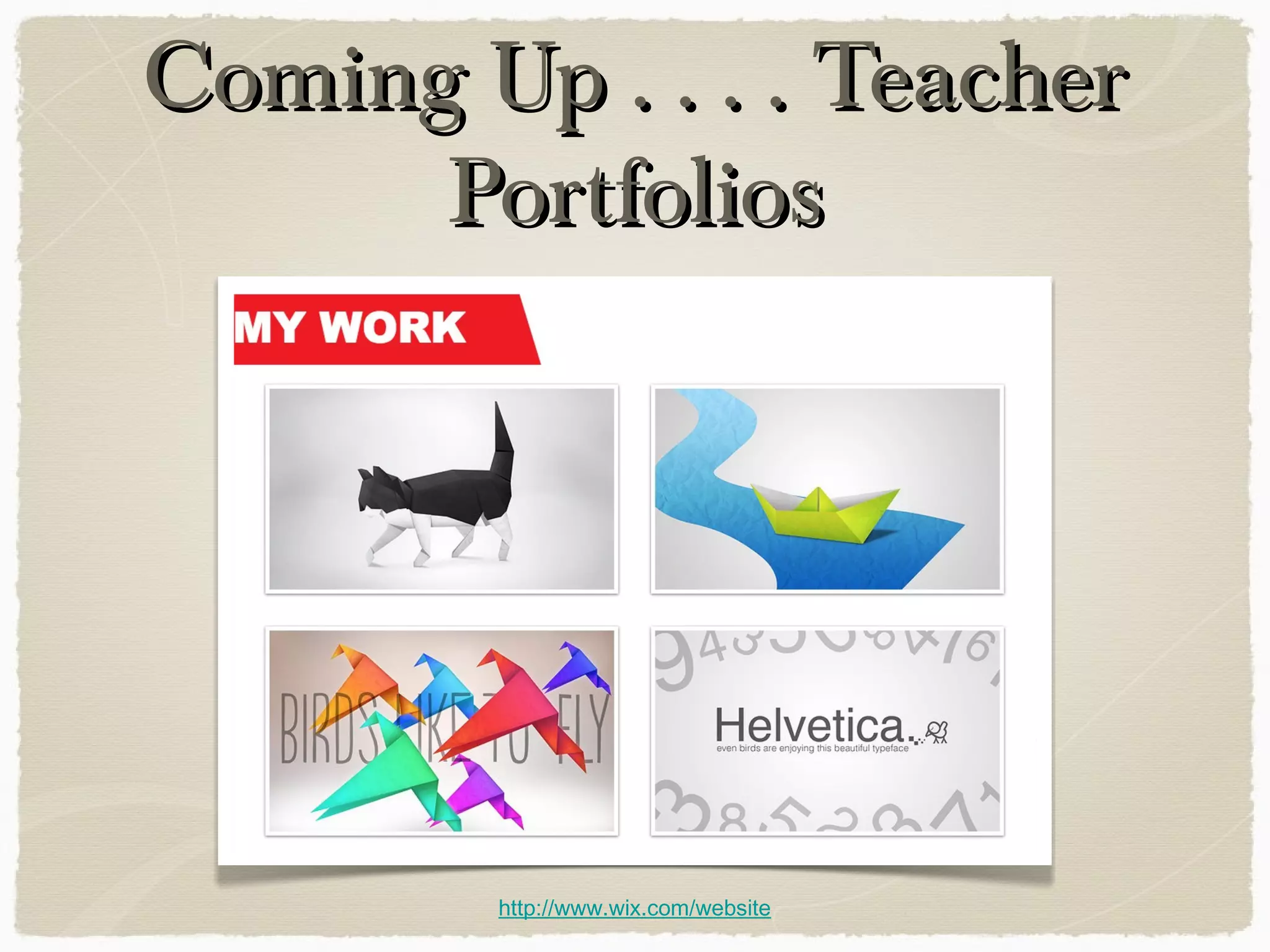
Coming Up . . . . TeacherComing Up . . . . Teacher
PortfoliosPortfolios
http://www.wix.com/website
Contact Information
lrbaker@mhsmi.org
IT Dept. Blog
labcbaker@madonna.edu

What We Have Learned about Professional Development for the iPad