Embed presentation
Downloaded 10,608 times


This document provides an overview of the features and functions of Microsoft Word. It explains how to create and save files, edit and format text including fonts, paragraphs, headers and footers, check spelling and grammar, insert special characters, print, add images, set page layouts, and add tables. Key features covered include bolding, italics, underline, font selection, alignment, line spacing, headers and footers, page numbers, symbols, print preview, clipart, borders, searching and replacing text, and inserting tables.

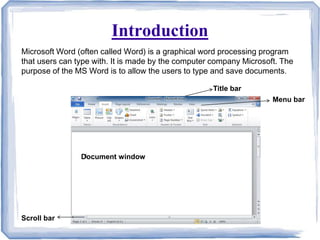
Introduction to MS Word as a graphical word processing program by Microsoft, used for typing and saving documents.
Key features include creating, editing, and formatting documents, inserting graphics, and advanced text options.
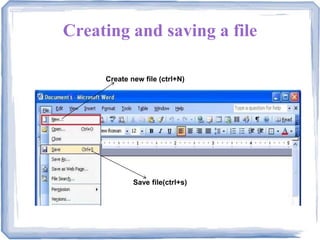
Instructions for creating and saving files in Microsoft Word using shortcuts (Ctrl+N and Ctrl+S).
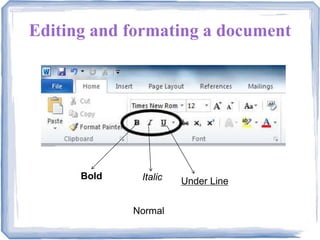
Basic text formatting options including bold, italic, underline, and normal text settings.
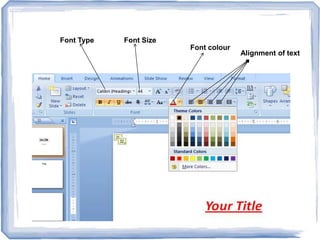
Settings for font type, size, color, and text alignment for better document presentation.
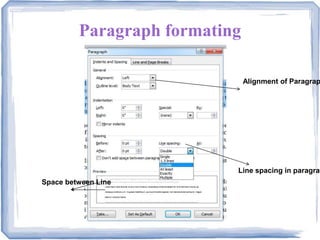
Focuses on paragraph settings like line spacing, space between lines, and paragraph alignment.
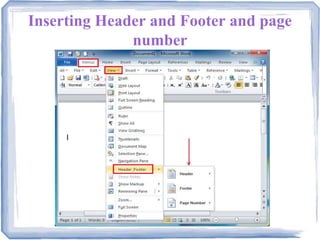
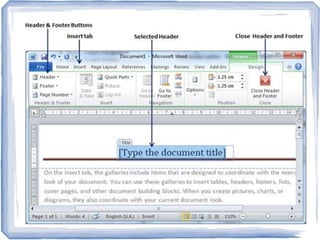
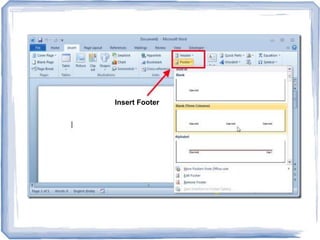
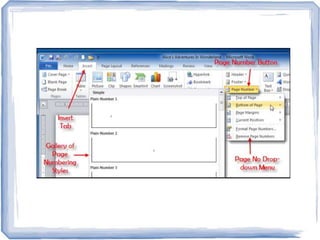
Instructions on inserting headers, footers, and page numbers in a document for better organization.
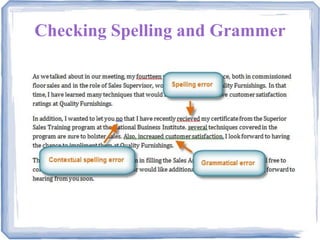
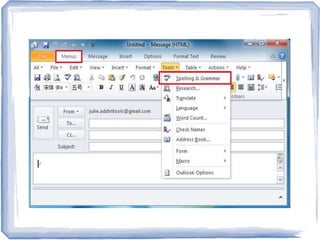
How to check spelling and grammar in documents to ensure written content is correct.
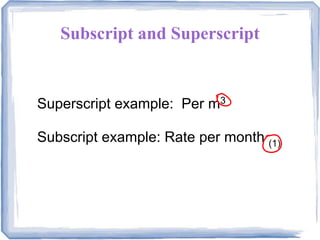
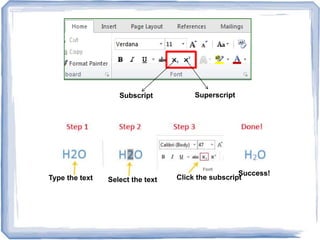
Instructions on how to type and format superscript and subscript text within documents.
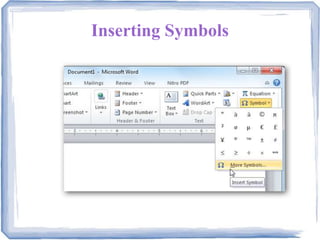
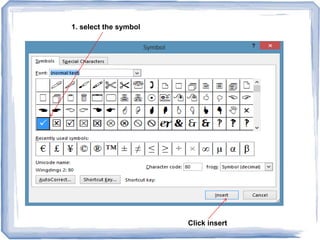
How to select and insert symbols into a Microsoft Word document.
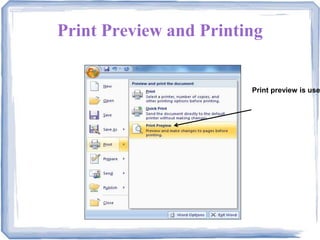
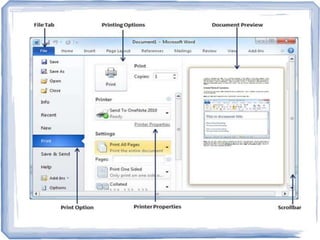
Functionality of print preview to check the document layout before actual printing.
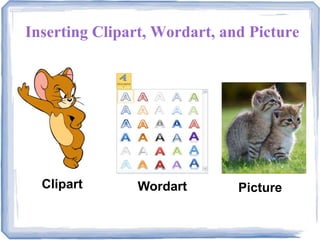
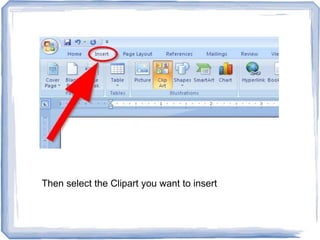
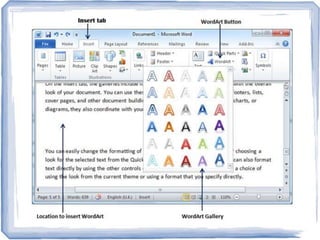
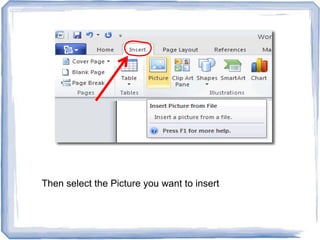
Guidelines for inserting clipart, WordArt, and pictures in documents.
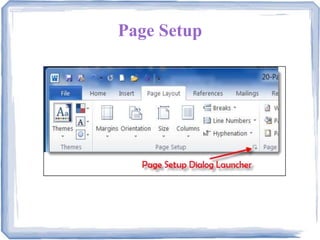
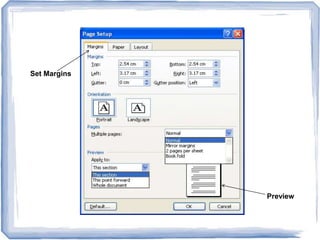
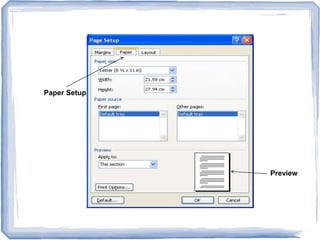
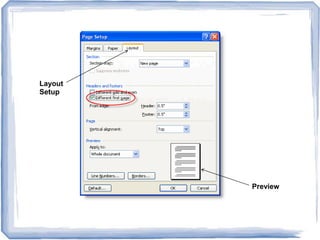
Options for setting document margins, paper size, and layout with preview functionalities.
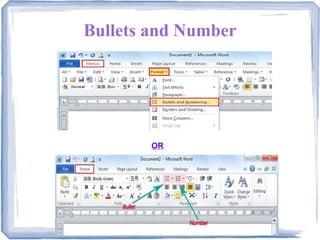
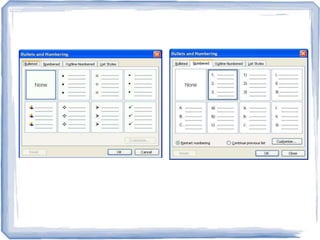
Instructions for adding bullet points and numbered lists to organize document content effectively.
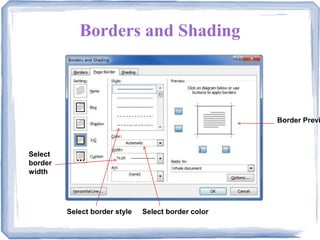
Settings for applying borders and shading styles to enhance document aesthetics.
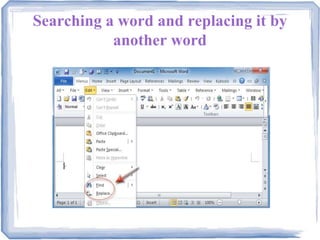
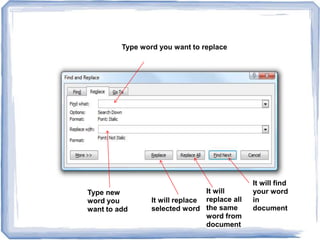
Step-by-step guide on how to search for and replace words throughout the document.
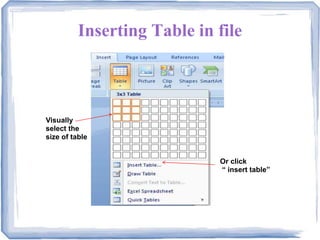
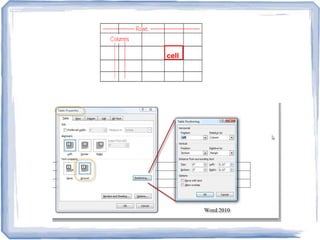
Instructions for selecting and inserting tables to organize data visually.