Migration between
  Collaboration
    Solutions

 Outlook Profile
  Deployment
   Dirk Ahrnke - it25 GmbH
         da@it25.de
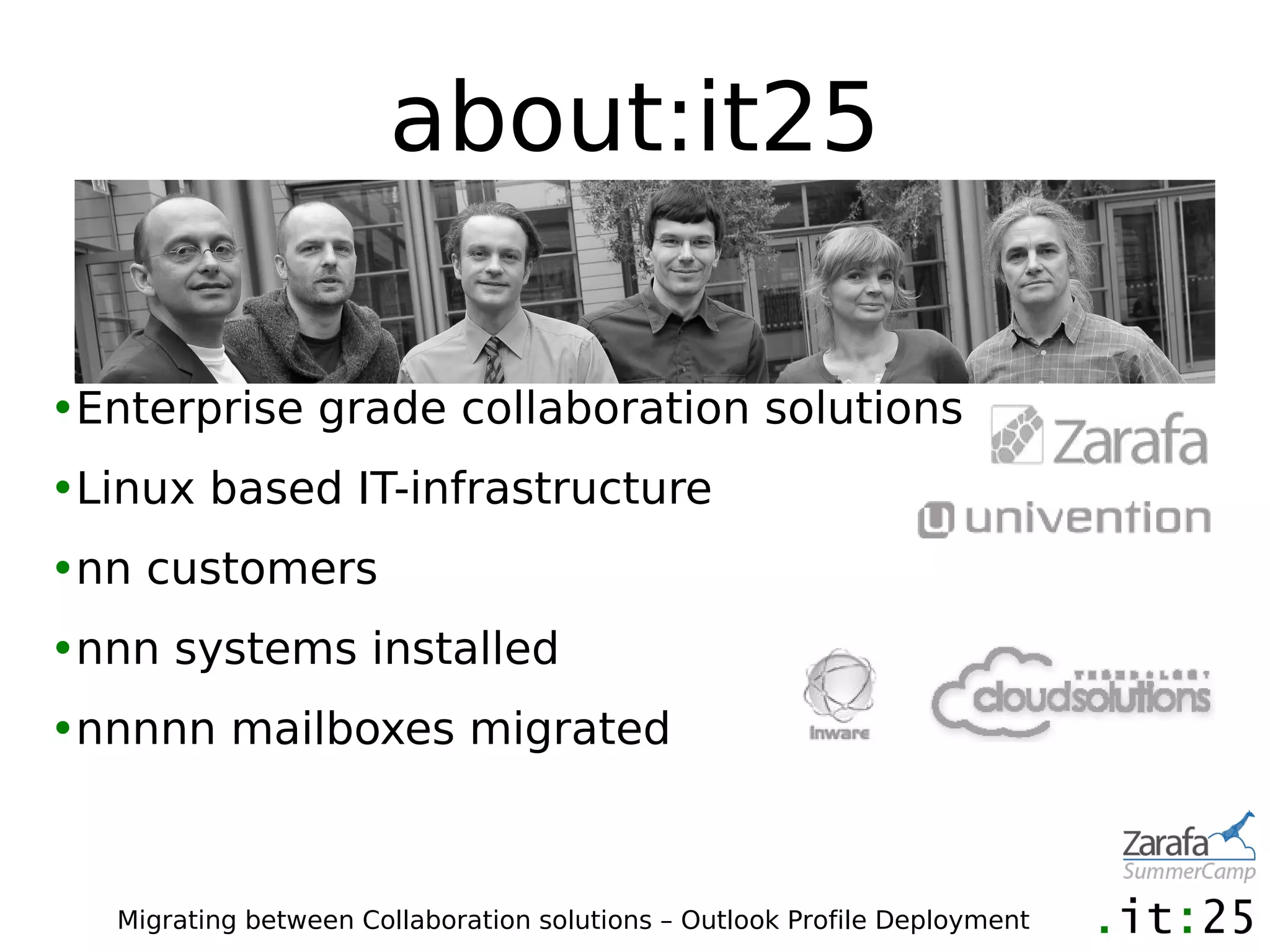
about:it25

•Enterprise grade collaboration solutions
•Linux based IT-infrastructure
•nn customers
•nnn systems installed
•nnnnn mailboxes migrated


   Migrating between Collaboration solutions – Outlook Profile Deployment
Migration between
  Collaboration
    Solutions
What can be migrated?
•Information about mailboxes and groups
•Depending on existing directory structure
•Passwords (if hashes are compatible)

•Mailbox data
•Rules, Out-Of-Office, Permissions on mailboxes
 and public folders


  Migrating between Collaboration solutions – Outlook Profile Deployment
Why migrationtools?
•Couldnt we just copy the data as is?
•e-mail data vs. PIM data (MIME vs. MAPI)
•different addressing (X.400 vs. SMTP)
•message fidelity, workflow (reply, send again, ...)


  Migrating between Collaboration solutions – Outlook Profile Deployment
Market overview
•Tools that will migrate data
•No “full service” tools
•Windows / Outlook
•market leader: Quest (mostly Exchange)
•IMAP: imapsync
•several specialized tools from
 different independent vendors
•example: Inware E-Mail Shuttle,
 Mail-Mover, Cloudsolutions
•specialized tools from solution vendors (ZMT)
  Migrating between Collaboration solutions – Outlook Profile Deployment
Demo 1 (Start)
Migrating data from Scalix to Zarafa
what to expect
•migration speed
•depending on I/O
 (disks, network, especially for hosted solutions)
•source, destination

•migration machines

•1-2 GB / hour
•one digit number of messages per second
•again: depending on usage profile
•Indexing on-the-fly?

   Migrating between Collaboration solutions – Outlook Profile Deployment
problems, pitfalls, edge cases
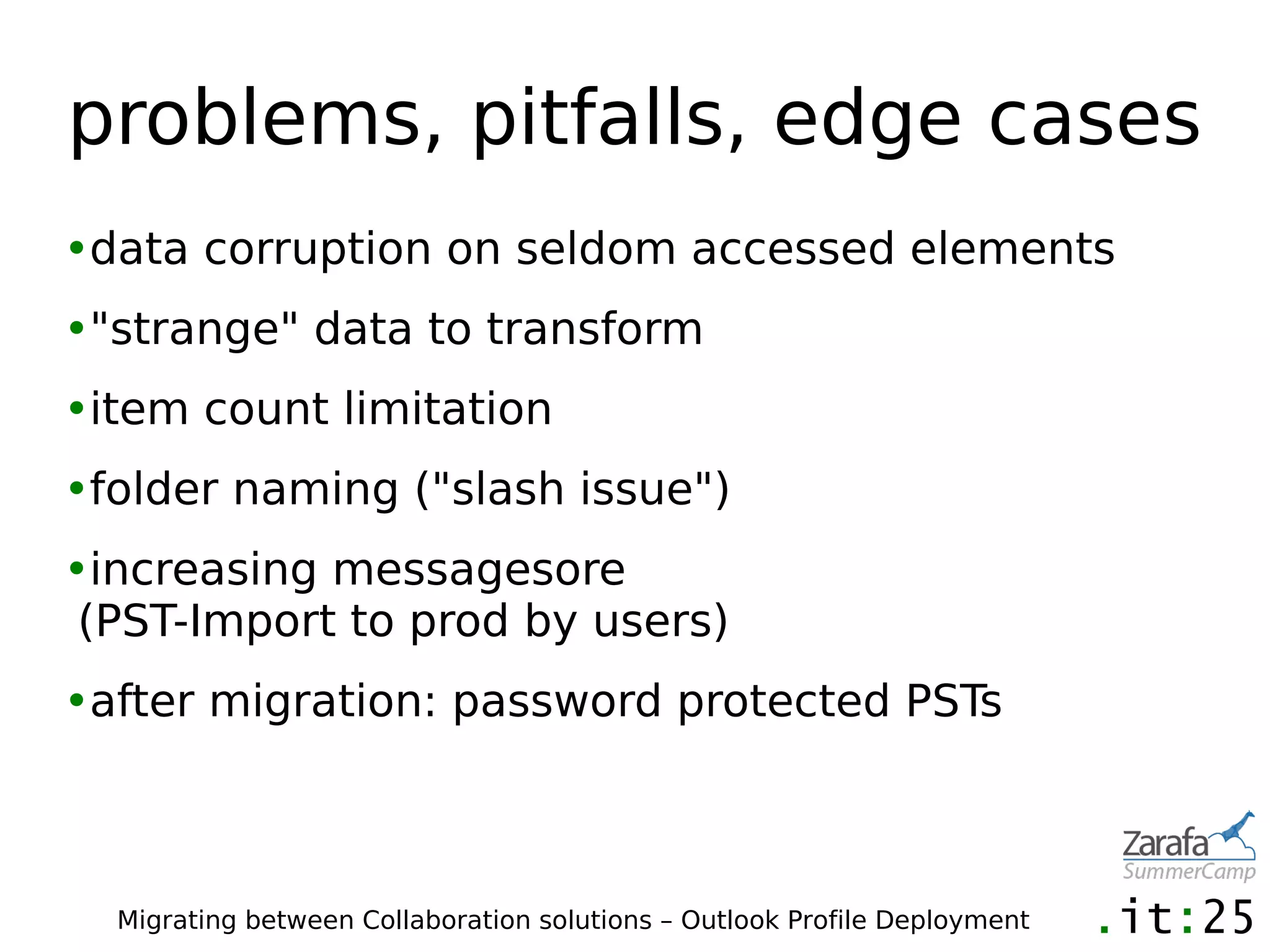
•data corruption on seldom accessed elements
•"strange" data to transform
•item count limitation
•folder naming ("slash issue")
•increasing messagesore
 (PST-Import to prod by users)
•after migration: password protected PSTs


  Migrating between Collaboration solutions – Outlook Profile Deployment
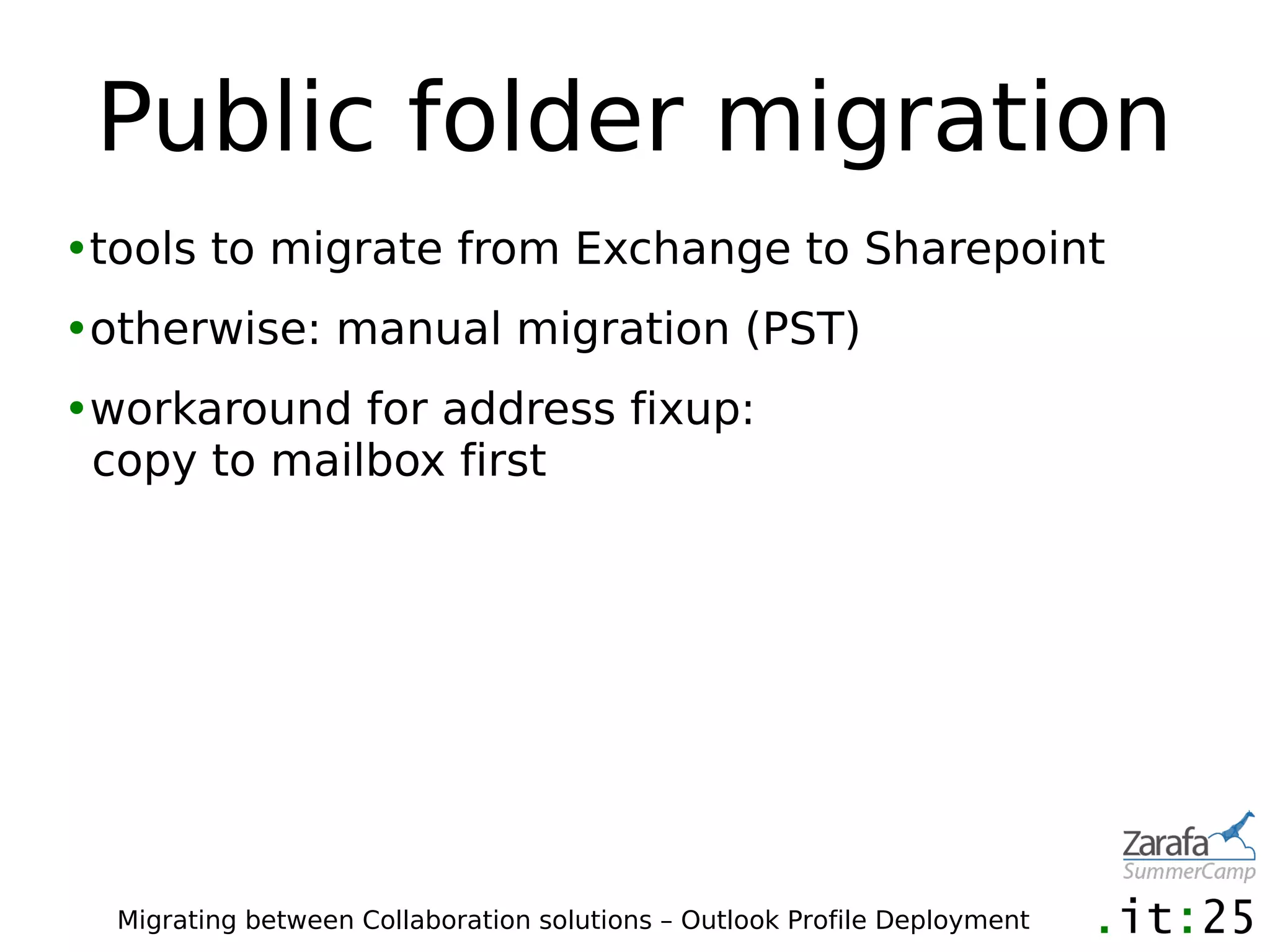
Public folder migration
•tools to migrate from Exchange to Sharepoint
•otherwise: manual migration (PST)
•workaround for address fixup:
 copy to mailbox first


  Migrating between Collaboration solutions – Outlook Profile Deployment
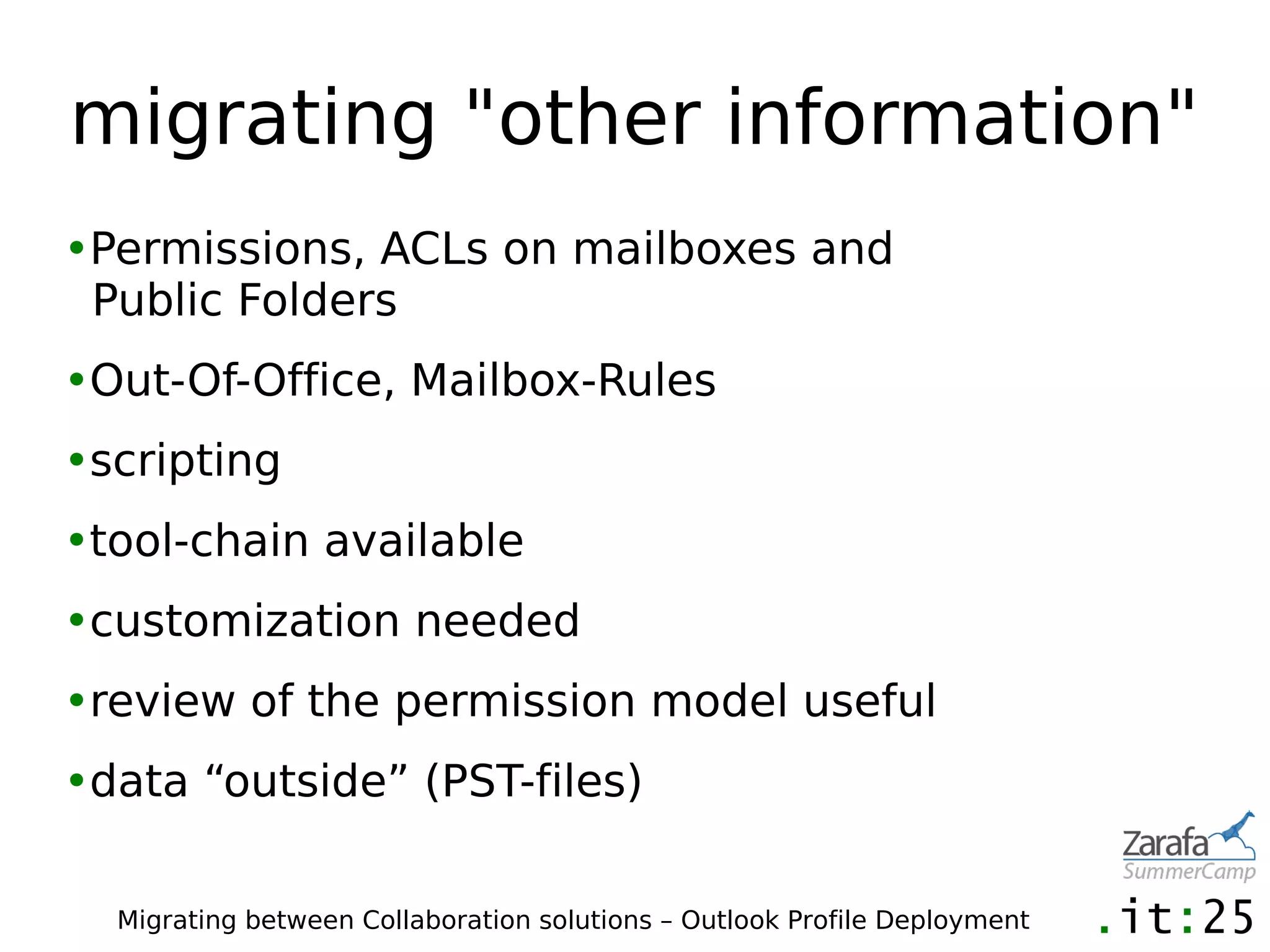
migrating "other information"
•Permissions, ACLs on mailboxes and
 Public Folders
•Out-Of-Office, Mailbox-Rules
•scripting
•tool-chain available
•customization needed
•review of the permission model useful
•data “outside” (PST-files)

  Migrating between Collaboration solutions – Outlook Profile Deployment
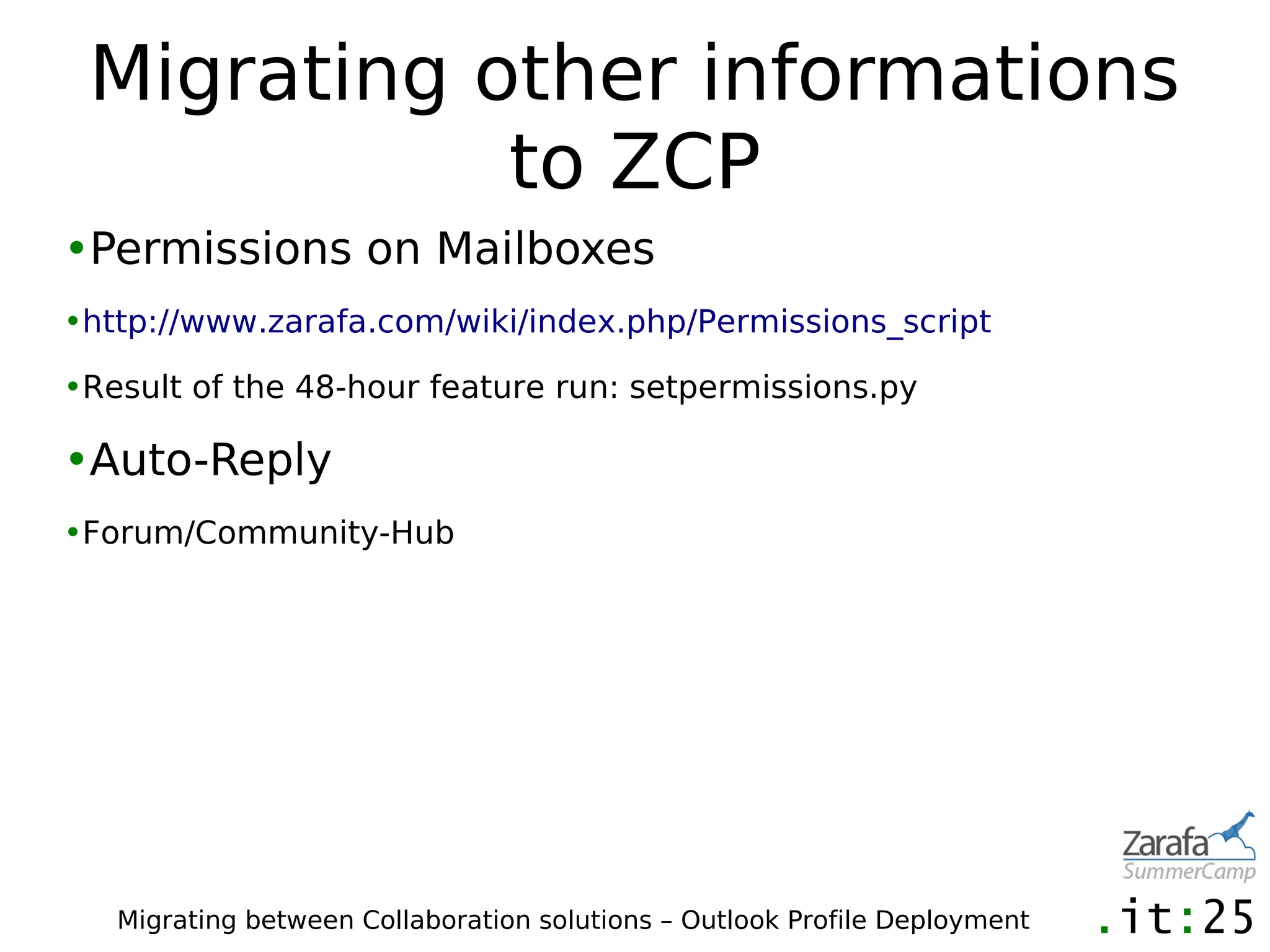
Migrating other informations
            to ZCP
•Permissions on Mailboxes
•http://www.zarafa.com/wiki/index.php/Permissions_script

•Result of the 48-hour feature run: setpermissions.py

•Auto-Reply
•Forum/Community-Hub


   Migrating between Collaboration solutions – Outlook Profile Deployment
Coexistence
•Routing between systems
•Migration addresses (@zarafa.company.com)
•Redirect depending on product capabilities

•E-Mails, Invites
•Public Folders
•Free/Busy


  Migrating between Collaboration solutions – Outlook Profile Deployment
Tips
•build a strategy during POC
 (what to migrate, how)
•run tests with real world data
•calculate times
•review strategy for downtime, routing,
 co-existence
•get prepared for a fall-back
•informations to users (what will be migrated,
 what will not be migrated)

  Migrating between Collaboration solutions – Outlook Profile Deployment
Demo 1
   (Verification)
Migrating data from Scalix to Zarafa
Outlook Profile
 Generation
Outlook Profiles
•MAPI-Profiles
•configurations settings for Outlook
 and other Applications using MAPI-services
•multiple Profiles possible
•default profile
•prompt for profile can be switched on


  Migrating between Collaboration solutions – Outlook Profile Deployment
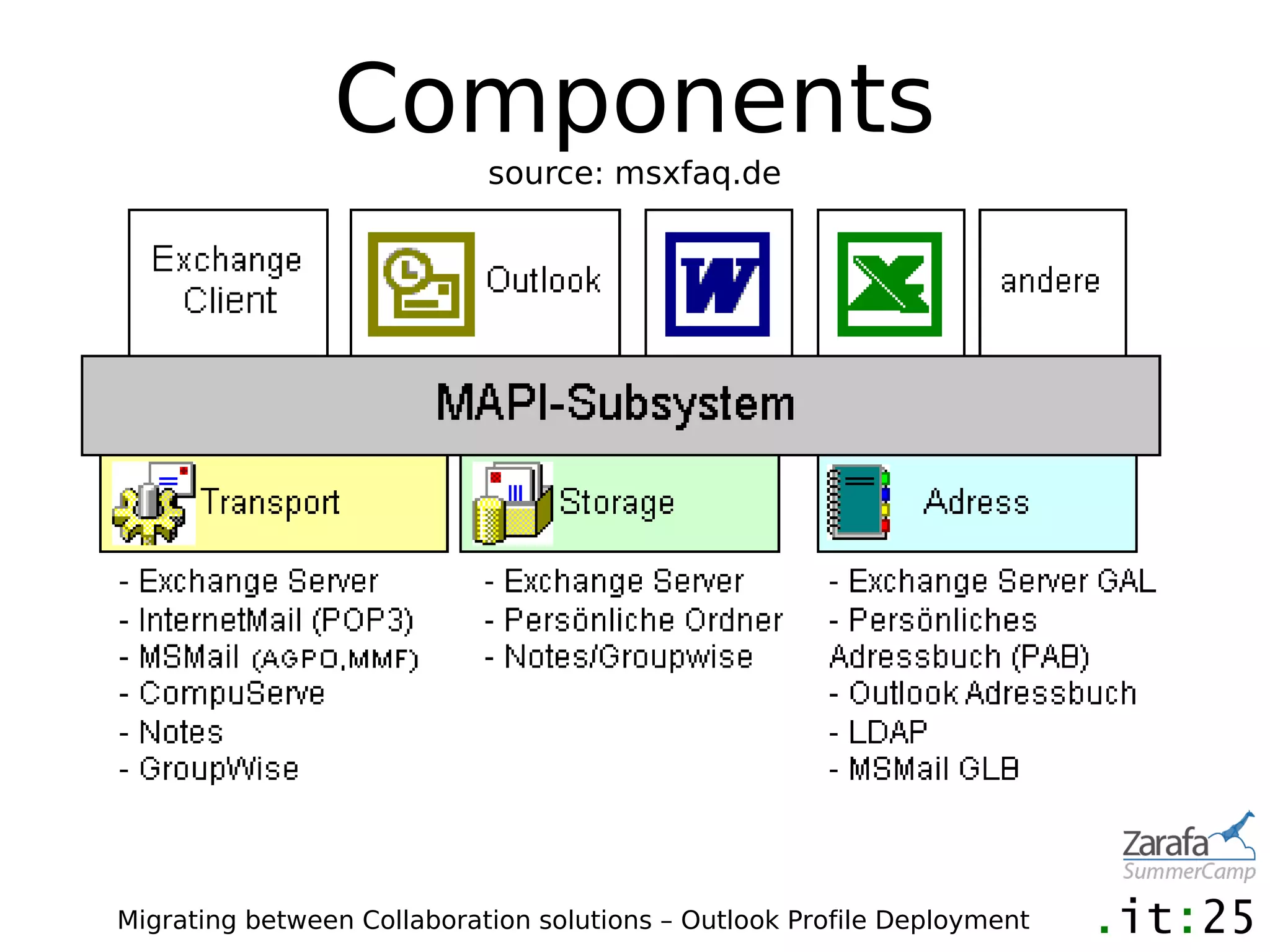
Components
                            source: msxfaq.de


Migrating between Collaboration solutions – Outlook Profile Deployment
Components
•"Connector" or "OutlookClient" is the combination
 of transport-, store- and addressprovider
•MAPISVC.INF and hard-coded
•multiple providers can coexist
•except if they are "primary"
 (with exceptions...)


  Migrating between Collaboration solutions – Outlook Profile Deployment
Where are profiles stored?
•Profiles
•HKEY_CURRENT_USERSoftwareMicrosoft
 Windows NTCurrent Version
 Windows Messaging SubsystemProfiles<profilname>

•Outlook Settings are profile independent
•HKEY_CURRENT_USERSoftwareMicrosoftOffice14.0Outlook...

•First-Run, Fonts, message format, Autoarchive (!)

•other Outlook settings outside the Registry in
"Users and Documents"(like NK2),


   Migrating between Collaboration solutions – Outlook Profile Deployment
Consequences
•create/modify/delete while user is logged on
•no Regedit! use MAPI-functions
•Problem: roaming profiles
 (but where are Storage files like PST and Caches)


  Migrating between Collaboration solutions – Outlook Profile Deployment
methods
•system settings -> mail applet
 (can be locked for users though policy)
•The Wizard
•more or less easy
•inconsistencies possible
 (Profile names, configuration)
•additional steps may be required
 after profile creation


  Migrating between Collaboration solutions – Outlook Profile Deployment
generic methods to minimize
         user interaction
•DNS
•common hostnames (A-RECORDS) like imap.company.com

•CNAME records

•SRV records

•Webservices
•Exchange Autodiscover

•Windows Environment
•%username%

•SSO


   Migrating between Collaboration solutions – Outlook Profile Deployment
PRF-files
•Outlook.exe /ImportPRF pathtosettings.prf
•Standard method for automation
•for Outlook/Exchange: generation with OCT
•for Zarafa: example in Wiki


  Migrating between Collaboration solutions – Outlook Profile Deployment
other Tools
•Autoprof (Status?)
•RichProfile (Exchange only)
•Imanami Oprofile (Exchange only, discontinued)
•Priasoft (Exchange)
•Profman.dll (part of Redemption)
•vendor specific


  Migrating between Collaboration solutions – Outlook Profile Deployment
There is an Xyy for
       that
      X could be A
      y could be p
Versions
•Outlook Profile App
•The apprentice can do the basic stuff

•Outlook Profile Mechanics
•For the difficult tasks


 Migrating between Collaboration solutions – Outlook Profile Deployment
Outlook Profile App
•Zarafa, Exchange, Scalix
•Multiple profiles
•Additional profiles, prompt for profile

•one mailbox per profile
•Outlook settings
•Free
•Community Hub or directly
 http://downloads.it25.de/olkpmech/


   Migrating between Collaboration solutions – Outlook Profile Deployment
Outlook Profile
               Mechanics
•Additional mailboxes
•PST-files
•list and recover settings


•first versions: 2002
•proven in production and during migrations
•3, 2, 1 ... (or with consulting)
•Features or other providers? Ask us!
  Migrating between Collaboration solutions – Outlook Profile Deployment
Demo and Q&A

Zararfa summer camp 2012 interesting tips & tricks when migrating to zarafa

  • 1.
    Migration between Collaboration Solutions Outlook Profile Deployment Dirk Ahrnke - it25 GmbH da@it25.de
  • 2.
    about:it25 •Enterprise grade collaborationsolutions •Linux based IT-infrastructure •nn customers •nnn systems installed •nnnnn mailboxes migrated Migrating between Collaboration solutions – Outlook Profile Deployment
  • 3.
    Migration between Collaboration Solutions
  • 4.
    What can bemigrated? •Information about mailboxes and groups •Depending on existing directory structure •Passwords (if hashes are compatible) •Mailbox data •Rules, Out-Of-Office, Permissions on mailboxes and public folders Migrating between Collaboration solutions – Outlook Profile Deployment
  • 5.
    Why migrationtools? •Couldnt wejust copy the data as is? •e-mail data vs. PIM data (MIME vs. MAPI) •different addressing (X.400 vs. SMTP) •message fidelity, workflow (reply, send again, ...) Migrating between Collaboration solutions – Outlook Profile Deployment
  • 6.
    Market overview •Tools thatwill migrate data •No “full service” tools •Windows / Outlook •market leader: Quest (mostly Exchange) •IMAP: imapsync •several specialized tools from different independent vendors •example: Inware E-Mail Shuttle, Mail-Mover, Cloudsolutions •specialized tools from solution vendors (ZMT) Migrating between Collaboration solutions – Outlook Profile Deployment
  • 7.
    Demo 1 (Start) Migratingdata from Scalix to Zarafa
  • 8.
    what to expect •migrationspeed •depending on I/O (disks, network, especially for hosted solutions) •source, destination •migration machines •1-2 GB / hour •one digit number of messages per second •again: depending on usage profile •Indexing on-the-fly? Migrating between Collaboration solutions – Outlook Profile Deployment
  • 9.
    problems, pitfalls, edgecases •data corruption on seldom accessed elements •"strange" data to transform •item count limitation •folder naming ("slash issue") •increasing messagesore (PST-Import to prod by users) •after migration: password protected PSTs Migrating between Collaboration solutions – Outlook Profile Deployment
  • 10.
    Public folder migration •toolsto migrate from Exchange to Sharepoint •otherwise: manual migration (PST) •workaround for address fixup: copy to mailbox first Migrating between Collaboration solutions – Outlook Profile Deployment
  • 11.
    migrating "other information" •Permissions,ACLs on mailboxes and Public Folders •Out-Of-Office, Mailbox-Rules •scripting •tool-chain available •customization needed •review of the permission model useful •data “outside” (PST-files) Migrating between Collaboration solutions – Outlook Profile Deployment
  • 12.
    Migrating other informations to ZCP •Permissions on Mailboxes •http://www.zarafa.com/wiki/index.php/Permissions_script •Result of the 48-hour feature run: setpermissions.py •Auto-Reply •Forum/Community-Hub Migrating between Collaboration solutions – Outlook Profile Deployment
  • 13.
    Coexistence •Routing between systems •Migrationaddresses (@zarafa.company.com) •Redirect depending on product capabilities •E-Mails, Invites •Public Folders •Free/Busy Migrating between Collaboration solutions – Outlook Profile Deployment
  • 14.
    Tips •build a strategyduring POC (what to migrate, how) •run tests with real world data •calculate times •review strategy for downtime, routing, co-existence •get prepared for a fall-back •informations to users (what will be migrated, what will not be migrated) Migrating between Collaboration solutions – Outlook Profile Deployment
  • 15.
    Demo 1 (Verification) Migrating data from Scalix to Zarafa
  • 16.
  • 17.
    Outlook Profiles •MAPI-Profiles •configurations settingsfor Outlook and other Applications using MAPI-services •multiple Profiles possible •default profile •prompt for profile can be switched on Migrating between Collaboration solutions – Outlook Profile Deployment
  • 18.
    Components source: msxfaq.de Migrating between Collaboration solutions – Outlook Profile Deployment
  • 19.
    Components •"Connector" or "OutlookClient"is the combination of transport-, store- and addressprovider •MAPISVC.INF and hard-coded •multiple providers can coexist •except if they are "primary" (with exceptions...) Migrating between Collaboration solutions – Outlook Profile Deployment
  • 20.
    Where are profilesstored? •Profiles •HKEY_CURRENT_USERSoftwareMicrosoft Windows NTCurrent Version Windows Messaging SubsystemProfiles<profilname> •Outlook Settings are profile independent •HKEY_CURRENT_USERSoftwareMicrosoftOffice14.0Outlook... •First-Run, Fonts, message format, Autoarchive (!) •other Outlook settings outside the Registry in "Users and Documents"(like NK2), Migrating between Collaboration solutions – Outlook Profile Deployment
  • 21.
    Consequences •create/modify/delete while useris logged on •no Regedit! use MAPI-functions •Problem: roaming profiles (but where are Storage files like PST and Caches) Migrating between Collaboration solutions – Outlook Profile Deployment
  • 22.
    methods •system settings ->mail applet (can be locked for users though policy) •The Wizard •more or less easy •inconsistencies possible (Profile names, configuration) •additional steps may be required after profile creation Migrating between Collaboration solutions – Outlook Profile Deployment
  • 23.
    generic methods tominimize user interaction •DNS •common hostnames (A-RECORDS) like imap.company.com •CNAME records •SRV records •Webservices •Exchange Autodiscover •Windows Environment •%username% •SSO Migrating between Collaboration solutions – Outlook Profile Deployment
  • 24.
    PRF-files •Outlook.exe /ImportPRF pathtosettings.prf •Standardmethod for automation •for Outlook/Exchange: generation with OCT •for Zarafa: example in Wiki Migrating between Collaboration solutions – Outlook Profile Deployment
  • 25.
    other Tools •Autoprof (Status?) •RichProfile(Exchange only) •Imanami Oprofile (Exchange only, discontinued) •Priasoft (Exchange) •Profman.dll (part of Redemption) •vendor specific Migrating between Collaboration solutions – Outlook Profile Deployment
  • 26.
    There is anXyy for that X could be A y could be p
  • 27.
    Versions •Outlook Profile App •Theapprentice can do the basic stuff •Outlook Profile Mechanics •For the difficult tasks Migrating between Collaboration solutions – Outlook Profile Deployment
  • 28.
    Outlook Profile App •Zarafa,Exchange, Scalix •Multiple profiles •Additional profiles, prompt for profile •one mailbox per profile •Outlook settings •Free •Community Hub or directly http://downloads.it25.de/olkpmech/ Migrating between Collaboration solutions – Outlook Profile Deployment
  • 29.
    Outlook Profile Mechanics •Additional mailboxes •PST-files •list and recover settings •first versions: 2002 •proven in production and during migrations •3, 2, 1 ... (or with consulting) •Features or other providers? Ask us! Migrating between Collaboration solutions – Outlook Profile Deployment
  • 30.