Delivering IT Peace of MindSM
Office 365
vs.
Hosted
Exchange:
Migrations Made Easy
Delivering IT Peace of MindSM
Agenda
Recap of Office 365 and Hosted Exchange
What’s New With Office 365
Things To Consider Before Making a Decision
Understand the Different Migration Methods
How To Determine What Method Is Best
How mindSHIFT Can Help
Agenda
Delivering IT Peace of MindSM
Hosted Exchange vs Office 365
•mindSHIFT’s
Hosted Exchange
Security Bundle
– Unlimited Mailbox Storage
– Premium McAfee Spam
Filtering and Message
Continuity
– Compliant Email Archiving
– Email Encryption
– Microsoft Lync
– Microsoft SharePoint
– 99.999% SLA
Delivering IT Peace of MindSM
Hosted Exchange vs Office 365
•Microsoft’s Office
365 Business
Premium
– Microsoft Office and Office
Online
– 50 GB Mailbox Limit
– Microsoft Lync (now known as
Skype for Business)
– Microsoft SharePoint
– Yammer
– OneDrive
– 99.9% SLA
Delivering IT Peace of MindSM
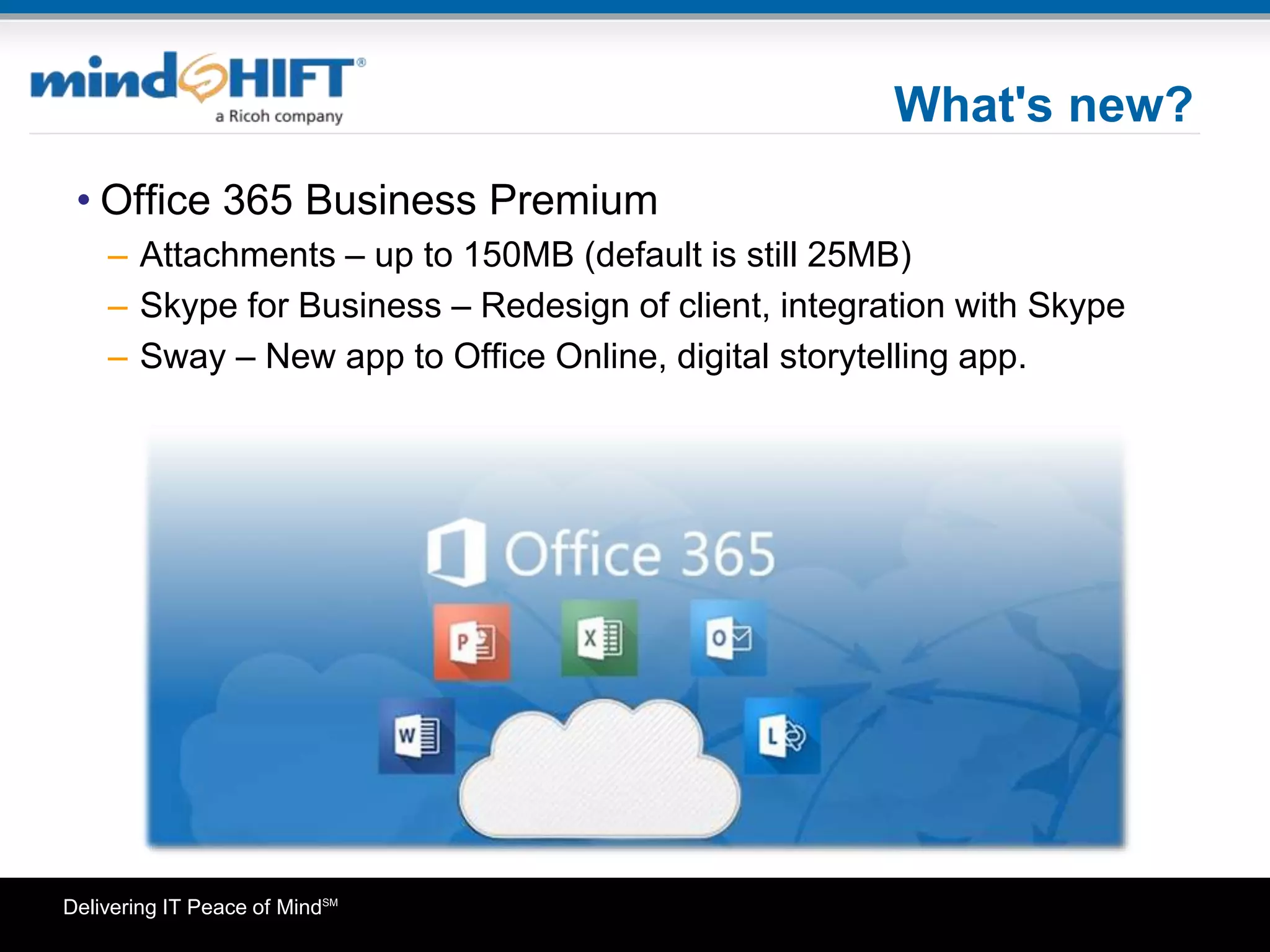
What's new?
• Office 365 Business Premium
– Attachments – up to 150MB (default is still 25MB)
– Skype for Business – Redesign of client, integration with Skype
– Sway – New app to Office Online, digital storytelling app.
Delivering IT Peace of MindSM
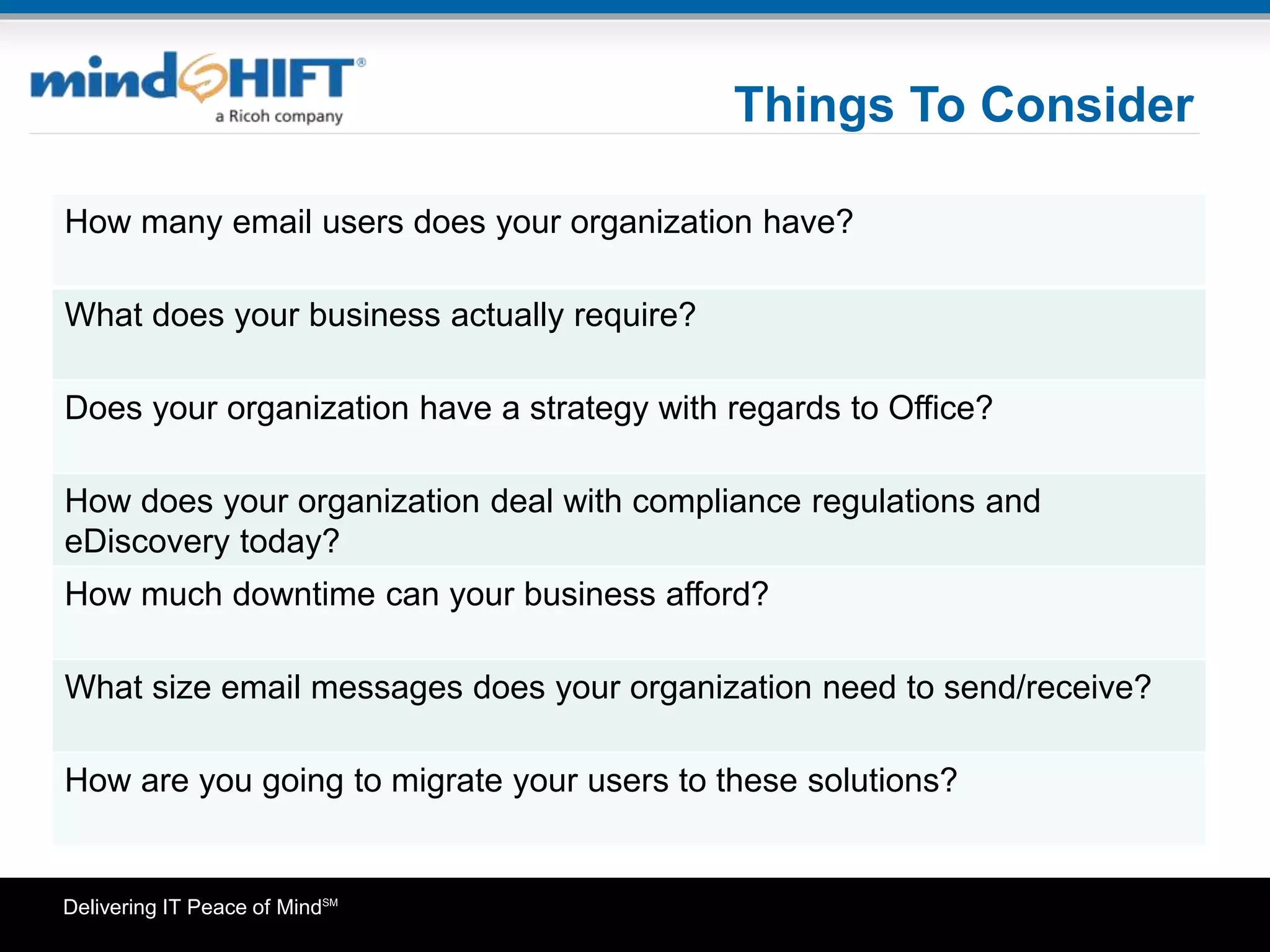
Things To Consider
How many email users does your organization have?
What does your business actually require?
Does your organization have a strategy with regards to Office?
How does your organization deal with compliance regulations and
eDiscovery today?
How much downtime can your business afford?
What size email messages does your organization need to send/receive?
How are you going to migrate your users to these solutions?
Delivering IT Peace of MindSM
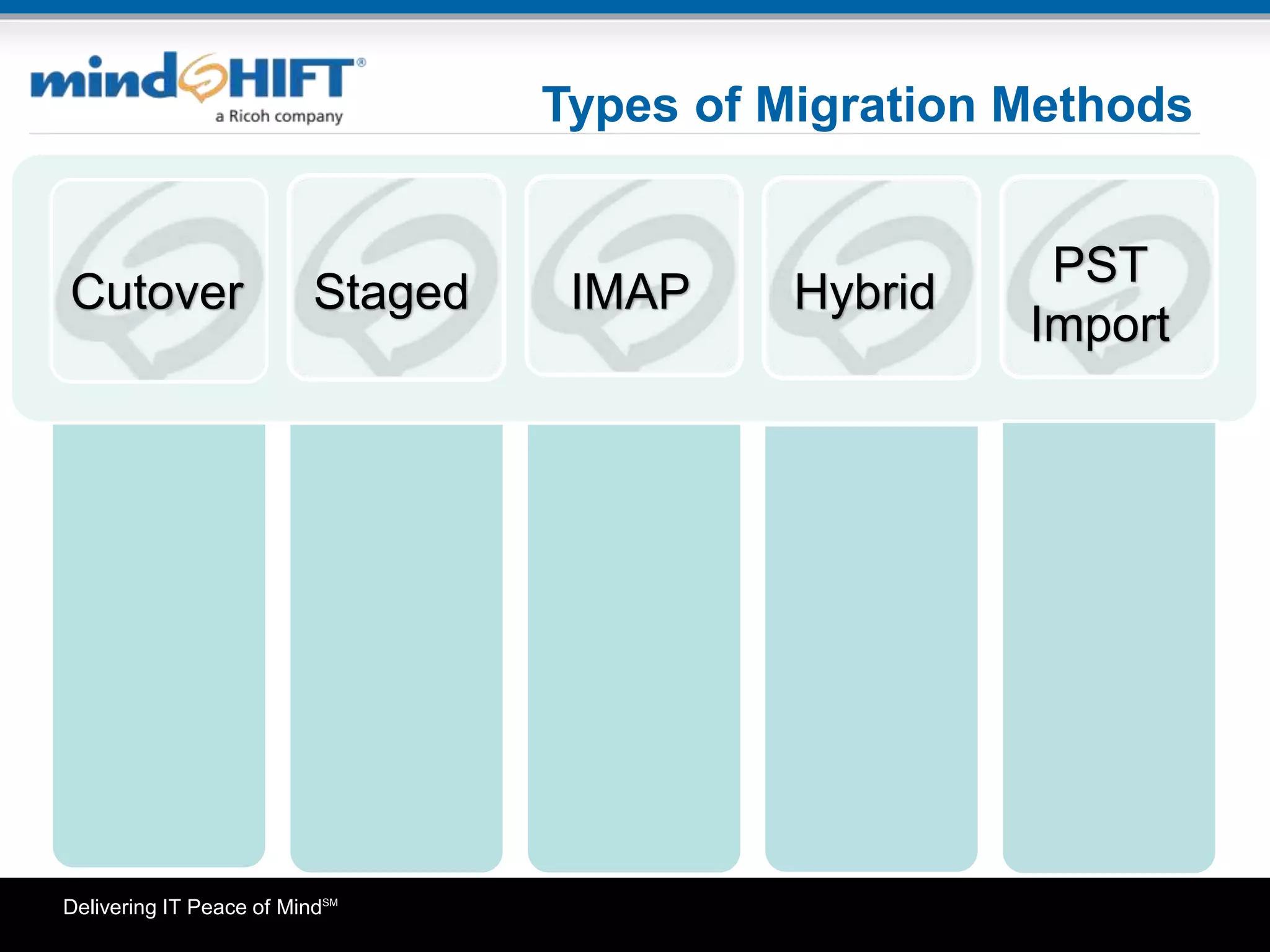
Types of Migration Methods
Cutover Staged
PST
Import
HybridIMAP
Delivering IT Peace of MindSM
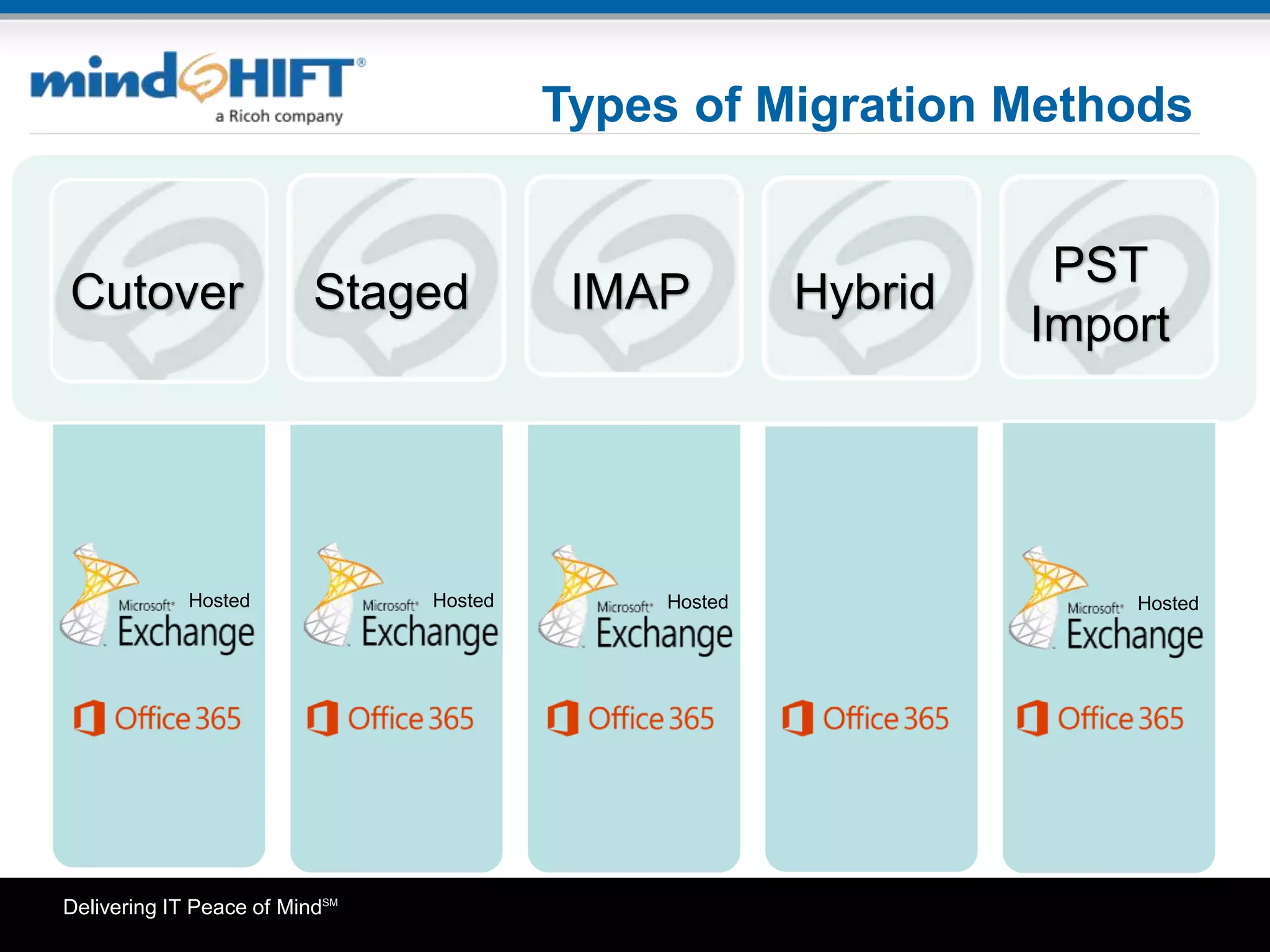
Types of Migration Methods
Cutover Staged
PST
Import
HybridIMAP
Hosted Hosted Hosted Hosted
Delivering IT Peace of MindSM
Types of Migration Methods
Migrating all
mailboxes in
one batch
Sync 95%
data before
cutover
Most Popular
Method
Best for
businesses
with under
2000 seats
Cutover Staged
PST
Import
HybridIMAP
Delivering IT Peace of MindSM
Types of Migration Methods
Migrating all
mailboxes in
one batch
Sync 95%
data before
cutover
Most Popular
Method
Best for
businesses
with under
2000 seats
Migrating
mailboxes in
multiple
batches
Best for
businesses with
over 2000
seats
Requires Azure
AD Sync
Only
compatible with
Exchange
2003/07
Cutover Staged
PST
Import
HybridIMAP
Delivering IT Peace of MindSM
Types of Migration Methods
Migrating all
mailboxes in
one batch
Sync 95%
data before
cutover
Most Popular
Method
Best for
businesses
with under
2000 seats
Migrating
mailboxes in
multiple
batches
Best for
businesses with
over 2000
seats
Requires Azure
AD Sync
Only
compatible with
Exchange
2003/07
Migrates just
inbox &
subfolders
Best for
migrations
from non-
Exchange
platforms
Cutover Staged
PST
Import
HybridIMAP
Delivering IT Peace of MindSM
Types of Migration Methods
Migrating all
mailboxes in
one batch
Sync 95%
data before
cutover.
Most Popular
Method
Best for
businesses
with under
2000 seats
Migrating
mailboxes in
multiple
batches
Best for
businesses with
over 2000
seats
Requires Azure
AD Sync
Only
compatible with
Exchange
2003/07
Migrates just
inbox &
subfolders
Best for
migrations
from non-
Exchange
platforms
Only
compatible with
Exchange
2010/13
Requires Azure
AD Sync; single
sign-on
Best for
enterprise
environments
needing to
maintain some
users on
premise
Exchange
Cutover Staged
PST
Import
HybridIMAP
Delivering IT Peace of MindSM
Types of Migration Methods
Migrating all
mailboxes in
one batch
Sync 95%
data before
cutover
Most Popular
Method
Best for
businesses
with under
2000 seats
Migrating
mailboxes in
multiple
batches
Best for
businesses with
over 2000
seats
Requires Azure
AD Sync.
Only
compatible with
Exchange
2003/07
Migrates just
inbox &
subfolders
Best for
migrations
from non-
Exchange
platforms
Only
compatible with
Exchange
2010/13
Requires Azure
AD Sync; single
sign-on
Best for
enterprise
environments
needing to
maintain some
users on
premise
Exchange
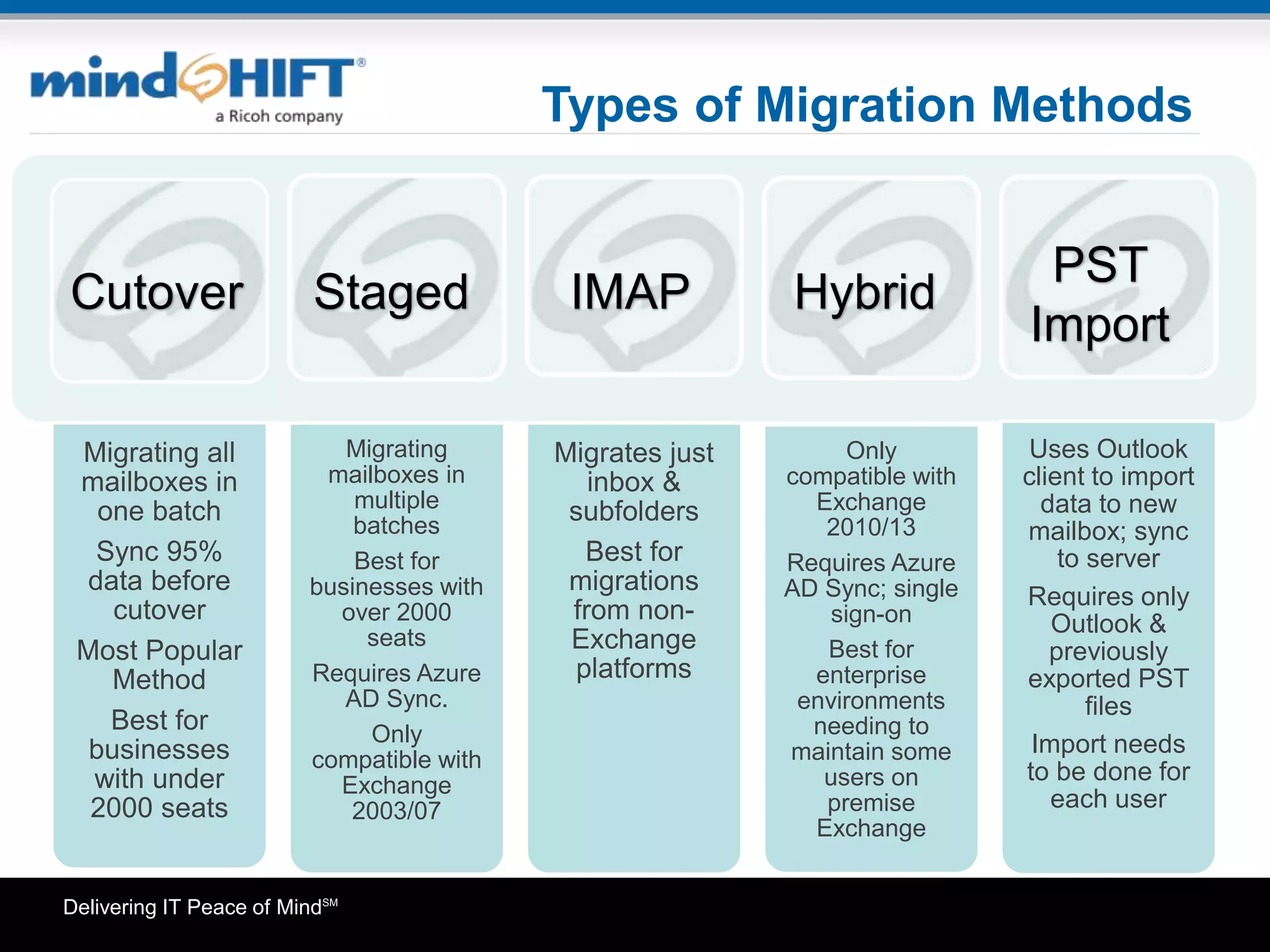
Uses Outlook
client to import
data to new
mailbox; sync
to server
Requires only
Outlook &
previously
exported PST
files
Import needs
to be done for
each user
Cutover Staged
PST
Import
HybridIMAP
Delivering IT Peace of MindSM
Things To Consider
Before Migrating
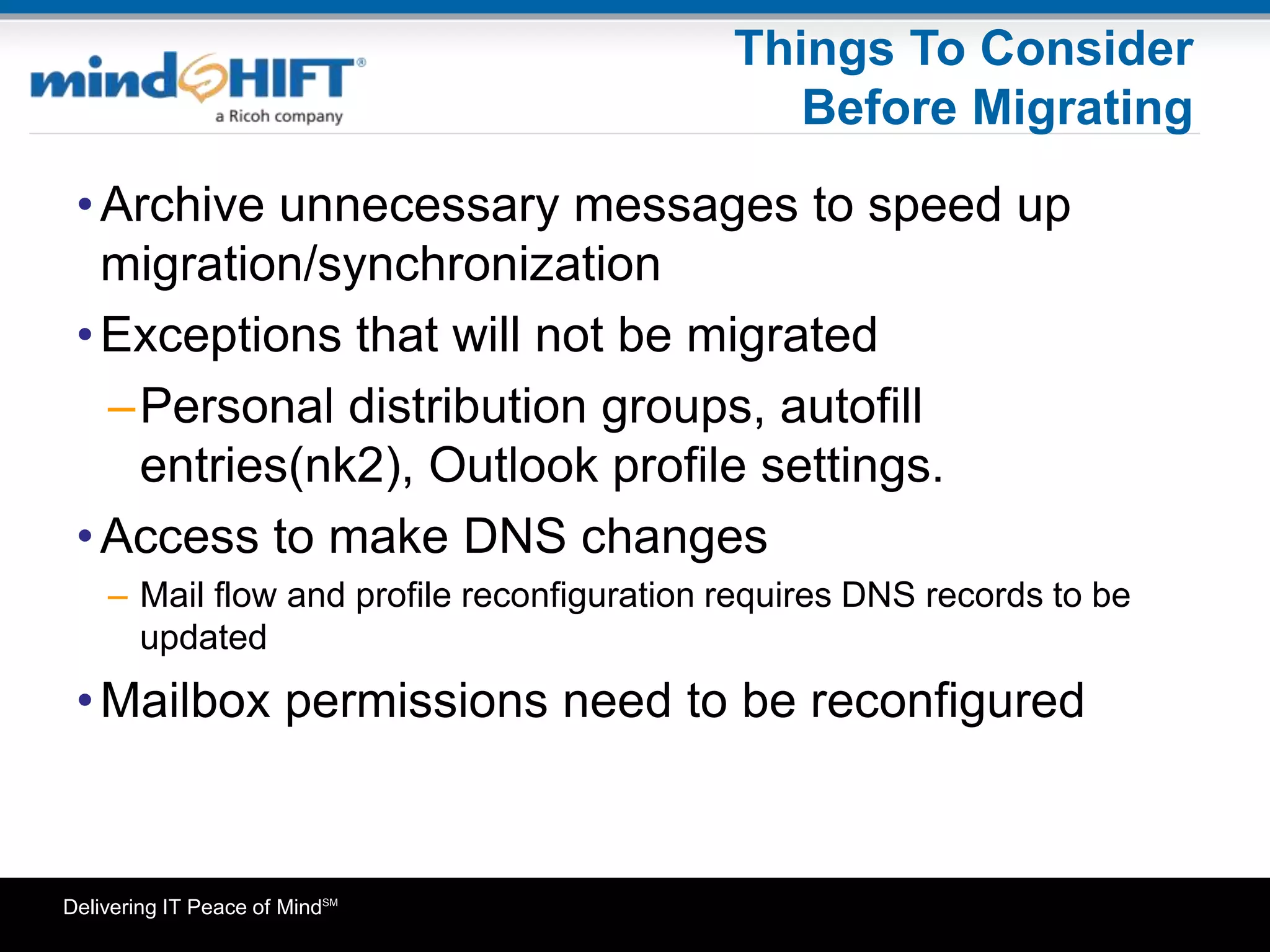
•Archive unnecessary messages to speed up
migration/synchronization
•Exceptions that will not be migrated
–Personal distribution groups, autofill
entries(nk2), Outlook profile settings.
•Access to make DNS changes
– Mail flow and profile reconfiguration requires DNS records to be
updated
•Mailbox permissions need to be reconfigured
Delivering IT Peace of MindSM
Things To Consider
Before Migrating
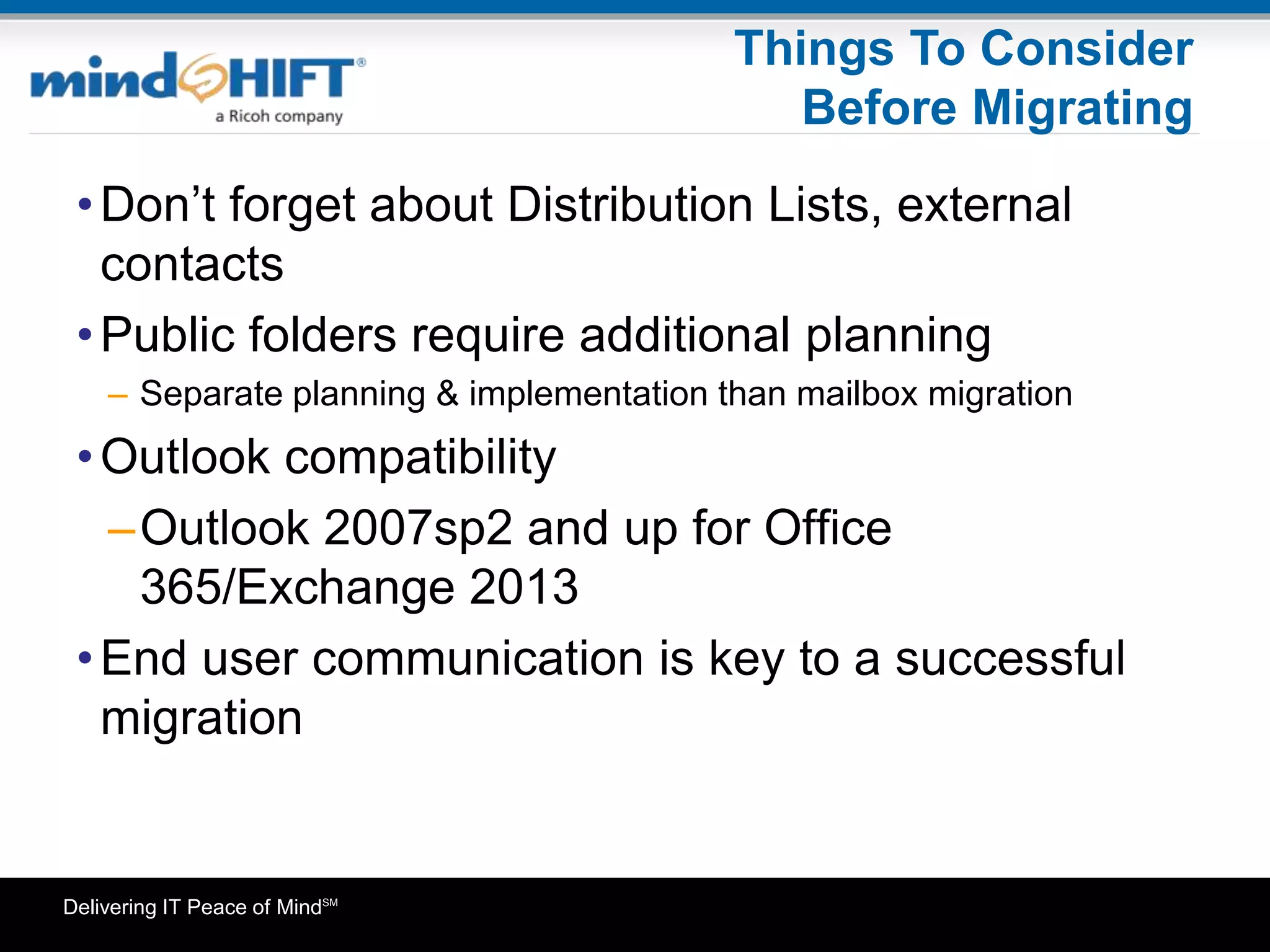
•Don’t forget about Distribution Lists, external
contacts
•Public folders require additional planning
– Separate planning & implementation than mailbox migration
•Outlook compatibility
–Outlook 2007sp2 and up for Office
365/Exchange 2013
•End user communication is key to a successful
migration
Delivering IT Peace of MindSM
How mindSHIFT Can Help
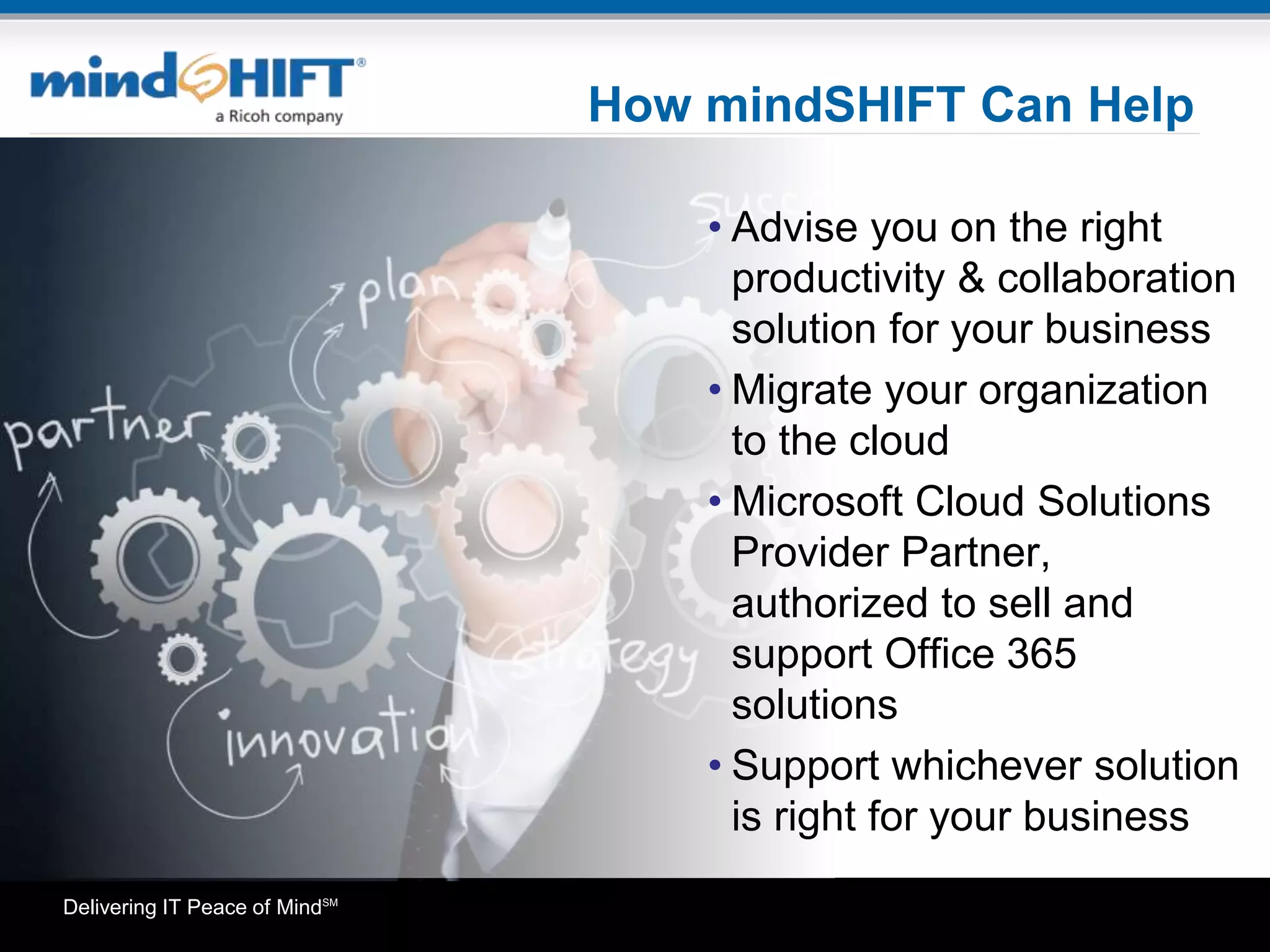
• Advise you on the right
productivity & collaboration
solution for your business
• Migrate your organization
to the cloud
• Microsoft Cloud Solutions
Provider Partner,
authorized to sell and
support Office 365
solutions
• Support whichever solution
is right for your business
Delivering IT Peace of MindSM 17
CLICK HERE
To view the complete
recording with audio
Delivering IT Peace of MindSM
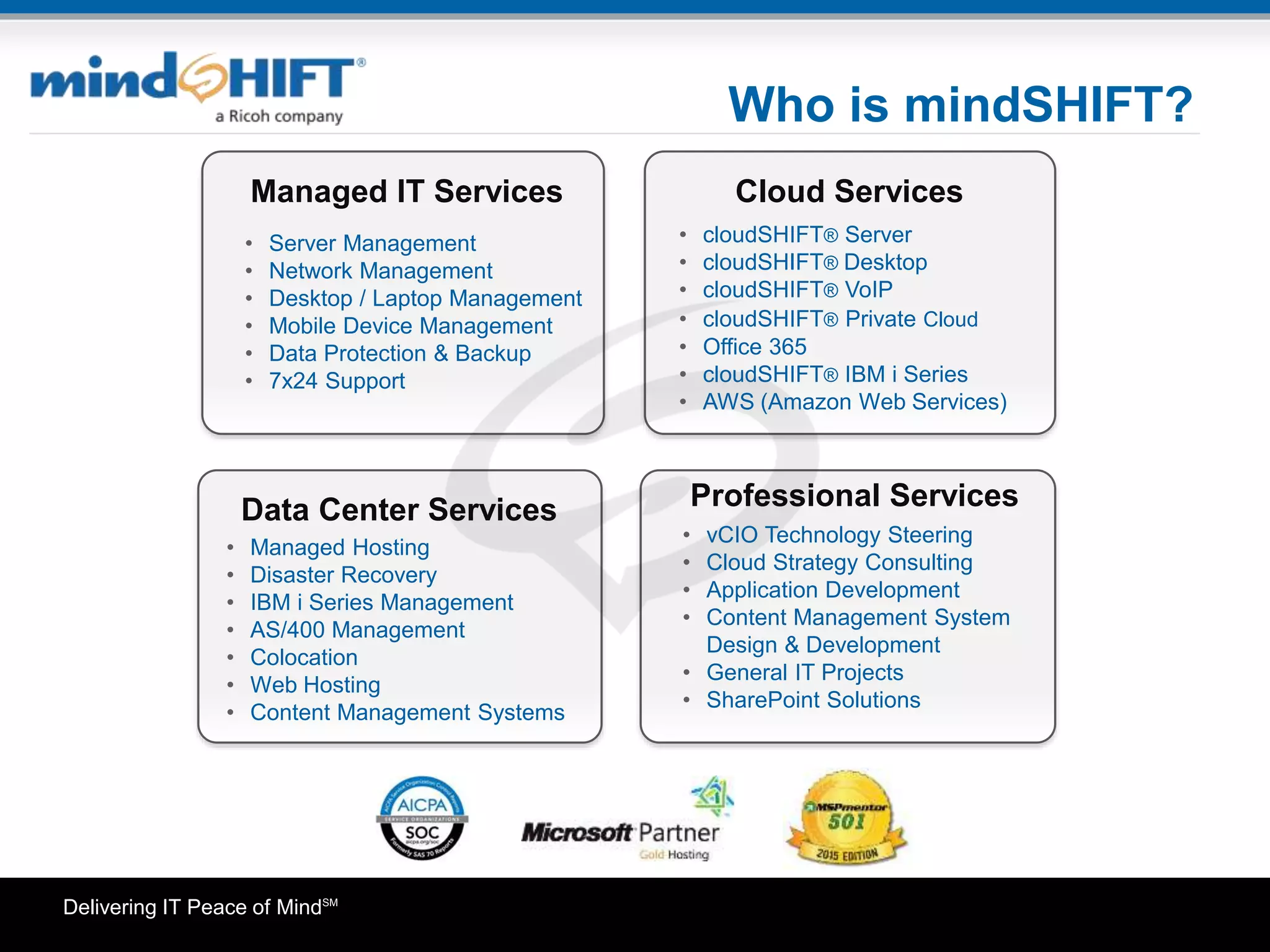
Who is mindSHIFT?
• vCIO Technology Steering
• Cloud Strategy Consulting
• Application Development
• Content Management System
Design & Development
• General IT Projects
• SharePoint Solutions
Cloud Services
Data Center Services Professional Services
Managed IT Services
• Server Management
• Network Management
• Desktop / Laptop Management
• Mobile Device Management
• Data Protection & Backup
• 7x24 Support
• cloudSHIFT® Server
• cloudSHIFT® Desktop
• cloudSHIFT® VoIP
• cloudSHIFT® Private Cloud
• Office 365
• cloudSHIFT® IBM i Series
• AWS (Amazon Web Services)
• Managed Hosting
• Disaster Recovery
• IBM i Series Management
• AS/400 Management
• Colocation
• Web Hosting
• Content Management Systems
Delivering IT Peace of MindSM
Thank You
Find Us
Click Here For More Information
Please contact us with questions at:
info@mindSHIFT.com
www.mindSHIFT.com
877-227-5054

Office365 vs Hosted Exchange: Migrations Made Easy

  • 1.
    Delivering IT Peaceof MindSM Office 365 vs. Hosted Exchange: Migrations Made Easy
  • 2.
    Delivering IT Peaceof MindSM Agenda Recap of Office 365 and Hosted Exchange What’s New With Office 365 Things To Consider Before Making a Decision Understand the Different Migration Methods How To Determine What Method Is Best How mindSHIFT Can Help Agenda
  • 3.
    Delivering IT Peaceof MindSM Hosted Exchange vs Office 365 •mindSHIFT’s Hosted Exchange Security Bundle – Unlimited Mailbox Storage – Premium McAfee Spam Filtering and Message Continuity – Compliant Email Archiving – Email Encryption – Microsoft Lync – Microsoft SharePoint – 99.999% SLA
  • 4.
    Delivering IT Peaceof MindSM Hosted Exchange vs Office 365 •Microsoft’s Office 365 Business Premium – Microsoft Office and Office Online – 50 GB Mailbox Limit – Microsoft Lync (now known as Skype for Business) – Microsoft SharePoint – Yammer – OneDrive – 99.9% SLA
  • 5.
    Delivering IT Peaceof MindSM What's new? • Office 365 Business Premium – Attachments – up to 150MB (default is still 25MB) – Skype for Business – Redesign of client, integration with Skype – Sway – New app to Office Online, digital storytelling app.
  • 6.
    Delivering IT Peaceof MindSM Things To Consider How many email users does your organization have? What does your business actually require? Does your organization have a strategy with regards to Office? How does your organization deal with compliance regulations and eDiscovery today? How much downtime can your business afford? What size email messages does your organization need to send/receive? How are you going to migrate your users to these solutions?
  • 7.
    Delivering IT Peaceof MindSM Types of Migration Methods Cutover Staged PST Import HybridIMAP
  • 8.
    Delivering IT Peaceof MindSM Types of Migration Methods Cutover Staged PST Import HybridIMAP Hosted Hosted Hosted Hosted
  • 9.
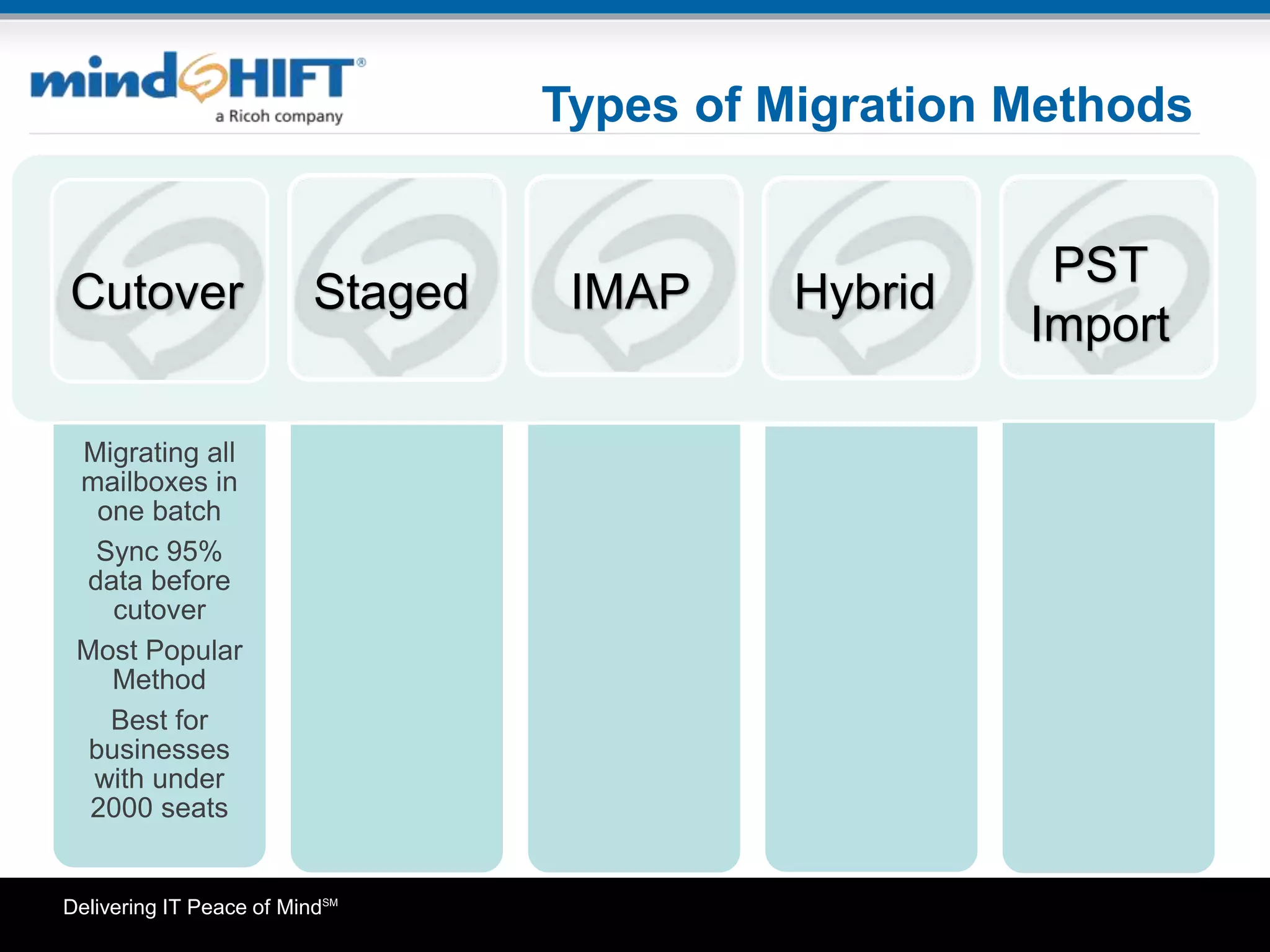
    Delivering IT Peaceof MindSM Types of Migration Methods Migrating all mailboxes in one batch Sync 95% data before cutover Most Popular Method Best for businesses with under 2000 seats Cutover Staged PST Import HybridIMAP
  • 10.
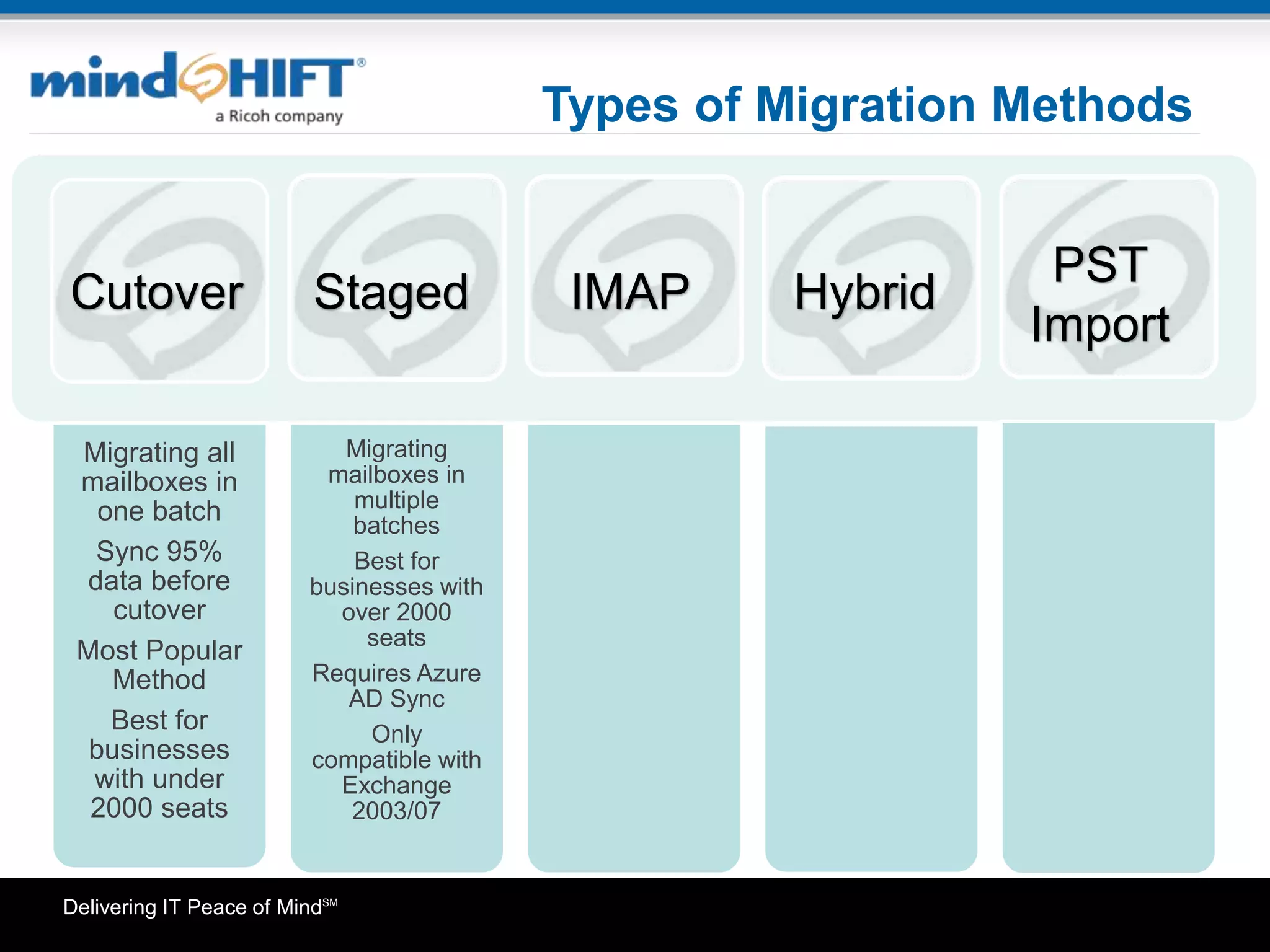
    Delivering IT Peaceof MindSM Types of Migration Methods Migrating all mailboxes in one batch Sync 95% data before cutover Most Popular Method Best for businesses with under 2000 seats Migrating mailboxes in multiple batches Best for businesses with over 2000 seats Requires Azure AD Sync Only compatible with Exchange 2003/07 Cutover Staged PST Import HybridIMAP
  • 11.
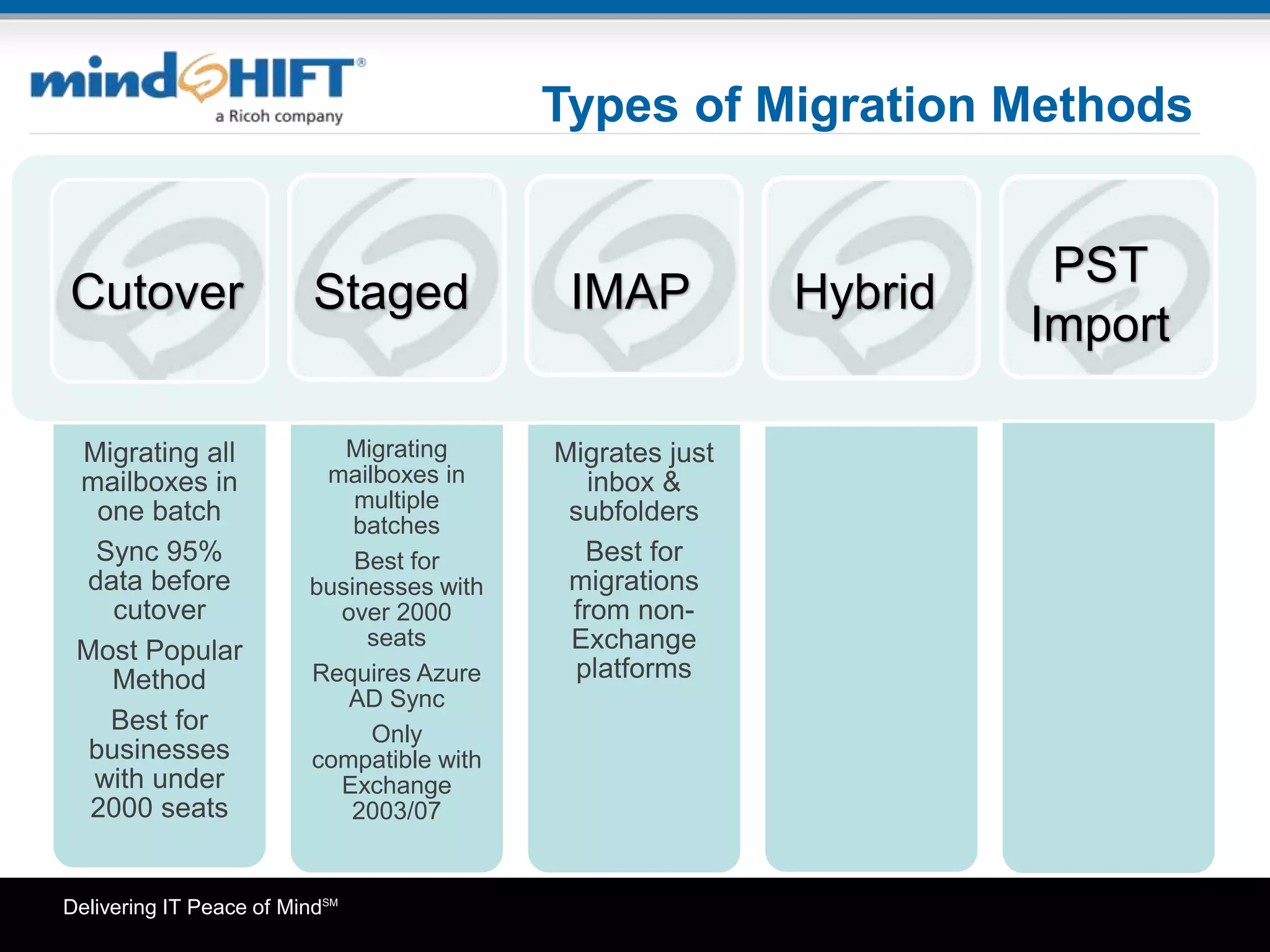
    Delivering IT Peaceof MindSM Types of Migration Methods Migrating all mailboxes in one batch Sync 95% data before cutover Most Popular Method Best for businesses with under 2000 seats Migrating mailboxes in multiple batches Best for businesses with over 2000 seats Requires Azure AD Sync Only compatible with Exchange 2003/07 Migrates just inbox & subfolders Best for migrations from non- Exchange platforms Cutover Staged PST Import HybridIMAP
  • 12.
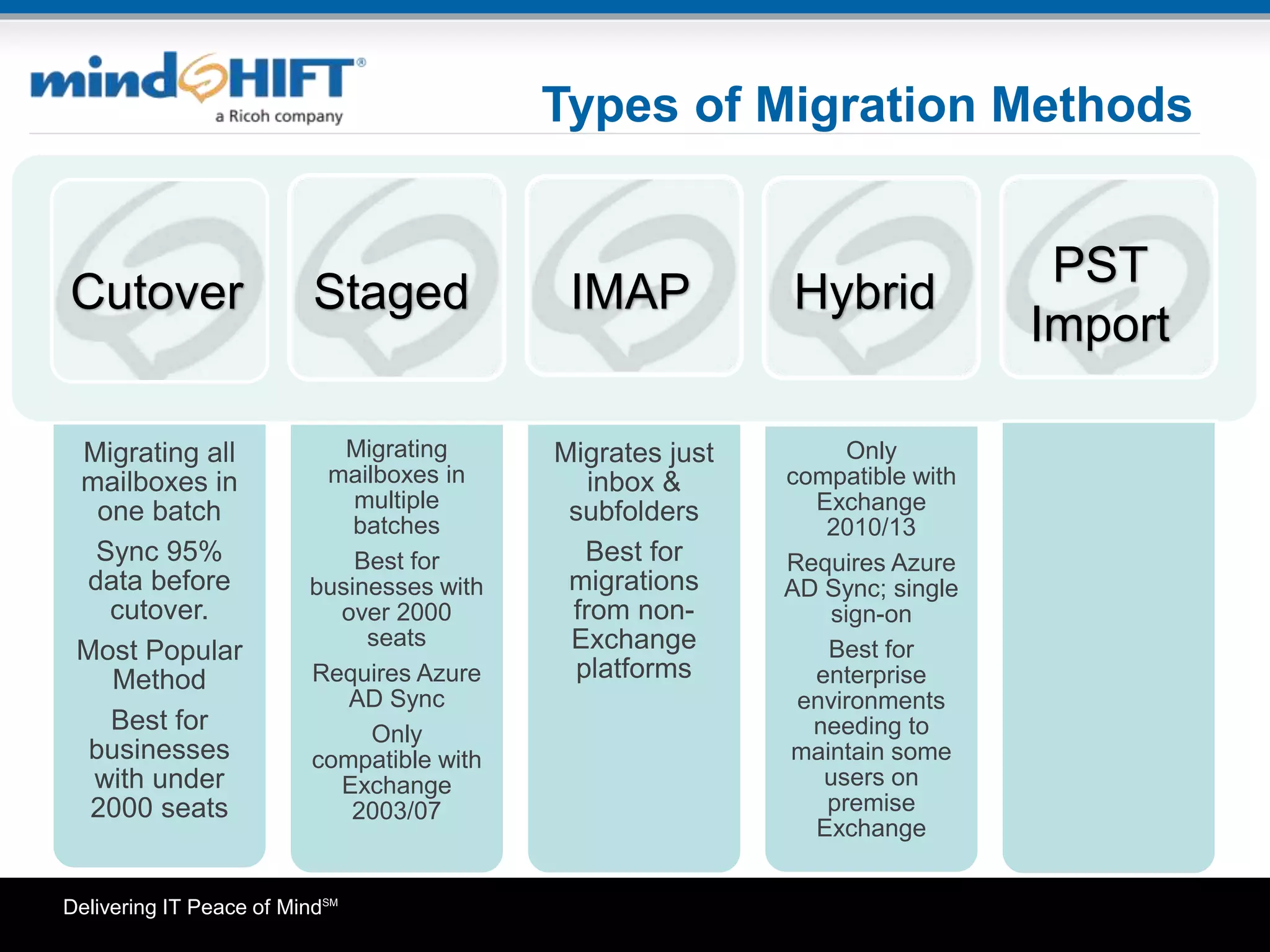
    Delivering IT Peaceof MindSM Types of Migration Methods Migrating all mailboxes in one batch Sync 95% data before cutover. Most Popular Method Best for businesses with under 2000 seats Migrating mailboxes in multiple batches Best for businesses with over 2000 seats Requires Azure AD Sync Only compatible with Exchange 2003/07 Migrates just inbox & subfolders Best for migrations from non- Exchange platforms Only compatible with Exchange 2010/13 Requires Azure AD Sync; single sign-on Best for enterprise environments needing to maintain some users on premise Exchange Cutover Staged PST Import HybridIMAP
  • 13.
    Delivering IT Peaceof MindSM Types of Migration Methods Migrating all mailboxes in one batch Sync 95% data before cutover Most Popular Method Best for businesses with under 2000 seats Migrating mailboxes in multiple batches Best for businesses with over 2000 seats Requires Azure AD Sync. Only compatible with Exchange 2003/07 Migrates just inbox & subfolders Best for migrations from non- Exchange platforms Only compatible with Exchange 2010/13 Requires Azure AD Sync; single sign-on Best for enterprise environments needing to maintain some users on premise Exchange Uses Outlook client to import data to new mailbox; sync to server Requires only Outlook & previously exported PST files Import needs to be done for each user Cutover Staged PST Import HybridIMAP
  • 14.
    Delivering IT Peaceof MindSM Things To Consider Before Migrating •Archive unnecessary messages to speed up migration/synchronization •Exceptions that will not be migrated –Personal distribution groups, autofill entries(nk2), Outlook profile settings. •Access to make DNS changes – Mail flow and profile reconfiguration requires DNS records to be updated •Mailbox permissions need to be reconfigured
  • 15.
    Delivering IT Peaceof MindSM Things To Consider Before Migrating •Don’t forget about Distribution Lists, external contacts •Public folders require additional planning – Separate planning & implementation than mailbox migration •Outlook compatibility –Outlook 2007sp2 and up for Office 365/Exchange 2013 •End user communication is key to a successful migration
  • 16.
    Delivering IT Peaceof MindSM How mindSHIFT Can Help • Advise you on the right productivity & collaboration solution for your business • Migrate your organization to the cloud • Microsoft Cloud Solutions Provider Partner, authorized to sell and support Office 365 solutions • Support whichever solution is right for your business
  • 17.
    Delivering IT Peaceof MindSM 17 CLICK HERE To view the complete recording with audio
  • 18.
    Delivering IT Peaceof MindSM Who is mindSHIFT? • vCIO Technology Steering • Cloud Strategy Consulting • Application Development • Content Management System Design & Development • General IT Projects • SharePoint Solutions Cloud Services Data Center Services Professional Services Managed IT Services • Server Management • Network Management • Desktop / Laptop Management • Mobile Device Management • Data Protection & Backup • 7x24 Support • cloudSHIFT® Server • cloudSHIFT® Desktop • cloudSHIFT® VoIP • cloudSHIFT® Private Cloud • Office 365 • cloudSHIFT® IBM i Series • AWS (Amazon Web Services) • Managed Hosting • Disaster Recovery • IBM i Series Management • AS/400 Management • Colocation • Web Hosting • Content Management Systems
  • 19.
    Delivering IT Peaceof MindSM Thank You Find Us Click Here For More Information Please contact us with questions at: info@mindSHIFT.com www.mindSHIFT.com 877-227-5054