Working with Instrument
Data
Ryan Chard
rchard@anl.gov
Overview
• Data management challenges
• Managing instrument data with Globus
• Use cases and lessons learned
• Notebook demo
Data management challenges
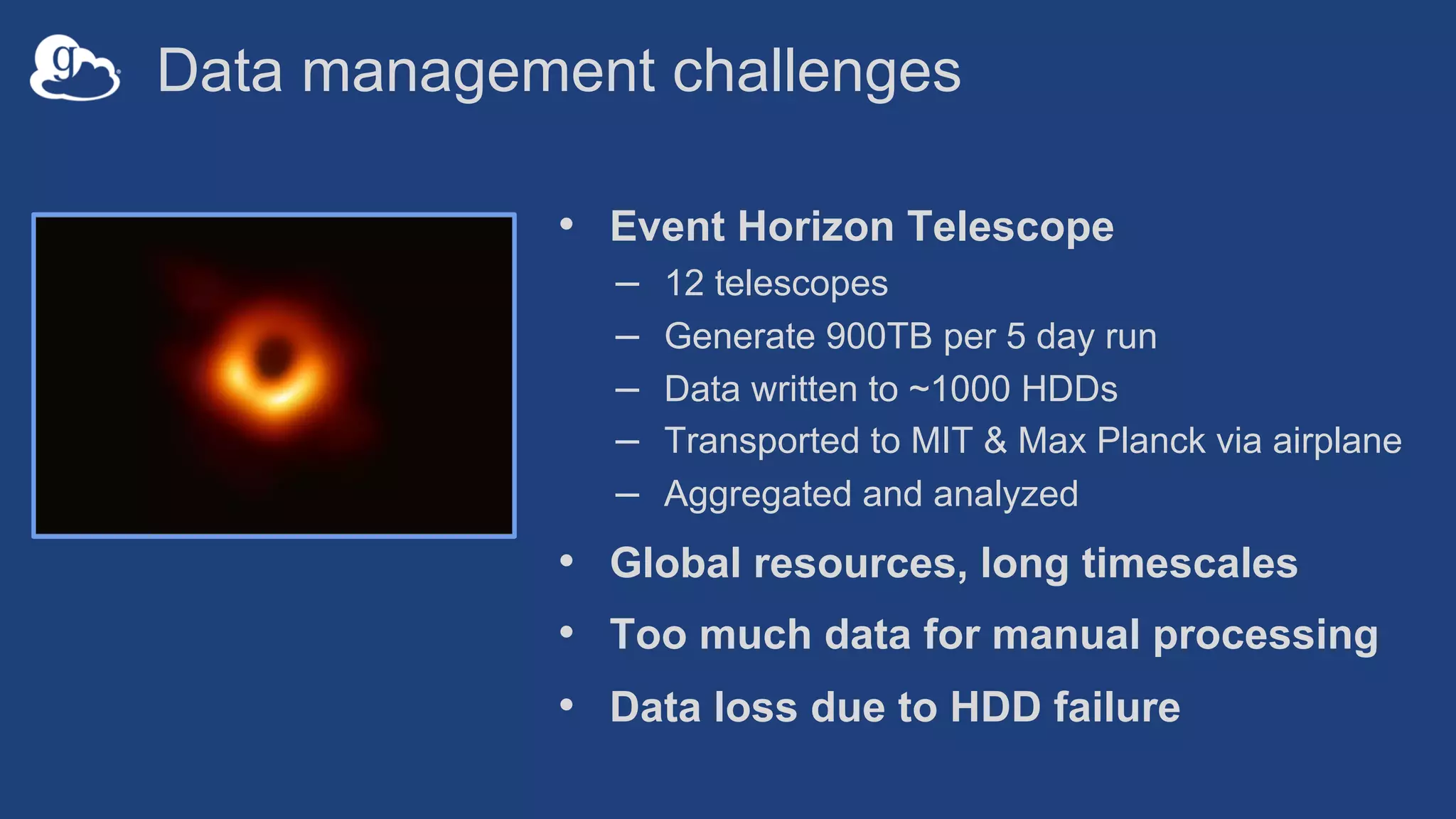
• Event Horizon Telescope
– 12 telescopes
– Generate 900TB per 5 day run
– Data written to ~1000 HDDs
– Transported to MIT & Max Planck via airplane
– Aggregated and analyzed
• Global resources, long timescales
• Too much data for manual processing
• Data loss due to HDD failure
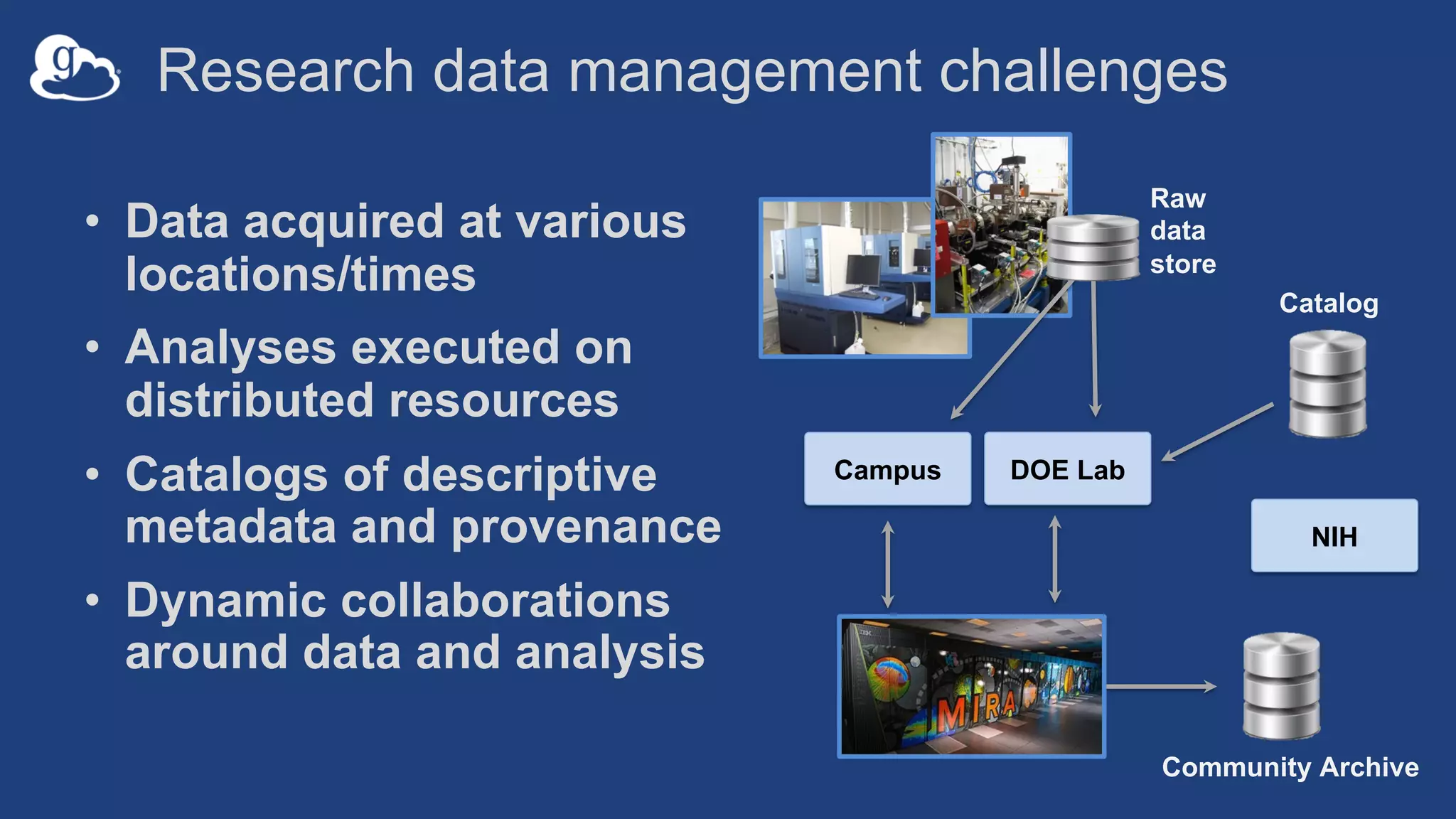
Research data management challenges
• Data acquired at various
locations/times
• Analyses executed on
distributed resources
• Catalogs of descriptive
metadata and provenance
• Dynamic collaborations
around data and analysis
Raw
data
store
Catalog
DOE LabCampus
Community Archive
NIH
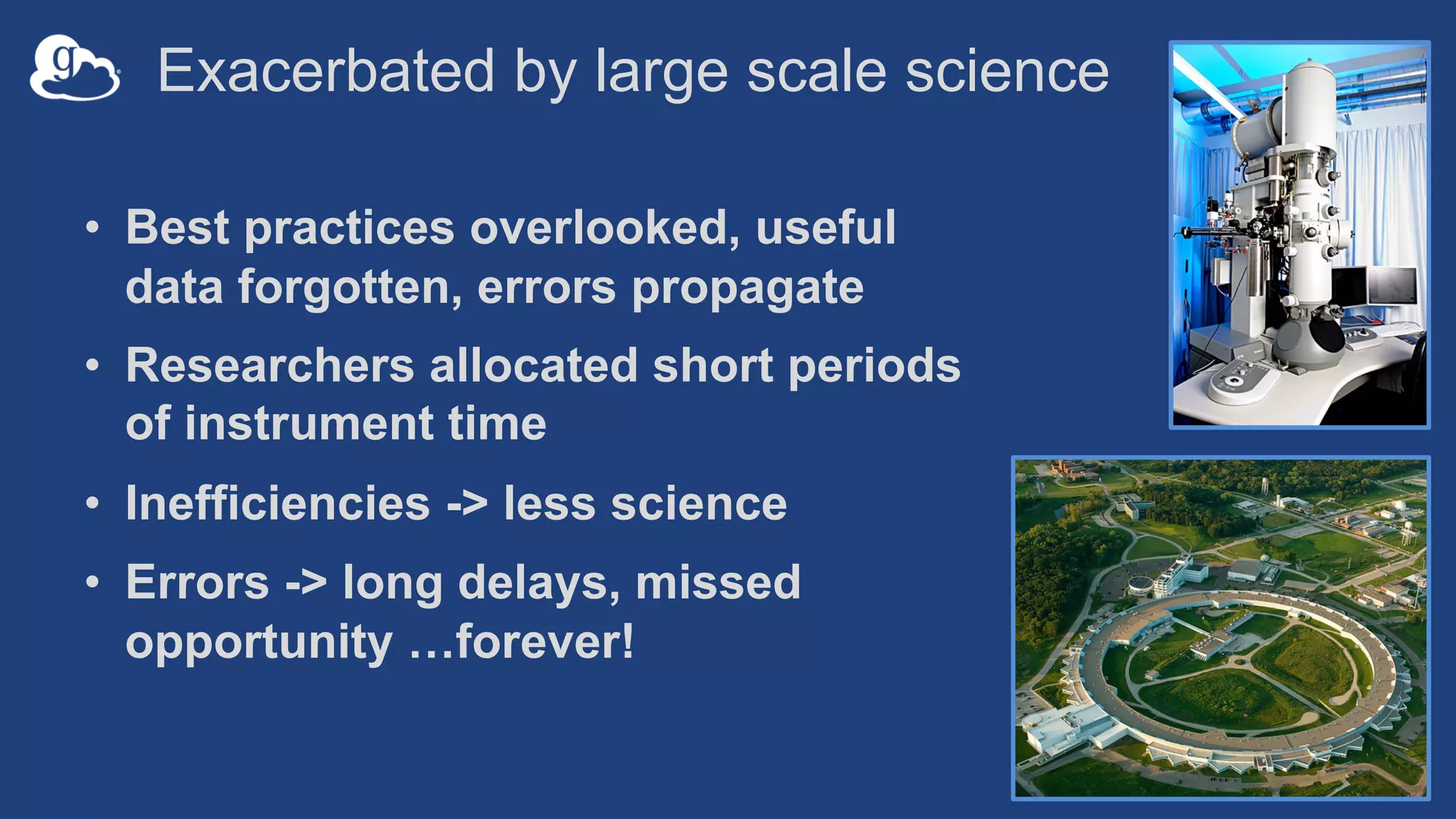
Exacerbated by large scale science
• Best practices overlooked, useful
data forgotten, errors propagate
• Researchers allocated short periods
of instrument time
• Inefficiencies -> less science
• Errors -> long delays, missed
opportunity …forever!
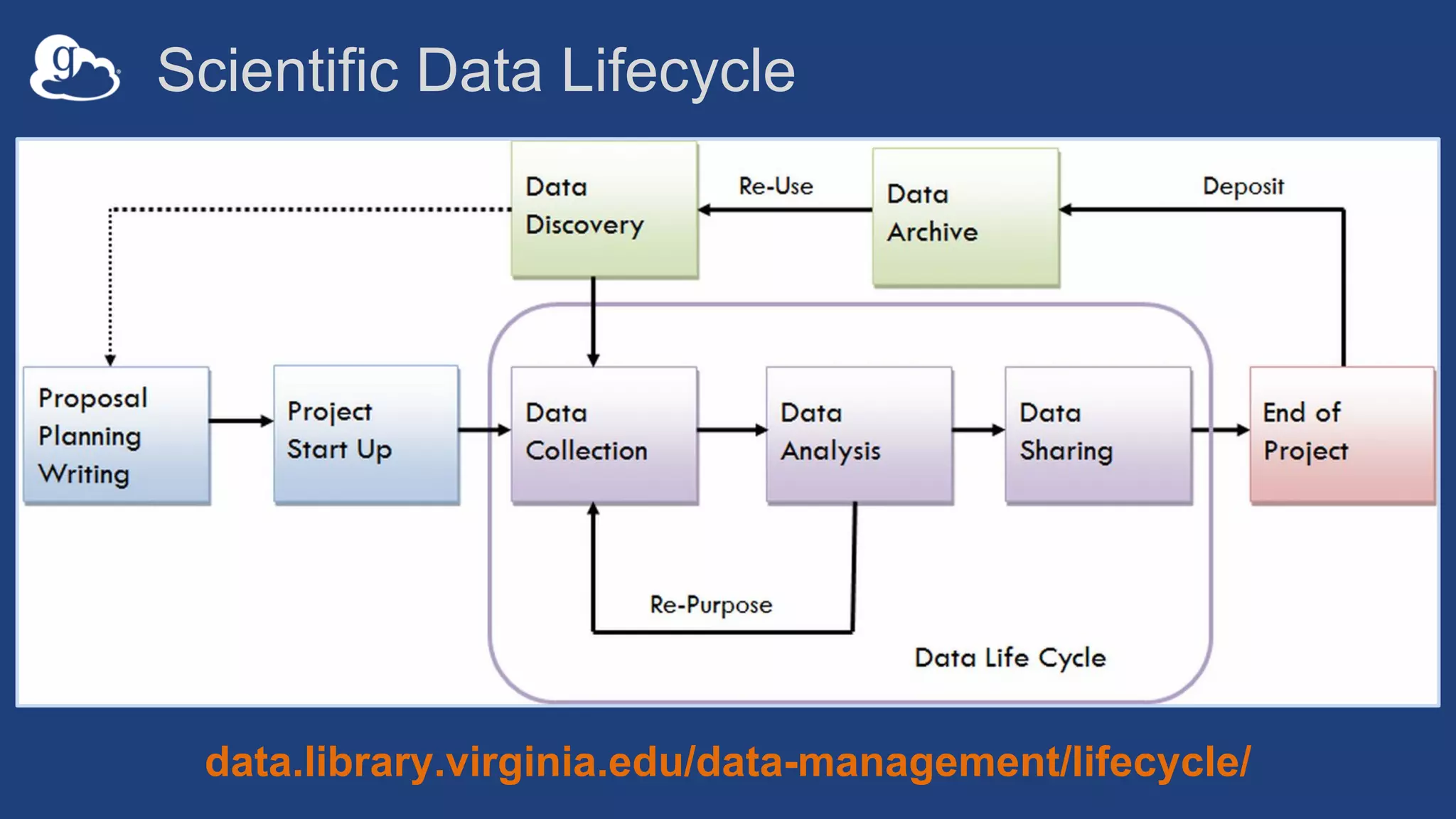
Scientific Data Lifecycle
data.library.virginia.edu/data-management/lifecycle/
Goal
Automate data manipulation tasks
from acquisition, transfer and
sharing, to publication, indexing,
analysis, and inference
Automation and Globus
• Globus provides a rich data management
ecosystem for both admins and
researchers
• Compose multiple services into reliable,
secure data management pipelines
• Execute on behalf of users
• Create data-aware automations that
respond to data events
Globus Services
• Transfer: Move data, set ACLs, create shares
• Search: Find data, catalog metadata
• Identifiers: Mint persistent IDs for datasets
• Auth: Glue that ties everything together
Globus Auth
• Programmatic and secure access to both Globus
services and any third party services that support it
• Grant permission to apps to act on your behalf
– Dependent tokens
• Refresh tokens enable one-time authentication that
can be put into long-running pipelines
Automation via Globus
Glue services together
• Globus SDK (docs.globus.org)
• Scripting with the Globus CLI
– globus task wait
• Automate
Example Use Cases
• Advanced Photon Source
– Connectomics
– Time series spectroscopy
• Scanning Electron Microscope
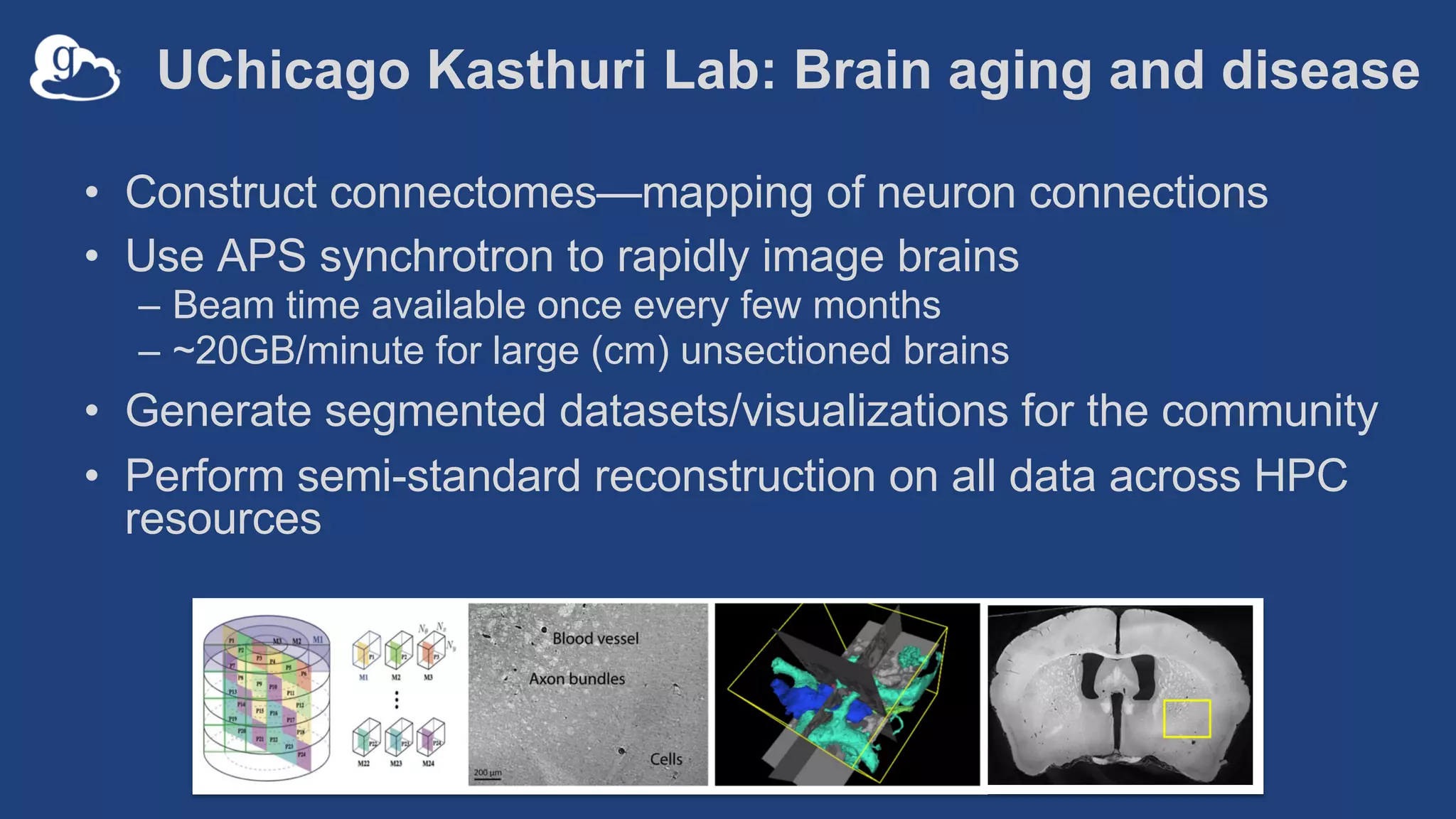
UChicago Kasthuri Lab: Brain aging and disease
• Construct connectomes—mapping of neuron connections
• Use APS synchrotron to rapidly image brains
– Beam time available once every few months
– ~20GB/minute for large (cm) unsectioned brains
• Generate segmented datasets/visualizations for the community
• Perform semi-standard reconstruction on all data across HPC
resources
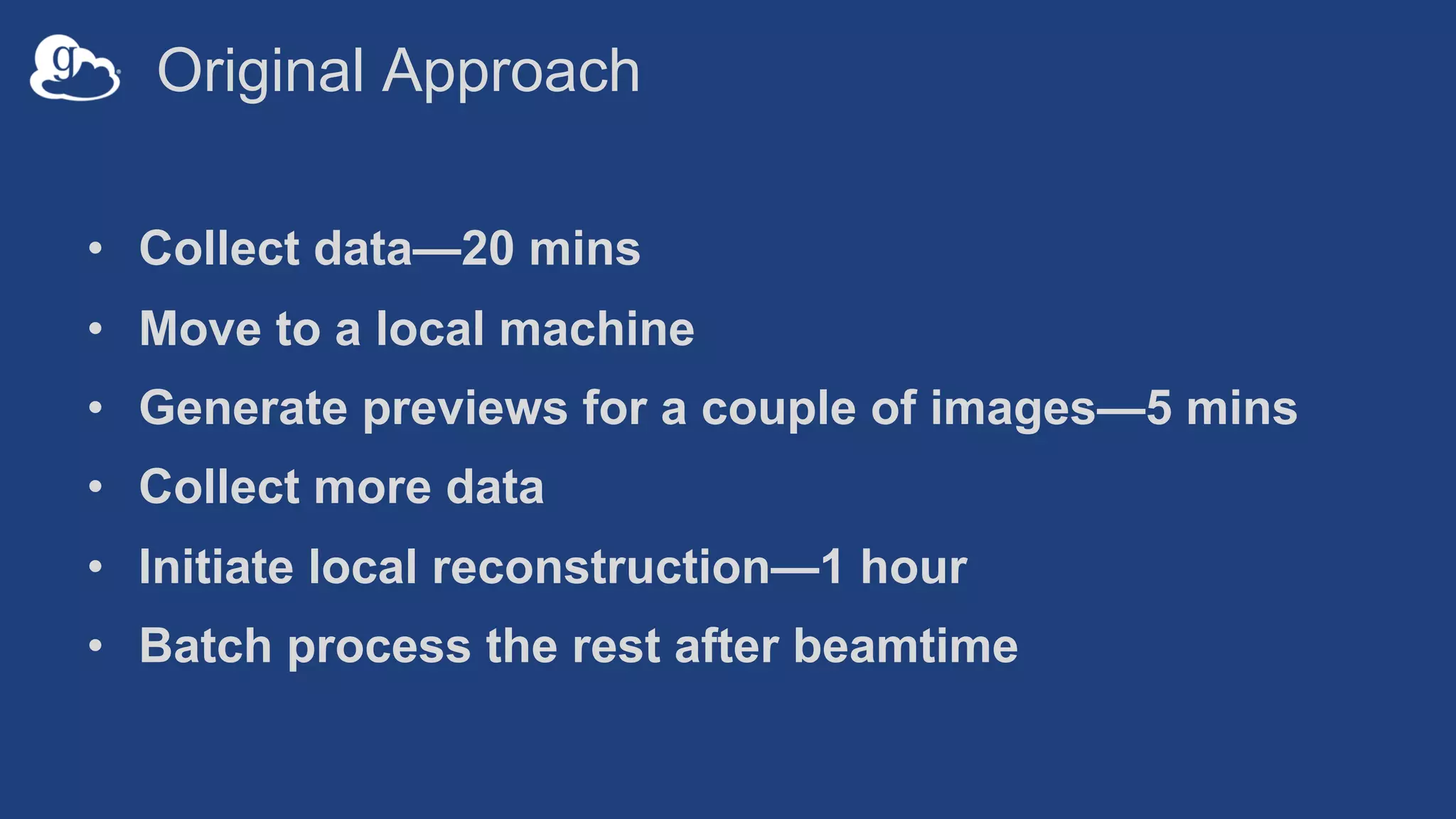
Original Approach
• Collect data—20 mins
• Move to a local machine
• Generate previews for a couple of images—5 mins
• Collect more data
• Initiate local reconstruction—1 hour
• Batch process the rest after beamtime
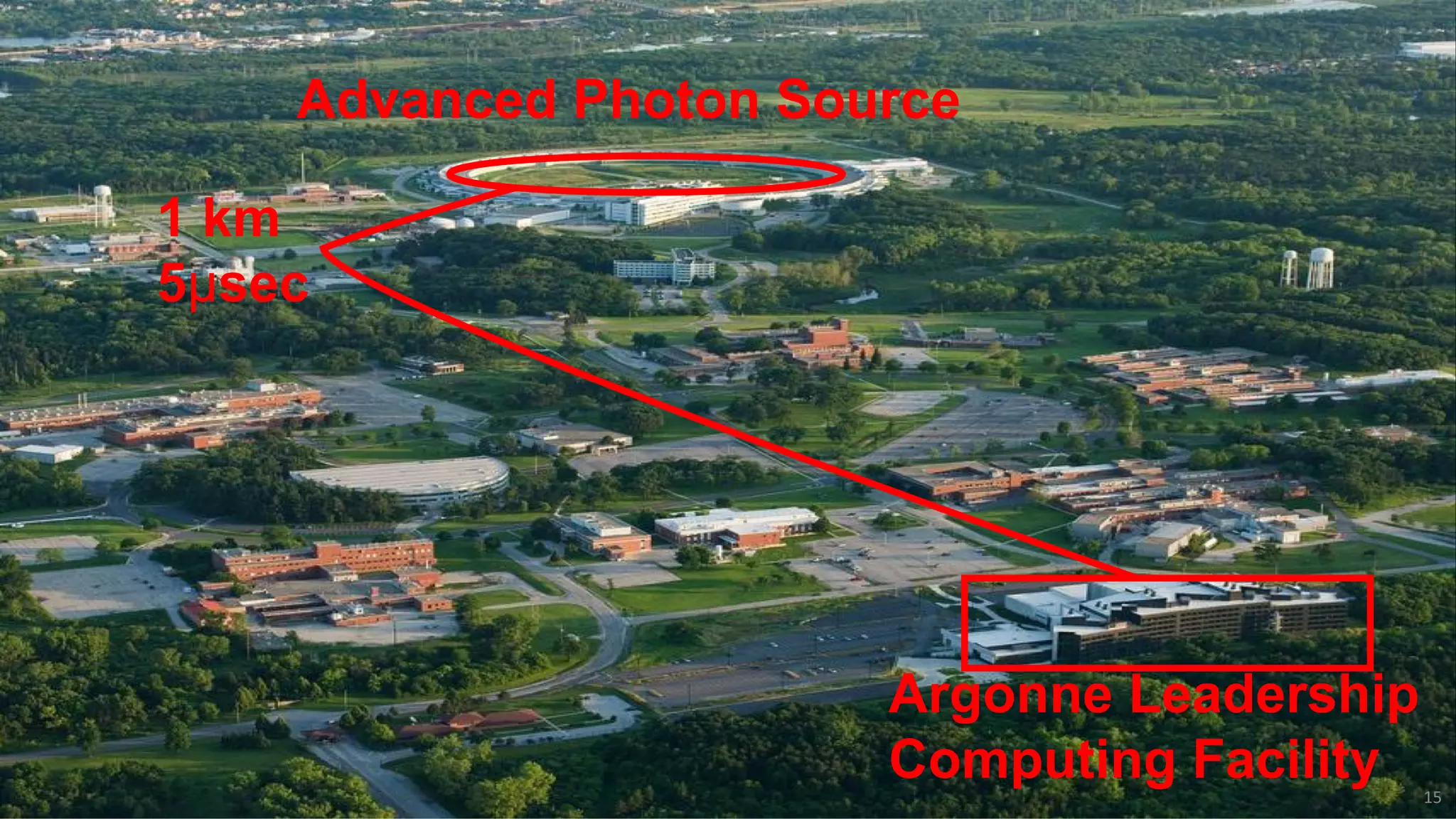
Advanced Photon Source
Argonne Leadership
Computing Facility
1 km
5μsec
15
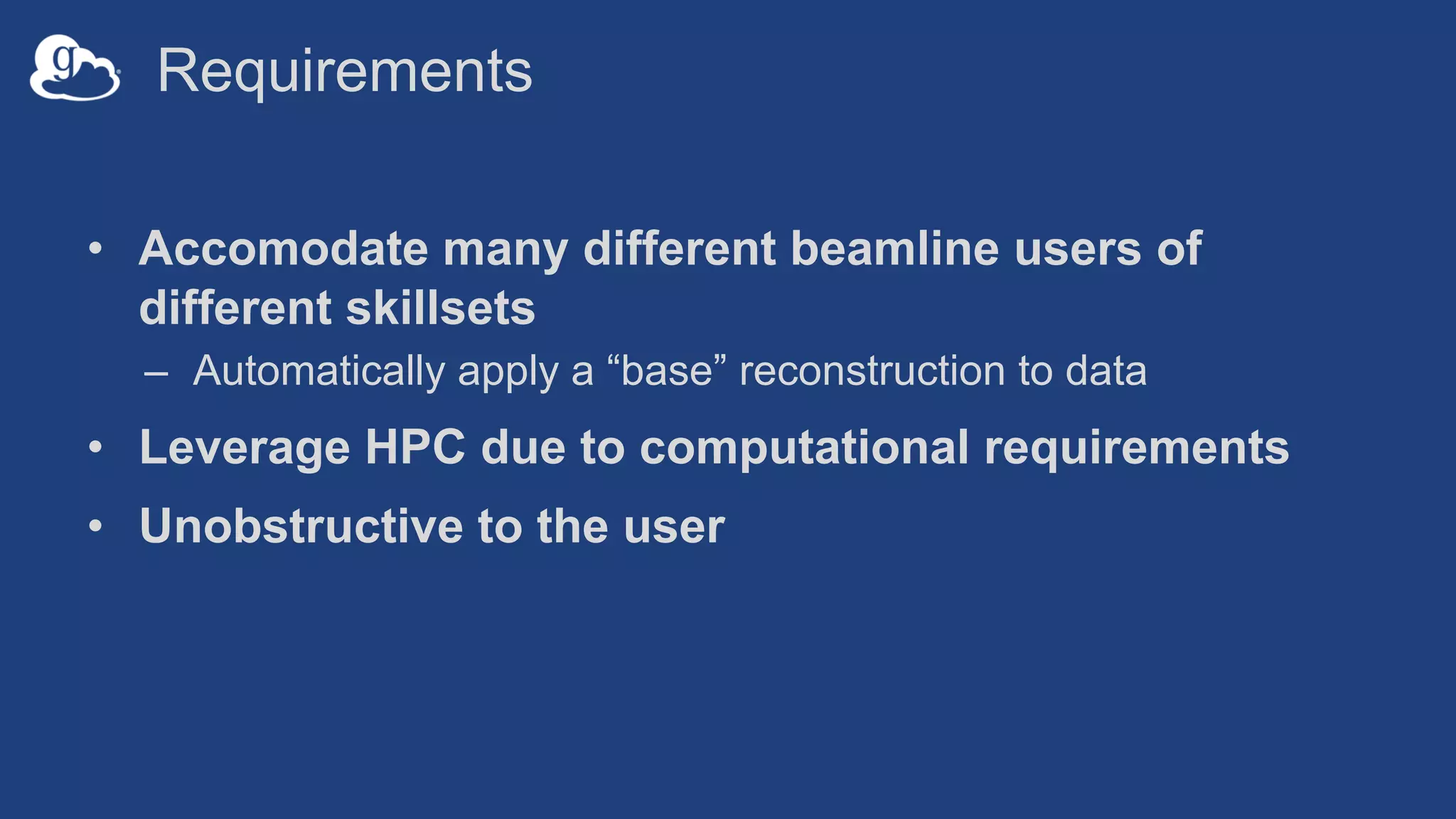
Requirements
• Accomodate many different beamline users of
different skillsets
– Automatically apply a “base” reconstruction to data
• Leverage HPC due to computational requirements
• Unobstructive to the user
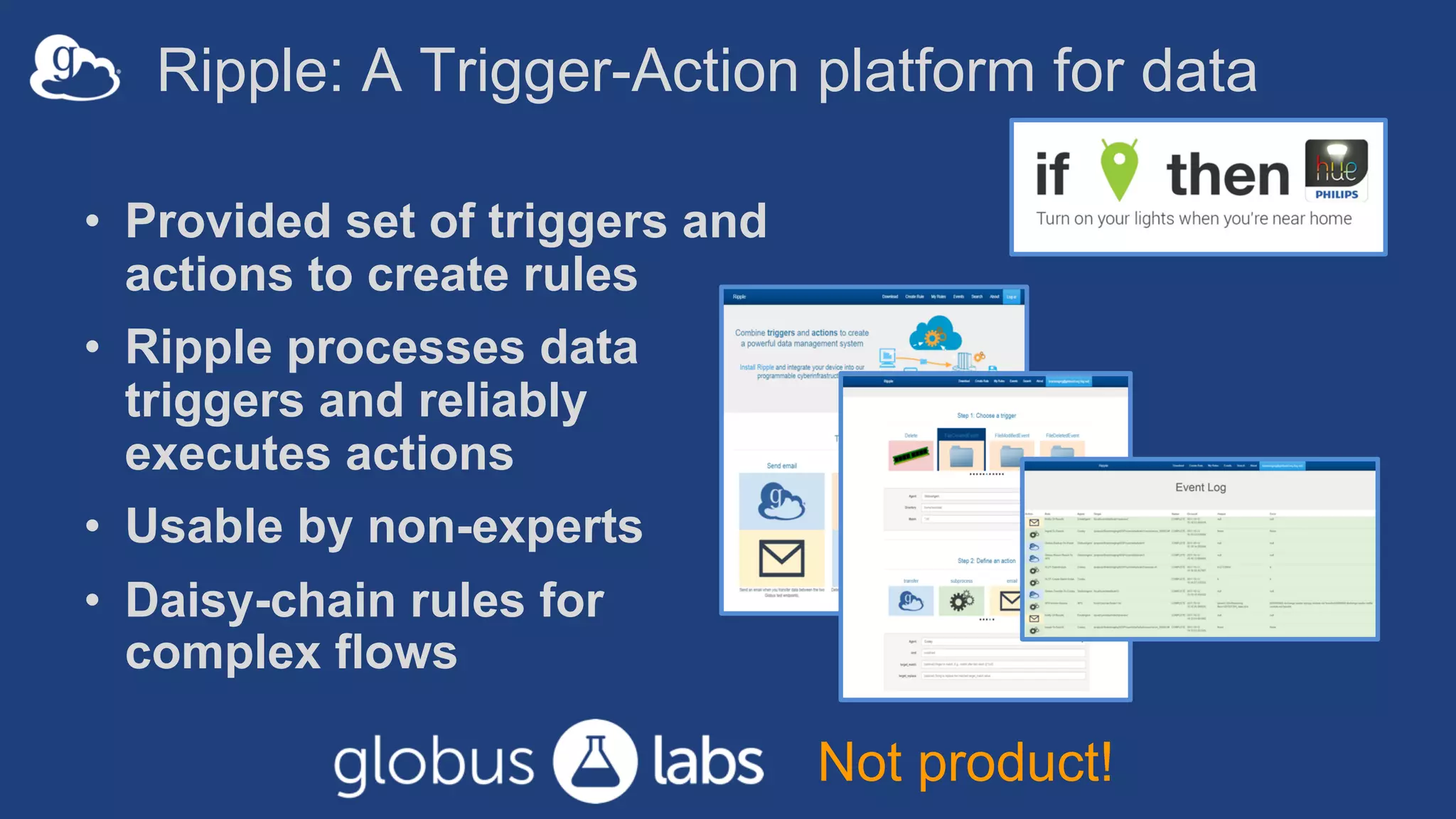
Ripple: A Trigger-Action platform for data
• Provided set of triggers and
actions to create rules
• Ripple processes data
triggers and reliably
executes actions
• Usable by non-experts
• Daisy-chain rules for
complex flows
Not product!
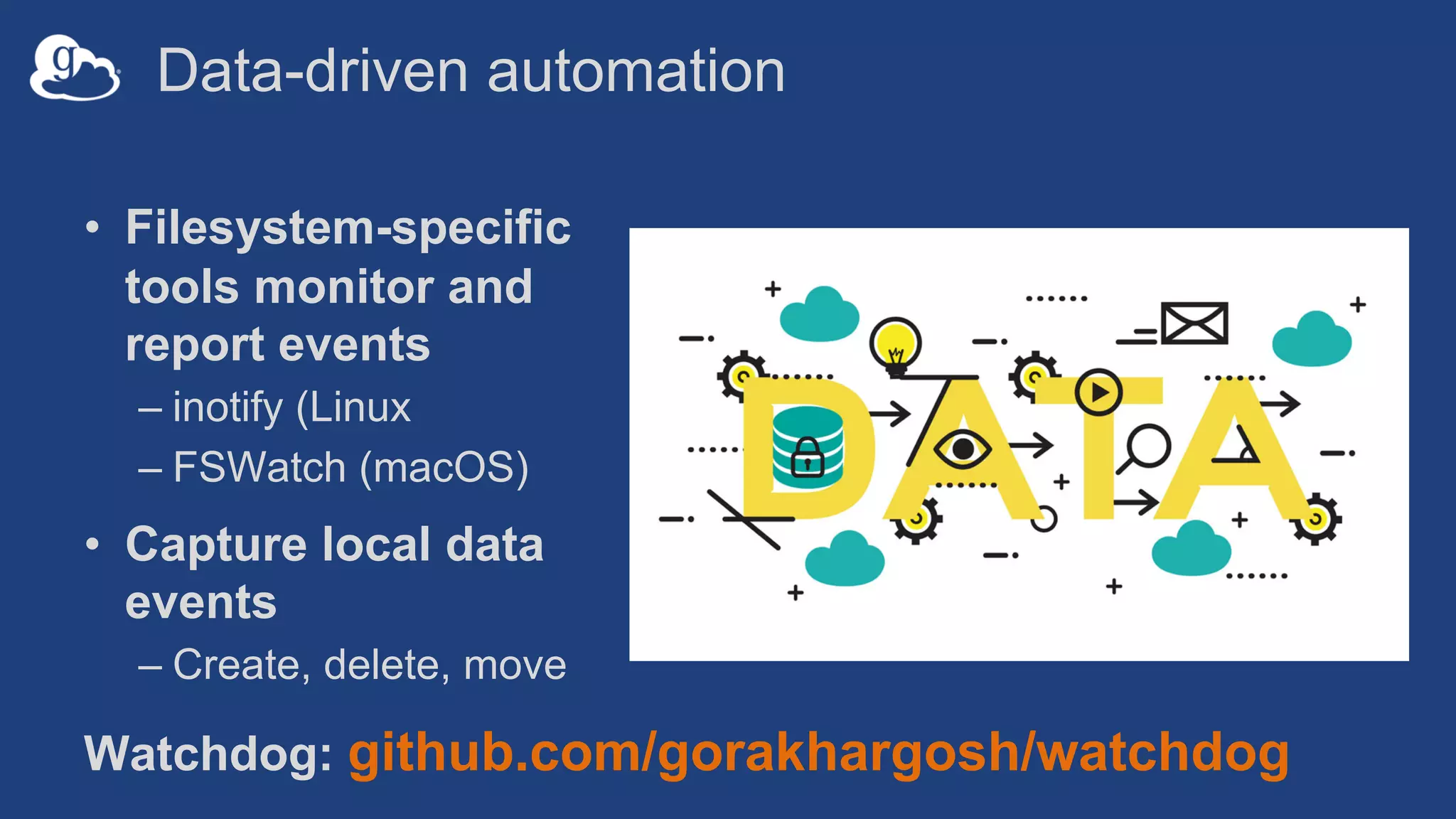
Data-driven automation
• Filesystem-specific
tools monitor and
report events
– inotify (Linux
– FSWatch (macOS)
• Capture local data
events
– Create, delete, move
Watchdog: github.com/gorakhargosh/watchdog
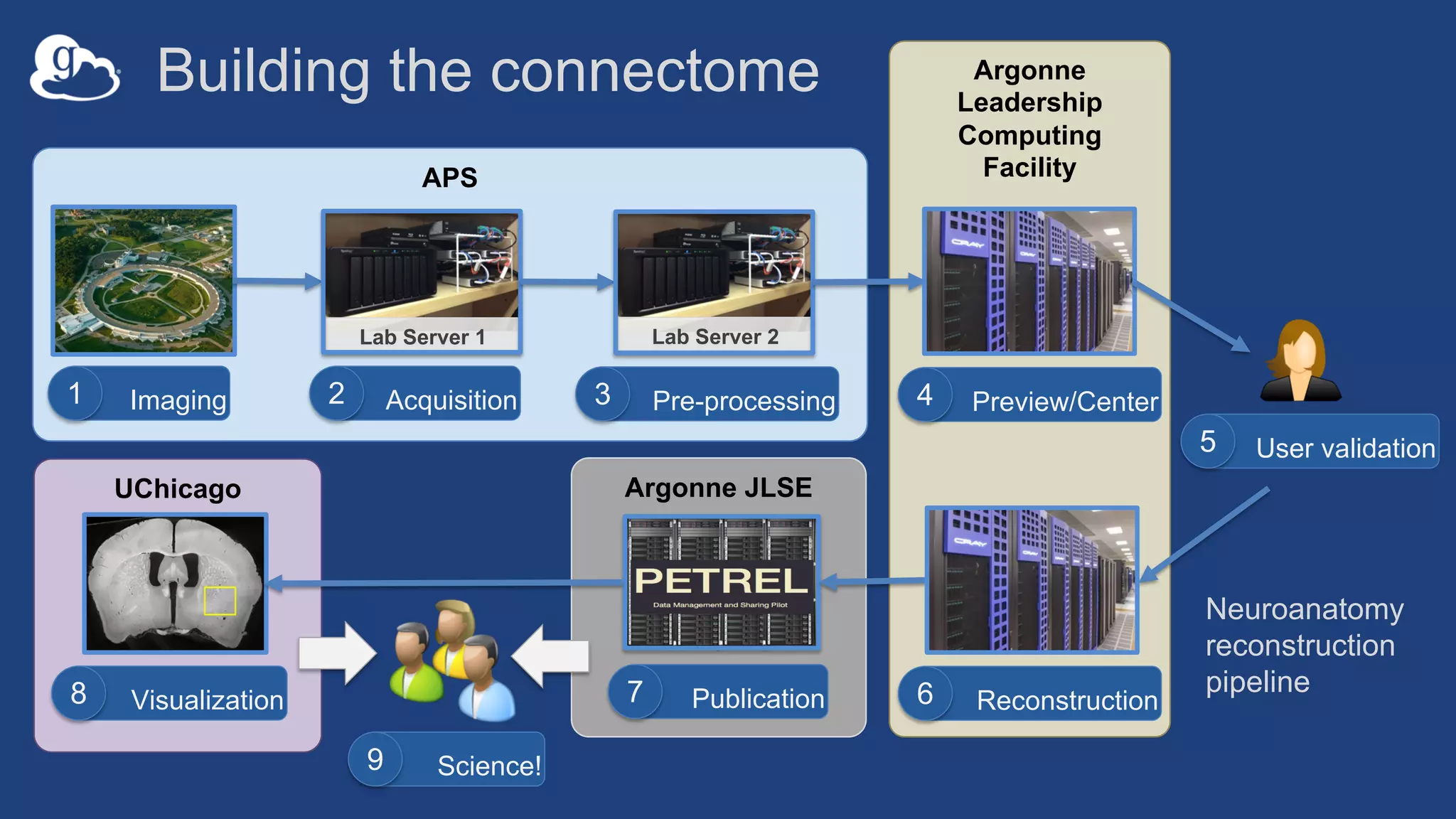
Argonne JLSEUChicago
Argonne
Leadership
Computing
FacilityAPS
Publication7
Building the connectome
Imaging1
Lab Server 1
Acquisition2
Lab Server 2
Pre-processing3 Preview/Center4
Reconstruction6Visualization8
User validation5
Science!9
Neuroanatomy
reconstruction
pipeline
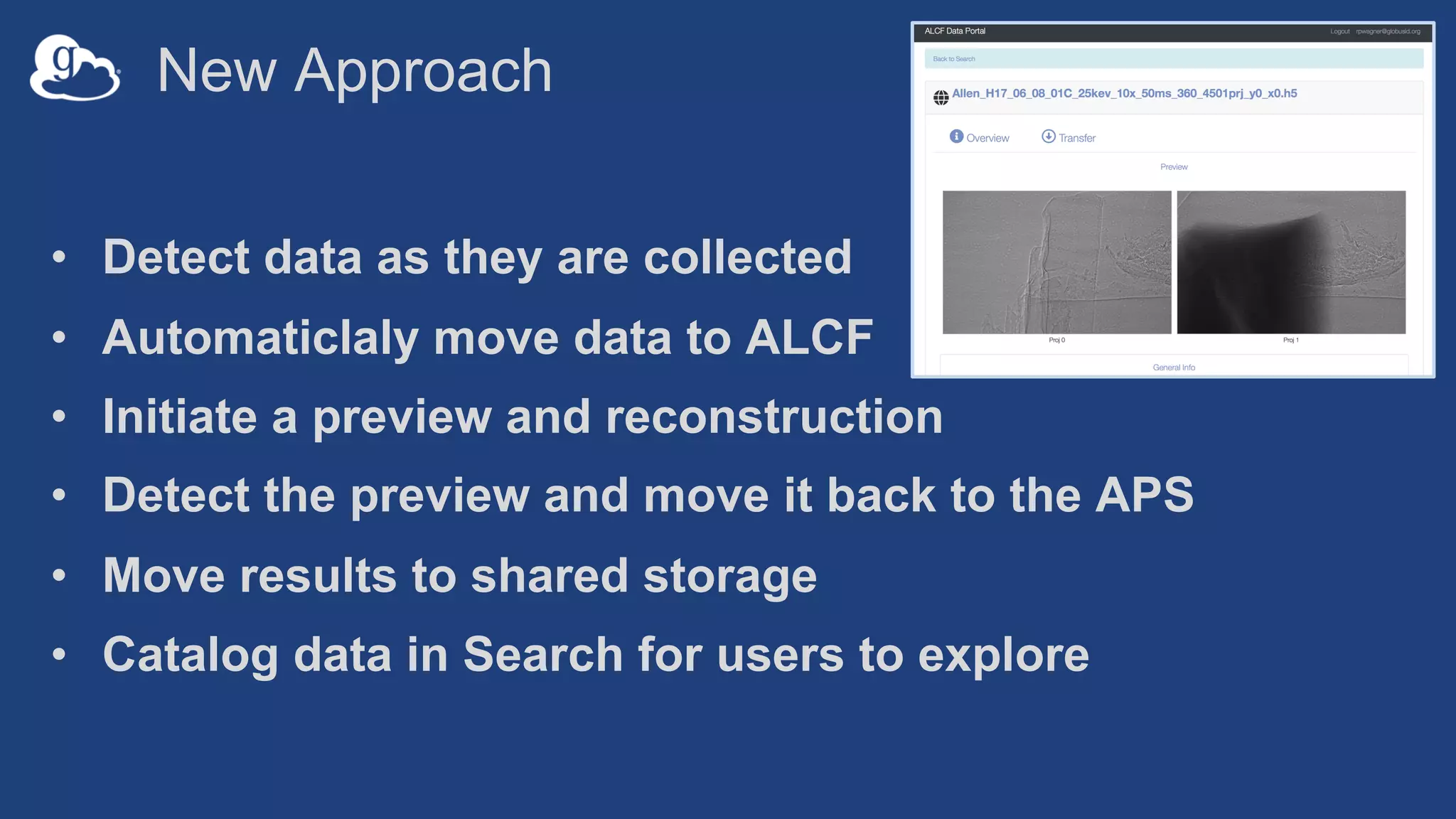
New Approach
• Detect data as they are collected
• Automaticlaly move data to ALCF
• Initiate a preview and reconstruction
• Detect the preview and move it back to the APS
• Move results to shared storage
• Catalog data in Search for users to explore
Lessons Learned
• Automate data capture where possible - far easier
than convincing people to run things
• Transparency is critical - operators need the ability to
debug at 3am
• “Manual” automation is better than no automation
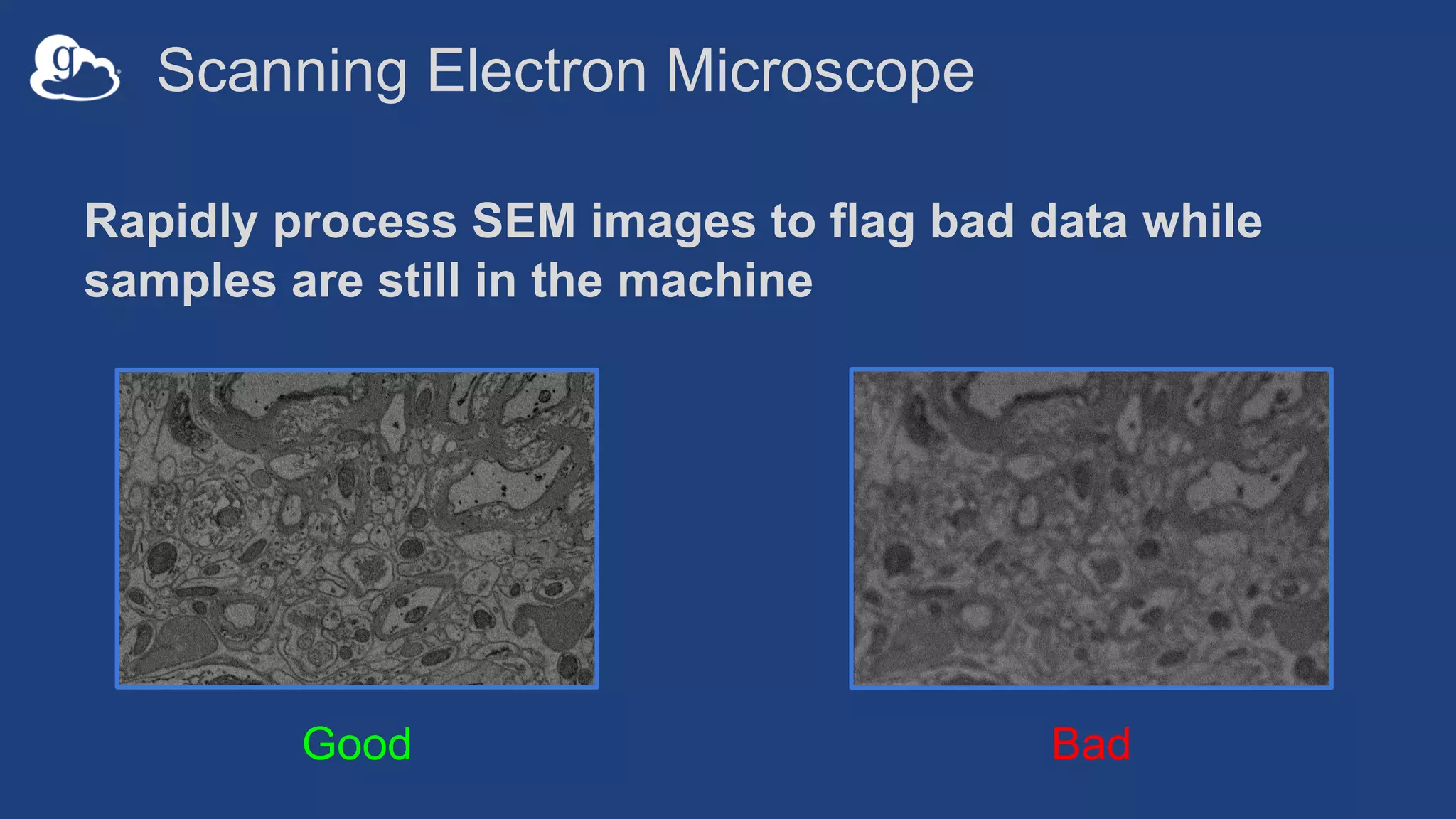
Scanning Electron Microscope
Rapidly process SEM images to flag bad data while
samples are still in the machine
Good Bad
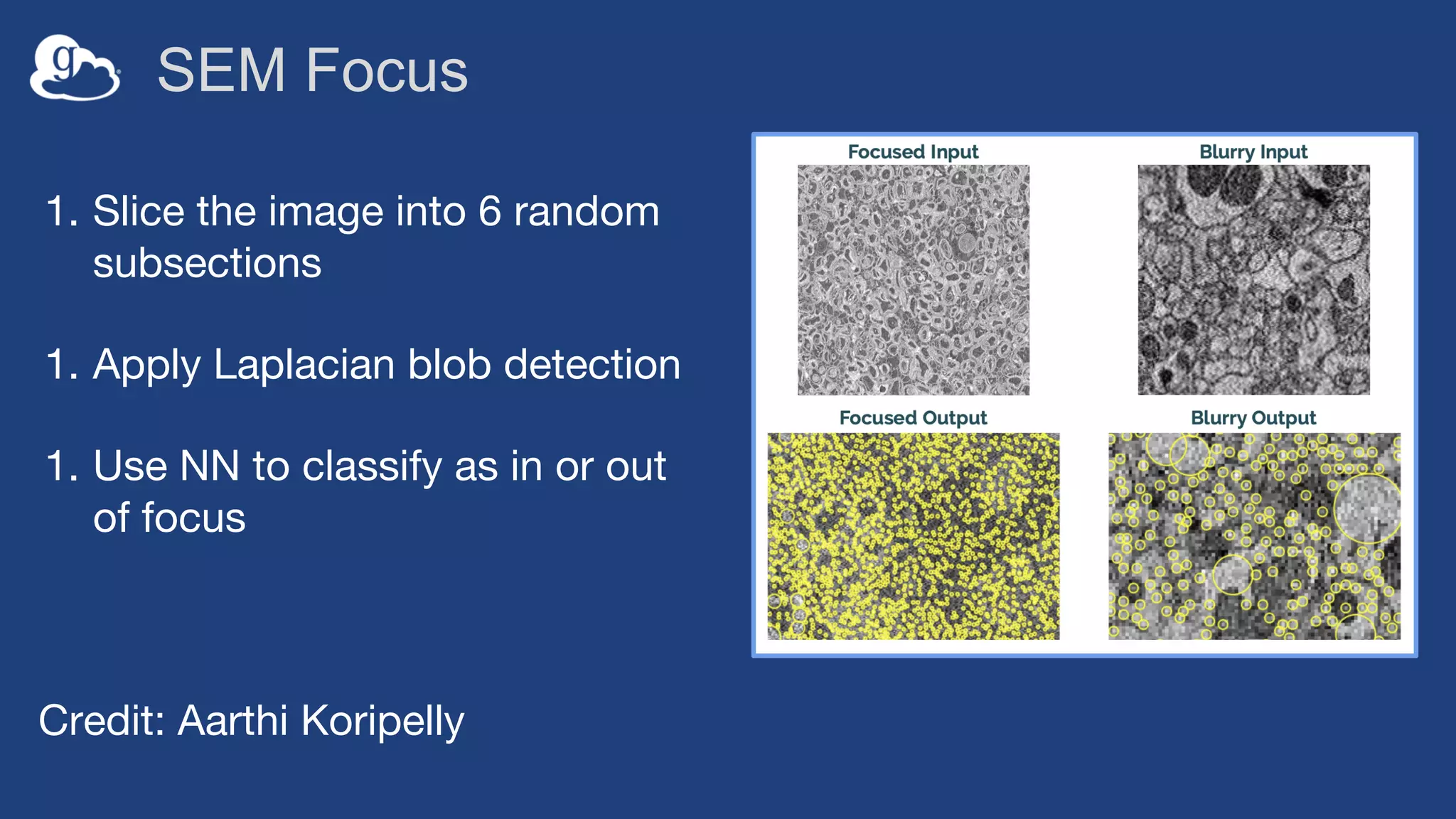
SEM Focus
1. Slice the image into 6 random
subsections
1. Apply Laplacian blob detection
1. Use NN to classify as in or out
of focus
Credit: Aarthi Koripelly
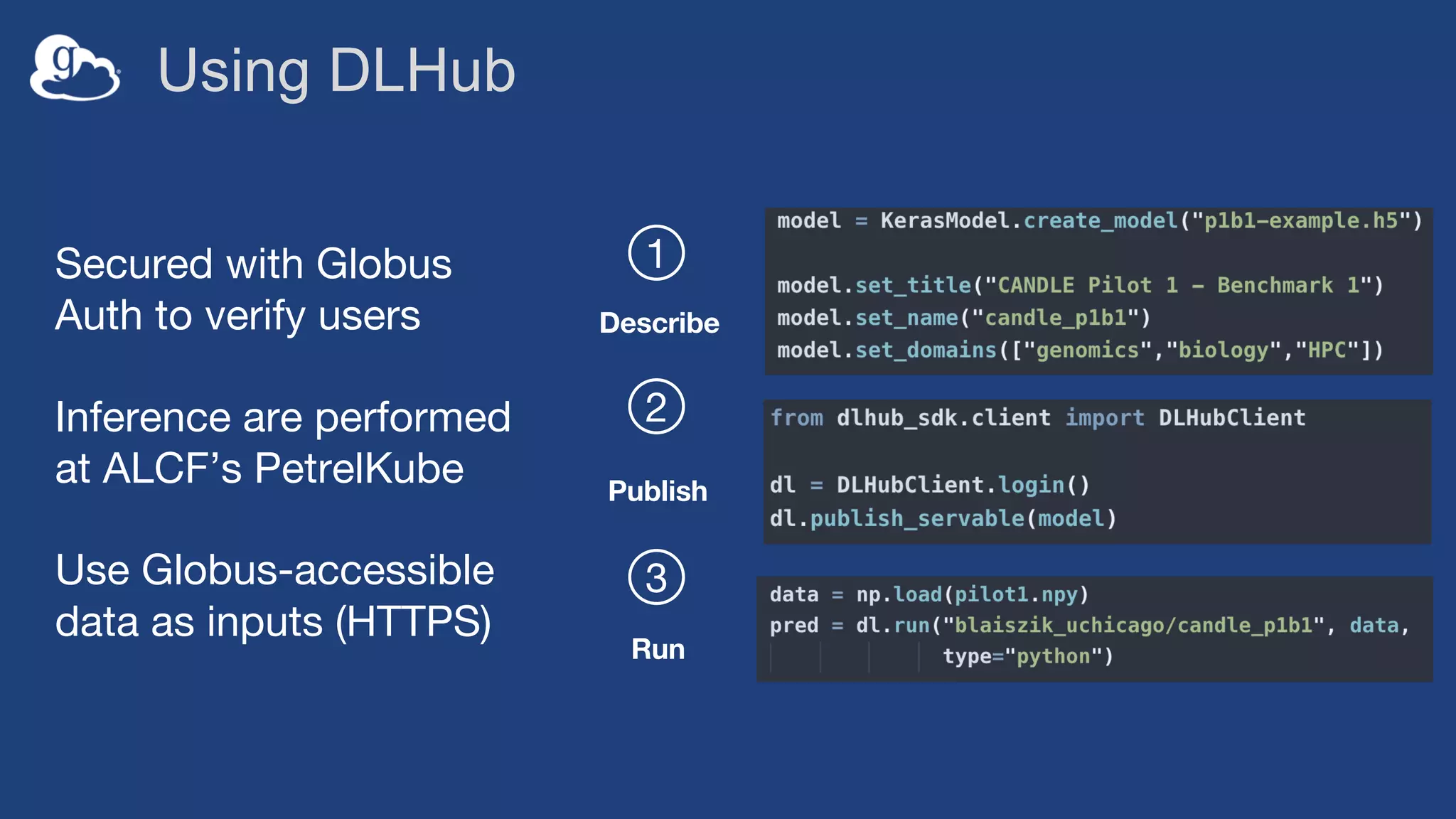
DLHub
• Collect, publish, categorize models from many
disciplines (materials science, physics, chemistry,
genomics, etc.)
• Serve model inference on-demand via API to simplify
sharing, consumption, and access
• Enable new science through reuse, real-time model-in-
the-loop integration, and synthesis & ensembling of
existing models
Using DLHub
1
2
3
Describe
Publish
Run
Secured with Globus
Auth to verify users
Inference are performed
at ALCF’s PetrelKube
Use Globus-accessible
data as inputs (HTTPS)
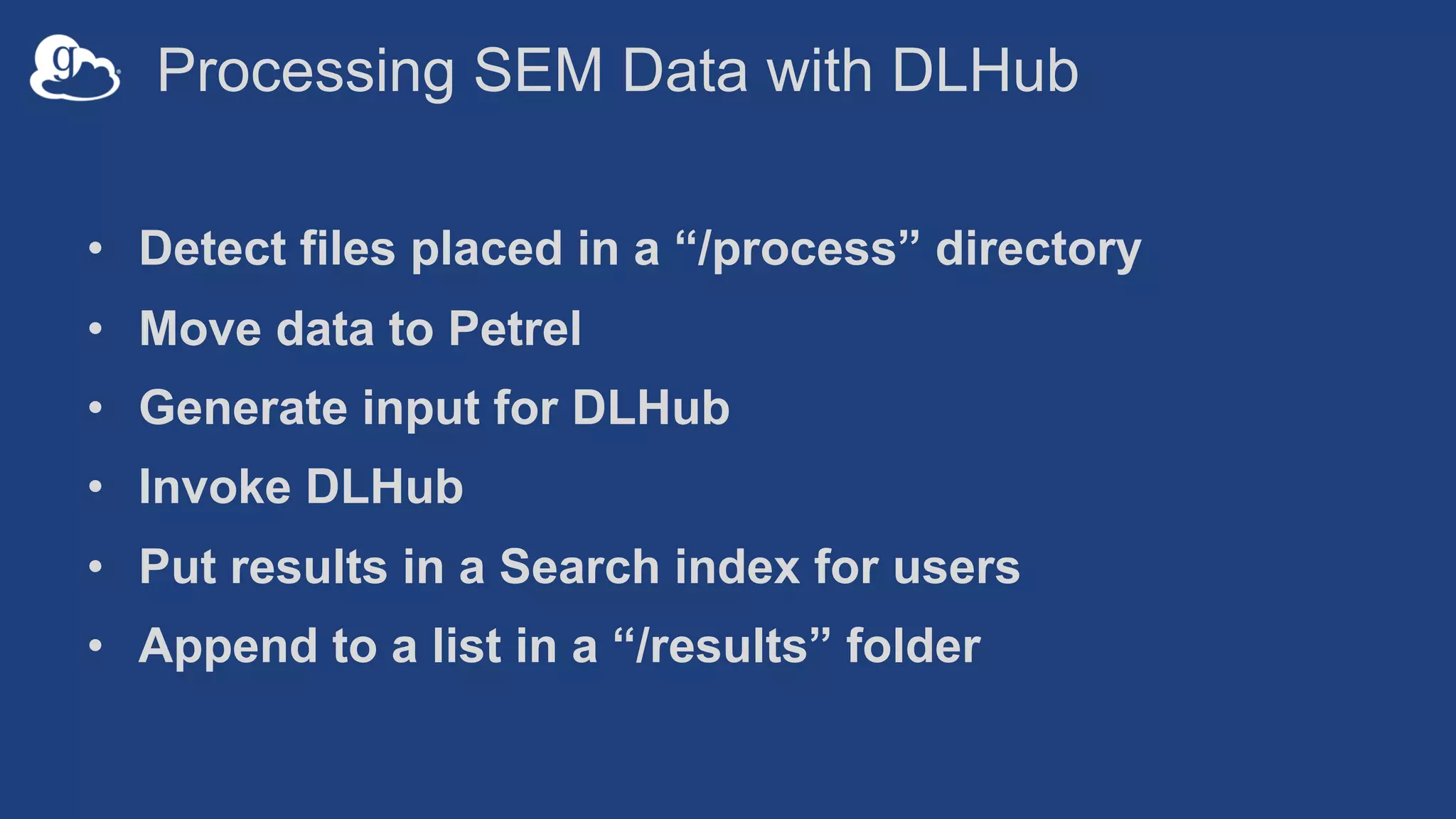
Processing SEM Data with DLHub
• Detect files placed in a “/process” directory
• Move data to Petrel
• Generate input for DLHub
• Invoke DLHub
• Put results in a Search index for users
• Append to a list in a “/results” folder
Example
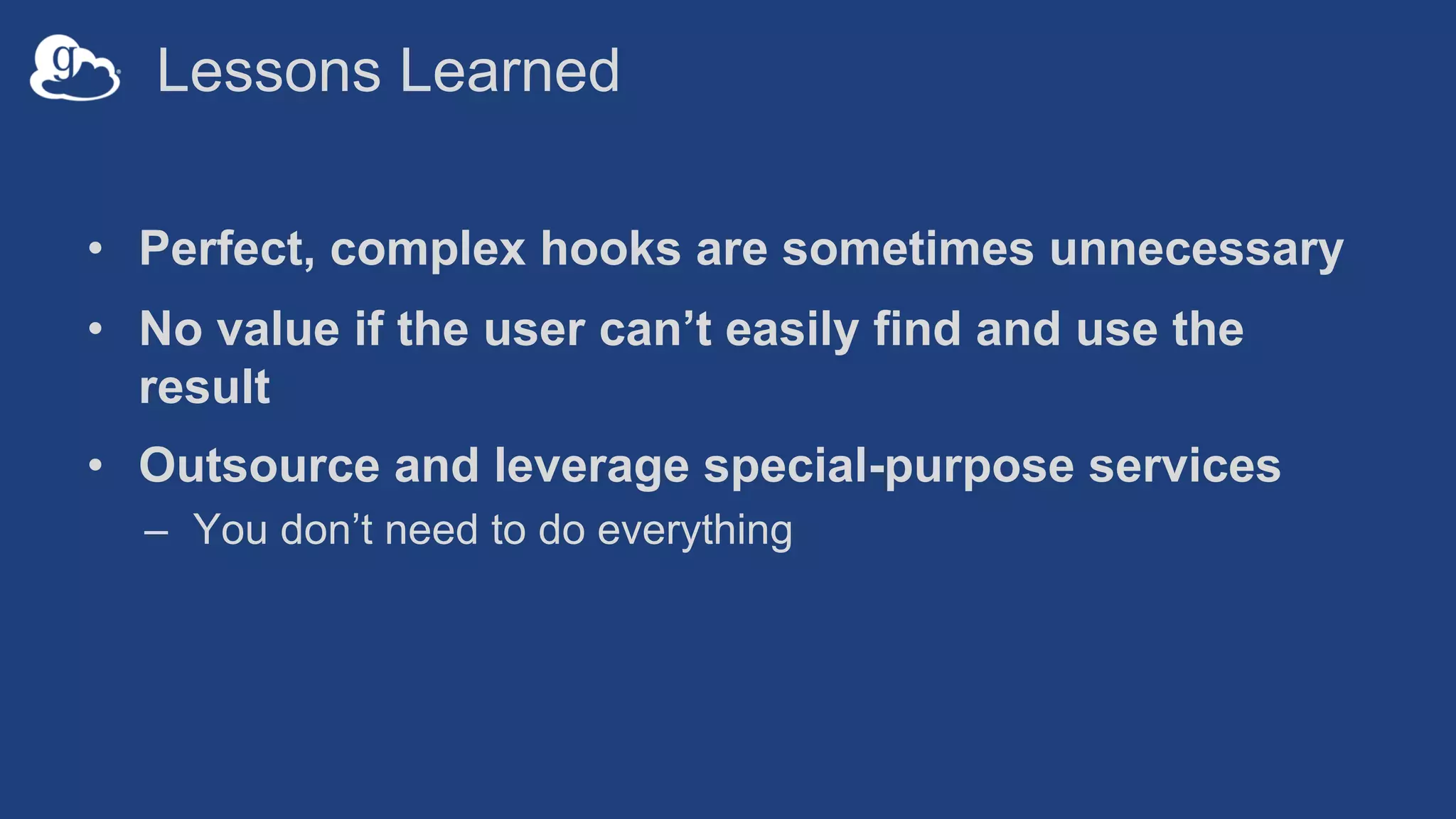
Lessons Learned
• Perfect, complex hooks are sometimes unnecessary
• No value if the user can’t easily find and use the
result
• Outsource and leverage special-purpose services
– You don’t need to do everything
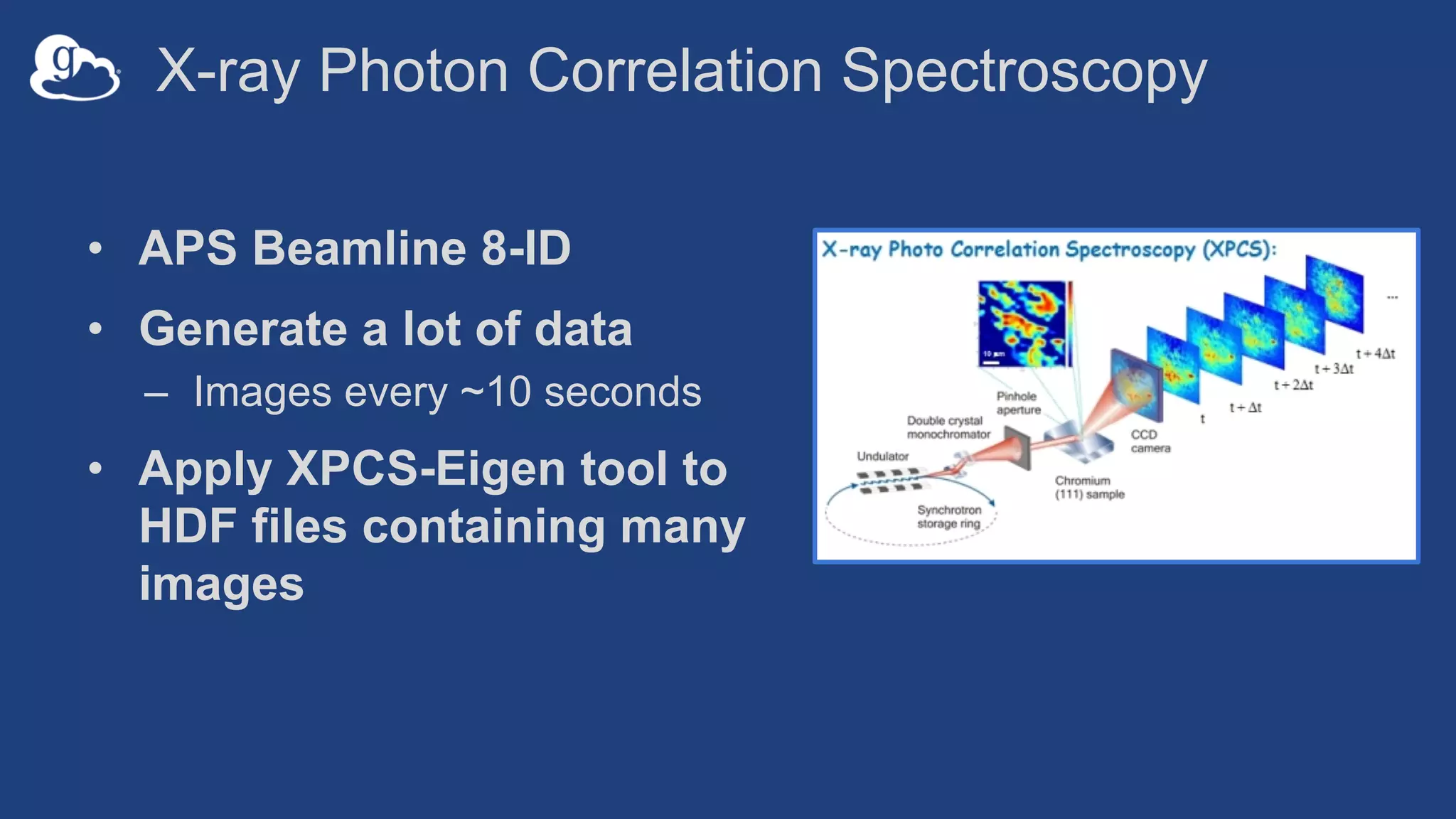
X-ray Photon Correlation Spectroscopy
• APS Beamline 8-ID
• Generate a lot of data
– Images every ~10 seconds
• Apply XPCS-Eigen tool to
HDF files containing many
images
Current Approach
• Internal workflow engine is started in response to
data
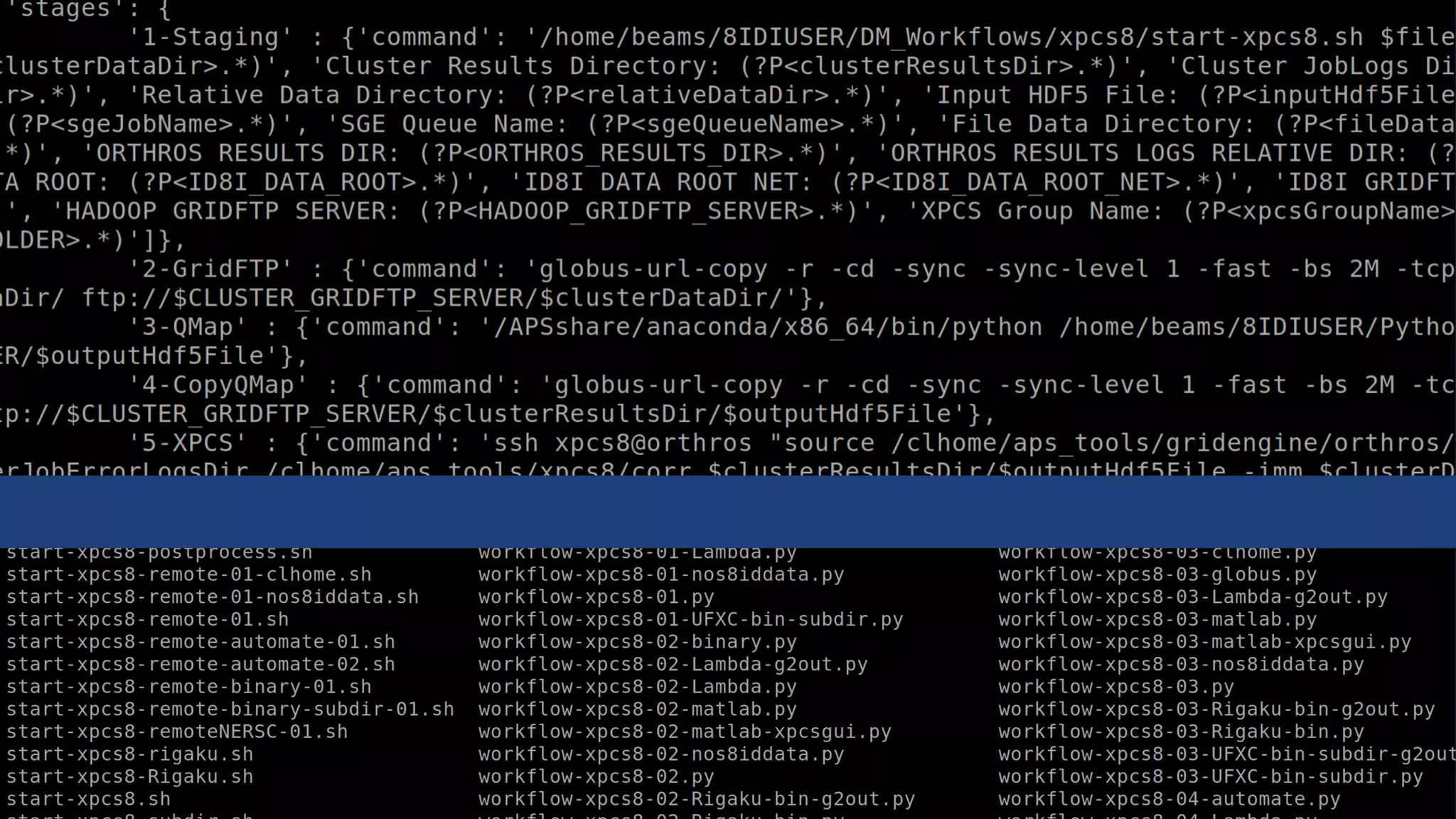
• Enormous bash scripts everywhere
• Restricted to local resources
• Any new tools must fit into their dashboard
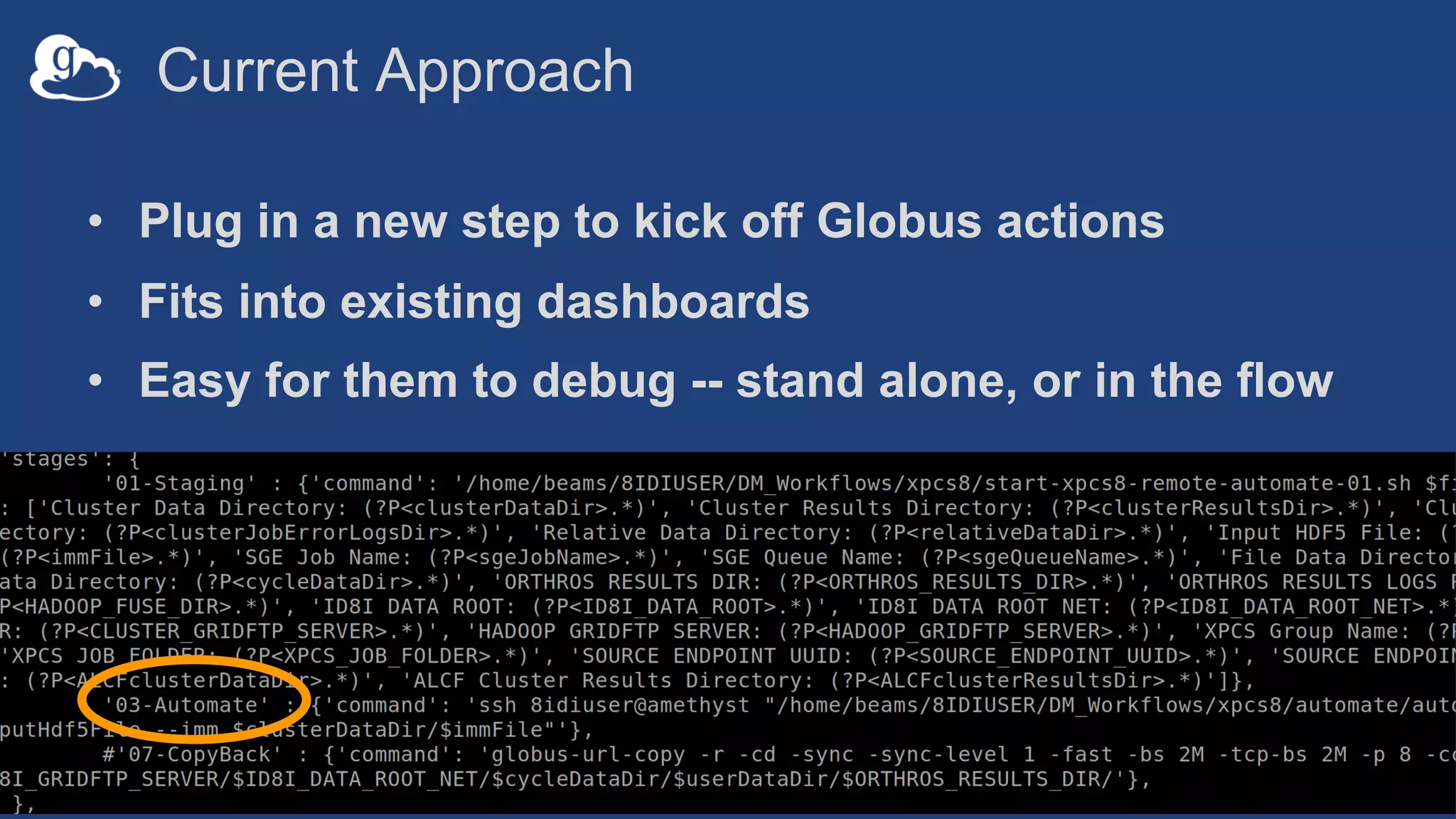
Current Approach
• Plug in a new step to kick off Globus actions
• Fits into existing dashboards
• Easy for them to debug -- stand alone, or in the flow
Lessons Learned
• Everyone loves automation
• Everyone has a “working” solution and doesn’t want
to change
• Make results easy to find - no value without results
• HPC timeouts are still a pain
Thanks! Questions?
rchard@anl.gov

Working with Instrument Data (GlobusWorld Tour - UMich)

  • 1.
  • 2.
    Overview • Data managementchallenges • Managing instrument data with Globus • Use cases and lessons learned • Notebook demo
  • 3.
    Data management challenges •Event Horizon Telescope – 12 telescopes – Generate 900TB per 5 day run – Data written to ~1000 HDDs – Transported to MIT & Max Planck via airplane – Aggregated and analyzed • Global resources, long timescales • Too much data for manual processing • Data loss due to HDD failure
  • 4.
    Research data managementchallenges • Data acquired at various locations/times • Analyses executed on distributed resources • Catalogs of descriptive metadata and provenance • Dynamic collaborations around data and analysis Raw data store Catalog DOE LabCampus Community Archive NIH
  • 5.
    Exacerbated by largescale science • Best practices overlooked, useful data forgotten, errors propagate • Researchers allocated short periods of instrument time • Inefficiencies -> less science • Errors -> long delays, missed opportunity …forever!
  • 6.
  • 7.
    Goal Automate data manipulationtasks from acquisition, transfer and sharing, to publication, indexing, analysis, and inference
  • 8.
    Automation and Globus •Globus provides a rich data management ecosystem for both admins and researchers • Compose multiple services into reliable, secure data management pipelines • Execute on behalf of users • Create data-aware automations that respond to data events
  • 9.
    Globus Services • Transfer:Move data, set ACLs, create shares • Search: Find data, catalog metadata • Identifiers: Mint persistent IDs for datasets • Auth: Glue that ties everything together
  • 10.
    Globus Auth • Programmaticand secure access to both Globus services and any third party services that support it • Grant permission to apps to act on your behalf – Dependent tokens • Refresh tokens enable one-time authentication that can be put into long-running pipelines
  • 11.
    Automation via Globus Glueservices together • Globus SDK (docs.globus.org) • Scripting with the Globus CLI – globus task wait • Automate
  • 12.
    Example Use Cases •Advanced Photon Source – Connectomics – Time series spectroscopy • Scanning Electron Microscope
  • 13.
    UChicago Kasthuri Lab:Brain aging and disease • Construct connectomes—mapping of neuron connections • Use APS synchrotron to rapidly image brains – Beam time available once every few months – ~20GB/minute for large (cm) unsectioned brains • Generate segmented datasets/visualizations for the community • Perform semi-standard reconstruction on all data across HPC resources
  • 14.
    Original Approach • Collectdata—20 mins • Move to a local machine • Generate previews for a couple of images—5 mins • Collect more data • Initiate local reconstruction—1 hour • Batch process the rest after beamtime
  • 15.
    Advanced Photon Source ArgonneLeadership Computing Facility 1 km 5μsec 15
  • 16.
    Requirements • Accomodate manydifferent beamline users of different skillsets – Automatically apply a “base” reconstruction to data • Leverage HPC due to computational requirements • Unobstructive to the user
  • 17.
    Ripple: A Trigger-Actionplatform for data • Provided set of triggers and actions to create rules • Ripple processes data triggers and reliably executes actions • Usable by non-experts • Daisy-chain rules for complex flows Not product!
  • 18.
    Data-driven automation • Filesystem-specific toolsmonitor and report events – inotify (Linux – FSWatch (macOS) • Capture local data events – Create, delete, move Watchdog: github.com/gorakhargosh/watchdog
  • 19.
    Argonne JLSEUChicago Argonne Leadership Computing FacilityAPS Publication7 Building theconnectome Imaging1 Lab Server 1 Acquisition2 Lab Server 2 Pre-processing3 Preview/Center4 Reconstruction6Visualization8 User validation5 Science!9 Neuroanatomy reconstruction pipeline
  • 20.
    New Approach • Detectdata as they are collected • Automaticlaly move data to ALCF • Initiate a preview and reconstruction • Detect the preview and move it back to the APS • Move results to shared storage • Catalog data in Search for users to explore
  • 21.
    Lessons Learned • Automatedata capture where possible - far easier than convincing people to run things • Transparency is critical - operators need the ability to debug at 3am • “Manual” automation is better than no automation
  • 22.
    Scanning Electron Microscope Rapidlyprocess SEM images to flag bad data while samples are still in the machine Good Bad
  • 23.
    SEM Focus 1. Slicethe image into 6 random subsections 1. Apply Laplacian blob detection 1. Use NN to classify as in or out of focus Credit: Aarthi Koripelly
  • 24.
    DLHub • Collect, publish,categorize models from many disciplines (materials science, physics, chemistry, genomics, etc.) • Serve model inference on-demand via API to simplify sharing, consumption, and access • Enable new science through reuse, real-time model-in- the-loop integration, and synthesis & ensembling of existing models
  • 25.
    Using DLHub 1 2 3 Describe Publish Run Secured withGlobus Auth to verify users Inference are performed at ALCF’s PetrelKube Use Globus-accessible data as inputs (HTTPS)
  • 26.
    Processing SEM Datawith DLHub • Detect files placed in a “/process” directory • Move data to Petrel • Generate input for DLHub • Invoke DLHub • Put results in a Search index for users • Append to a list in a “/results” folder
  • 27.
  • 28.
    Lessons Learned • Perfect,complex hooks are sometimes unnecessary • No value if the user can’t easily find and use the result • Outsource and leverage special-purpose services – You don’t need to do everything
  • 29.
    X-ray Photon CorrelationSpectroscopy • APS Beamline 8-ID • Generate a lot of data – Images every ~10 seconds • Apply XPCS-Eigen tool to HDF files containing many images
  • 30.
    Current Approach • Internalworkflow engine is started in response to data • Enormous bash scripts everywhere • Restricted to local resources • Any new tools must fit into their dashboard
  • 32.
    Current Approach • Plugin a new step to kick off Globus actions • Fits into existing dashboards • Easy for them to debug -- stand alone, or in the flow
  • 33.
    Lessons Learned • Everyoneloves automation • Everyone has a “working” solution and doesn’t want to change • Make results easy to find - no value without results • HPC timeouts are still a pain
  • 34.