Working with Google
Antwuan Stinson, Ed. D.
Professor, Secondary Education
Curriculum & Instruction
Alabama State University
Google Apps
Google Sites
Google Hangout
Google Forms
Chrome
Bookmarks
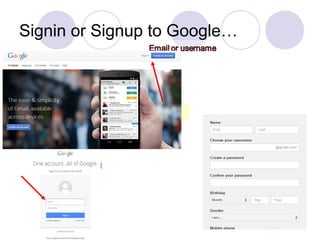
Signin or Signup to Google…
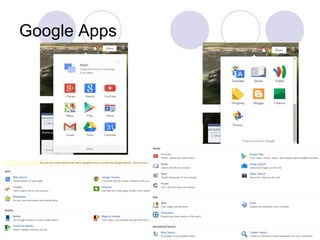
Google Apps
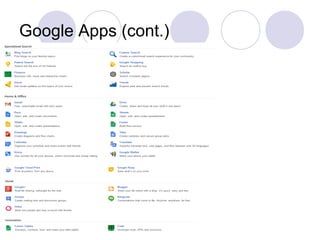
Google Apps (cont.)
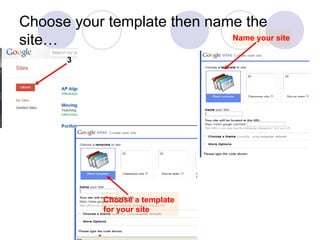
Choose your template then name the
site… Name your site
Choose a template
for your site
3
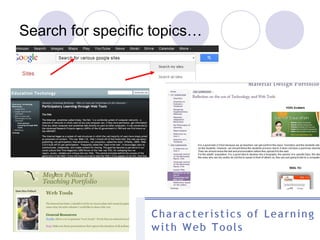
Search for specific topics…
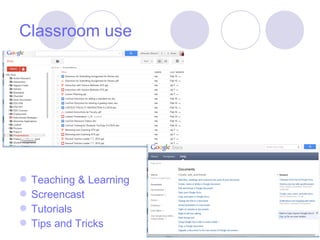
Teaching & Learning
Screencast
Tutorials
Tips and Tricks
Classroom use
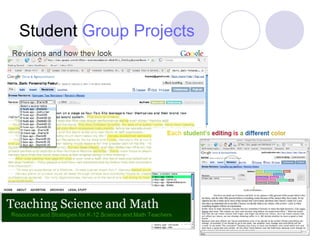
Student Group Projects
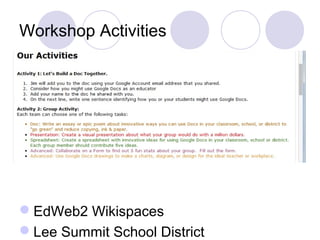
EdWeb2 Wikispaces
Lee Summit School District
Workshop Activities
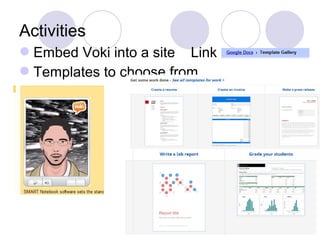
Embed Voki into a site Link
Templates to choose from
Activities
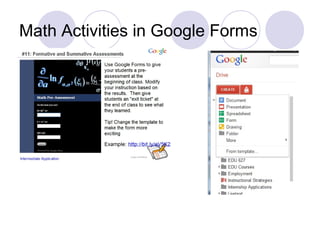
Math Activities in Google Forms
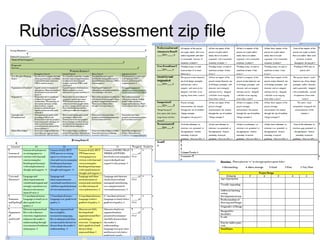
Rubrics/Assessment zip file
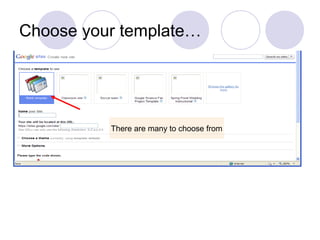
Choose your template…
There are many to choose from
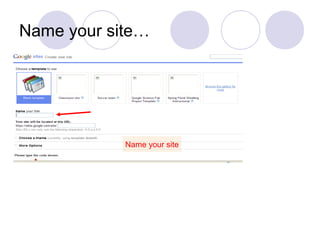
Name your site…
Name your site
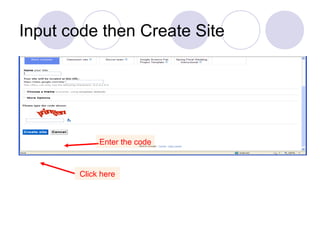
Input code then Create Site
Enter the code
Click here
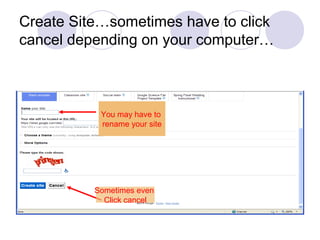
Create Site…sometimes have to click
cancel depending on your computer…
You may have to
rename your site
Sometimes even
Click cancel
Inside your Google site
Making your it come to life
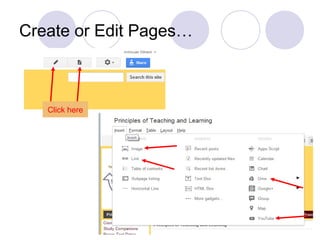
Create or Edit Pages…
Click here
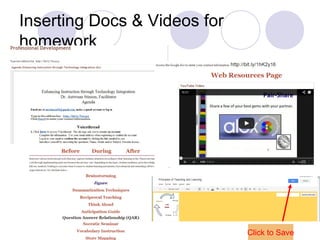
Inserting Docs & Videos for
homework
Click to Save
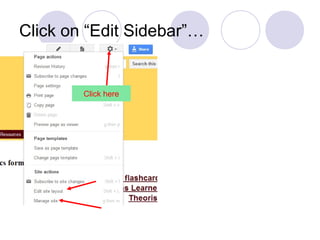
Click on “Edit Sidebar”…
Click here
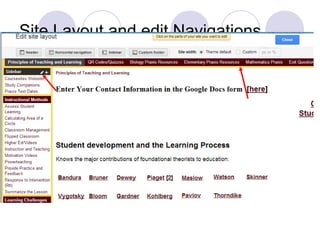
Site Layout and edit Navigations…
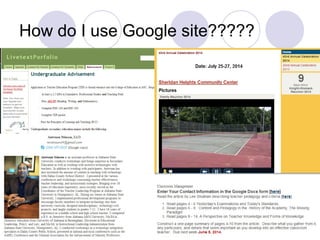
How do I use Google site?????
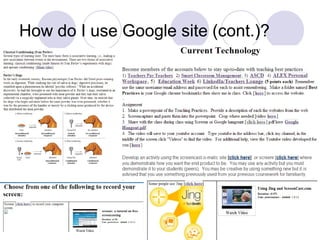
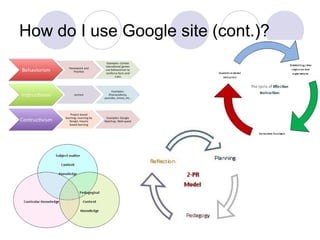
How do I use Google site (cont.)?
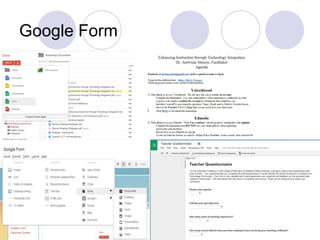
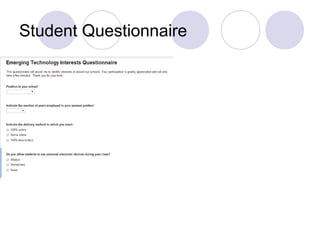
Google Form
Student Questionnaire
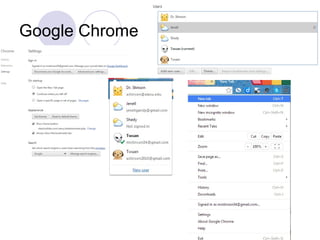
Google Chrome
Questions/Remarks…

Working with Google Sites and Forms