Google Sites in the Classroom
                                                                   Created by CUE and WestEd for Google


                                                   Get the tool: http://sites.google.com


What is it?
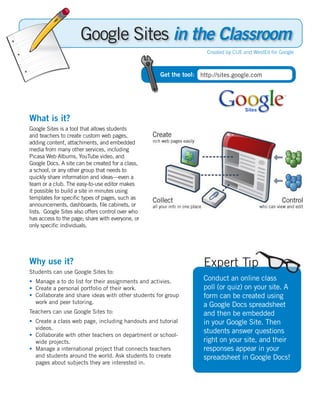
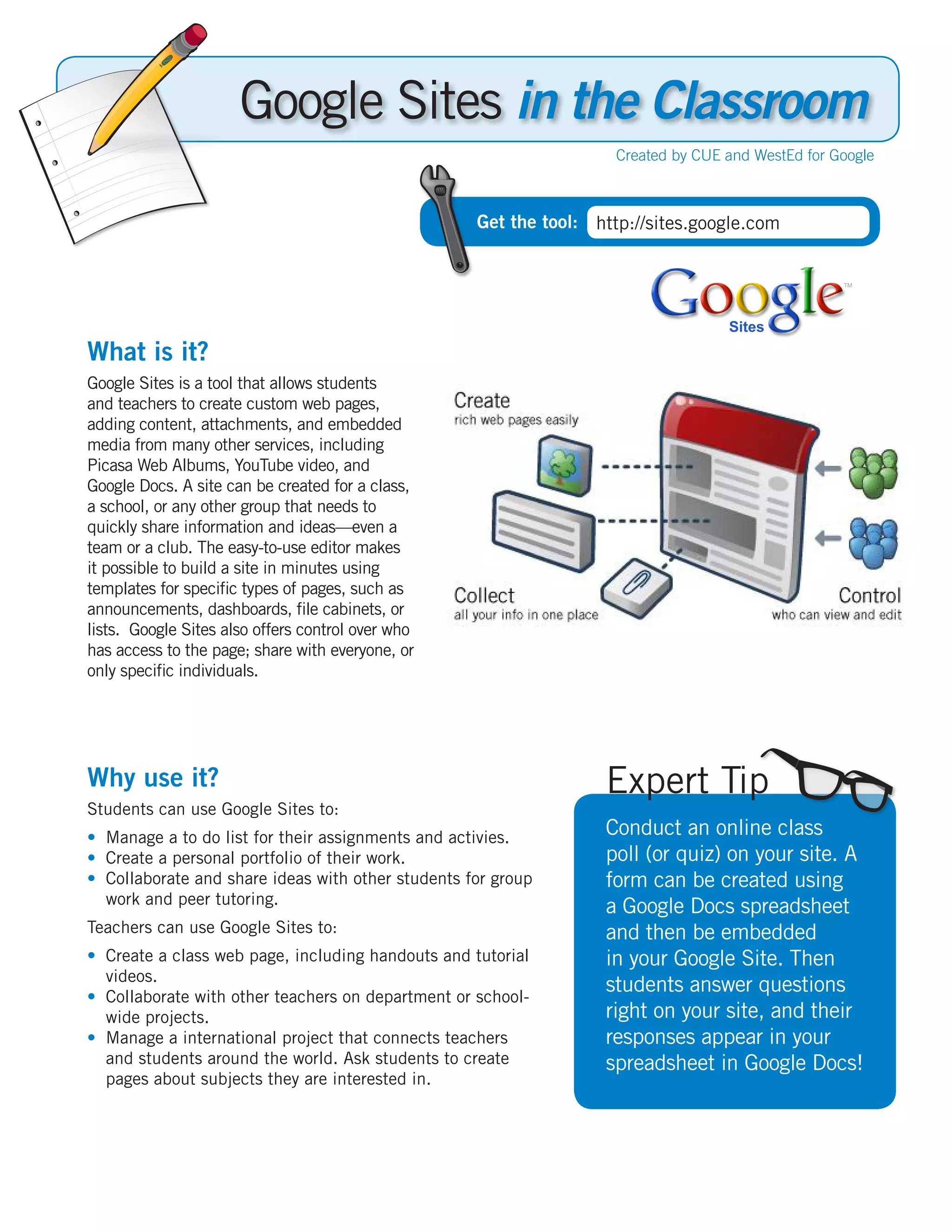
Google Sites is a tool that allows students
and teachers to create custom web pages,
adding content, attachments, and embedded
media from many other services, including
Picasa Web Albums, YouTube video, and
Google Docs. A site can be created for a class,
a school, or any other group that needs to
quickly share information and ideas—even a
team or a club. The easy-to-use editor makes
it possible to build a site in minutes using
templates for specific types of pages, such as
announcements, dashboards, file cabinets, or
lists. Google Sites also offers control over who
has access to the page; share with everyone, or
only specific individuals.


Why use it?                                                       Expert Tip
Students can use Google Sites to:
• Manage a to do list for their assignments and activies.         Conduct an online class
• Create a personal portfolio of their work.                      poll (or quiz) on your site. A
• Collaborate and share ideas with other students for group       form can be created using
  work and peer tutoring.                                         a Google Docs spreadsheet
Teachers can use Google Sites to:                                 and then be embedded
• Create a class web page, including handouts and tutorial        in your Google Site. Then
  videos.
• Collaborate with other teachers on department or school-
                                                                  students answer questions
  wide projects.                                                  right on your site, and their
• Manage a international project that connects teachers           responses appear in your
  and students around the world. Ask students to create           spreadsheet in Google Docs!
  pages about subjects they are interested in.
Instructional Ideas
  Elementary and Middle School. Create a public website for posting announcements, a calendar of events,
  reading and spelling lists, weekly themes, fun stuff and more. Create a private site to share information
  with parents, like curriculum resources. Students must be 13 or older to have a Google Account to add
  content to Google Sites or to view private sites, but anyone can view public sites, like this example site:
  http://sites.google.com/a/googleclassrooms.org/mrs-richau/Home.
  High School. Have students create a site for their own government, including pages for a constitution,
  separation of powers, government officials and laws. Each student can take the role of a government
  official and provide a position statement, party affiliation and campaign material, including images and
  video.


  Google Sites in Action
  Project: Global Communications Program
  Grade/Subject: 9th Grade Global Communications
  course
  URL: http://sites.google.com/site/global-com

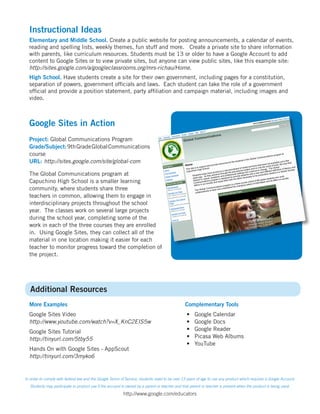
  The Global Communications program at
  Capuchino High School is a smaller learning
  community, where students share three
  teachers in common, allowing them to engage in
  interdisciplinary projects throughout the school
  year. The classes work on several large projects
  during the school year, completing some of the
  work in each of the three courses they are enrolled
  in. Using Google Sites, they can collect all of the
  material in one location making it easier for each
  teacher to monitor progress toward the completion of
  the project.


   Additional Resources
  More Examples                                                                                 Complementary Tools
  Google Sites Video                                                                             •	   Google Calendar
  http://www.youtube.com/watch?v=X_KnC2EIS5w                                                     •	   Google Docs
  Google Sites Tutorial                                                                          •	   Google Reader
  http://tinyurl.com/5tby55                                                                      •	   Picasa Web Albums
                                                                                                 •	   YouTube
  Hands On with Google Sites - AppScout
  http://tinyurl.com/3myko6


In order to comply with federal law and the Google Terms of Service, students need to be over 13 years of age to use any product which requires a Google Account.
   Students may participate in product use if the account is owned by a parent or teacher and that parent or teacher is present when the product is being used.

                                                          http://www.google.com/educators

Crib Sites

  • 1.
    Google Sites inthe Classroom Created by CUE and WestEd for Google Get the tool: http://sites.google.com What is it? Google Sites is a tool that allows students and teachers to create custom web pages, adding content, attachments, and embedded media from many other services, including Picasa Web Albums, YouTube video, and Google Docs. A site can be created for a class, a school, or any other group that needs to quickly share information and ideas—even a team or a club. The easy-to-use editor makes it possible to build a site in minutes using templates for specific types of pages, such as announcements, dashboards, file cabinets, or lists. Google Sites also offers control over who has access to the page; share with everyone, or only specific individuals. Why use it? Expert Tip Students can use Google Sites to: • Manage a to do list for their assignments and activies. Conduct an online class • Create a personal portfolio of their work. poll (or quiz) on your site. A • Collaborate and share ideas with other students for group form can be created using work and peer tutoring. a Google Docs spreadsheet Teachers can use Google Sites to: and then be embedded • Create a class web page, including handouts and tutorial in your Google Site. Then videos. • Collaborate with other teachers on department or school- students answer questions wide projects. right on your site, and their • Manage a international project that connects teachers responses appear in your and students around the world. Ask students to create spreadsheet in Google Docs! pages about subjects they are interested in.
  • 2.
    Instructional Ideas Elementary and Middle School. Create a public website for posting announcements, a calendar of events, reading and spelling lists, weekly themes, fun stuff and more. Create a private site to share information with parents, like curriculum resources. Students must be 13 or older to have a Google Account to add content to Google Sites or to view private sites, but anyone can view public sites, like this example site: http://sites.google.com/a/googleclassrooms.org/mrs-richau/Home. High School. Have students create a site for their own government, including pages for a constitution, separation of powers, government officials and laws. Each student can take the role of a government official and provide a position statement, party affiliation and campaign material, including images and video. Google Sites in Action Project: Global Communications Program Grade/Subject: 9th Grade Global Communications course URL: http://sites.google.com/site/global-com The Global Communications program at Capuchino High School is a smaller learning community, where students share three teachers in common, allowing them to engage in interdisciplinary projects throughout the school year. The classes work on several large projects during the school year, completing some of the work in each of the three courses they are enrolled in. Using Google Sites, they can collect all of the material in one location making it easier for each teacher to monitor progress toward the completion of the project. Additional Resources More Examples Complementary Tools Google Sites Video • Google Calendar http://www.youtube.com/watch?v=X_KnC2EIS5w • Google Docs Google Sites Tutorial • Google Reader http://tinyurl.com/5tby55 • Picasa Web Albums • YouTube Hands On with Google Sites - AppScout http://tinyurl.com/3myko6 In order to comply with federal law and the Google Terms of Service, students need to be over 13 years of age to use any product which requires a Google Account. Students may participate in product use if the account is owned by a parent or teacher and that parent or teacher is present when the product is being used. http://www.google.com/educators