The document provides instructions for a video editing exercise in Windows Movie Maker. It includes the following key points:
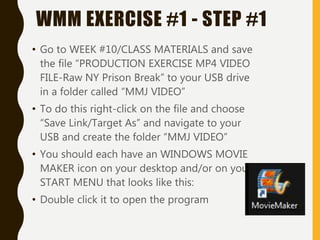
1) Students are instructed to download a practice video file and raw exercise video file to their USB drives to import into Windows Movie Maker.
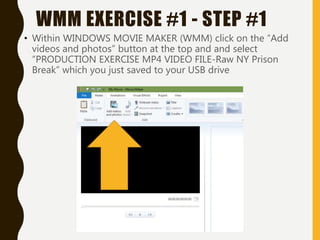
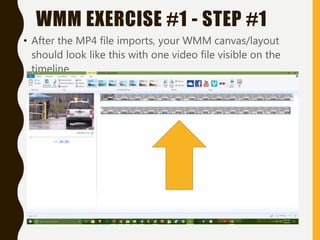
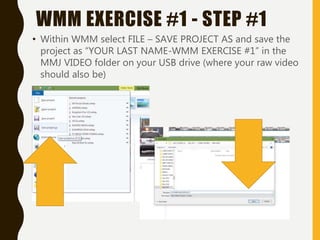
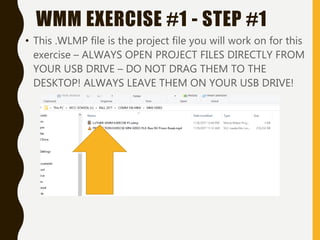
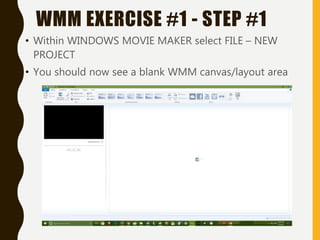
2) Step-by-step directions are given to open the video files in Windows Movie Maker, add them to the timeline, and save the project files.
3) Students are advised to watch a Windows Movie Maker tutorial video during their practice session to learn basic editing functions before working on the assigned exercise.