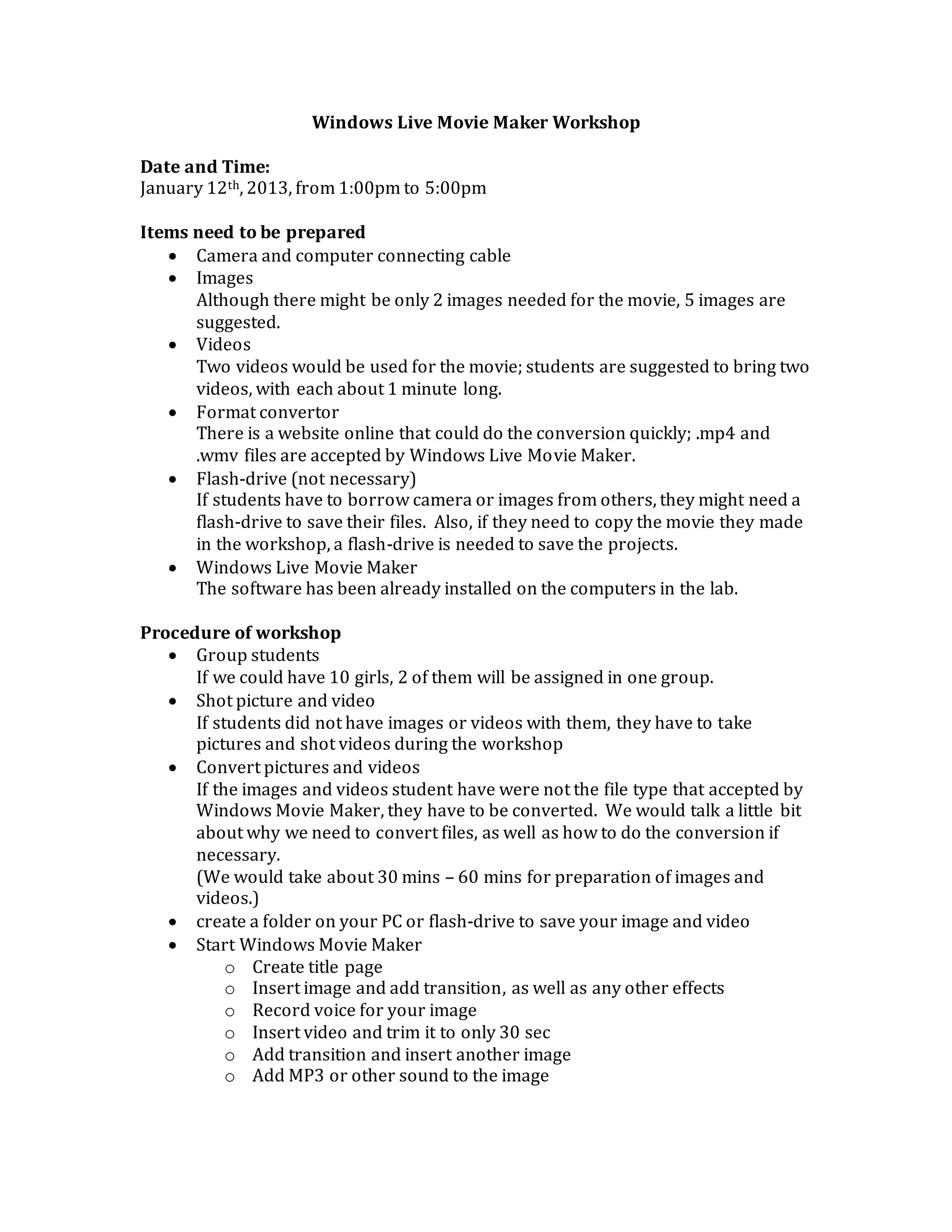
Windows Live Movie Maker Workshop
Date and Time:
January 12th, 2013, from 1:00pm to 5:00pm
Items need to be prepared
 Camera and computer connecting cable
 Images
Although there might be only 2 images needed for the movie, 5 images are
suggested.
 Videos
Two videos would be used for the movie; students are suggested to bring two
videos, with each about 1 minute long.
 Format convertor
There is a website online that could do the conversion quickly; .mp4 and
.wmv files are accepted by Windows Live Movie Maker.
 Flash-drive (not necessary)
If students have to borrow camera or images from others, they might need a
flash-drive to save their files. Also, if they need to copy the movie they made
in the workshop, a flash-drive is needed to save the projects.
 Windows Live Movie Maker
The software has been already installed on the computers in the lab.
Procedure of workshop
 Group students
If we could have 10 girls, 2 of them will be assigned in one group.
 Shot picture and video
If students did not have images or videos with them, they have to take
pictures and shot videos during the workshop
 Convert pictures and videos
If the images and videos student have were not the file type that accepted by
Windows Movie Maker, they have to be converted. We would talk a little bit
about why we need to convert files, as well as how to do the conversion if
necessary.
(We would take about 30 mins – 60 mins for preparation of images and
videos.)
 create a folder on your PC or flash-drive to save your image and video
 Start Windows Movie Maker
o Create title page
o Insert image and add transition, as well as any other effects
o Record voice for your image
o Insert video and trim it to only 30 sec
o Add transition and insert another image
o Add MP3 or other sound to the image
If time was not enough, we could just ask students to insert an image
without sound.
o Add credit page
o Save your project and export your movie
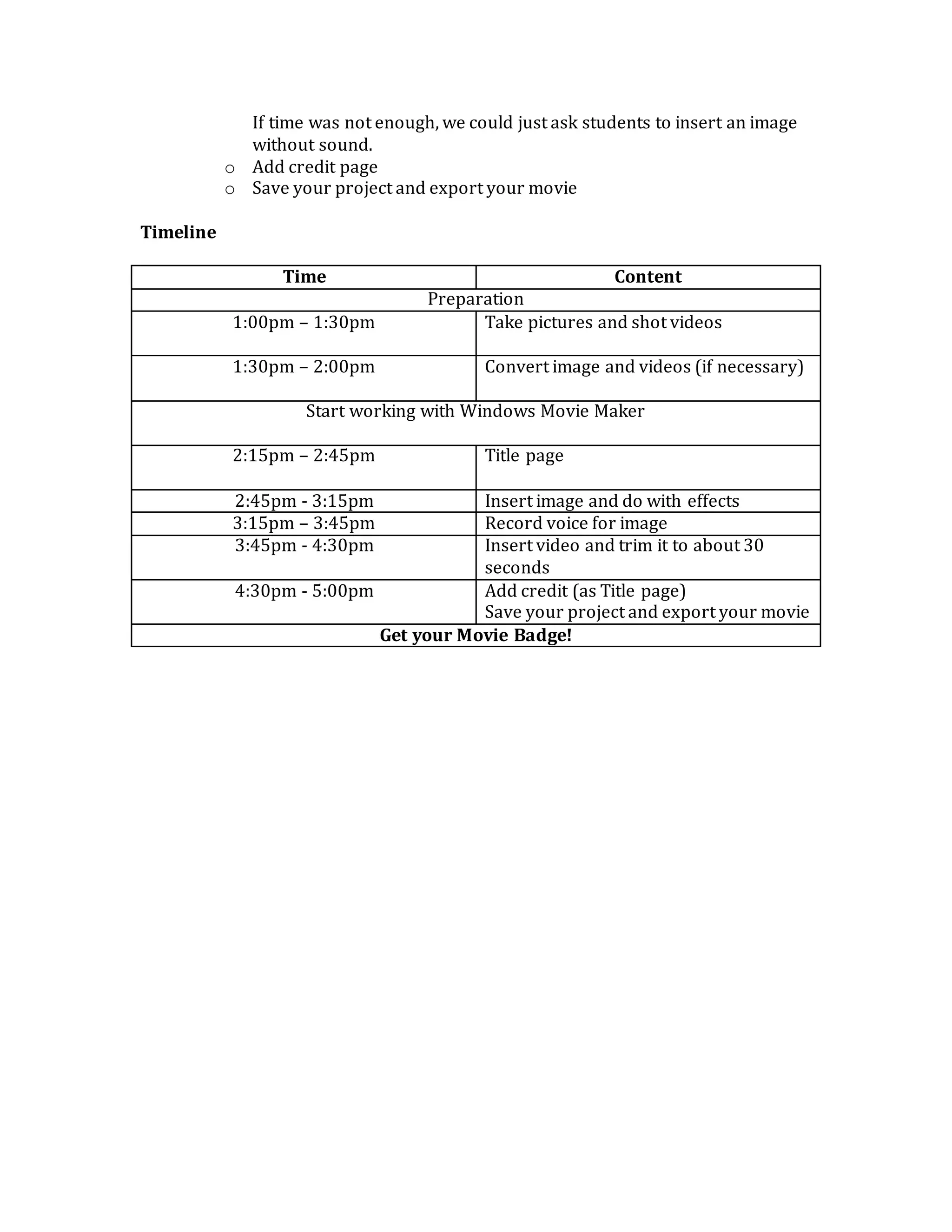
Timeline
Time Content
Preparation
1:00pm – 1:30pm Take pictures and shot videos
1:30pm – 2:00pm Convert image and videos (if necessary)
Start working with Windows Movie Maker
2:15pm – 2:45pm Title page
2:45pm - 3:15pm Insert image and do with effects
3:15pm – 3:45pm Record voice for image
3:45pm - 4:30pm Insert video and trim it to about 30
seconds
4:30pm - 5:00pm Add credit (as Title page)
Save your project and export your movie
Get your Movie Badge!

Windows movie maker workshop on january 12th

  • 1.
    Windows Live MovieMaker Workshop Date and Time: January 12th, 2013, from 1:00pm to 5:00pm Items need to be prepared  Camera and computer connecting cable  Images Although there might be only 2 images needed for the movie, 5 images are suggested.  Videos Two videos would be used for the movie; students are suggested to bring two videos, with each about 1 minute long.  Format convertor There is a website online that could do the conversion quickly; .mp4 and .wmv files are accepted by Windows Live Movie Maker.  Flash-drive (not necessary) If students have to borrow camera or images from others, they might need a flash-drive to save their files. Also, if they need to copy the movie they made in the workshop, a flash-drive is needed to save the projects.  Windows Live Movie Maker The software has been already installed on the computers in the lab. Procedure of workshop  Group students If we could have 10 girls, 2 of them will be assigned in one group.  Shot picture and video If students did not have images or videos with them, they have to take pictures and shot videos during the workshop  Convert pictures and videos If the images and videos student have were not the file type that accepted by Windows Movie Maker, they have to be converted. We would talk a little bit about why we need to convert files, as well as how to do the conversion if necessary. (We would take about 30 mins – 60 mins for preparation of images and videos.)  create a folder on your PC or flash-drive to save your image and video  Start Windows Movie Maker o Create title page o Insert image and add transition, as well as any other effects o Record voice for your image o Insert video and trim it to only 30 sec o Add transition and insert another image o Add MP3 or other sound to the image
  • 2.
    If time wasnot enough, we could just ask students to insert an image without sound. o Add credit page o Save your project and export your movie Timeline Time Content Preparation 1:00pm – 1:30pm Take pictures and shot videos 1:30pm – 2:00pm Convert image and videos (if necessary) Start working with Windows Movie Maker 2:15pm – 2:45pm Title page 2:45pm - 3:15pm Insert image and do with effects 3:15pm – 3:45pm Record voice for image 3:45pm - 4:30pm Insert video and trim it to about 30 seconds 4:30pm - 5:00pm Add credit (as Title page) Save your project and export your movie Get your Movie Badge!