Downloaded 81 times


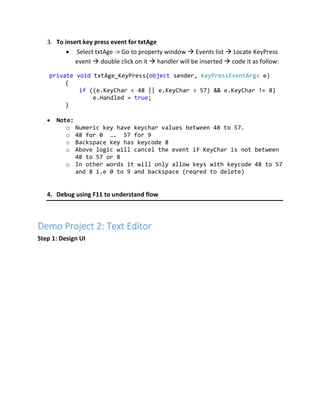
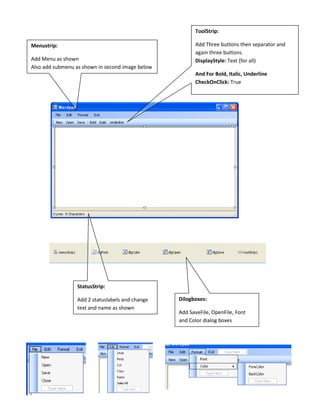
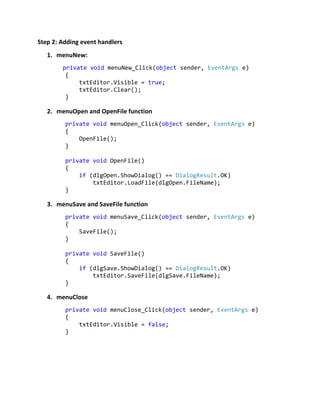
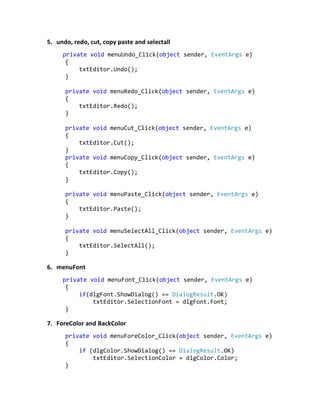
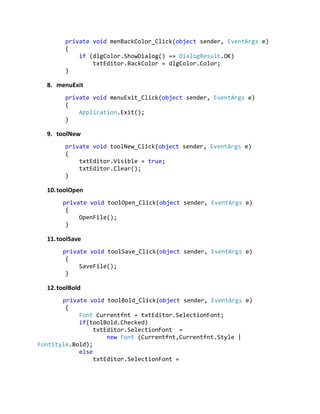
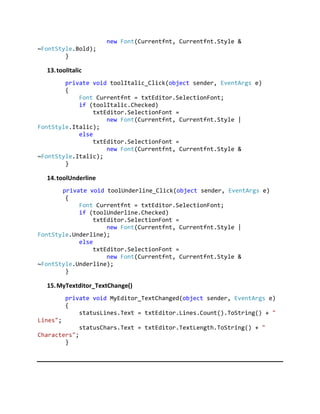

This document provides instructions for creating demo projects in Windows Forms for beginners. It includes steps to create projects for validating textbox input and building a basic text editor. The validating inputs project demonstrates validating that textboxes are not empty and allowing only numeric input in one textbox. The text editor project shows how to add menu items, toolstrips, statusbars and dialog boxes to open, save, edit text with font and color options. Event handlers are added to handle user interactions like file operations, text editing and formatting.


