Downloaded 103 times

![Method without parameter and No return value
static void Main(string[] args)
{
greet();
Console.ReadKey();
}
static void greet()
{
Console.WriteLine("Hello");
}
www.dotnetvideotutorial.com](https://image.slidesharecdn.com/methods-131011211242-phpapp01/75/Methods-6-2048.jpg)
![static void Main(string[] args)
{
greet("Mr. Anderson");
Console.ReadKey();
}
static void greet(string name)
{
Console.WriteLine("Hello " + name);
}
Method with Parameters but No Return value
Mr. Anderson
name
www.dotnetvideotutorial.com](https://image.slidesharecdn.com/methods-131011211242-phpapp01/75/Methods-7-2048.jpg)
![Method With Parameters and Return value
static void Main(string[] args)
{
int no1 = 10, no2 = 20;
int result = add(no1, no2);
Console.WriteLine("Result = {0}", result);
Console.ReadKey();
}
static int add(int no1, int no2)
{
int result = no1 + no2;
return result;
}
no1
10
no2
20
no1
10
no2
20
result
30
result
30
www.dotnetvideotutorial.com](https://image.slidesharecdn.com/methods-131011211242-phpapp01/75/Methods-8-2048.jpg)
![Compact Format
static void Main(string[] args)
{
Console.WriteLine(add(25,50));
}
static int add(int no1, int no2)
{
return no1 + no2;
}
no1
25
no2
50
www.dotnetvideotutorial.com](https://image.slidesharecdn.com/methods-131011211242-phpapp01/75/Methods-9-2048.jpg)
![Fn without Parameter but with return value
static void Main(string[] args)
{
Console.WriteLine(GetTime());
Console.ReadKey();
}
static string GetTime()
{
string time = DateTime.Now.ToShortTimeString();
return time;
}
www.dotnetvideotutorial.com](https://image.slidesharecdn.com/methods-131011211242-phpapp01/75/Methods-10-2048.jpg)
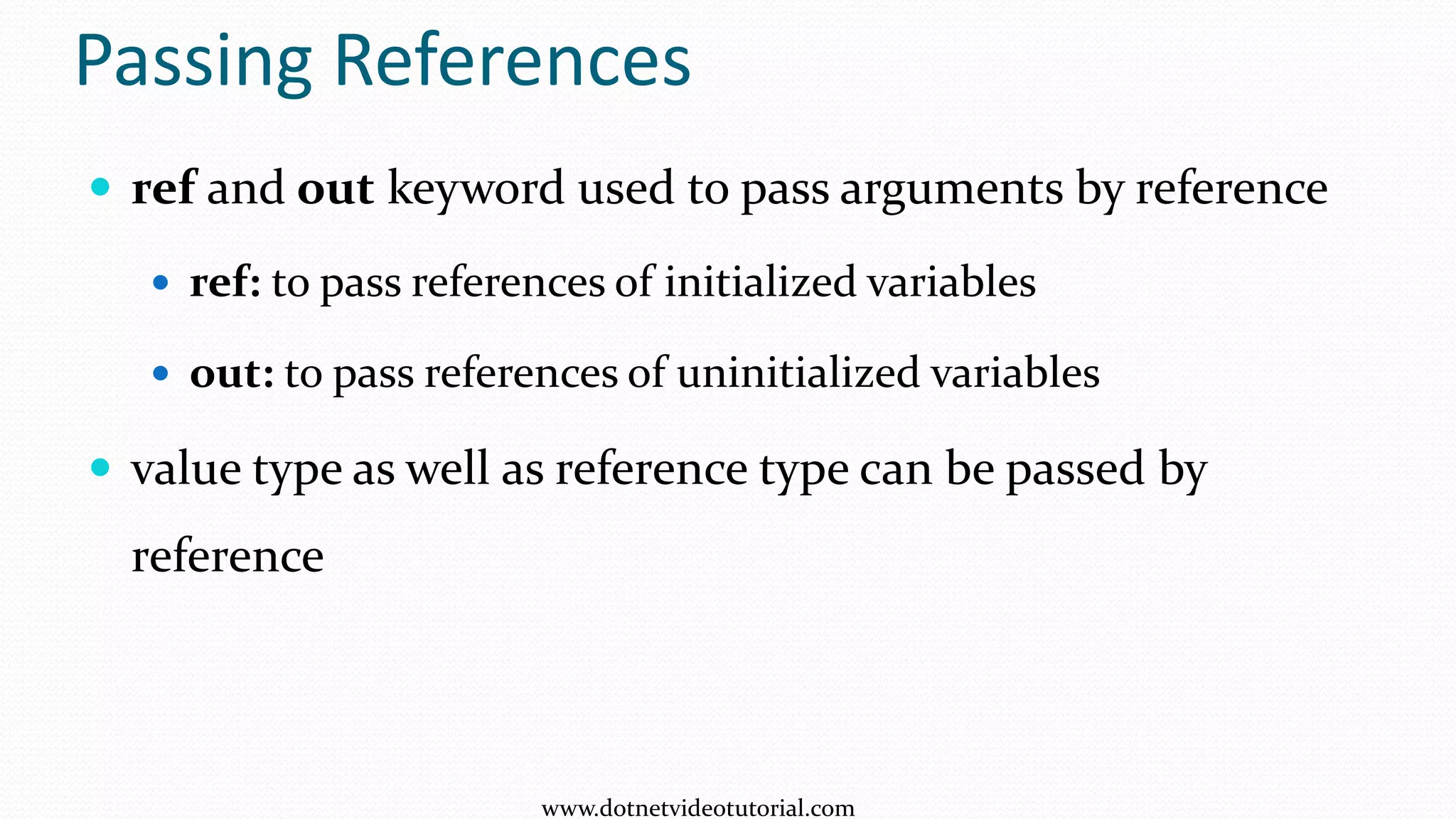
![static void Main(string[] args)
{
int no1 = 25, no2 = 50;
Console.WriteLine("Before swaping: no1 = {0}, no2 = {1}", no1, no2);
Swap(ref no1, ref no2);
Console.WriteLine("After swaping: no1 = {0}, no2 = {1}", no1, no2);
Console.ReadKey();
}
static void Swap(ref int no1,ref int no2)
{
int temp = no1;
no1 = no2;
no2 = temp;
}
ref keyword
25
no1
5420
50
no2
5424
5420
no1
5424
no2
25
temp
50 25
www.dotnetvideotutorial.com](https://image.slidesharecdn.com/methods-131011211242-phpapp01/75/Methods-12-2048.jpg)
![out keyword
static void Main(string[] args)
{
float radius, area, circumference;
Console.WriteLine("Enter Radius of Circle: ");
radius = Convert.ToInt32(Console.ReadLine());
Calculate(radius, out area, out circumference);
Console.WriteLine("Area = " + area);
Console.WriteLine("Circumference = " + circumference);
}
static void Calculate(float radius, out float area, out float circumference)
{
const float pi = 3.14f;
area = 2 * pi * radius;
circumference = pi * radius * radius;
}
radius
5420
5
area
5424
circum
5428
78.5
radius
5
area
5424
circum
5428
31.4
www.dotnetvideotutorial.com](https://image.slidesharecdn.com/methods-131011211242-phpapp01/75/Methods-13-2048.jpg)
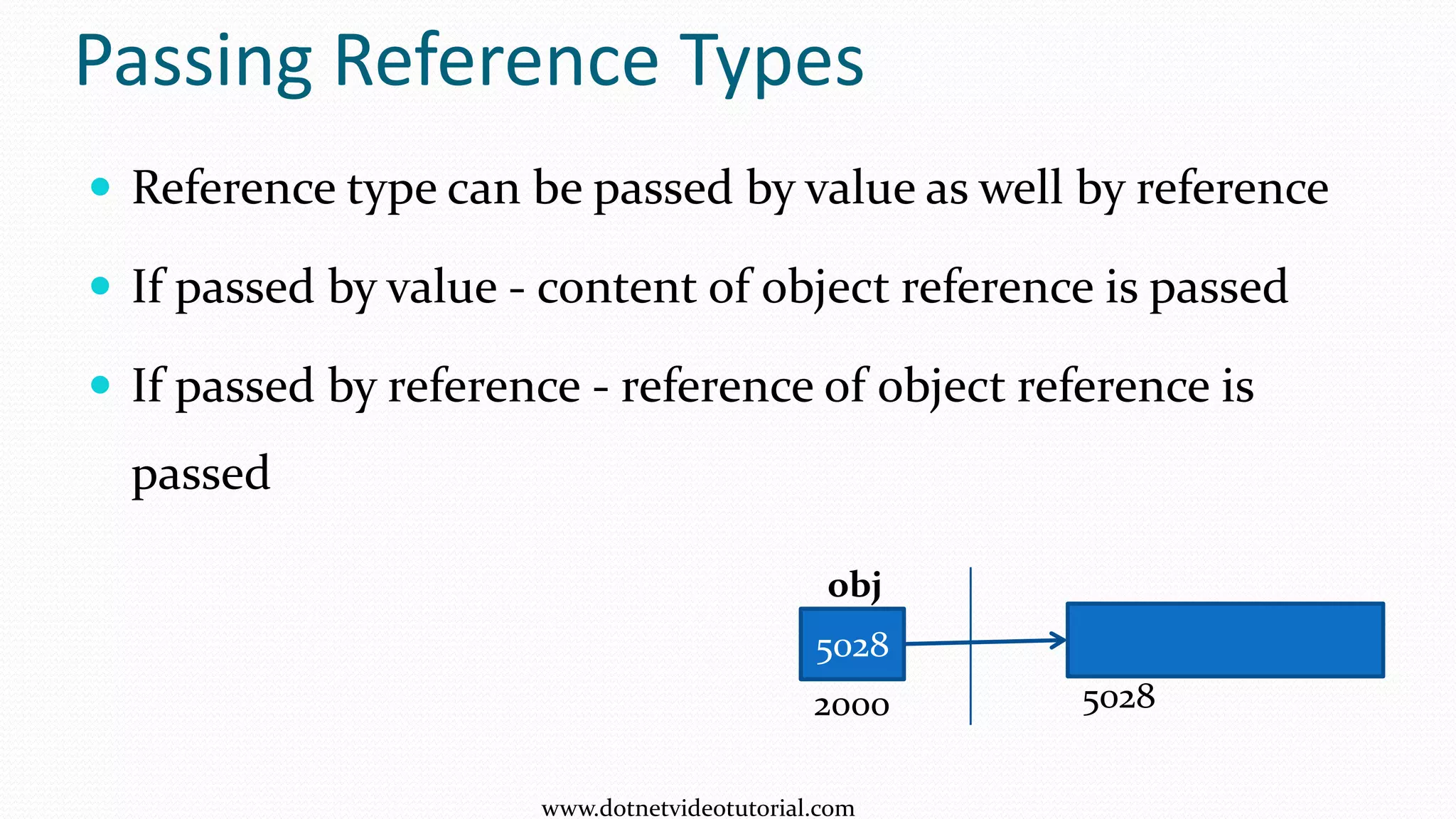
![Passing string by value
static void Main(string[] args)
{
string str = "Milkyway";
Console.WriteLine("str = " + str);
ChangeString(str);
Console.WriteLine("nstr = " + str);
}
static void ChangeString(string str)
{
Console.WriteLine("nstr = " + str);
str = "Andromeda";
Console.WriteLine("nstr = " + str);
}
5028 Milkyway
Andromeda
5028
5028
6252
6252
str
str
www.dotnetvideotutorial.com](https://image.slidesharecdn.com/methods-131011211242-phpapp01/75/Methods-15-2048.jpg)
![Passing string by reference
static void Main(string[] args)
{
string str = "Milkyway";
Console.WriteLine("str = " + str);
ChangeString(ref str);
Console.WriteLine("nstr = " + str);
Console.ReadKey();
}
static void ChangeString(ref string str)
{
Console.WriteLine("nstr = " + str);
str = "Andromeda";
Console.WriteLine("nstr = " + str);
}
5028 Milkyway
Andromeda
5028
6252
6252
2020
2020
str
str
www.dotnetvideotutorial.com](https://image.slidesharecdn.com/methods-131011211242-phpapp01/75/Methods-16-2048.jpg)
![Passing Array by value
static void Main(string[] args)
{
int[] marks = new int[] { 10, 20, 30 };
Console.WriteLine(marks[0]);
ChangeMarks(marks);
Console.WriteLine(marks[0]);
}
static void ChangeMarks(int[] marks)
{
Console.WriteLine(marks[0]);
marks[0] = 70;
Console.WriteLine(marks[0]);
}
5028
5028
10 20 30
5028
marks
marks
70
www.dotnetvideotutorial.com](https://image.slidesharecdn.com/methods-131011211242-phpapp01/75/Methods-17-2048.jpg)
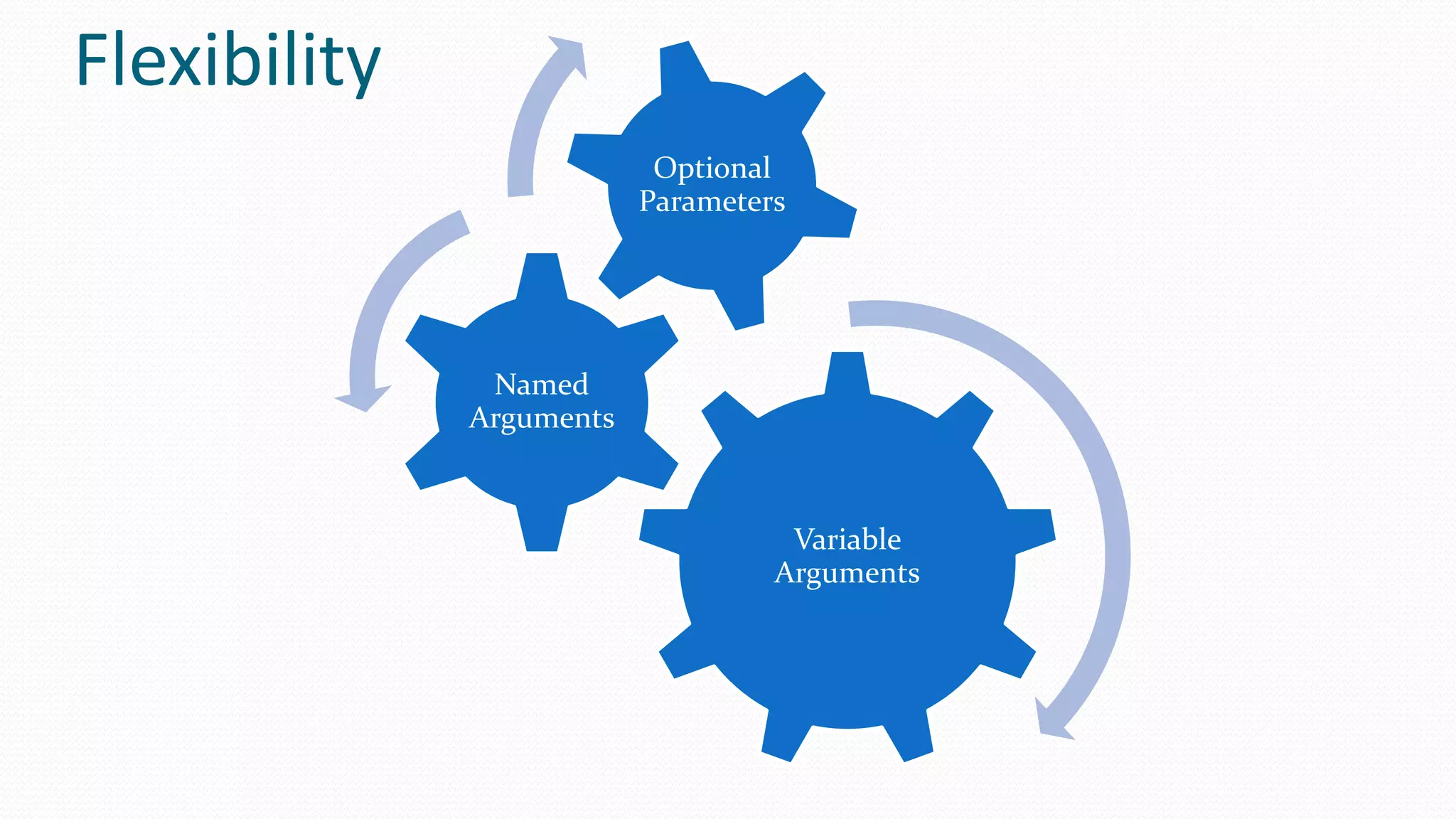
![Passing variable number of arguments
static void Main(string[] args)
{
Console.Write("Humans : ");
printNames("Neo", "Trinity", "Morphious", "Seroph");
Console.Write("Programs : ");
printNames("Smith", "Oracle");
}
static void printNames(params string[] names)
{
foreach (string n in names)
{
Console.Write(n + " ");
}
Console.WriteLine();
}
www.dotnetvideotutorial.com](https://image.slidesharecdn.com/methods-131011211242-phpapp01/75/Methods-19-2048.jpg)
![Named Arguments
static void Main(string[] args)
{
int area1 = CalculateArea(width:10,height:15);
Console.WriteLine(area1);
int area2 = CalculateArea(height: 8, width: 4);
Console.WriteLine(area2);
}
static int CalculateArea(int width, int height)
{
return width * height;
}
www.dotnetvideotutorial.com](https://image.slidesharecdn.com/methods-131011211242-phpapp01/75/Methods-20-2048.jpg)
![Optional Parameters
static void Main(string[] args)
{
Score(30, 70, 60, 80);
Score(30, 70, 60);
Score(30, 70);
}
static void Score(int m1,int m2,int m3 = 50,int m4 = 30)
{
Console.WriteLine(m1 + m2 + m3 + m4);
}
www.dotnetvideotutorial.com](https://image.slidesharecdn.com/methods-131011211242-phpapp01/75/Methods-21-2048.jpg)

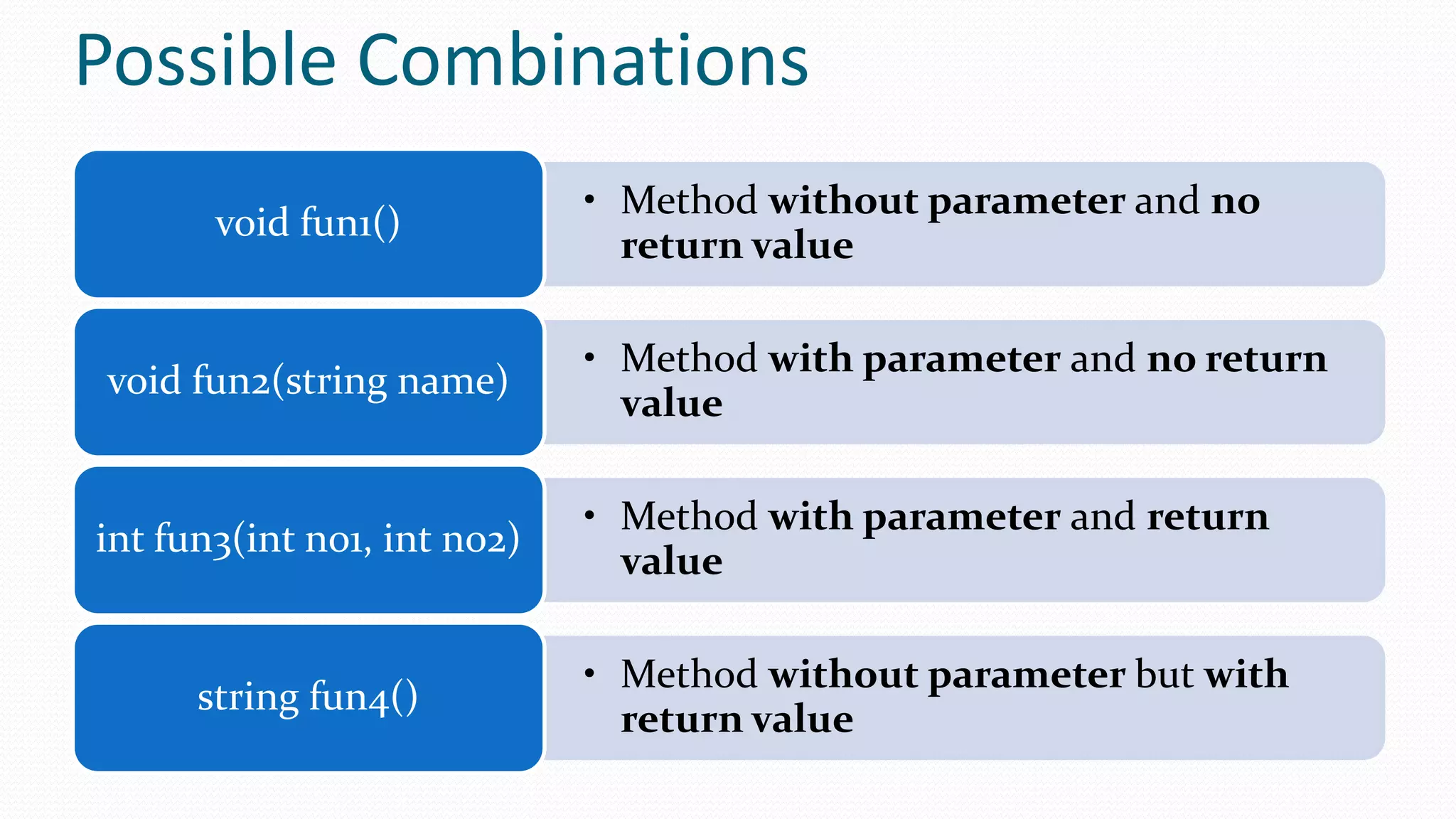
The document covers programming methods in C#, focusing on how to define and use methods with various parameters, including by value and by reference techniques. It explains the use of the 'ref' and 'out' keywords for passing variables and demonstrates method examples like addition, greeting, and area calculation. Additionally, it highlights the use of variable arguments, named arguments, and optional parameters.


