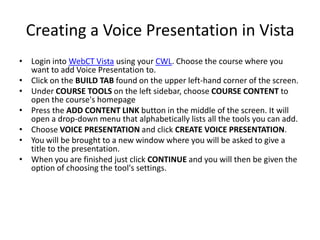
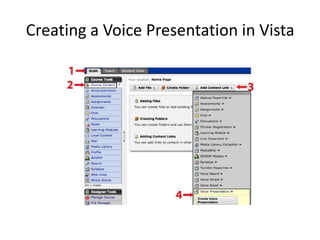
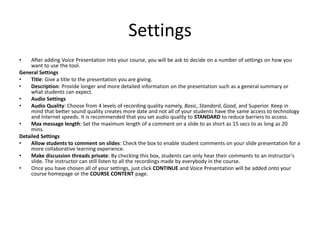
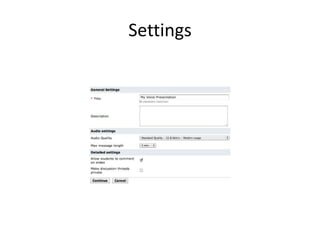
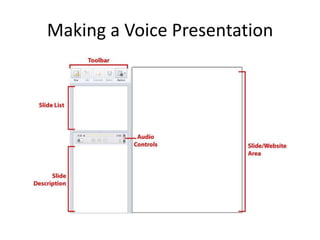
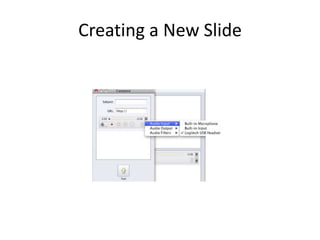
The document provides instructions for creating a voice presentation in Vista. It describes adding the voice presentation tool to a course, setting audio and sharing options, and creating and editing slides. Key steps include choosing settings like audio quality and comment length, launching the voice presentation tool, creating new slides by providing a title and URL and recording narration, and allowing students to view and comment on slides.