Download to read offline
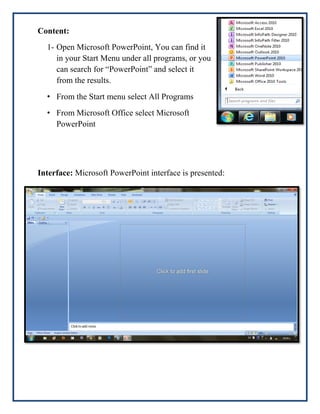
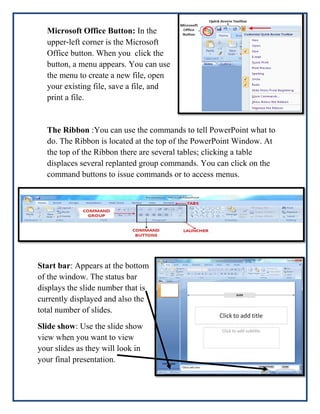
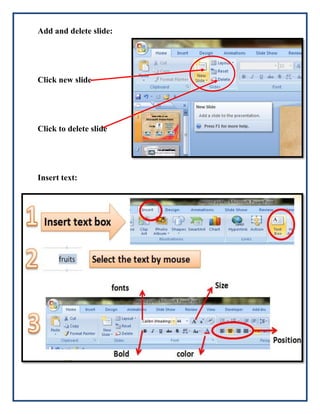
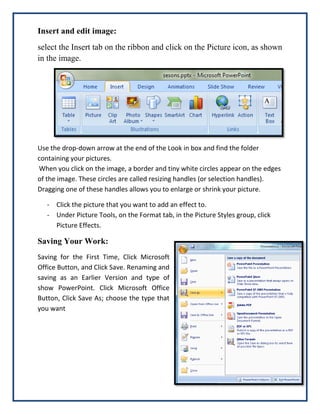
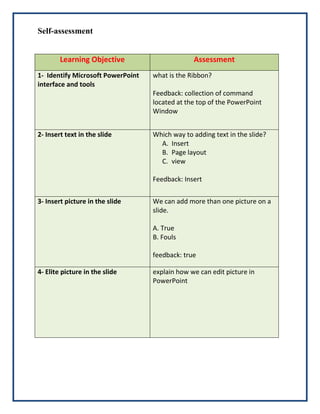
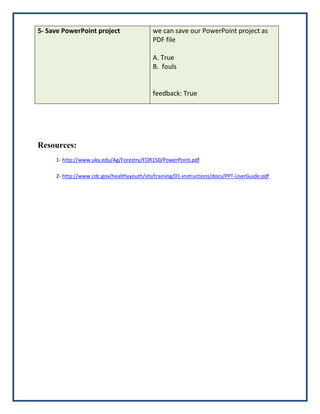

This document provides instructions for using Microsoft PowerPoint. It introduces PowerPoint as presentation software that allows users to create slides containing text, graphics, tables, movies and other objects. The document outlines the PowerPoint interface, including the ribbon, slide show view and start bar. It provides step-by-step instructions for opening PowerPoint, adding and deleting slides, inserting text and images, editing images, and saving PowerPoint projects. Learning outcomes are defined and self-assessment questions are included to check understanding. Resources for additional information are listed at the end.


