HOW TO USE
PRESENTATIONS IN A
BUSINESS ENVIRONMENT
By: Morgan Cueto
WHAT TYPES OF PRESENTATIONS
TO USE?
There are many forms of presentations available to use, but this
presentation will focus on these three presentations:
 SlideShare- A website where users can upload slideshows and easily send links to
their presentation to share.
 Prezi- This is a website where users can create interactive presentations that can
include photos, videos and more.
 VoiceThread- This website allows users to upload presentations in video format
that other users can communicate asynchronously.
SLIDESHARE IN THE BUSINESS
ENVIRONMENT
Share presentations with specific inividuals
Embed slideshows into websites or send as hyperlinks
SlideShare has a feature called Zipcasts that allows presenters to have
audiovisual conferences online and control a presentation during the
conference.
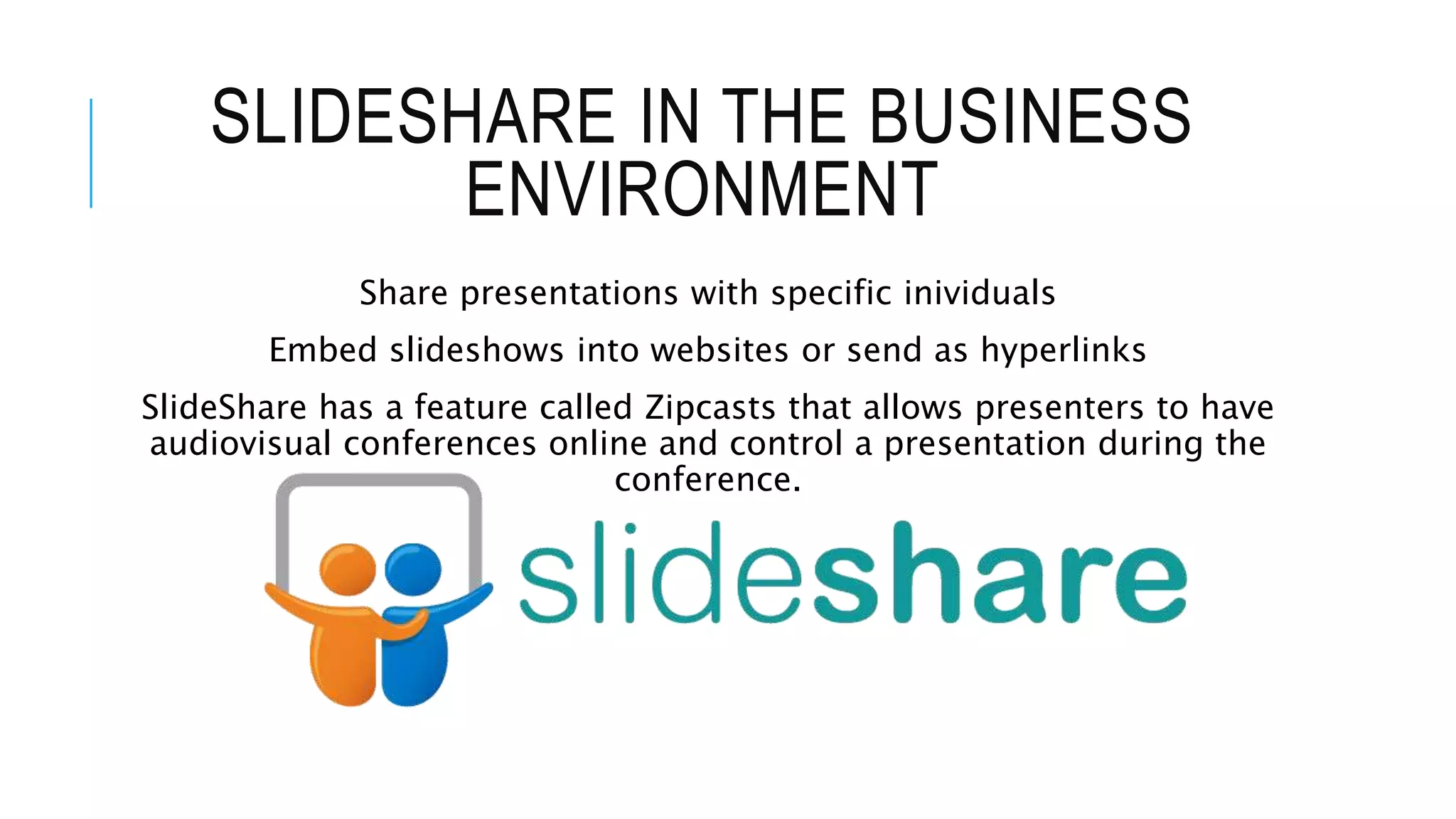
HOW TO UPLOAD TO SLIDESHARE:
PREZI IN THE BUSINESS
ENVIRONMENTCreate presentations that are unique. They
can rotate, zoom and incorporate text,
images and videos.
Cloud-based software, so users do not have
to install a program.
App for iPad, can be accessed through web
browsers and on mobile devices.
Presentations are free and public, so anyone
with internet access can watch it.
HOW TO CREATE A PREZI:
VOICETHREAD IN THE BUSINESS
ENVIRONMENTAsynchronous communication so individuals
can communicate at different times.
Discussion section on all presentations
where users can comment on the content.
Turns a one-way online presentation into an
interactive experience for the presenter and
the viewer.
HOW TO USE VOICETHREAD:
EXAMPLES OF WHICH
PRESENTATION TO USESlideshare:
This type of presentation is appropriate when giving a
presentation that allows the speaker to speak between
the slides and control the pace of the presentation.
Prezi:
This presentation form is best when a presentation
requires creativity and audio/visual supplements.
VoiceThread:
This is best when the presenter wants the feel of a live
presentation that the audience can view at their leisure
and comment to create an discussion among a group.
BENEFITS OF EFFECTIVE
PRESENTATIONS
When a presentation is effective, there are many benefits to both the
presenter and the audience in the business environment.
 More interaction among audience and engagement between the group
 Better reception of information that is more likely to be retained
 More interesting presentation by using audio, videos and text
 Presentations can be shared online so anyone can be a part of the discussion even
if they cannot be at the live presentation
 Great source of information that the audience can go back to and reference in the
future

How to Use Presentations in a Business Environment

  • 1.
    HOW TO USE PRESENTATIONSIN A BUSINESS ENVIRONMENT By: Morgan Cueto
  • 2.
    WHAT TYPES OFPRESENTATIONS TO USE? There are many forms of presentations available to use, but this presentation will focus on these three presentations:  SlideShare- A website where users can upload slideshows and easily send links to their presentation to share.  Prezi- This is a website where users can create interactive presentations that can include photos, videos and more.  VoiceThread- This website allows users to upload presentations in video format that other users can communicate asynchronously.
  • 3.
    SLIDESHARE IN THEBUSINESS ENVIRONMENT Share presentations with specific inividuals Embed slideshows into websites or send as hyperlinks SlideShare has a feature called Zipcasts that allows presenters to have audiovisual conferences online and control a presentation during the conference.
  • 4.
    HOW TO UPLOADTO SLIDESHARE:
  • 5.
    PREZI IN THEBUSINESS ENVIRONMENTCreate presentations that are unique. They can rotate, zoom and incorporate text, images and videos. Cloud-based software, so users do not have to install a program. App for iPad, can be accessed through web browsers and on mobile devices. Presentations are free and public, so anyone with internet access can watch it.
  • 6.
    HOW TO CREATEA PREZI:
  • 7.
    VOICETHREAD IN THEBUSINESS ENVIRONMENTAsynchronous communication so individuals can communicate at different times. Discussion section on all presentations where users can comment on the content. Turns a one-way online presentation into an interactive experience for the presenter and the viewer.
  • 8.
    HOW TO USEVOICETHREAD:
  • 9.
    EXAMPLES OF WHICH PRESENTATIONTO USESlideshare: This type of presentation is appropriate when giving a presentation that allows the speaker to speak between the slides and control the pace of the presentation. Prezi: This presentation form is best when a presentation requires creativity and audio/visual supplements. VoiceThread: This is best when the presenter wants the feel of a live presentation that the audience can view at their leisure and comment to create an discussion among a group.
  • 10.
    BENEFITS OF EFFECTIVE PRESENTATIONS Whena presentation is effective, there are many benefits to both the presenter and the audience in the business environment.  More interaction among audience and engagement between the group  Better reception of information that is more likely to be retained  More interesting presentation by using audio, videos and text  Presentations can be shared online so anyone can be a part of the discussion even if they cannot be at the live presentation  Great source of information that the audience can go back to and reference in the future