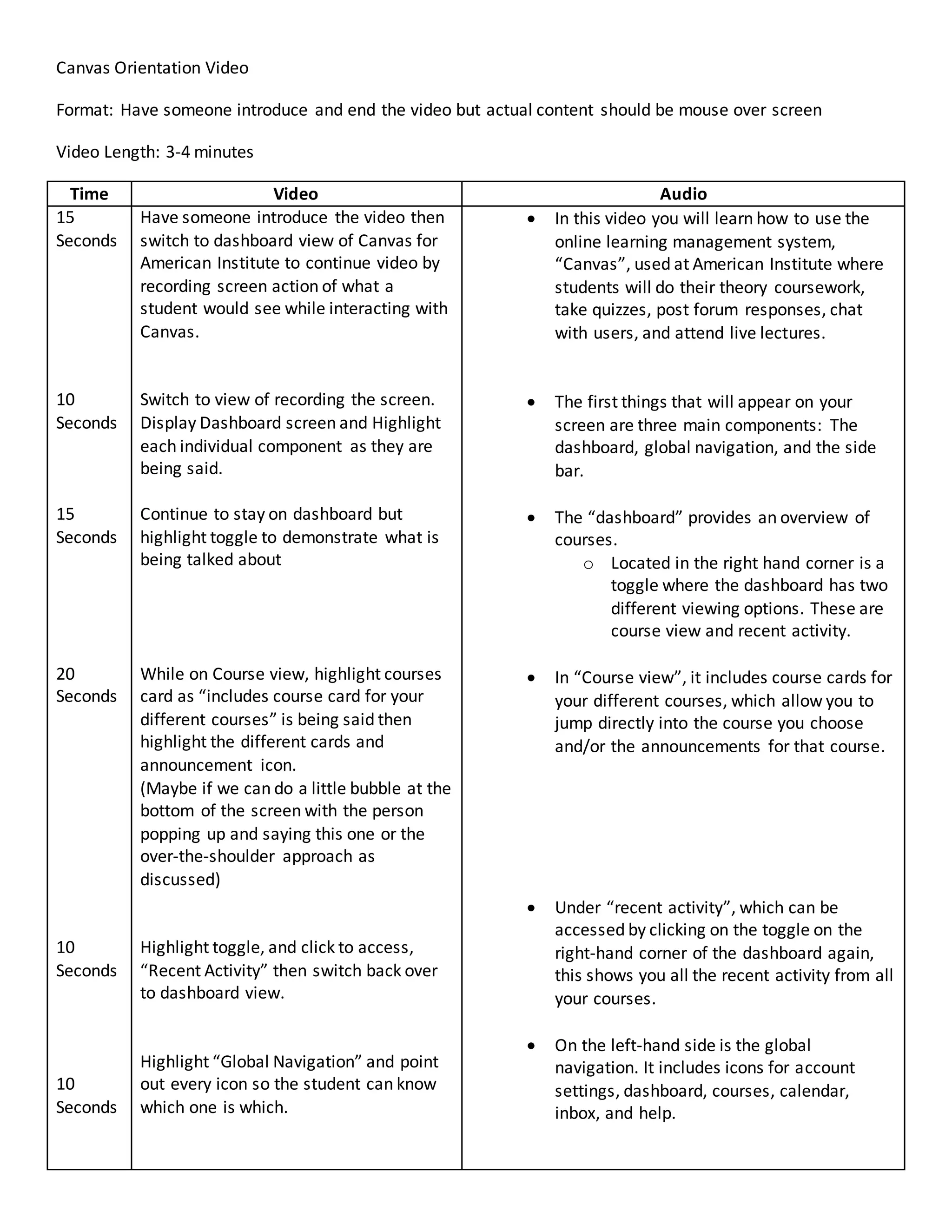
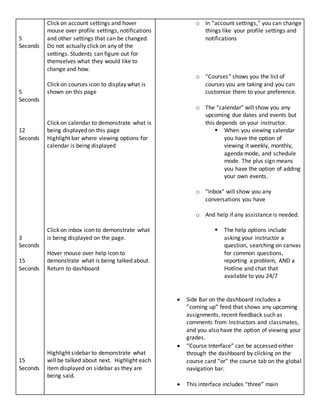
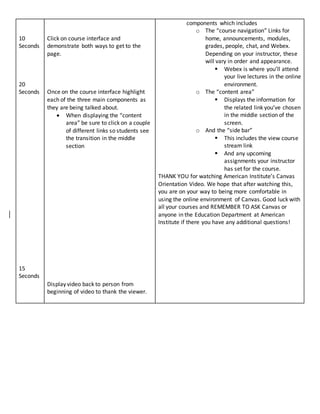
This video provides an overview of the Canvas learning management system used at American Institute. It demonstrates the key components of the Canvas dashboard including the dashboard, global navigation bar, sidebar, course cards, recent activity toggle, account settings, courses, calendar, inbox, and help options. It then shows how to access a course interface, which includes the course navigation links, content area that displays course material, and sidebar with upcoming assignments. The video highlights each area while explaining its purpose and navigation options to help orient students to using Canvas at American Institute.