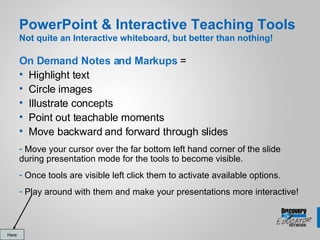
This document discusses embedding videos and interactive tools in PowerPoint presentations. It explains how to "really embed" a video so it can be controlled directly from the slide. Full embedding allows for fast forwarding, rewinding and playing/pausing of the video. The document also discusses using interactive tools like highlighting, circling and annotating on slides during a presentation to make it more engaging.



![Thank You! Dennis Swain Den Account Manager [email_address] 301-275-7158 (Feel free to contact me with questions or comments)](https://image.slidesharecdn.com/vividvideoandreallyembedding-1210691176724671-8/85/Vivid-Video-And-Really-Embedding-14-320.jpg)


