Download as PDF, PPTX
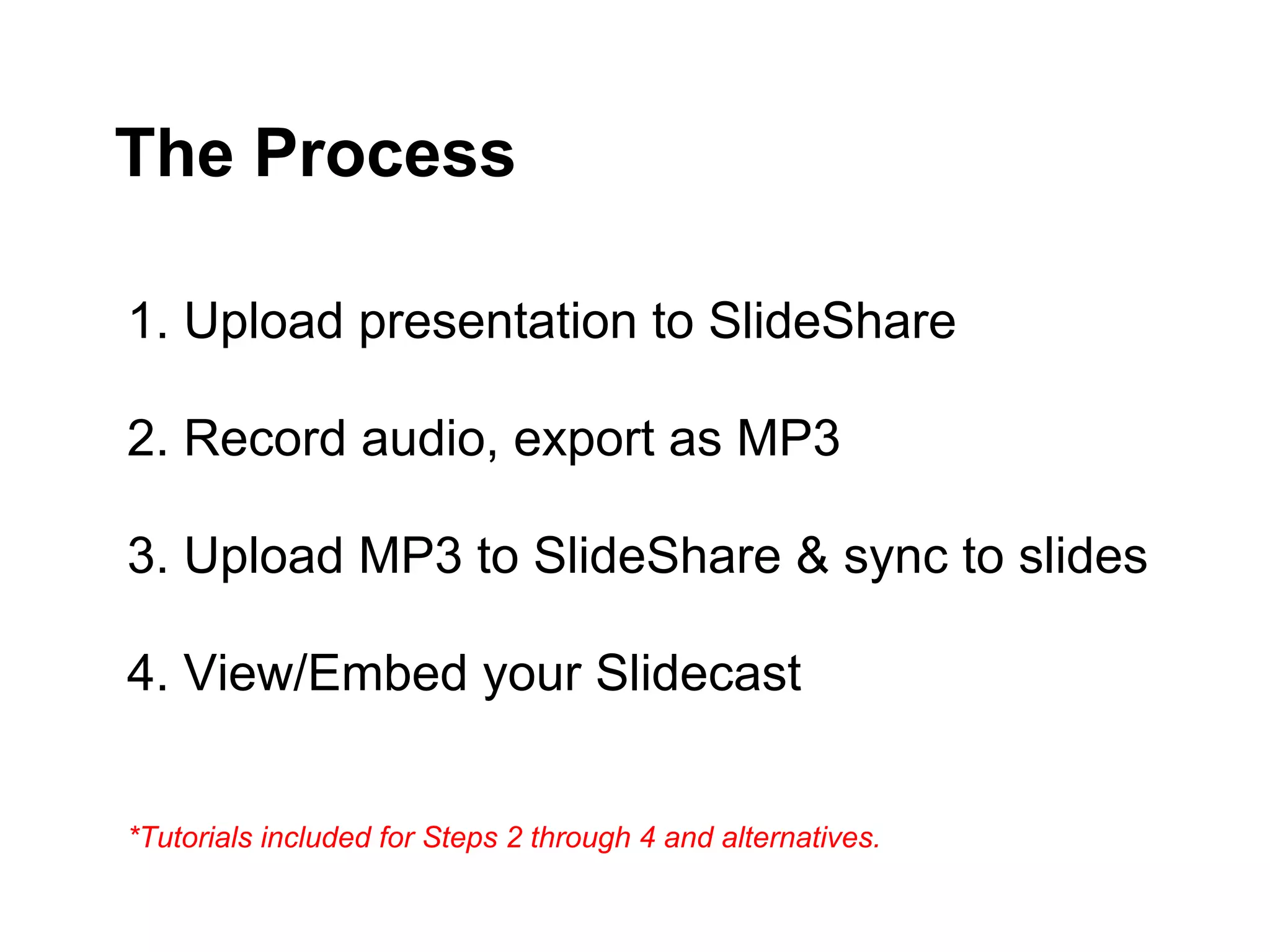
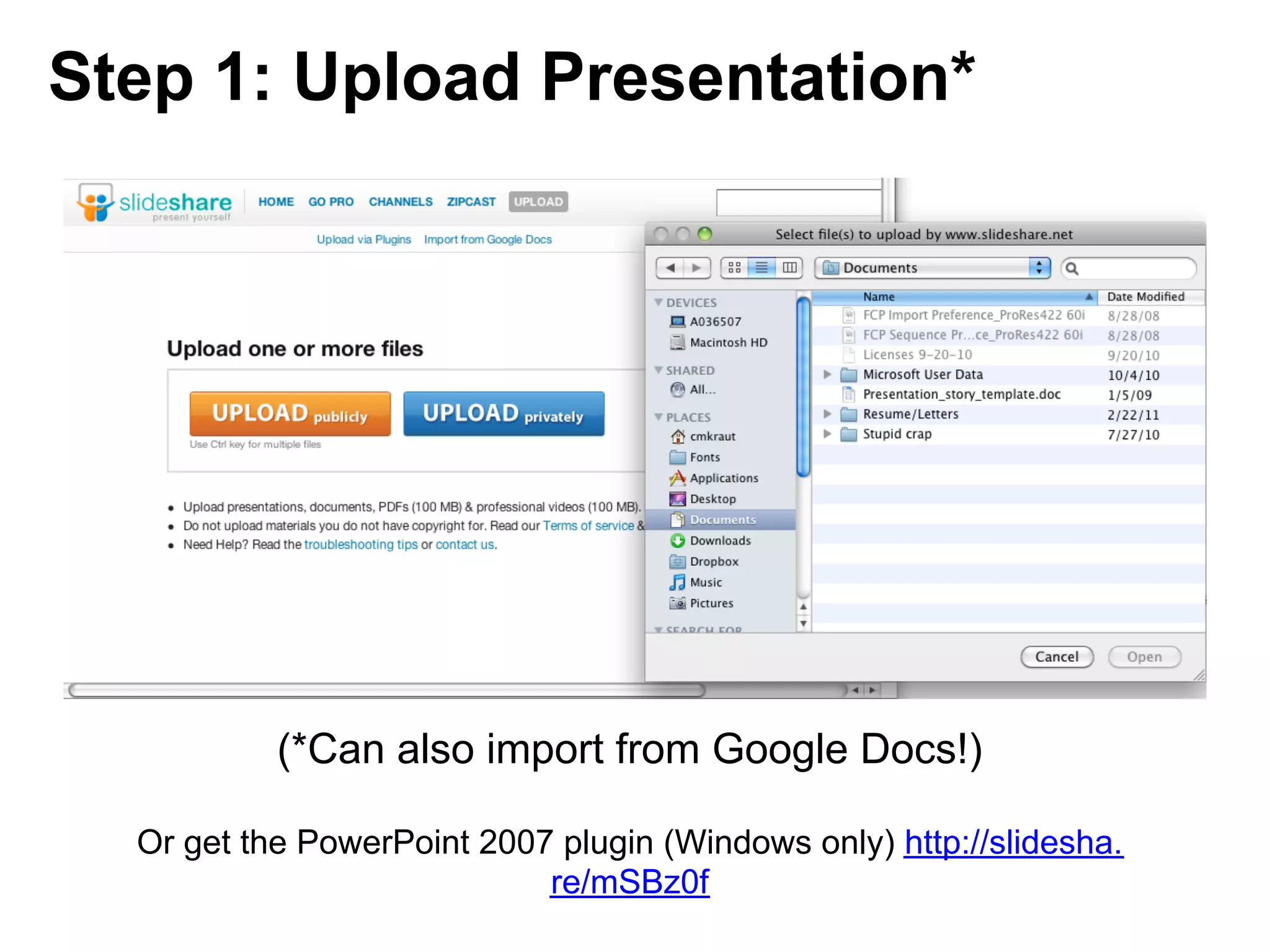
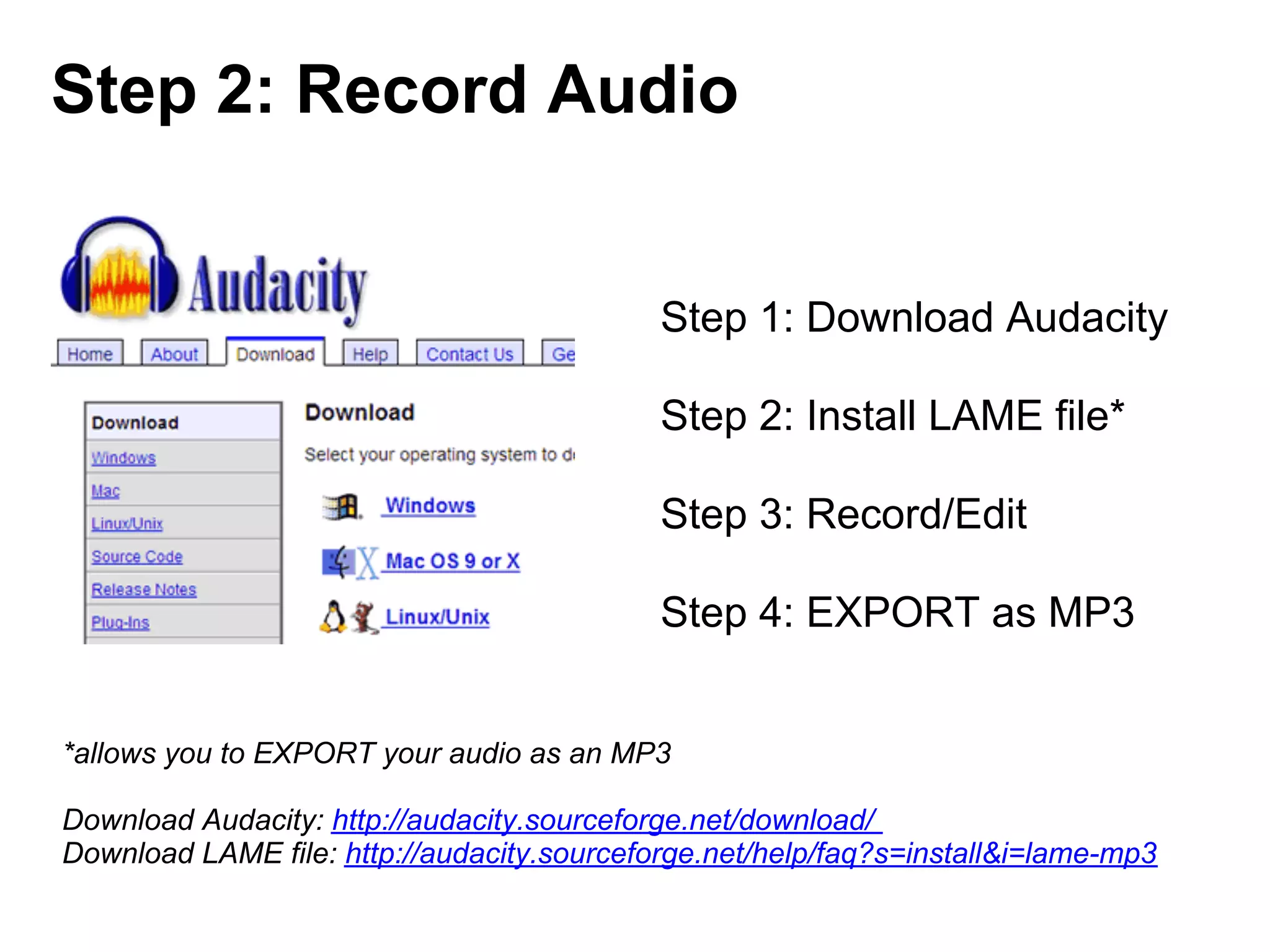
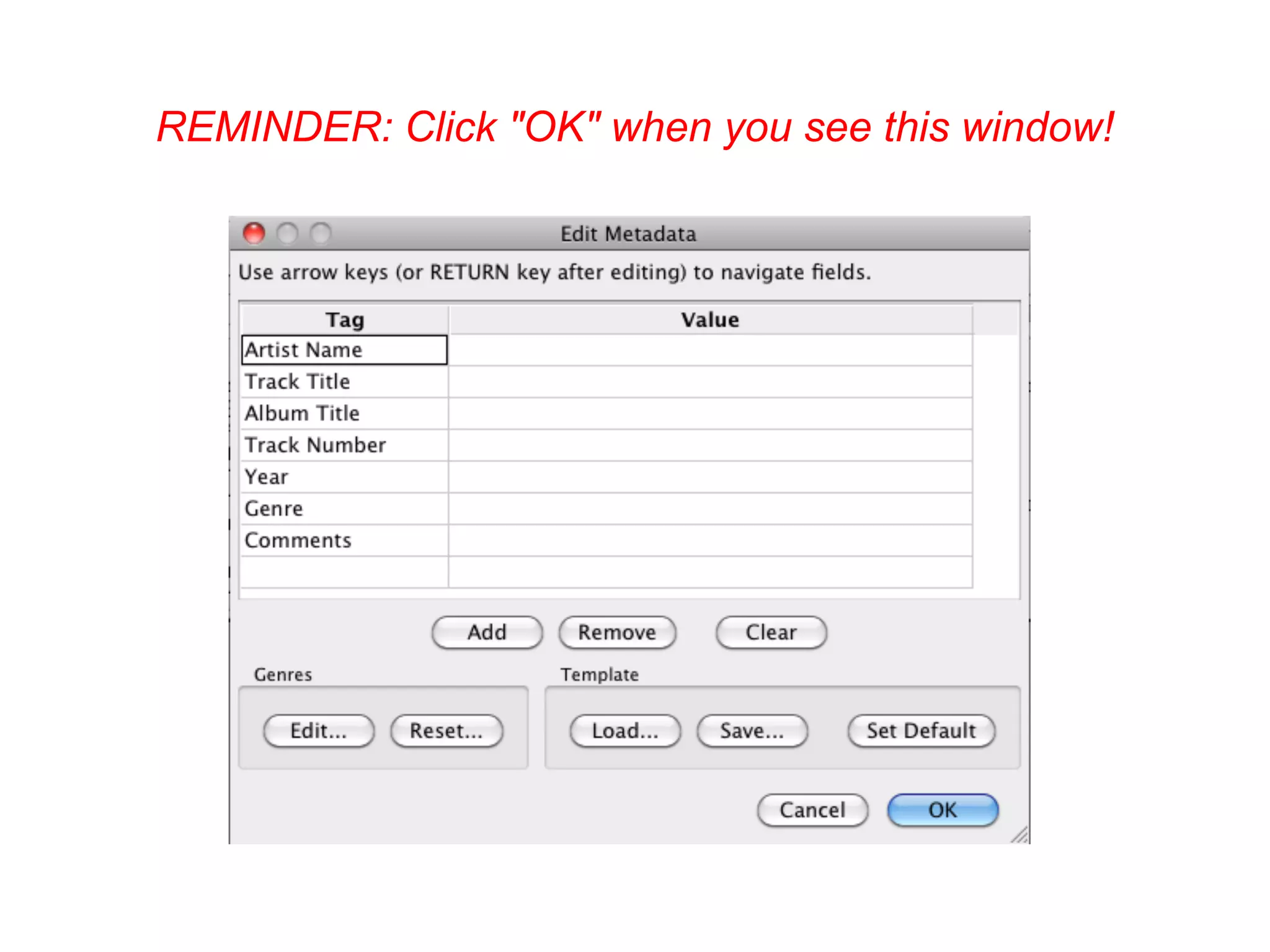
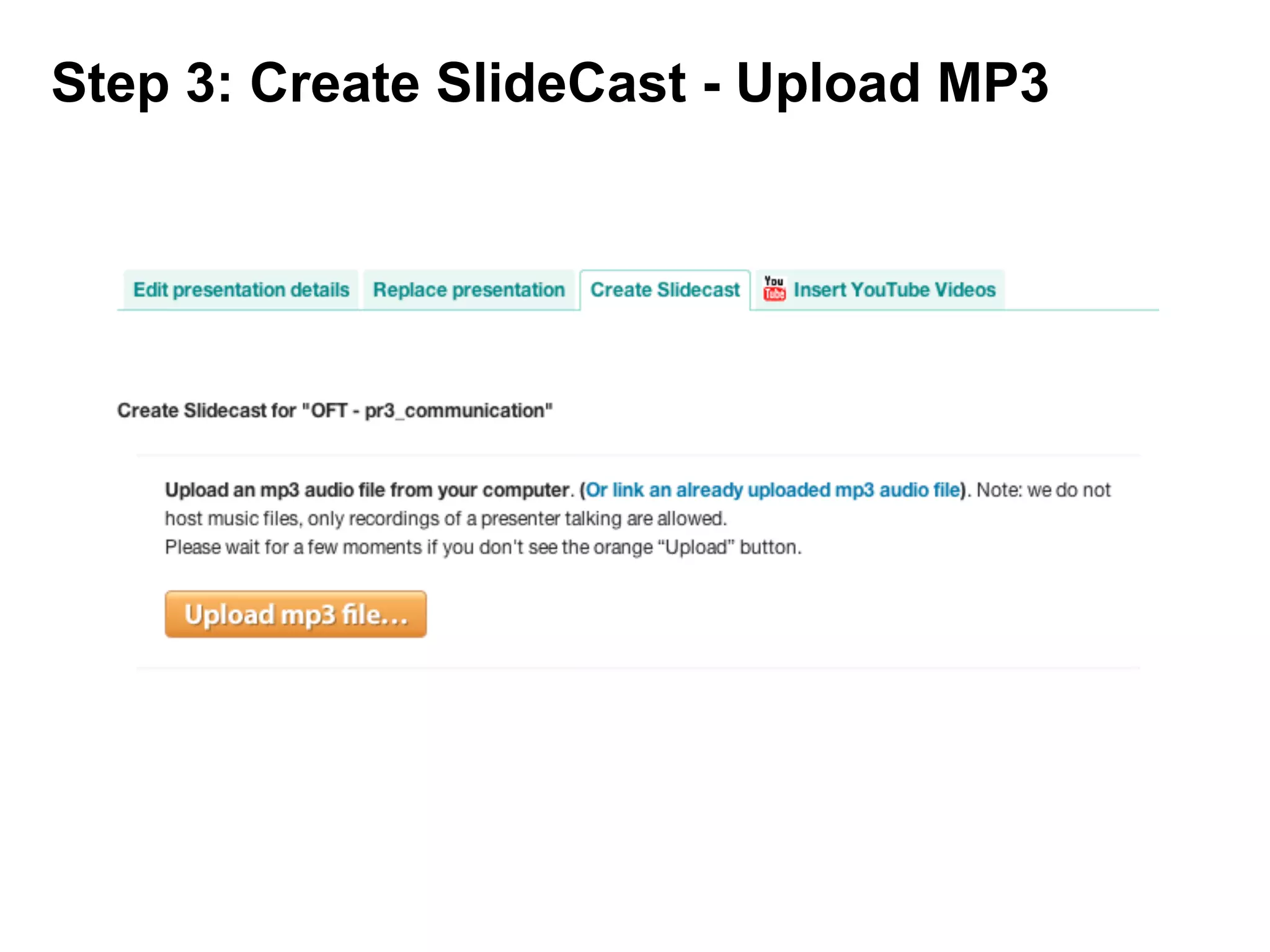
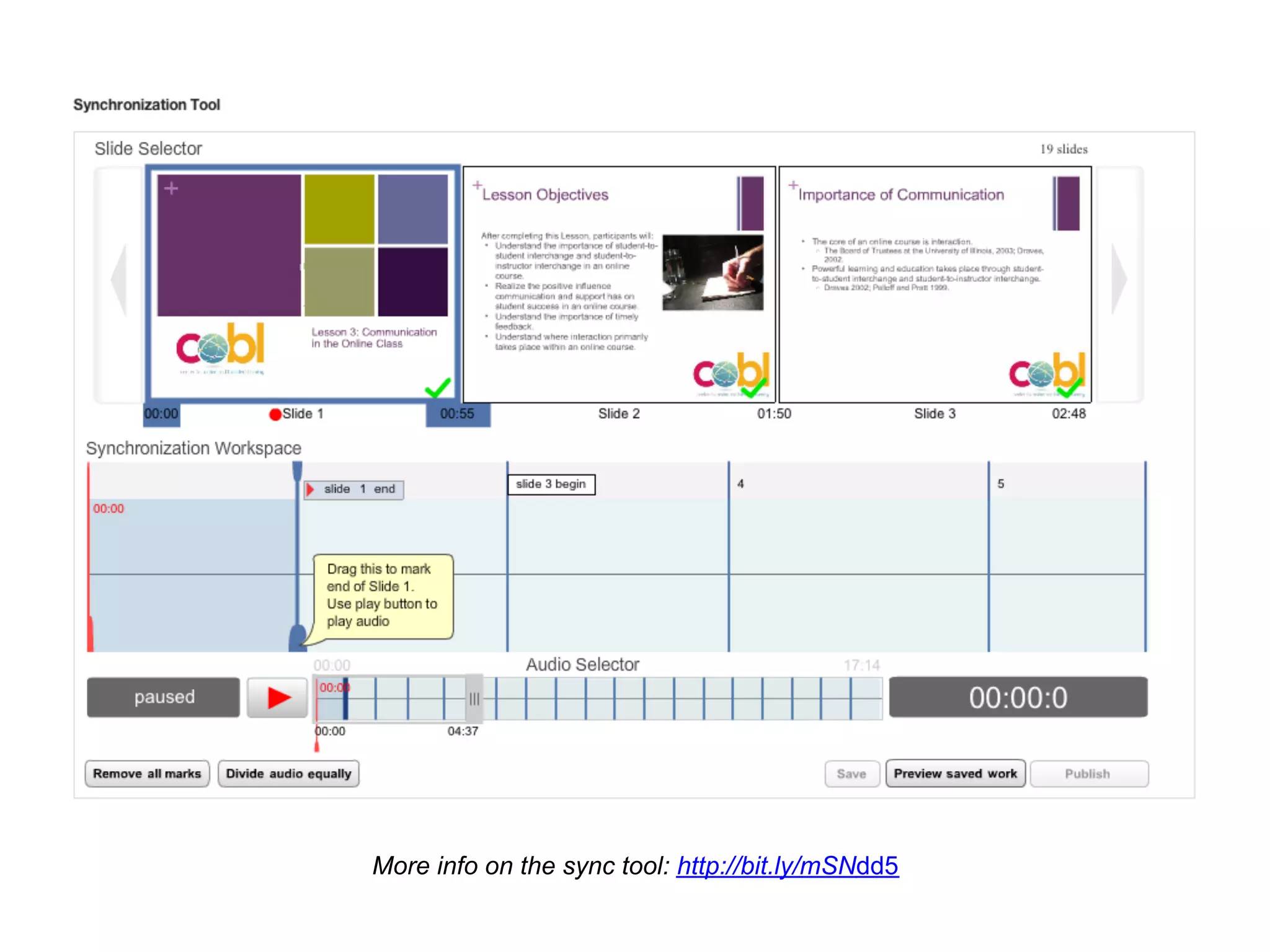
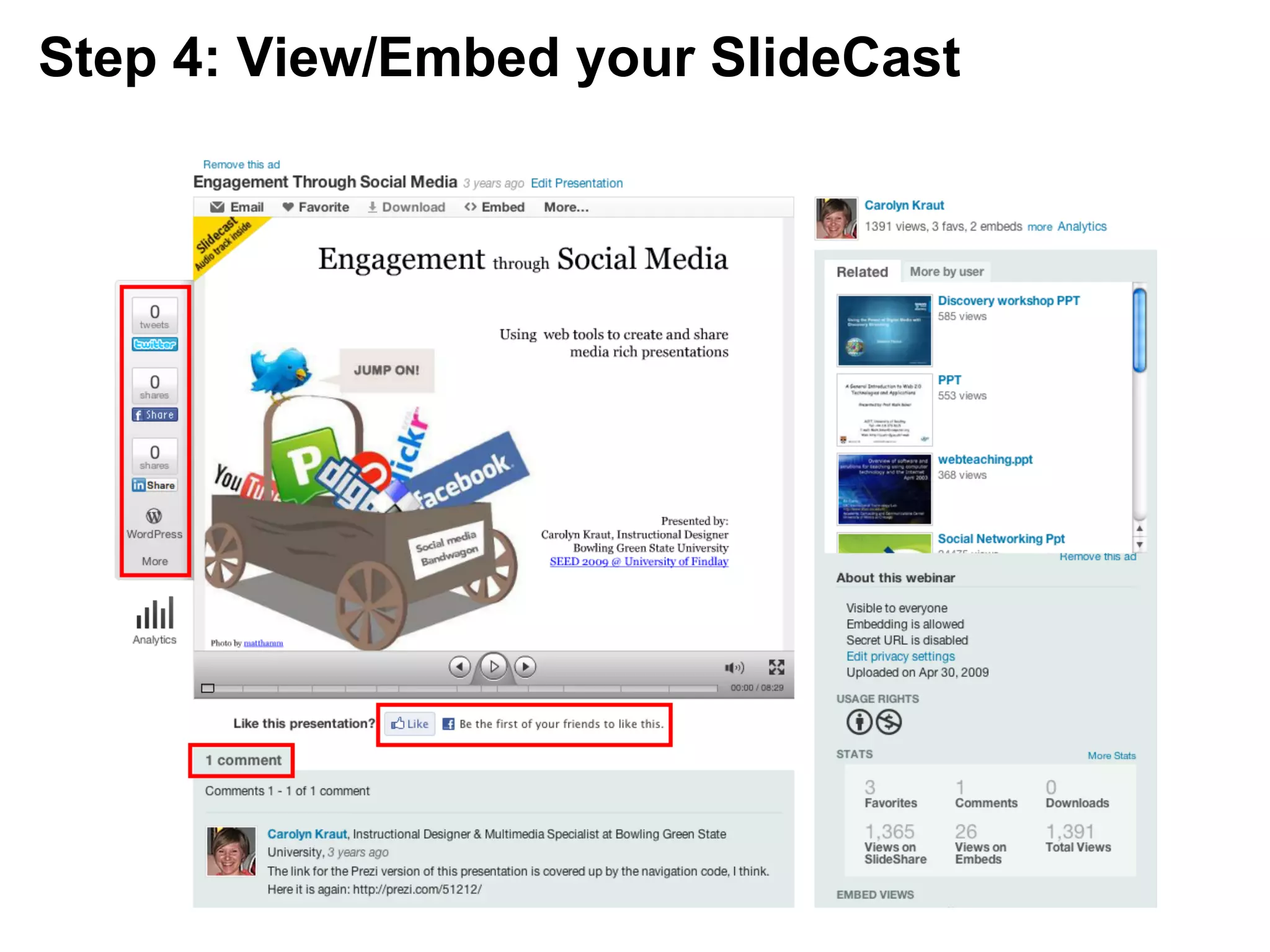
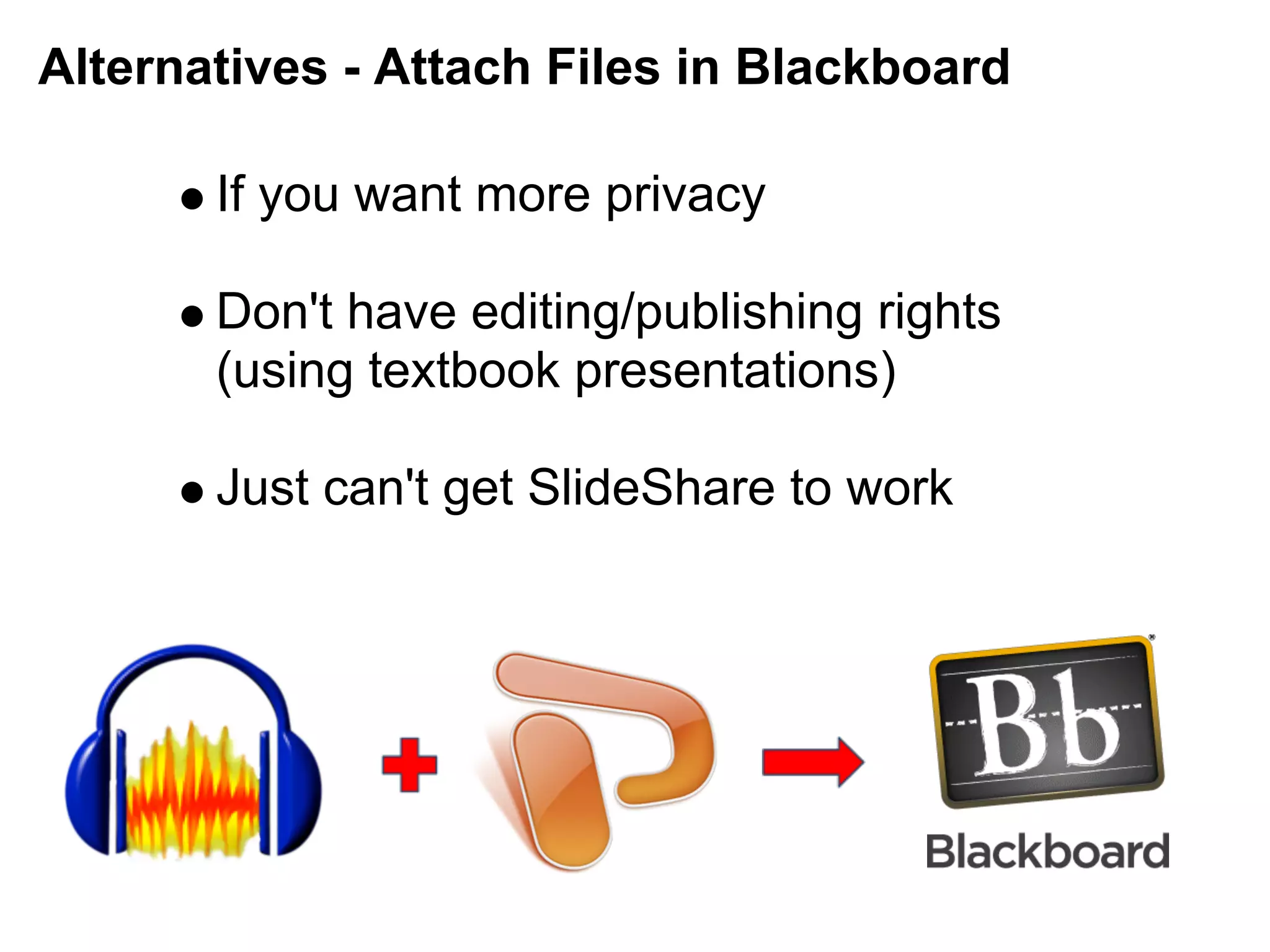
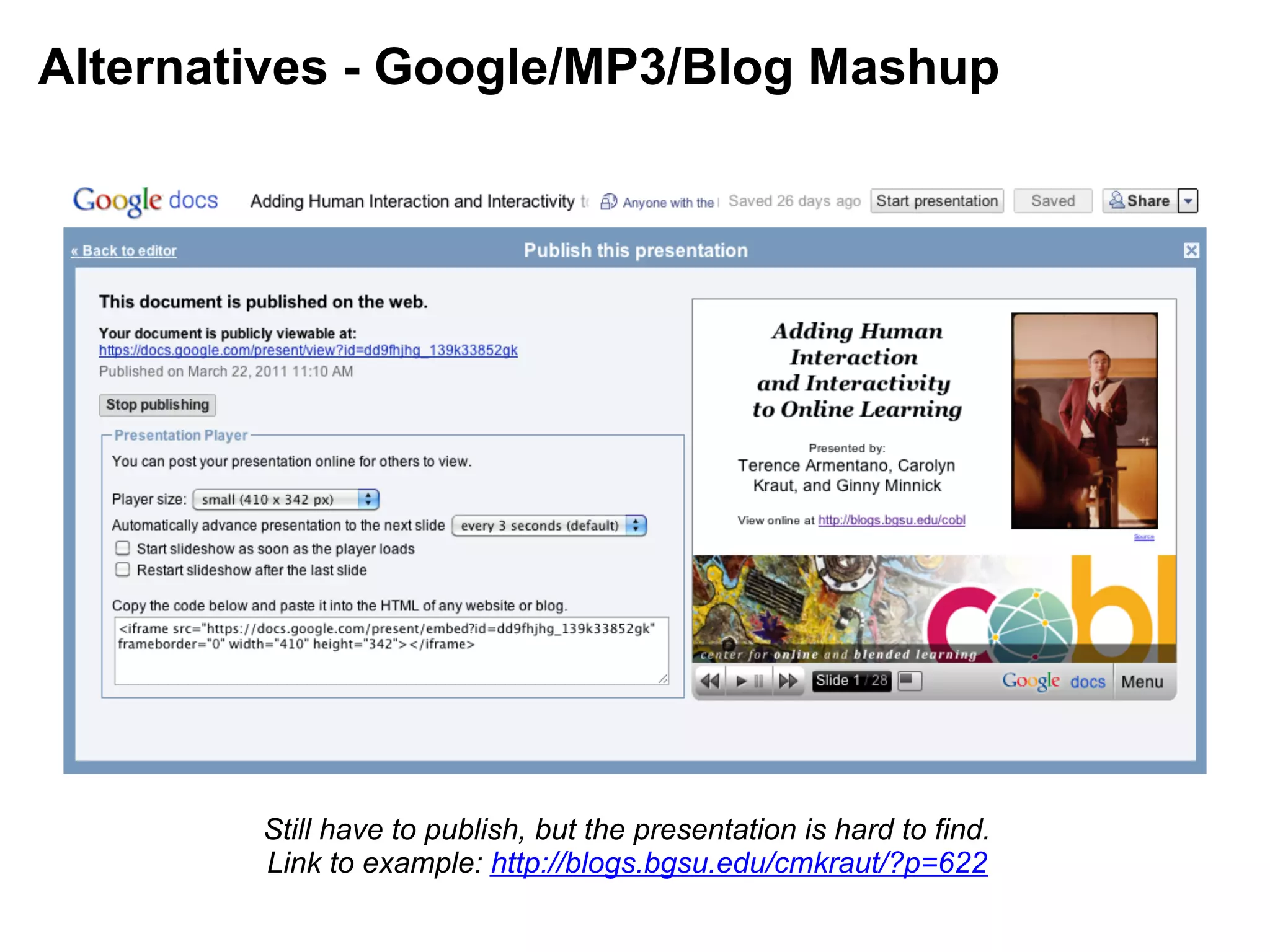

This document provides instructions for creating narrated presentations using SlideShare.net by uploading a PowerPoint presentation, recording audio narration using Audacity, syncing the audio file to the slides, and publishing the narrated "Slidecast." While SlideShare allows social sharing and embedding, it has limitations including no animations/transitions, potential sync issues, and lack of privacy for free accounts. Alternatives include attaching files to Blackboard or combining Google slides, MP3 audio, and a blog post.


