The Learning Hour

What aren’t you doing with your
        learning environment?
                   14 March 2013


                      Chris Allan
What you are doing.
Mostly
• SCORM/eLearning Module
• Evaluation form
• Certificate


And a little
• Quiz/Assessment
• Links
• Documents
What else is there?
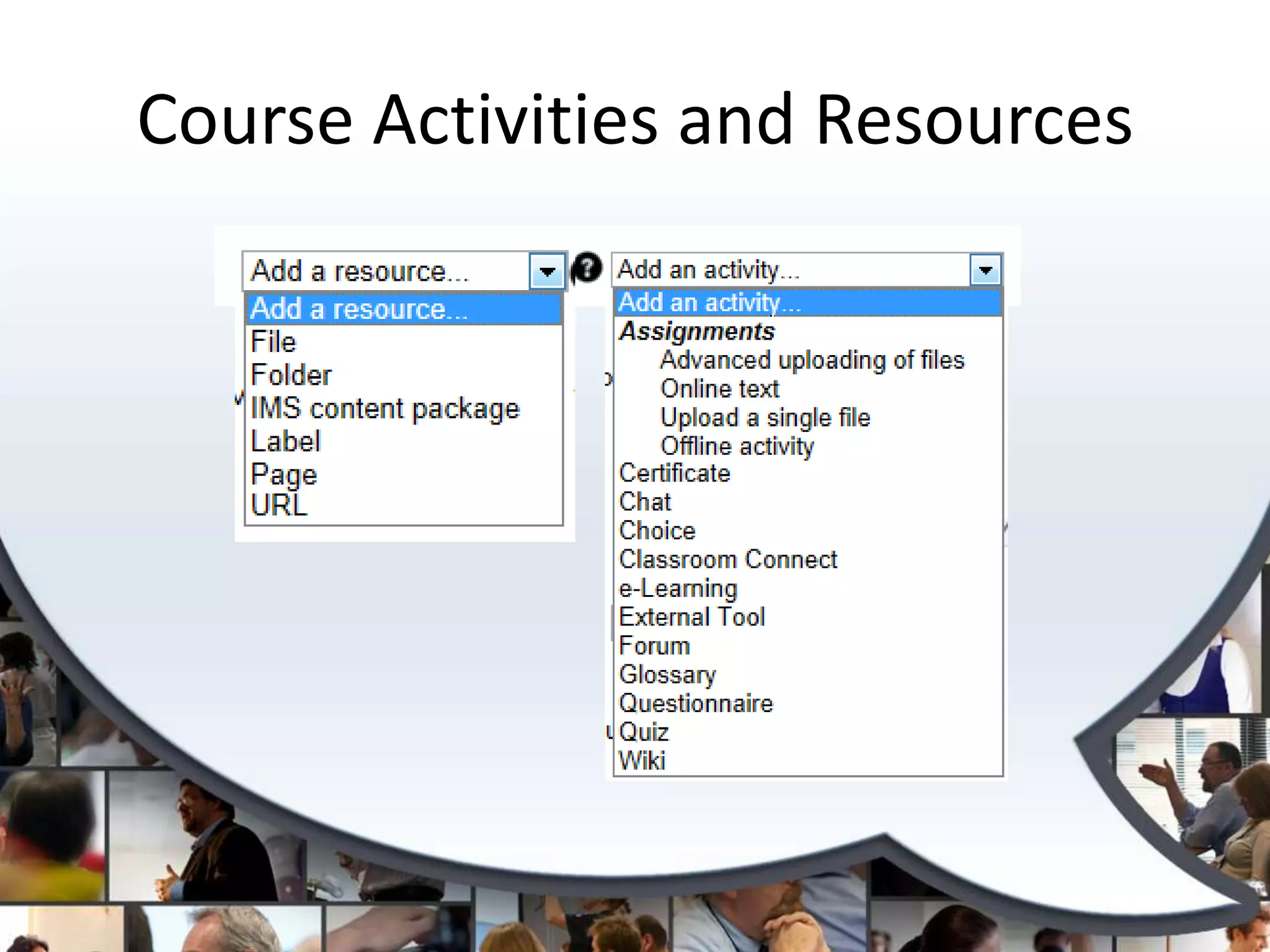
• Course Activities and Resources
• Blocks
• General Hints and Tips
Course Activities
  & Resources
Course Activities and Resources
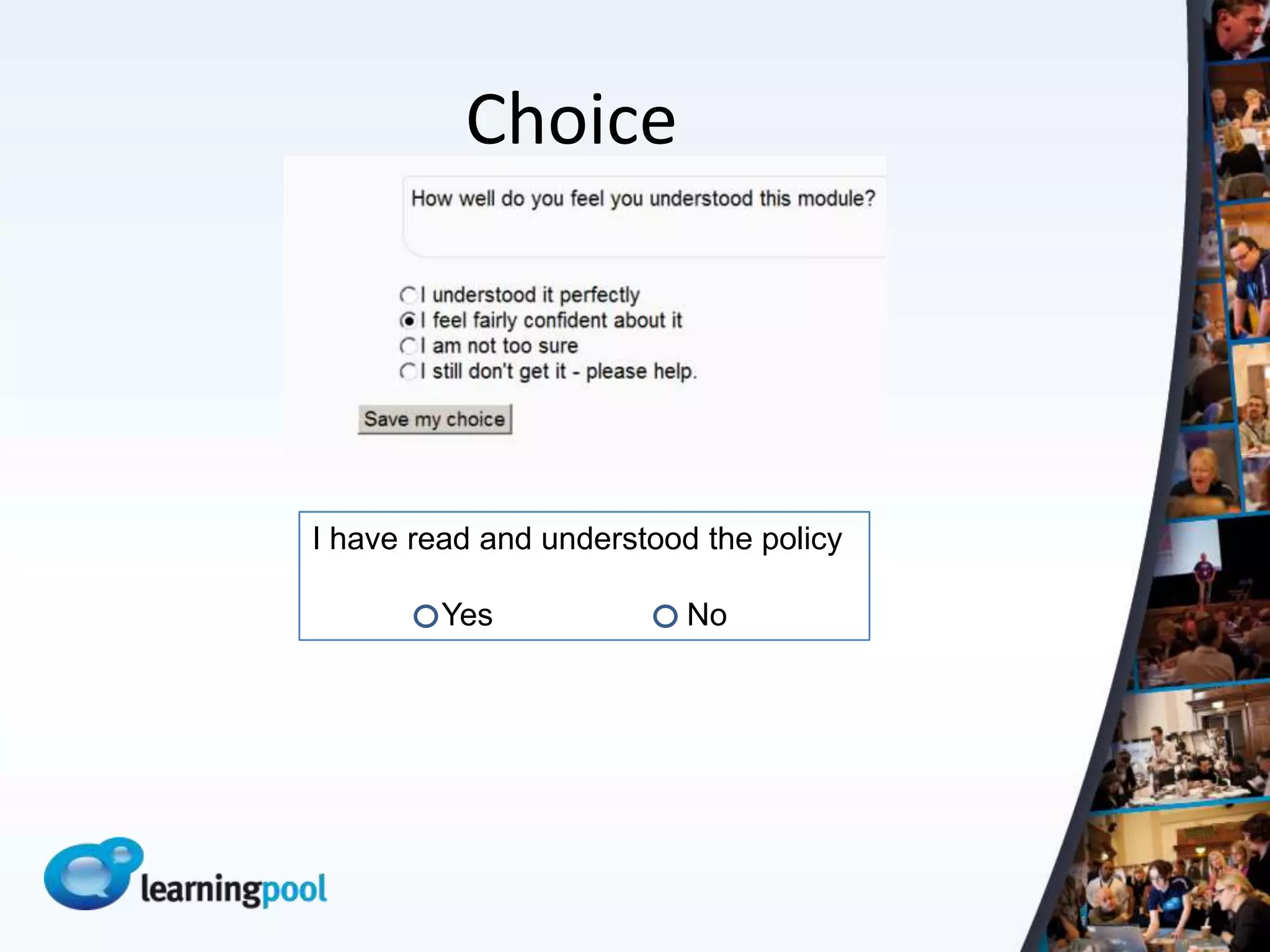
Choice


I have read and understood the policy

         Yes              No
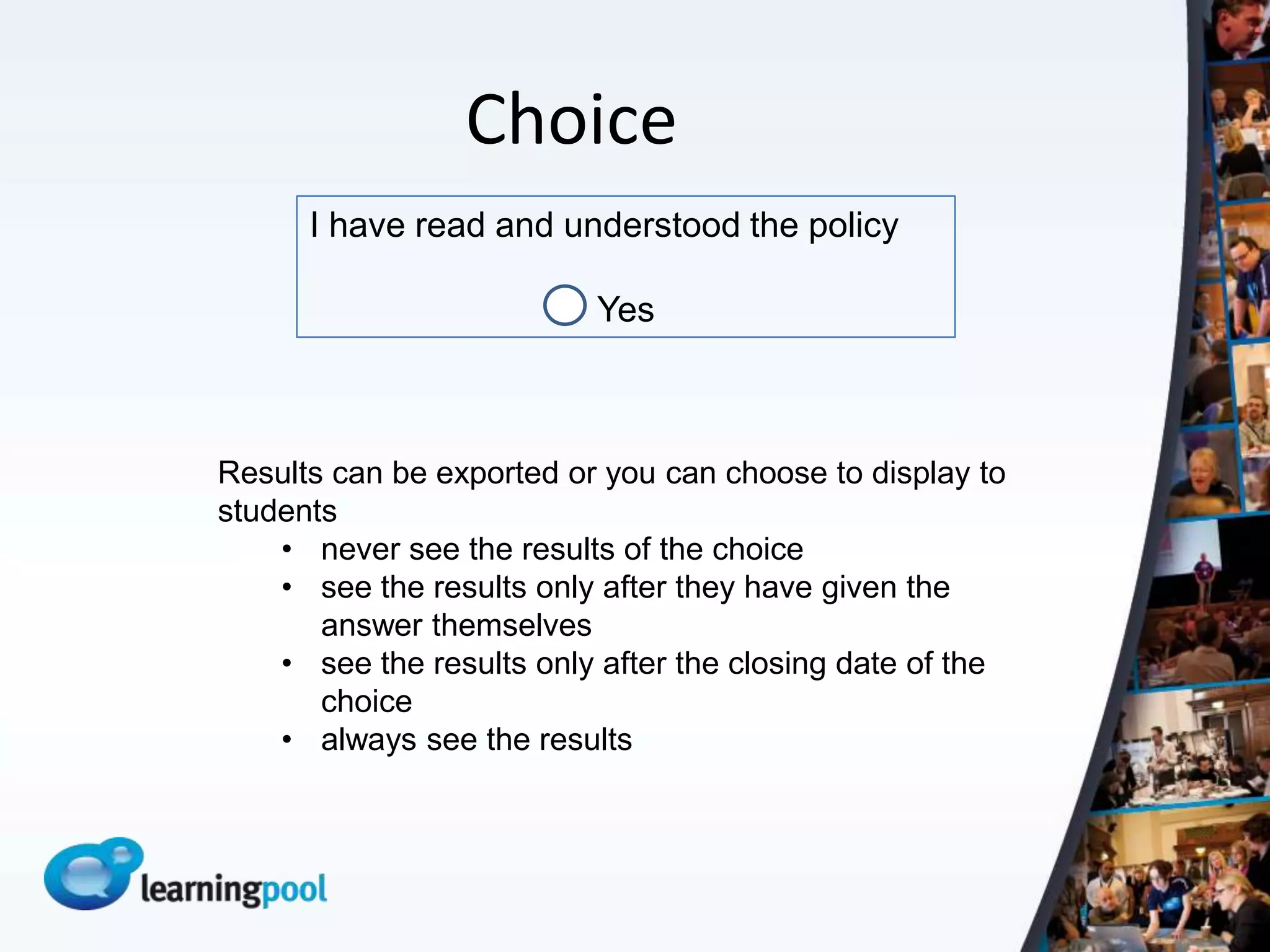
Choice
      I have read and understood the policy

                          Yes


Results can be exported or you can choose to display to
students
    • never see the results of the choice
    • see the results only after they have given the
       answer themselves
    • see the results only after the closing date of the
       choice
    • always see the results
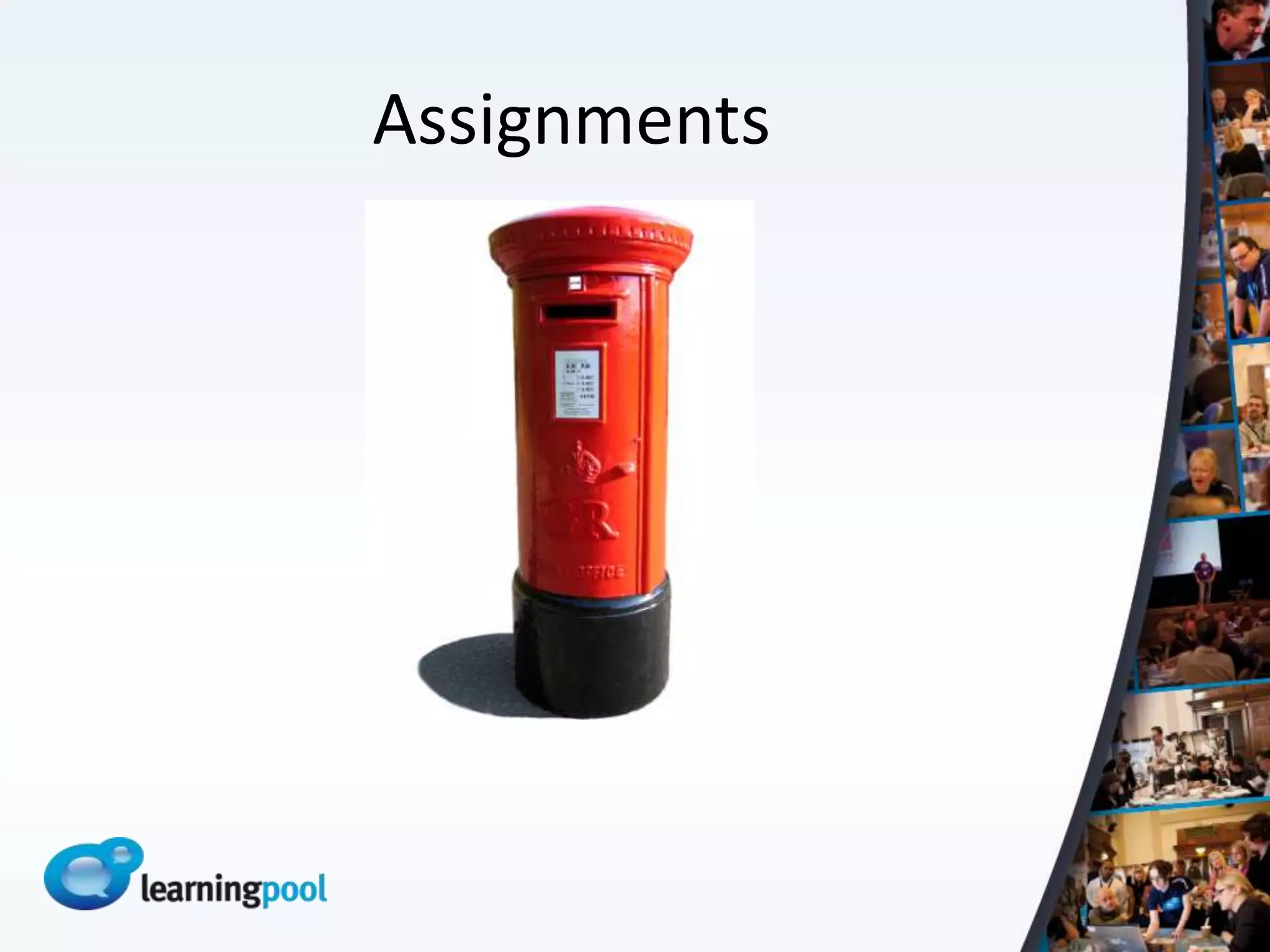
Assignments
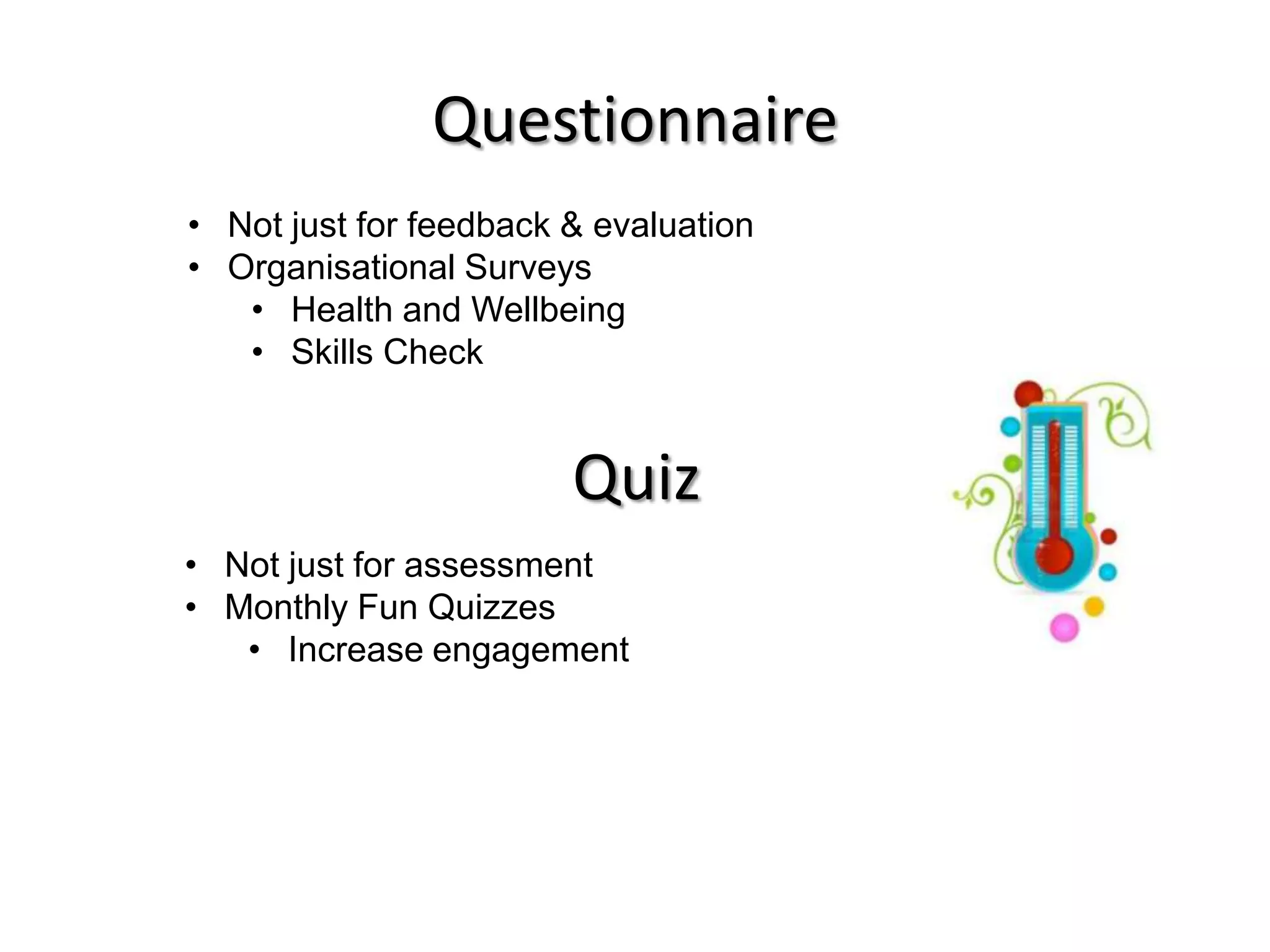
Questionnaire
• Not just for feedback & evaluation
• Organisational Surveys
   • Health and Wellbeing
   • Skills Check


                        Quiz
• Not just for assessment
• Monthly Fun Quizzes
   • Increase engagement
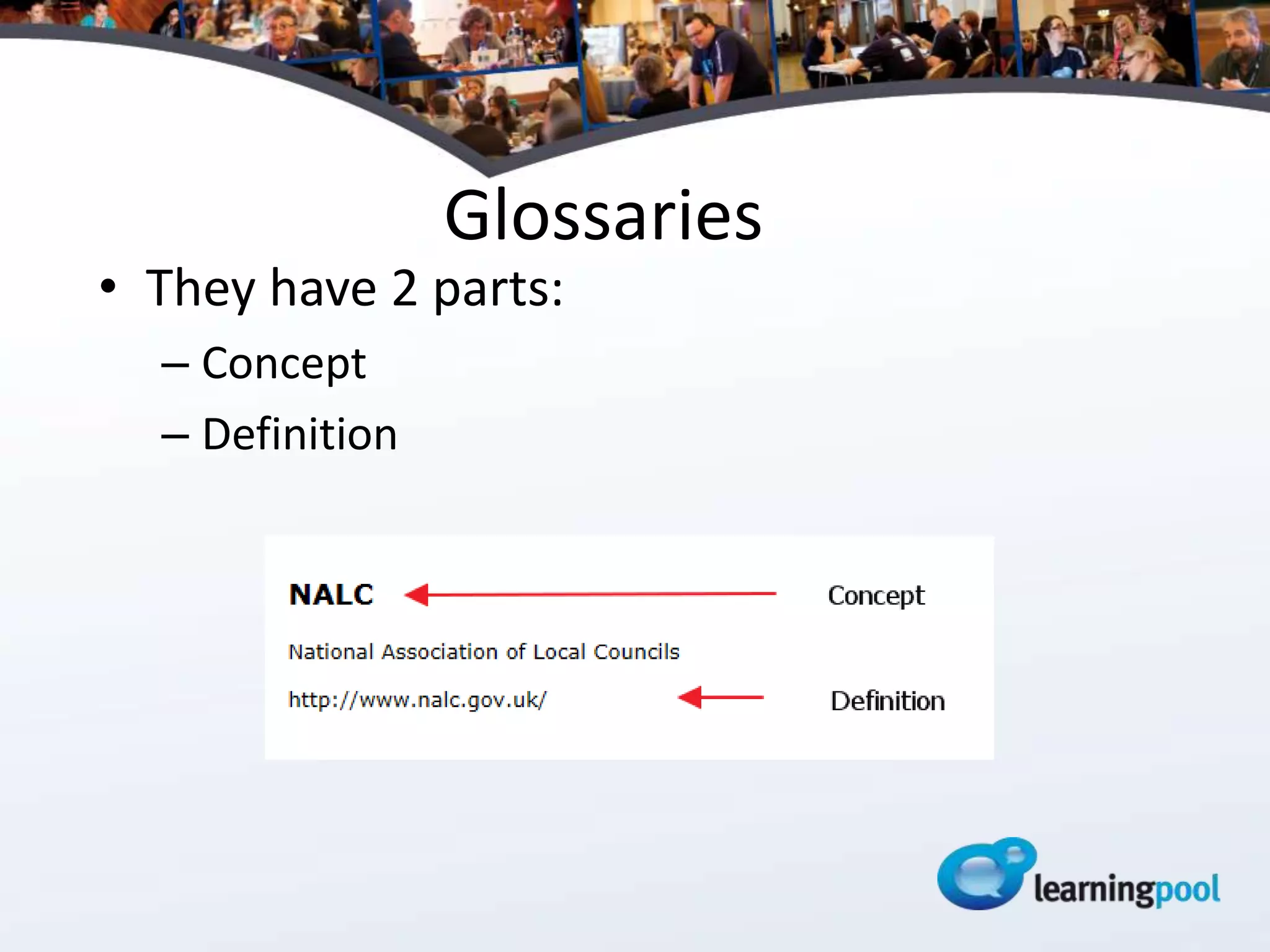
Glossaries
• They have 2 parts:
  – Concept
  – Definition
Glossaries
           Two popular uses
Randomly Generated    A-Z List Of Courses by
Quote of the Day      Subject
Glossaries
Other thoughts:
• They can be collaborative
• They can include links
• They can include files such as images and
  documents
• Build a FAQ
• Build a glossary about the people on the
  course
• Use it for simple peer assessment
Wikis
• A collaborative page or group of pages within
  a course

Use them for groups
• Apprentices
• Management Development
• Project Teams
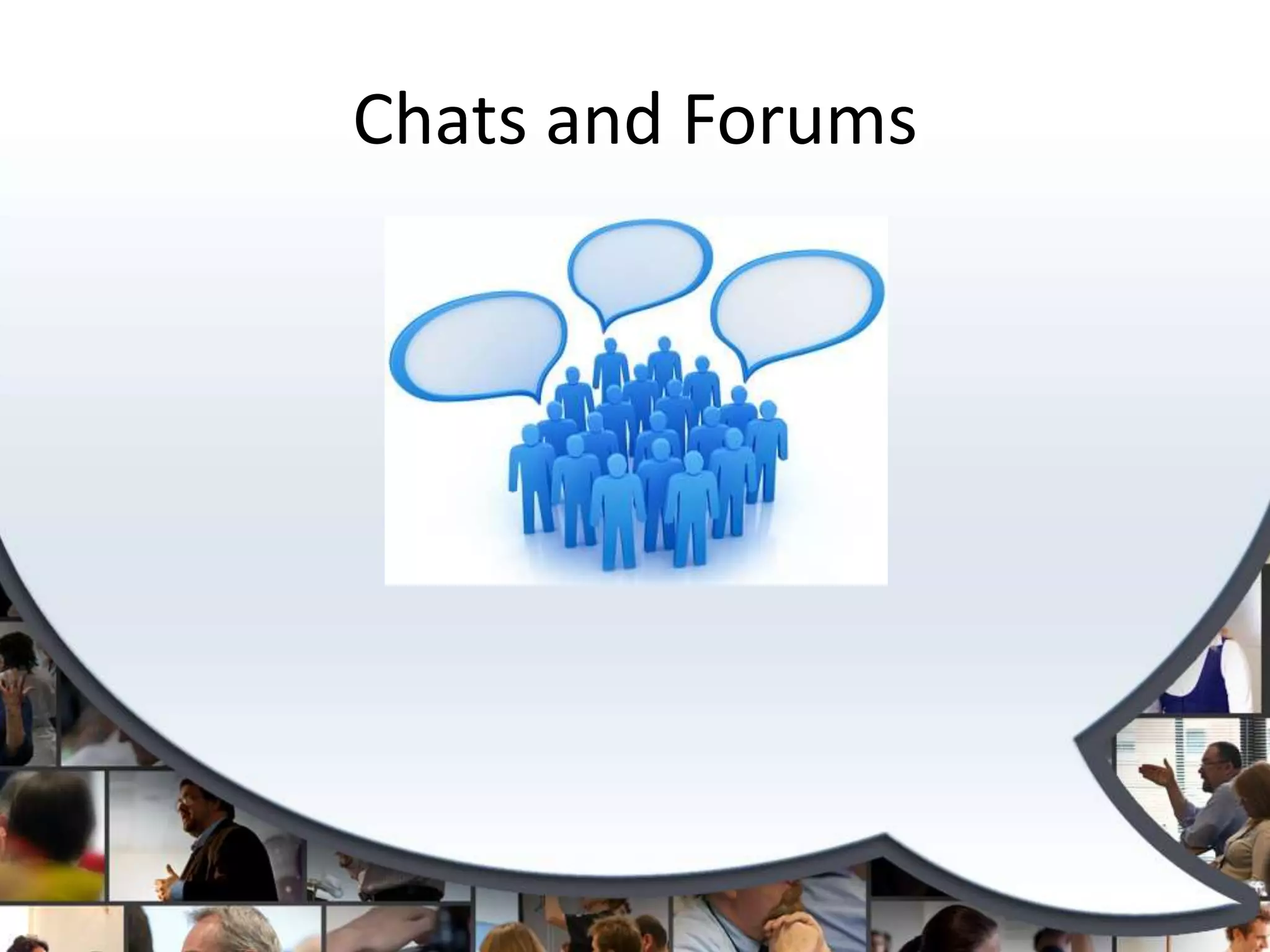
Chats and Forums
Chats and Forums
•   Add true interactivity to courses
•   Synchronous Vs Asynchronous
•   Chats require more planning
•   Forums allow for
    – Reflection
    – Encourage transfer of learning
• Neither of these options are magic!
Pages

• Allows you to create web pages in
  your courses.
• These can include text, images,
  links.
• Gives you the versatility to make
  documents that don’t require Word
• Quicker to update than an
  embedded Word doc.
Pages

          Some Examples
• A document about the course
  tutors
• A list of Union Learning Reps with
  photos
• Venue details
• Make a news blog
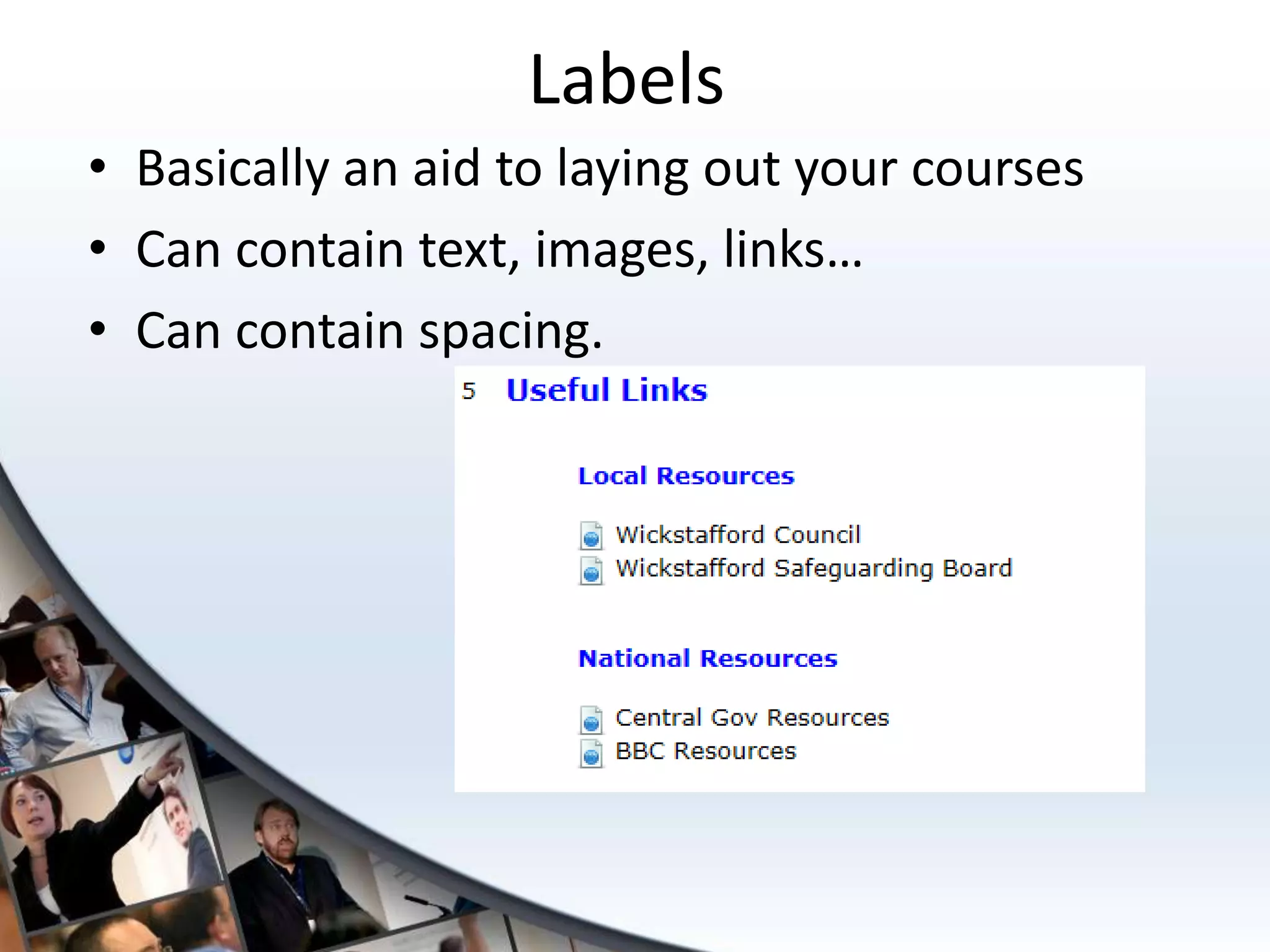
Labels
• Basically an aid to laying out your courses
• Can contain text, images, links…
• Can contain spacing.
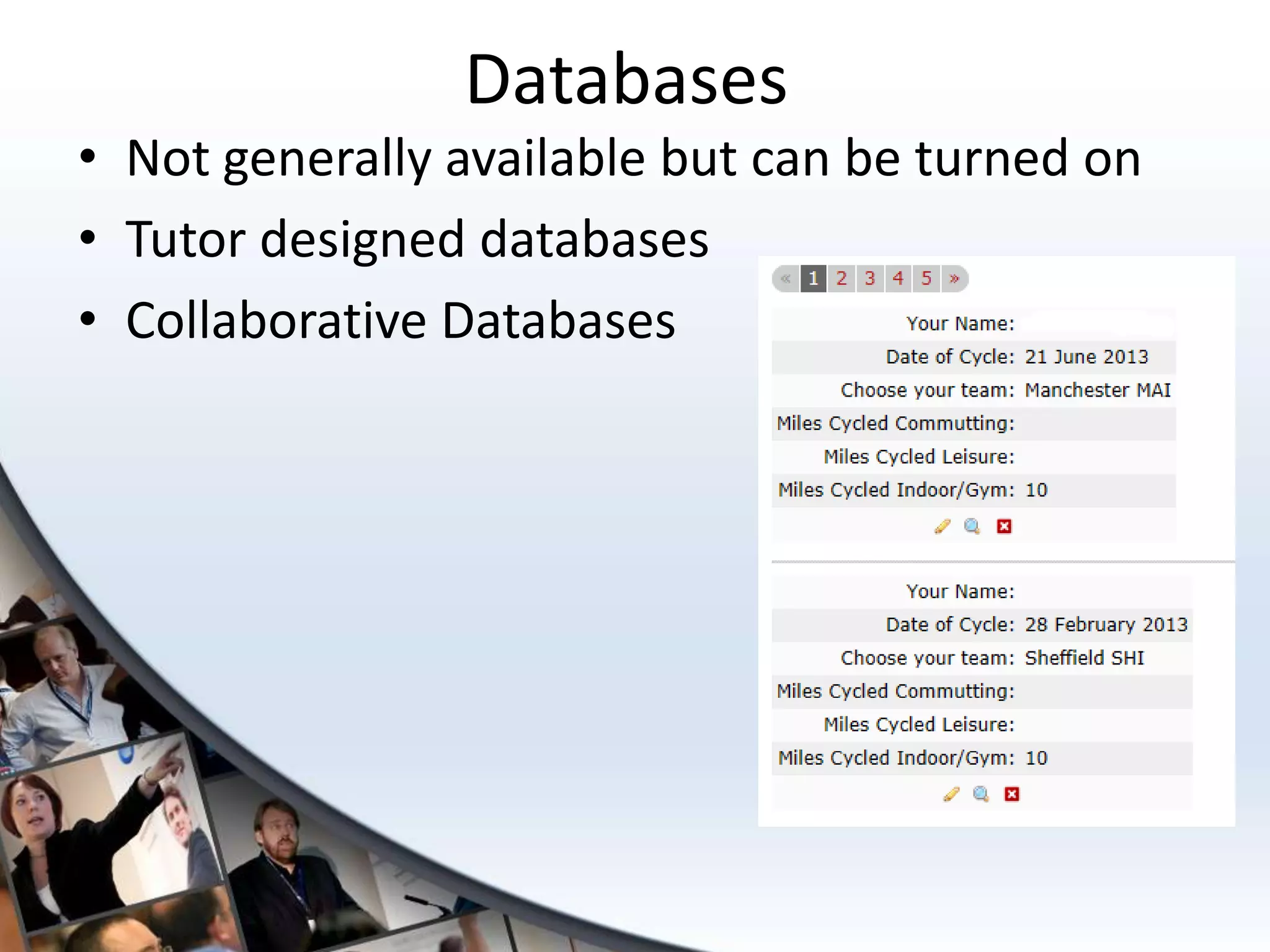
Databases
• Not generally available but can be turned on
• Tutor designed databases
• Collaborative Databases
Classroom Connect
• Real blended learning solutions
• Manage your classroom training and
  e-learning in the same place
• Host of features including:
   – Manage multiple training sessions
   – Reserve equipment and rooms
   – Track bookings
   – Automated messaging
   – Reduce administration burden
Blocks
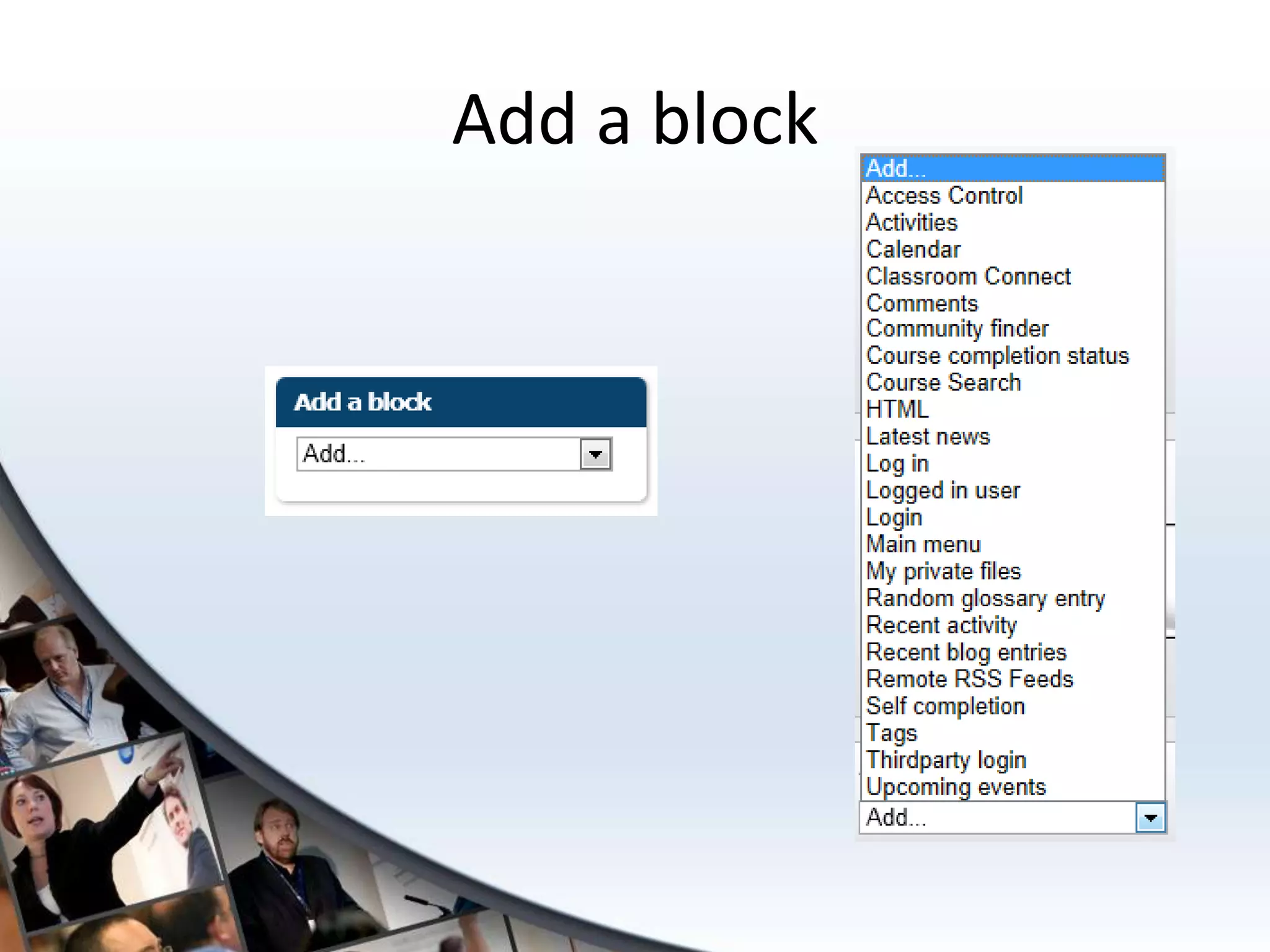
Add a block
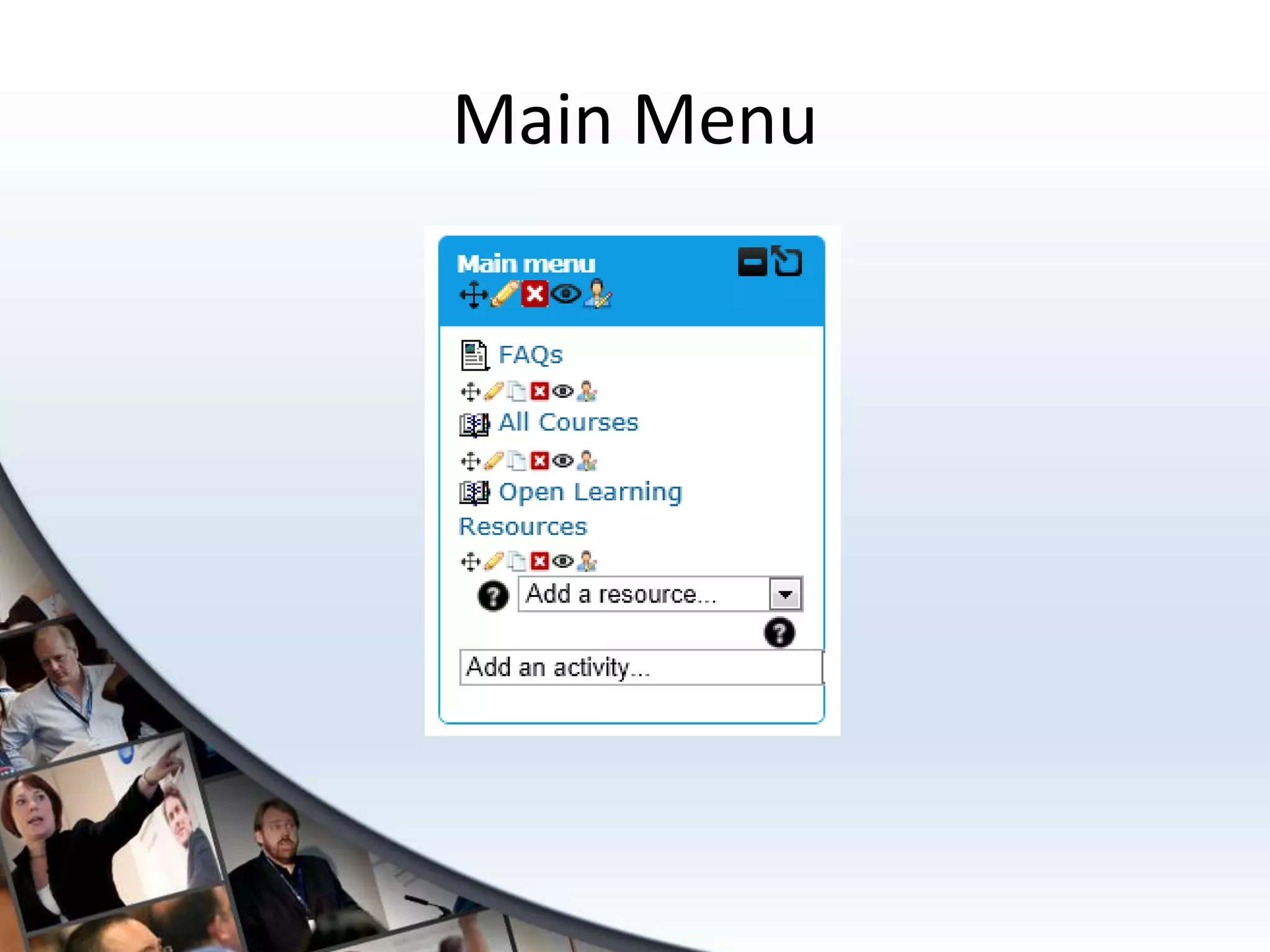
Main Menu
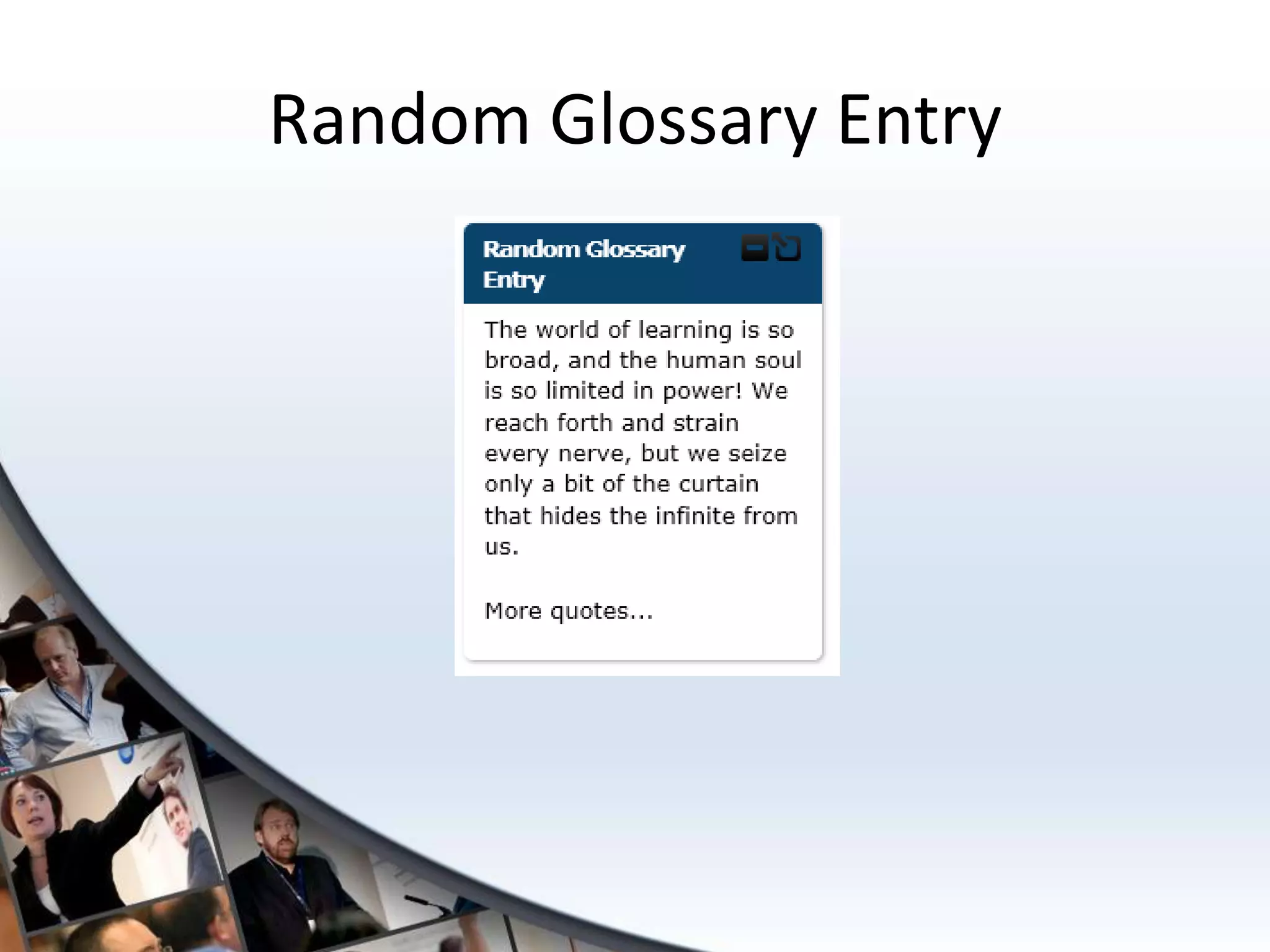
Random Glossary Entry
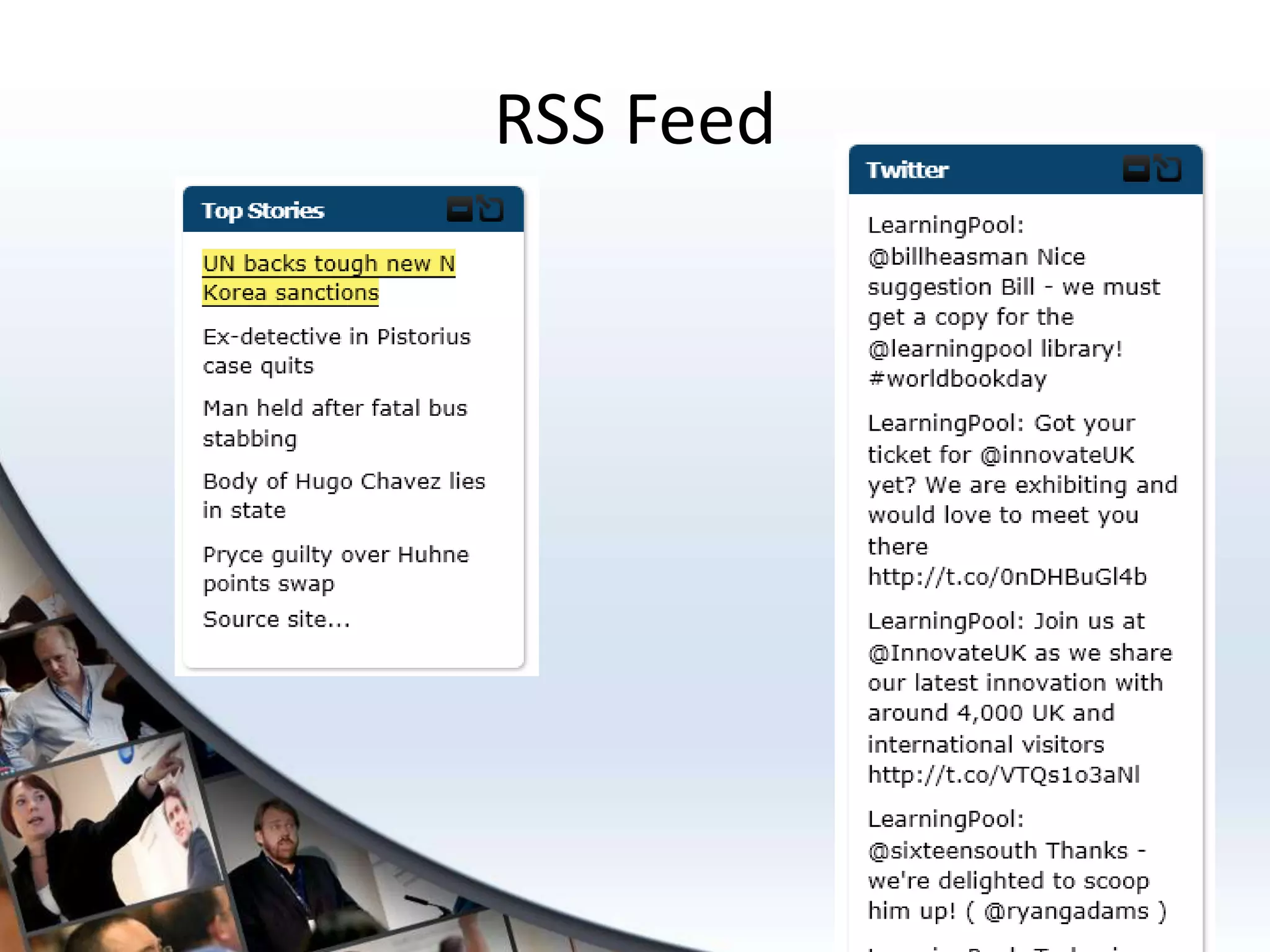
RSS Feed
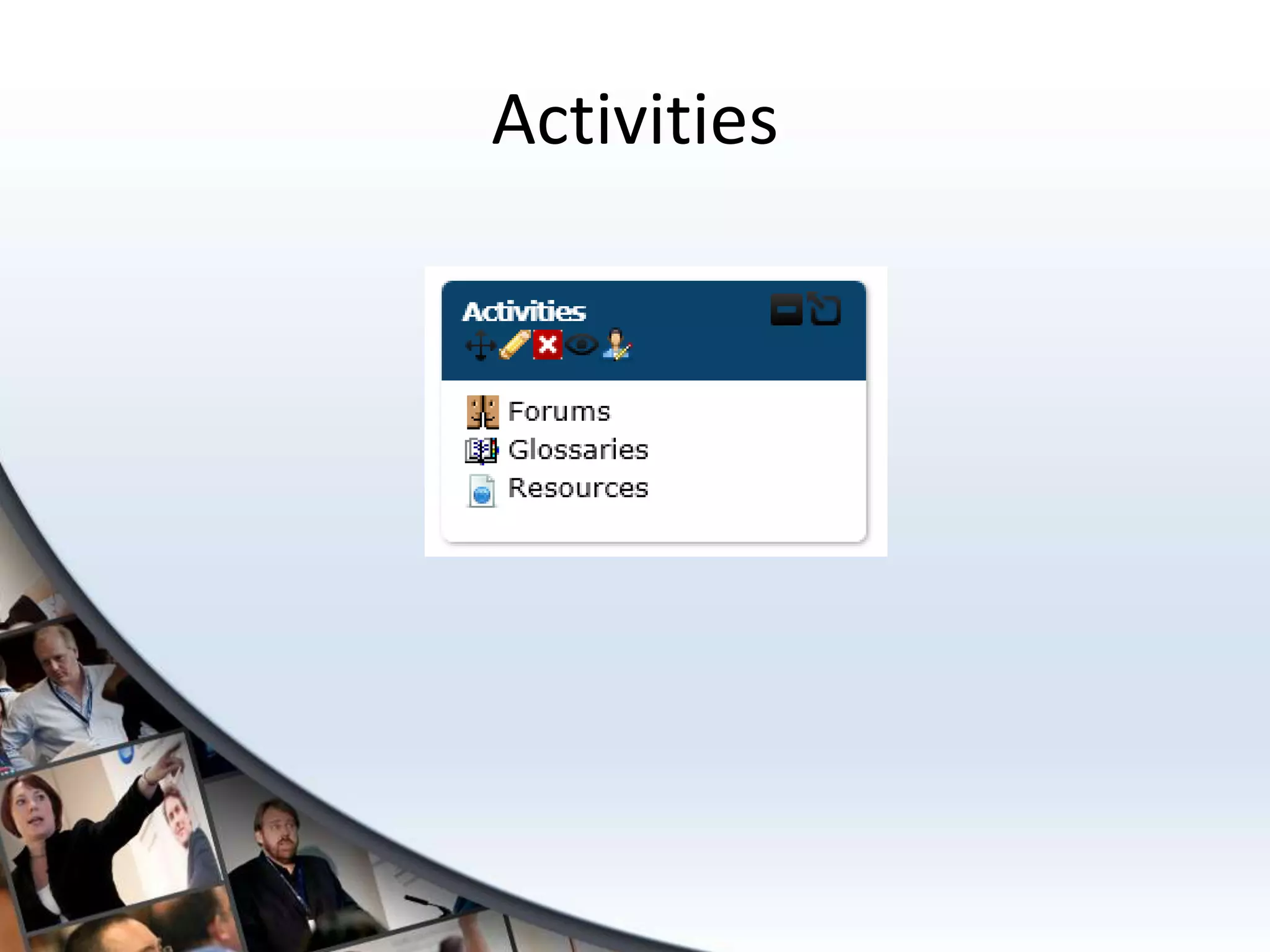
Activities
Comments
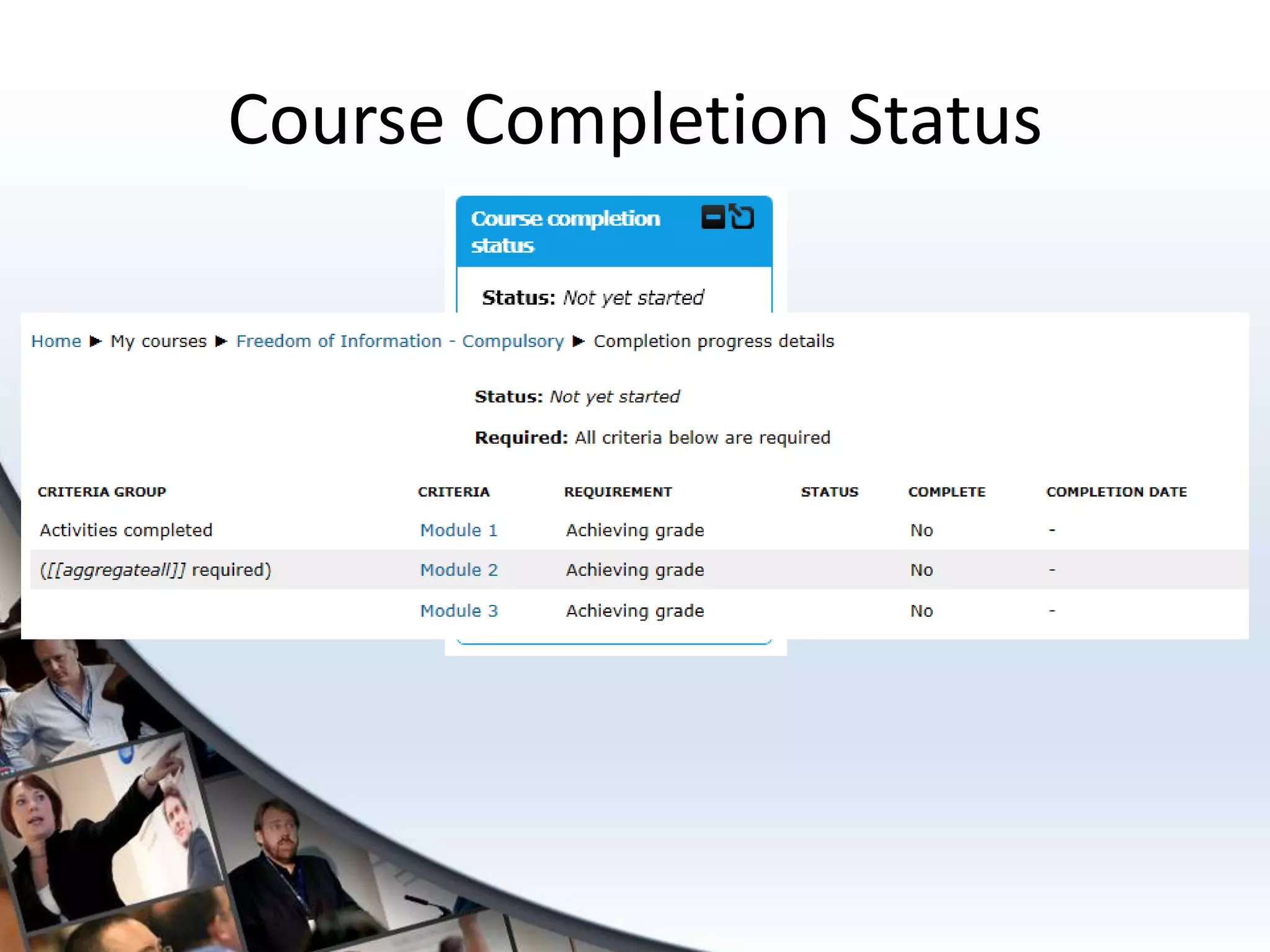
Course Completion Status
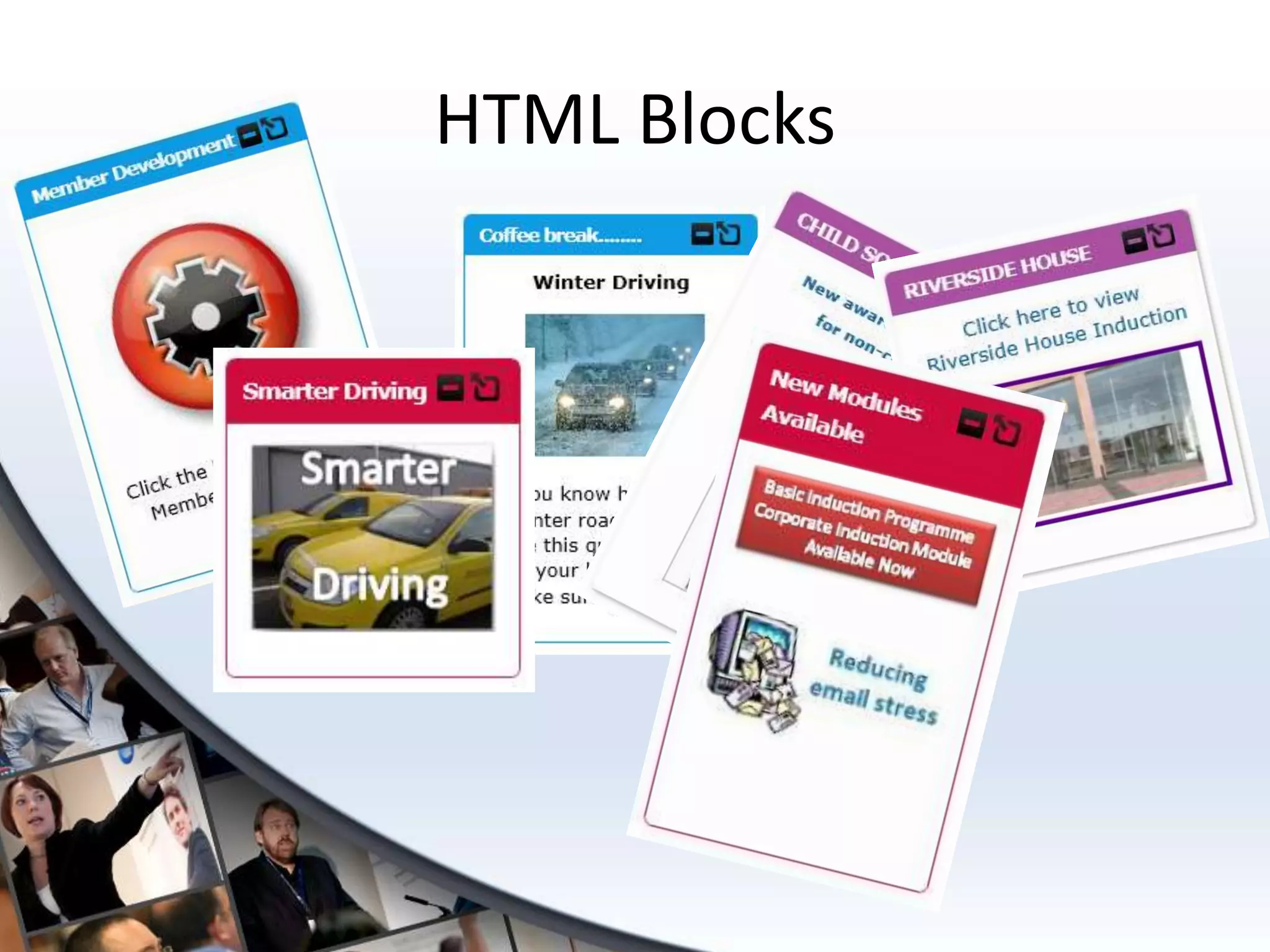
HTML Blocks
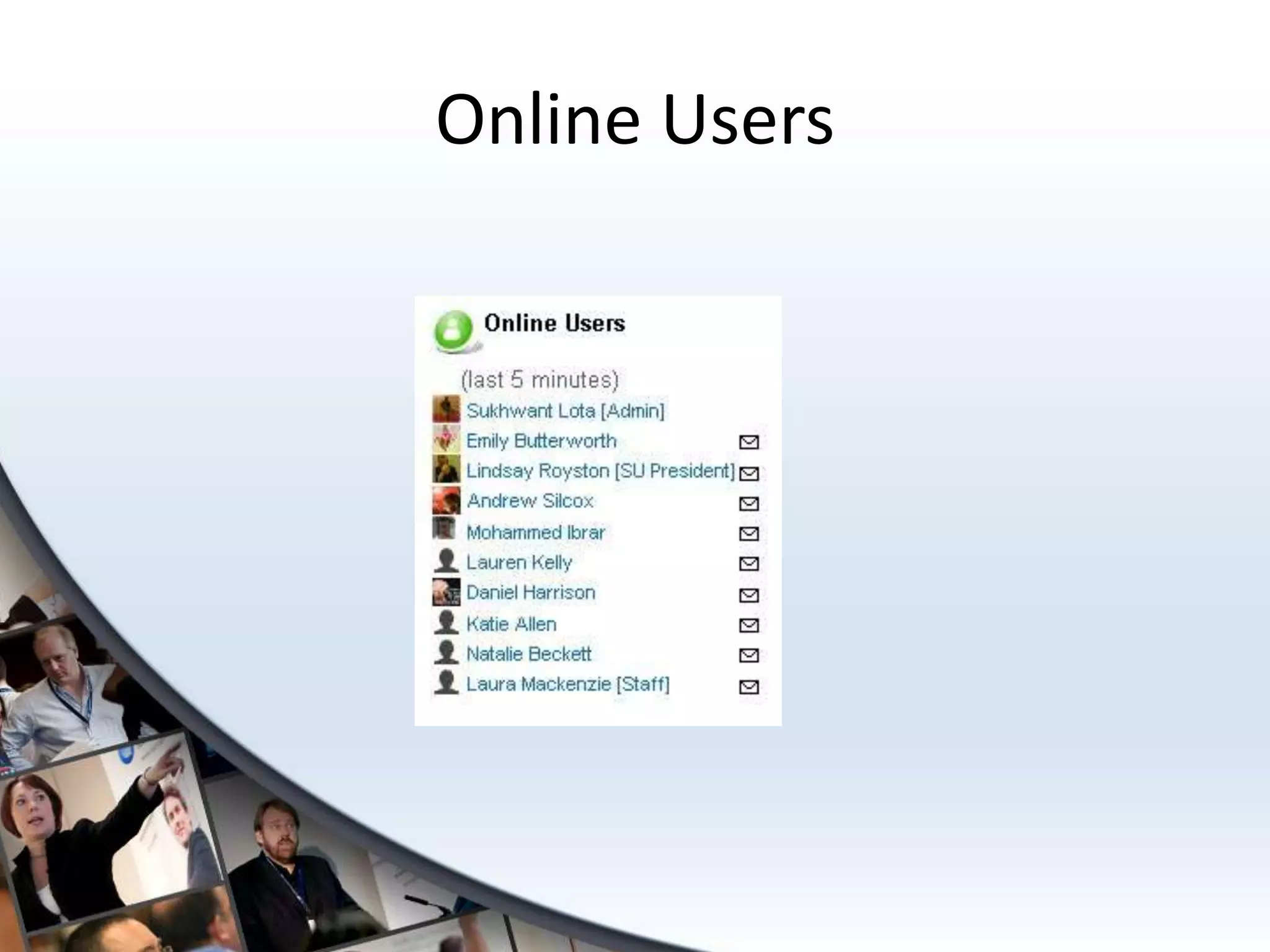
Online Users
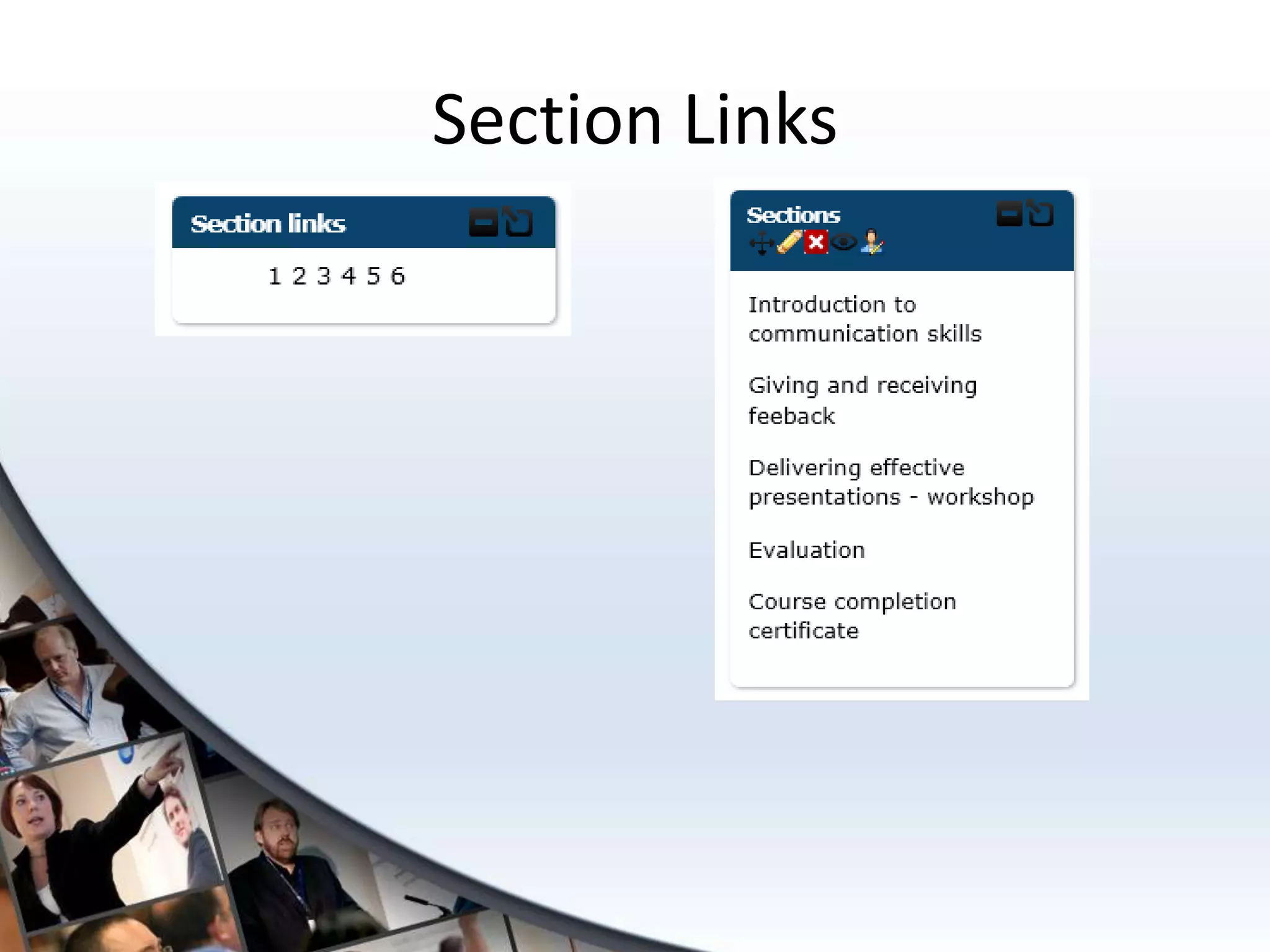
Section Links
General Hints and Tips
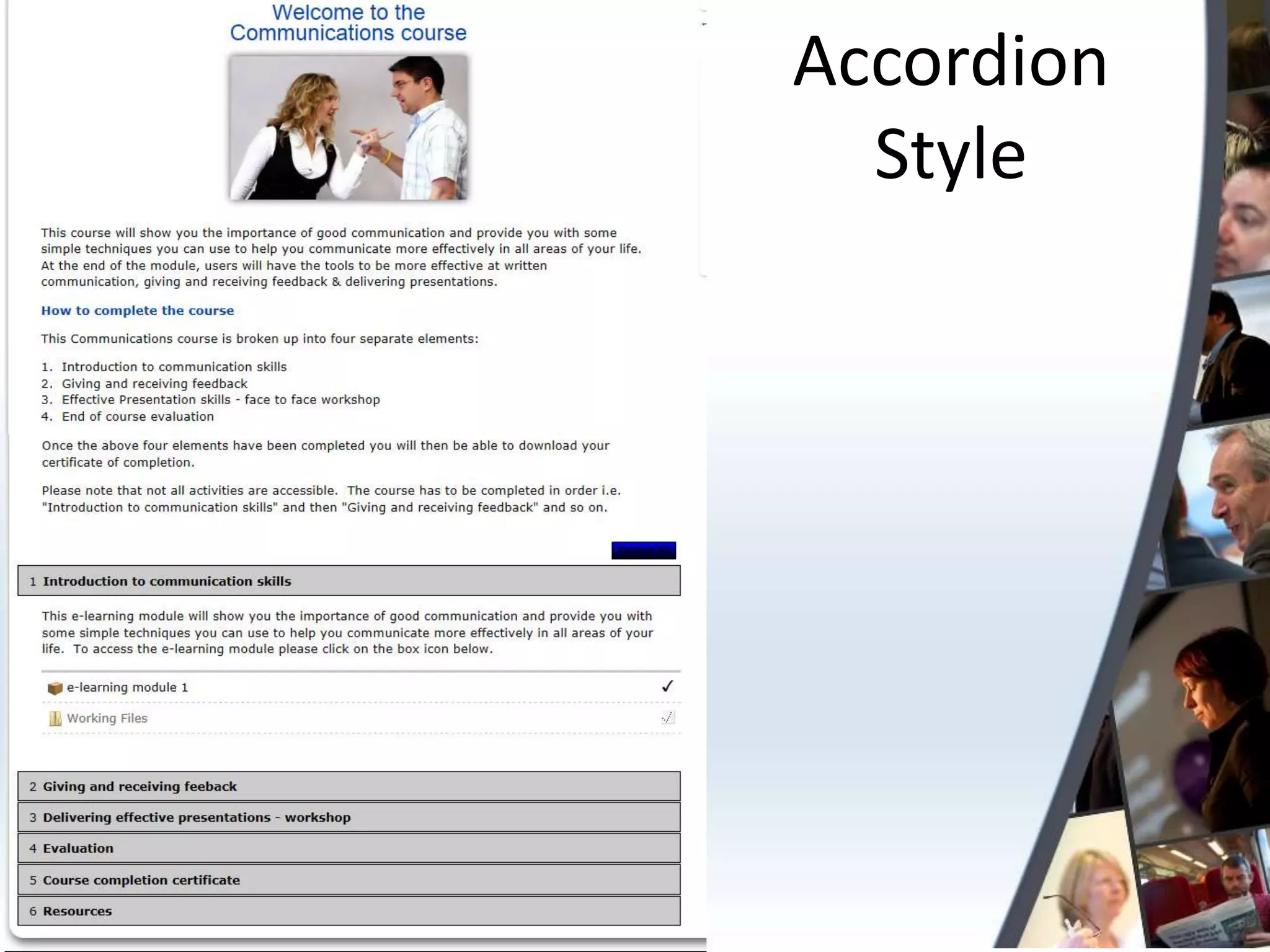
Accordion
  Style
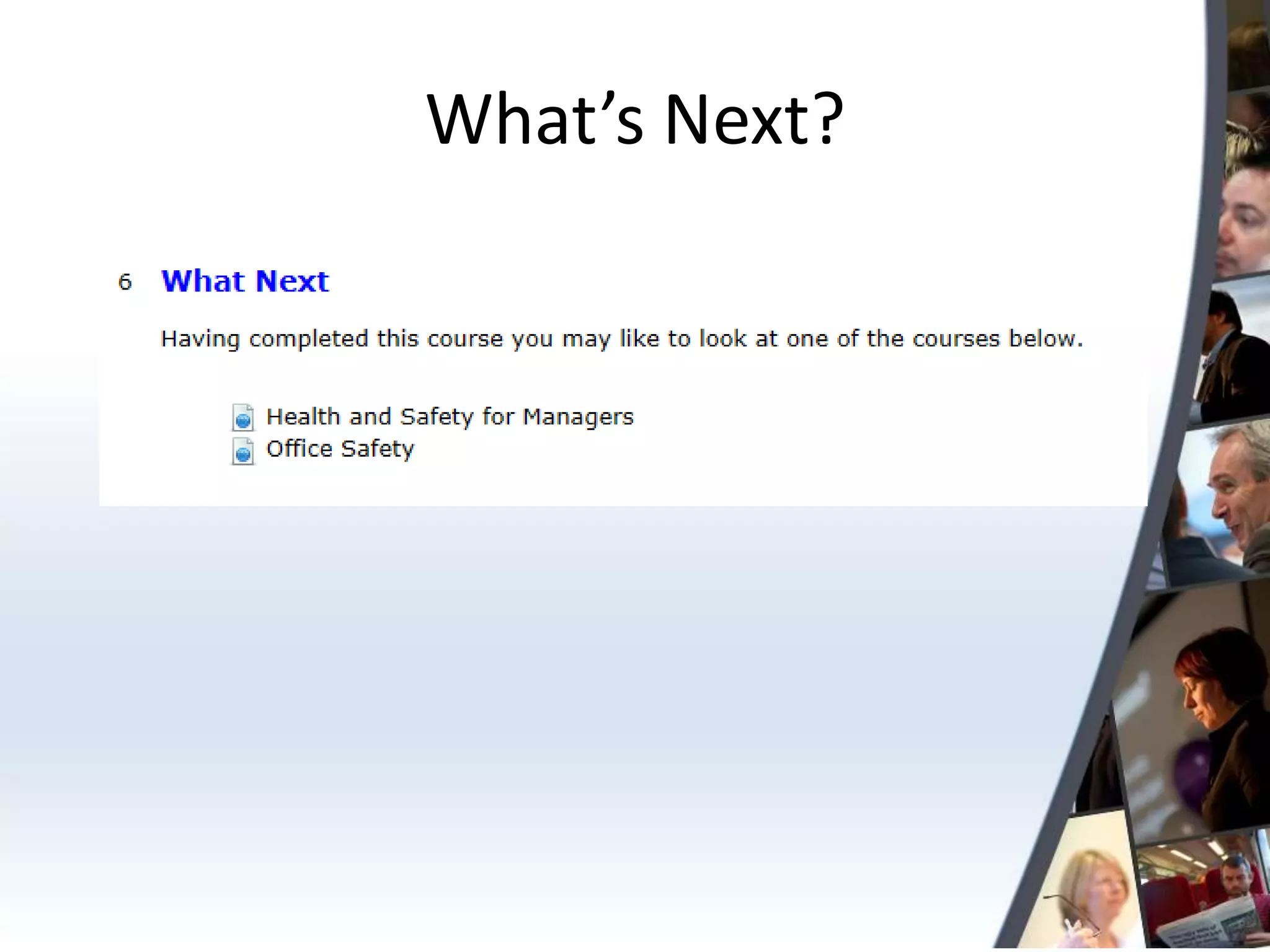
What’s Next?
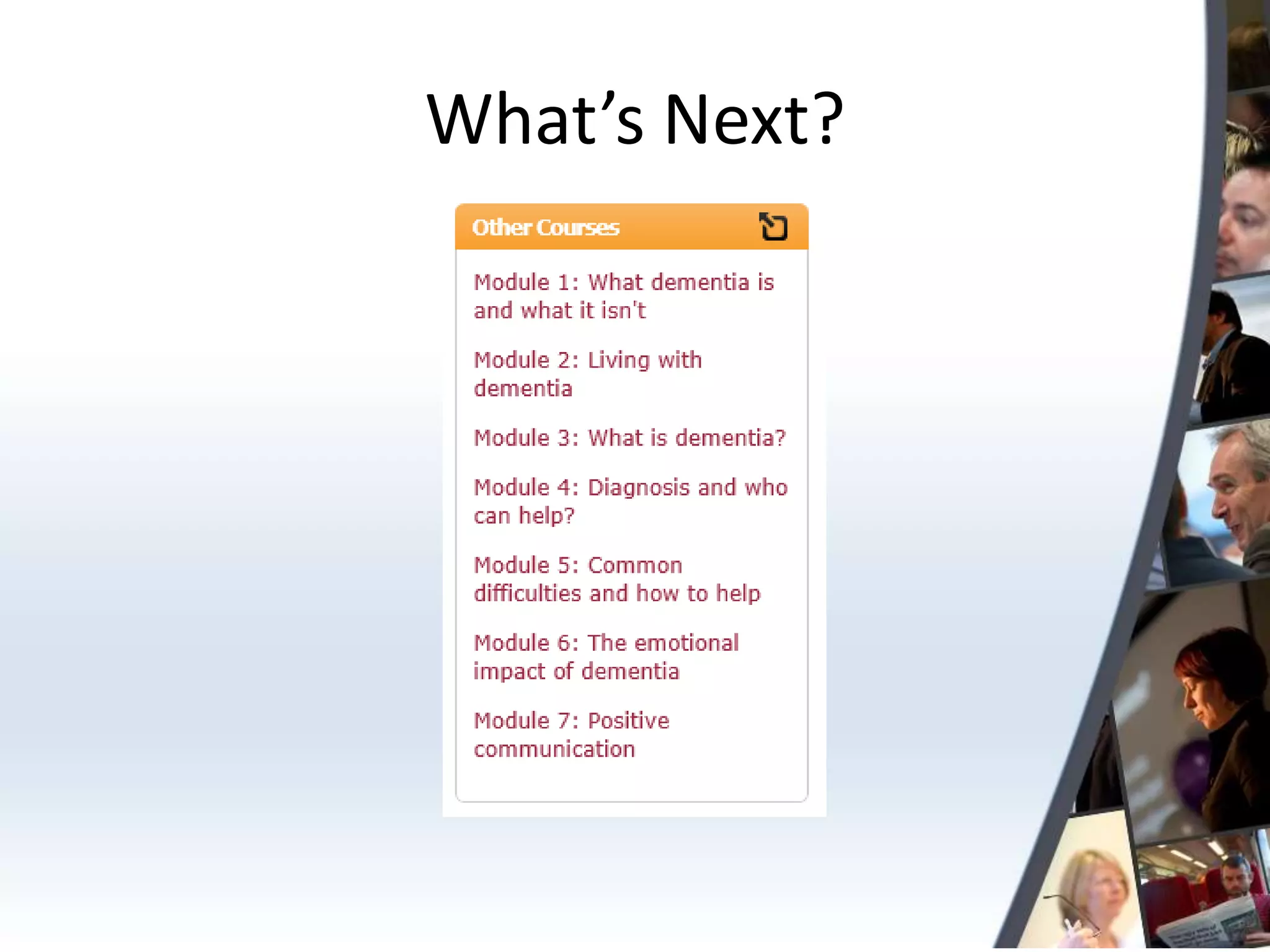
What’s Next?
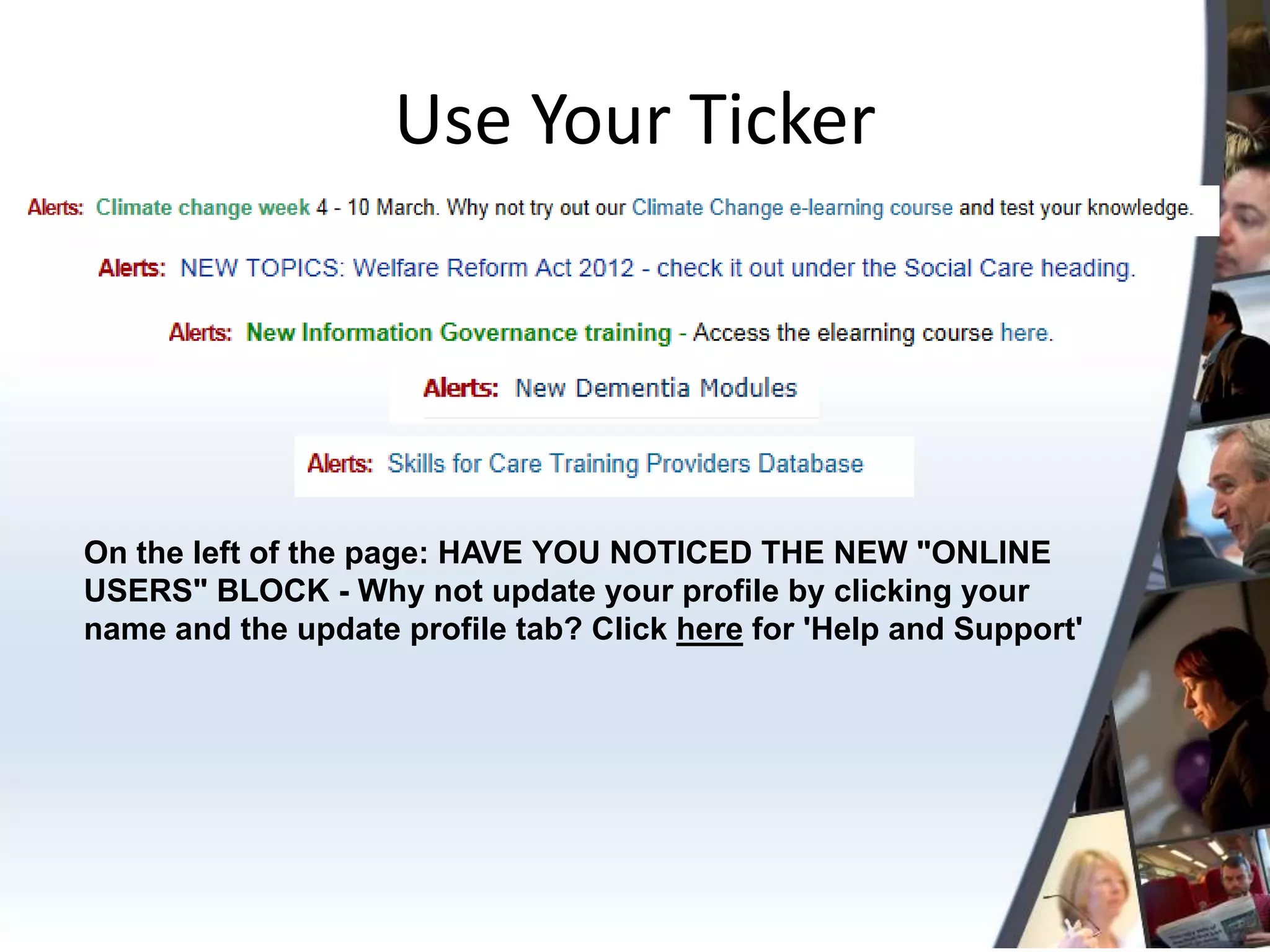
Use Your Ticker


On the left of the page: HAVE YOU NOTICED THE NEW "ONLINE
USERS" BLOCK - Why not update your profile by clicking your
name and the update profile tab? Click here for 'Help and Support'
Questions?

What aren't you doing with your learning environment?

  • 1.
    The Learning Hour Whataren’t you doing with your learning environment? 14 March 2013 Chris Allan
  • 2.
    What you aredoing. Mostly • SCORM/eLearning Module • Evaluation form • Certificate And a little • Quiz/Assessment • Links • Documents
  • 3.
    What else isthere? • Course Activities and Resources • Blocks • General Hints and Tips
  • 4.
    Course Activities & Resources
  • 5.
  • 6.
    Choice I have readand understood the policy Yes No
  • 7.
    Choice I have read and understood the policy Yes Results can be exported or you can choose to display to students • never see the results of the choice • see the results only after they have given the answer themselves • see the results only after the closing date of the choice • always see the results
  • 8.
  • 9.
    Questionnaire • Not justfor feedback & evaluation • Organisational Surveys • Health and Wellbeing • Skills Check Quiz • Not just for assessment • Monthly Fun Quizzes • Increase engagement
  • 10.
    Glossaries • They have2 parts: – Concept – Definition
  • 11.
    Glossaries Two popular uses Randomly Generated A-Z List Of Courses by Quote of the Day Subject
  • 12.
    Glossaries Other thoughts: • Theycan be collaborative • They can include links • They can include files such as images and documents • Build a FAQ • Build a glossary about the people on the course • Use it for simple peer assessment
  • 13.
    Wikis • A collaborativepage or group of pages within a course Use them for groups • Apprentices • Management Development • Project Teams
  • 14.
  • 15.
    Chats and Forums • Add true interactivity to courses • Synchronous Vs Asynchronous • Chats require more planning • Forums allow for – Reflection – Encourage transfer of learning • Neither of these options are magic!
  • 16.
    Pages • Allows youto create web pages in your courses. • These can include text, images, links. • Gives you the versatility to make documents that don’t require Word • Quicker to update than an embedded Word doc.
  • 17.
    Pages Some Examples • A document about the course tutors • A list of Union Learning Reps with photos • Venue details • Make a news blog
  • 18.
    Labels • Basically anaid to laying out your courses • Can contain text, images, links… • Can contain spacing.
  • 19.
    Databases • Not generallyavailable but can be turned on • Tutor designed databases • Collaborative Databases
  • 20.
    Classroom Connect • Realblended learning solutions • Manage your classroom training and e-learning in the same place • Host of features including: – Manage multiple training sessions – Reserve equipment and rooms – Track bookings – Automated messaging – Reduce administration burden
  • 21.
  • 22.
  • 23.
  • 24.
  • 25.
  • 26.
  • 27.
  • 28.
  • 29.
  • 30.
  • 31.
  • 32.
  • 33.
  • 34.
  • 35.
  • 36.
    Use Your Ticker Onthe left of the page: HAVE YOU NOTICED THE NEW "ONLINE USERS" BLOCK - Why not update your profile by clicking your name and the update profile tab? Click here for 'Help and Support'
  • 37.

Editor's Notes

  • #20 What about a database of coaches, their details and their skill areas?