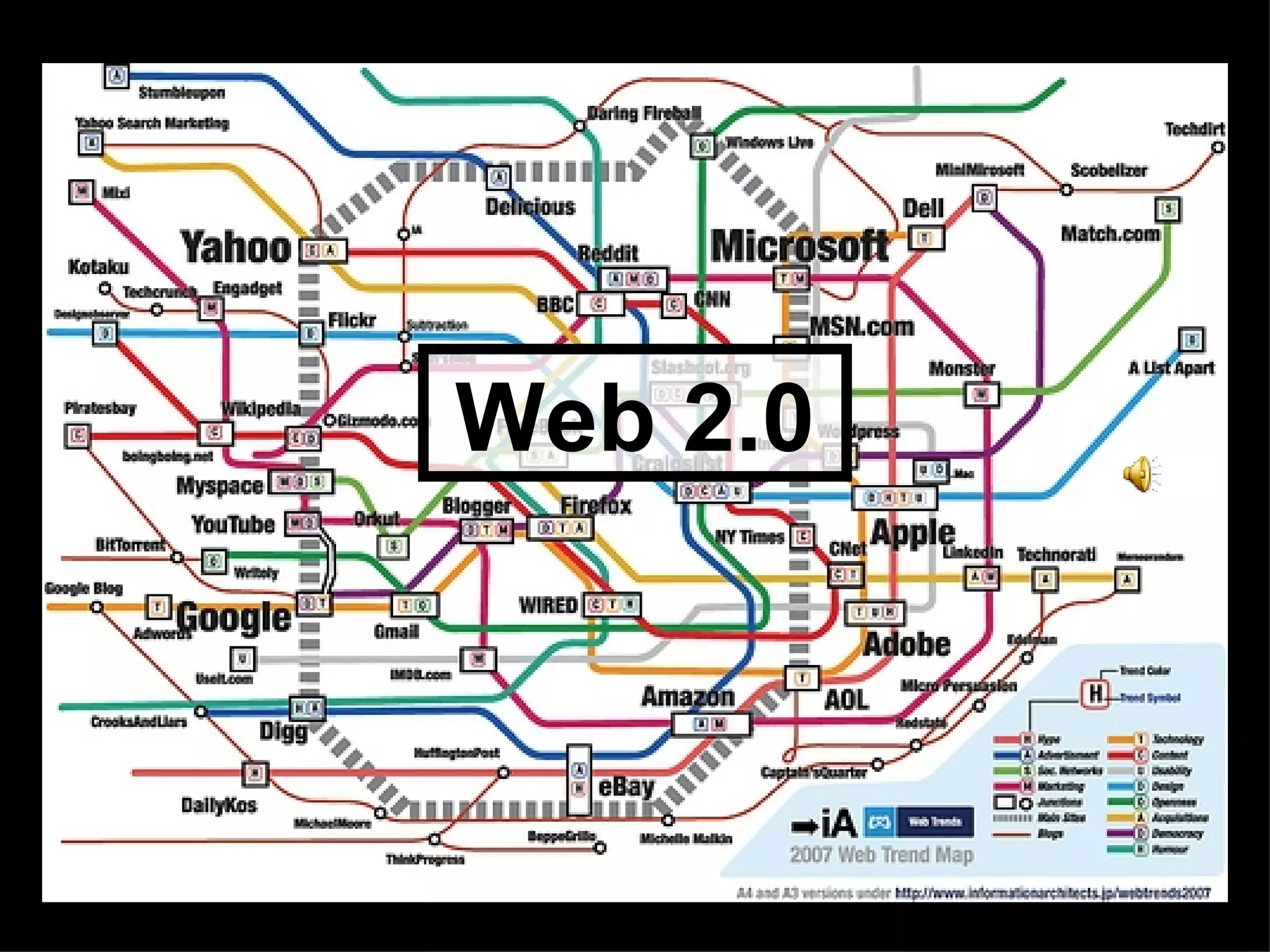


Web 2.0 Web 2.0
What is Web 2.0   And why should  we as educators care??
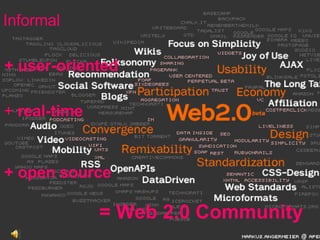
Informal + user-oriented +  real-time + open source = Web 2.0 Community
Some are familiar,  And some are not….
 
Blogging Simply put, it’s a way to instantly publish thoughts and ideas as well as interact with others. Let’s start with :
Some helpful vocabulary Blogger:  blog author Post/Posting:  chunk of content or entry Archives:  older posts, arranged chronologically Catagories:  subject headings Blogroll:  list of favorite or recommended blogs Comments:  way for readers to respond to your posts RSS:  really simple syndication (news feed) We’ll get to this one later….
We know one of the most successful forms of  e-learning is collaborative learning done online  through social interactive discussion.  Weblogs build off of this successful model  as a dynamic form of e-learning content and  an engaging e-learning experience. Blown Away by RSS Feeds & Blogs  Paul Stacey (2003)   ” “
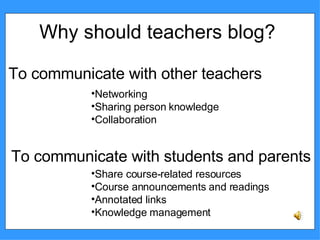
Why should teachers blog? To communicate with other teachers To communicate with students and parents Networking Sharing person knowledge  Collaboration Share course-related resources Course announcements and readings  Annotated links  Knowledge management
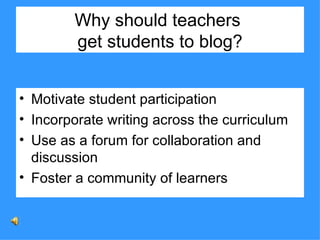
Why should teachers  get students to blog? Motivate student participation Incorporate writing across the curriculum Use as a forum for collaboration and discussion Foster a community of learners
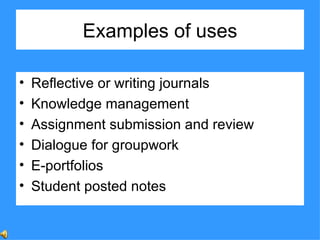
Examples of uses Reflective or writing journals  Knowledge management  Assignment submission and review  Dialogue for groupwork  E-portfolios  Student posted notes
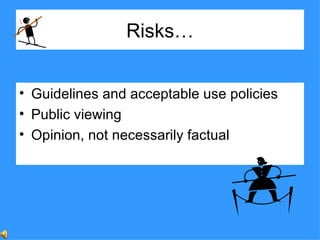
Risks… Guidelines and acceptable use policies Public viewing Opinion, not necessarily factual
Prepare students for blogging: Determine that all students' acceptable use policies are in place and up to date.  Inform parents of procedures and secure parental permission.  Teach students safe, acceptable, and sensible behavior as online authors and readers.  Review policies and guidelines pertaining to student access.  Teach the non-posting rules of no complete names,   e-mail accounts, or references to reveal location.  Set clear expectations regarding tone, respect, and consequences.
Steps in setting up a blog Provide the necessary information requested (user name, password)  Create a title for your blog.  Accept terms and select a template. Publish!
Some tips •  Always cite & link to your sources •  If it’s iffy (like religion or politics),  don’t post it •  If it’s humor, be very careful •  Set up a RSS feed
Let’s Start Blogging!
Educators/Schools  blogging about education or technology The Big Question  using technology to enhance learning Blogging  Pedagogy  a blog sharing resources and blogging pedagogy A Difference  this Math teacher blogs on education and technology The New Digital History Education  this blog explores using technology to teach social sciences, humanities, and history to a new generation  Edublog  Awards  find the best in education blogs Educator  Blogs  this is a directory of blogs with descriptions The  Fischbowl  a staff development blog at Arapahoe High School Fletchblog  this teacher shares his experiences with technology and education G-Town Talks  an assistant superintendent talks about school management, student achievement, and life in G-Town Learning in Hand  a blog on technology and learning that focuses on handheld computing, podcasts, and other mobile technology Learning through  Weblogs  this blog looks at research concerning blogging in education and elsewhere The Not So Distant Future  a forum for discussing web 2.0 tools, teaching strategies, and library research tools for educators Read/Write Web  a weblog that provides web technology news, reviews and analysis The Scratchpad  an educational technology blog SmartBoard  Lesson  Podcast  an amazing resource of ideas on using the SmartBoard Tama’s  eLearning  Blog  this blog is a record of thoughts, opinions and explorations of the intersections between digital technologies and ideas relating to pedagogy Teachers Using Technology  this site was created to help connect like minded educators across the world and to share what we’ve learned, and learn from what others are doing Weblogg -ed  this site is dedicated to discussions and reflections on the use of weblogs, wikis, RSS, audiocasts and other Read/Write Web related technologies in the K-12 realm, technologies that are transforming classrooms around the world Classroom blogs Contemporary Issues  class discussion forum English Corner  6th grade Language Arts blog 4Corner’s Project  this is a collaborative blog that connects 4 schools in different countries History Class in Review  daily reflections of an 8th grade history class KHS Viking Literature Blog  an AP composition and literature blog Mr.  Biche’s  Science Class  a class blog incorporating technology Mr. J’s Math Pages  a classroom blog for students Pre-Cal 40S  (Winter 07) an interactive learning ecology for students and parents Through My Eyes  a virtual classroom for a Spanish Level I class

Web2.0

  • 1.
  • 2.
    What is Web2.0 And why should we as educators care??
  • 3.
    Informal + user-oriented+ real-time + open source = Web 2.0 Community
  • 4.
    Some are familiar, And some are not….
  • 5.
  • 6.
    Blogging Simply put,it’s a way to instantly publish thoughts and ideas as well as interact with others. Let’s start with :
  • 7.
    Some helpful vocabularyBlogger: blog author Post/Posting: chunk of content or entry Archives: older posts, arranged chronologically Catagories: subject headings Blogroll: list of favorite or recommended blogs Comments: way for readers to respond to your posts RSS: really simple syndication (news feed) We’ll get to this one later….
  • 8.
    We know oneof the most successful forms of e-learning is collaborative learning done online through social interactive discussion. Weblogs build off of this successful model as a dynamic form of e-learning content and an engaging e-learning experience. Blown Away by RSS Feeds & Blogs Paul Stacey (2003) ” “
  • 9.
    Why should teachersblog? To communicate with other teachers To communicate with students and parents Networking Sharing person knowledge Collaboration Share course-related resources Course announcements and readings Annotated links Knowledge management
  • 10.
    Why should teachers get students to blog? Motivate student participation Incorporate writing across the curriculum Use as a forum for collaboration and discussion Foster a community of learners
  • 11.
    Examples of usesReflective or writing journals Knowledge management Assignment submission and review Dialogue for groupwork E-portfolios Student posted notes
  • 12.
    Risks… Guidelines andacceptable use policies Public viewing Opinion, not necessarily factual
  • 13.
    Prepare students forblogging: Determine that all students' acceptable use policies are in place and up to date. Inform parents of procedures and secure parental permission. Teach students safe, acceptable, and sensible behavior as online authors and readers. Review policies and guidelines pertaining to student access. Teach the non-posting rules of no complete names, e-mail accounts, or references to reveal location. Set clear expectations regarding tone, respect, and consequences.
  • 14.
    Steps in settingup a blog Provide the necessary information requested (user name, password) Create a title for your blog. Accept terms and select a template. Publish!
  • 15.
    Some tips • Always cite & link to your sources • If it’s iffy (like religion or politics), don’t post it • If it’s humor, be very careful • Set up a RSS feed
  • 16.
  • 17.
    Educators/Schools bloggingabout education or technology The Big Question using technology to enhance learning Blogging Pedagogy a blog sharing resources and blogging pedagogy A Difference this Math teacher blogs on education and technology The New Digital History Education this blog explores using technology to teach social sciences, humanities, and history to a new generation Edublog Awards find the best in education blogs Educator Blogs this is a directory of blogs with descriptions The Fischbowl a staff development blog at Arapahoe High School Fletchblog this teacher shares his experiences with technology and education G-Town Talks an assistant superintendent talks about school management, student achievement, and life in G-Town Learning in Hand a blog on technology and learning that focuses on handheld computing, podcasts, and other mobile technology Learning through Weblogs this blog looks at research concerning blogging in education and elsewhere The Not So Distant Future a forum for discussing web 2.0 tools, teaching strategies, and library research tools for educators Read/Write Web a weblog that provides web technology news, reviews and analysis The Scratchpad an educational technology blog SmartBoard Lesson Podcast an amazing resource of ideas on using the SmartBoard Tama’s eLearning Blog this blog is a record of thoughts, opinions and explorations of the intersections between digital technologies and ideas relating to pedagogy Teachers Using Technology this site was created to help connect like minded educators across the world and to share what we’ve learned, and learn from what others are doing Weblogg -ed this site is dedicated to discussions and reflections on the use of weblogs, wikis, RSS, audiocasts and other Read/Write Web related technologies in the K-12 realm, technologies that are transforming classrooms around the world Classroom blogs Contemporary Issues class discussion forum English Corner 6th grade Language Arts blog 4Corner’s Project this is a collaborative blog that connects 4 schools in different countries History Class in Review daily reflections of an 8th grade history class KHS Viking Literature Blog an AP composition and literature blog Mr. Biche’s Science Class a class blog incorporating technology Mr. J’s Math Pages a classroom blog for students Pre-Cal 40S (Winter 07) an interactive learning ecology for students and parents Through My Eyes a virtual classroom for a Spanish Level I class

Editor's Notes

  • #2 Image http://www.informationarchitects.jp/slash/ia_trendmap_start.html Sound http://www.moviesounds.com/2001/2001theme.wav