Edmodo
What is it?
How can I use it?
Edmodo is:
 Free
 Safe
 Digital Environment
 Teachers & Students
?
Assessments
 Quiz Builder
 Poll & View Results
 Pre-assessment
 Post Assessment
 Lesson Quizzes
 Grades them for you!
Role Playing
 Historical Events
 Literacy Events
Family Reading Night
ScienceProbes
 Promote Discussions
 Encourage Student Interaction
Peer Reviews & Critiques
 Use small groups feature
Within a group
 Post Work
 Peer Review
 Peer Feedback
Constructive
Writing Projects
 Share Writing Assignments
 Peer Editing
 Co-Authoring
By Use of Small Groups & Posting
 Reinforce Grammar Skills
 Reinforce Writing Process
Digital Citizenship Skills
 Build Digital Citizenship Skills
 Enforce Online Etiquette Guidelines
 Practice “Netiquette”
Posting/Replying
Small Groups or Whole Class
Peer Reviewing Work
Foreign Language Practice
 Practice Language Skills
Grammar
Spelling
Writing
 Converse with Peers
Through Posting and Replying
Book Clubs
 Practice for Book Quiz Bowl
Through Quiz Builder
 Discuss Books/Novels
Posting/Replying
Professional Development
 Build Workshops
Setup Group(s)
Embed Videos
 Independent Viewing
Share Documents
Teachers Discuss Ideas
Share Ideas (Before, During, & After)
Cultural Exchange Projects
 Connect with Teachers & Classrooms
Around the World
 Learn About Other Cultures
Teacher-to-Teacher
Student-to-Student
Substitute Connection
 Communicate with Students
Update Absent Students
Update Homebound Students
 When You are Absent
Communicate with Substitute
 Setup Substitute Account for Your Class
 Provide Computer Login (media, lab, or generic
student)
 Create Substitute Group
Communicate with Students
Backchannel Discussions
 Chat with Note Feature – Post
 Reply to Posts
 Real-Time Discussions
 Encourages Reluctant Students to
Participate
 Extend Learning
Mobile Learning
 Edmodo Mobile App
Student/Teacher
New Parent App
 Connect to See Child’s Input & Progress
 Connect to See Current Learning Topic
 Classroom Curriculum
On the Go!
Planning Committees
 School Plays
 Fundraisers
 School Carnivals
 Fall Festival
 Spring Fling
 Curriculum Collaboration
Members Communicate
Recorded Communication
Current Events
 Keep Students Up-To-Date
Latest News
Top News Stories
 Create Small Group
Access RSS Feed Feature
 Really Simple Syndication
 Share Content
 "Settings" icon
http://help.edmodo.com/public-pages/
Project Based Learning
 Facilitate
 Any Subject
 Small Group Feature
Differentiated Instruction
 Use of Small Groups Feature
 Shared Folders
Professional Learning
 Join an Edmodo Community
Discover through your Profile
 Connect with Educators Worldwide
 Share Resources
 Exchange Ideas
 Offer/Receive Advice
Clubs & Groups
 School Clubs
Share Meeting Notes
Share Schedule(s)
 Sports Teams
Coordinate Track Meets
Share Practice & Game Schedules
Post Scores (Wins & Losses)
Alumni Groups
 Stay in Touch with
Former Students
Teachers Who Have Transferred/Moved
Student-To-Student Connections
My School Could Use Edmodo
for …
 STEM Club
 Chess Club
 Book Club
 Media Festival
 Invention Convention
 Tutoring
 Project Based Learning
Technology Units
 I’ve taught …
Parts of a Computer
Keyboarding
 I’m planning & currently creating …
Digital Citizenship
 Digital Trail
 Netiquette
Unit Components
 Embedded Videos
 Interactive Documents
 Quizzes
 Links to Academic Games
 Vokis
Verbal Instructions for Accommodations
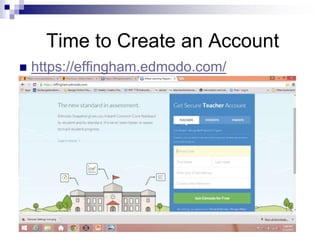
Time to Create an Account
 https://effingham.edmodo.com/
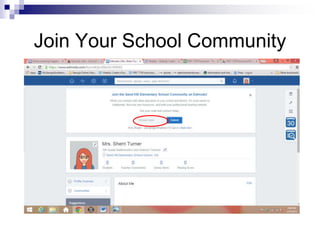
Join Your School Community
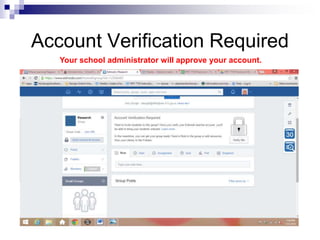
Account Verification Required
Your school administrator will approve your account.
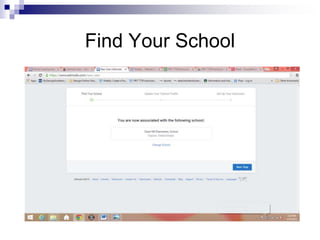
Find Your School
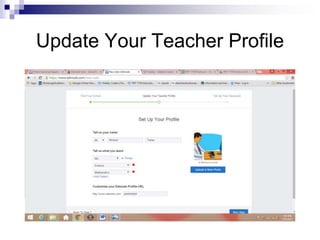
Update Your Teacher Profile
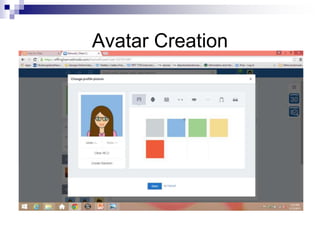
Avatar Creation
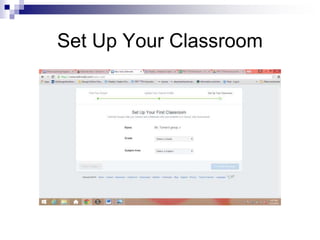
Set Up Your Classroom
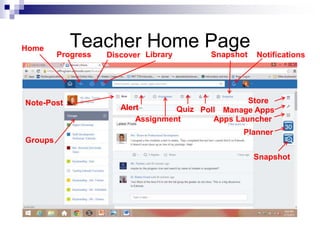
Teacher Home Page
Note-Post
Groups
Alert
Assignment
Quiz Poll
Snapshot Notifications
Home
Progress Discover Library
Store
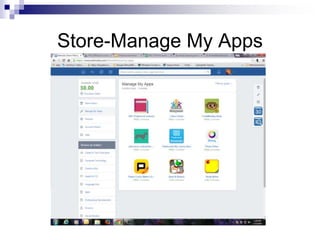
Manage Apps
Apps Launcher
Planner
Snapshot
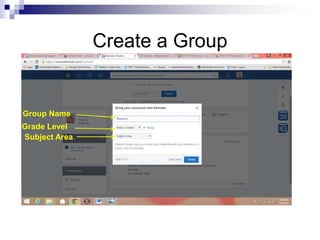
Create a Group
Group Name
Grade Level
Subject Area
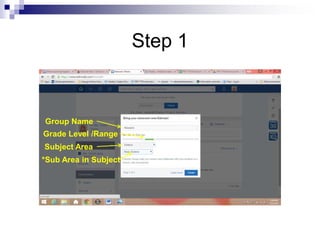
Step 1
Grade Level /Range
Subject Area
*Sub Area in Subject
Group Name
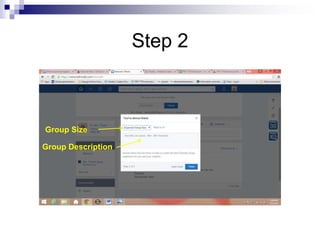
Step 2
Group Size
Group Description
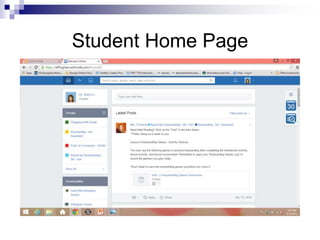
Student Home Page
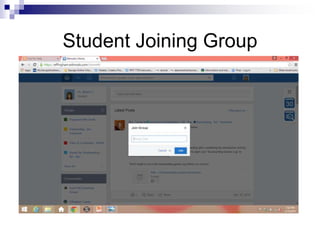
Student Joining Group
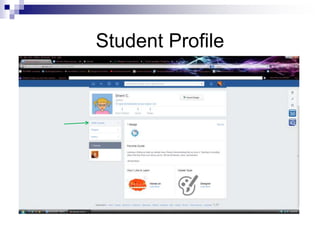
Student Profile
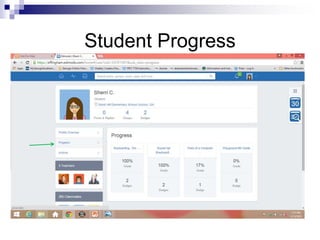
Student Progress
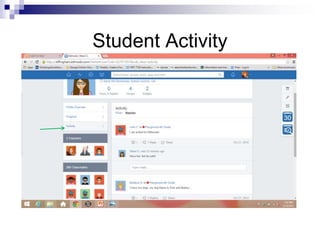
Student Activity
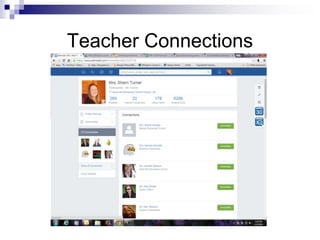
Teacher Connections
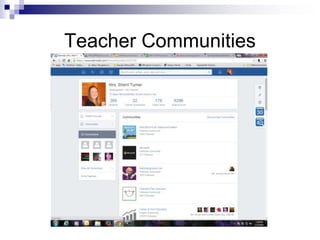
Teacher Communities
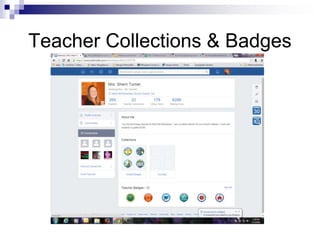
Teacher Collections & Badges
Store-Manage My Apps
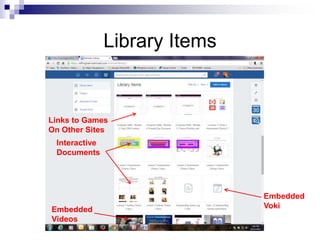
Library Items
Interactive
Documents
Embedded
Videos
Links to Games
On Other Sites
Embedded
Voki
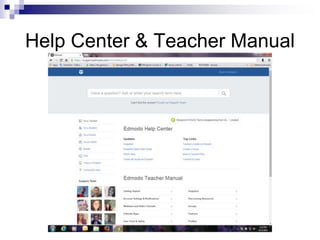
Help Center & Teacher Manual
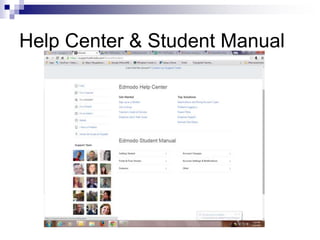
Help Center & Student Manual
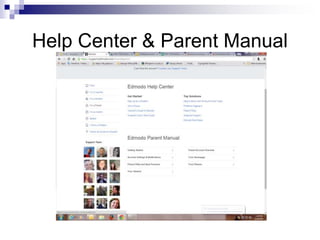
Help Center & Parent Manual
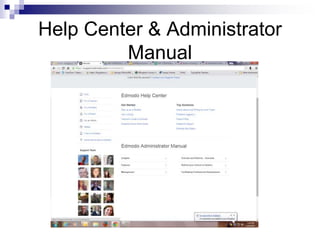
Help Center & Administrator
Manual
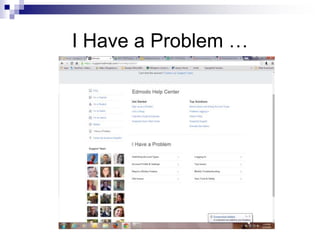
I Have a Problem …
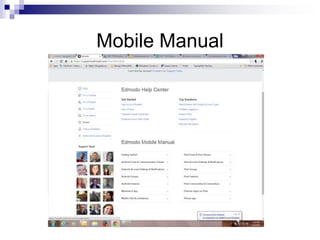
Mobile Manual
Resources
 https://effingham.edmodo.com/
 Microsoft PowerPoint
 www.surveymonkey.com
 https://support.edmodo.com/home#entires
/21720784-20-ways-to-use-edmodo-
teacher
 http://www.slideshare.net/search/slidesho
w?searchfrom=header&q=edmodo
Thank you for participating!

Edmodo What is it? How to use it?