Blogger in the Classroom
                                                                       Created by CUE and WestEd for Google


                                                      Get the tool: http://www.blogger.com


What is it?
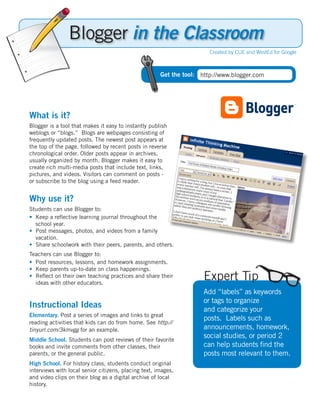
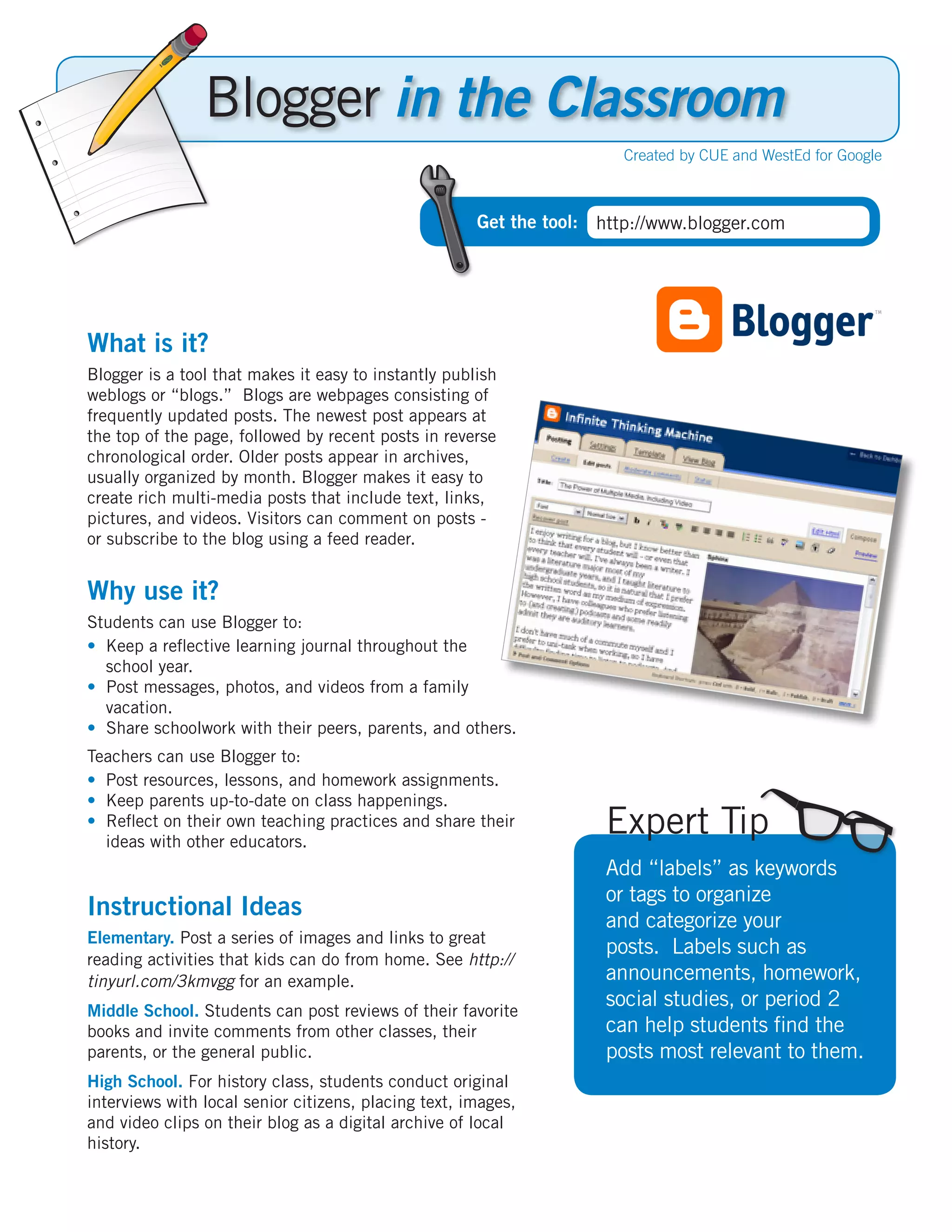
Blogger is a tool that makes it easy to instantly publish
weblogs or “blogs.” Blogs are webpages consisting of
frequently updated posts. The newest post appears at
the top of the page, followed by recent posts in reverse
chronological order. Older posts appear in archives,
usually organized by month. Blogger makes it easy to
create rich multi-media posts that include text, links,
pictures, and videos. Visitors can comment on posts -
or subscribe to the blog using a feed reader.


Why use it?
Students can use Blogger to:
•	 Keep a reflective learning journal throughout the
   school year.
•		Post messages, photos, and videos from a family
   vacation.
•		Share schoolwork with their peers, parents, and others.
Teachers can use Blogger to:
•	 Post resources, lessons, and homework assignments.
•	 Keep parents up-to-date on class happenings.
•		Reflect on their own teaching practices and share their
   ideas with other educators.
                                                                     Expert Tip
                                                                     Add “labels” as keywords
                                                                     or tags to organize
Instructional Ideas                                                  and categorize your
Elementary. Post a series of images and links to great
                                                                     posts. Labels such as
reading activities that kids can do from home. See http://
tinyurl.com/3kmvgg for an example.                                   announcements, homework,
Middle School. Students can post reviews of their favorite
                                                                     social studies, or period 2
books and invite comments from other classes, their                  can help students find the
parents, or the general public.                                      posts most relevant to them.
High School. For history class, students conduct original
interviews with local senior citizens, placing text, images,
and video clips on their blog as a digital archive of local
history.
Blogger in Action
  Project: Community Issues Blogging
  Grade/Subject: Grade 9-12 Social Science
  School: Miramonte High School, Orinda, CA

  In a Contemporary Issues class, students use Blogger to
  share a little piece of themselves while they make the world
  a better a place. Students create a grassroots campaign
  through a blog, focusing on an issue of choice. They educate
  their readers about the issue via research and writing and
  solicit comments from different perspectives. They also
  volunteer time at a local organization related to their issue,
  taking pictures and posting commentary on their blog.


   Additional Resources

  More Examples
  Project S.C.A.T. - Mrs. Abernethy’s Cyber Chickens, a 5th grade class in Greenville, PA, take on
  hazardous waste contamination in their community.
  http://cyberchickens26.blogspot.com/
  AP Calculus Blog - Sophisticated math lessons are blogged and discussed.
  http://apcalc07.blogspot.com/
  Weblogg-Ed - Will Richardson’s blog about the read/write web in the classroom.
  http://weblogg-ed.com
  Two Cents Worth - David Warlick’s blog about literacy in the 21st century.
  http://davidwarlick.com/2cents/
  CoolCatTeacher - Vicki Davis’s blog about teaching with technology.
  http://coolcatteacher.blogspot.com
  SupportBlogging.com - A site set up to provide an oppportunity for students, teachers, administrators,
  parents, and others to understand the benefits of educational blogging.
  http://supportblogging.com

  Complementary Tools
  •	 Google Blog Search
  •	 Google Docs: Embed Documents, Spreadsheets, Forms, or Presentations.
  •	 Google Reader
  •	 Google Video or YouTube
  •	 Picasa

In order to comply with federal law and the Google Terms of Service, students need to be over 13 years of age to use any product which requires a Google Account.
   Students may participate in product use if the account is owned by a parent or teacher and that parent or teacher is present when the product is being used.

                                                          http://www.google.com/educators

Crib Blogger

  • 1.
    Blogger in theClassroom Created by CUE and WestEd for Google Get the tool: http://www.blogger.com What is it? Blogger is a tool that makes it easy to instantly publish weblogs or “blogs.” Blogs are webpages consisting of frequently updated posts. The newest post appears at the top of the page, followed by recent posts in reverse chronological order. Older posts appear in archives, usually organized by month. Blogger makes it easy to create rich multi-media posts that include text, links, pictures, and videos. Visitors can comment on posts - or subscribe to the blog using a feed reader. Why use it? Students can use Blogger to: • Keep a reflective learning journal throughout the school year. • Post messages, photos, and videos from a family vacation. • Share schoolwork with their peers, parents, and others. Teachers can use Blogger to: • Post resources, lessons, and homework assignments. • Keep parents up-to-date on class happenings. • Reflect on their own teaching practices and share their ideas with other educators. Expert Tip Add “labels” as keywords or tags to organize Instructional Ideas and categorize your Elementary. Post a series of images and links to great posts. Labels such as reading activities that kids can do from home. See http:// tinyurl.com/3kmvgg for an example. announcements, homework, Middle School. Students can post reviews of their favorite social studies, or period 2 books and invite comments from other classes, their can help students find the parents, or the general public. posts most relevant to them. High School. For history class, students conduct original interviews with local senior citizens, placing text, images, and video clips on their blog as a digital archive of local history.
  • 2.
    Blogger in Action Project: Community Issues Blogging Grade/Subject: Grade 9-12 Social Science School: Miramonte High School, Orinda, CA In a Contemporary Issues class, students use Blogger to share a little piece of themselves while they make the world a better a place. Students create a grassroots campaign through a blog, focusing on an issue of choice. They educate their readers about the issue via research and writing and solicit comments from different perspectives. They also volunteer time at a local organization related to their issue, taking pictures and posting commentary on their blog. Additional Resources More Examples Project S.C.A.T. - Mrs. Abernethy’s Cyber Chickens, a 5th grade class in Greenville, PA, take on hazardous waste contamination in their community. http://cyberchickens26.blogspot.com/ AP Calculus Blog - Sophisticated math lessons are blogged and discussed. http://apcalc07.blogspot.com/ Weblogg-Ed - Will Richardson’s blog about the read/write web in the classroom. http://weblogg-ed.com Two Cents Worth - David Warlick’s blog about literacy in the 21st century. http://davidwarlick.com/2cents/ CoolCatTeacher - Vicki Davis’s blog about teaching with technology. http://coolcatteacher.blogspot.com SupportBlogging.com - A site set up to provide an oppportunity for students, teachers, administrators, parents, and others to understand the benefits of educational blogging. http://supportblogging.com Complementary Tools • Google Blog Search • Google Docs: Embed Documents, Spreadsheets, Forms, or Presentations. • Google Reader • Google Video or YouTube • Picasa In order to comply with federal law and the Google Terms of Service, students need to be over 13 years of age to use any product which requires a Google Account. Students may participate in product use if the account is owned by a parent or teacher and that parent or teacher is present when the product is being used. http://www.google.com/educators