
Web Servers
 Sudan University for Science and Technology
          College of graduate studies
          Msc in Computer Science

Presented by
Mohamed Zeinelabdeen Abdelgader

                                               1
Presentation Outline
   An Over View
   Web Clients and Web Servers
   Dynamic & Static Content
   System Architecture
   Request methods.
   Accessing web servers
   Request Handling Phases
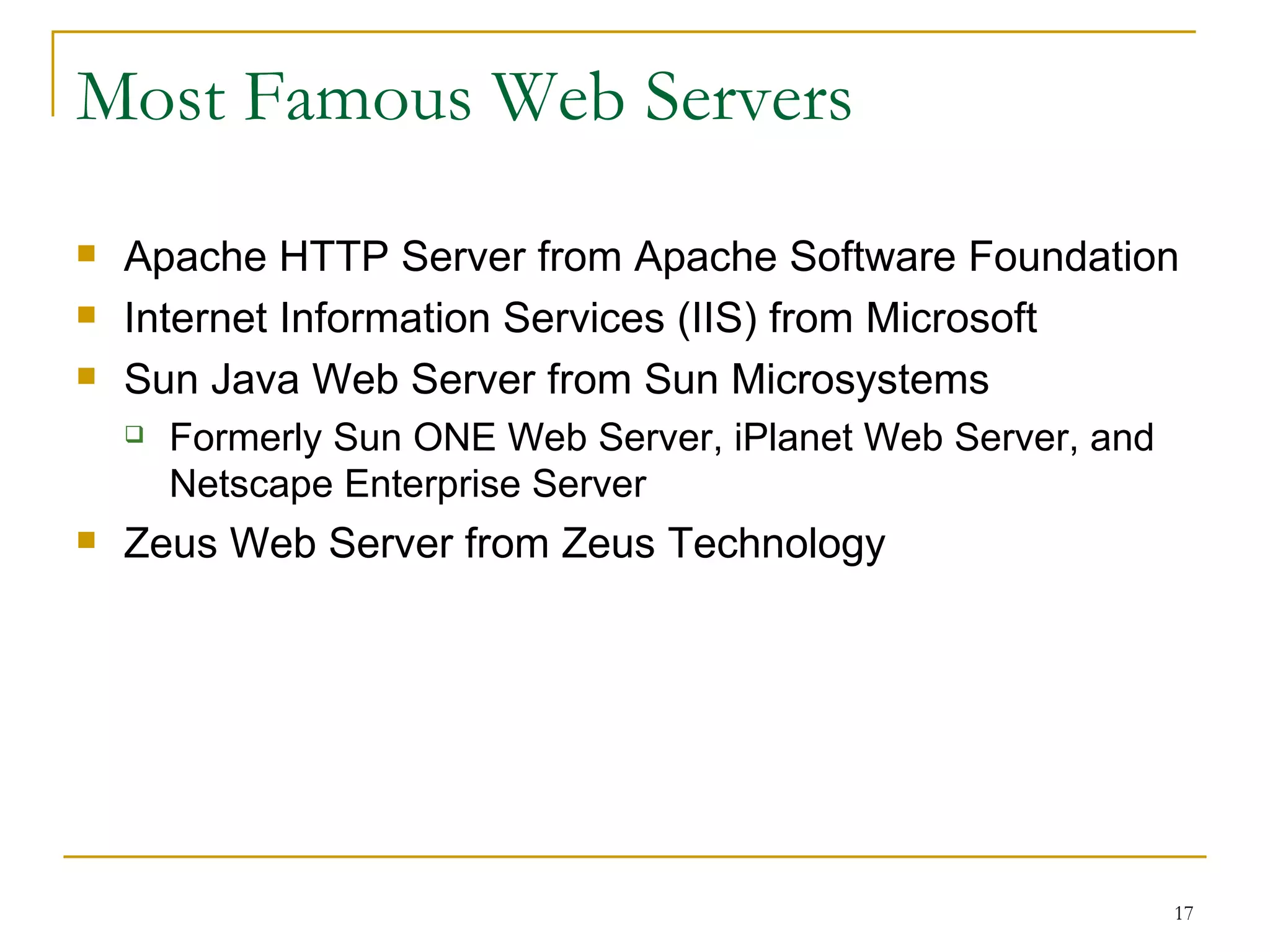
   Most Famous Web Servers
   Selecting a web server


                                  2
Various Meanings of “Server”
   Server
     Computer used to provide files or make programs available to

      other computers
   Server software
     Used by a server computer to make files and programs available

      to other computers
   Many types of server
     FTP server : remote file space, often read-only

     Mail server : email system

     News server : newsgroups messages


                                                                       3
Web Clients and Web Servers

   Client/server architectures
       Client computers typically request services

       Server processes clients’ requests.

   Web server
       a computer program that delivers (serves) content, such as web
        pages, using the Hypertext Transfer Protocol (HTTP), over the
        World Wide Web.

       The term web server can also refer to the computer or virtual
        machine running the program.

                                                                         4
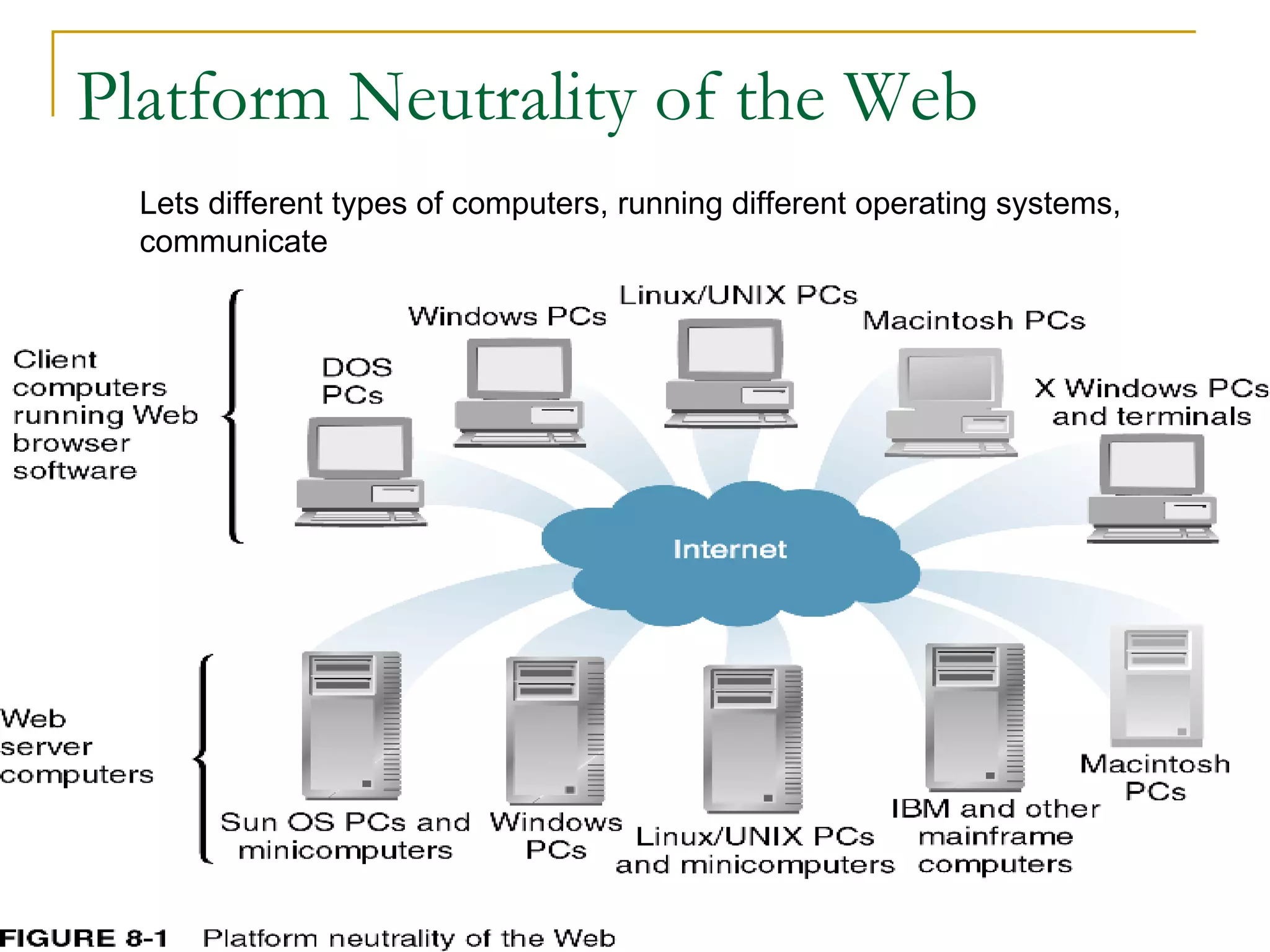
Platform Neutrality of the Web
  Lets different types of computers, running different operating systems,
  communicate


                                                                            5
Static & Dynamic Content
   Static page
       Unchanging page retrieved from server

   Dynamic page
       Web page whose content is shaped by a program in
        response to user requests


                                                           6
Dynamic Content (cont)
   Server-side scripting
       Programs running on a Web server to create Web pages
        before sending them back to the requesting Web clients
   Dynamic page-generation technologies
       Active Server Pages (ASP)
       JavaServer Pages (JSP)
       Hypertext Preprocessor (PHP)


                                                                 7
Two-Tier Client/Server Architecture
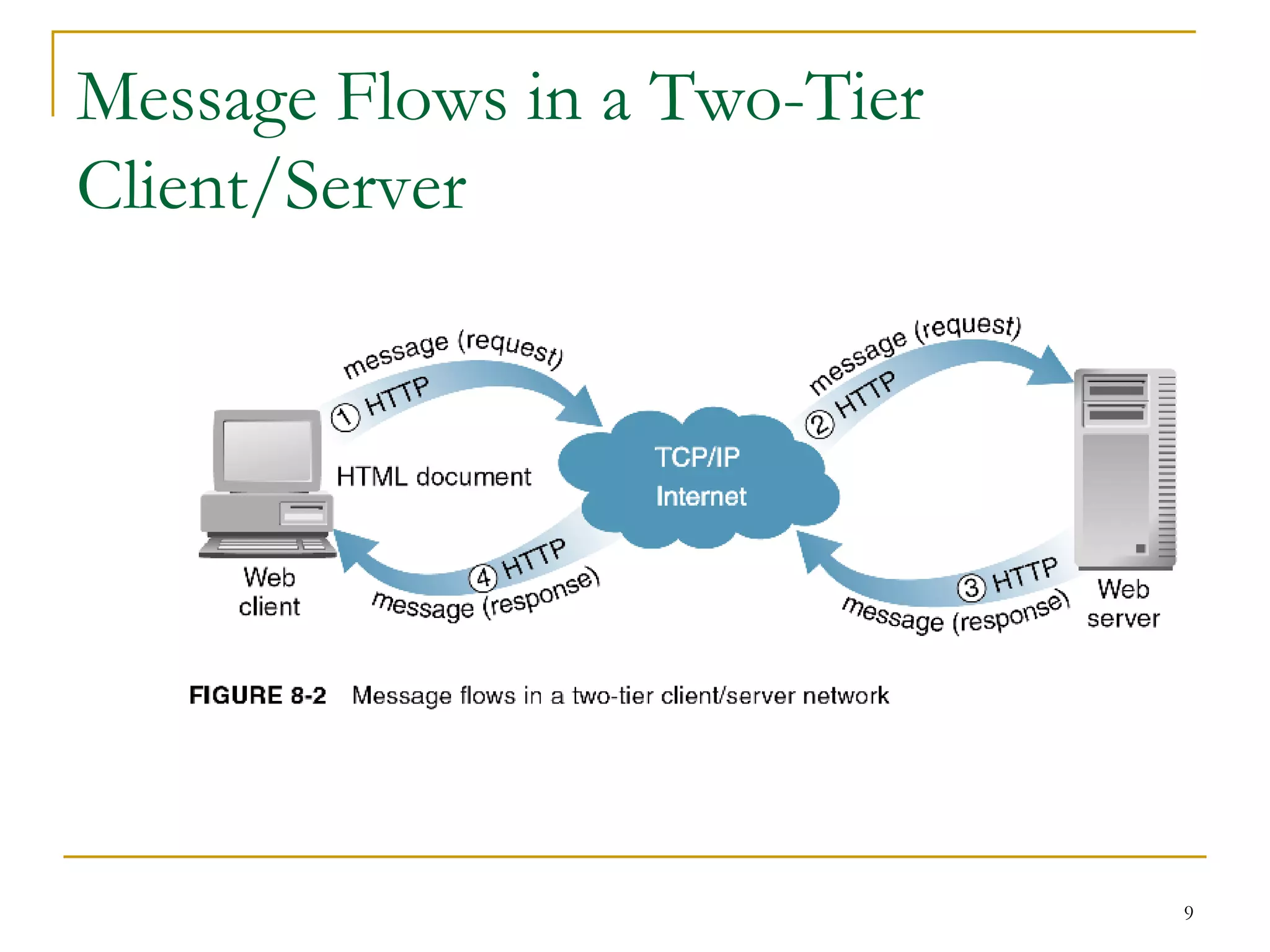
   Request message
       Message that a Web client sends to request a file or files
        from a Web server
   Typical request message
       Request line
       Optional request headers
       Optional entity body


                                                                     8
Message Flows in a Two-Tier
Client/Server


                              9
Two-Tier Client/Server Architecture (cont)

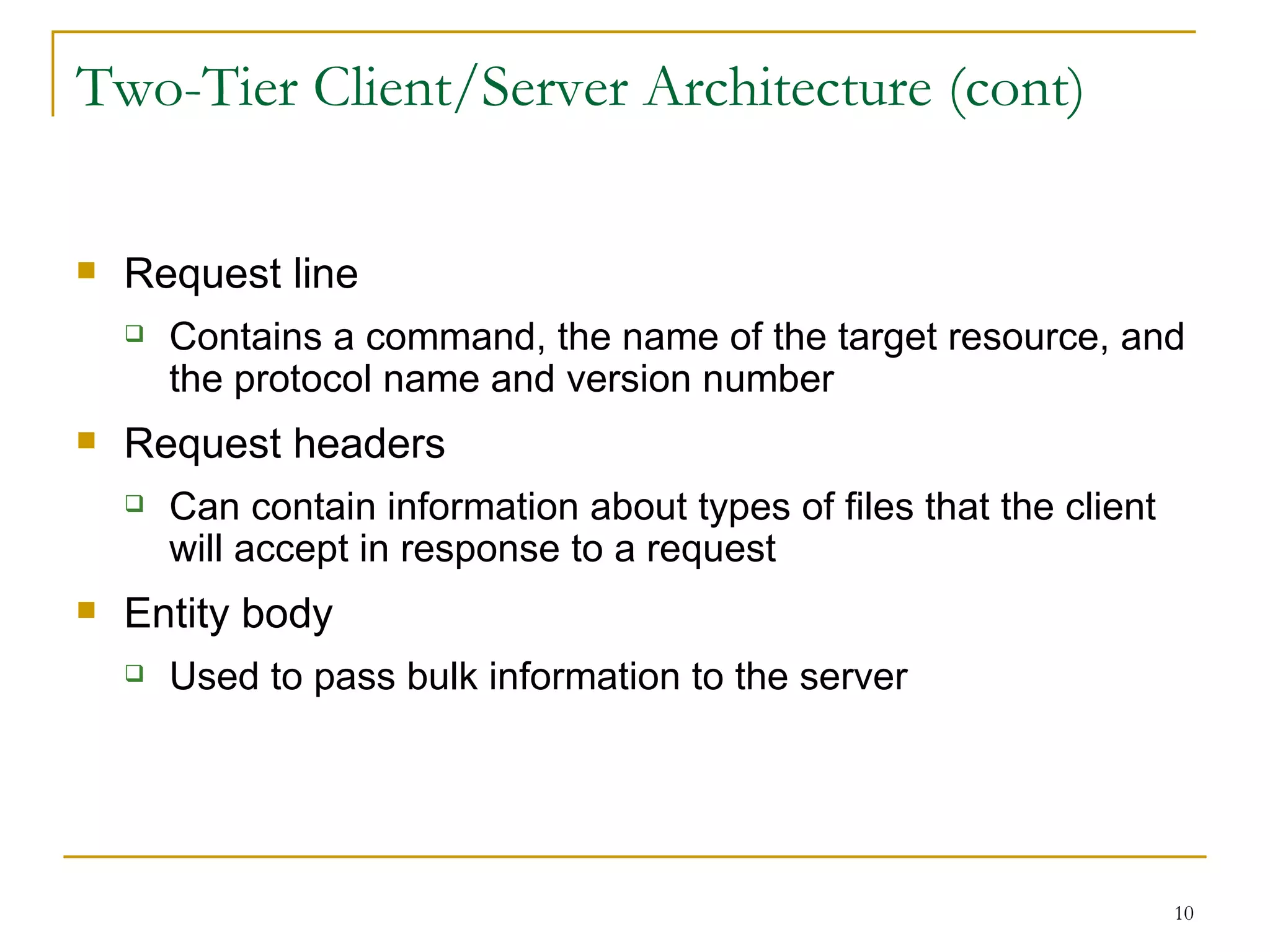
   Request line
       Contains a command, the name of the target resource, and
        the protocol name and version number
   Request headers
       Can contain information about types of files that the client
        will accept in response to a request
   Entity body
       Used to pass bulk information to the server


                                                                       10
Three-Tier or N-Tier Client/Server
Architectures
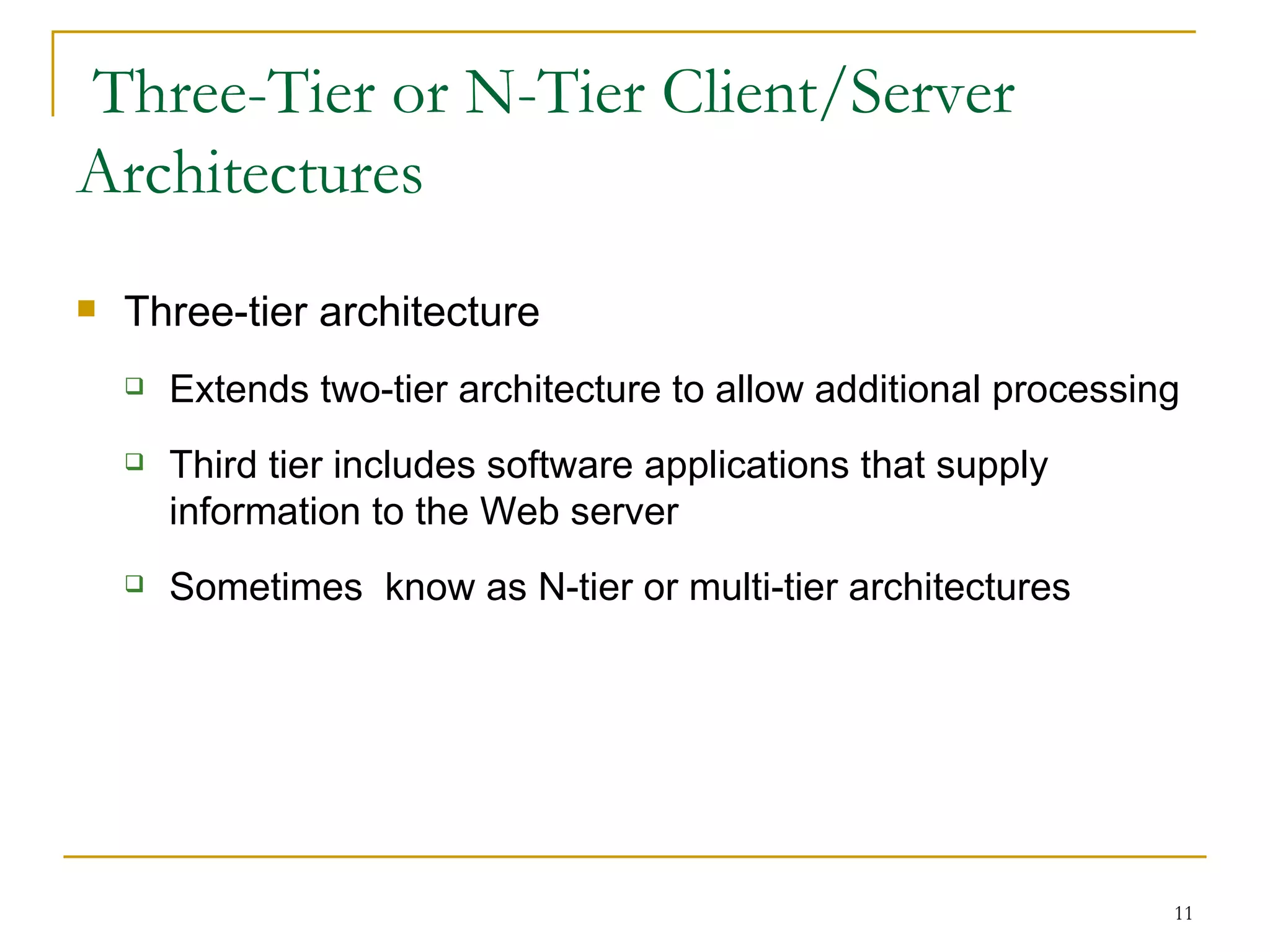
   Three-tier architecture
       Extends two-tier architecture to allow additional processing
       Third tier includes software applications that supply
        information to the Web server
       Sometimes know as N-tier or multi-tier architectures


                                                                   11
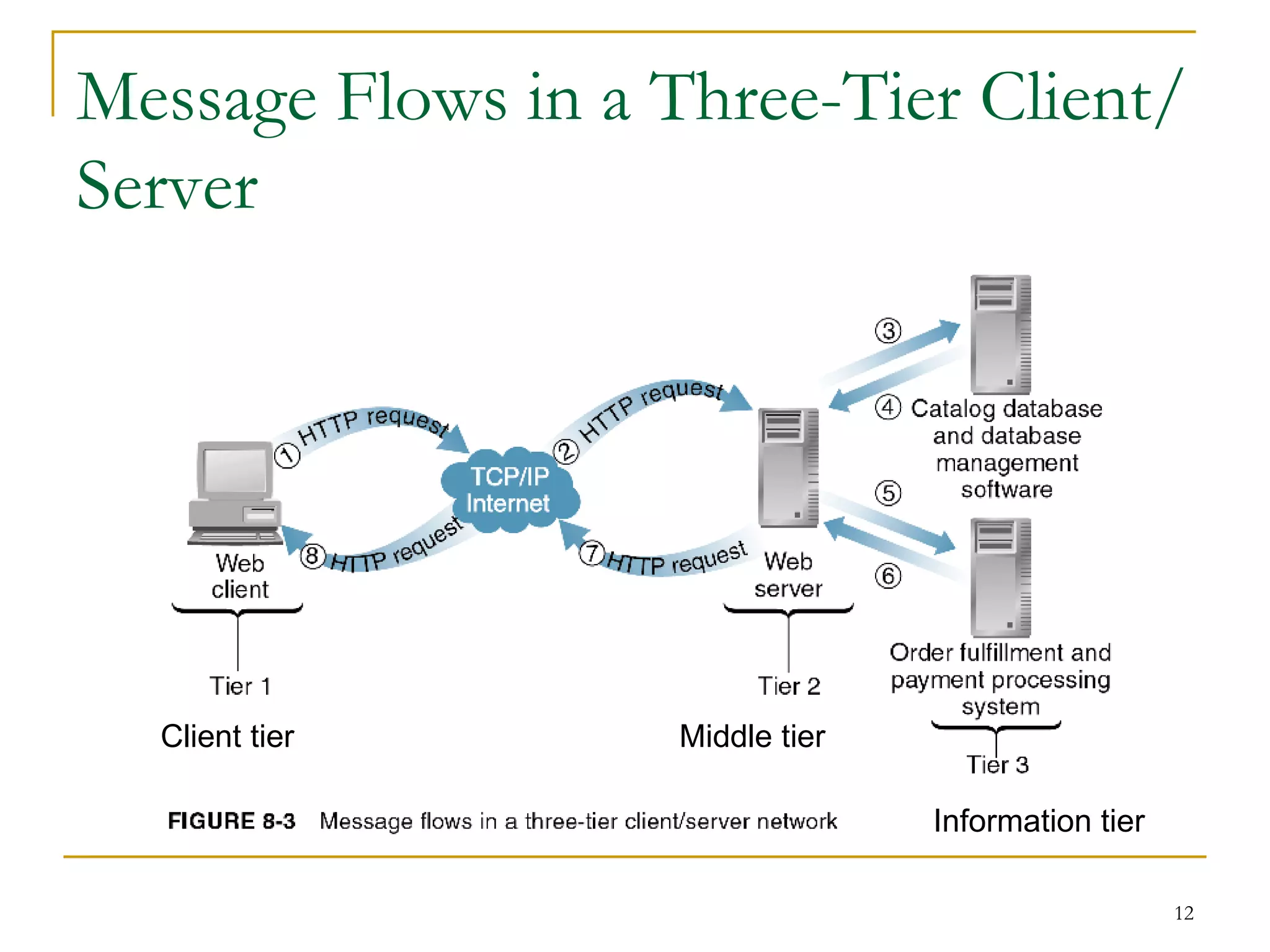
Message Flows in a Three-Tier Client/
Server


  Client tier       Middle tier

                                  Information tier

                                                     12
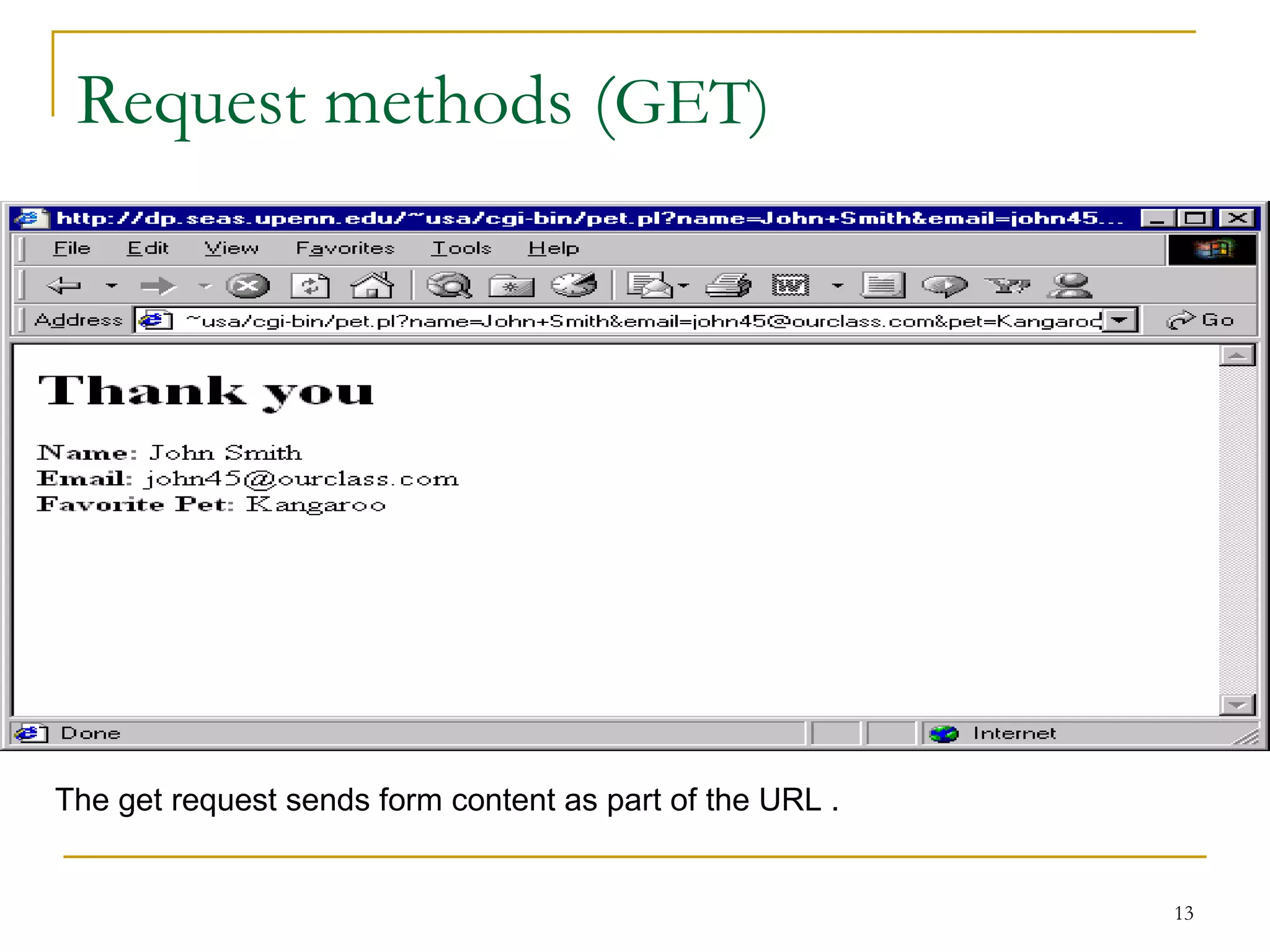
Request methods (GET)


The get request sends form content as part of the URL .


                                                          13
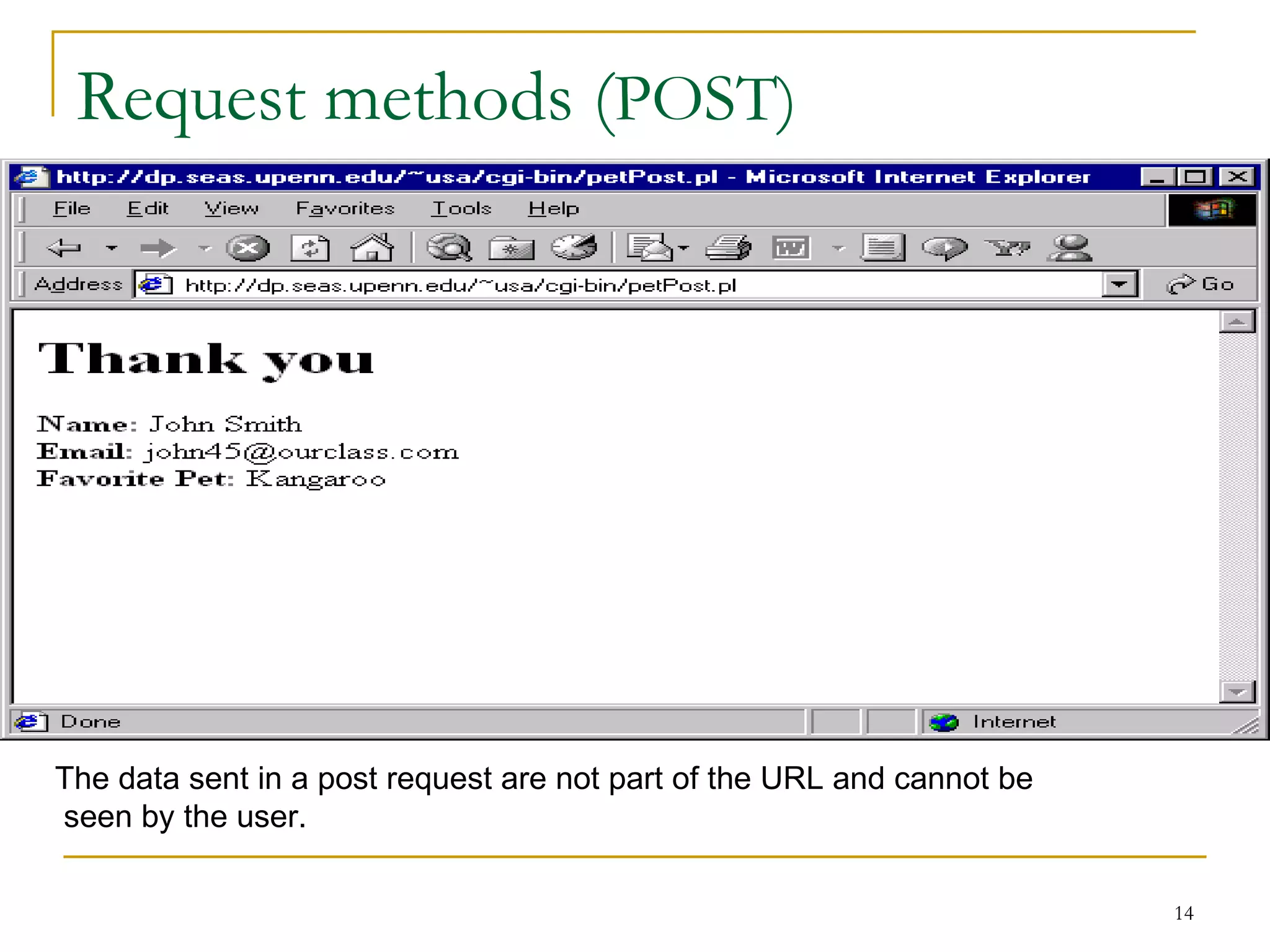
Request methods (POST)


The data sent in a post request are not part of the URL and cannot be
seen by the user.

                                                                        14
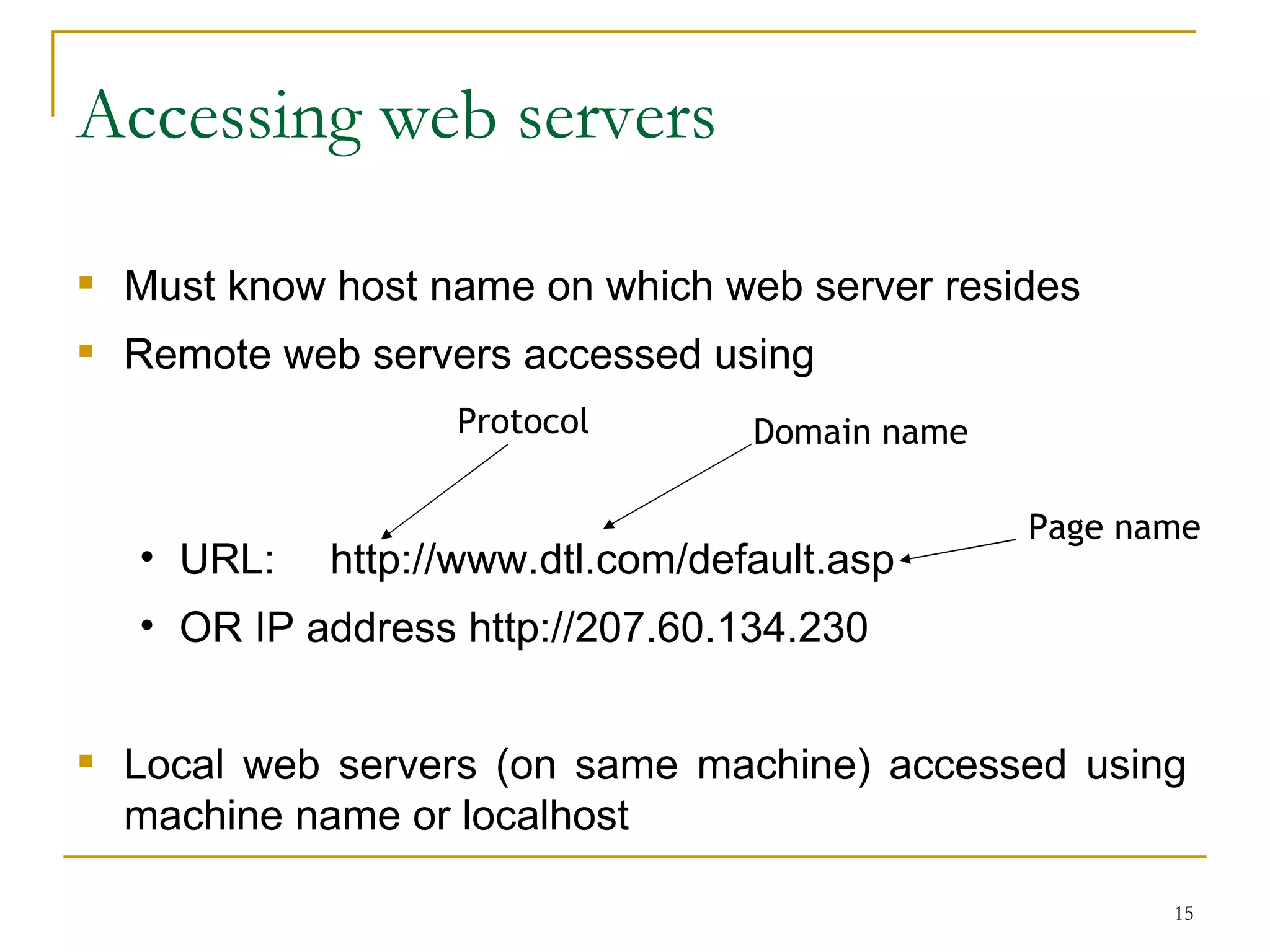
Accessing web servers

 Must know host name on which web server resides
 Remote web servers accessed using
                   Protocol       Domain name

                                                Page name
   • URL:   http://www.dtl.com/default.asp
   • OR IP address http://207.60.134.230


 Local web servers (on same machine) accessed using
  machine name or localhost

                                                       15
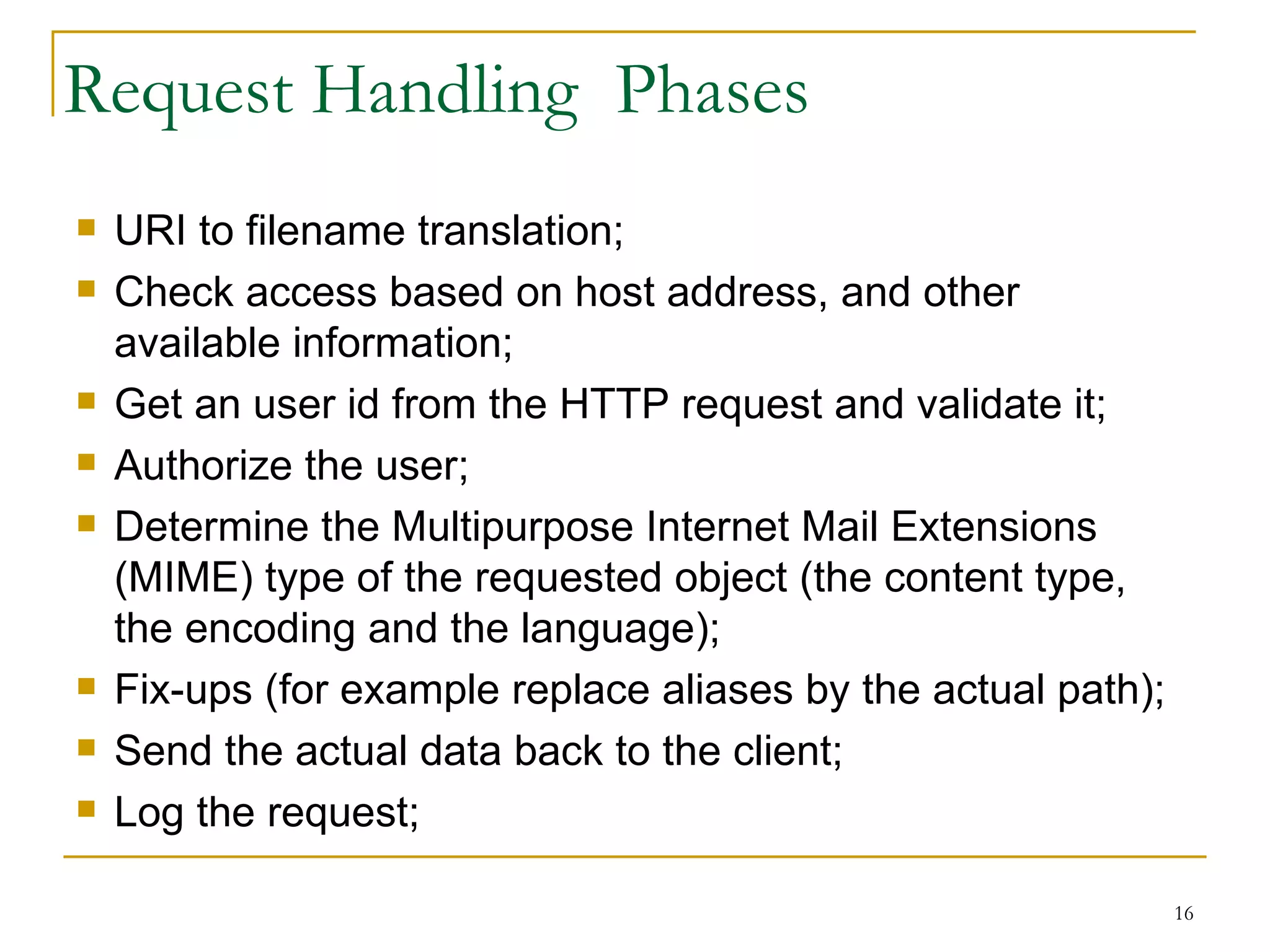
Request Handling Phases
   URI to filename translation;
   Check access based on host address, and other
    available information;
   Get an user id from the HTTP request and validate it;
   Authorize the user;
   Determine the Multipurpose Internet Mail Extensions
    (MIME) type of the requested object (the content type,
    the encoding and the language);
   Fix-ups (for example replace aliases by the actual path);
   Send the actual data back to the client;
   Log the request;

                                                                16
Most Famous Web Servers
   Apache HTTP Server from Apache Software Foundation
   Internet Information Services (IIS) from Microsoft
   Sun Java Web Server from Sun Microsystems
       Formerly Sun ONE Web Server, iPlanet Web Server, and
        Netscape Enterprise Server
   Zeus Web Server from Zeus Technology


                                                               17
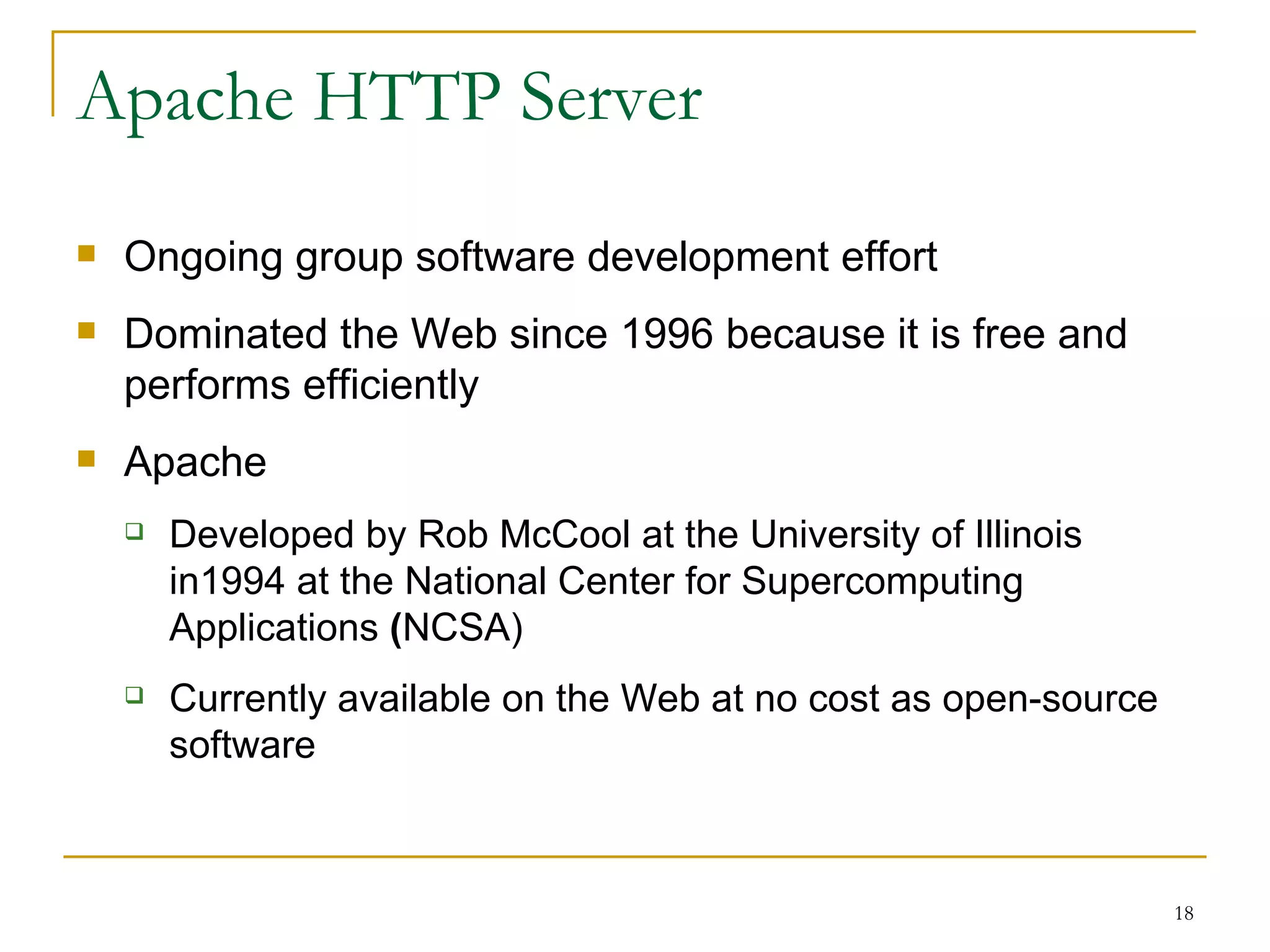
Apache HTTP Server
   Ongoing group software development effort
   Dominated the Web since 1996 because it is free and
    performs efficiently
   Apache
       Developed by Rob McCool at the University of Illinois
        in1994 at the National Center for Supercomputing
        Applications (NCSA)
       Currently available on the Web at no cost as open-source
        software


                                                                   18
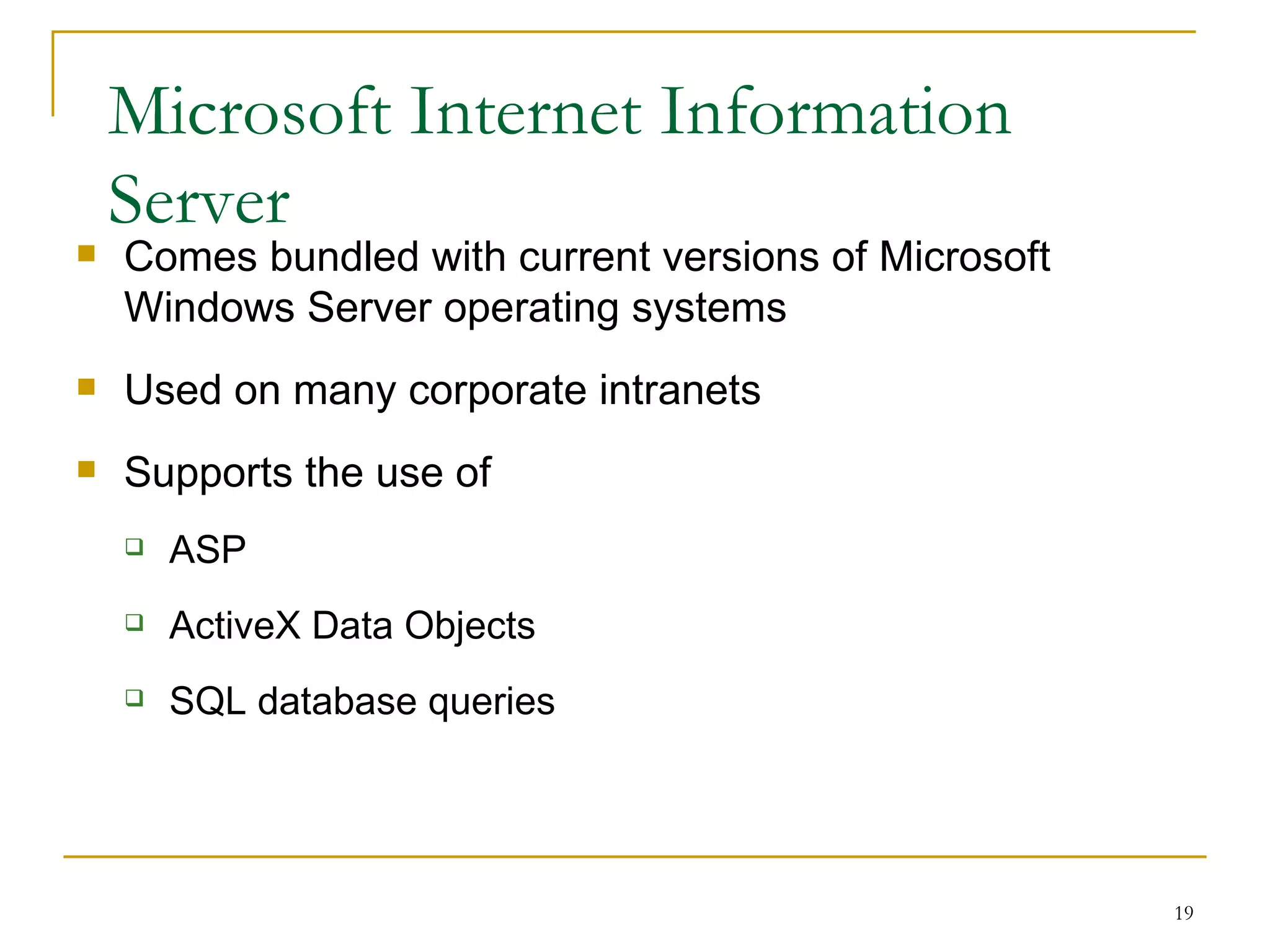
Microsoft Internet Information
    Server
   Comes bundled with current versions of Microsoft
    Windows Server operating systems
   Used on many corporate intranets
   Supports the use of
       ASP
       ActiveX Data Objects
       SQL database queries


                                                       19
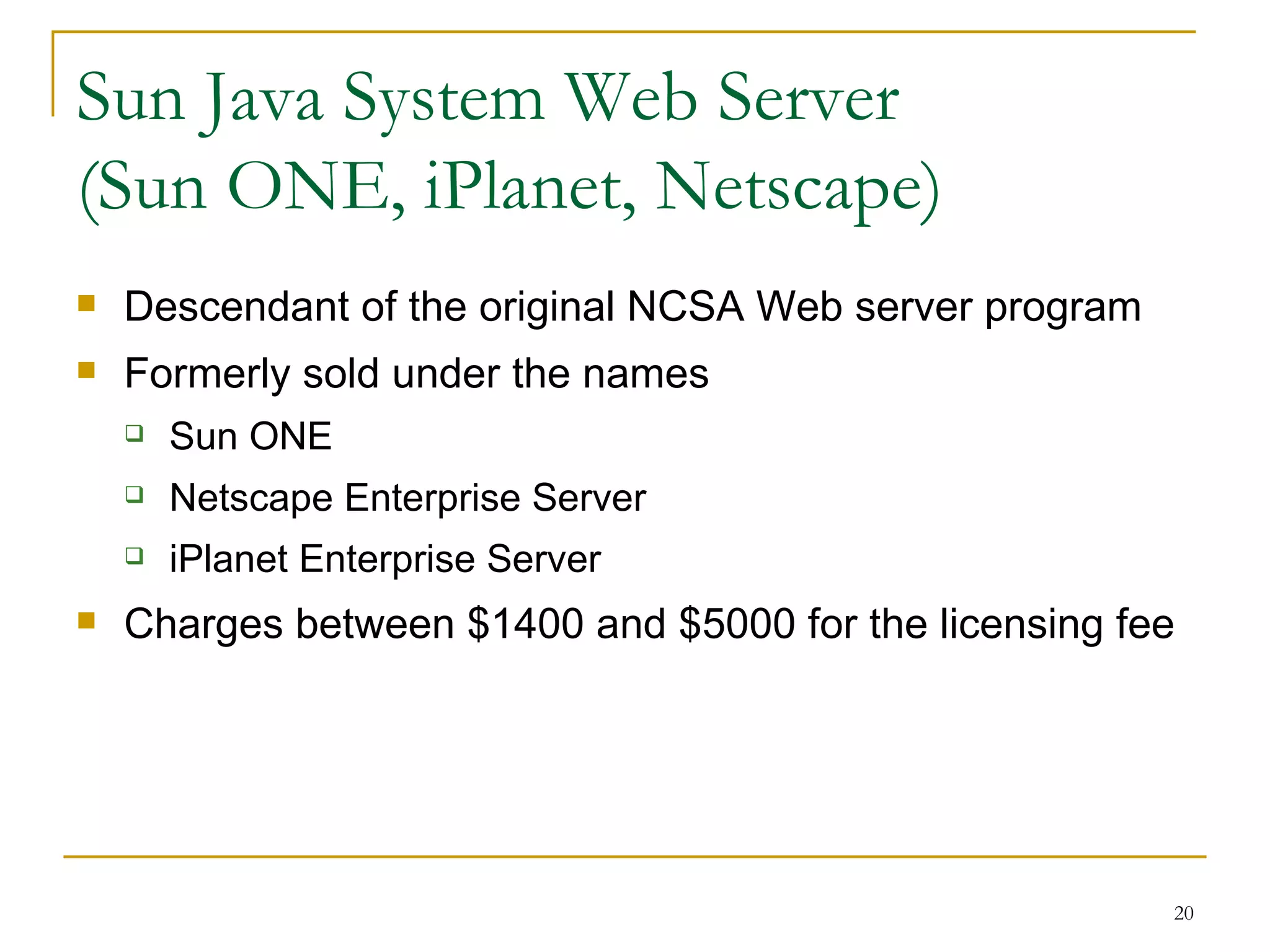
Sun Java System Web Server
(Sun ONE, iPlanet, Netscape)
   Descendant of the original NCSA Web server program
   Formerly sold under the names
       Sun ONE
       Netscape Enterprise Server
       iPlanet Enterprise Server
   Charges between $1400 and $5000 for the licensing fee


                                                         20
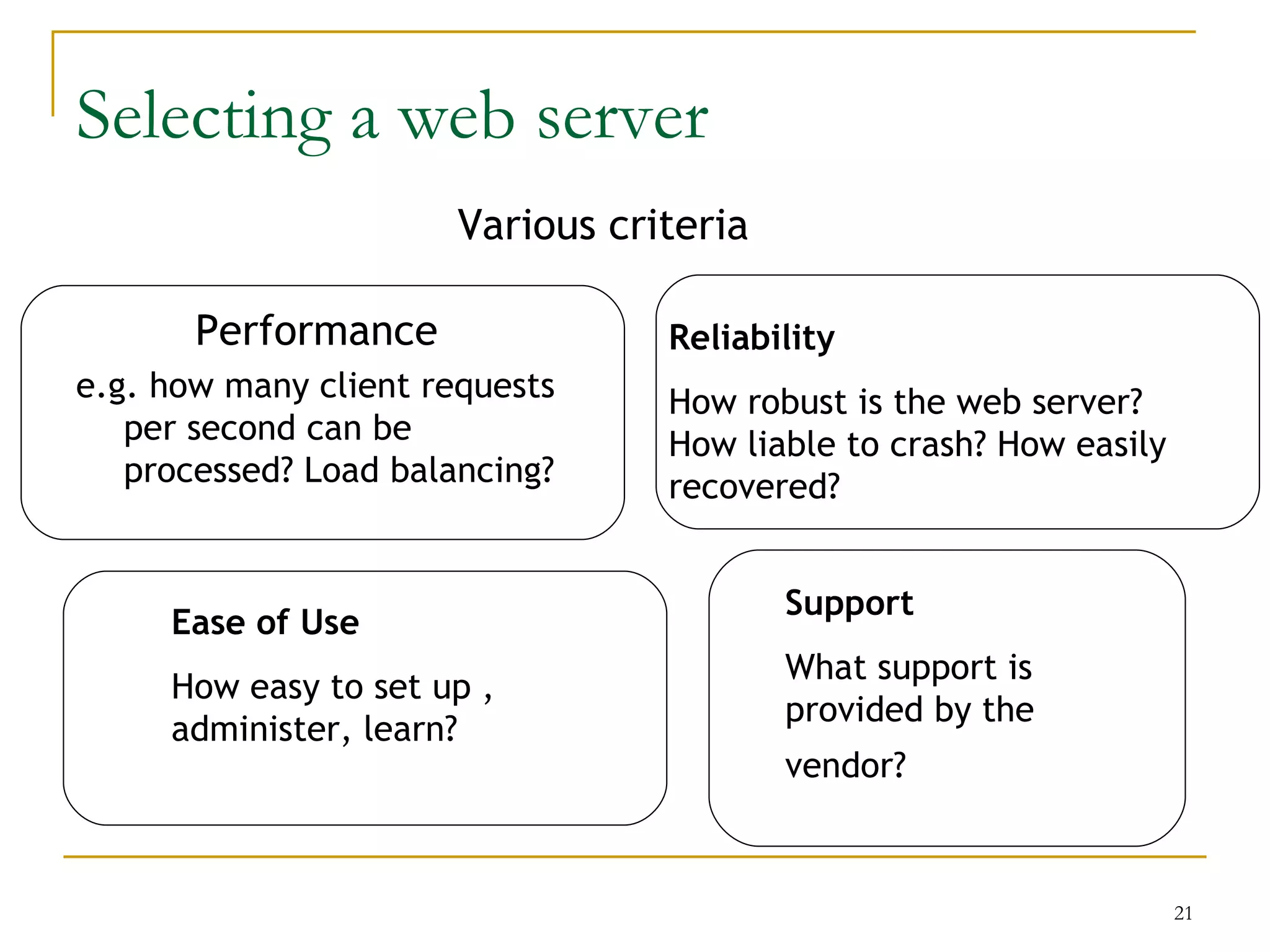
Selecting a web server
                       Various criteria

       Performance                Reliability
e.g. how many client requests     How robust is the web server?
   per second can be              How liable to crash? How easily
   processed? Load balancing?     recovered?


                                          Support
     Ease of Use
                                          What support is
     How easy to set up ,
                                          provided by the
     administer, learn?
                                          vendor?


                                                                    21
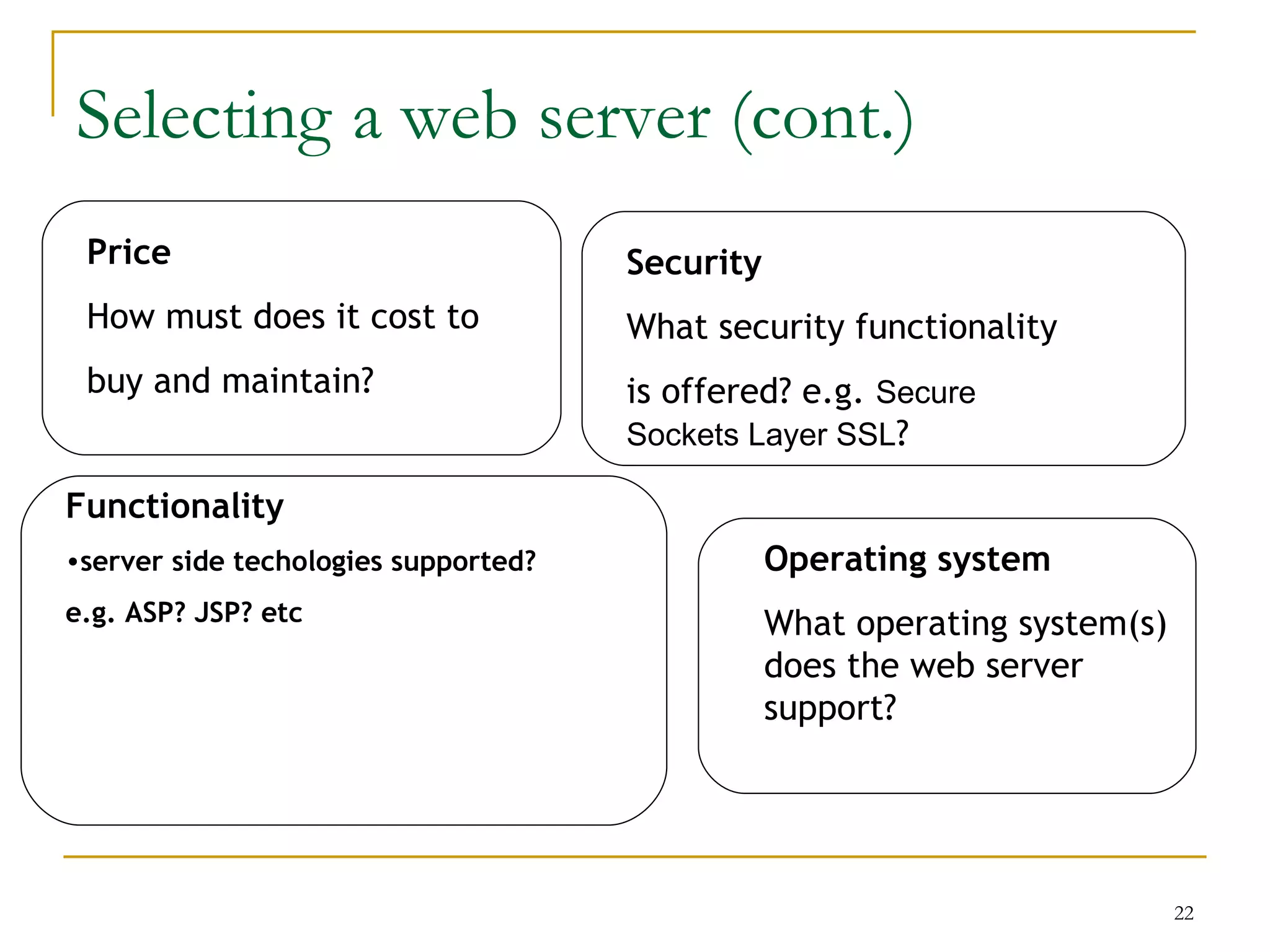
Selecting a web server (cont.)
 Price                                Security
 How must does it cost to             What security functionality
 buy and maintain?                    is offered? e.g. Secure
                                      Sockets Layer SSL?

Functionality
•server side techologies supported?              Operating system
e.g. ASP? JSP? etc                               What operating system(s)
                                                 does the web server
                                                 support?


                                                                            22
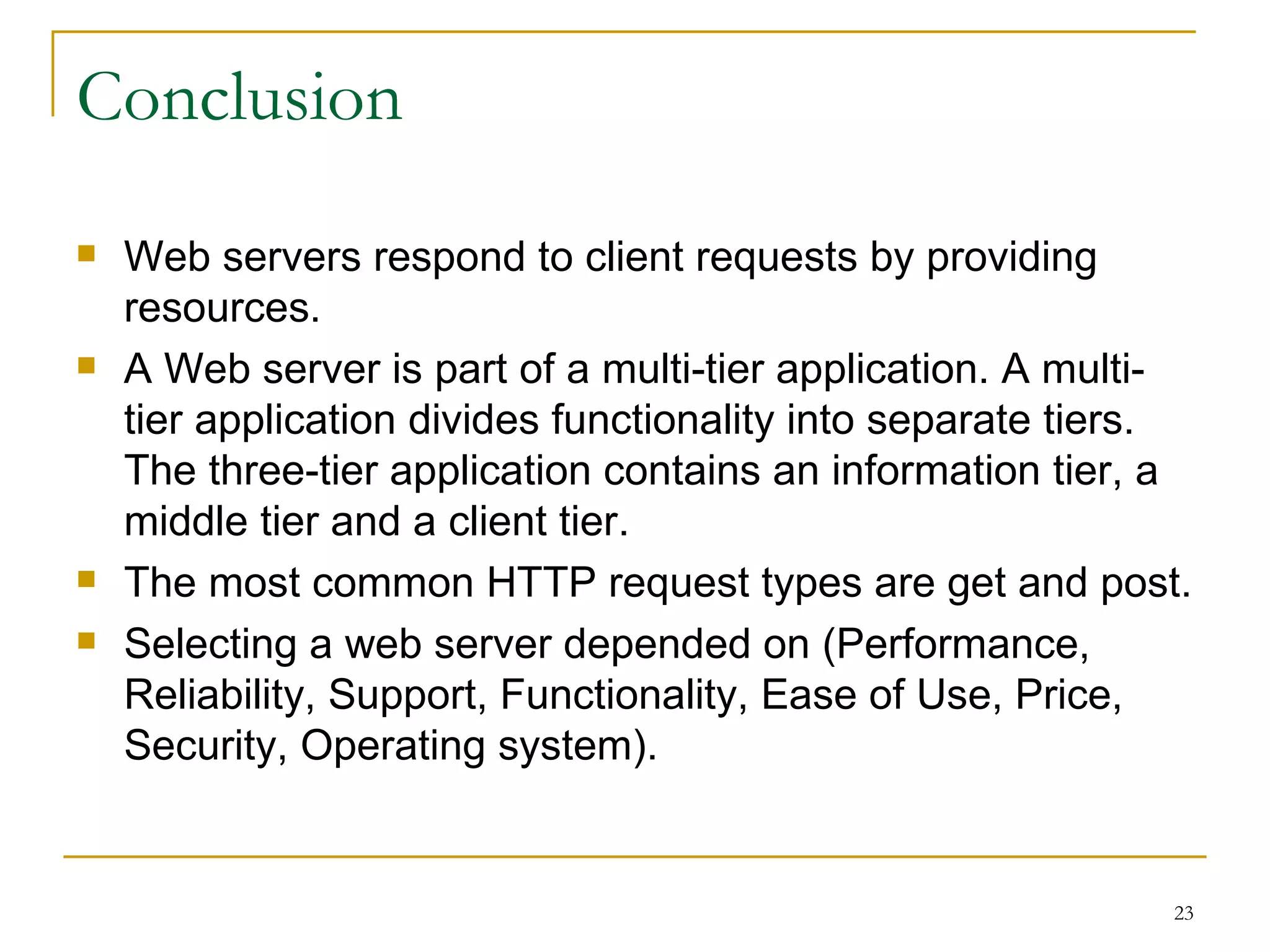
Conclusion
   Web servers respond to client requests by providing
    resources.
   A Web server is part of a multi-tier application. A multi-
    tier application divides functionality into separate tiers.
    The three-tier application contains an information tier, a
    middle tier and a client tier.
   The most common HTTP request types are get and post.
   Selecting a web server depended on (Performance,
    Reliability, Support, Functionality, Ease of Use, Price,
    Security, Operating system).


                                                              23
References
   Internet & World Wide Web How to Program (4nd
    Edition)
   http://www.serverwatch.com/tutorials/article.php/1363221
   http://www.macronimous.com/resources/web_servers_demys
   http://www.w3.org/Servers.html
   http://en.wikipedia.org/wiki/Web_server


                                                       24
25
26

Web servers

  • 1.
    Web Servers SudanUniversity for Science and Technology College of graduate studies Msc in Computer Science Presented by Mohamed Zeinelabdeen Abdelgader 1
  • 2.
    Presentation Outline  An Over View  Web Clients and Web Servers  Dynamic & Static Content  System Architecture  Request methods.  Accessing web servers  Request Handling Phases  Most Famous Web Servers  Selecting a web server 2
  • 3.
    Various Meanings of“Server”  Server  Computer used to provide files or make programs available to other computers  Server software  Used by a server computer to make files and programs available to other computers  Many types of server  FTP server : remote file space, often read-only  Mail server : email system  News server : newsgroups messages 3
  • 4.
    Web Clients andWeb Servers  Client/server architectures  Client computers typically request services  Server processes clients’ requests.  Web server  a computer program that delivers (serves) content, such as web pages, using the Hypertext Transfer Protocol (HTTP), over the World Wide Web.  The term web server can also refer to the computer or virtual machine running the program. 4
  • 5.
    Platform Neutrality ofthe Web Lets different types of computers, running different operating systems, communicate 5
  • 6.
    Static & DynamicContent  Static page  Unchanging page retrieved from server  Dynamic page  Web page whose content is shaped by a program in response to user requests 6
  • 7.
    Dynamic Content (cont)  Server-side scripting  Programs running on a Web server to create Web pages before sending them back to the requesting Web clients  Dynamic page-generation technologies  Active Server Pages (ASP)  JavaServer Pages (JSP)  Hypertext Preprocessor (PHP) 7
  • 8.
    Two-Tier Client/Server Architecture  Request message  Message that a Web client sends to request a file or files from a Web server  Typical request message  Request line  Optional request headers  Optional entity body 8
  • 9.
    Message Flows ina Two-Tier Client/Server 9
  • 10.
    Two-Tier Client/Server Architecture(cont)  Request line  Contains a command, the name of the target resource, and the protocol name and version number  Request headers  Can contain information about types of files that the client will accept in response to a request  Entity body  Used to pass bulk information to the server 10
  • 11.
    Three-Tier or N-TierClient/Server Architectures  Three-tier architecture  Extends two-tier architecture to allow additional processing  Third tier includes software applications that supply information to the Web server  Sometimes know as N-tier or multi-tier architectures 11
  • 12.
    Message Flows ina Three-Tier Client/ Server Client tier Middle tier Information tier 12
  • 13.
    Request methods (GET) Theget request sends form content as part of the URL . 13
  • 14.
    Request methods (POST) Thedata sent in a post request are not part of the URL and cannot be seen by the user. 14
  • 15.
    Accessing web servers Must know host name on which web server resides  Remote web servers accessed using Protocol Domain name Page name • URL: http://www.dtl.com/default.asp • OR IP address http://207.60.134.230  Local web servers (on same machine) accessed using machine name or localhost 15
  • 16.
    Request Handling Phases  URI to filename translation;  Check access based on host address, and other available information;  Get an user id from the HTTP request and validate it;  Authorize the user;  Determine the Multipurpose Internet Mail Extensions (MIME) type of the requested object (the content type, the encoding and the language);  Fix-ups (for example replace aliases by the actual path);  Send the actual data back to the client;  Log the request; 16
  • 17.
    Most Famous WebServers  Apache HTTP Server from Apache Software Foundation  Internet Information Services (IIS) from Microsoft  Sun Java Web Server from Sun Microsystems  Formerly Sun ONE Web Server, iPlanet Web Server, and Netscape Enterprise Server  Zeus Web Server from Zeus Technology 17
  • 18.
    Apache HTTP Server  Ongoing group software development effort  Dominated the Web since 1996 because it is free and performs efficiently  Apache  Developed by Rob McCool at the University of Illinois in1994 at the National Center for Supercomputing Applications (NCSA)  Currently available on the Web at no cost as open-source software 18
  • 19.
    Microsoft Internet Information Server  Comes bundled with current versions of Microsoft Windows Server operating systems  Used on many corporate intranets  Supports the use of  ASP  ActiveX Data Objects  SQL database queries 19
  • 20.
    Sun Java SystemWeb Server (Sun ONE, iPlanet, Netscape)  Descendant of the original NCSA Web server program  Formerly sold under the names  Sun ONE  Netscape Enterprise Server  iPlanet Enterprise Server  Charges between $1400 and $5000 for the licensing fee 20
  • 21.
    Selecting a webserver Various criteria Performance Reliability e.g. how many client requests How robust is the web server? per second can be How liable to crash? How easily processed? Load balancing? recovered? Support Ease of Use What support is How easy to set up , provided by the administer, learn? vendor? 21
  • 22.
    Selecting a webserver (cont.) Price Security How must does it cost to What security functionality buy and maintain? is offered? e.g. Secure Sockets Layer SSL? Functionality •server side techologies supported? Operating system e.g. ASP? JSP? etc What operating system(s) does the web server support? 22
  • 23.
    Conclusion  Web servers respond to client requests by providing resources.  A Web server is part of a multi-tier application. A multi- tier application divides functionality into separate tiers. The three-tier application contains an information tier, a middle tier and a client tier.  The most common HTTP request types are get and post.  Selecting a web server depended on (Performance, Reliability, Support, Functionality, Ease of Use, Price, Security, Operating system). 23
  • 24.
    References  Internet & World Wide Web How to Program (4nd Edition)  http://www.serverwatch.com/tutorials/article.php/1363221  http://www.macronimous.com/resources/web_servers_demys  http://www.w3.org/Servers.html  http://en.wikipedia.org/wiki/Web_server 24
  • 25.
  • 26.