Virtual
Worlds


              virt


project
   proposal
Virtual                                              introduction
Worlds             Virtual worlds can provide engaging and flexible learning spaces
                   that offer students incredible opportunities to be creative and
project proposal   interact with others.

                   Whilst a number of different virtual worlds are available for
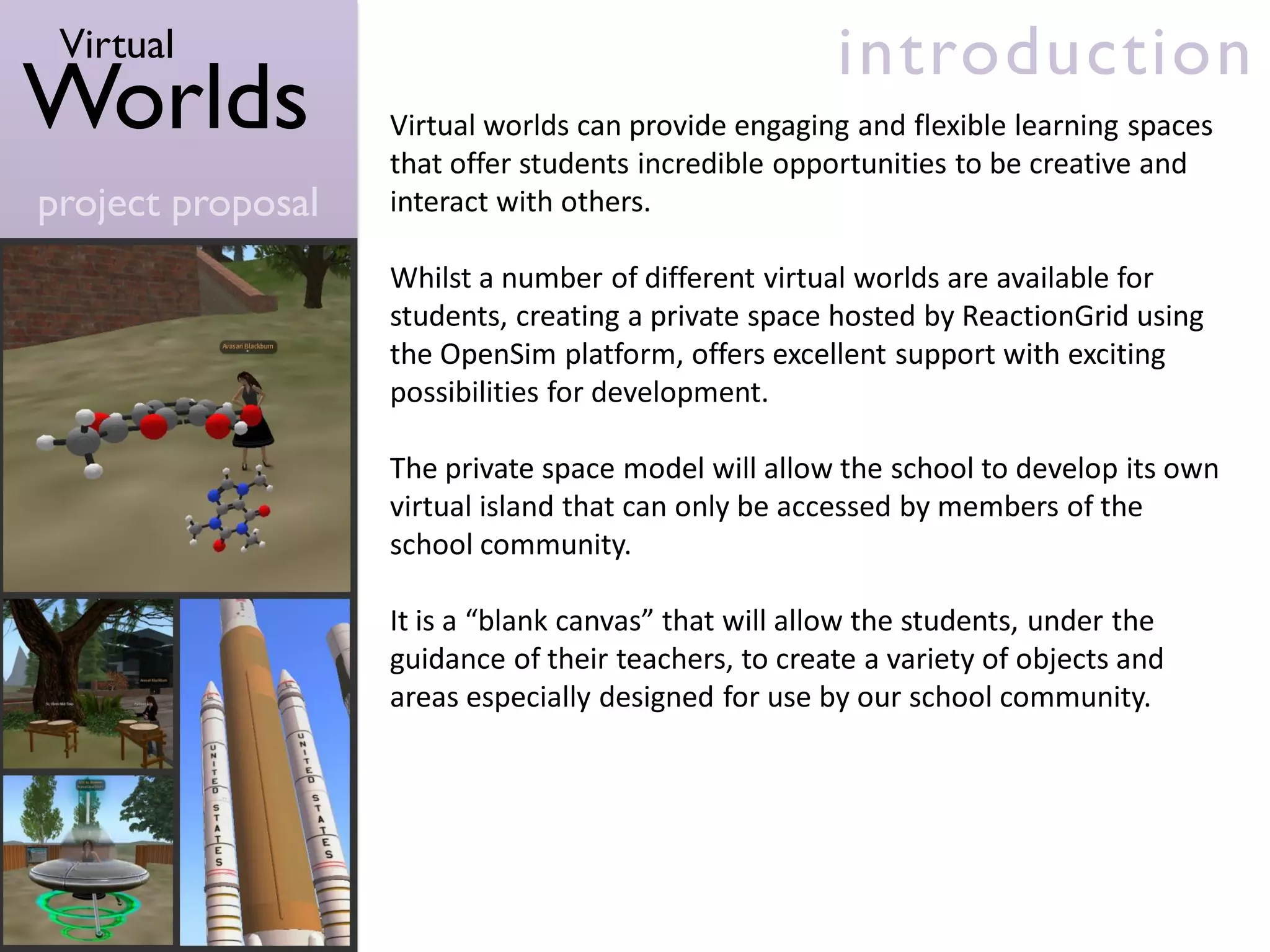
                   students, creating a private space hosted by ReactionGrid using
                   the OpenSim platform, offers excellent support with exciting
                   possibilities for development.

                   The private space model will allow the school to develop its own
                   virtual island that can only be accessed by members of the
                   school community.

                   It is a “blank canvas” that will allow the students, under the
                   guidance of their teachers, to create a variety of objects and
                   areas especially designed for use by our school community.
Virtual                                                       over view
Worlds             The school would establish a private space using the OpenSim
                   platform to be set up and hosted by ReactionGrid.
project proposal
                   In order to set up the virtual space, students would be invited to
                   join the project team. The group would meet once a week,
                   ideally during “long lunch”. The group meetings would allow
                   students to explore different methods of creating a 3D virtual
                   world, some of which include:
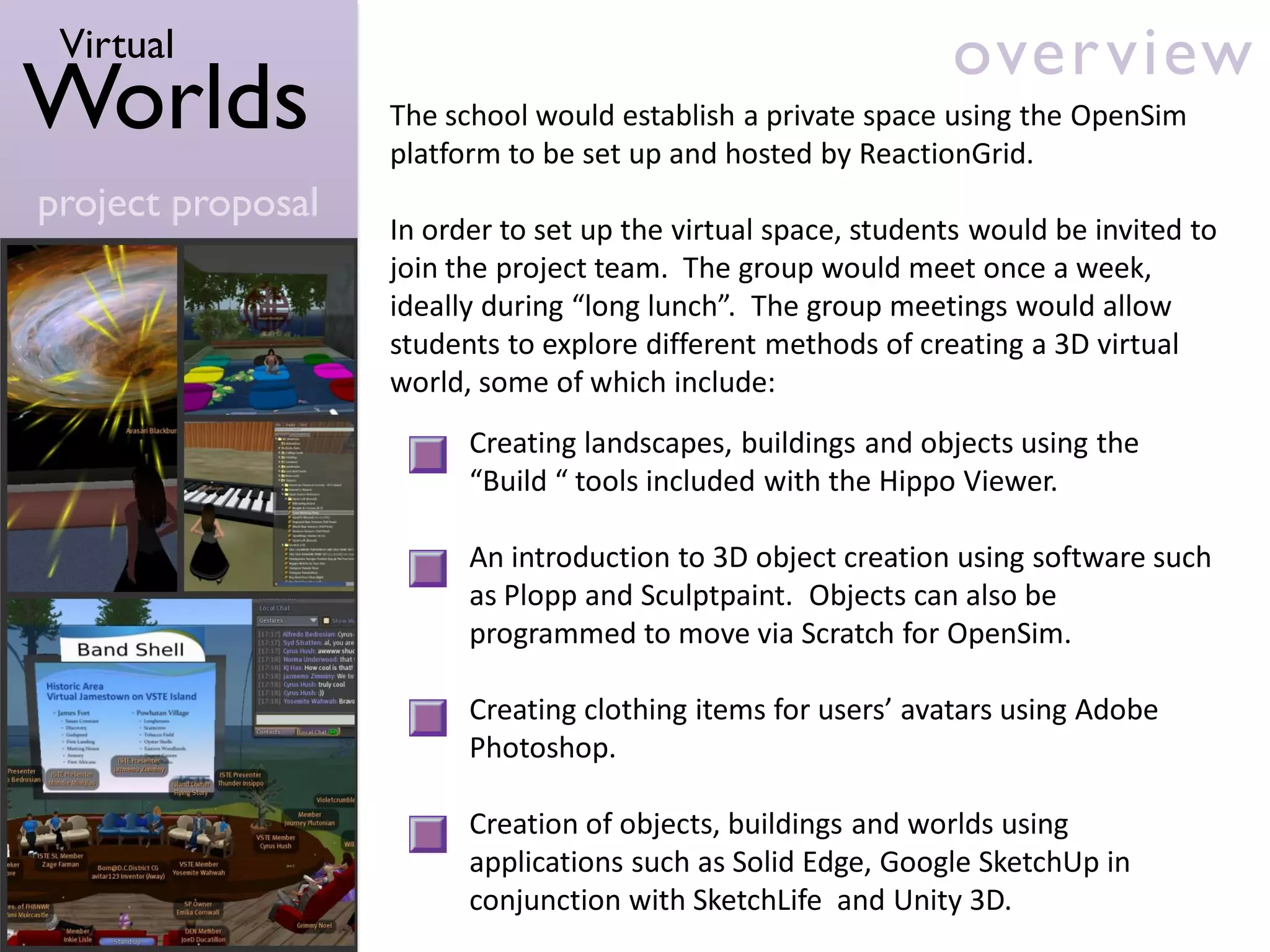
                         Creating landscapes, buildings and objects using the
                         “Build “ tools included with the Hippo Viewer.

                         An introduction to 3D object creation using software such
                         as Plopp and Sculptpaint. Objects can also be
                         programmed to move via Scratch for OpenSim.

                         Creating clothing items for users’ avatars using Adobe
                         Photoshop.

                         Creation of objects, buildings and worlds using
                         applications such as Solid Edge, Google SketchUp in
                         conjunction with SketchLife and Unity 3D.
Virtual                                                                  goals
Worlds             The goals of the program are:

                         To promote creativity and innovation.
project proposal
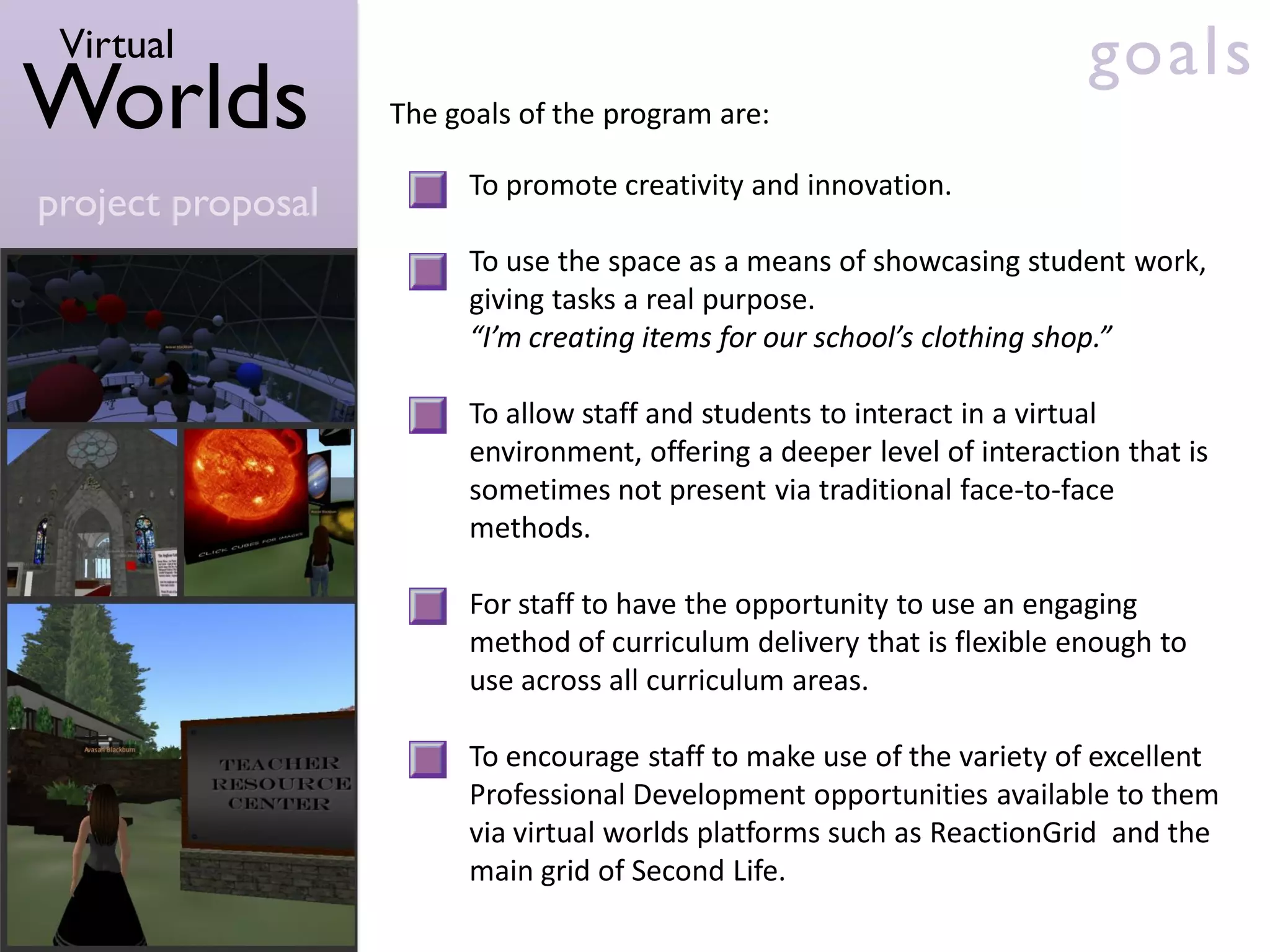
                         To use the space as a means of showcasing student work,
                         giving tasks a real purpose.
                         “I’m creating items for our school’s clothing shop.”

                         To allow staff and students to interact in a virtual
                         environment, offering a deeper level of interaction that is
                         sometimes not present via traditional face-to-face
                         methods.

                         For staff to have the opportunity to use an engaging
                         method of curriculum delivery that is flexible enough to
                         use across all curriculum areas.

                         To encourage staff to make use of the variety of excellent
                         Professional Development opportunities available to them
                         via virtual worlds platforms such as ReactionGrid and the
                         main grid of Second Life.
Virtual                                            requirements
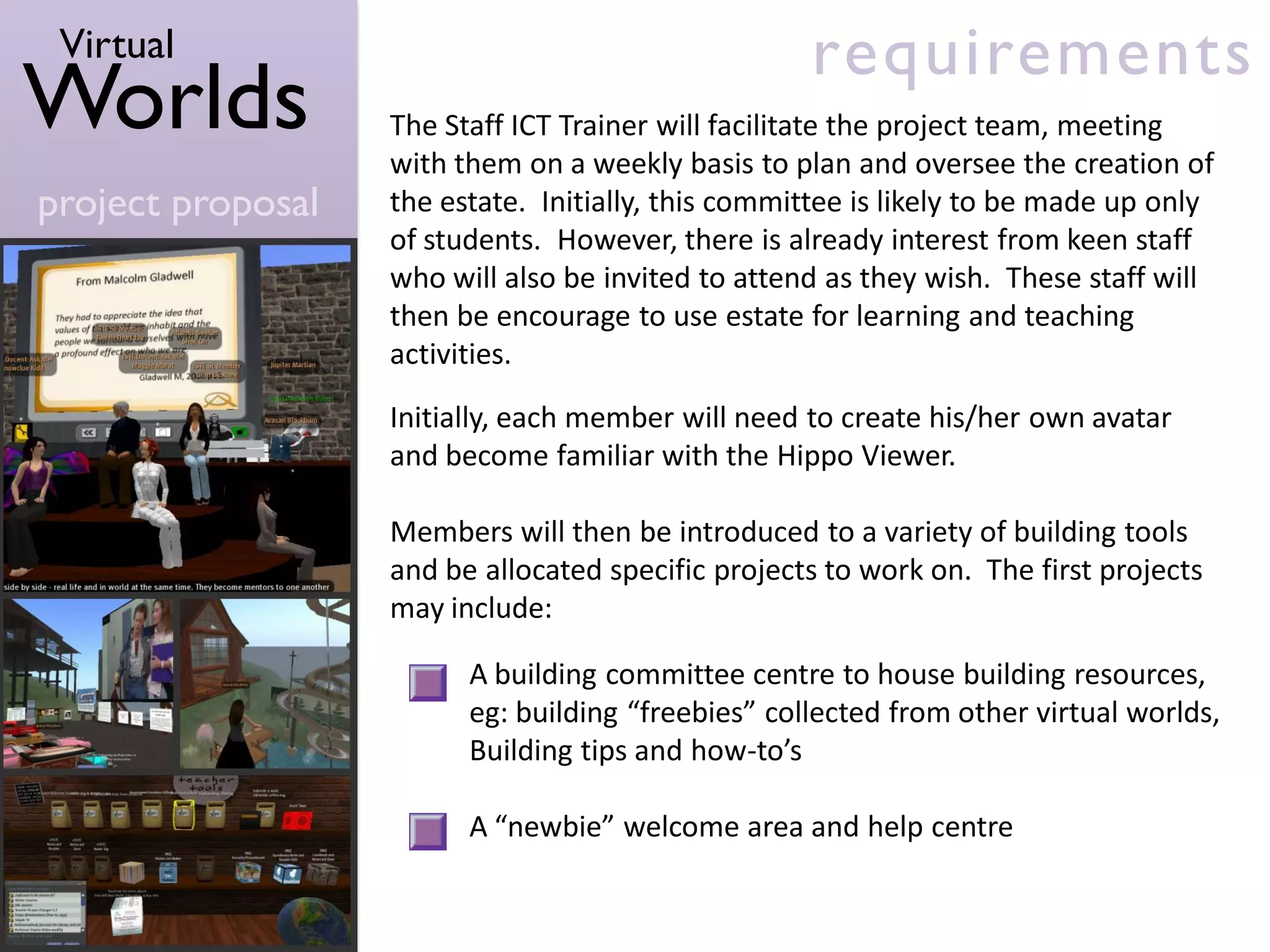
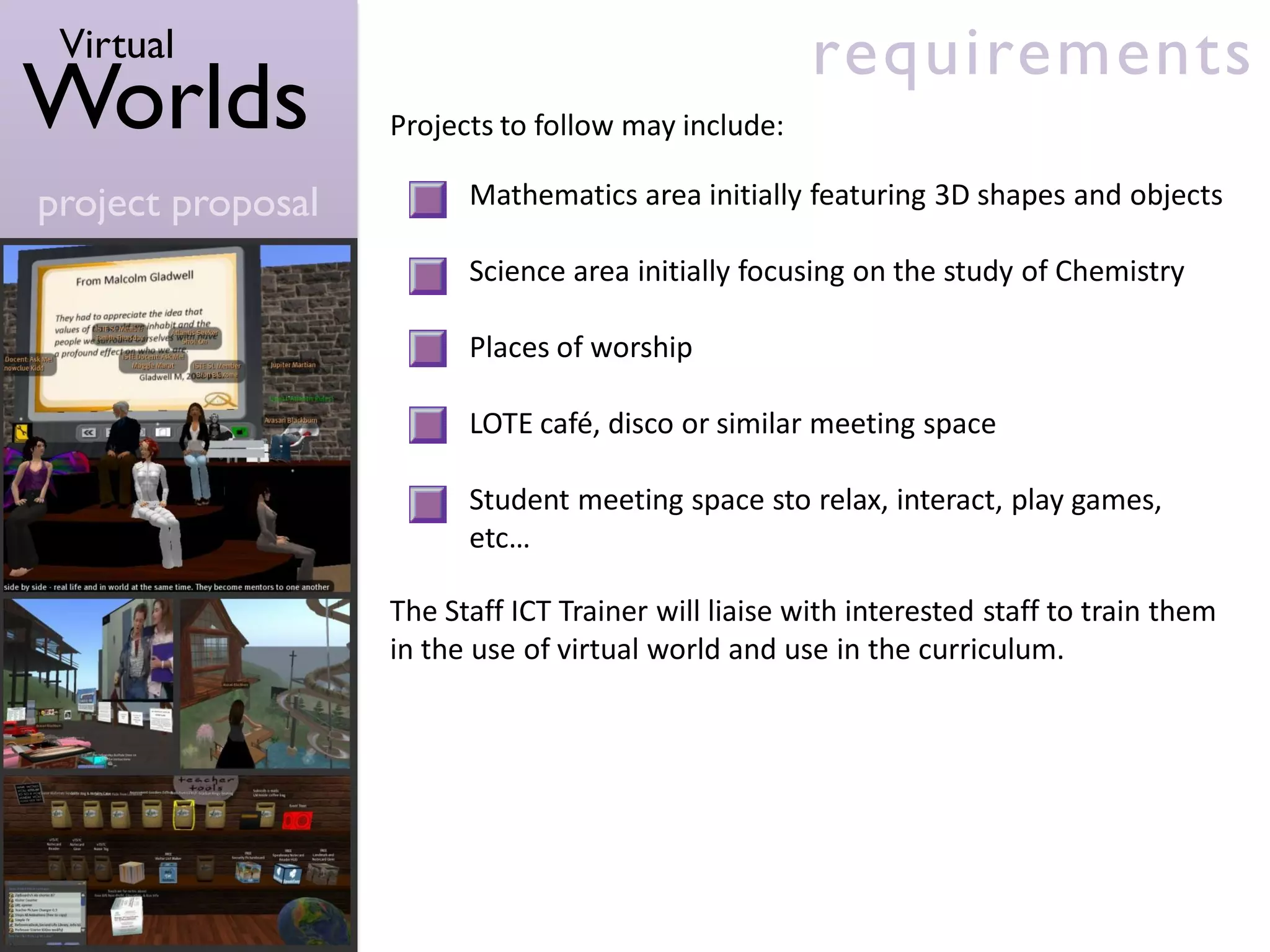
Worlds             The Staff ICT Trainer will facilitate the project team, meeting
                   with them on a weekly basis to plan and oversee the creation of
project proposal   the estate. Initially, this committee is likely to be made up only
                   of students. However, there is already interest from keen staff
                   who will also be invited to attend as they wish. These staff will
                   then be encourage to use estate for learning and teaching
                   activities.

                   Initially, each member will need to create his/her own avatar
                   and become familiar with the Hippo Viewer.

                   Members will then be introduced to a variety of building tools
                   and be allocated specific projects to work on. The first projects
                   may include:

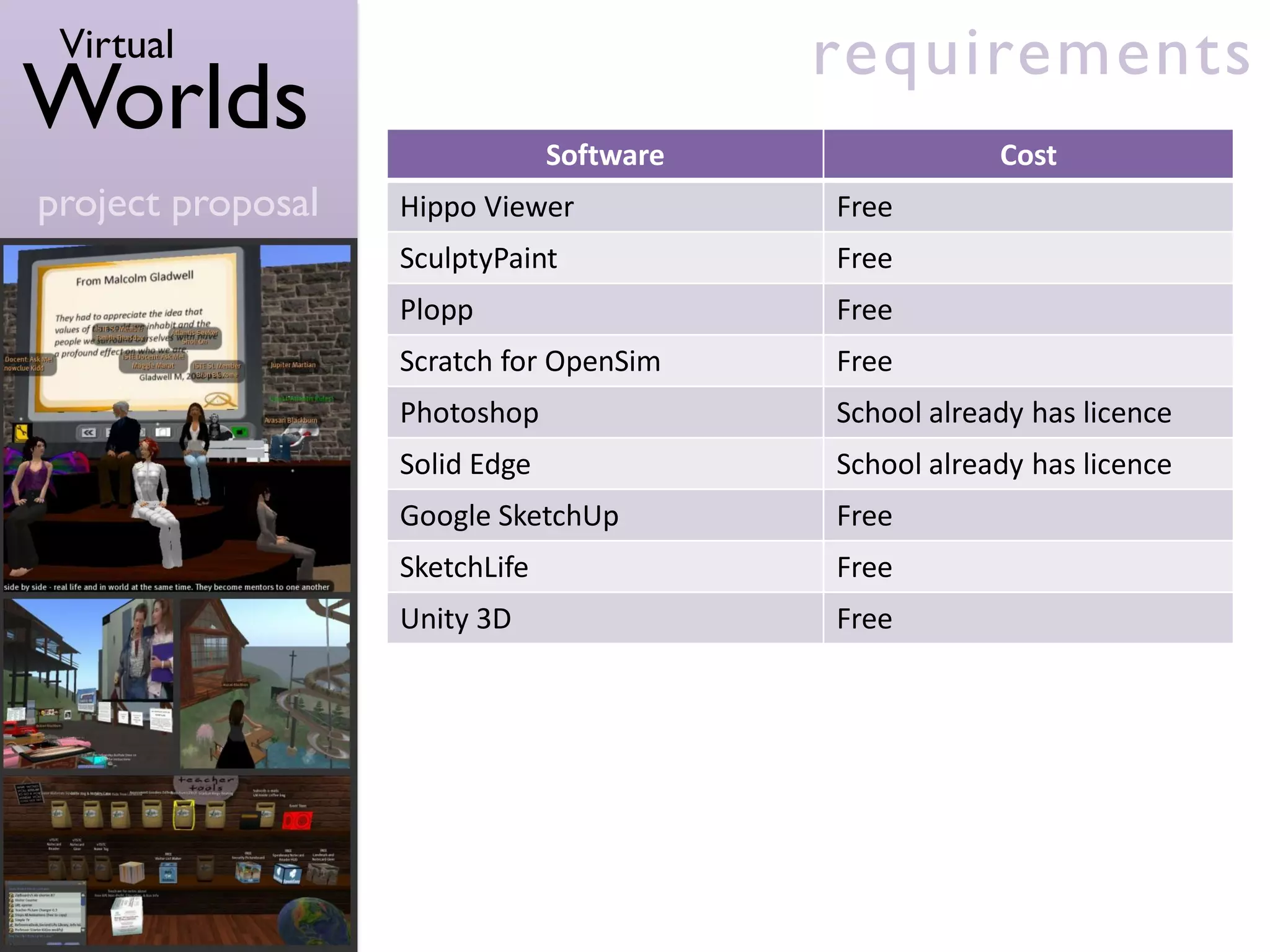
                         A building committee centre to house building resources,
                         eg: building “freebies” collected from other virtual worlds,
                         Building tips and how-to’s

                         A “newbie” welcome area and help centre
Virtual                                              requirements
Worlds             Projects to follow may include:

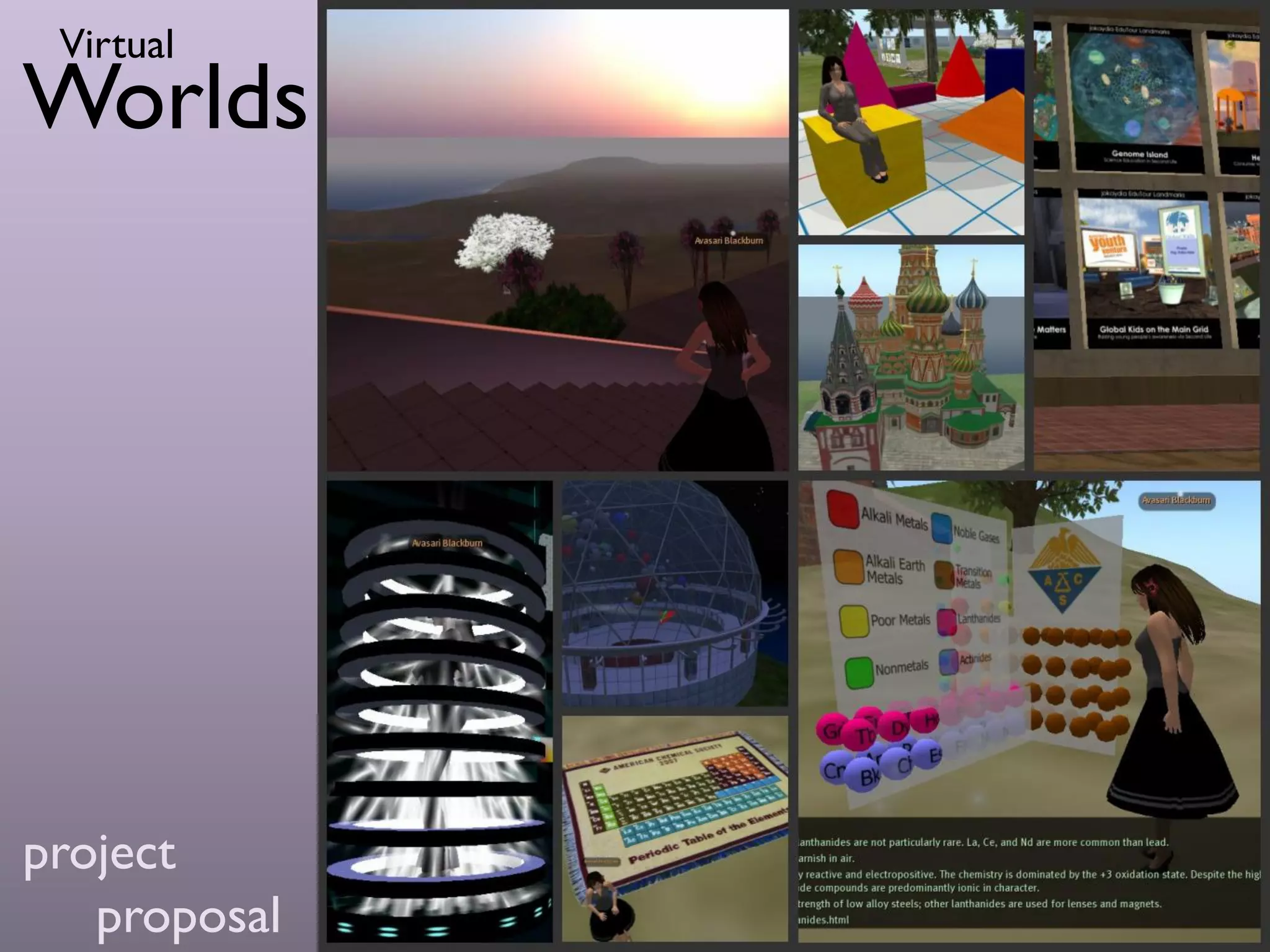
project proposal         Mathematics area initially featuring 3D shapes and objects

                         Science area initially focusing on the study of Chemistry

                         Places of worship

                         LOTE café, disco or similar meeting space

                         Student meeting space sto relax, interact, play games,
                         etc…

                   The Staff ICT Trainer will liaise with interested staff to train them
                   in the use of virtual world and use in the curriculum.
Virtual                                   requirements
Worlds                          Software               Cost
project proposal   Hippo Viewer            Free
                   SculptyPaint            Free
                   Plopp                   Free
                   Scratch for OpenSim     Free
                   Photoshop               School already has licence
                   Solid Edge              School already has licence
                   Google SketchUp         Free
                   SketchLife              Free
                   Unity 3D                Free
Virtual                                            requirements
Worlds                      Requirement                   Cost          One Off
                                                                       or Annual
project proposal   OpenSim Server set up hosted        US $110*          One off,
                   by ReactionGrid                                    discounted by
                                                                           50%
                   Annual maintenance fee for           US $900          Annual
                   private space
                   Set up of public area on             US $25*          One off,
                   ReactionGrid                                       discounted by
                                                                           50%
                   Annual maintenance fee for           US $300          Annual
                   public space
                   Advanced Avatar Registration        US $500*        One off, but
                   Form                                               provided free


                         Total Cost 1st Year          Total Cost Subsequent Years
                         Approx. AU $1500                   Approx. AU $1350

                   *Discounts apply due to one year advance payment
Virtual                                                         resources
Worlds             Movies about Virtual Worlds in Education:

                   Immersive Learning: It’s Game On!
project proposal   http://www.youtube.com/watch?v=ARf8VMYRQy0

                   No Future Left Behind
                   http://www.youtube.com/watch?v=kra_z9vMnHo

                   International Society for Technology in Education:
                   ISTE Second Life
                   http://www.youtube.com/watch?v=aP137QgYKvQ

                   Examples of Schools using Virtual Worlds:

                   “Ramapo Islands”
                   Suffern Middle School, New York,
                   Under the direction of Peggy Sheehy
                   http://ramapoislands.edublogs.org/

                   “Booralie”
                   Northern Beaches Christian School, Sydney,
                   Under the direction of Steve Collis
                   http://www.happysteve.com/2009/04/practical-examples-of-3d-virtual-
                   environments-for-learning-in-high-school.html
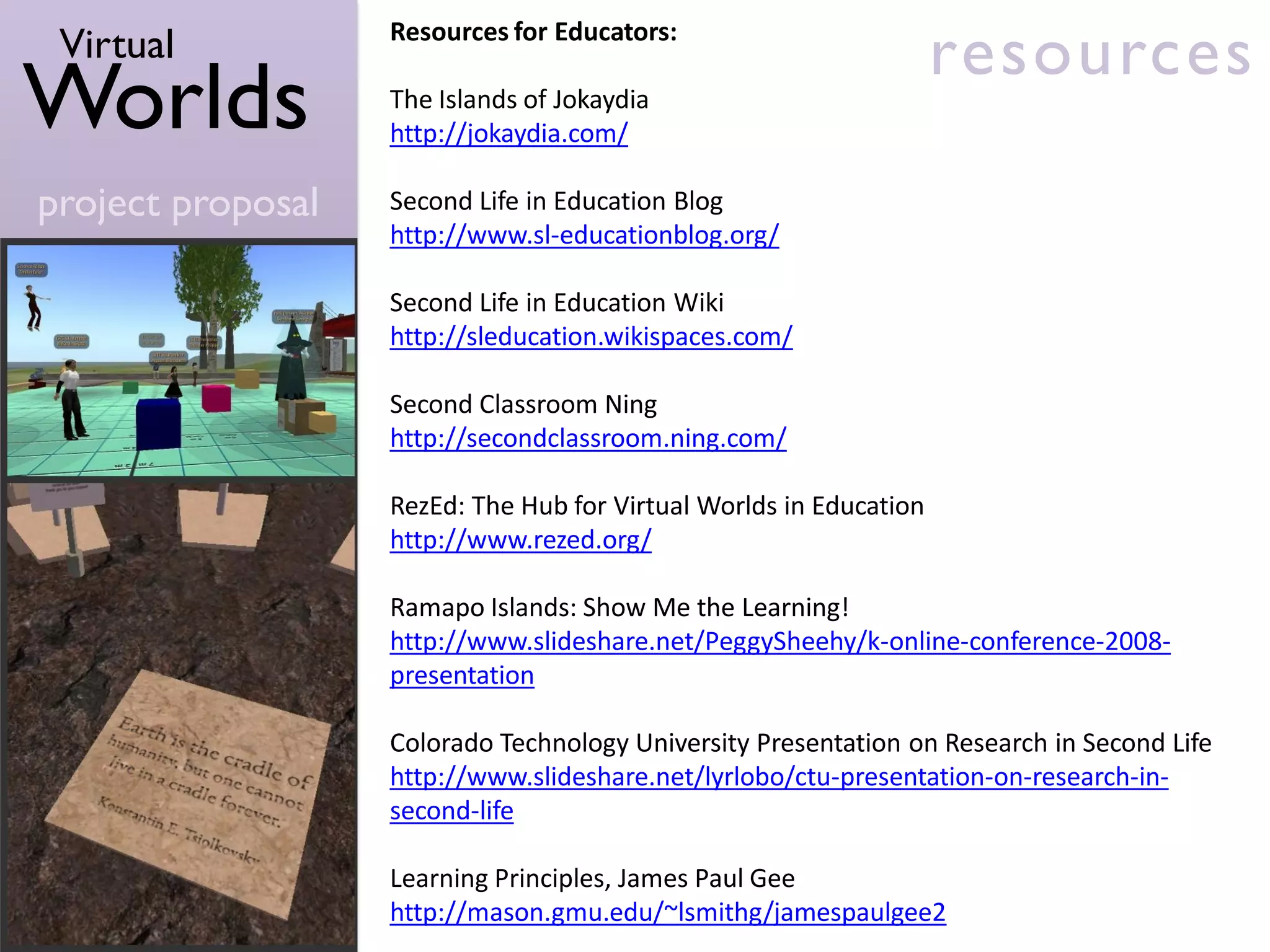
Virtual           Resources for Educators:
                                                                    resources
Worlds             The Islands of Jokaydia
                   http://jokaydia.com/

project proposal   Second Life in Education Blog
                   http://www.sl-educationblog.org/

                   Second Life in Education Wiki
                   http://sleducation.wikispaces.com/

                   Second Classroom Ning
                   http://secondclassroom.ning.com/

                   RezEd: The Hub for Virtual Worlds in Education
                   http://www.rezed.org/

                   Ramapo Islands: Show Me the Learning!
                   http://www.slideshare.net/PeggySheehy/k-online-conference-2008-
                   presentation

                   Colorado Technology University Presentation on Research in Second Life
                   http://www.slideshare.net/lyrlobo/ctu-presentation-on-research-in-
                   second-life

                   Learning Principles, James Paul Gee
                   http://mason.gmu.edu/~lsmithg/jamespaulgee2
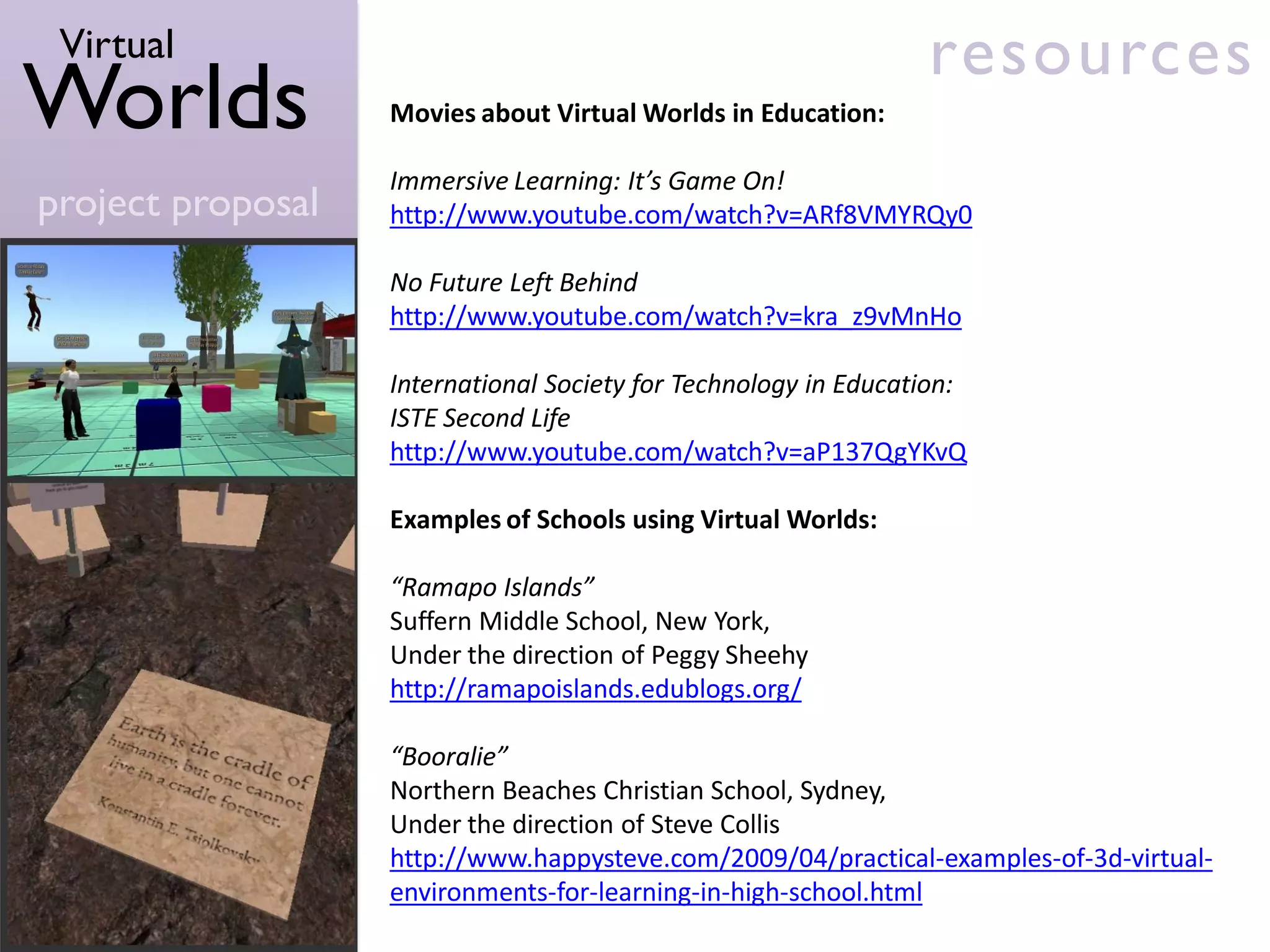
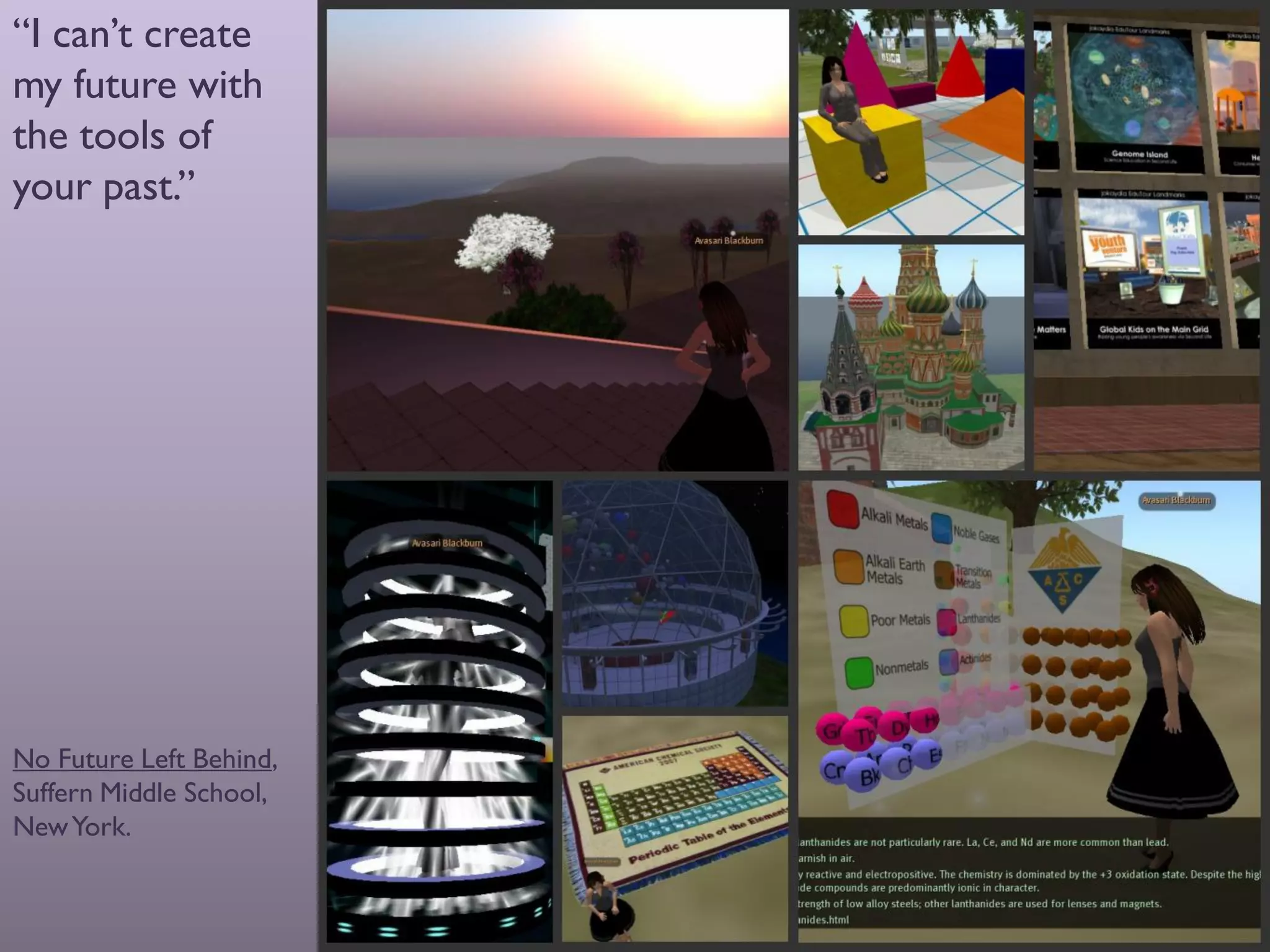
“I can’t create
my future with
the tools of
your past.”


                         virt


No Future Left Behind,
Suffern Middle School,
New York.

Virtual Worlds Project Proposal - Reaction Grid

  • 1.
    Virtual Worlds virt project proposal
  • 2.
    Virtual introduction Worlds Virtual worlds can provide engaging and flexible learning spaces that offer students incredible opportunities to be creative and project proposal interact with others. Whilst a number of different virtual worlds are available for students, creating a private space hosted by ReactionGrid using the OpenSim platform, offers excellent support with exciting possibilities for development. The private space model will allow the school to develop its own virtual island that can only be accessed by members of the school community. It is a “blank canvas” that will allow the students, under the guidance of their teachers, to create a variety of objects and areas especially designed for use by our school community.
  • 3.
    Virtual over view Worlds The school would establish a private space using the OpenSim platform to be set up and hosted by ReactionGrid. project proposal In order to set up the virtual space, students would be invited to join the project team. The group would meet once a week, ideally during “long lunch”. The group meetings would allow students to explore different methods of creating a 3D virtual world, some of which include: Creating landscapes, buildings and objects using the “Build “ tools included with the Hippo Viewer. An introduction to 3D object creation using software such as Plopp and Sculptpaint. Objects can also be programmed to move via Scratch for OpenSim. Creating clothing items for users’ avatars using Adobe Photoshop. Creation of objects, buildings and worlds using applications such as Solid Edge, Google SketchUp in conjunction with SketchLife and Unity 3D.
  • 4.
    Virtual goals Worlds The goals of the program are: To promote creativity and innovation. project proposal To use the space as a means of showcasing student work, giving tasks a real purpose. “I’m creating items for our school’s clothing shop.” To allow staff and students to interact in a virtual environment, offering a deeper level of interaction that is sometimes not present via traditional face-to-face methods. For staff to have the opportunity to use an engaging method of curriculum delivery that is flexible enough to use across all curriculum areas. To encourage staff to make use of the variety of excellent Professional Development opportunities available to them via virtual worlds platforms such as ReactionGrid and the main grid of Second Life.
  • 5.
    Virtual requirements Worlds The Staff ICT Trainer will facilitate the project team, meeting with them on a weekly basis to plan and oversee the creation of project proposal the estate. Initially, this committee is likely to be made up only of students. However, there is already interest from keen staff who will also be invited to attend as they wish. These staff will then be encourage to use estate for learning and teaching activities. Initially, each member will need to create his/her own avatar and become familiar with the Hippo Viewer. Members will then be introduced to a variety of building tools and be allocated specific projects to work on. The first projects may include: A building committee centre to house building resources, eg: building “freebies” collected from other virtual worlds, Building tips and how-to’s A “newbie” welcome area and help centre
  • 6.
    Virtual requirements Worlds Projects to follow may include: project proposal Mathematics area initially featuring 3D shapes and objects Science area initially focusing on the study of Chemistry Places of worship LOTE café, disco or similar meeting space Student meeting space sto relax, interact, play games, etc… The Staff ICT Trainer will liaise with interested staff to train them in the use of virtual world and use in the curriculum.
  • 7.
    Virtual requirements Worlds Software Cost project proposal Hippo Viewer Free SculptyPaint Free Plopp Free Scratch for OpenSim Free Photoshop School already has licence Solid Edge School already has licence Google SketchUp Free SketchLife Free Unity 3D Free
  • 8.
    Virtual requirements Worlds Requirement Cost One Off or Annual project proposal OpenSim Server set up hosted US $110* One off, by ReactionGrid discounted by 50% Annual maintenance fee for US $900 Annual private space Set up of public area on US $25* One off, ReactionGrid discounted by 50% Annual maintenance fee for US $300 Annual public space Advanced Avatar Registration US $500* One off, but Form provided free Total Cost 1st Year Total Cost Subsequent Years Approx. AU $1500 Approx. AU $1350 *Discounts apply due to one year advance payment
  • 9.
    Virtual resources Worlds Movies about Virtual Worlds in Education: Immersive Learning: It’s Game On! project proposal http://www.youtube.com/watch?v=ARf8VMYRQy0 No Future Left Behind http://www.youtube.com/watch?v=kra_z9vMnHo International Society for Technology in Education: ISTE Second Life http://www.youtube.com/watch?v=aP137QgYKvQ Examples of Schools using Virtual Worlds: “Ramapo Islands” Suffern Middle School, New York, Under the direction of Peggy Sheehy http://ramapoislands.edublogs.org/ “Booralie” Northern Beaches Christian School, Sydney, Under the direction of Steve Collis http://www.happysteve.com/2009/04/practical-examples-of-3d-virtual- environments-for-learning-in-high-school.html
  • 10.
    Virtual Resources for Educators: resources Worlds The Islands of Jokaydia http://jokaydia.com/ project proposal Second Life in Education Blog http://www.sl-educationblog.org/ Second Life in Education Wiki http://sleducation.wikispaces.com/ Second Classroom Ning http://secondclassroom.ning.com/ RezEd: The Hub for Virtual Worlds in Education http://www.rezed.org/ Ramapo Islands: Show Me the Learning! http://www.slideshare.net/PeggySheehy/k-online-conference-2008- presentation Colorado Technology University Presentation on Research in Second Life http://www.slideshare.net/lyrlobo/ctu-presentation-on-research-in- second-life Learning Principles, James Paul Gee http://mason.gmu.edu/~lsmithg/jamespaulgee2
  • 11.
    “I can’t create myfuture with the tools of your past.” virt No Future Left Behind, Suffern Middle School, New York.