Virtual
Learning
Commons
Dr. Holly Weimar
and
Dr. Karin Perry
Sam Houston State University
The PowerPoint, examples,
and tools we’ll talk about
today will be available to you
at the end of this
presentation.
DON’T cramp your hand
taking notes.
How many of you
have heard of
David Loertscher's
Virtual Learning
Commons?
So, how is a Virtual
Learning Commons
different from a
traditional library
website?
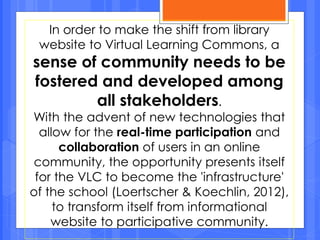
In order to make the shift from library
website to Virtual Learning Commons, a
sense of community needs to be
fostered and developed among
all stakeholders.
With the advent of new technologies that
allow for the real-time participation and
collaboration of users in an online
community, the opportunity presents itself
for the VLC to become the 'infrastructure'
of the school (Loertscher & Koechlin, 2012),
to transform itself from informational
website to participative community.
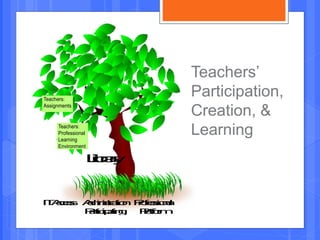
Teachers’
Participation,
Creation, &
Learning
IT:Access Administration Professional
Participating Platform
Library
Teachers:
Professional
Learning
Environment
Teachers:
Assignments
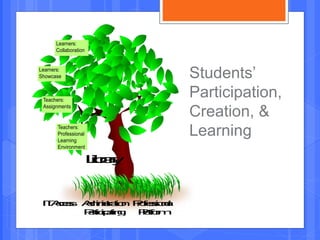
Students’
Participation,
Creation, &
Learning
IT:Access AdministrationProfessional
Participating Platform
Library
Teachers:
Professional
Learning
Environment
Teachers:
Assignments
Learners:
Showcase
Learners:
Collaboration
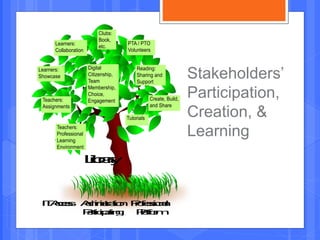
Stakeholders’
Participation,
Creation, &
Learning
IT:Access AdministrationProfessional
Participating Platform
Library
Teachers:
Professional
Learning
Environment
Teachers:
Assignments
Learners:
Showcase
Learners:
Collaboration
Clubs:
Book,
etc.
PTA / PTO
Volunteers
Reading:
Sharing and
Support
Create, Build,
and Share
Tutorials
Digital
Citizenship,
Team
Membership,
Choice,
Engagement
• Dr. Weimar and Dr. Perry created a survey
using SurveyMonkey.
• We posted the survey link to the SHSU
Library Student Listserv, TLC, LM_Net,
Facebook, and Twitter.
• We received 200 responses.
How did we come up with the examples
for this presentation?
What would your ideal virtual
presence look like?
What should it contain?
What should
teachers/students/parents have
access to?
Turn and Talk
Why should you provide a Virtual
Learning Commons for your
teachers/students/parents?
• We need to encourage collaboration to prepare
students for the future.
• We need to make learning accessible in order to
provide for “on-the-fly learning” and transform
students into self-starters. (Remember what
Nicole Cruz said yesterday about what her
former student told her he wished he’d known
before going to college?)
The Five Main
Portals of the Virtual
Learning Commons
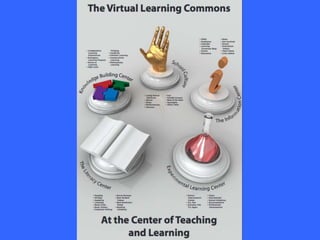
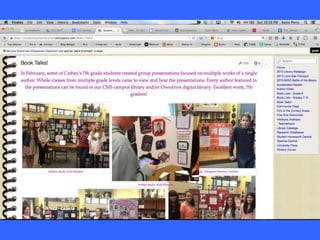
The Information Center
The Literacy Center
The Knowledge Building Center
The Experimental Learning Center
School Culture
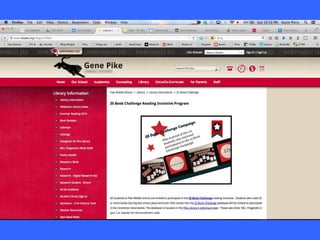
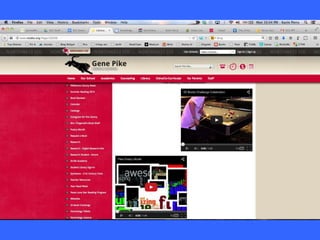
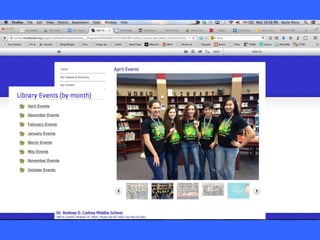
The Information Center
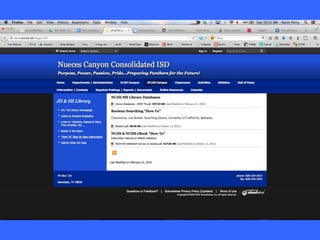
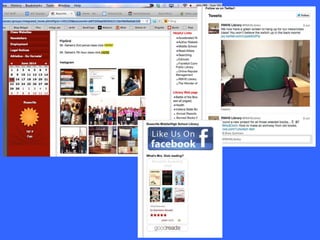
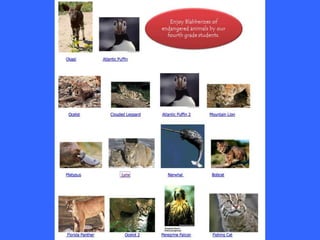
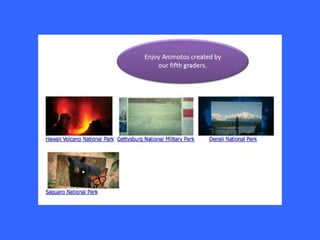
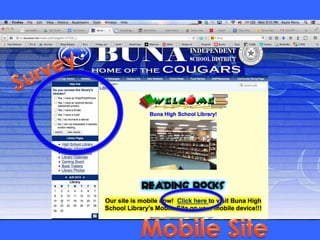
• The landing page.
• Links users to useful tools.
• Features a “hook” in the center of the page to
draw users to the entire site. (photo slideshow,
club info, screencast tutorials, links to blog,
Facebook, Twitter, and other social networking
sites)
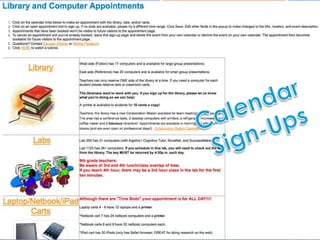
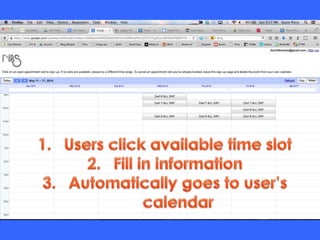
• Calendar of events or for teachers to reserve
space/equipment.
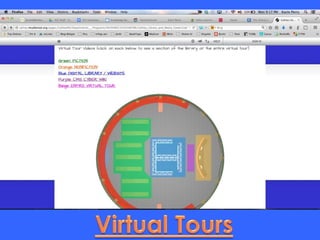
Virtual tours don’t have to be that
fancy. Here is another example of
what you can do.
https://www.youtube.com/watch?v=h
Mcf7iBI8hY&index=1&list=PL67E5355A0F
B59304
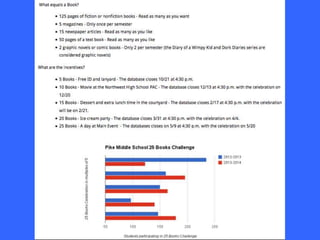
The Literacy Center
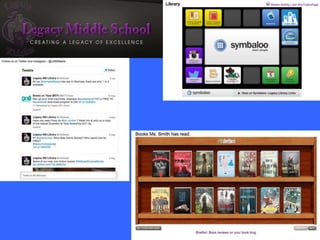
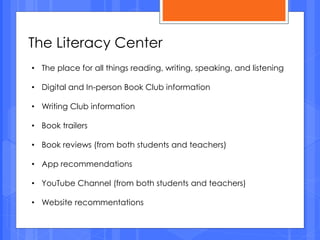
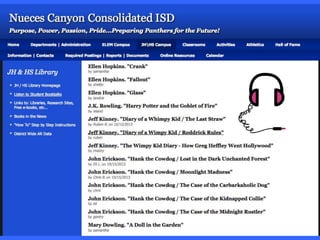
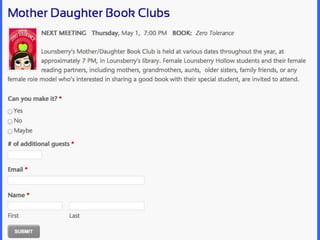
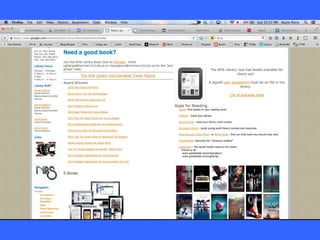
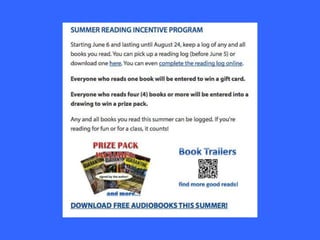
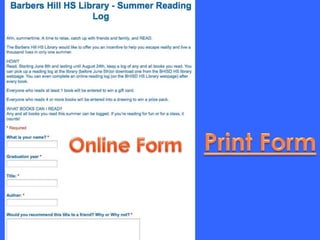
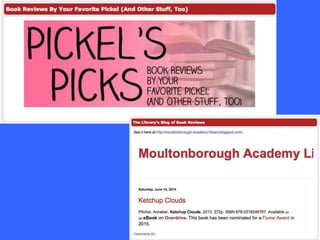
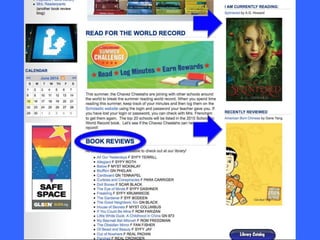
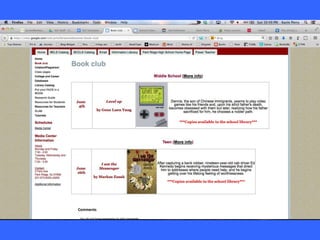
• The place for all things reading, writing, speaking, and listening
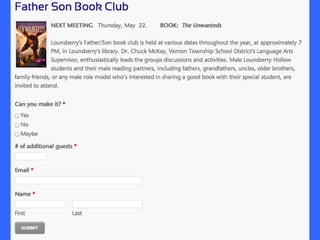
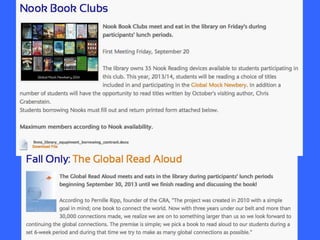
• Digital and In-person Book Club information
• Writing Club information
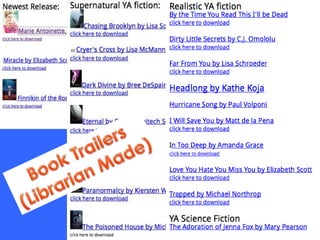
• Book trailers
• Book reviews (from both students and teachers)
• App recommendations
• YouTube Channel (from both students and teachers)
• Website recommentations
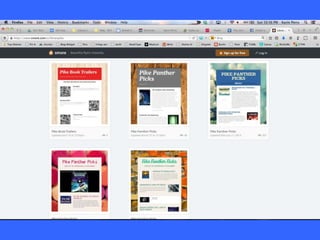
The Knowledge Building Center
• Personal Learning Networks – hobbies, personal interests,
organizations (causes people are passionate about),
informational learning
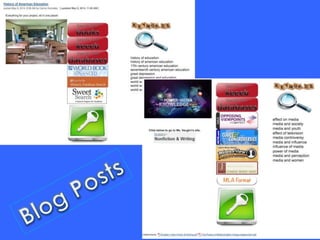
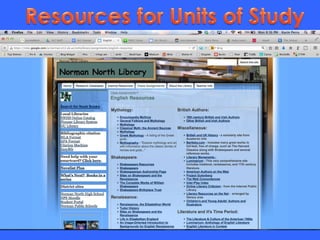
• Resources for units of study
• The learning experiences featured here can be done in a
variety of learning environments including Moodle projects,
projects done in content management systems, technological
learning spaces, or face to face projects with the organization
done in digital space.
• Examples of successful projects
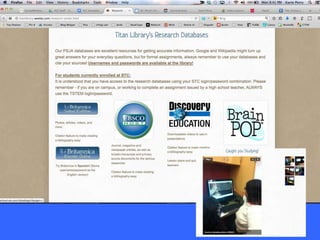
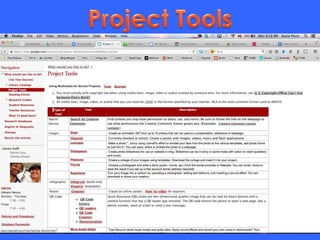
What is missing from these examples?
The Collaborative Learning Experiences. It is
difficult to find examples of a true Knowledge
Building Center.
In addition to Project Resources, you need to
provide:
Calendars
Student work space
Information about assessment
A place for them to communicate
An area for reflection
How can this be accomplished? TURN AND TALK
The Experimental Learning Center
• Educational technology information. Tips,
tutorials, guides, resources
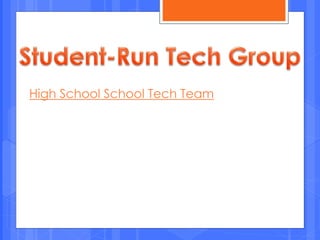
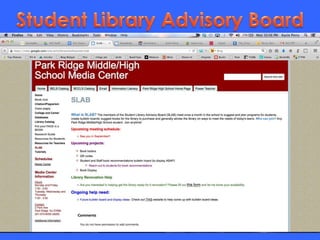
• The home of the student technology group that
tests out and teaches a wide variety of Web 2.0
tools to adults and students around the school
• Current school-wide focus issues: calendars,
progress reports, plans, action research projects
• Project progress plans
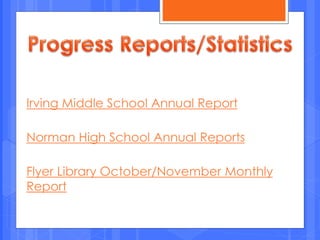
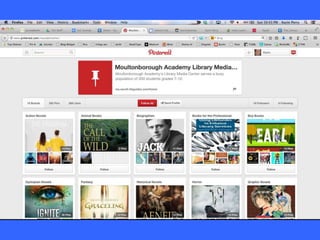
Irving Middle School Annual Report
Norman High School Annual Reports
Flyer Library October/November Monthly
Report
High School School Tech Team
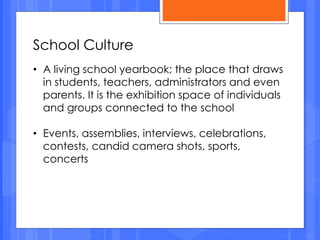
School Culture
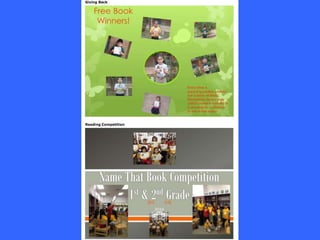
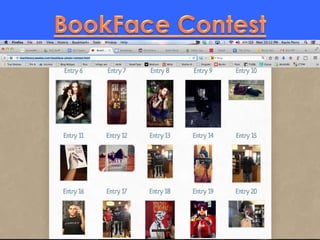
• A living school yearbook; the place that draws
in students, teachers, administrators and even
parents. It is the exhibition space of individuals
and groups connected to the school
• Events, assemblies, interviews, celebrations,
contests, candid camera shots, sports,
concerts
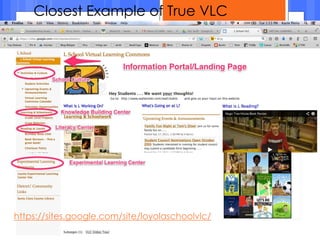
Closest Example of True VLC
https://sites.google.com/site/loyolaschoolvlc/
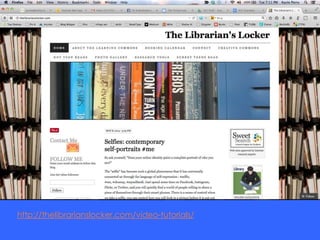
http://thelibrarianslocker.com/video-tutorials/
Google Sites (FREE)
Haiku Learning (individual teachers can have a
FREE account)
LibGuides
Blackboard Engage (formerly School Fusion and
Edline)
Platforms to use for Virtual Learning
Commons
What the librarians want if there
were NO obstacles.
• Ebooks and a budget for titles (Overdrive??)
• Interactive website that students actual use
• Individual school library websites and NOT just one for district
• Flexible website and NOT the canned site set by the district
• Ability to update the website
• Facebook, Twitter, Instagram, Blog (basically social media)
• Fewer blocked websites
• BYOD or 1:1 mobile devices
• Library’s website prominently displayed on the school’s website
• Ability to share photos of students, teachers, projects, and
school events
• Easy-to-remember URL
• Live, embedded video and/or chat functionality. (Ask a
Librarian https://chat.zoho.com)
Where are you going to start?
What is something you’ll be able to
accomplish next year?
If you’ve already started, what are
you going to add?
Turn and Talk
To download or view the
PowerPoint, please visit
http://slideshare.net/karinlibraria
n
To access all the links used in
today’s presentation (and even
more resources) go to
https://www.smore.com/1kem9
 American Association of School Librarians. (2007).
Standards for the 21st-Century learner. Retrieved
from http://www.ala.org/aasl/standards.
 Kajder, S. (2010). Adolescents and digital literacies:
Learning alongside our students. National Council
of Teachers of English.
 Loertscher, D. V., & Koechlin, C. (2012, October).
The Virtual Learning Commons and school
improvement. Teacher Librarian (39)6. pp. 20-24.
 Loertscher, D. V., Koechlin, C., & Rosenfeld, E.
(2012). The Virtual Learning Commons: Building a
participatory school learning community. Learning
Commons Press.
References:

Virtual learning commons tasla

  • 1.
    Virtual Learning Commons Dr. Holly Weimar and Dr.Karin Perry Sam Houston State University
  • 3.
    The PowerPoint, examples, andtools we’ll talk about today will be available to you at the end of this presentation. DON’T cramp your hand taking notes.
  • 4.
    How many ofyou have heard of David Loertscher's Virtual Learning Commons?
  • 6.
    So, how isa Virtual Learning Commons different from a traditional library website?
  • 7.
    In order tomake the shift from library website to Virtual Learning Commons, a sense of community needs to be fostered and developed among all stakeholders. With the advent of new technologies that allow for the real-time participation and collaboration of users in an online community, the opportunity presents itself for the VLC to become the 'infrastructure' of the school (Loertscher & Koechlin, 2012), to transform itself from informational website to participative community.
  • 8.
    Teachers’ Participation, Creation, & Learning IT:Access AdministrationProfessional Participating Platform Library Teachers: Professional Learning Environment Teachers: Assignments
  • 9.
    Students’ Participation, Creation, & Learning IT:Access AdministrationProfessional ParticipatingPlatform Library Teachers: Professional Learning Environment Teachers: Assignments Learners: Showcase Learners: Collaboration
  • 10.
    Stakeholders’ Participation, Creation, & Learning IT:Access AdministrationProfessional ParticipatingPlatform Library Teachers: Professional Learning Environment Teachers: Assignments Learners: Showcase Learners: Collaboration Clubs: Book, etc. PTA / PTO Volunteers Reading: Sharing and Support Create, Build, and Share Tutorials Digital Citizenship, Team Membership, Choice, Engagement
  • 11.
    • Dr. Weimarand Dr. Perry created a survey using SurveyMonkey. • We posted the survey link to the SHSU Library Student Listserv, TLC, LM_Net, Facebook, and Twitter. • We received 200 responses. How did we come up with the examples for this presentation?
  • 12.
    What would yourideal virtual presence look like? What should it contain? What should teachers/students/parents have access to? Turn and Talk
  • 13.
    Why should youprovide a Virtual Learning Commons for your teachers/students/parents? • We need to encourage collaboration to prepare students for the future. • We need to make learning accessible in order to provide for “on-the-fly learning” and transform students into self-starters. (Remember what Nicole Cruz said yesterday about what her former student told her he wished he’d known before going to college?)
  • 14.
    The Five Main Portalsof the Virtual Learning Commons
  • 16.
    The Information Center TheLiteracy Center The Knowledge Building Center The Experimental Learning Center School Culture
  • 17.
    The Information Center •The landing page. • Links users to useful tools. • Features a “hook” in the center of the page to draw users to the entire site. (photo slideshow, club info, screencast tutorials, links to blog, Facebook, Twitter, and other social networking sites) • Calendar of events or for teachers to reserve space/equipment.
  • 19.
    Virtual tours don’thave to be that fancy. Here is another example of what you can do. https://www.youtube.com/watch?v=h Mcf7iBI8hY&index=1&list=PL67E5355A0F B59304
  • 27.
    The Literacy Center •The place for all things reading, writing, speaking, and listening • Digital and In-person Book Club information • Writing Club information • Book trailers • Book reviews (from both students and teachers) • App recommendations • YouTube Channel (from both students and teachers) • Website recommentations
  • 47.
    The Knowledge BuildingCenter • Personal Learning Networks – hobbies, personal interests, organizations (causes people are passionate about), informational learning • Resources for units of study • The learning experiences featured here can be done in a variety of learning environments including Moodle projects, projects done in content management systems, technological learning spaces, or face to face projects with the organization done in digital space. • Examples of successful projects
  • 51.
    What is missingfrom these examples? The Collaborative Learning Experiences. It is difficult to find examples of a true Knowledge Building Center. In addition to Project Resources, you need to provide: Calendars Student work space Information about assessment A place for them to communicate An area for reflection How can this be accomplished? TURN AND TALK
  • 52.
    The Experimental LearningCenter • Educational technology information. Tips, tutorials, guides, resources • The home of the student technology group that tests out and teaches a wide variety of Web 2.0 tools to adults and students around the school • Current school-wide focus issues: calendars, progress reports, plans, action research projects • Project progress plans
  • 53.
    Irving Middle SchoolAnnual Report Norman High School Annual Reports Flyer Library October/November Monthly Report
  • 54.
  • 56.
    School Culture • Aliving school yearbook; the place that draws in students, teachers, administrators and even parents. It is the exhibition space of individuals and groups connected to the school • Events, assemblies, interviews, celebrations, contests, candid camera shots, sports, concerts
  • 65.
    Closest Example ofTrue VLC https://sites.google.com/site/loyolaschoolvlc/
  • 66.
  • 67.
    Google Sites (FREE) HaikuLearning (individual teachers can have a FREE account) LibGuides Blackboard Engage (formerly School Fusion and Edline) Platforms to use for Virtual Learning Commons
  • 68.
    What the librarianswant if there were NO obstacles. • Ebooks and a budget for titles (Overdrive??) • Interactive website that students actual use • Individual school library websites and NOT just one for district • Flexible website and NOT the canned site set by the district • Ability to update the website • Facebook, Twitter, Instagram, Blog (basically social media) • Fewer blocked websites • BYOD or 1:1 mobile devices • Library’s website prominently displayed on the school’s website • Ability to share photos of students, teachers, projects, and school events • Easy-to-remember URL • Live, embedded video and/or chat functionality. (Ask a Librarian https://chat.zoho.com)
  • 69.
    Where are yougoing to start? What is something you’ll be able to accomplish next year? If you’ve already started, what are you going to add? Turn and Talk
  • 70.
    To download orview the PowerPoint, please visit http://slideshare.net/karinlibraria n To access all the links used in today’s presentation (and even more resources) go to https://www.smore.com/1kem9
  • 71.
     American Associationof School Librarians. (2007). Standards for the 21st-Century learner. Retrieved from http://www.ala.org/aasl/standards.  Kajder, S. (2010). Adolescents and digital literacies: Learning alongside our students. National Council of Teachers of English.  Loertscher, D. V., & Koechlin, C. (2012, October). The Virtual Learning Commons and school improvement. Teacher Librarian (39)6. pp. 20-24.  Loertscher, D. V., Koechlin, C., & Rosenfeld, E. (2012). The Virtual Learning Commons: Building a participatory school learning community. Learning Commons Press. References: