Download as PDF, PPTX
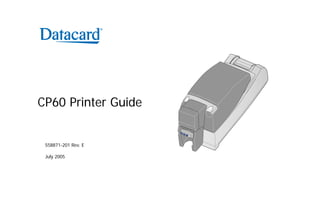
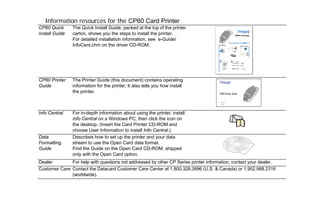
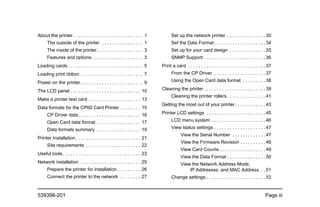
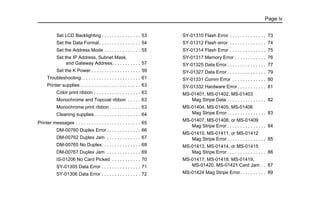
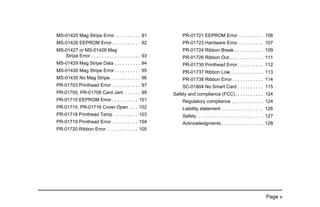
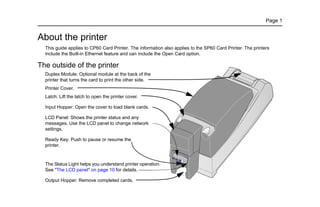
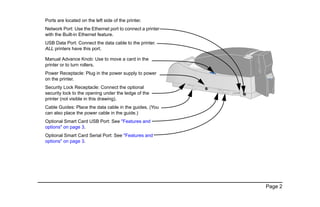
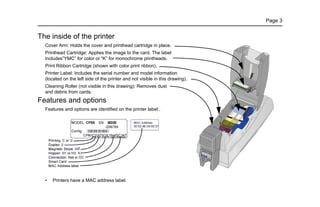
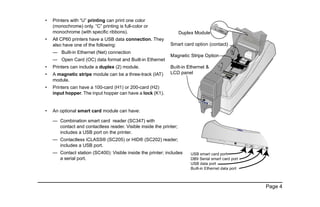
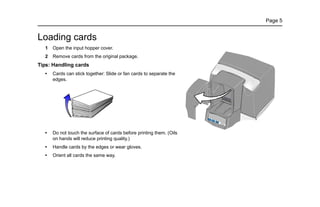
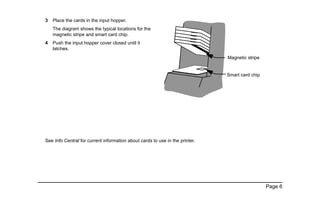
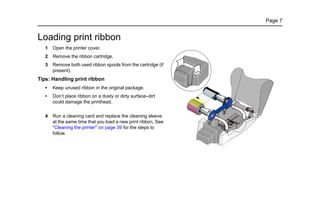
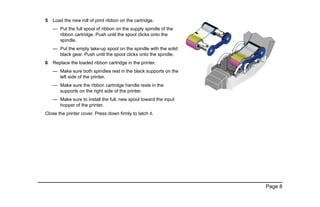

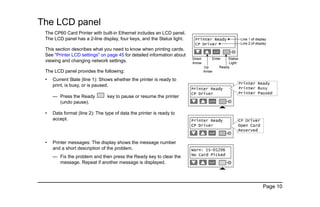
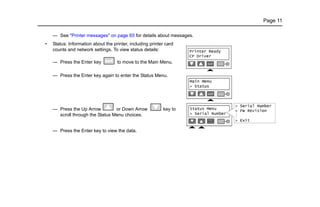
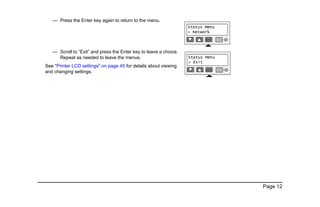
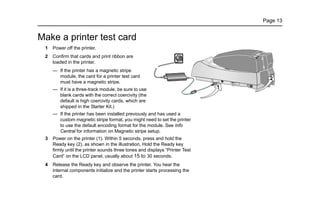
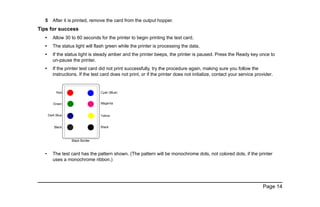
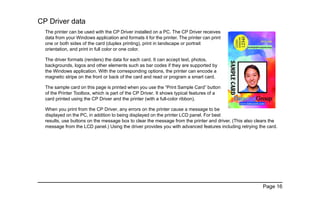

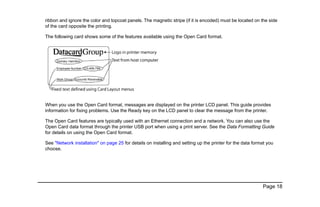
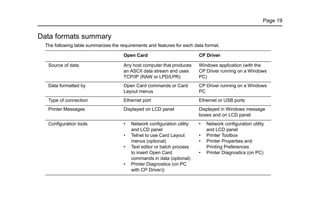
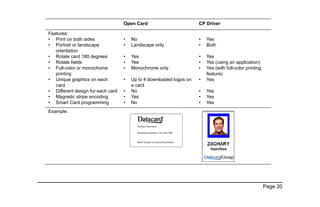
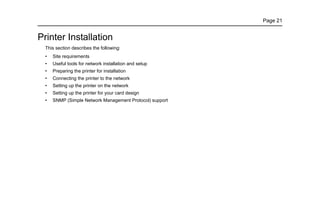
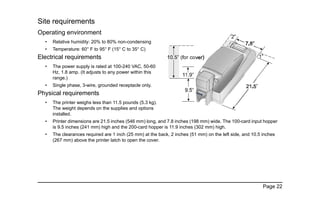

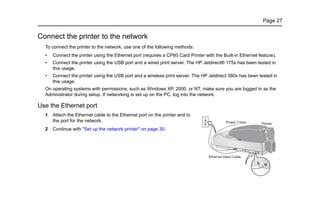

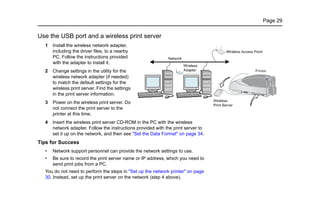
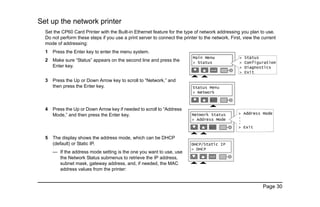
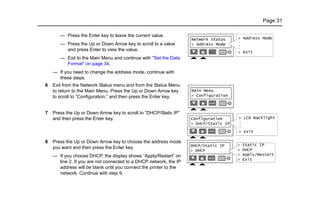
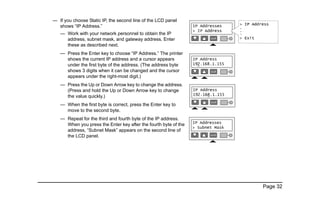
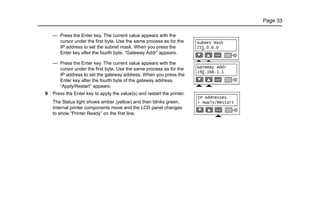
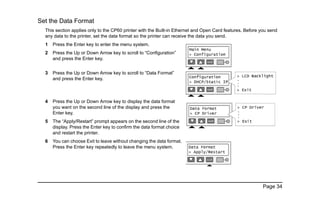


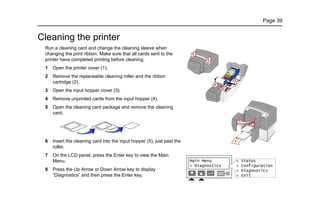
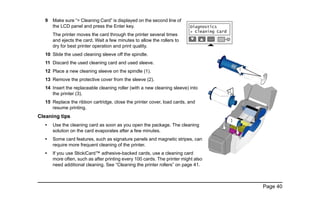

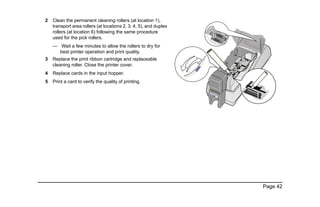


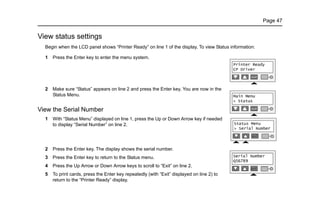
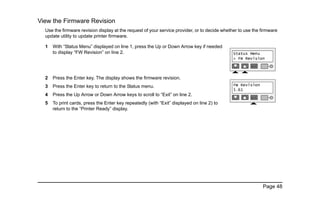
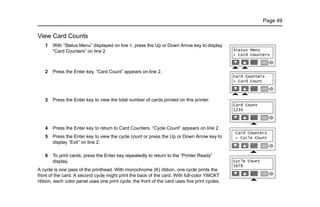
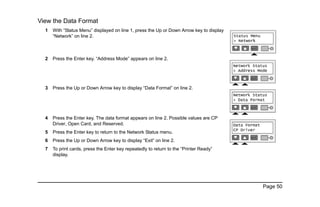
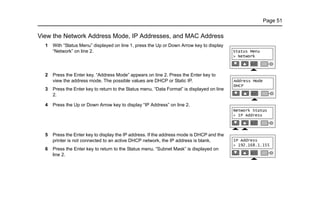
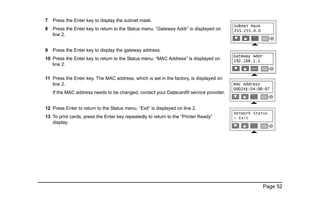
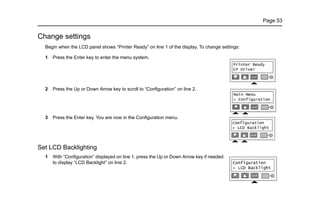

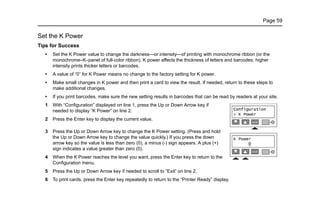
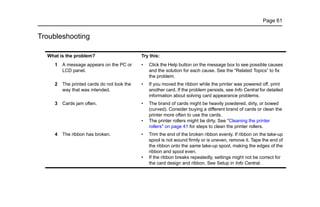
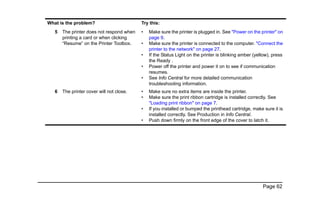
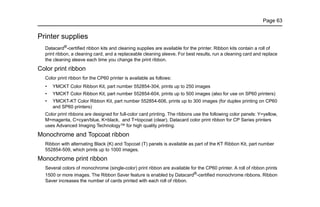
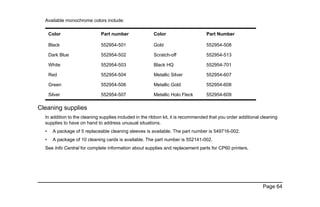

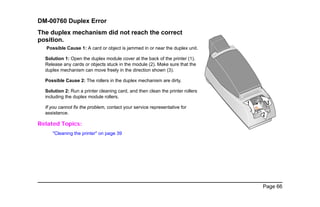

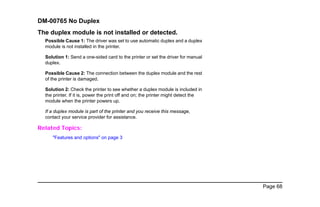
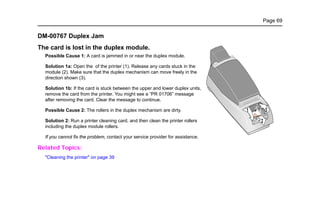
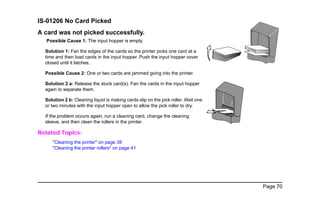
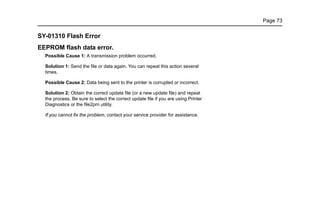
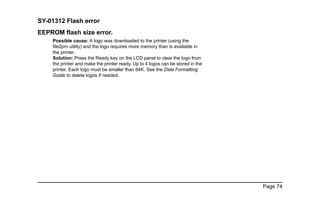
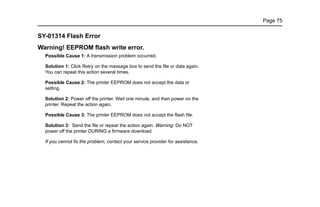
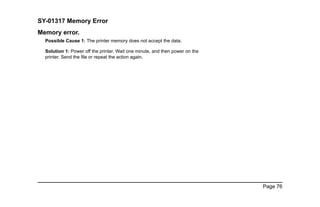
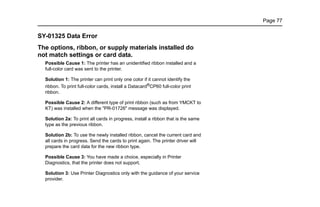

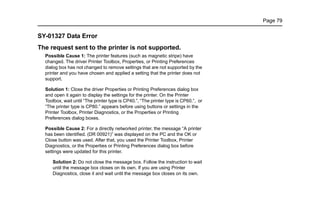
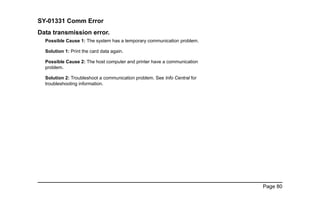

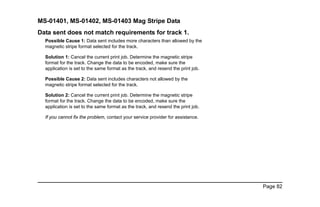
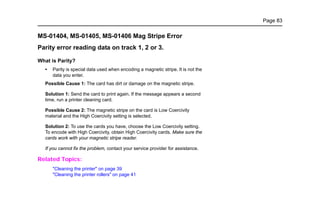
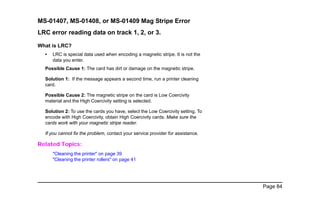
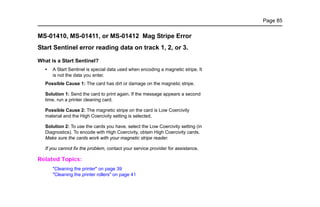
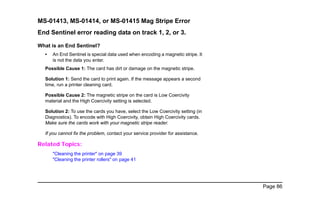
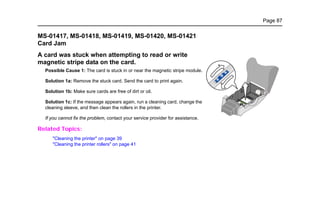
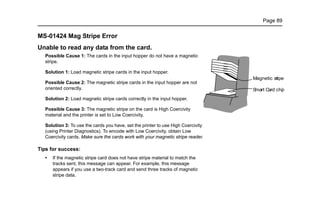





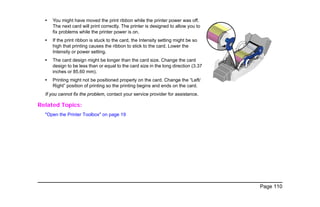
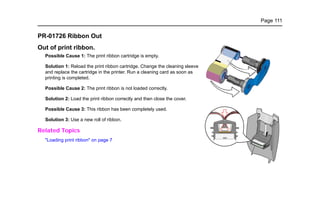
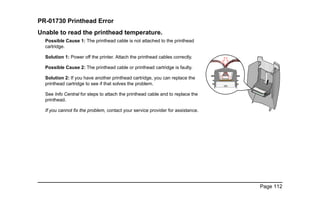


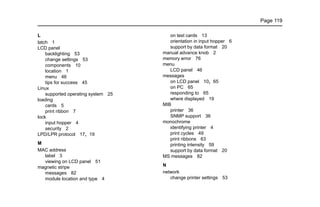

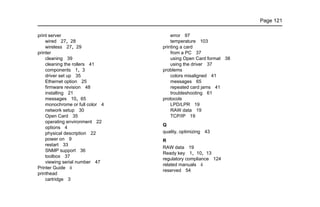

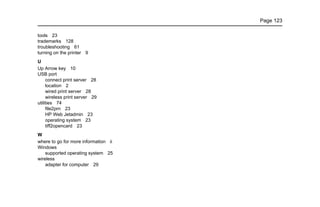
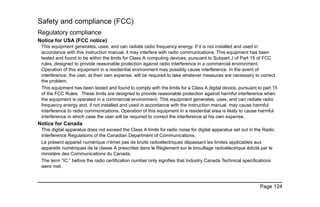




This document provides information about installing and operating the CP60 Card Printer. It includes sections on loading cards and print ribbon, powering on the printer, understanding the LCD panel, making a test card, supported data formats, installing the printer on a network, printing cards, cleaning the printer, troubleshooting error messages, and settings in the LCD menu. Resources like the quick install guide, Info Central software, and dealer support are also listed.


