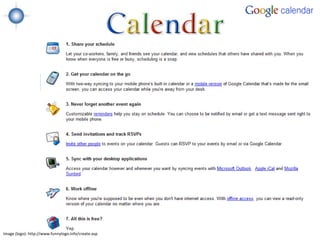
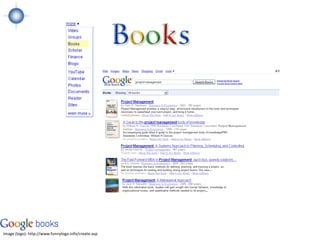
Google logo (c) Google Inc., 2009. Reprinted with Permission.
•Webinar Text Chat
         •Twitter: @jclarey (#brandonhall)
         •Email: janet@brandon-hall.com
         •Google talk: jclarey


Image: http://www.funnylogo.info/create.asp
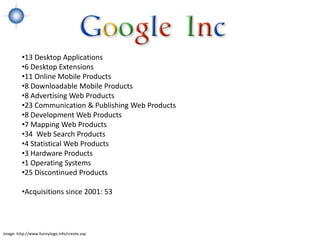
•13 Desktop Applications
         •6 Desktop Extensions
         •11 Online Mobile Products
         •8 Downloadable Mobile Products
         •8 Advertising Web Products
         •23 Communication & Publishing Web Products
         •8 Development Web Products
         •7 Mapping Web Products
         •34 Web Search Products
         •4 Statistical Web Products
         •3 Hardware Products
         •1 Operating Systems
         •25 Discontinued Products

         •Acquisitions since 2001: 53


Image: http://www.funnylogo.info/create.asp
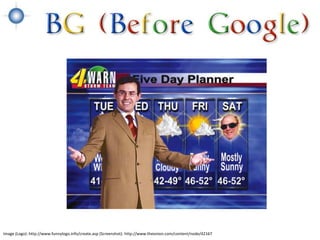
Image (Logo): http://www.funnylogo.info/create.asp (Screenshot): http://www.theonion.com/content/node/42167
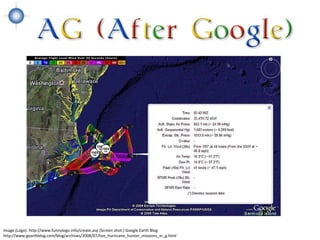
Image (Logo): http://www.funnylogo.info/create.asp (Screen shot:) Google Earth Blog
http://www.gearthblog.com/blog/archives/2008/07/live_hurricane_hunter_missions_in_g.html
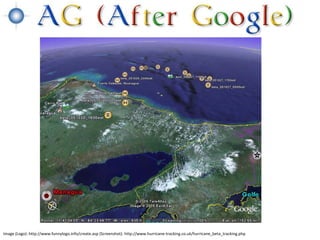
Image (Logo): http://www.funnylogo.info/create.asp (Screenshot): http://www.hurricane-tracking.co.uk/hurricane_beta_tracking.php
Image credits: iStockPhoto
The concept of
                   information has
                   changed and that
                   changes everything.
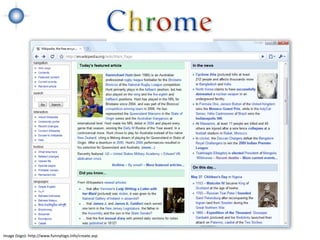
Image: http://www.funnylogo.info/create.asp
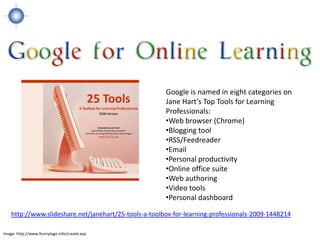
Google is named in eight categories on
                                                       Jane Hart’s Top Tools for Learning
                                                       Professionals:
                                                       •Web browser (Chrome)
                                                       •Blogging tool
                                                       •RSS/Feedreader
                                                       •Email
                                                       •Personal productivity
                                                       •Online office suite
                                                       •Web authoring
                                                       •Video tools
                                                       •Personal dashboard

    http://www.slideshare.net/janehart/25-tools-a-toolbox-for-learning-professionals-2009-1448214

Image: http://www.funnylogo.info/create.asp
Here are (at least)
    20 Google tools you can use to
    support workplace
    (and personal) learning


Image: http://www.funnylogo.info/create.asp
Image: http://www.funnylogo.info/create.asp; Image created with Wordle
Image: http://en.wikipedia.org/wiki/File:Blogger_screen.jpg Image: http://www.funnylogo.info/create.asp; Image created with Wordle
Image (logo): http://www.funnylogo.info/create.asp; Image created with Wordle
Image (logo): http://www.funnylogo.info/create.asp
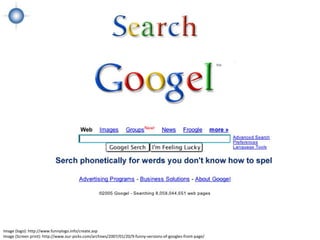
Image (Screen print): http://www.our-picks.com/archives/2007/01/20/9-funny-versions-of-googles-front-page/
define: webinar
           “webinar”
           how to * webinar


Image (logo): http://www.funnylogo.info/create.asp
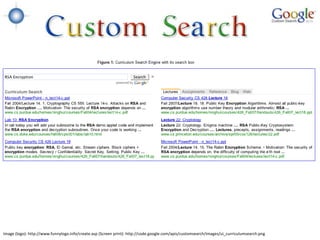
Image (logo): http://www.funnylogo.info/create.asp (Screen print): http://code.google.com/apis/customsearch/images/ui_curriculumsearch.png
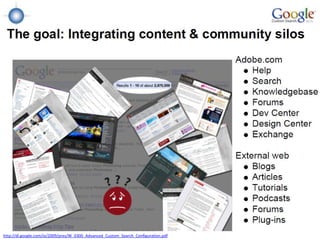
http://dl.google.com/io/2009/pres/W_0300_Advanced_Custom_Search_Configuration.pdf
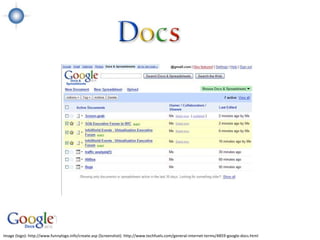
Image (logo): http://www.funnylogo.info/create.asp (Screenshot): http://www.techfuels.com/general-internet-terms/4859-google-docs.html
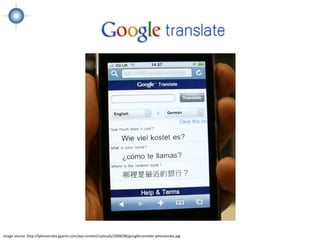
Image source: http://iphoneindia.gyanin.com/wp-content/uploads/2008/08/googletranslate-iphoneindia.jpg
Email: the most popular tool for
       communicating on the web and a
       core element of online learning
       management. Add IM and video
       chat and it humanizes the process.

Image (logo): http://www.funnylogo.info/create.asp
Aggregator - can read offline or online
                            •Allows learner to segment reading (group, tag, folder, etc.)
                            •Different views allowed
                            •Searchable
                            •Sharable
                            •Mobile Accessibility


Image (logo): http://www.funnylogo.info/create.asp
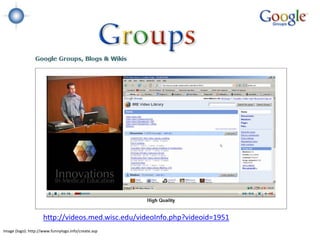
http://videos.med.wisc.edu/videoInfo.php?videoid=1951
Image (logo): http://www.funnylogo.info/create.asp
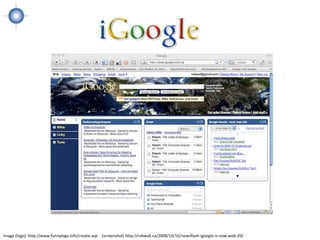
Image (logo): http://www.funnylogo.info/create.asp (screenshot) http://robwall.ca/2008/10/16/newsflash-igoogle-is-now-web-20/
1. Google Video for Business – video hosting and sharing for an
                      organization’s internal use (within the organization’s domain). Part of
                      Google Apps.

                   2. Google Video – search engine for videos (no longer supports
                      uploads)

                   3. You Tube – public video hosting and sharing


Image (logo): http://www.funnylogo.info/create.asp
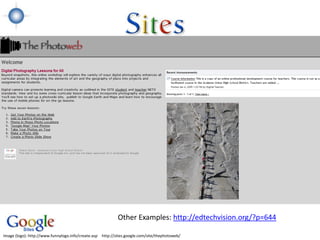
Other Examples: http://edtechvision.org/?p=644

Image (logo): http://www.funnylogo.info/create.asp http://sites.google.com/site/thephotoweb/
Image (logo): http://www.funnylogo.info/create.asp
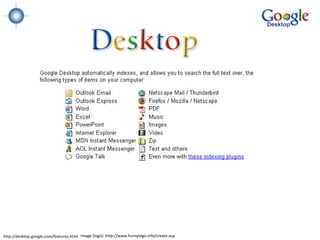
http://desktop.google.com/features.html Image (logo): http://www.funnylogo.info/create.asp
Image: http://www.funnylogo.info/create.asp
•Less IT support is needed to maintain software.

        •Financial savings of not buying and maintaining software. (The corporate standard –
        Microsoft Office Professional 2008 – costs $500. By comparison, Google’s Apps for
        business is $50 per user, per year.)

        •Content can more easily be shared.

        •Working on documents is more collaborative.

        •Centralized data storage.

        •Good spam and virus filters.

        •24/7 access.

        •Security/privacy (on both pros and cons).

        •Freedom from desktop applications.
Image: http://www.funnylogo.info/create.asp
•Less control of data.

            •Users need an Internet connection to access most applications (although some
            offline viewing is possible).

            •Support may not be at the level an organization requires.

            •Applications can be discontinued without notice.

            •Security and privacy concerns associated with data stored on someone else’s
            servers.

            •Training curve may add costs (on both pros and cons).

            •Culture – working on the Web vs. working with desktop applications.

            •Google’s terms and service.

            •Unknown ROI.
Image: http://www.funnylogo.info/create.asp
The Future


Image (logo): http://www.funnylogo.info/create.asp
SuccessFactors + Google (email, documents, chat, calendar, book
                                search, maps)

                                Salesforce.com + Google (email, documents, chat, calendar)

                                Moodle + Google (Google apps education edition: gmail, calendar,
                                gtalk, docs, sites, code)


Image (logo): http://www.funnylogo.info/create.asp
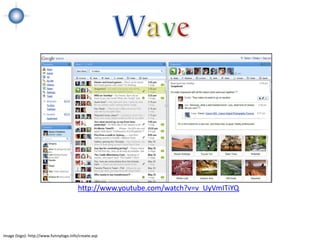
http://www.youtube.com/watch?v=v_UyVmITiYQ


Image (logo): http://www.funnylogo.info/create.asp
•Twitter: @jclarey (#brandonhall)
         •Email: janet@brandon-hall.com
         •Google talk: jclarey


Image (logo): http://www.funnylogo.info/create.asp
•Twitter: @jclarey (#brandonhall)
•Email: janet@brandon-hall.com
•Google talk: jclarey


  Image (logo): http://www.funnylogo.info/create.asp

Using Google For Online Learning