Apps and
 Tools
Bingo

bingobaker.com/play/11369


         www.bingobaker.com
DropBox
• Free service bringing
  your docs, photos and
  videos to one place

• Can access files from
  computers, phones or
  ipad
                          www.dropbox.com
DROPitTOme / SendtoDropbox

                        • Receive files into
                          your Dropbox
                          account
 www.dropittome.com
                        • Access through your
                          Dropbox account
                        • Great way for students to
                          submit assessment tasks that
www.sendtodropbox.com     are > 30MB
Evernote
• Save ideas, photos,
  documents into
  Evernote

• Works on computers
  and mobile devices
                        www.evernote.com
Prizmo
                        • Uses Optical
                          Character
                          Recognition

                        • Scans an item
http://goo.gl/EF8Sn
                        • Then edit the item
                        • seamless
                          intergration with
                          Dropbox
Wikispaces

• Collaborative tool
• Variety of uses such as
  subject guides, group     www.wikispaces.com
  projects
Google Apps
                                               • Includes docs and
                                                 Forms
                                               • Use for surveying,
                                                 quizzes
            http://goo.gl/cNPYy
                                               • Google sites for
NB: This link is for Saint Ignatius College,     making & hosting
     Geelong Google Apps account
                                                 basic webpages
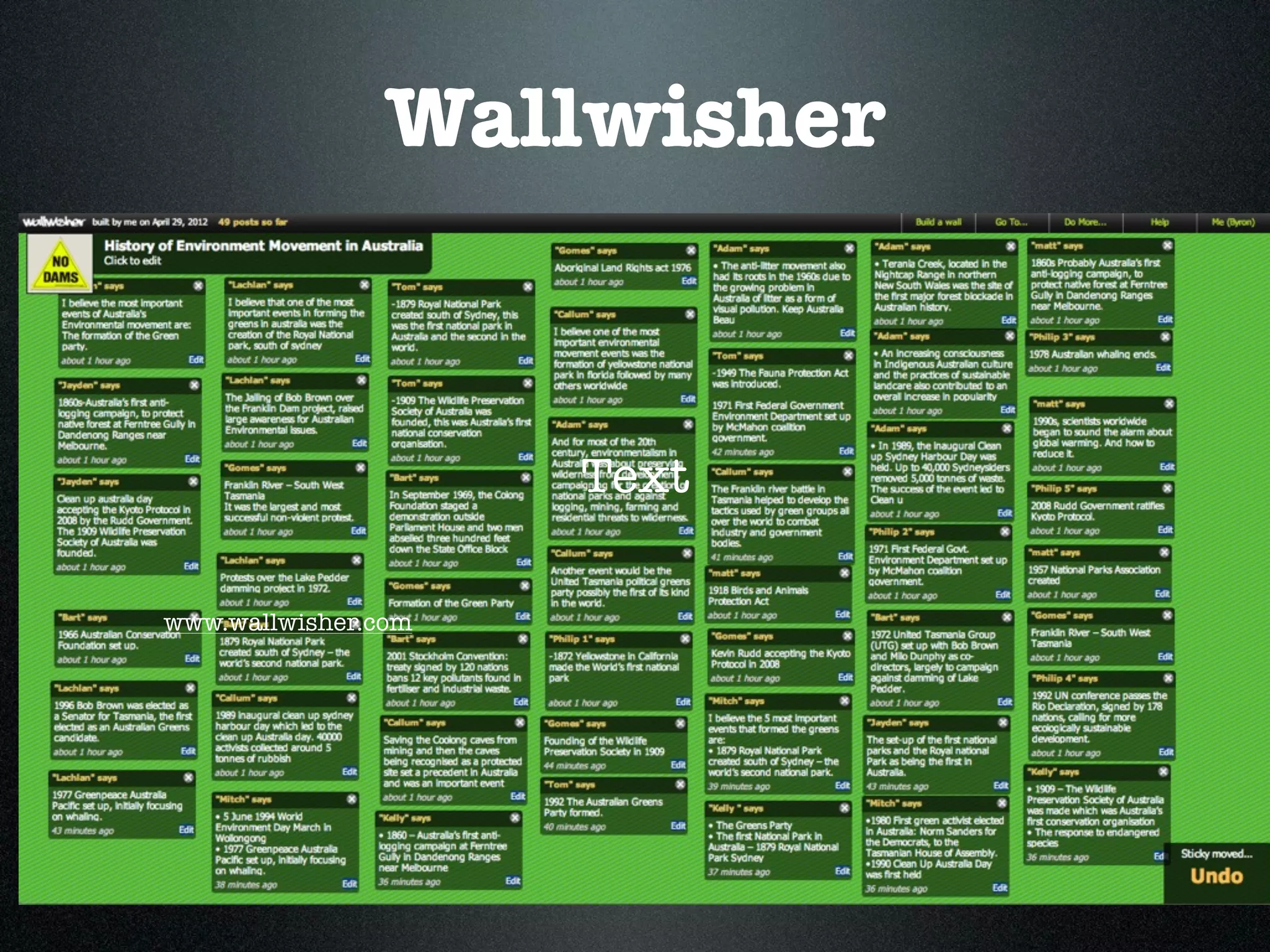
Wallwisher

                     • Online notice board
                     • add images, music,
                     Text
                       videos
www.wallwisher.com
Wallwisher

                     • Online notice board
                     • add images, music,
                     Text
                       videos
www.wallwisher.com
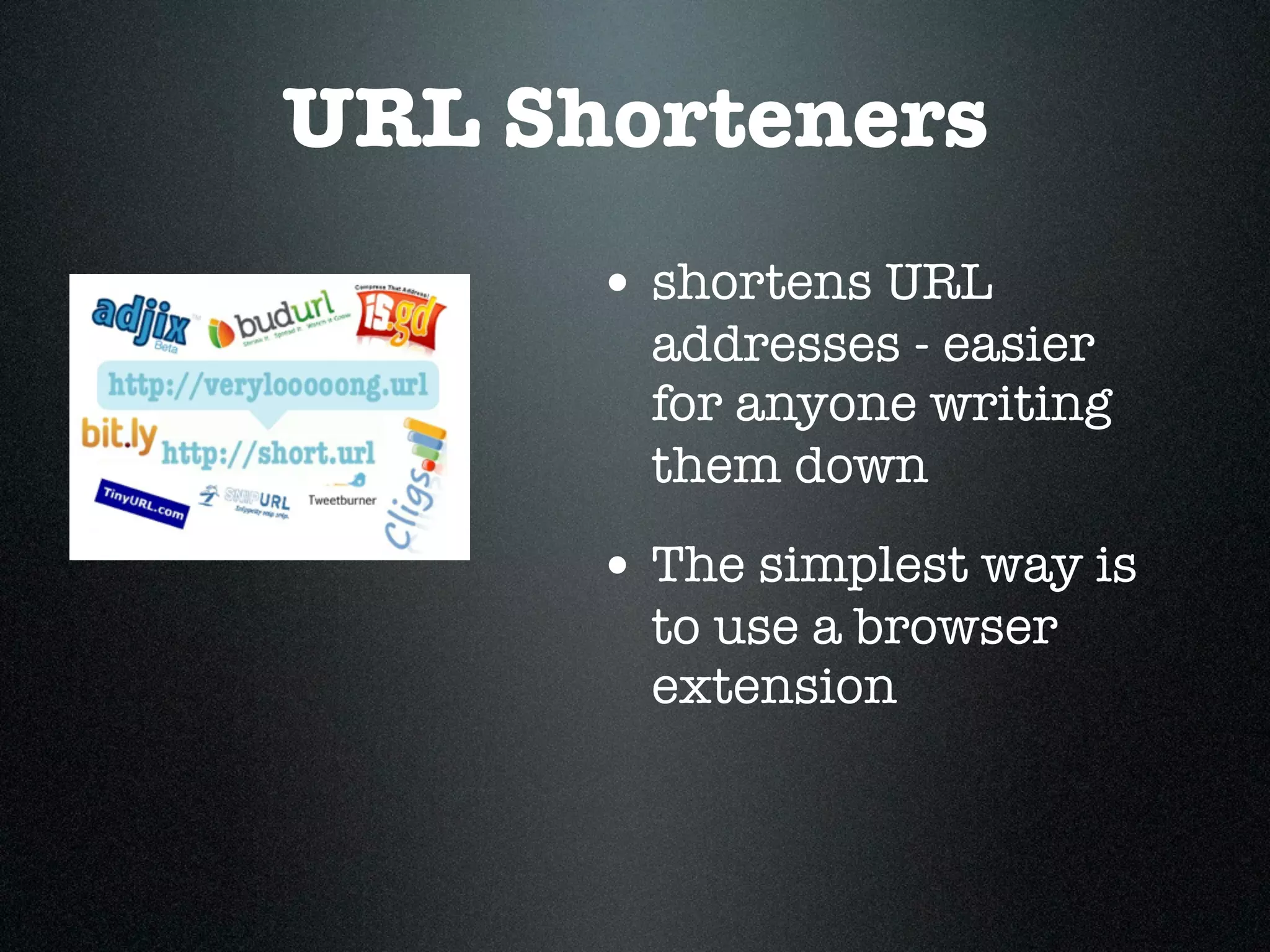
URL Shorteners
      • shortens URL
        addresses - easier
        for anyone writing
        them down
      • The simplest way is
        to use a browser
        extension
Clickview

• School Bag
• Clickview Exchange

                       www.clickview.com.au
Poll Everywhere

                         • Gives instant
                           audience feedback
                         • Poll your class on
                           any topic at
www.polleverywhere.com     anytime
http://goo.gl/IPH4d
http://goo.gl/luRF3
EasyBib
• Bibliography / citation
  maker
• Create bibliographies
• Access through Google
  Apps or using a Smart
  Phone App                 www.easybib.com


• Expectation of
  students to use for
  assessments
Twitter
                      • Connecting with others
                        - either personal or
                        professional

                      • Limit of 140 characters
http://twitter.com/
5 twitter hashtags to
        follow
• #edchat
• #edtech
• #elearning
• #mlearning
• #subject specific eg// #tlchat or #austl
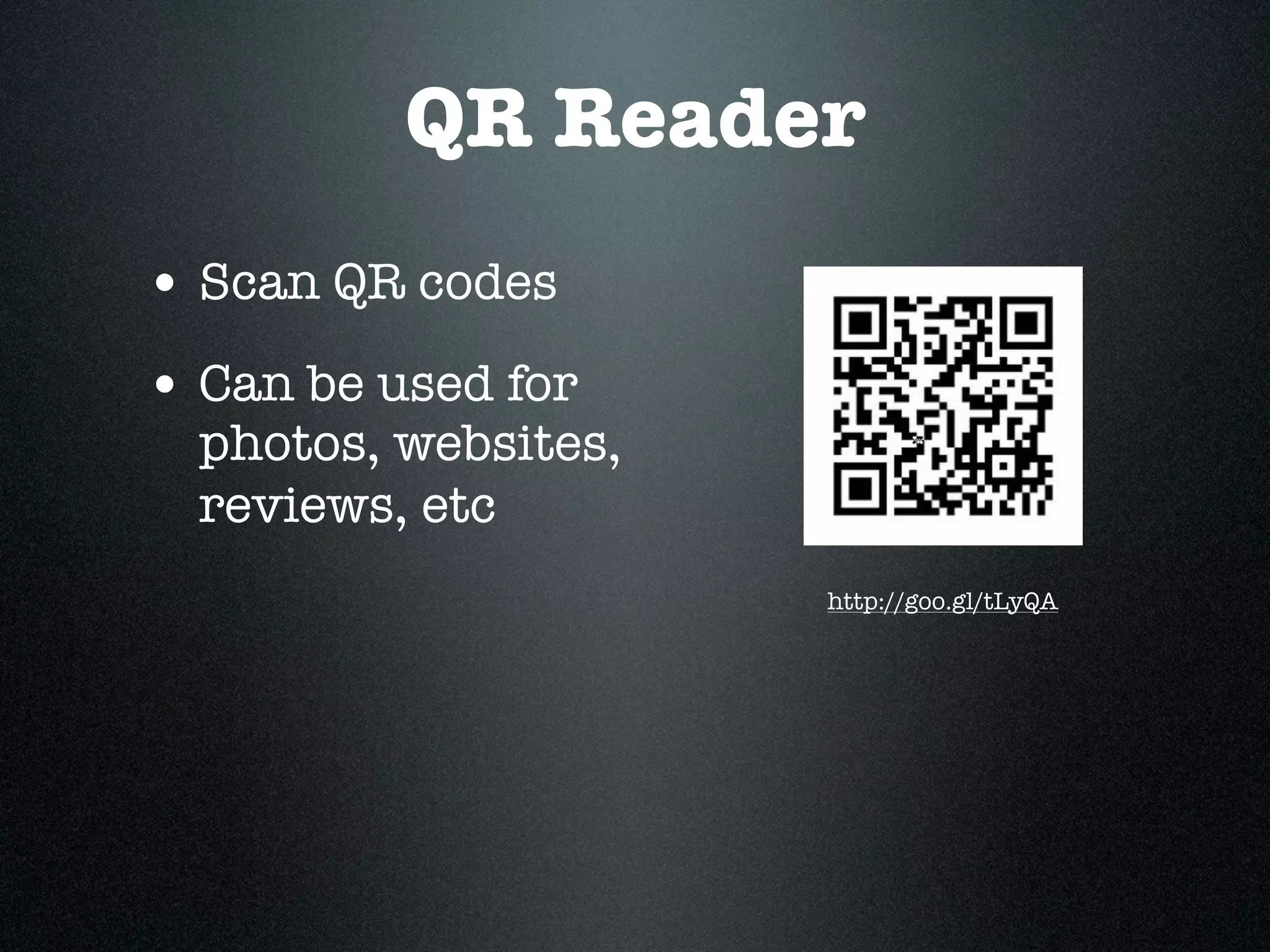
QR Reader
• Scan QR codes
• Can be used for
  photos, websites,
  reviews, etc
                      http://goo.gl/tLyQA
Voki.com/ Blabberise
                         • Talking avatars
                         • Create own avatar
  www.voki.com
                         • Limit of 30 seconds of
                           voice


http://blabberize.com/
Glogster
• Online posters
• Able to include
  text, images,      http://www.glogster.com/
  videos, links to
  websites
Edmono
                          • connect and
                            collaborate with class
                            in a secure
                            environment
http://www.edmodo.com/    • share content, post
                            messages, discuss
                            topics, exchange ideas
YouTube Schools

• access free quality
  educational video
• controlled
  environment           www.youtube.com
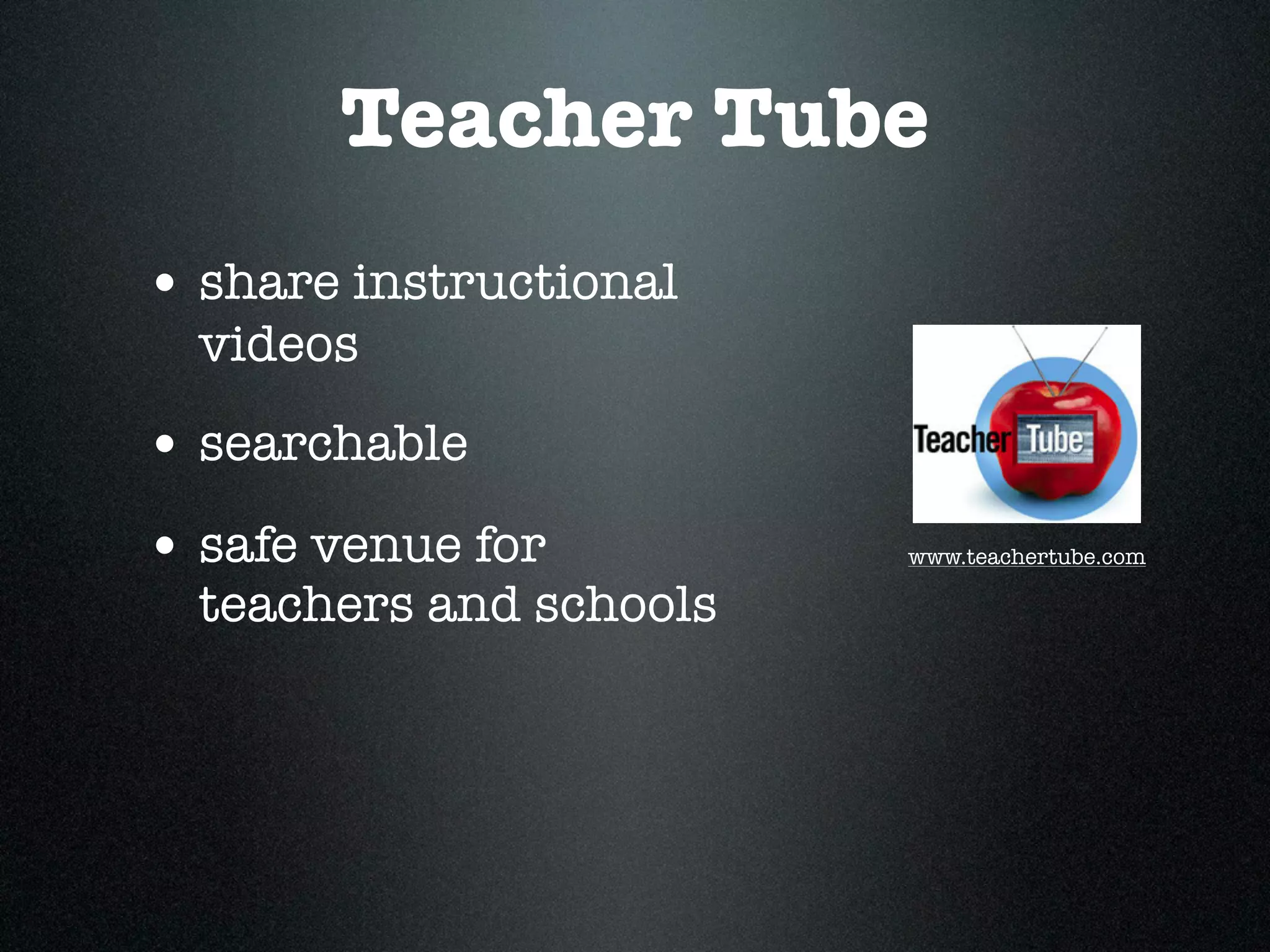
Tagxedo/ Wordle
                  • Word clouds
 www.wordle.com
                  • More frequent the
                   word, the larger it
                  Text
                   appears
                  • Tagxedo- does shaped
                    word clouds
www.tagxedo.com
Teacher Tube
• share instructional
  videos
• searchable
• safe venue for         www.teachertube.com

  teachers and schools
bubbl.us

                         • Brainstorming
                           tool

https://bubbl.us/
                         • can export,
                           print or save
Block Posters
• create large
  posters
• upload image
                       http://www.blockposters.com/
• Choose the size of
  the poster

• Print out
Cueprompter

                          • Free teleprompter/
                            autocue
                          • Use for oral
                            presentations,
http://cueprompter.com/
                            debates
Mindmapping
• Variety of different
  tools
• Great way of
  organising thoughts/
  ideas                  http://www.mindmeister.com/


• planning tool
Creative Commons/
               Smartcopy
                                 • Allows users to share,
                                   reuse and remix their
                                   material legally

                                 • Interactive CC to help
                                   you choose which licence
http://creativecommons.org.au/     is the right one
                                 • www.creativecommons.org/
                                   choose/
Zamzar

• Free file
  conversion of
  documents, music,
  images, videos,     http://www.zamzar.com/


  audio, ebook
Today’s meet
                         • Connect with your
                           audience in realtime
                         • use the live stream to
                           make comments, ask
http://todaysmeet.com/
                           questions

                         • can only see what you
                           need to see
scoop.it
• Curation tool on
  a topic
• Can share with
  others
                     http://www.scoop.it/
Wikipedia

                          • Editable
                            encyclopedia


http://en.wikipedia.org
Skype
• Free video
  calling
• call phones and
  landlines
                       http://www.skype.com/
Diigo

                  • Bookmarking site
                  • Great for groups
www.diigo.com
Only2Clicks

• Organise thumbnails
  of websites
• Can create different
  tab/headings
                         www.only2clicks.com
PicCollage

                          • Creat collages on
                            mobile devices
http://pic-collage.com/
                          • Add stickers, text,
                            web search and
                            freefrom cutouts
Blogs
• Web log
• Consists of
  dated posts

• Many different
  ones to use
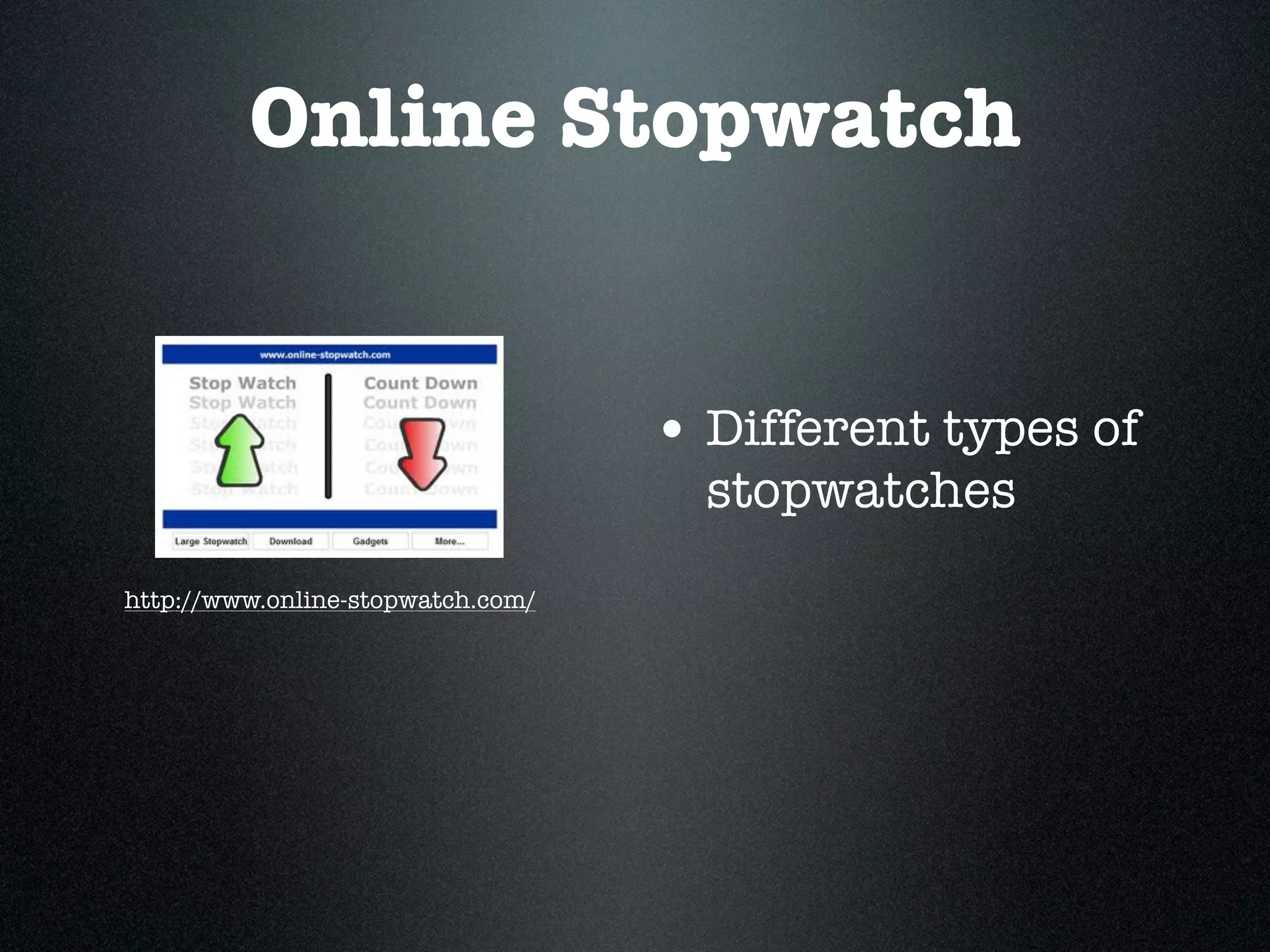
Online Stopwatch


                                   • Different types of
                                     stopwatches
http://www.online-stopwatch.com/
Prezi
• Presentation Tool
• An alternative to
  Powerpoint/
  Keynote

• Pan and Zoom          http://prezi.com/

  effects
Keepvid.com


                  • Download and store
                   videos from
                   YouTube, Vimeo
www.keepvid.com
View the presentation at

Apps and tools

  • 1.
  • 2.
  • 3.
    DropBox • Free servicebringing your docs, photos and videos to one place • Can access files from computers, phones or ipad www.dropbox.com
  • 4.
    DROPitTOme / SendtoDropbox • Receive files into your Dropbox account www.dropittome.com • Access through your Dropbox account • Great way for students to submit assessment tasks that www.sendtodropbox.com are > 30MB
  • 5.
    Evernote • Save ideas,photos, documents into Evernote • Works on computers and mobile devices www.evernote.com
  • 6.
    Prizmo • Uses Optical Character Recognition • Scans an item http://goo.gl/EF8Sn • Then edit the item • seamless intergration with Dropbox
  • 7.
    Wikispaces • Collaborative tool •Variety of uses such as subject guides, group www.wikispaces.com projects
  • 8.
    Google Apps • Includes docs and Forms • Use for surveying, quizzes http://goo.gl/cNPYy • Google sites for NB: This link is for Saint Ignatius College, making & hosting Geelong Google Apps account basic webpages
  • 9.
    Wallwisher • Online notice board • add images, music, Text videos www.wallwisher.com
  • 10.
    Wallwisher • Online notice board • add images, music, Text videos www.wallwisher.com
  • 11.
    URL Shorteners • shortens URL addresses - easier for anyone writing them down • The simplest way is to use a browser extension
  • 12.
    Clickview • School Bag •Clickview Exchange www.clickview.com.au
  • 13.
    Poll Everywhere • Gives instant audience feedback • Poll your class on any topic at www.polleverywhere.com anytime
  • 14.
  • 16.
  • 18.
    EasyBib • Bibliography /citation maker • Create bibliographies • Access through Google Apps or using a Smart Phone App www.easybib.com • Expectation of students to use for assessments
  • 19.
    Twitter • Connecting with others - either personal or professional • Limit of 140 characters http://twitter.com/
  • 20.
    5 twitter hashtagsto follow • #edchat • #edtech • #elearning • #mlearning • #subject specific eg// #tlchat or #austl
  • 21.
    QR Reader • ScanQR codes • Can be used for photos, websites, reviews, etc http://goo.gl/tLyQA
  • 22.
    Voki.com/ Blabberise • Talking avatars • Create own avatar www.voki.com • Limit of 30 seconds of voice http://blabberize.com/
  • 23.
    Glogster • Online posters •Able to include text, images, http://www.glogster.com/ videos, links to websites
  • 24.
    Edmono • connect and collaborate with class in a secure environment http://www.edmodo.com/ • share content, post messages, discuss topics, exchange ideas
  • 25.
    YouTube Schools • accessfree quality educational video • controlled environment www.youtube.com
  • 26.
    Tagxedo/ Wordle • Word clouds www.wordle.com • More frequent the word, the larger it Text appears • Tagxedo- does shaped word clouds www.tagxedo.com
  • 27.
    Teacher Tube • shareinstructional videos • searchable • safe venue for www.teachertube.com teachers and schools
  • 28.
    bubbl.us • Brainstorming tool https://bubbl.us/ • can export, print or save
  • 29.
    Block Posters • createlarge posters • upload image http://www.blockposters.com/ • Choose the size of the poster • Print out
  • 30.
    Cueprompter • Free teleprompter/ autocue • Use for oral presentations, http://cueprompter.com/ debates
  • 31.
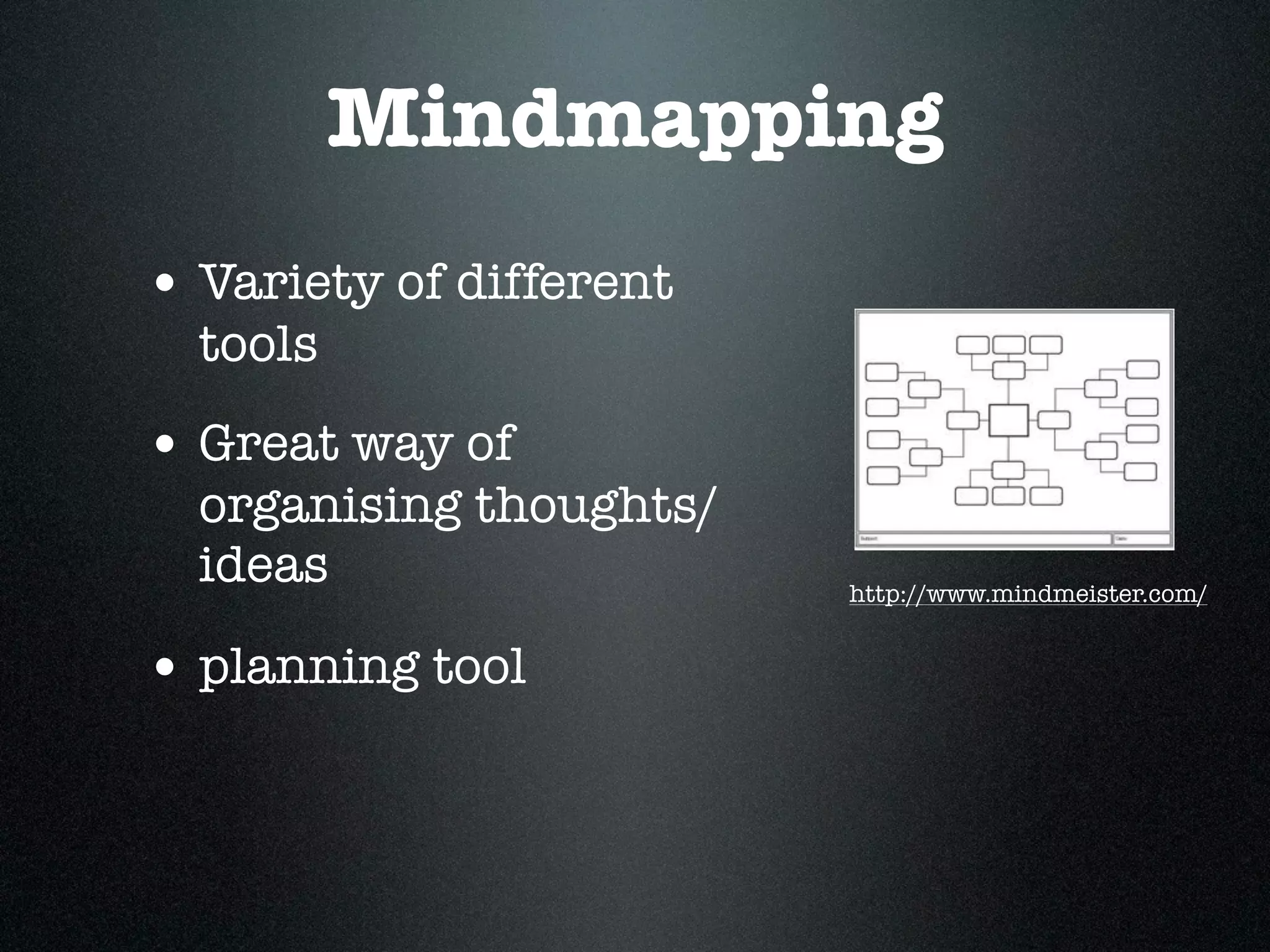
    Mindmapping • Variety ofdifferent tools • Great way of organising thoughts/ ideas http://www.mindmeister.com/ • planning tool

  • 32.
    Creative Commons/ Smartcopy • Allows users to share, reuse and remix their material legally • Interactive CC to help you choose which licence http://creativecommons.org.au/ is the right one • www.creativecommons.org/ choose/
  • 33.
    Zamzar • Free file conversion of documents, music, images, videos, http://www.zamzar.com/ audio, ebook
  • 34.
    Today’s meet • Connect with your audience in realtime • use the live stream to make comments, ask http://todaysmeet.com/ questions • can only see what you need to see
  • 35.
    scoop.it • Curation toolon a topic • Can share with others http://www.scoop.it/
  • 36.
    Wikipedia • Editable encyclopedia http://en.wikipedia.org
  • 37.
    Skype • Free video calling • call phones and landlines http://www.skype.com/
  • 38.
    Diigo • Bookmarking site • Great for groups www.diigo.com
  • 39.
    Only2Clicks • Organise thumbnails of websites • Can create different tab/headings www.only2clicks.com
  • 40.
    PicCollage • Creat collages on mobile devices http://pic-collage.com/ • Add stickers, text, web search and freefrom cutouts
  • 41.
    Blogs • Web log •Consists of dated posts • Many different ones to use
  • 42.
    Online Stopwatch • Different types of stopwatches http://www.online-stopwatch.com/
  • 43.
    Prezi • Presentation Tool •An alternative to Powerpoint/ Keynote • Pan and Zoom http://prezi.com/ effects
  • 44.
    Keepvid.com • Download and store videos from YouTube, Vimeo www.keepvid.com
  • 45.

Editor's Notes

  • #2 \n
  • #3 Let’s play online bingo\nGo to this website for your bingo card\nFirst row of five wins\nAvailable on ipad\n
  • #4 Folders can be stored in one place\nAccessed via your mobile devices\nEasy to access as an icon will sit in your toolbar\n
  • #5 \n
  • #6 The shoebox of stuff now has a place to go\nAvailable on computer and mobile devices\nCan save pdf’s, notes, documents, photos\nCan use tags\nCan use a web clipper to clip article, URL address, etc\nAn example: taking notes at PD’s\n
  • #7 Works on iPhone and iPad\nCan send to Evernote\n
  • #8 Collaborative tool to use. \nEasy to use and edit\nCan set to private or public\nFree for educational institutions\n
  • #9 Forms - way to survey class, staff, etc\nSites - easy to make websites\nDocs- collaborative tool\nOCR - Optical Character Recognition of PDF’s under 2MB\n
  • #10 An online noticeboard\nGreat for brainstorming, taking notes, getting feedback\nShort comments as limited characters allowed\n\n
  • #11 variety of URL shorteners available\neasier to email or place on twitter\nless chance of making errors\neasiest way is to use a web extension\n
  • #12 School Bag - can save videos which students can watch later (outside school)\nExchange - able to request programs to be uploaded via this. Opens up more resources\n
  • #13 Surveys - give instant feedback\nIs anonymous\nWay to gauge to understanding, use for revision\nLet’s have a go!!\n\n
  • #14 \n
  • #15 \n<?xml version="1.0" encoding="ISO-8859-1" ?>\n<poll url="http://www.polleverywhere.com/multiple_choice_polls/LTExMjM5NDY5NTA">\n <!-- This snippet was inserted via the Poll Everywhere Mac Presenter -->\n <!-- The presence of this snippet is used to indicate that a poll will be shown during the slideshow -->\n <!-- TIP: You can draw a solid, filled rectangle on your slide and the Mac Presenter will automatically display your poll in that area. -->\n <!-- The Mac Presenter application must also be running and logged in for this to work. -->\n <!-- To remove this, simply delete it from the notes yourself or use the Mac Presenter to remove it for you. -->\n <title>What is your favourite colour</title>\n</poll>\n
  • #16 \n
  • #17 \n<?xml version="1.0" encoding="ISO-8859-1" ?>\n<poll url="http://www.polleverywhere.com/multiple_choice_polls/LTE1NTU3ODEyNTI">\n <!-- This snippet was inserted via the Poll Everywhere Mac Presenter -->\n <!-- The presence of this snippet is used to indicate that a poll will be shown during the slideshow -->\n <!-- TIP: You can draw a solid, filled rectangle on your slide and the Mac Presenter will automatically display your poll in that area. -->\n <!-- The Mac Presenter application must also be running and logged in for this to work. -->\n <!-- To remove this, simply delete it from the notes yourself or use the Mac Presenter to remove it for you. -->\n <title>What is your favourite relaxing activity?</title>\n</poll>\n
  • #18 Either free or subscription - depends on what referencing style used\nChoice of referencing style\n
  • #19 use as a way of connecting with others\nuse as a professional network/learning\nGreat tips, info, websites come through\nFollow others\n
  • #20 \n
  • #21 Install in your smart phone or iPad\nScan the code\nCode linked to websites, book reviews, photos, information\nUsed as a Scavenger Hunt\n
  • #22 Voki - design through the website\nChoose the voice, type in what the avatar is to say\n\nBlabberise - can upload images to be the talking avatar\n
  • #23 Interactive posters\nHas templates or design your own\nImport videos, text, images or use the exsiting ones\nSave, add tags\nMake private or public\n\n
  • #24 Similar to facebook but more monitored/controlled\nUse as a brainstorming tool or discussion tool\nAvailable on mobile - both Android and iOS\n
  • #25 Free educational videos\nCan create playlists to customise the content\nCome from well know organisations\nOrganised by subject and grade\nOnly teachers and administrators can logiin re content\n
  • #26 Word Clouds\nTagxedo - shaped clouds\nDemonstrate - major ideas in a text, important areas, use in a number of different areas or subjects\n
  • #27 Videos by teachers for teachers\nTeachers can post videos for students to view\nCovers video, photos, doc and audio\n
  • #28 use individually or collaborative\ncan add weblinks\ncan add bubbles, move, change format\n
  • #29 upload an image\nChoose the size of your poster\nPrint out\n
  • #30 type in your text and set the speed\nCan be used for testing reading comprehension or reading dictations\n
  • #31 Demonstrate Mindmap - Hamburger (parts of a burger)\nAlso known as Graphic Organisers\nGreat planning tool\nMindmeister is one, also Gliffy\nLook at what each one gives you as you may need to pay for additional features\n
  • #32 Symbol of Creative Commons\nAble to use legally - images and music\nNeed to be aware not everything on the Internet is free to use. Need to have an understanding of copyright\nNew interactive CC to help you choose which licence is the more appropraite\n
  • #33 Converts files for you.\nConverts documents, images, music, video, ebook. Receive to your email\n\n
  • #34 Often used at conferences as another alternative to Twitter (or in conjunction with)\nAudience don’t need to sign in or know #’s\nDiscussion is private - only to those at the session\n
  • #35 a Curation tool\nCan have websites, blogs, etc all on one topic together in the one place\nCan share with others\n
  • #36 editable encyclopedia\nneed to show students to evaluate the information rather than deciding if to use or not to use\nGood pages have good links\n\n
  • #37 Call from computer to computer or phone\nSkype experts in the field rather than having an excursion\nGreat connecting with global connections\n
  • #38 Able to access from anywhere\nBookmark sites\nJoin Groups\nCreate groups\nCan make public or limit\nAndroid iPhone or iPad\n
  • #39 Accessing websites on a particular topic\nCan combine into one topic\nGives thumbnails - show what on webpage\nCreate different topics with tabs\nWe use as a research guide in ILC\n
  • #40 Create picture collages on your mobile device\nEmail, Save, Print??\n
  • #41 Many different platforms to use\nUse as ILC blog\nKeep up-to-date on particular topics, allows comments\nUses could include - english for writing, reflective work\n
  • #42 Great to use when giving timelimits - no longer have to look at clock or watch\nCan be shown via a data projector or screen - everyone can see\n
  • #43 Presentation tool\nHas the addition of pan and zooming rather than using slides\n
  • #44 Type in web address - copy and paste or search\nClick download\nGoes into your download folder - save where you like\nCan add bookmarklet to toolbar to download when at the site.\n
  • #45 \n