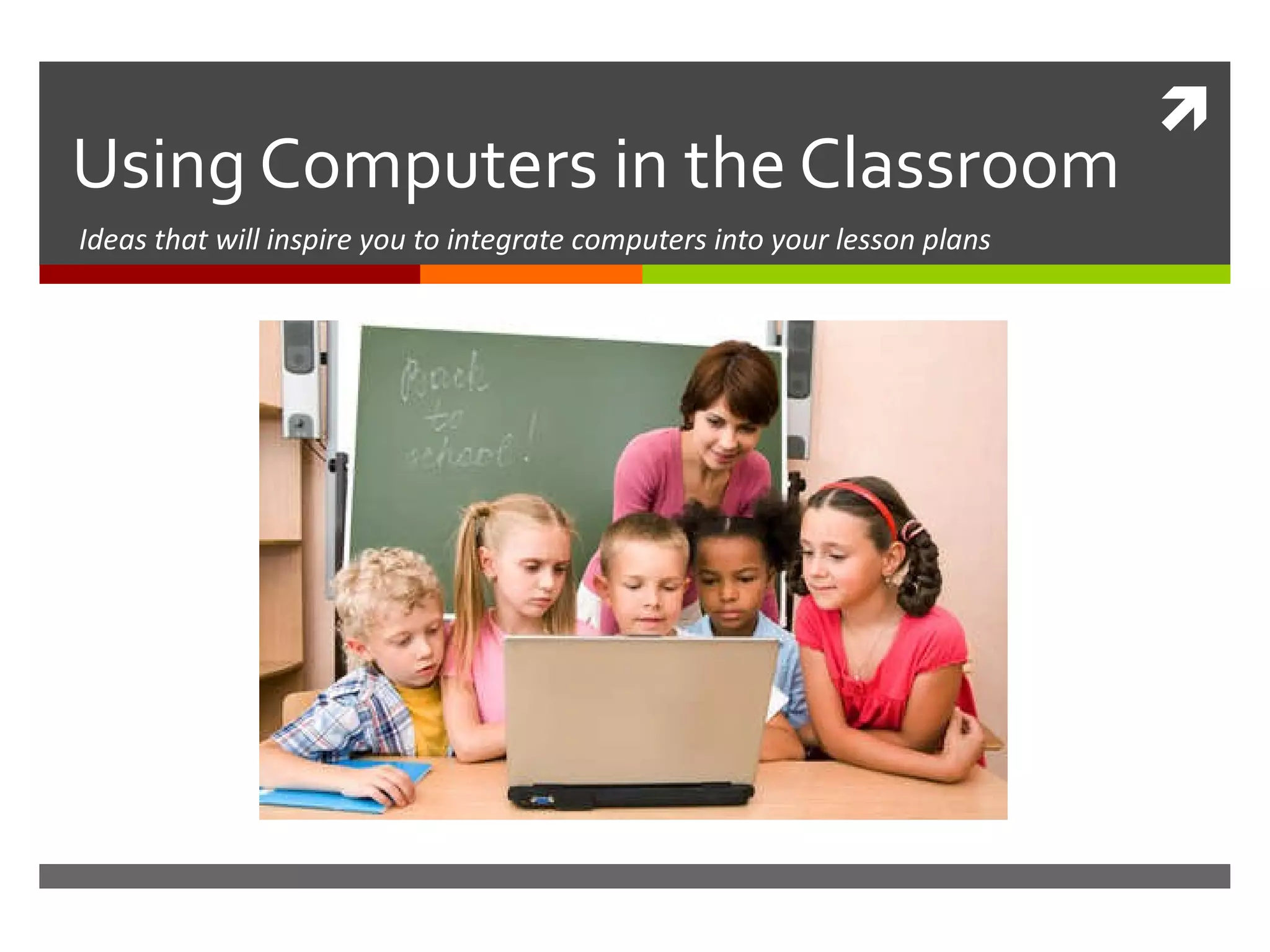
Using Computers in the Classroom Ideas that will inspire you to integrate computers into your lesson plans
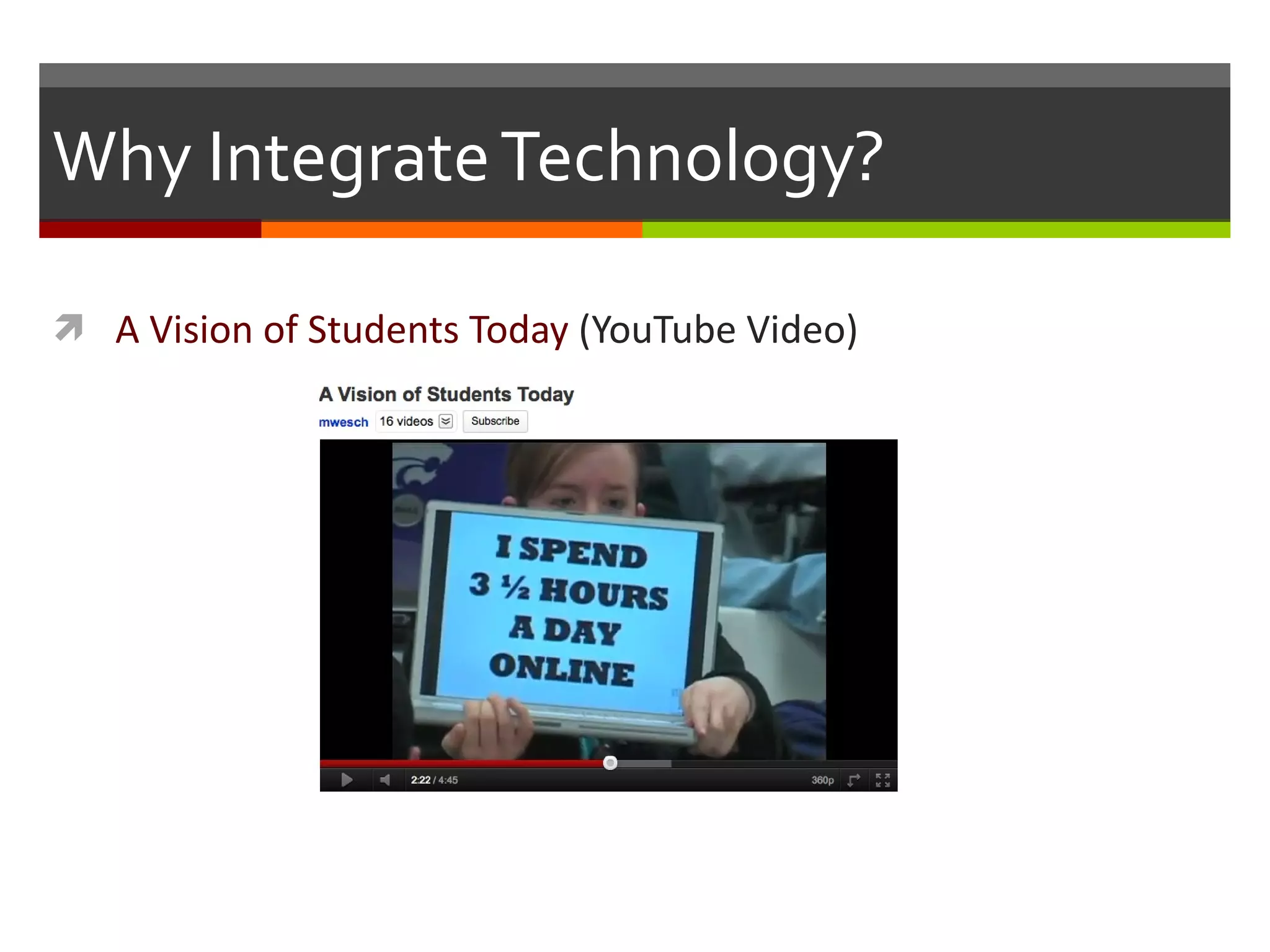
Why Integrate Technology? A Vision of Students Today  (YouTube Video)
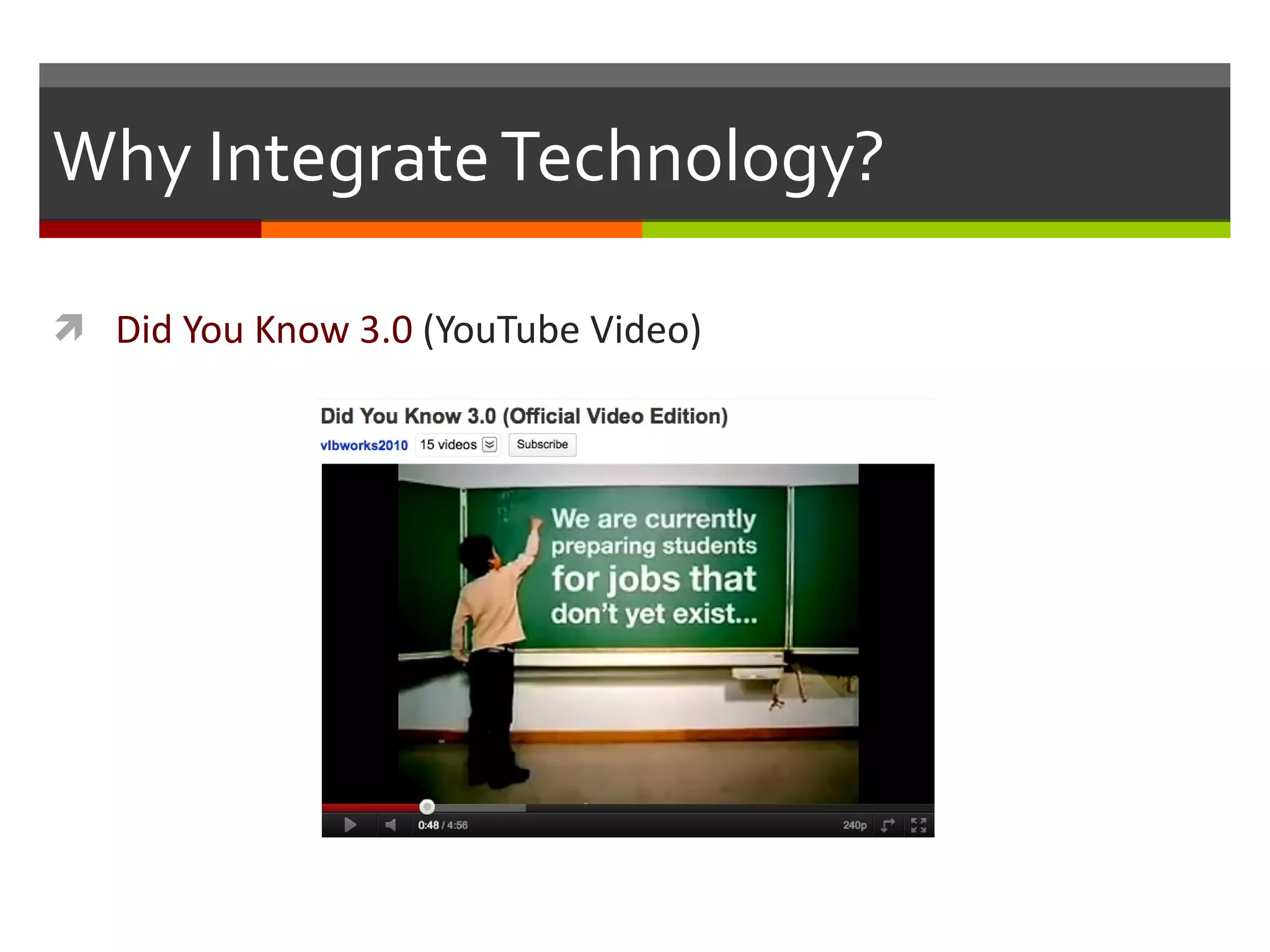
Why Integrate Technology? Did You Know 3.0  (YouTube Video)
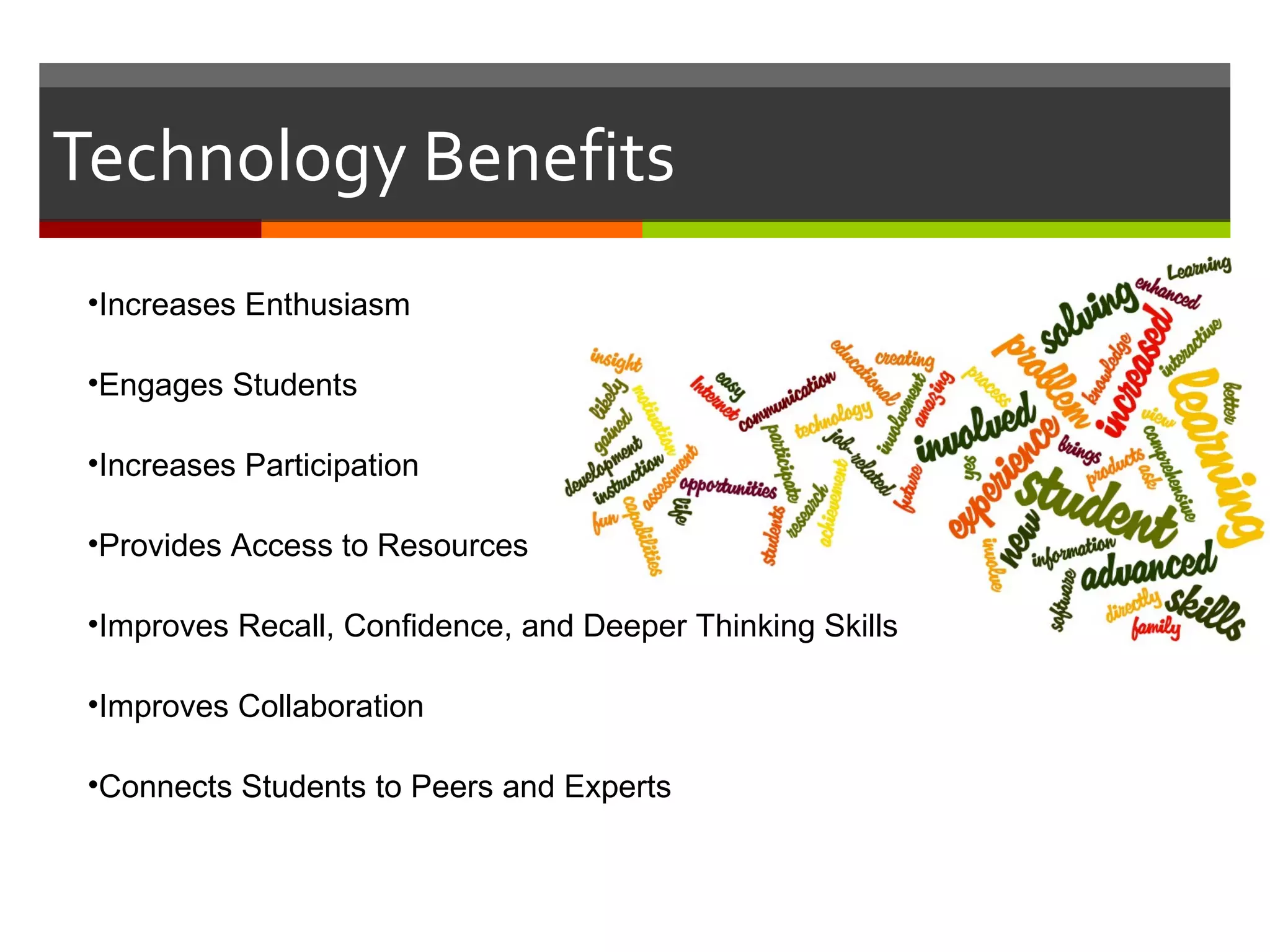
Technology Benefits Increases Enthusiasm Engages Students Increases Participation Provides Access to Resources Improves Recall, Confidence, and Deeper Thinking Skills Improves Collaboration  Connects Students to Peers and Experts
Technology Technology is a  Tool Technology as a Facilitator of Quality Education “ Technology is the mechanism that delivers content. It facilitates how students receive content. It includes Internet access and hardware, which can be any Internet access device – from a desktop to a laptop to an iPad to a smartphone. Technology is the tool, not the instruction.”  – Foundation for Excellence in Education’s “Roadmap for Reform”
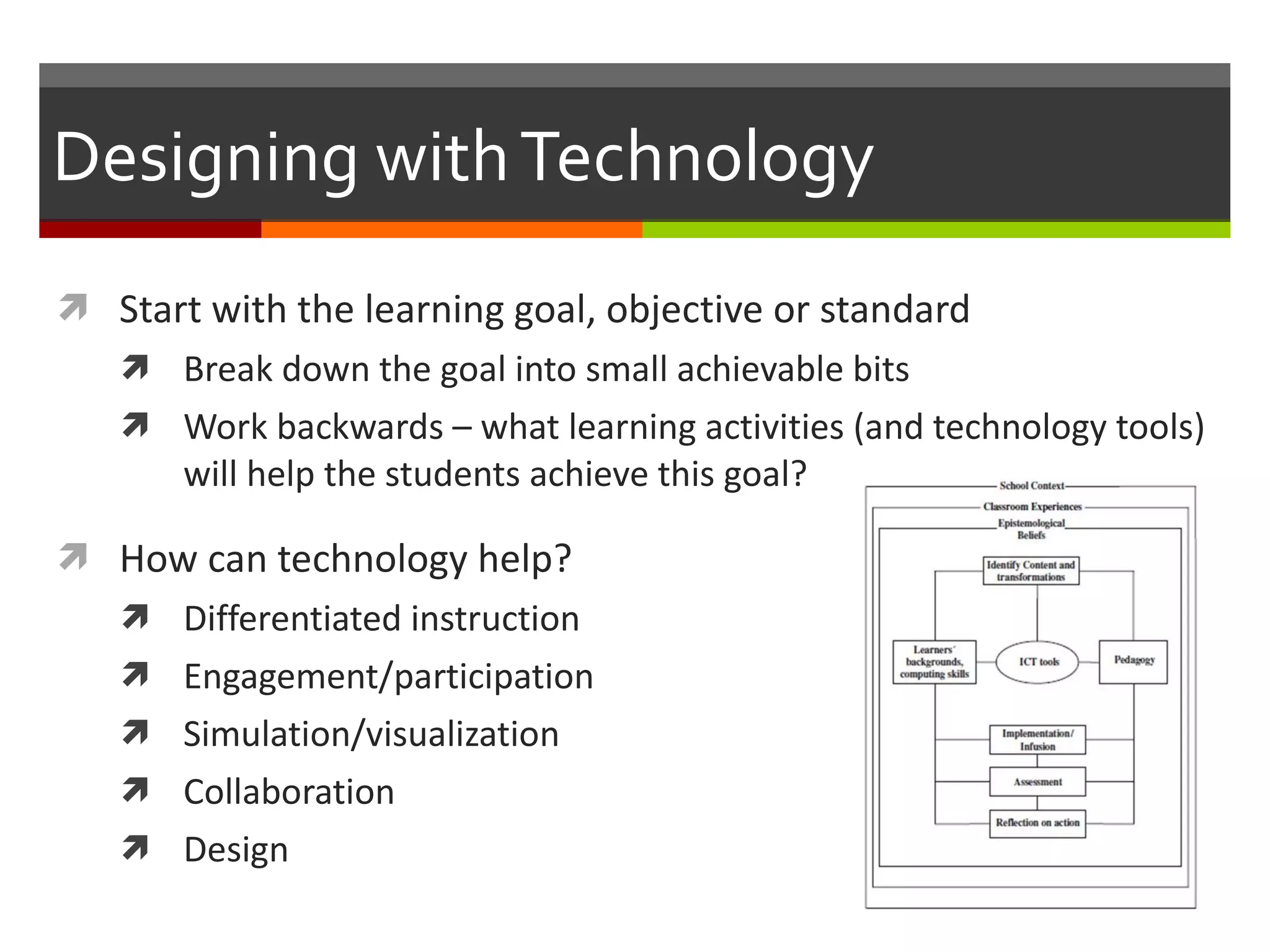
Designing with Technology Start with the learning goal, objective or standard Break down the goal into small achievable bits Work backwards – what learning activities (and technology tools) will help the students achieve this goal? How can technology help? Differentiated instruction Engagement/participation Simulation/visualization Collaboration Design
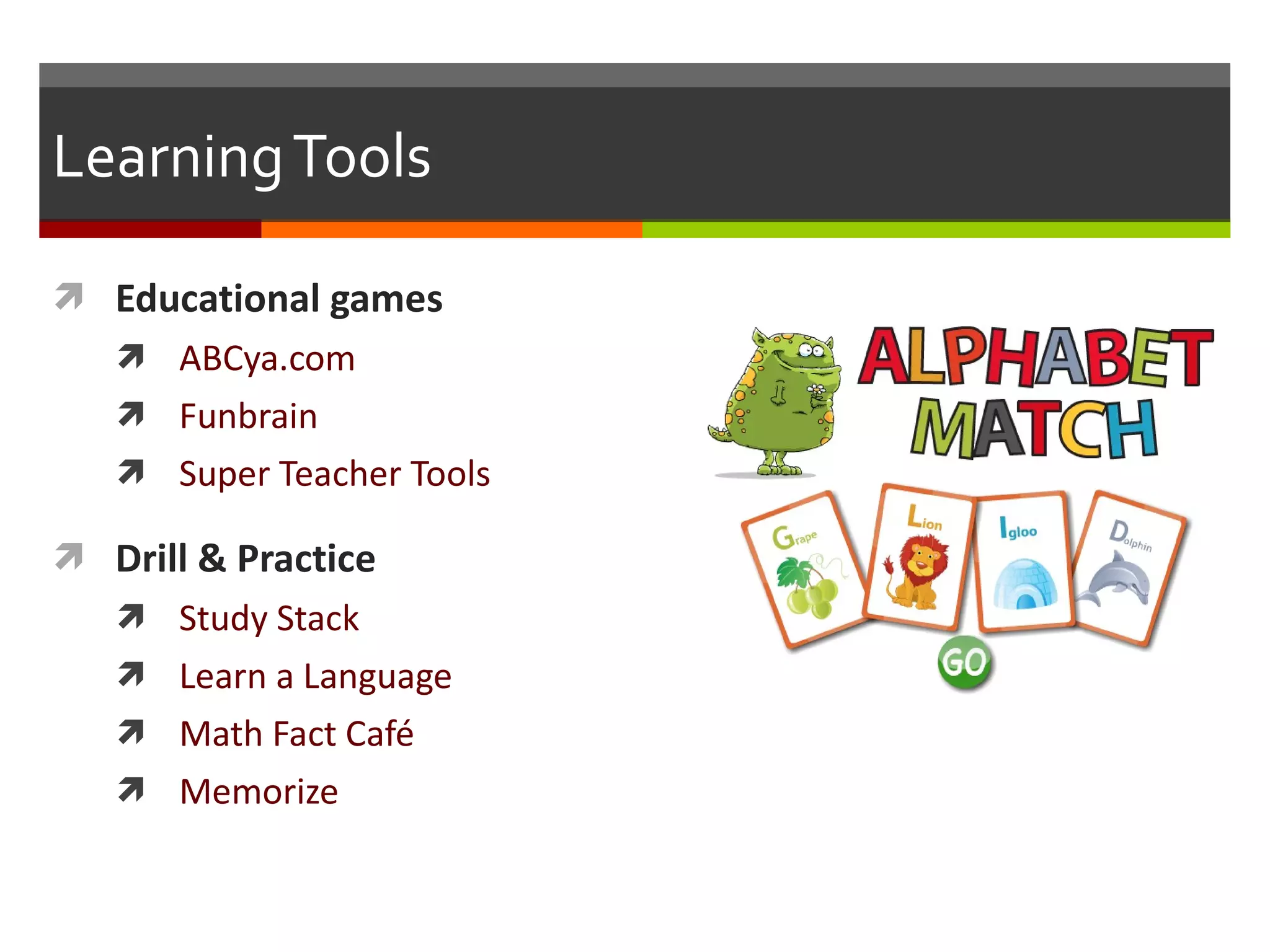
Learning Tools Educational games  ABCya.com Funbrain Super Teacher Tools Drill & Practice Study Stack Learn a Language Math Fact Café Memorize
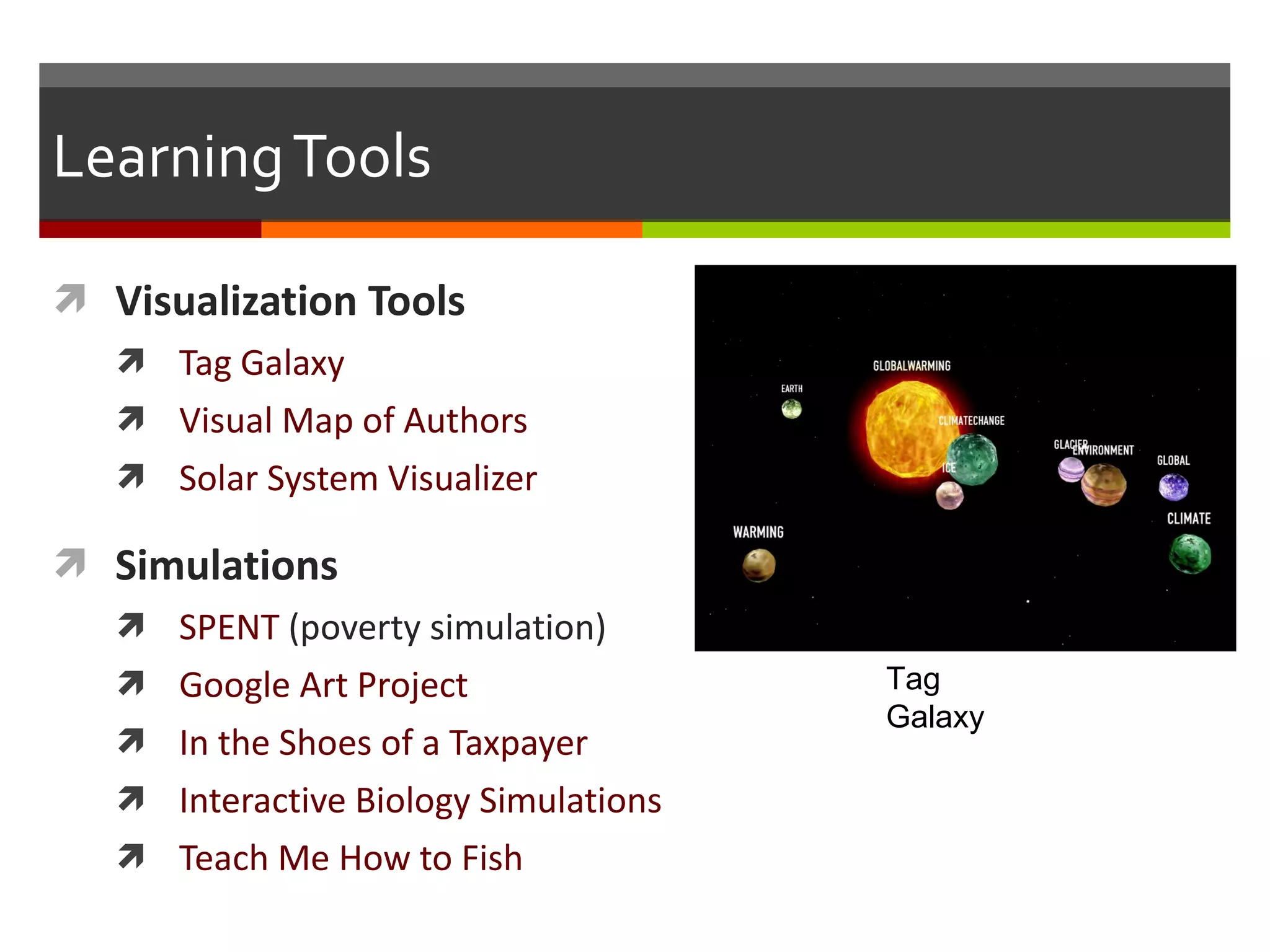
Learning Tools Visualization Tools Tag Galaxy Visual Map of Authors Solar System Visualizer Simulations SPENT  (poverty simulation) Google Art Project In the Shoes of a Taxpayer Interactive Biology Simulations Teach Me How to Fish Tag Galaxy
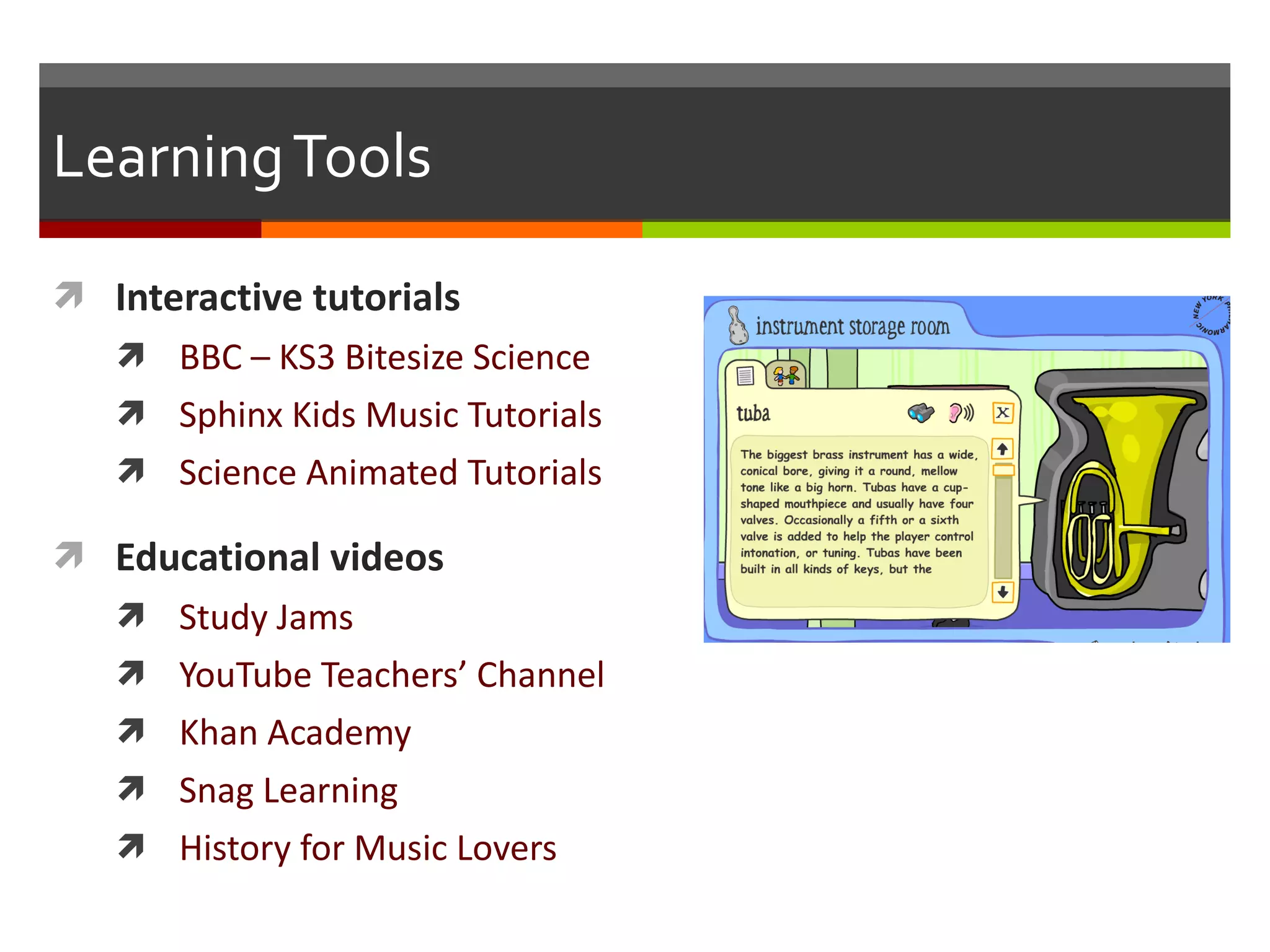
Learning Tools Interactive tutorials BBC – KS3 Bitesize Science Sphinx Kids Music Tutorials Science Animated Tutorials Educational videos Study Jams YouTube Teachers ’ Channel Khan Academy Snag Learning History for Music Lovers
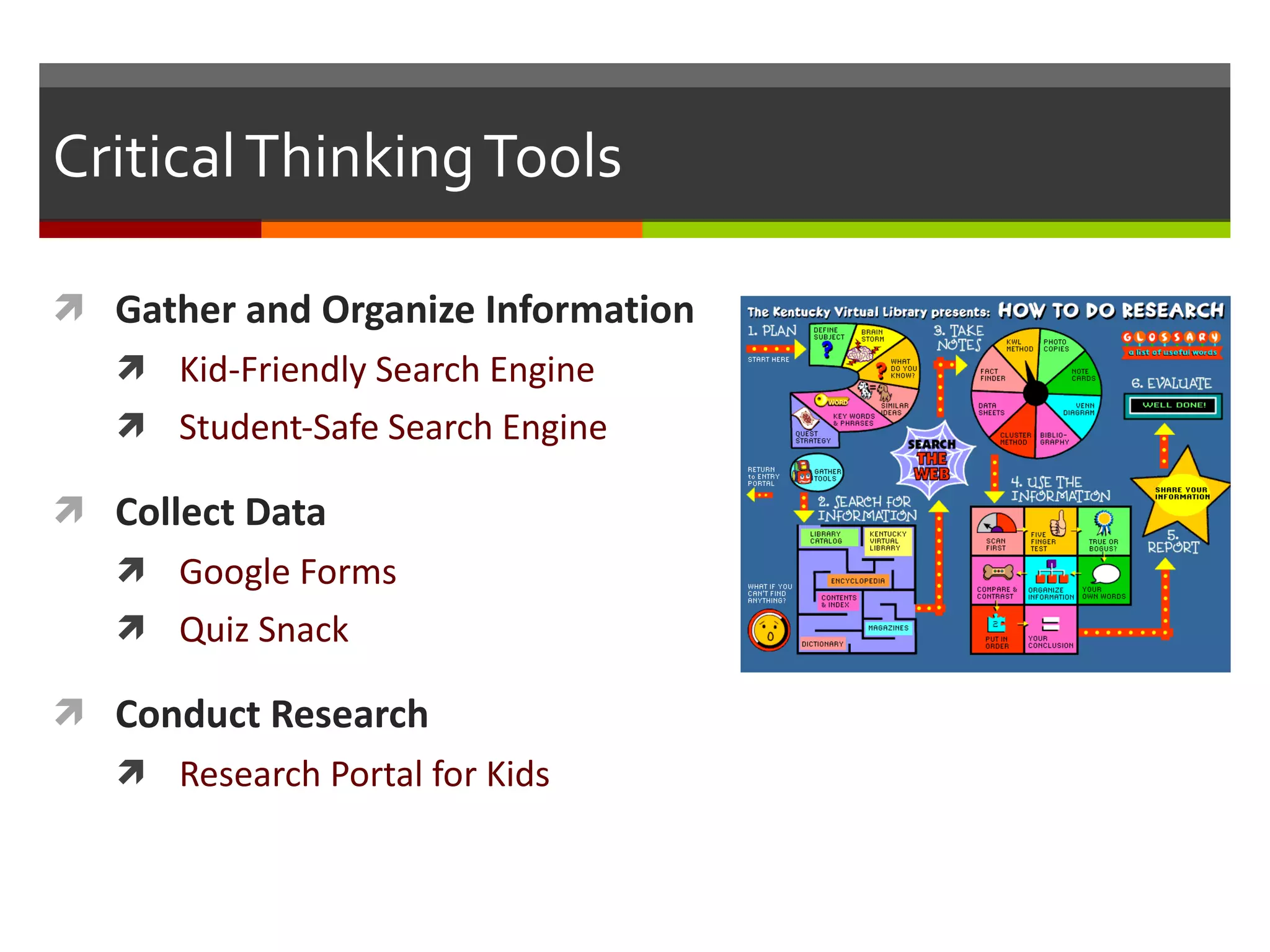
Critical Thinking Tools Gather and Organize Information Kid-Friendly Search Engine Student-Safe Search Engine Collect Data Google Forms Quiz Snack Conduct Research Research Portal for Kids
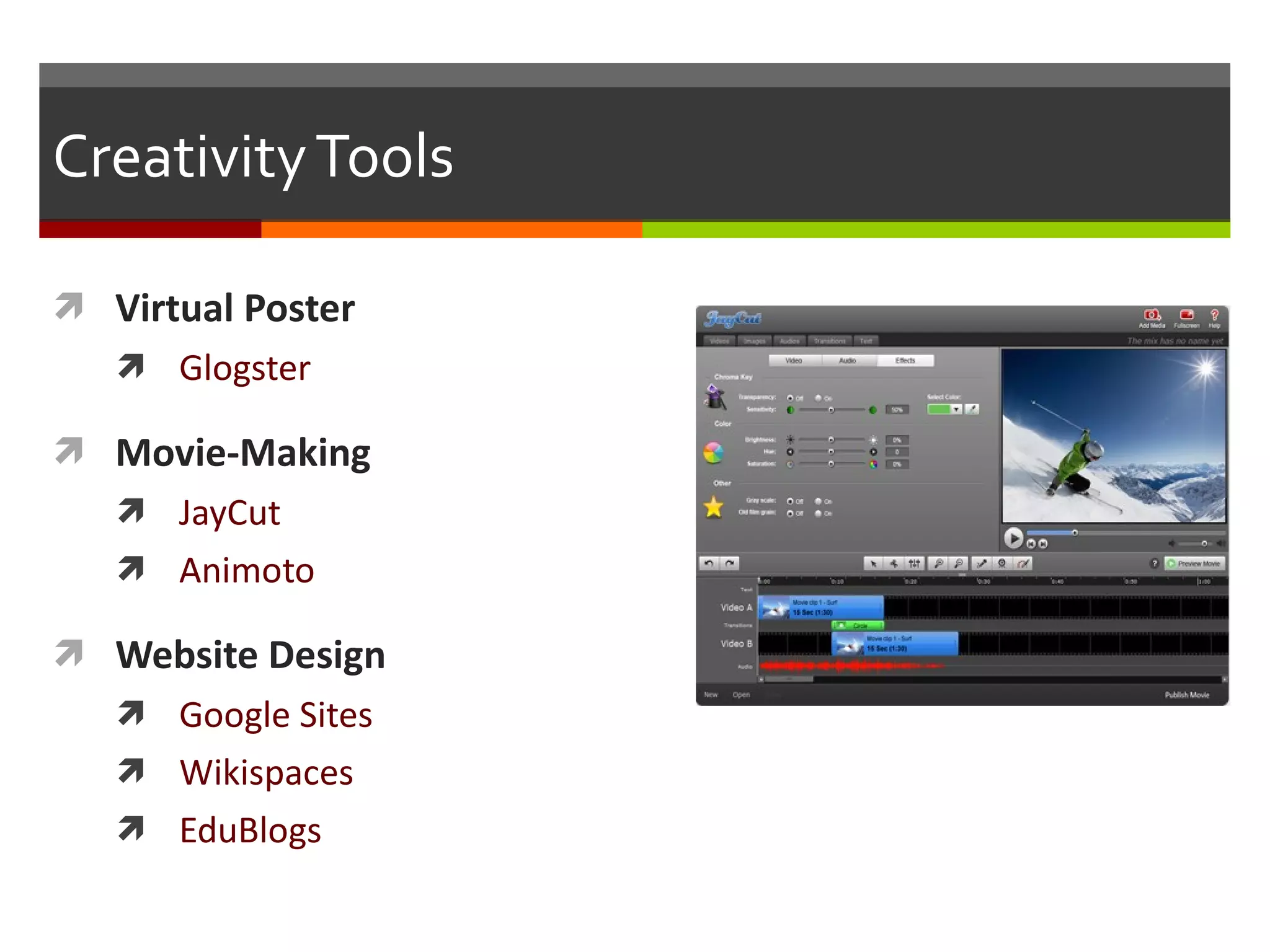
Creativity Tools Virtual Poster Glogster Movie-Making JayCut Animoto Website Design Google Sites Wikispaces EduBlogs
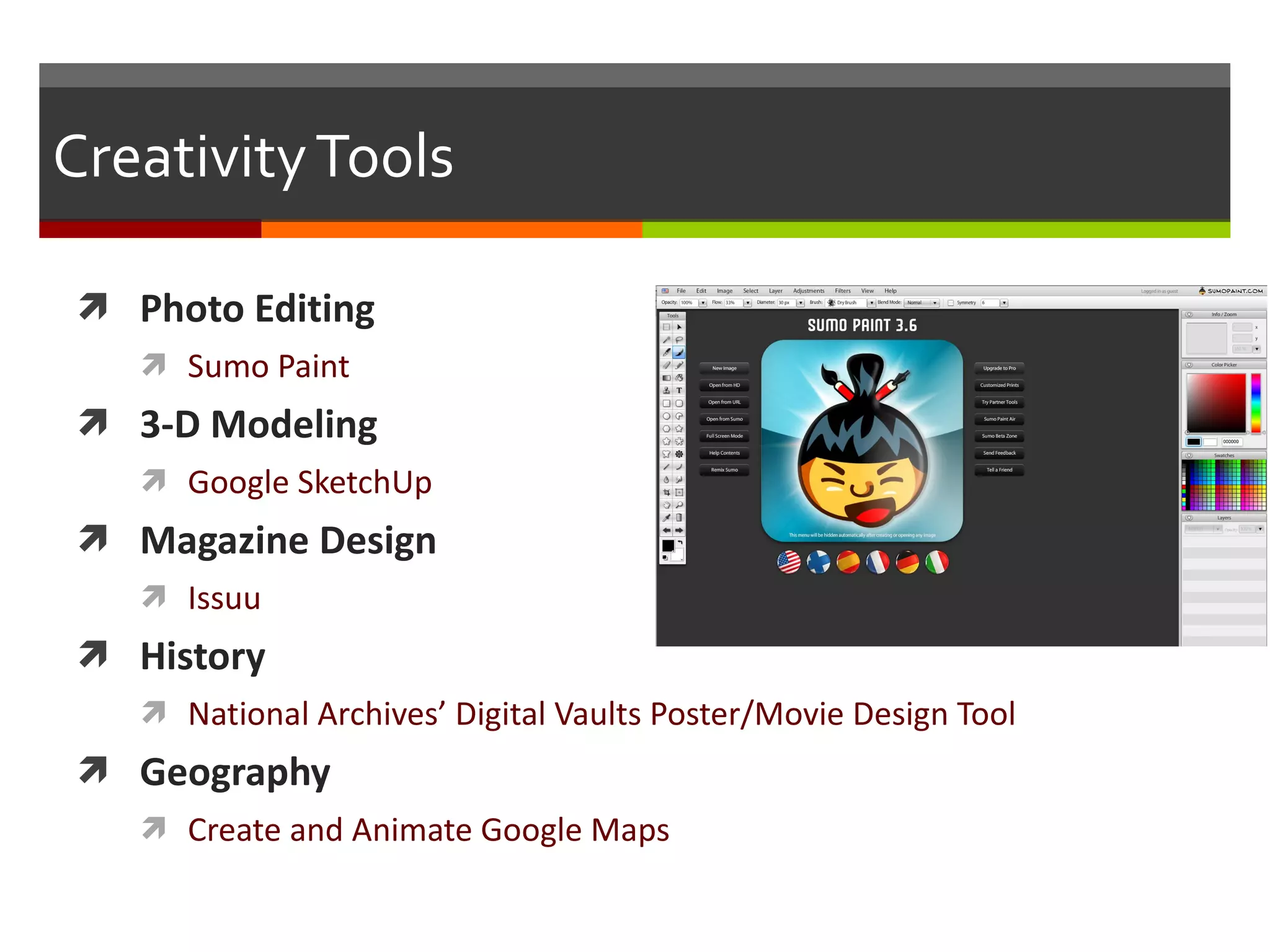
Creativity Tools Photo Editing Sumo Paint 3-D Modeling Google SketchUp Magazine Design Issuu History National Archives’ Digital Vaults Poster/Movie Design Tool Geography Create and Animate Google Maps
Creativity Tools Compose Music Virtual Keyboard Storytelling  Draw a Stickman Showcasing Sites Artsonia YouTube Vimeo TeacherTube Student Math Movies
Collaboration Tools Virtual Bulletin Board Corkboard Stixy CoSketch Collaborative Writing Google Docs Type With Me Collaborative Knowledge Building History Pin Science & Math Games  (Fold.it)
Communication Tools Skype Google Voice Online Meetings Show Document Any Meeting Edmodo Twitter
Etc… “ Don’t Reinvent the Wheel” Tools Slideshare Powerpoints Jeopardy Games Flash Cards (Study Stack) Spreadsheets for teacher data collection Family Visits Tracker
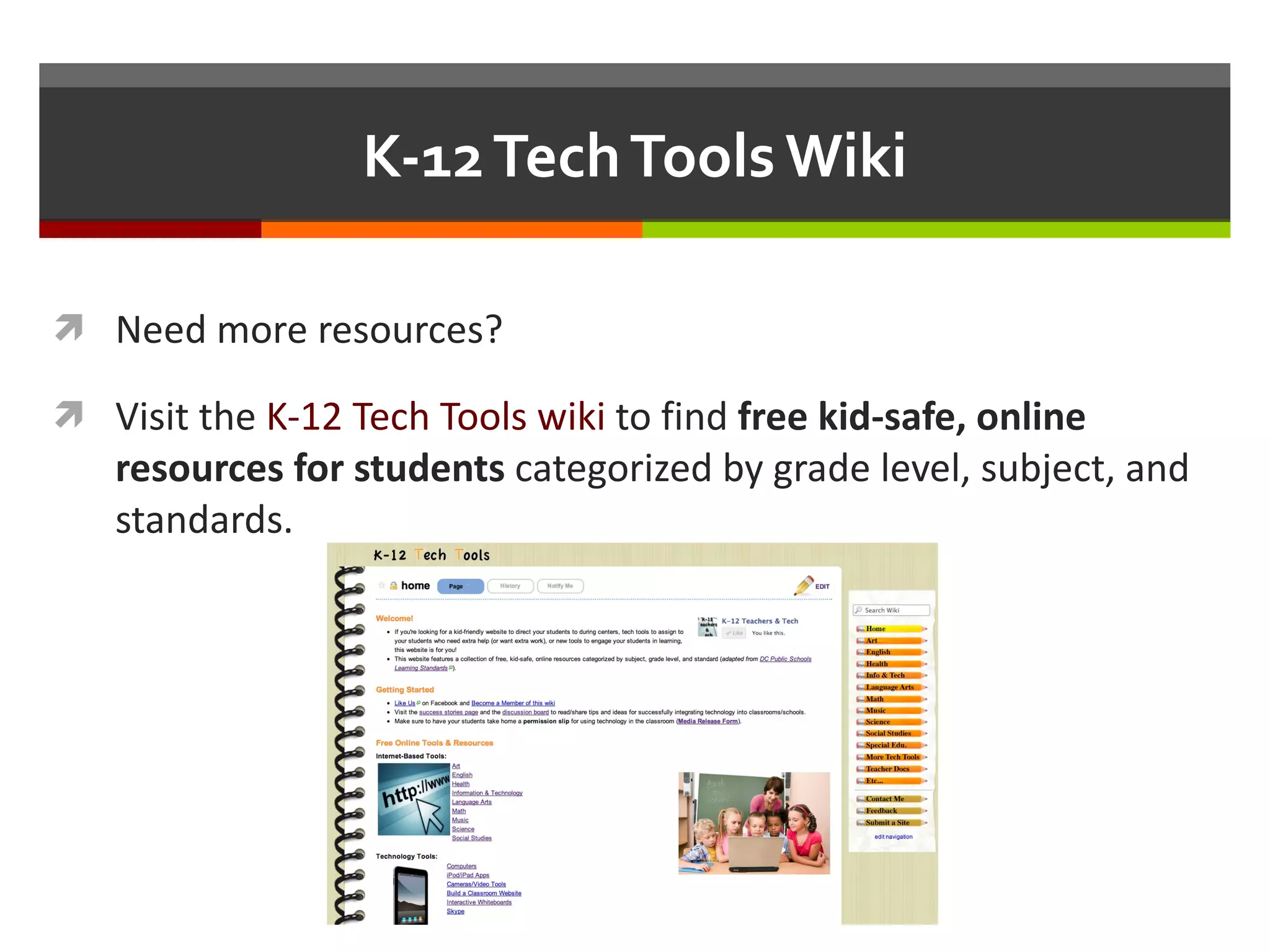
K-12 Tech Tools Wiki Need more resources? Visit the  K-12 Tech Tools wiki  to find  free kid-safe, online resources for students  categorized by grade level, subject, and standards.
Credits
Credits Presentation Designed by: Torrey Trust Ph.D. Student  Education: Teaching & Learning Gevirtz Graduate School of Education UC Santa Barbara www.torreytrust.com

Using Computers in the Classroom

  • 1.
    Using Computers inthe Classroom Ideas that will inspire you to integrate computers into your lesson plans
  • 2.
    Why Integrate Technology?A Vision of Students Today (YouTube Video)
  • 3.
    Why Integrate Technology?Did You Know 3.0 (YouTube Video)
  • 4.
    Technology Benefits IncreasesEnthusiasm Engages Students Increases Participation Provides Access to Resources Improves Recall, Confidence, and Deeper Thinking Skills Improves Collaboration Connects Students to Peers and Experts
  • 5.
    Technology Technology isa Tool Technology as a Facilitator of Quality Education “ Technology is the mechanism that delivers content. It facilitates how students receive content. It includes Internet access and hardware, which can be any Internet access device – from a desktop to a laptop to an iPad to a smartphone. Technology is the tool, not the instruction.” – Foundation for Excellence in Education’s “Roadmap for Reform”
  • 6.
    Designing with TechnologyStart with the learning goal, objective or standard Break down the goal into small achievable bits Work backwards – what learning activities (and technology tools) will help the students achieve this goal? How can technology help? Differentiated instruction Engagement/participation Simulation/visualization Collaboration Design
  • 7.
    Learning Tools Educationalgames ABCya.com Funbrain Super Teacher Tools Drill & Practice Study Stack Learn a Language Math Fact Café Memorize
  • 8.
    Learning Tools VisualizationTools Tag Galaxy Visual Map of Authors Solar System Visualizer Simulations SPENT (poverty simulation) Google Art Project In the Shoes of a Taxpayer Interactive Biology Simulations Teach Me How to Fish Tag Galaxy
  • 9.
    Learning Tools Interactivetutorials BBC – KS3 Bitesize Science Sphinx Kids Music Tutorials Science Animated Tutorials Educational videos Study Jams YouTube Teachers ’ Channel Khan Academy Snag Learning History for Music Lovers
  • 10.
    Critical Thinking ToolsGather and Organize Information Kid-Friendly Search Engine Student-Safe Search Engine Collect Data Google Forms Quiz Snack Conduct Research Research Portal for Kids
  • 11.
    Creativity Tools VirtualPoster Glogster Movie-Making JayCut Animoto Website Design Google Sites Wikispaces EduBlogs
  • 12.
    Creativity Tools PhotoEditing Sumo Paint 3-D Modeling Google SketchUp Magazine Design Issuu History National Archives’ Digital Vaults Poster/Movie Design Tool Geography Create and Animate Google Maps
  • 13.
    Creativity Tools ComposeMusic Virtual Keyboard Storytelling Draw a Stickman Showcasing Sites Artsonia YouTube Vimeo TeacherTube Student Math Movies
  • 14.
    Collaboration Tools VirtualBulletin Board Corkboard Stixy CoSketch Collaborative Writing Google Docs Type With Me Collaborative Knowledge Building History Pin Science & Math Games (Fold.it)
  • 15.
    Communication Tools SkypeGoogle Voice Online Meetings Show Document Any Meeting Edmodo Twitter
  • 16.
    Etc… “ Don’tReinvent the Wheel” Tools Slideshare Powerpoints Jeopardy Games Flash Cards (Study Stack) Spreadsheets for teacher data collection Family Visits Tracker
  • 17.
    K-12 Tech ToolsWiki Need more resources? Visit the K-12 Tech Tools wiki to find free kid-safe, online resources for students categorized by grade level, subject, and standards.
  • 18.
  • 19.
    Credits Presentation Designedby: Torrey Trust Ph.D. Student Education: Teaching & Learning Gevirtz Graduate School of Education UC Santa Barbara www.torreytrust.com