Using Technology to Enhance Instruction
What is Integration? Using available technology  as a tool in the    classroom. The same as you would use a book    or a manipulative. It is  NOT  “playing” a computer game when a   child finishes his/her work. Technologies are not an “add-on”.  Your goal    should be to use them in every phase    of your curriculum.
Where do I begin? Evaluate your resources. Lab or computers in your classroom? Evaluate your own skills and who can   assist you within your school system. Attend training and conferences to gain    more knowledge of available resources. Join professional organizations. How can computers help ME ?
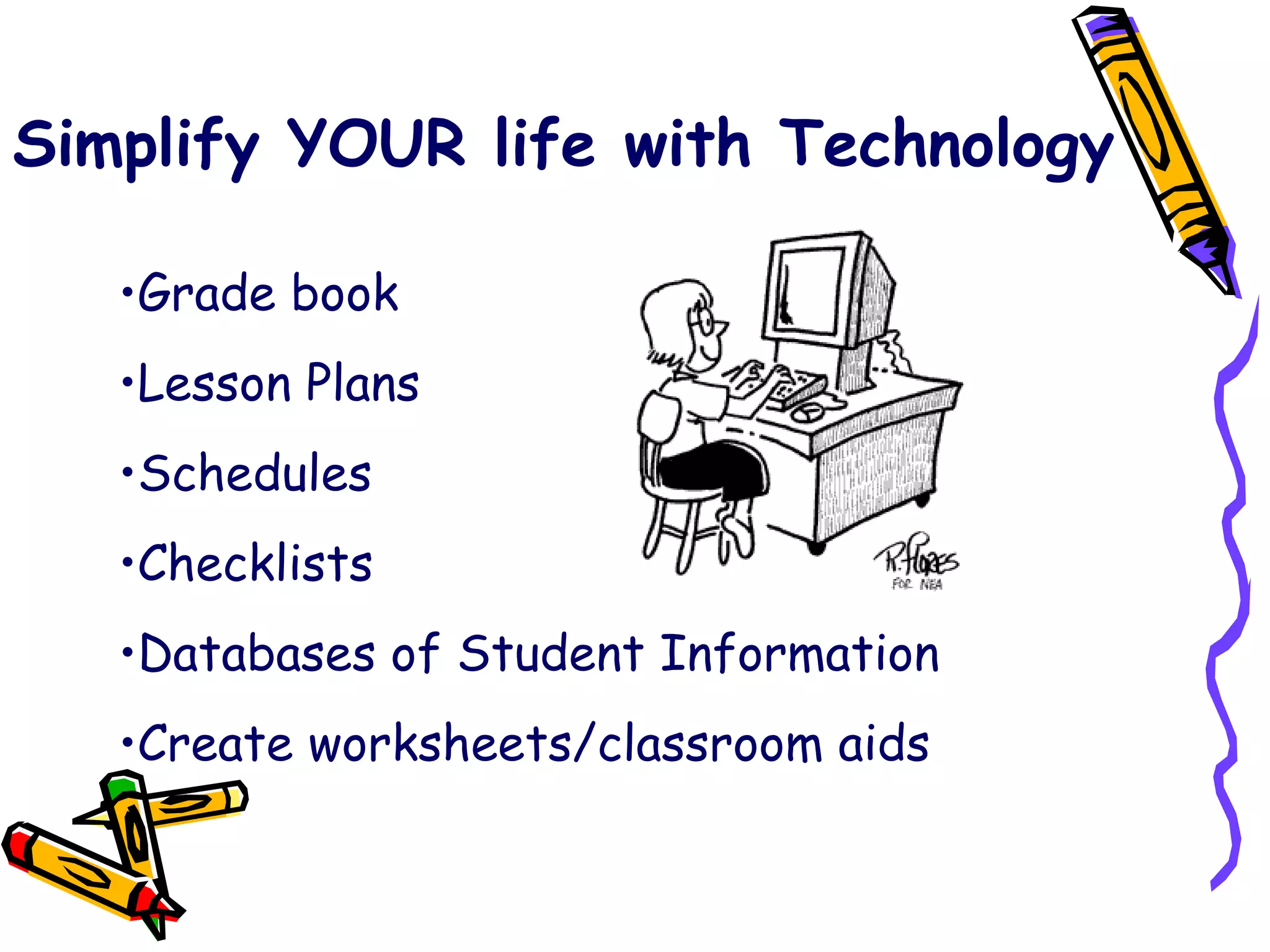
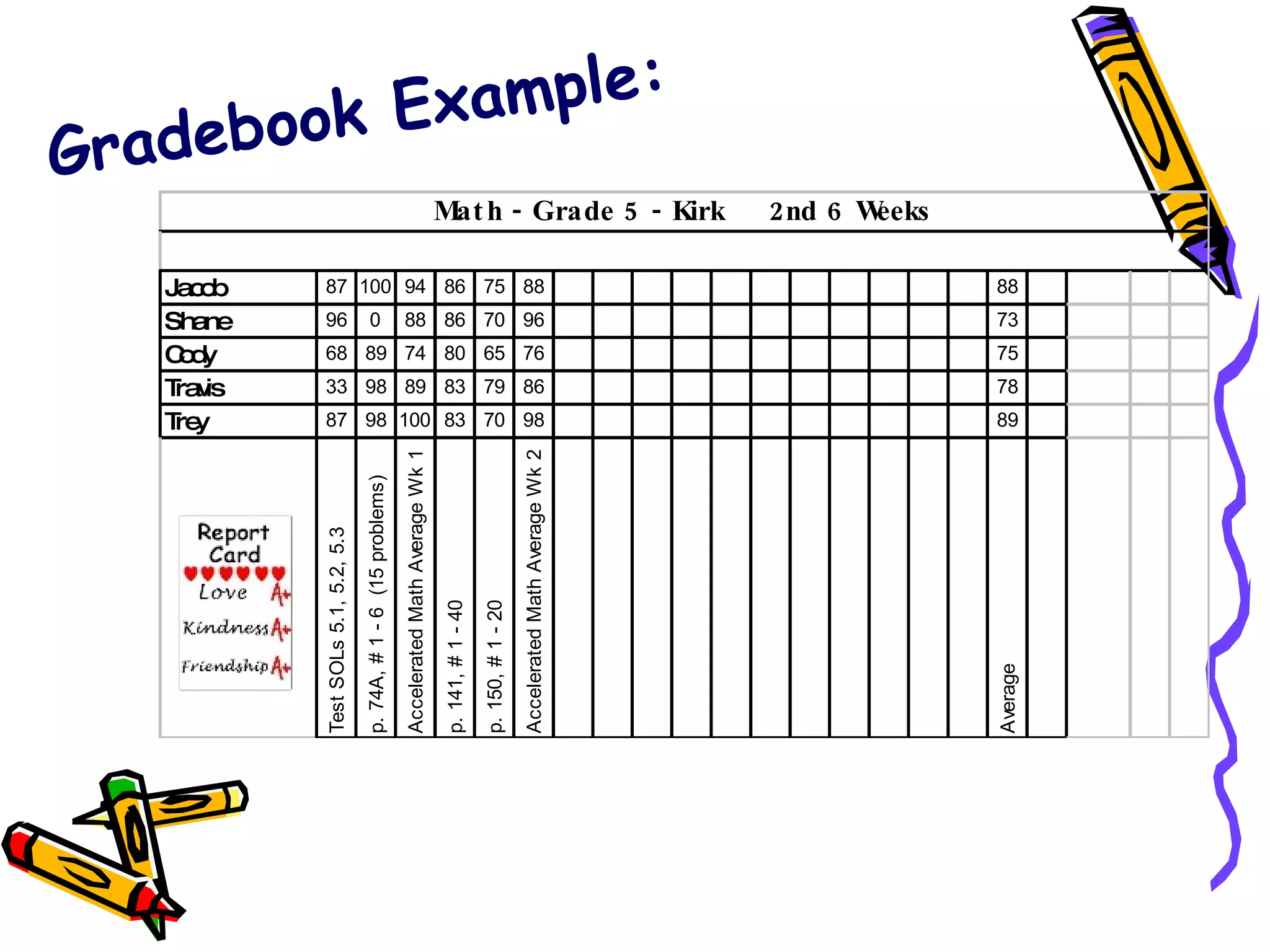
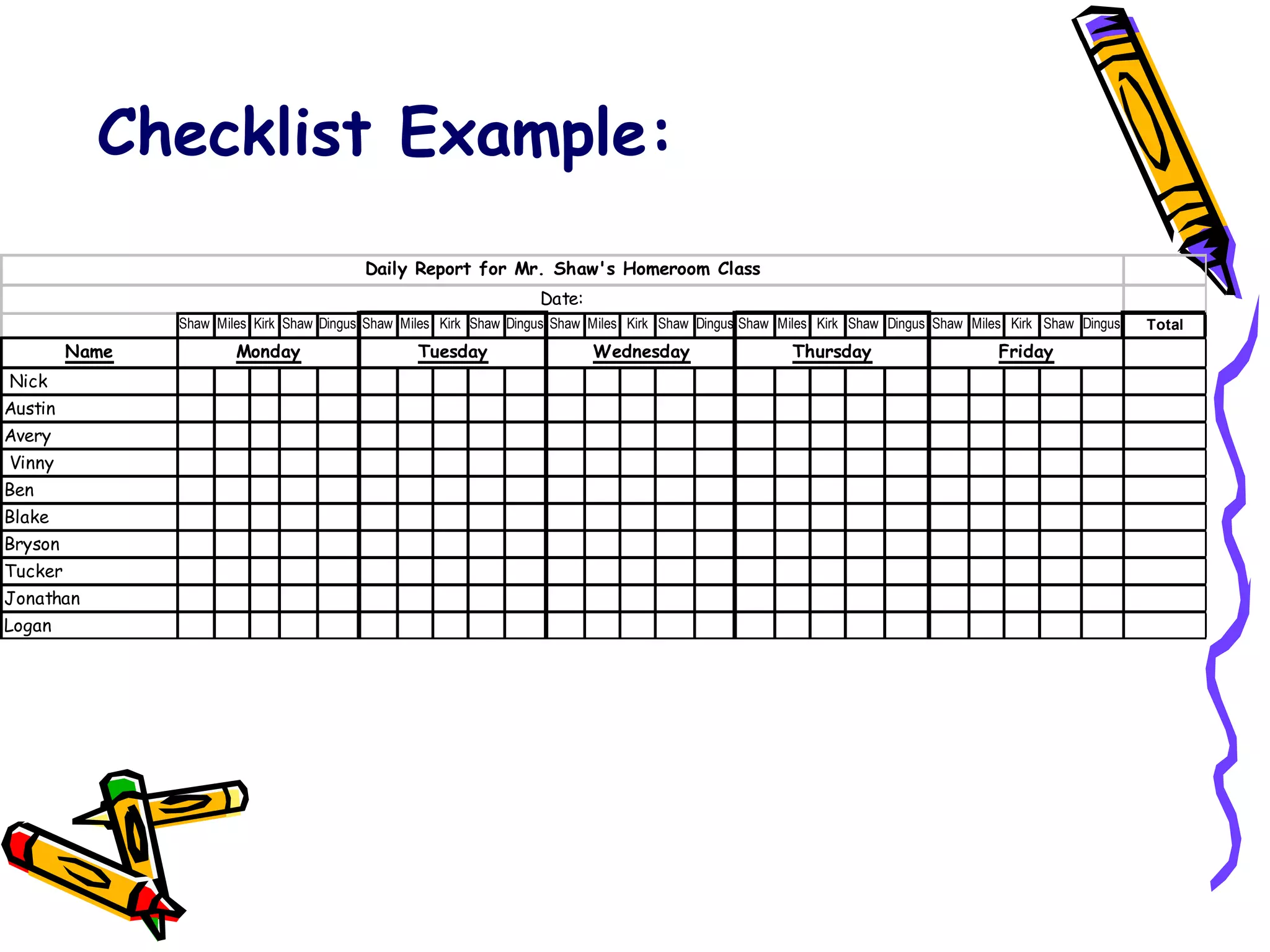
Simplify YOUR life with Technology Grade book Lesson Plans Schedules Checklists Databases of Student Information Create worksheets/classroom aids
Gradebook Example:
Checklist Example:
Children need to have typing skills beginning at an early age. PAWS in Typing Town Mavis Beacon Jumpstart Typing Online: Download  Typing Master 2002                       
Schedule Schedule Lab time if available. Keep a schedule in the classroom so all   students have an opportunity on the   machines. Model in the Lab; work on projects in   the classroom during scheduled times. ALWAYS be prepared for “glitches” as   they will happen when you least expect   them.
SACS and Technology Integration Communications: Email School Climate: Tech Team Staff Development: Cohort and    Mini-Training Sessions Curriculum & Development: Integration    of Technology in the curriculum
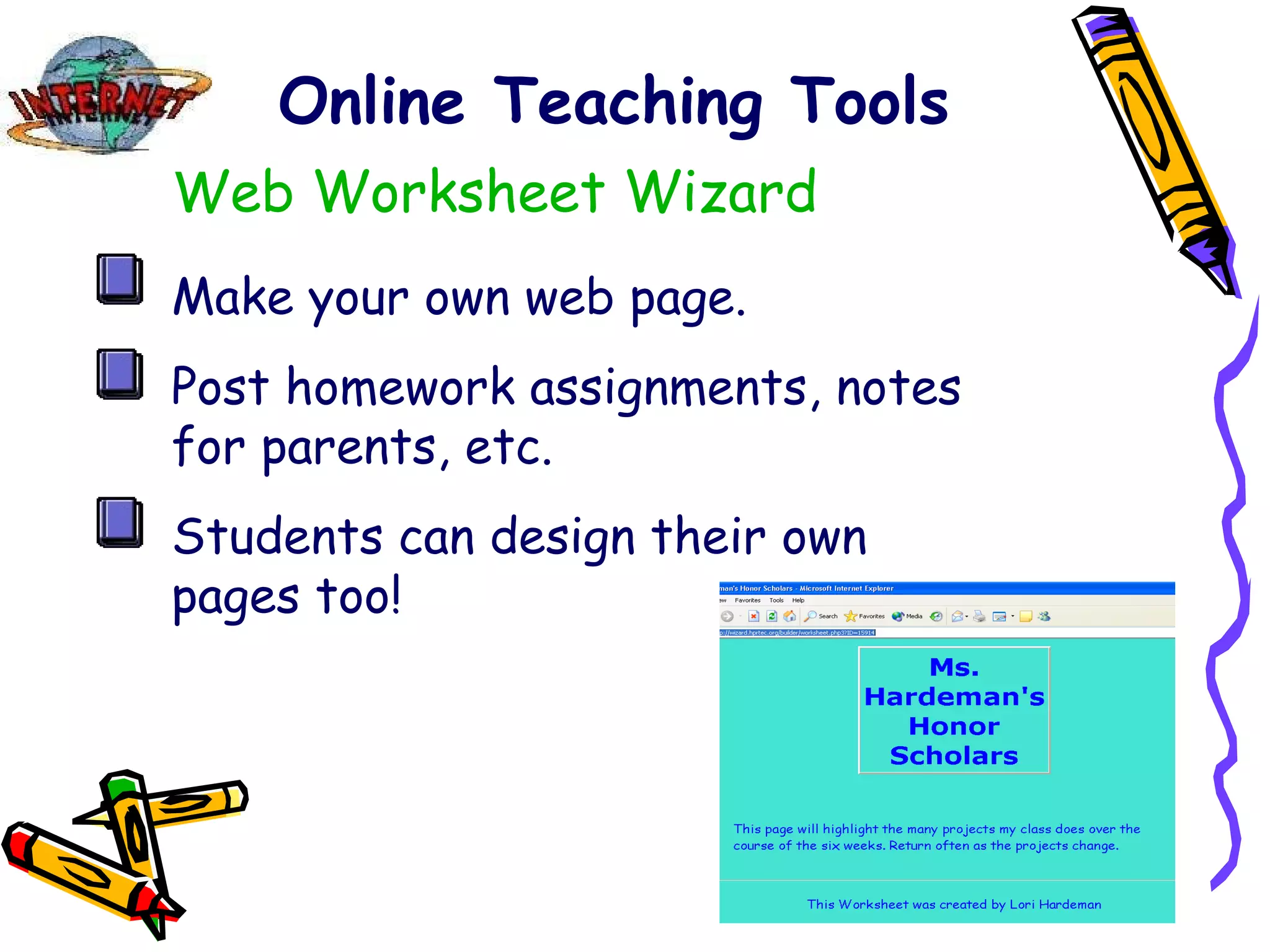
Online Teaching Tools Web Worksheet Wizard Make your own web page. Post homework assignments, notes for parents, etc. Students can design their own pages too!
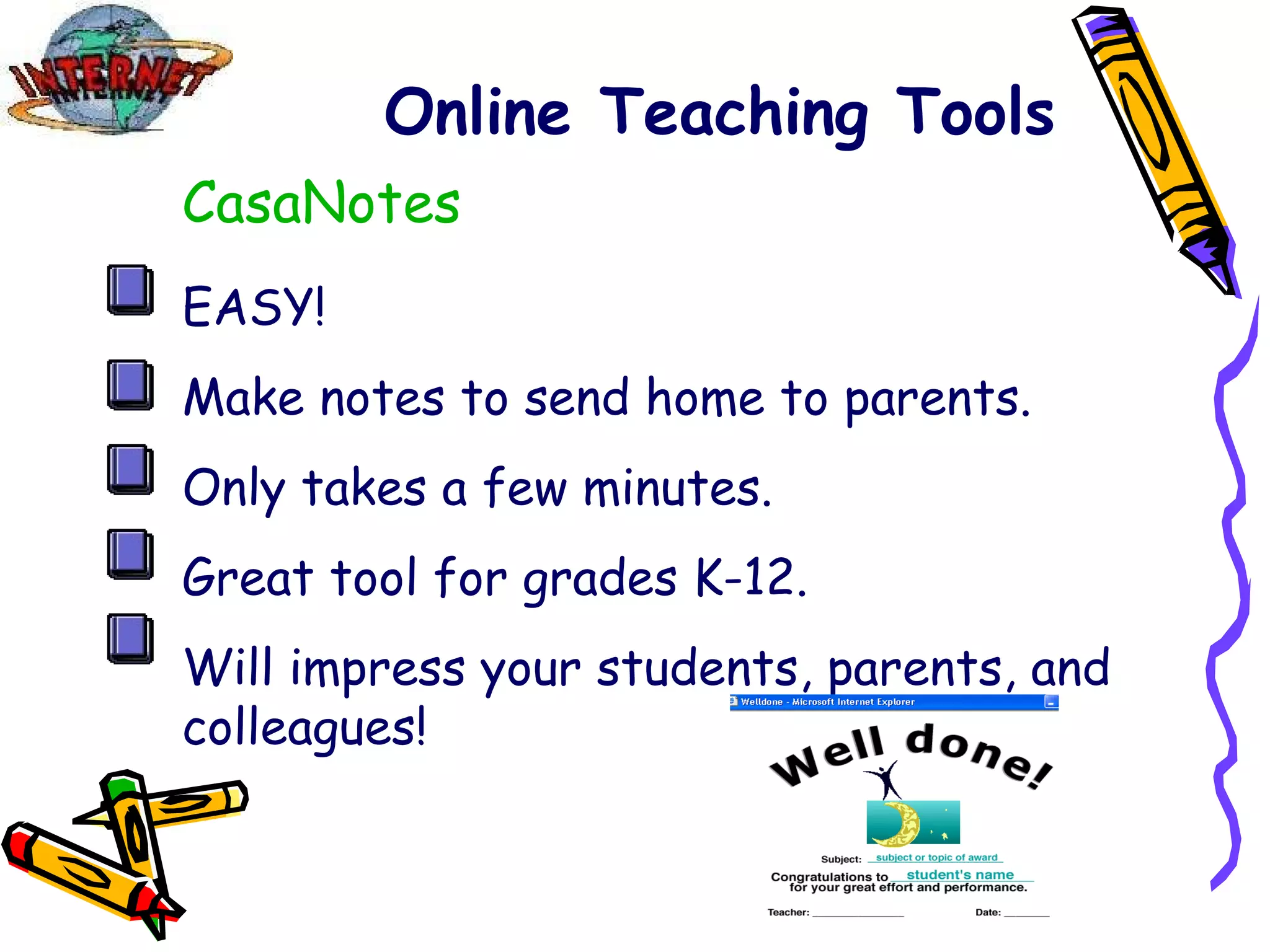
Online Teaching Tools CasaNotes EASY! Make notes to send home to parents. Only takes a few minutes. Great tool for grades K-12. Will impress your students, parents, and colleagues!
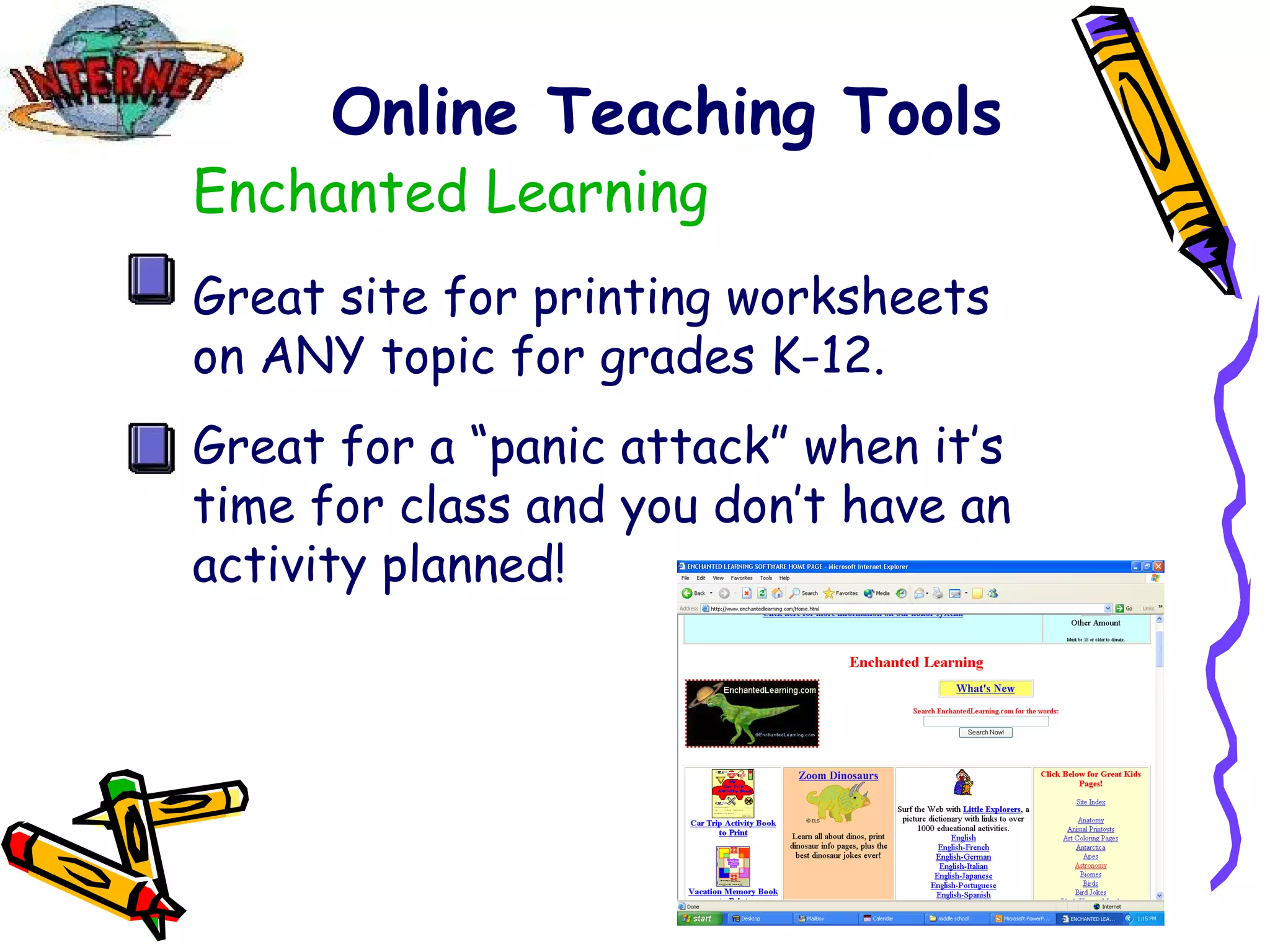
Online Teaching Tools Enchanted Learning Great site for printing worksheets on ANY topic for grades K-12. Great for a “panic attack” when it’s time for class and you don’t have an activity planned!
Book Reports Transform book reports from boring and hum-drum to awesome and inspiring!! Use PowerPoint, Kid Pix, Hyperstudio, MovieWorks or any other multimedia software. Check out   Book Report Alternatives Book Report Learning Center
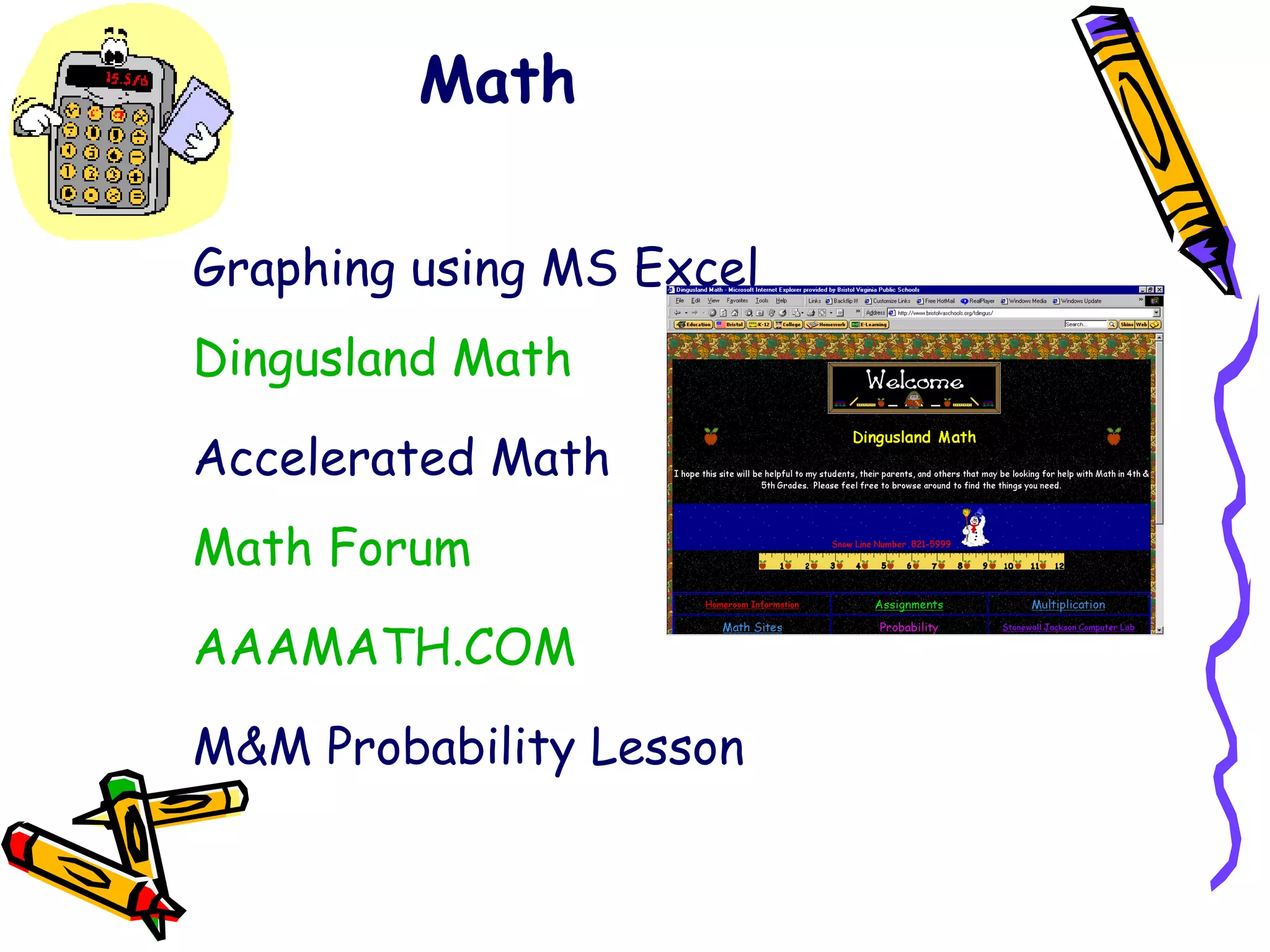
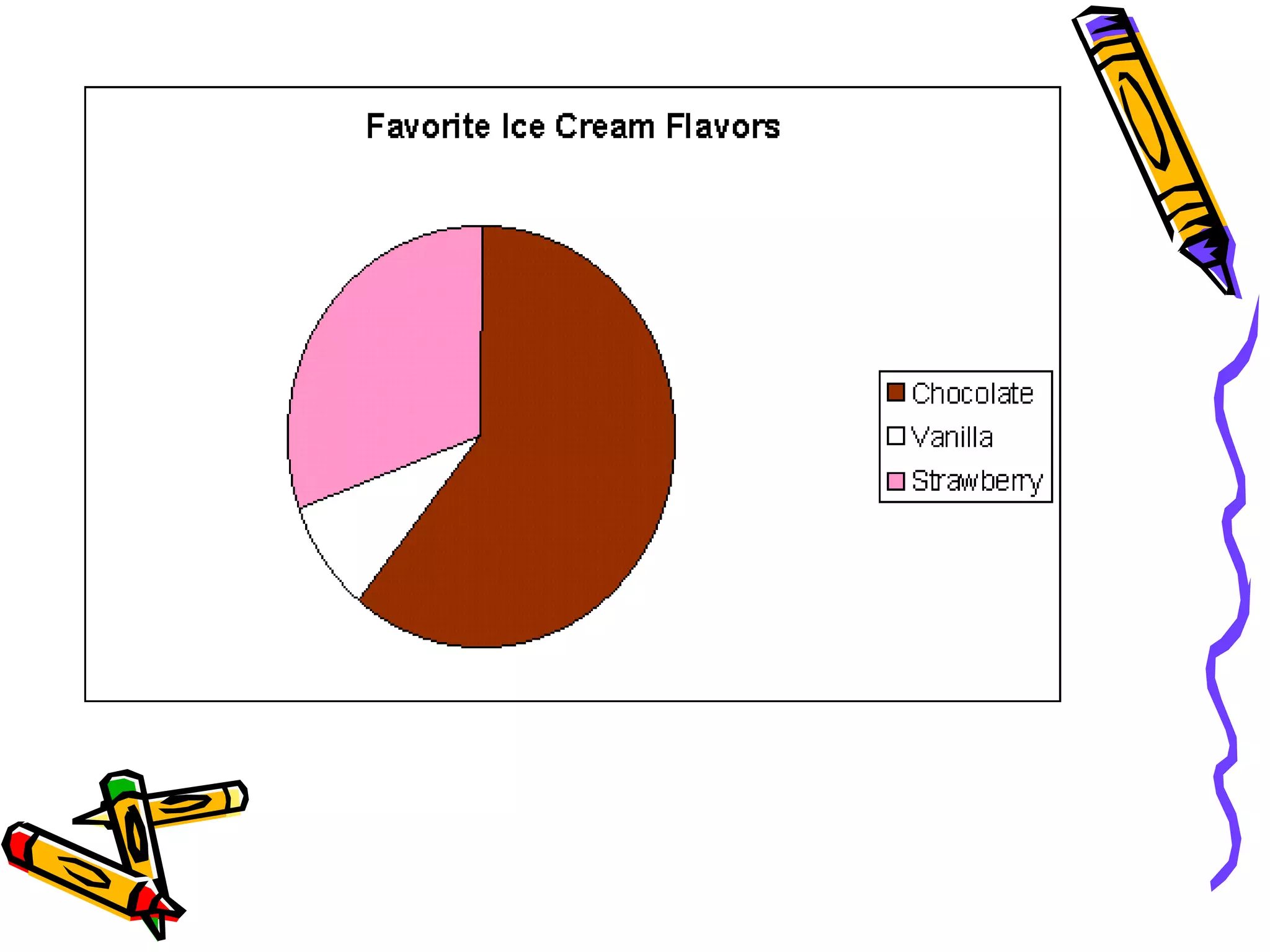
Math Graphing using MS Excel  Dingusland Math   Accelerated Math Math Forum AAAMATH.COM M&M Probability Lesson
 
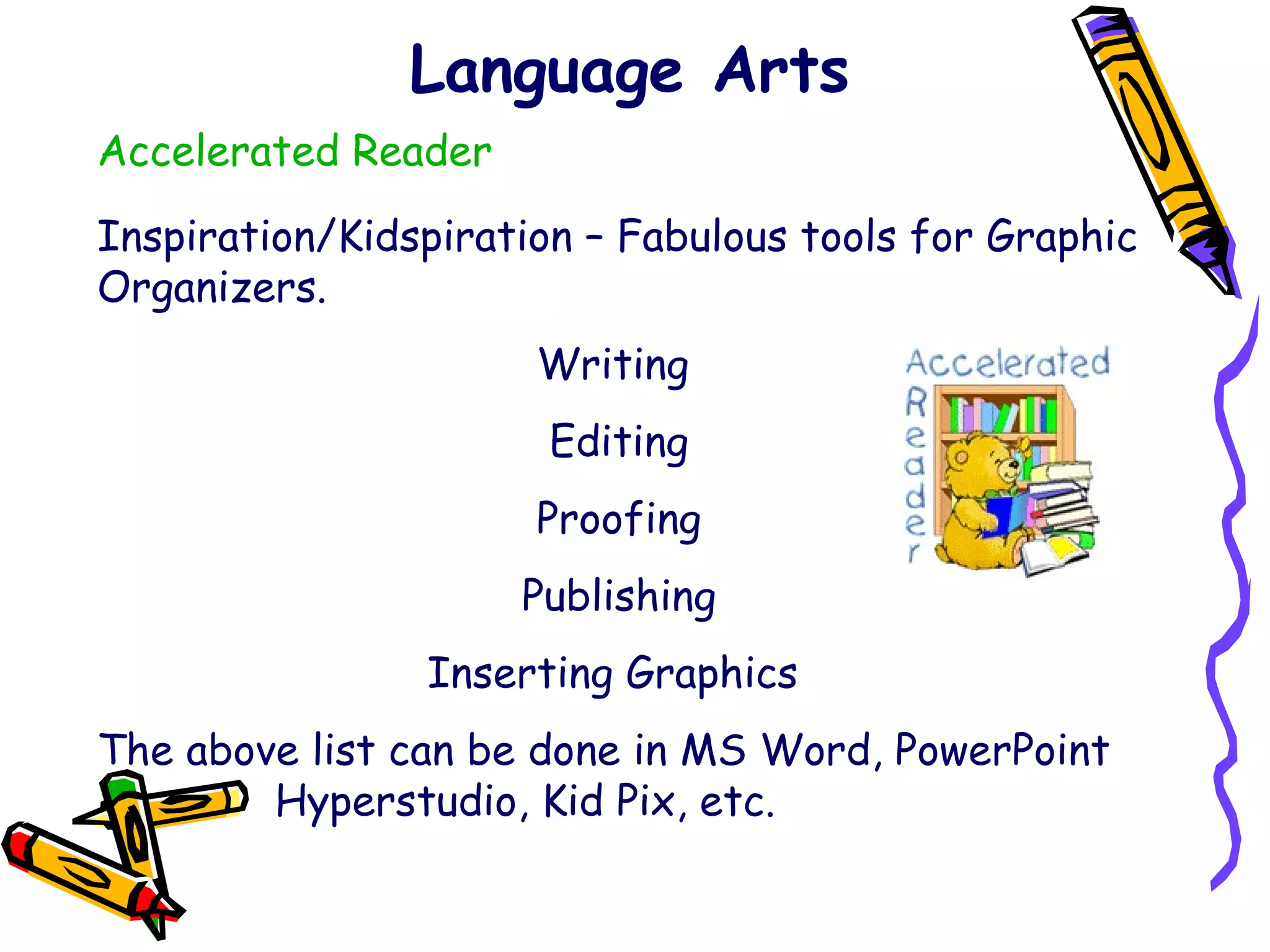
Language Arts Accelerated Reader Inspiration/Kidspiration – Fabulous tools for Graphic Organizers. Writing  Editing Proofing Publishing Inserting Graphics  The above list can be done in MS Word, PowerPoint    Hyperstudio, Kid Pix, etc.
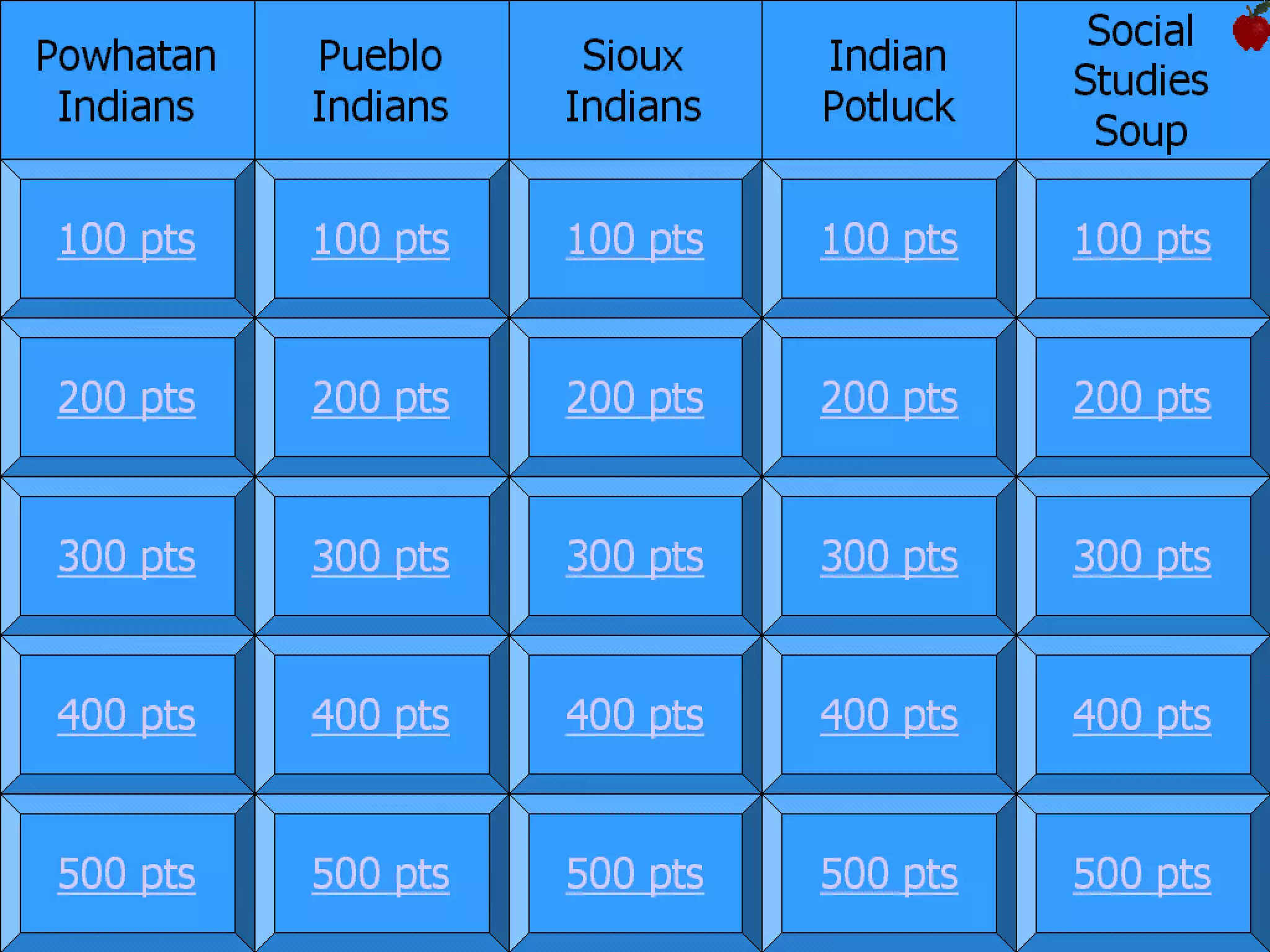
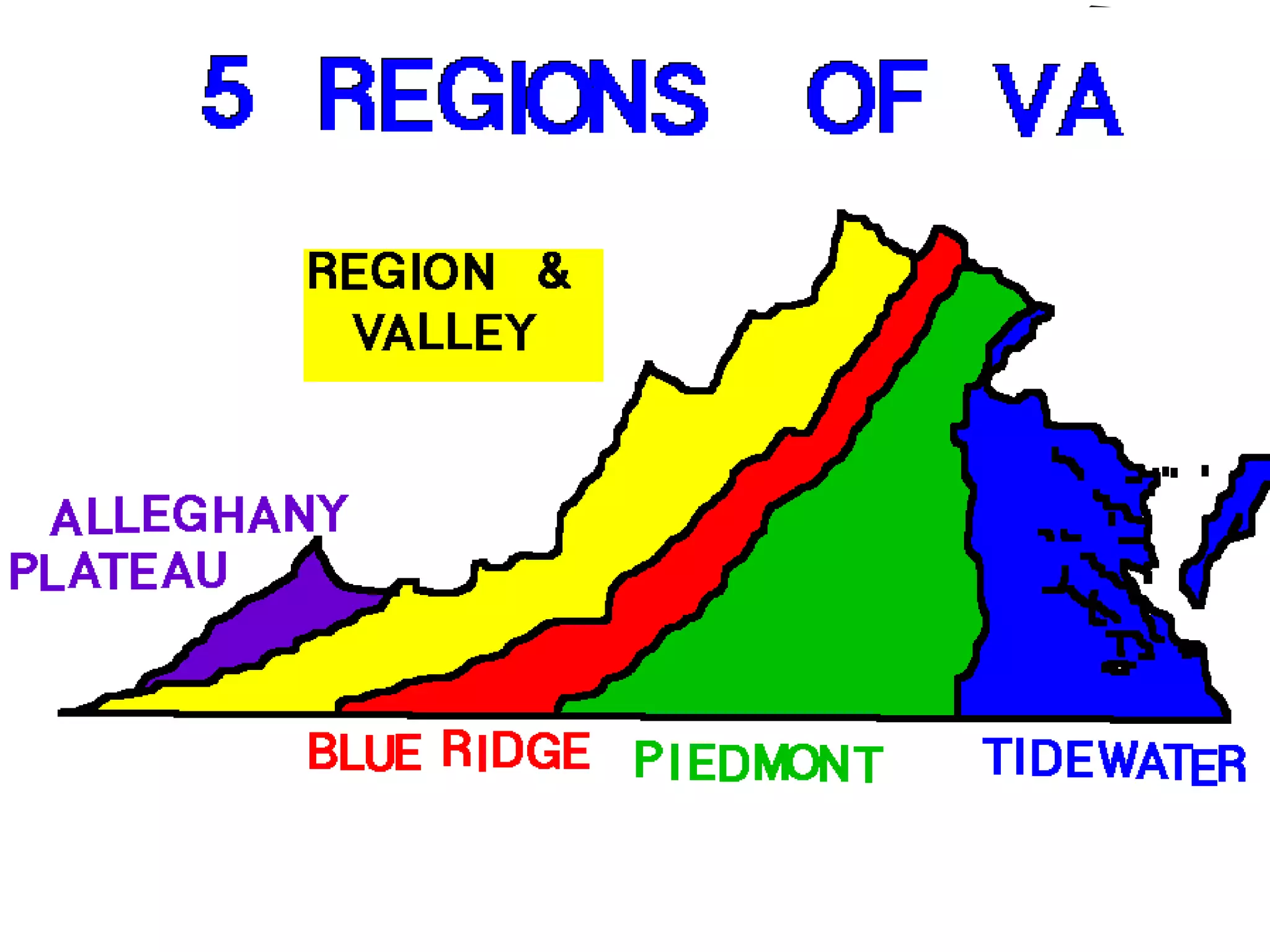
Social Studies Native Americans PowerPoint/Hyperstudio Project Virginia Focus WebQuest Famous Virginians PowerPoint Jeopardy Games (Indians, Virginia History) Colonial Life WebQuest Map of the 5 Regions of Virginia – using Kid Pix or other drawing program Continents – 2 nd /3 rd  Grade
 
 
Science Parts of a flower – text on a graphic Simple Machines – PowerPoint/Hyperstudio Five Kingdoms – Research/PowerPoint/Chart Invertebrates PowerPoint  Solar System WebQuest Animal Habitat PowerPoints and resources – 3 rd  Grade Solar System PowerPoint Project Rocks and Minerals  BrainPop
Search Engines Yahooligans  – a good search engine for students to utilize. Google  – THE search engine! Education Planet  – a wonderful search engine for educators. The Amazing Picture Machine  – a great place to find pictures you need in many different subject areas. Teacher Files  – an amazing place to find clipart for educators.
Lesson Plans for Teachers Teaching Resources  – Laura Candler Teacher Files The Teacher’s Corner Technology Integration
Online Projects & Activities Pen Pals Aunty Math  – Math Challenges Alphabet Across America Monster Exchange Online Projects
Other Helpful Tools for Teachers Online Translator for ESL Synonym Activities (ON and Off Line) Bingo Card Generator The Lesson Plans Page Virginia Department of Education
 

Technology

  • 1.
    Using Technology toEnhance Instruction
  • 2.
    What is Integration?Using available technology as a tool in the classroom. The same as you would use a book or a manipulative. It is NOT “playing” a computer game when a child finishes his/her work. Technologies are not an “add-on”. Your goal should be to use them in every phase of your curriculum.
  • 3.
    Where do Ibegin? Evaluate your resources. Lab or computers in your classroom? Evaluate your own skills and who can assist you within your school system. Attend training and conferences to gain more knowledge of available resources. Join professional organizations. How can computers help ME ?
  • 4.
    Simplify YOUR lifewith Technology Grade book Lesson Plans Schedules Checklists Databases of Student Information Create worksheets/classroom aids
  • 5.
  • 6.
  • 7.
    Children need tohave typing skills beginning at an early age. PAWS in Typing Town Mavis Beacon Jumpstart Typing Online: Download Typing Master 2002                    
  • 8.
    Schedule Schedule Labtime if available. Keep a schedule in the classroom so all students have an opportunity on the machines. Model in the Lab; work on projects in the classroom during scheduled times. ALWAYS be prepared for “glitches” as they will happen when you least expect them.
  • 9.
    SACS and TechnologyIntegration Communications: Email School Climate: Tech Team Staff Development: Cohort and Mini-Training Sessions Curriculum & Development: Integration of Technology in the curriculum
  • 10.
    Online Teaching ToolsWeb Worksheet Wizard Make your own web page. Post homework assignments, notes for parents, etc. Students can design their own pages too!
  • 11.
    Online Teaching ToolsCasaNotes EASY! Make notes to send home to parents. Only takes a few minutes. Great tool for grades K-12. Will impress your students, parents, and colleagues!
  • 12.
    Online Teaching ToolsEnchanted Learning Great site for printing worksheets on ANY topic for grades K-12. Great for a “panic attack” when it’s time for class and you don’t have an activity planned!
  • 13.
    Book Reports Transformbook reports from boring and hum-drum to awesome and inspiring!! Use PowerPoint, Kid Pix, Hyperstudio, MovieWorks or any other multimedia software. Check out Book Report Alternatives Book Report Learning Center
  • 14.
    Math Graphing usingMS Excel Dingusland Math Accelerated Math Math Forum AAAMATH.COM M&M Probability Lesson
  • 15.
  • 16.
    Language Arts AcceleratedReader Inspiration/Kidspiration – Fabulous tools for Graphic Organizers. Writing Editing Proofing Publishing Inserting Graphics The above list can be done in MS Word, PowerPoint Hyperstudio, Kid Pix, etc.
  • 17.
    Social Studies NativeAmericans PowerPoint/Hyperstudio Project Virginia Focus WebQuest Famous Virginians PowerPoint Jeopardy Games (Indians, Virginia History) Colonial Life WebQuest Map of the 5 Regions of Virginia – using Kid Pix or other drawing program Continents – 2 nd /3 rd Grade
  • 18.
  • 19.
  • 20.
    Science Parts ofa flower – text on a graphic Simple Machines – PowerPoint/Hyperstudio Five Kingdoms – Research/PowerPoint/Chart Invertebrates PowerPoint Solar System WebQuest Animal Habitat PowerPoints and resources – 3 rd Grade Solar System PowerPoint Project Rocks and Minerals BrainPop
  • 21.
    Search Engines Yahooligans – a good search engine for students to utilize. Google – THE search engine! Education Planet – a wonderful search engine for educators. The Amazing Picture Machine – a great place to find pictures you need in many different subject areas. Teacher Files – an amazing place to find clipart for educators.
  • 22.
    Lesson Plans forTeachers Teaching Resources – Laura Candler Teacher Files The Teacher’s Corner Technology Integration
  • 23.
    Online Projects &Activities Pen Pals Aunty Math – Math Challenges Alphabet Across America Monster Exchange Online Projects
  • 24.
    Other Helpful Toolsfor Teachers Online Translator for ESL Synonym Activities (ON and Off Line) Bingo Card Generator The Lesson Plans Page Virginia Department of Education
  • 25.