Use of Synchronous
Collaborative Wikis in an Online
Learning Environment
David Wicks, Arthur Ellis, & Andrew Lumpe
Seattle Pacific University
Let’s collaborate - http://tinyurl.com/typewithdavid
Abstract
 In this study, synchronous collaborative (super) wikis were
used in a graduate level course for K-12 educators.
Collaborative teams using synchronous wikis developed
high levels of expertise and perceptions of mutual shared
cognition.
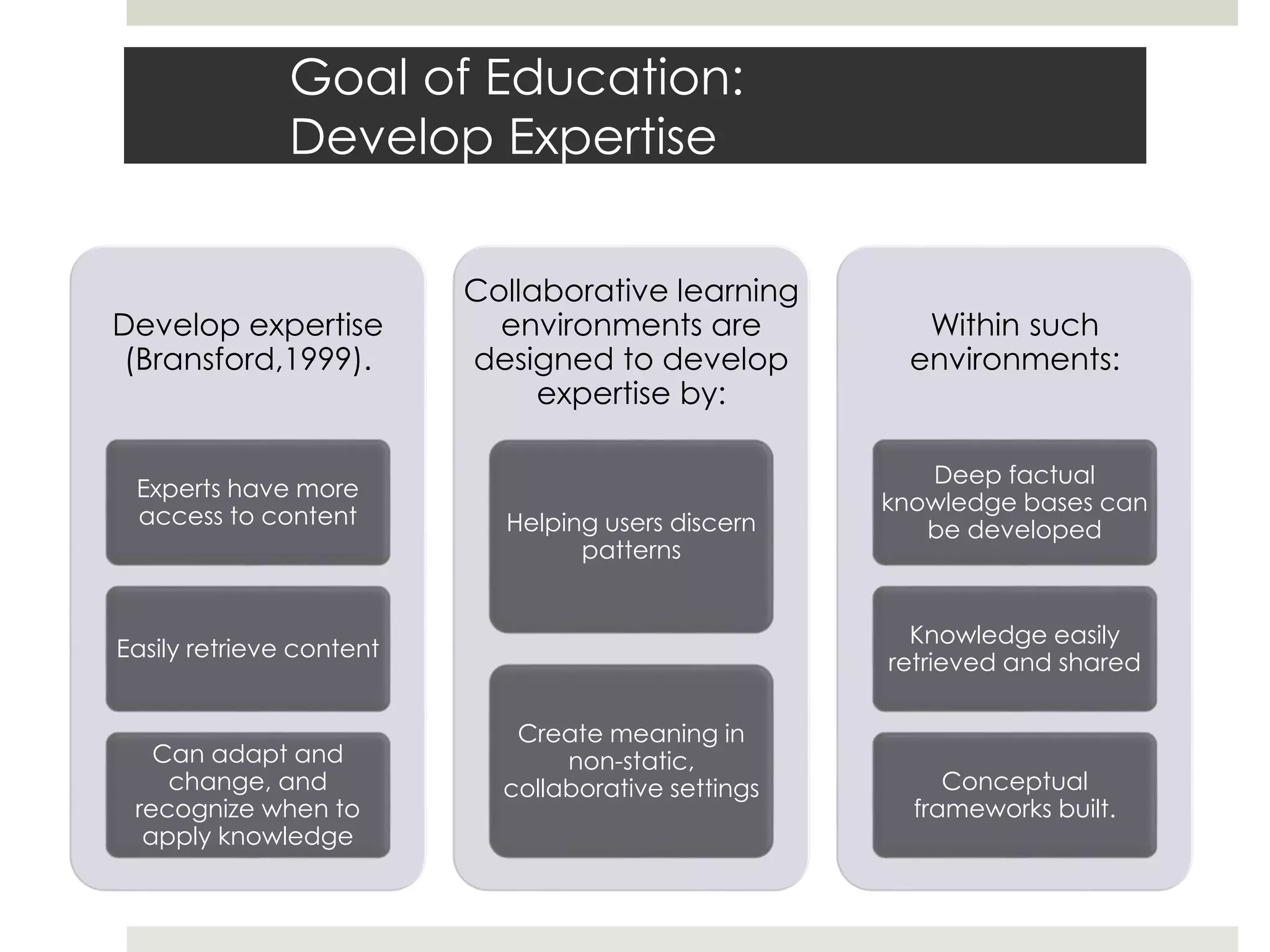
Goal of Education:
Develop Expertise
Develop expertise
(Bransford,1999).
Experts have more
access to content
Easily retrieve content
Can adapt and
change, and
recognize when to
apply knowledge
Collaborative learning
environments are
designed to develop
expertise by:
Helping users discern
patterns
Create meaning in
non-static,
collaborative settings
Within such
environments:
Deep factual
knowledge bases can
be developed
Knowledge easily
retrieved and shared
Conceptual
frameworks built.
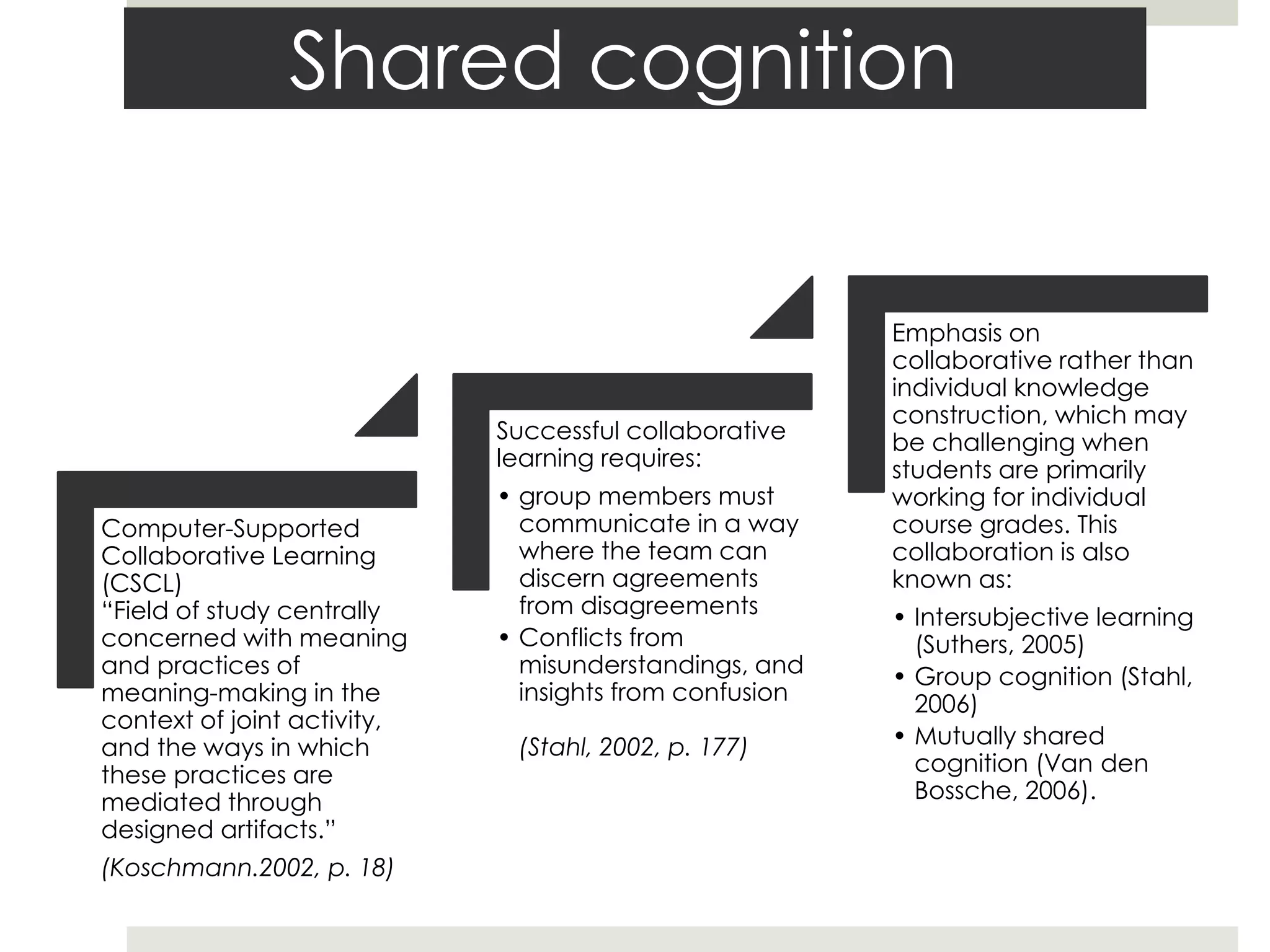
Shared cognition
Computer-Supported
Collaborative Learning
(CSCL)
“Field of study centrally
concerned with meaning
and practices of
meaning-making in the
context of joint activity,
and the ways in which
these practices are
mediated through
designed artifacts.”
(Koschmann.2002, p. 18)
Successful collaborative
learning requires:
• group members must
communicate in a way
where the team can
discern agreements
from disagreements
• Conflicts from
misunderstandings, and
insights from confusion
(Stahl, 2002, p. 177)
Emphasis on
collaborative rather than
individual knowledge
construction, which may
be challenging when
students are primarily
working for individual
course grades. This
collaboration is also
known as:
• Intersubjective learning
(Suthers, 2005)
• Group cognition (Stahl,
2006)
• Mutually shared
cognition (Van den
Bossche, 2006).
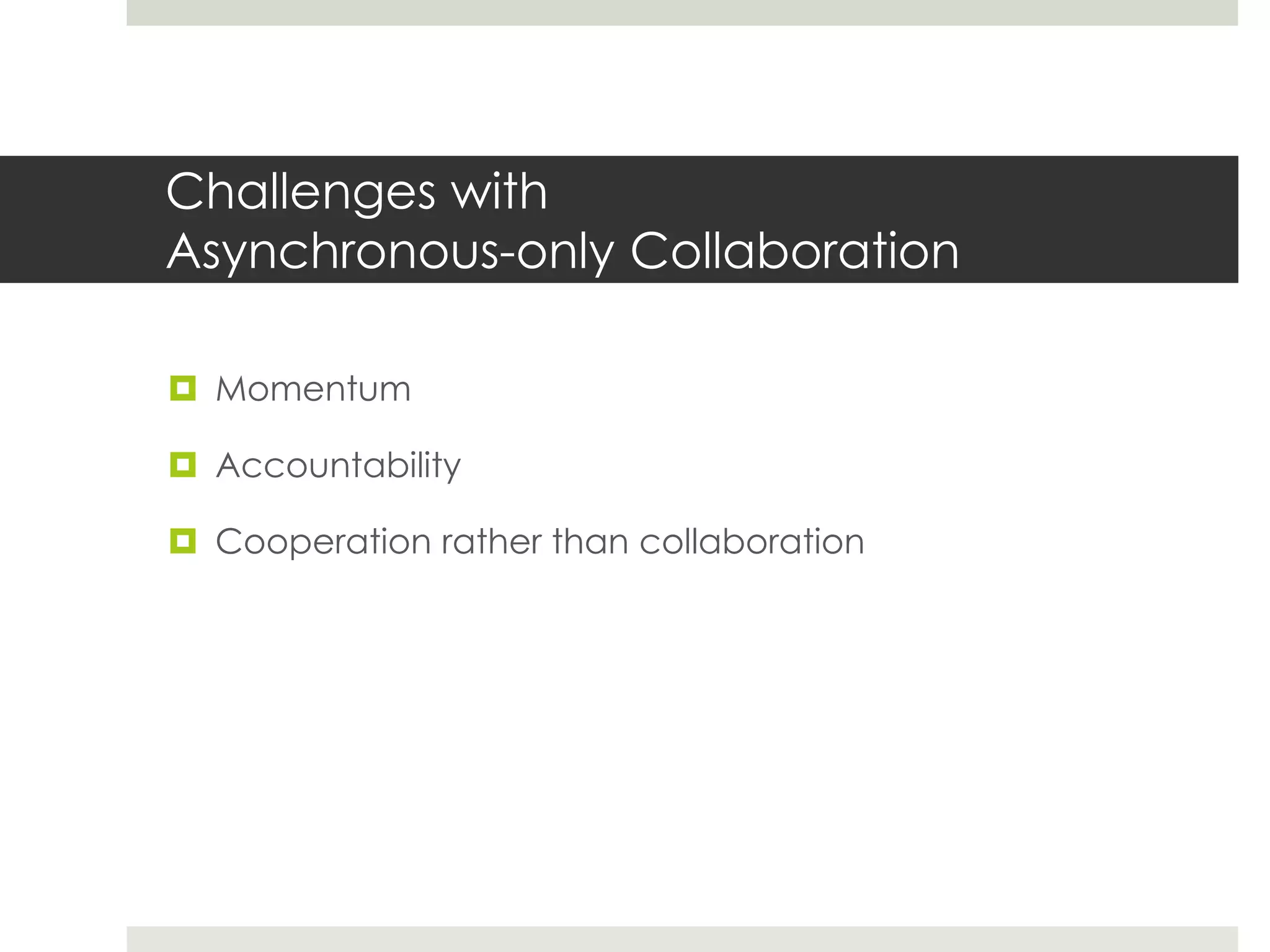
Challenges with
Asynchronous-only Collaboration
 Momentum
 Accountability
 Cooperation rather than collaboration
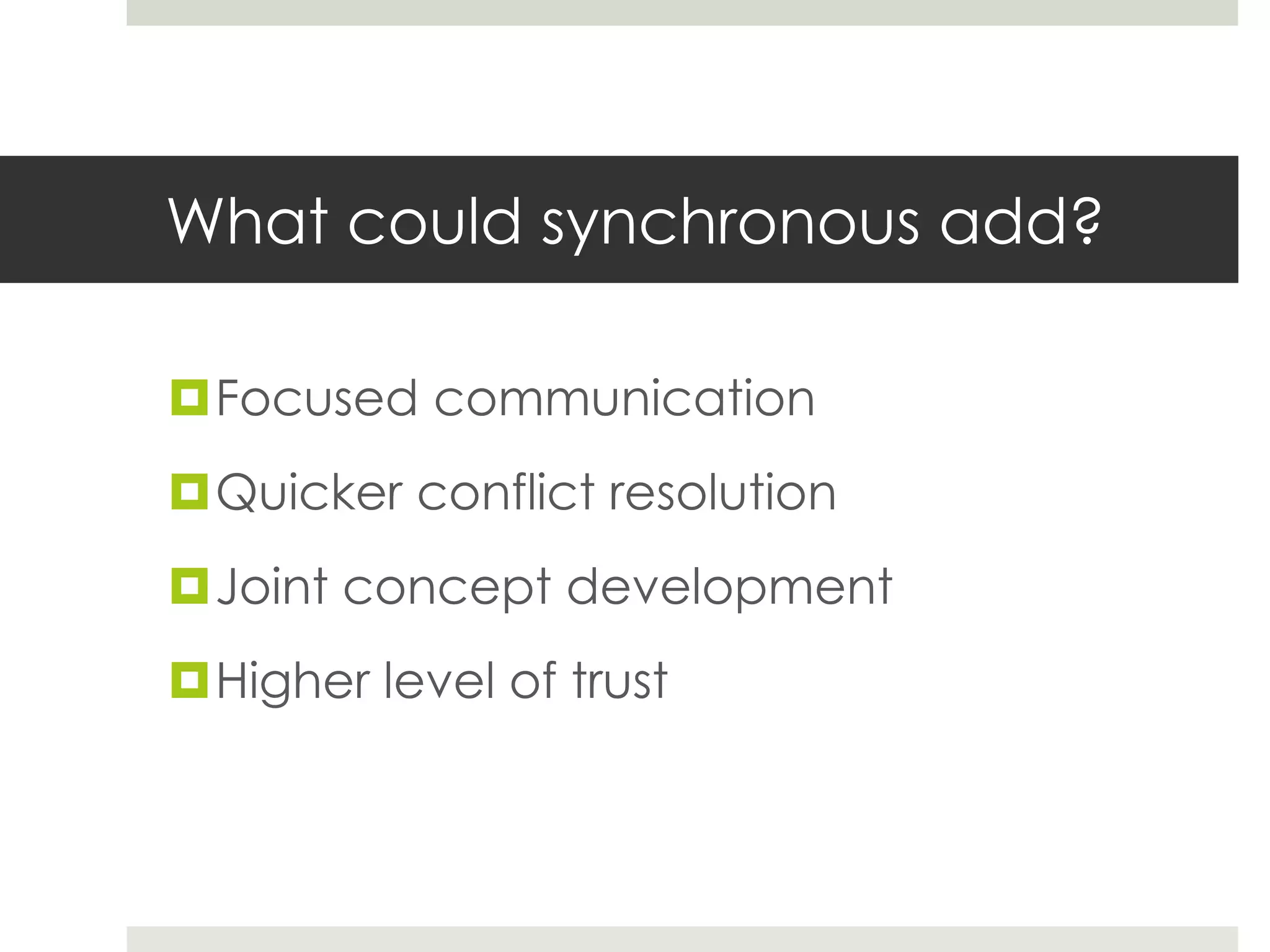
What could synchronous add?
Focused communication
Quicker conflict resolution
Joint concept development
Higher level of trust
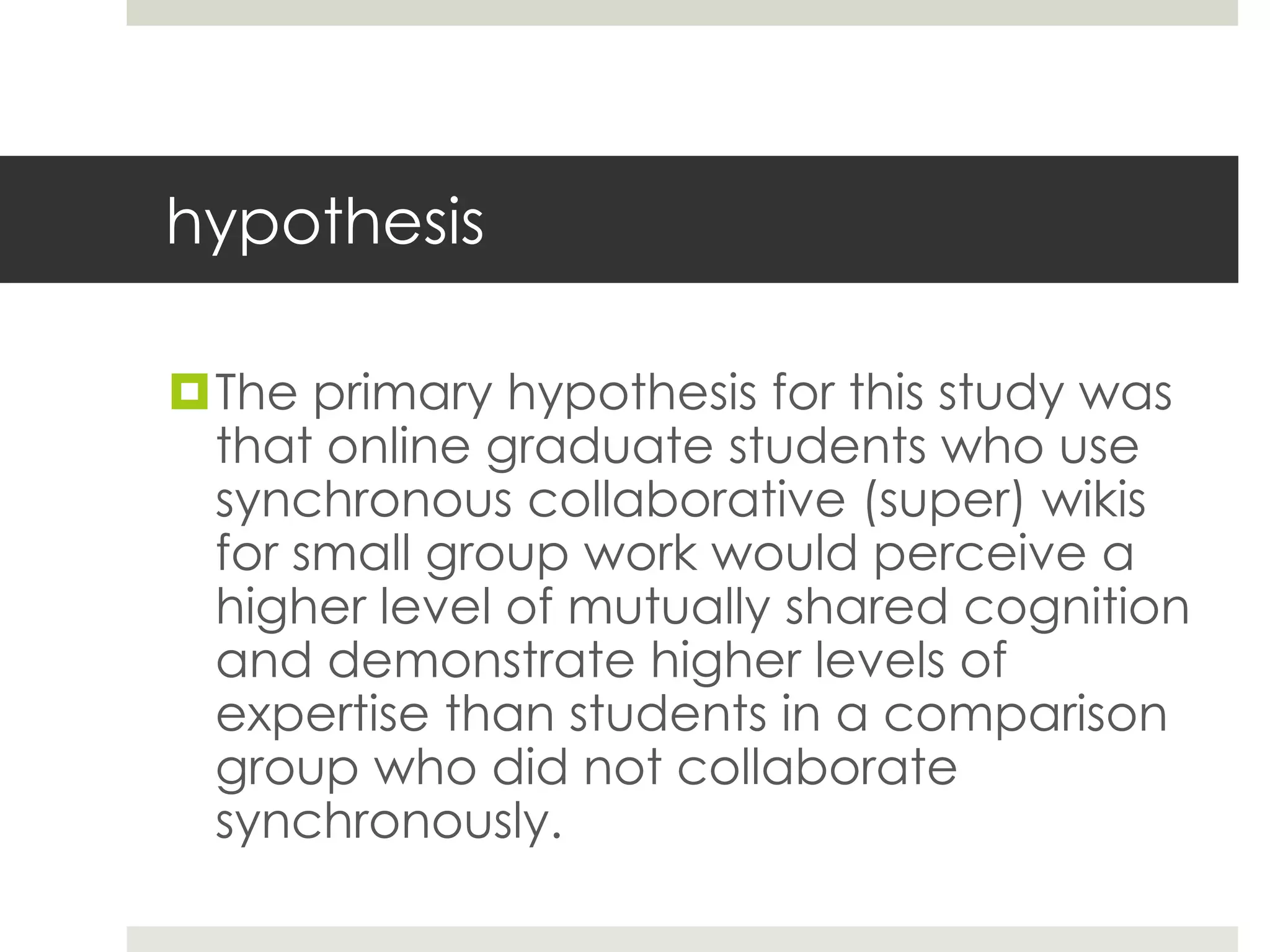
hypothesis
The primary hypothesis for this study was
that online graduate students who use
synchronous collaborative (super) wikis
for small group work would perceive a
higher level of mutually shared cognition
and demonstrate higher levels of
expertise than students in a comparison
group who did not collaborate
synchronously.
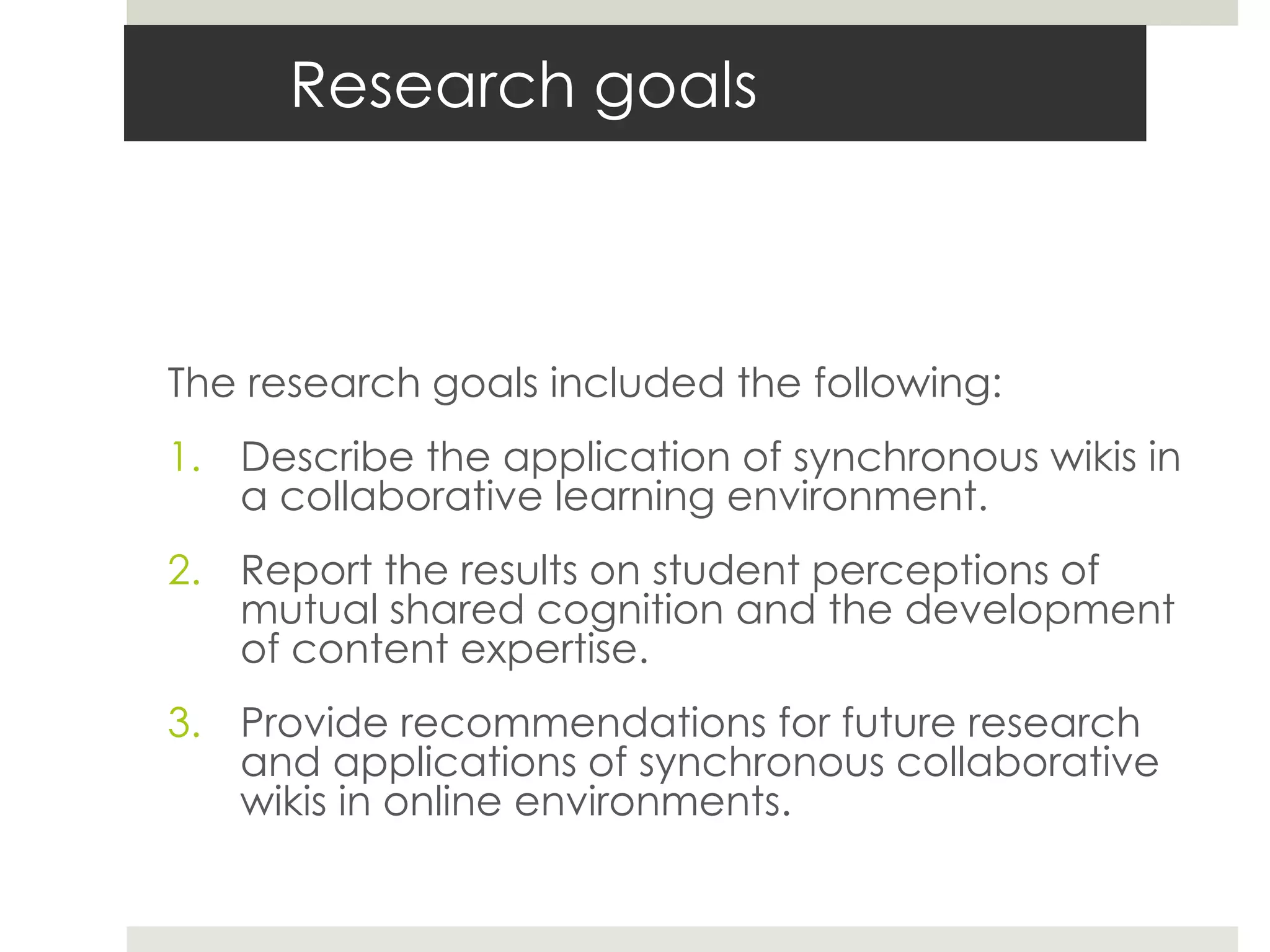
Research goals
The research goals included the following:
1. Describe the application of synchronous wikis in
a collaborative learning environment.
2. Report the results on student perceptions of
mutual shared cognition and the development
of content expertise.
3. Provide recommendations for future research
and applications of synchronous collaborative
wikis in online environments.
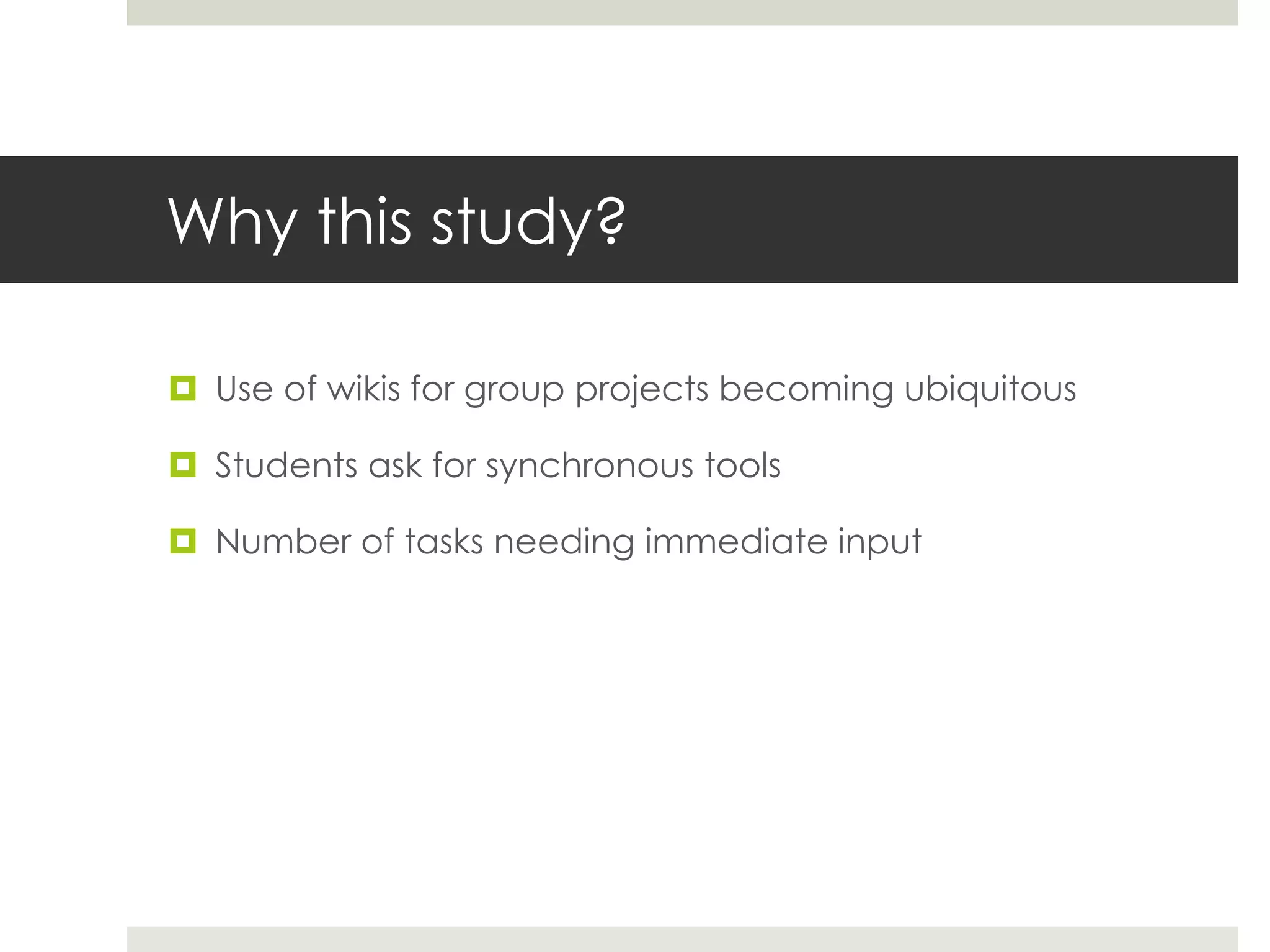
Why this study?
 Use of wikis for group projects becoming ubiquitous
 Students ask for synchronous tools
 Number of tasks needing immediate input
Description
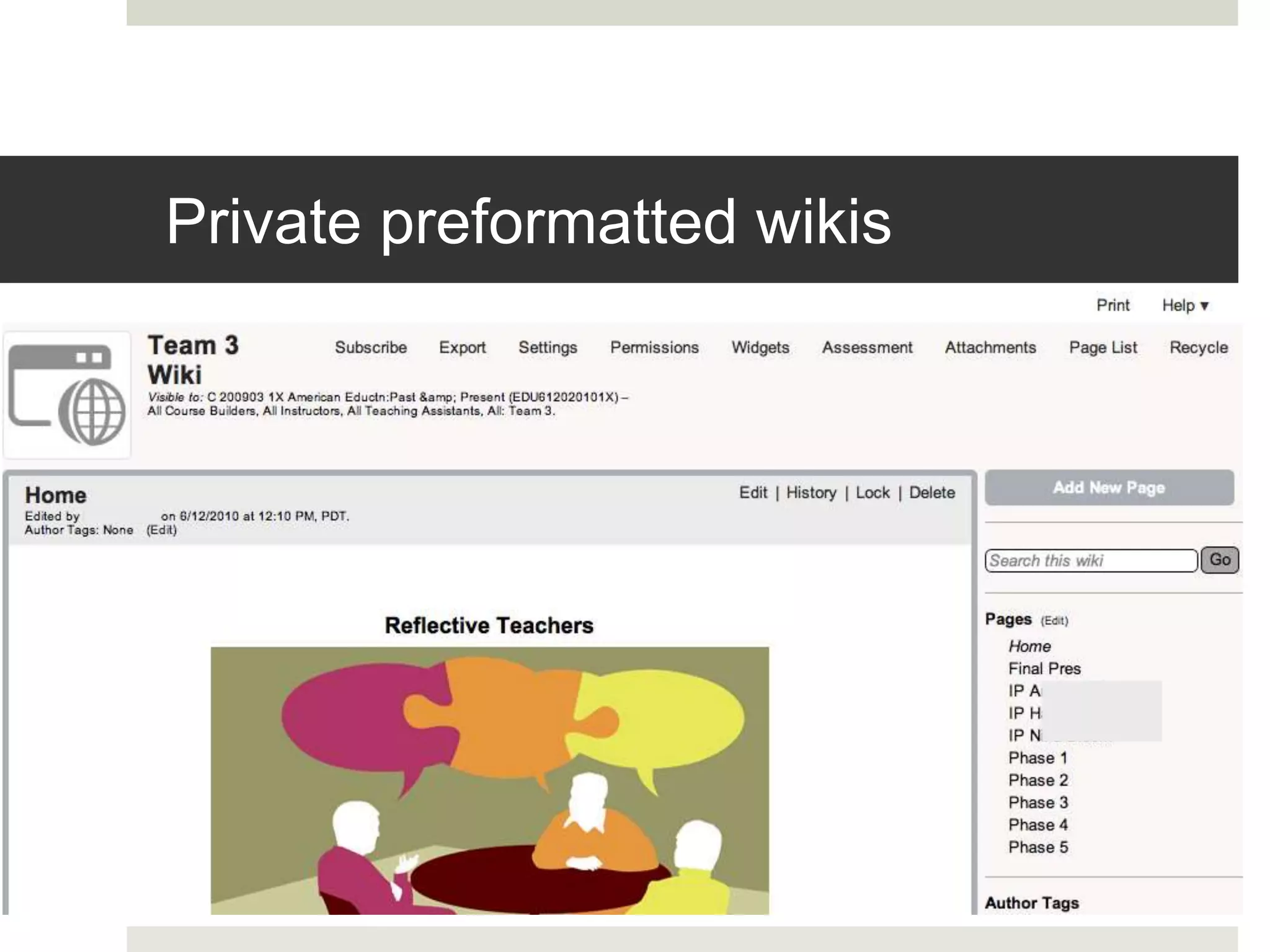
Private preformatted wikis
Collaborative script and screencast
 Collaborative script explains project and team organization
http://tinyurl.com/collab-script
 Screencast explains how to use the wiki (Learning Objects
Teams LX) to collaborate on this project.
 This scaffolding strategy, (Larusson & Altermann, 2009) was
used to help students feel comfortable with the project’s
technology and procedures so they could give their attention to
the contents and deliverables of the project.
Phases
 Phase 1: Team charter
 Phase 2: Collaborative essay on- Why teach? What are
qualities of a good teacher?
 Phase 3: Collaborative essay on- What do students really
need? What does a good classroom look and feel like?
 Phase 4: Collaborative essay on- What is truly meaningful
in student learning? How does a classroom become a
place of reflective practice?
 Phase 5: Final Product and team reflection
“Super wiki” = EtherPad
• http://etherpad.org
• http://typewith.me
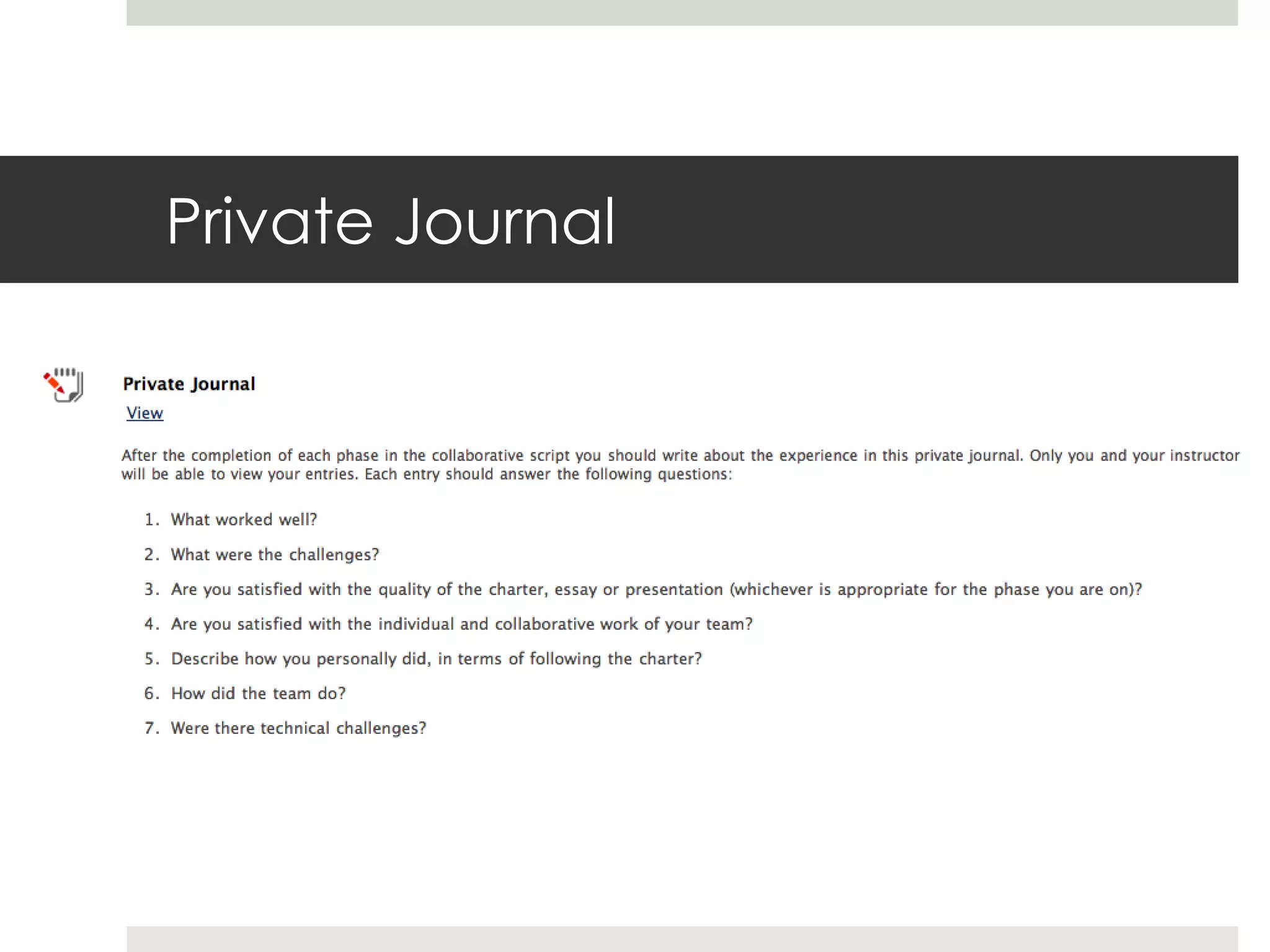
Private Journal
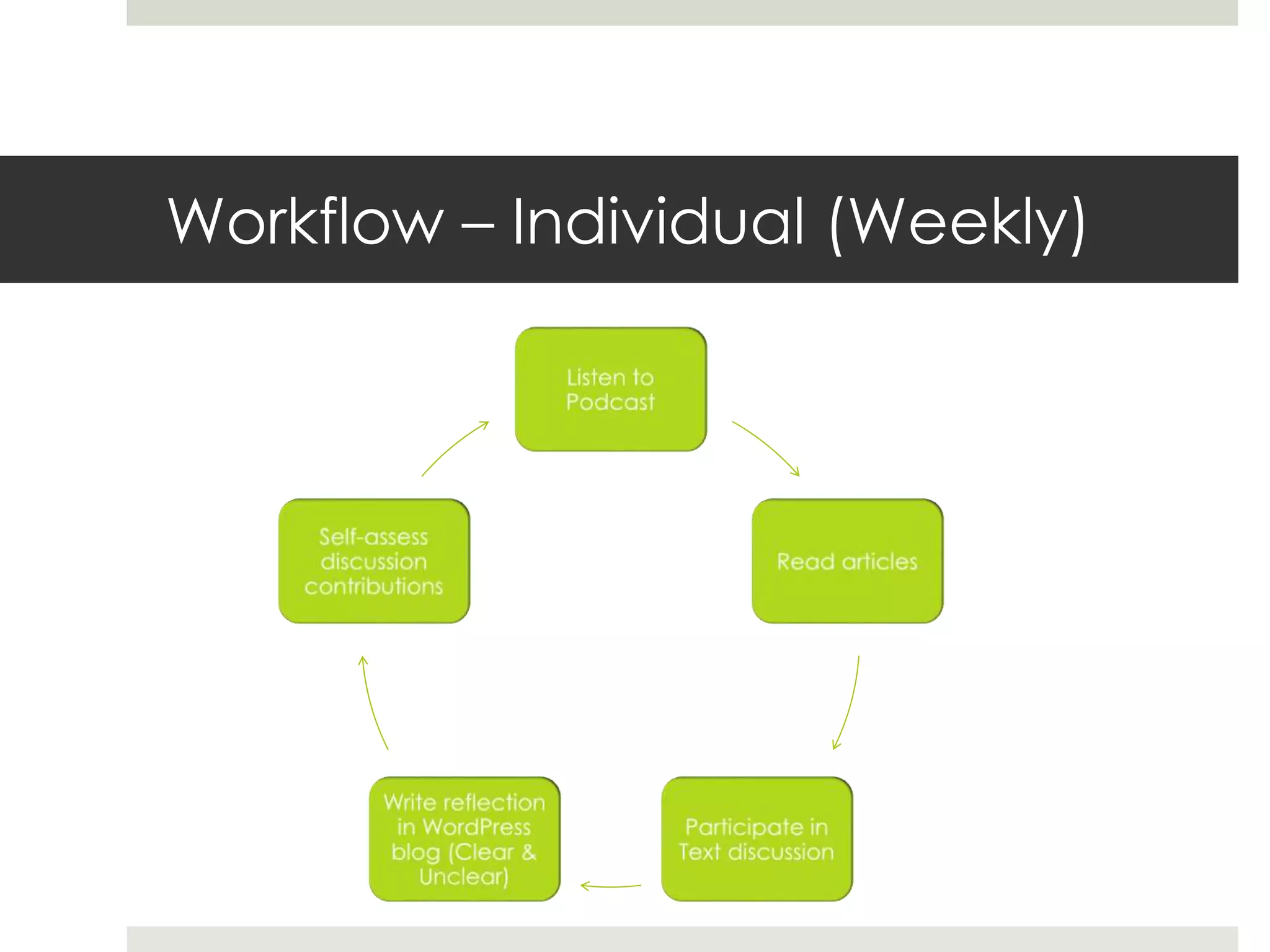
Workflow – Individual (Weekly)
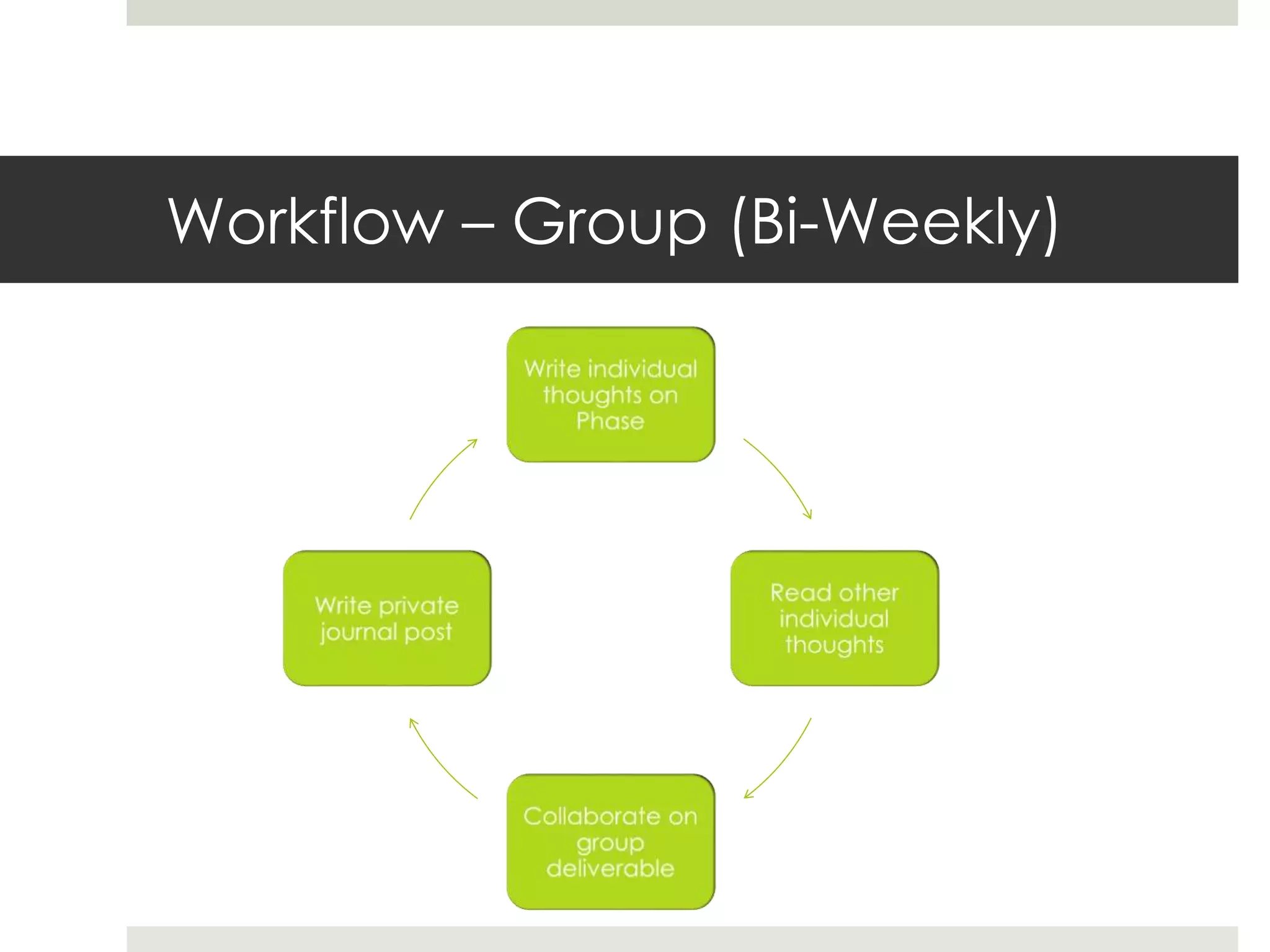
Workflow – Group (Bi-Weekly)
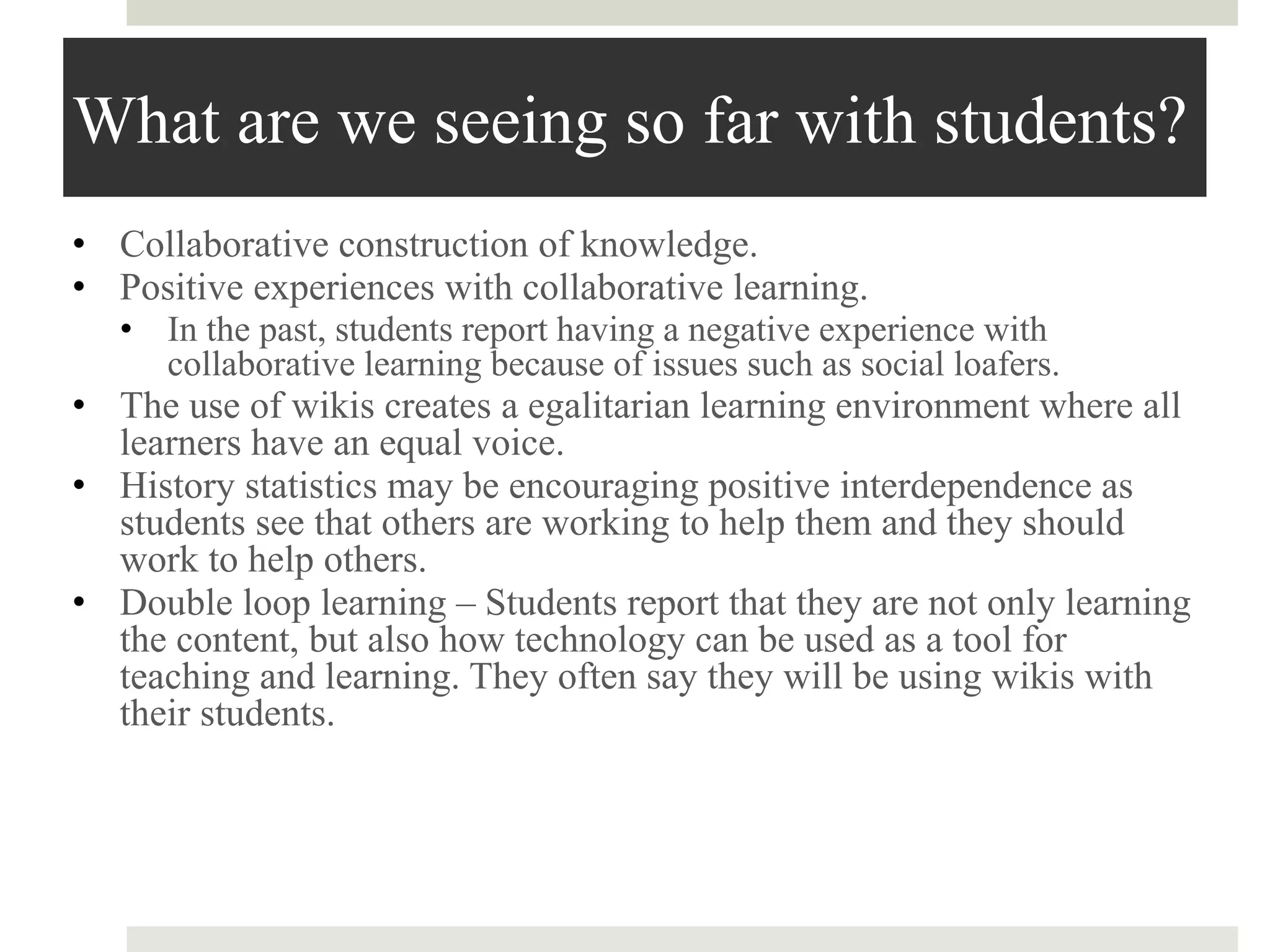
What are we seeing so far with students?
• Collaborative construction of knowledge.
• Positive experiences with collaborative learning.
• In the past, students report having a negative experience with
collaborative learning because of issues such as social loafers.
• The use of wikis creates a egalitarian learning environment where all
learners have an equal voice.
• History statistics may be encouraging positive interdependence as
students see that others are working to help them and they should
work to help others.
• Double loop learning – Students report that they are not only learning
the content, but also how technology can be used as a tool for
teaching and learning. They often say they will be using wikis with
their students.
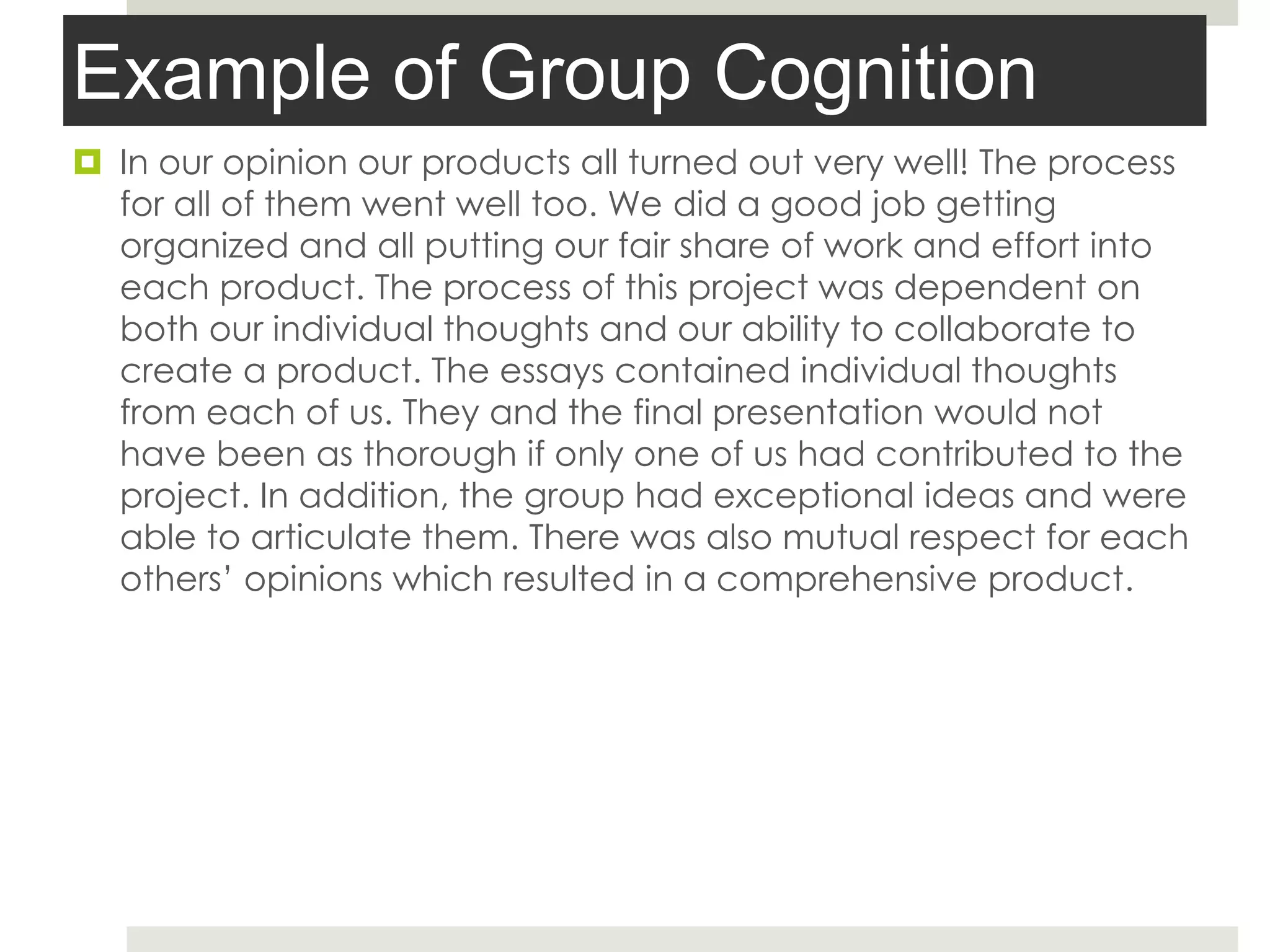
Example of Group Cognition
 In our opinion our products all turned out very well! The process
for all of them went well too. We did a good job getting
organized and all putting our fair share of work and effort into
each product. The process of this project was dependent on
both our individual thoughts and our ability to collaborate to
create a product. The essays contained individual thoughts
from each of us. They and the final presentation would not
have been as thorough if only one of us had contributed to the
project. In addition, the group had exceptional ideas and were
able to articulate them. There was also mutual respect for each
others’ opinions which resulted in a comprehensive product.
Example of Expertise & GC
PowerPoint showing chat students had
while working on their final presentation
in EtherPad. (Names have been
changed.)
Student-recommendations
 Better understanding of what "deliverables" are
 How to use the Time Slider on our Typewith.Me chats
 Better understanding of some of the APA guidelines
 [Final Presentation] SO many ideas and so much information we
wanted to share for each slide … extremely difficult to pick and
choose what information to include.
Lots of work left to do 
Comments or Questions?
David Wicks
Director, Instructional Technology
Seattle Pacific University
dwicks@spu.edu
twitter: dwicksspu
This work is licensed under the Creative Commons Attribution-Share Alike 3.0 United States License. To
view a copy of this license, visit http://creativecommons.org/licenses/by-sa/3.0/us/ or send a letter to
Creative Commons, 171 Second Street, Suite 300, San Francisco, California, 94105, USA.

Use of Synchronous Collaborative Wikis in an Online Learning Environment

  • 1.
    Use of Synchronous CollaborativeWikis in an Online Learning Environment David Wicks, Arthur Ellis, & Andrew Lumpe Seattle Pacific University Let’s collaborate - http://tinyurl.com/typewithdavid
  • 2.
    Abstract  In thisstudy, synchronous collaborative (super) wikis were used in a graduate level course for K-12 educators. Collaborative teams using synchronous wikis developed high levels of expertise and perceptions of mutual shared cognition.
  • 3.
    Goal of Education: DevelopExpertise Develop expertise (Bransford,1999). Experts have more access to content Easily retrieve content Can adapt and change, and recognize when to apply knowledge Collaborative learning environments are designed to develop expertise by: Helping users discern patterns Create meaning in non-static, collaborative settings Within such environments: Deep factual knowledge bases can be developed Knowledge easily retrieved and shared Conceptual frameworks built.
  • 4.
    Shared cognition Computer-Supported Collaborative Learning (CSCL) “Fieldof study centrally concerned with meaning and practices of meaning-making in the context of joint activity, and the ways in which these practices are mediated through designed artifacts.” (Koschmann.2002, p. 18) Successful collaborative learning requires: • group members must communicate in a way where the team can discern agreements from disagreements • Conflicts from misunderstandings, and insights from confusion (Stahl, 2002, p. 177) Emphasis on collaborative rather than individual knowledge construction, which may be challenging when students are primarily working for individual course grades. This collaboration is also known as: • Intersubjective learning (Suthers, 2005) • Group cognition (Stahl, 2006) • Mutually shared cognition (Van den Bossche, 2006).
  • 5.
    Challenges with Asynchronous-only Collaboration Momentum  Accountability  Cooperation rather than collaboration
  • 6.
    What could synchronousadd? Focused communication Quicker conflict resolution Joint concept development Higher level of trust
  • 7.
    hypothesis The primary hypothesisfor this study was that online graduate students who use synchronous collaborative (super) wikis for small group work would perceive a higher level of mutually shared cognition and demonstrate higher levels of expertise than students in a comparison group who did not collaborate synchronously.
  • 8.
    Research goals The researchgoals included the following: 1. Describe the application of synchronous wikis in a collaborative learning environment. 2. Report the results on student perceptions of mutual shared cognition and the development of content expertise. 3. Provide recommendations for future research and applications of synchronous collaborative wikis in online environments.
  • 9.
    Why this study? Use of wikis for group projects becoming ubiquitous  Students ask for synchronous tools  Number of tasks needing immediate input
  • 10.
  • 11.
  • 12.
    Collaborative script andscreencast  Collaborative script explains project and team organization http://tinyurl.com/collab-script  Screencast explains how to use the wiki (Learning Objects Teams LX) to collaborate on this project.  This scaffolding strategy, (Larusson & Altermann, 2009) was used to help students feel comfortable with the project’s technology and procedures so they could give their attention to the contents and deliverables of the project.
  • 13.
    Phases  Phase 1:Team charter  Phase 2: Collaborative essay on- Why teach? What are qualities of a good teacher?  Phase 3: Collaborative essay on- What do students really need? What does a good classroom look and feel like?  Phase 4: Collaborative essay on- What is truly meaningful in student learning? How does a classroom become a place of reflective practice?  Phase 5: Final Product and team reflection
  • 14.
    “Super wiki” =EtherPad • http://etherpad.org • http://typewith.me
  • 15.
  • 16.
  • 17.
    Workflow – Group(Bi-Weekly)
  • 18.
    What are weseeing so far with students? • Collaborative construction of knowledge. • Positive experiences with collaborative learning. • In the past, students report having a negative experience with collaborative learning because of issues such as social loafers. • The use of wikis creates a egalitarian learning environment where all learners have an equal voice. • History statistics may be encouraging positive interdependence as students see that others are working to help them and they should work to help others. • Double loop learning – Students report that they are not only learning the content, but also how technology can be used as a tool for teaching and learning. They often say they will be using wikis with their students.
  • 19.
    Example of GroupCognition  In our opinion our products all turned out very well! The process for all of them went well too. We did a good job getting organized and all putting our fair share of work and effort into each product. The process of this project was dependent on both our individual thoughts and our ability to collaborate to create a product. The essays contained individual thoughts from each of us. They and the final presentation would not have been as thorough if only one of us had contributed to the project. In addition, the group had exceptional ideas and were able to articulate them. There was also mutual respect for each others’ opinions which resulted in a comprehensive product.
  • 20.
    Example of Expertise& GC PowerPoint showing chat students had while working on their final presentation in EtherPad. (Names have been changed.)
  • 21.
    Student-recommendations  Better understandingof what "deliverables" are  How to use the Time Slider on our Typewith.Me chats  Better understanding of some of the APA guidelines  [Final Presentation] SO many ideas and so much information we wanted to share for each slide … extremely difficult to pick and choose what information to include.
  • 22.
    Lots of workleft to do 
  • 23.
    Comments or Questions? DavidWicks Director, Instructional Technology Seattle Pacific University dwicks@spu.edu twitter: dwicksspu This work is licensed under the Creative Commons Attribution-Share Alike 3.0 United States License. To view a copy of this license, visit http://creativecommons.org/licenses/by-sa/3.0/us/ or send a letter to Creative Commons, 171 Second Street, Suite 300, San Francisco, California, 94105, USA.