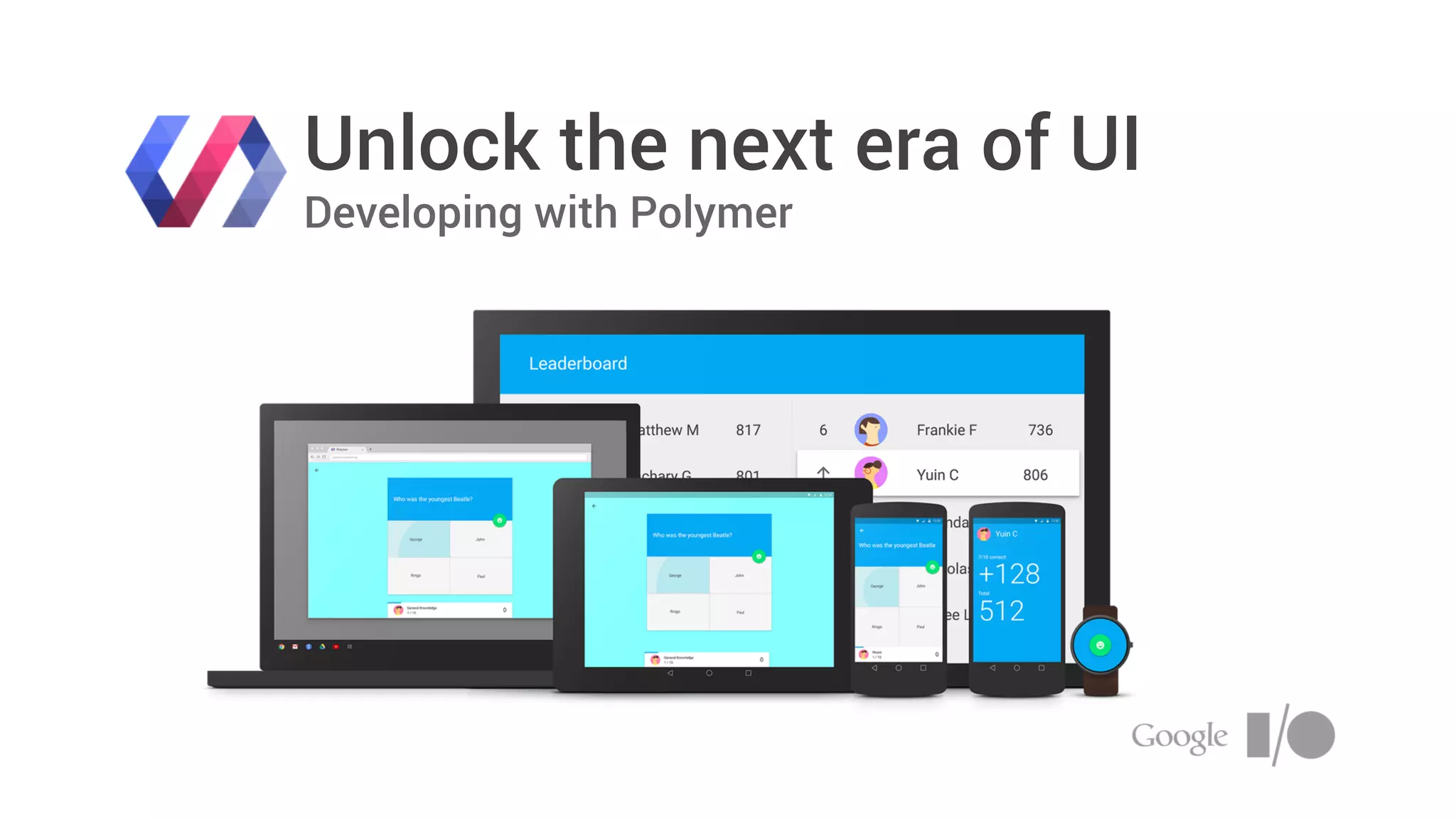
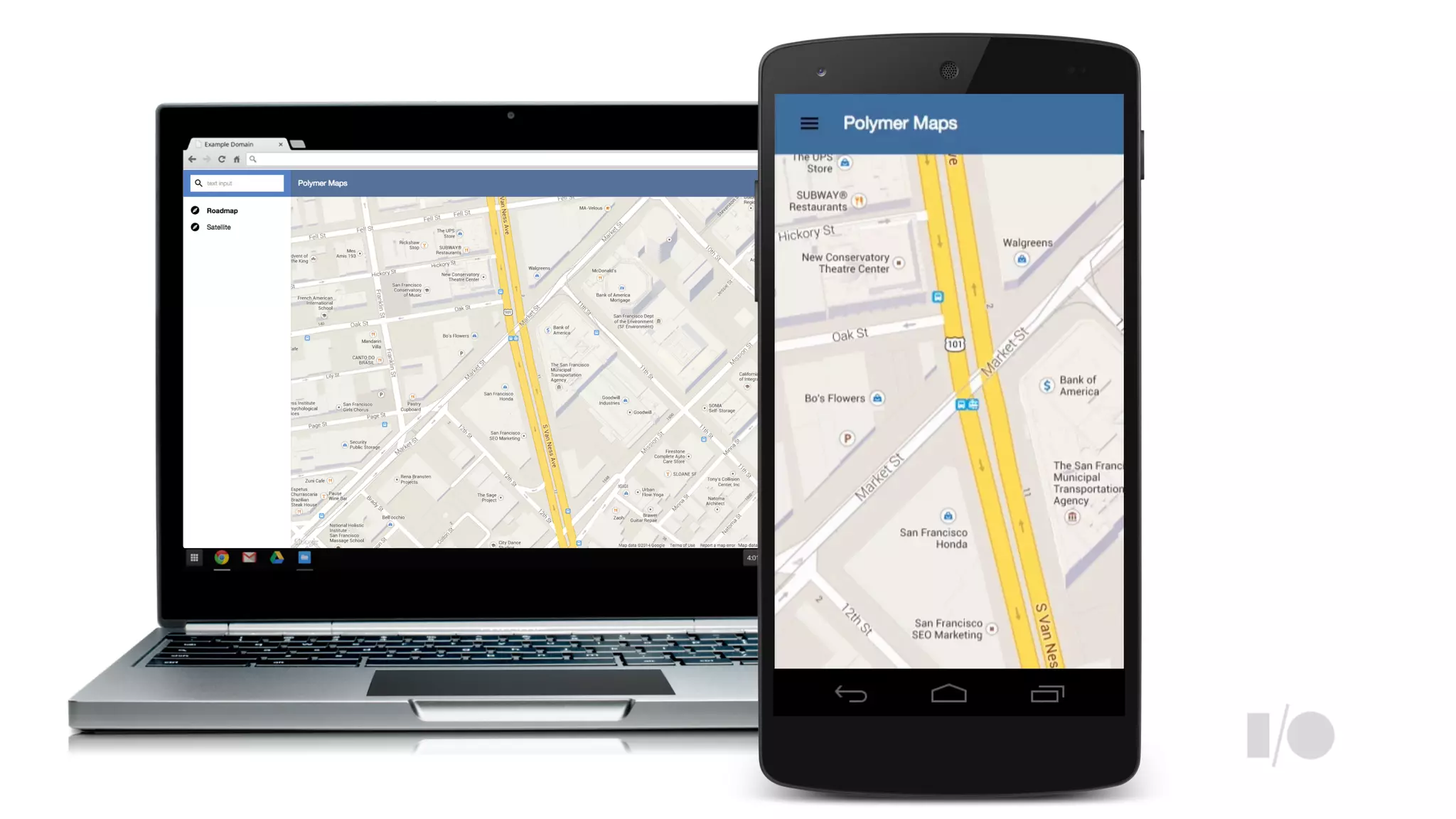
Unlock the next era of UI
Developing with Polymer
+RobDodson
@rob_dodson
<h1>
!<ul>
<p>
<animated-pages>
!<drawer-panel>
<icon-button>
http://bit.ly/1jkTo5c
core-elements
Image:
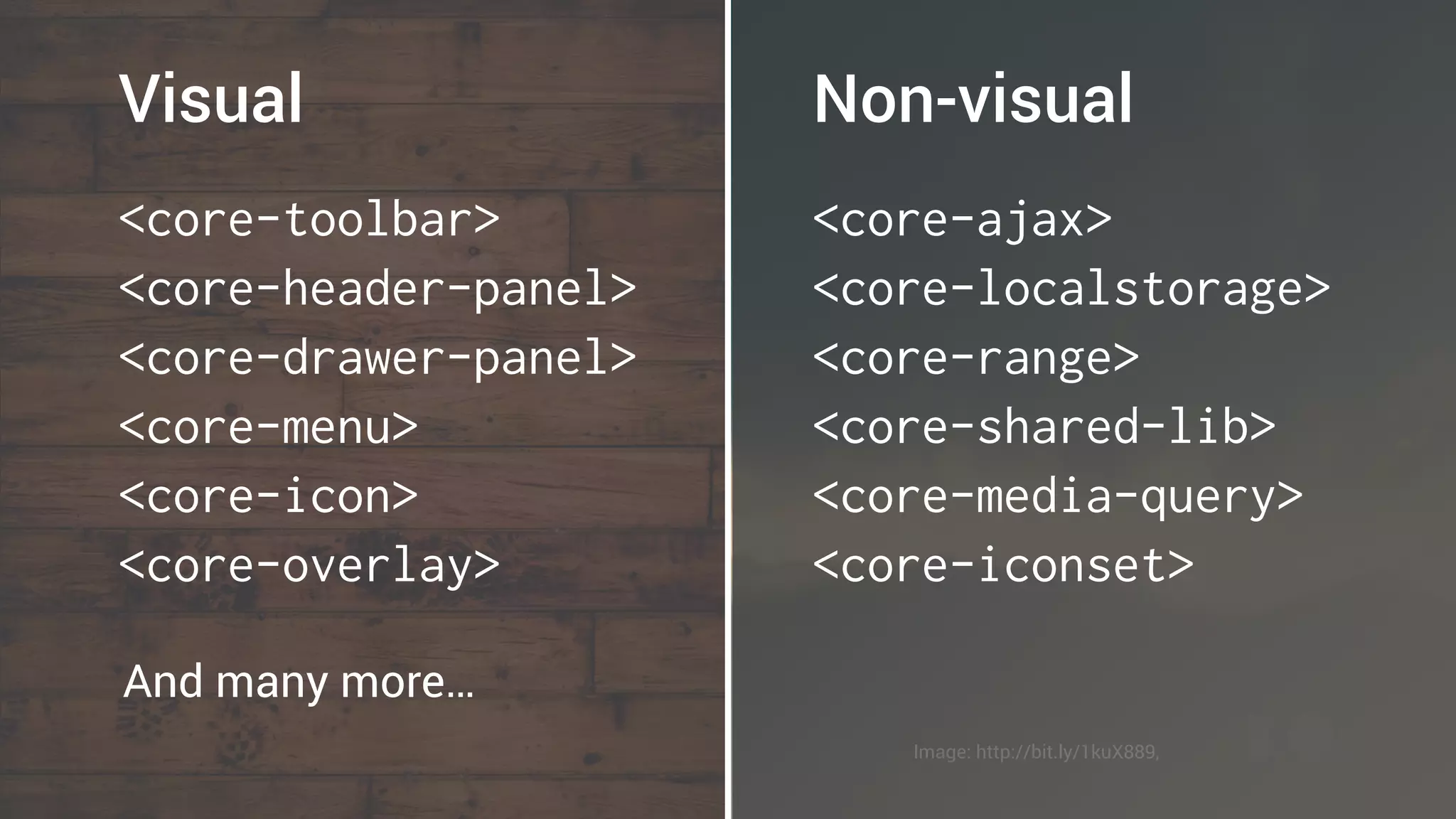
<core-toolbar>
<core-header-panel>
<core-drawer-panel>
<core-menu>
<core-icon>
<core-overlay>
Visual
<core-ajax>
<core-localstorage>
<core-range>
<core-shared-lib>
<core-media-query>
<core-iconset>
Non-visual
And many more…
Image: http://bit.ly/1kuX889,
paper-elements
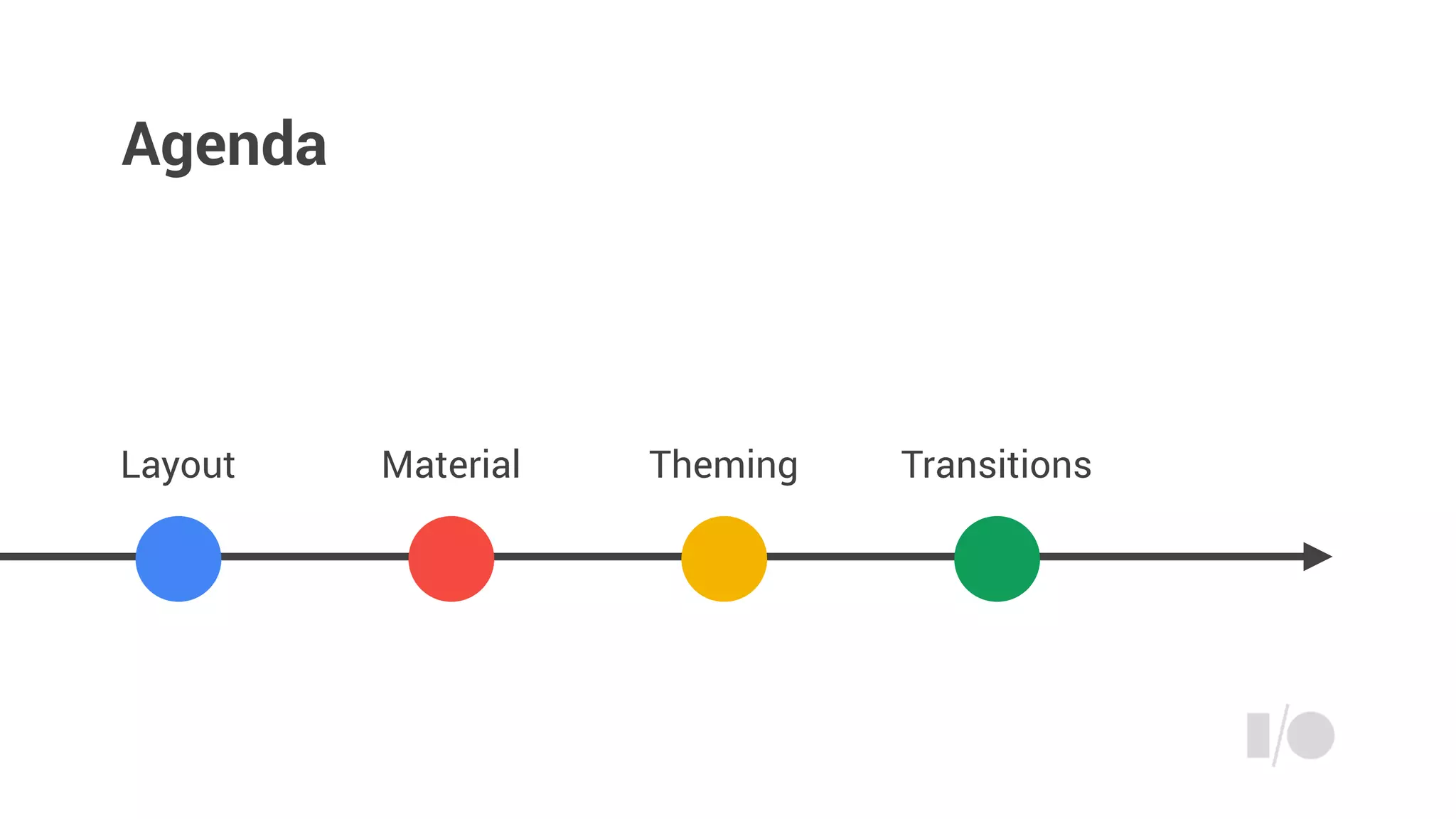
Agenda
Layout Material TransitionsTheming
Layout
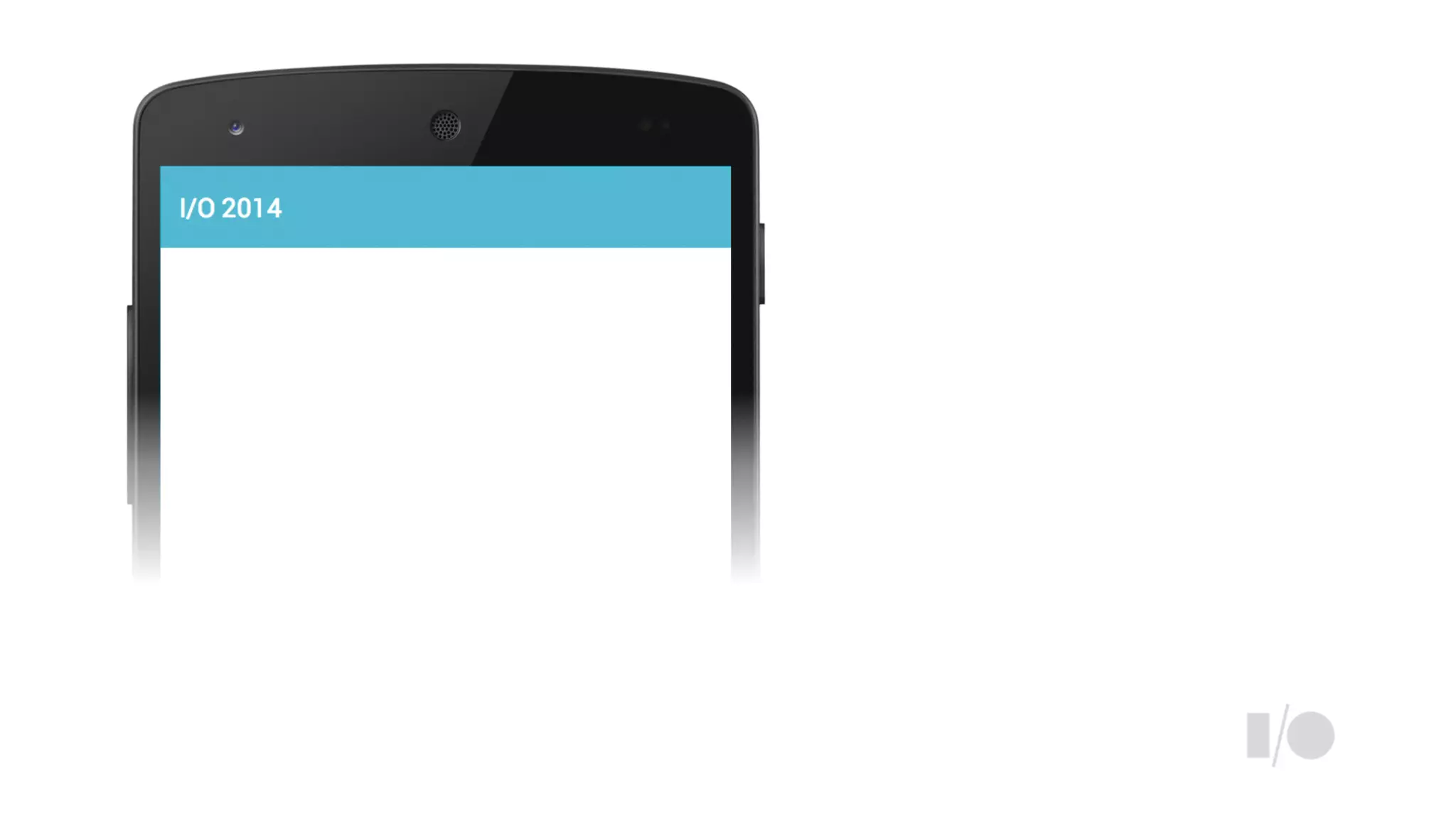
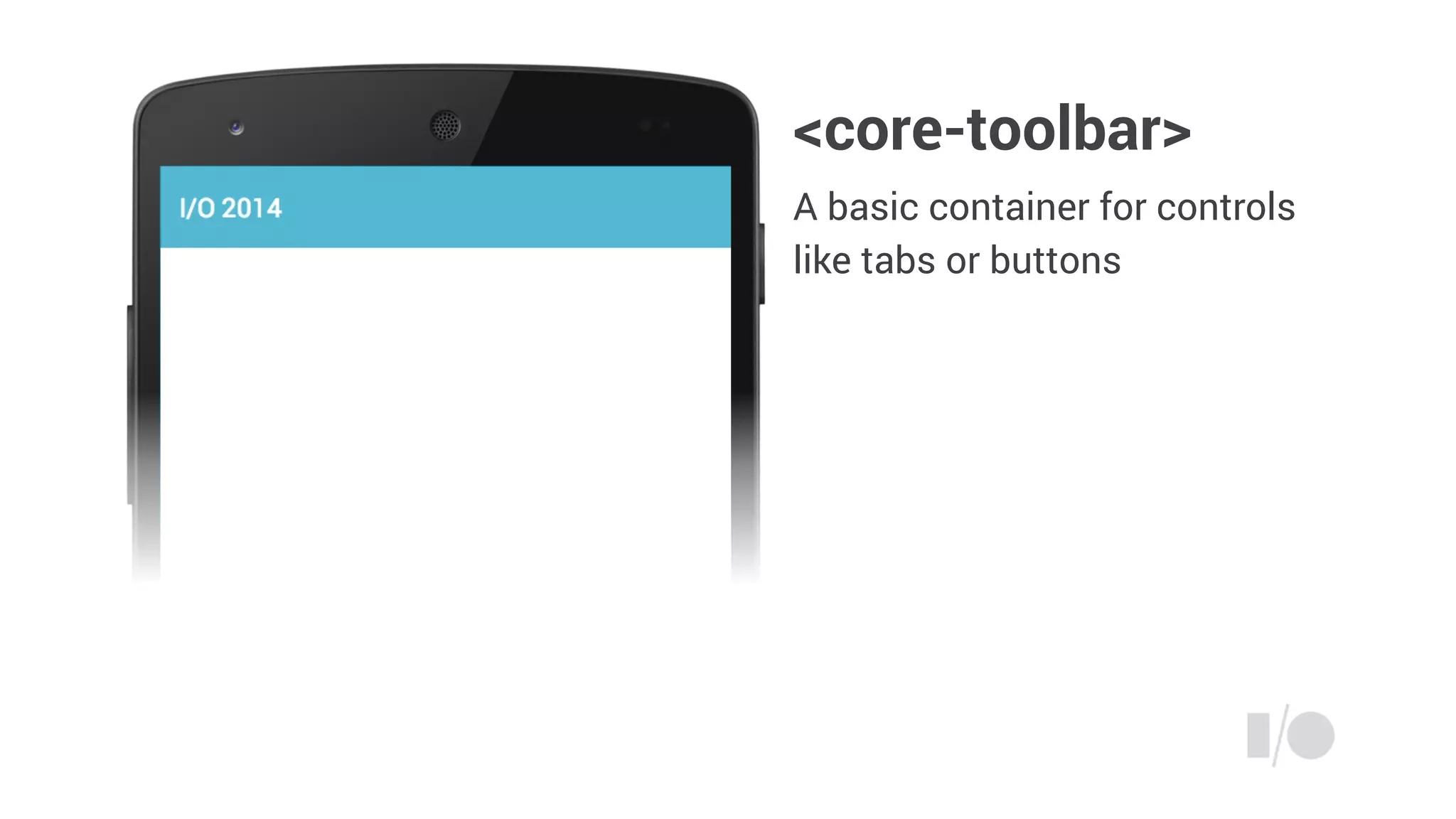
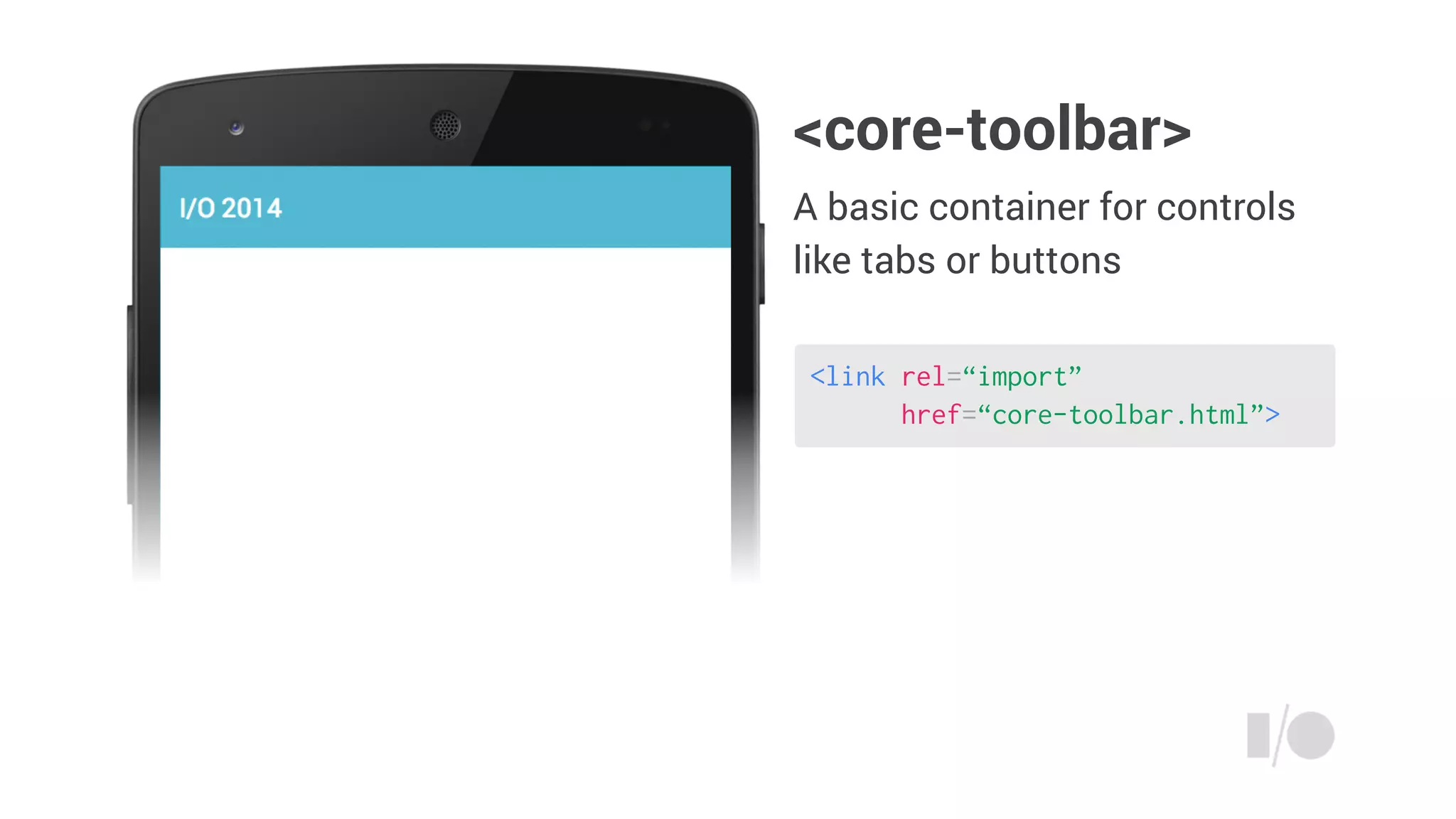
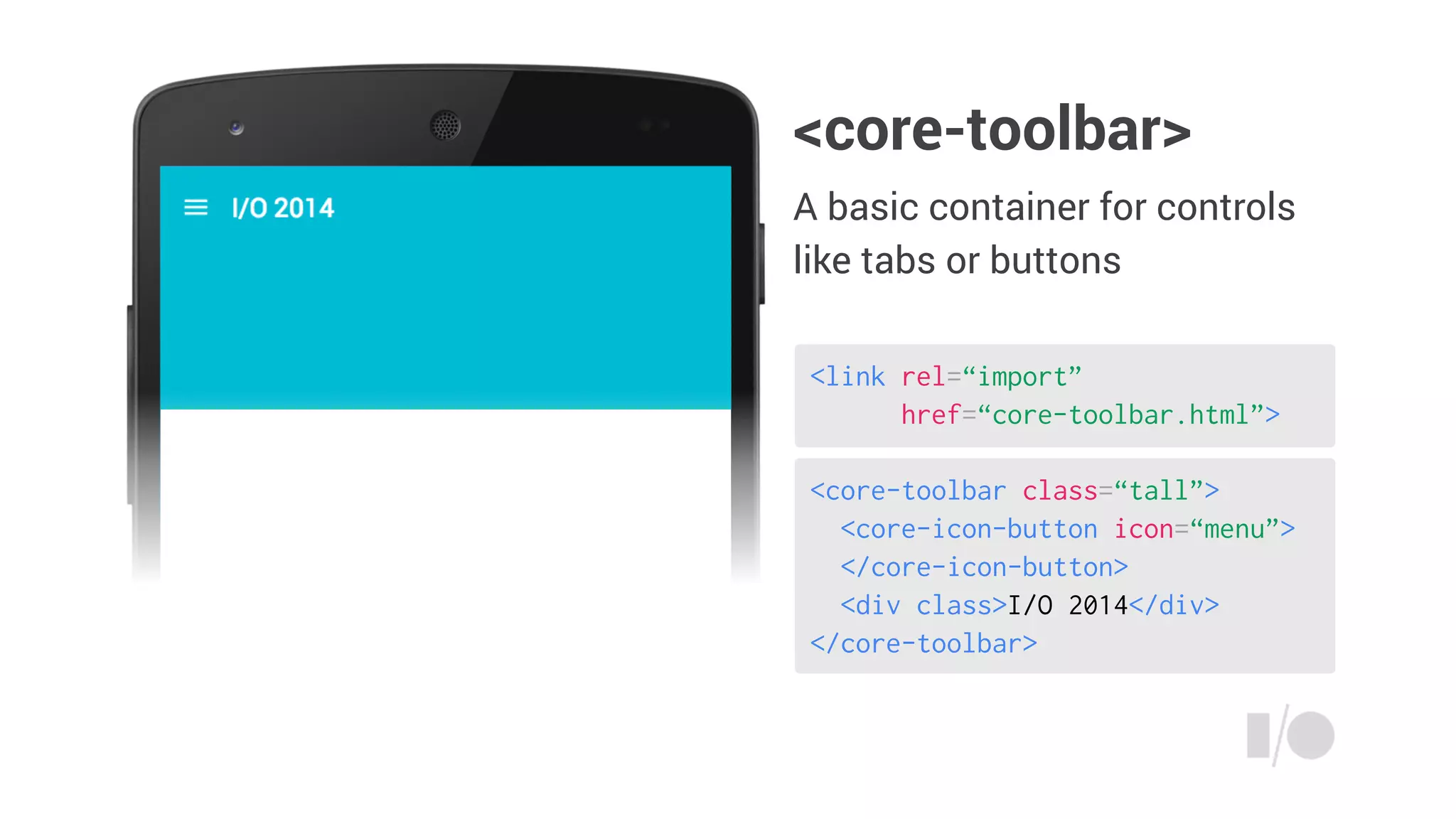
<core-toolbar>
A basic container for controls
like tabs or buttons
<link rel=“import”
href=“core-toolbar.html”>
<core-toolbar>
A basic container for controls
like tabs or buttons
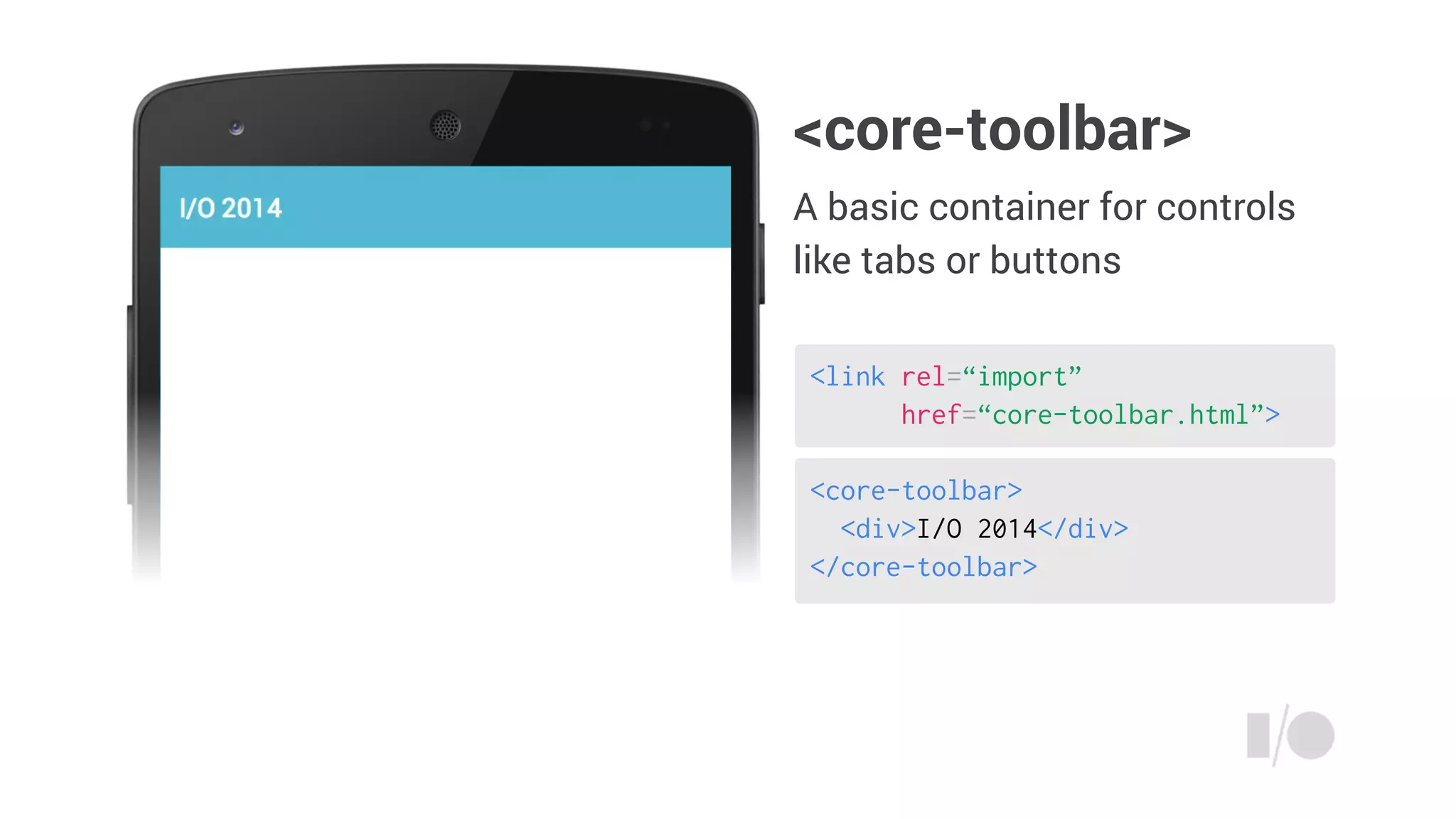
<core-toolbar>
<div>I/O 2014</div>
</core-toolbar>
<link rel=“import”
href=“core-toolbar.html”>
<core-toolbar>
A basic container for controls
like tabs or buttons
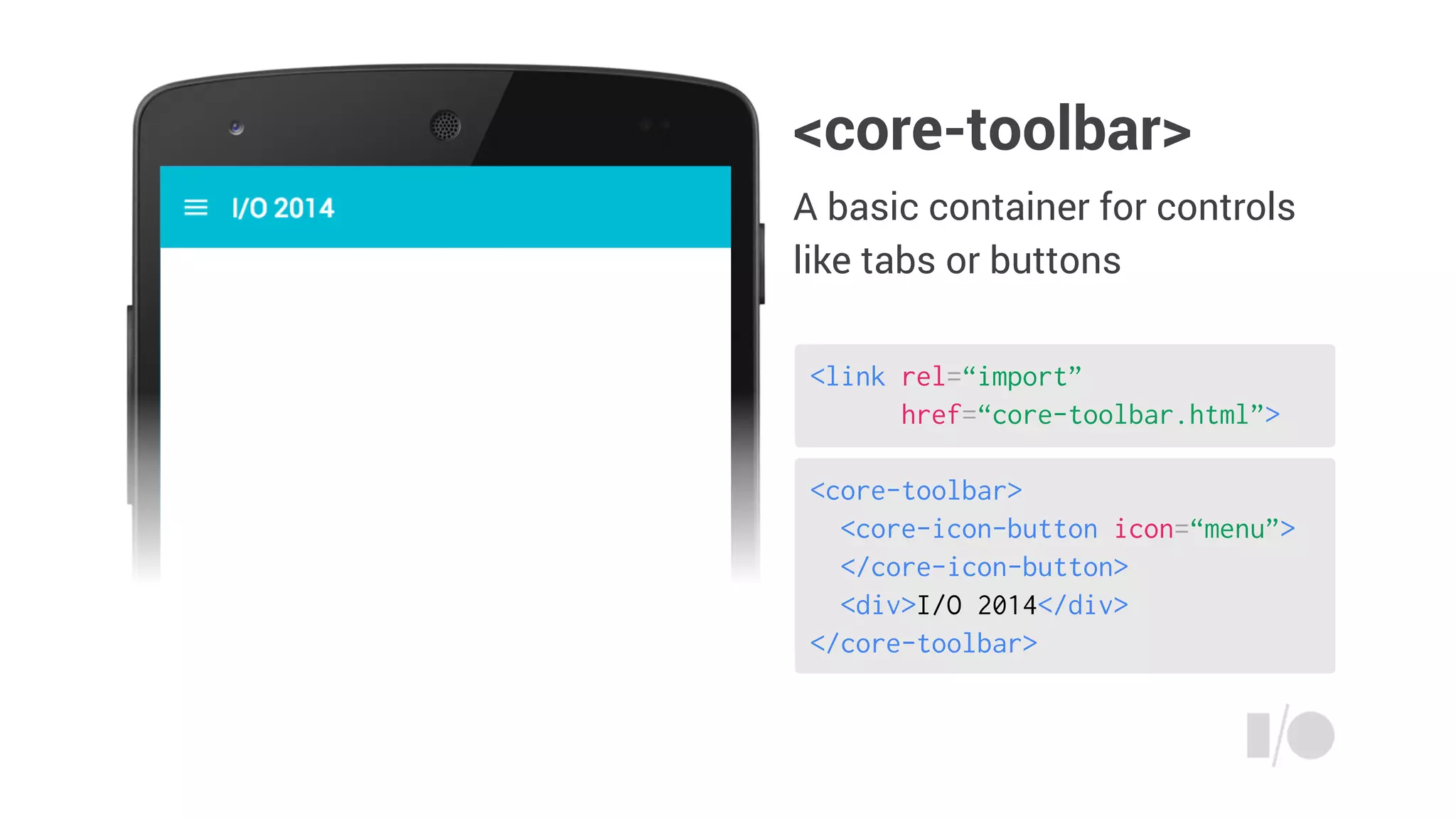
<core-toolbar>
<core-icon-button icon=“menu”>
</core-icon-button>
<div>I/O 2014</div>
</core-toolbar>
<link rel=“import”
href=“core-toolbar.html”>
<core-toolbar>
A basic container for controls
like tabs or buttons
<core-toolbar class=“tall”>
<core-icon-button icon=“menu”>
</core-icon-button>
<div class>I/O 2014</div>
</core-toolbar>
<link rel=“import”
href=“core-toolbar.html”>
<core-toolbar>
A basic container for controls
like tabs or buttons
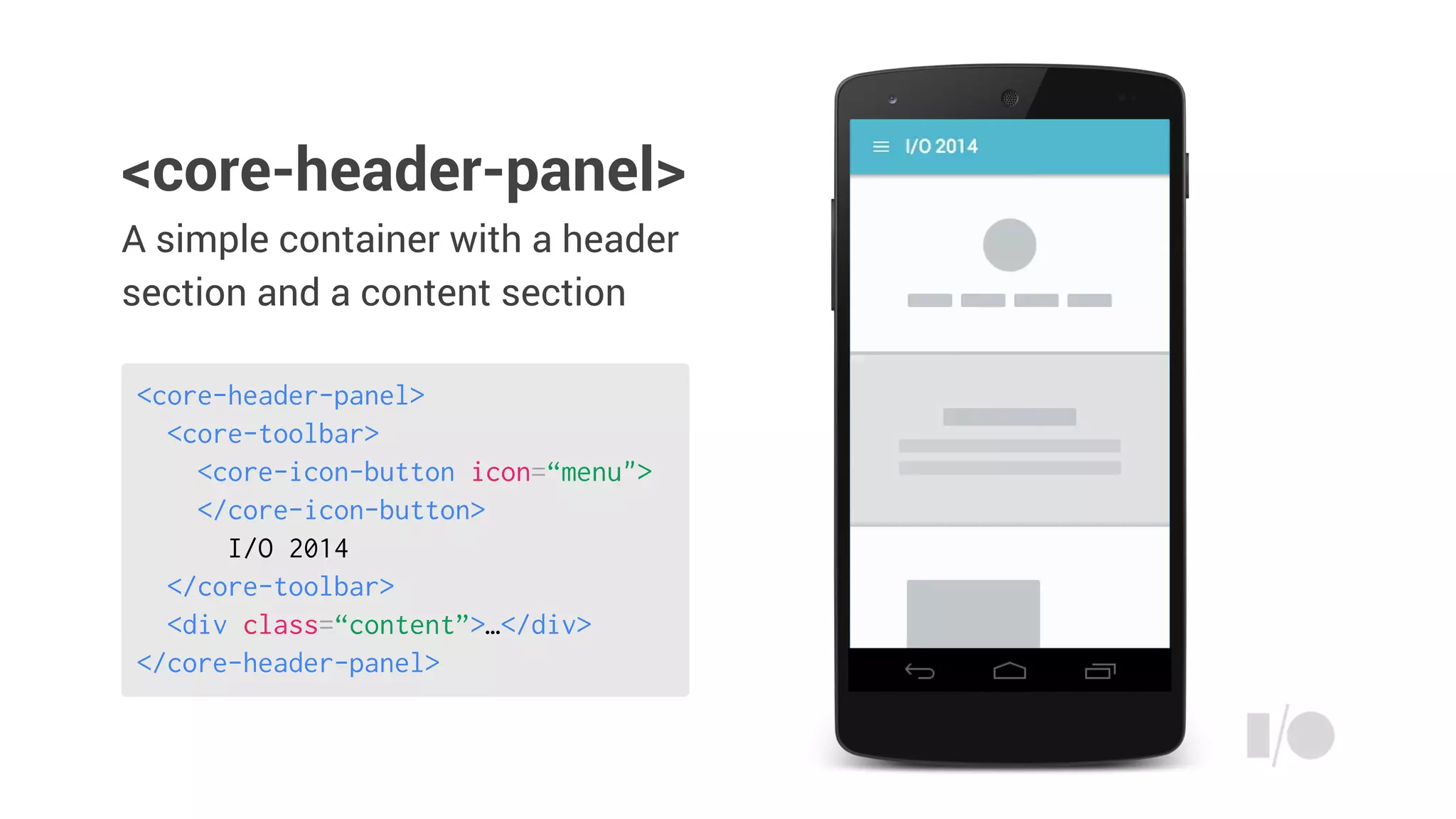
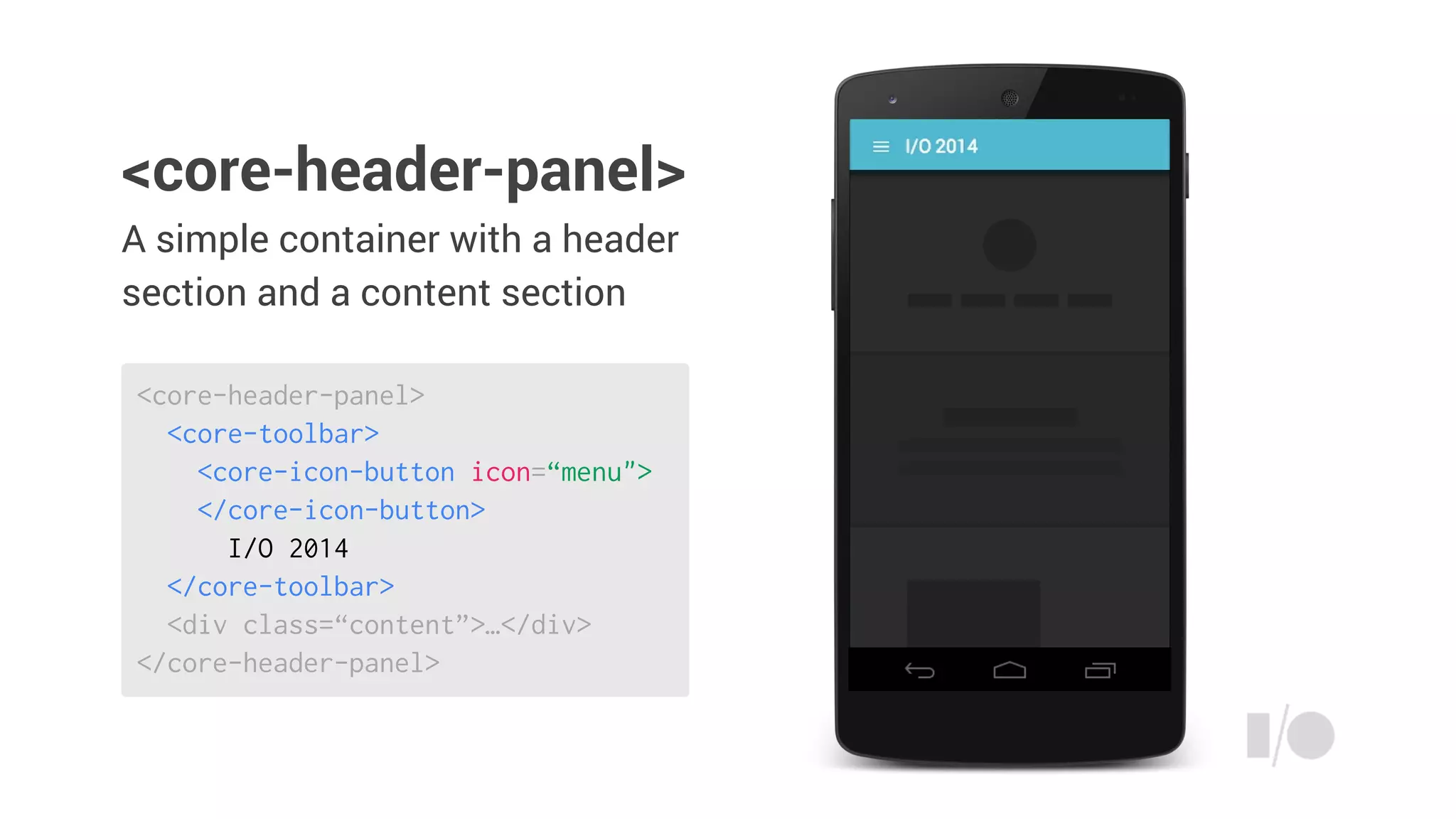
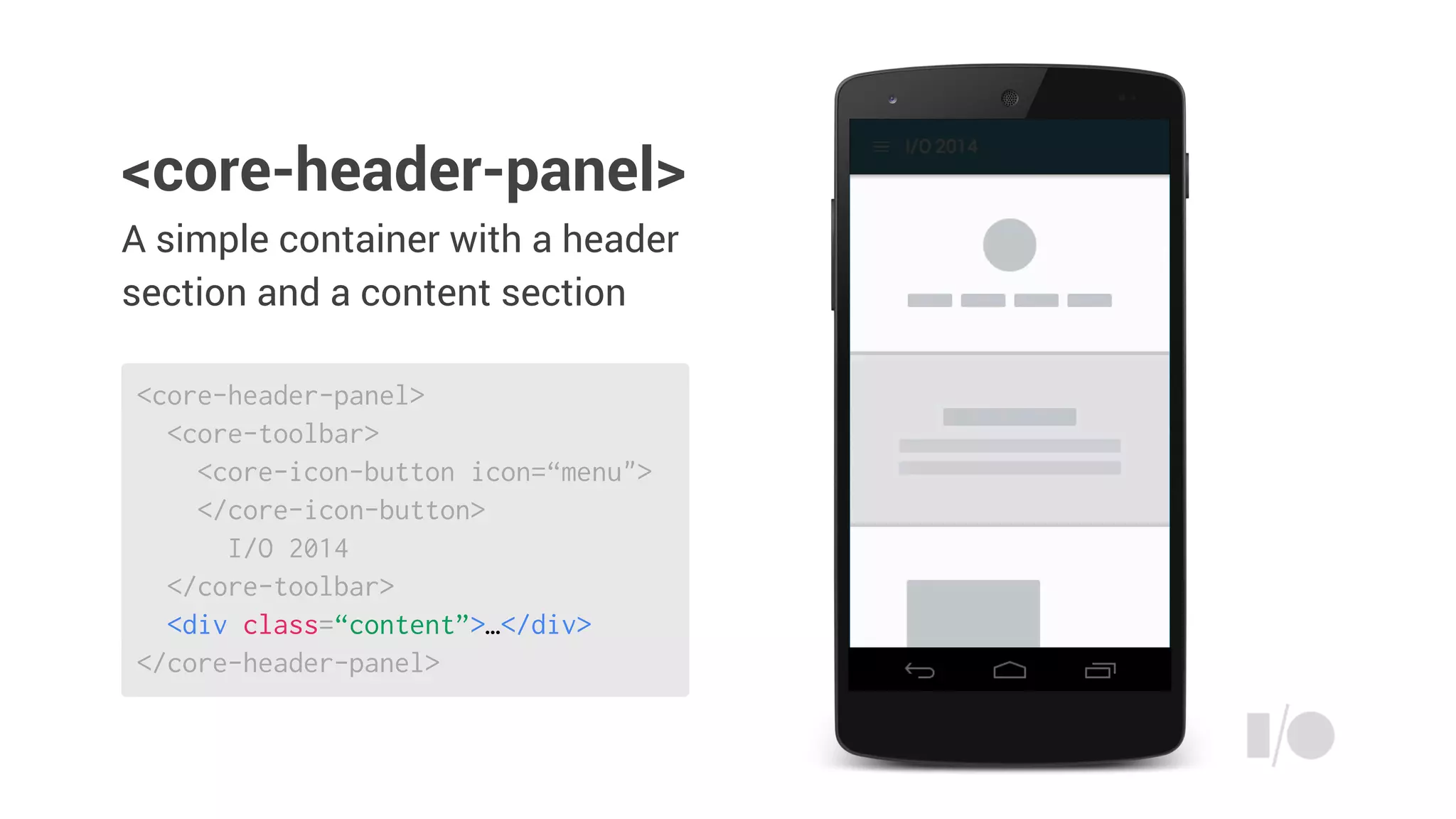
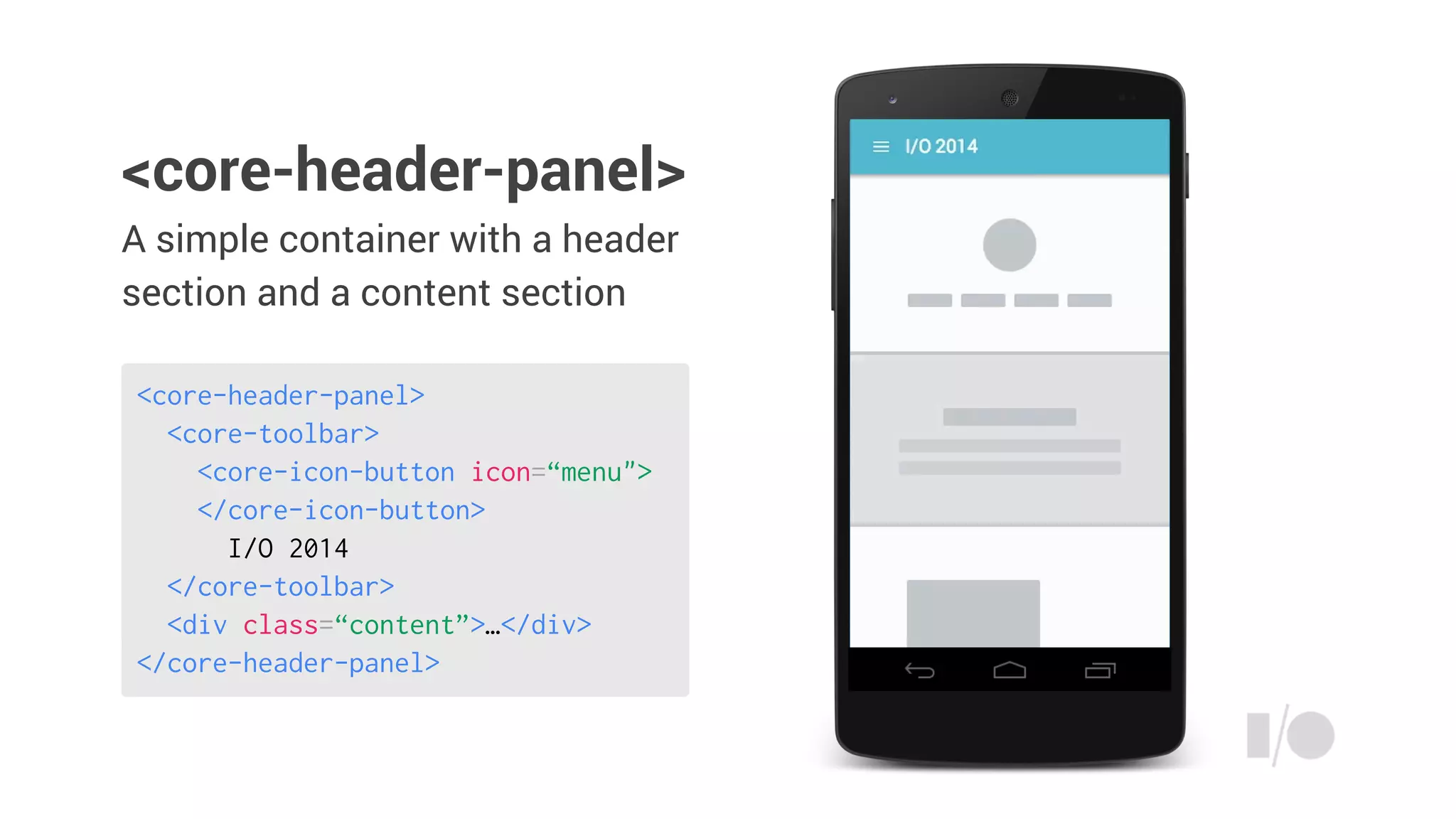
A simple container with a header
section and a content section
<core-header-panel>
<core-header-panel>
<core-toolbar>
<core-icon-button icon=“menu">
</core-icon-button>
I/O 2014
</core-toolbar>
<div class=“content”>…</div>
</core-header-panel>
A simple container with a header
section and a content section
<core-header-panel>
<core-toolbar>
<core-icon-button icon=“menu">
</core-icon-button>
I/O 2014
</core-toolbar>
<div class=“content”>…</div>
</core-header-panel>
<core-header-panel>
A simple container with a header
section and a content section
<core-header-panel>
<core-toolbar>
<core-icon-button icon=“menu">
</core-icon-button>
I/O 2014
</core-toolbar>
<div class=“content”>…</div>
</core-header-panel>
<core-header-panel>
A simple container with a header
section and a content section
<core-header-panel>
<core-toolbar>
<core-icon-button icon=“menu">
</core-icon-button>
I/O 2014
</core-toolbar>
<div class=“content”>…</div>
</core-header-panel>
<core-header-panel>
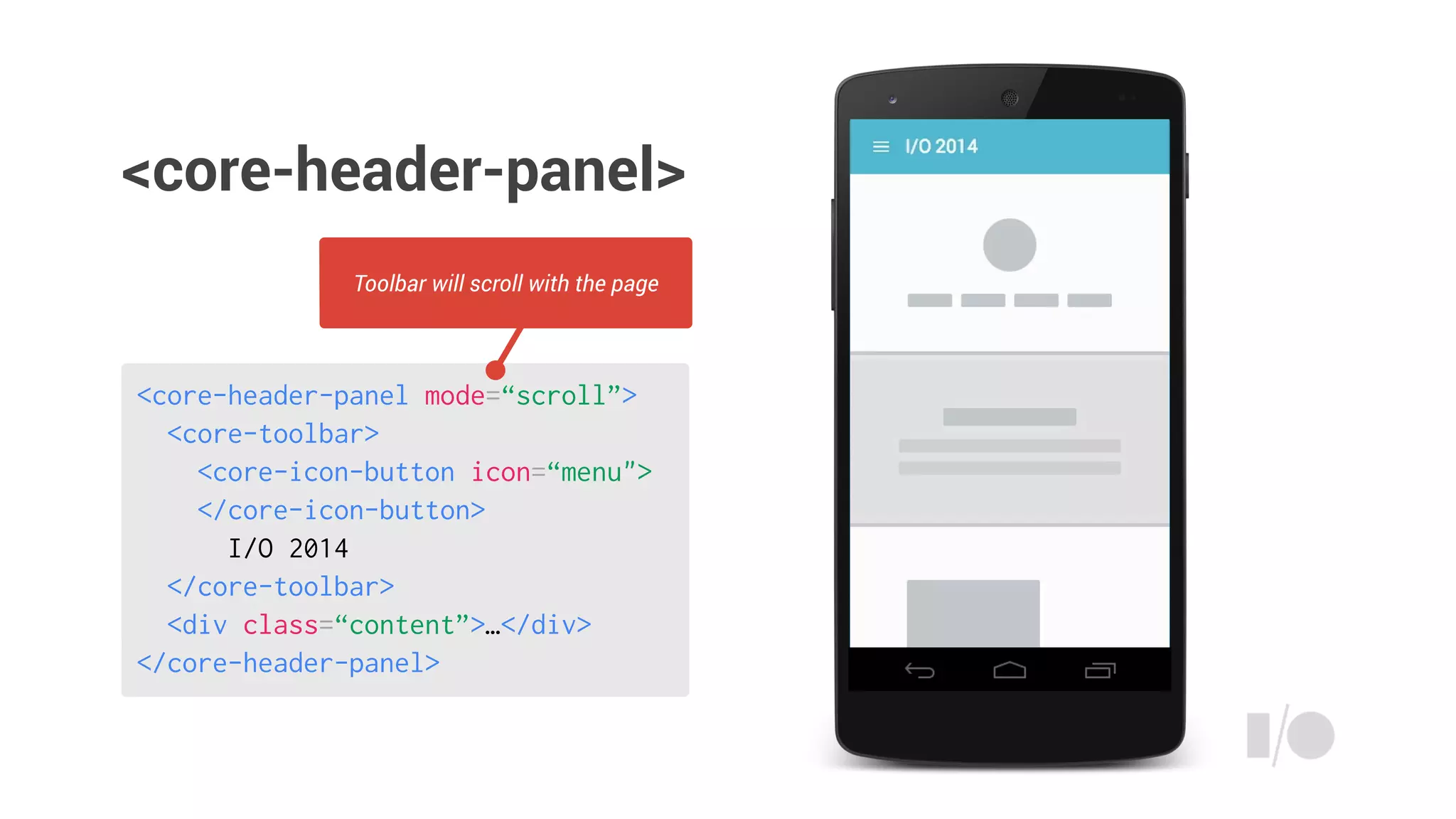
<core-header-panel mode=“scroll”>
<core-toolbar>
<core-icon-button icon=“menu">
</core-icon-button>
I/O 2014
</core-toolbar>
<div class=“content”>…</div>
</core-header-panel>
Toolbar will scroll with the page
<core-header-panel>
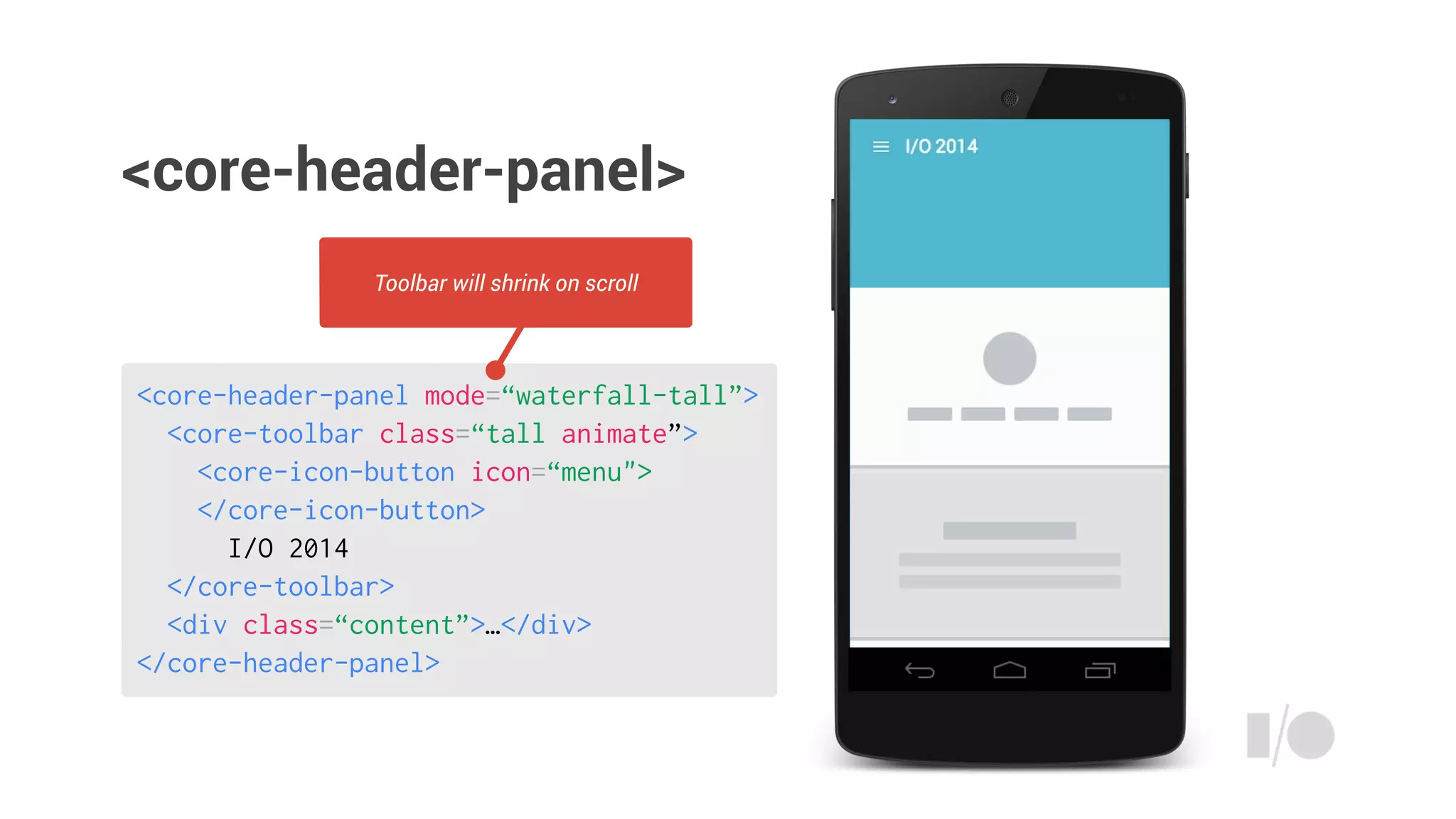
<core-header-panel mode=“waterfall-tall”>
<core-toolbar class=“tall animate”>
<core-icon-button icon=“menu">
</core-icon-button>
I/O 2014
</core-toolbar>
<div class=“content”>…</div>
</core-header-panel>
Toolbar will shrink on scroll
<core-header-panel>
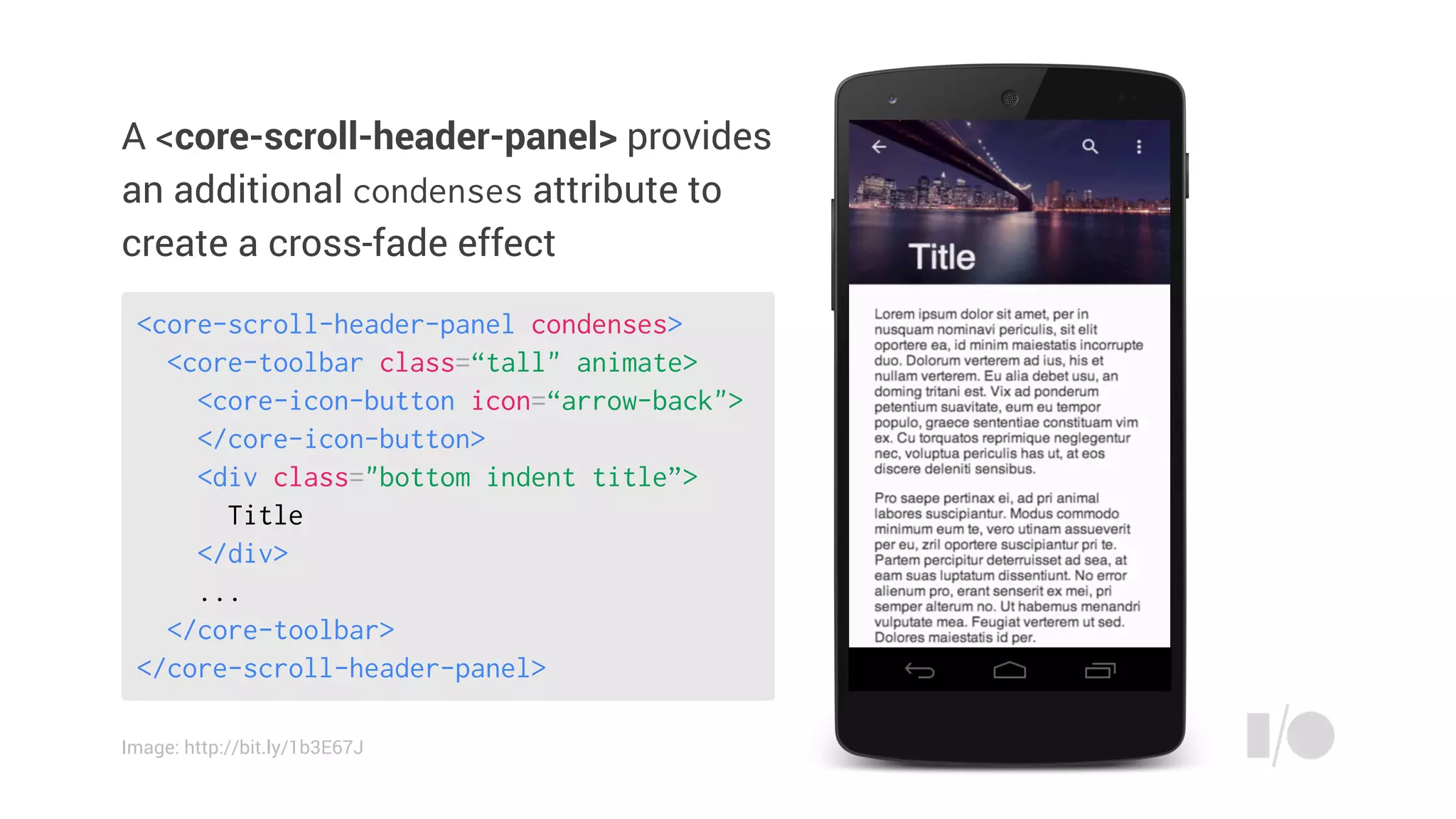
A <core-scroll-header-panel> provides
an additional condenses attribute to
create a cross-fade effect
<core-scroll-header-panel condenses>
<core-toolbar class=“tall" animate>
<core-icon-button icon=“arrow-back">
</core-icon-button>
<div class="bottom indent title”>
Title
</div>
...
</core-toolbar>
</core-scroll-header-panel>
Image: http://bit.ly/1b3E67J
Responsive layout
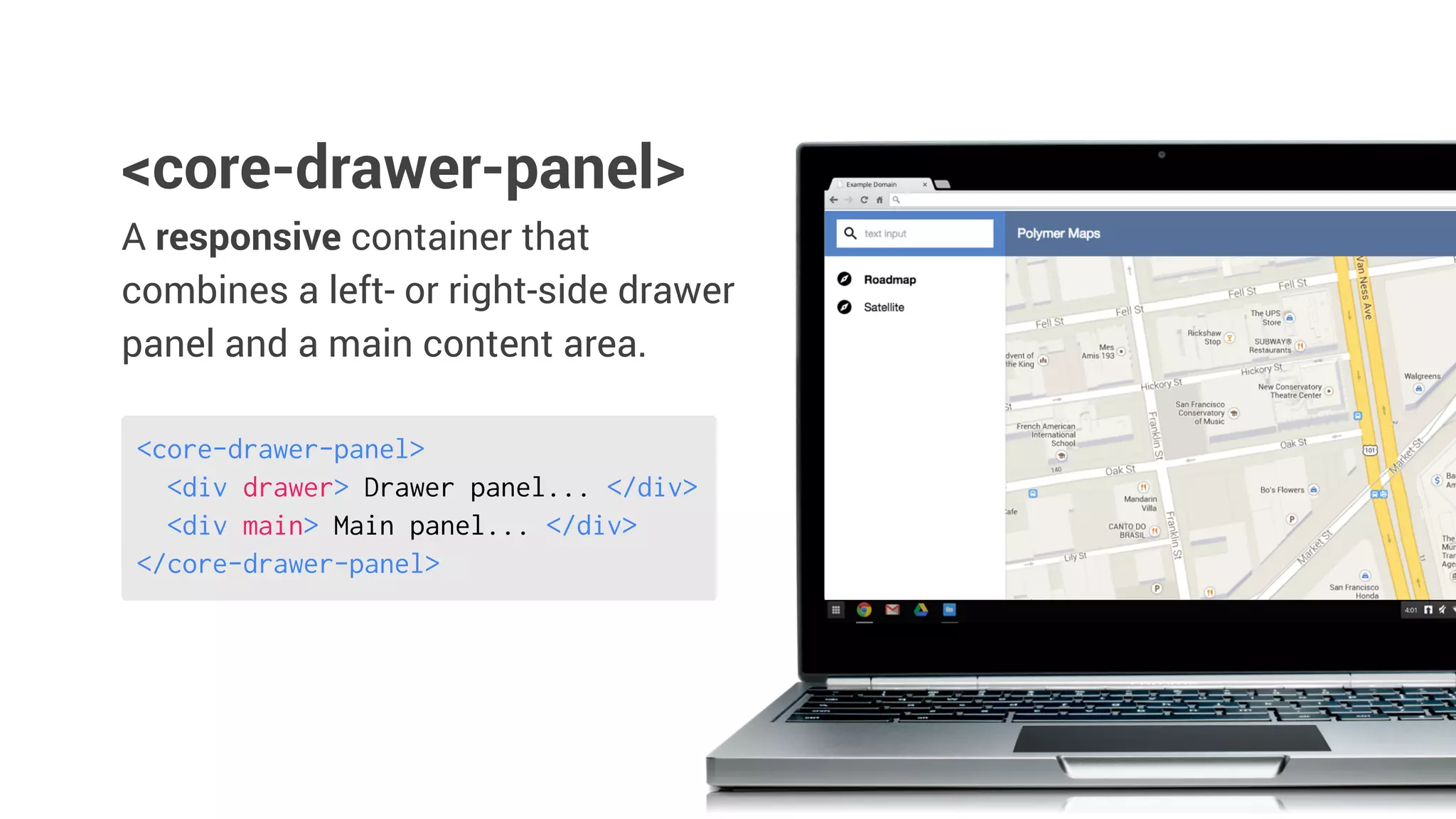
A responsive container that
combines a left- or right-side drawer
panel and a main content area.
<core-drawer-panel>
<core-drawer-panel>
<div drawer> Drawer panel... </div>
<div main> Main panel... </div>
</core-drawer-panel>
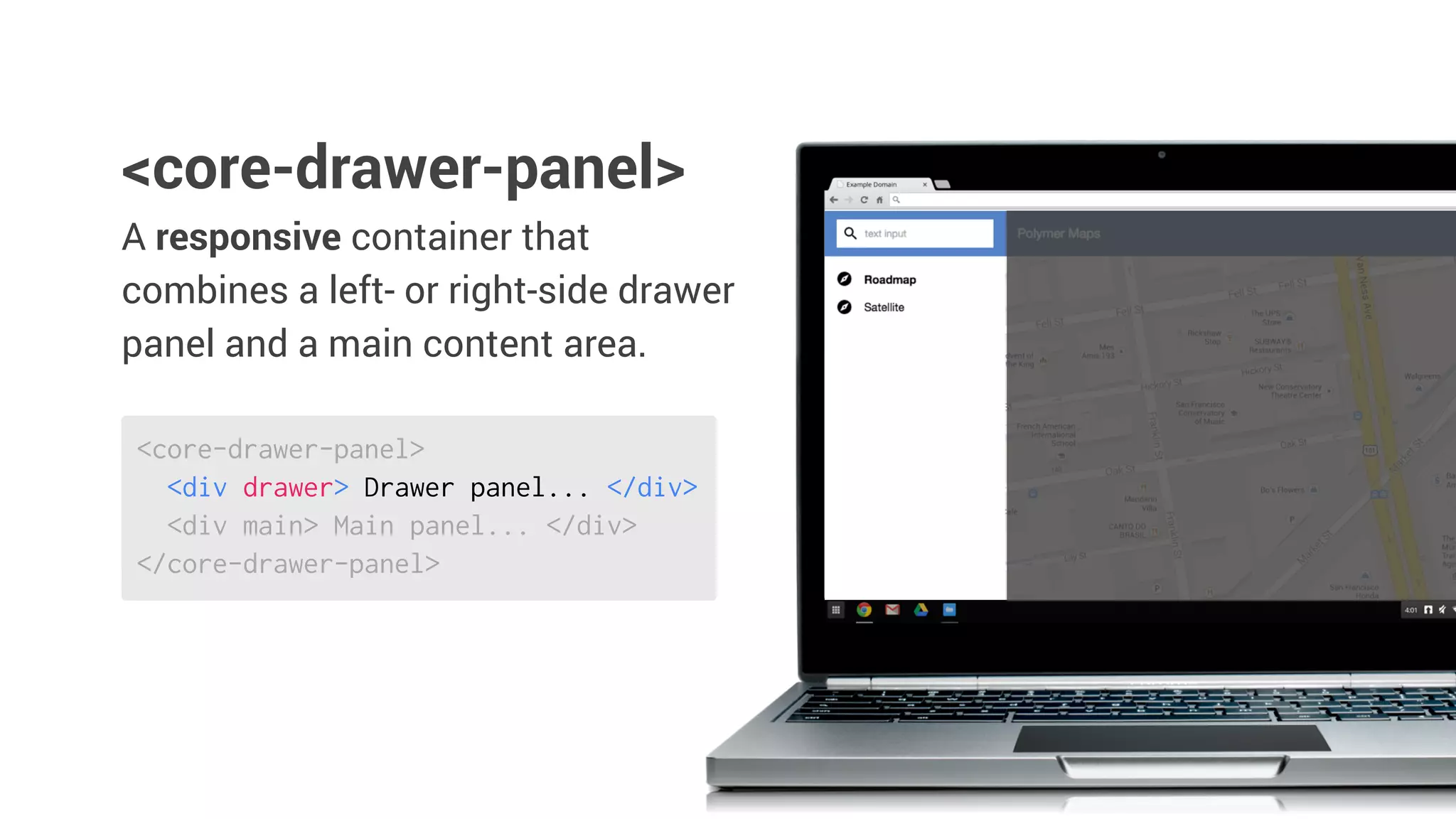
<core-drawer-panel>
<div drawer> Drawer panel... </div>
<div main> Main panel... </div>
</core-drawer-panel>
A responsive container that
combines a left- or right-side drawer
panel and a main content area.
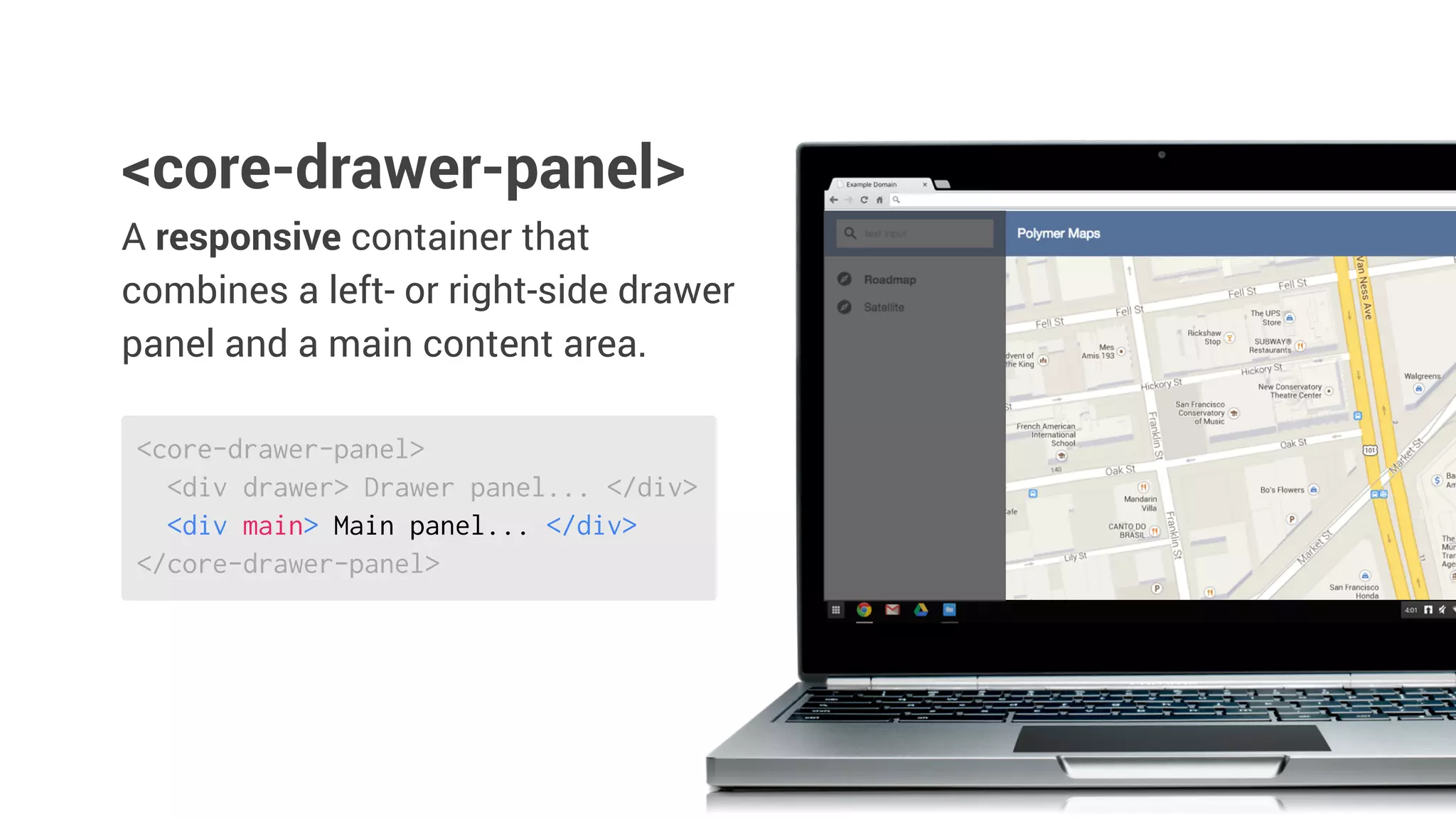
<core-drawer-panel>
<core-drawer-panel>
<div drawer> Drawer panel... </div>
<div main> Main panel... </div>
</core-drawer-panel>
A responsive container that
combines a left- or right-side drawer
panel and a main content area.
<core-drawer-panel>
Layout attributes
Layout attributesadd
declarative support for CSS flexbox
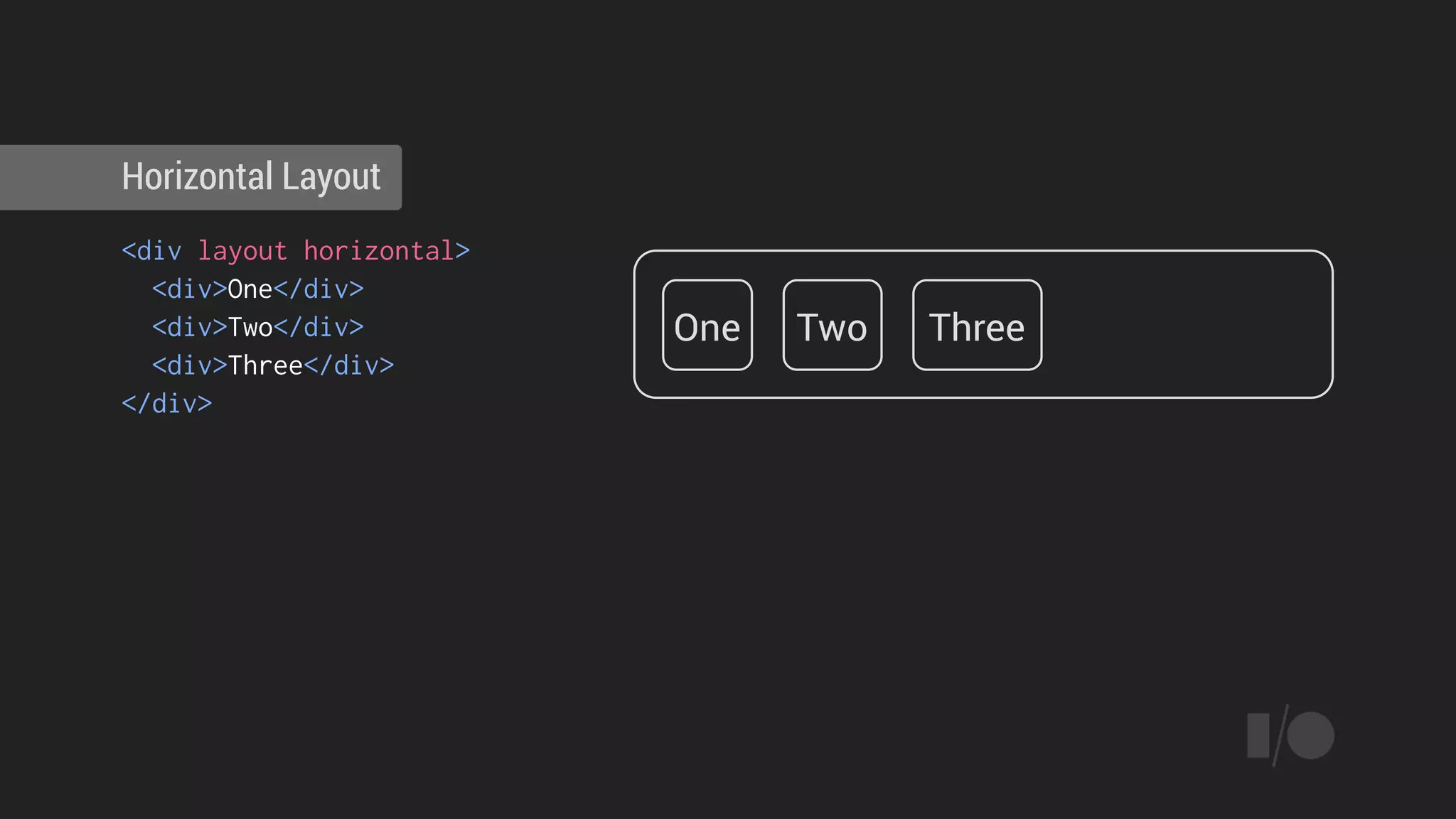
<div layout horizontal>
<div>One</div>
<div>Two</div>
<div>Three</div>
</div>
Horizontal Layout
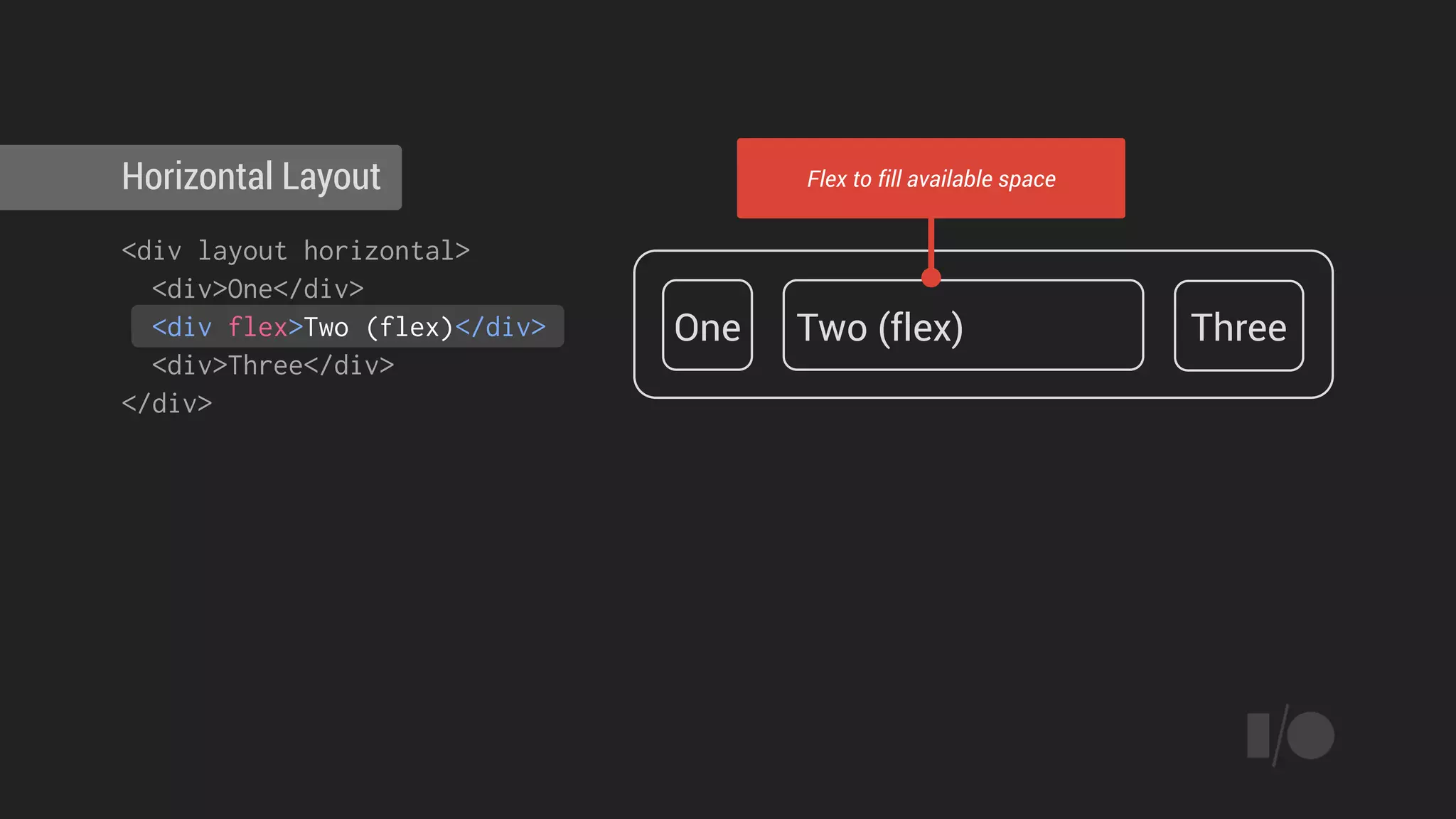
One Two Three
<div layout horizontal>
<div>One</div>
<div flex>Two (flex)</div>
<div>Three</div>
</div>
Horizontal Layout
One Two (flex) Three
Flex to fill available space
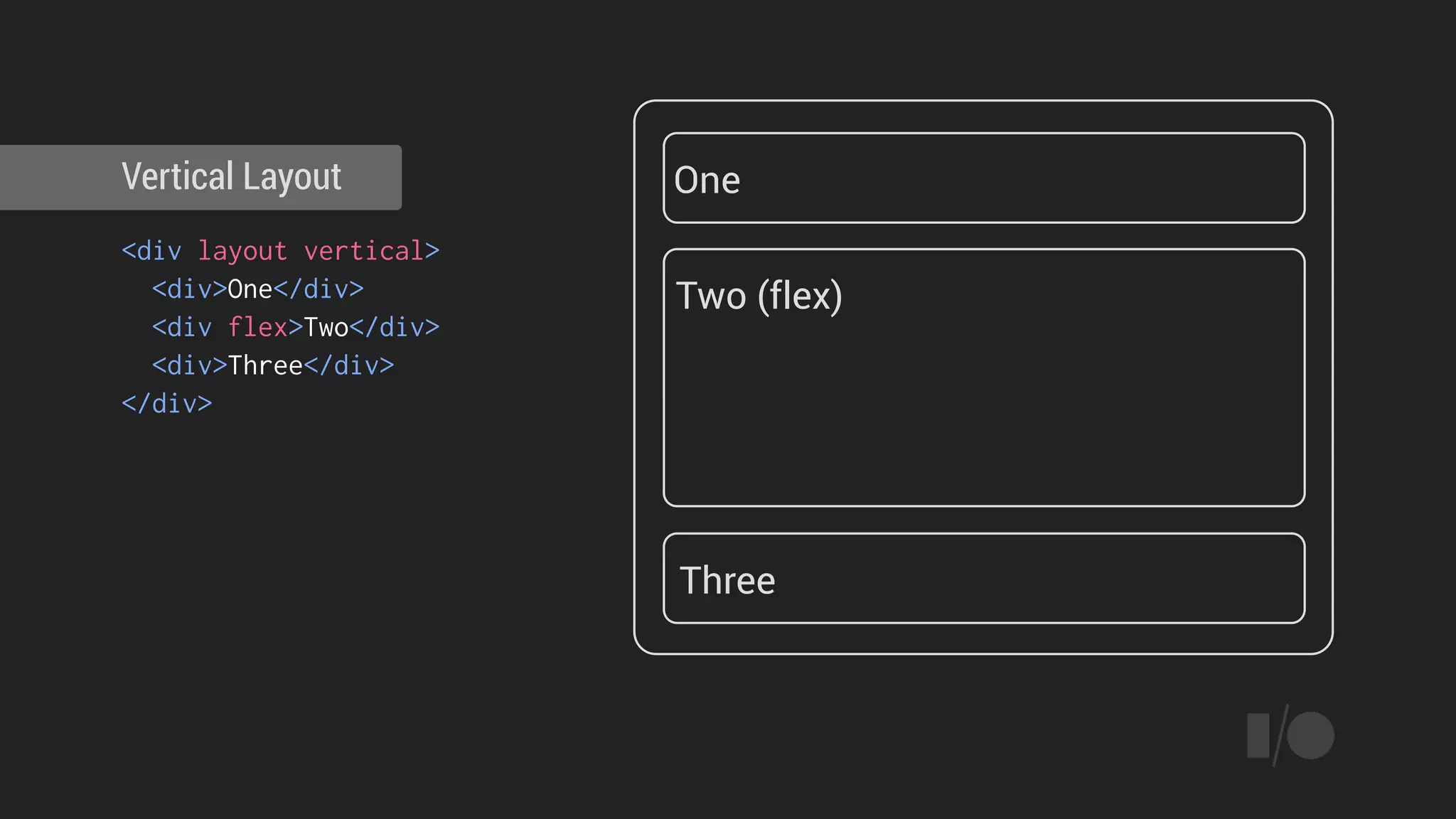
<div layout vertical>
<div>One</div>
<div flex>Two</div>
<div>Three</div>
</div>
Vertical Layout One
Two (flex)
Three
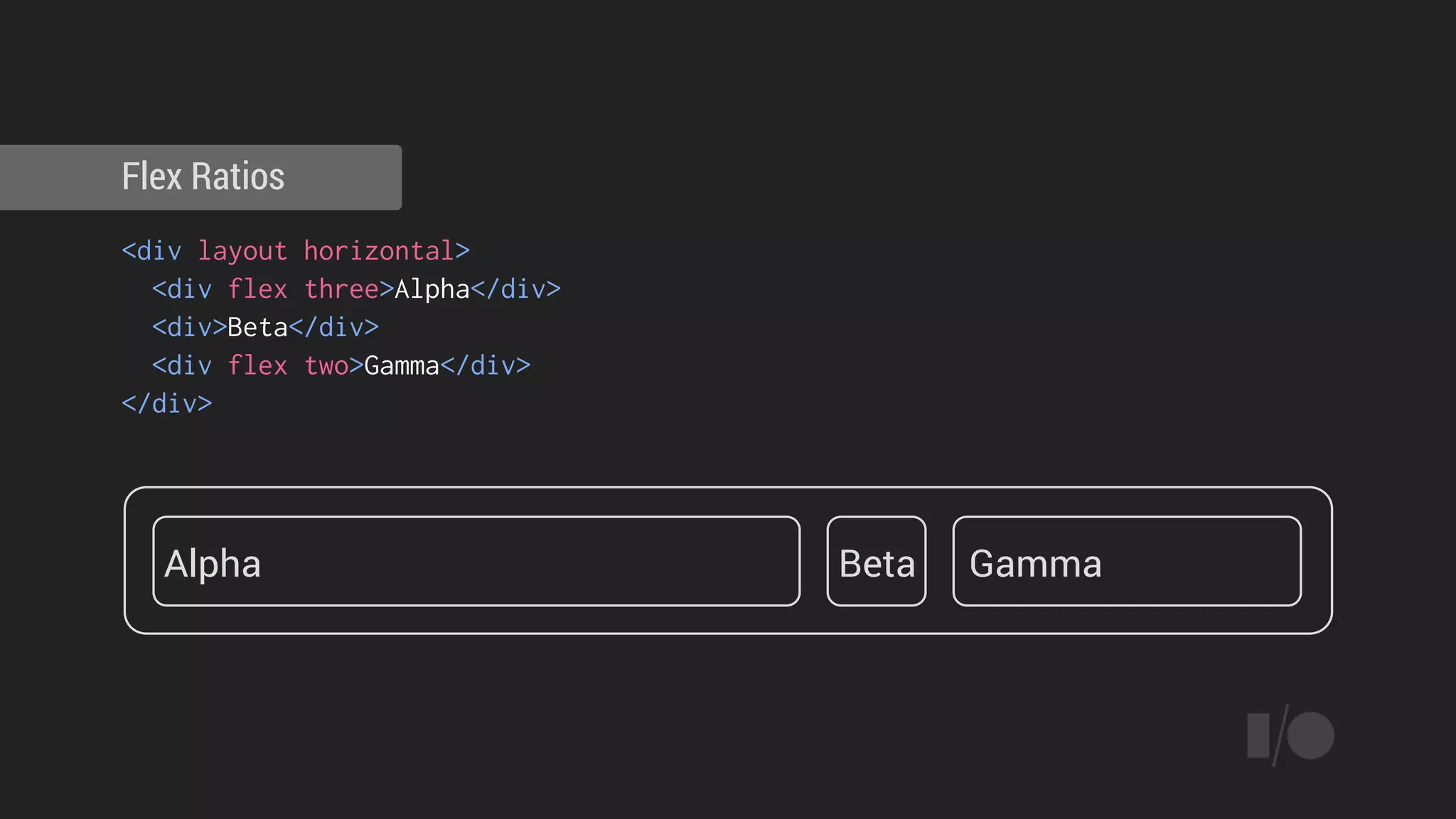
<div layout horizontal>
<div flex three>Alpha</div>
<div>Beta</div>
<div flex two>Gamma</div>
</div>
Flex Ratios
Alpha Beta Gamma
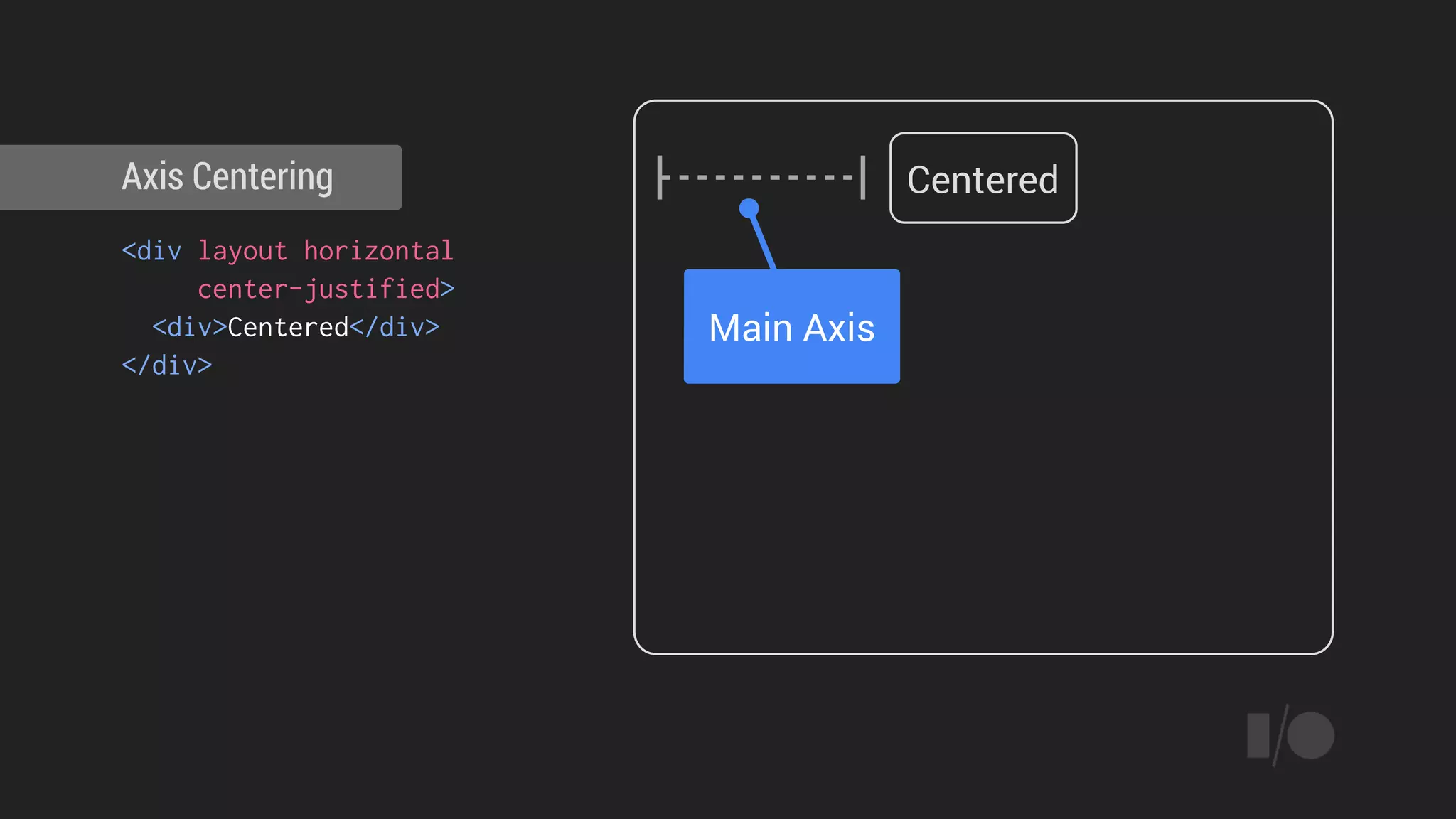
<div layout horizontal
center-justified>
<div>Centered</div>
</div>
Axis Centering Centered
Main Axis
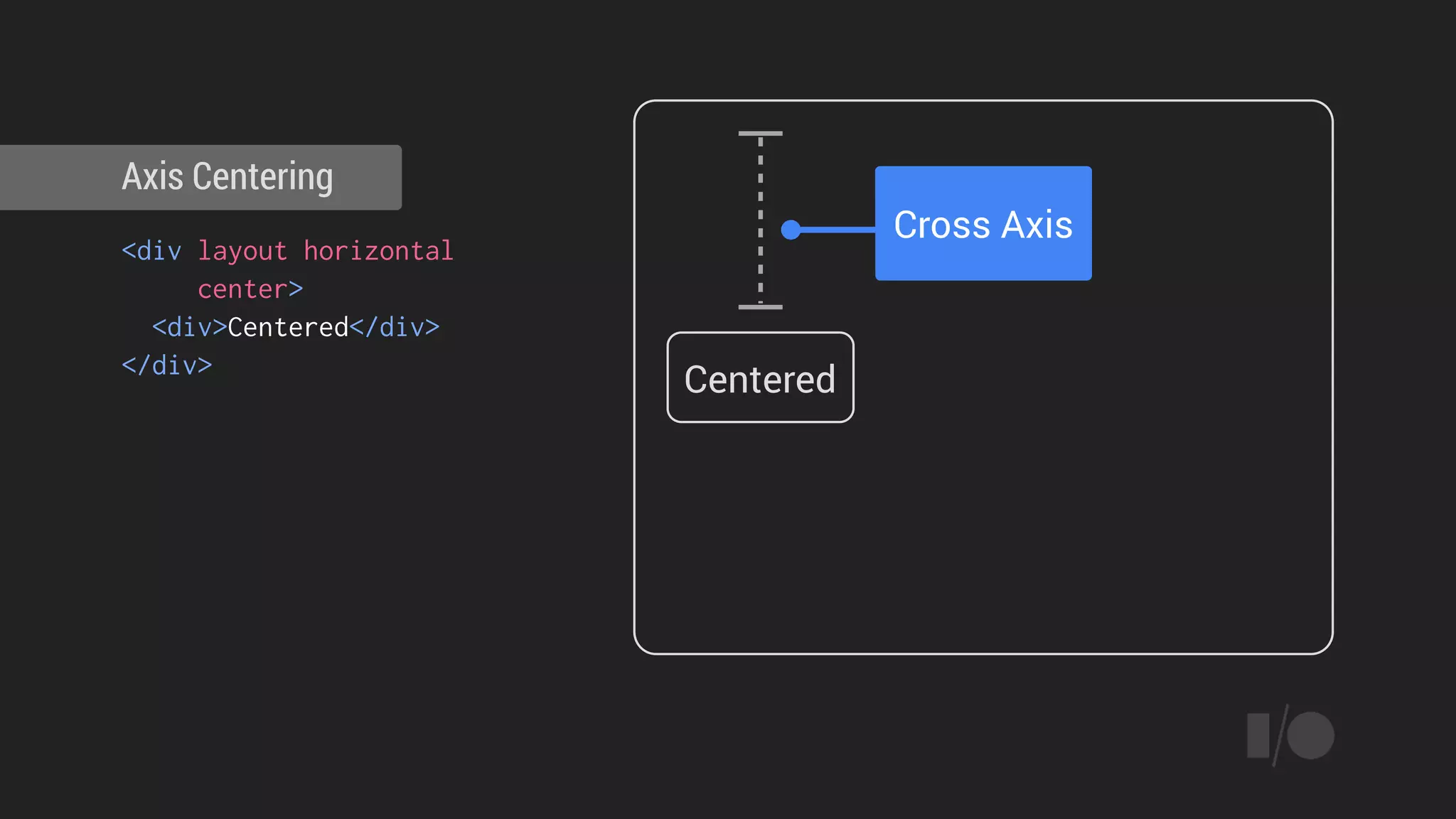
<div layout horizontal
center>
<div>Centered</div>
</div>
Axis Centering
Centered
Cross Axis
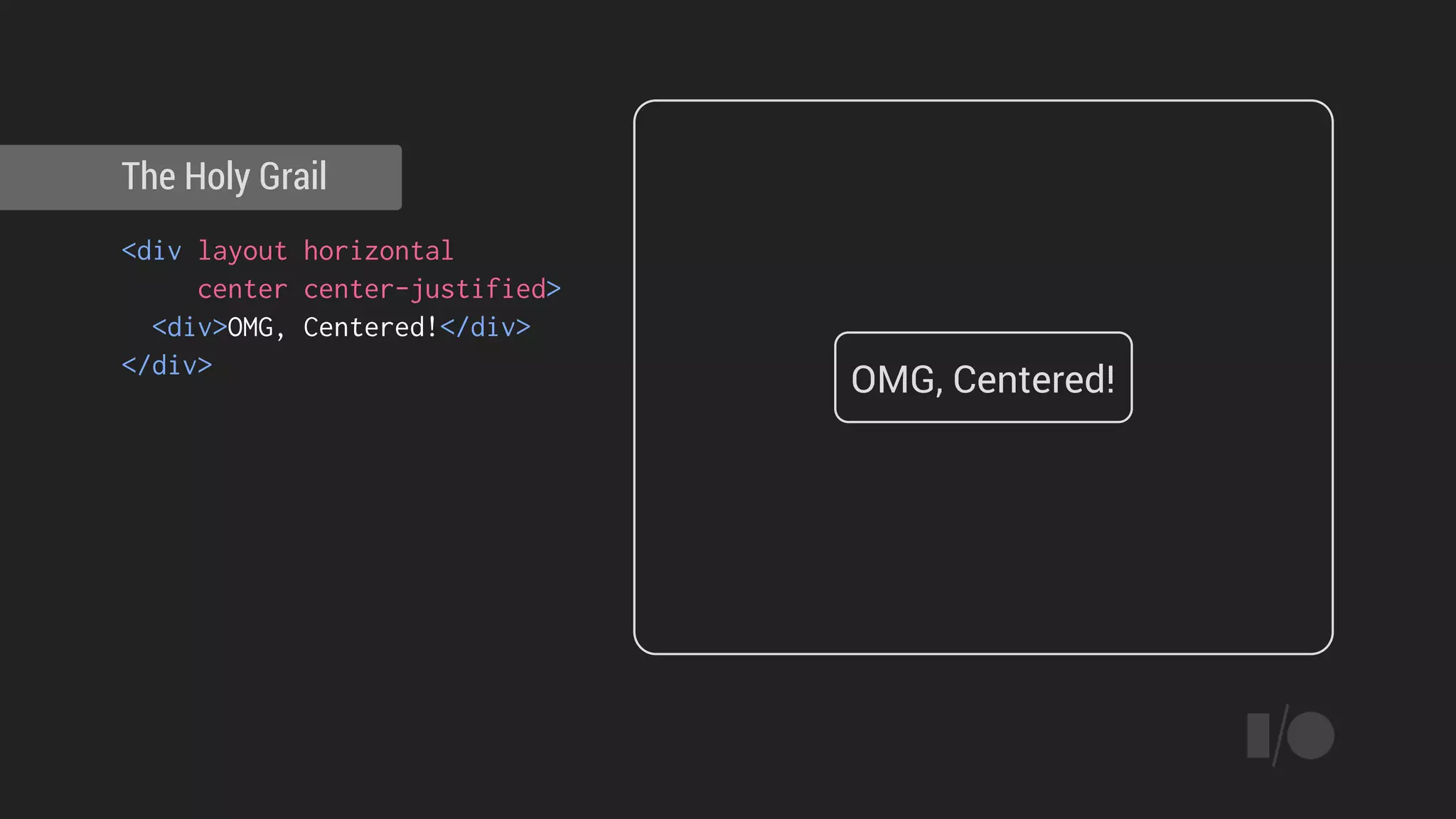
<div layout horizontal
center center-justified>
<div>OMG, Centered!</div>
</div>
The Holy Grail
OMG, Centered!
Material controls
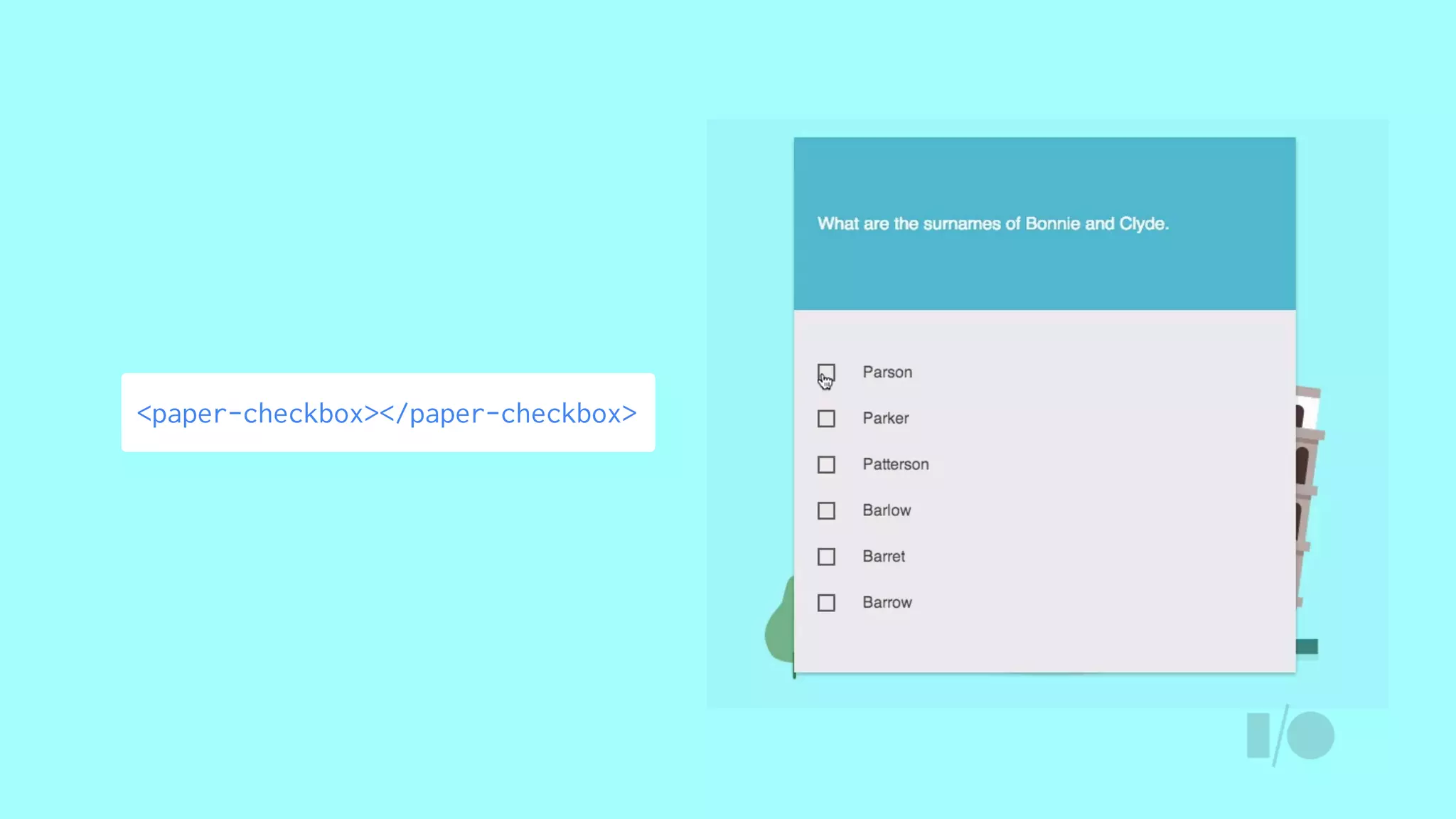
<paper-checkbox></paper-checkbox>
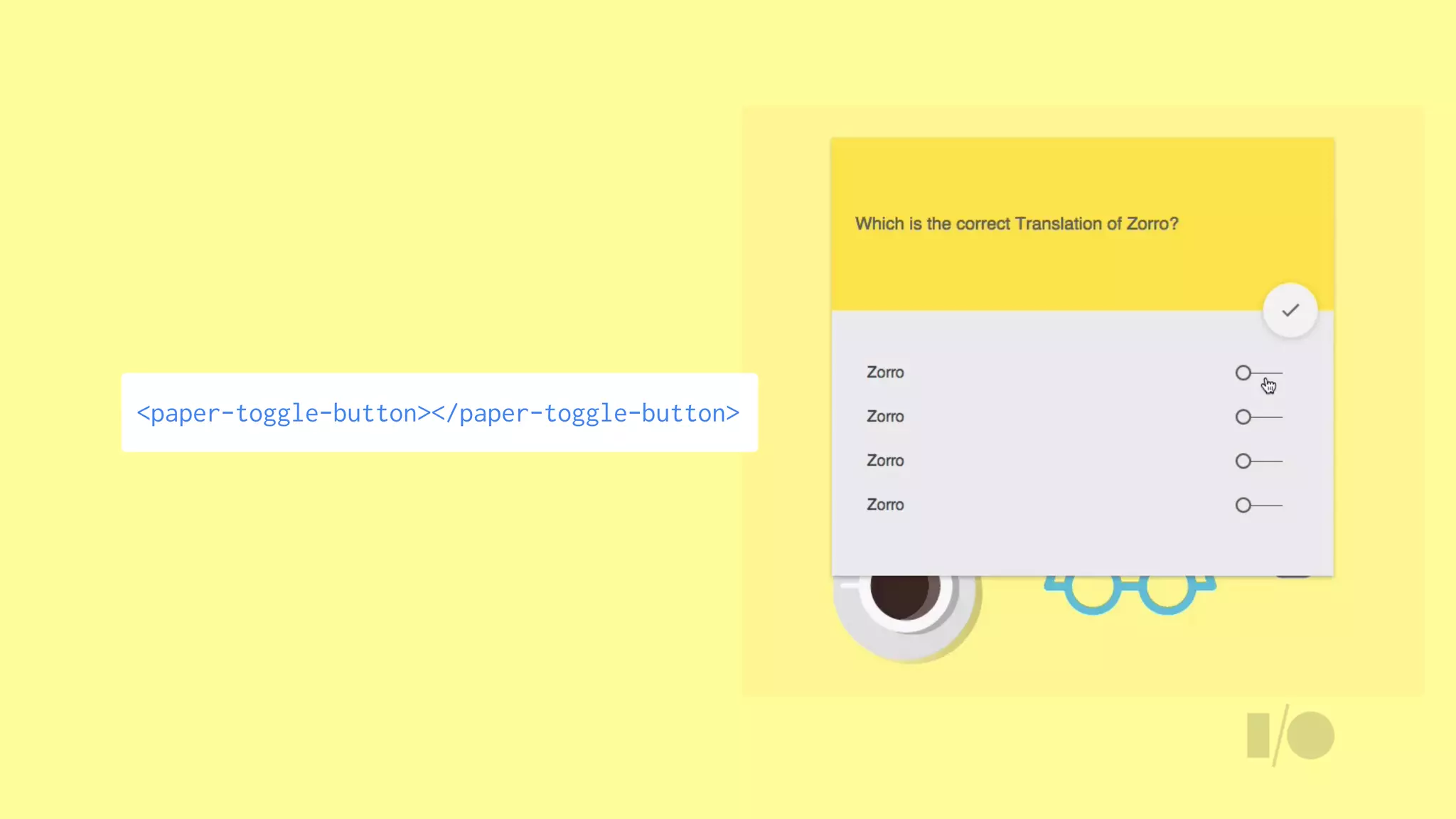
<paper-toggle-button></paper-toggle-button>
<paper-input floatinglabel
label="Type only numbers... (floating)"
validate="^[0-9]*$"
error="Input is not a number!">
</paper-input>
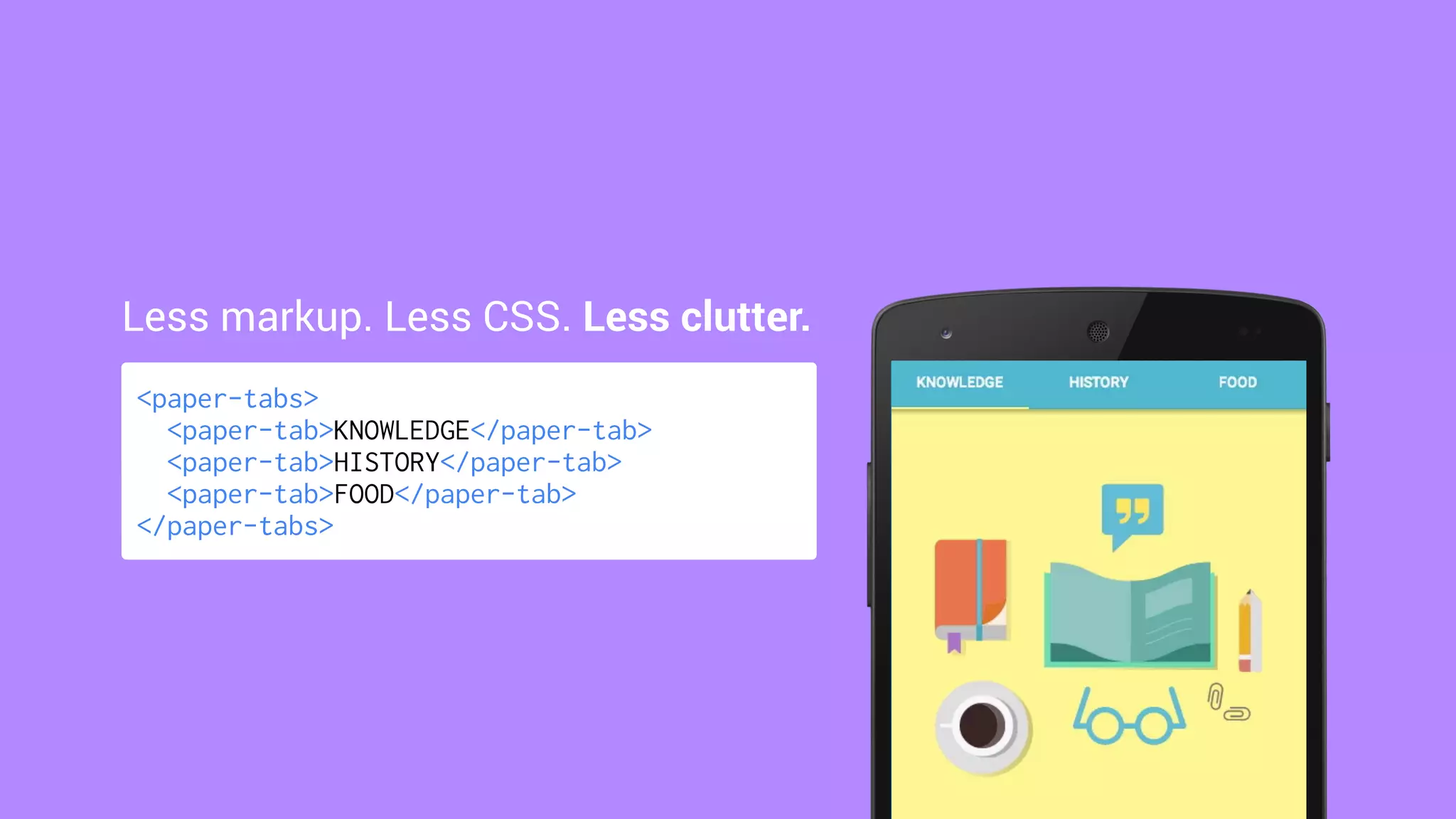
<paper-tabs>
<paper-tab>KNOWLEDGE</paper-tab>
<paper-tab>HISTORY</paper-tab>
<paper-tab>FOOD</paper-tab>
</paper-tabs>
Less markup. Less CSS. Less clutter.
Material effects
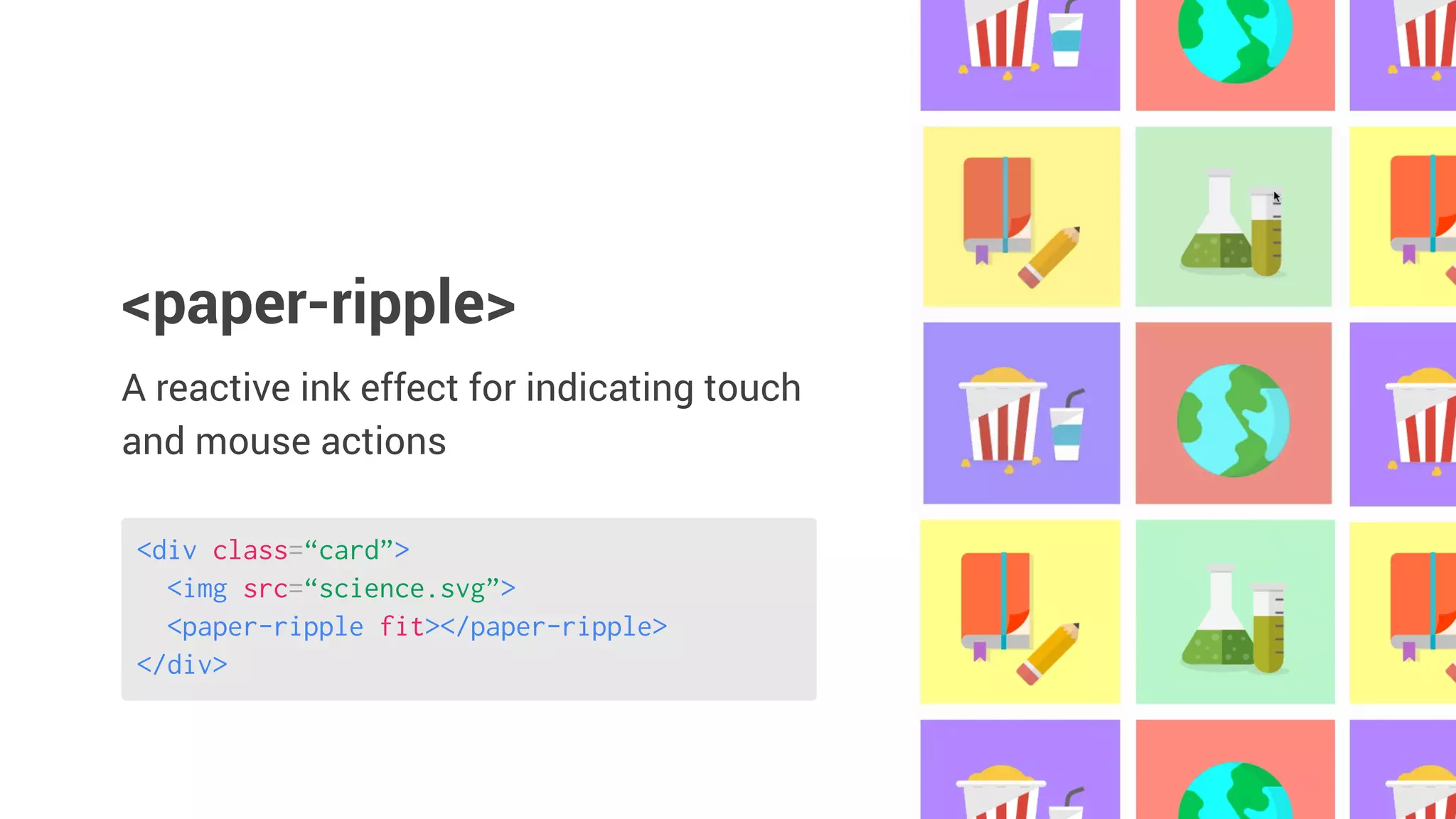
<div class=“card”>
<img src=“science.svg”>
<paper-ripple fit></paper-ripple>
</div>
A reactive ink effect for indicating touch
and mouse actions
<paper-ripple>
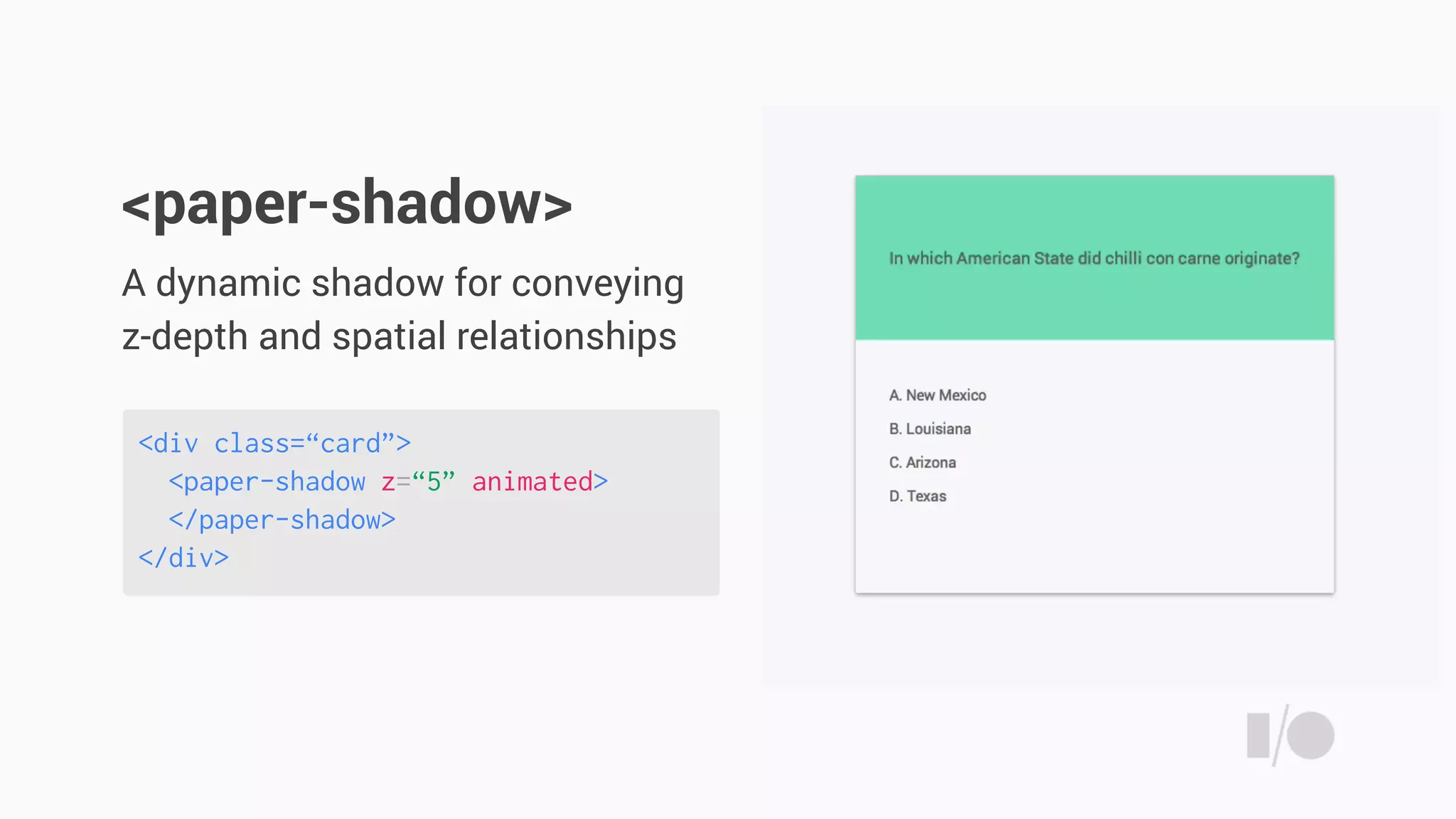
<div class=“card”>
<paper-shadow z=“5” animated>
</paper-shadow>
</div>
A dynamic shadow for conveying
z-depth and spatial relationships
<paper-shadow>
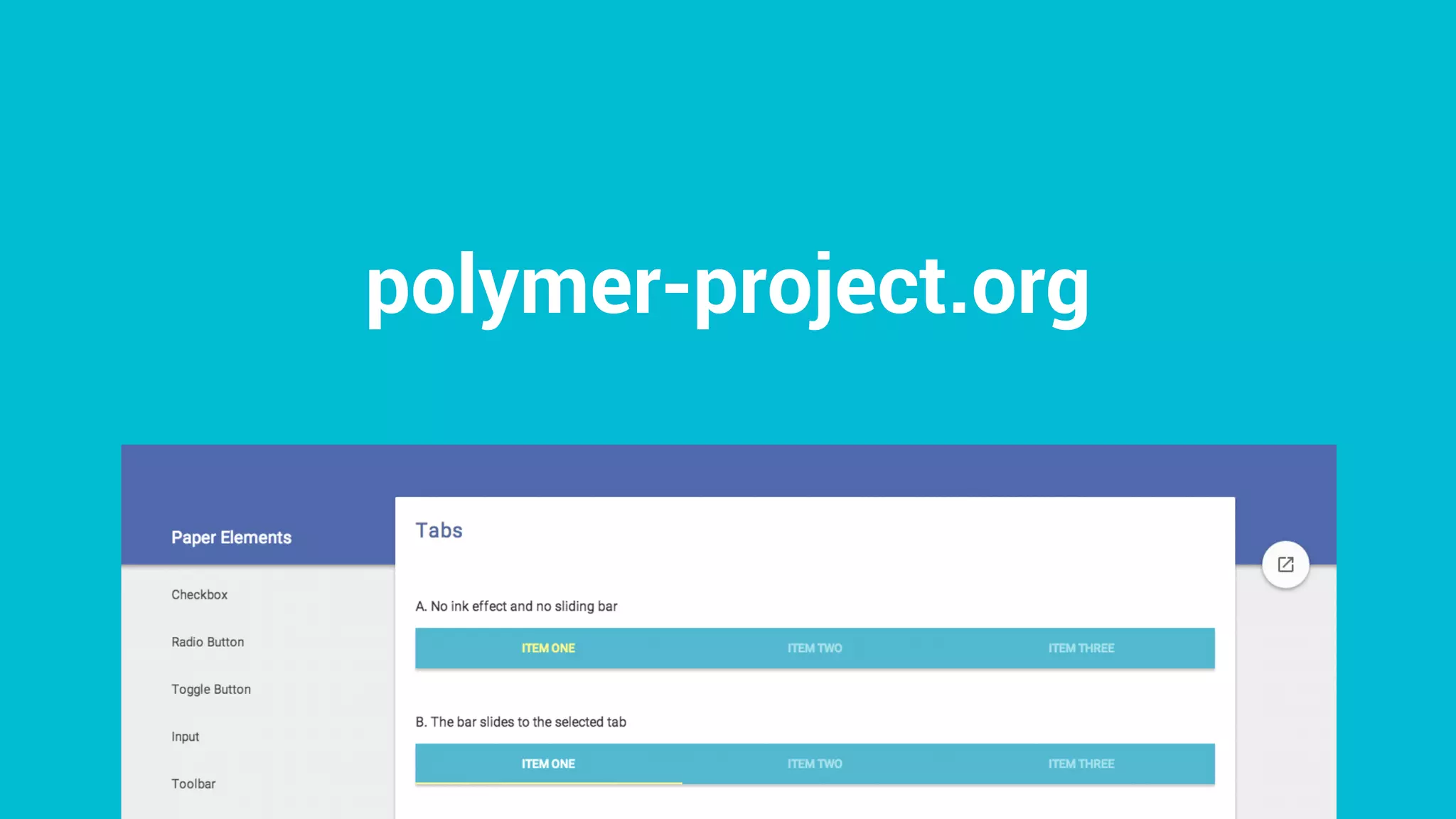
polymer-project.org
Theming
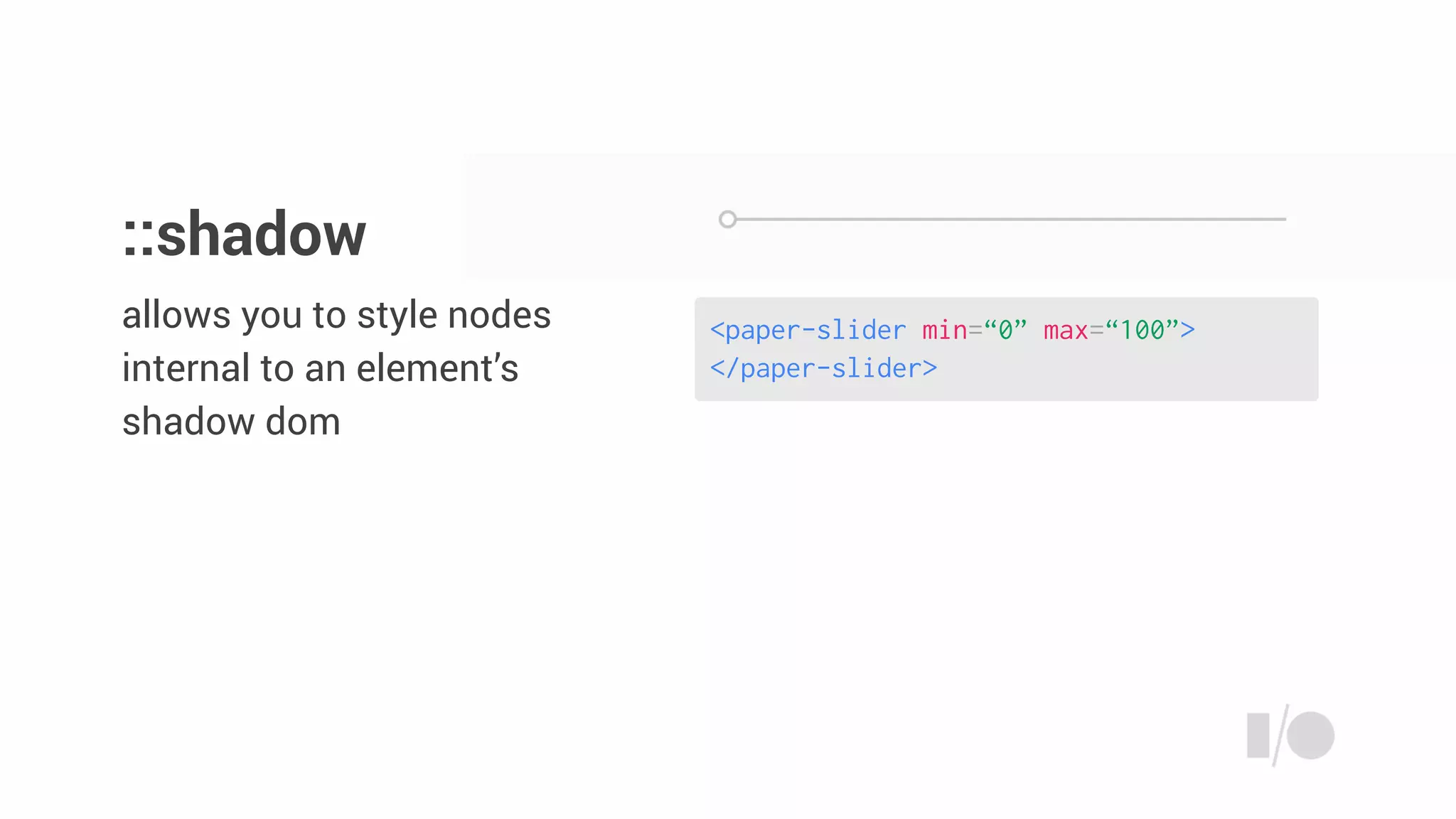
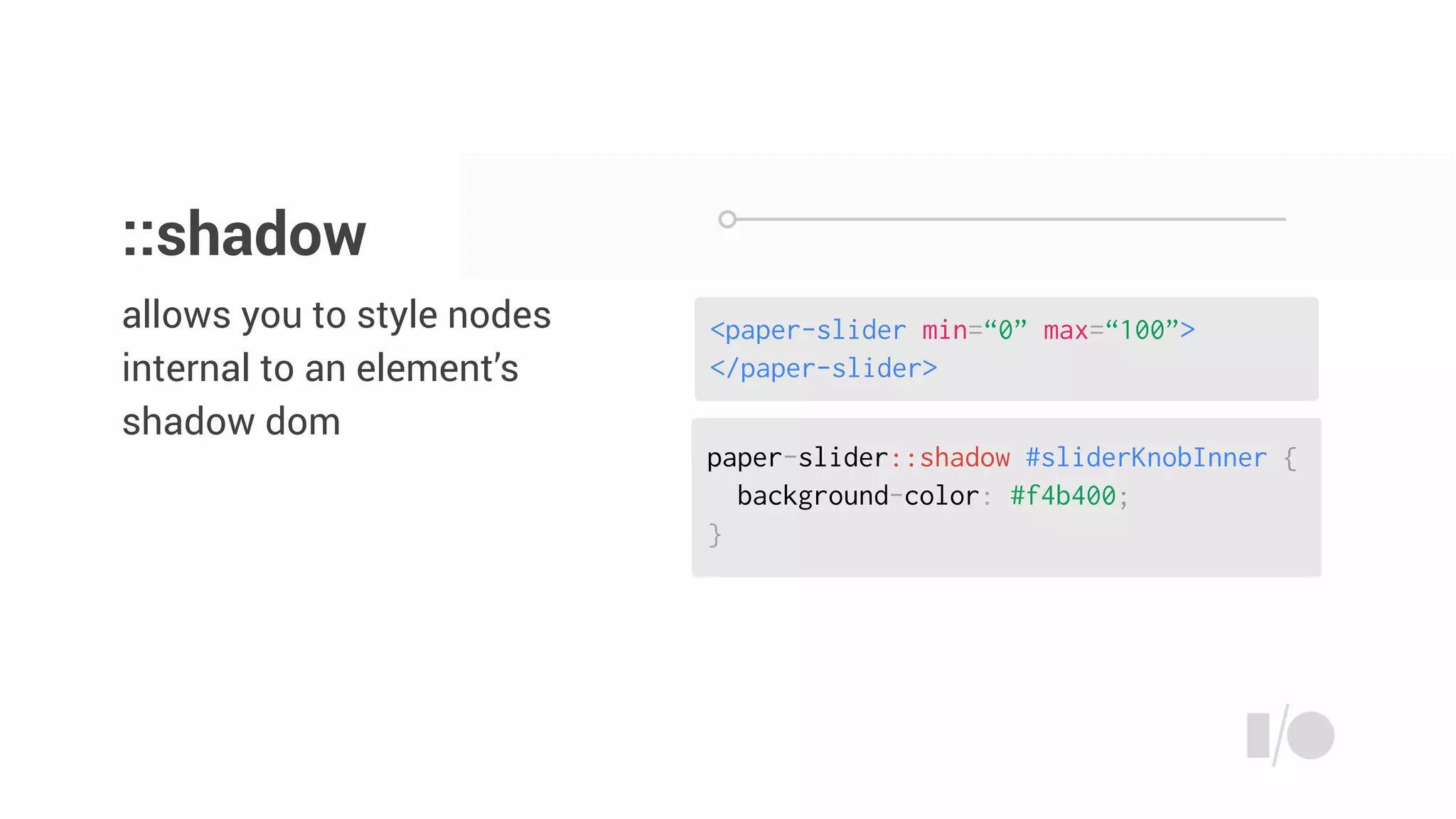
<paper-slider min=“0” max=“100”>
</paper-slider>
allows you to style nodes
internal to an element’s
shadow dom
::shadow
paper-slider::shadow #sliderKnobInner {
background-color: #f4b400;
}
<paper-slider min=“0” max=“100”>
</paper-slider>
allows you to style nodes
internal to an element’s
shadow dom
::shadow
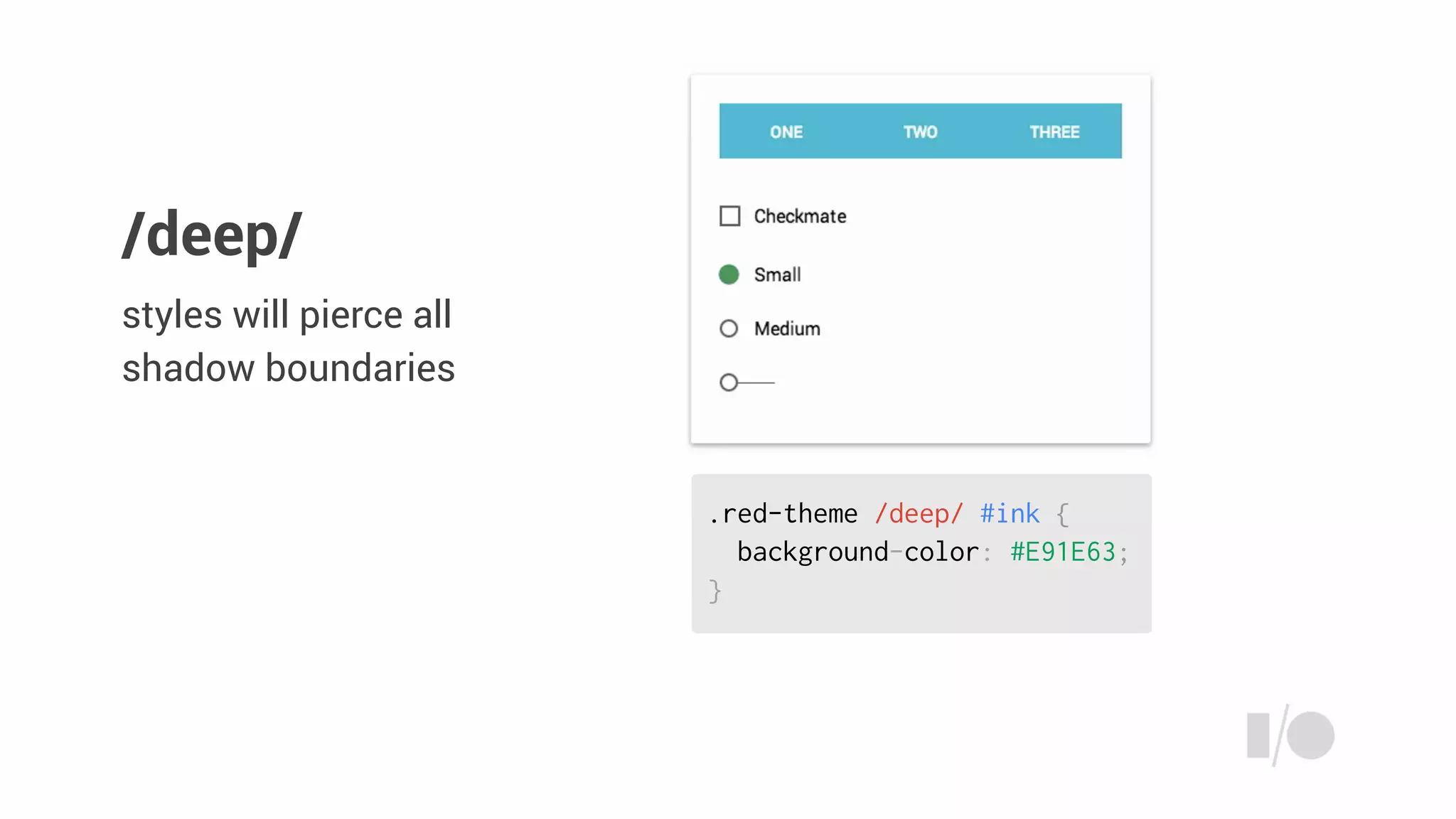
.red-theme /deep/ #ink {
background-color: #E91E63;
}
styles will pierce all
shadow boundaries
/deep/
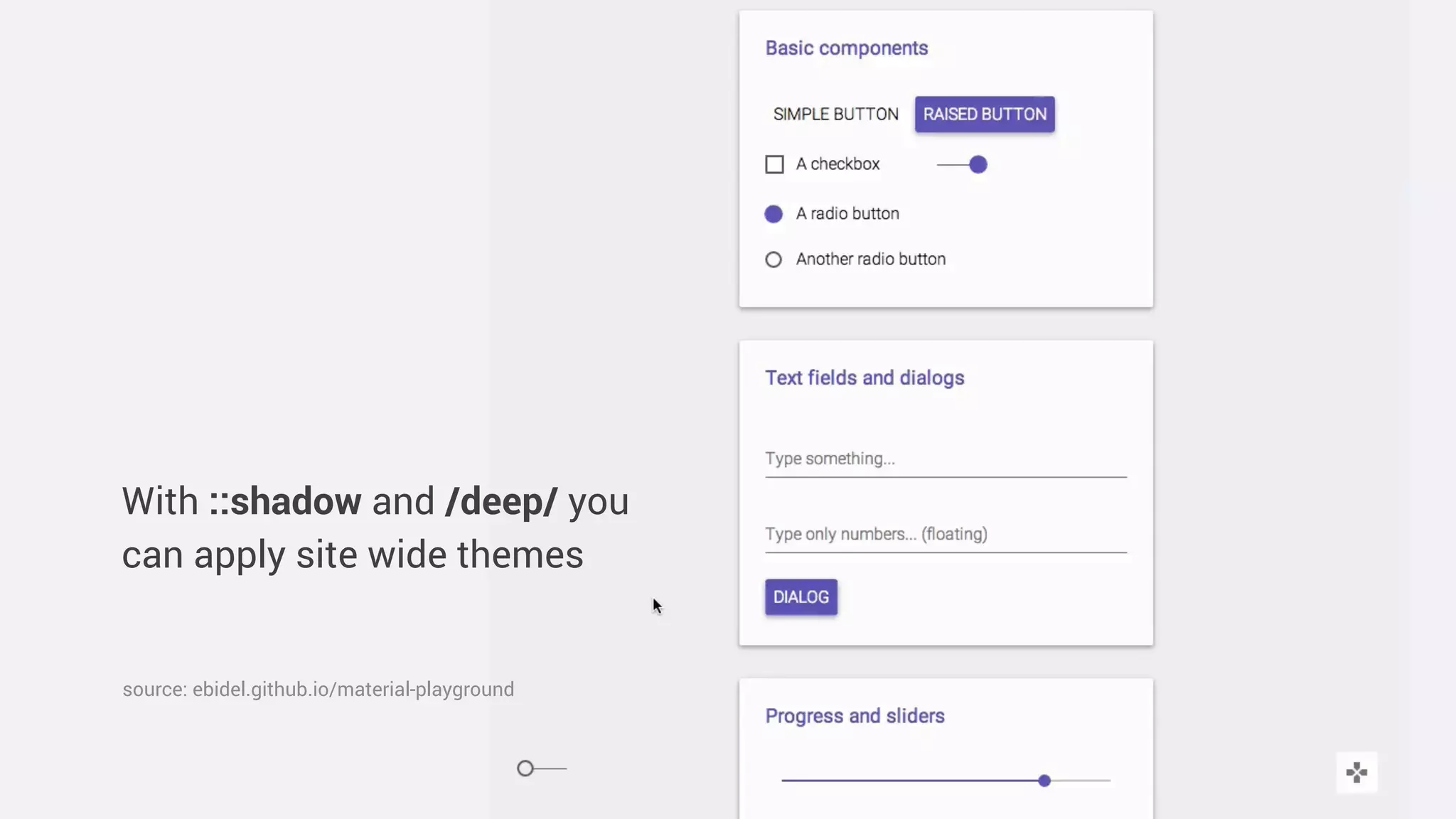
With ::shadow and /deep/ you
can apply site wide themes
source: ebidel.github.io/material-playground
You’re breaking the
style encapsulation!
Angry Developer
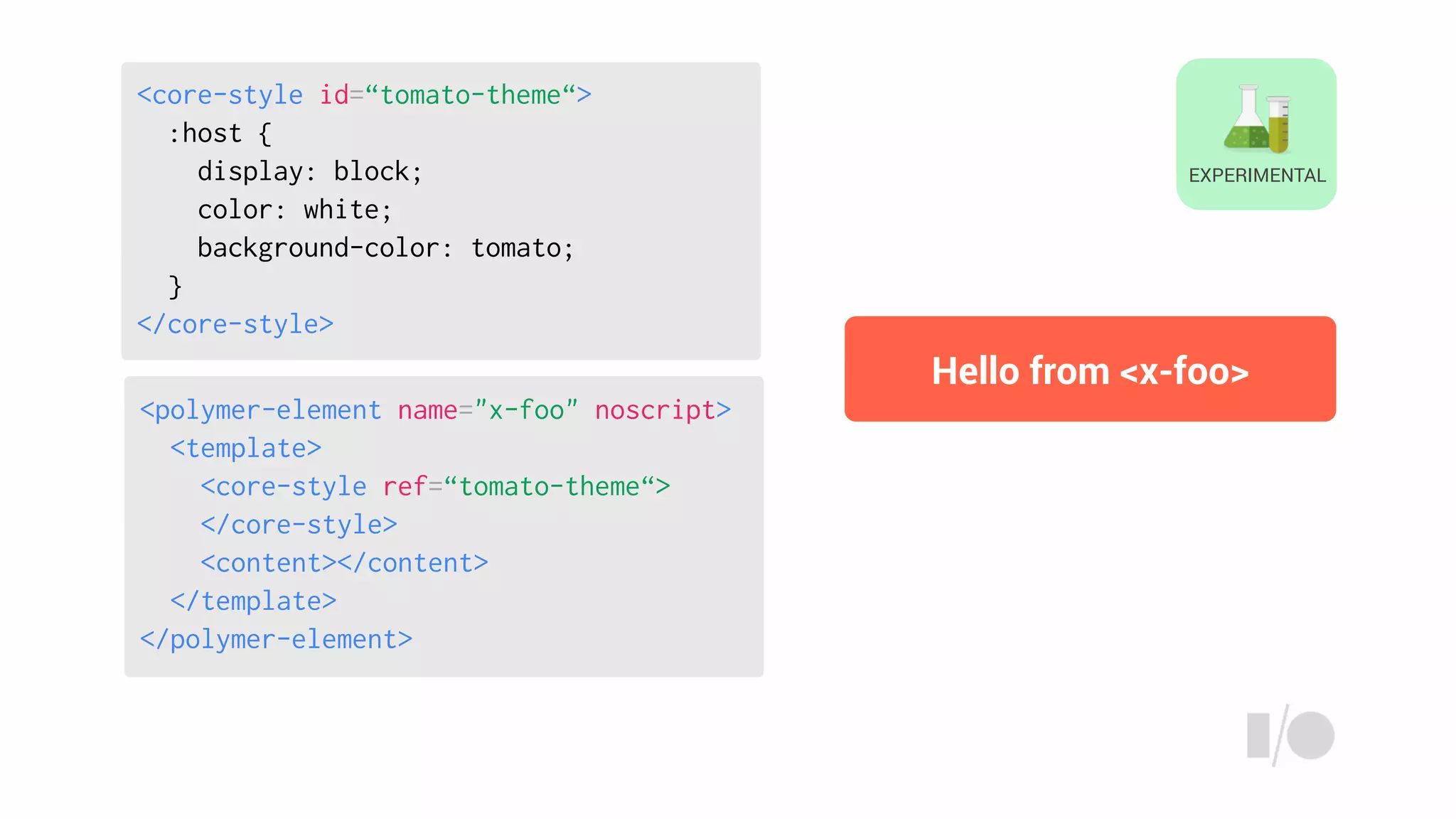
<core-style>
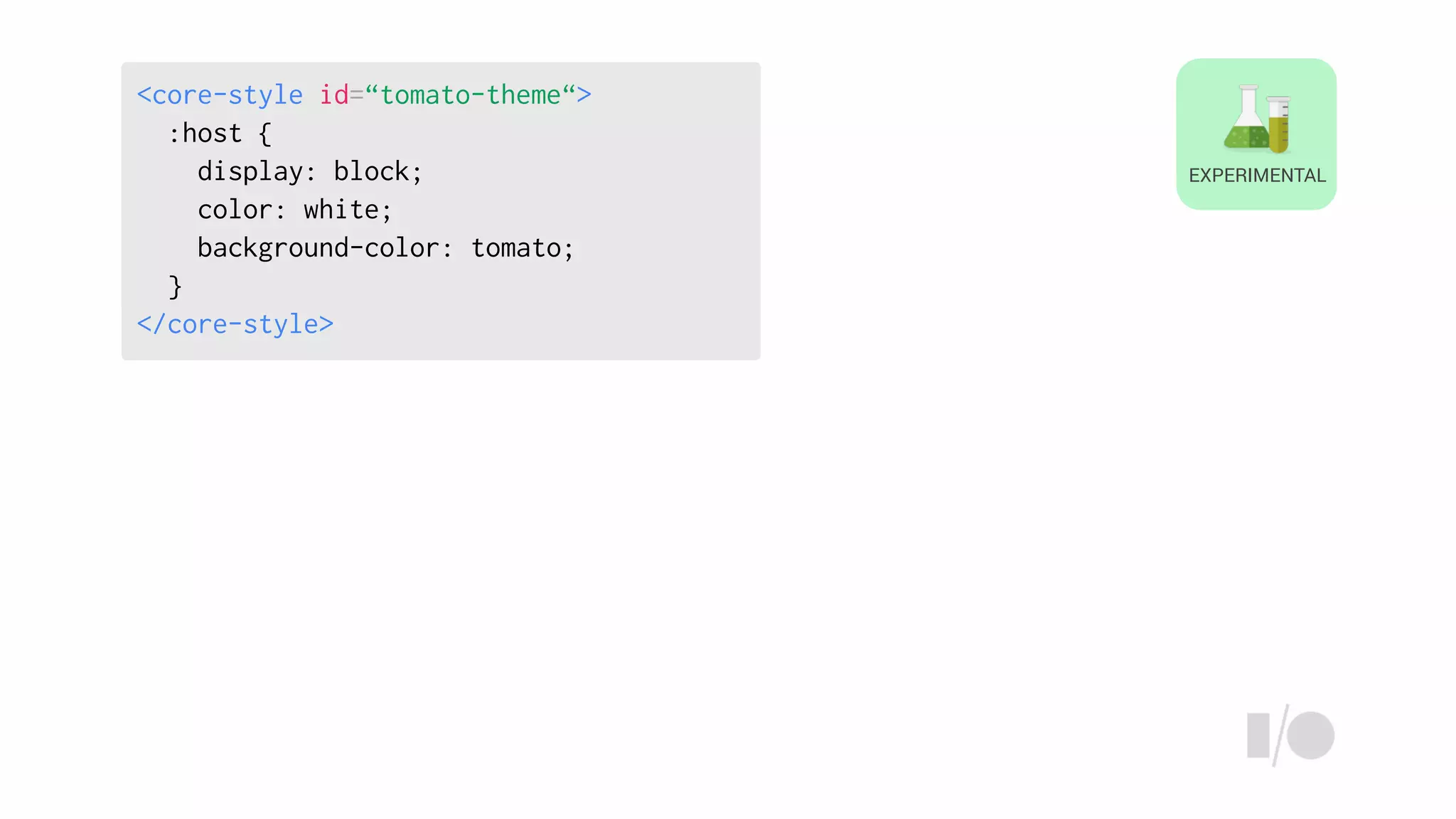
<core-style id=“tomato-theme“>
:host {
display: block;
color: white;
background-color: tomato;
}
</core-style>
EXPERIMENTAL
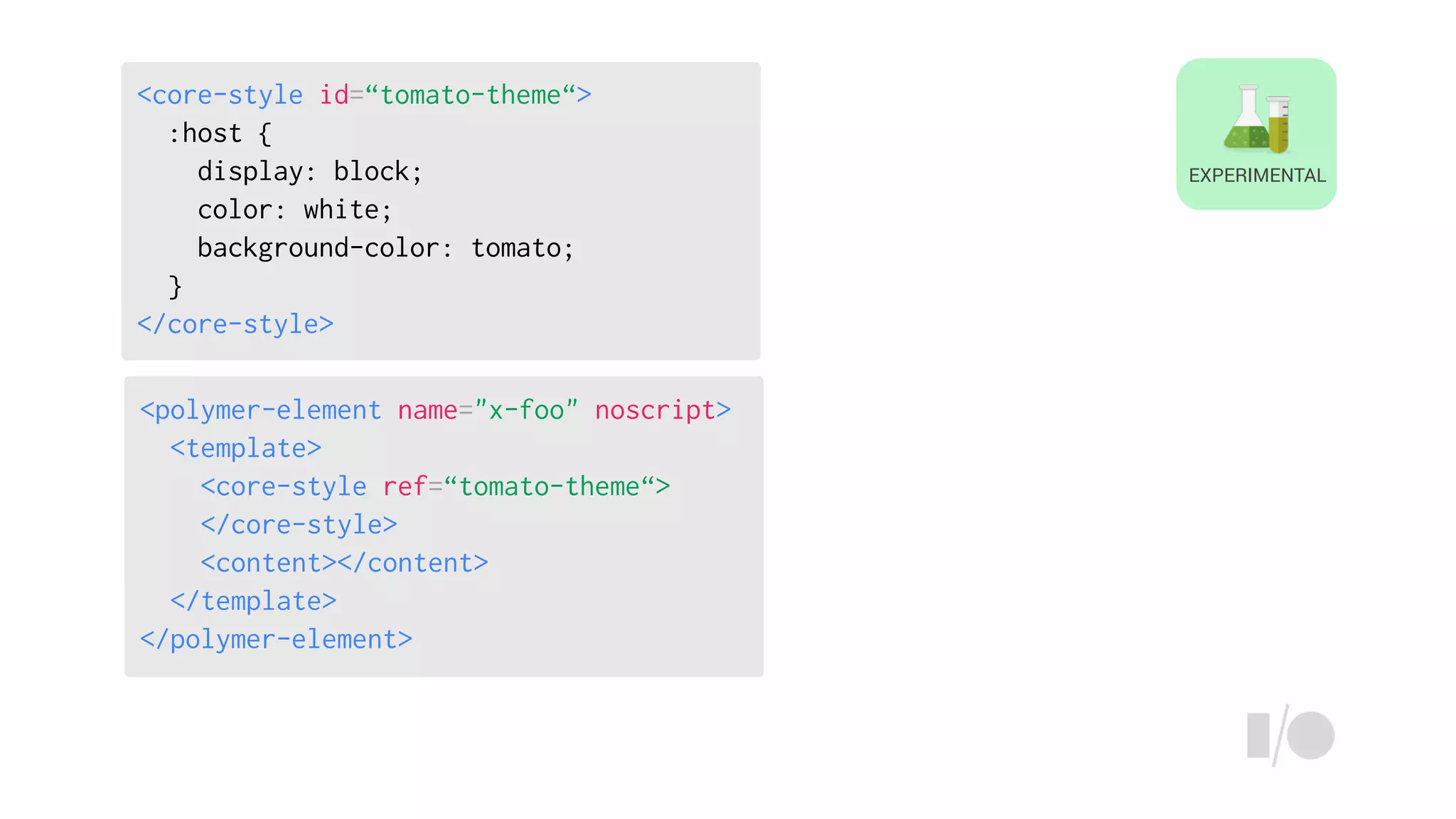
<polymer-element name="x-foo" noscript>
<template>
<core-style ref=“tomato-theme“>
</core-style>
<content></content>
</template>
</polymer-element>
<core-style id=“tomato-theme“>
:host {
display: block;
color: white;
background-color: tomato;
}
</core-style>
EXPERIMENTAL
<polymer-element name="x-foo" noscript>
<template>
<core-style ref=“tomato-theme“>
</core-style>
<content></content>
</template>
</polymer-element>
<core-style id=“tomato-theme“>
:host {
display: block;
color: white;
background-color: tomato;
}
</core-style>
EXPERIMENTAL
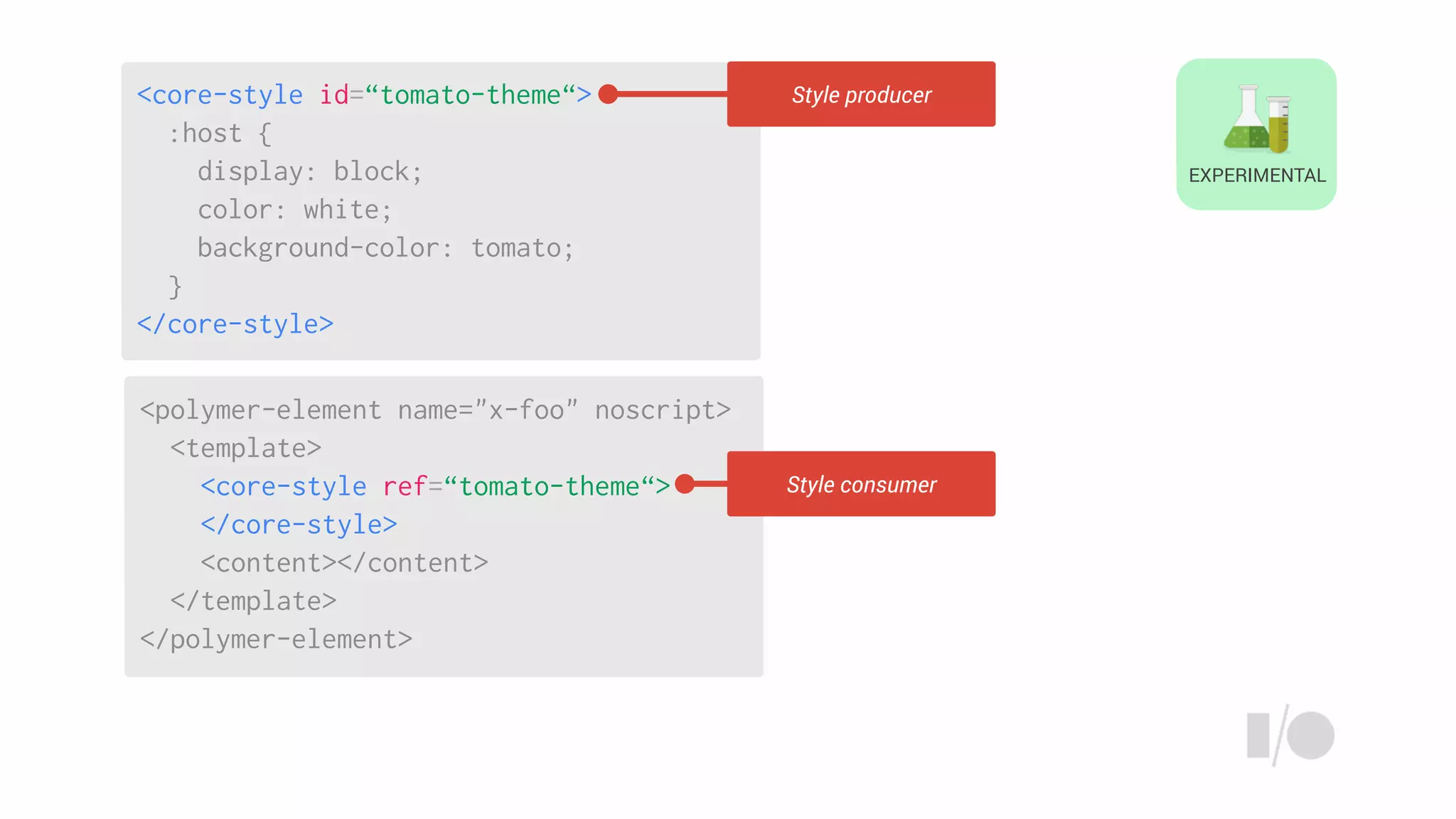
Style producer
Style consumer
<polymer-element name="x-foo" noscript>
<template>
<core-style ref=“tomato-theme“>
</core-style>
<content></content>
</template>
</polymer-element>
<core-style id=“tomato-theme“>
:host {
display: block;
color: white;
background-color: tomato;
}
</core-style>
Hello from <x-foo>
EXPERIMENTAL
EXPERIMENTAL
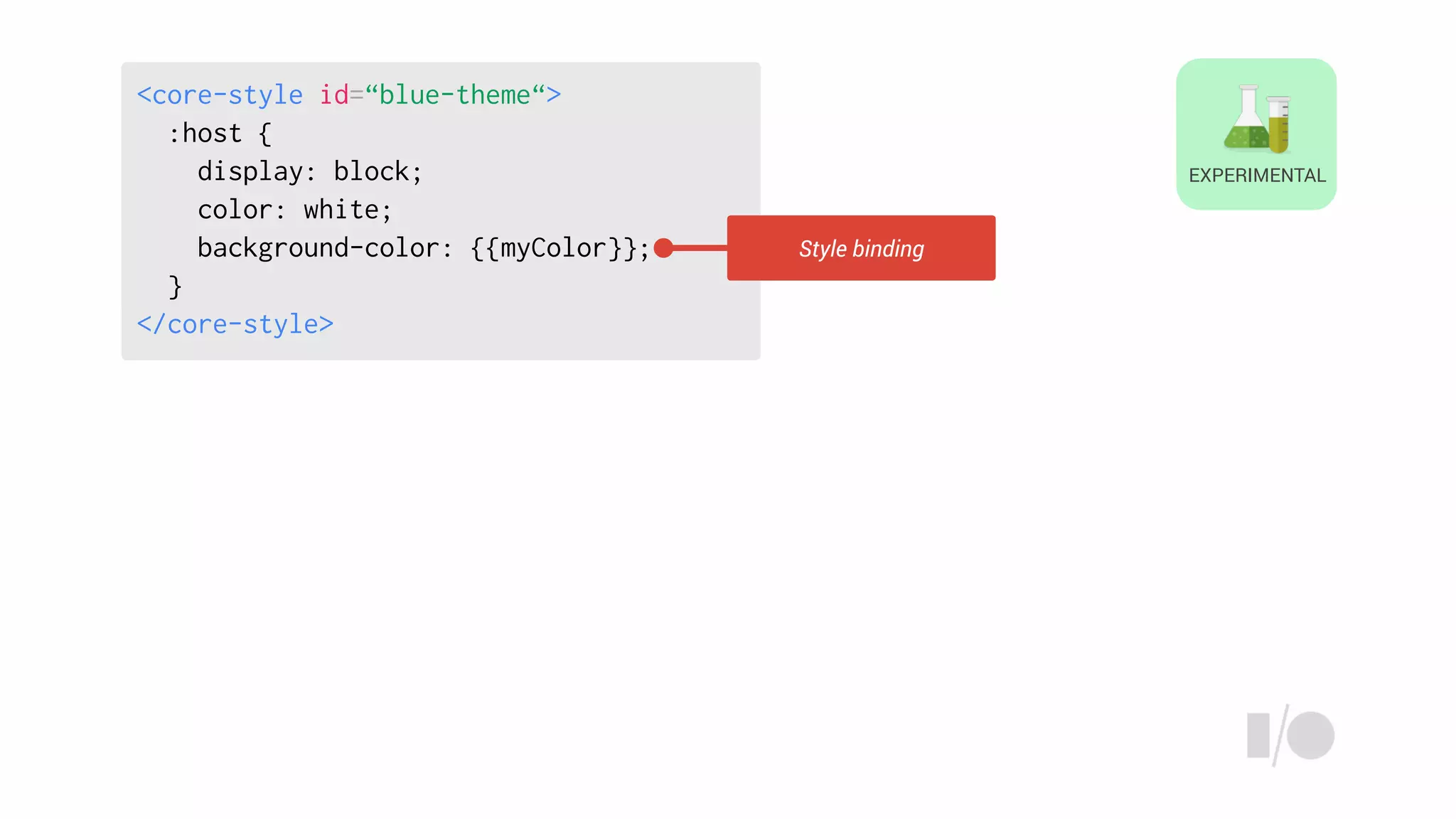
<core-style id=“blue-theme“>
:host {
display: block;
color: white;
background-color: {{myColor}};
}
</core-style>
Style binding
EXPERIMENTAL
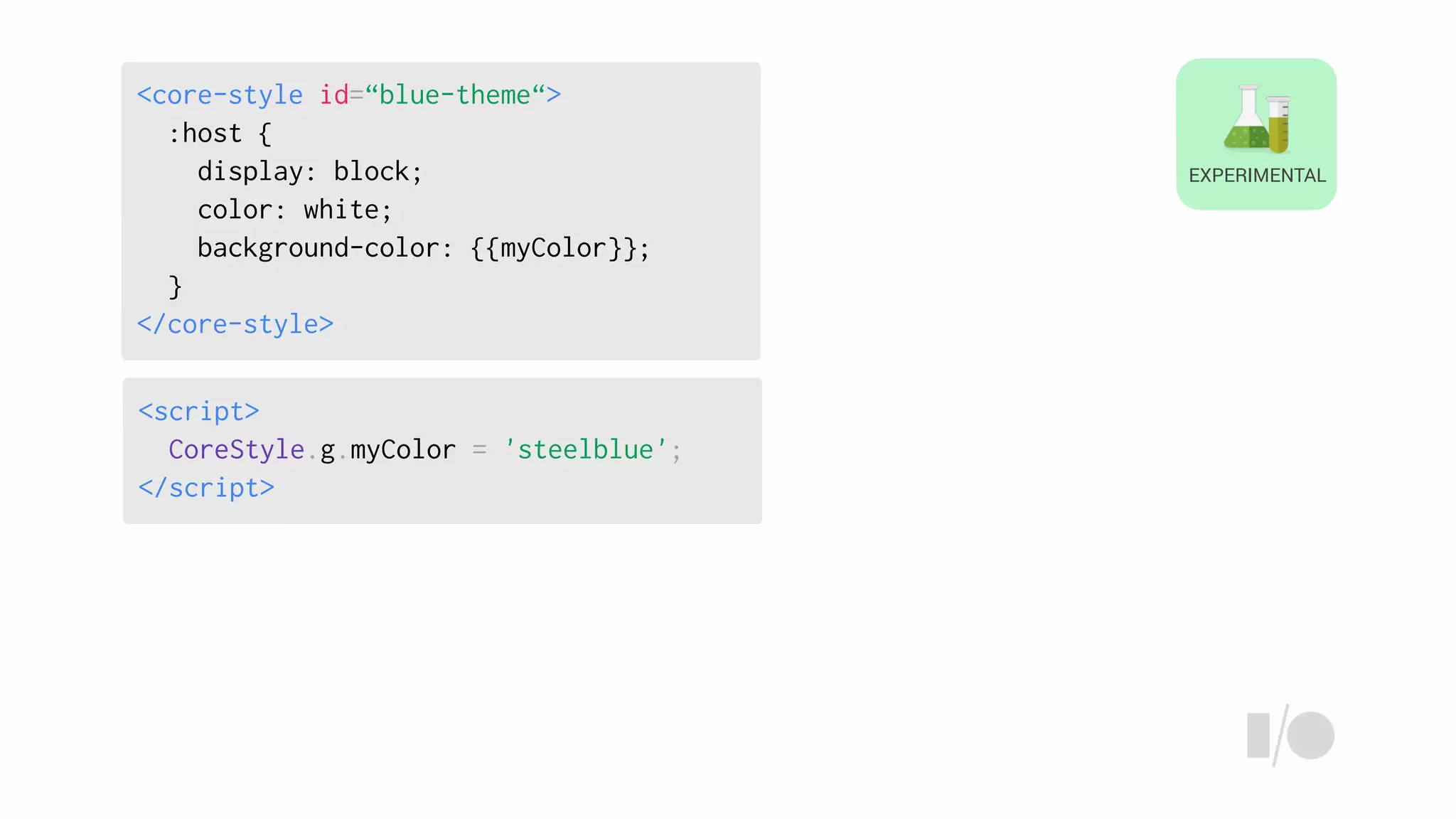
<script>
CoreStyle.g.myColor = 'steelblue';
</script>
<core-style id=“blue-theme“>
:host {
display: block;
color: white;
background-color: {{myColor}};
}
</core-style>
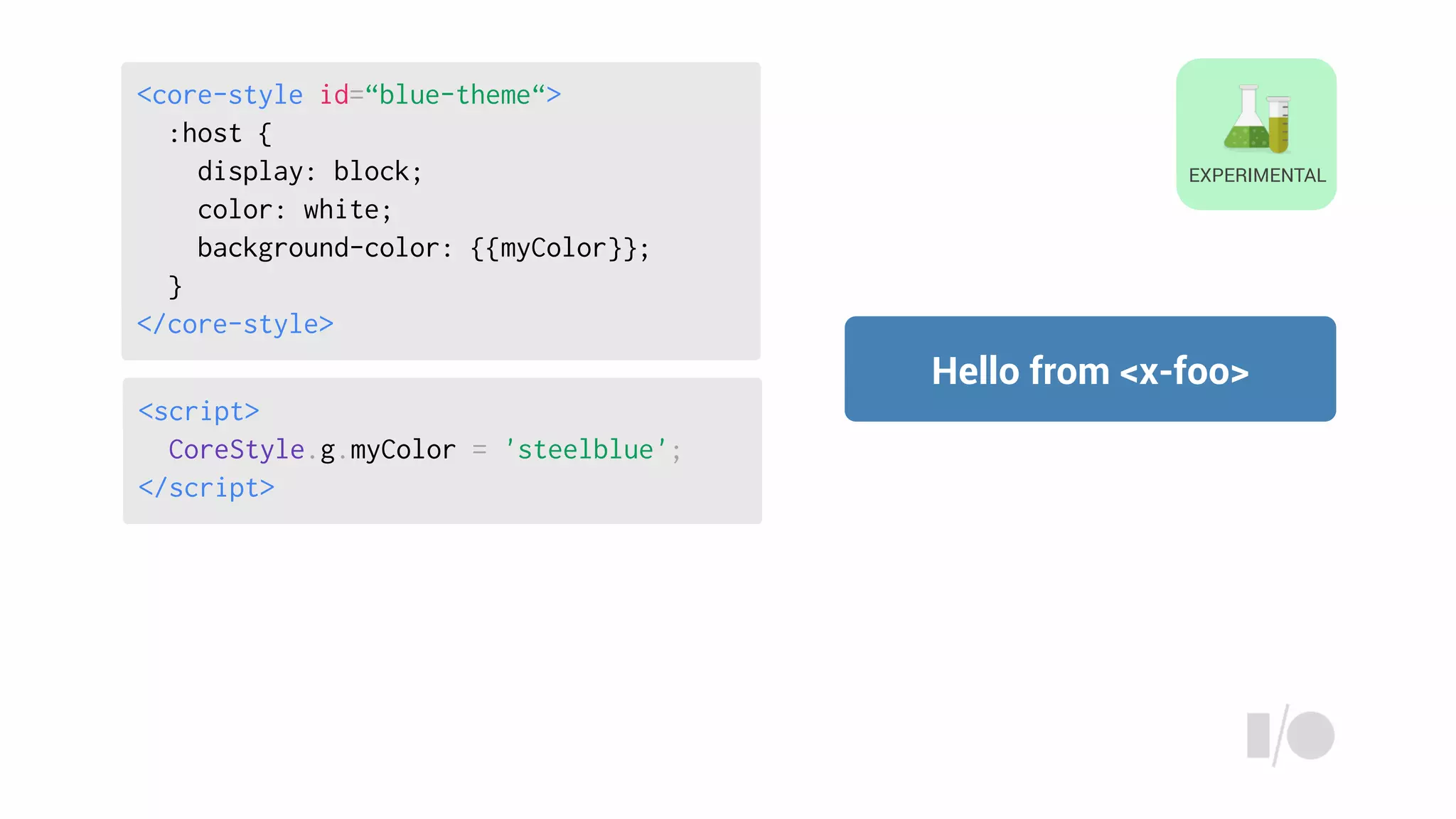
<script>
CoreStyle.g.myColor = 'steelblue';
</script>
Hello from <x-foo>
EXPERIMENTAL
<core-style id=“blue-theme“>
:host {
display: block;
color: white;
background-color: {{myColor}};
}
</core-style>
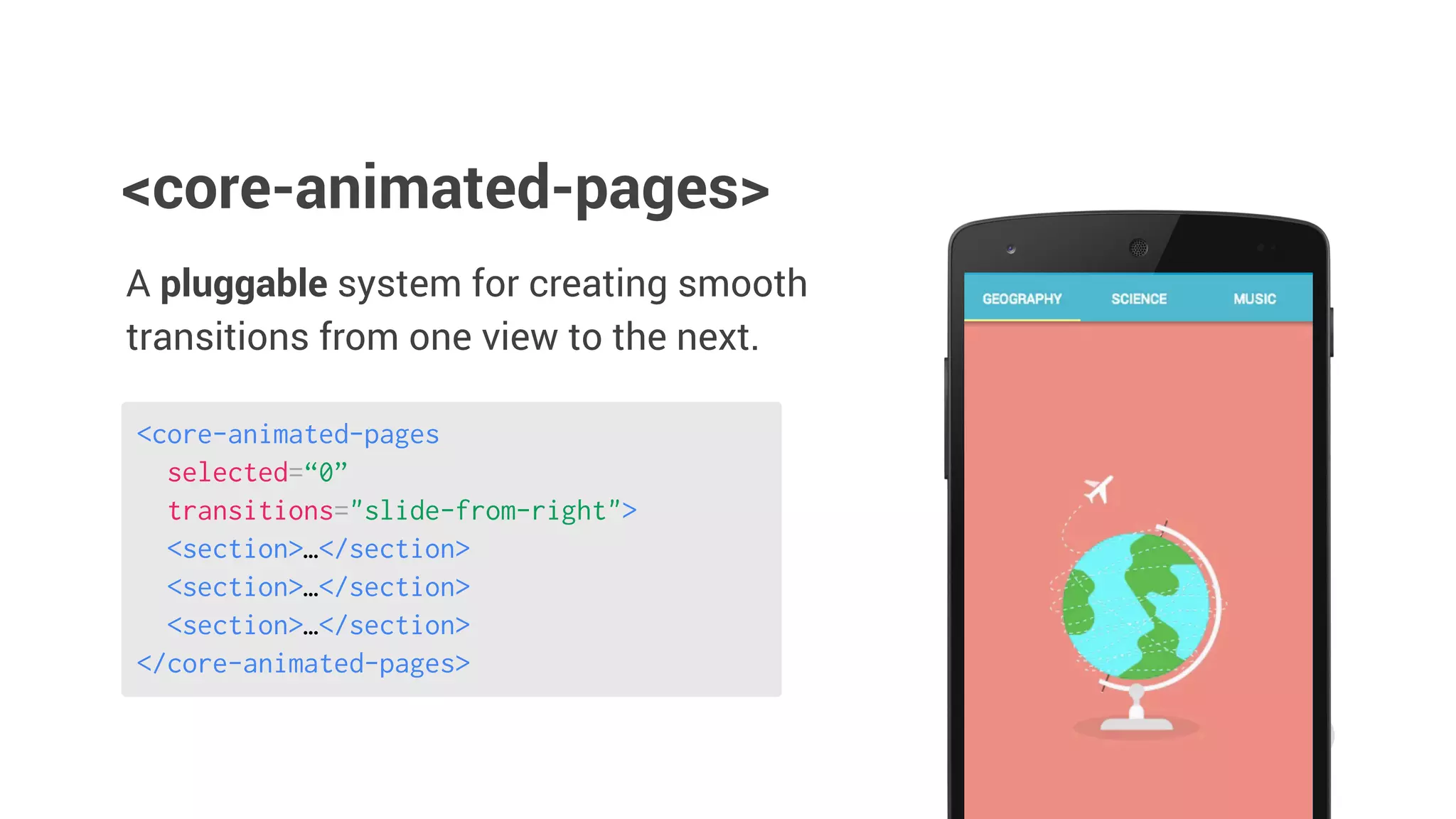
Transitions
A pluggable system for creating smooth
transitions from one view to the next.
<core-animated-pages>
<core-animated-pages
selected=“0”
transitions="slide-from-right">
<section>…</section>
</core-animated-pages>
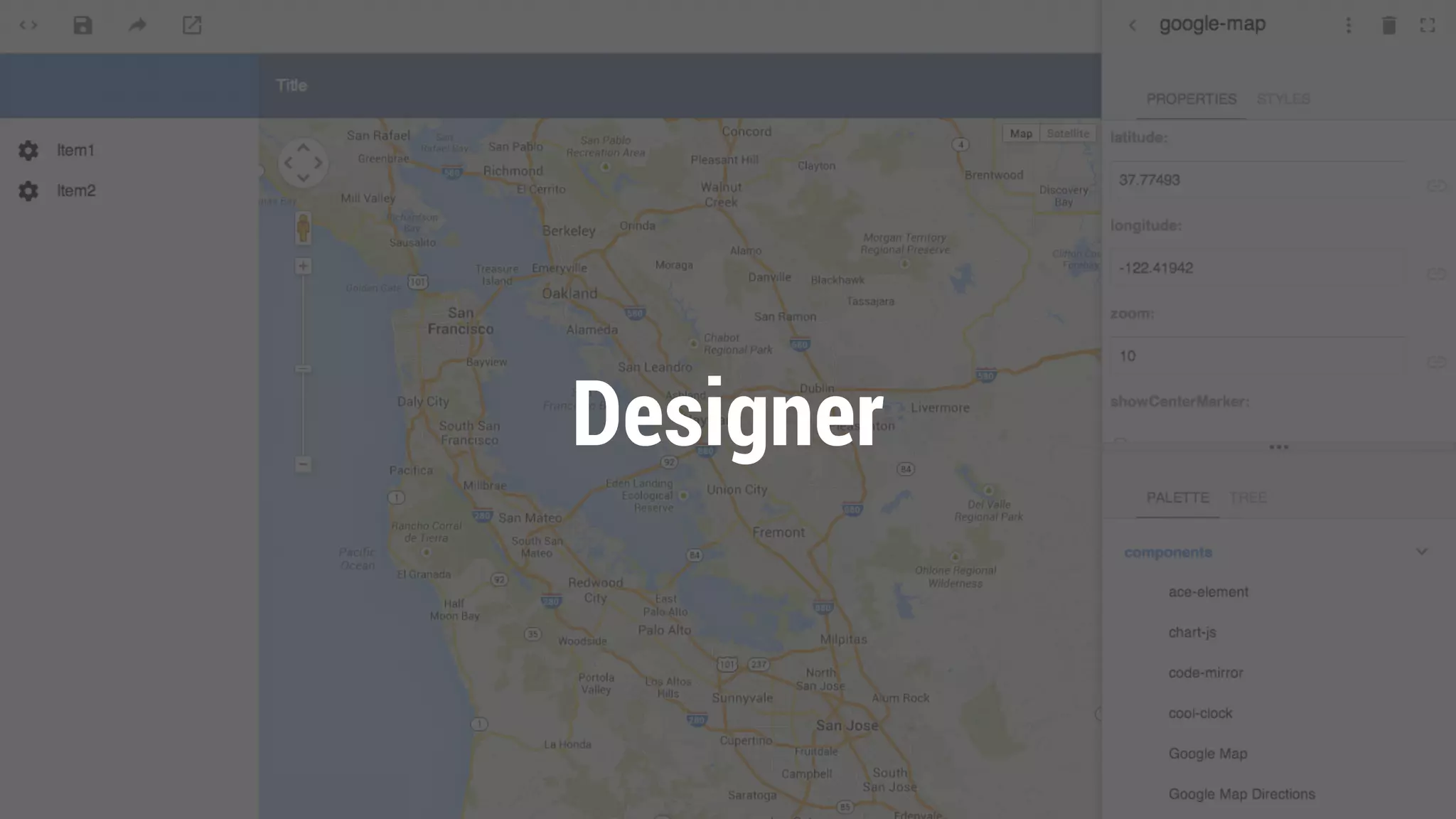
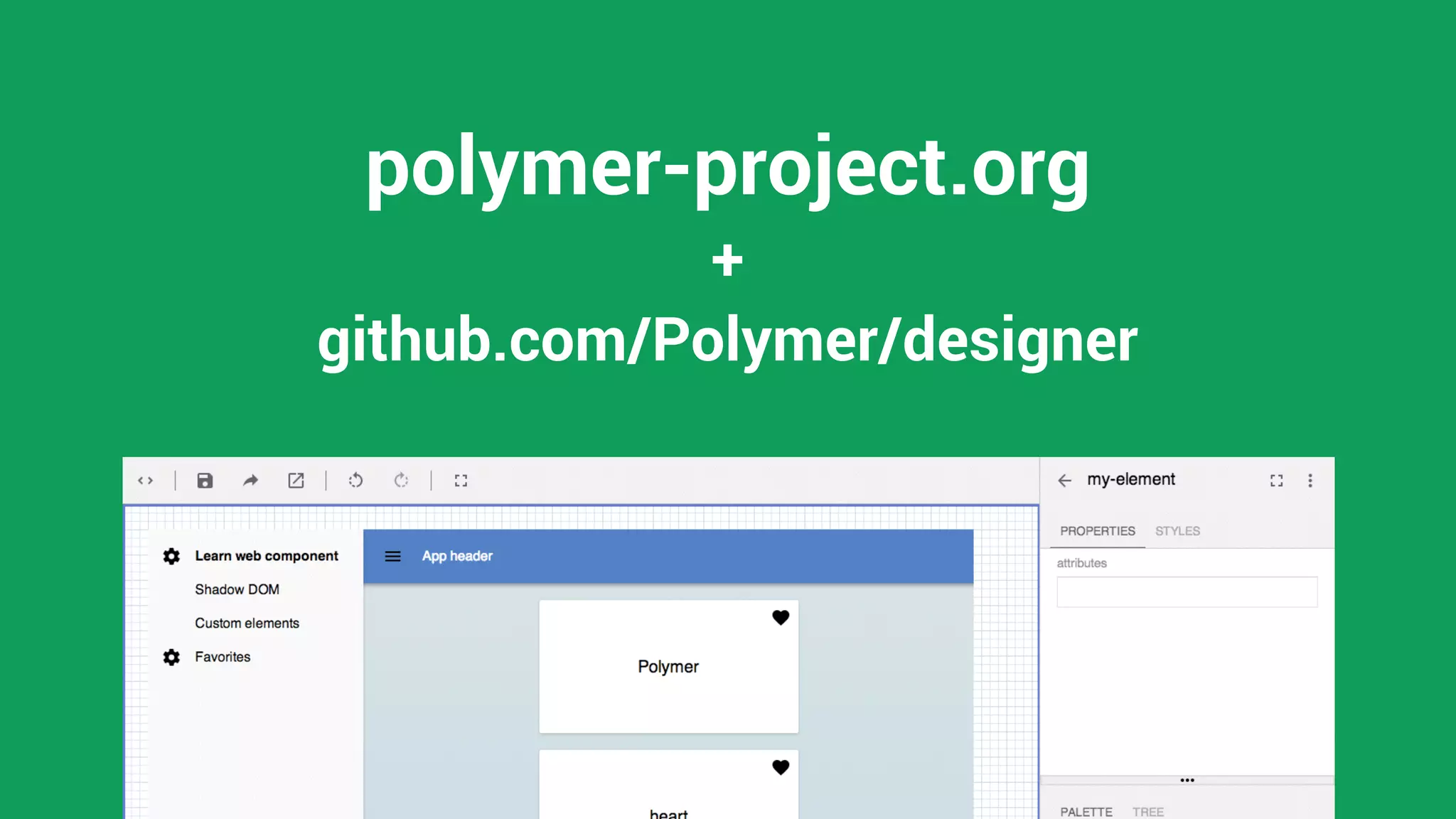
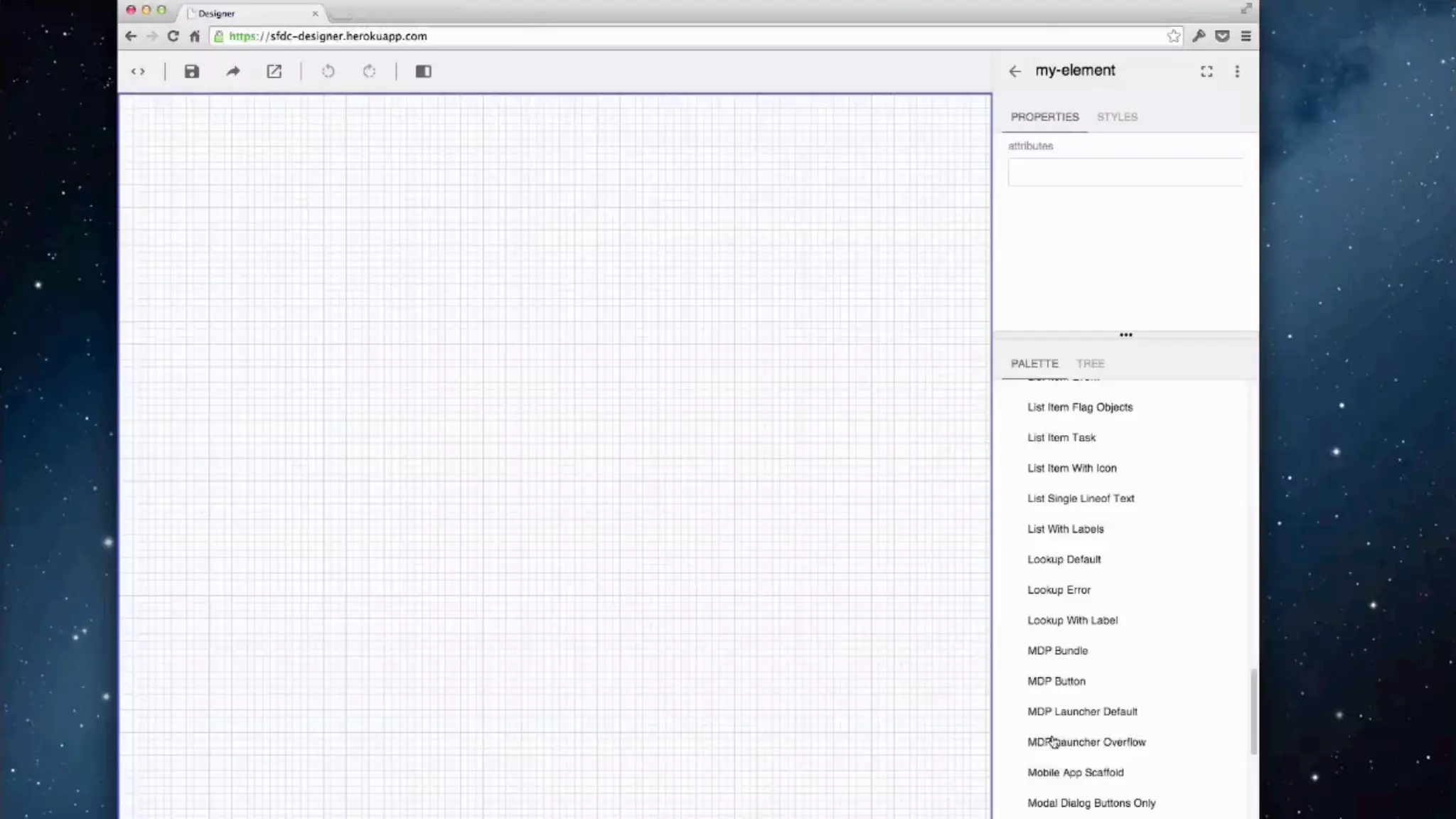
Designer
github.com/Polymer/designer
+
polymer-project.org
What did we learn
Layout
Material
Theming
Transitions
Scaffold your application with core-* elements
Material
Theming
Transitions
Layout
Create beautiful UIs using paper-* elements
Theming
Transitions
Layout
Material
Theme your app with ::shadow, /deep/ and core-style
Transitions
Layout
Material
Theming
Move between states with core-animated-pages
polymer-project.org
<what-next>
Get started at polymer-project.org
Session Feedback
http://goo.gl/sUiJbx
youtube.com/GoogleDevelopers
+RobDodson
@rob_dodson
Thank you!

Unlock the next era of UI design with Polymer