Web Components
Who is this guy?
nikgraf
www.nikgraf.com
nik@blossom.io
Web Components
How to Use
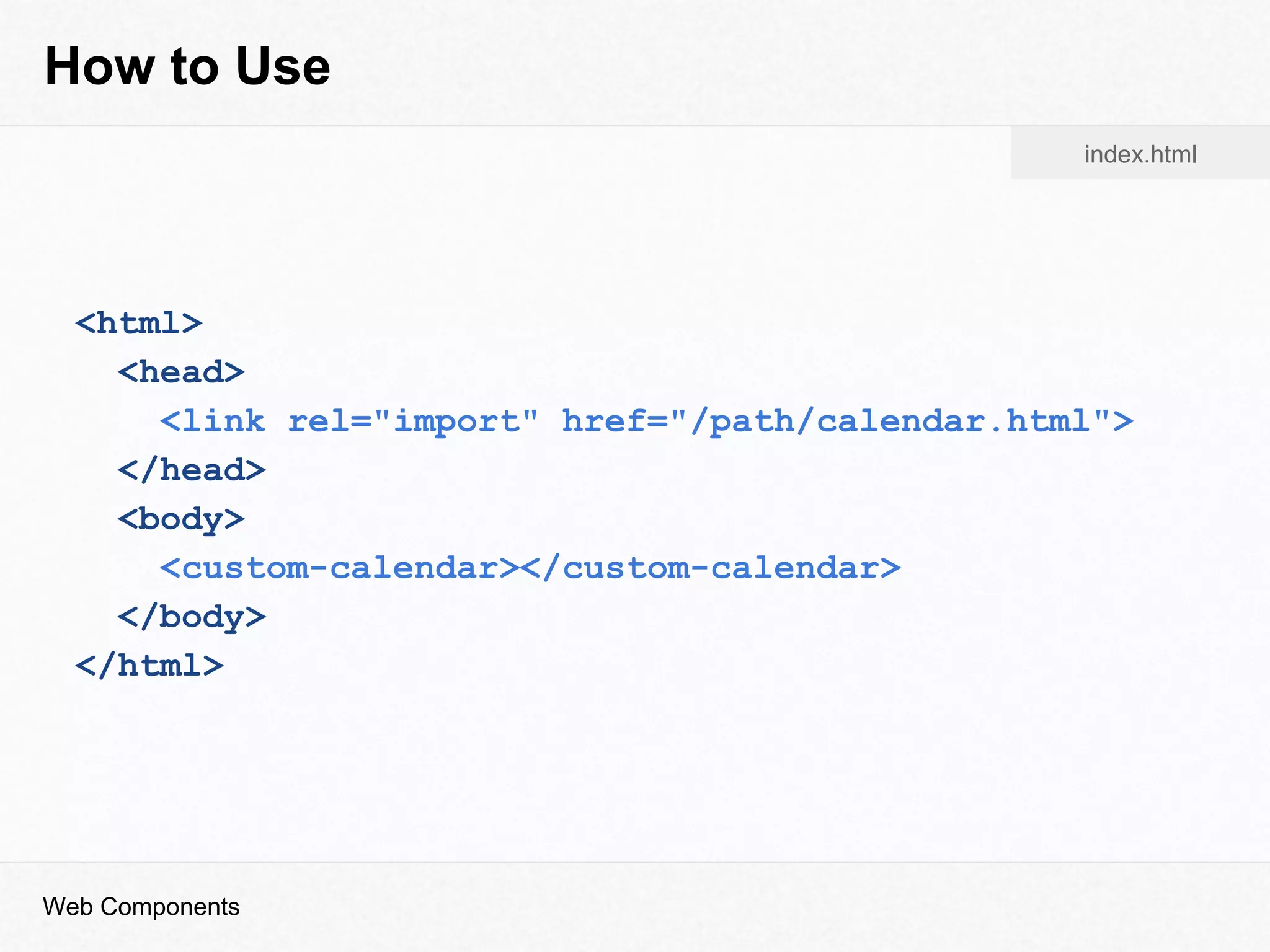
<html>
<head>
<link rel="import" href="/path/calendar.html">
</head>
<body>
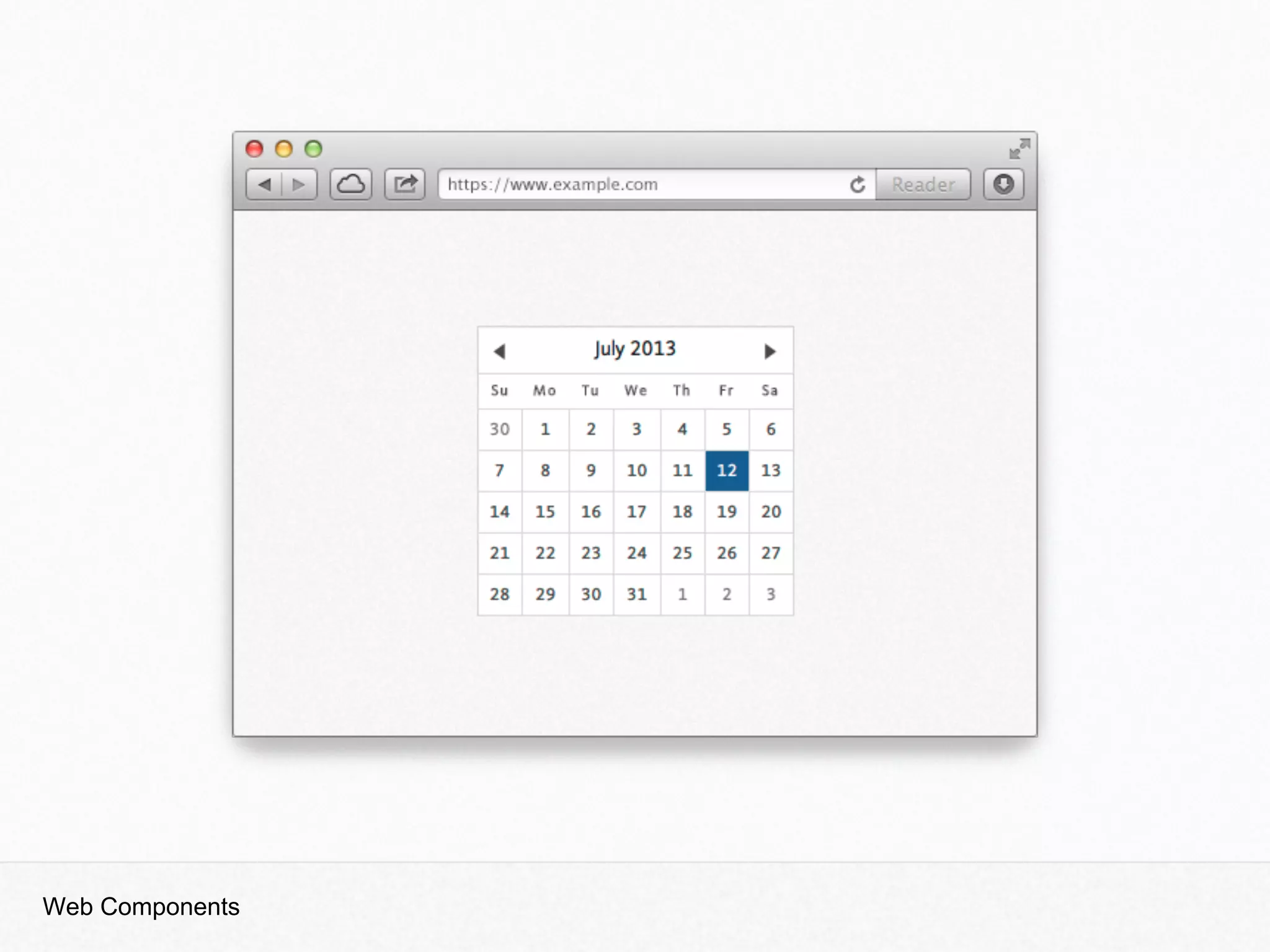
<custom-calendar></custom-calendar>
</body>
</html>
index.html
Web Components
Web Components
How to Use
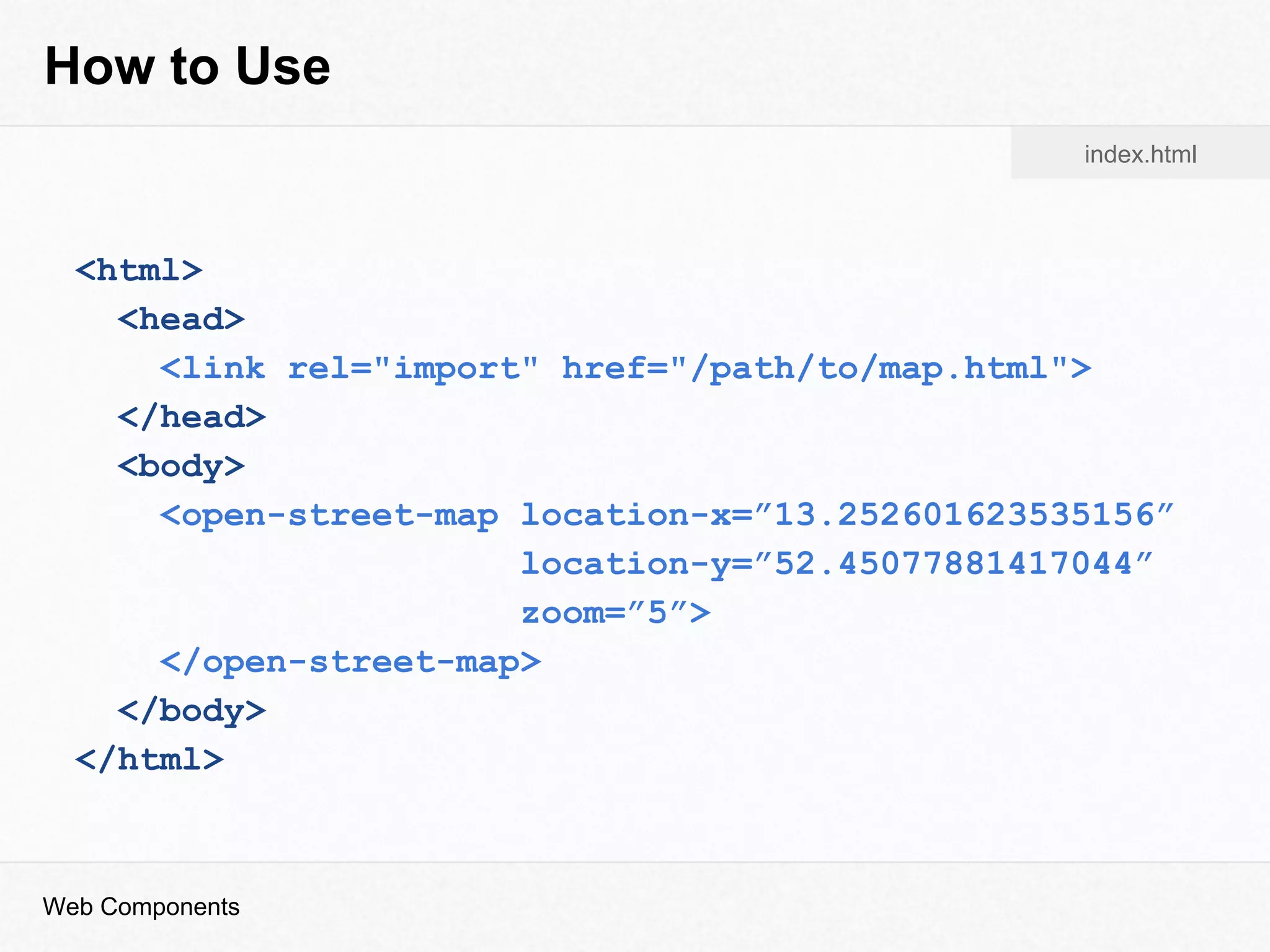
<html>
<head>
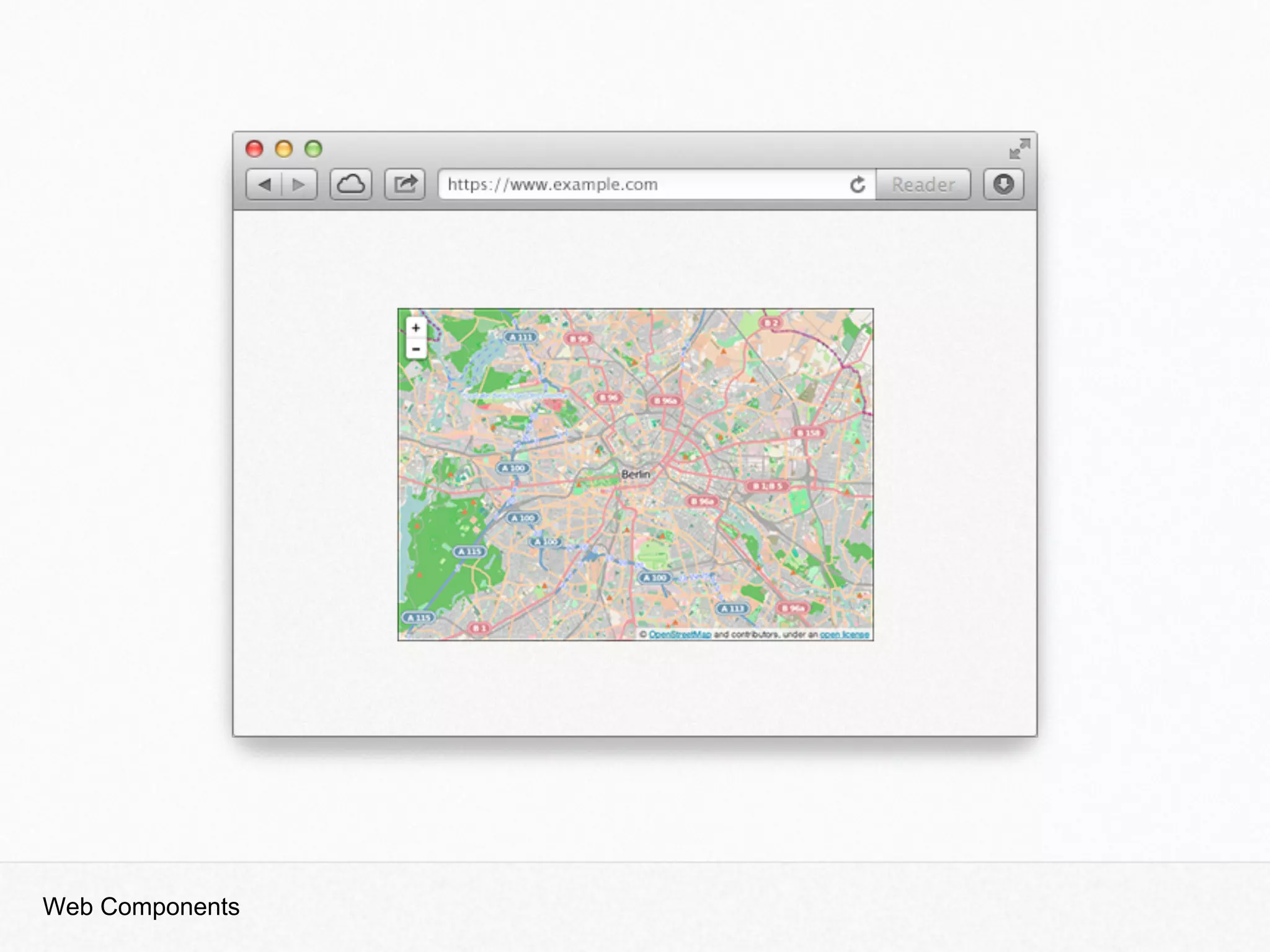
<link rel="import" href="/path/to/map.html">
</head>
<body>
<open-street-map location-x=”13.252601623535156”
location-y=”52.45077881417044”
zoom=”5”>
</open-street-map>
</body>
</html>
index.html
Web Components
Web Components
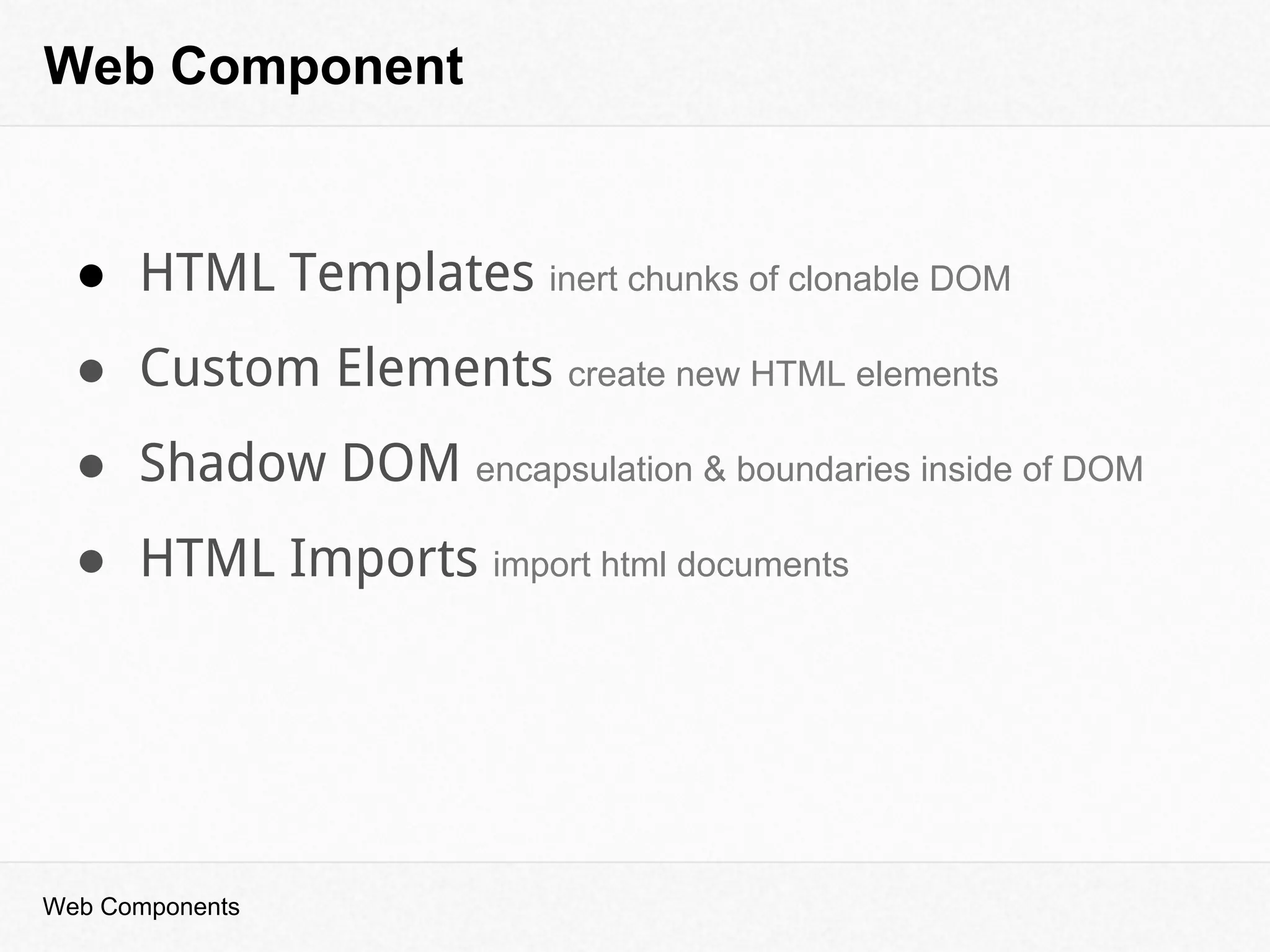
Web Component
Web Components
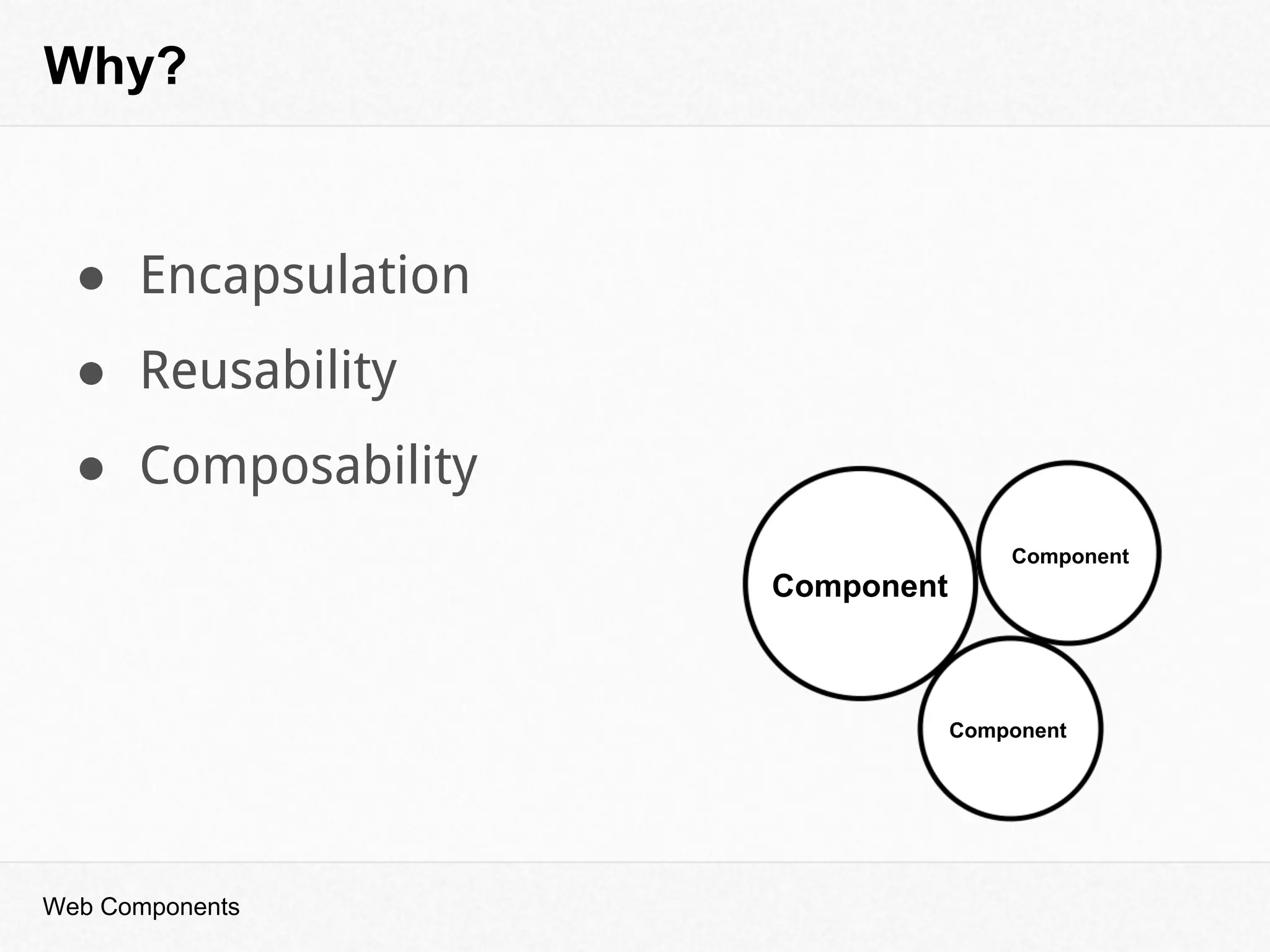
Why?
Component
Component
Component
● Encapsulation
● Reusability
● Composability
Web Components
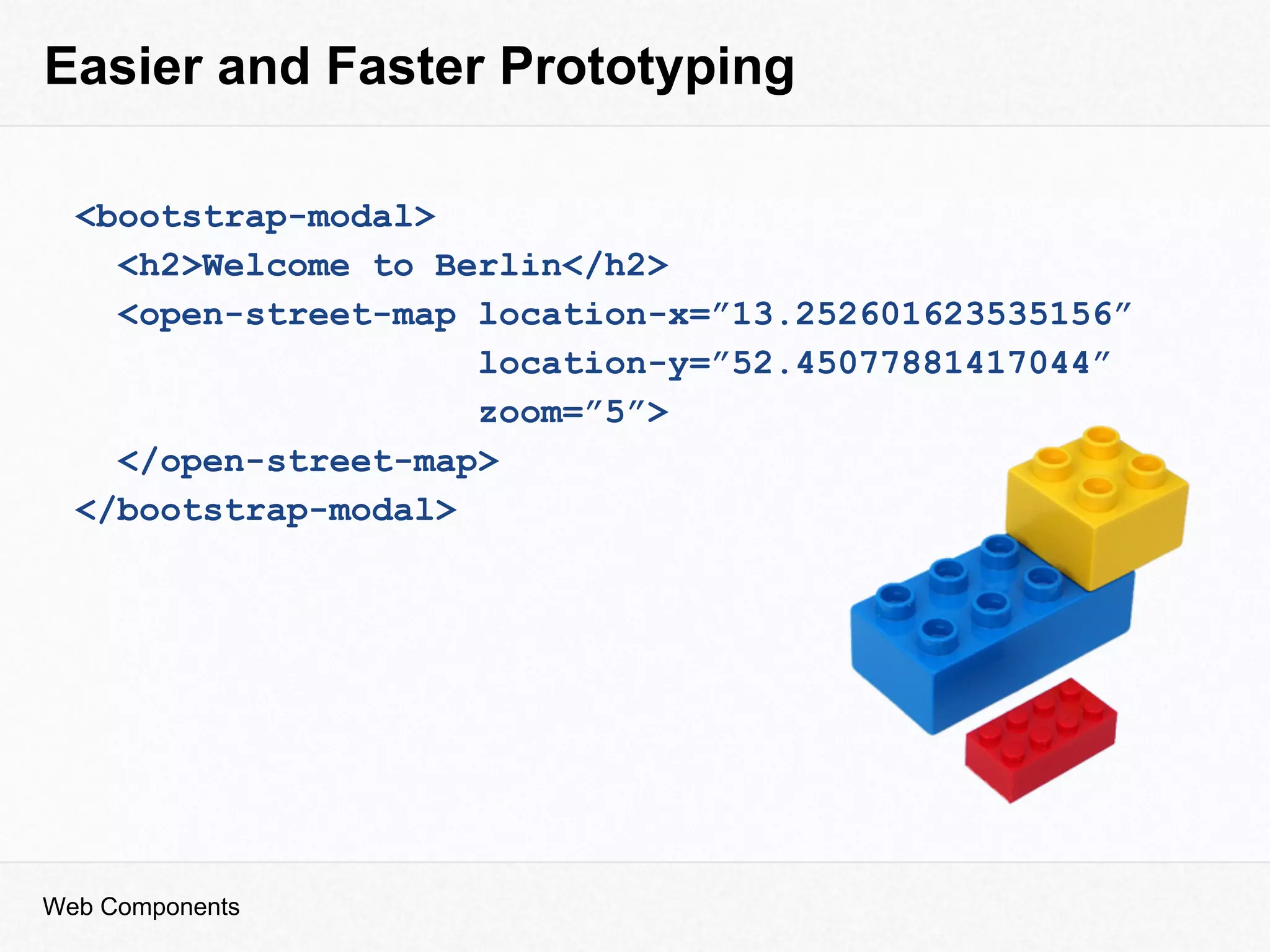
Easier and Faster Prototyping
<bootstrap-modal>
<h2>Welcome to Berlin</h2>
<open-street-map location-x=”13.252601623535156”
location-y=”52.45077881417044”
zoom=”5”>
</open-street-map>
</bootstrap-modal>
Web Components
Web Component
● HTML Templates inert chunks of clonable DOM
● Custom Elements create new HTML elements
● Shadow DOM encapsulation & boundaries inside of DOM
● HTML Imports import html documents
Web Components
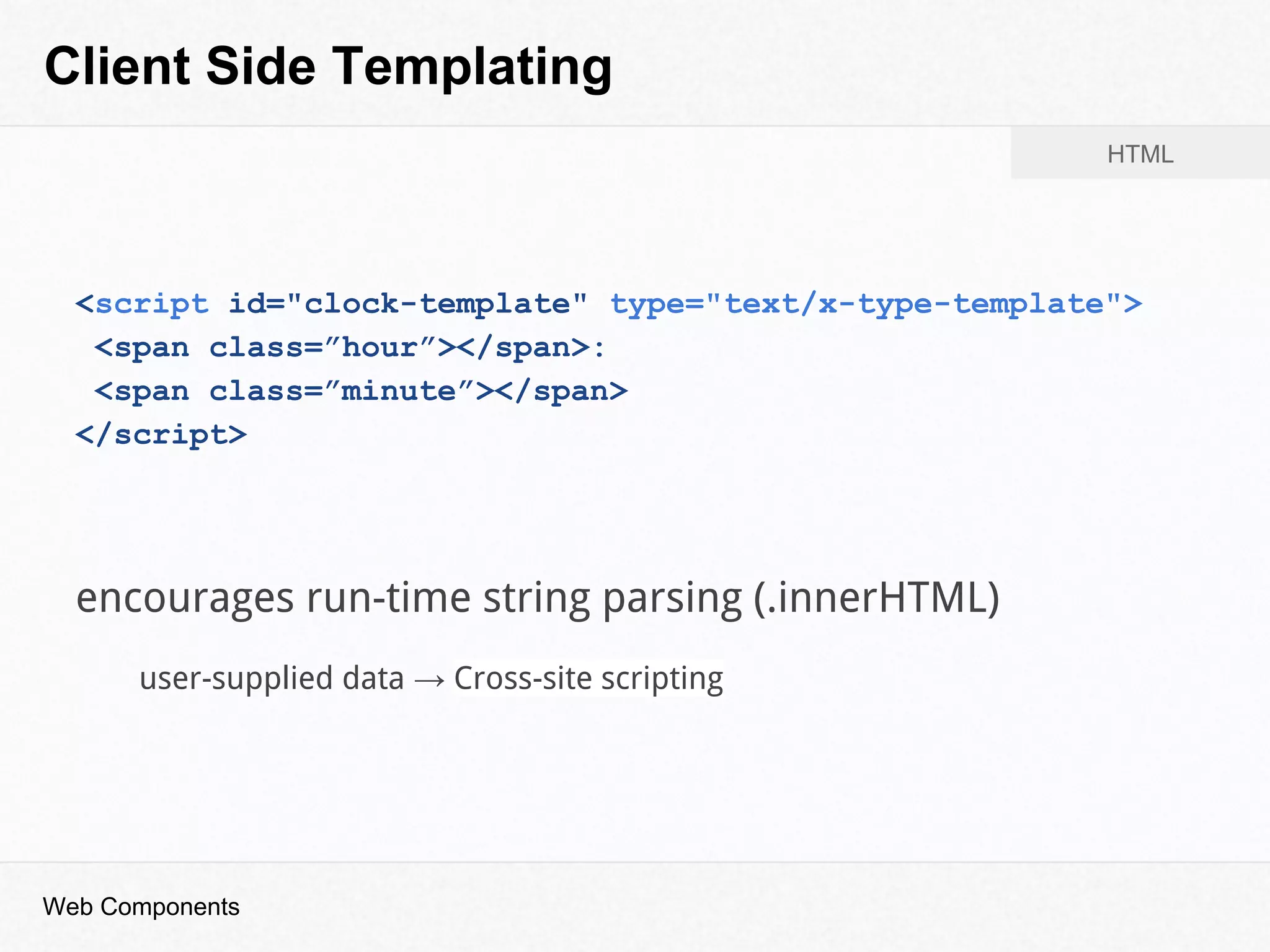
Client Side Templating
<script id="clock-template" type="text/x-type-template">
<span class=”hour”></span>:
<span class=”minute”></span>
</script>
HTML
encourages run-time string parsing (.innerHTML)
user-supplied data → Cross-site scripting
Web Components
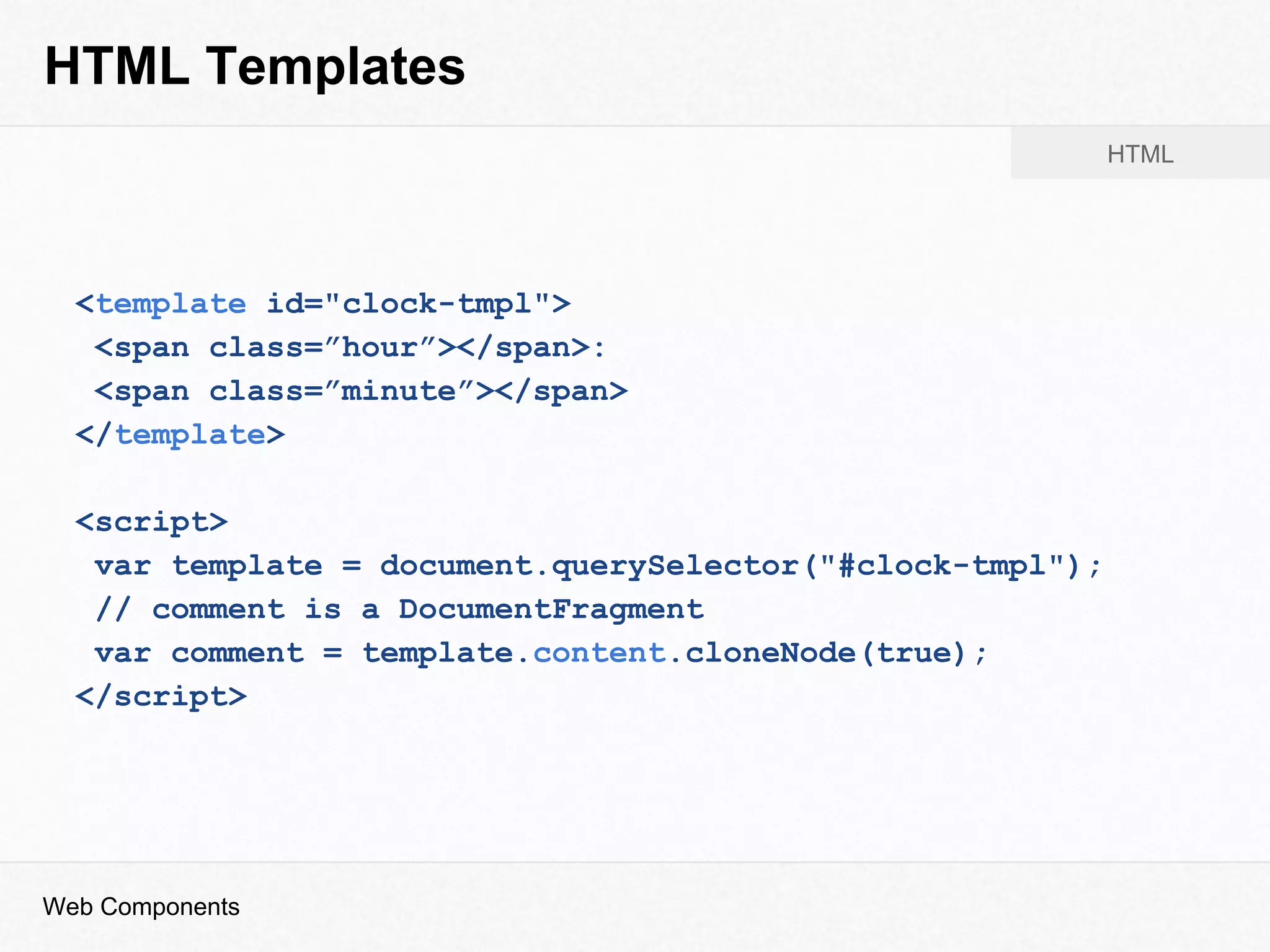
HTML Templates
<template id="clock-tmpl">
<span class=”hour”></span>:
<span class=”minute”></span>
</template>
<script>
var template = document.querySelector("#clock-tmpl");
// comment is a DocumentFragment
var comment = template.content.cloneNode(true);
</script>
Web Components
HTML
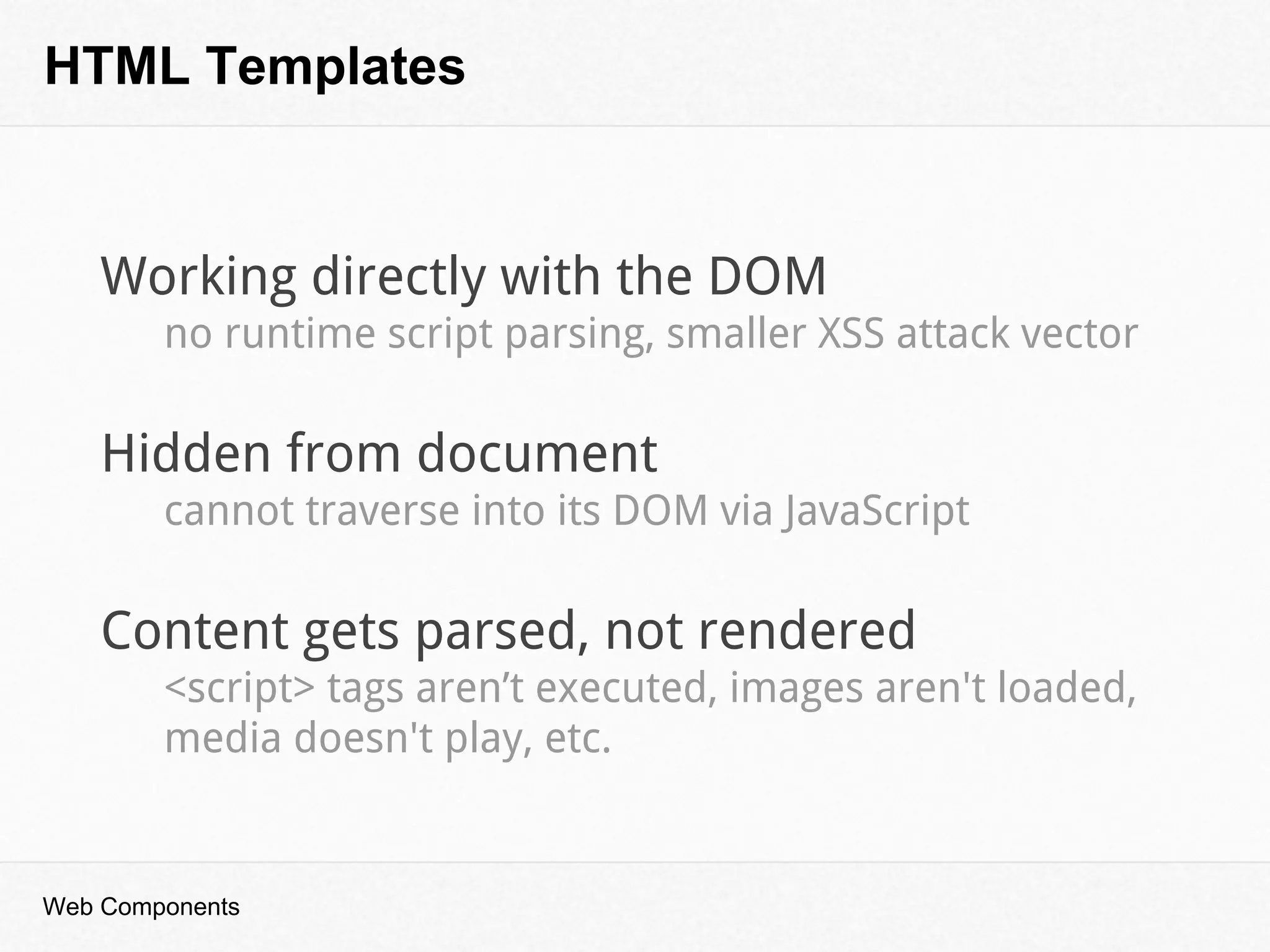
HTML Templates
Web Components
Working directly with the DOM
no runtime script parsing, smaller XSS attack vector
Hidden from document
cannot traverse into its DOM via JavaScript
Content gets parsed, not rendered
<script> tags aren’t executed, images aren't loaded,
media doesn't play, etc.
“
”
Shadow DOM
Web Components
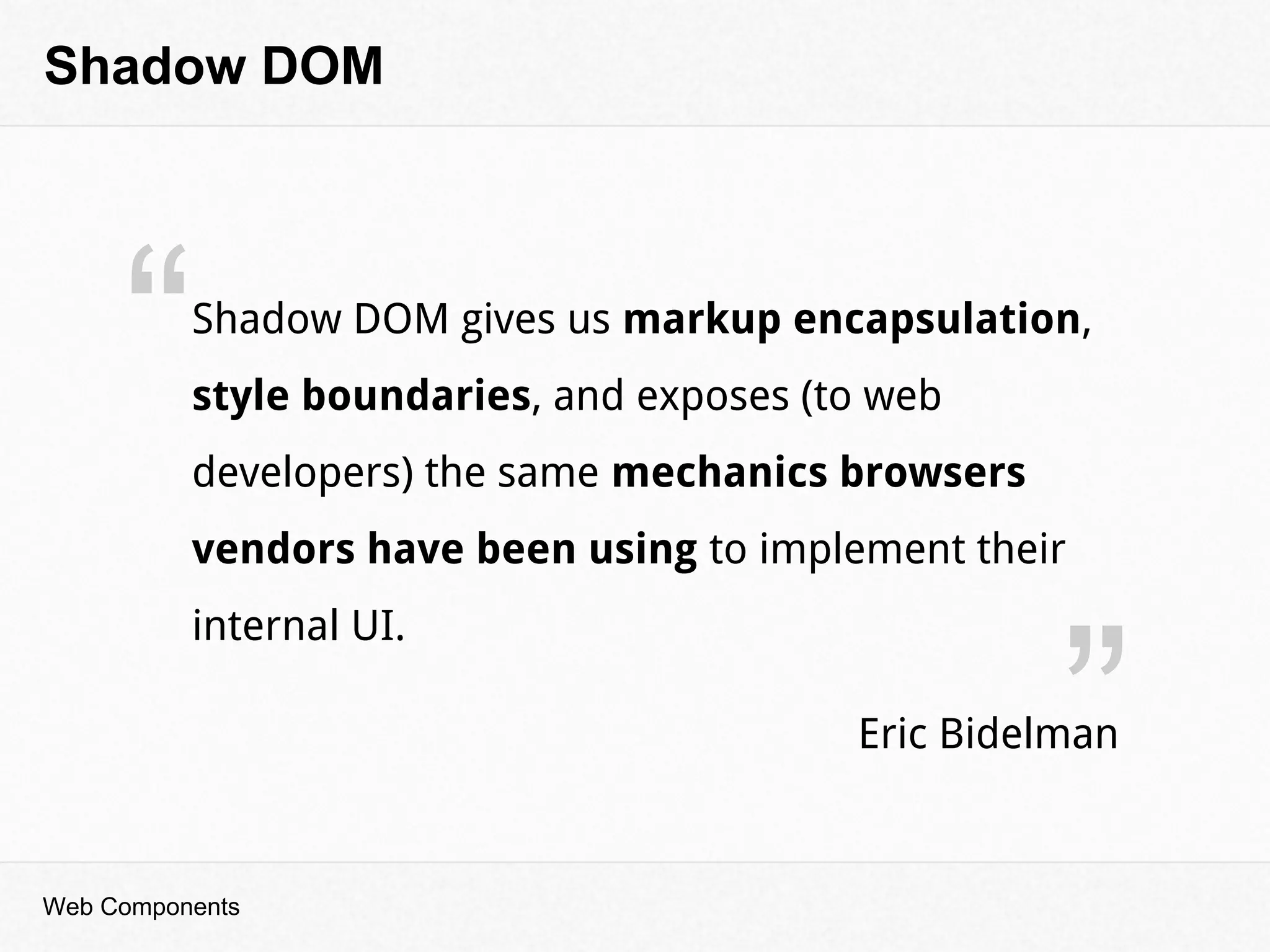
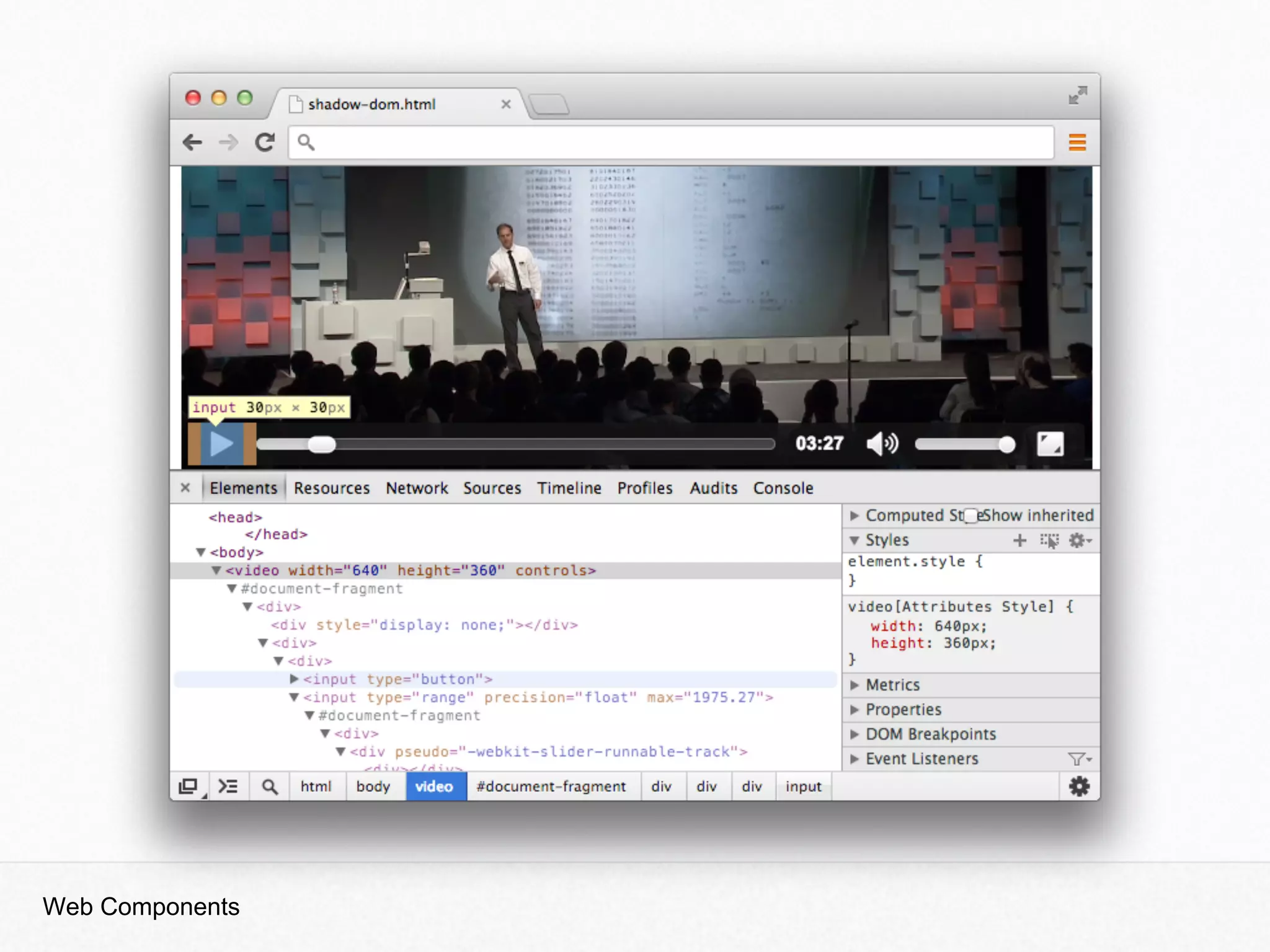
Shadow DOM gives us markup encapsulation,
style boundaries, and exposes (to web
developers) the same mechanics browsers
vendors have been using to implement their
internal UI.
Eric Bidelman
Shadow DOM
Web Components
Let’s dig deeper
Web Components
Shadow DOM
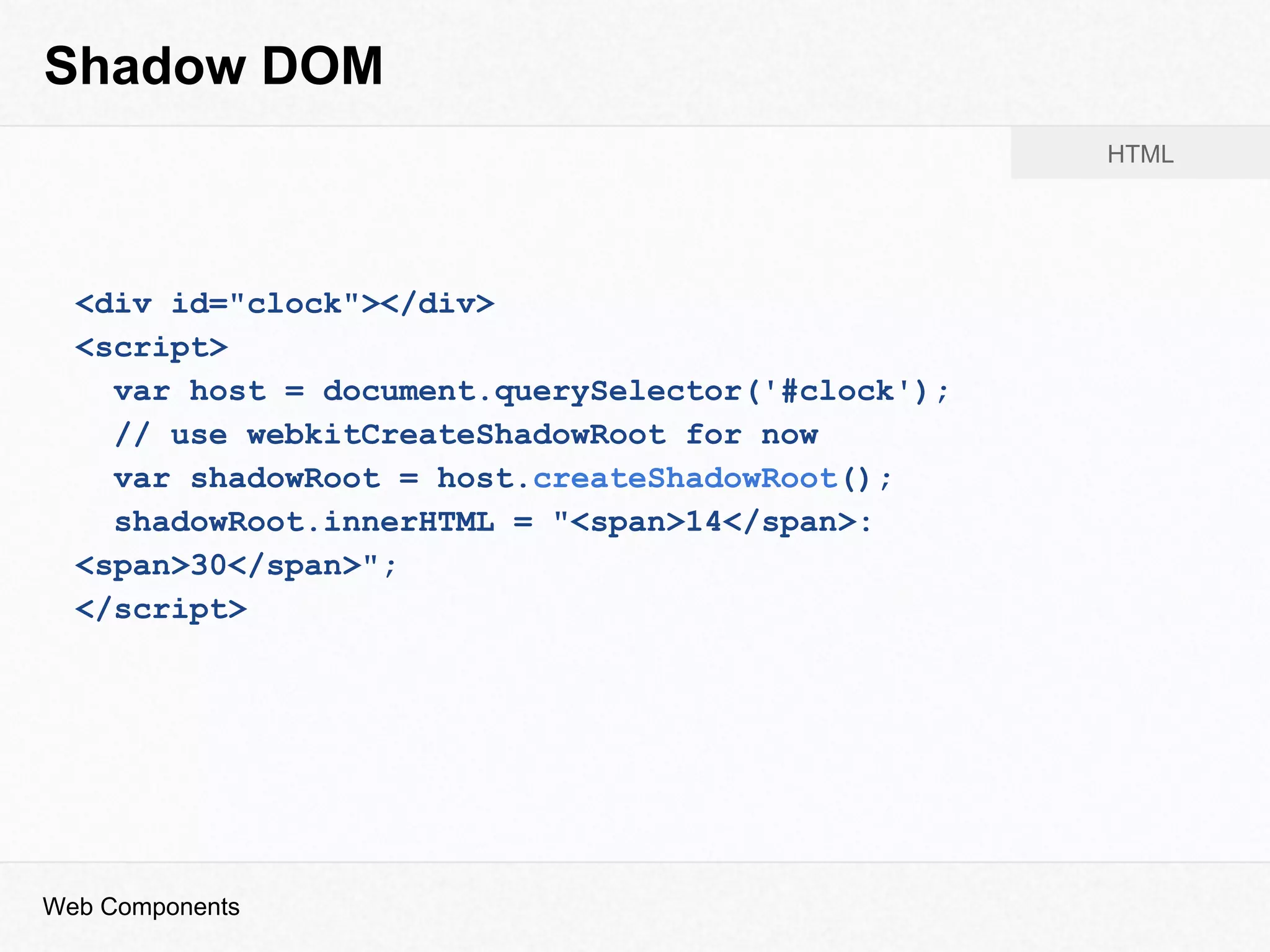
<div id="clock"></div>
<script>
var host = document.querySelector('#clock');
// use webkitCreateShadowRoot for now
var shadowRoot = host.createShadowRoot();
shadowRoot.innerHTML = "<span>14</span>:
<span>30</span>";
</script>
Web Components
HTML
Shadow DOM
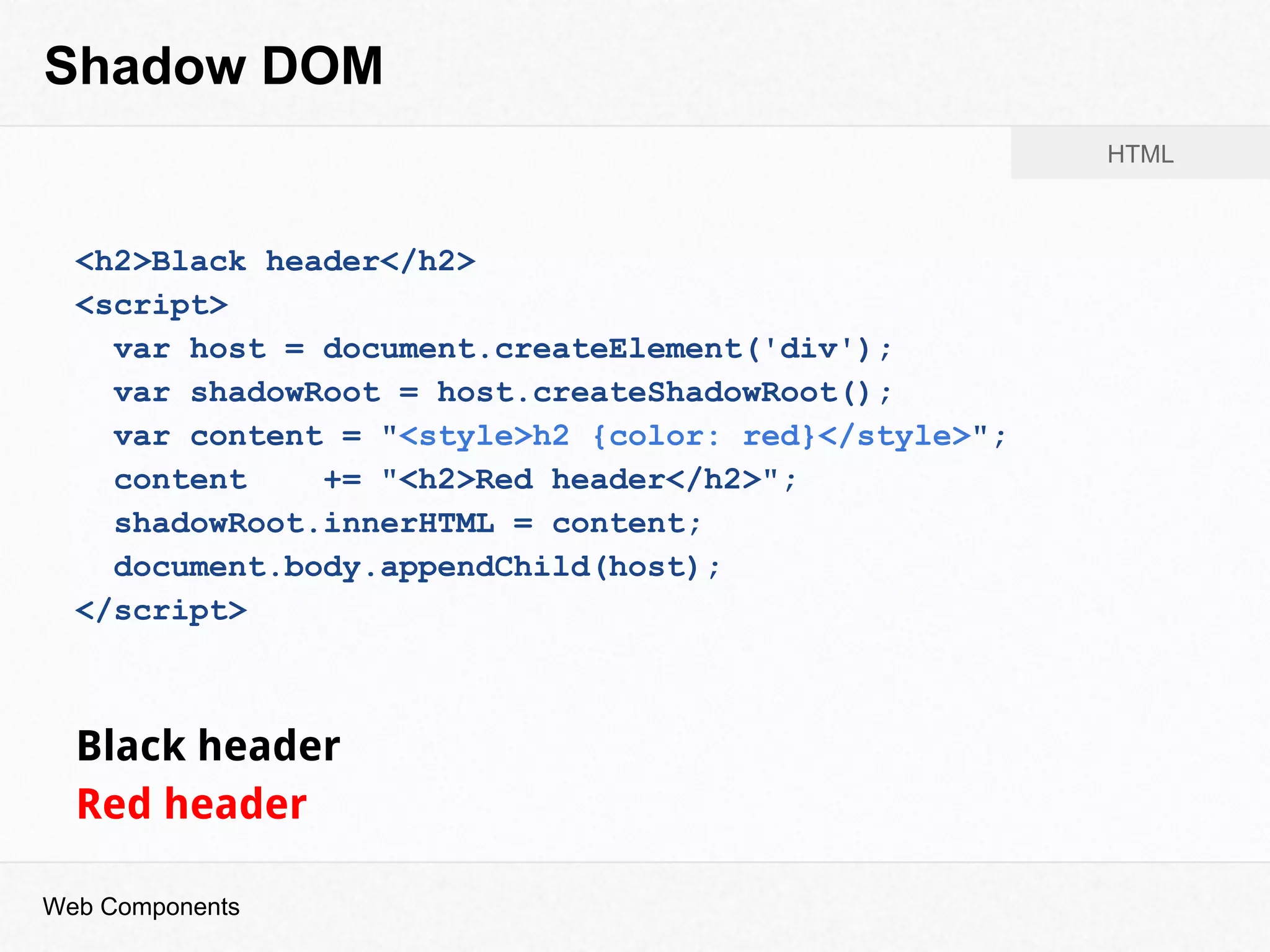
<h2>Black header</h2>
<script>
var host = document.createElement('div');
var shadowRoot = host.createShadowRoot();
var content = "<style>h2 {color: red}</style>";
content += "<h2>Red header</h2>";
shadowRoot.innerHTML = content;
document.body.appendChild(host);
</script>
Black header
Red header
Web Components
HTML
Shadow DOM
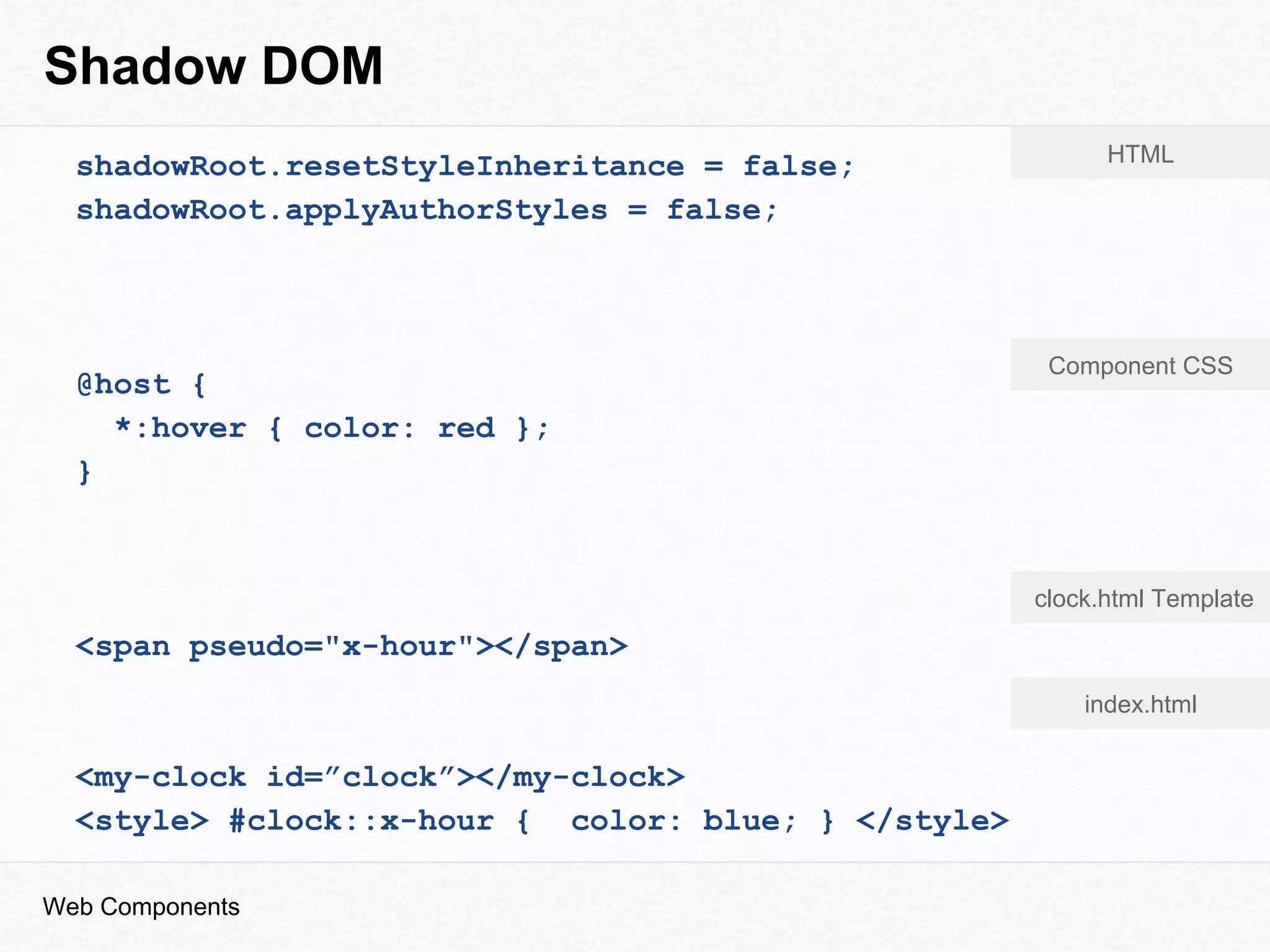
shadowRoot.resetStyleInheritance = false;
shadowRoot.applyAuthorStyles = false;
@host {
*:hover { color: red };
}
<span pseudo="x-hour"></span>
<my-clock id=”clock”></my-clock>
<style> #clock::x-hour { color: blue; } </style>
Web Components
HTML
Component CSS
clock.html Template
index.html
Custom Elements
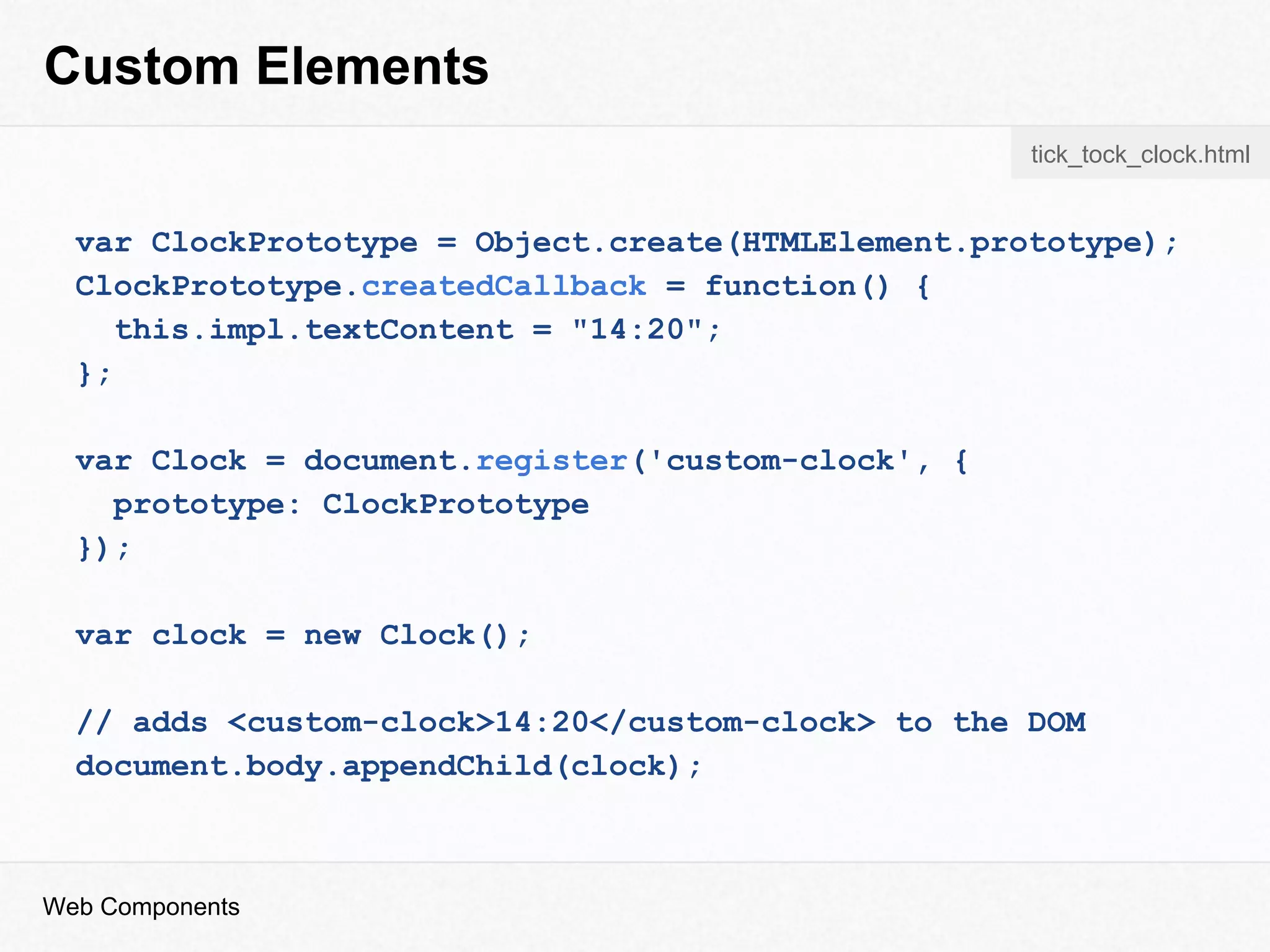
var ClockPrototype = Object.create(HTMLElement.prototype);
ClockPrototype.createdCallback = function() {
this.impl.textContent = "14:20";
};
var Clock = document.register('custom-clock', {
prototype: ClockPrototype
});
var clock = new Clock();
// adds <custom-clock>14:20</custom-clock> to the DOM
document.body.appendChild(clock);
Web Components
tick_tock_clock.html
<link rel="import" href="clock.html">
<script>
var link = document.querySelector('link[rel=import]');
var content = link.import.querySelector('#clock');
</script>
HTML Imports
Web Components
<div id="clock">
<span class=”hour”>14</span>:
<span class=”minute”>30</span>
</div>
clock.html
index.html
Web Component
Web Components
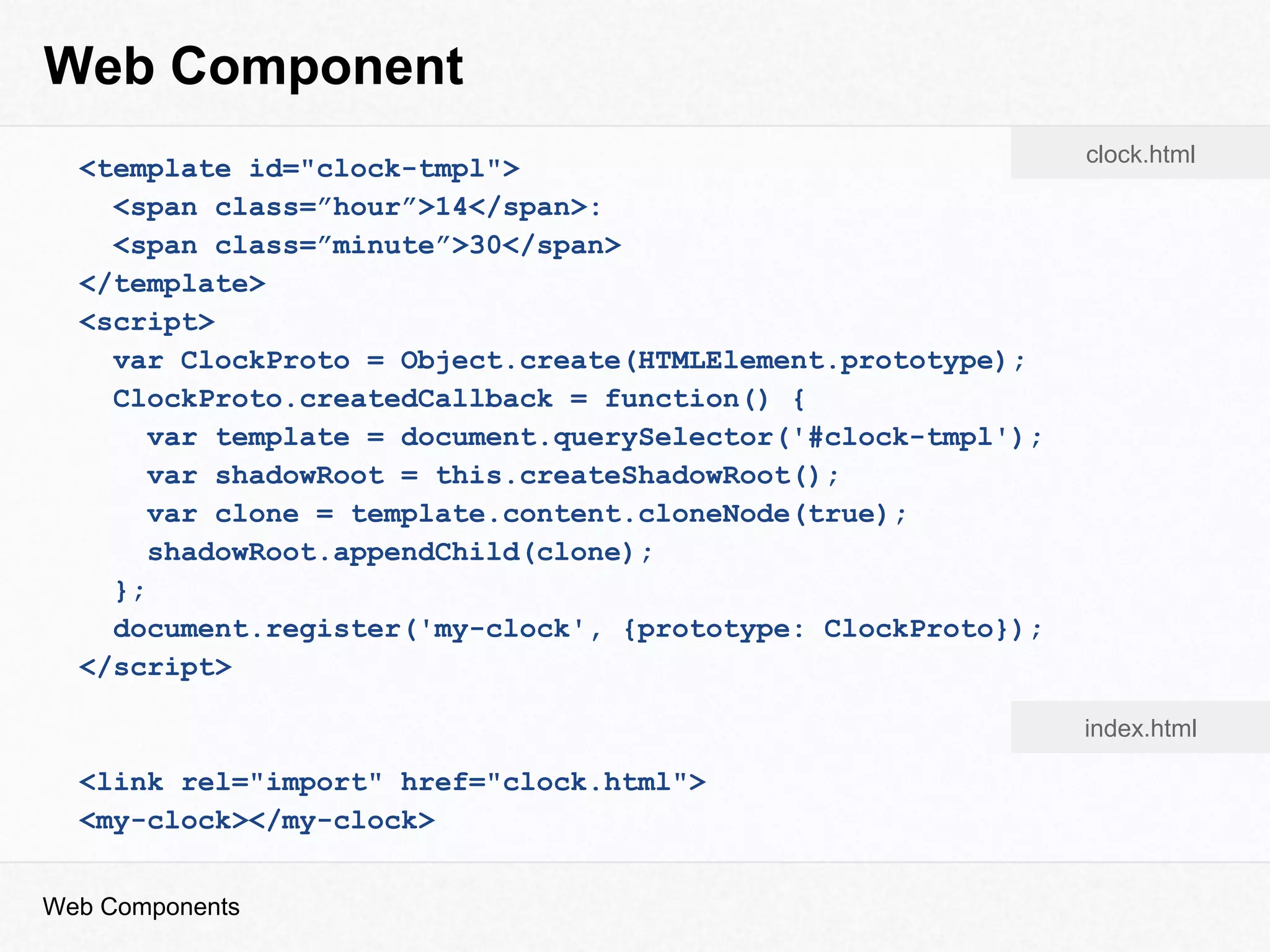
<template id="clock-tmpl">
<span class=”hour”>14</span>:
<span class=”minute”>30</span>
</template>
<script>
var ClockProto = Object.create(HTMLElement.prototype);
ClockProto.createdCallback = function() {
var template = document.querySelector('#clock-tmpl');
var shadowRoot = this.createShadowRoot();
var clone = template.content.cloneNode(true);
shadowRoot.appendChild(clone);
};
document.register('my-clock', {prototype: ClockProto});
</script>
<link rel="import" href="clock.html">
<my-clock></my-clock>
clock.html
index.html
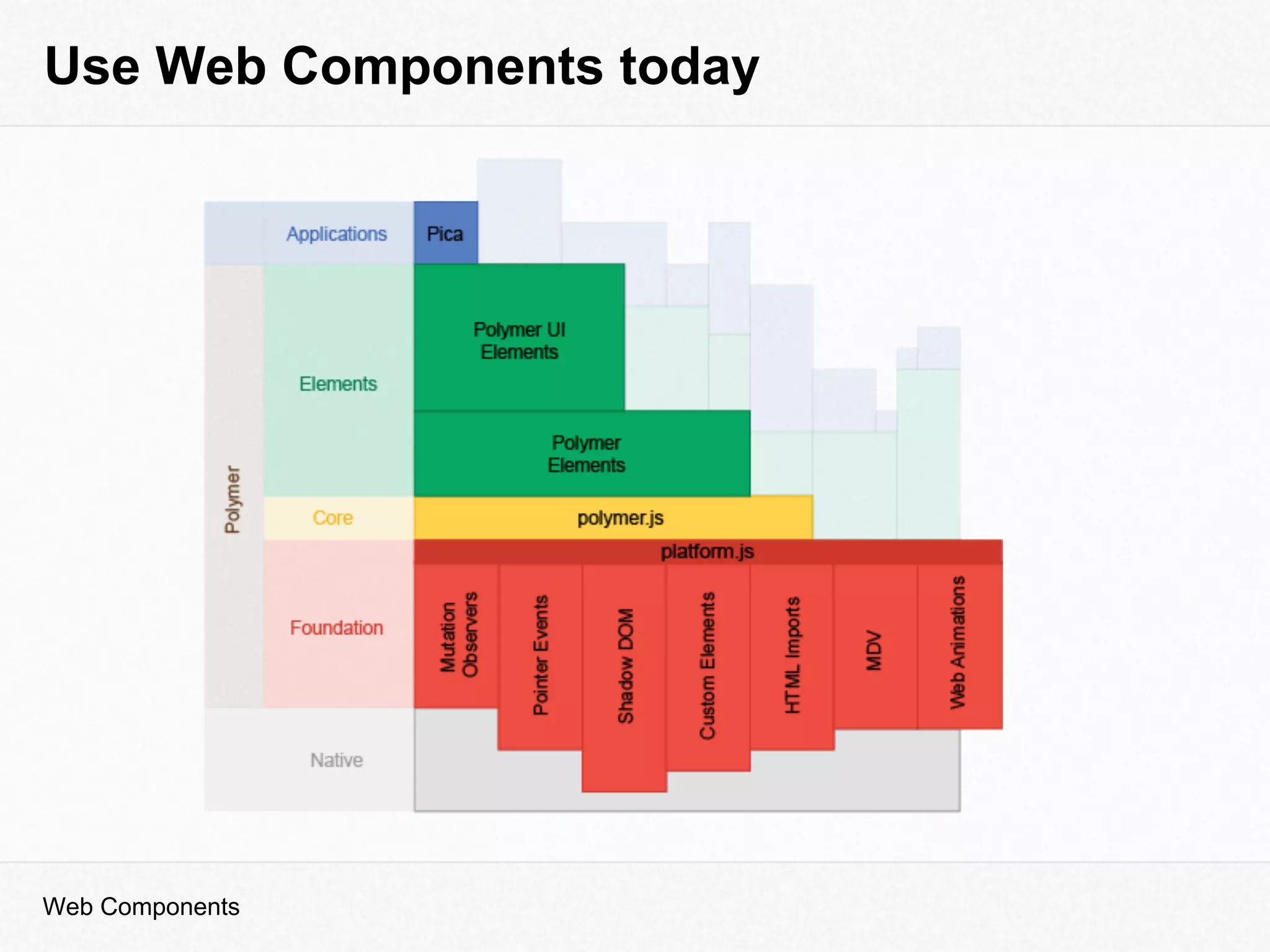
Use Web Components today
Web Components
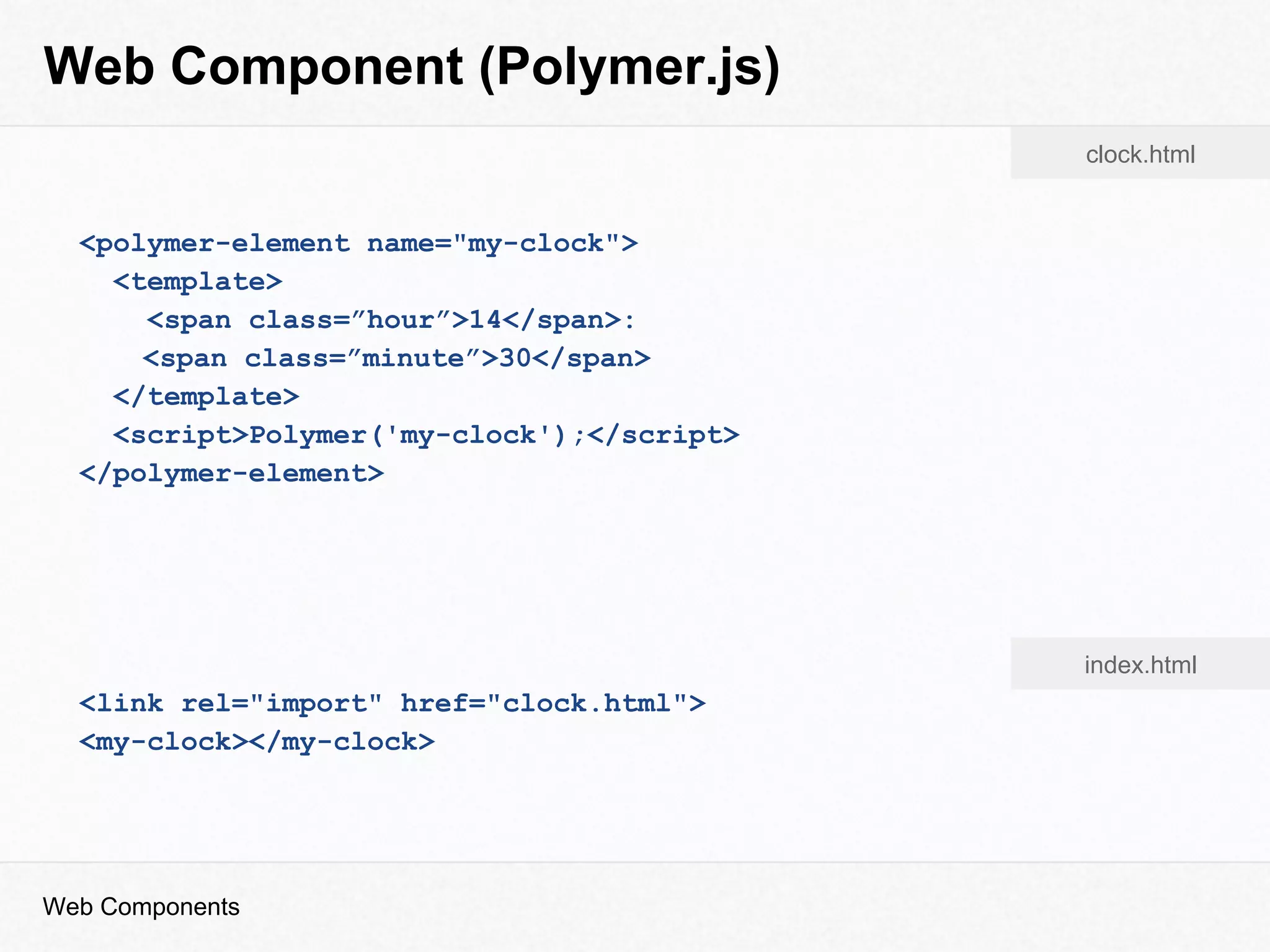
Web Component (Polymer.js)
Web Components
<polymer-element name="my-clock">
<template>
<span class=”hour”>14</span>:
<span class=”minute”>30</span>
</template>
<script>Polymer('my-clock');</script>
</polymer-element>
<link rel="import" href="clock.html">
<my-clock></my-clock>
clock.html
index.html
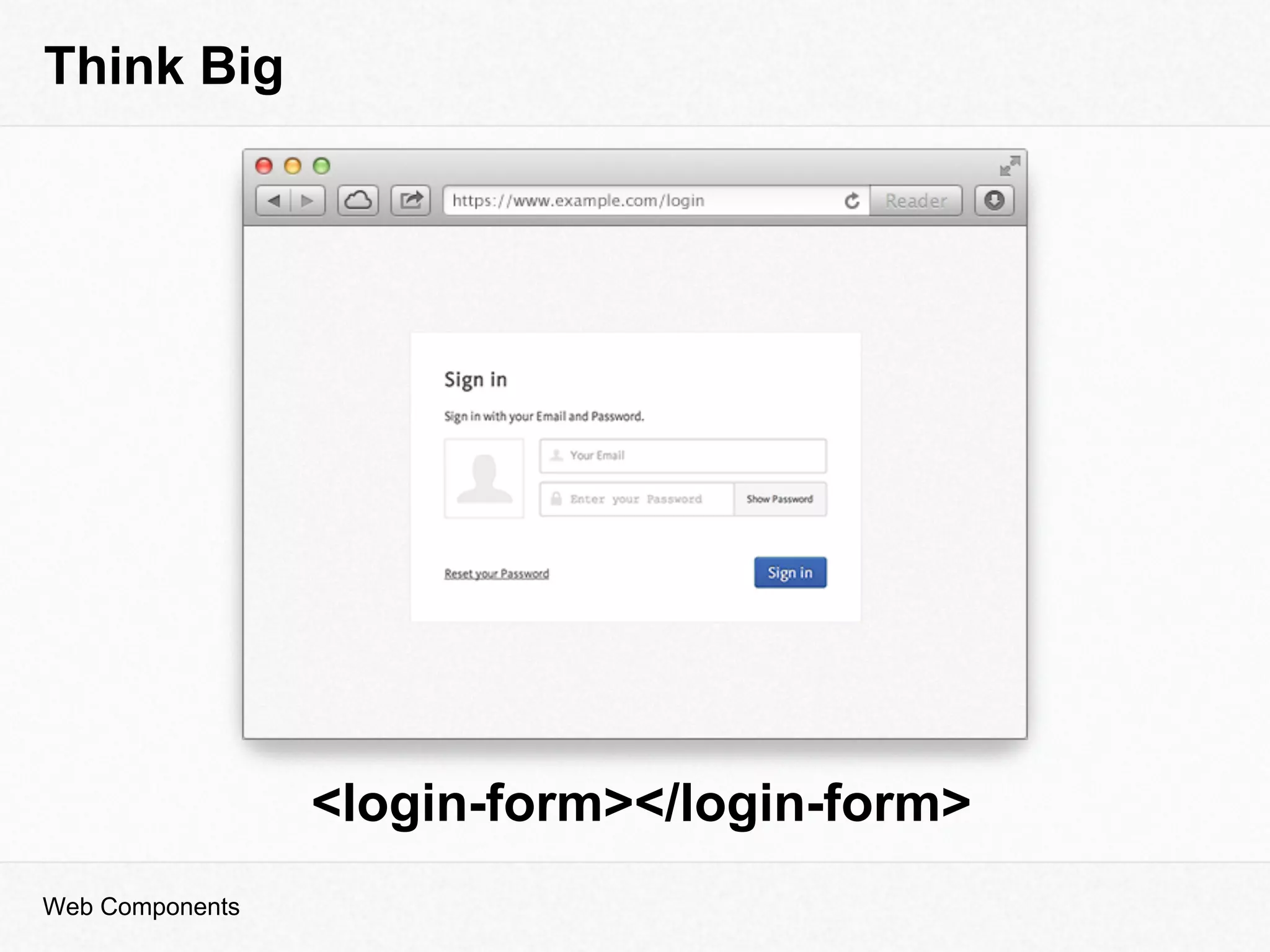
Think Big
Web Components
<login-form></login-form>
Thanks for listening!
nikgraf
www.nikgraf.com
nik@blossom.io
Web Components
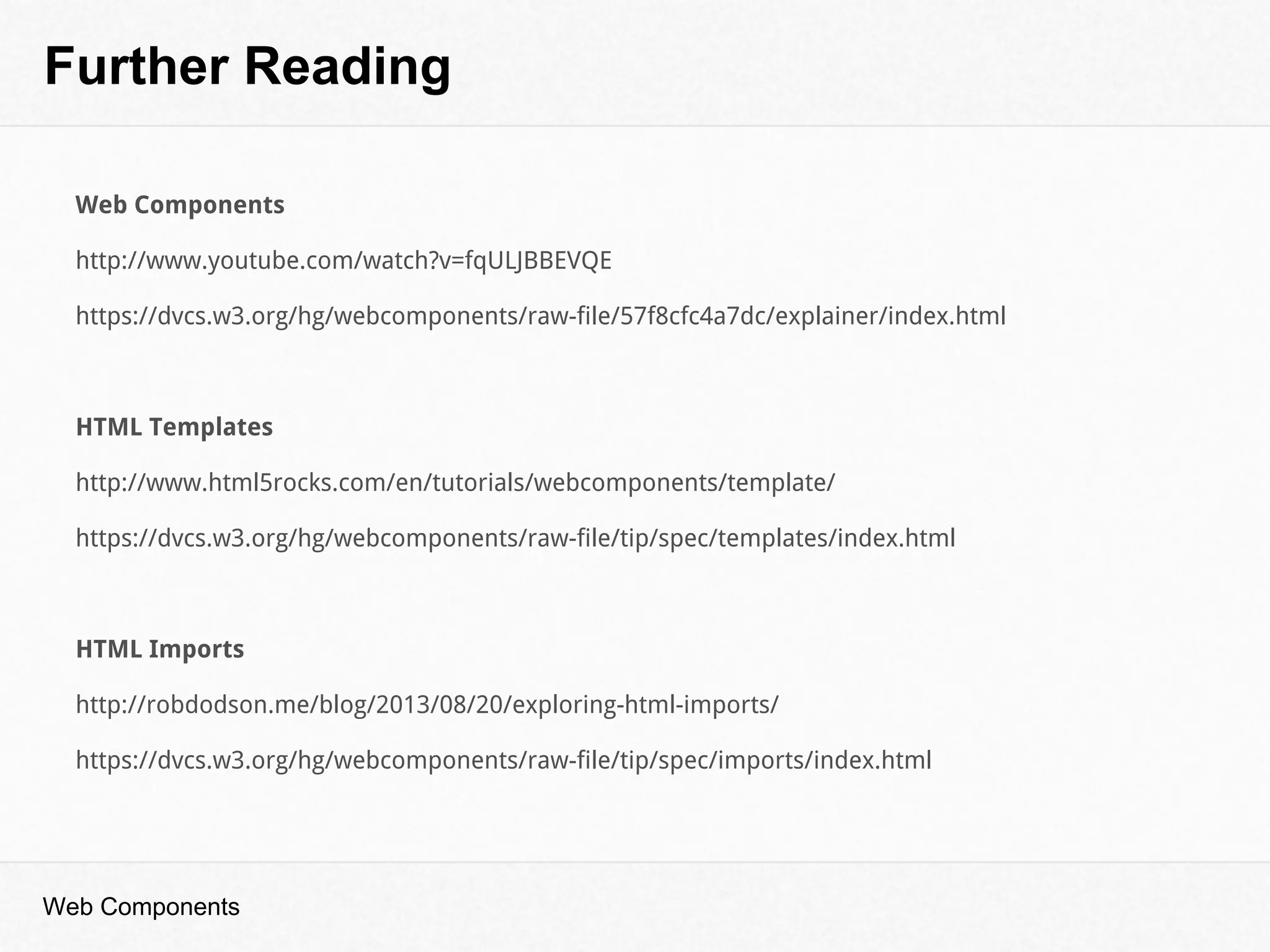
Further Reading
Web Components
Web Components
http://www.youtube.com/watch?v=fqULJBBEVQE
https://dvcs.w3.org/hg/webcomponents/raw-file/57f8cfc4a7dc/explainer/index.html
HTML Templates
http://www.html5rocks.com/en/tutorials/webcomponents/template/
https://dvcs.w3.org/hg/webcomponents/raw-file/tip/spec/templates/index.html
HTML Imports
http://robdodson.me/blog/2013/08/20/exploring-html-imports/
https://dvcs.w3.org/hg/webcomponents/raw-file/tip/spec/imports/index.html
Further Reading
Web Components
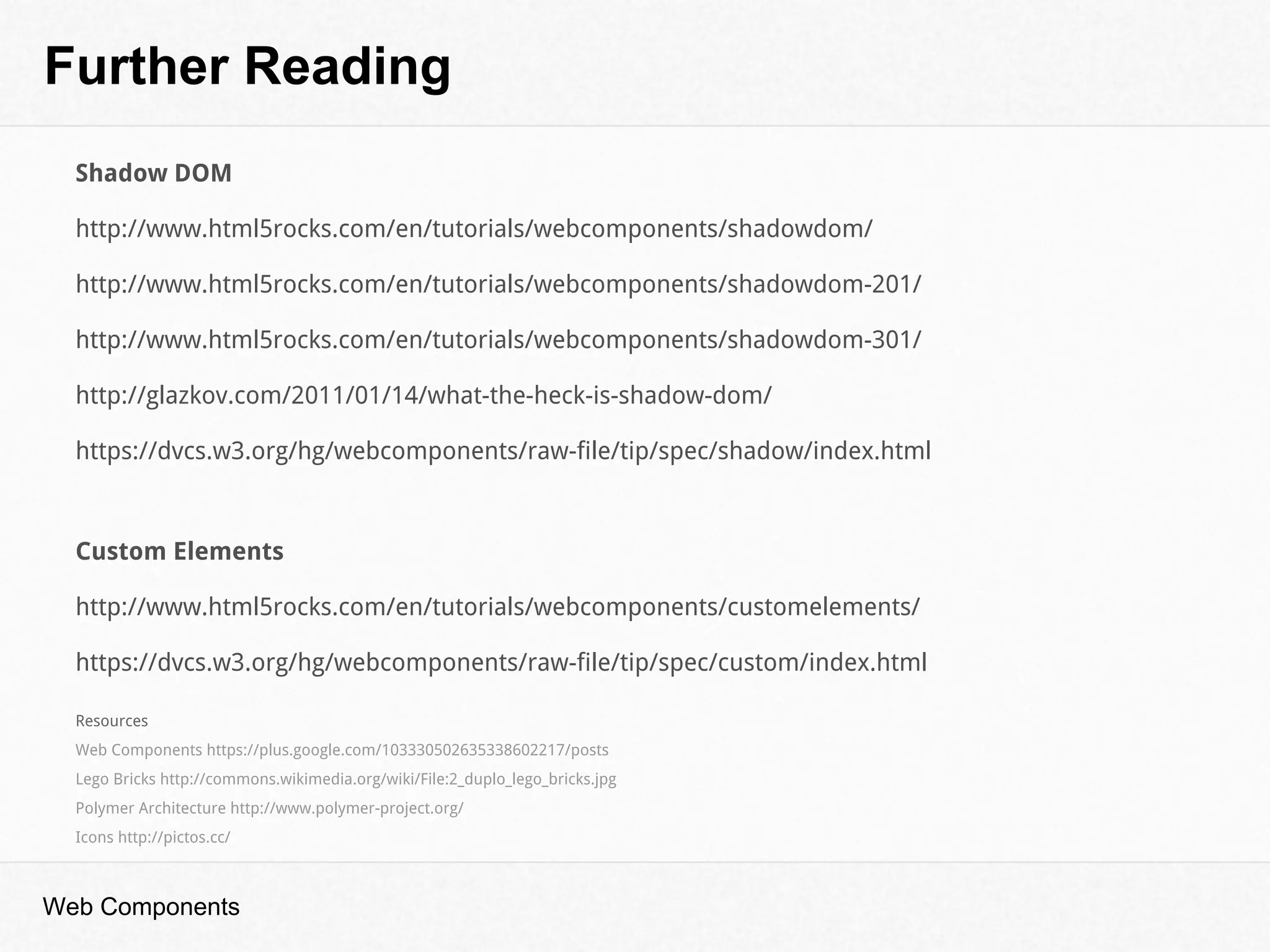
Shadow DOM
http://www.html5rocks.com/en/tutorials/webcomponents/shadowdom/
http://www.html5rocks.com/en/tutorials/webcomponents/shadowdom-201/
http://www.html5rocks.com/en/tutorials/webcomponents/shadowdom-301/
http://glazkov.com/2011/01/14/what-the-heck-is-shadow-dom/
https://dvcs.w3.org/hg/webcomponents/raw-file/tip/spec/shadow/index.html
Custom Elements
http://www.html5rocks.com/en/tutorials/webcomponents/customelements/
https://dvcs.w3.org/hg/webcomponents/raw-file/tip/spec/custom/index.html
Resources
Web Components https://plus.google.com/103330502635338602217/posts
Lego Bricks http://commons.wikimedia.org/wiki/File:2_duplo_lego_bricks.jpg
Polymer Architecture http://www.polymer-project.org/
Icons http://pictos.cc/

Web Components

  • 1.
  • 2.
    Who is thisguy? nikgraf www.nikgraf.com nik@blossom.io Web Components
  • 3.
    How to Use <html> <head> <linkrel="import" href="/path/calendar.html"> </head> <body> <custom-calendar></custom-calendar> </body> </html> index.html Web Components
  • 4.
  • 5.
    How to Use <html> <head> <linkrel="import" href="/path/to/map.html"> </head> <body> <open-street-map location-x=”13.252601623535156” location-y=”52.45077881417044” zoom=”5”> </open-street-map> </body> </html> index.html Web Components
  • 6.
  • 7.
  • 8.
  • 9.
    Easier and FasterPrototyping <bootstrap-modal> <h2>Welcome to Berlin</h2> <open-street-map location-x=”13.252601623535156” location-y=”52.45077881417044” zoom=”5”> </open-street-map> </bootstrap-modal> Web Components
  • 10.
    Web Component ● HTMLTemplates inert chunks of clonable DOM ● Custom Elements create new HTML elements ● Shadow DOM encapsulation & boundaries inside of DOM ● HTML Imports import html documents Web Components
  • 11.
    Client Side Templating <scriptid="clock-template" type="text/x-type-template"> <span class=”hour”></span>: <span class=”minute”></span> </script> HTML encourages run-time string parsing (.innerHTML) user-supplied data → Cross-site scripting Web Components
  • 12.
    HTML Templates <template id="clock-tmpl"> <spanclass=”hour”></span>: <span class=”minute”></span> </template> <script> var template = document.querySelector("#clock-tmpl"); // comment is a DocumentFragment var comment = template.content.cloneNode(true); </script> Web Components HTML
  • 13.
    HTML Templates Web Components Workingdirectly with the DOM no runtime script parsing, smaller XSS attack vector Hidden from document cannot traverse into its DOM via JavaScript Content gets parsed, not rendered <script> tags aren’t executed, images aren't loaded, media doesn't play, etc.
  • 14.
    “ ” Shadow DOM Web Components ShadowDOM gives us markup encapsulation, style boundaries, and exposes (to web developers) the same mechanics browsers vendors have been using to implement their internal UI. Eric Bidelman
  • 15.
  • 16.
  • 17.
    Shadow DOM <div id="clock"></div> <script> varhost = document.querySelector('#clock'); // use webkitCreateShadowRoot for now var shadowRoot = host.createShadowRoot(); shadowRoot.innerHTML = "<span>14</span>: <span>30</span>"; </script> Web Components HTML
  • 18.
    Shadow DOM <h2>Black header</h2> <script> varhost = document.createElement('div'); var shadowRoot = host.createShadowRoot(); var content = "<style>h2 {color: red}</style>"; content += "<h2>Red header</h2>"; shadowRoot.innerHTML = content; document.body.appendChild(host); </script> Black header Red header Web Components HTML
  • 19.
    Shadow DOM shadowRoot.resetStyleInheritance =false; shadowRoot.applyAuthorStyles = false; @host { *:hover { color: red }; } <span pseudo="x-hour"></span> <my-clock id=”clock”></my-clock> <style> #clock::x-hour { color: blue; } </style> Web Components HTML Component CSS clock.html Template index.html
  • 20.
    Custom Elements var ClockPrototype= Object.create(HTMLElement.prototype); ClockPrototype.createdCallback = function() { this.impl.textContent = "14:20"; }; var Clock = document.register('custom-clock', { prototype: ClockPrototype }); var clock = new Clock(); // adds <custom-clock>14:20</custom-clock> to the DOM document.body.appendChild(clock); Web Components tick_tock_clock.html
  • 21.
    <link rel="import" href="clock.html"> <script> varlink = document.querySelector('link[rel=import]'); var content = link.import.querySelector('#clock'); </script> HTML Imports Web Components <div id="clock"> <span class=”hour”>14</span>: <span class=”minute”>30</span> </div> clock.html index.html
  • 22.
    Web Component Web Components <templateid="clock-tmpl"> <span class=”hour”>14</span>: <span class=”minute”>30</span> </template> <script> var ClockProto = Object.create(HTMLElement.prototype); ClockProto.createdCallback = function() { var template = document.querySelector('#clock-tmpl'); var shadowRoot = this.createShadowRoot(); var clone = template.content.cloneNode(true); shadowRoot.appendChild(clone); }; document.register('my-clock', {prototype: ClockProto}); </script> <link rel="import" href="clock.html"> <my-clock></my-clock> clock.html index.html
  • 23.
    Use Web Componentstoday Web Components
  • 24.
    Web Component (Polymer.js) WebComponents <polymer-element name="my-clock"> <template> <span class=”hour”>14</span>: <span class=”minute”>30</span> </template> <script>Polymer('my-clock');</script> </polymer-element> <link rel="import" href="clock.html"> <my-clock></my-clock> clock.html index.html
  • 25.
  • 26.
  • 27.
    Further Reading Web Components WebComponents http://www.youtube.com/watch?v=fqULJBBEVQE https://dvcs.w3.org/hg/webcomponents/raw-file/57f8cfc4a7dc/explainer/index.html HTML Templates http://www.html5rocks.com/en/tutorials/webcomponents/template/ https://dvcs.w3.org/hg/webcomponents/raw-file/tip/spec/templates/index.html HTML Imports http://robdodson.me/blog/2013/08/20/exploring-html-imports/ https://dvcs.w3.org/hg/webcomponents/raw-file/tip/spec/imports/index.html
  • 28.
    Further Reading Web Components ShadowDOM http://www.html5rocks.com/en/tutorials/webcomponents/shadowdom/ http://www.html5rocks.com/en/tutorials/webcomponents/shadowdom-201/ http://www.html5rocks.com/en/tutorials/webcomponents/shadowdom-301/ http://glazkov.com/2011/01/14/what-the-heck-is-shadow-dom/ https://dvcs.w3.org/hg/webcomponents/raw-file/tip/spec/shadow/index.html Custom Elements http://www.html5rocks.com/en/tutorials/webcomponents/customelements/ https://dvcs.w3.org/hg/webcomponents/raw-file/tip/spec/custom/index.html Resources Web Components https://plus.google.com/103330502635338602217/posts Lego Bricks http://commons.wikimedia.org/wiki/File:2_duplo_lego_bricks.jpg Polymer Architecture http://www.polymer-project.org/ Icons http://pictos.cc/