Universal Design for E-Learning 
Can Benefit All Students 
Kari Kumar – University of Manitoba 
Ron Owston – York University
Presentation Outline 
• Introduction to Universal Design for Learning 
• E-learning accessibility study 
• Summary – Key findings 
• Acknowledgements 
• Relevant Literature
Introduction to UDL 
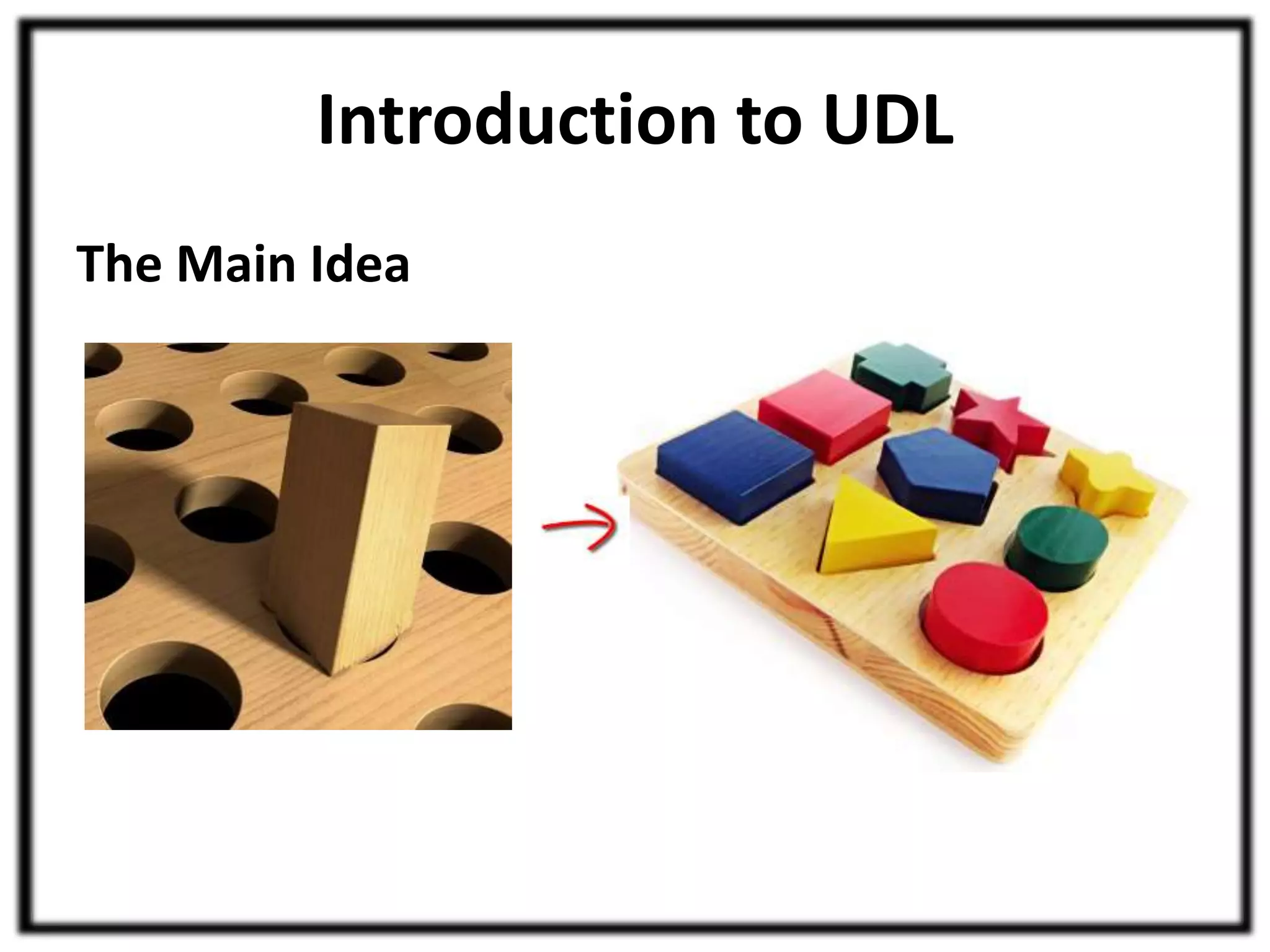
The Main Idea
Introduction to UDL 
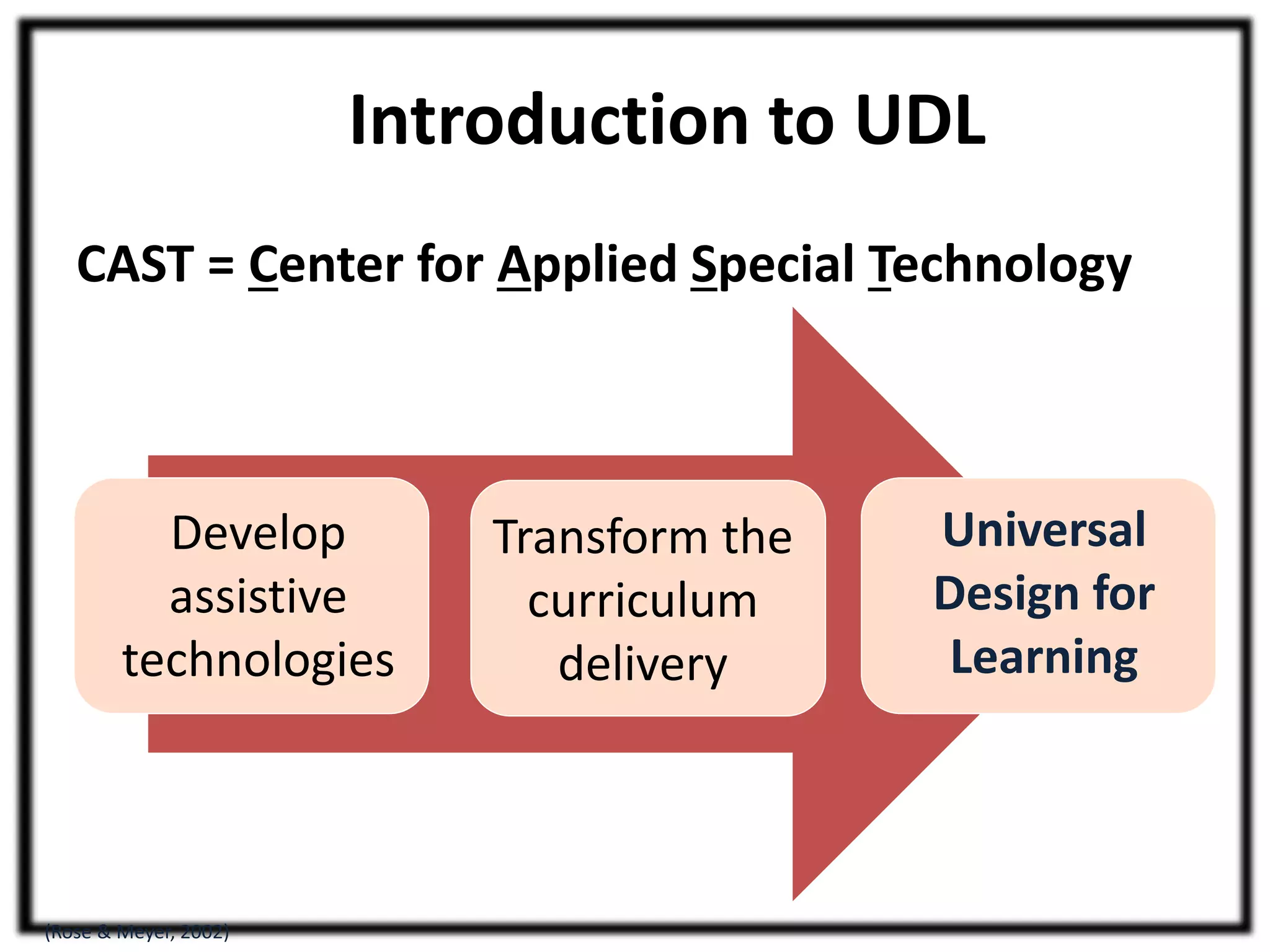
CAST = Center for Applied Special Technology 
Universal 
Design for 
Learning 
(Rose & Meyer, 2002) 
Transform the 
curriculum 
delivery 
Develop 
assistive 
technologies
Introduction to UDL 
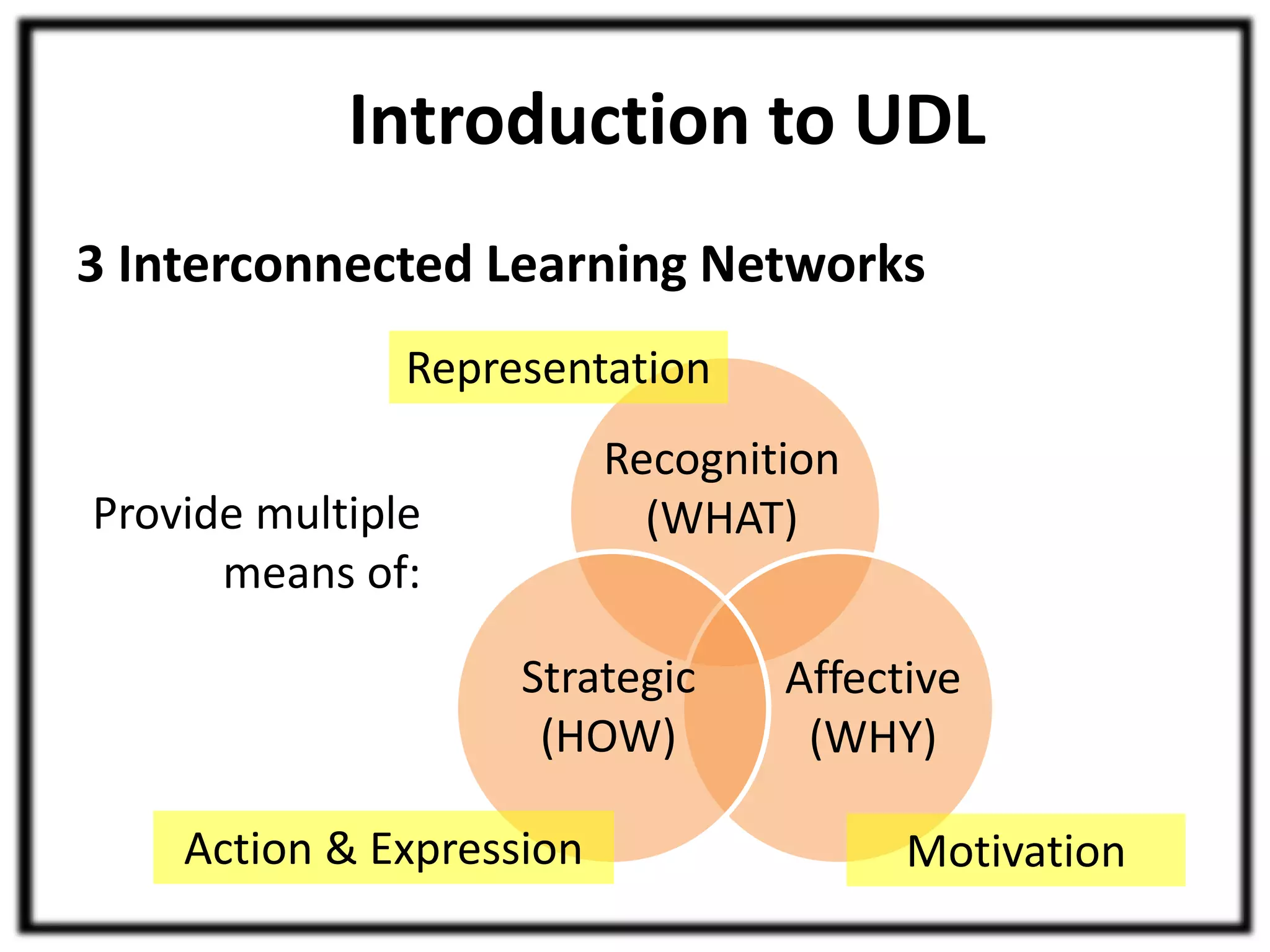
3 Interconnected Learning Networks 
Representation 
Provide multiple 
means of: 
Recognition 
(WHAT) 
Affective 
(WHY) 
Strategic 
(HOW) 
Action & Expression Motivation
Introduction to UDL 
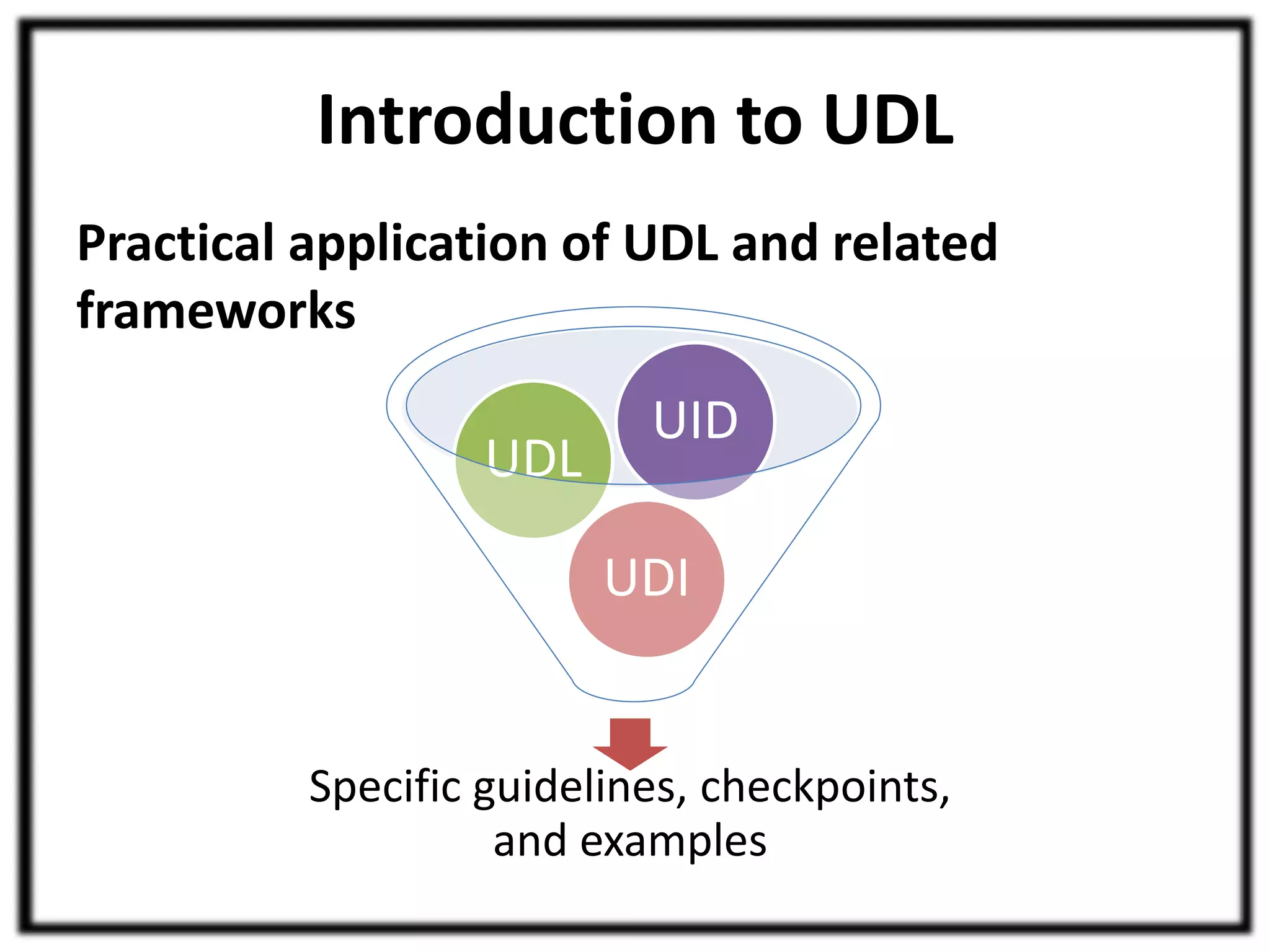
Practical application of UDL and related 
frameworks 
UID 
UDI 
UDL 
Specific guidelines, checkpoints, 
and examples
E-learning Accessibility Study 
What is e-learning accessibility? 
Image by Jil Wright (CC BY 2.0)
E-learning Accessibility Study 
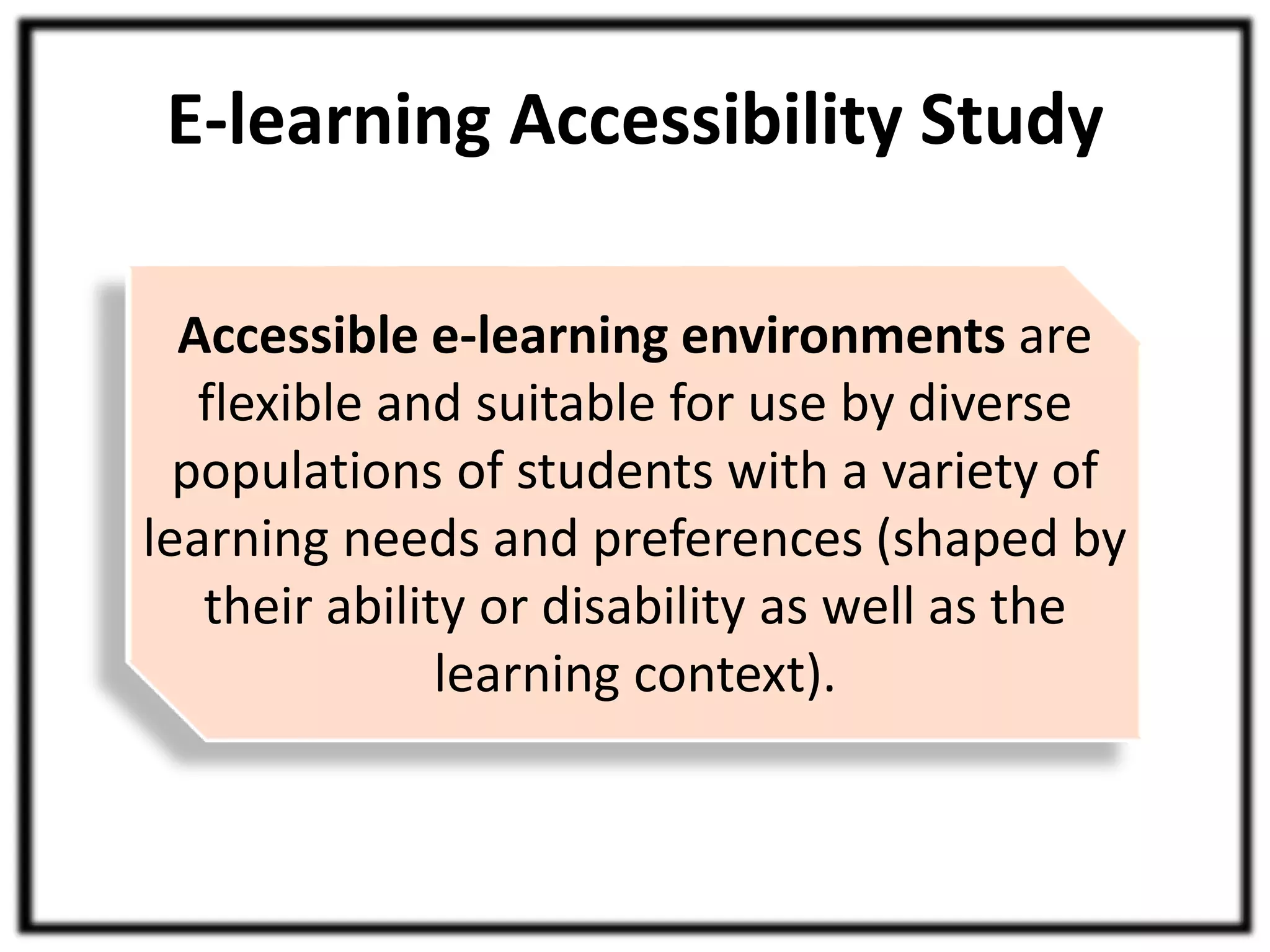
Accessible e-learning environments are 
flexible and suitable for use by diverse 
populations of students with a variety of 
learning needs and preferences (shaped by 
their ability or disability as well as the 
learning context).
E-learning Accessibility Study 
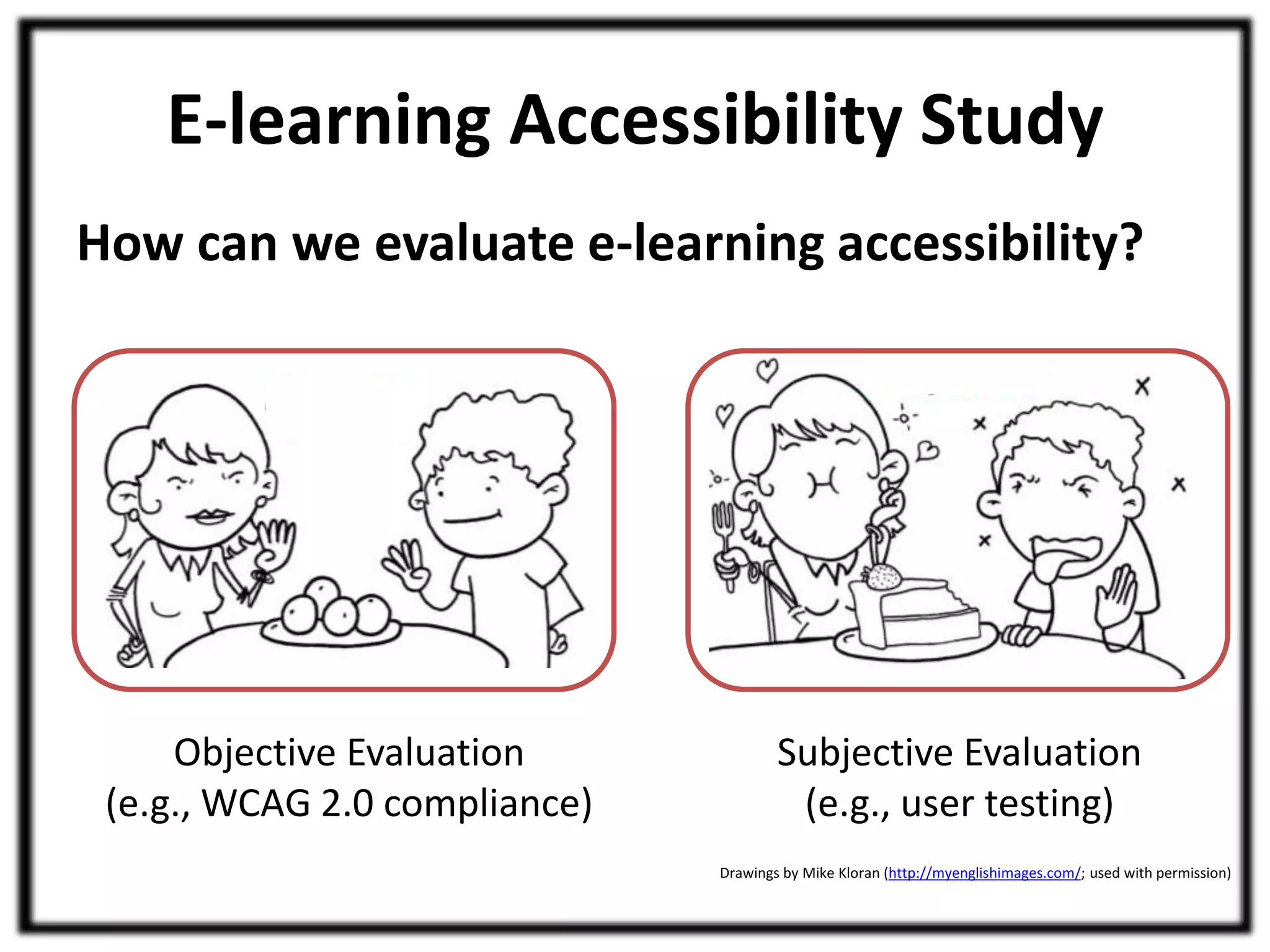
How can we evaluate e-learning accessibility? 
Objective Evaluation 
(e.g., WCAG 2.0 compliance) 
Subjective Evaluation 
(e.g., user testing) 
Drawings by Mike Kloran (http://myenglishimages.com/; used with permission)
E-learning Accessibility Study 
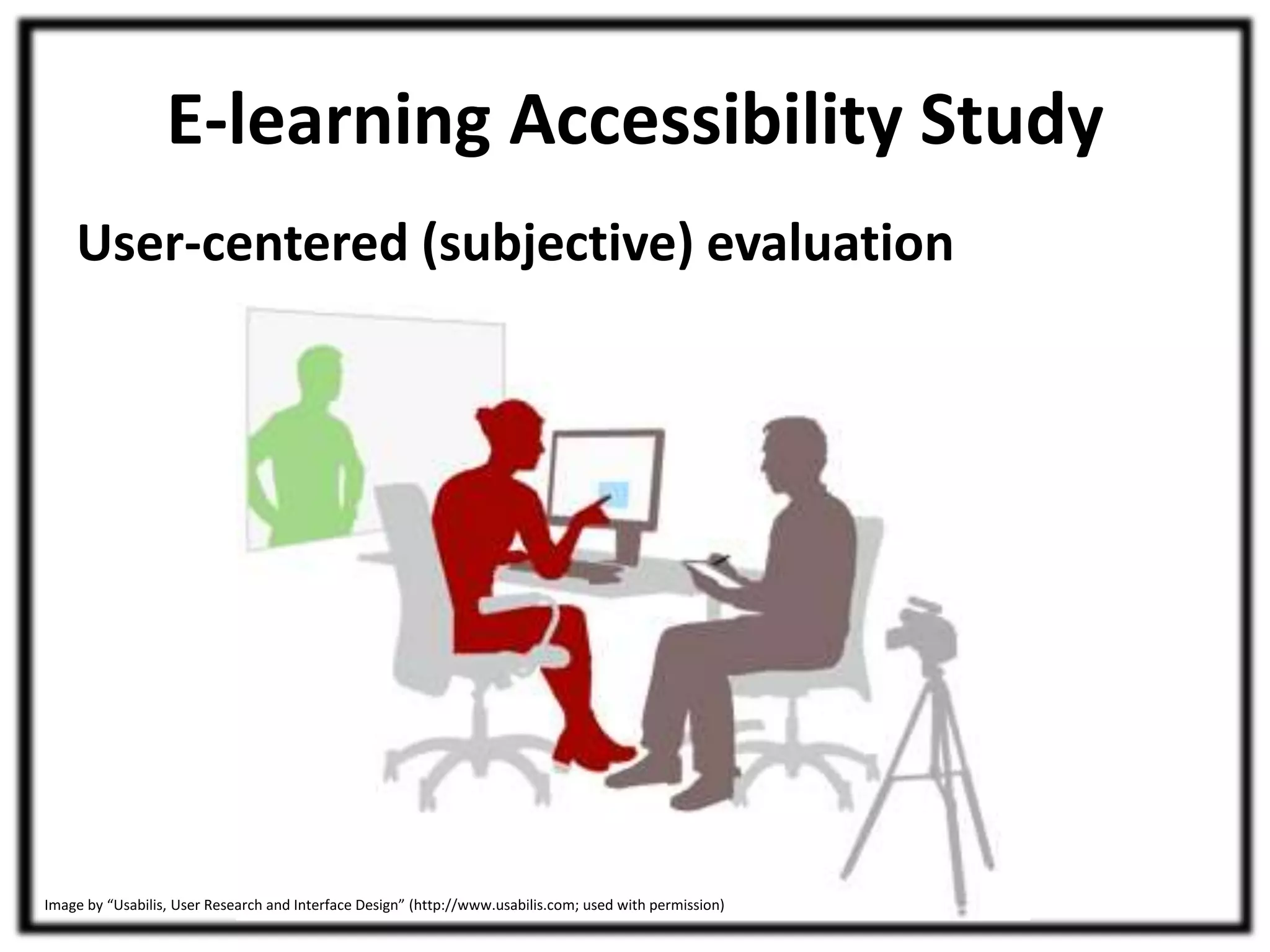
User-centered (subjective) evaluation 
Image by “Usabilis, User Research and Interface Design” (http://www.usabilis.com; used with permission)
E-learning Accessibility Study 
Research Objectives 
1. Determine the extent to which objective 
measures of the accessibility of e-learning 
technologies may be able to predict the 
subjective accessibility experience of students. 
2. Determine whether data obtained from 
moderated and unmoderated e-learning 
accessibility testing are different and, if so, how 
and why they differ.
Methodology 
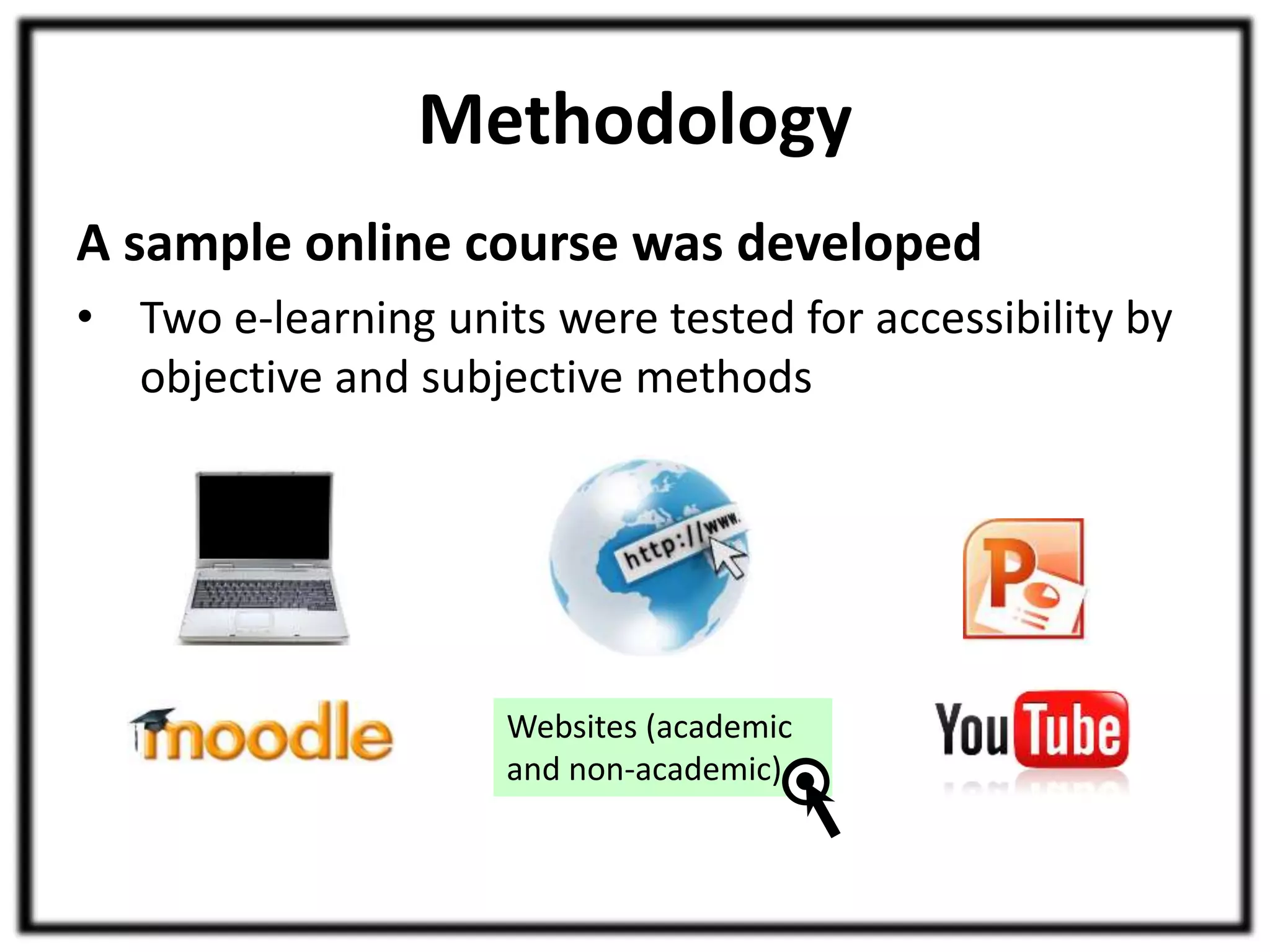
A sample online course was developed 
• Two e-learning units were tested for accessibility by 
objective and subjective methods 
Websites (academic 
and non-academic)
Methodology 
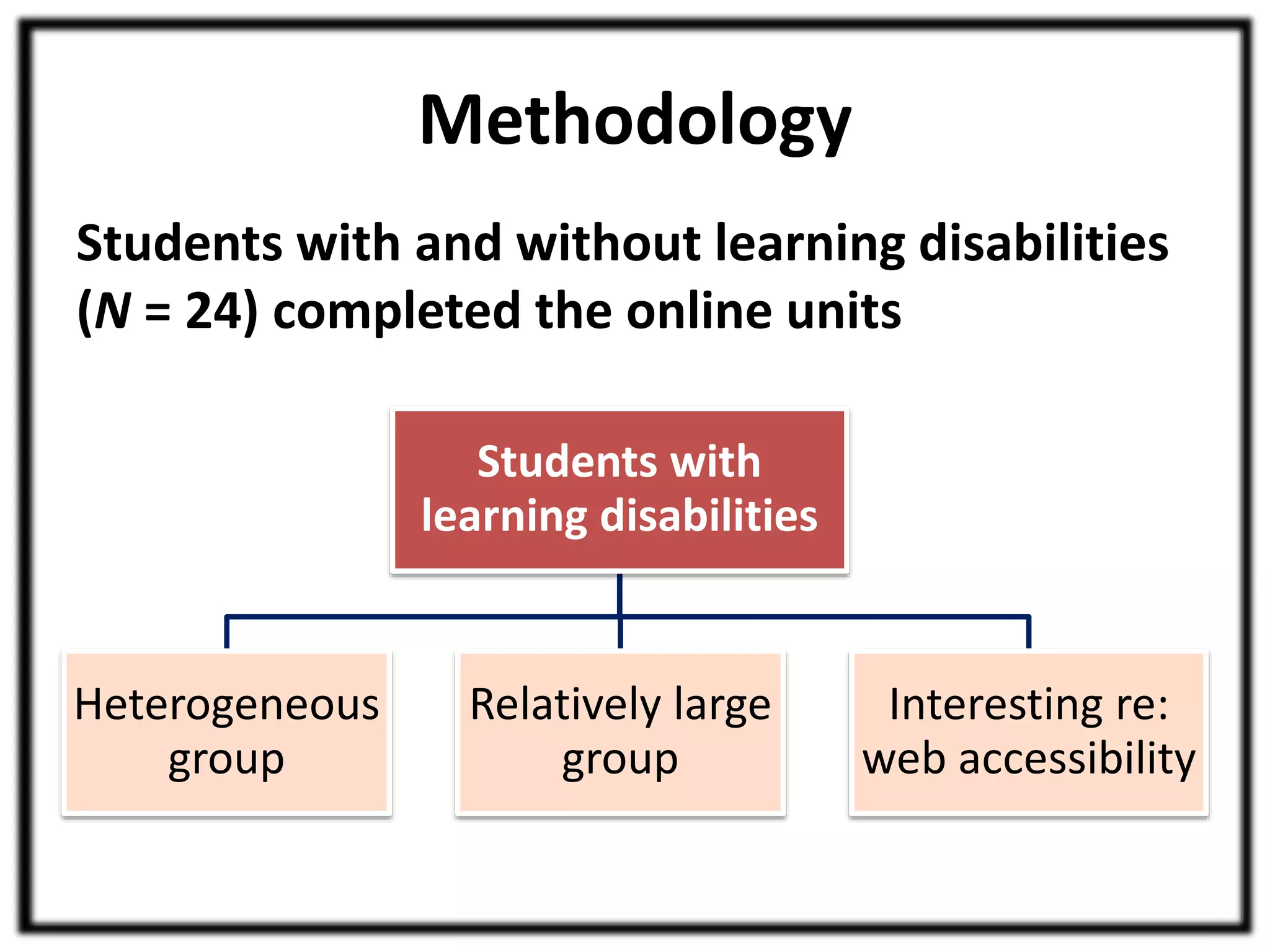
Students with and without learning disabilities 
(N = 24) completed the online units 
Students with 
learning disabilities 
Heterogeneous 
group 
Relatively large 
group 
Interesting re: 
web accessibility
Methodology 
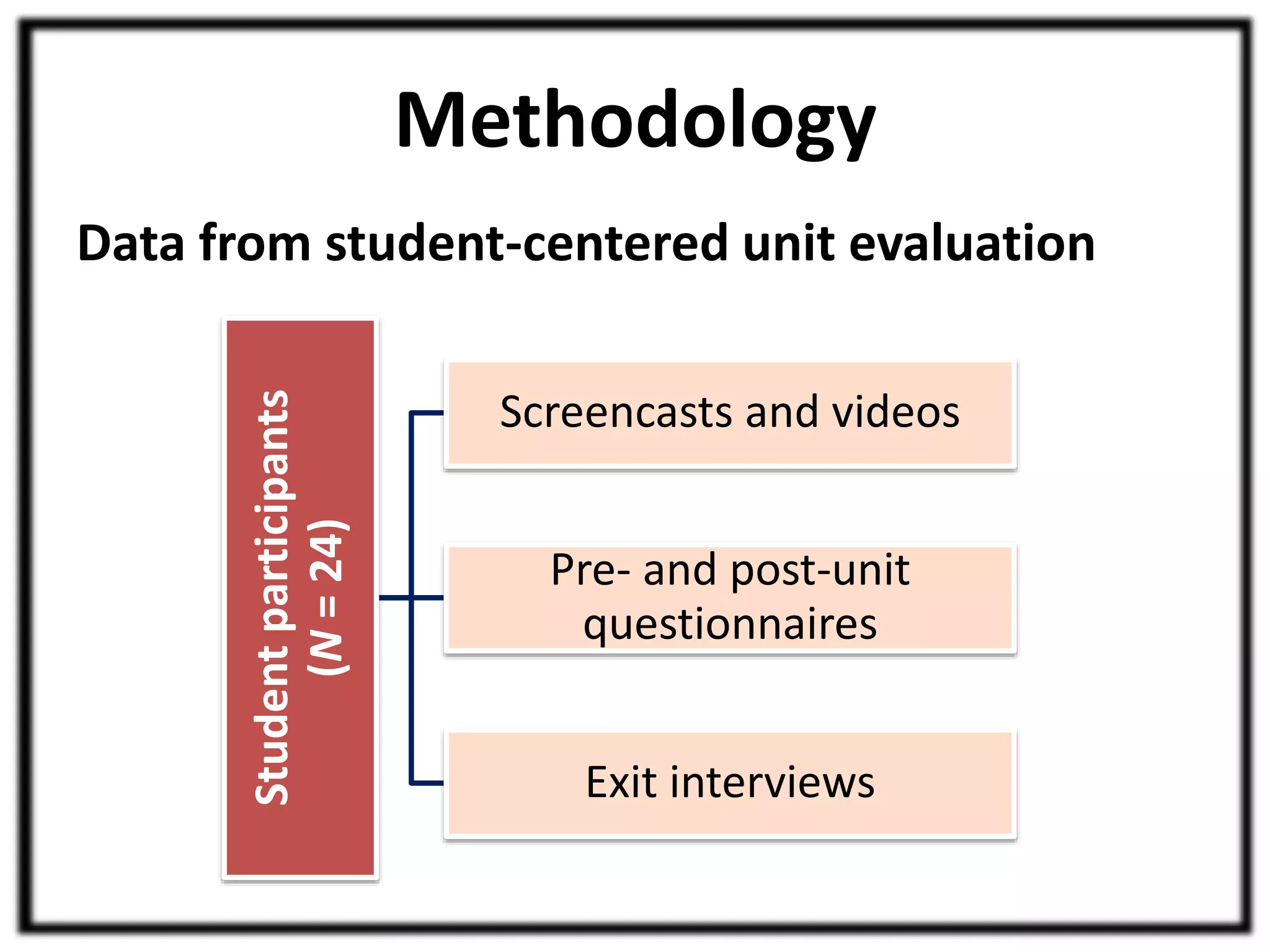
Data from student-centered unit evaluation 
Student participants 
(N = 24) 
Screencasts and videos 
Pre- and post-unit 
questionnaires 
Exit interviews
Methodology 
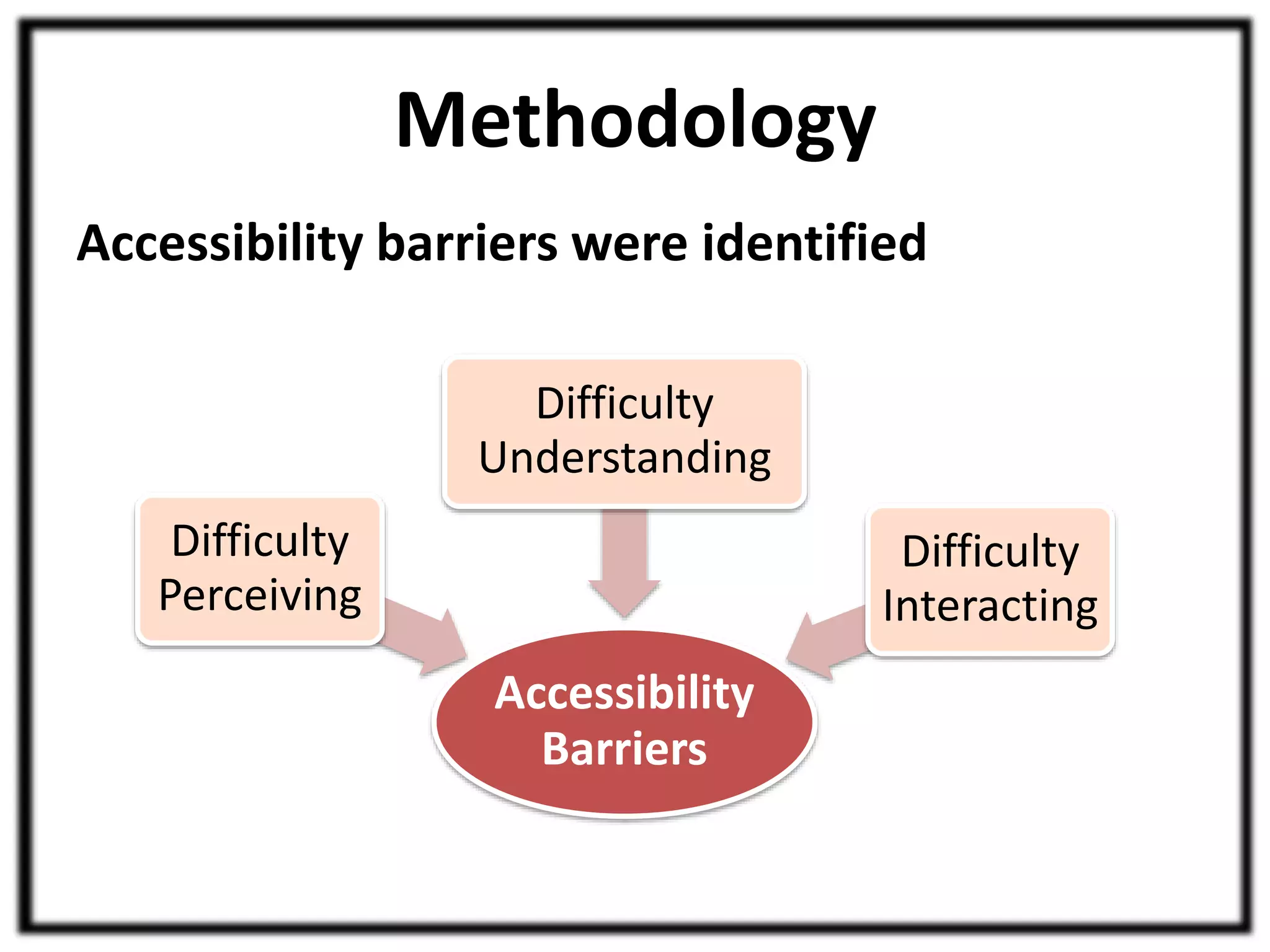
Accessibility barriers were identified 
Accessibility 
Barriers 
Difficulty 
Perceiving 
Difficulty 
Understanding 
Difficulty 
Interacting
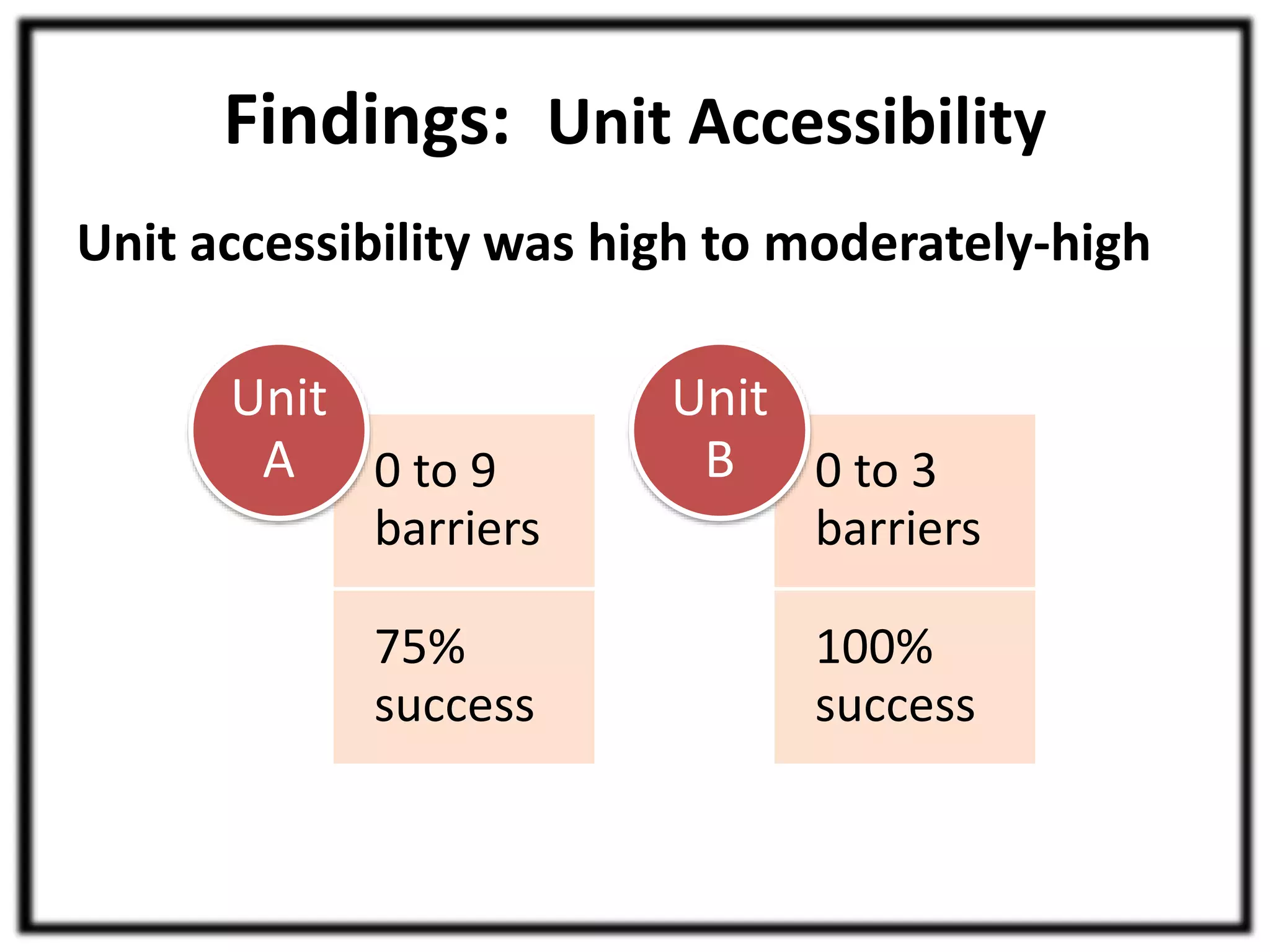
Findings: Unit Accessibility 
Unit accessibility was high to moderately-high 
Unit 
A 0 to 3 
0 to 9 
barriers 
75% 
success 
barriers 
100% 
success 
Unit 
B
Findings: Group Differences 
Students with and without learning disabilities 
• Data compared 
– Accessibility barrier counts 
– Time taken for completion 
– Self-reported difficulty of online units 
No statistically significant differences, 
regardless of the unit
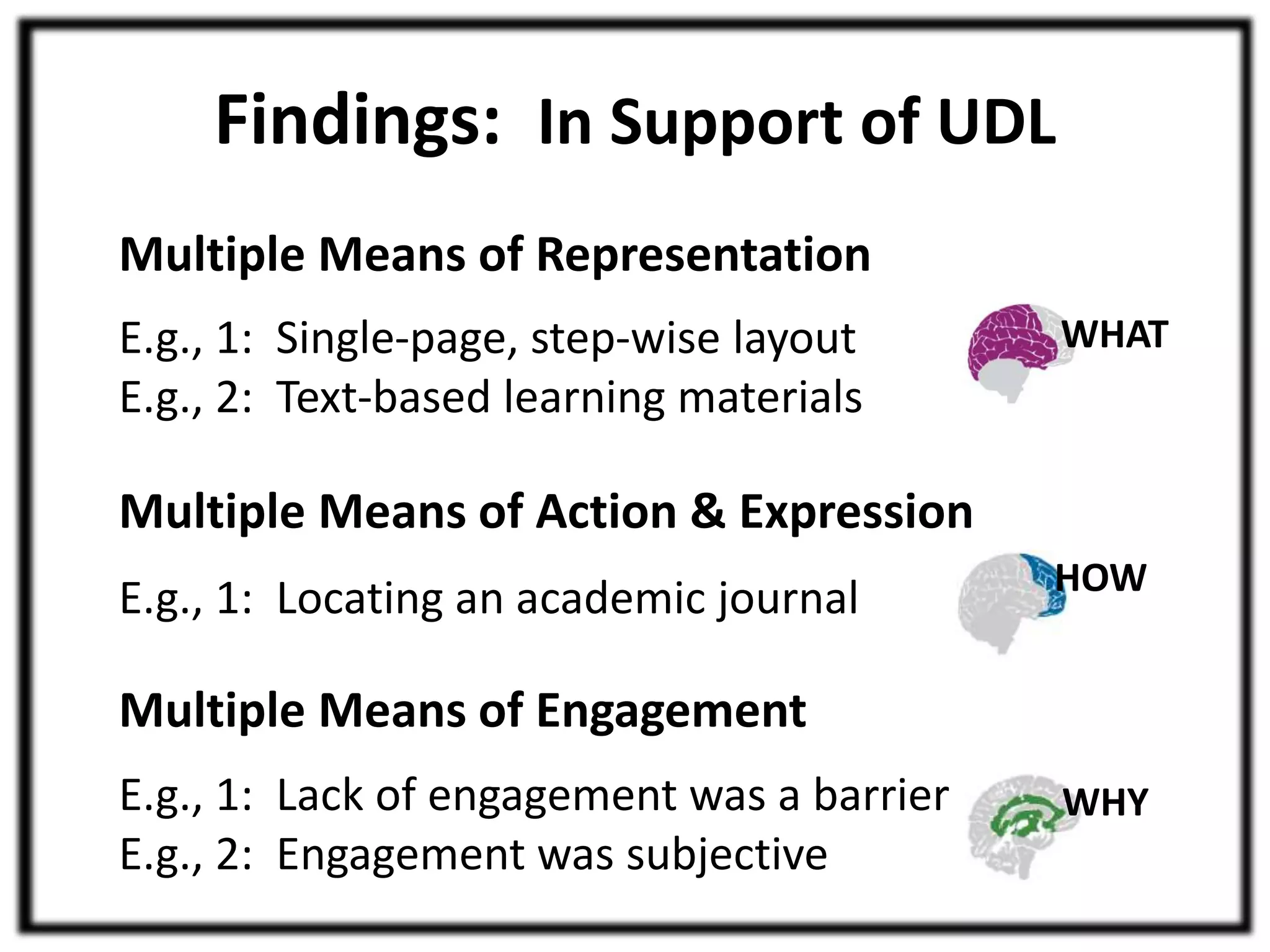
Findings: In Support of UDL 
Multiple Means of Representation 
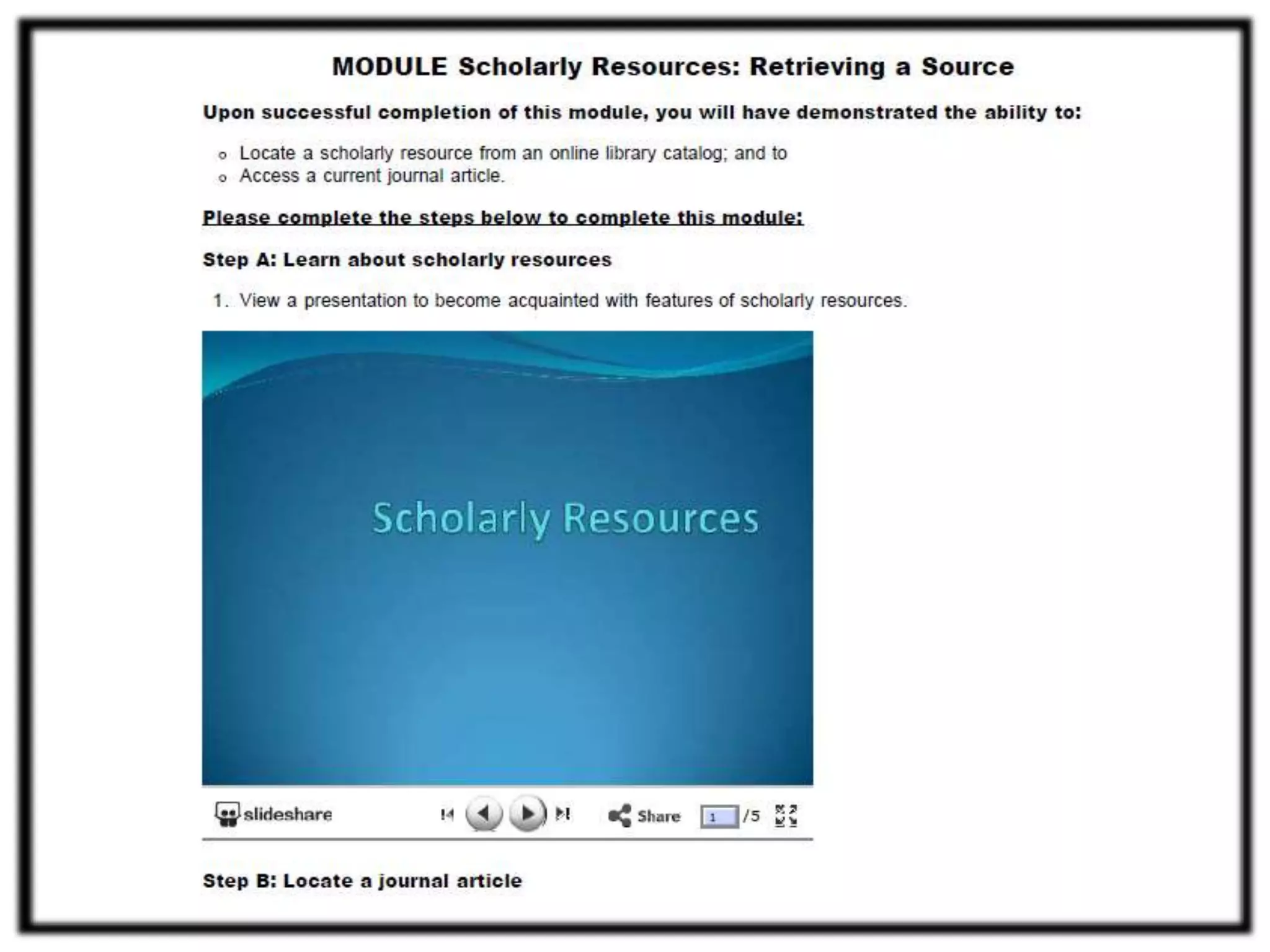
E.g., 1: Single-page, step-wise layout 
E.g., 2: Text-based learning materials 
WHAT
Findings: In Support of UDL 
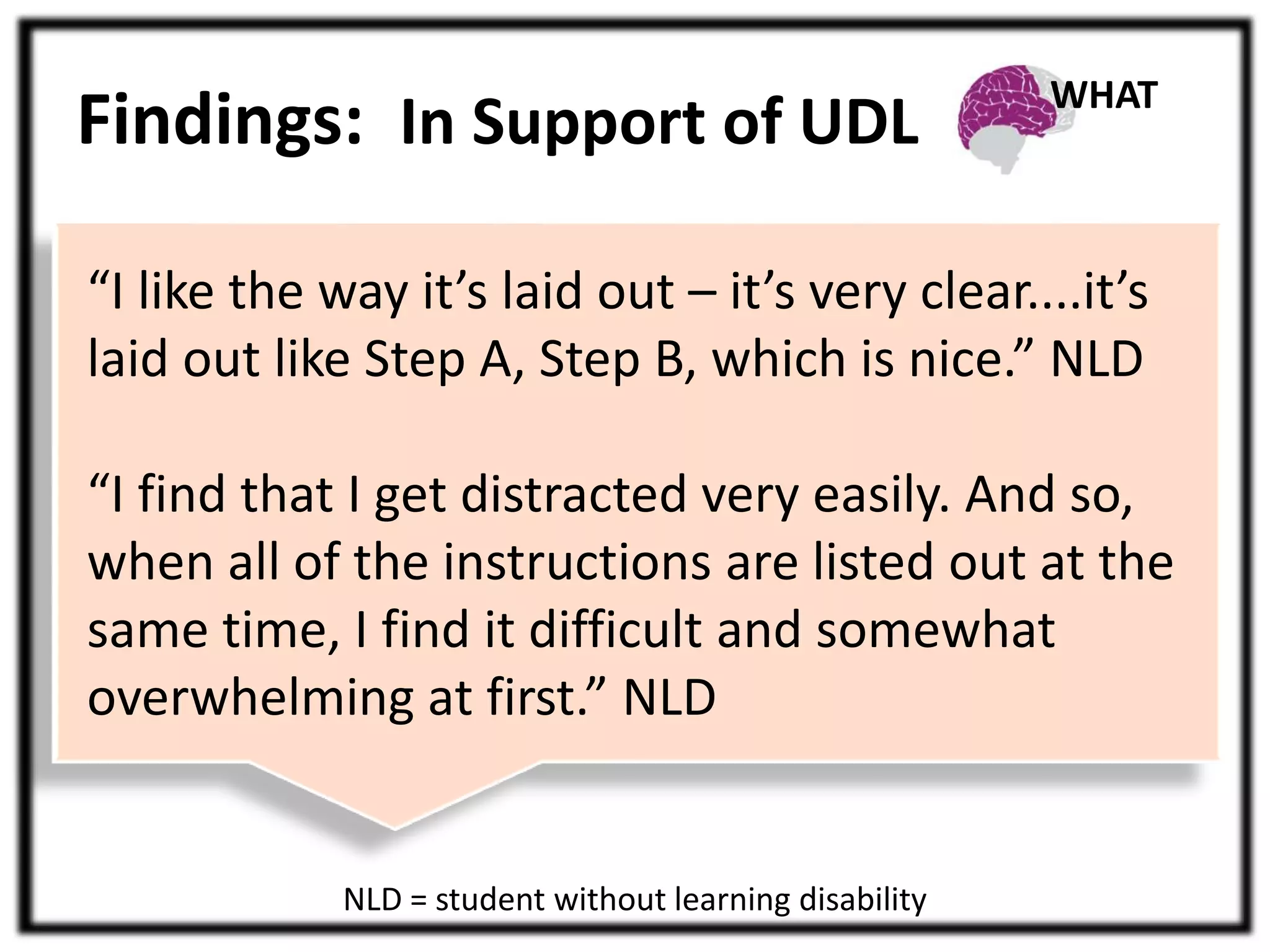
“I like the way it’s laid out – it’s very clear....it’s 
laid out like Step A, Step B, which is nice.” NLD 
“I find that I get distracted very easily. And so, 
when all of the instructions are listed out at the 
same time, I find it difficult and somewhat 
overwhelming at first.” NLD 
NLD = student without learning disability 
WHAT
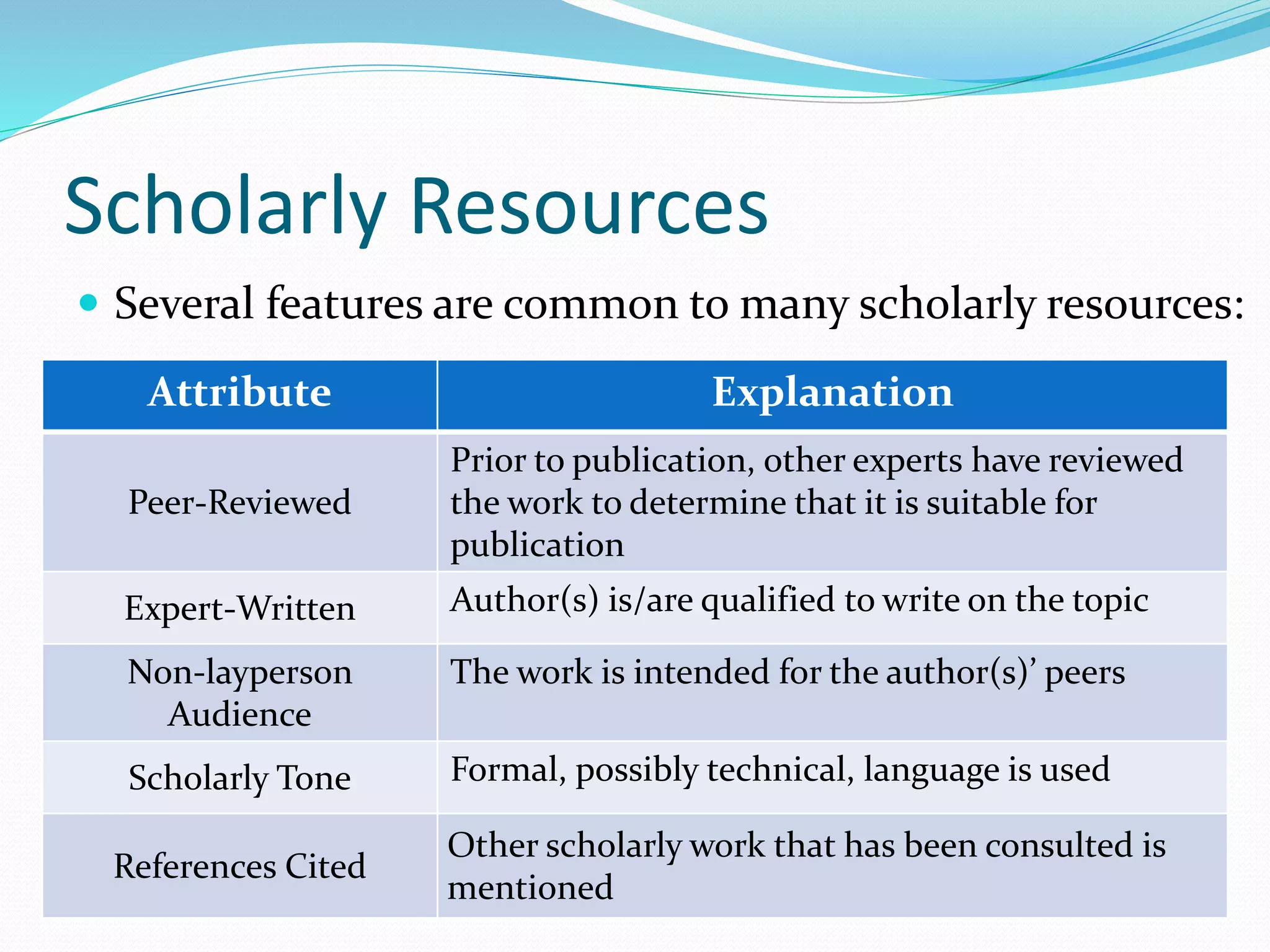
Scholarly Resources 
 Several features are common to many scholarly resources: 
Attribute Explanation 
Peer-Reviewed 
Prior to publication, other experts have reviewed 
the work to determine that it is suitable for 
publication 
Expert-Written Author(s) is/are qualified to write on the topic 
Non-layperson 
Audience 
The work is intended for the author(s)’ peers 
Scholarly Tone Formal, possibly technical, language is used 
References Cited 
Other scholarly work that has been consulted is 
mentioned
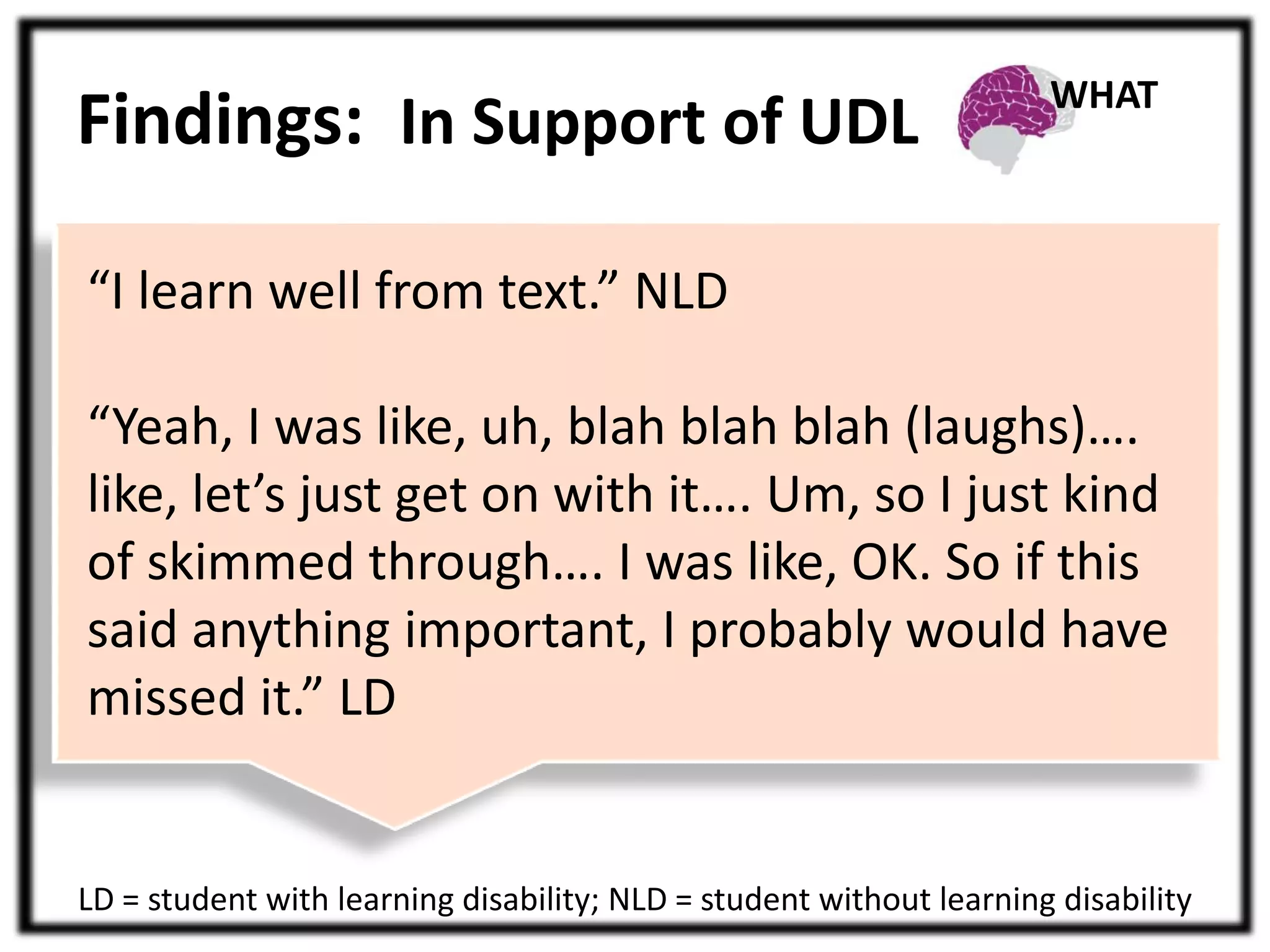
Findings: In Support of UDL 
“I learn well from text.” NLD 
WHAT 
“Yeah, I was like, uh, blah blah blah (laughs)…. 
like, let’s just get on with it…. Um, so I just kind 
of skimmed through…. I was like, OK. So if this 
said anything important, I probably would have 
missed it.” LD 
LD = student with learning disability; NLD = student without learning disability
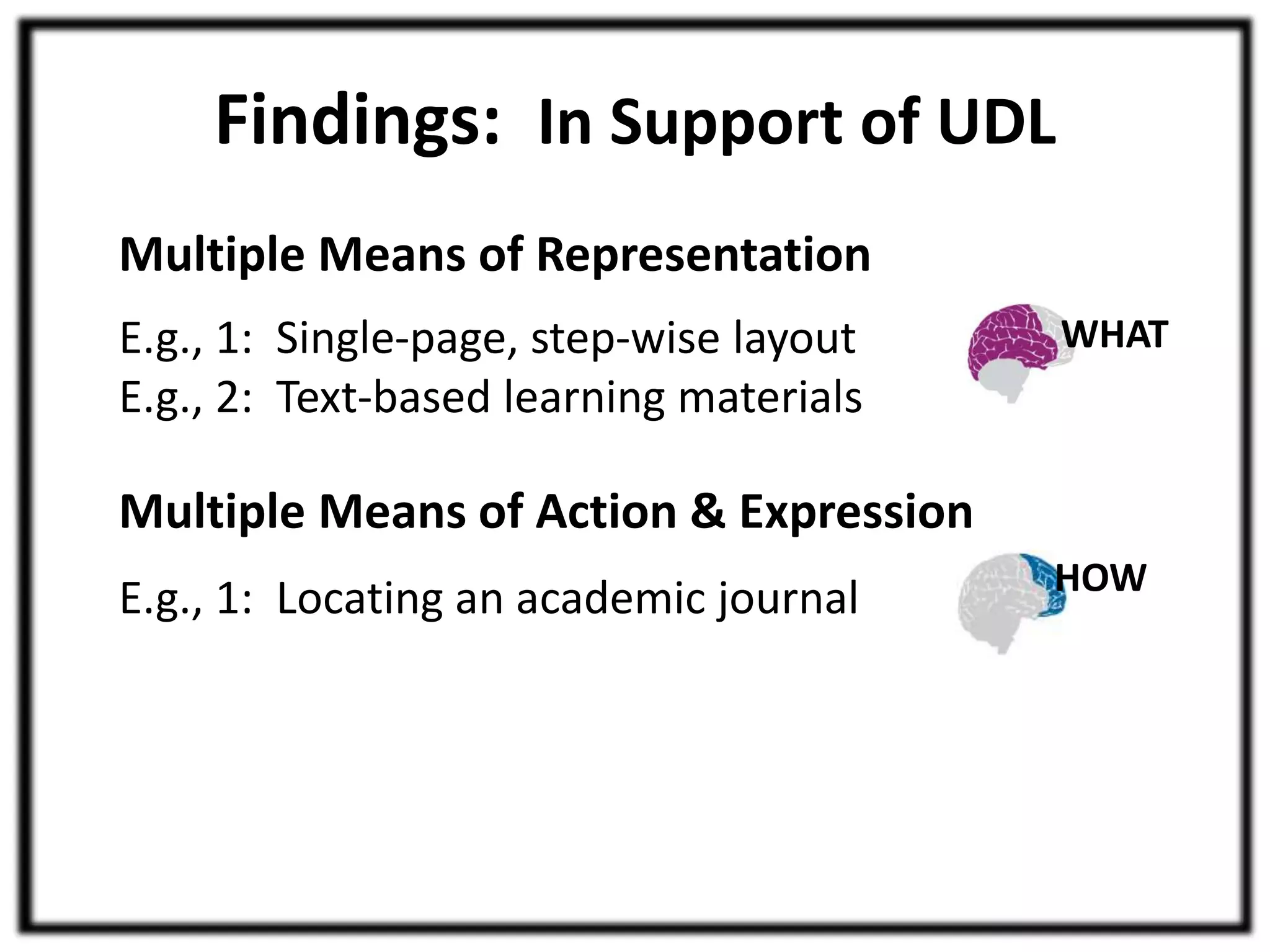
Findings: In Support of UDL 
Multiple Means of Representation 
E.g., 1: Single-page, step-wise layout 
E.g., 2: Text-based learning materials 
Multiple Means of Action & Expression 
E.g., 1: Locating an academic journal 
WHAT 
HOW
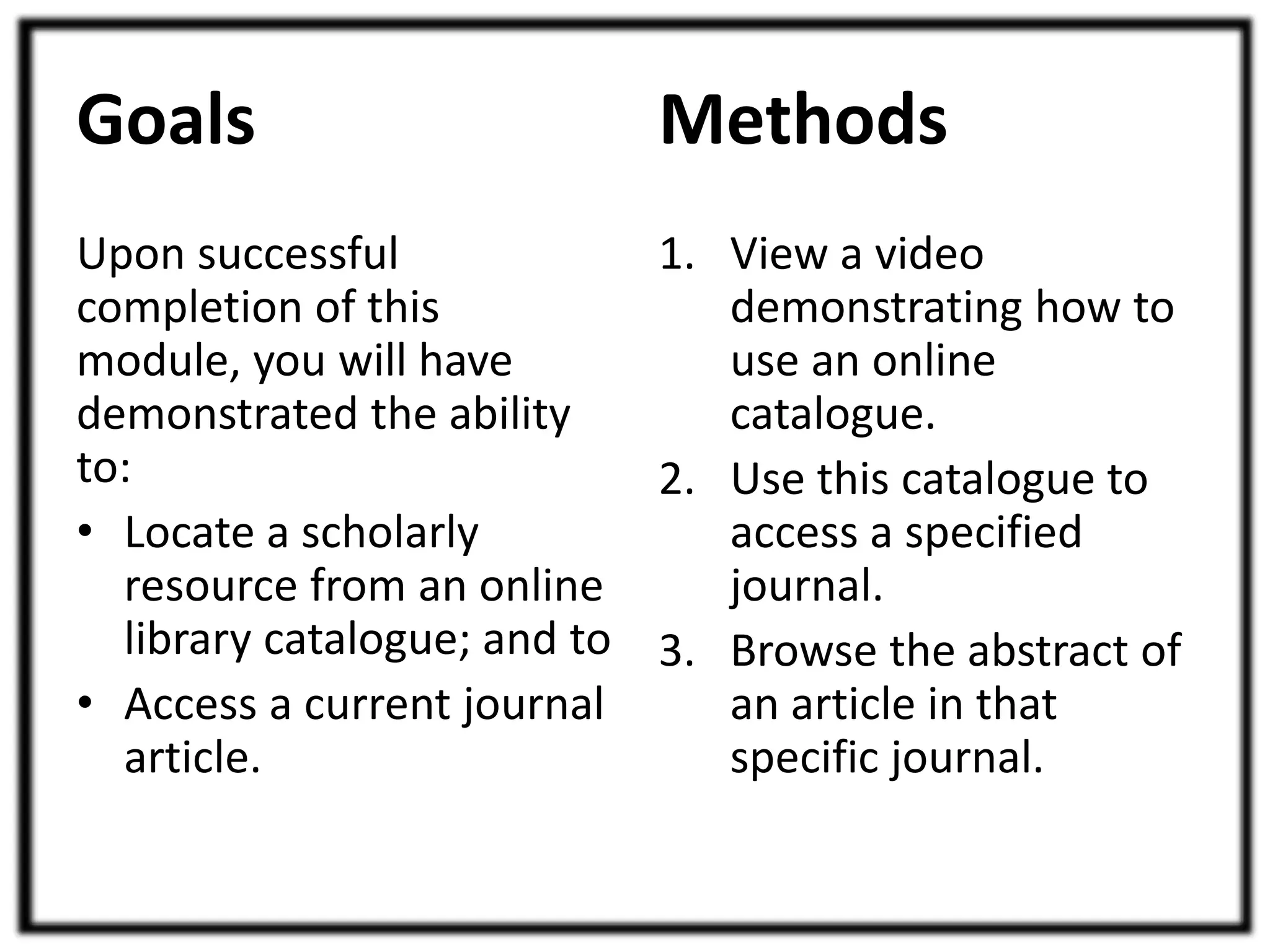
Goals 
Upon successful 
completion of this 
module, you will have 
demonstrated the ability 
to: 
• Locate a scholarly 
resource from an online 
library catalogue; and to 
• Access a current journal 
article. 
Methods 
1. View a video 
demonstrating how to 
use an online 
catalogue. 
2. Use this catalogue to 
access a specified 
journal. 
3. Browse the abstract of 
an article in that 
specific journal.
Findings: In Support of UDL 
Multiple Means of Representation 
E.g., 1: Single-page, step-wise layout 
E.g., 2: Text-based learning materials 
Multiple Means of Action & Expression 
E.g., 1: Locating an academic journal 
Multiple Means of Engagement 
E.g., 1: Lack of engagement was a barrier 
E.g., 2: Engagement was subjective 
WHAT 
HOW 
WHY
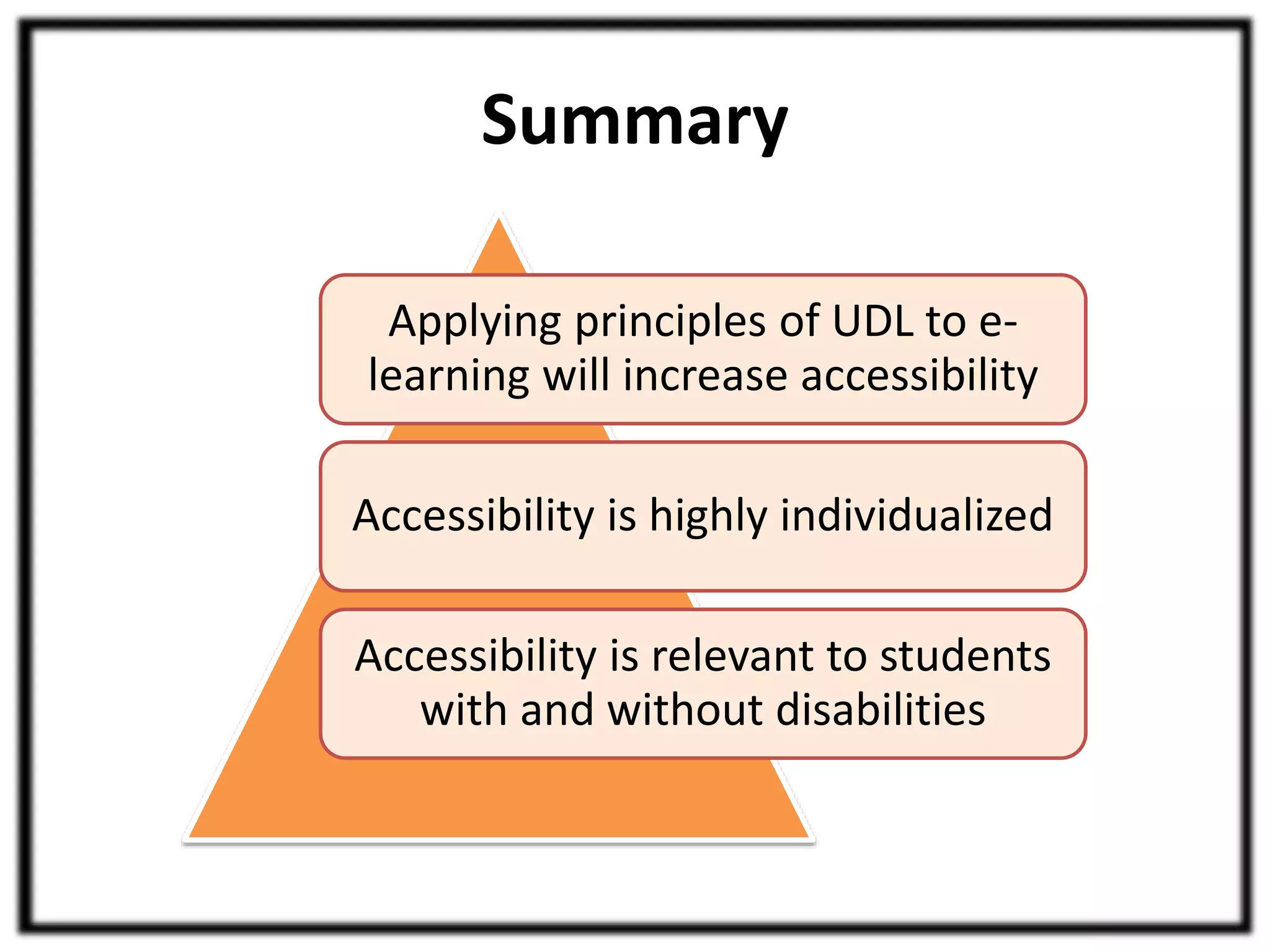
Summary 
Applying principles of UDL to e-learning 
will increase accessibility 
Accessibility is highly individualized 
Accessibility is relevant to students 
with and without disabilities
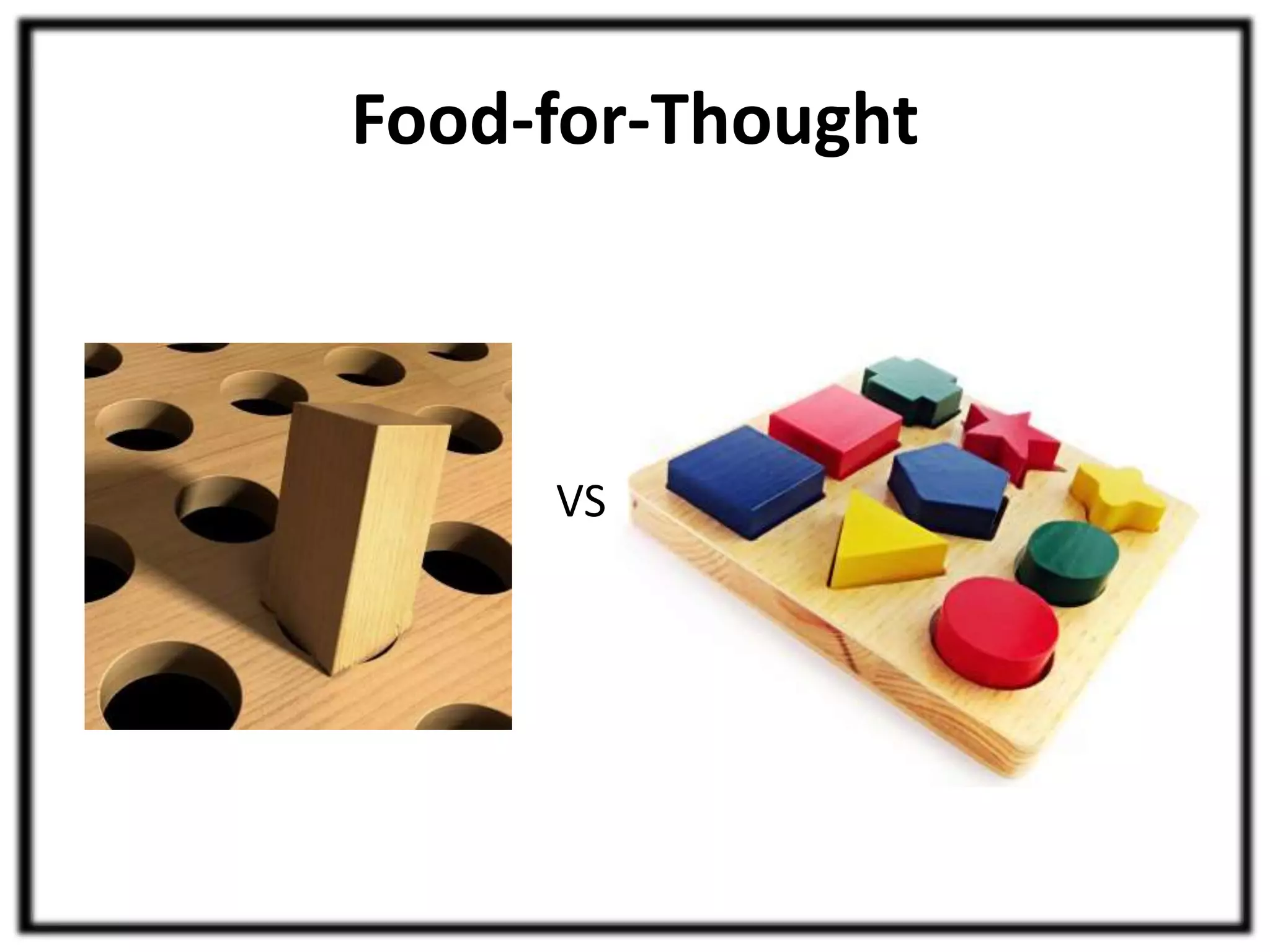
Food-for-Thought 
VS
Acknowledgements 
Financial Support 
• Social Studies and Humanities Research Council 
of Canada (SSHRC) 
• Ontario Graduate Scholarship (OGS) 
Study Design and Technical assistance 
• Neita Israelite 
• Melanie Baljko 
• Jacky Siu 
• Sydney Collins
Relevant Literature & Webpages 
• UDL and related frameworks 
– UDL(CAST)) http://cast.org/ 
– UID (University of Guelph) http://www.uoguelph.ca/tss/uid/ 
– UDI (University of Washington) 
http://www.washington.edu/doit/Brochures/Academics/instruction.html 
• Social and biopsychosocial models of disability 
– Oliver, M. (1996). Understanding disability: From theory to practice. Houndmills: Macmillan. 
– Ustun, T. B., Chatterji, S., Bickenbach, J., Kostanjsek, N., & Schneider, M. (2003). The 
international classification for functioning, disability and health: A new tool for understanding 
disability and health. Disability and Rehabilitation, 25(11-12), 565-571. 
• Web accessibility 
– WCAG (W3C) http://www.w3.org/TR/WCAG20/ 
– WebAIM (Utah State University) http://webaim.org/ 
• Usability and accessibility testing 
– Nielsen, J. (1993). Usability engineering. Boston, MA: AP Professional. 
– Rubin, J., & Chisnell, D. (2008). Handbook of usability testing. Indianapolis, IN: Wiley.l

Universal Design for E Learning Can Benefit All Students(Kari Kumar, Ron Owston)

  • 1.
    Universal Design forE-Learning Can Benefit All Students Kari Kumar – University of Manitoba Ron Owston – York University
  • 2.
    Presentation Outline •Introduction to Universal Design for Learning • E-learning accessibility study • Summary – Key findings • Acknowledgements • Relevant Literature
  • 3.
    Introduction to UDL The Main Idea
  • 4.
    Introduction to UDL CAST = Center for Applied Special Technology Universal Design for Learning (Rose & Meyer, 2002) Transform the curriculum delivery Develop assistive technologies
  • 5.
    Introduction to UDL 3 Interconnected Learning Networks Representation Provide multiple means of: Recognition (WHAT) Affective (WHY) Strategic (HOW) Action & Expression Motivation
  • 6.
    Introduction to UDL Practical application of UDL and related frameworks UID UDI UDL Specific guidelines, checkpoints, and examples
  • 7.
    E-learning Accessibility Study What is e-learning accessibility? Image by Jil Wright (CC BY 2.0)
  • 8.
    E-learning Accessibility Study Accessible e-learning environments are flexible and suitable for use by diverse populations of students with a variety of learning needs and preferences (shaped by their ability or disability as well as the learning context).
  • 9.
    E-learning Accessibility Study How can we evaluate e-learning accessibility? Objective Evaluation (e.g., WCAG 2.0 compliance) Subjective Evaluation (e.g., user testing) Drawings by Mike Kloran (http://myenglishimages.com/; used with permission)
  • 10.
    E-learning Accessibility Study User-centered (subjective) evaluation Image by “Usabilis, User Research and Interface Design” (http://www.usabilis.com; used with permission)
  • 11.
    E-learning Accessibility Study Research Objectives 1. Determine the extent to which objective measures of the accessibility of e-learning technologies may be able to predict the subjective accessibility experience of students. 2. Determine whether data obtained from moderated and unmoderated e-learning accessibility testing are different and, if so, how and why they differ.
  • 12.
    Methodology A sampleonline course was developed • Two e-learning units were tested for accessibility by objective and subjective methods Websites (academic and non-academic)
  • 13.
    Methodology Students withand without learning disabilities (N = 24) completed the online units Students with learning disabilities Heterogeneous group Relatively large group Interesting re: web accessibility
  • 14.
    Methodology Data fromstudent-centered unit evaluation Student participants (N = 24) Screencasts and videos Pre- and post-unit questionnaires Exit interviews
  • 15.
    Methodology Accessibility barrierswere identified Accessibility Barriers Difficulty Perceiving Difficulty Understanding Difficulty Interacting
  • 16.
    Findings: Unit Accessibility Unit accessibility was high to moderately-high Unit A 0 to 3 0 to 9 barriers 75% success barriers 100% success Unit B
  • 17.
    Findings: Group Differences Students with and without learning disabilities • Data compared – Accessibility barrier counts – Time taken for completion – Self-reported difficulty of online units No statistically significant differences, regardless of the unit
  • 18.
    Findings: In Supportof UDL Multiple Means of Representation E.g., 1: Single-page, step-wise layout E.g., 2: Text-based learning materials WHAT
  • 20.
    Findings: In Supportof UDL “I like the way it’s laid out – it’s very clear....it’s laid out like Step A, Step B, which is nice.” NLD “I find that I get distracted very easily. And so, when all of the instructions are listed out at the same time, I find it difficult and somewhat overwhelming at first.” NLD NLD = student without learning disability WHAT
  • 21.
    Scholarly Resources Several features are common to many scholarly resources: Attribute Explanation Peer-Reviewed Prior to publication, other experts have reviewed the work to determine that it is suitable for publication Expert-Written Author(s) is/are qualified to write on the topic Non-layperson Audience The work is intended for the author(s)’ peers Scholarly Tone Formal, possibly technical, language is used References Cited Other scholarly work that has been consulted is mentioned
  • 22.
    Findings: In Supportof UDL “I learn well from text.” NLD WHAT “Yeah, I was like, uh, blah blah blah (laughs)…. like, let’s just get on with it…. Um, so I just kind of skimmed through…. I was like, OK. So if this said anything important, I probably would have missed it.” LD LD = student with learning disability; NLD = student without learning disability
  • 23.
    Findings: In Supportof UDL Multiple Means of Representation E.g., 1: Single-page, step-wise layout E.g., 2: Text-based learning materials Multiple Means of Action & Expression E.g., 1: Locating an academic journal WHAT HOW
  • 24.
    Goals Upon successful completion of this module, you will have demonstrated the ability to: • Locate a scholarly resource from an online library catalogue; and to • Access a current journal article. Methods 1. View a video demonstrating how to use an online catalogue. 2. Use this catalogue to access a specified journal. 3. Browse the abstract of an article in that specific journal.
  • 25.
    Findings: In Supportof UDL Multiple Means of Representation E.g., 1: Single-page, step-wise layout E.g., 2: Text-based learning materials Multiple Means of Action & Expression E.g., 1: Locating an academic journal Multiple Means of Engagement E.g., 1: Lack of engagement was a barrier E.g., 2: Engagement was subjective WHAT HOW WHY
  • 26.
    Summary Applying principlesof UDL to e-learning will increase accessibility Accessibility is highly individualized Accessibility is relevant to students with and without disabilities
  • 27.
  • 28.
    Acknowledgements Financial Support • Social Studies and Humanities Research Council of Canada (SSHRC) • Ontario Graduate Scholarship (OGS) Study Design and Technical assistance • Neita Israelite • Melanie Baljko • Jacky Siu • Sydney Collins
  • 29.
    Relevant Literature &Webpages • UDL and related frameworks – UDL(CAST)) http://cast.org/ – UID (University of Guelph) http://www.uoguelph.ca/tss/uid/ – UDI (University of Washington) http://www.washington.edu/doit/Brochures/Academics/instruction.html • Social and biopsychosocial models of disability – Oliver, M. (1996). Understanding disability: From theory to practice. Houndmills: Macmillan. – Ustun, T. B., Chatterji, S., Bickenbach, J., Kostanjsek, N., & Schneider, M. (2003). The international classification for functioning, disability and health: A new tool for understanding disability and health. Disability and Rehabilitation, 25(11-12), 565-571. • Web accessibility – WCAG (W3C) http://www.w3.org/TR/WCAG20/ – WebAIM (Utah State University) http://webaim.org/ • Usability and accessibility testing – Nielsen, J. (1993). Usability engineering. Boston, MA: AP Professional. – Rubin, J., & Chisnell, D. (2008). Handbook of usability testing. Indianapolis, IN: Wiley.l