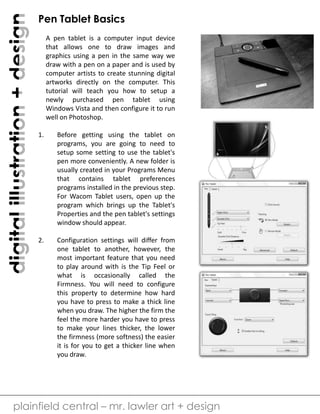
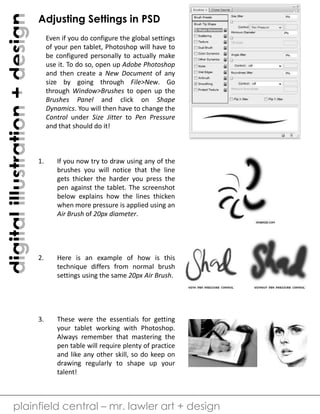
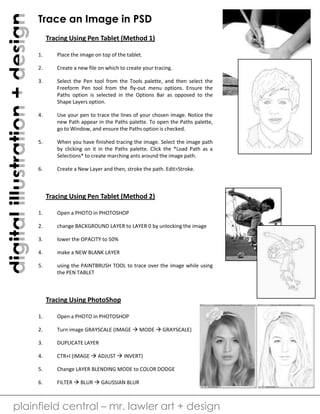
The document provides instructions for tracing an image in Photoshop using a pen tablet. It describes two methods: 1) using the pen tool to trace paths and then stroking the path, and 2) lowering the opacity of the background image and using the paintbrush tool to trace over it while viewing the reference photo. Additional tips include turning the photo grayscale before tracing to simplify it, duplicating and inverting the layer for contrast, and applying a Gaussian blur to aid the tracing process. The document demonstrates how to utilize pen pressure sensitivity and paths in Photoshop when tracing an image digitally with a pen tablet.