
Literature Searching
Tips and Tricks
Rebecca Raszewski, MS, AHIP
Assistant Information Services Librarian & Assistant
Professor
March 28, 2013
What I Will Cover Today
• Tips on Approaching a Literature Search
• Searching the Databases, CINAHL and MEDLINE via
PubMed
• Getting Help
Tips on Approaching a
Literature Search
What Kind of Question do
You Have?
• Diagnosis, Etiology/Harm, Prognosis, Therapy
(Prevention, Quality Improvement)
• PICO (Patient, Intervention, Comparison, Outcome)
o T (Timing)

• John Hopkins EBP Question Development Tool
o https://employee.hospital.uic.edu/Nursing/SitePages/EBPC.aspx
Write Out Your Topic
• What would be the ideal title for your article?
• Write up an abstract or a thesis statement
• Jane-Journal/Author Name Estimator
o http://www.biosemantics.org/jane/
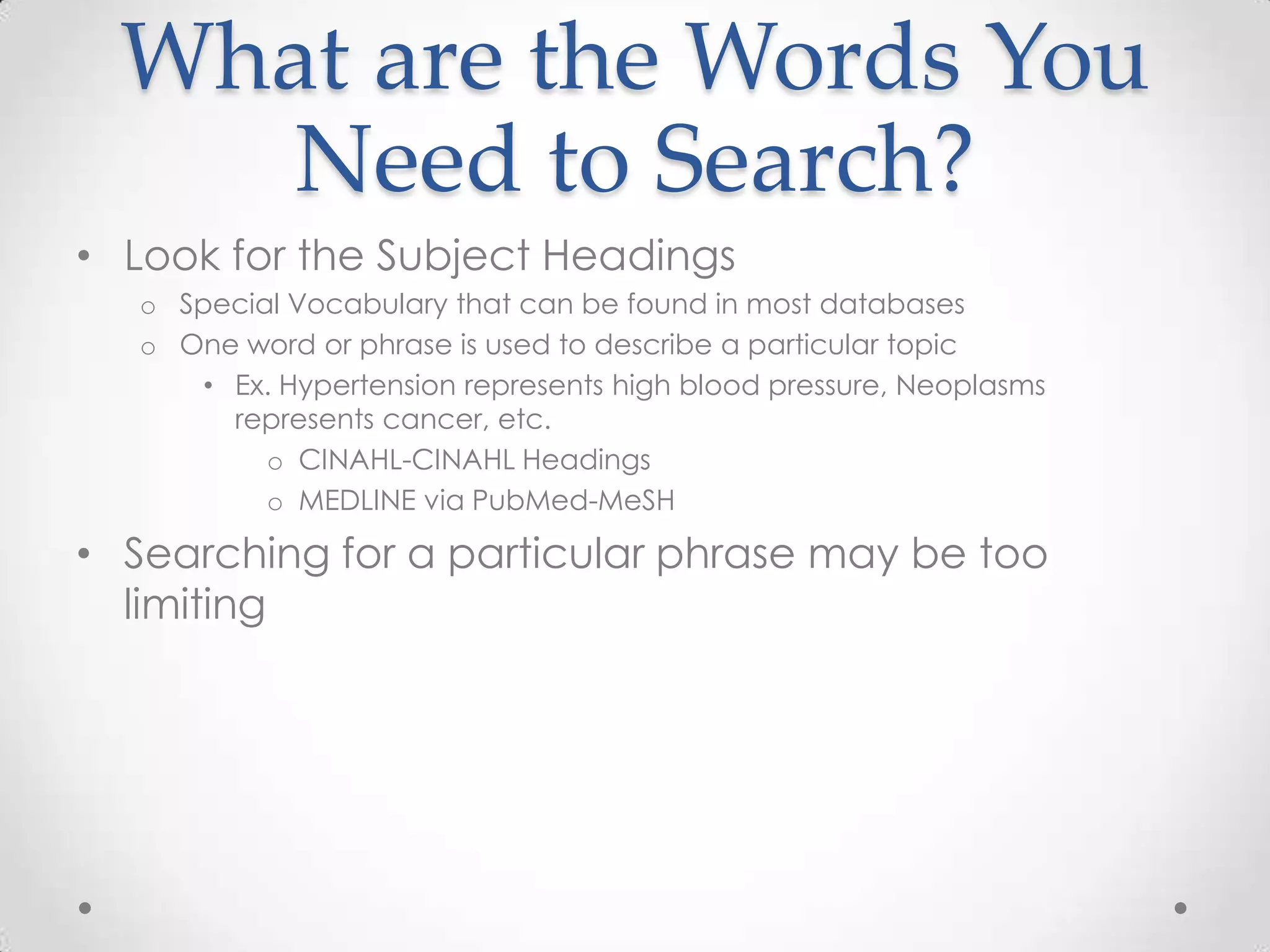
What are the Words You
Need to Search?
• Look for the Subject Headings
o Special Vocabulary that can be found in most databases
o One word or phrase is used to describe a particular topic
• Ex. Hypertension represents high blood pressure, Neoplasms
represents cancer, etc.
o CINAHL-CINAHL Headings
o MEDLINE via PubMed-MeSH

• Searching for a particular phrase may be too
limiting
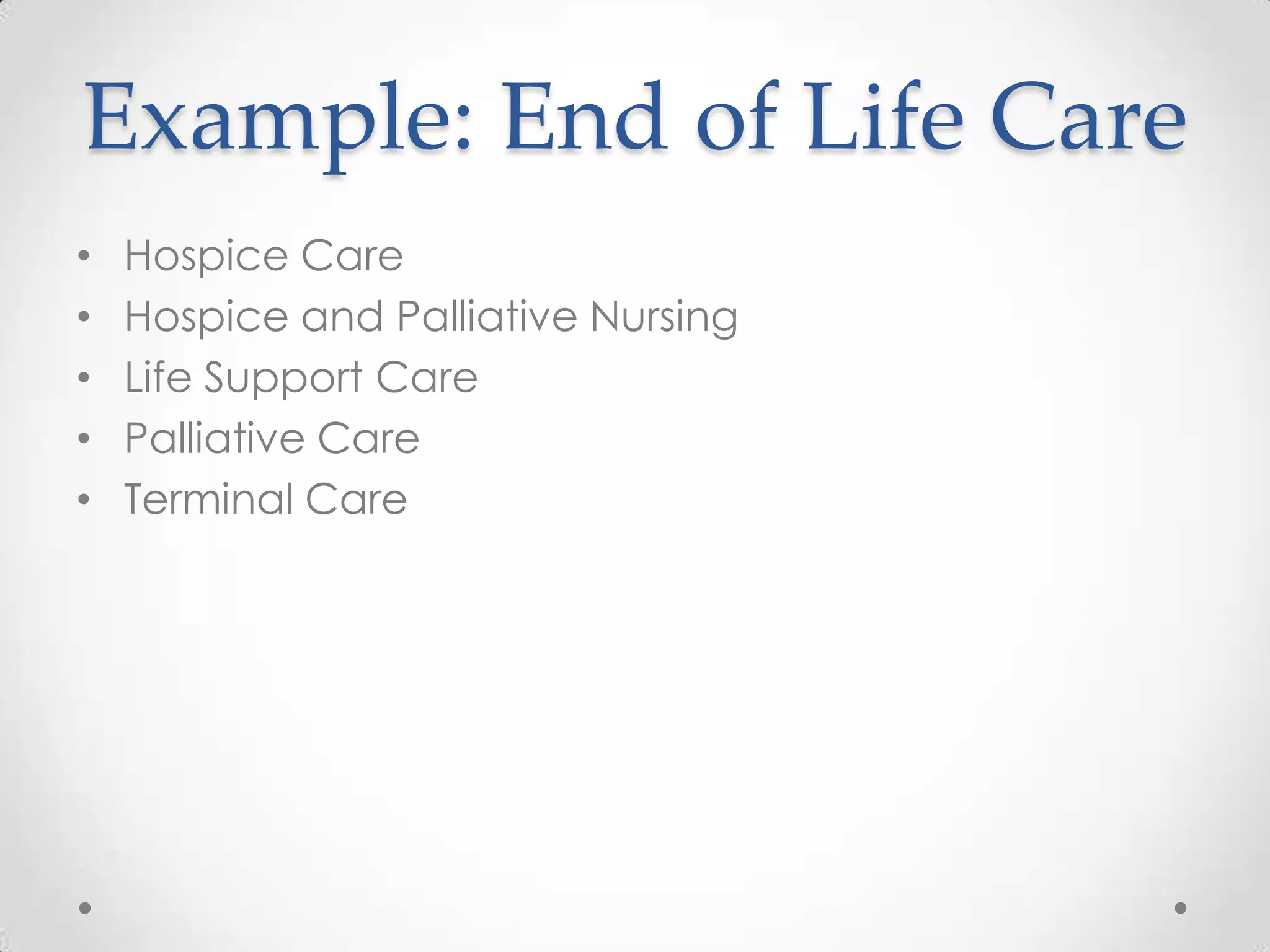
Example: End of Life Care
•
•
•
•
•

Hospice Care
Hospice and Palliative Nursing
Life Support Care
Palliative Care
Terminal Care
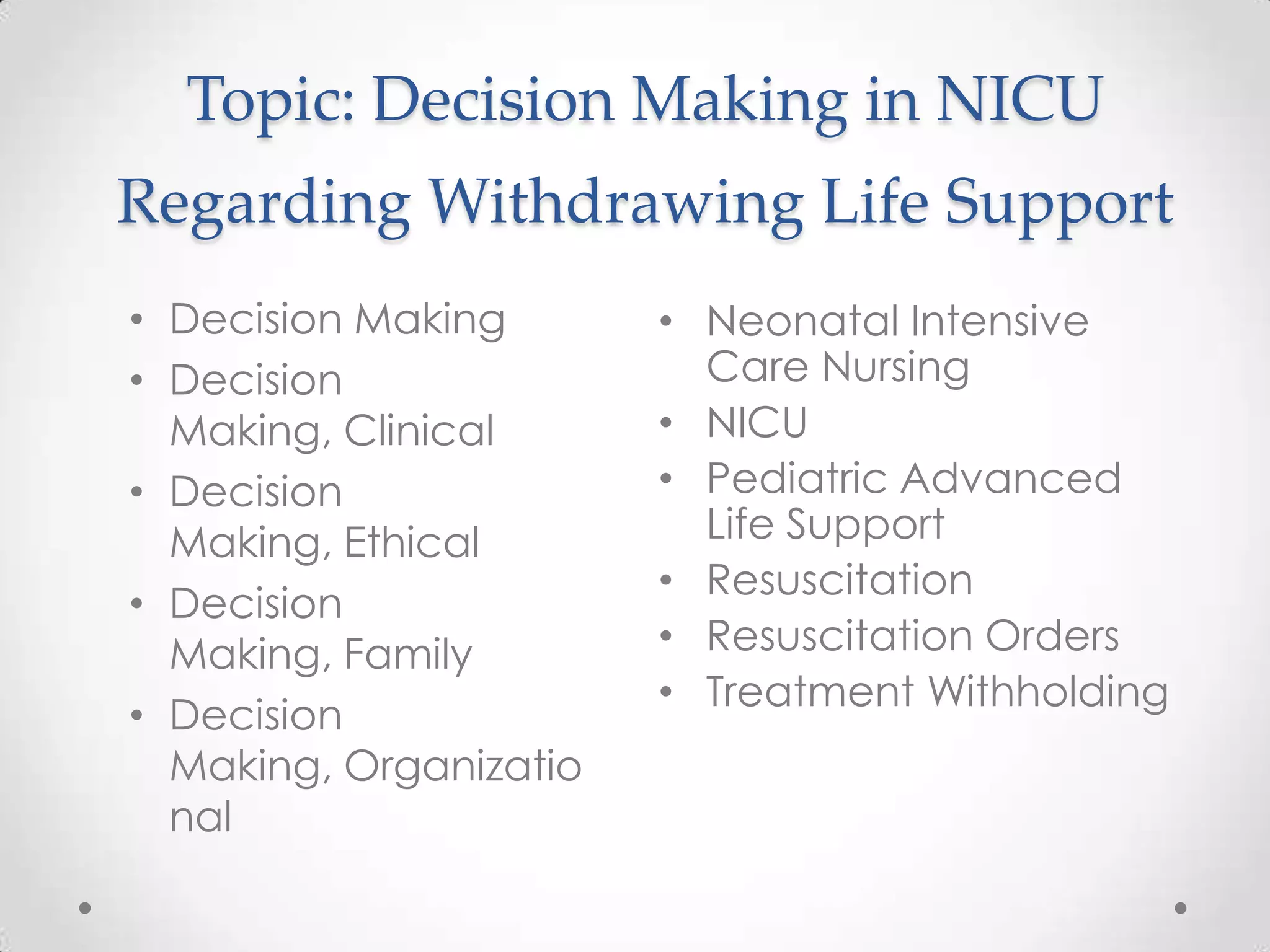
Topic: Decision Making in NICU
Regarding Withdrawing Life Support
• Decision Making
• Decision
Making, Clinical
• Decision
Making, Ethical
• Decision
Making, Family
• Decision
Making, Organizatio
nal

• Neonatal Intensive
Care Nursing
• NICU
• Pediatric Advanced
Life Support
• Resuscitation
• Resuscitation Orders
• Treatment Withholding
Which Resources Do You
Need to Search?
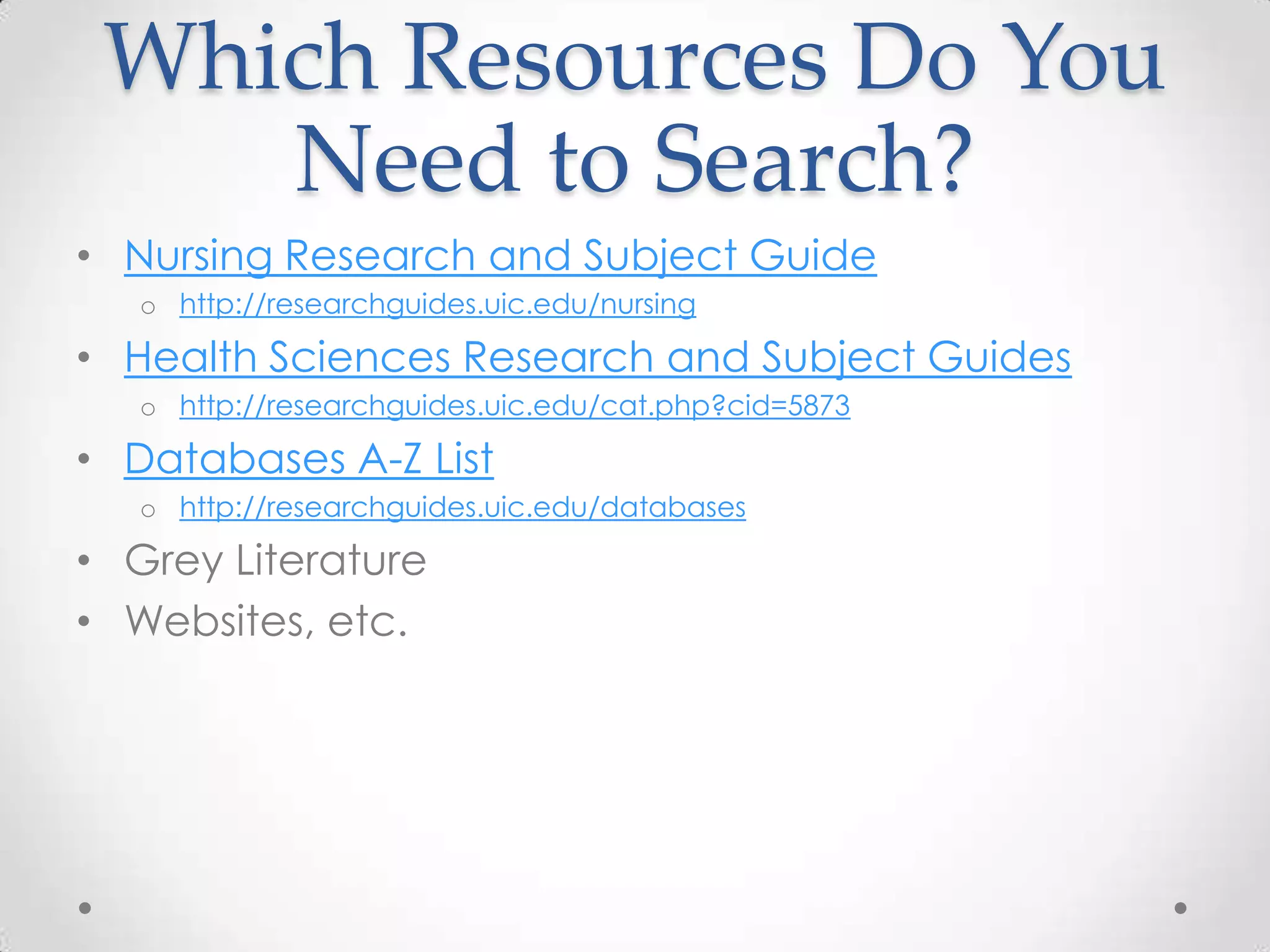
• Nursing Research and Subject Guide
o http://researchguides.uic.edu/nursing

• Health Sciences Research and Subject Guides
o http://researchguides.uic.edu/cat.php?cid=5873

• Databases A-Z List
o http://researchguides.uic.edu/databases

• Grey Literature
• Websites, etc.
Keep Track of Your
Searches
• Create an Excel Spreadsheet
o databases searched, dates, words used, limits, number of results, and
number of relevant results

• Create an account within each database
o Search alert
Searching the Databases:
CINAHL & MEDLINE via
PubMed
Searching the Databases
• CINAHL Plus with Full Text
o Nursing and Allied Health database with over 2.8 million citations

• MEDLINE via PubMed
o Biomedical database with over 22 million citations
o Available for free but must go through UIC Library to access PubMed
• MEDLINE via Ovid
Off Campus Access
• Need to get a ACCC account
• Same username (NETID) for hospital but password
will be different
• This account allows you to access:
o Library resources from off campus
o Library computers and access to $15.00 for printing every semester
o UIC Wireless
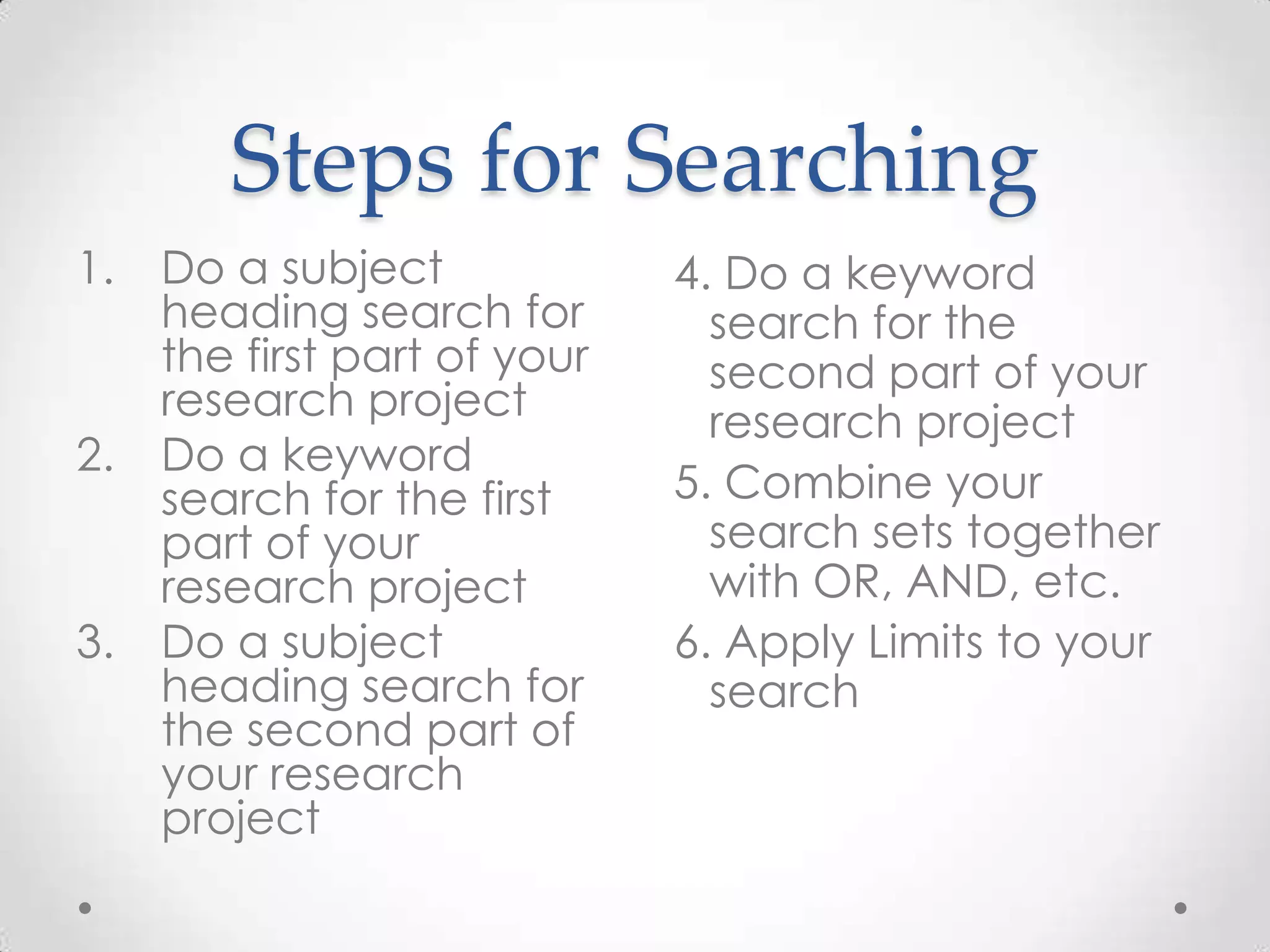
Steps for Searching
1.

2.

3.

Do a subject
heading search for
the first part of your
research project
Do a keyword
search for the first
part of your
research project
Do a subject
heading search for
the second part of
your research
project

4. Do a keyword
search for the
second part of your
research project
5. Combine your
search sets together
with OR, AND, etc.
6. Apply Limits to your
search
1. Do a Subject Heading
Search
 A subject heading is a special vocabulary that is
used within most databases to best describe an
article’s content
 Look in the database to find where the subject
headings are located
 Not every database will have the same exact
subject headings
2. Do a Keyword Search
• A keyword search will double check if you have
found relevant articles
• Searches the author, titles, abstracts, subject
headings, full text (if available), etc.
• Use truncation
ex. Nurs*
3. & 4. Do a Subject and Keyword
Search for the Next Topic
5. Combine Your Searches Together
with OR, AND, etc.
• Use OR Before AND
• OR increases your results while AND decreases your
results
6. Apply Limits to Your
Search
•
•
•
•
•

Always apply limits at the end
Age Groups
Gender
Language
Year of Publication
o CINAHL has a research limit. MEDLINE via PubMed does not.
Tips on Using Certain
Limits
• Exclude MEDLINE Records
• Full Text Limit
• Geographic Location-not every database will let
you do this
o CINAHL has a Journal Subset Limit but it does not work the way you think
o PsycINFO and Scopus will let you limit by location

• Limiting to Research Articles
o CINAHL has Research limit
o Otherwise limit to publication type
o Another option is methodology (PsycINFO)
Steps for Searching
1.

2.

3.

Do a subject
heading search for
the first part of your
research project
Do a keyword
search for the first
part of your
research project
Do a subject
heading search for
the second part of
your research
project

4. Do a keyword
search for the
second part of your
research project
5. Combine your
search sets together
with OR, AND, etc.
6. Apply Limits to your
search
After You Have Done
Your Limits-Now What?
• Read the articles’ abstracts from your results.
o Johns Hopkins EBP Research Evidence Appraisal Doc

• See if the articles are available as full text
• Request through InterLibrary Loan any articles you
cannot find online (Free!)
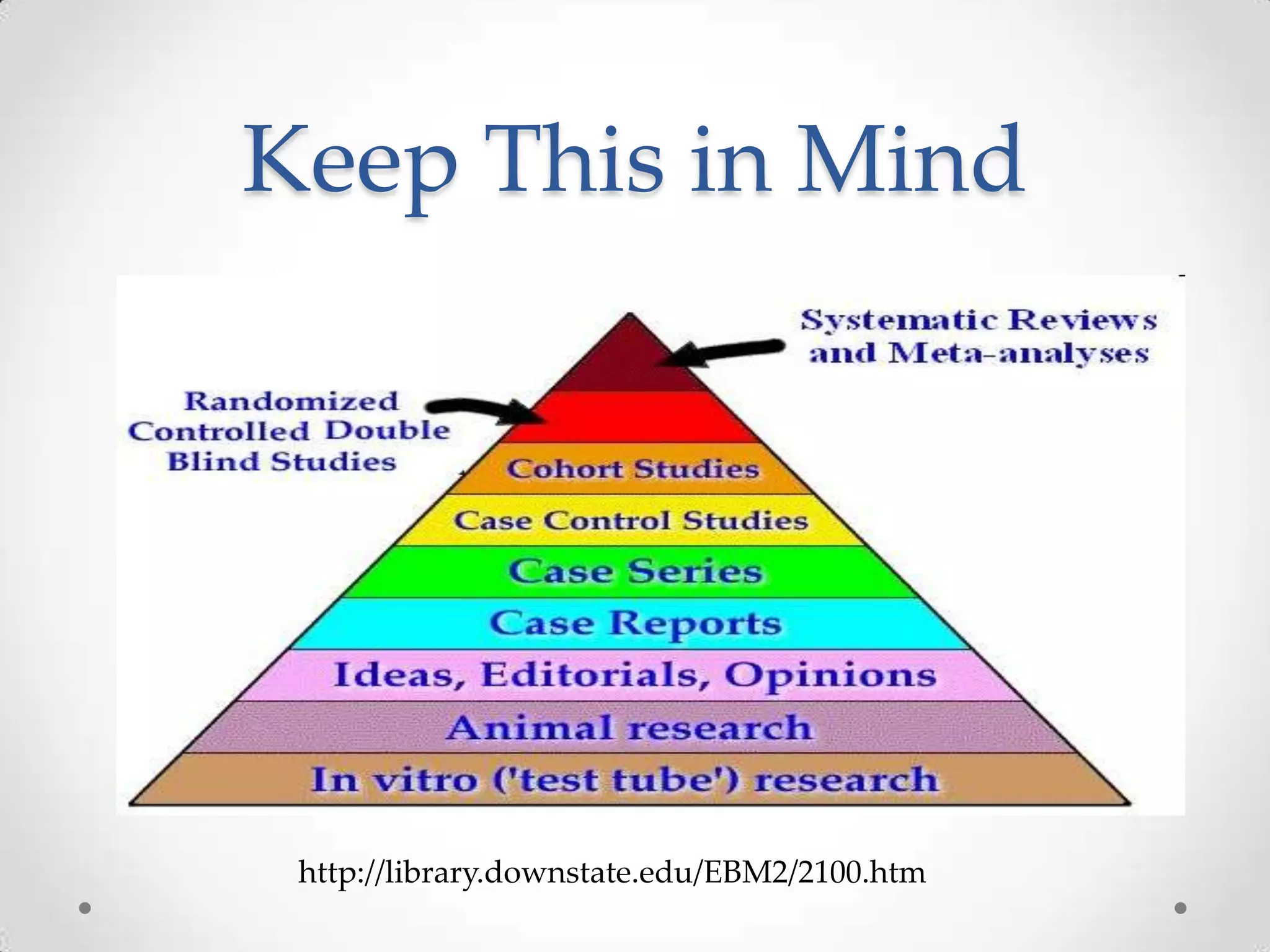
Keep This in Mind

http://library.downstate.edu/EBM2/2100.htm
Create an Account within
the Databases
• Save searches
• Set up search alerts
• Share citations or searches
o CINAHL-My Folder
o MEDLINE via PubMed-My NCBI Account
RefWorks
• Need to create an account
o Use UIC email address
o http://researchguides.uic.edu/refworks

• Manages citations
• Creates bibliography in APA format
• Share citations with other people
Additional Databases
• Cochrane Library
• EMBASE
• ERIC

•
•
•
•
•

MEDLINE via Ovid
PsycINFO
Scopus
Sociological Abstracts
Web of Science
Getting Help
Getting Help
• Make an appointment with me
o Call Me: 312-996-2759
o Email Me: raszewr1@uic.edu

• Health Sciences Tutorials & Instructional Guide
o Database Tutorials
o Evidence Based Practice Tutorial

• IM: uiclibrarian
• CALL: Reference Desk: 312-996-9163
What Can I Do for You?
•
•
•
•
•

Buy Books/Recommend Purchases for the Library
Library 101
Individual or group sessions on library-related topics
Literature Searches
Create Online Guide for your department or unit
o APN Guide
What I Covered Today
• Tips on Approaching a Literature Search
• Searching the Databases, CINAHL and MEDLINE via
PubMed
• Getting Help
Questions?
Rebecca Raszewski
raszewr1@uic.edu
312-996-2759
http://researchguides.uic.edu/raszewski

Literature Searching Tips and Tricks

  • 1.
    Literature Searching Tips andTricks Rebecca Raszewski, MS, AHIP Assistant Information Services Librarian & Assistant Professor March 28, 2013
  • 2.
    What I WillCover Today • Tips on Approaching a Literature Search • Searching the Databases, CINAHL and MEDLINE via PubMed • Getting Help
  • 3.
    Tips on Approachinga Literature Search
  • 4.
    What Kind ofQuestion do You Have? • Diagnosis, Etiology/Harm, Prognosis, Therapy (Prevention, Quality Improvement) • PICO (Patient, Intervention, Comparison, Outcome) o T (Timing) • John Hopkins EBP Question Development Tool o https://employee.hospital.uic.edu/Nursing/SitePages/EBPC.aspx
  • 5.
    Write Out YourTopic • What would be the ideal title for your article? • Write up an abstract or a thesis statement • Jane-Journal/Author Name Estimator o http://www.biosemantics.org/jane/
  • 6.
    What are theWords You Need to Search? • Look for the Subject Headings o Special Vocabulary that can be found in most databases o One word or phrase is used to describe a particular topic • Ex. Hypertension represents high blood pressure, Neoplasms represents cancer, etc. o CINAHL-CINAHL Headings o MEDLINE via PubMed-MeSH • Searching for a particular phrase may be too limiting
  • 7.
    Example: End ofLife Care • • • • • Hospice Care Hospice and Palliative Nursing Life Support Care Palliative Care Terminal Care
  • 8.
    Topic: Decision Makingin NICU Regarding Withdrawing Life Support • Decision Making • Decision Making, Clinical • Decision Making, Ethical • Decision Making, Family • Decision Making, Organizatio nal • Neonatal Intensive Care Nursing • NICU • Pediatric Advanced Life Support • Resuscitation • Resuscitation Orders • Treatment Withholding
  • 9.
    Which Resources DoYou Need to Search? • Nursing Research and Subject Guide o http://researchguides.uic.edu/nursing • Health Sciences Research and Subject Guides o http://researchguides.uic.edu/cat.php?cid=5873 • Databases A-Z List o http://researchguides.uic.edu/databases • Grey Literature • Websites, etc.
  • 10.
    Keep Track ofYour Searches • Create an Excel Spreadsheet o databases searched, dates, words used, limits, number of results, and number of relevant results • Create an account within each database o Search alert
  • 11.
    Searching the Databases: CINAHL& MEDLINE via PubMed
  • 12.
    Searching the Databases •CINAHL Plus with Full Text o Nursing and Allied Health database with over 2.8 million citations • MEDLINE via PubMed o Biomedical database with over 22 million citations o Available for free but must go through UIC Library to access PubMed • MEDLINE via Ovid
  • 13.
    Off Campus Access •Need to get a ACCC account • Same username (NETID) for hospital but password will be different • This account allows you to access: o Library resources from off campus o Library computers and access to $15.00 for printing every semester o UIC Wireless
  • 14.
    Steps for Searching 1. 2. 3. Doa subject heading search for the first part of your research project Do a keyword search for the first part of your research project Do a subject heading search for the second part of your research project 4. Do a keyword search for the second part of your research project 5. Combine your search sets together with OR, AND, etc. 6. Apply Limits to your search
  • 15.
    1. Do aSubject Heading Search  A subject heading is a special vocabulary that is used within most databases to best describe an article’s content  Look in the database to find where the subject headings are located  Not every database will have the same exact subject headings
  • 16.
    2. Do aKeyword Search • A keyword search will double check if you have found relevant articles • Searches the author, titles, abstracts, subject headings, full text (if available), etc. • Use truncation ex. Nurs*
  • 17.
    3. & 4.Do a Subject and Keyword Search for the Next Topic
  • 18.
    5. Combine YourSearches Together with OR, AND, etc. • Use OR Before AND • OR increases your results while AND decreases your results
  • 19.
    6. Apply Limitsto Your Search • • • • • Always apply limits at the end Age Groups Gender Language Year of Publication o CINAHL has a research limit. MEDLINE via PubMed does not.
  • 20.
    Tips on UsingCertain Limits • Exclude MEDLINE Records • Full Text Limit • Geographic Location-not every database will let you do this o CINAHL has a Journal Subset Limit but it does not work the way you think o PsycINFO and Scopus will let you limit by location • Limiting to Research Articles o CINAHL has Research limit o Otherwise limit to publication type o Another option is methodology (PsycINFO)
  • 21.
    Steps for Searching 1. 2. 3. Doa subject heading search for the first part of your research project Do a keyword search for the first part of your research project Do a subject heading search for the second part of your research project 4. Do a keyword search for the second part of your research project 5. Combine your search sets together with OR, AND, etc. 6. Apply Limits to your search
  • 22.
    After You HaveDone Your Limits-Now What? • Read the articles’ abstracts from your results. o Johns Hopkins EBP Research Evidence Appraisal Doc • See if the articles are available as full text • Request through InterLibrary Loan any articles you cannot find online (Free!)
  • 23.
    Keep This inMind http://library.downstate.edu/EBM2/2100.htm
  • 24.
    Create an Accountwithin the Databases • Save searches • Set up search alerts • Share citations or searches o CINAHL-My Folder o MEDLINE via PubMed-My NCBI Account
  • 25.
    RefWorks • Need tocreate an account o Use UIC email address o http://researchguides.uic.edu/refworks • Manages citations • Creates bibliography in APA format • Share citations with other people
  • 26.
    Additional Databases • CochraneLibrary • EMBASE • ERIC • • • • • MEDLINE via Ovid PsycINFO Scopus Sociological Abstracts Web of Science
  • 27.
  • 28.
    Getting Help • Makean appointment with me o Call Me: 312-996-2759 o Email Me: raszewr1@uic.edu • Health Sciences Tutorials & Instructional Guide o Database Tutorials o Evidence Based Practice Tutorial • IM: uiclibrarian • CALL: Reference Desk: 312-996-9163
  • 29.
    What Can IDo for You? • • • • • Buy Books/Recommend Purchases for the Library Library 101 Individual or group sessions on library-related topics Literature Searches Create Online Guide for your department or unit o APN Guide
  • 30.
    What I CoveredToday • Tips on Approaching a Literature Search • Searching the Databases, CINAHL and MEDLINE via PubMed • Getting Help
  • 31.

Editor's Notes

  • #5 Cathy Ryan’s presentation in February 2012 on the Johns Hopkins Nursing Evidence Based Practice Model. OnEBP Council website
  • #6 Jane has journals from MEDLINE
  • #10 Grey Literature refers to a body of materials that cannot be found easily through conventional channels such as publishers.
  • #13 (MM "Neonatal Intensive Care Nursing") OR (MM "Intensive Care Units, Neonatal") OR NICUAND MM “Pain” OR “Pain Management”("Pain Management"[Majr] OR "Pain"[Majr:NoExp]) AND ("Intensive Care Units, Neonatal"[Majr] OR NICU)Can also do pain measurement and neonatal nursing
  • #27 Not listing Google Scholar here because you cannot do the kind of searching that I just did in these databases.
  • #30 Literature Searches-be as specific as possible regarding a timeline, the topic itself, ideas for words or phrases to searchIdeas for words or phrases to search are appreciated.