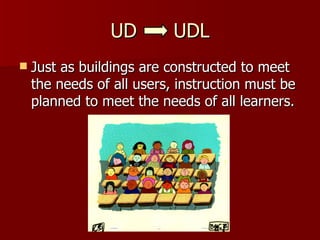
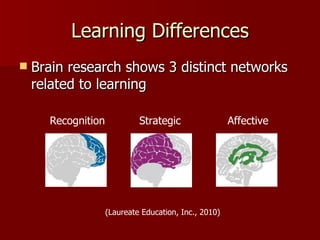
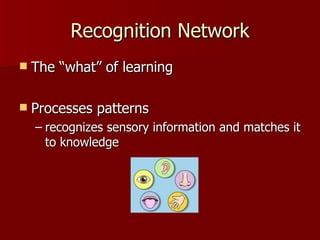
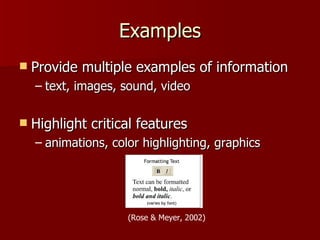
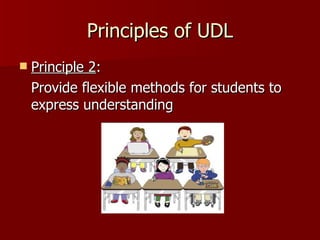
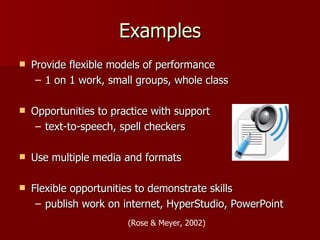
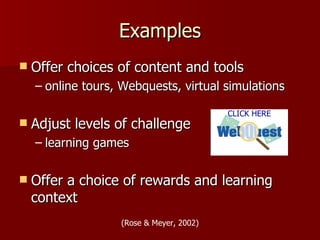
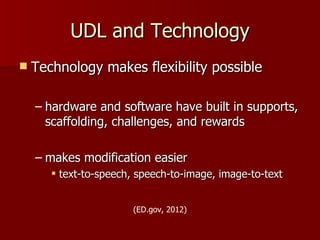
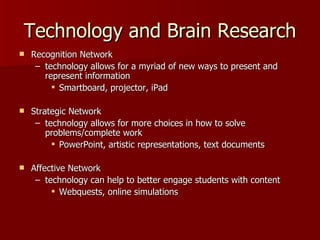
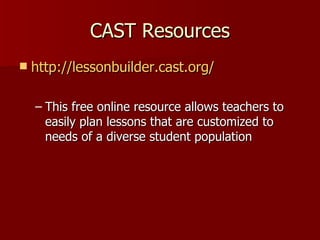
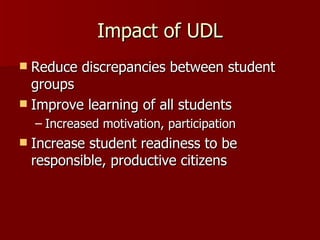
This document discusses Universal Design for Learning (UDL), a framework for instruction based on scientific findings about how people learn. UDL aims to reduce barriers and provide flexibility in how information is presented, how students demonstrate knowledge, and how students are engaged. It is based on research showing there are three networks in the brain related to learning. UDL principles call for presenting information in multiple ways, allowing for flexible methods of expression, and providing multiple ways to engage learners. Technology supports UDL by enabling flexible presentation, expression, and engagement. The document provides examples of UDL and resources from the Center for Applied Special Technology. It concludes by discussing how UDL could impact a school district by reducing achievement gaps and improving outcomes for all














![References
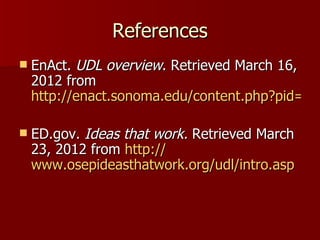
Laureate Education, Inc. (Executive Producer). (2010).
Program Number Thirteen: Brain research and udl
[Webcast]. In Reaching and Engaging All Learners
Through Technology. Retrieved from
http://sylvan.live.ecollege.com/ec/crs/default.learn?CourseID=
Rose, D., & Meyer, A. (2002). Teaching every student in
the digital age: Universal design for learning. Retrieved
from http://
www.cast.org/teachingeverystudent/ideas/tes/](https://image.slidesharecdn.com/udlpresentation-120325193218-phpapp01/85/UDL-presentation-29-320.jpg)


