Universal Design 		for	Learning (UDL)		   Jeannine Miller	         Student id A00232202 Diverse Learners and Technology (EDUC - 7109 - 1)
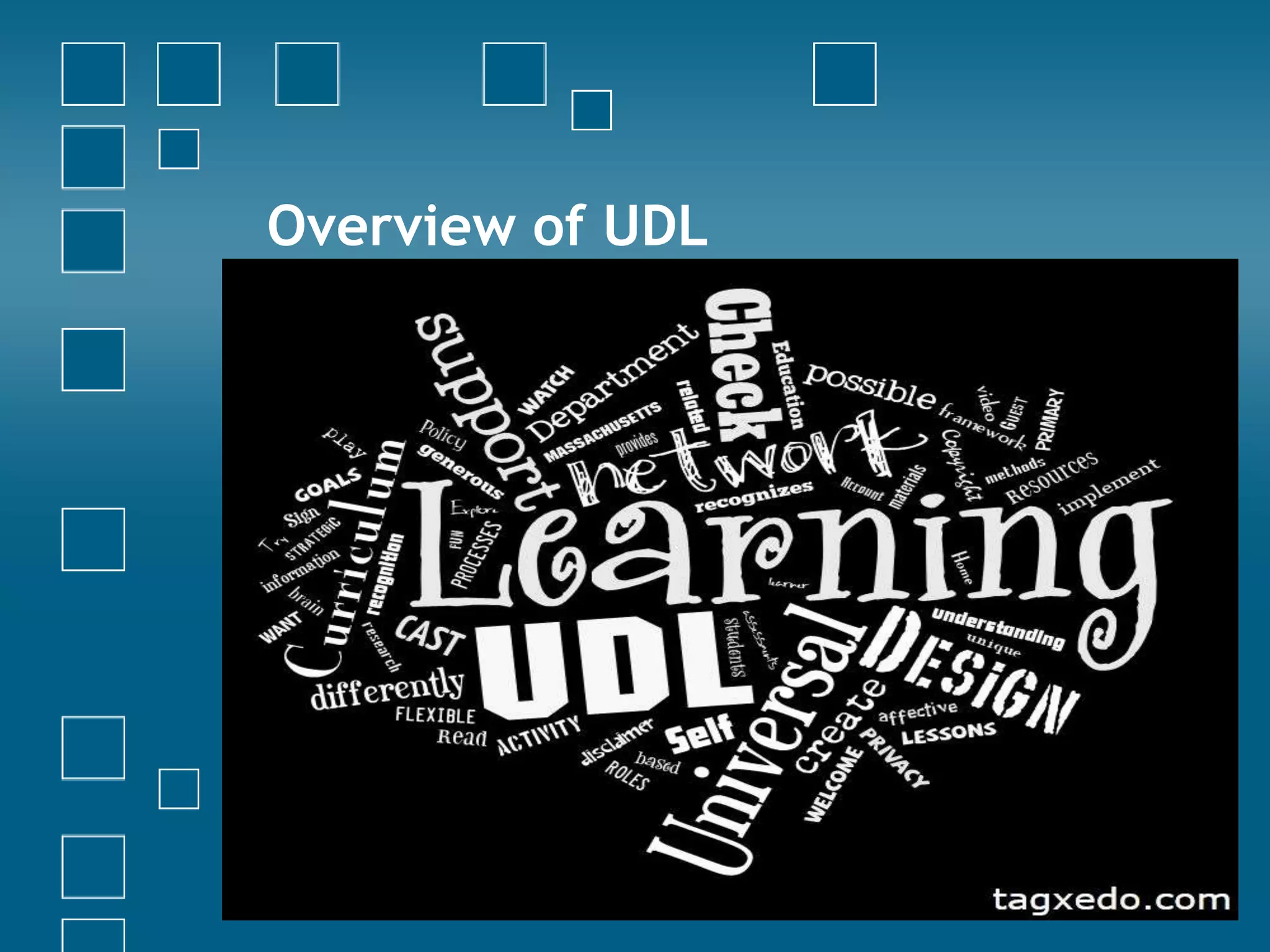
Overview of UDL
UDL DefinitionA curriculums foundation based uponequality in learning for all. Designinggoals, methods, materials, and assessments that are pliable to fit a diverse need of learners.http://www.youtube.com/user/UDLCAST
Everyday Non DigitalExamples of UDLWheelchair accessible buildings/parkingBraille signsSpanish translationsHandicap restrooms
Everyday Digital Examples of UDLBooks on tapeHearing impaired phone technologyClosed captioningText to speech
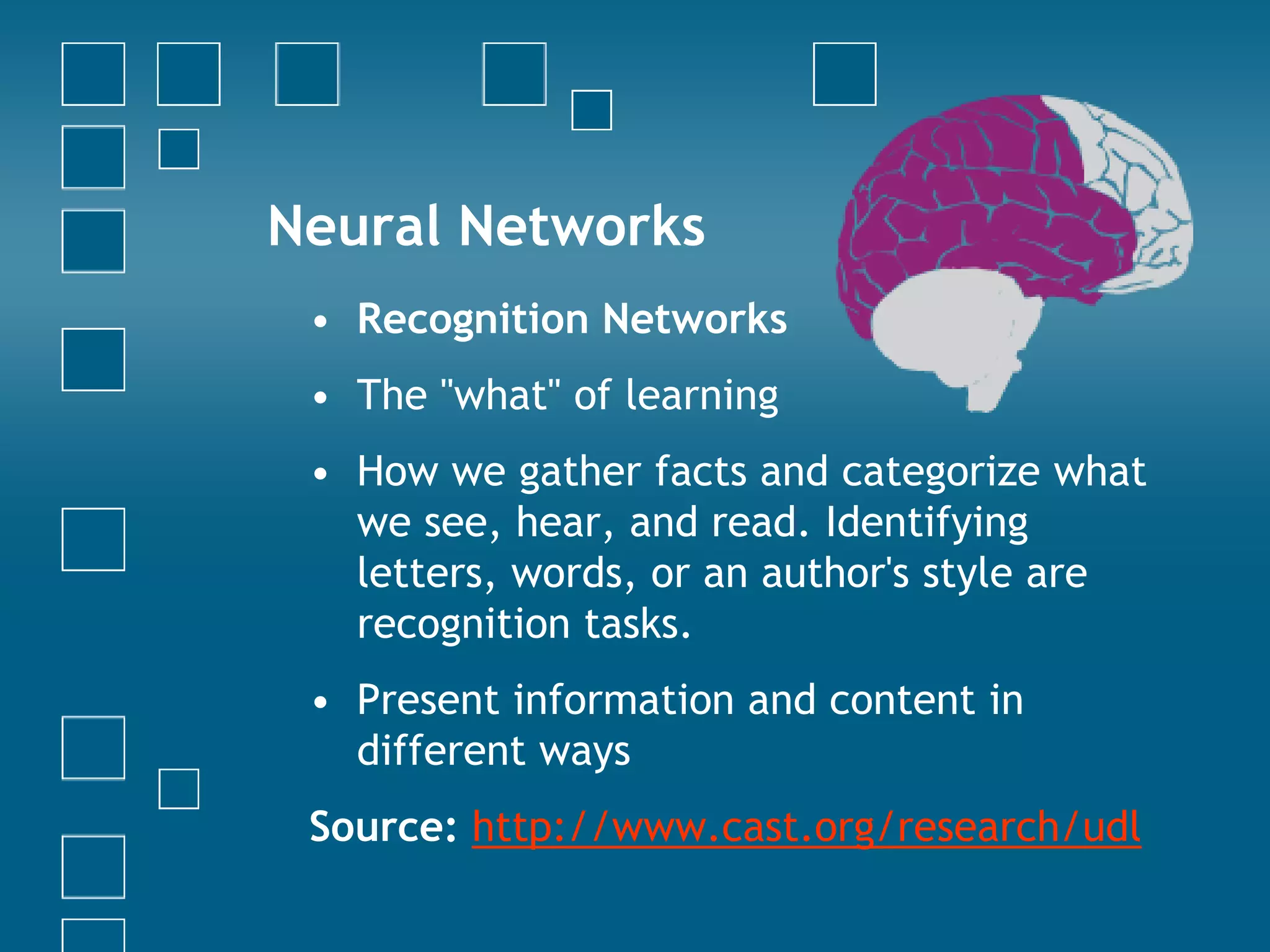
Neural Networks Recognition NetworksThe "what" of learningHow we gather facts and categorize what we see, hear, and read. Identifying letters, words, or an author's style are recognition tasks.Present information and content in different waysSource: http://www.cast.org/research/udl
Examples Offer ways of customizing the display of information
Offer alternatives for auditory information
Offer alternatives for visual information
Provide options for language, mathematical expressions and symbols
Clarity vocabulary and symbols
Clarify syntax and structure
Support decoding of text and mathematical notation and symbols
Promote understanding across language
Illustrate through multiple media
Provide options for comprehension
Activate or supply background knowledge

UDL Presentation: Sharing Ideas and Building Resources

  • 1.
    Universal Design for Learning(UDL) Jeannine Miller Student id A00232202 Diverse Learners and Technology (EDUC - 7109 - 1)
  • 2.
  • 3.
    UDL DefinitionA curriculumsfoundation based uponequality in learning for all. Designinggoals, methods, materials, and assessments that are pliable to fit a diverse need of learners.http://www.youtube.com/user/UDLCAST
  • 4.
    Everyday Non DigitalExamplesof UDLWheelchair accessible buildings/parkingBraille signsSpanish translationsHandicap restrooms
  • 5.
    Everyday Digital Examplesof UDLBooks on tapeHearing impaired phone technologyClosed captioningText to speech
  • 6.
    Neural Networks RecognitionNetworksThe "what" of learningHow we gather facts and categorize what we see, hear, and read. Identifying letters, words, or an author's style are recognition tasks.Present information and content in different waysSource: http://www.cast.org/research/udl
  • 7.
    Examples Offer waysof customizing the display of information
  • 8.
    Offer alternatives forauditory information
  • 9.
    Offer alternatives forvisual information
  • 10.
    Provide options forlanguage, mathematical expressions and symbols
  • 11.
  • 12.
  • 13.
    Support decoding oftext and mathematical notation and symbols
  • 14.
  • 15.
  • 16.
    Provide options forcomprehension
  • 17.
    Activate or supplybackground knowledge
  • 18.
    Highlight patterns, criticalfeatures, big ideas and relationships
  • 19.
    Guide information processing,visualization and manipulation
  • 20.
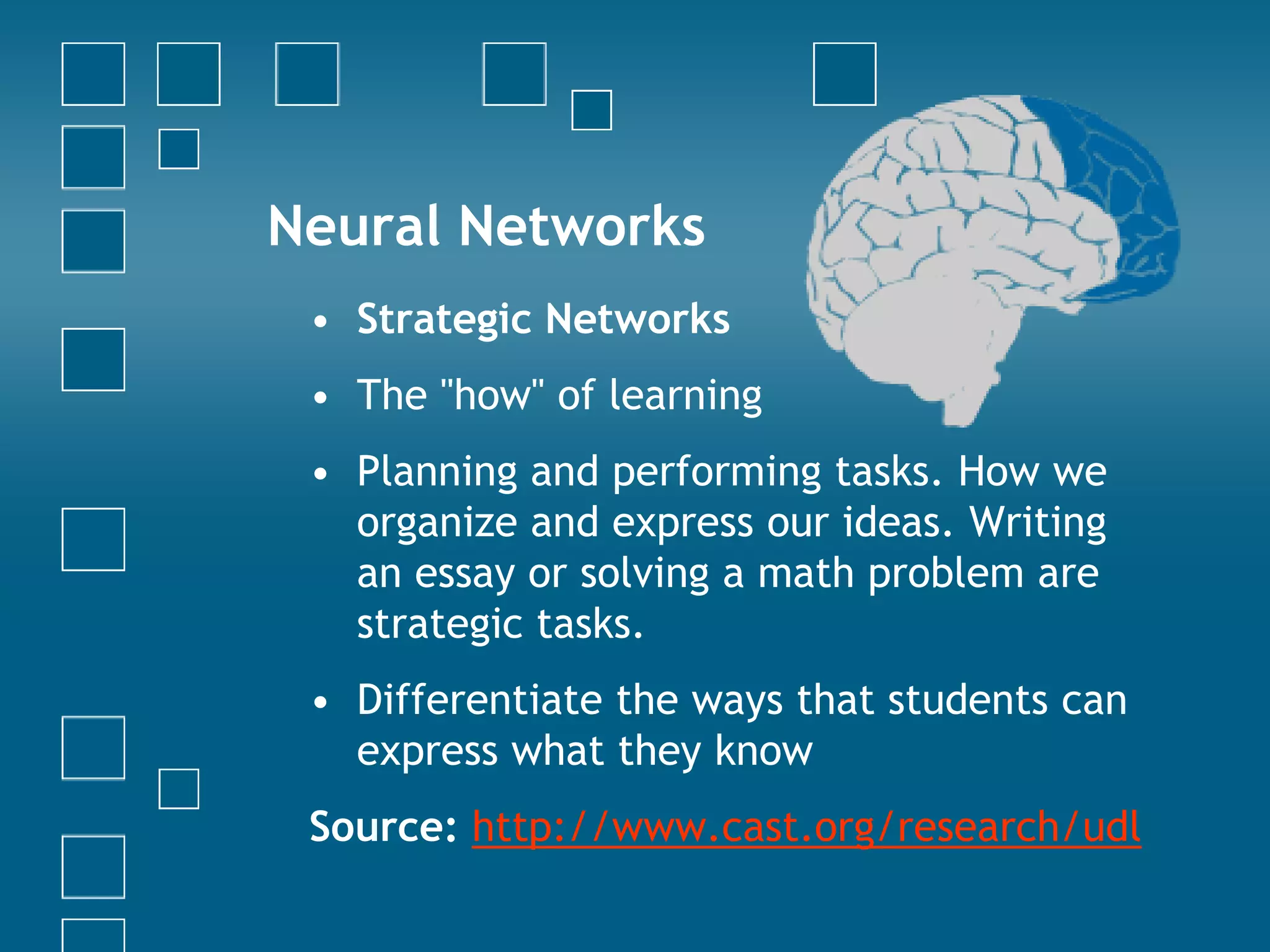
    Maximize transfer andgeneralizationNeural Networks Strategic NetworksThe "how" of learningPlanning and performing tasks. How we organize and express our ideas. Writing an essay or solving a math problem are strategic tasks.Differentiate the ways that students can express what they knowSource: http://www.cast.org/research/udl
  • 21.
  • 22.
    Vary the methodsfor response and navigation
  • 23.
    Optimize access totools and assistive technologies
  • 24.
    Provide options forexpression and communication
  • 25.
    Use multiple mediafor communication
  • 26.
    Use multiple toolsfor construction and composition
  • 27.
    Build fluencies withgraduated labels of support for practice and performance
  • 28.
    Provide options forexecutive functions
  • 29.
  • 30.
    Support planning andstrategy development
  • 31.
  • 32.
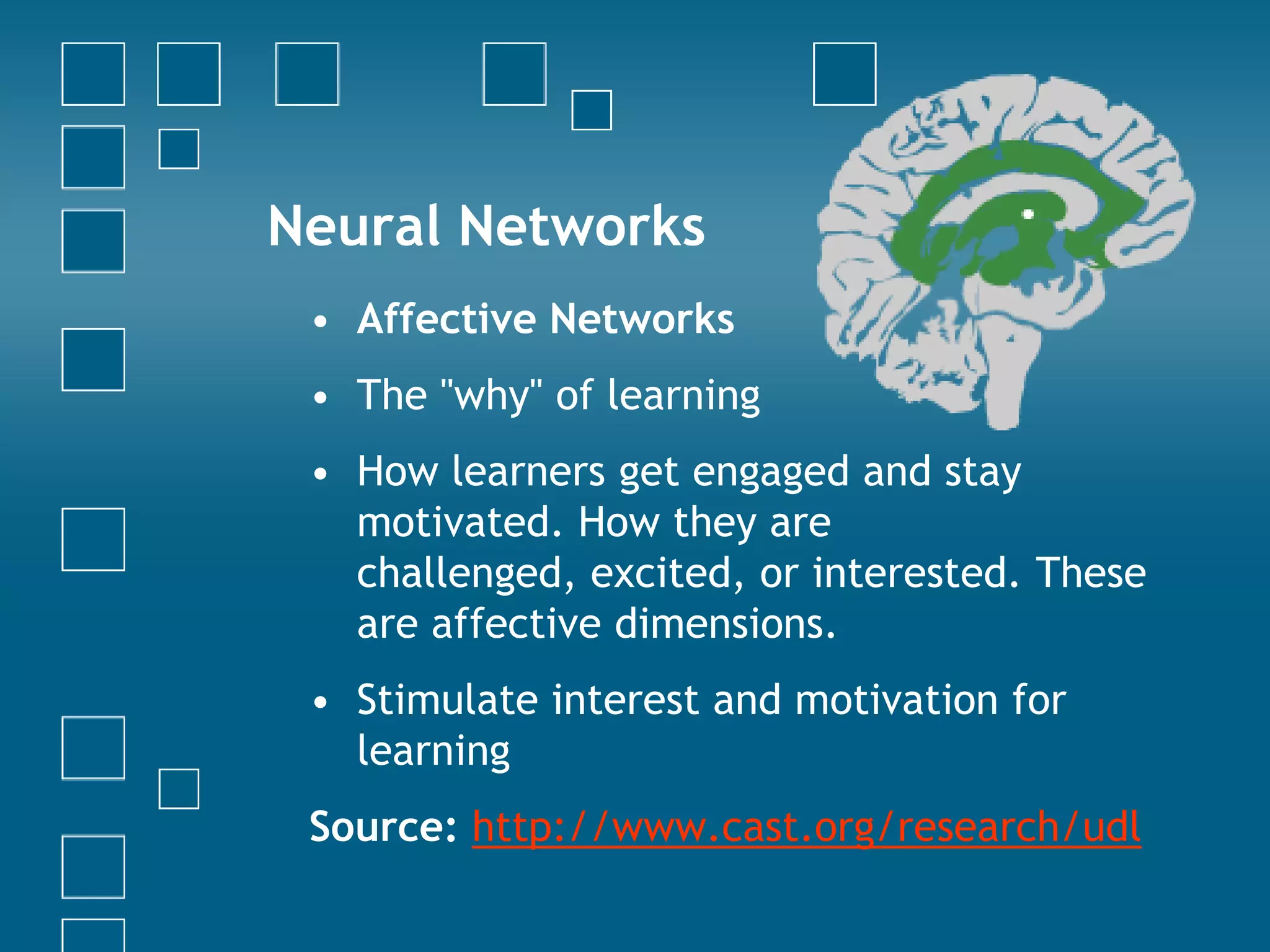
    Enhance capacity formonitoring progressNeural Networks Affective NetworksThe "why" of learningHow learners get engaged and stay motivated. How they are challenged, excited, or interested. These are affective dimensions.Stimulate interest and motivation for learningSource: http://www.cast.org/research/udl
  • 33.
    ExamplesProvide options forrecruiting interest
  • 34.
  • 35.
  • 36.
  • 37.
    Provide options forsustaining effort and persistence
  • 38.
    Heighten salience ofgoals and objectives
  • 39.
    Vary demands andresources to optimize challenge
  • 40.
  • 41.
  • 42.
    Provide options forself-regulation
  • 43.
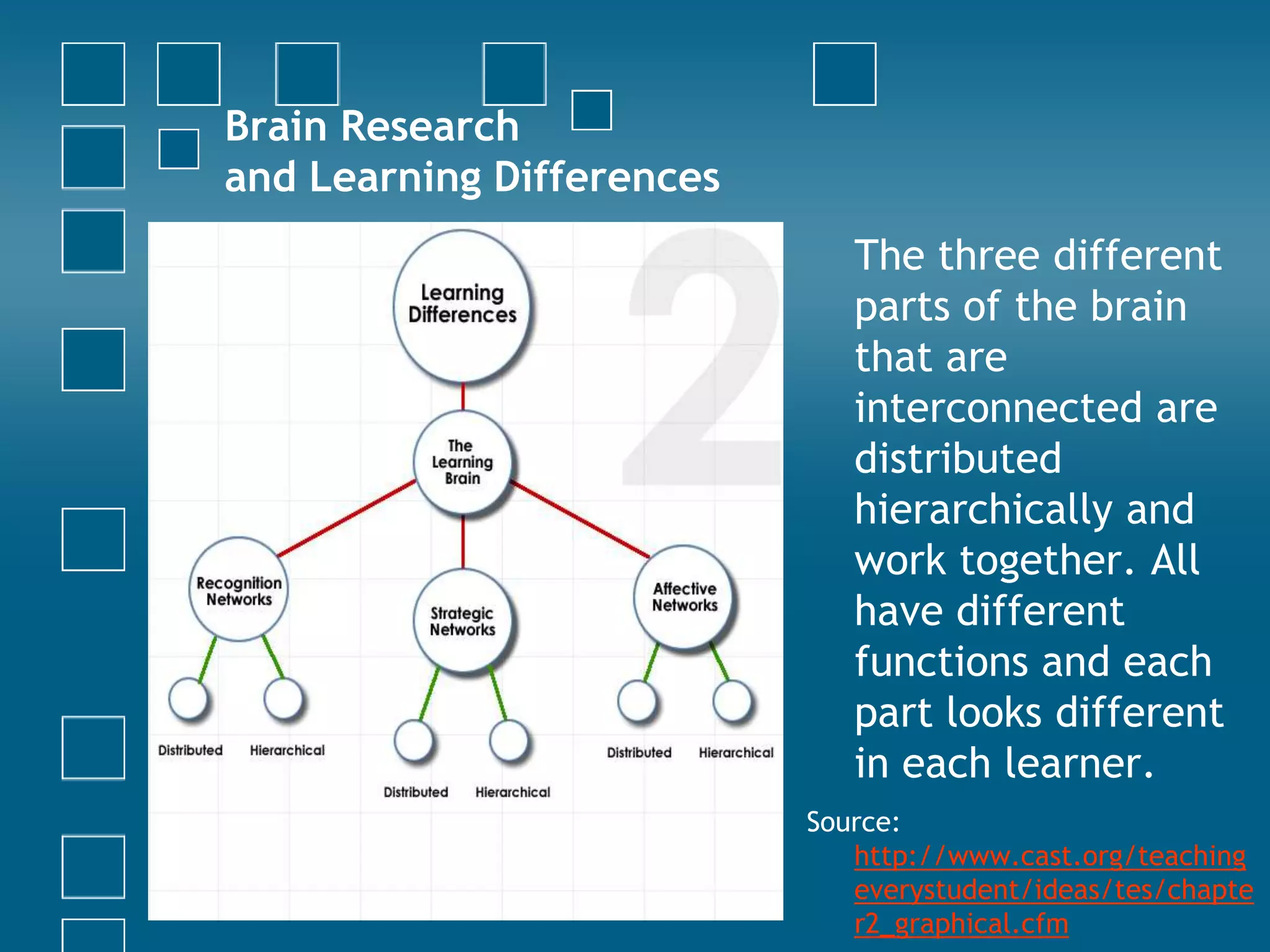
    Promote expectations andbeliefs that optimize motivationBrain Research and Learning Differences The three different parts of the brain that are interconnected are distributed hierarchicallyand work together. All have different functions and each part looks different in each learner.Source: http://www.cast.org/teachingeverystudent/ideas/tes/chapter2_graphical.cfm
  • 44.
    Support for cultural,ethnic , linguistic and academic diversity by using the principles of UDLEquitable Use- The design is useful for a multitude of diverse abilities.Flexibility in Use- Components within the design that serves a variety of learners based on ones preferenceSimple and Intuitive. Regardless of the students abilities and or experience information is clear and easy to understand. Perceptible Information. The design of the lesson has necessary information regardless of students sensory abilitiesTolerance for Error. The design has low adverse consequences or unintended actions. Low Physical Effort. The design can be performed with little effort and without being fatigued.Size and Space for Approach and Use. The design provided has little to no difficulty with manipulation and mobility.
  • 45.
    Central Role ofTechnologyand UDLTechnologies in UDL are a practical and cost effective way to achieve goals in learning by carefully planning resources and executing lessons.Examples include using the internet, assistive technologies and mind mapping.
  • 46.
    Impact on StudentLearning I agree with Robert Mislevy, a leading expert in educational assessment and technology . He contends that UDL prompts you to target learning goals and also encourages us to carefully consider all of the knowledge, skills, or abilities of the learners. UDL pushes us to think about the ways in which we can support students so that we can target and address the actual learning goals. These design patterns help educators build learning tasks, group work, and extended investigations in the classroom. Our students are going to do better on test items, not because they studied and focused just on the kinds of tasks, but because they learned the ways of thinking that are compatible with what you do on those tasks.
  • 47.
    Examples ofTools andResourcesUDL Lesson Builder that provides educators with models and tools to create and adapt lessons plans. This could be used a good starting point to use with teachers for the introduction of UDL.UDL Book Builder. A place to create, share, publish, and read digital books. A place for students to access material according to their individual needs, interests, and skills. This can be implemented in the media center since classes visit every week.CAST Strategy Tutor helps students with reading and research. Provides teachers with web based lesson that are research based. Implementation of this is a win-win for a school. These can be accessed by teachers and students directly in the classrooms.
  • 48.
    Referenceshttp://www.alliance.brown.edu/tdl/ Retrieved July1, 2011.http://www.cast.org/index.html Retrieved July 3, 2011.http://www.washington.edu/doit/Brochures/Programs/ud.html Retrieved July 5, 2011.http://www.ericdigests.org/2003-5/universally.htm Retrieved July 6, 2011.http://www.cast.org/research/udl Retrieved July 8, 2011.http://www.udlcenter.org/sites/udlcenter.org/files/mislevy_final_0.pdf Retrieved July 10,2011.http://www.cast.org/teachingeverystudent/ideas/tes/chapter2_graphical.cfm Retrieved July 10,2011.