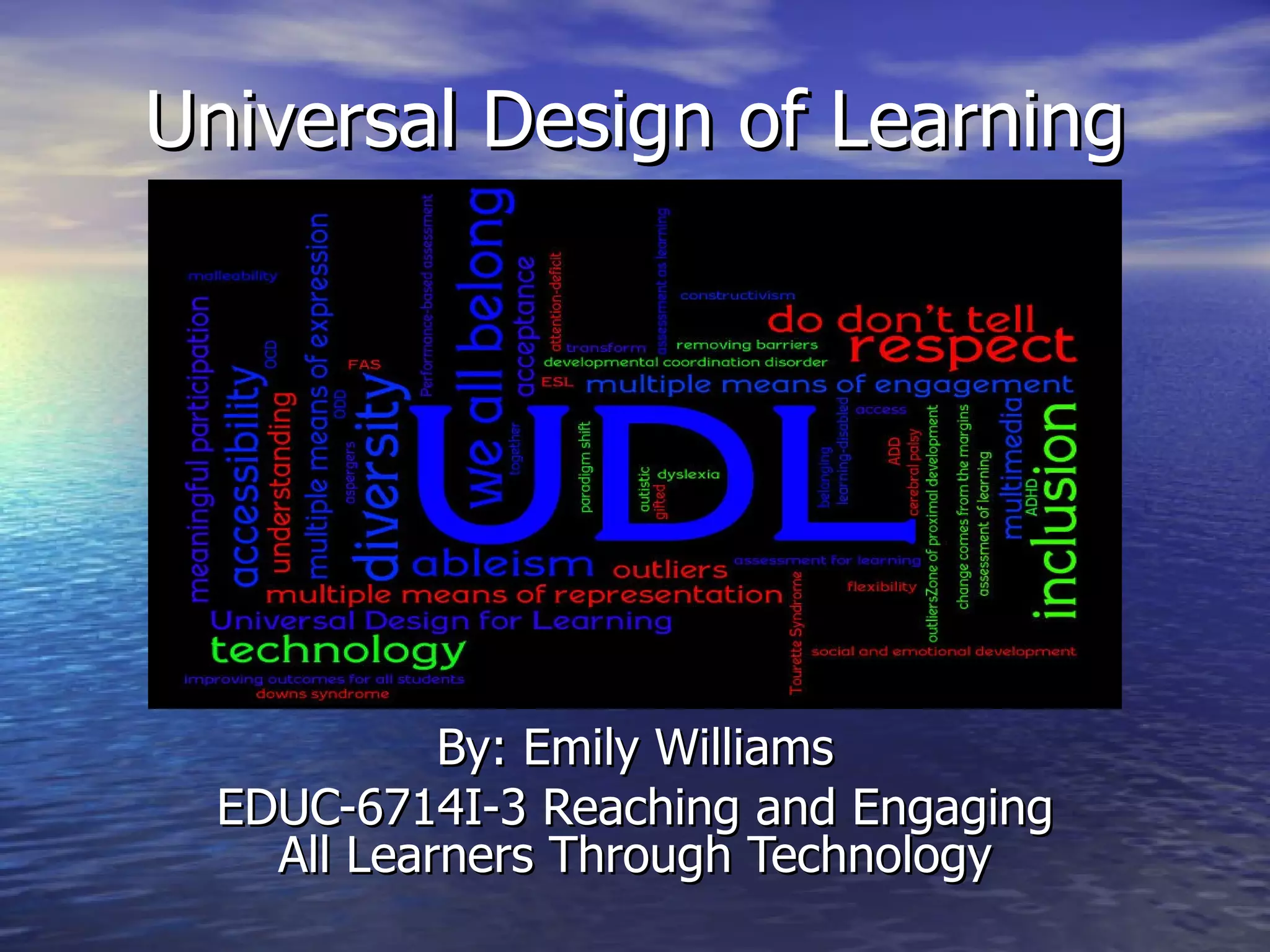
Universal Design of Learning By: Emily Williams EDUC-6714I-3 Reaching and Engaging All Learners Through Technology
What is UDL? “ The concept of Universal Design for Learning (UDL) is the intersection where all our initiatives—integrated units, multi-sensory teaching, multiple intelligences, differentiated instruction, use of computers in schools, performance-based assessment, and others—come together.”  -CAST http:// www.youtube.com/watch?v =pGLTJw0GSxk&feature= player_detailpage
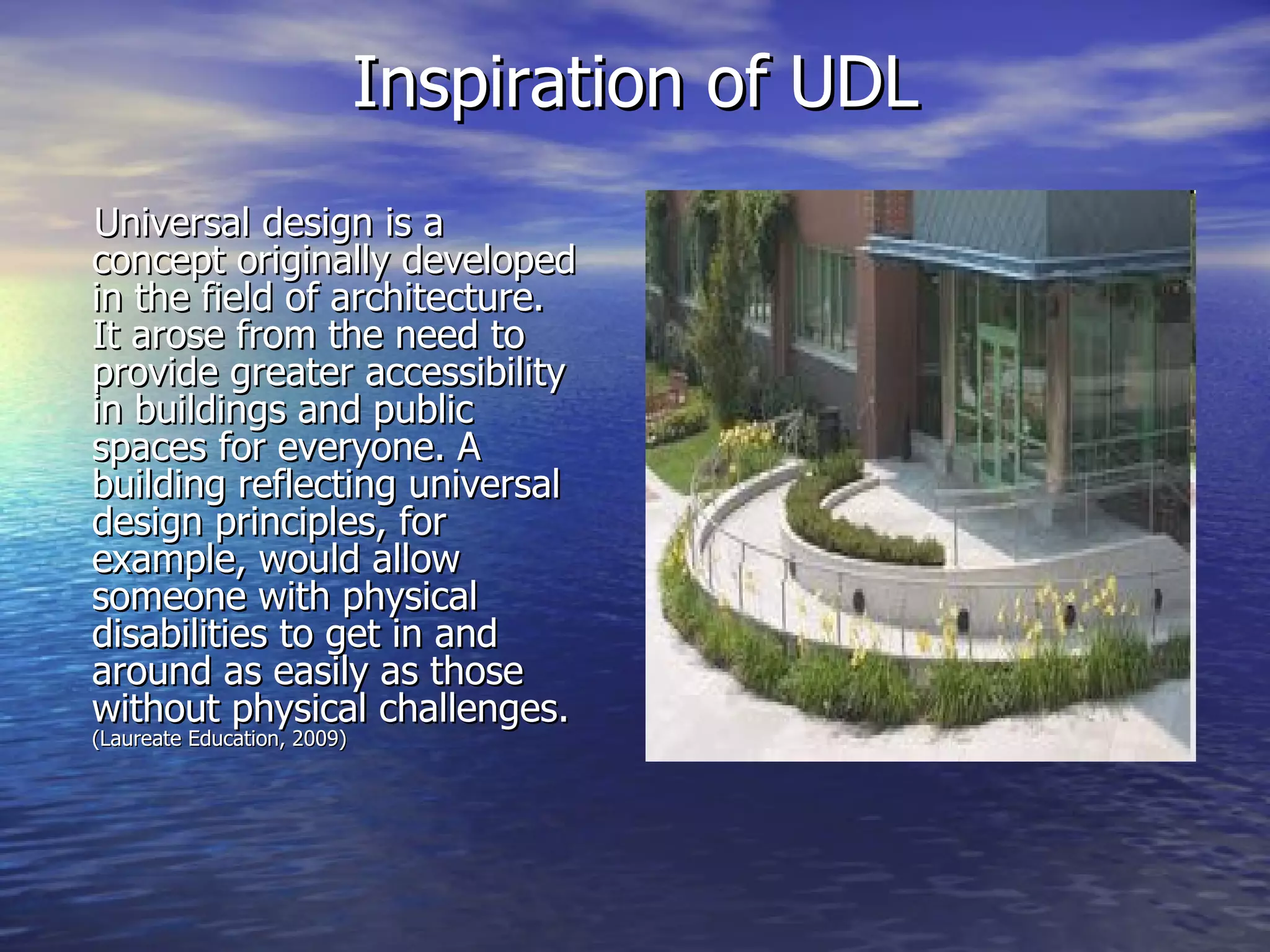
Inspiration of UDL Universal design is a concept originally developed in the field of architecture. It arose from the need to provide greater accessibility in buildings and public spaces for everyone. A building reflecting universal design principles, for example, would allow someone with physical disabilities to get in and around as easily as those without physical challenges.  (Laureate Education, 2009)
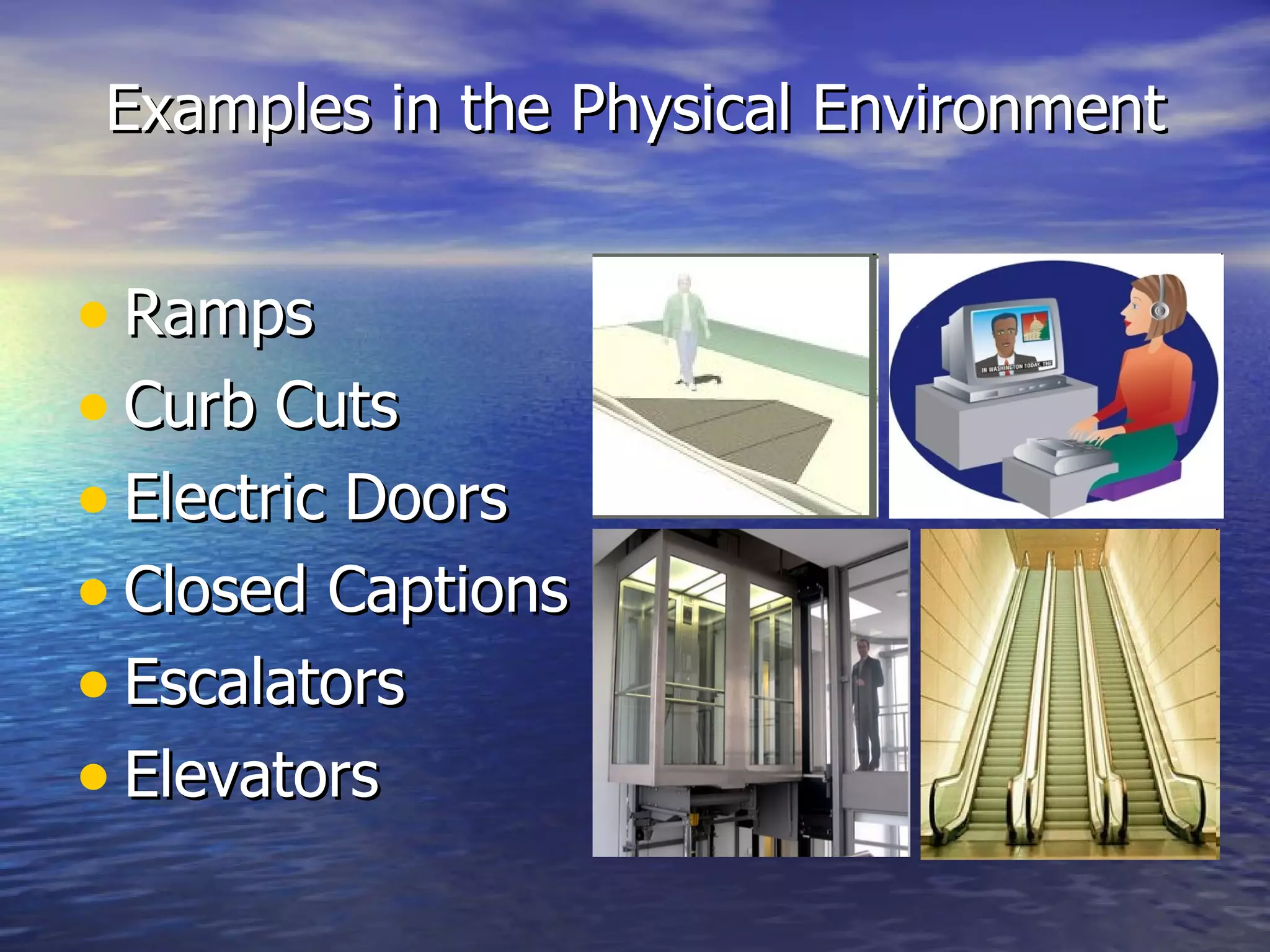
Examples in the Physical Environment Ramps Curb Cuts Electric Doors Closed Captions Escalators Elevators
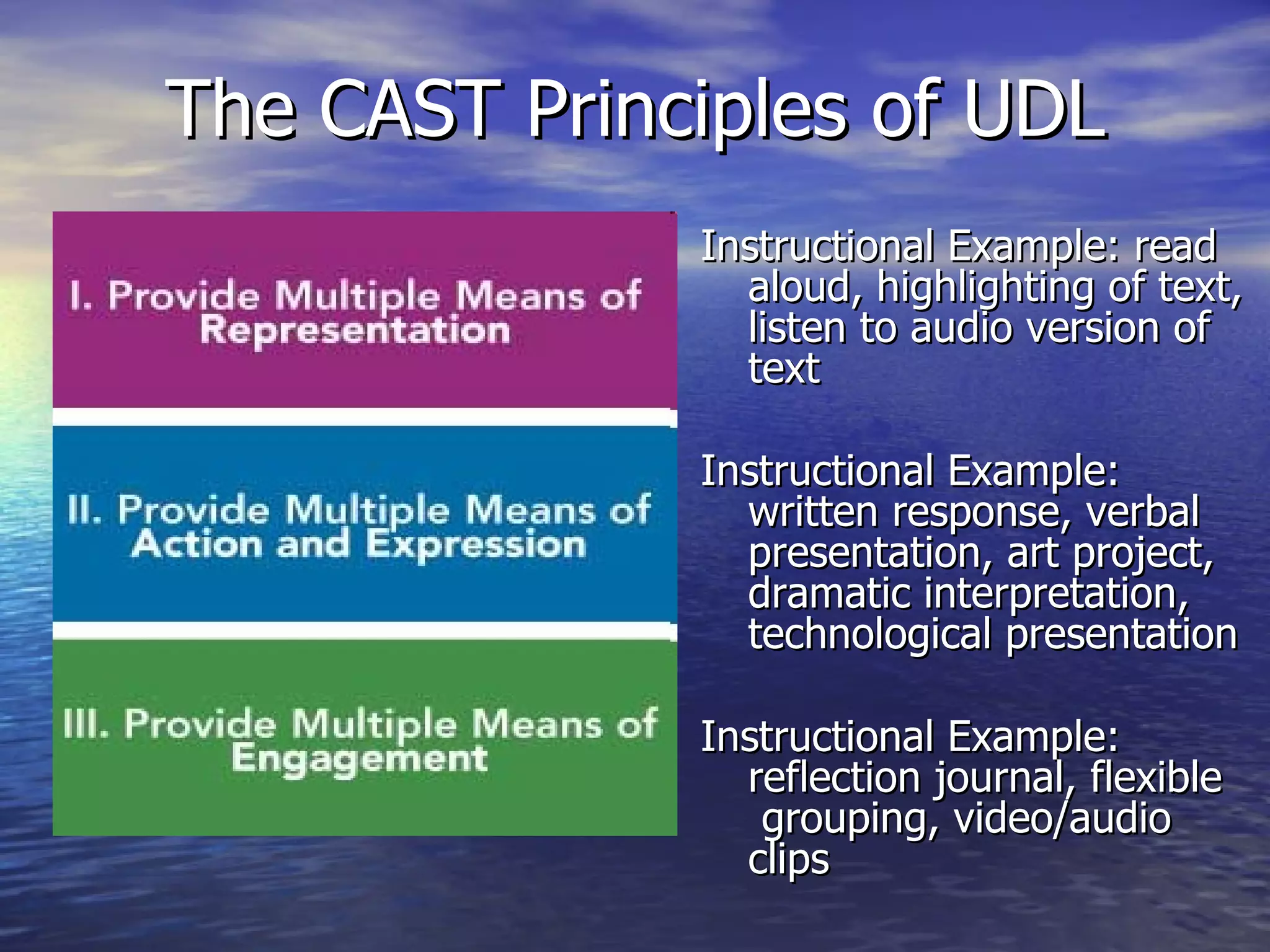
The CAST Principles of UDL Instructional Example: read aloud, highlighting of text, listen to audio version of text Instructional Example: written response, verbal presentation, art project, dramatic interpretation, technological presentation Instructional Example: reflection journal, flexible  grouping, video/audio clips
 
Central Role of Technology in UDL Technology can be as diverse as the students themselves.  (Laureate Education, 2009) Digital tools allow for flexibility to display content in different ways.  Materials can be relevant to student’s learning preference. Technology is an engaging tool and can enhance student learning.
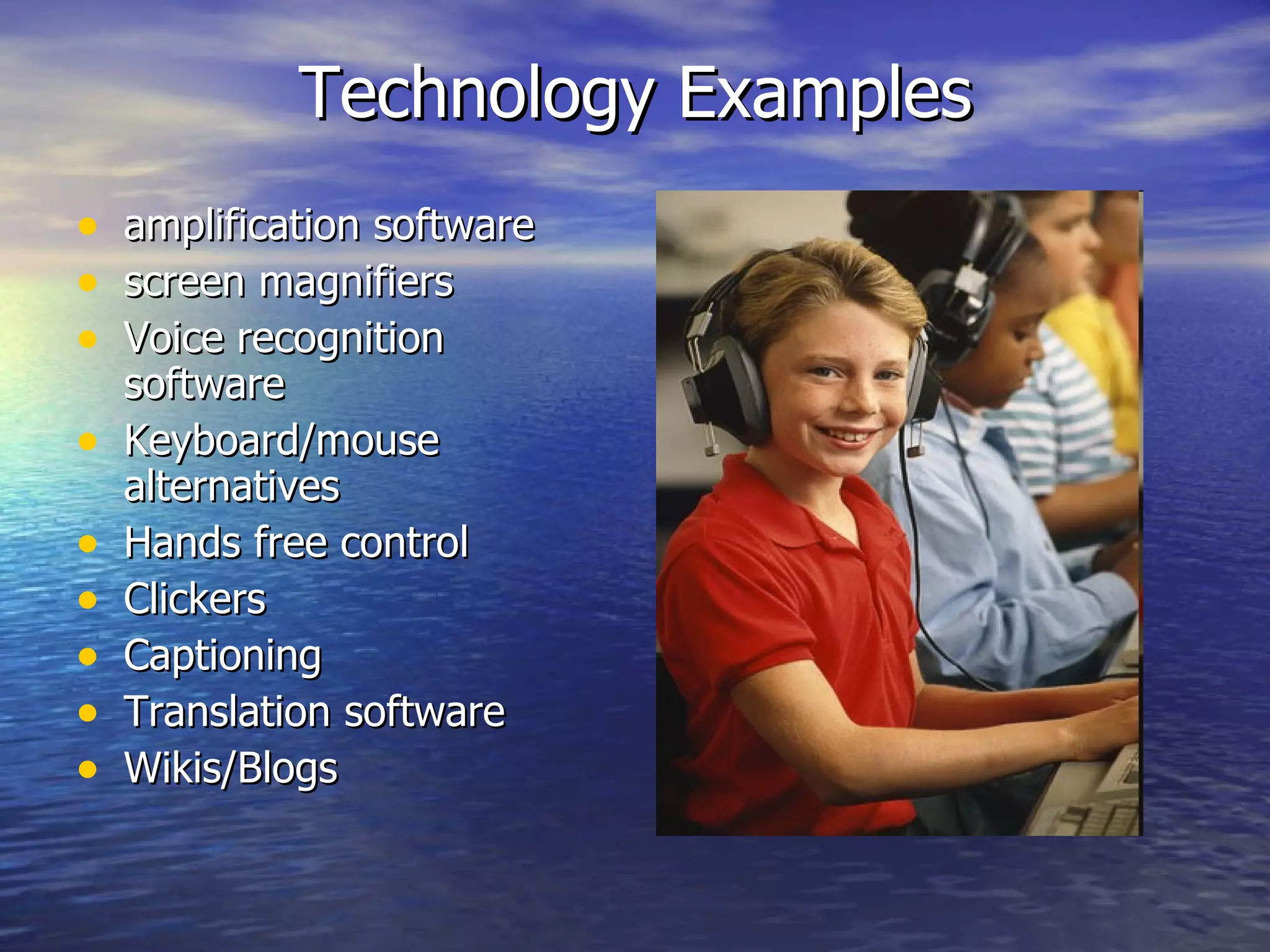
Technology Examples amplification software screen magnifiers Voice recognition software Keyboard/mouse alternatives Hands free control Clickers Captioning Translation software Wikis/Blogs
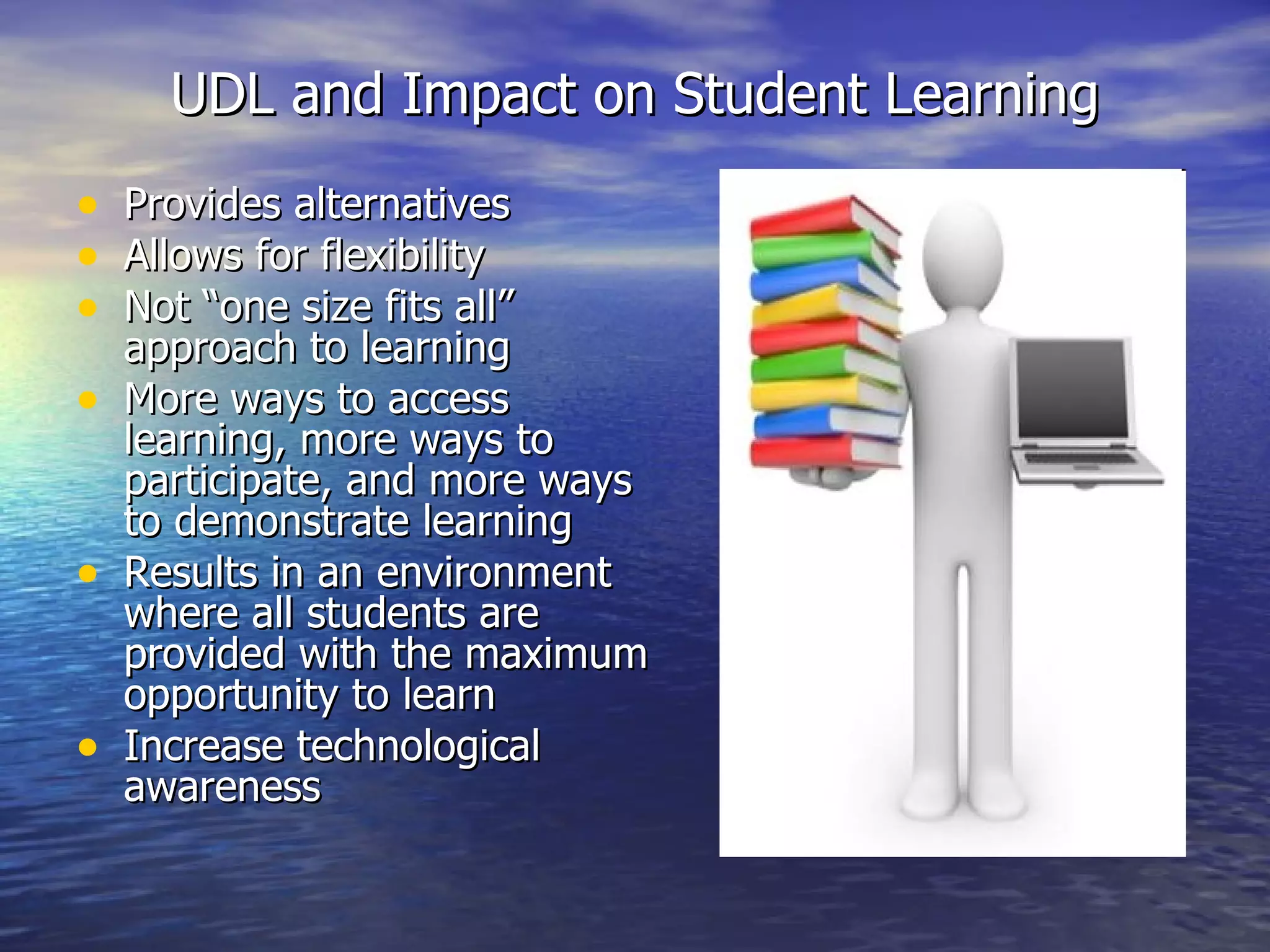
UDL and Impact on Student Learning Provides alternatives  Allows for flexibility  Not “one size fits all” approach to learning More ways to access learning, more ways to participate, and more ways to demonstrate learning  Results in an environment where all students are provided with the maximum opportunity to learn Increase technological awareness
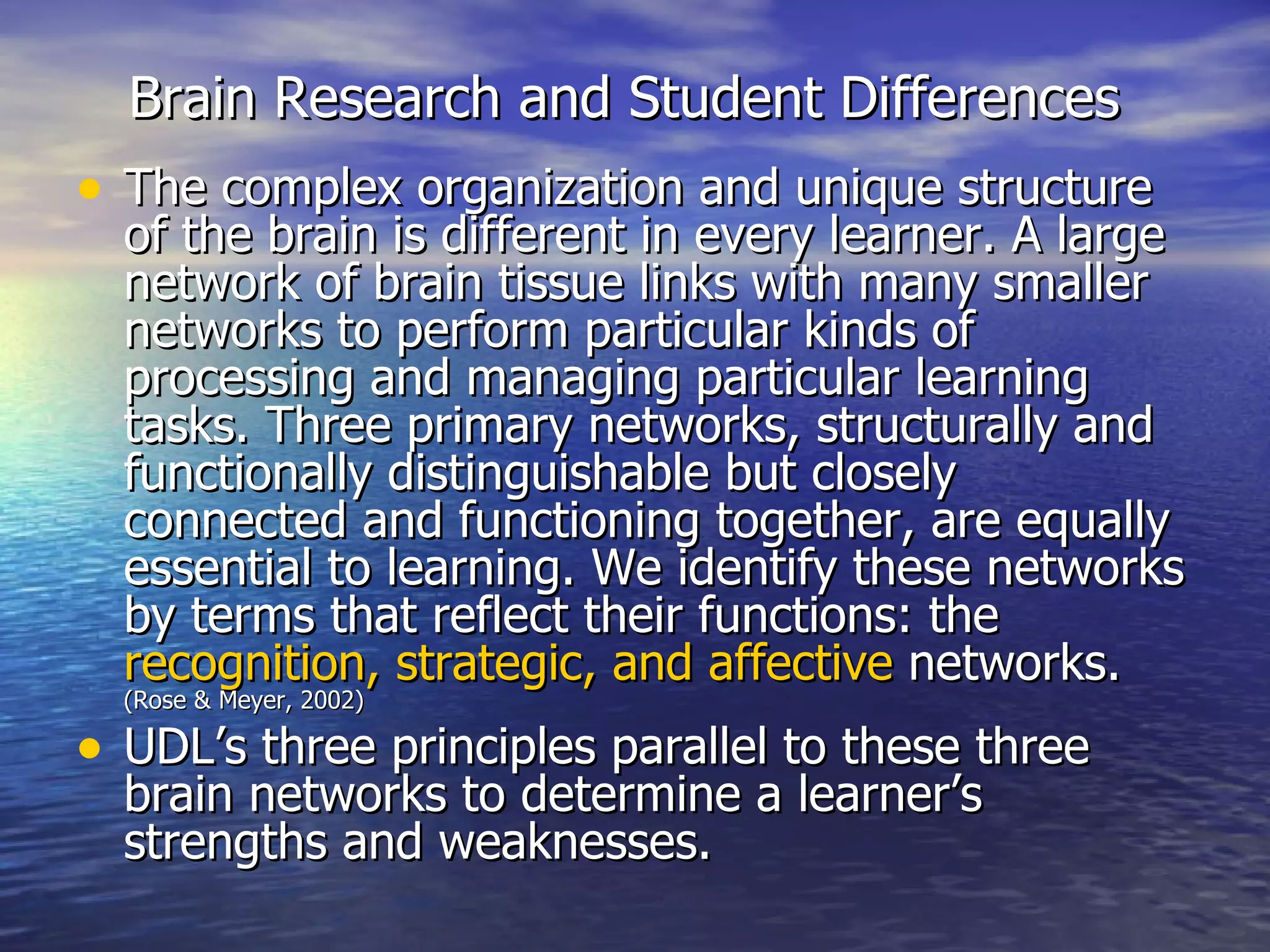
Brain Research and Student Differences   The complex organization and unique structure of the brain is different in every learner. A large network of brain tissue links with many smaller networks to perform particular kinds of processing and managing particular learning tasks. Three primary networks, structurally and functionally distinguishable but closely connected and functioning together, are equally essential to learning. We identify these networks by terms that reflect their functions: the  recognition, strategic, and affective  networks.  (Rose & Meyer, 2002) UDL’s three principles parallel to these three brain networks to determine a learner’s strengths and weaknesses.
Description of the relationship between the 3 Principles of UDL vs 3 Brain Networks
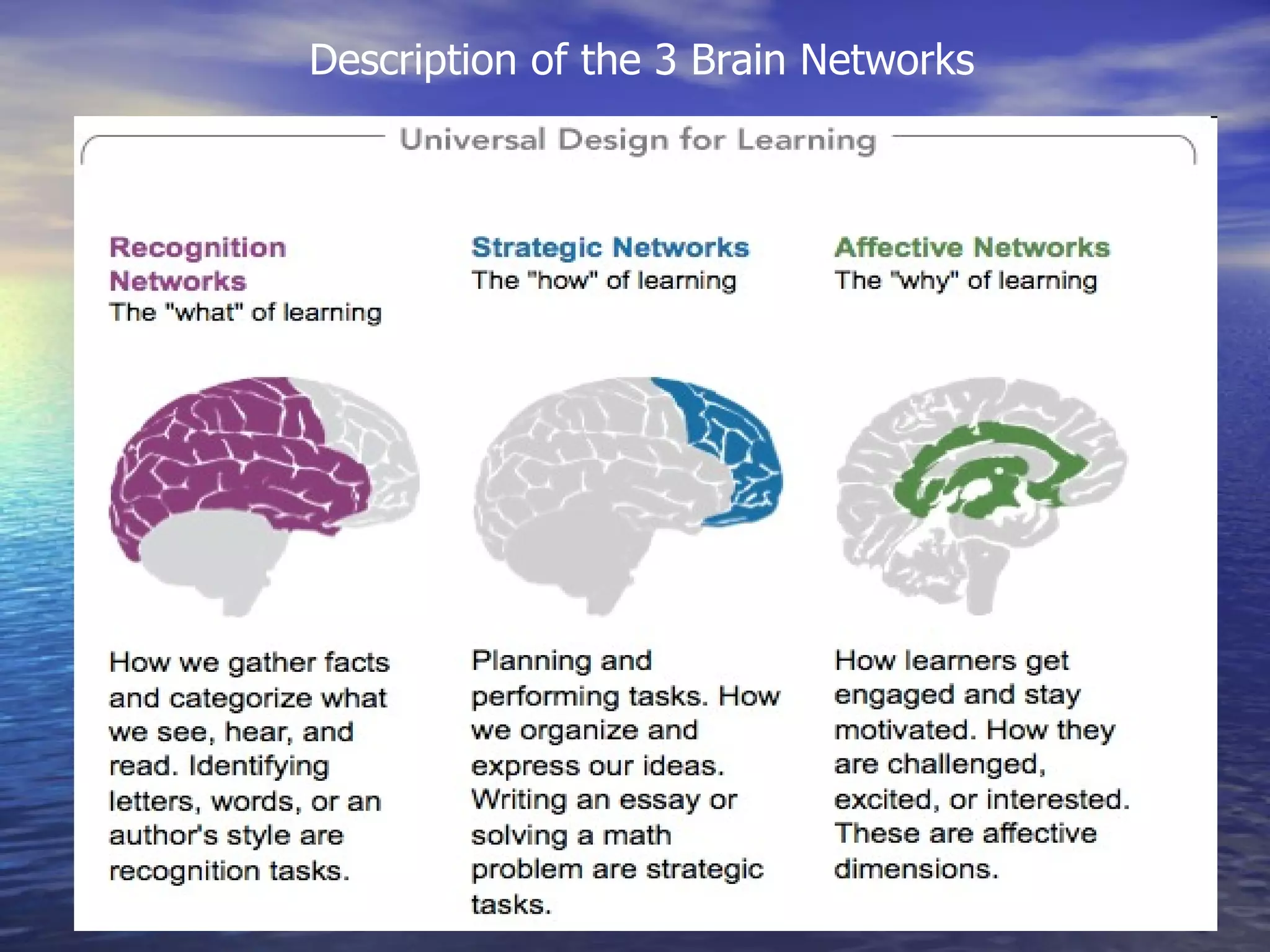
Description of the 3 Brain Networks
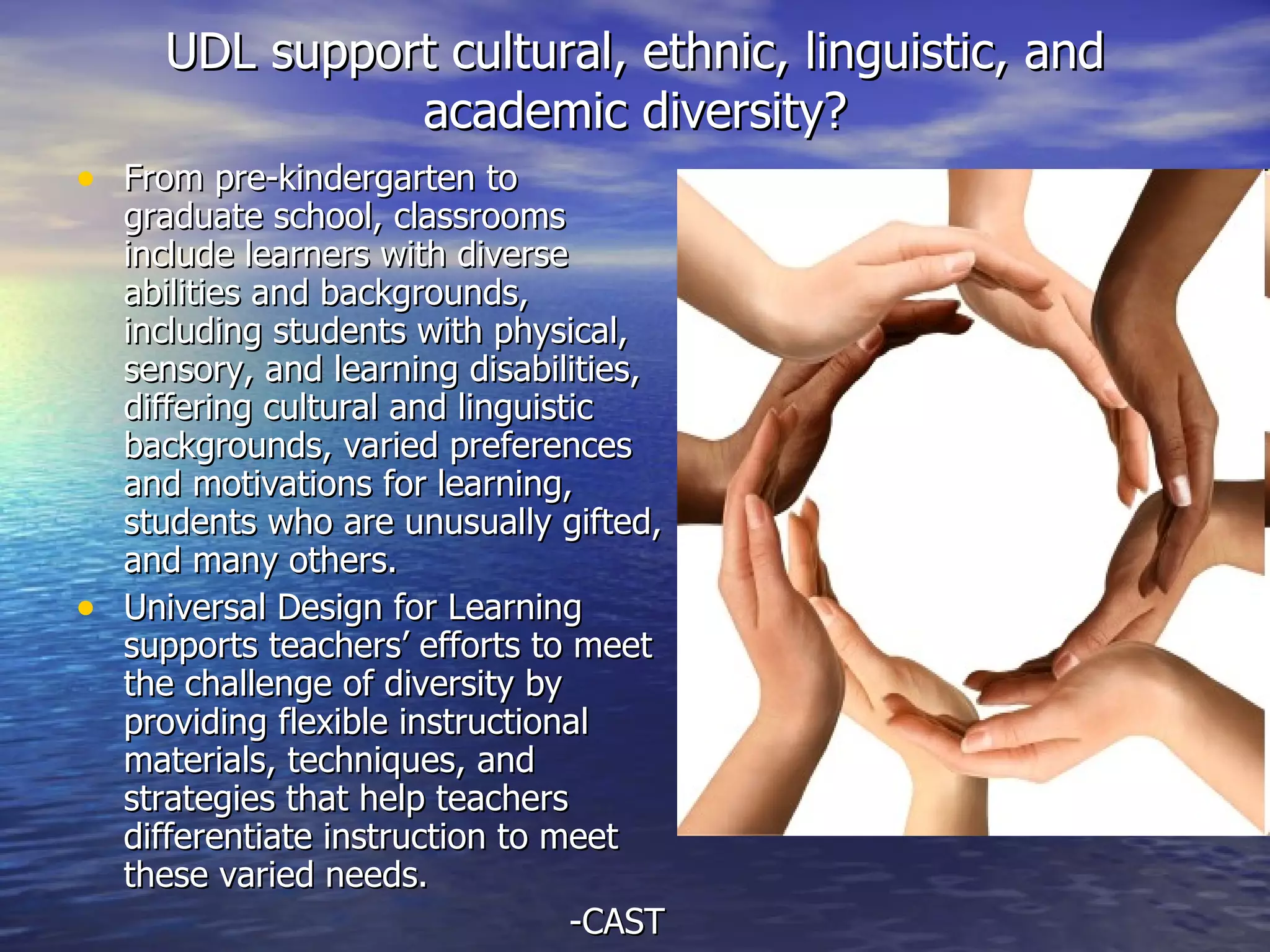
UDL support cultural, ethnic, linguistic, and academic diversity? From pre-kindergarten to graduate school, classrooms include learners with diverse abilities and backgrounds, including students with physical, sensory, and learning disabilities, differing cultural and linguistic backgrounds, varied preferences and motivations for learning, students who are unusually gifted, and many others. Universal Design for Learning supports teachers’ efforts to meet the challenge of diversity by providing flexible instructional materials, techniques, and strategies that help teachers differentiate instruction to meet these varied needs.  -CAST
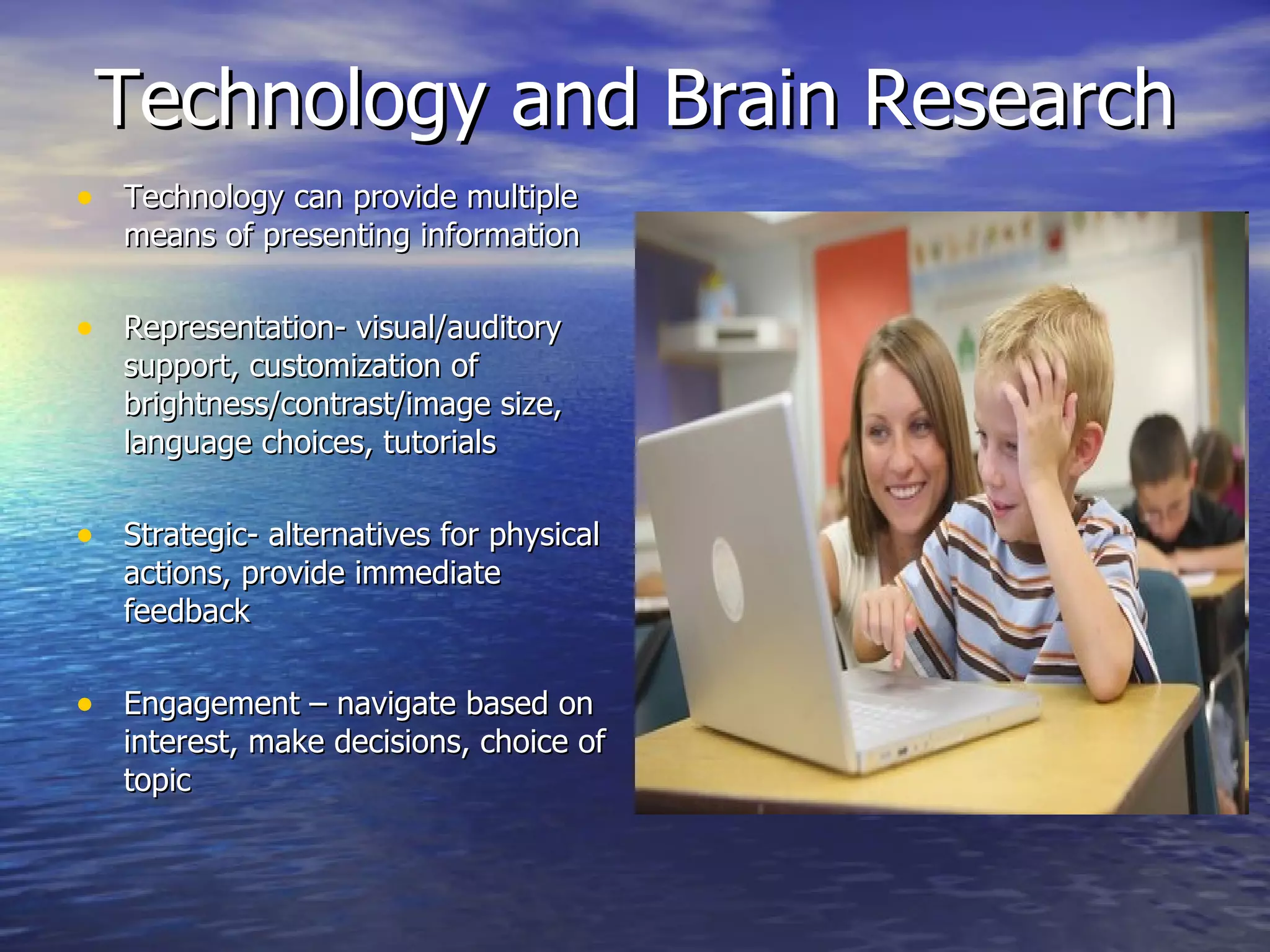
Technology and Brain Research Technology can provide multiple means of presenting information Representation- visual/auditory support, customization of brightness/contrast/image size, language choices, tutorials Strategic- alternatives for physical actions, provide immediate feedback Engagement – navigate based on interest, make decisions, choice of topic
CAST Resources UDL Book Builder http://www.cast.org/learningtools/book_builder/index.html This free online tool enables educators to develop their own digital books to support reading instruction for students. Teachers create, edit, and save resource-rich texts. Terry, an animated character, guides educators as they write text, choose images, and develop scripts for the prompts, hints, and models that will help build readers' skills.
CAST Resources CAST UDL Curriculum Self-Check http:// www.cast.org/learningtools/udl_self_check/index.html   This free online tool helps educators build options and flexibility into each element of the curriculum (goals, methods, materials, and assessments) in order to reach and engage all students.
CAST Resources UDL Guidelines http://www.udlcenter.org/aboutudl/udlguidelines The UDL Guidelines, an articulation of the UDL framework, can assist anyone who plans lessons/units of study or develops curricula (goals, methods, materials, and assessments) to reduce barriers, as well as optimize levels of challenge and support, to meet the needs of all learners from the start. They can also help educators identify the barriers found in existing curricula.
Resources/Pictures Slide 1:  http://atclassroom.blogspot.com/2010/07/universal-design-for-learning.html Slide 2:  http:// udlstrategies.wikispaces.com / Slide 3:  http:// www.cast.org/research/index.html  : Laureate Education, Inc. (2009). (Executive Producer). Universal design for learning. Baltimore, MD: Rose. Slide 4:  http:// www.sabes.org/boston/akira/udl/udlhandout_ledit.html   http://www.ncicap.org/livecap.asp http:// www.indiamart.com/elevatorindia/elevators.html http://learnthat.com/2010/12/career-guide-for-elevator-installers/ Slide 5:  http:// www.udlcenter.org/resource_library/articles/udl Slide 6:  http://www.slideshare.net/NCUDL/udl-a-framework-for-access-and-equity Slide 7:  http:// technologyoutlets.com / Slide 8:  http://blog.vcu.edu/csvdev2/2010/01/universal-design-for-learning-helps-reduce-challenging-behavior.html Slide 9:  http://marylandlearninglinks.org/1021 Slide 10: Rose, D., & Meyer, A. (2002).  Teaching every student in the digital age: Universal design for learning . Retrieved from  http:// www.cast.org/teachingeverystudent/ideas/tes /  Slide 11:  http:// www.uvm.edu/~cdci/universaldesign/?Page =about- udl/guidelines-principles.php&SM =about- udl/submenu.html Slide 12:  http:// udlforlearning.wikispaces.com/Brain+Research+and+UDL Slide 13:  http://www.today.ucla.edu/portal/ut/PRN-champions-of-diversity-are-lauded-159003.aspx Slide 14:  http://www.scoop.it/t/assistive-technology/p/108792001/udl-tech-toolkit CAST, Inc. (2002–2011). Teaching every student: Tools and activities. Retrieved from  http:// www.cast.org/teachingeverystudent/tools /

UDL

  • 1.
    Universal Design ofLearning By: Emily Williams EDUC-6714I-3 Reaching and Engaging All Learners Through Technology
  • 2.
    What is UDL?“ The concept of Universal Design for Learning (UDL) is the intersection where all our initiatives—integrated units, multi-sensory teaching, multiple intelligences, differentiated instruction, use of computers in schools, performance-based assessment, and others—come together.” -CAST http:// www.youtube.com/watch?v =pGLTJw0GSxk&feature= player_detailpage
  • 3.
    Inspiration of UDLUniversal design is a concept originally developed in the field of architecture. It arose from the need to provide greater accessibility in buildings and public spaces for everyone. A building reflecting universal design principles, for example, would allow someone with physical disabilities to get in and around as easily as those without physical challenges. (Laureate Education, 2009)
  • 4.
    Examples in thePhysical Environment Ramps Curb Cuts Electric Doors Closed Captions Escalators Elevators
  • 5.
    The CAST Principlesof UDL Instructional Example: read aloud, highlighting of text, listen to audio version of text Instructional Example: written response, verbal presentation, art project, dramatic interpretation, technological presentation Instructional Example: reflection journal, flexible grouping, video/audio clips
  • 6.
  • 7.
    Central Role ofTechnology in UDL Technology can be as diverse as the students themselves. (Laureate Education, 2009) Digital tools allow for flexibility to display content in different ways. Materials can be relevant to student’s learning preference. Technology is an engaging tool and can enhance student learning.
  • 8.
    Technology Examples amplificationsoftware screen magnifiers Voice recognition software Keyboard/mouse alternatives Hands free control Clickers Captioning Translation software Wikis/Blogs
  • 9.
    UDL and Impacton Student Learning Provides alternatives Allows for flexibility Not “one size fits all” approach to learning More ways to access learning, more ways to participate, and more ways to demonstrate learning Results in an environment where all students are provided with the maximum opportunity to learn Increase technological awareness
  • 10.
    Brain Research andStudent Differences The complex organization and unique structure of the brain is different in every learner. A large network of brain tissue links with many smaller networks to perform particular kinds of processing and managing particular learning tasks. Three primary networks, structurally and functionally distinguishable but closely connected and functioning together, are equally essential to learning. We identify these networks by terms that reflect their functions: the recognition, strategic, and affective networks. (Rose & Meyer, 2002) UDL’s three principles parallel to these three brain networks to determine a learner’s strengths and weaknesses.
  • 11.
    Description of therelationship between the 3 Principles of UDL vs 3 Brain Networks
  • 12.
    Description of the3 Brain Networks
  • 13.
    UDL support cultural,ethnic, linguistic, and academic diversity? From pre-kindergarten to graduate school, classrooms include learners with diverse abilities and backgrounds, including students with physical, sensory, and learning disabilities, differing cultural and linguistic backgrounds, varied preferences and motivations for learning, students who are unusually gifted, and many others. Universal Design for Learning supports teachers’ efforts to meet the challenge of diversity by providing flexible instructional materials, techniques, and strategies that help teachers differentiate instruction to meet these varied needs. -CAST
  • 14.
    Technology and BrainResearch Technology can provide multiple means of presenting information Representation- visual/auditory support, customization of brightness/contrast/image size, language choices, tutorials Strategic- alternatives for physical actions, provide immediate feedback Engagement – navigate based on interest, make decisions, choice of topic
  • 15.
    CAST Resources UDLBook Builder http://www.cast.org/learningtools/book_builder/index.html This free online tool enables educators to develop their own digital books to support reading instruction for students. Teachers create, edit, and save resource-rich texts. Terry, an animated character, guides educators as they write text, choose images, and develop scripts for the prompts, hints, and models that will help build readers' skills.
  • 16.
    CAST Resources CASTUDL Curriculum Self-Check http:// www.cast.org/learningtools/udl_self_check/index.html This free online tool helps educators build options and flexibility into each element of the curriculum (goals, methods, materials, and assessments) in order to reach and engage all students.
  • 17.
    CAST Resources UDLGuidelines http://www.udlcenter.org/aboutudl/udlguidelines The UDL Guidelines, an articulation of the UDL framework, can assist anyone who plans lessons/units of study or develops curricula (goals, methods, materials, and assessments) to reduce barriers, as well as optimize levels of challenge and support, to meet the needs of all learners from the start. They can also help educators identify the barriers found in existing curricula.
  • 18.
    Resources/Pictures Slide 1: http://atclassroom.blogspot.com/2010/07/universal-design-for-learning.html Slide 2: http:// udlstrategies.wikispaces.com / Slide 3: http:// www.cast.org/research/index.html : Laureate Education, Inc. (2009). (Executive Producer). Universal design for learning. Baltimore, MD: Rose. Slide 4: http:// www.sabes.org/boston/akira/udl/udlhandout_ledit.html http://www.ncicap.org/livecap.asp http:// www.indiamart.com/elevatorindia/elevators.html http://learnthat.com/2010/12/career-guide-for-elevator-installers/ Slide 5: http:// www.udlcenter.org/resource_library/articles/udl Slide 6: http://www.slideshare.net/NCUDL/udl-a-framework-for-access-and-equity Slide 7: http:// technologyoutlets.com / Slide 8: http://blog.vcu.edu/csvdev2/2010/01/universal-design-for-learning-helps-reduce-challenging-behavior.html Slide 9: http://marylandlearninglinks.org/1021 Slide 10: Rose, D., & Meyer, A. (2002). Teaching every student in the digital age: Universal design for learning . Retrieved from http:// www.cast.org/teachingeverystudent/ideas/tes / Slide 11: http:// www.uvm.edu/~cdci/universaldesign/?Page =about- udl/guidelines-principles.php&SM =about- udl/submenu.html Slide 12: http:// udlforlearning.wikispaces.com/Brain+Research+and+UDL Slide 13: http://www.today.ucla.edu/portal/ut/PRN-champions-of-diversity-are-lauded-159003.aspx Slide 14: http://www.scoop.it/t/assistive-technology/p/108792001/udl-tech-toolkit CAST, Inc. (2002–2011). Teaching every student: Tools and activities. Retrieved from http:// www.cast.org/teachingeverystudent/tools /