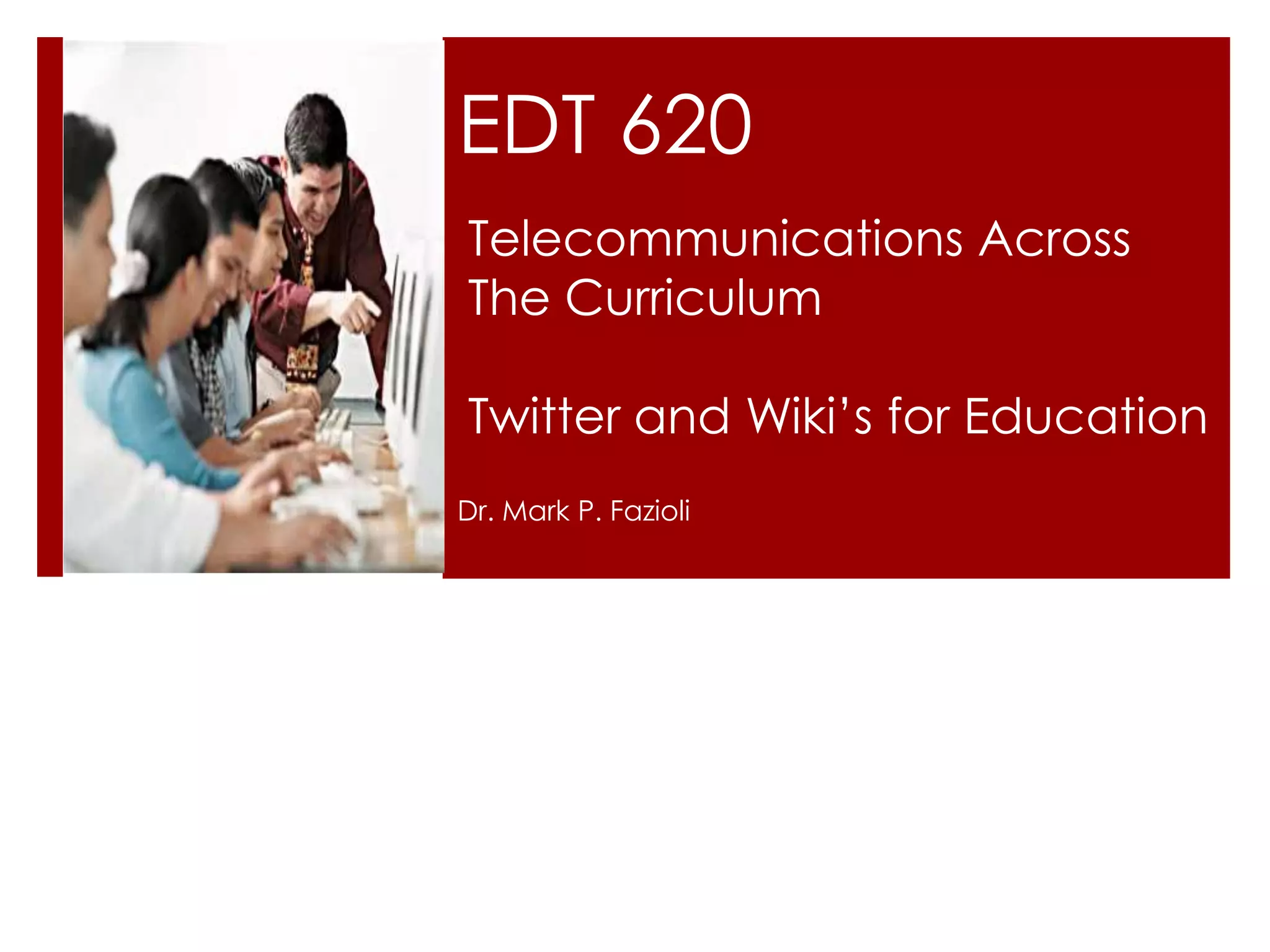
EDT 620
Telecommunications Across
The Curriculum

Twitter and Wiki’s for Education
Dr. Mark P. Fazioli
Twitter


Twitter is a microblogging tool that allows users to
publish chronologically ordered “tweets” of 140
characters or less.
Twitter

Twitter is a wonderful tool for sharing quick ideas,
links, and articles

Twitter is a pure communication tool, with a
quick flow of information and a single feed
available to all users (unless you choose to block
a particular user or one chooses to block you).

Twitter is very interactive, with something going
on all the time.
Twitter

Set Up an Account—or Several Accounts

Simply go to www.twitter.com to begin the free
account creation process.

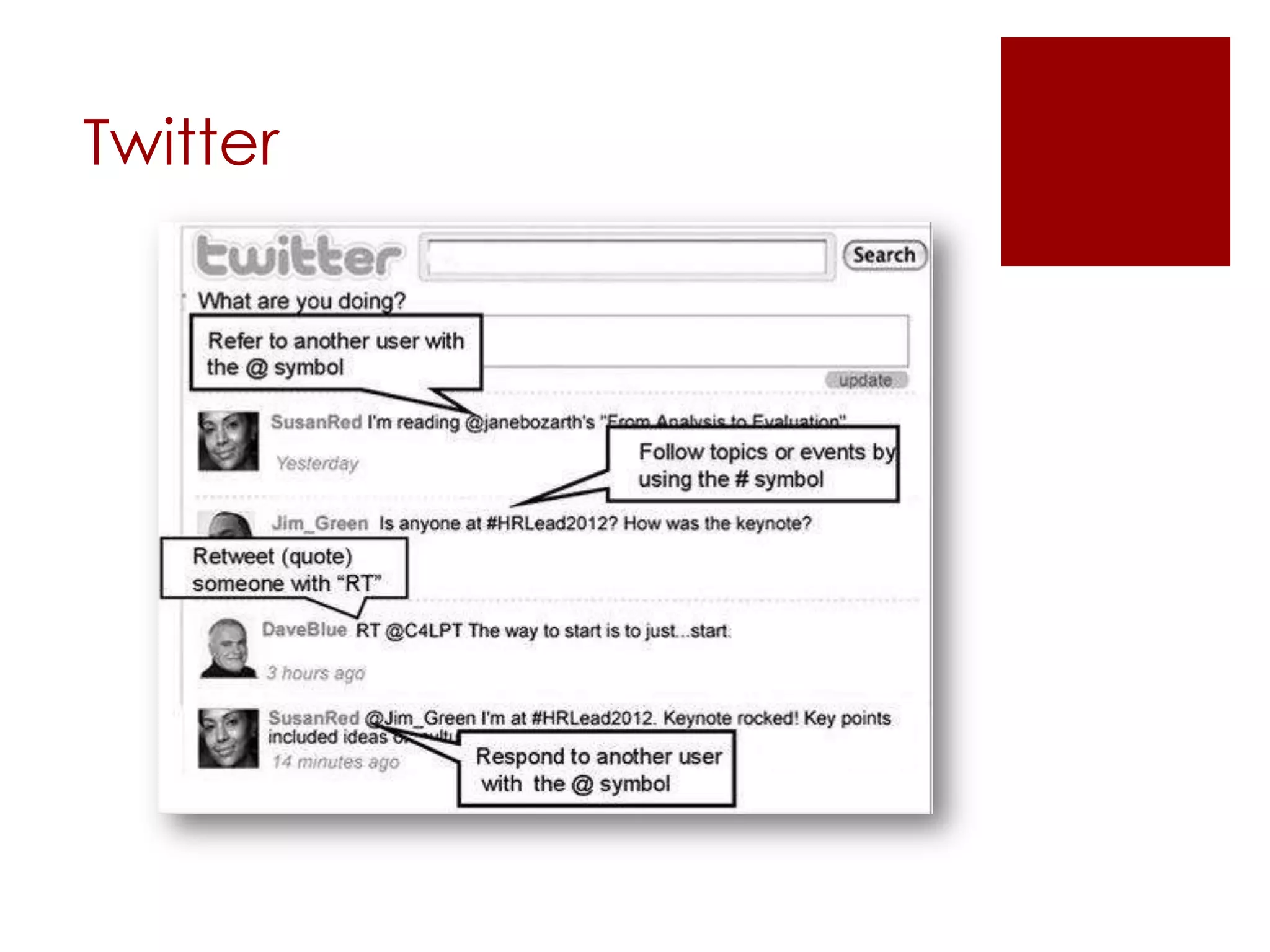
To post a tweet to anyone following you—and to
the public timeline—just type it in:

To reply to someone, use the @ symbol:
@MarkFaz66
Twitter
Twitter

Before the Training Event
Prior to the first class gathering, use Twitter to do
quick introductions and pre-course assessments.


http://www.slideshare.net/hopkinsdavid/twitter-in-education
How to use Educationally


Ask learners to introduce themselves. Say:
 Please tell us your name, location, and job title.

 Please tell us your name, location, and one thing
  you would like to learn in this training.

 Please tell us your name and the “three
  keywords” that represent your mission,
  philosophy, focus, or priorities.

 Please tell us your name and single biggest
  challenge you face in performing at your best.
How to use Educationally

 Polling
 Role playing
 Course wrap-up
 Reflections
 Discussions on articles, materials, videos,
  lectures
 What else?
Wikis


A wiki is an interactive web page on which
everyone with access can change the content.

Think of the wiki as most useful for collaboration,
editorship, and data compilation.

Wikis are designed to help groups collaborate,
share, and build online content, and are
especially useful for distance learners who are
separated by time and place.
Wikis


Although the concept of wikis has been around
for many years, the first true wiki, called
WikiWikiWeb, was created by Ward Cunningham
in 1995

http://www.c2.com/cgi/wiki?WikiWikiWeb
Wikis


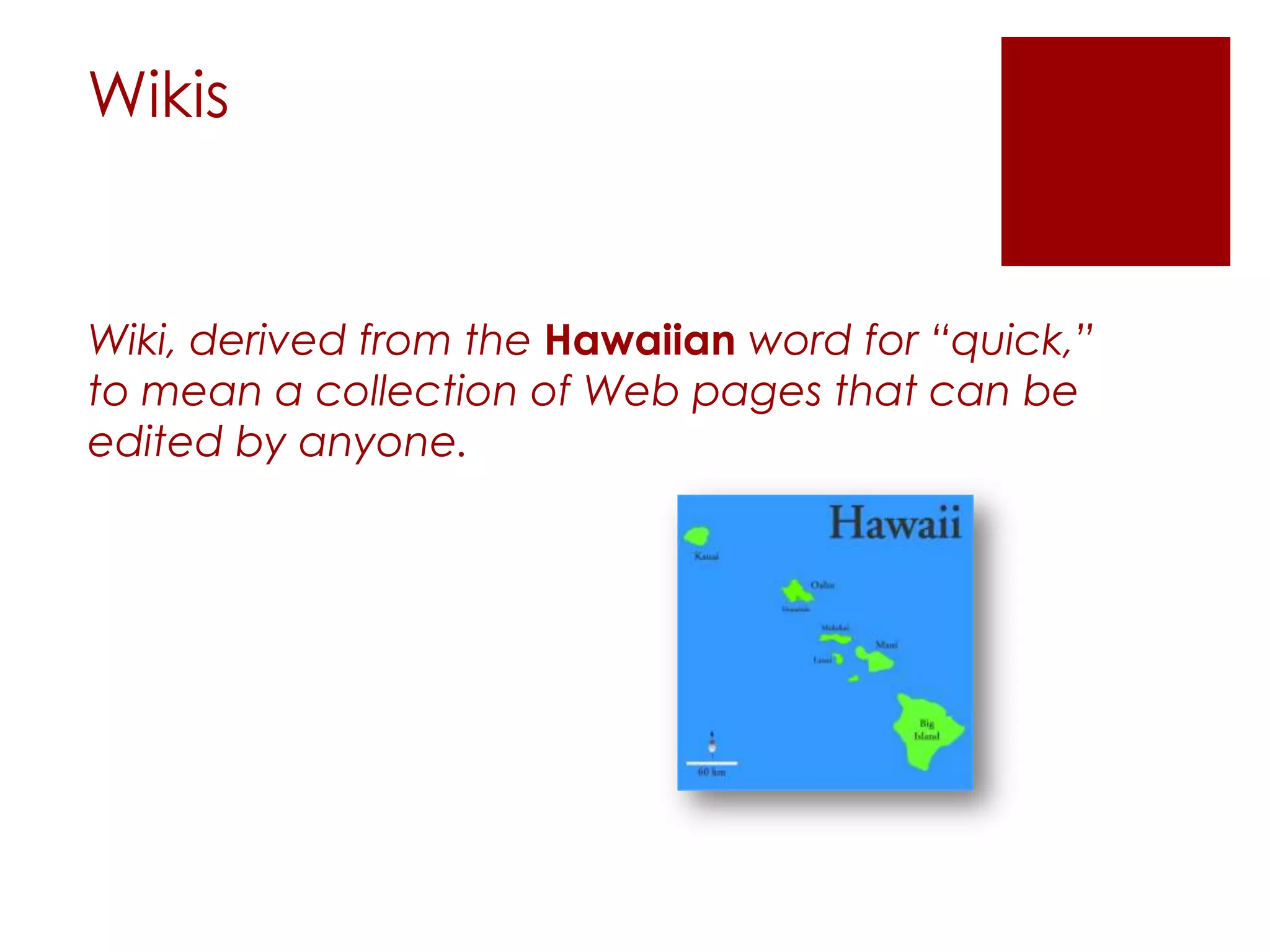
Wiki, derived from the Hawaiian word for “quick,”
to mean a collection of Web pages that can be
edited by anyone.
Types of Wikis


Once you have decided to use a wiki, where do you
find the one that will work best with your online
course? Wikis are available through a wide variety of
services and open-source software tools, and
generally fall into three categories, each with its own
set of strengths and limitations:

 Free wiki services

 Fee-based wiki services

 Self-hosted wikis
Free Wikis Services


Free Wiki Services Free wiki services are available at
no cost through a wiki provider, such as:

 @Wiki (http://atwiki.com)

 Wikihost.org (http://www.wikihost.org)
Fee-based Wikis Services


Fee-based wikis are also hosted and accessed from
the wiki service’s Web servers. These services offer
expanded features based on the type of subscription
you select. Features may include more advanced
management capabilities, more storage, or added
security. In addition, fee-based services typically
allow a larger, or even unlimited, number of members
and pages.
Self-hosted Wikis Services


Wiki software can also be installed directly on a
personal or campus-controlled server space. A
variety of free, open-source wiki software is available
for download from the Interne

 Mediawiki (www.mediawiki.org)

 Twiki (www.twiki.org)
Wikis

 Allow readers to collaborate with others in
  writing it and adding, editing, and changing
  the Web page’s content at any time.

 Teachers can use wikis for students to
  collaborate on a document by writing, editing,
  and revising it in their own class.
   • http://www.wikispaces.com

   • http://www.pbworks.com
Wikis for Education


The following are examples of activities that lend
themselves well to collaboration in a shared wiki:

 Your learners are building an archive of resources
  on a particular topic.

 Your learners are exploring different sides of an
  issue by means of a debate.

 Our learners need to work together to create a
  unified project, such as a collaborative research
  paper or media design project.
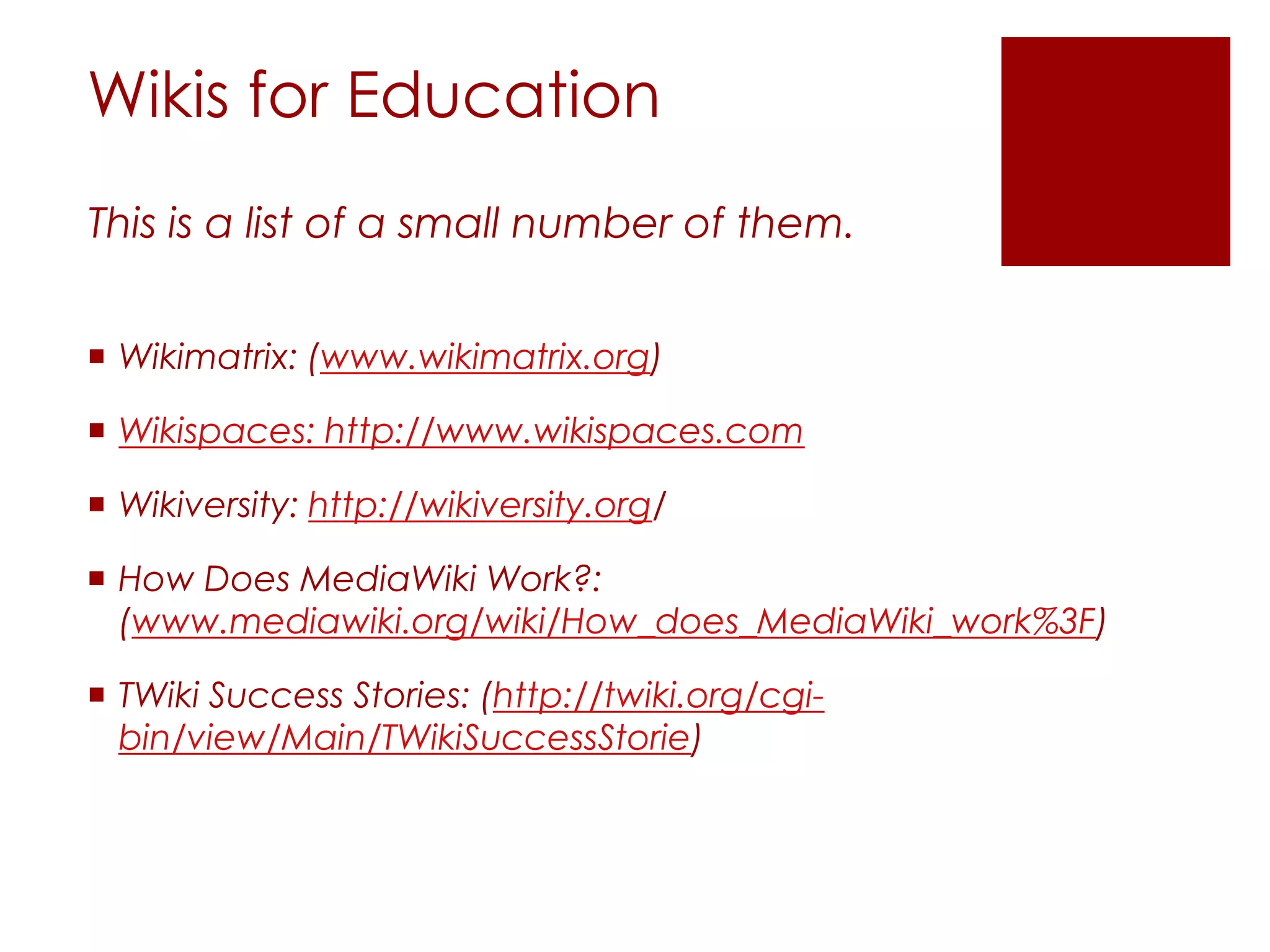
Wikis for Education
This is a list of a small number of them.


 Wikimatrix: (www.wikimatrix.org)

 Wikispaces: http://www.wikispaces.com

 Wikiversity: http://wikiversity.org/

 How Does MediaWiki Work?:
  (www.mediawiki.org/wiki/How_does_MediaWiki_work%3F)

 TWiki Success Stories: (http://twiki.org/cgi-
  bin/view/Main/TWikiSuccessStorie)
Project

 Research the various Twitter sites related to
  use in education.
 Create a Twitter activity for your topic.
 Research Wiki for education and sign up for a
  free account and create a activity for your
  topic.
 Either link to your project PPT or PLE.
Reference

Solomon,G., Schrum, L. (2007). Web 2.0: New tools, new schools.
  Washington DC: International Society for Technology in Education.

Twitter and Wiki Lecture

  • 1.
    EDT 620 Telecommunications Across TheCurriculum Twitter and Wiki’s for Education Dr. Mark P. Fazioli
  • 3.
    Twitter Twitter is amicroblogging tool that allows users to publish chronologically ordered “tweets” of 140 characters or less.
  • 4.
    Twitter Twitter is awonderful tool for sharing quick ideas, links, and articles Twitter is a pure communication tool, with a quick flow of information and a single feed available to all users (unless you choose to block a particular user or one chooses to block you). Twitter is very interactive, with something going on all the time.
  • 5.
    Twitter Set Up anAccount—or Several Accounts Simply go to www.twitter.com to begin the free account creation process. To post a tweet to anyone following you—and to the public timeline—just type it in: To reply to someone, use the @ symbol: @MarkFaz66
  • 6.
  • 7.
    Twitter Before the TrainingEvent Prior to the first class gathering, use Twitter to do quick introductions and pre-course assessments. http://www.slideshare.net/hopkinsdavid/twitter-in-education
  • 8.
    How to useEducationally Ask learners to introduce themselves. Say:  Please tell us your name, location, and job title.  Please tell us your name, location, and one thing you would like to learn in this training.  Please tell us your name and the “three keywords” that represent your mission, philosophy, focus, or priorities.  Please tell us your name and single biggest challenge you face in performing at your best.
  • 9.
    How to useEducationally  Polling  Role playing  Course wrap-up  Reflections  Discussions on articles, materials, videos, lectures  What else?
  • 11.
    Wikis A wiki isan interactive web page on which everyone with access can change the content. Think of the wiki as most useful for collaboration, editorship, and data compilation. Wikis are designed to help groups collaborate, share, and build online content, and are especially useful for distance learners who are separated by time and place.
  • 12.
    Wikis Although the conceptof wikis has been around for many years, the first true wiki, called WikiWikiWeb, was created by Ward Cunningham in 1995 http://www.c2.com/cgi/wiki?WikiWikiWeb
  • 13.
    Wikis Wiki, derived fromthe Hawaiian word for “quick,” to mean a collection of Web pages that can be edited by anyone.
  • 14.
    Types of Wikis Onceyou have decided to use a wiki, where do you find the one that will work best with your online course? Wikis are available through a wide variety of services and open-source software tools, and generally fall into three categories, each with its own set of strengths and limitations:  Free wiki services  Fee-based wiki services  Self-hosted wikis
  • 15.
    Free Wikis Services FreeWiki Services Free wiki services are available at no cost through a wiki provider, such as:  @Wiki (http://atwiki.com)  Wikihost.org (http://www.wikihost.org)
  • 16.
    Fee-based Wikis Services Fee-basedwikis are also hosted and accessed from the wiki service’s Web servers. These services offer expanded features based on the type of subscription you select. Features may include more advanced management capabilities, more storage, or added security. In addition, fee-based services typically allow a larger, or even unlimited, number of members and pages.
  • 17.
    Self-hosted Wikis Services Wikisoftware can also be installed directly on a personal or campus-controlled server space. A variety of free, open-source wiki software is available for download from the Interne  Mediawiki (www.mediawiki.org)  Twiki (www.twiki.org)
  • 18.
    Wikis  Allow readersto collaborate with others in writing it and adding, editing, and changing the Web page’s content at any time.  Teachers can use wikis for students to collaborate on a document by writing, editing, and revising it in their own class. • http://www.wikispaces.com • http://www.pbworks.com
  • 19.
    Wikis for Education Thefollowing are examples of activities that lend themselves well to collaboration in a shared wiki:  Your learners are building an archive of resources on a particular topic.  Your learners are exploring different sides of an issue by means of a debate.  Our learners need to work together to create a unified project, such as a collaborative research paper or media design project.
  • 20.
    Wikis for Education Thisis a list of a small number of them.  Wikimatrix: (www.wikimatrix.org)  Wikispaces: http://www.wikispaces.com  Wikiversity: http://wikiversity.org/  How Does MediaWiki Work?: (www.mediawiki.org/wiki/How_does_MediaWiki_work%3F)  TWiki Success Stories: (http://twiki.org/cgi- bin/view/Main/TWikiSuccessStorie)
  • 21.
    Project  Research thevarious Twitter sites related to use in education.  Create a Twitter activity for your topic.  Research Wiki for education and sign up for a free account and create a activity for your topic.  Either link to your project PPT or PLE.
  • 22.
    Reference Solomon,G., Schrum, L.(2007). Web 2.0: New tools, new schools. Washington DC: International Society for Technology in Education.