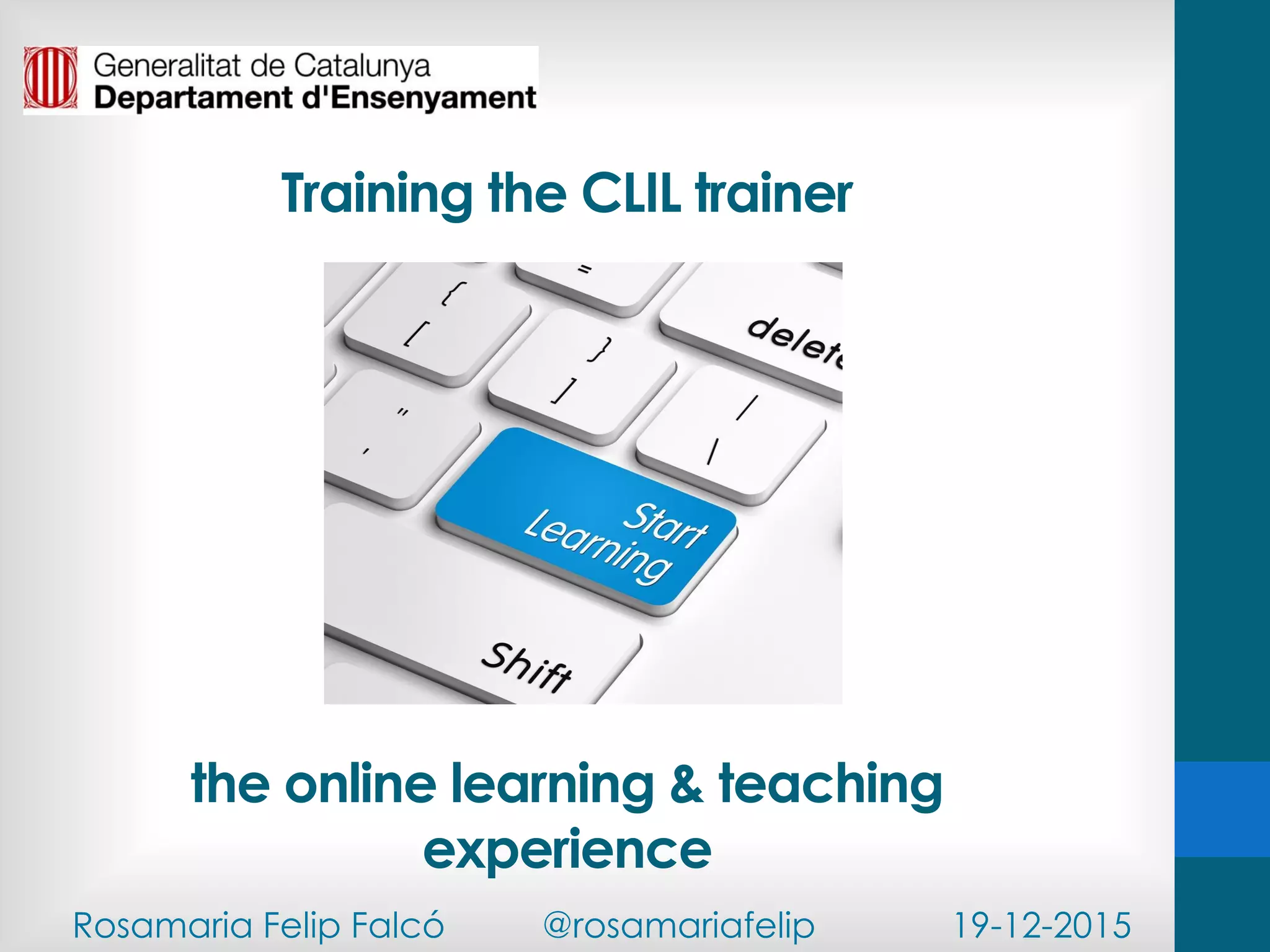


Training the CLIL trainer
the online learning & teaching
experience
Rosamaria Felip Falcó @rosamariafelip 19-12-2015
http://ecx.images-amazon.com/images/I/41kFludtxDL.jpg
Listen & line up!
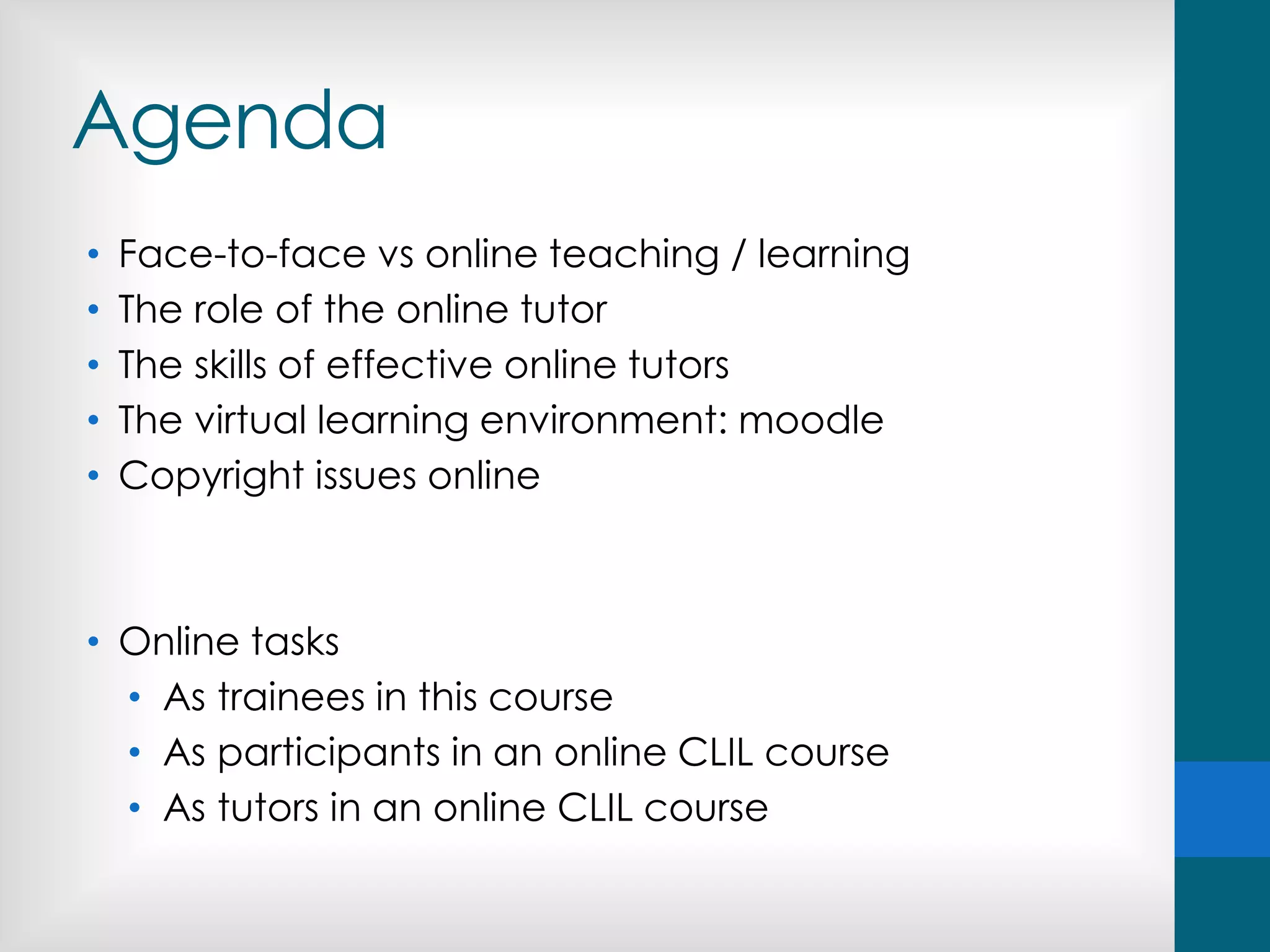
Agenda
• Face-to-face vs online teaching / learning
• The role of the online tutor
• The skills of effective online tutors
• The virtual learning environment: moodle
• Copyright issues online
• Online tasks
• As trainees in this course
• As participants in an online CLIL course
• As tutors in an online CLIL course
What’s your experience as an online
learner?
What courses have you done? How many?
Was it a positive experience? Why?/ Why not?
What do you value the most about online
courses? And the least?
What do you prefer: f2f or online?
Do you have any experience as a
trainer?
Discussion: online learning...
• Online courses are easier than traditional classroom courses.
• Online courses are more flexible than f2f courses.
• Students get individual attention from their tutors.
• It is impossible to get to know your students well.
• Students don’t get to know their classmates.
• A sense of belonging to a learning community can be developed.
• Students don’t have access to help when they need it.
• Online courses are low-quality courses.
• The key to a success online course is the quality of the materials.
• Asynchronous communication has no advantages
Similarities?
... and differences?
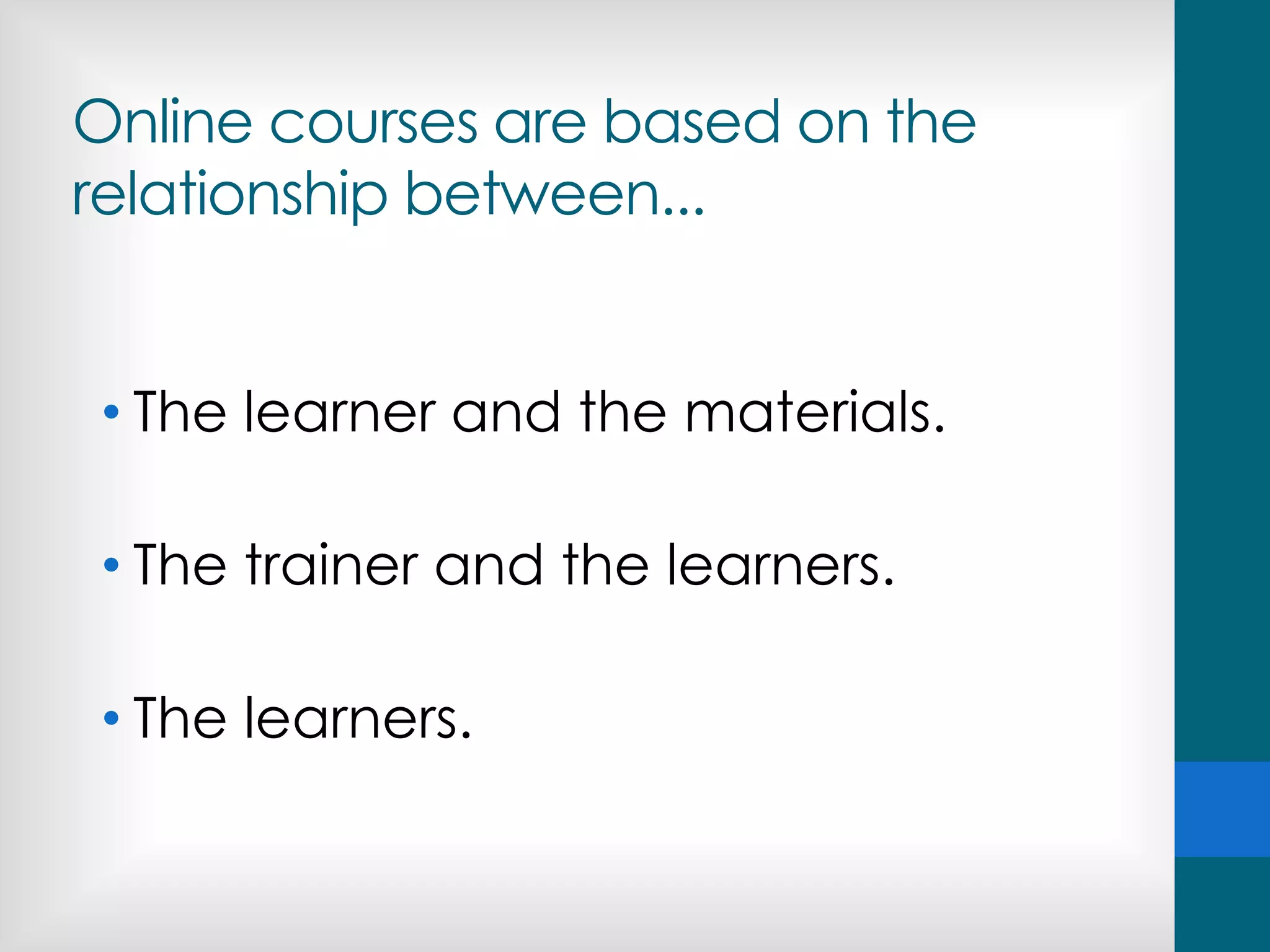
Online courses are based on the
relationship between...
• The learner and the materials.
• The trainer and the learners.
• The learners.
Creating community
“When learners interact with one another, with an
instructor, and with ideas, new information is acquired,
interpreted, and made meaningful. Such interactions
form the foundation of a community of learners. If
students feel they are part of a community of learners,
they are more apt to be motivated to seek solutions to
their problems and succeed. The challenge for
distance educators is to develop strategies and
techniques for establishing and maintaining “learning
communities” among learners separated by space
and/or time.”
An emerging set of guiding principles and practices for the design and
development of distance education. Availabe at:
www.outreach.psu.edu/de/ide
The trainer
THE TRAINER
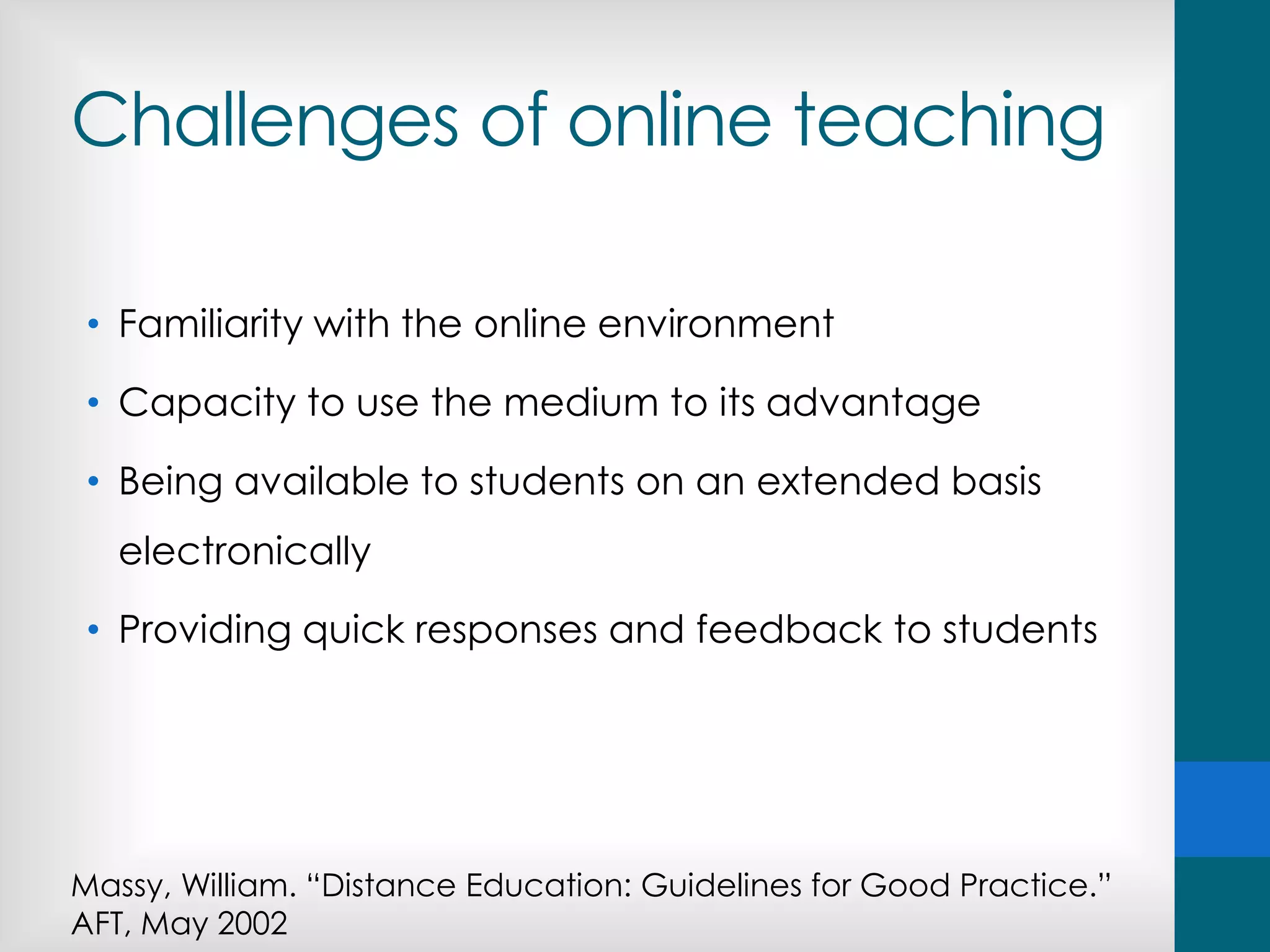
Challenges of online teaching
• Familiarity with the online environment
• Capacity to use the medium to its advantage
• Being available to students on an extended basis
electronically
• Providing quick responses and feedback to students
Massy, William. “Distance Education: Guidelines for Good Practice.”
AFT, May 2002
Qualities of successful online
trainers
• They provide a safe climate for their students by providing
reassurance and support to new online learners.
• They invite student input regarding the goals and
agenda for the course.
• They give frequent individualized feedback, using a
variety of communication tools.
• They help students connect with one another.
Ladon, E. H. (April 18,2002) “High Touch in a High Tech World: Strategies for Individualizing Online
Learning.”. eCollege.com's eNewsletter
http://www.ecollege.com/educator/Resources_edvoice.html
An effective online trainer...
• Encourages trainee-trainer contact.
• Fosters interaction and cooperation among trainees.
• Encourages active learning (doing & thinking about
the learning process).
• Provides ongoing, fast and valuable feedback
(information and recognition).
• Informs about deadlines and manages time effectively.
• Communicates high expectations to trainees.
• Respects diverse talents and ways of learning.
Adapted from Seven Principles for Good Practice in Undergraduate Education
The 8 roles of online tutors
Competences of online
tutors
• Related to the development and monitoring of the
course:
• Technology
• Information
• Communication
• Related to the assessment of the tasks
• Feedback
• Grades
Technology-related
• Familiarity with the online environment
• Capacity to use the medium to its advantage
FORUMS, CHATS, WIKIS, MESSAGING, QUIZZES…
Competences of online
tutors
• Related to the development and monitoring of the
course:
• Technology
• Information
• Communication
• Related to the assessment of the tasks
• Feedback
• Grades
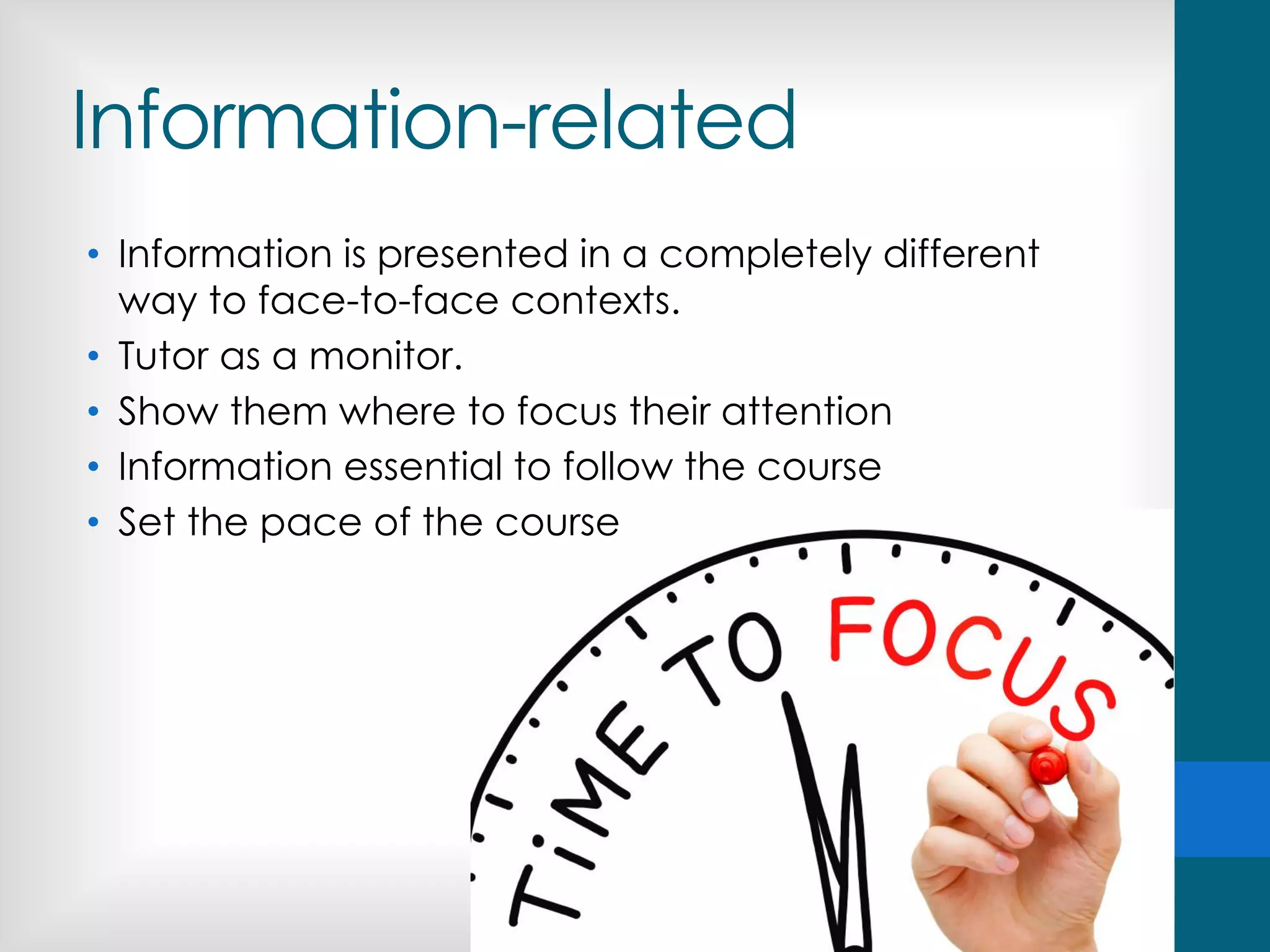
Information-related
• Information is presented in a completely different
way to face-to-face contexts.
• Tutor as a monitor.
• Show them where to focus their attention
• Information essential to follow the course
• Set the pace of the course
Competences of online
tutors
• Related to the development and monitoring of the
course:
• Technology
• Information
• Communication
• Related to the assessment of the tasks
• Feedback
• Grades
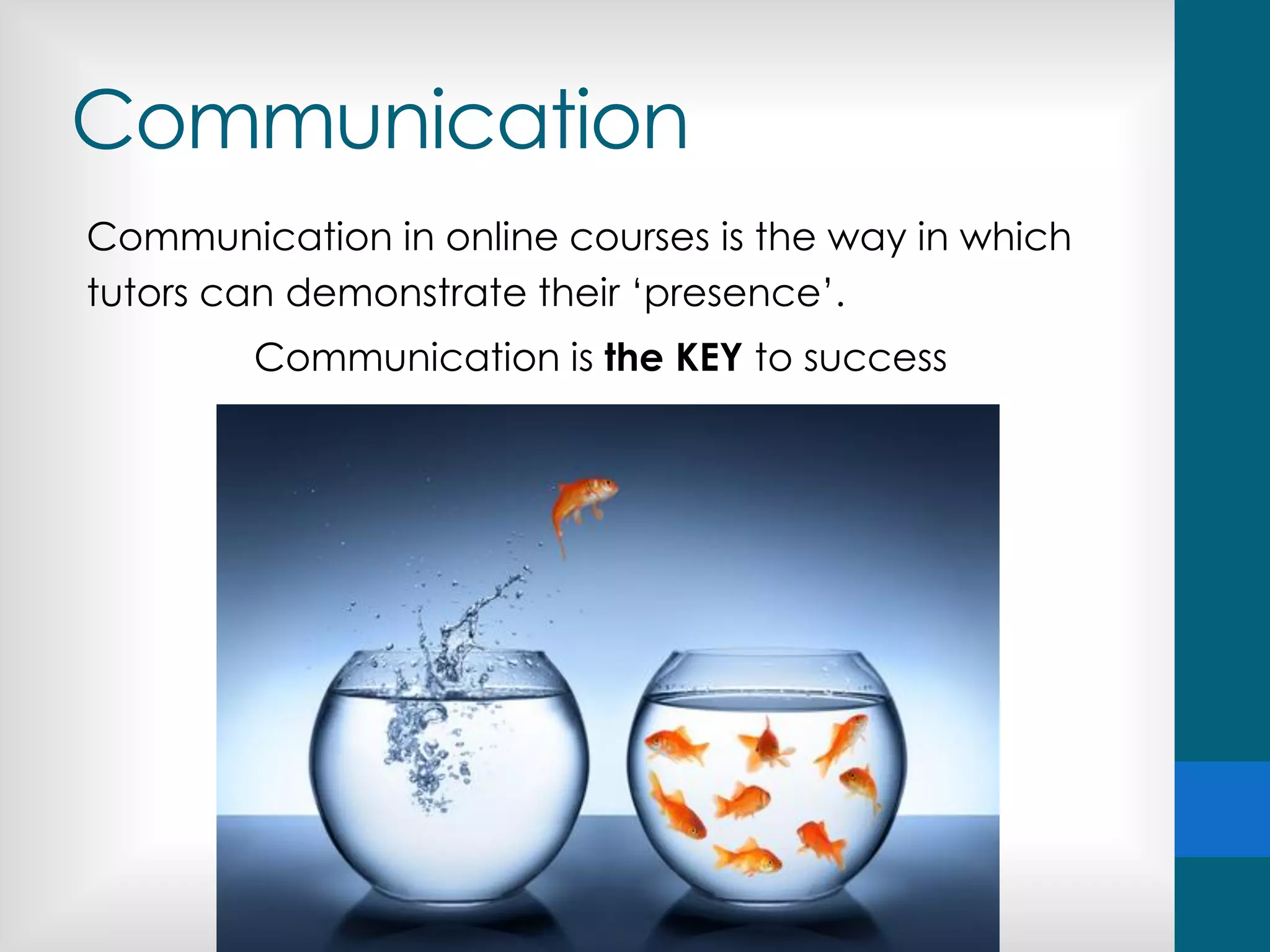
Communication
Communication in online courses is the way in which
tutors can demonstrate their ‘presence’.
Communication is the KEY to success
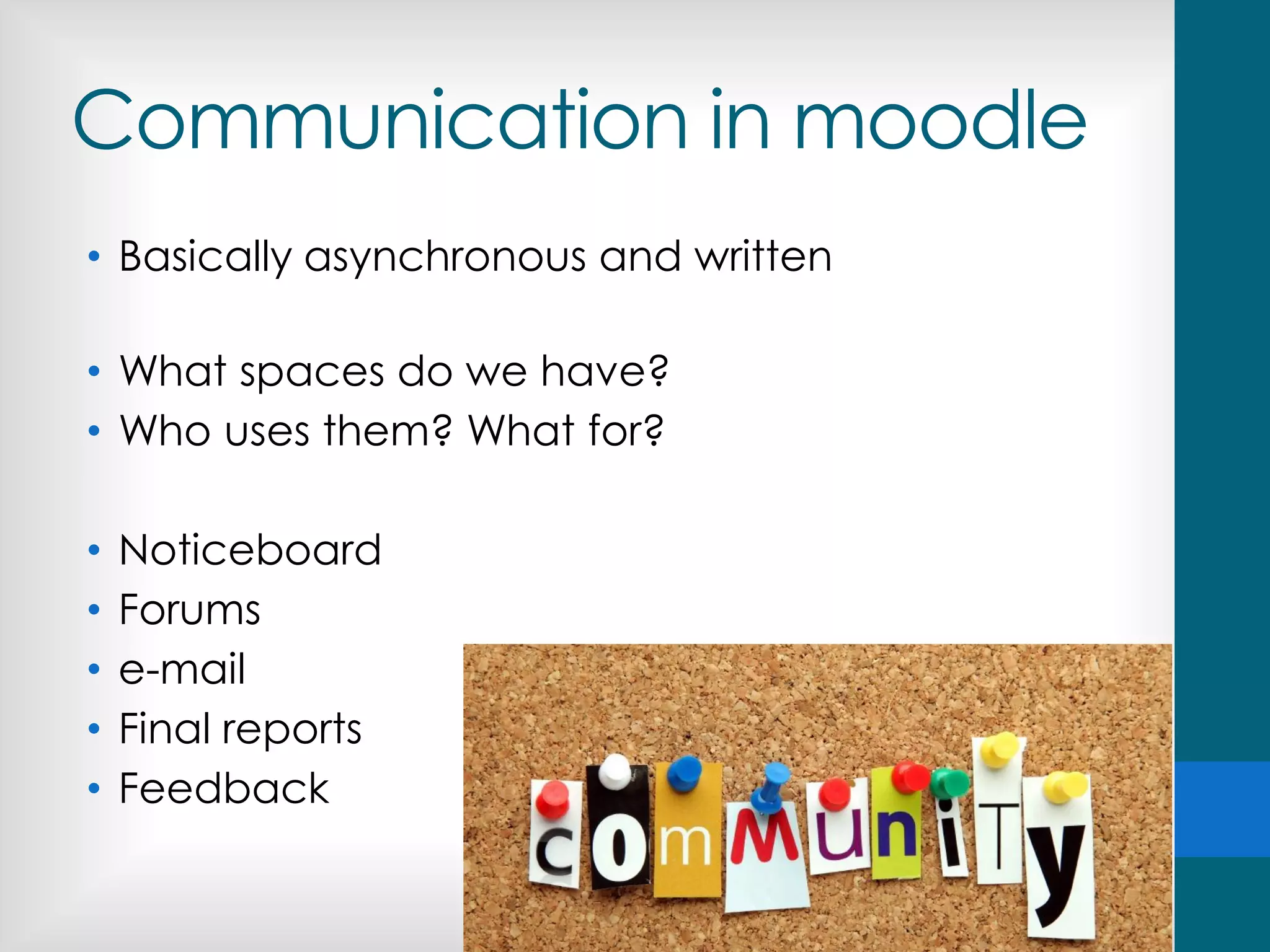
Communication in moodle
• Basically asynchronous and written
• What spaces do we have?
• Who uses them? What for?
• Noticeboard
• Forums
• e-mail
• Final reports
• Feedback
Communication
Reasons for writing messages in moodle
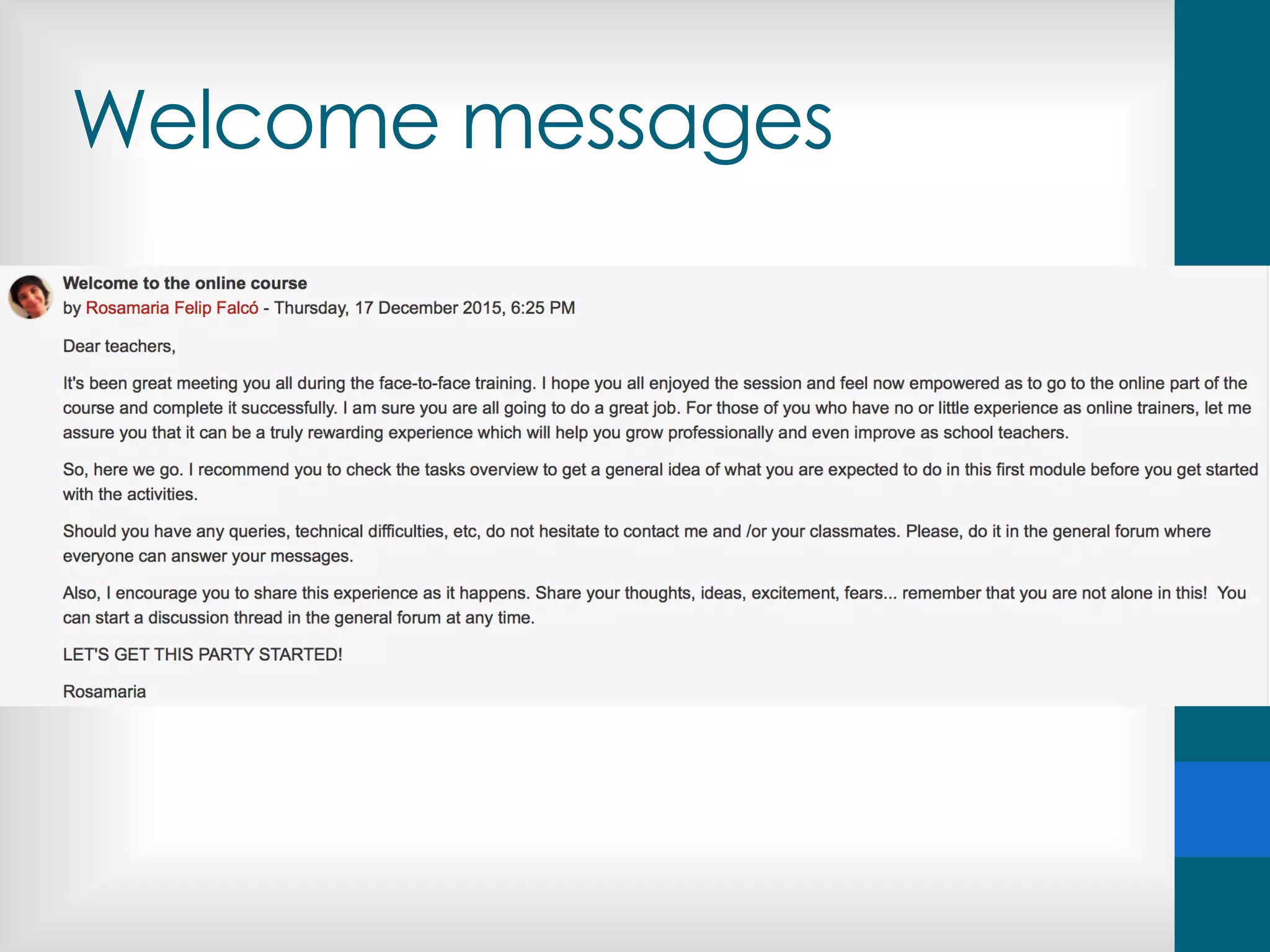
• Welcome message
• Engagement
• Follow-up
• Participation
• Collaboration
• Clarification
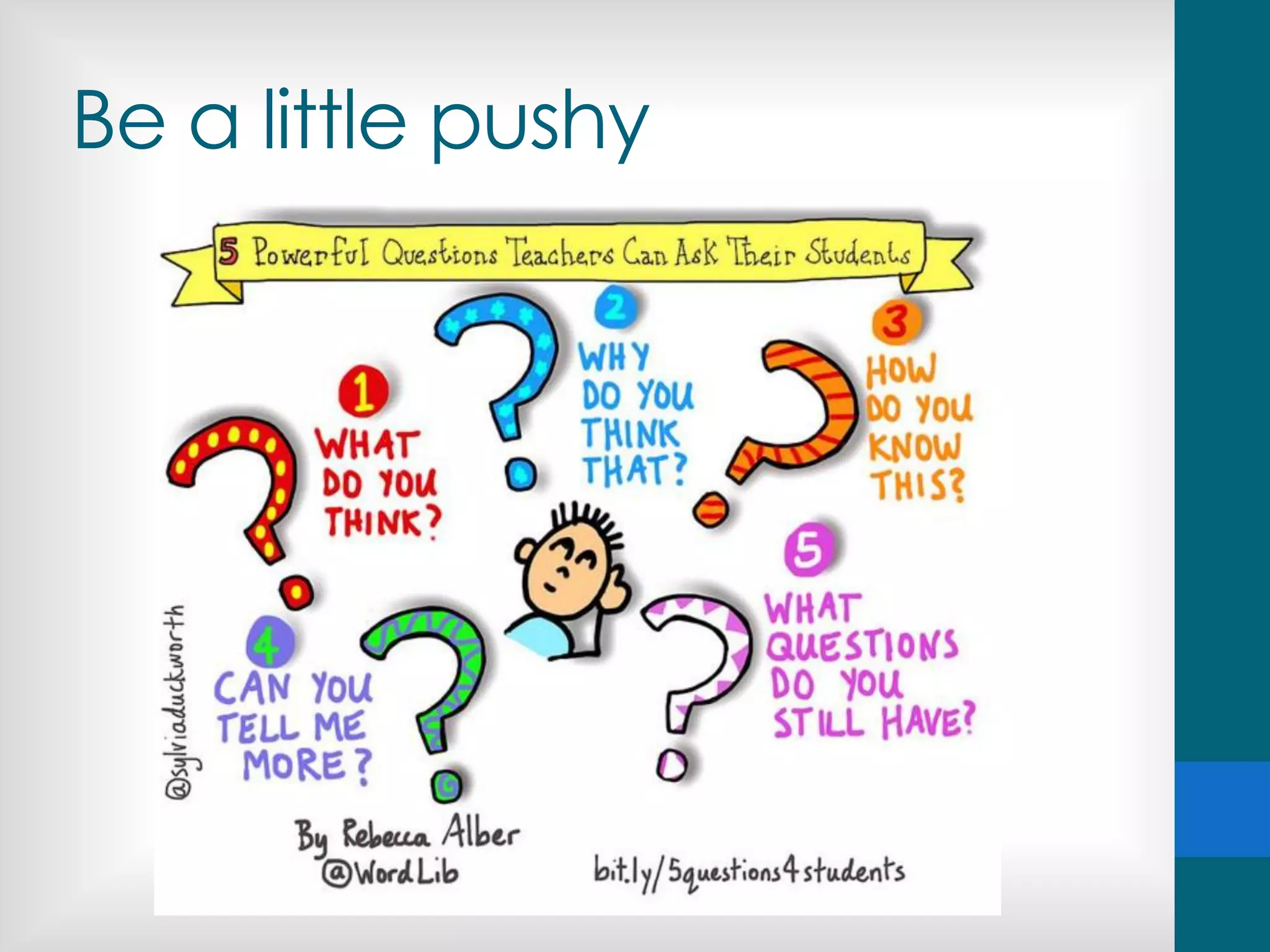
• Provoke them
• Challenge them
• Push them (if necessary)
• Conclusions (activity, module…)
• Provide information
• …
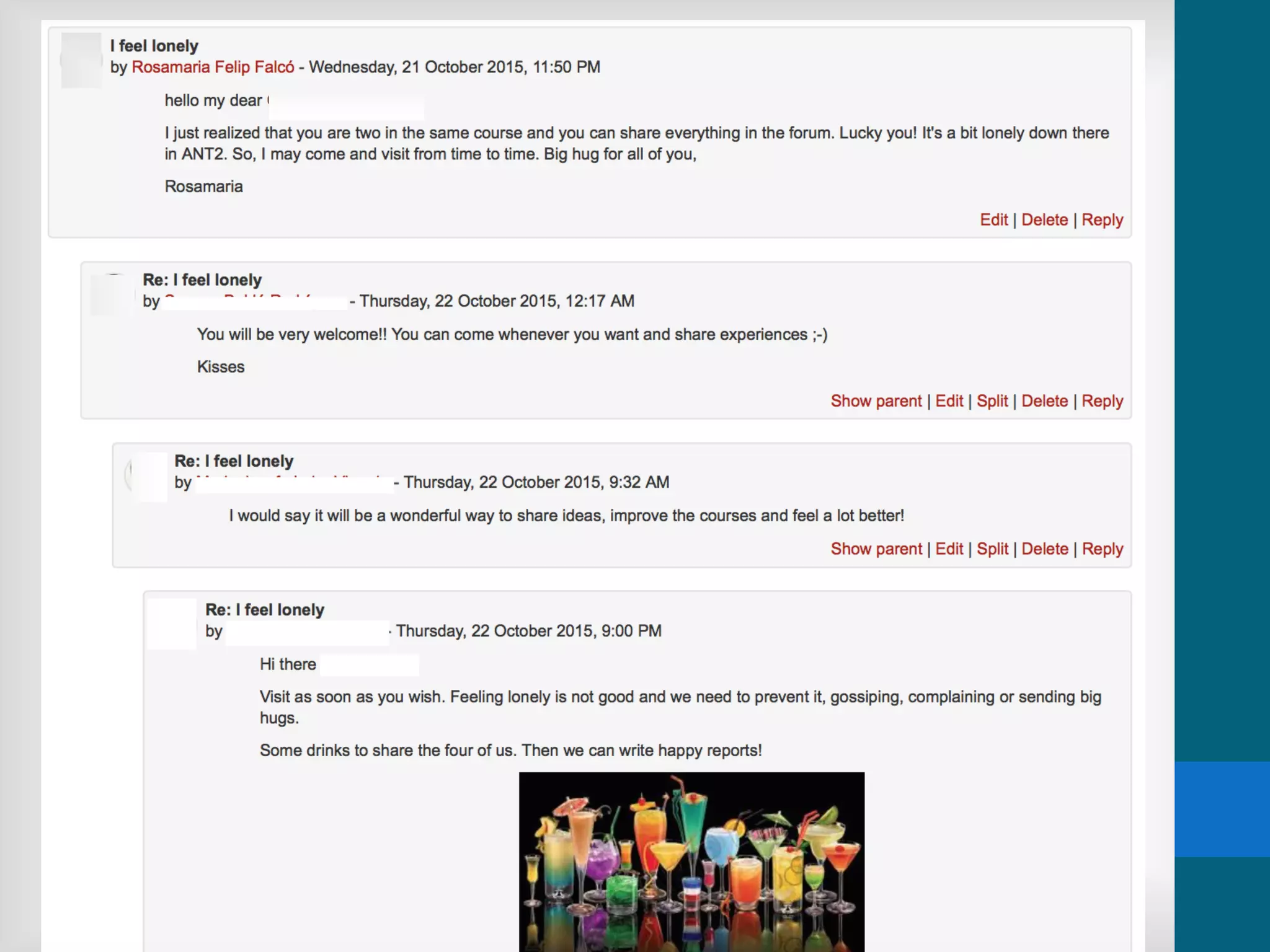
Communication against
online loneliness
Some examples
Welcome messages
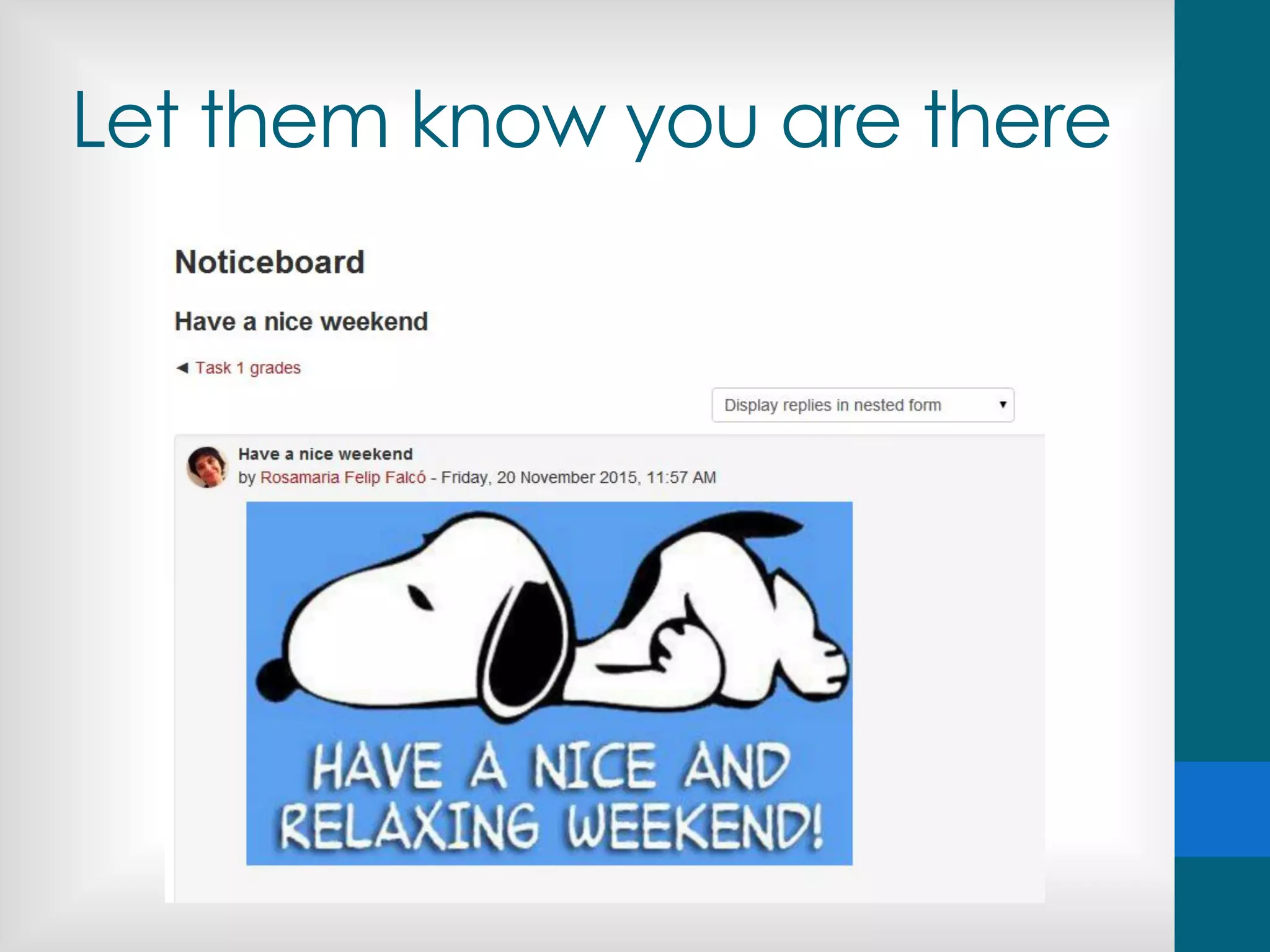
Message them often
Let them know you are there
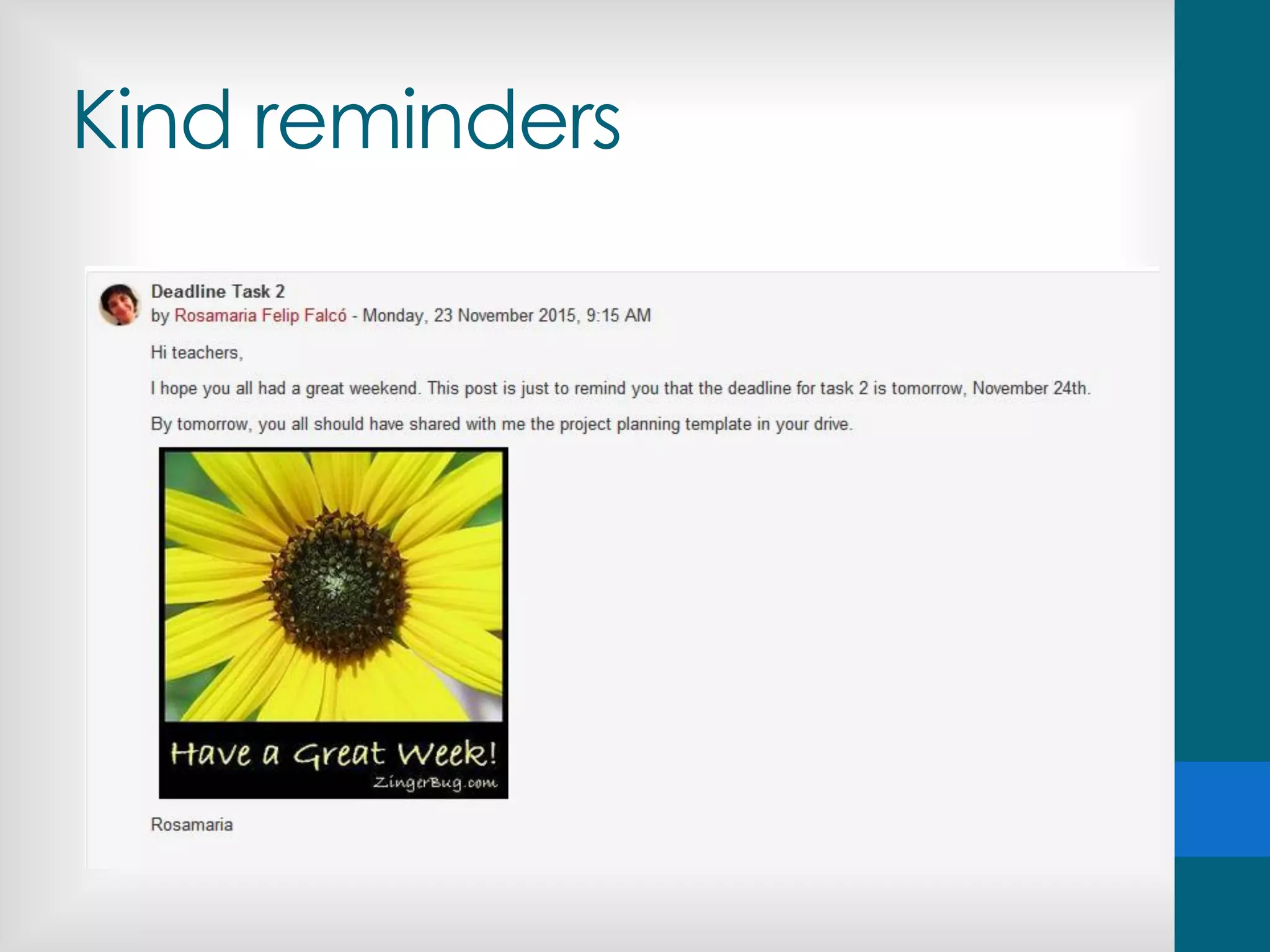
Kind reminders
Providing recognition
Be encouraging
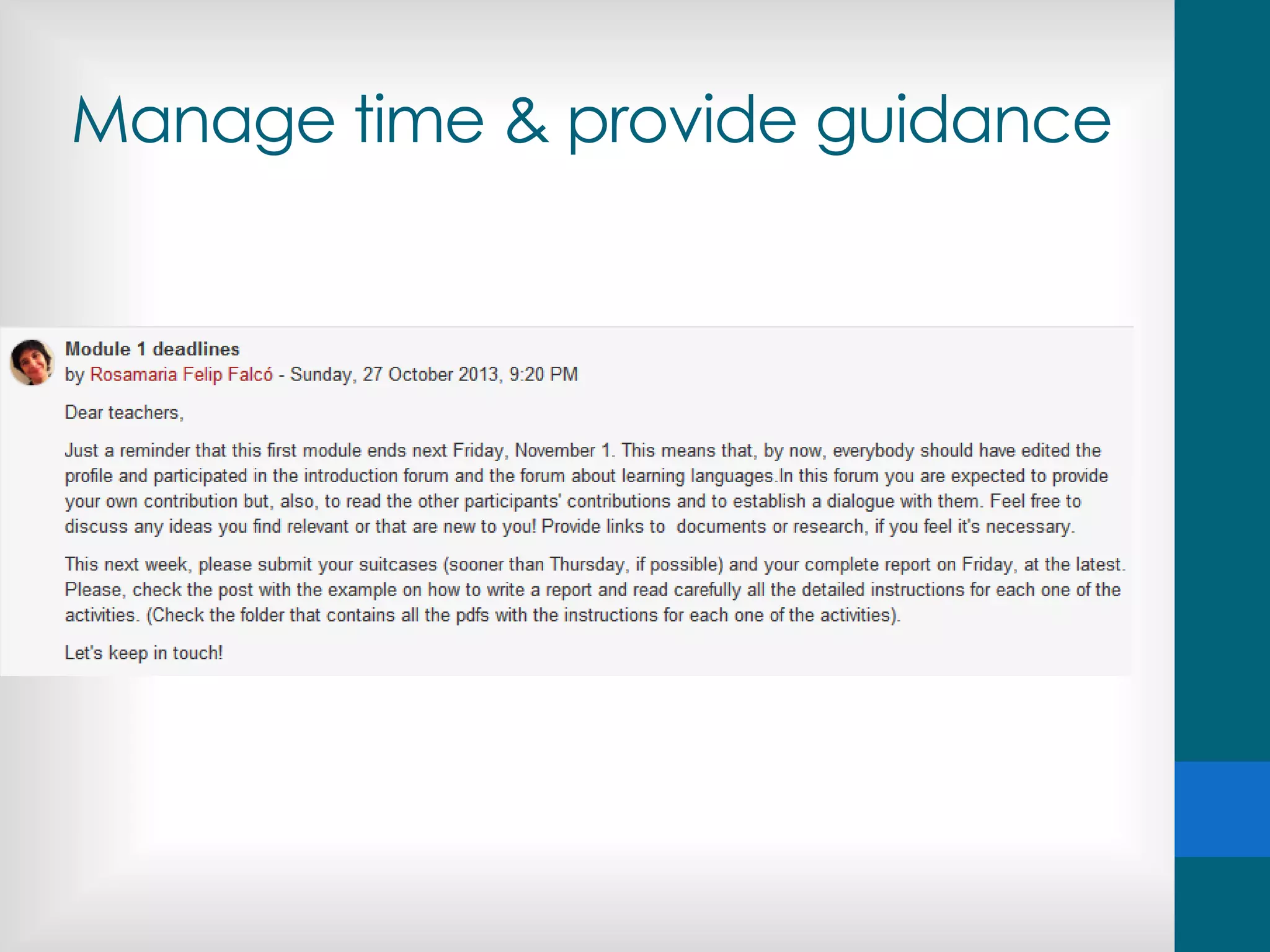
Manage time & provide guidance
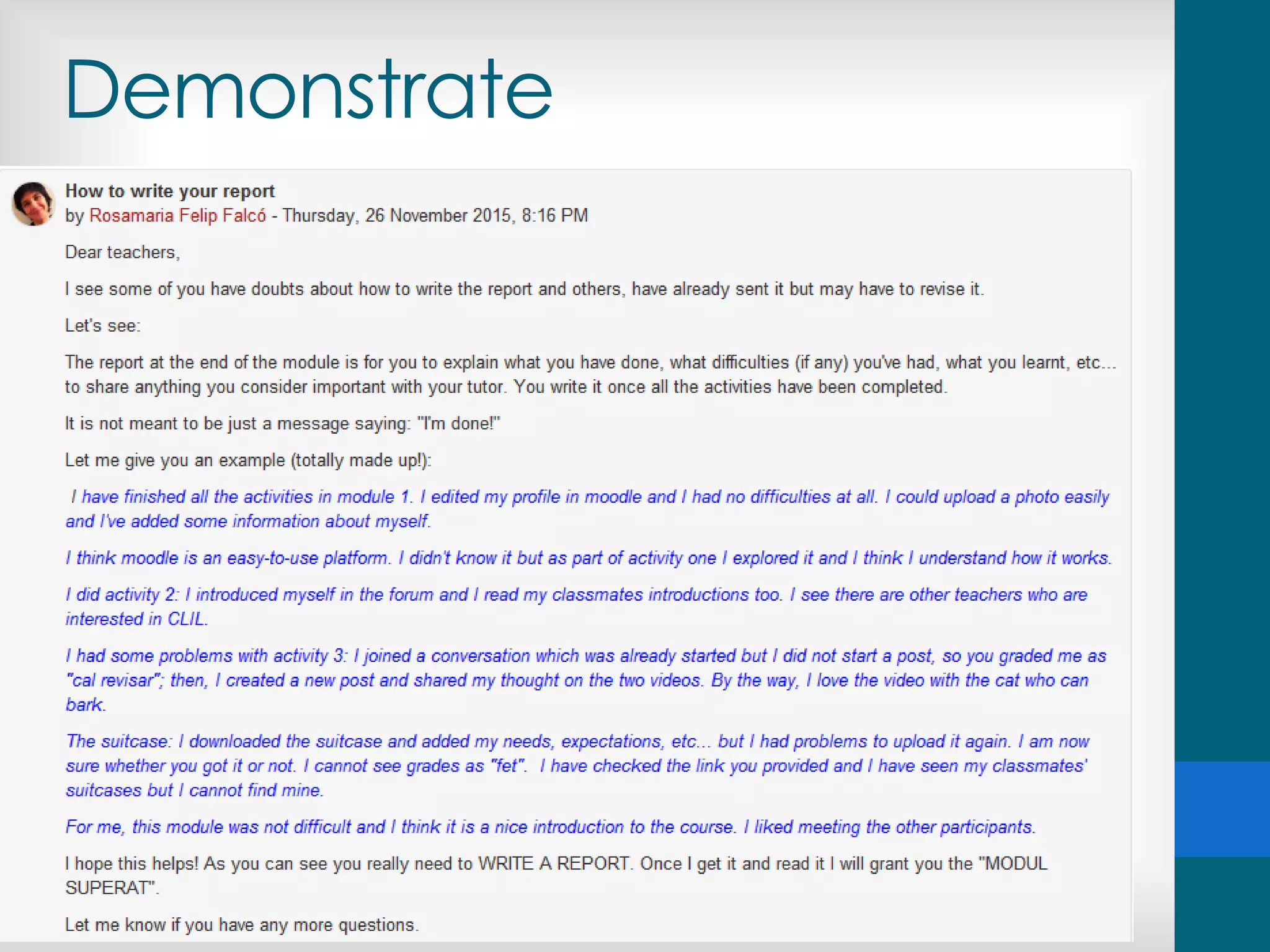
Demonstrate
Be a little pushy
Let them know you care
Be flexible when necessary
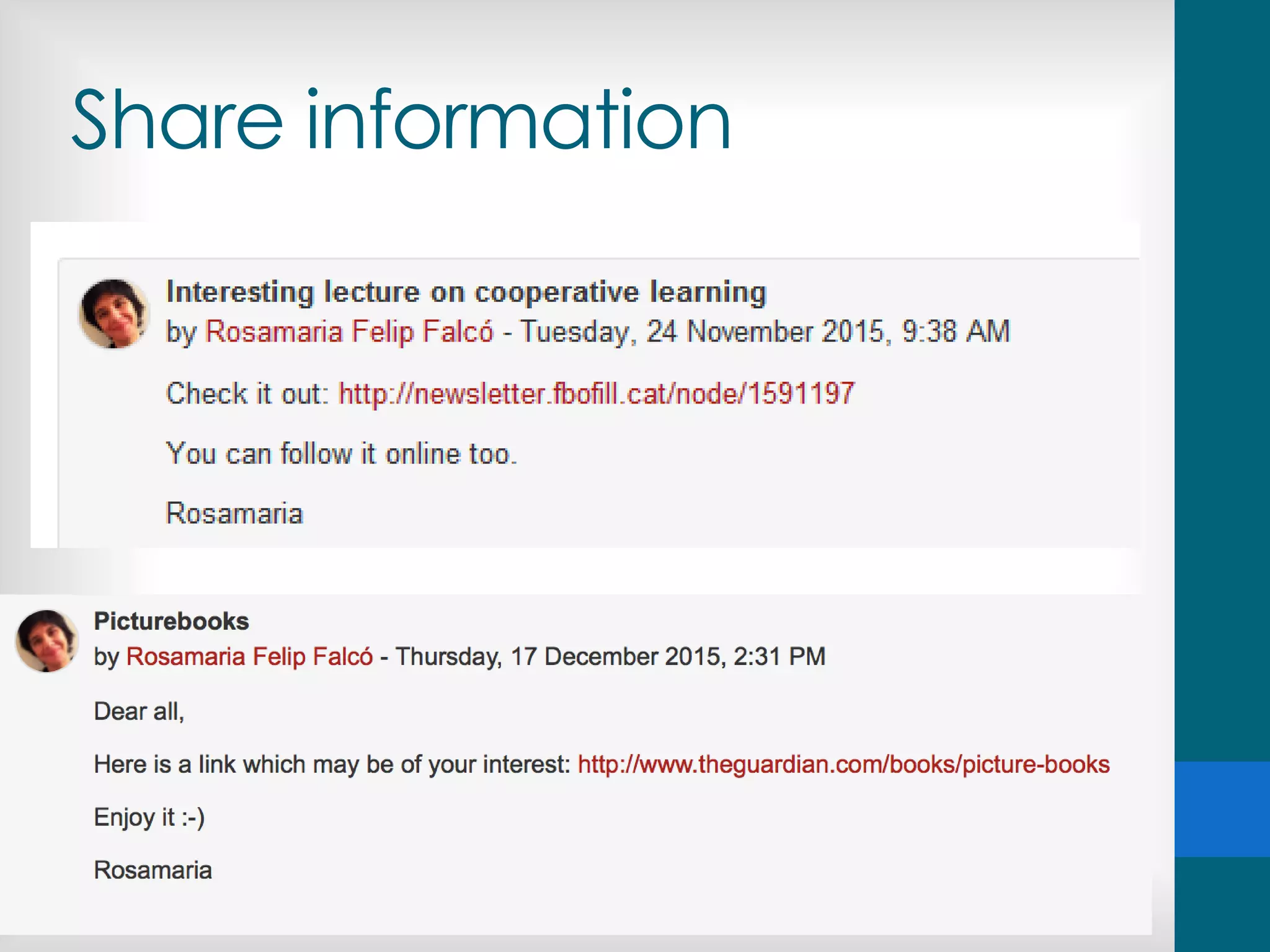
Share information
Less is more
Communication
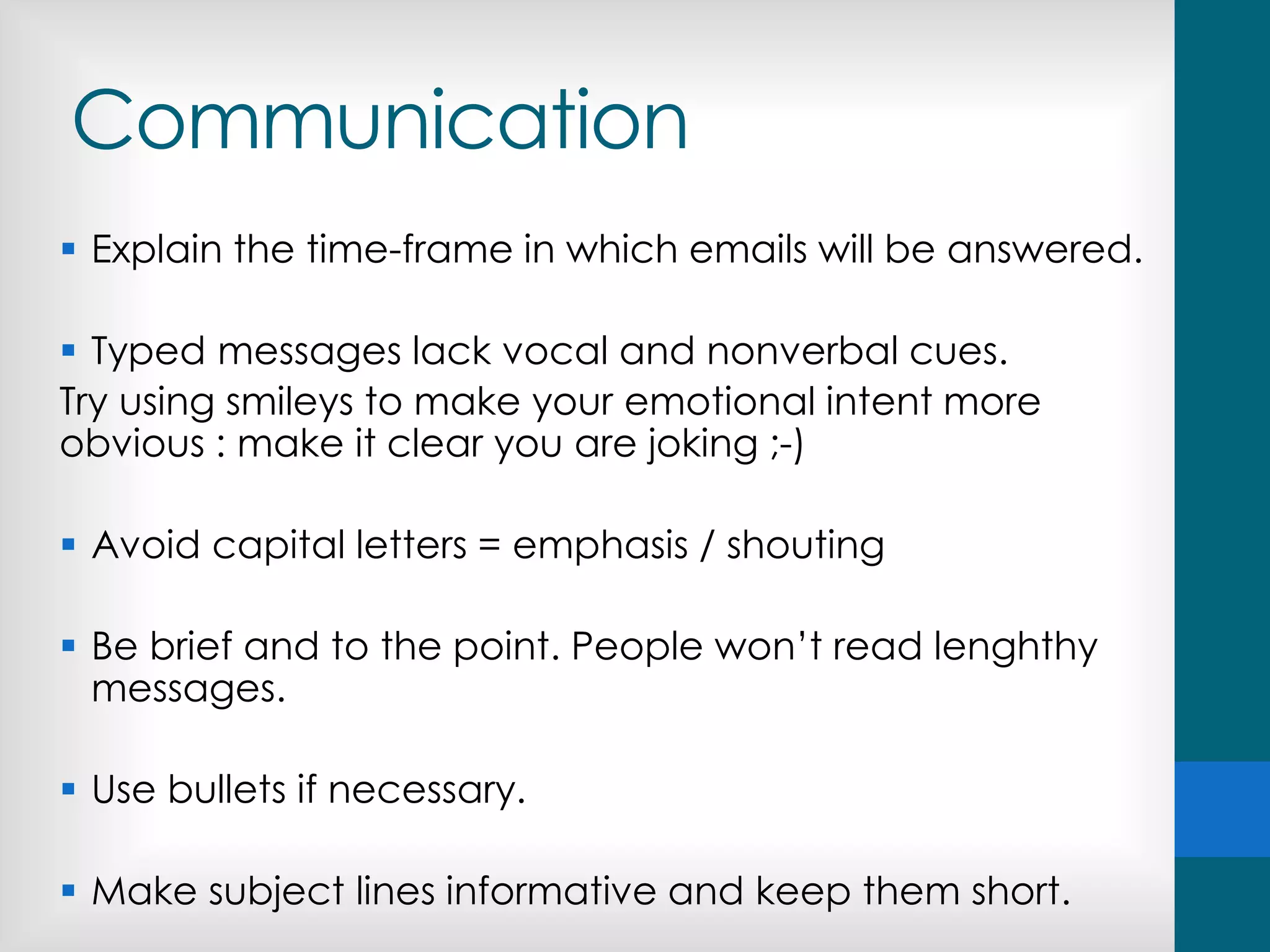
 Explain the time-frame in which emails will be answered.
 Typed messages lack vocal and nonverbal cues.
Try using smileys to make your emotional intent more
obvious : make it clear you are joking ;-)
 Avoid capital letters = emphasis / shouting
 Be brief and to the point. People won’t read lenghthy
messages.
 Use bullets if necessary.
 Make subject lines informative and keep them short.
Types of forums
• A single simple discussion which everyone can reply to.
• Each person posts one discussion
• Q and A forum - Students must first post their
perspectives before viewing other students' posts
• Standard forum displayed in a blog-like format
• Standard forum for general use - An open forum where
anyone can start a new discussion at any time
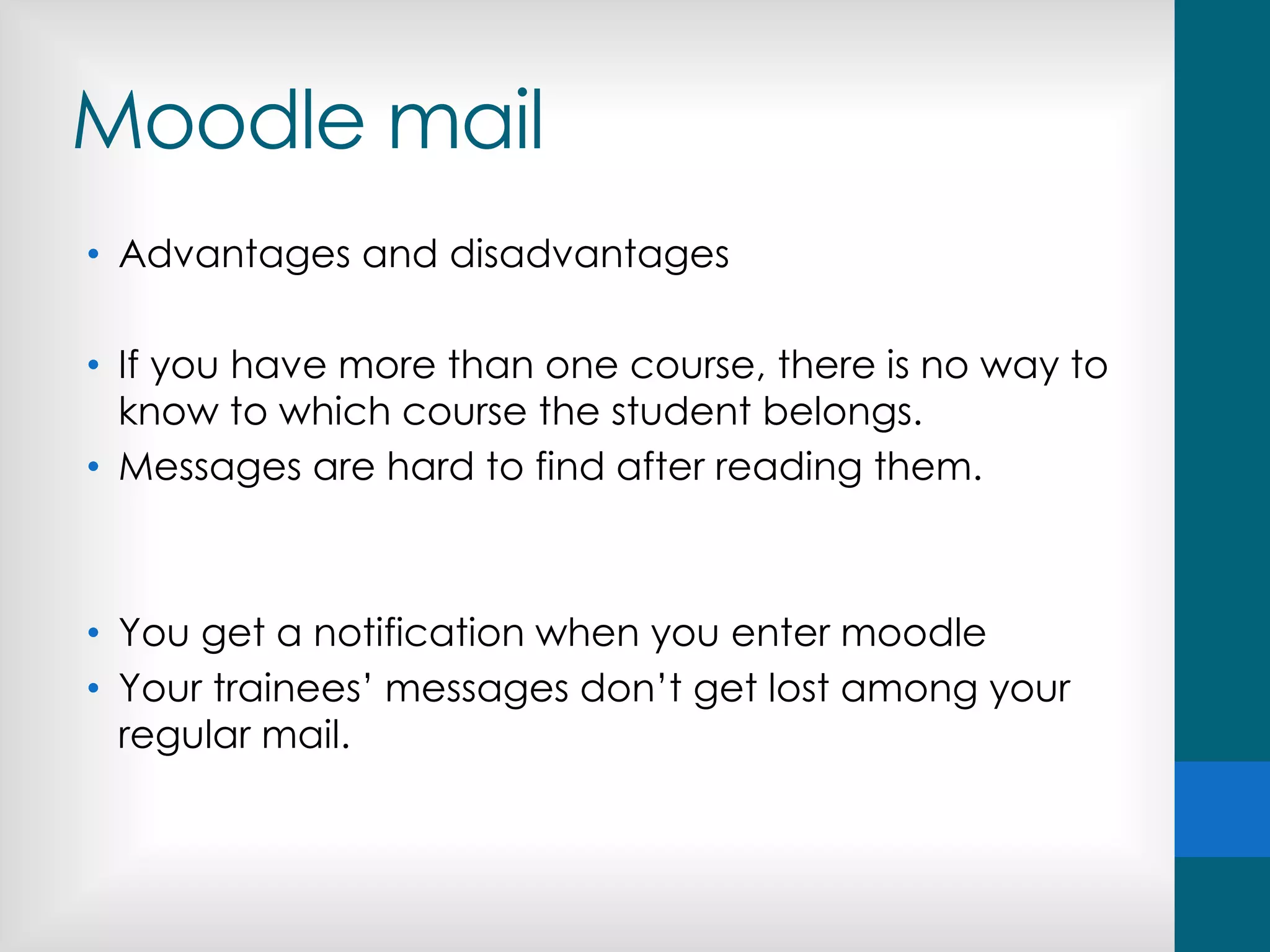
Moodle mail
• Advantages and disadvantages
• If you have more than one course, there is no way to
know to which course the student belongs.
• Messages are hard to find after reading them.
• You get a notification when you enter moodle
• Your trainees’ messages don’t get lost among your
regular mail.
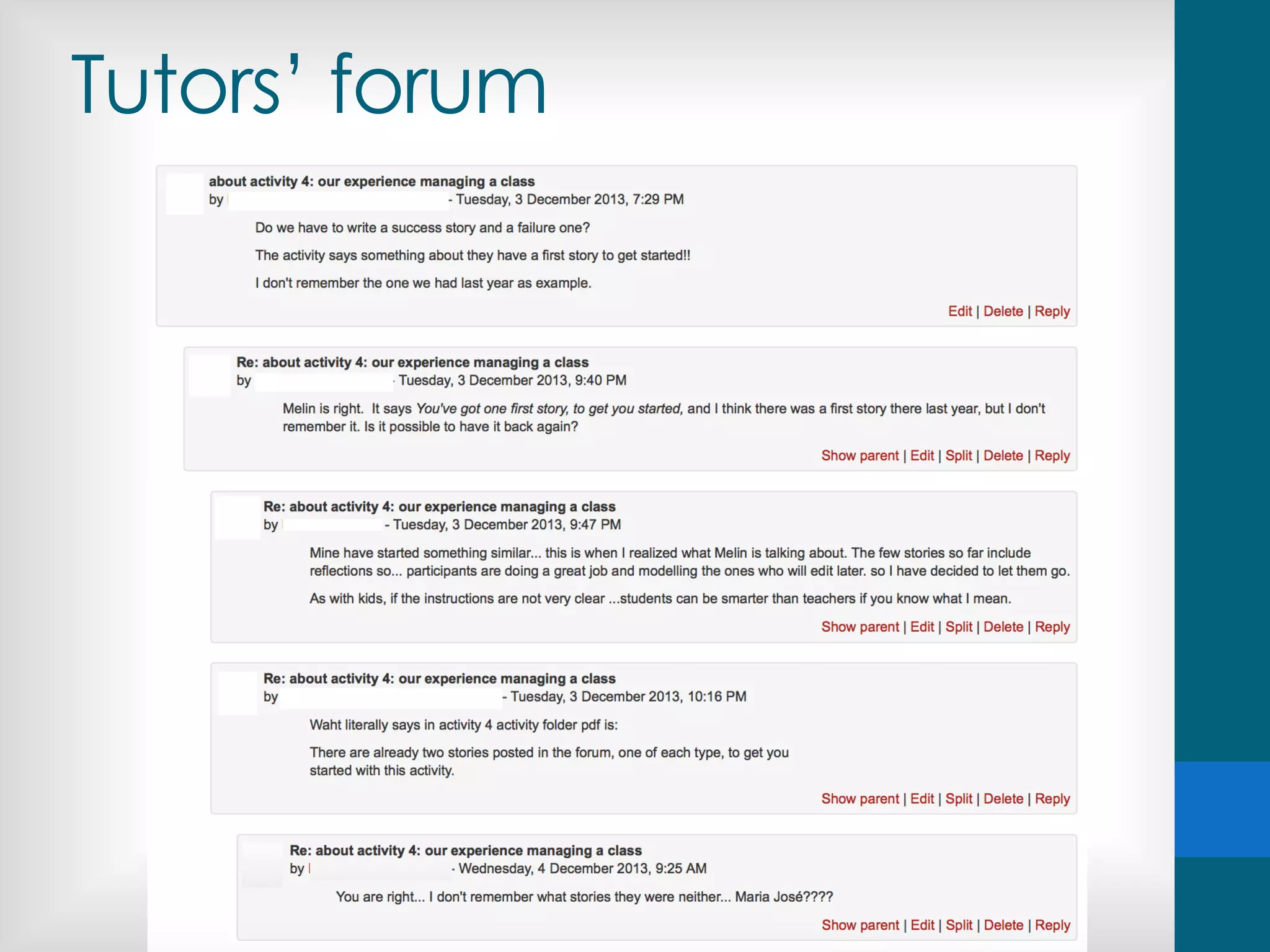
Tutors’ forum
• The language of communication is English
• You are not alone!
https://www.facebook.com/naturephotobook/posts/1121887567829380
Tutors’ forum
Competences of online
tutors
• Related to the development and monitoring of the
course:
• Technology
• Information
• Communication
• Related to the assessment of the tasks
• Feedback
• Grades
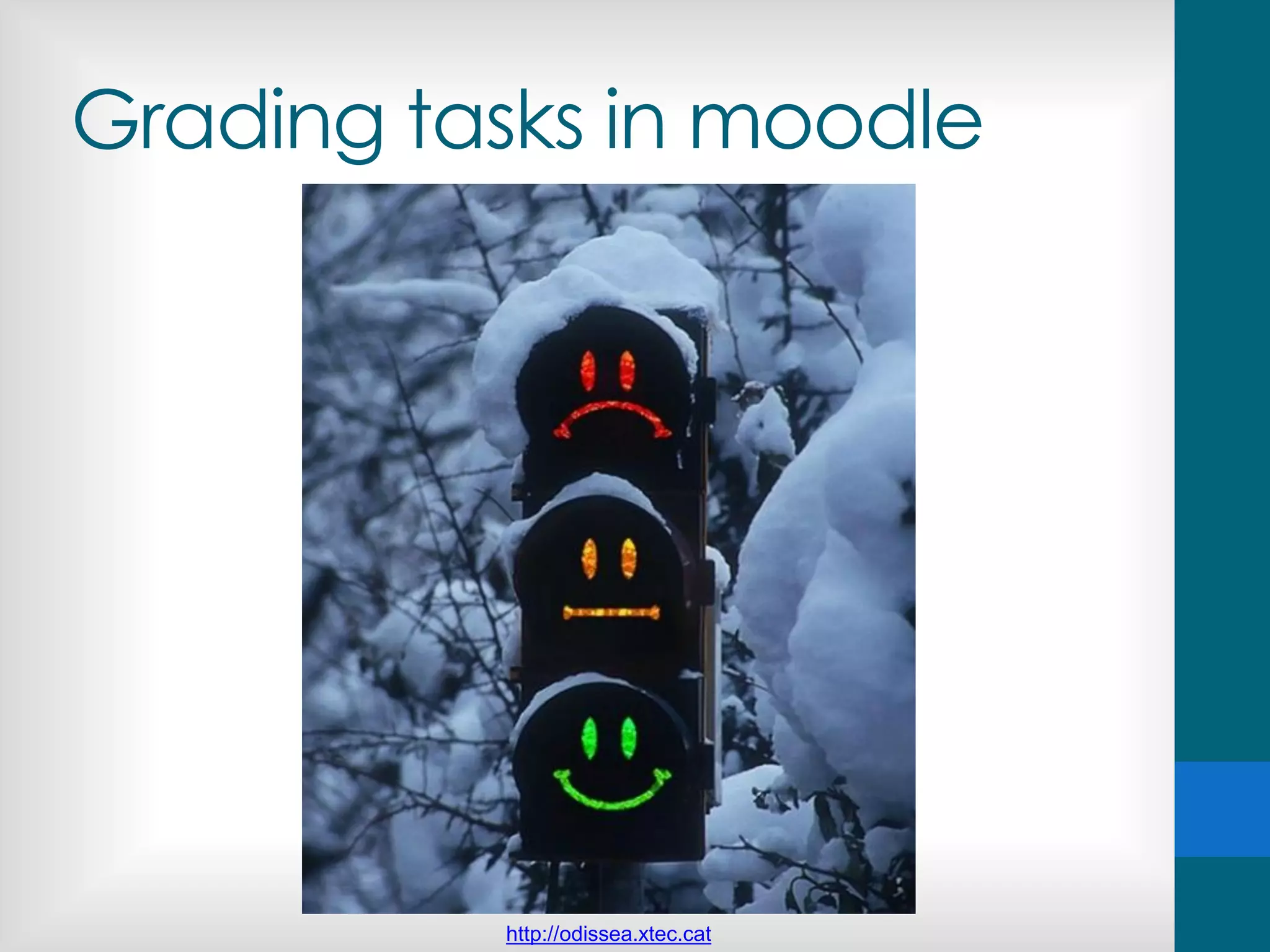
Grading tasks in moodle
http://odissea.xtec.cat
You can count on us!
María José Lobo & Pilar Farré formadors.est@xtec.cat
An amazing technical team
Copyright & online materials
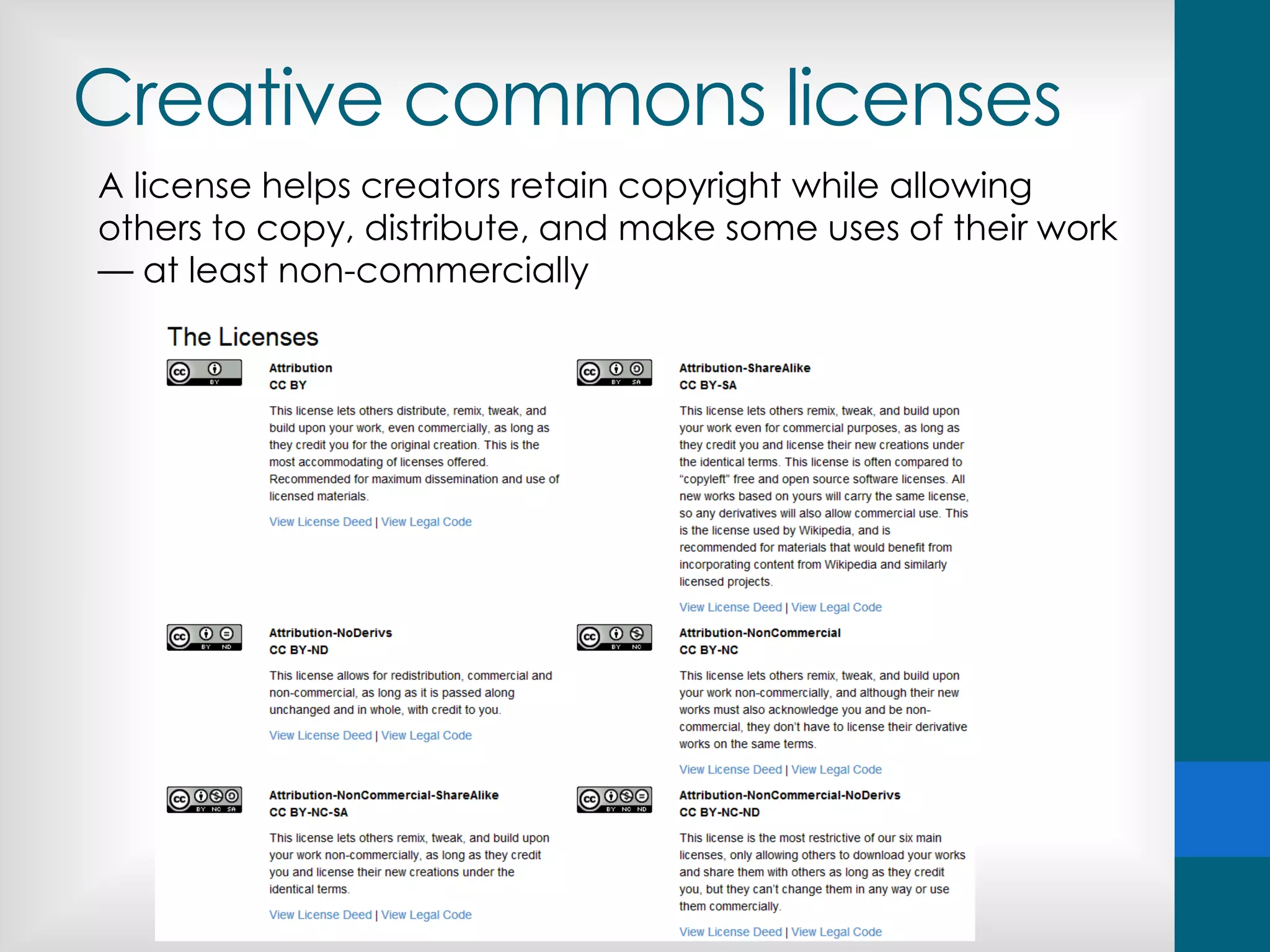
Creative commons licenses
A license helps creators retain copyright while allowing
others to copy, distribute, and make some uses of their work
— at least non-commercially
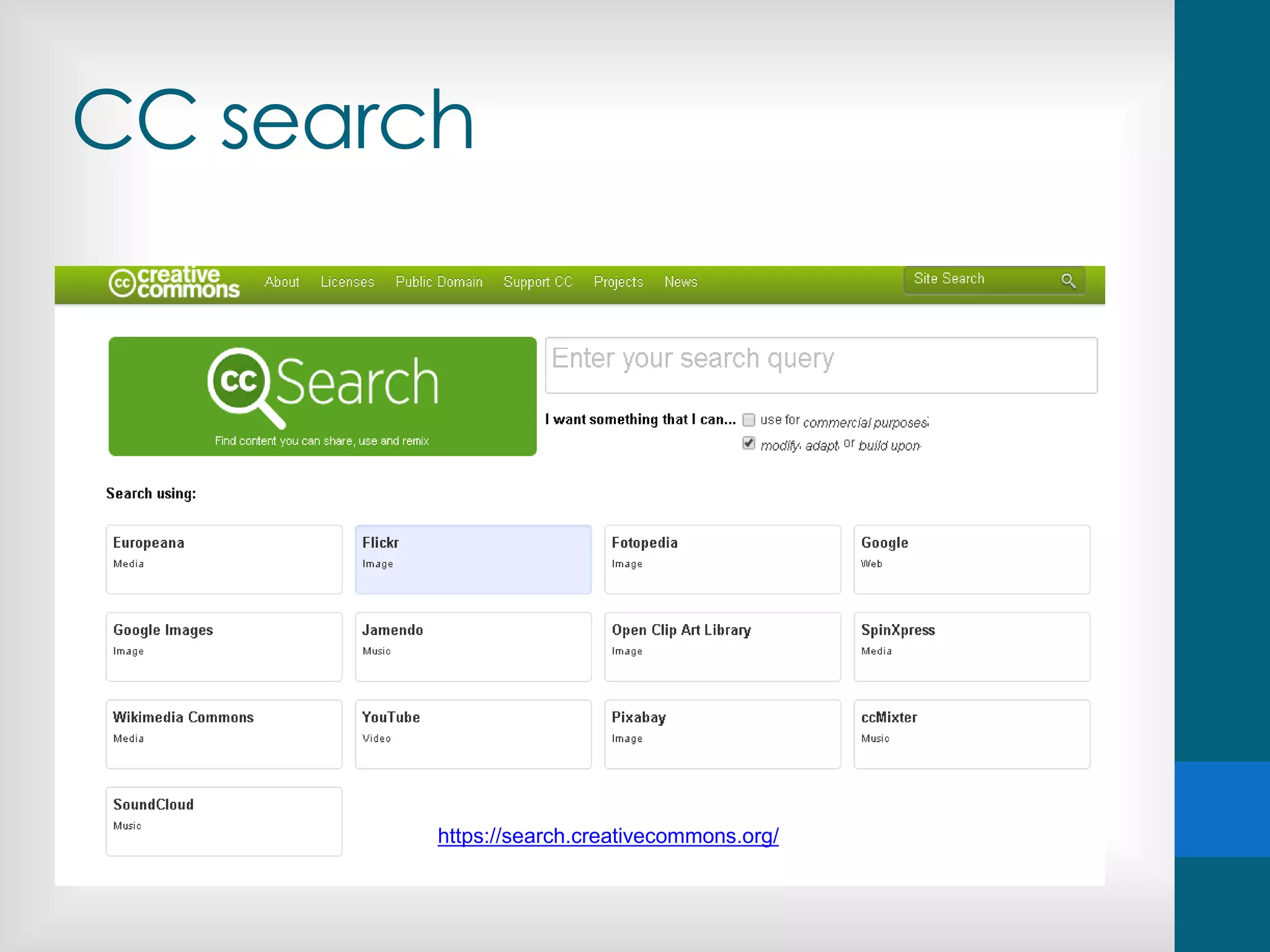
CC search
https://search.creativecommons.org/
Copyright-free images
http://www.freeimages.com/ https://www.flickr.com/
Google images
Audiovisual materials
Any audiovisual resource on the Internet is protected
by authors’ rights.
The fact that it’s available on the web doesn’t mean
that the rights conferred to its author by law are not
fully in force.
How to cite images
- Author's name and license type
By T.Voekler (Own work) [CC-BY-SA-3.0
(www.creativecommons.org/licenses/by-sa/3.0)], via
Wikimedia Commons
- Address of the page describing the image and
name of the author.
In T.Voekler via Wikimedia Commons
http://commons.wikimedia.org/wiki/File:Leontopodium
_palibinianum.jpg
Tasks in moodle
Formació del professorat formador en AICLE
role: students
Tasks in moodle
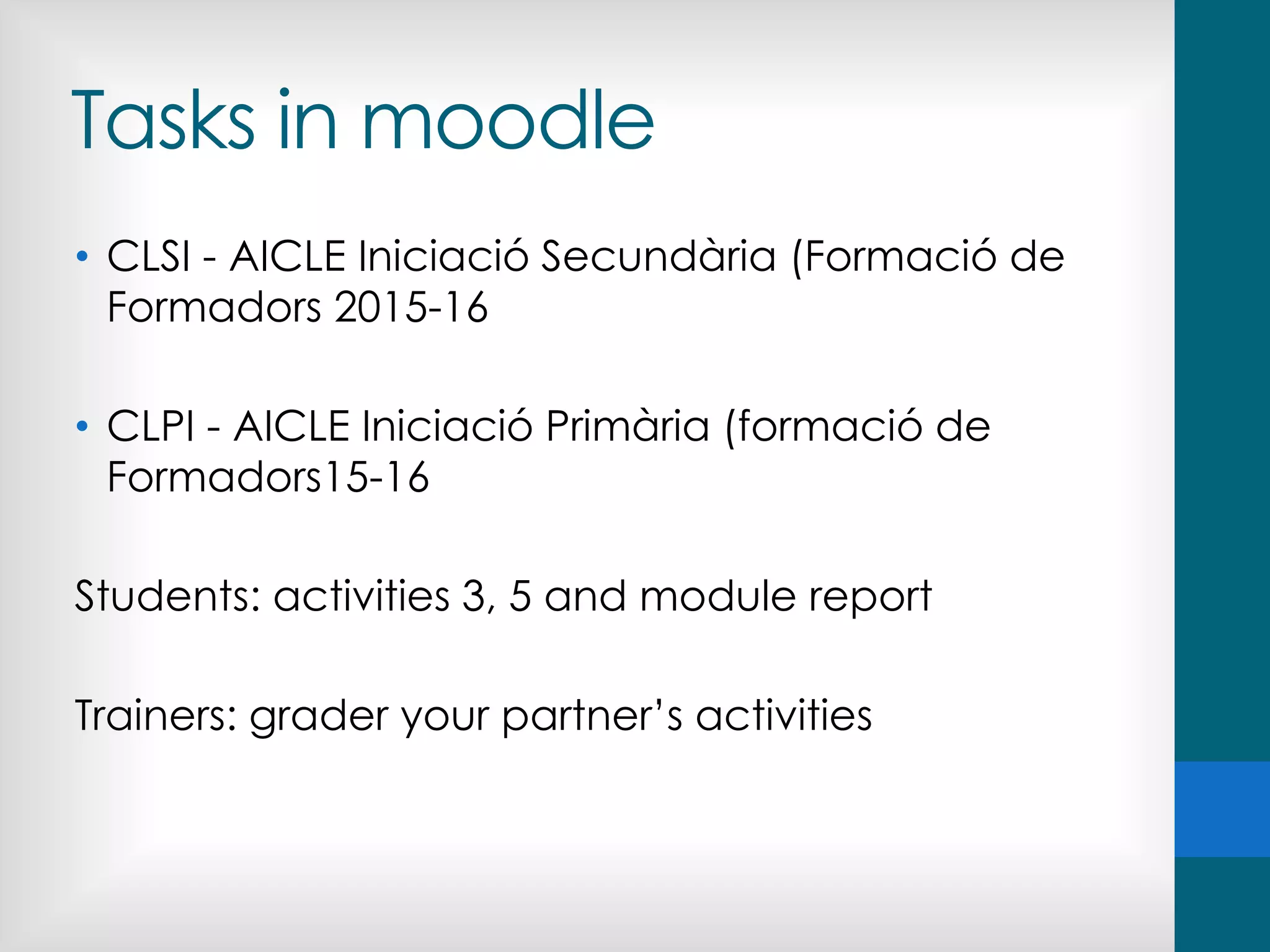
• CLSI - AICLE Iniciació Secundària (Formació de
Formadors 2015-16
• CLPI - AICLE Iniciació Primària (formació de
Formadors15-16
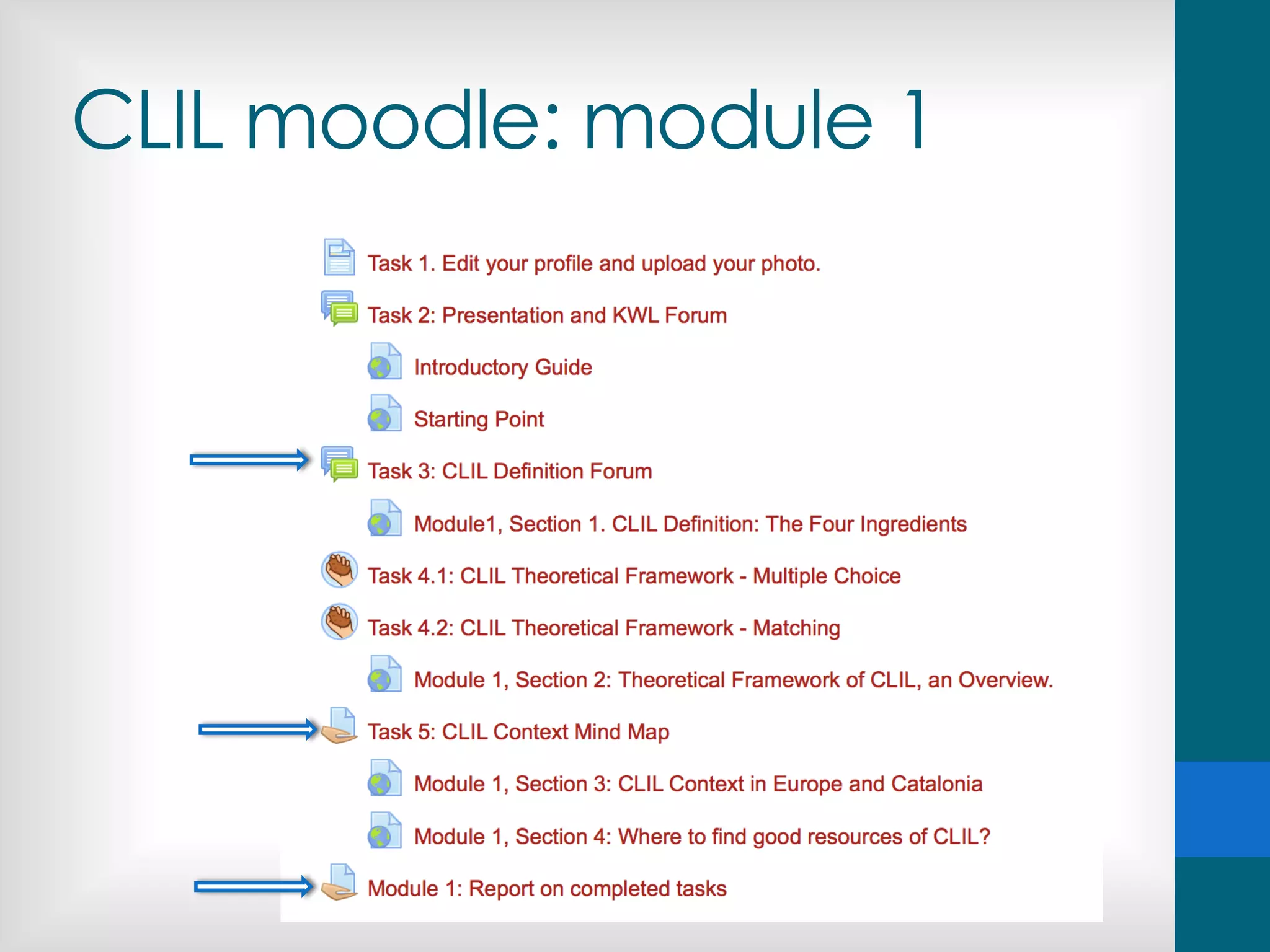
Students: activities 3, 5 and module report
Trainers: grader your partner’s activities
CLIL moodle: module 1
Images
• http://www.biomerieux-
industry.com/sites/industry/files/styles/original/public/
elearning900x900.jpg
• http://elearningindustry.com/wp-
content/uploads/2015/04/eLearning-Interactivity-
Guide-eLearning-Professionals.jpg
• https://c1.staticflickr.com/5/4078/4849772876_b1fa5
98a2a_b.jpg
• http://blog.goodbarber.com/photo/art/default/6865210-
10494570.jpg?v=1424793991
• http://blog.goodbarber.com/photo/art/default/686
5210-10494570.jpg?v=1424793991
Rosamaria Felip Falcó @rosamariafelip 2015
Thanks
&
the best of luck!

Training the clil_trainer

  • 1.
    Training the CLILtrainer the online learning & teaching experience Rosamaria Felip Falcó @rosamariafelip 19-12-2015
  • 2.
  • 3.
  • 4.
    Agenda • Face-to-face vsonline teaching / learning • The role of the online tutor • The skills of effective online tutors • The virtual learning environment: moodle • Copyright issues online • Online tasks • As trainees in this course • As participants in an online CLIL course • As tutors in an online CLIL course
  • 5.
    What’s your experienceas an online learner? What courses have you done? How many? Was it a positive experience? Why?/ Why not? What do you value the most about online courses? And the least? What do you prefer: f2f or online? Do you have any experience as a trainer?
  • 6.
    Discussion: online learning... •Online courses are easier than traditional classroom courses. • Online courses are more flexible than f2f courses. • Students get individual attention from their tutors. • It is impossible to get to know your students well. • Students don’t get to know their classmates. • A sense of belonging to a learning community can be developed. • Students don’t have access to help when they need it. • Online courses are low-quality courses. • The key to a success online course is the quality of the materials. • Asynchronous communication has no advantages
  • 7.
  • 8.
    Online courses arebased on the relationship between... • The learner and the materials. • The trainer and the learners. • The learners.
  • 9.
    Creating community “When learnersinteract with one another, with an instructor, and with ideas, new information is acquired, interpreted, and made meaningful. Such interactions form the foundation of a community of learners. If students feel they are part of a community of learners, they are more apt to be motivated to seek solutions to their problems and succeed. The challenge for distance educators is to develop strategies and techniques for establishing and maintaining “learning communities” among learners separated by space and/or time.” An emerging set of guiding principles and practices for the design and development of distance education. Availabe at: www.outreach.psu.edu/de/ide
  • 10.
  • 11.
    Challenges of onlineteaching • Familiarity with the online environment • Capacity to use the medium to its advantage • Being available to students on an extended basis electronically • Providing quick responses and feedback to students Massy, William. “Distance Education: Guidelines for Good Practice.” AFT, May 2002
  • 12.
    Qualities of successfulonline trainers • They provide a safe climate for their students by providing reassurance and support to new online learners. • They invite student input regarding the goals and agenda for the course. • They give frequent individualized feedback, using a variety of communication tools. • They help students connect with one another. Ladon, E. H. (April 18,2002) “High Touch in a High Tech World: Strategies for Individualizing Online Learning.”. eCollege.com's eNewsletter http://www.ecollege.com/educator/Resources_edvoice.html
  • 13.
    An effective onlinetrainer... • Encourages trainee-trainer contact. • Fosters interaction and cooperation among trainees. • Encourages active learning (doing & thinking about the learning process). • Provides ongoing, fast and valuable feedback (information and recognition). • Informs about deadlines and manages time effectively. • Communicates high expectations to trainees. • Respects diverse talents and ways of learning. Adapted from Seven Principles for Good Practice in Undergraduate Education
  • 14.
    The 8 rolesof online tutors
  • 15.
    Competences of online tutors •Related to the development and monitoring of the course: • Technology • Information • Communication • Related to the assessment of the tasks • Feedback • Grades
  • 16.
    Technology-related • Familiarity withthe online environment • Capacity to use the medium to its advantage FORUMS, CHATS, WIKIS, MESSAGING, QUIZZES…
  • 17.
    Competences of online tutors •Related to the development and monitoring of the course: • Technology • Information • Communication • Related to the assessment of the tasks • Feedback • Grades
  • 18.
    Information-related • Information ispresented in a completely different way to face-to-face contexts. • Tutor as a monitor. • Show them where to focus their attention • Information essential to follow the course • Set the pace of the course
  • 19.
    Competences of online tutors •Related to the development and monitoring of the course: • Technology • Information • Communication • Related to the assessment of the tasks • Feedback • Grades
  • 20.
    Communication Communication in onlinecourses is the way in which tutors can demonstrate their ‘presence’. Communication is the KEY to success
  • 21.
    Communication in moodle •Basically asynchronous and written • What spaces do we have? • Who uses them? What for? • Noticeboard • Forums • e-mail • Final reports • Feedback
  • 22.
    Communication Reasons for writingmessages in moodle • Welcome message • Engagement • Follow-up • Participation • Collaboration • Clarification • Provoke them • Challenge them • Push them (if necessary) • Conclusions (activity, module…) • Provide information • …
  • 23.
  • 24.
  • 25.
  • 26.
  • 27.
    Let them knowyou are there
  • 28.
  • 29.
  • 30.
  • 31.
    Manage time &provide guidance
  • 32.
  • 33.
  • 34.
    Let them knowyou care
  • 35.
  • 36.
  • 37.
  • 38.
    Communication  Explain thetime-frame in which emails will be answered.  Typed messages lack vocal and nonverbal cues. Try using smileys to make your emotional intent more obvious : make it clear you are joking ;-)  Avoid capital letters = emphasis / shouting  Be brief and to the point. People won’t read lenghthy messages.  Use bullets if necessary.  Make subject lines informative and keep them short.
  • 39.
    Types of forums •A single simple discussion which everyone can reply to. • Each person posts one discussion • Q and A forum - Students must first post their perspectives before viewing other students' posts • Standard forum displayed in a blog-like format • Standard forum for general use - An open forum where anyone can start a new discussion at any time
  • 40.
    Moodle mail • Advantagesand disadvantages • If you have more than one course, there is no way to know to which course the student belongs. • Messages are hard to find after reading them. • You get a notification when you enter moodle • Your trainees’ messages don’t get lost among your regular mail.
  • 41.
    Tutors’ forum • Thelanguage of communication is English • You are not alone! https://www.facebook.com/naturephotobook/posts/1121887567829380
  • 42.
  • 45.
    Competences of online tutors •Related to the development and monitoring of the course: • Technology • Information • Communication • Related to the assessment of the tasks • Feedback • Grades
  • 46.
    Grading tasks inmoodle http://odissea.xtec.cat
  • 48.
    You can counton us! María José Lobo & Pilar Farré formadors.est@xtec.cat
  • 49.
  • 50.
  • 51.
    Creative commons licenses Alicense helps creators retain copyright while allowing others to copy, distribute, and make some uses of their work — at least non-commercially
  • 52.
  • 53.
  • 54.
  • 55.
    Audiovisual materials Any audiovisualresource on the Internet is protected by authors’ rights. The fact that it’s available on the web doesn’t mean that the rights conferred to its author by law are not fully in force.
  • 56.
    How to citeimages - Author's name and license type By T.Voekler (Own work) [CC-BY-SA-3.0 (www.creativecommons.org/licenses/by-sa/3.0)], via Wikimedia Commons - Address of the page describing the image and name of the author. In T.Voekler via Wikimedia Commons http://commons.wikimedia.org/wiki/File:Leontopodium _palibinianum.jpg
  • 57.
    Tasks in moodle Formaciódel professorat formador en AICLE role: students
  • 58.
    Tasks in moodle •CLSI - AICLE Iniciació Secundària (Formació de Formadors 2015-16 • CLPI - AICLE Iniciació Primària (formació de Formadors15-16 Students: activities 3, 5 and module report Trainers: grader your partner’s activities
  • 59.
  • 60.
    Images • http://www.biomerieux- industry.com/sites/industry/files/styles/original/public/ elearning900x900.jpg • http://elearningindustry.com/wp- content/uploads/2015/04/eLearning-Interactivity- Guide-eLearning-Professionals.jpg •https://c1.staticflickr.com/5/4078/4849772876_b1fa5 98a2a_b.jpg • http://blog.goodbarber.com/photo/art/default/6865210- 10494570.jpg?v=1424793991 • http://blog.goodbarber.com/photo/art/default/686 5210-10494570.jpg?v=1424793991
  • 61.
    Rosamaria Felip Falcó@rosamariafelip 2015 Thanks & the best of luck!