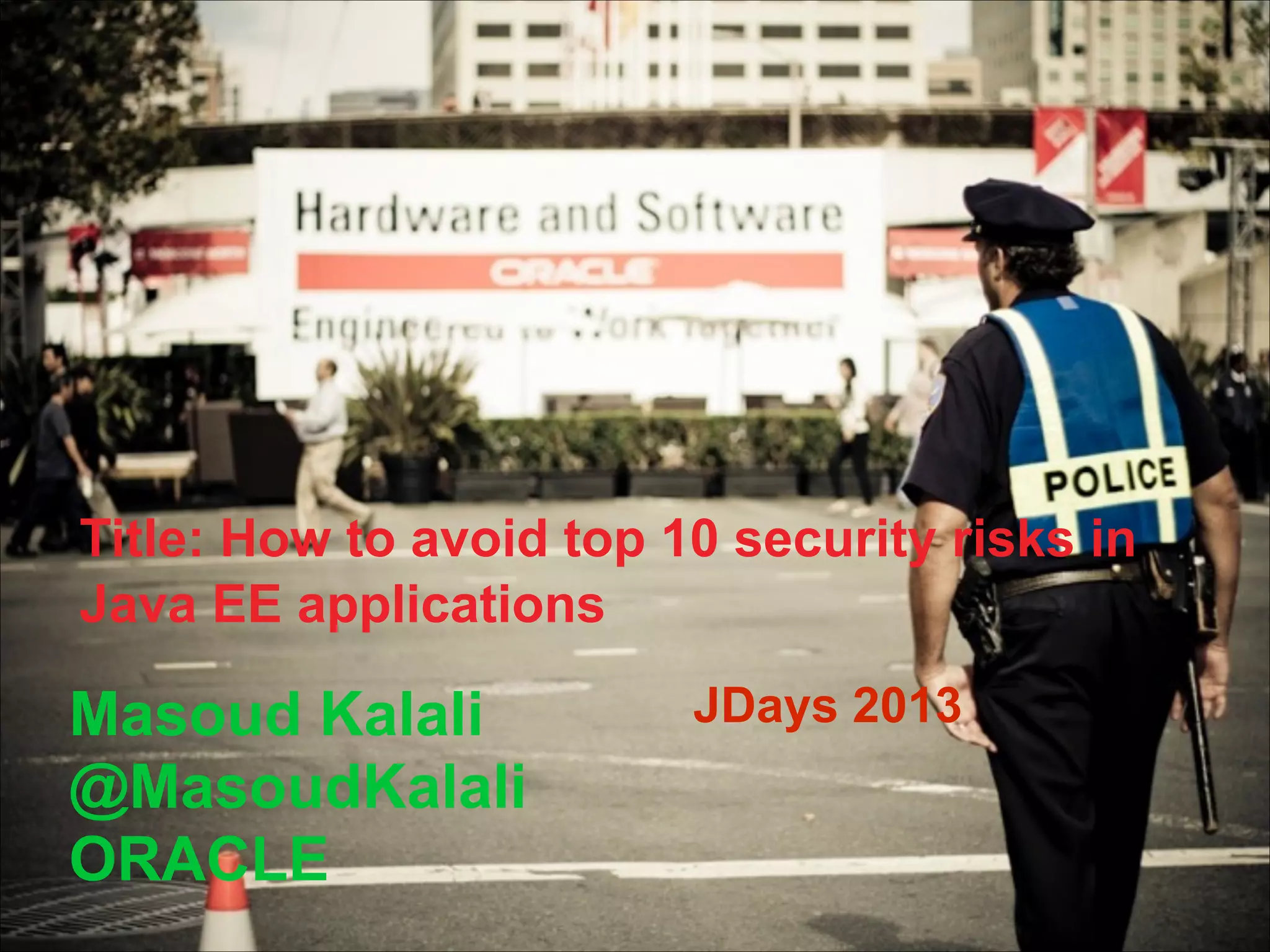
Title: How to avoid top 10 security risks in
Java EE applications

Masoud Kalali
@MasoudKalali
ORACLE

JDays 2013
Agenda

• Introduc)on	
  
• The	
  Top	
  10	
  Most	
  Cri)cal	
  Web	
  Applica)on	
  
Security	
  Risks	
  
• QA

Java EE 6 & GlassFish

glassfish.org
Motivation for this talk

•
•
•
•

Seen	
  a	
  lot	
  
Providing	
  a	
  star)ng	
  point	
  
Sharing	
  something	
  
Making	
  you	
  aware
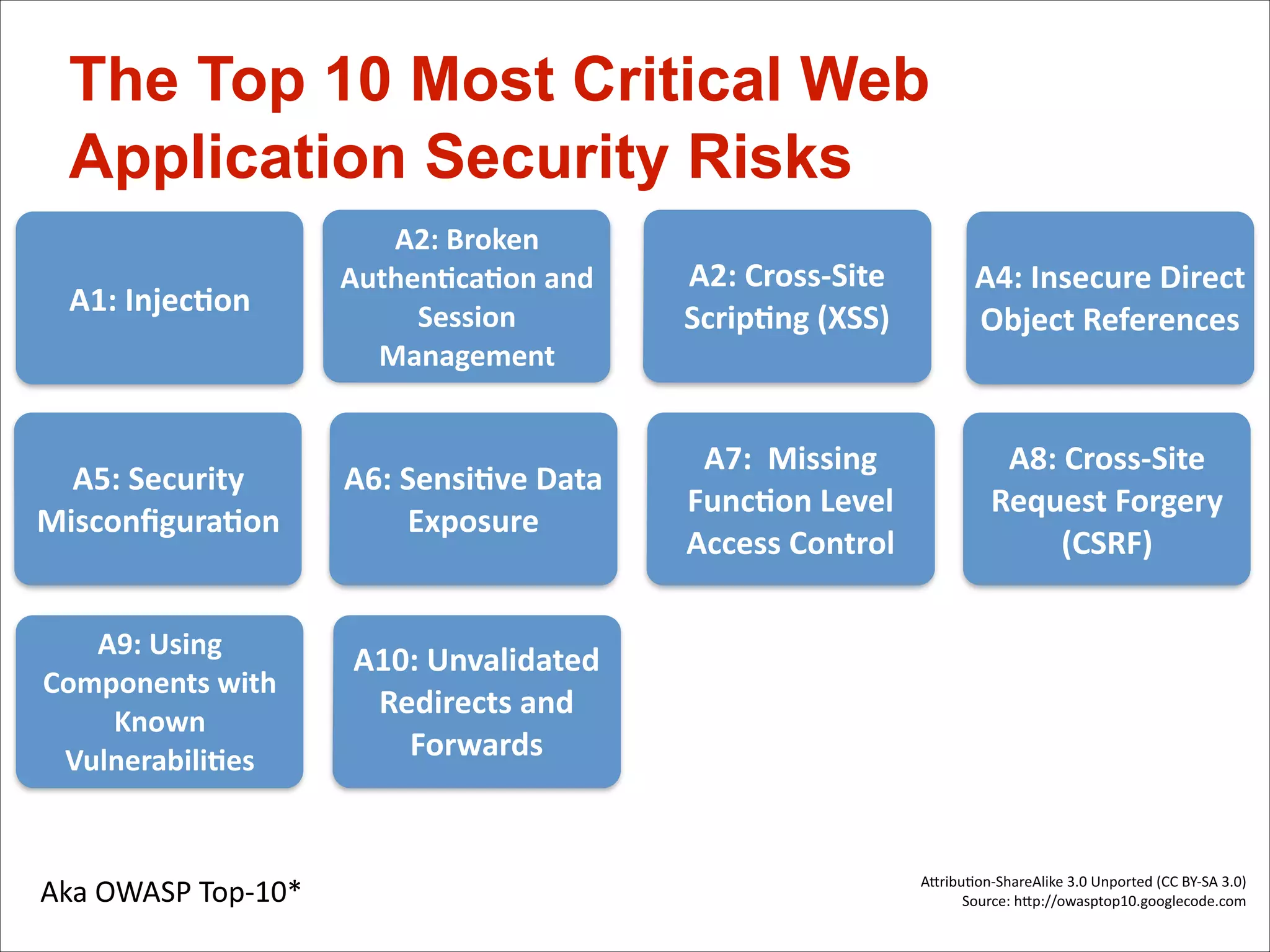
The Top 10 Most Critical Web
Application Security Risks
A1:	
  Injec*on

A2:	
  Broken	
  
Authen*ca*on	
  and	
  
Session	
  
Management

A2:	
  Cross-­‐Site	
  
Scrip*ng	
  (XSS)

A4:	
  Insecure	
  Direct	
  
Object	
  References	
  

A5:	
  Security	
  
Misconfigura*on

A6:	
  Sensi*ve	
  Data	
  
Exposure

A7:	
  	
  Missing	
  
Func*on	
  Level	
  
Access	
  Control	
  

A8:	
  Cross-­‐Site	
  
Request	
  Forgery	
  
(CSRF)

A9:	
  Using	
  
Components	
  with	
  
Known	
  
Vulnerabili*es

A10:	
  Unvalidated	
  
Redirects	
  and	
  
Forwards

Aka	
  OWASP	
  Top-­‐10*


AFribu)on-­‐ShareAlike	
  3.0	
  Unported	
  (CC	
  BY-­‐SA	
  3.0)
Source:	
  hFp://owasptop10.googlecode.com
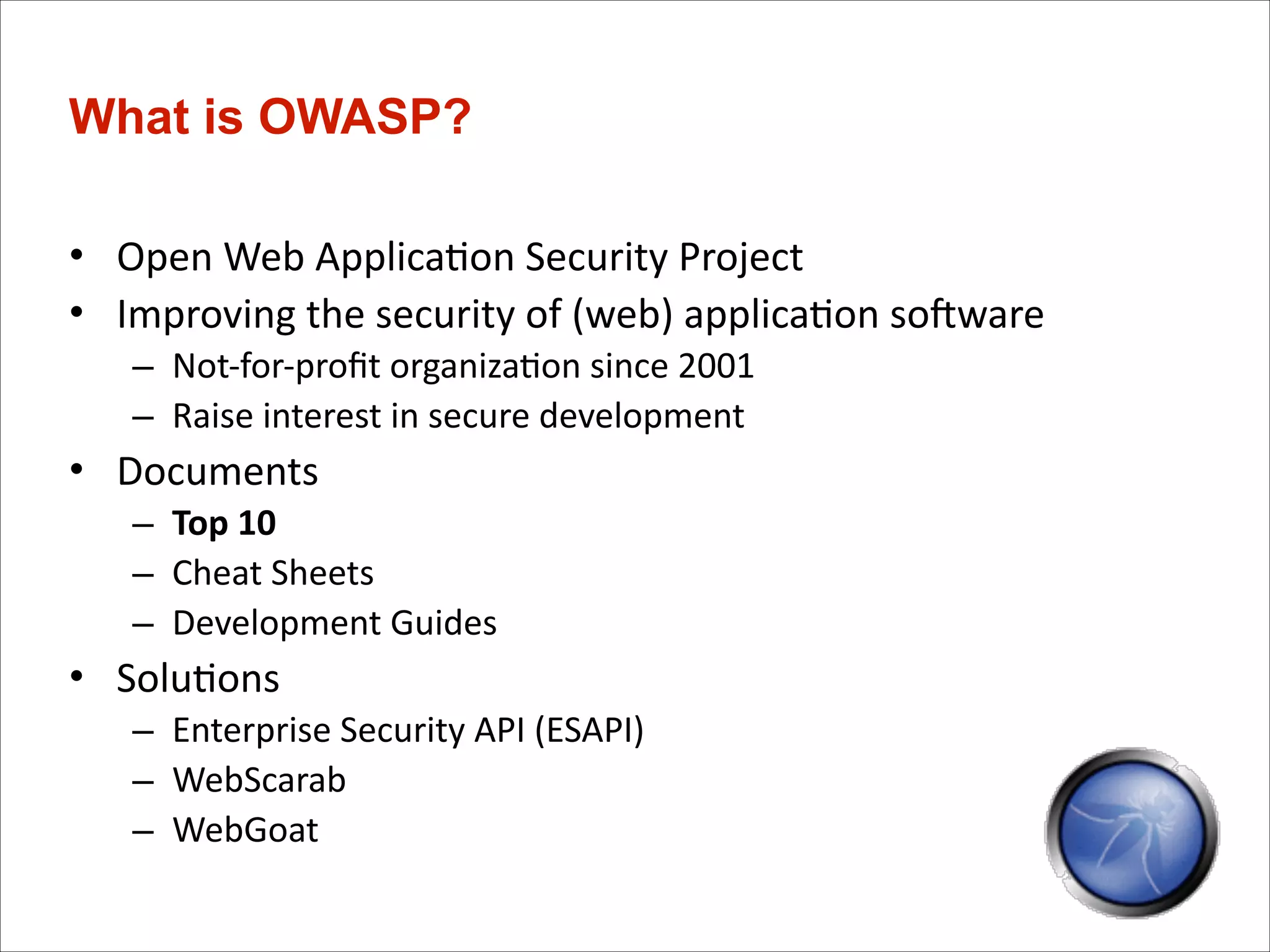
What is OWASP?
• Open	
  Web	
  Applica)on	
  Security	
  Project	
  
• Improving	
  the	
  security	
  of	
  (web)	
  applica)on	
  soTware	
  
– Not-­‐for-­‐profit	
  organiza)on	
  since	
  2001	
  
– Raise	
  interest	
  in	
  secure	
  development	
  

• Documents	
  
– Top	
  10	
  
– Cheat	
  Sheets	
  
– Development	
  Guides	
  

• Solu)ons	
  
– Enterprise	
  Security	
  API	
  (ESAPI)	
  
– WebScarab	
  
– WebGoat
A1	
  -­‐	
  Injec*on
A1:	
  

A3:	
  

A4:	
  

A8:	
  

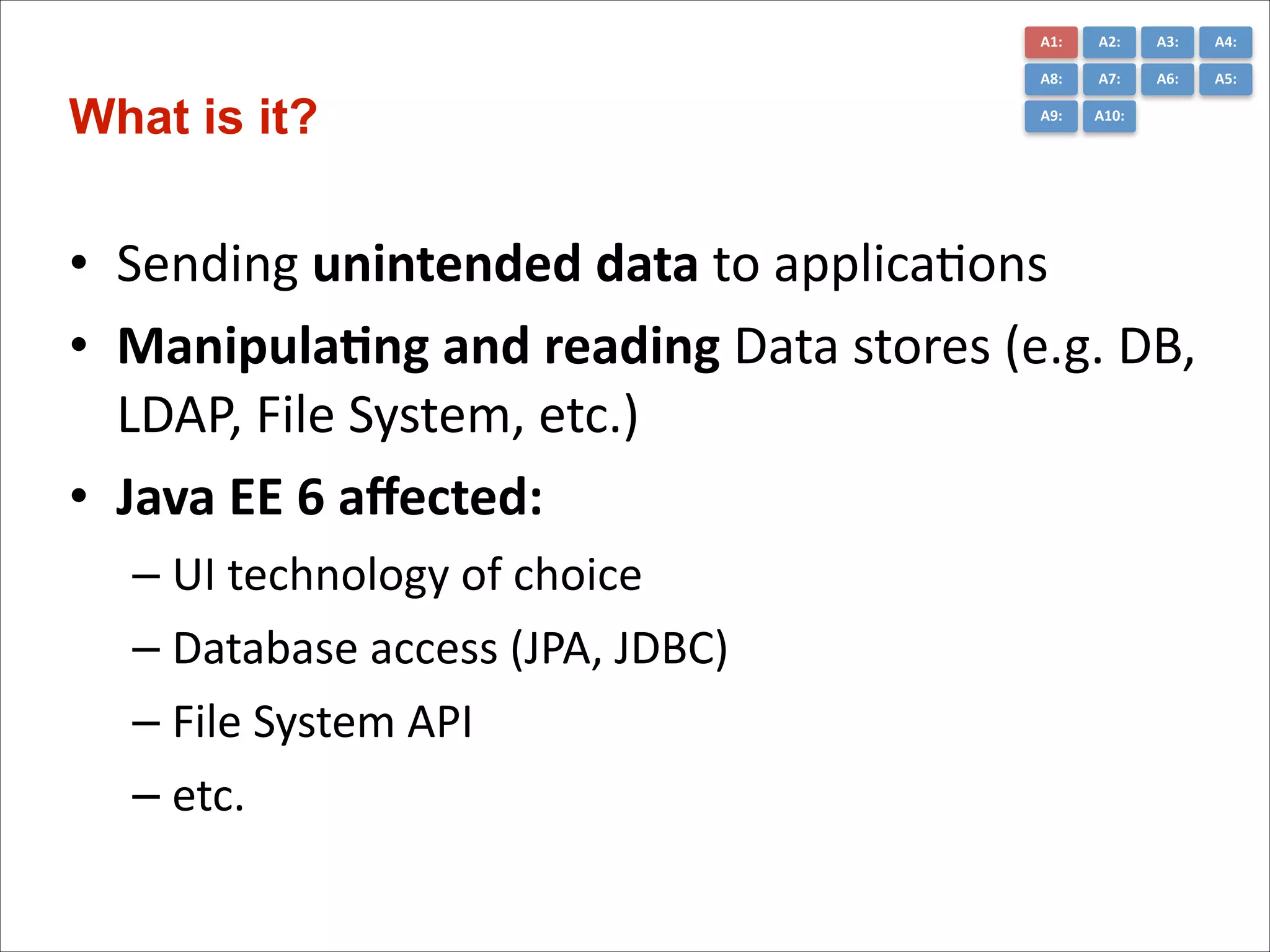
What is it?

A2:	
  
A7:	
  

A6:	
  

A5:	
  

A9:	
  

A10:	
  

• Sending	
  unintended	
  data	
  to	
  applica)ons	
  
• Manipula*ng	
  and	
  reading	
  Data	
  stores	
  (e.g.	
  DB,	
  
LDAP,	
  File	
  System,	
  etc.)	
  
• Java	
  EE	
  6	
  affected:	
  
– UI	
  technology	
  of	
  choice	
  
– Database	
  access	
  (JPA,	
  JDBC)	
  
– File	
  System	
  API	
  
– etc.
A1:	
  

A3:	
  

A4:	
  

A8:	
  

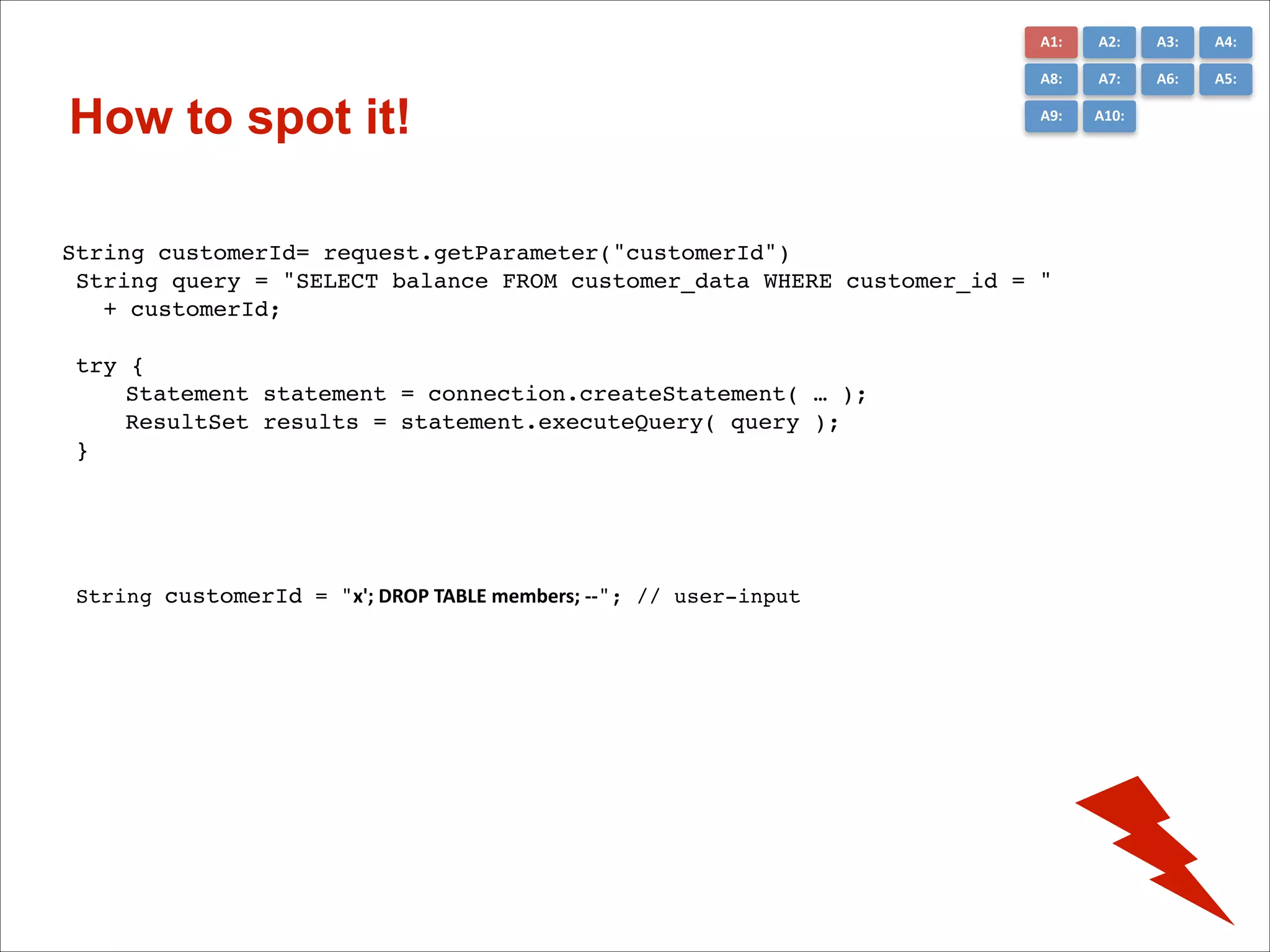
How to spot it!

A2:	
  
A7:	
  

A6:	
  

A5:	
  

A9:	
  

A10:	
  

String customerId= request.getParameter("customerId")!
String query = "SELECT balance FROM customer_data WHERE customer_id = "!
+ customerId;!
!
try {!
!
Statement statement = connection.createStatement( … );!
!
ResultSet results = statement.executeQuery( query );!
}!

String customerId = "x';	
  DROP	
  TABLE	
  members;	
  -­‐-­‐"; // user-input!
A1:	
  

•
•
•
•
•

A3:	
  

A4:	
  

A8:	
  

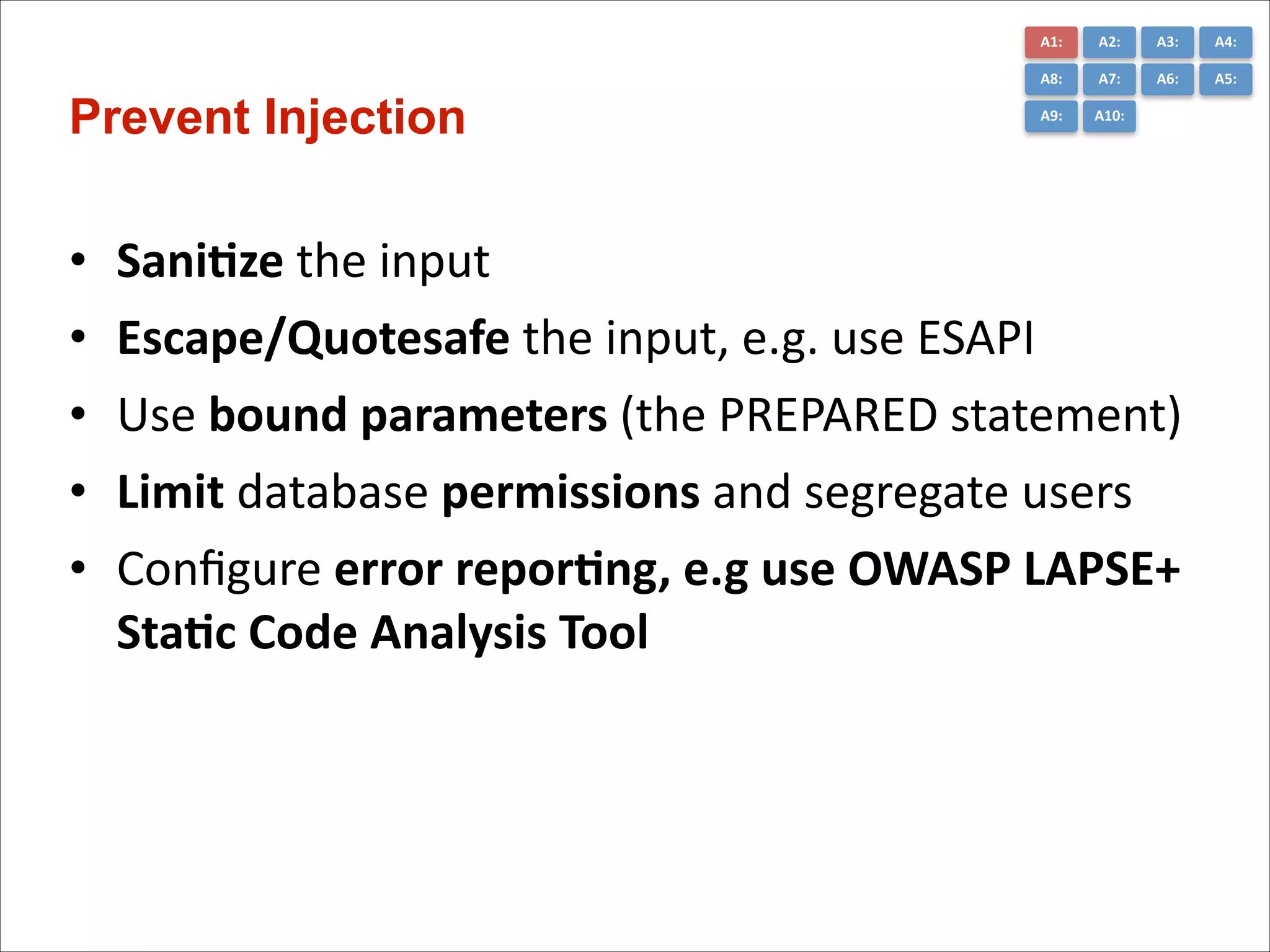
Prevent Injection

A2:	
  
A7:	
  

A6:	
  

A5:	
  

A9:	
  

A10:	
  

Sani*ze	
  the	
  input	
  
Escape/Quotesafe	
  the	
  input,	
  e.g.	
  use	
  ESAPI	
  	
  
Use	
  bound	
  parameters	
  (the	
  PREPARED	
  statement)	
  
Limit	
  database	
  permissions	
  and	
  segregate	
  users	
  
Configure	
  error	
  repor*ng,	
  e.g	
  use	
  OWASP	
  LAPSE+	
  
Sta*c	
  Code	
  Analysis	
  Tool
A1:	
  

A3:	
  

A4:	
  

A8:	
  

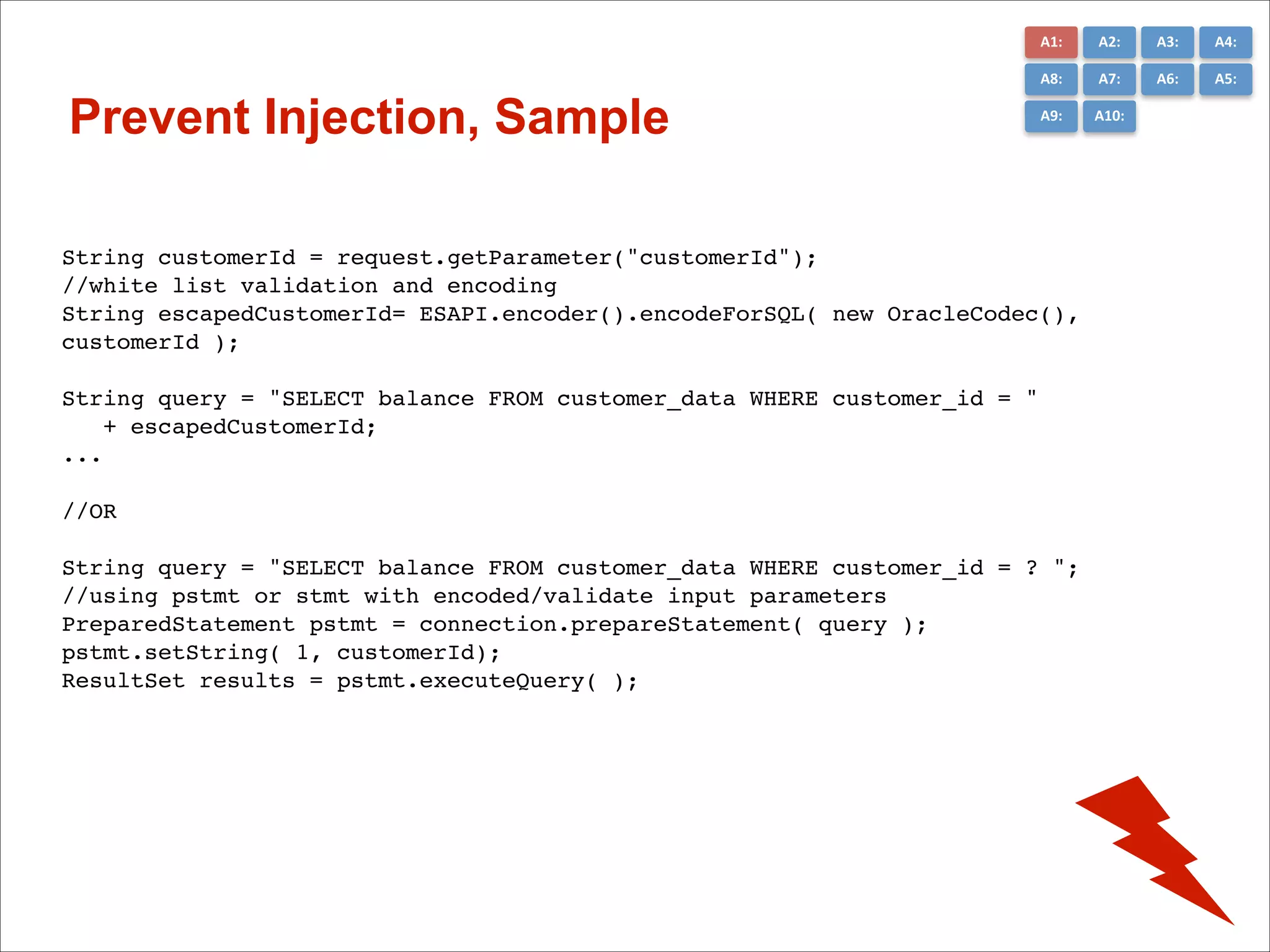
Prevent Injection, Sample

A2:	
  
A7:	
  

A6:	
  

A5:	
  

A9:	
  

A10:	
  

String customerId = request.getParameter("customerId"); !
//white list validation and encoding!
String escapedCustomerId= ESAPI.encoder().encodeForSQL( new OracleCodec(),
customerId );!

!

String query = "SELECT balance FROM customer_data WHERE customer_id = "!
+ escapedCustomerId;!
... !

!
//OR!
!

String query = "SELECT balance FROM customer_data WHERE customer_id = ? ";!
//using pstmt or stmt with encoded/validate input parameters!
PreparedStatement pstmt = connection.prepareStatement( query );!
pstmt.setString( 1, customerId); !
ResultSet results = pstmt.executeQuery( );!
A2	
  -­‐	
  Broken	
  Authen*ca*on	
  and	
  	
  Session	
  Management
A1:	
  

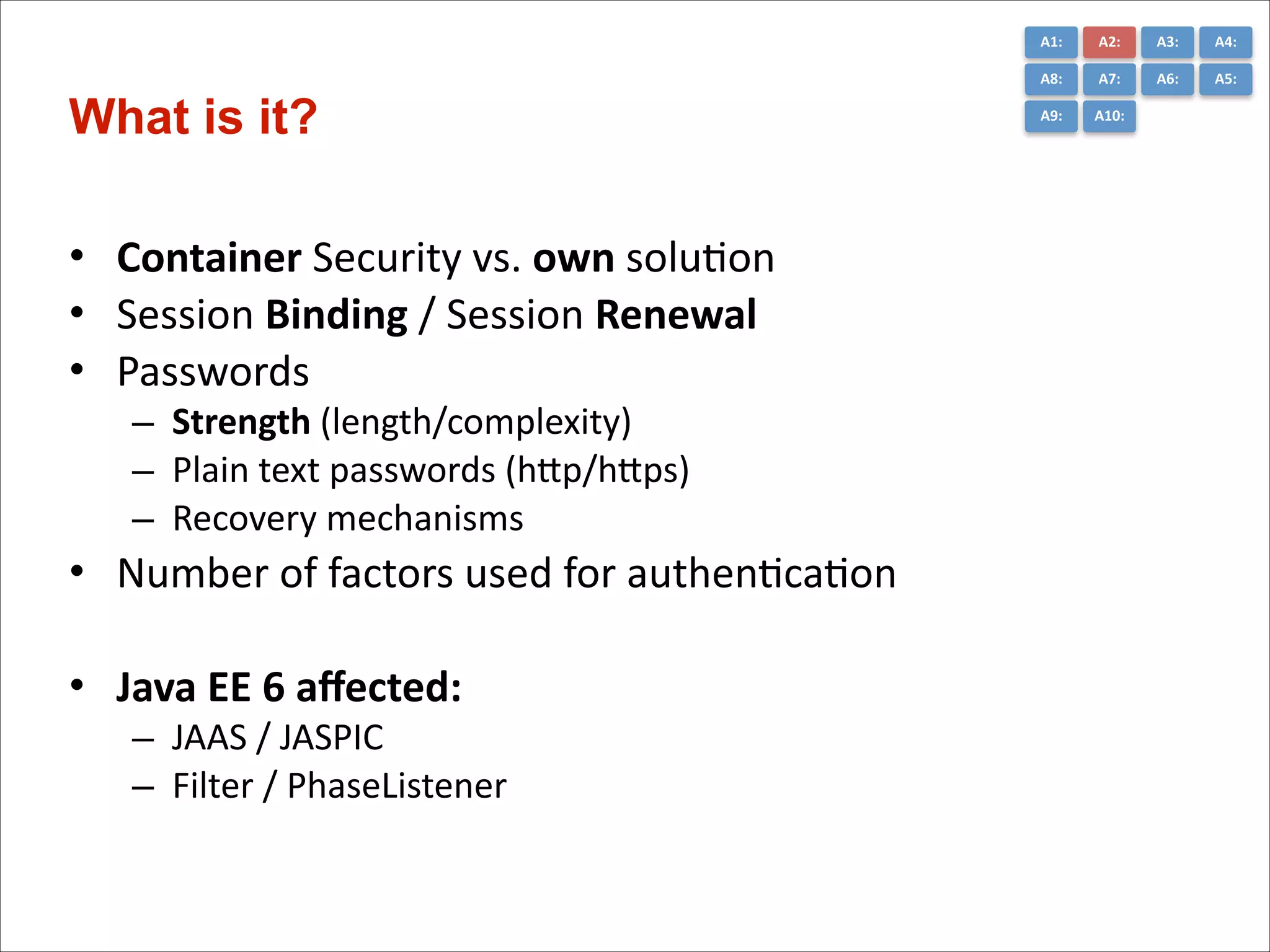
• Container	
  Security	
  vs.	
  own	
  soluCon	
  
• Session	
  Binding	
  /	
  Session	
  Renewal	
  
• Passwords	
  	
  
– Strength	
  (length/complexity)	
  
– Plain	
  text	
  passwords	
  (hGp/hGps)	
  
– Recovery	
  mechanisms	
  
• Number	
  of	
  factors	
  used	
  for	
  authenCcaCon	
  
!
• Java	
  EE	
  6	
  affected:	
  
– JAAS	
  /	
  JASPIC	
  
– Filter	
  /	
  PhaseListener	
  

A3:	
  

A4:	
  

A8:	
  

What is it?

A2:	
  
A7:	
  

A6:	
  

A5:	
  

A9:	
  

A10:	
  
A1:	
  

•
•
•
•
•
•
•

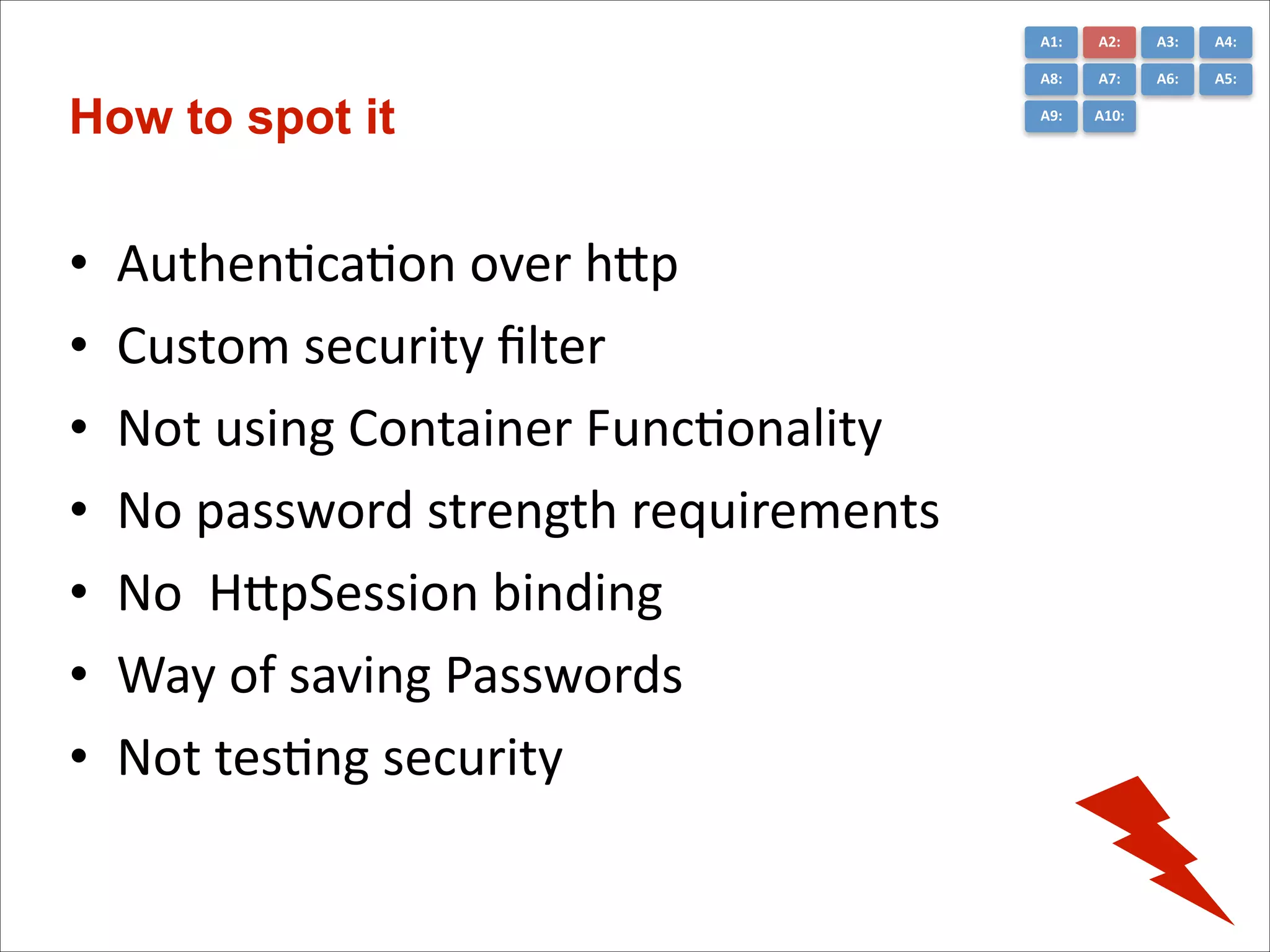
AuthenCcaCon	
  over	
  hGp	
  
Custom	
  security	
  filter	
  	
  
Not	
  using	
  Container	
  FuncConality	
  
No	
  password	
  strength	
  requirements	
  
No	
  	
  HGpSession	
  binding	
  
Way	
  of	
  saving	
  Passwords	
  	
  
Not	
  tesCng	
  security

A3:	
  

A4:	
  

A8:	
  

How to spot it

A2:	
  
A7:	
  

A6:	
  

A5:	
  

A9:	
  

A10:	
  
A1:	
  

A3:	
  

A4:	
  

A8:	
  

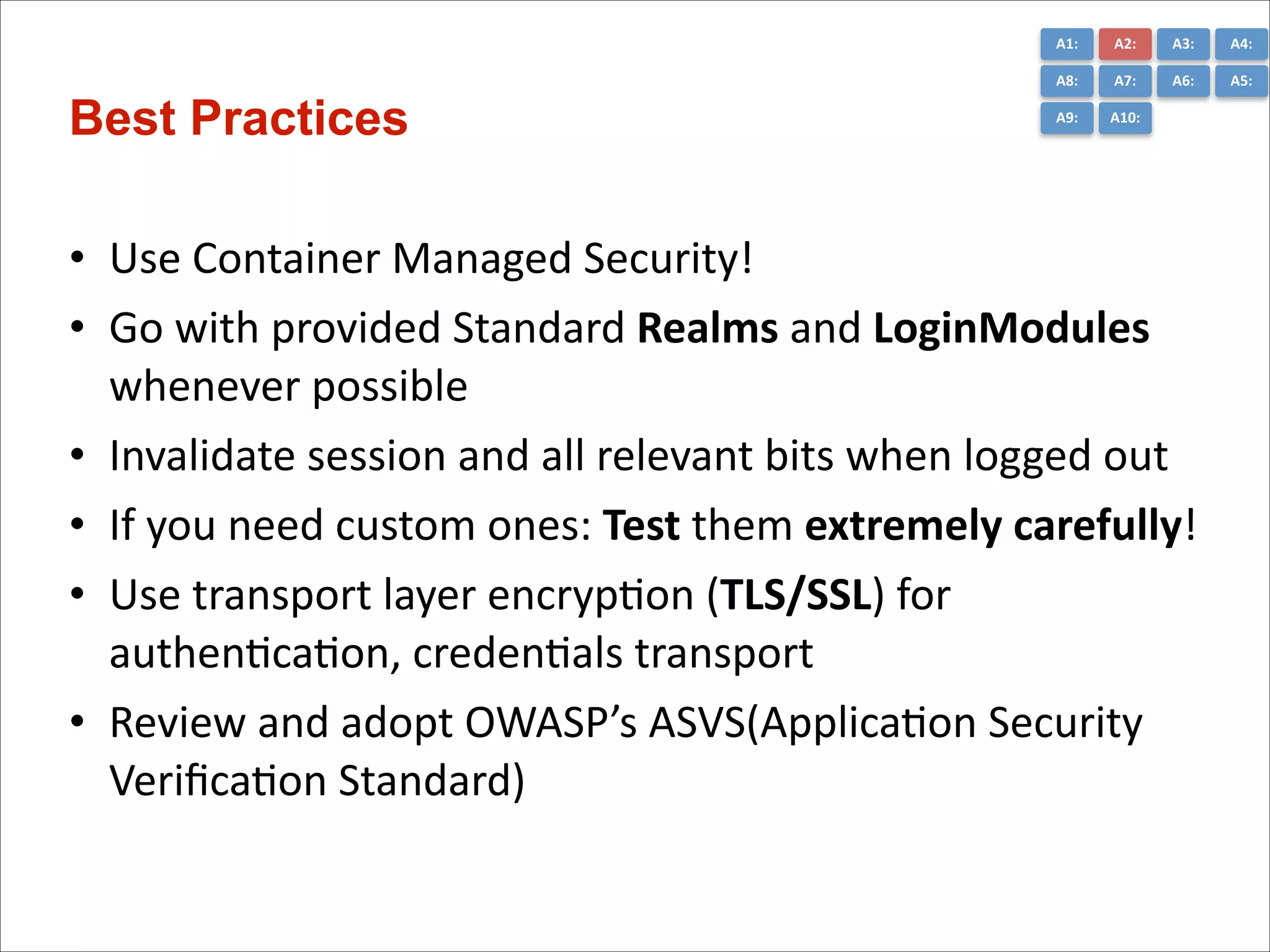
Best Practices

A2:	
  
A7:	
  

A6:	
  

A5:	
  

A9:	
  

A10:	
  

• Use	
  Container	
  Managed	
  Security!	
  
• Go	
  with	
  provided	
  Standard	
  Realms	
  and	
  LoginModules	
  
whenever	
  possible	
  
• Invalidate	
  session	
  and	
  all	
  relevant	
  bits	
  when	
  logged	
  out	
  
• If	
  you	
  need	
  custom	
  ones:	
  Test	
  them	
  extremely	
  carefully!	
  
• Use	
  transport	
  layer	
  encrypCon	
  (TLS/SSL)	
  for	
  
authenCcaCon,	
  credenCals	
  transport	
  
• Review	
  and	
  adopt	
  OWASP’s	
  ASVS(ApplicaCon	
  Security	
  

VerificaCon	
  Standard)
A3	
  -­‐	
  Cross-­‐Site	
  Scrip*ng	
  (XSS)
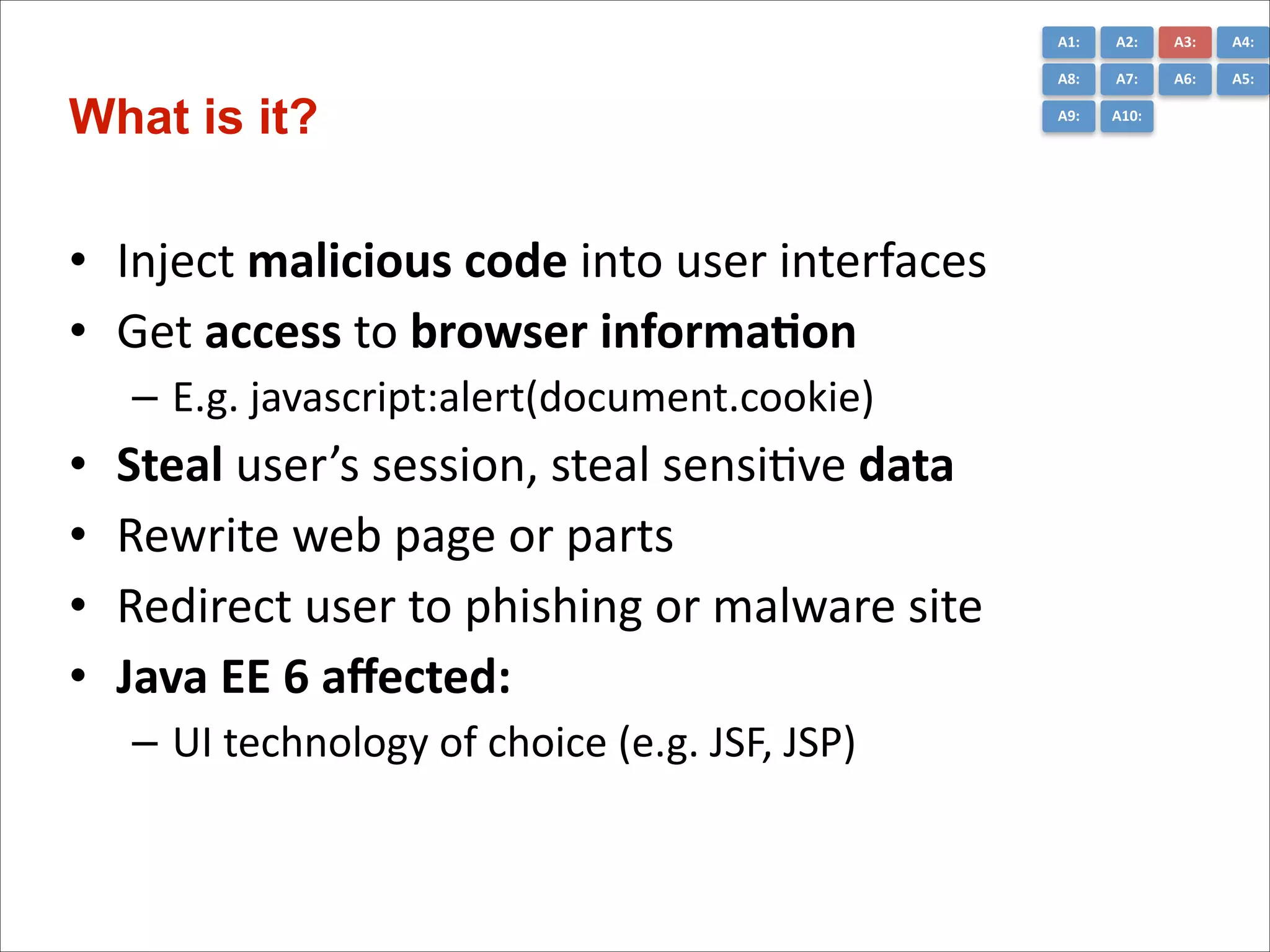
A1:	
  

• Inject	
  malicious	
  code	
  into	
  user	
  interfaces	
  
• Get	
  access	
  to	
  browser	
  informa*on	
  
– E.g.	
  javascript:alert(document.cookie)	
  

•
•
•
•

Steal	
  user’s	
  session,	
  steal	
  sensiCve	
  data	
  
Rewrite	
  web	
  page	
  or	
  parts	
  
Redirect	
  user	
  to	
  phishing	
  or	
  malware	
  site	
  
Java	
  EE	
  6	
  affected:	
  
– UI	
  technology	
  of	
  choice	
  (e.g.	
  JSF,	
  JSP)

A3:	
  

A4:	
  

A8:	
  

What is it?

A2:	
  
A7:	
  

A6:	
  

A5:	
  

A9:	
  

A10:	
  
A1:	
  

A3:	
  

A4:	
  

A8:	
  

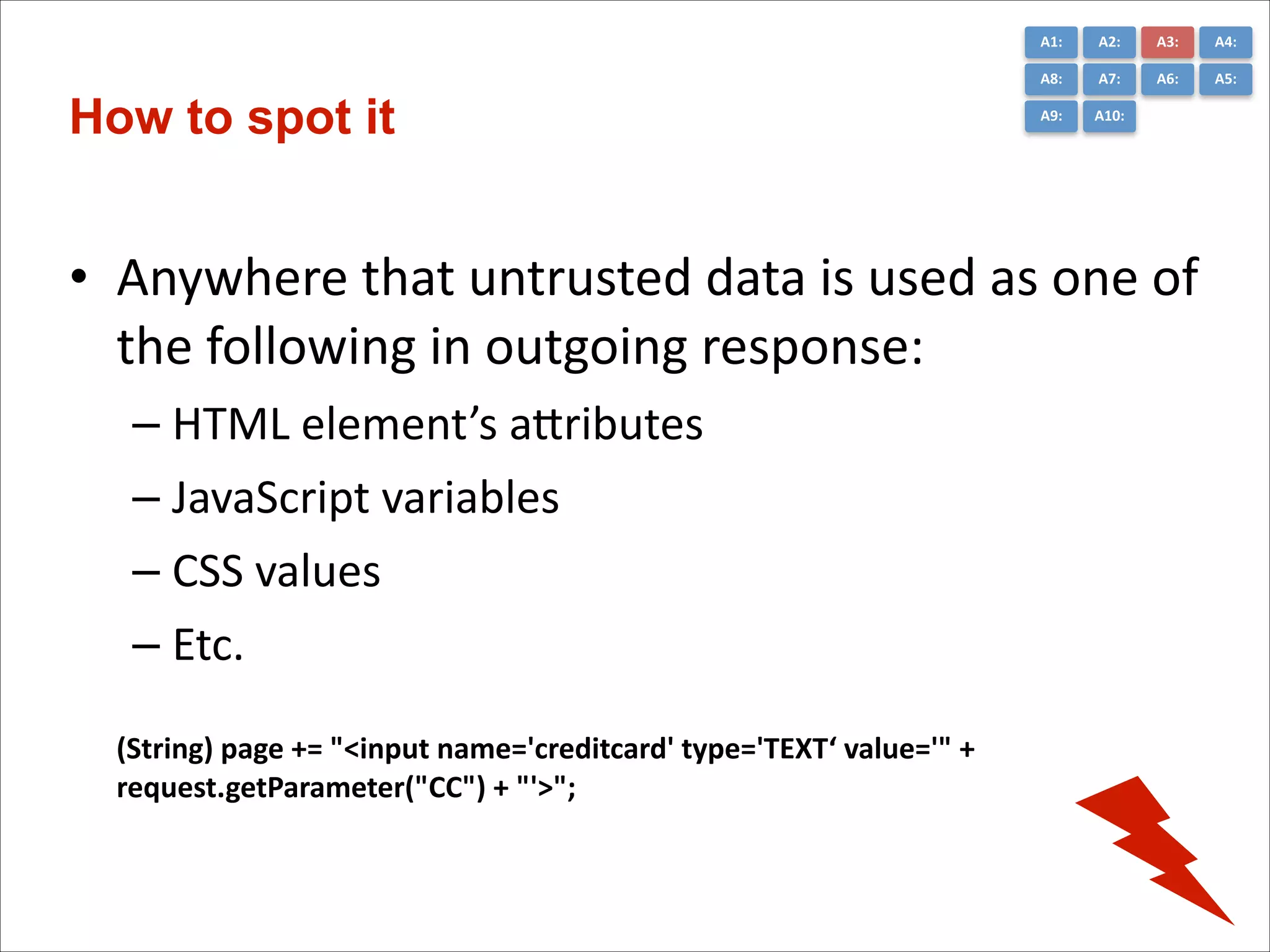
How to spot it

A2:	
  
A7:	
  

A6:	
  

A5:	
  

A9:	
  

A10:	
  

!

• Anywhere	
  that	
  untrusted	
  data	
  is	
  used	
  as	
  one	
  of	
  
the	
  following	
  in	
  outgoing	
  response:	
  
– HTML	
  element’s	
  aGributes	
  
– JavaScript	
  variables	
  
– CSS	
  values	
  
– Etc.
(String)	
  page	
  +=	
  "<input	
  name='creditcard'	
  type='TEXT‘	
  value='"	
  +	
  
request.getParameter("CC")	
  +	
  "'>";	
  	
  
A1:	
  

A3:	
  

A4:	
  

A8:	
  

Prevent

A2:	
  
A7:	
  

A6:	
  

A5:	
  

A9:	
  

A10:	
  

• SaniCze	
  the	
  input.	
  E.g.	
  use	
  OWASP	
  AnCSamy	
  or	
  
OWASP	
  Java	
  HTML	
  SaniCzer,	
  etc.	
  
• Escape	
  untrusted	
  data	
  based	
  on	
  the	
  HTML	
  
context	
  (body,	
  aGribute,	
  JavaScript,	
  CSS,	
  or	
  
URL)	
  
• Use	
  Cookie	
  flags:	
  
– hGpOnly	
  	
  (prevents	
  XSS	
  access)
A4	
  –	
  Insecure	
  Direct	
  Object	
  References
A1:	
  

• Exposing	
  secure	
  objects	
  without	
  defense.	
  
• Accessing	
  domain	
  objects	
  with	
  their	
  PK.	
  E.g.

hGps://you.com/user/1	
  =>	
  hGps://you.com/user/21	
  
• Opening	
  opportuniCes	
  for	
  intruders	
  
• InformaCon	
  hiding	
  on	
  the	
  client	
  
• Parameter	
  value	
  tampering	
  
!
• Java	
  EE	
  6	
  affected:	
  
– All	
  layers	
  
– Especially	
  data	
  access

A3:	
  

A4:	
  

A8:	
  

What is it?

A2:	
  
A7:	
  

A6:	
  

A5:	
  

A9:	
  

A10:	
  
A1:	
  

•
•
•
•
•

A3:	
  

A4:	
  

A8:	
  

How to spot it

A2:	
  
A7:	
  

A6:	
  

A5:	
  

A9:	
  

A10:	
  

Direct	
  user	
  input	
  to	
  object	
  mapping	
  
No	
  verificaCon	
  on	
  user	
  input	
  (defenseless)	
  
Data	
  separaCon	
  for	
  users	
  (tenants)	
  
Request	
  mode	
  access	
  for	
  data	
  (RUD)	
  
Query	
  constraints
A1:	
  

A3:	
  

A4:	
  

A8:	
  

Best Practices

A2:	
  
A7:	
  

A6:	
  

A5:	
  

A9:	
  

A10:	
  

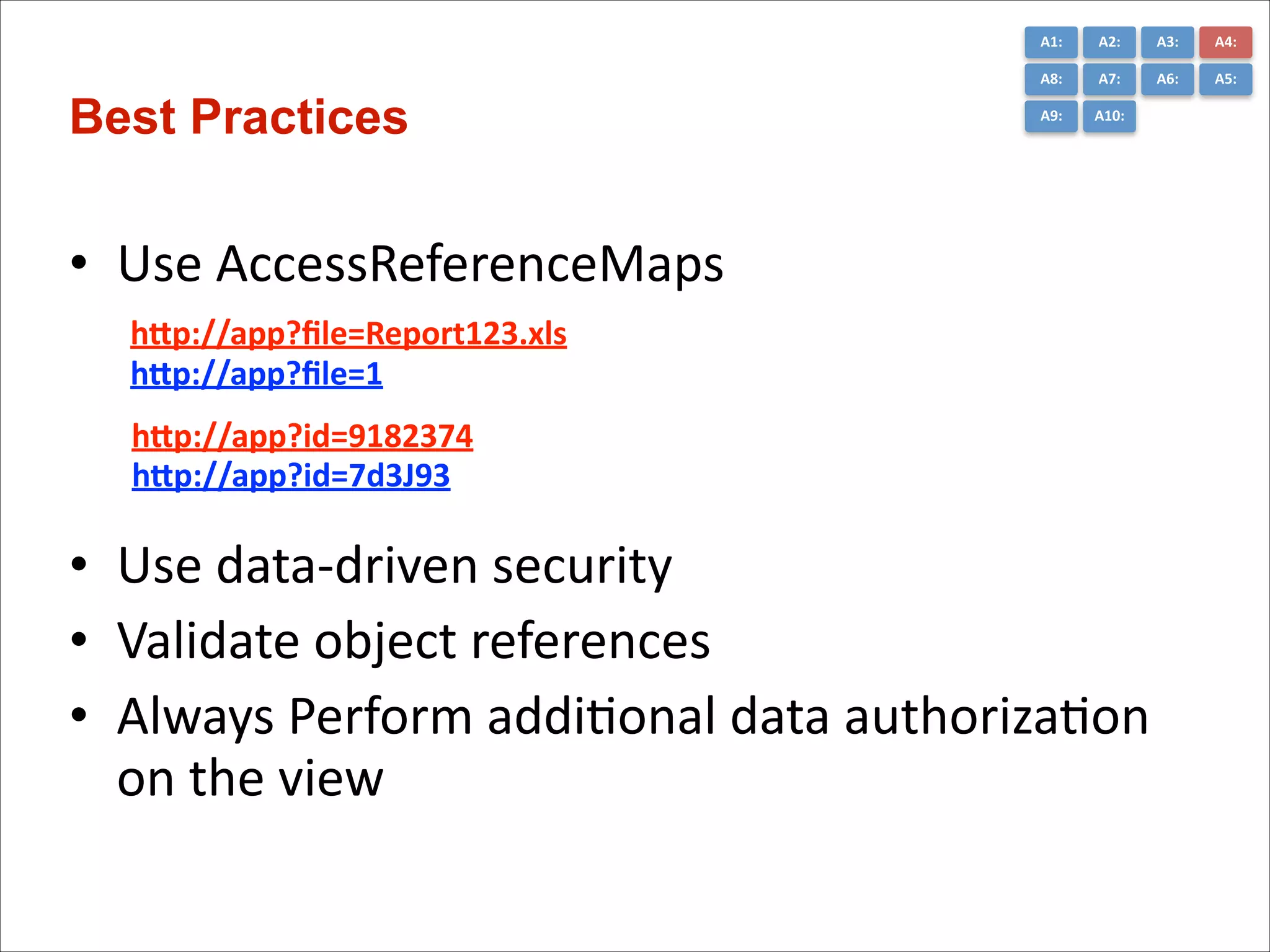
• Use	
  AccessReferenceMaps	
  
! hnp://app?file=Report123.xls
hnp://app?file=1

! hnp://app?id=9182374	
  
! hnp://app?id=7d3J93

• Use	
  data-­‐driven	
  security	
  
• Validate	
  object	
  references	
  
• Always	
  Perform	
  addiConal	
  data	
  authorizaCon	
  
on	
  the	
  view
A5	
  -­‐	
  Security	
  Misconfigura*on
A1:	
  

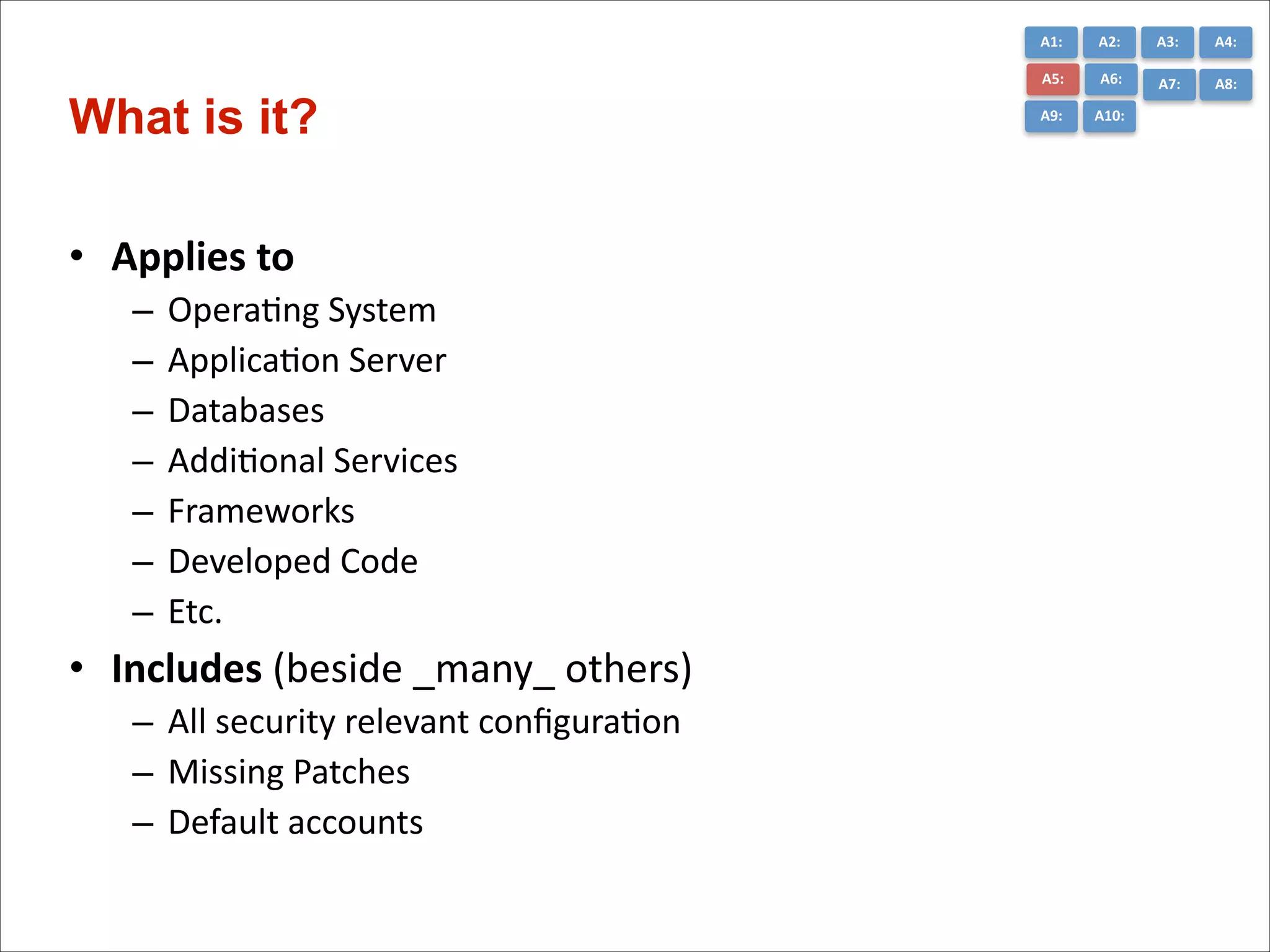
• Applies	
  to	
  	
  
–
–
–
–
–
–
–

OperaCng	
  System	
  
ApplicaCon	
  Server	
  
Databases	
  
AddiConal	
  Services	
  
Frameworks	
  
Developed	
  Code	
  
Etc.	
  

• Includes	
  (beside	
  _many_	
  others)	
  
– All	
  security	
  relevant	
  configuraCon	
  
– Missing	
  Patches	
  
– Default	
  accounts

A3:	
  

A4:	
  

A5:	
  

What is it?

A2:	
  
A6:	
  

A7:	
  

A8:	
  

A9:	
  

A10:	
  
A1:	
  

A3:	
  

A4:	
  

A5:	
  

Worst Practices

A2:	
  
A6:	
  

A7:	
  

A8:	
  

A9:	
  

A10:	
  

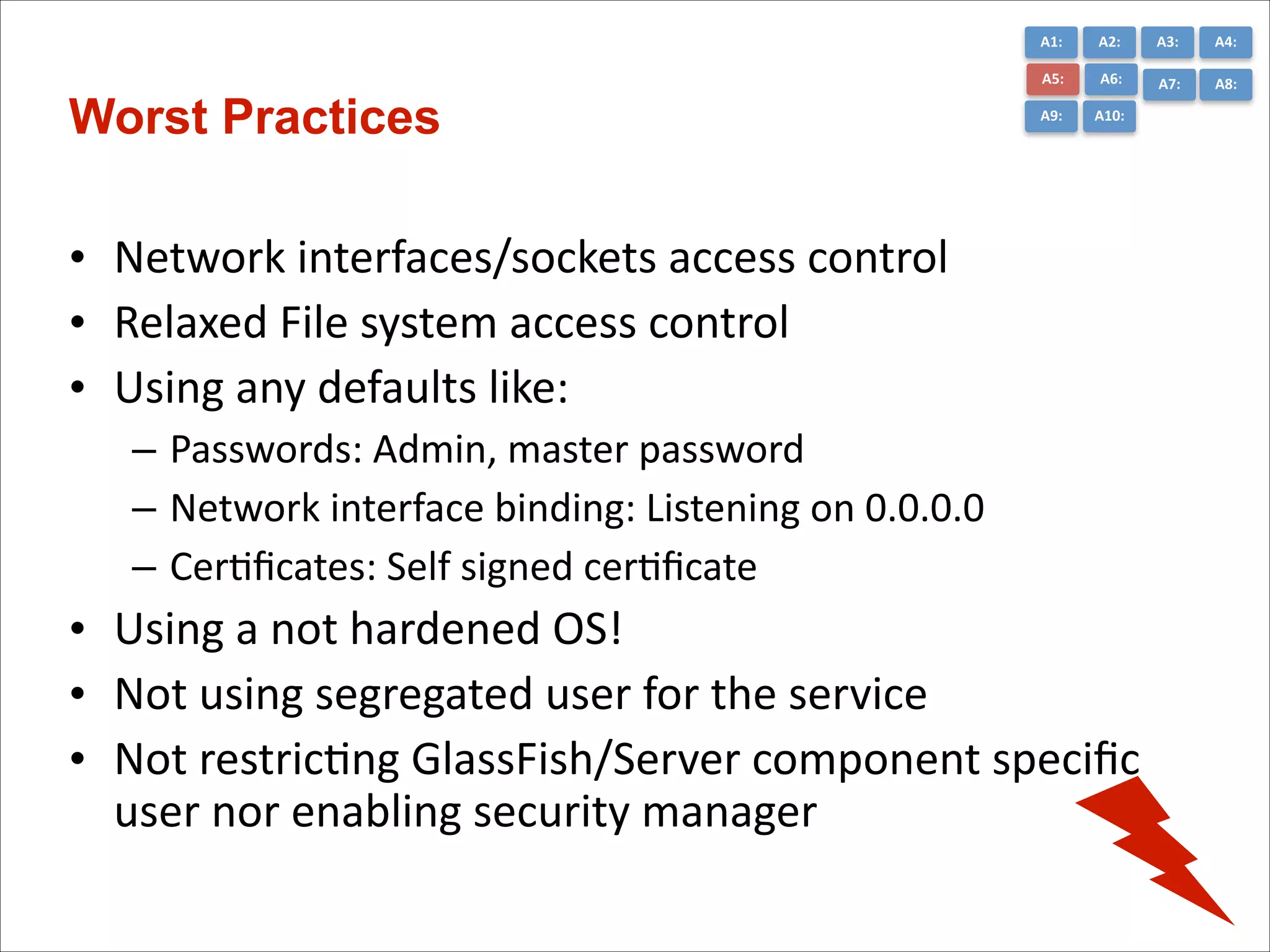
• Network	
  interfaces/sockets	
  access	
  control	
  
• Relaxed	
  File	
  system	
  access	
  control	
  
• Using	
  any	
  defaults	
  like:	
  
– Passwords:	
  Admin,	
  master	
  password	
  
– Network	
  interface	
  binding:	
  Listening	
  on	
  0.0.0.0	
  
– CerCficates:	
  Self	
  signed	
  cerCficate	
  

• Using	
  a	
  not	
  hardened	
  OS!	
  
• Not	
  using	
  segregated	
  user	
  for	
  the	
  service	
  
• Not	
  restricCng	
  GlassFish/Server	
  component	
  specific	
  
user	
  nor	
  enabling	
  security	
  manager
A1:	
  

A3:	
  

A4:	
  

A5:	
  

Policy Files location

A2:	
  
A6:	
  

A7:	
  

A8:	
  

A9:	
  

A10:	
  

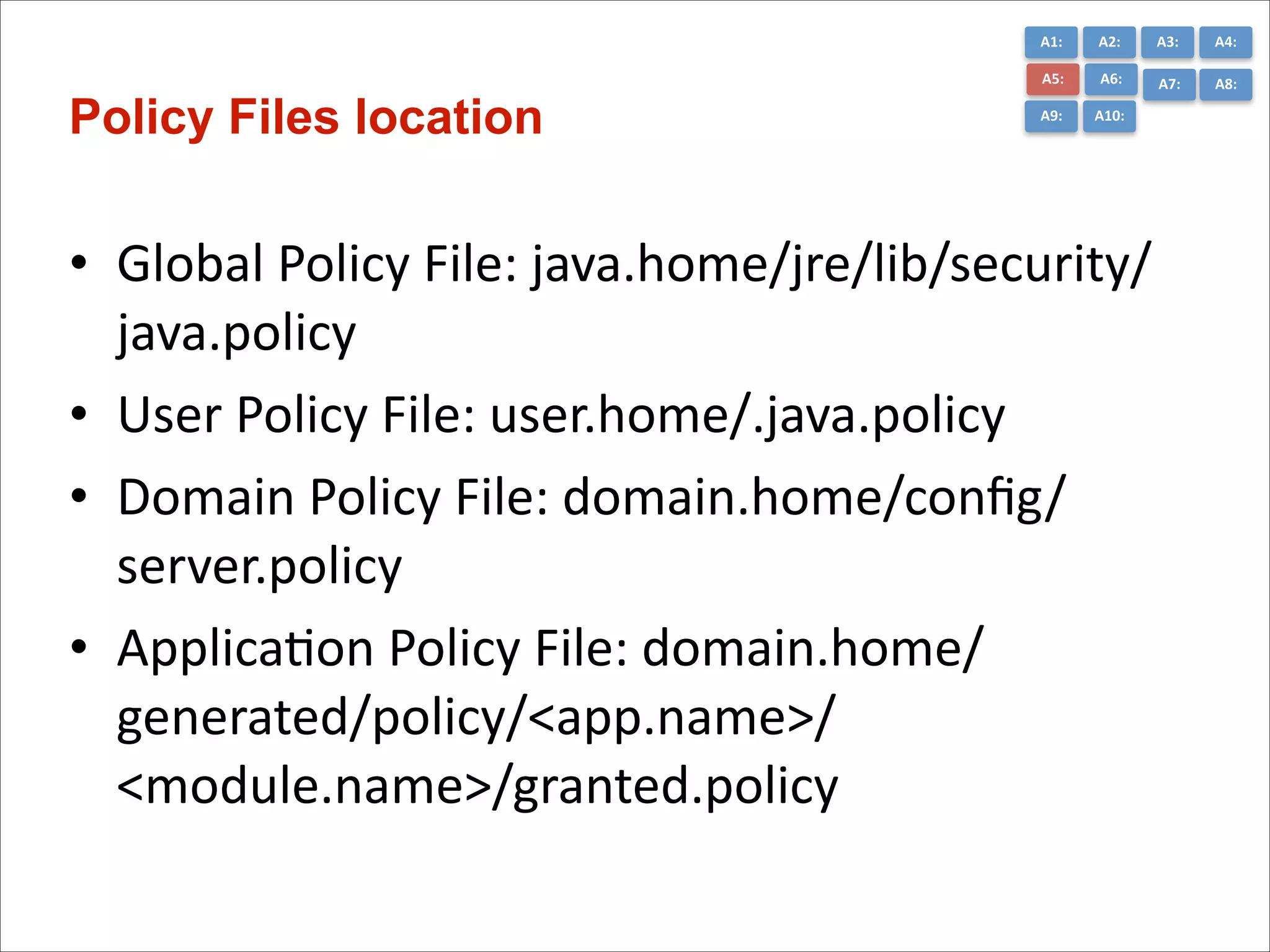
• Global	
  Policy	
  File:	
  java.home/jre/lib/security/
java.policy	
  
• User	
  Policy	
  File:	
  user.home/.java.policy	
  
• Domain	
  Policy	
  File:	
  domain.home/config/
server.policy	


• ApplicaCon	
  Policy	
  File:	
  domain.home/
generated/policy/<app.name>/
<module.name>/granted.policy	
  
A1:	
  

A3:	
  

A4:	
  

A5:	
  

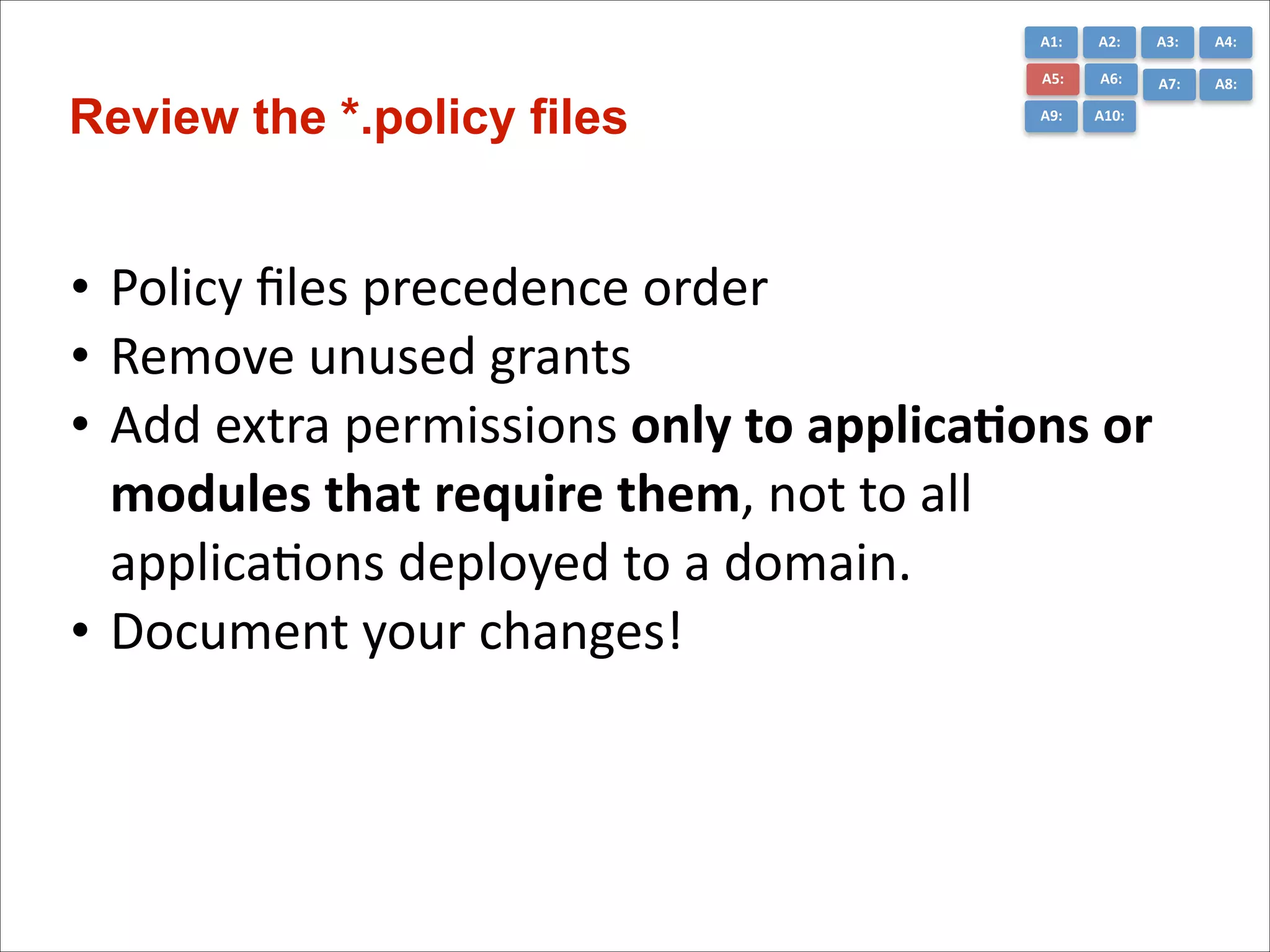
Review the *.policy files

A2:	
  
A6:	
  

A7:	
  

A8:	
  

A9:	
  

A10:	
  

• Policy	
  files	
  precedence	
  order	
  
• Remove	
  unused	
  grants	
  
• Add	
  extra	
  permissions	
  only	
  to	
  applica*ons	
  or	
  
modules	
  that	
  require	
  them,	
  not	
  to	
  all	
  
applicaCons	
  deployed	
  to	
  a	
  domain.	
  
• Document	
  your	
  changes!
A1:	
  

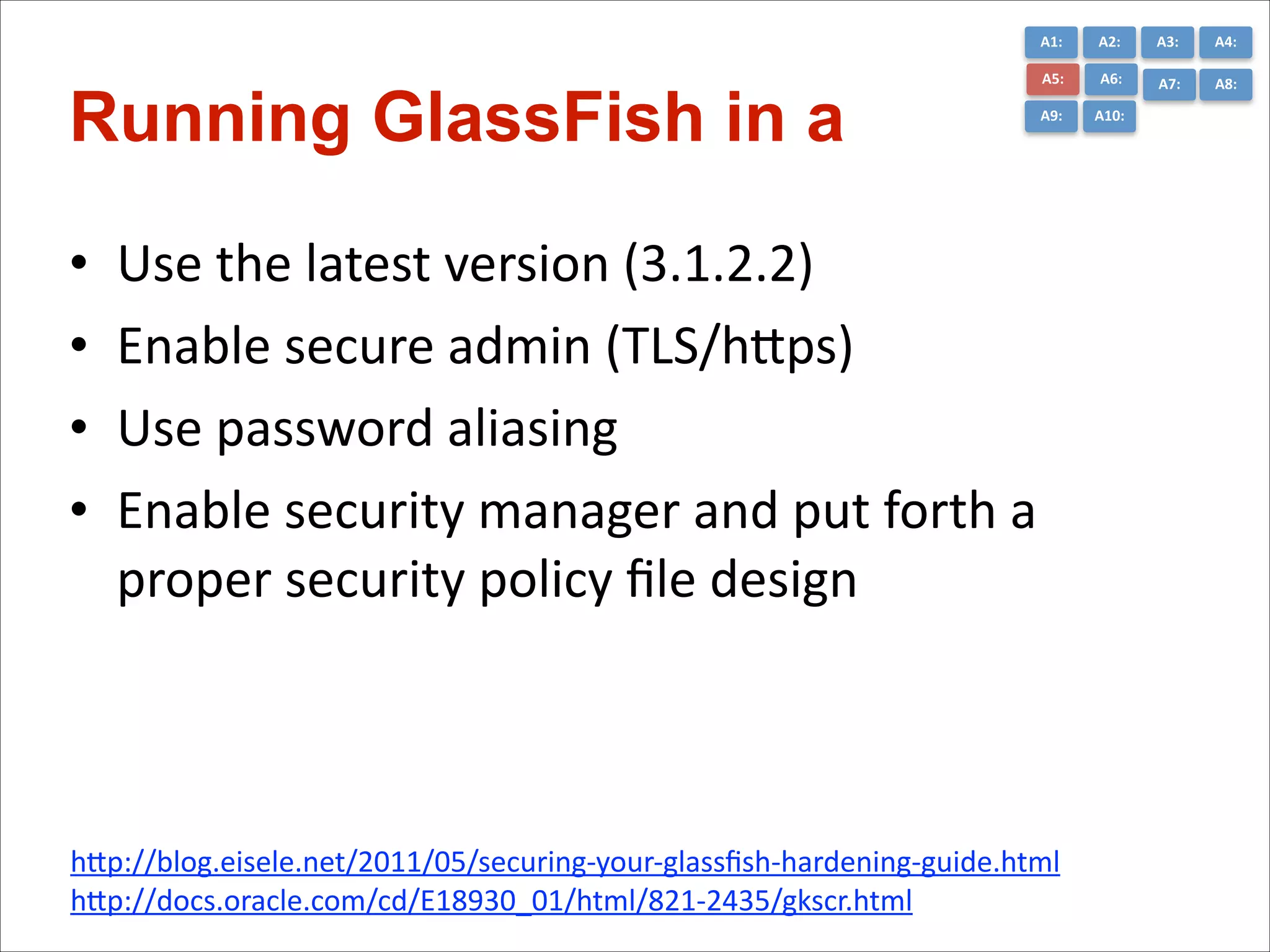
Running GlassFish in a 

•
•
•
•

A2:	
  

A3:	
  

A4:	
  

A5:	
  

A6:	
  

A7:	
  

A8:	
  

A9:	
  

A10:	
  

Use	
  the	
  latest	
  version	
  (3.1.2.2)	
  
Enable	
  secure	
  admin	
  (TLS/hGps)	
  
Use	
  password	
  aliasing	
  
Enable	
  security	
  manager	
  and	
  put	
  forth	
  a	
  
proper	
  security	
  policy	
  file	
  design

hGp://blog.eisele.net/2011/05/securing-­‐your-­‐glassfish-­‐hardening-­‐guide.html	
  
hGp://docs.oracle.com/cd/E18930_01/html/821-­‐2435/gkscr.html
A6	
  -­‐	
  Sensi*ve	
  Data	
  Exposure
A1:	
  

A3:	
  

A4:	
  

A5:	
  

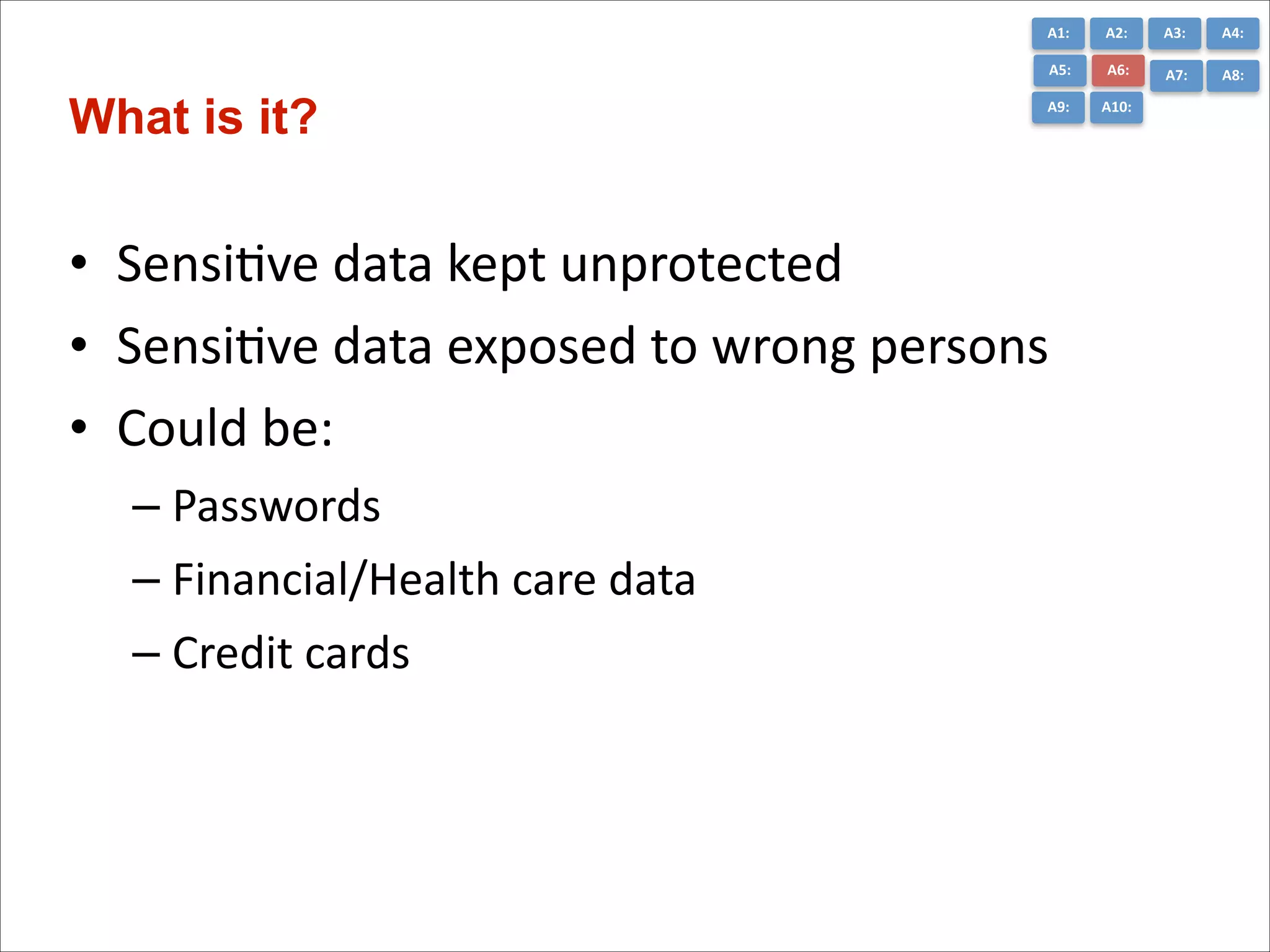
What is it?

A2:	
  
A6:	
  

A7:	
  

A8:	
  

A9:	
  

A10:	
  

• SensiCve	
  data	
  kept	
  unprotected	
  
• SensiCve	
  data	
  exposed	
  to	
  wrong	
  persons	
  
• Could	
  be:	
  
– Passwords	
  
– Financial/Health	
  care	
  data	
  
– Credit	
  cards
A1:	
  

A3:	
  

A4:	
  

A5:	
  

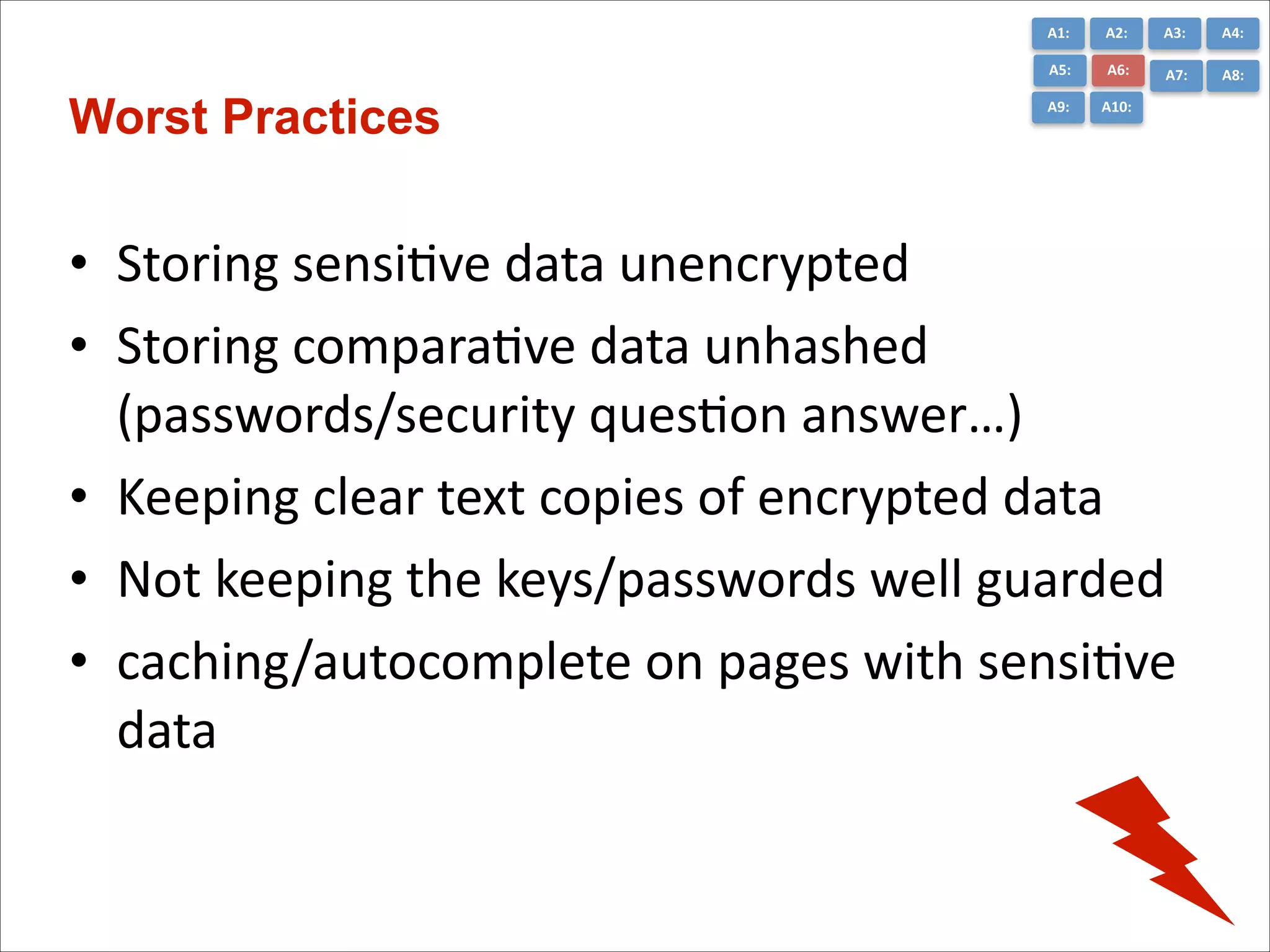
Worst Practices

A2:	
  
A6:	
  

A7:	
  

A8:	
  

A9:	
  

A10:	
  

• Storing	
  sensiCve	
  data	
  unencrypted	
  
• Storing	
  comparaCve	
  data	
  unhashed	
  
(passwords/security	
  quesCon	
  answer…)	
  
• Keeping	
  clear	
  text	
  copies	
  of	
  encrypted	
  data	
  
• Not	
  keeping	
  the	
  keys/passwords	
  well	
  guarded	
  
• caching/autocomplete	
  on	
  pages	
  with	
  sensiCve	
  
data
A1:	
  

A3:	
  

A4:	
  

A5:	
  

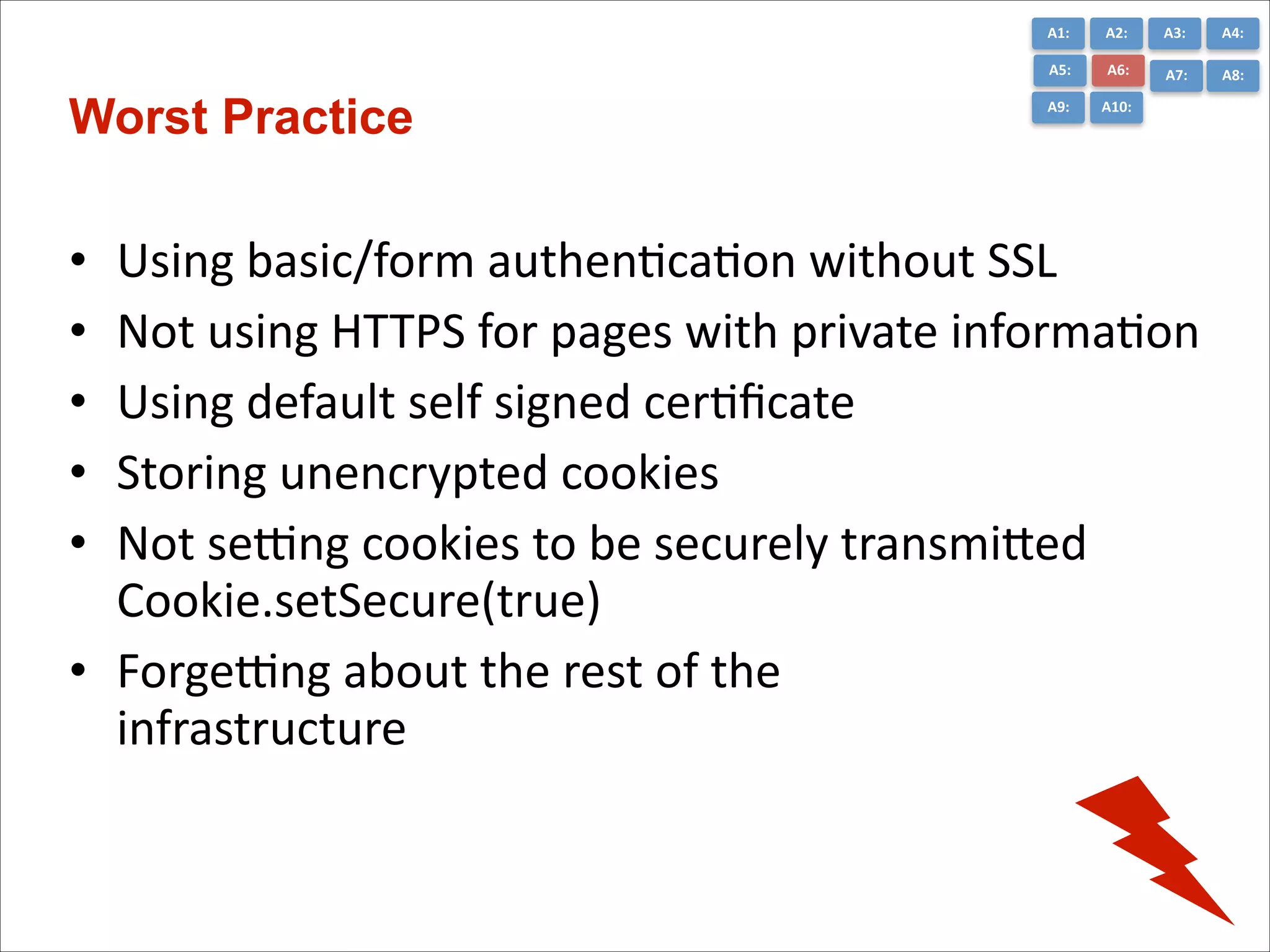
Worst Practice

A2:	
  
A6:	
  

A7:	
  

A8:	
  

A9:	
  

A10:	
  

Using	
  basic/form	
  authenCcaCon	
  without	
  SSL	
  
Not	
  using	
  HTTPS	
  for	
  pages	
  with	
  private	
  informaCon	
  
Using	
  default	
  self	
  signed	
  cerCficate	
  
Storing	
  unencrypted	
  cookies	
  
Not	
  semng	
  cookies	
  to	
  be	
  securely	
  transmiGed	
  
Cookie.setSecure(true)	
  
• Forgemng	
  about	
  the	
  rest	
  of	
  the	
  

infrastructure
•
•
•
•
•
A1:	
  

A3:	
  

A4:	
  

A5:	
  

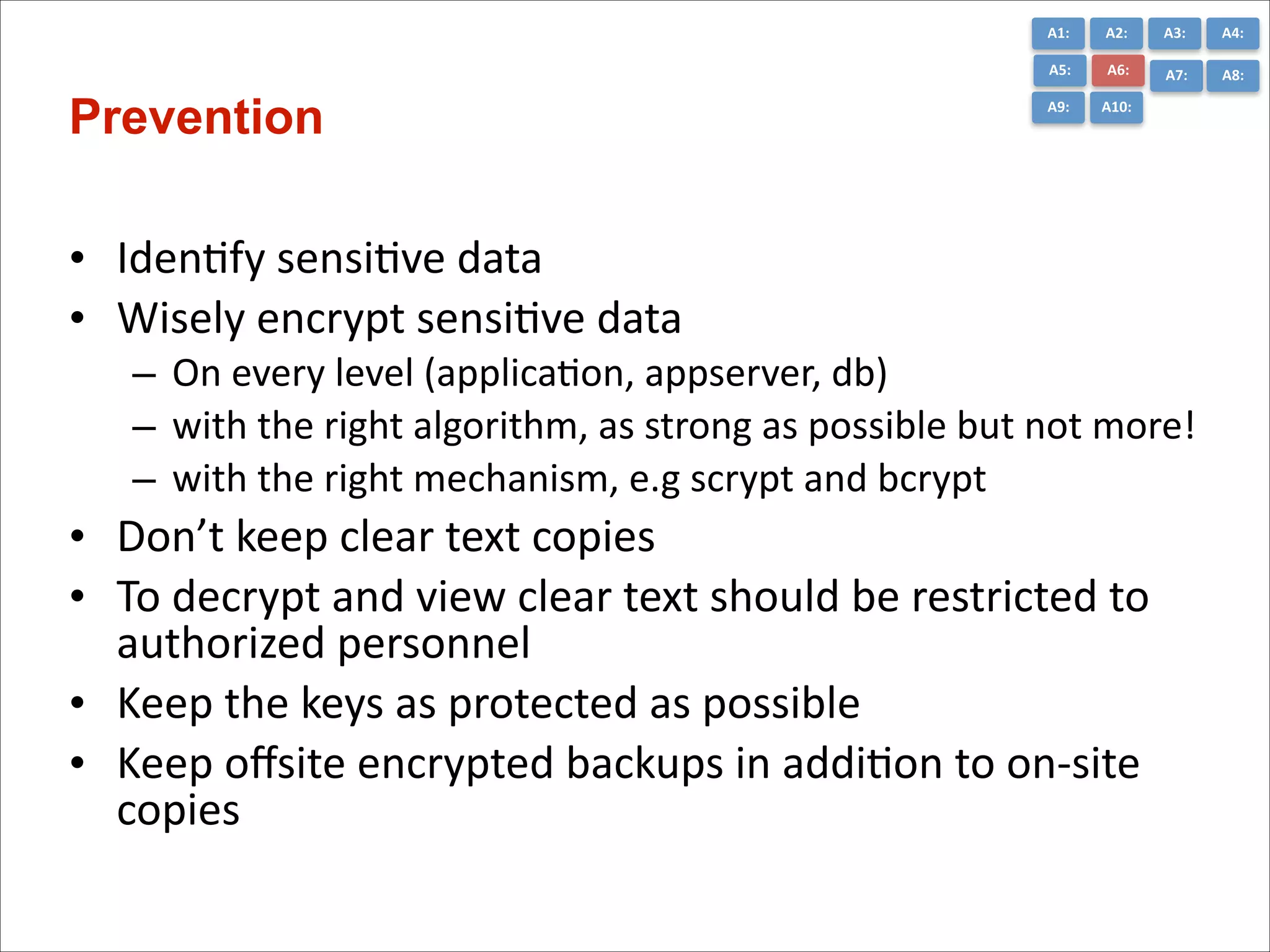
Prevention

A2:	
  
A6:	
  

A7:	
  

A8:	
  

A9:	
  

A10:	
  

• IdenCfy	
  sensiCve	
  data	
  
• Wisely	
  encrypt	
  sensiCve	
  data	
  
– On	
  every	
  level	
  (applicaCon,	
  appserver,	
  db)	
  
– with	
  the	
  right	
  algorithm,	
  as	
  strong	
  as	
  possible	
  but	
  not	
  more!	
  
– with	
  the	
  right	
  mechanism,	
  e.g	
  scrypt	
  and	
  bcrypt	
  

• Don’t	
  keep	
  clear	
  text	
  copies	
  
• To	
  decrypt	
  and	
  view	
  clear	
  text	
  should	
  be	
  restricted	
  to	
  
authorized	
  personnel	
  
• Keep	
  the	
  keys	
  as	
  protected	
  as	
  possible	
  
• Keep	
  offsite	
  encrypted	
  backups	
  in	
  addiCon	
  to	
  on-­‐site	
  
copies
A1:	
  

•
•
•
•
•

A3:	
  

A4:	
  

A5:	
  

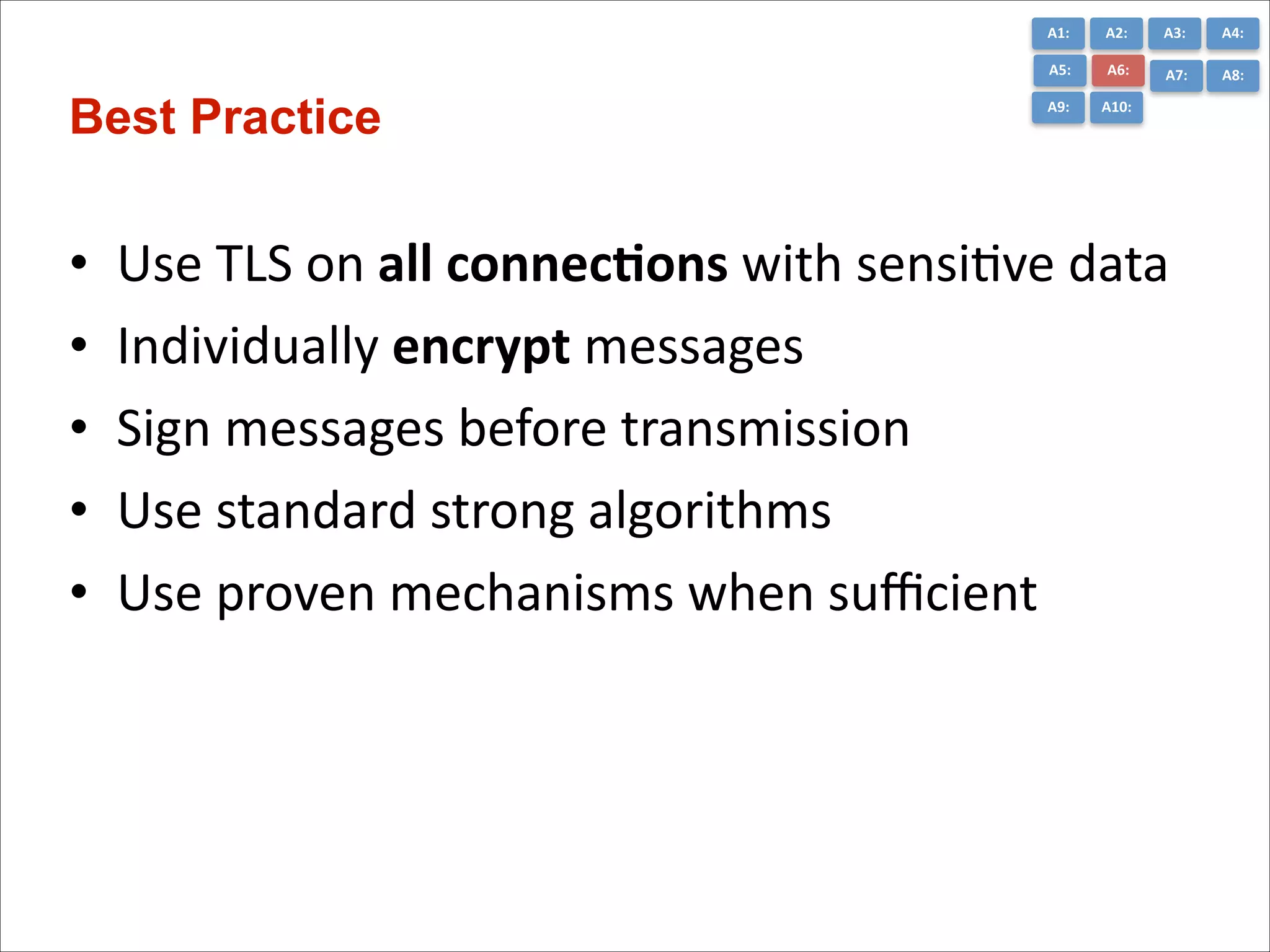
Best Practice

A2:	
  
A6:	
  

A7:	
  

A8:	
  

A9:	
  

A10:	
  

Use	
  TLS	
  on	
  all	
  connec*ons	
  with	
  sensiCve	
  data	
  
Individually	
  encrypt	
  messages	
  	
  
Sign	
  messages	
  before	
  transmission	
  
Use	
  standard	
  strong	
  algorithms	
  	
  
Use	
  proven	
  mechanisms	
  when	
  sufficient
A1:	
  

A3:	
  

A4:	
  

A5:	
  

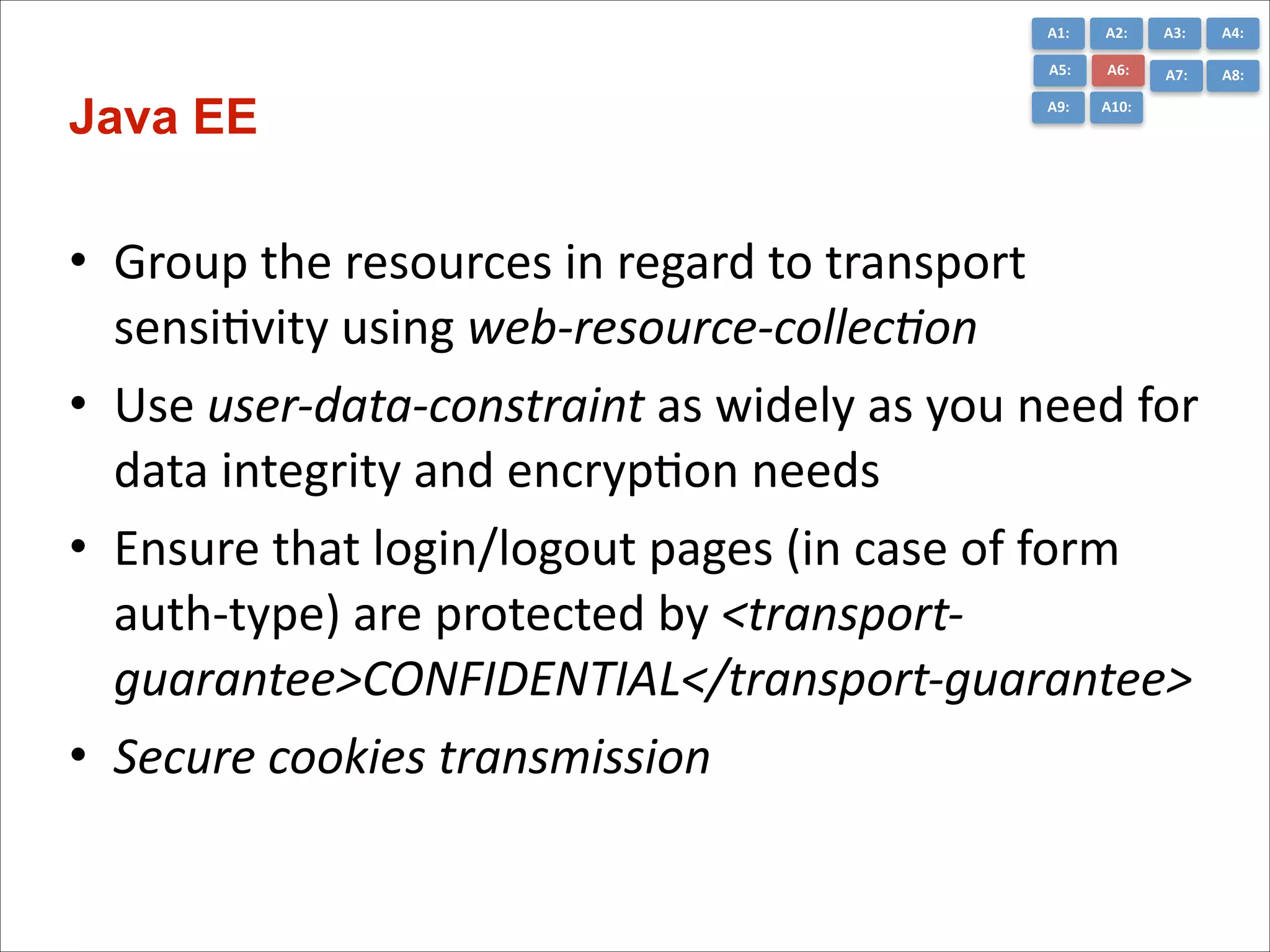
Java EE

A2:	
  
A6:	
  

A7:	
  

A8:	
  

A9:	
  

A10:	
  

• Group	
  the	
  resources	
  in	
  regard	
  to	
  transport	
  
sensiCvity	
  using	
  web-­‐resource-­‐collec+on	
  
• Use	
  user-­‐data-­‐constraint	
  as	
  widely	
  as	
  you	
  need	
  for	
  
data	
  integrity	
  and	
  encrypCon	
  needs	
  
• Ensure	
  that	
  login/logout	
  pages	
  (in	
  case	
  of	
  form	
  
auth-­‐type)	
  are	
  protected	
  by	
  <transport-­‐
guarantee>CONFIDENTIAL</transport-­‐guarantee>	
  
• Secure	
  cookies	
  transmission
A1:	
  

A3:	
  

A4:	
  

A5:	
  

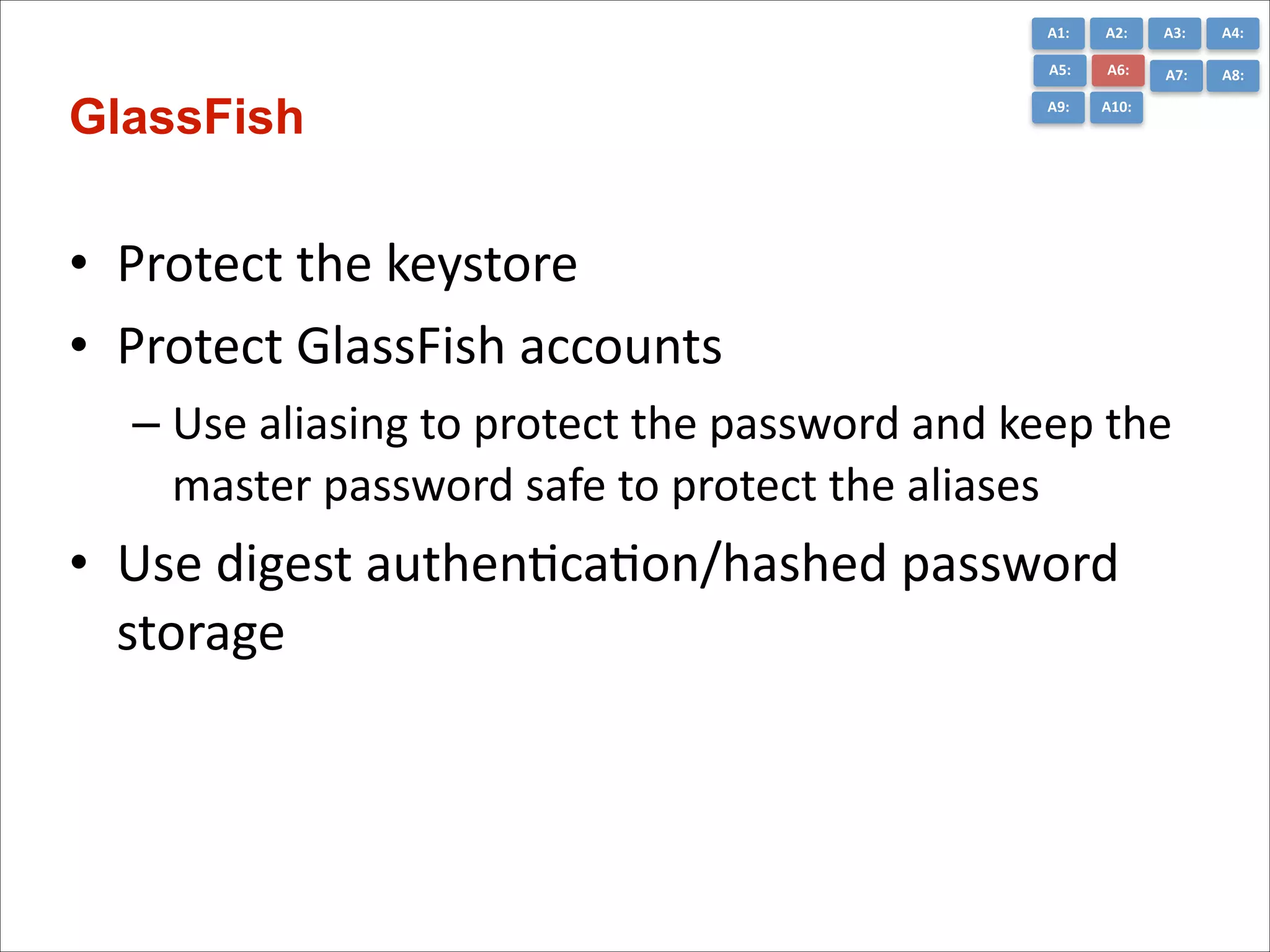
GlassFish

A2:	
  
A6:	
  

A7:	
  

A8:	
  

A9:	
  

A10:	
  

• Protect	
  the	
  keystore	
  
• Protect	
  GlassFish	
  accounts	
  
– Use	
  aliasing	
  to	
  protect	
  the	
  password	
  and	
  keep	
  the	
  
master	
  password	
  safe	
  to	
  protect	
  the	
  aliases	
  

• Use	
  digest	
  authenCcaCon/hashed	
  password	
  
storage
A1:	
  

A3:	
  

A4:	
  

A5:	
  

GlassFish

A2:	
  
A6:	
  

A7:	
  

A8:	
  

A9:	
  

A10:	
  

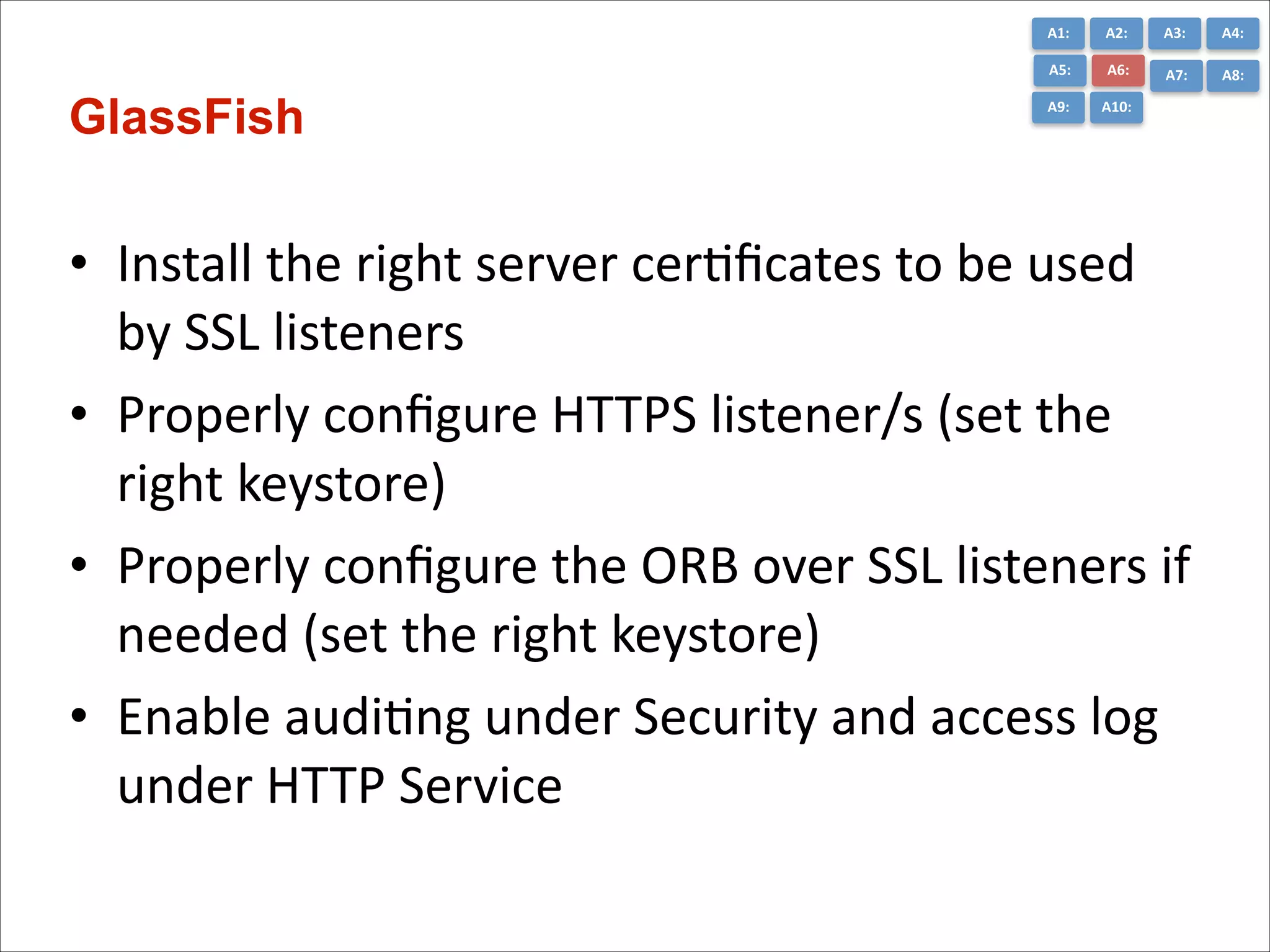
• Install	
  the	
  right	
  server	
  cerCficates	
  to	
  be	
  used	
  
by	
  SSL	
  listeners	
  
• Properly	
  configure	
  HTTPS	
  listener/s	
  (set	
  the	
  
right	
  keystore)	
  
• Properly	
  configure	
  the	
  ORB	
  over	
  SSL	
  listeners	
  if	
  
needed	
  (set	
  the	
  right	
  keystore)	
  
• Enable	
  audiCng	
  under	
  Security	
  and	
  access	
  log	
  
under	
  HTTP	
  Service
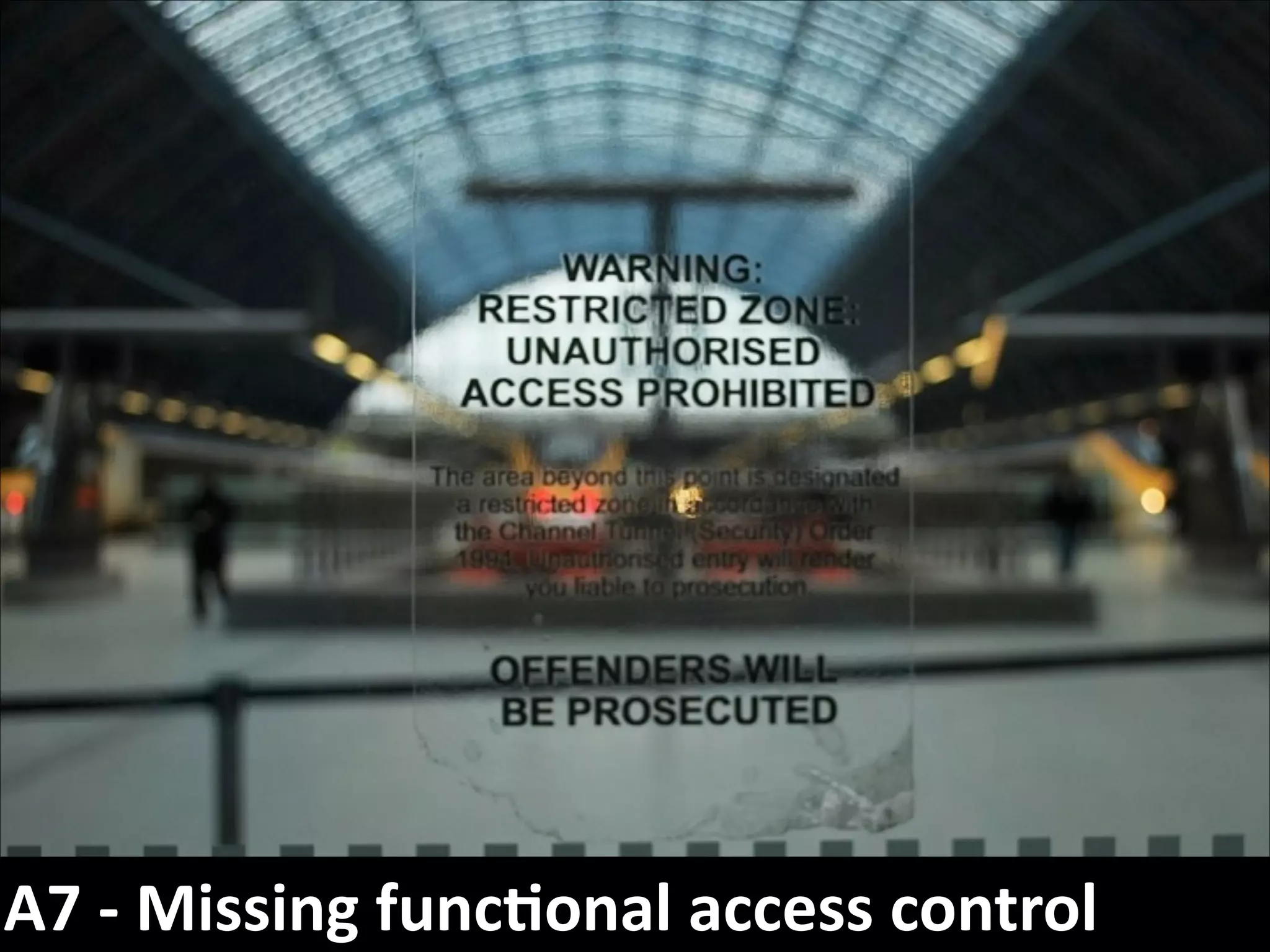
A7	
  -­‐	
  Missing	
  func7onal	
  access	
  control
A1:	
  

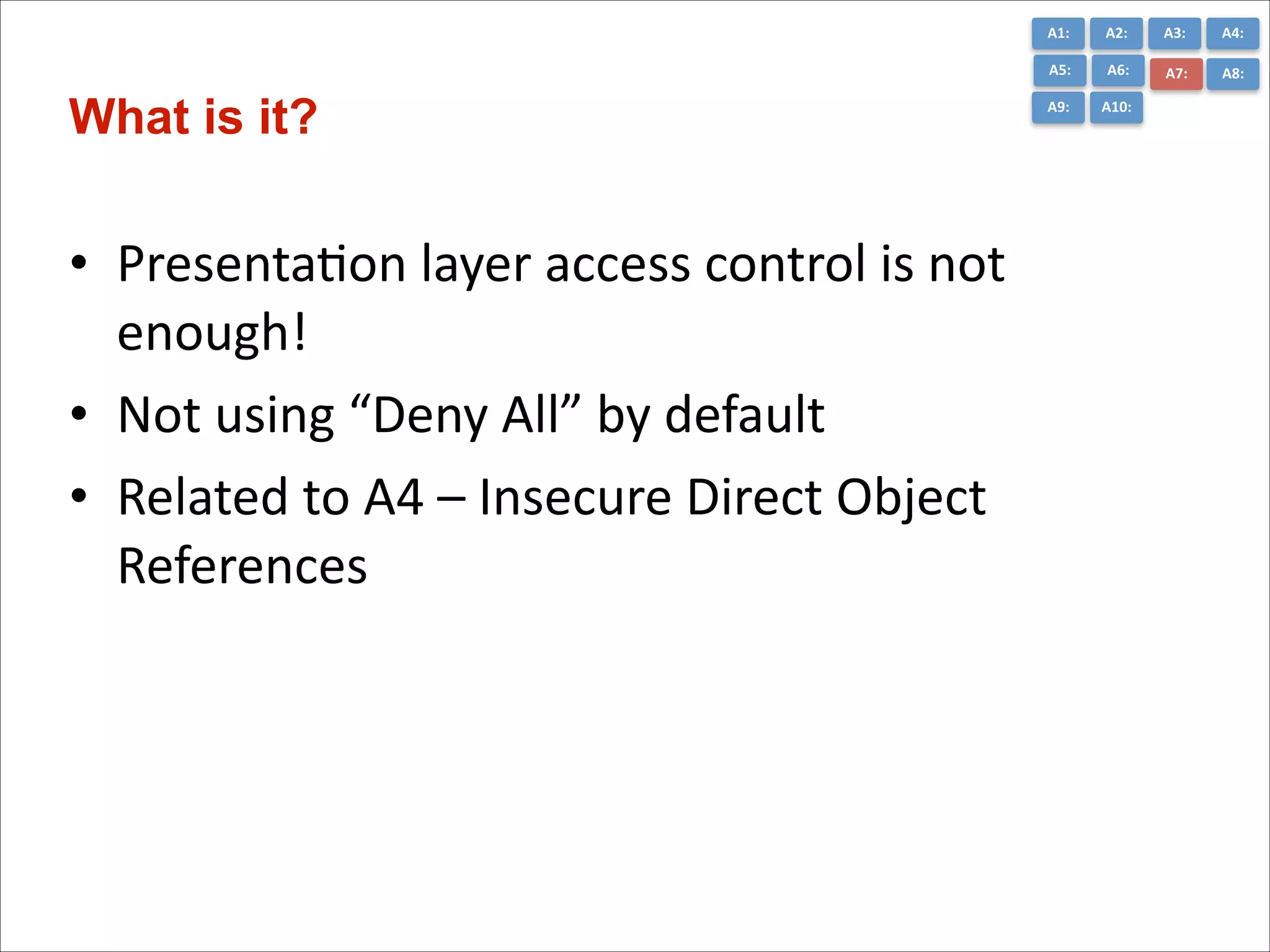
• PresentaCon	
  layer	
  access	
  control	
  is	
  not	
  
enough!	
  
• Not	
  using	
  “Deny	
  All”	
  by	
  default	
  
• Related	
  to	
  A4	
  –	
  Insecure	
  Direct	
  Object	
  
References

A3:	
  

A4:	
  

A5:	
  

What is it?

A2:	
  
A6:	
  

A7:	
  

A8:	
  

A9:	
  

A10:	
  
A1:	
  

A3:	
  

A4:	
  

A5:	
  

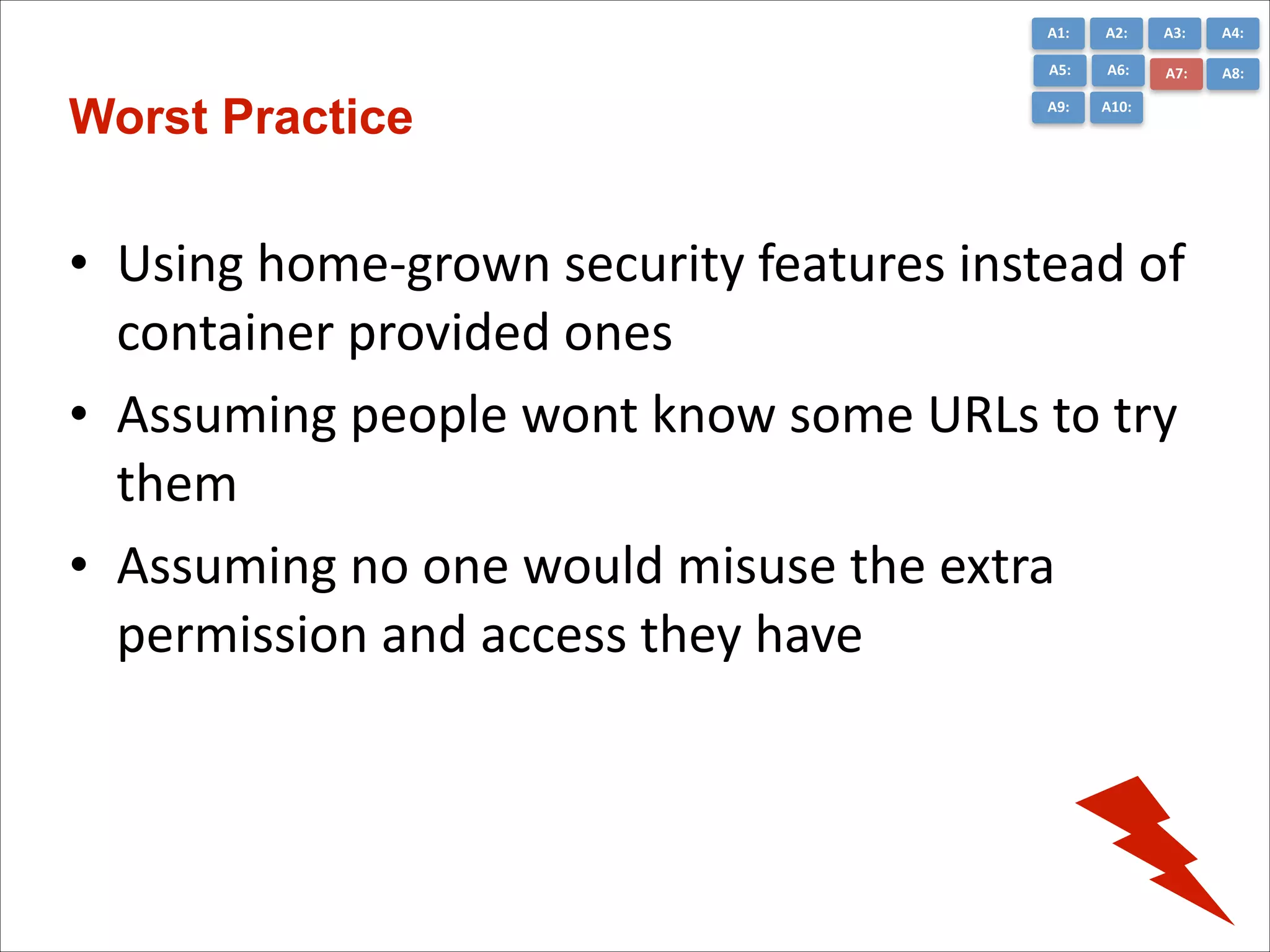
Worst Practice

A2:	
  
A6:	
  

A7:	
  

A8:	
  

A9:	
  

A10:	
  

• Using	
  home-­‐grown	
  security	
  features	
  instead	
  of	
  
container	
  provided	
  ones	
  
• Assuming	
  people	
  wont	
  know	
  some	
  URLs	
  to	
  try	
  
them	
  
• Assuming	
  no	
  one	
  would	
  misuse	
  the	
  extra	
  
permission	
  and	
  access	
  they	
  have
A1:	
  

A3:	
  

A4:	
  

A5:	
  

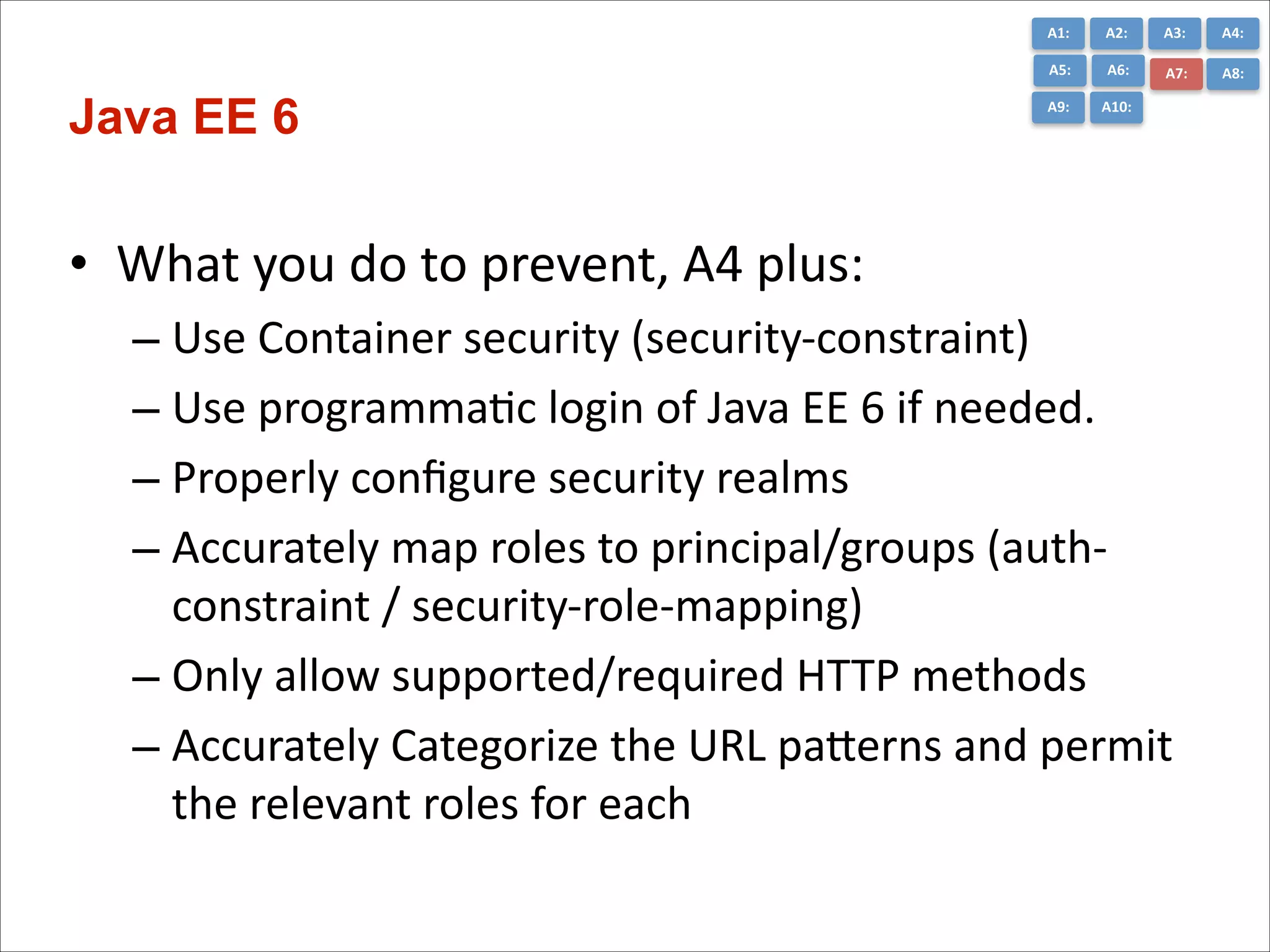
Java EE 6

A2:	
  
A6:	
  

A7:	
  

A8:	
  

A9:	
  

A10:	
  

• What	
  you	
  do	
  to	
  prevent,	
  A4	
  plus:	
  
– Use	
  Container	
  security	
  (security-­‐constraint)	
  
– Use	
  programmaCc	
  login	
  of	
  Java	
  EE	
  6	
  if	
  needed.	
  
– Properly	
  configure	
  security	
  realms	
  
– Accurately	
  map	
  roles	
  to	
  principal/groups	
  (auth-­‐
constraint	
  /	
  security-­‐role-­‐mapping)	
  
– Only	
  allow	
  supported/required	
  HTTP	
  methods	
  
– Accurately	
  Categorize	
  the	
  URL	
  paGerns	
  and	
  permit	
  
the	
  relevant	
  roles	
  for	
  each
A1:	
  

A3:	
  

A4:	
  

A5:	
  

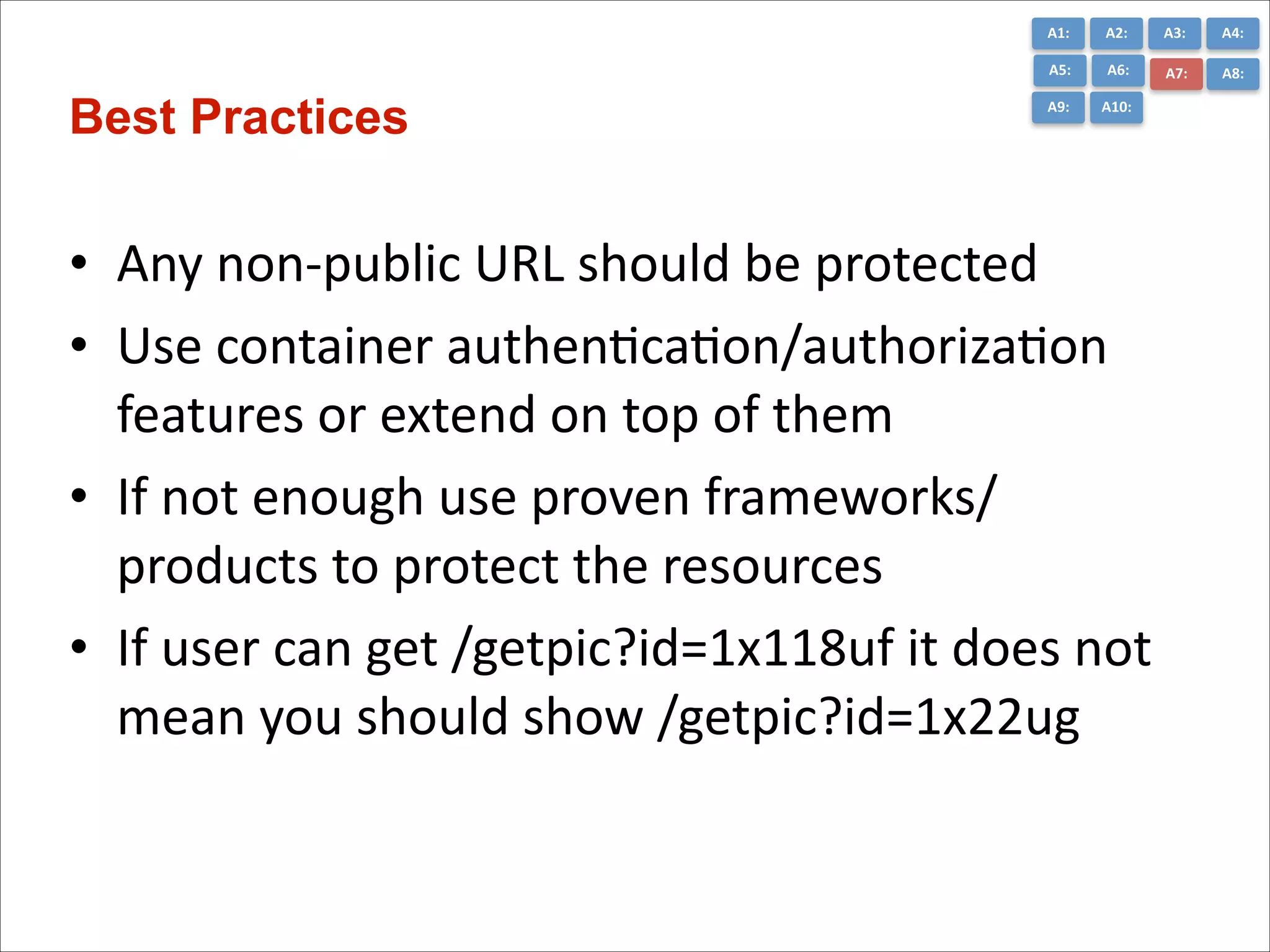
Best Practices

A2:	
  
A6:	
  

A7:	
  

A8:	
  

A9:	
  

A10:	
  

• Any	
  non-­‐public	
  URL	
  should	
  be	
  protected	
  
• Use	
  container	
  authenCcaCon/authorizaCon	
  
features	
  or	
  extend	
  on	
  top	
  of	
  them	
  
• If	
  not	
  enough	
  use	
  proven	
  frameworks/	
  
products	
  to	
  protect	
  the	
  resources	
  
• If	
  user	
  can	
  get	
  /getpic?id=1x118uf	
  it	
  does	
  not	
  
mean	
  you	
  should	
  show	
  /getpic?id=1x22ug
A8	
  -­‐	
  Cross	
  Site	
  Request	
  Forgery	
  (CSRF)
A1:	
  

A3:	
  

A4:	
  

A5:	
  

What is it?

A2:	
  
A6:	
  

A7:	
  

A8:	
  

A9:	
  

A10:	
  

• Basically	
  a	
  capture-­‐replay	
  aGack	
  
• Malicious	
  code	
  executes	
  funcCons	
  on	
  your	
  
behalf	
  while	
  being	
  authenCcated	
  
• Deep	
  links	
  make	
  this	
  easier	
  
!

• JavaEE	
  6	
  affected:	
  
– UI	
  technology	
  of	
  choice	
  
A1:	
  

A3:	
  

A4:	
  

A5:	
  

How to spot it

A2:	
  
A6:	
  

A7:	
  

A8:	
  

A9:	
  

A10:	
  

• Predictable	
  URLs	
  (for	
  logged-­‐in)	
  users	
  
• No	
  random	
  secret	
  tokens	
  processing	
  (CSRF	
  
Token)	
  
• No	
  double	
  check	
  on	
  different	
  stages	
  of	
  a	
  mulC-­‐
step	
  operaCon
A1:	
  

A3:	
  

A4:	
  

A5:	
  

A6:	
  

A7:	
  

A8:	
  

A9:	
  

Best Practices

A2:	
  

A10:	
  

• Add	
  Unpredictability	
  (tokens)	
  
– Hidden	
  Field,	
  Single-­‐Use	
  URLs	
  
– Request	
  or	
  Session	
  Scope	
  

• CSRFPrevenConForm	
  (JSF	
  1.2	
  &	
  2)

hGp://blog.eisele.net/2011/02/prevenCng-­‐csrf-­‐with-­‐jsf-­‐20.html


• Use	
  OWASP	
  ESAPI

hGp://www.jtmelton.com/2010/05/16/the-­‐owasp-­‐top-­‐ten-­‐and-­‐esapi-­‐part-­‐6-­‐cross-­‐
site-­‐request-­‐forgery-­‐csrf/
A9	
  -­‐	
  Using	
  Components	
  with	
  Known	
  Vulnerabili7es
A1:	
  

A3:	
  

A4:	
  

A5:	
  

What is it?

A2:	
  
A6:	
  

A7:	
  

A8:	
  

A9:	
  

A10:	
  

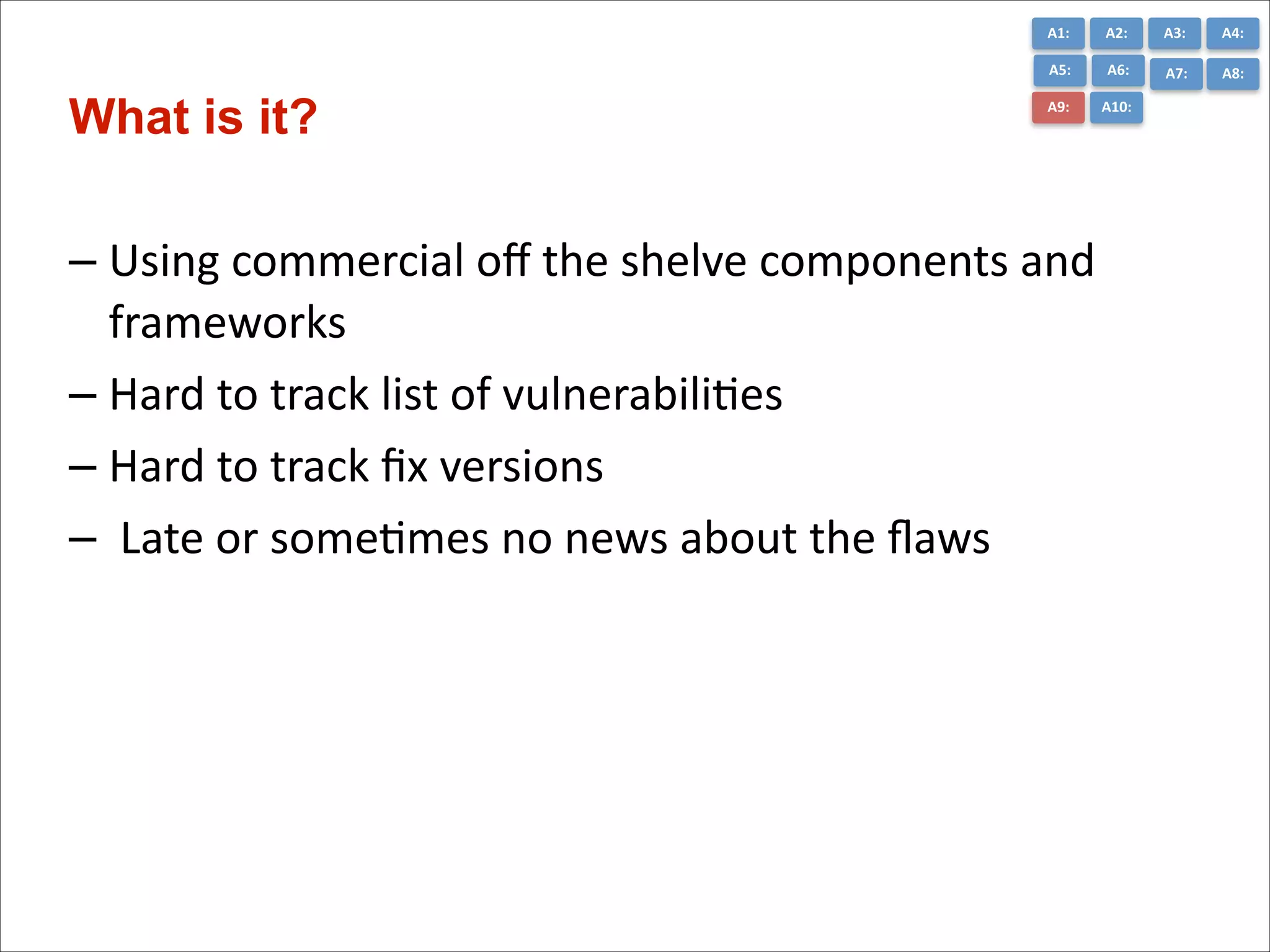
– Using	
  commercial	
  off	
  the	
  shelve	
  components	
  and	
  
frameworks	
  
– Hard	
  to	
  track	
  list	
  of	
  vulnerabiliCes	
  
– Hard	
  to	
  track	
  fix	
  versions	
  
– 	
  Late	
  or	
  someCmes	
  no	
  news	
  about	
  the	
  flaws	
  
A1:	
  

A3:	
  

A4:	
  

A5:	
  

Worst Practices

A2:	
  
A6:	
  

A7:	
  

A8:	
  

A9:	
  

A10:	
  

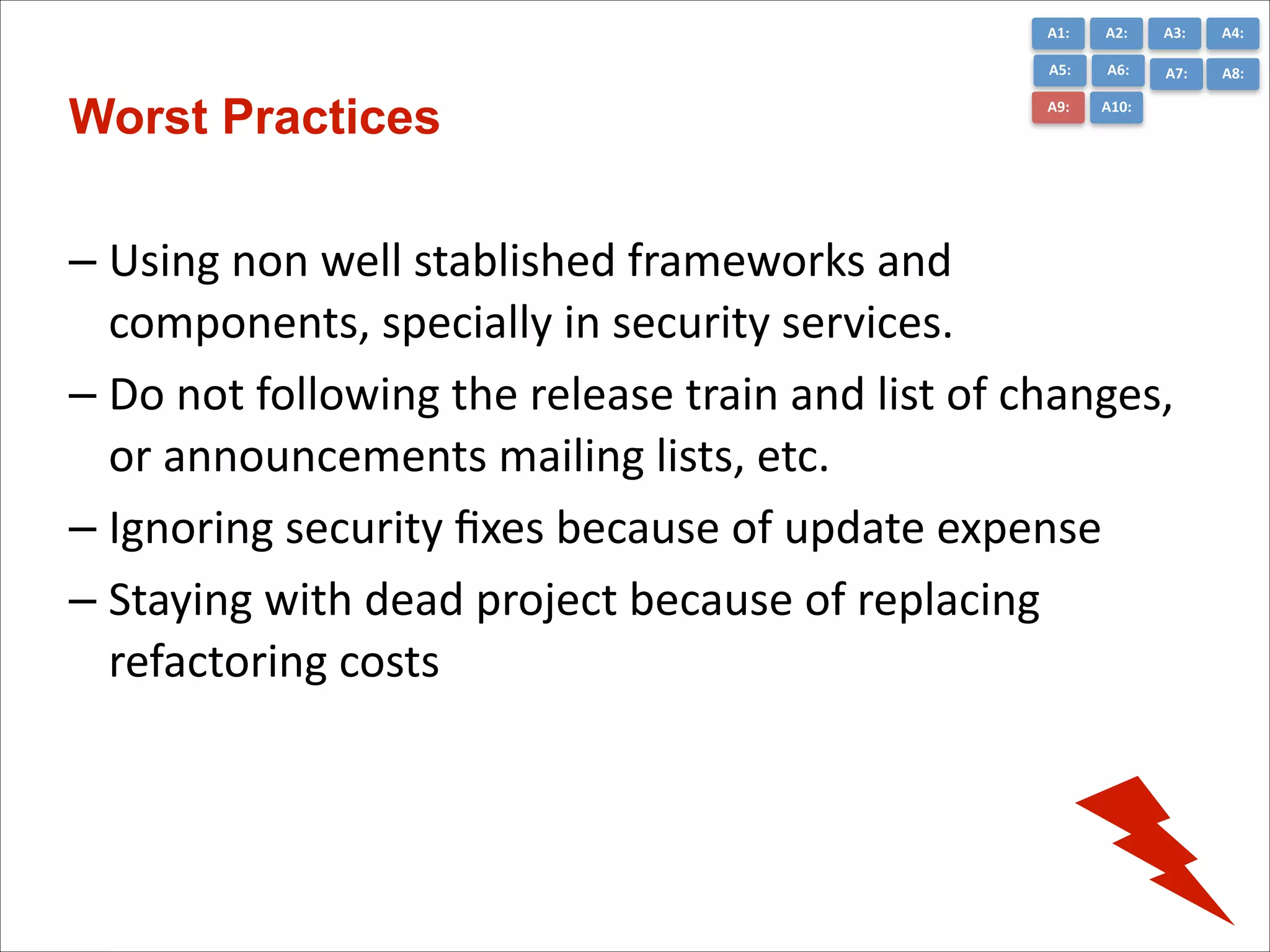
– Using	
  non	
  well	
  stablished	
  frameworks	
  and	
  
components,	
  specially	
  in	
  security	
  services.	
  
– Do	
  not	
  following	
  the	
  release	
  train	
  and	
  list	
  of	
  changes,	
  
or	
  announcements	
  mailing	
  lists,	
  etc.	
  
– Ignoring	
  security	
  fixes	
  because	
  of	
  update	
  expense	
  
– Staying	
  with	
  dead	
  project	
  because	
  of	
  replacing	
  
refactoring	
  costs
A1:	
  

A3:	
  

A4:	
  

A5:	
  

Java EE 6

A2:	
  
A6:	
  

A7:	
  

A8:	
  

A9:	
  

A10:	
  

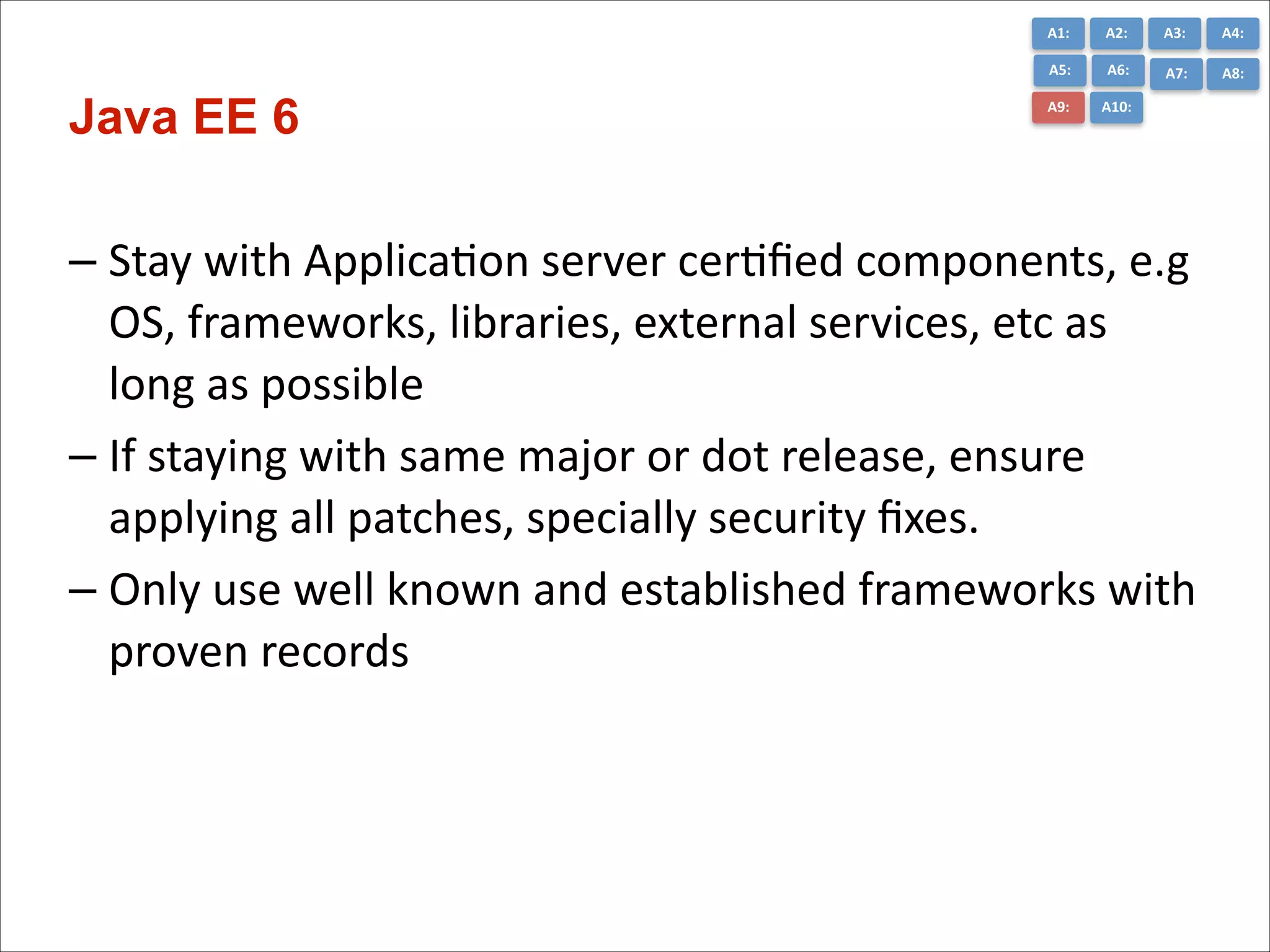
– Stay	
  with	
  ApplicaCon	
  server	
  cerCfied	
  components,	
  e.g	
  
OS,	
  frameworks,	
  libraries,	
  external	
  services,	
  etc	
  as	
  
long	
  as	
  possible	
  
– If	
  staying	
  with	
  same	
  major	
  or	
  dot	
  release,	
  ensure	
  
applying	
  all	
  patches,	
  specially	
  security	
  fixes.	
  
– Only	
  use	
  well	
  known	
  and	
  established	
  frameworks	
  with	
  
proven	
  records	
  
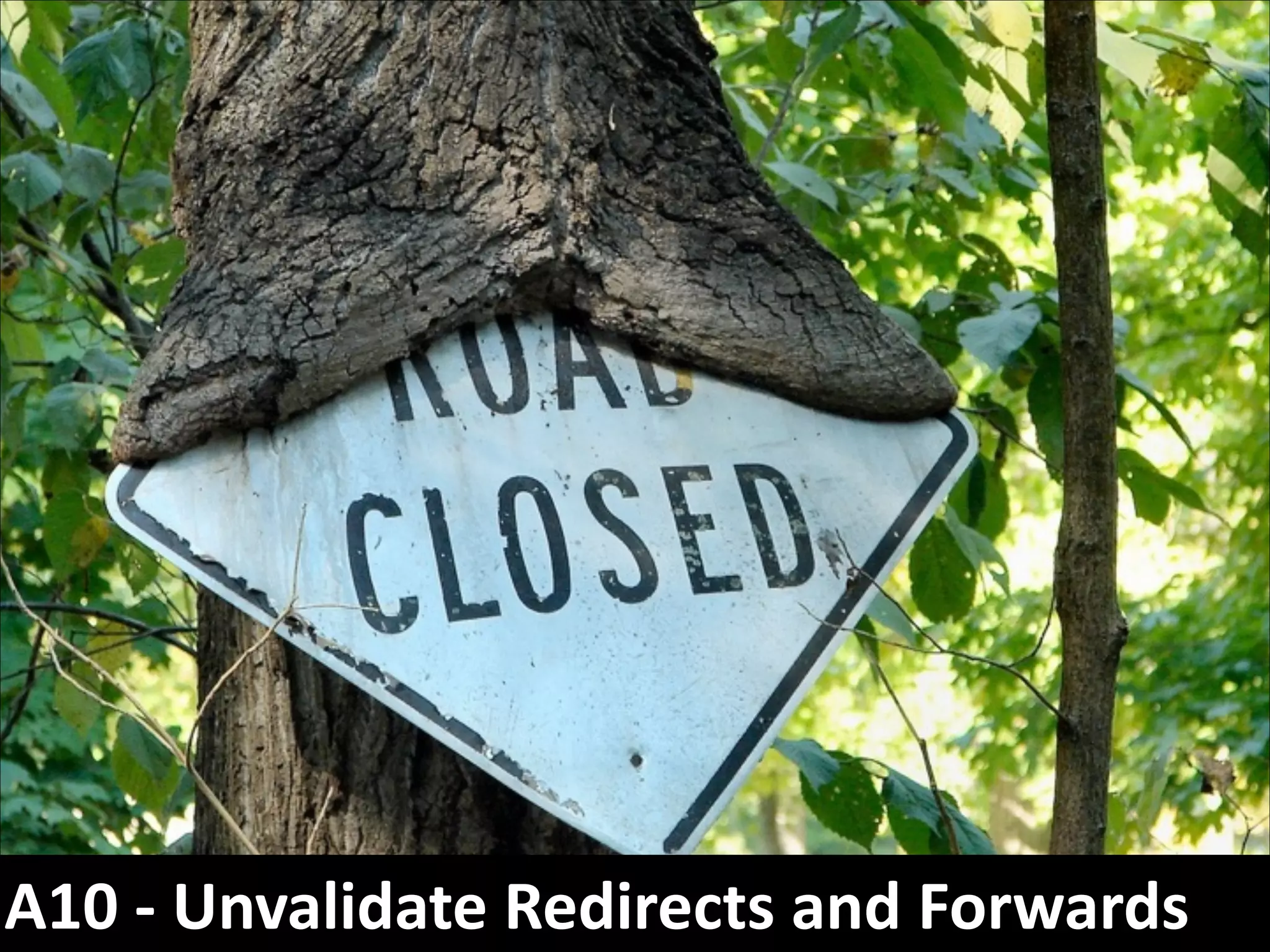
A10	
  -­‐	
  Unvalidate	
  Redirects	
  and	
  Forwards
A1:	
  

A3:	
  

A4:	
  

A5:	
  

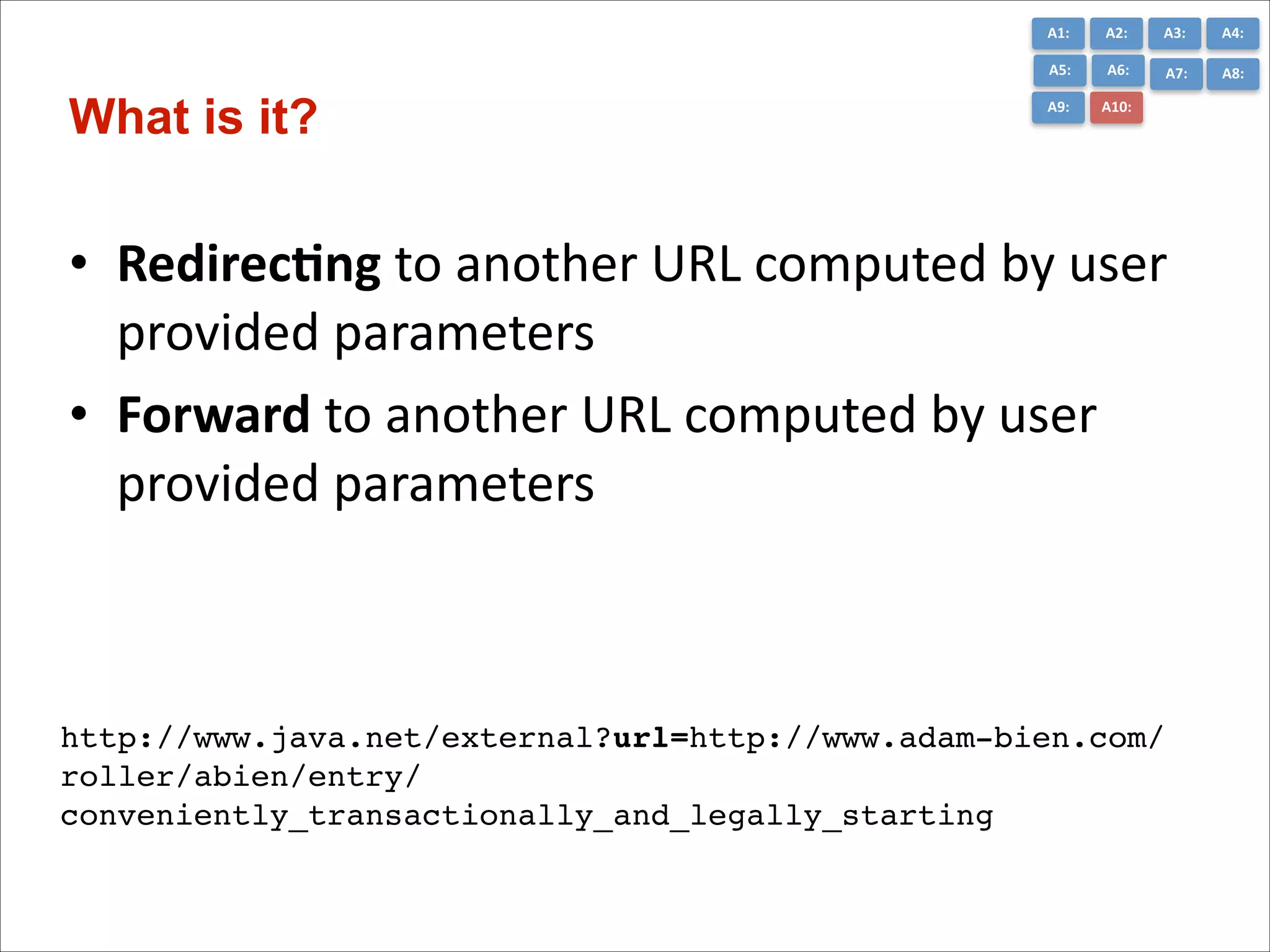
What is it?

A2:	
  
A6:	
  

A7:	
  

A8:	
  

A9:	
  

A10:	
  

• Redirec7ng	
  to	
  another	
  URL	
  computed	
  by	
  user	
  
provided	
  parameters	
  
• Forward	
  to	
  another	
  URL	
  computed	
  by	
  user	
  
provided	
  parameters

http://www.java.net/external?url=http://www.adam-bien.com/
roller/abien/entry/
conveniently_transactionally_and_legally_starting
A1:	
  

A3:	
  

A4:	
  

A5:	
  

Worst Practices

A2:	
  
A6:	
  

A7:	
  

A8:	
  

A9:	
  

A10:	
  

• Not	
  to	
  validate/verify	
  the	
  target	
  with	
  user’s	
  
access	
  level	
  before	
  doing	
  the	
  forward	
  
• Not	
  using	
  a	
  proper	
  access	
  control	
  mechanism	
  
(e.g	
  container	
  managed	
  and	
  proper	
  security-­‐
constraint	
  )	
  
• RedirecCng	
  to	
  a	
  user	
  provided	
  parameter,	
  e.g	
  
to	
  an	
  external	
  website
A1:	
  

A3:	
  

A4:	
  

A5:	
  

Java EE 6

A2:	
  
A6:	
  

A7:	
  

A8:	
  

A9:	
  

A10:	
  

• Don’t	
  use	
  redirect	
  or	
  forward	
  as	
  much	
  as	
  possible	
  
• Accurately	
  verify/validate	
  the	
  target	
  URL	
  before	
  
forwarding	
  or	
  redirecCng	
  
• Redirects	
  are	
  safe	
  when	
  using	
  container	
  managed	
  
authenCcaCon/authorizaCon	
  properly	
  
• Forwards	
  happen	
  without	
  authenCcaCon	
  and	
  thus	
  
requires	
  triple	
  check	
  to	
  prevent	
  unauthorized	
  
access.
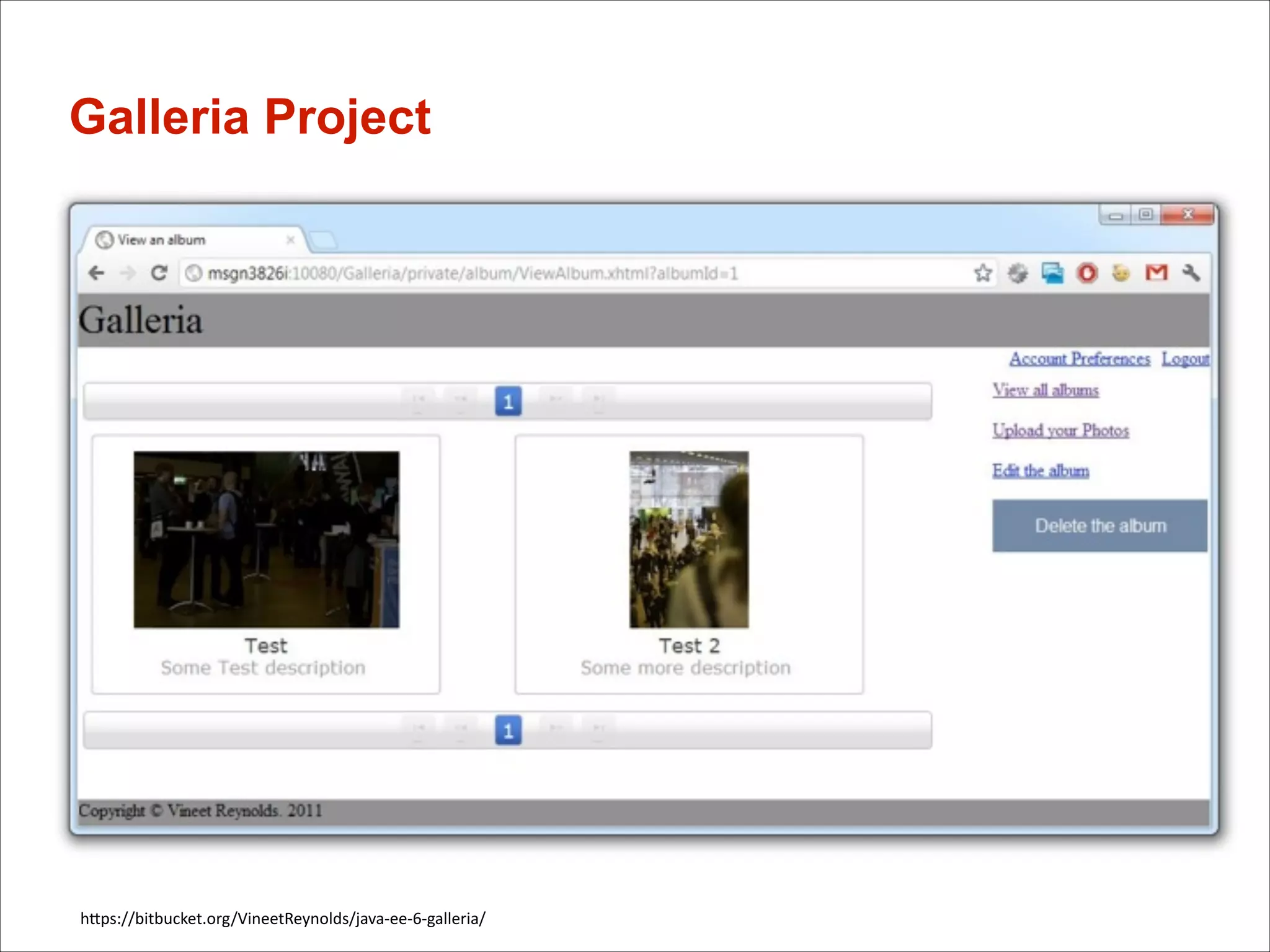
Galleria Project

hGps://bitbucket.org/VineetReynolds/java-­‐ee-­‐6-­‐galleria/
Security isn‘t all candy..

…	
  but	
  you	
  will	
  love	
  it	
  in	
  the	
  end!
CC picture reference
•
•
•
•
•
•
•
•
•
•
•


hGp://www.flickr.com/photos/wallyg/2439494447/sizes/l/in/photostream/
hGp://www.flickr.com/photos/62983199@N04/7188112487/sizes/l/in/photostream/
hGp://www.flickr.com/photos/stuckincustoms/3466470709/sizes/l/in/photostream/
hGp://www.flickr.com/photos/lukemontague/187987292/sizes/l/in/photostream/
hGp://www.flickr.com/photos/082007/7108942911/sizes/l/in/photostream/
hGp://www.flickr.com/photos/ndrwfgg/140411433/sizes/l/in/photostream/
hGp://www.flickr.com/photos/gingerblokey/4130969725/sizes/l/in/photostream/
hGp://www.flickr.com/photos/bpc009/3328427457/sizes/l/in/photostream/
hGp://www.flickr.com/photos/marine_corps/6950409157/sizes/l/in/photostream/
hGp://www.flickr.com/photos/cindy47452/2898015652/sizes/l/in/photostream/	
  
hGp://www.flickr.com/photos/zen/4494845/sizes/o/in/photostream/


!


Questions…

!

?
59

How to avoid top 10 security risks in Java EE applications and how to avoid them

  • 1.
    Title: How toavoid top 10 security risks in Java EE applications Masoud Kalali @MasoudKalali ORACLE JDays 2013
  • 2.
    Agenda • Introduc)on   •The  Top  10  Most  Cri)cal  Web  Applica)on   Security  Risks   • QA

  • 3.
    Java EE 6& GlassFish glassfish.org
  • 4.
    Motivation for thistalk • • • • Seen  a  lot   Providing  a  star)ng  point   Sharing  something   Making  you  aware
  • 5.
    The Top 10Most Critical Web Application Security Risks A1:  Injec*on A2:  Broken   Authen*ca*on  and   Session   Management A2:  Cross-­‐Site   Scrip*ng  (XSS) A4:  Insecure  Direct   Object  References   A5:  Security   Misconfigura*on A6:  Sensi*ve  Data   Exposure A7:    Missing   Func*on  Level   Access  Control   A8:  Cross-­‐Site   Request  Forgery   (CSRF) A9:  Using   Components  with   Known   Vulnerabili*es A10:  Unvalidated   Redirects  and   Forwards Aka  OWASP  Top-­‐10*   AFribu)on-­‐ShareAlike  3.0  Unported  (CC  BY-­‐SA  3.0) Source:  hFp://owasptop10.googlecode.com
  • 6.
    What is OWASP? •Open  Web  Applica)on  Security  Project   • Improving  the  security  of  (web)  applica)on  soTware   – Not-­‐for-­‐profit  organiza)on  since  2001   – Raise  interest  in  secure  development   • Documents   – Top  10   – Cheat  Sheets   – Development  Guides   • Solu)ons   – Enterprise  Security  API  (ESAPI)   – WebScarab   – WebGoat
  • 7.
  • 8.
    A1:   A3:   A4:   A8:   What is it? A2:   A7:   A6:   A5:   A9:   A10:   • Sending  unintended  data  to  applica)ons   • Manipula*ng  and  reading  Data  stores  (e.g.  DB,   LDAP,  File  System,  etc.)   • Java  EE  6  affected:   – UI  technology  of  choice   – Database  access  (JPA,  JDBC)   – File  System  API   – etc.
  • 9.
    A1:   A3:   A4:   A8:   How to spot it! A2:   A7:   A6:   A5:   A9:   A10:   String customerId= request.getParameter("customerId")! String query = "SELECT balance FROM customer_data WHERE customer_id = "! + customerId;! ! try {! ! Statement statement = connection.createStatement( … );! ! ResultSet results = statement.executeQuery( query );! }! String customerId = "x';  DROP  TABLE  members;  -­‐-­‐"; // user-input!
  • 10.
    A1:   • • • • • A3:   A4:   A8:   Prevent Injection A2:   A7:   A6:   A5:   A9:   A10:   Sani*ze  the  input   Escape/Quotesafe  the  input,  e.g.  use  ESAPI     Use  bound  parameters  (the  PREPARED  statement)   Limit  database  permissions  and  segregate  users   Configure  error  repor*ng,  e.g  use  OWASP  LAPSE+   Sta*c  Code  Analysis  Tool
  • 11.
    A1:   A3:   A4:   A8:   Prevent Injection, Sample A2:   A7:   A6:   A5:   A9:   A10:   String customerId = request.getParameter("customerId"); ! //white list validation and encoding! String escapedCustomerId= ESAPI.encoder().encodeForSQL( new OracleCodec(), customerId );! ! String query = "SELECT balance FROM customer_data WHERE customer_id = "! + escapedCustomerId;! ... ! ! //OR! ! String query = "SELECT balance FROM customer_data WHERE customer_id = ? ";! //using pstmt or stmt with encoded/validate input parameters! PreparedStatement pstmt = connection.prepareStatement( query );! pstmt.setString( 1, customerId); ! ResultSet results = pstmt.executeQuery( );!
  • 12.
    A2  -­‐  Broken  Authen*ca*on  and    Session  Management
  • 13.
    A1:   • Container  Security  vs.  own  soluCon   • Session  Binding  /  Session  Renewal   • Passwords     – Strength  (length/complexity)   – Plain  text  passwords  (hGp/hGps)   – Recovery  mechanisms   • Number  of  factors  used  for  authenCcaCon   ! • Java  EE  6  affected:   – JAAS  /  JASPIC   – Filter  /  PhaseListener   A3:   A4:   A8:   What is it? A2:   A7:   A6:   A5:   A9:   A10:  
  • 14.
    A1:   • • • • • • • AuthenCcaCon  over  hGp   Custom  security  filter     Not  using  Container  FuncConality   No  password  strength  requirements   No    HGpSession  binding   Way  of  saving  Passwords     Not  tesCng  security A3:   A4:   A8:   How to spot it A2:   A7:   A6:   A5:   A9:   A10:  
  • 15.
    A1:   A3:   A4:   A8:   Best Practices A2:   A7:   A6:   A5:   A9:   A10:   • Use  Container  Managed  Security!   • Go  with  provided  Standard  Realms  and  LoginModules   whenever  possible   • Invalidate  session  and  all  relevant  bits  when  logged  out   • If  you  need  custom  ones:  Test  them  extremely  carefully!   • Use  transport  layer  encrypCon  (TLS/SSL)  for   authenCcaCon,  credenCals  transport   • Review  and  adopt  OWASP’s  ASVS(ApplicaCon  Security  
 VerificaCon  Standard)
  • 16.
  • 17.
    A1:   • Inject  malicious  code  into  user  interfaces   • Get  access  to  browser  informa*on   – E.g.  javascript:alert(document.cookie)   • • • • Steal  user’s  session,  steal  sensiCve  data   Rewrite  web  page  or  parts   Redirect  user  to  phishing  or  malware  site   Java  EE  6  affected:   – UI  technology  of  choice  (e.g.  JSF,  JSP) A3:   A4:   A8:   What is it? A2:   A7:   A6:   A5:   A9:   A10:  
  • 18.
    A1:   A3:   A4:   A8:   How to spot it A2:   A7:   A6:   A5:   A9:   A10:   ! • Anywhere  that  untrusted  data  is  used  as  one  of   the  following  in  outgoing  response:   – HTML  element’s  aGributes   – JavaScript  variables   – CSS  values   – Etc. (String)  page  +=  "<input  name='creditcard'  type='TEXT‘  value='"  +   request.getParameter("CC")  +  "'>";    
  • 19.
    A1:   A3:   A4:   A8:   Prevent A2:   A7:   A6:   A5:   A9:   A10:   • SaniCze  the  input.  E.g.  use  OWASP  AnCSamy  or   OWASP  Java  HTML  SaniCzer,  etc.   • Escape  untrusted  data  based  on  the  HTML   context  (body,  aGribute,  JavaScript,  CSS,  or   URL)   • Use  Cookie  flags:   – hGpOnly    (prevents  XSS  access)
  • 20.
    A4  –  Insecure  Direct  Object  References
  • 21.
    A1:   • Exposing  secure  objects  without  defense.   • Accessing  domain  objects  with  their  PK.  E.g.
 hGps://you.com/user/1  =>  hGps://you.com/user/21   • Opening  opportuniCes  for  intruders   • InformaCon  hiding  on  the  client   • Parameter  value  tampering   ! • Java  EE  6  affected:   – All  layers   – Especially  data  access A3:   A4:   A8:   What is it? A2:   A7:   A6:   A5:   A9:   A10:  
  • 22.
    A1:   • • • • • A3:   A4:   A8:   How to spot it A2:   A7:   A6:   A5:   A9:   A10:   Direct  user  input  to  object  mapping   No  verificaCon  on  user  input  (defenseless)   Data  separaCon  for  users  (tenants)   Request  mode  access  for  data  (RUD)   Query  constraints
  • 23.
    A1:   A3:   A4:   A8:   Best Practices A2:   A7:   A6:   A5:   A9:   A10:   • Use  AccessReferenceMaps   ! hnp://app?file=Report123.xls hnp://app?file=1 ! hnp://app?id=9182374   ! hnp://app?id=7d3J93 • Use  data-­‐driven  security   • Validate  object  references   • Always  Perform  addiConal  data  authorizaCon   on  the  view
  • 24.
    A5  -­‐  Security  Misconfigura*on
  • 25.
    A1:   • Applies  to     – – – – – – – OperaCng  System   ApplicaCon  Server   Databases   AddiConal  Services   Frameworks   Developed  Code   Etc.   • Includes  (beside  _many_  others)   – All  security  relevant  configuraCon   – Missing  Patches   – Default  accounts A3:   A4:   A5:   What is it? A2:   A6:   A7:   A8:   A9:   A10:  
  • 26.
    A1:   A3:   A4:   A5:   Worst Practices A2:   A6:   A7:   A8:   A9:   A10:   • Network  interfaces/sockets  access  control   • Relaxed  File  system  access  control   • Using  any  defaults  like:   – Passwords:  Admin,  master  password   – Network  interface  binding:  Listening  on  0.0.0.0   – CerCficates:  Self  signed  cerCficate   • Using  a  not  hardened  OS!   • Not  using  segregated  user  for  the  service   • Not  restricCng  GlassFish/Server  component  specific   user  nor  enabling  security  manager
  • 27.
    A1:   A3:   A4:   A5:   Policy Files location A2:   A6:   A7:   A8:   A9:   A10:   • Global  Policy  File:  java.home/jre/lib/security/ java.policy   • User  Policy  File:  user.home/.java.policy   • Domain  Policy  File:  domain.home/config/ server.policy         • ApplicaCon  Policy  File:  domain.home/ generated/policy/<app.name>/ <module.name>/granted.policy  
  • 28.
    A1:   A3:   A4:   A5:   Review the *.policy files A2:   A6:   A7:   A8:   A9:   A10:   • Policy  files  precedence  order   • Remove  unused  grants   • Add  extra  permissions  only  to  applica*ons  or   modules  that  require  them,  not  to  all   applicaCons  deployed  to  a  domain.   • Document  your  changes!
  • 29.
    A1:   Running GlassFishin a 
 • • • • A2:   A3:   A4:   A5:   A6:   A7:   A8:   A9:   A10:   Use  the  latest  version  (3.1.2.2)   Enable  secure  admin  (TLS/hGps)   Use  password  aliasing   Enable  security  manager  and  put  forth  a   proper  security  policy  file  design hGp://blog.eisele.net/2011/05/securing-­‐your-­‐glassfish-­‐hardening-­‐guide.html   hGp://docs.oracle.com/cd/E18930_01/html/821-­‐2435/gkscr.html
  • 30.
    A6  -­‐  Sensi*ve  Data  Exposure
  • 31.
    A1:   A3:   A4:   A5:   What is it? A2:   A6:   A7:   A8:   A9:   A10:   • SensiCve  data  kept  unprotected   • SensiCve  data  exposed  to  wrong  persons   • Could  be:   – Passwords   – Financial/Health  care  data   – Credit  cards
  • 32.
    A1:   A3:   A4:   A5:   Worst Practices A2:   A6:   A7:   A8:   A9:   A10:   • Storing  sensiCve  data  unencrypted   • Storing  comparaCve  data  unhashed   (passwords/security  quesCon  answer…)   • Keeping  clear  text  copies  of  encrypted  data   • Not  keeping  the  keys/passwords  well  guarded   • caching/autocomplete  on  pages  with  sensiCve   data
  • 33.
    A1:   A3:   A4:   A5:   Worst Practice A2:   A6:   A7:   A8:   A9:   A10:   Using  basic/form  authenCcaCon  without  SSL   Not  using  HTTPS  for  pages  with  private  informaCon   Using  default  self  signed  cerCficate   Storing  unencrypted  cookies   Not  semng  cookies  to  be  securely  transmiGed   Cookie.setSecure(true)   • Forgemng  about  the  rest  of  the  
 infrastructure • • • • •
  • 34.
    A1:   A3:   A4:   A5:   Prevention A2:   A6:   A7:   A8:   A9:   A10:   • IdenCfy  sensiCve  data   • Wisely  encrypt  sensiCve  data   – On  every  level  (applicaCon,  appserver,  db)   – with  the  right  algorithm,  as  strong  as  possible  but  not  more!   – with  the  right  mechanism,  e.g  scrypt  and  bcrypt   • Don’t  keep  clear  text  copies   • To  decrypt  and  view  clear  text  should  be  restricted  to   authorized  personnel   • Keep  the  keys  as  protected  as  possible   • Keep  offsite  encrypted  backups  in  addiCon  to  on-­‐site   copies
  • 35.
    A1:   • • • • • A3:   A4:   A5:   Best Practice A2:   A6:   A7:   A8:   A9:   A10:   Use  TLS  on  all  connec*ons  with  sensiCve  data   Individually  encrypt  messages     Sign  messages  before  transmission   Use  standard  strong  algorithms     Use  proven  mechanisms  when  sufficient
  • 36.
    A1:   A3:   A4:   A5:   Java EE A2:   A6:   A7:   A8:   A9:   A10:   • Group  the  resources  in  regard  to  transport   sensiCvity  using  web-­‐resource-­‐collec+on   • Use  user-­‐data-­‐constraint  as  widely  as  you  need  for   data  integrity  and  encrypCon  needs   • Ensure  that  login/logout  pages  (in  case  of  form   auth-­‐type)  are  protected  by  <transport-­‐ guarantee>CONFIDENTIAL</transport-­‐guarantee>   • Secure  cookies  transmission
  • 37.
    A1:   A3:   A4:   A5:   GlassFish A2:   A6:   A7:   A8:   A9:   A10:   • Protect  the  keystore   • Protect  GlassFish  accounts   – Use  aliasing  to  protect  the  password  and  keep  the   master  password  safe  to  protect  the  aliases   • Use  digest  authenCcaCon/hashed  password   storage
  • 38.
    A1:   A3:   A4:   A5:   GlassFish A2:   A6:   A7:   A8:   A9:   A10:   • Install  the  right  server  cerCficates  to  be  used   by  SSL  listeners   • Properly  configure  HTTPS  listener/s  (set  the   right  keystore)   • Properly  configure  the  ORB  over  SSL  listeners  if   needed  (set  the  right  keystore)   • Enable  audiCng  under  Security  and  access  log   under  HTTP  Service
  • 39.
    A7  -­‐  Missing  func7onal  access  control
  • 40.
    A1:   • PresentaCon  layer  access  control  is  not   enough!   • Not  using  “Deny  All”  by  default   • Related  to  A4  –  Insecure  Direct  Object   References A3:   A4:   A5:   What is it? A2:   A6:   A7:   A8:   A9:   A10:  
  • 41.
    A1:   A3:   A4:   A5:   Worst Practice A2:   A6:   A7:   A8:   A9:   A10:   • Using  home-­‐grown  security  features  instead  of   container  provided  ones   • Assuming  people  wont  know  some  URLs  to  try   them   • Assuming  no  one  would  misuse  the  extra   permission  and  access  they  have
  • 42.
    A1:   A3:   A4:   A5:   Java EE 6 A2:   A6:   A7:   A8:   A9:   A10:   • What  you  do  to  prevent,  A4  plus:   – Use  Container  security  (security-­‐constraint)   – Use  programmaCc  login  of  Java  EE  6  if  needed.   – Properly  configure  security  realms   – Accurately  map  roles  to  principal/groups  (auth-­‐ constraint  /  security-­‐role-­‐mapping)   – Only  allow  supported/required  HTTP  methods   – Accurately  Categorize  the  URL  paGerns  and  permit   the  relevant  roles  for  each
  • 43.
    A1:   A3:   A4:   A5:   Best Practices A2:   A6:   A7:   A8:   A9:   A10:   • Any  non-­‐public  URL  should  be  protected   • Use  container  authenCcaCon/authorizaCon   features  or  extend  on  top  of  them   • If  not  enough  use  proven  frameworks/   products  to  protect  the  resources   • If  user  can  get  /getpic?id=1x118uf  it  does  not   mean  you  should  show  /getpic?id=1x22ug
  • 44.
    A8  -­‐  Cross  Site  Request  Forgery  (CSRF)
  • 45.
    A1:   A3:   A4:   A5:   What is it? A2:   A6:   A7:   A8:   A9:   A10:   • Basically  a  capture-­‐replay  aGack   • Malicious  code  executes  funcCons  on  your   behalf  while  being  authenCcated   • Deep  links  make  this  easier   ! • JavaEE  6  affected:   – UI  technology  of  choice  
  • 46.
    A1:   A3:   A4:   A5:   How to spot it A2:   A6:   A7:   A8:   A9:   A10:   • Predictable  URLs  (for  logged-­‐in)  users   • No  random  secret  tokens  processing  (CSRF   Token)   • No  double  check  on  different  stages  of  a  mulC-­‐ step  operaCon
  • 47.
    A1:   A3:   A4:   A5:   A6:   A7:   A8:   A9:   Best Practices A2:   A10:   • Add  Unpredictability  (tokens)   – Hidden  Field,  Single-­‐Use  URLs   – Request  or  Session  Scope   • CSRFPrevenConForm  (JSF  1.2  &  2)
 hGp://blog.eisele.net/2011/02/prevenCng-­‐csrf-­‐with-­‐jsf-­‐20.html   • Use  OWASP  ESAPI
 hGp://www.jtmelton.com/2010/05/16/the-­‐owasp-­‐top-­‐ten-­‐and-­‐esapi-­‐part-­‐6-­‐cross-­‐ site-­‐request-­‐forgery-­‐csrf/
  • 48.
    A9  -­‐  Using  Components  with  Known  Vulnerabili7es
  • 49.
    A1:   A3:   A4:   A5:   What is it? A2:   A6:   A7:   A8:   A9:   A10:   – Using  commercial  off  the  shelve  components  and   frameworks   – Hard  to  track  list  of  vulnerabiliCes   – Hard  to  track  fix  versions   –  Late  or  someCmes  no  news  about  the  flaws  
  • 50.
    A1:   A3:   A4:   A5:   Worst Practices A2:   A6:   A7:   A8:   A9:   A10:   – Using  non  well  stablished  frameworks  and   components,  specially  in  security  services.   – Do  not  following  the  release  train  and  list  of  changes,   or  announcements  mailing  lists,  etc.   – Ignoring  security  fixes  because  of  update  expense   – Staying  with  dead  project  because  of  replacing   refactoring  costs
  • 51.
    A1:   A3:   A4:   A5:   Java EE 6 A2:   A6:   A7:   A8:   A9:   A10:   – Stay  with  ApplicaCon  server  cerCfied  components,  e.g   OS,  frameworks,  libraries,  external  services,  etc  as   long  as  possible   – If  staying  with  same  major  or  dot  release,  ensure   applying  all  patches,  specially  security  fixes.   – Only  use  well  known  and  established  frameworks  with   proven  records  
  • 52.
    A10  -­‐  Unvalidate  Redirects  and  Forwards
  • 53.
    A1:   A3:   A4:   A5:   What is it? A2:   A6:   A7:   A8:   A9:   A10:   • Redirec7ng  to  another  URL  computed  by  user   provided  parameters   • Forward  to  another  URL  computed  by  user   provided  parameters http://www.java.net/external?url=http://www.adam-bien.com/ roller/abien/entry/ conveniently_transactionally_and_legally_starting
  • 54.
    A1:   A3:   A4:   A5:   Worst Practices A2:   A6:   A7:   A8:   A9:   A10:   • Not  to  validate/verify  the  target  with  user’s   access  level  before  doing  the  forward   • Not  using  a  proper  access  control  mechanism   (e.g  container  managed  and  proper  security-­‐ constraint  )   • RedirecCng  to  a  user  provided  parameter,  e.g   to  an  external  website
  • 55.
    A1:   A3:   A4:   A5:   Java EE 6 A2:   A6:   A7:   A8:   A9:   A10:   • Don’t  use  redirect  or  forward  as  much  as  possible   • Accurately  verify/validate  the  target  URL  before   forwarding  or  redirecCng   • Redirects  are  safe  when  using  container  managed   authenCcaCon/authorizaCon  properly   • Forwards  happen  without  authenCcaCon  and  thus   requires  triple  check  to  prevent  unauthorized   access.
  • 56.
  • 57.
    Security isn‘t allcandy.. …  but  you  will  love  it  in  the  end!
  • 58.
    CC picture reference • • • • • • • • • • •   hGp://www.flickr.com/photos/wallyg/2439494447/sizes/l/in/photostream/ hGp://www.flickr.com/photos/62983199@N04/7188112487/sizes/l/in/photostream/ hGp://www.flickr.com/photos/stuckincustoms/3466470709/sizes/l/in/photostream/ hGp://www.flickr.com/photos/lukemontague/187987292/sizes/l/in/photostream/ hGp://www.flickr.com/photos/082007/7108942911/sizes/l/in/photostream/ hGp://www.flickr.com/photos/ndrwfgg/140411433/sizes/l/in/photostream/ hGp://www.flickr.com/photos/gingerblokey/4130969725/sizes/l/in/photostream/ hGp://www.flickr.com/photos/bpc009/3328427457/sizes/l/in/photostream/ hGp://www.flickr.com/photos/marine_corps/6950409157/sizes/l/in/photostream/ hGp://www.flickr.com/photos/cindy47452/2898015652/sizes/l/in/photostream/   hGp://www.flickr.com/photos/zen/4494845/sizes/o/in/photostream/               !    
  • 59.