
Octopus
Java EE Security Framework
Concepts
• Authentication
– validating the identity of a user
• Authorization
– whether a user is allowed to execute a certain
action
• Permission
• User/Principal
Security
• Standards
– Only role based
• Not good
– Documentation (which role is allowed to do
what)
– Change (redeployment because we changed
role assignments to method)
Permission based
• Each (group) action(s)
– Associated with a permission
• User need permission to execute it
• Very complex system
– User can be assigned to group
– Permissions are assigned to the group
Octopus
• Permission based
• Declarative
• Secures
– URL, JSF Components, CDI, EJB
• CDI integrated
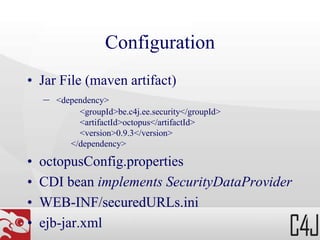
Configuration
• Jar File (maven artifact)
– <dependency>
<groupId>be.c4j.ee.security</groupId>
<artifactId>octopus</artifactId>
<version>0.9.3</version>
</dependency>
• octopusConfig.properties
• CDI bean implements SecurityDataProvider
• WEB-INF/securedURLs.ini
• ejb-jar.xml
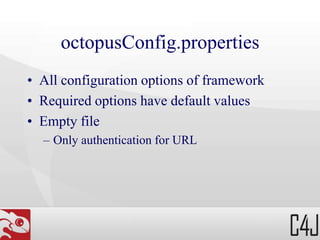
octopusConfig.properties
• All configuration options of framework
• Required options have default values
• Empty file
– Only authentication for URL
SecurityDataProvider
• Supply authentication and authorization
information to Octopus
• AuthenticationInfo
getAuthenticationInfo(UsernamePasswordToken token);
• AuthorizationInfo
getAuthorizationInfo(PrincipalCollection principals);
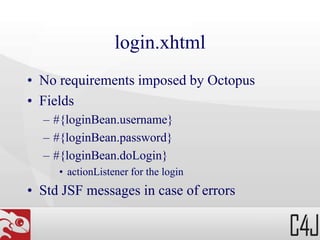
login.xhtml
• No requirements imposed by Octopus
• Fields
– #{loginBean.username}
– #{loginBean.password}
– #{loginBean.doLogin}
• actionListener for the login
• Std JSF messages in case of errors
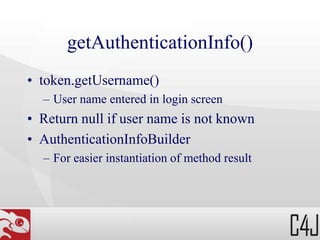
getAuthenticationInfo()
• token.getUsername()
– User name entered in login screen
• Return null if user name is not known
• AuthenticationInfoBuilder
– For easier instantiation of method result
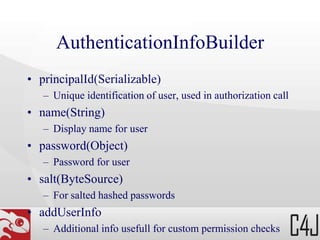
AuthenticationInfoBuilder
• principalId(Serializable)
– Unique identification of user, used in authorization call
• name(String)
– Display name for user
• password(Object)
– Password for user
• salt(ByteSource)
– For salted hashed passwords
• addUserInfo
– Additional info usefull for custom permission checks
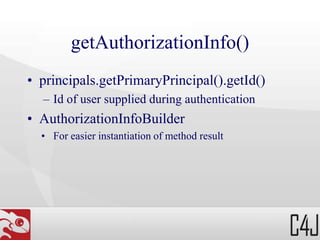
getAuthorizationInfo()
• principals.getPrimaryPrincipal().getId()
– Id of user supplied during authentication
• AuthorizationInfoBuilder
• For easier instantiation of method result
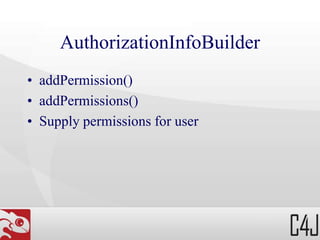
AuthorizationInfoBuilder
• addPermission()
• addPermissions()
• Supply permissions for user
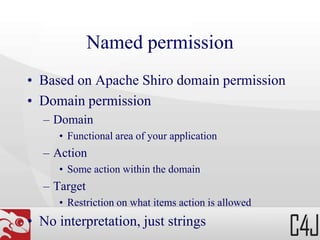
Named permission
• Based on Apache Shiro domain permission
• Domain permission
– Domain
• Functional area of your application
– Action
• Some action within the domain
– Target
• Restriction on what items action is allowed
• No interpretation, just strings
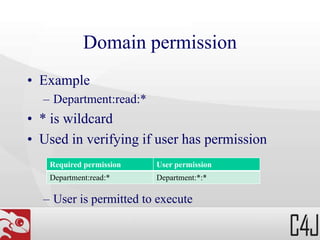
Domain permission
• Example
– Department:read:*
• * is wildcard
• Used in verifying if user has permission
– User is permitted to execute
Required permission User permission
Department:read:* Department:*:*
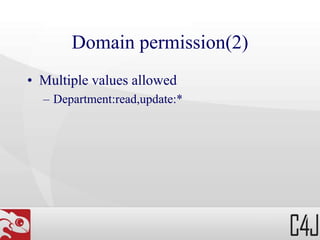
Domain permission(2)
• Multiple values allowed
– Department:read,update:*
Named permission ?
• Assign useful name to permission
• Named can be constant of Enum
• Configuration needed in octopusModule
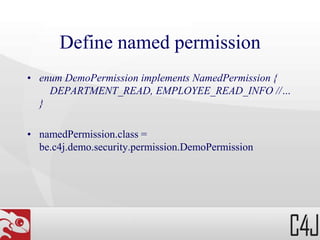
Define named permission
• enum DemoPermission implements NamedPermission {
DEPARTMENT_READ, EMPLOYEE_READ_INFO //…
}
• namedPermission.class =
be.c4j.demo.security.permission.DemoPermission
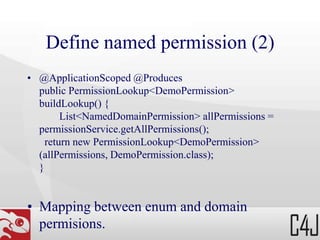
Define named permission (2)
• @ApplicationScoped @Produces
public PermissionLookup<DemoPermission>
buildLookup() {
List<NamedDomainPermission> allPermissions =
permissionService.getAllPermissions();
return new PermissionLookup<DemoPermission>
(allPermissions, DemoPermission.class);
}
• Mapping between enum and domain
permisions.
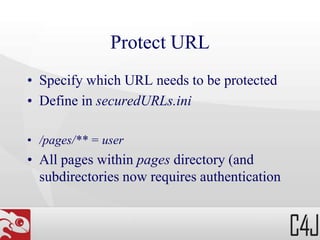
Protect URL
• Specify which URL needs to be protected
• Define in securedURLs.ini
• /pages/** = user
• All pages within pages directory (and
subdirectories now requires authentication
Protect URL
• /pages/department/** = user, namedPermission[xxx]
• Pages requires authentication and the named
permission xxx
– xxx = value of enum class
• np instead of namedPermission also
allowed
Protect JSF component
• <sec:securedComponent
permission="DEPARTMENT_CREATE"/>
• Can be placed inside any JSF component
• Component only shown when user has
permission
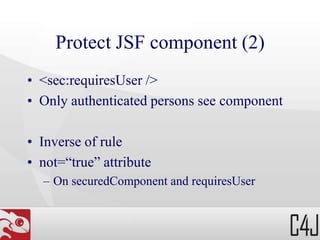
Protect JSF component (2)
• <sec:requiresUser />
• Only authenticated persons see component
• Inverse of rule
• not=“true” attribute
– On securedComponent and requiresUser
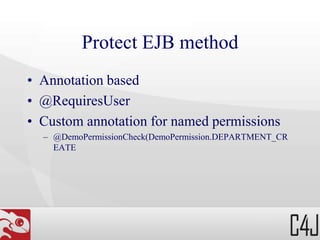
Protect EJB method
• Annotation based
• @RequiresUser
• Custom annotation for named permissions
– @DemoPermissionCheck(DemoPermission.DEPARTMENT_CR
EATE
Custom annotation for security
• public @interface DemoPermissionCheck {
DemoPermission[] value();
}
• namedPermissionCheck.class =
be.c4j.demo.security.permission.DemoPermissionCheck
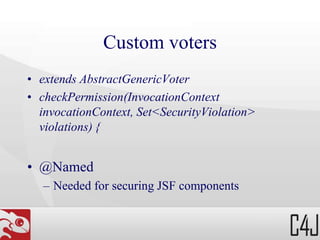
Custom voters
• extends AbstractGenericVoter
• checkPermission(InvocationContext
invocationContext, Set<SecurityViolation>
violations) {
• @Named
– Needed for securing JSF components
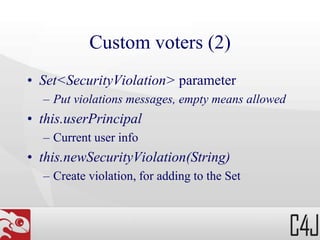
Custom voters (2)
• Set<SecurityViolation> parameter
– Put violations messages, empty means allowed
• this.userPrincipal
– Current user info
• this.newSecurityViolation(String)
– Create violation, for adding to the Set
Custom voters and URL
• /pages/updateSalary.xhtml = user,
voter[employeeSalaryUpdateVoter]
• this.hasServletRequestInfo(InvocationContext)
– Called from within URL context?
• this.getURLRequestParameter(InvocationContext, String)
– Get URL parameter
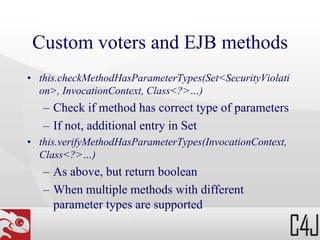
Custom voters and EJB methods
• this.checkMethodHasParameterTypes(Set<SecurityViolati
on>, InvocationContext, Class<?>…)
– Check if method has correct type of parameters
– If not, additional entry in Set
• this.verifyMethodHasParameterTypes(InvocationContext,
Class<?>…)
– As above, but return boolean
– When multiple methods with different
parameter types are supported
• this.getAssignableParameter(InvocationContext,
Class<T>[, int])
– Get parameter value of method call
– Optional position can be used if multiple
parameters has same type (0-based)
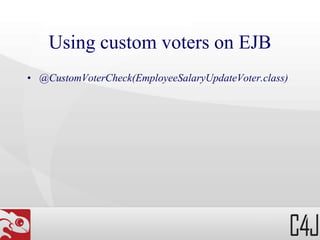
Using custom voters on EJB
• @CustomVoterCheck(EmployeeSalaryUpdateVoter.class)
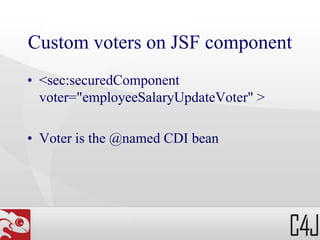
Custom voters on JSF component
• <sec:securedComponent
voter="employeeSalaryUpdateVoter" >
• Voter is the @named CDI bean
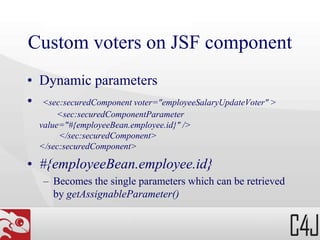
Custom voters on JSF component
• Dynamic parameters
• <sec:securedComponent voter="employeeSalaryUpdateVoter" >
<sec:securedComponentParameter
value="#{employeeBean.employee.id}" />
</sec:securedComponent>
• #{employeeBean.employee.id}
– Becomes the single parameters which can be retrieved
by getAssignableParameter()

Octopus framework; Permission based security framework for Java EE

  • 1.
  • 2.
    Concepts • Authentication – validatingthe identity of a user • Authorization – whether a user is allowed to execute a certain action • Permission • User/Principal
  • 3.
    Security • Standards – Onlyrole based • Not good – Documentation (which role is allowed to do what) – Change (redeployment because we changed role assignments to method)
  • 4.
    Permission based • Each(group) action(s) – Associated with a permission • User need permission to execute it • Very complex system – User can be assigned to group – Permissions are assigned to the group
  • 5.
    Octopus • Permission based •Declarative • Secures – URL, JSF Components, CDI, EJB • CDI integrated
  • 6.
    Configuration • Jar File(maven artifact) – <dependency> <groupId>be.c4j.ee.security</groupId> <artifactId>octopus</artifactId> <version>0.9.3</version> </dependency> • octopusConfig.properties • CDI bean implements SecurityDataProvider • WEB-INF/securedURLs.ini • ejb-jar.xml
  • 7.
    octopusConfig.properties • All configurationoptions of framework • Required options have default values • Empty file – Only authentication for URL
  • 8.
    SecurityDataProvider • Supply authenticationand authorization information to Octopus • AuthenticationInfo getAuthenticationInfo(UsernamePasswordToken token); • AuthorizationInfo getAuthorizationInfo(PrincipalCollection principals);
  • 9.
    login.xhtml • No requirementsimposed by Octopus • Fields – #{loginBean.username} – #{loginBean.password} – #{loginBean.doLogin} • actionListener for the login • Std JSF messages in case of errors
  • 10.
    getAuthenticationInfo() • token.getUsername() – Username entered in login screen • Return null if user name is not known • AuthenticationInfoBuilder – For easier instantiation of method result
  • 11.
    AuthenticationInfoBuilder • principalId(Serializable) – Uniqueidentification of user, used in authorization call • name(String) – Display name for user • password(Object) – Password for user • salt(ByteSource) – For salted hashed passwords • addUserInfo – Additional info usefull for custom permission checks
  • 12.
    getAuthorizationInfo() • principals.getPrimaryPrincipal().getId() – Idof user supplied during authentication • AuthorizationInfoBuilder • For easier instantiation of method result
  • 13.
  • 14.
    Named permission • Basedon Apache Shiro domain permission • Domain permission – Domain • Functional area of your application – Action • Some action within the domain – Target • Restriction on what items action is allowed • No interpretation, just strings
  • 15.
    Domain permission • Example –Department:read:* • * is wildcard • Used in verifying if user has permission – User is permitted to execute Required permission User permission Department:read:* Department:*:*
  • 16.
    Domain permission(2) • Multiplevalues allowed – Department:read,update:*
  • 17.
    Named permission ? •Assign useful name to permission • Named can be constant of Enum • Configuration needed in octopusModule
  • 18.
    Define named permission •enum DemoPermission implements NamedPermission { DEPARTMENT_READ, EMPLOYEE_READ_INFO //… } • namedPermission.class = be.c4j.demo.security.permission.DemoPermission
  • 19.
    Define named permission(2) • @ApplicationScoped @Produces public PermissionLookup<DemoPermission> buildLookup() { List<NamedDomainPermission> allPermissions = permissionService.getAllPermissions(); return new PermissionLookup<DemoPermission> (allPermissions, DemoPermission.class); } • Mapping between enum and domain permisions.
  • 20.
    Protect URL • Specifywhich URL needs to be protected • Define in securedURLs.ini • /pages/** = user • All pages within pages directory (and subdirectories now requires authentication
  • 21.
    Protect URL • /pages/department/**= user, namedPermission[xxx] • Pages requires authentication and the named permission xxx – xxx = value of enum class • np instead of namedPermission also allowed
  • 22.
    Protect JSF component •<sec:securedComponent permission="DEPARTMENT_CREATE"/> • Can be placed inside any JSF component • Component only shown when user has permission
  • 23.
    Protect JSF component(2) • <sec:requiresUser /> • Only authenticated persons see component • Inverse of rule • not=“true” attribute – On securedComponent and requiresUser
  • 24.
    Protect EJB method •Annotation based • @RequiresUser • Custom annotation for named permissions – @DemoPermissionCheck(DemoPermission.DEPARTMENT_CR EATE
  • 25.
    Custom annotation forsecurity • public @interface DemoPermissionCheck { DemoPermission[] value(); } • namedPermissionCheck.class = be.c4j.demo.security.permission.DemoPermissionCheck
  • 26.
    Custom voters • extendsAbstractGenericVoter • checkPermission(InvocationContext invocationContext, Set<SecurityViolation> violations) { • @Named – Needed for securing JSF components
  • 27.
    Custom voters (2) •Set<SecurityViolation> parameter – Put violations messages, empty means allowed • this.userPrincipal – Current user info • this.newSecurityViolation(String) – Create violation, for adding to the Set
  • 28.
    Custom voters andURL • /pages/updateSalary.xhtml = user, voter[employeeSalaryUpdateVoter] • this.hasServletRequestInfo(InvocationContext) – Called from within URL context? • this.getURLRequestParameter(InvocationContext, String) – Get URL parameter
  • 29.
    Custom voters andEJB methods • this.checkMethodHasParameterTypes(Set<SecurityViolati on>, InvocationContext, Class<?>…) – Check if method has correct type of parameters – If not, additional entry in Set • this.verifyMethodHasParameterTypes(InvocationContext, Class<?>…) – As above, but return boolean – When multiple methods with different parameter types are supported
  • 30.
    • this.getAssignableParameter(InvocationContext, Class<T>[, int]) –Get parameter value of method call – Optional position can be used if multiple parameters has same type (0-based)
  • 31.
    Using custom voterson EJB • @CustomVoterCheck(EmployeeSalaryUpdateVoter.class)
  • 32.
    Custom voters onJSF component • <sec:securedComponent voter="employeeSalaryUpdateVoter" > • Voter is the @named CDI bean
  • 33.
    Custom voters onJSF component • Dynamic parameters • <sec:securedComponent voter="employeeSalaryUpdateVoter" > <sec:securedComponentParameter value="#{employeeBean.employee.id}" /> </sec:securedComponent> </sec:securedComponent> • #{employeeBean.employee.id} – Becomes the single parameters which can be retrieved by getAssignableParameter()