
Tips for Manipulating Data in
Esri Geodatabase using FME


   Mita Hajirakar                Mark Stoakes
   FME Desktop Support Manager   Manager, Professional Services
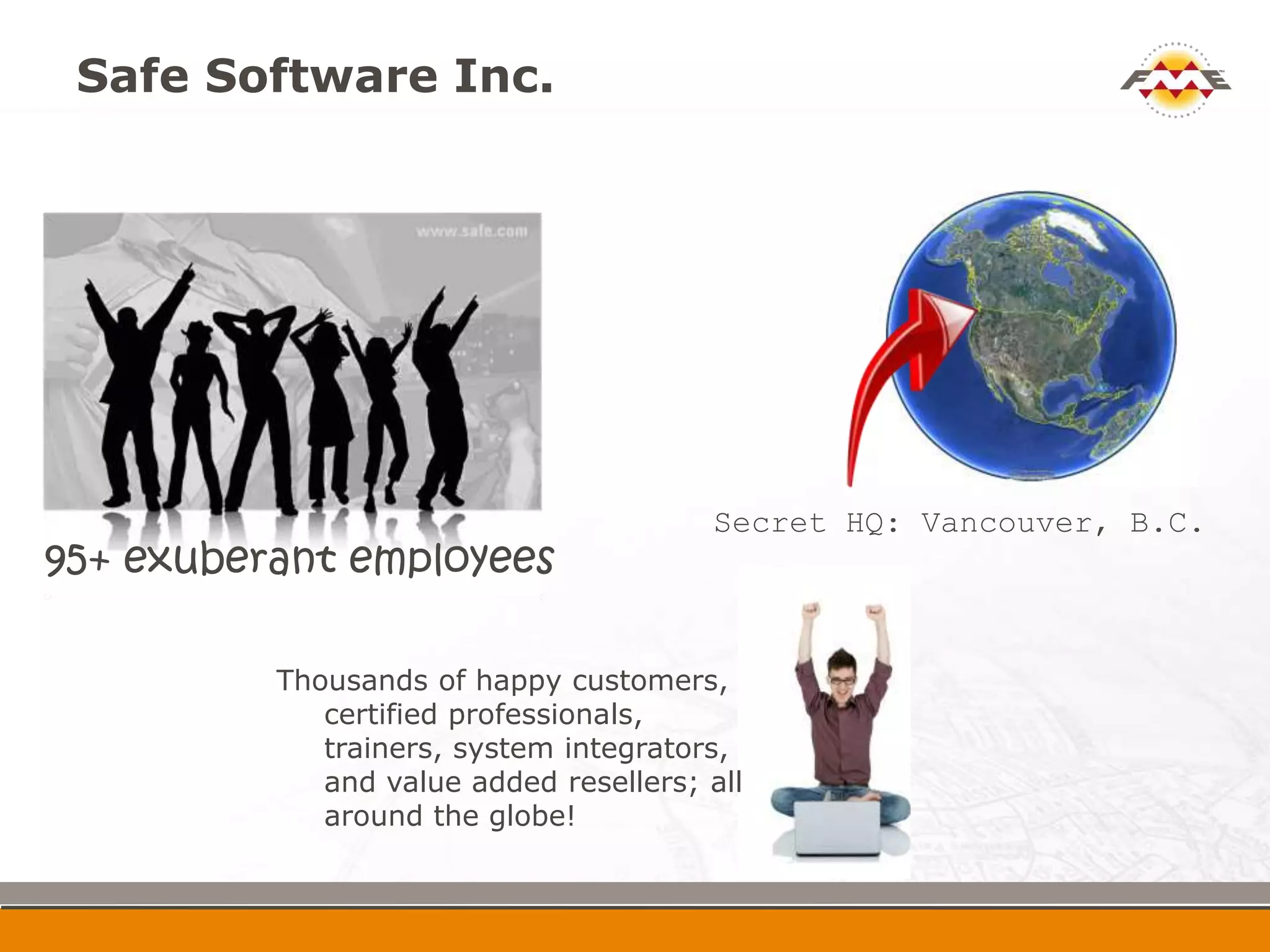
Safe Software Inc.


                                        Secret HQ: Vancouver,
95+ exuberant employees                   B.C.


          Thousands of happy customers,
             certified professionals,
             trainers, system integrators,
             and value added resellers; all
             around the globe!
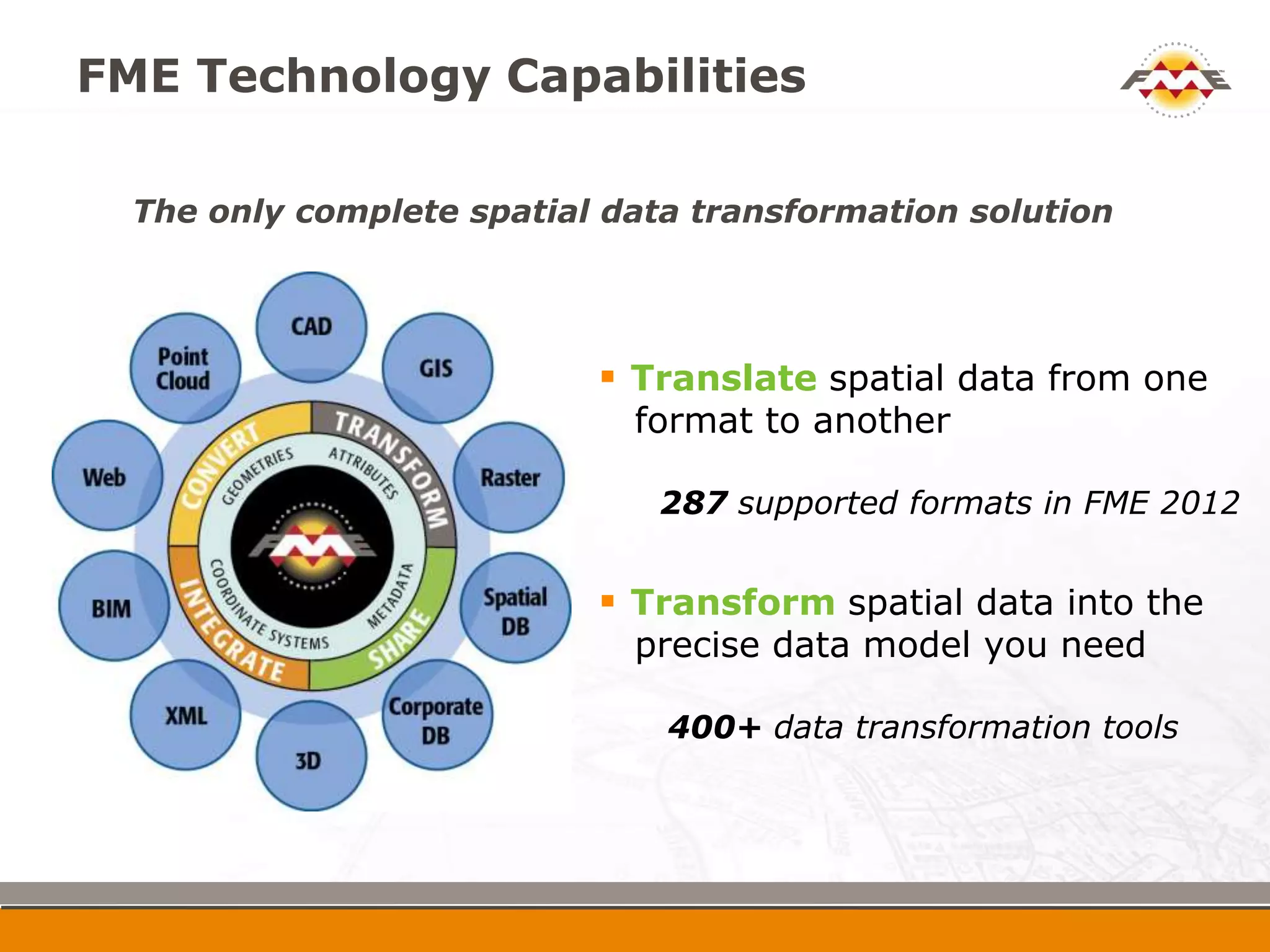
FME Technology Capabilities

  The only complete spatial data transformation solution


                            Translate spatial data from one
                              format to another

                               287 supported formats in FME 2012


                            Transform spatial data into the
                              precise data model you need

                               400+ data transformation tools
Poll Questions: About you!


 FME use
Agenda


 Demos
     Manipulating annotation properties
     Writing to domains and subtypes
     Loading geodatabase attachments
     Updating metadata
     Mosaicking and loading rasters

 Follow-up
   Webinar recording and materials
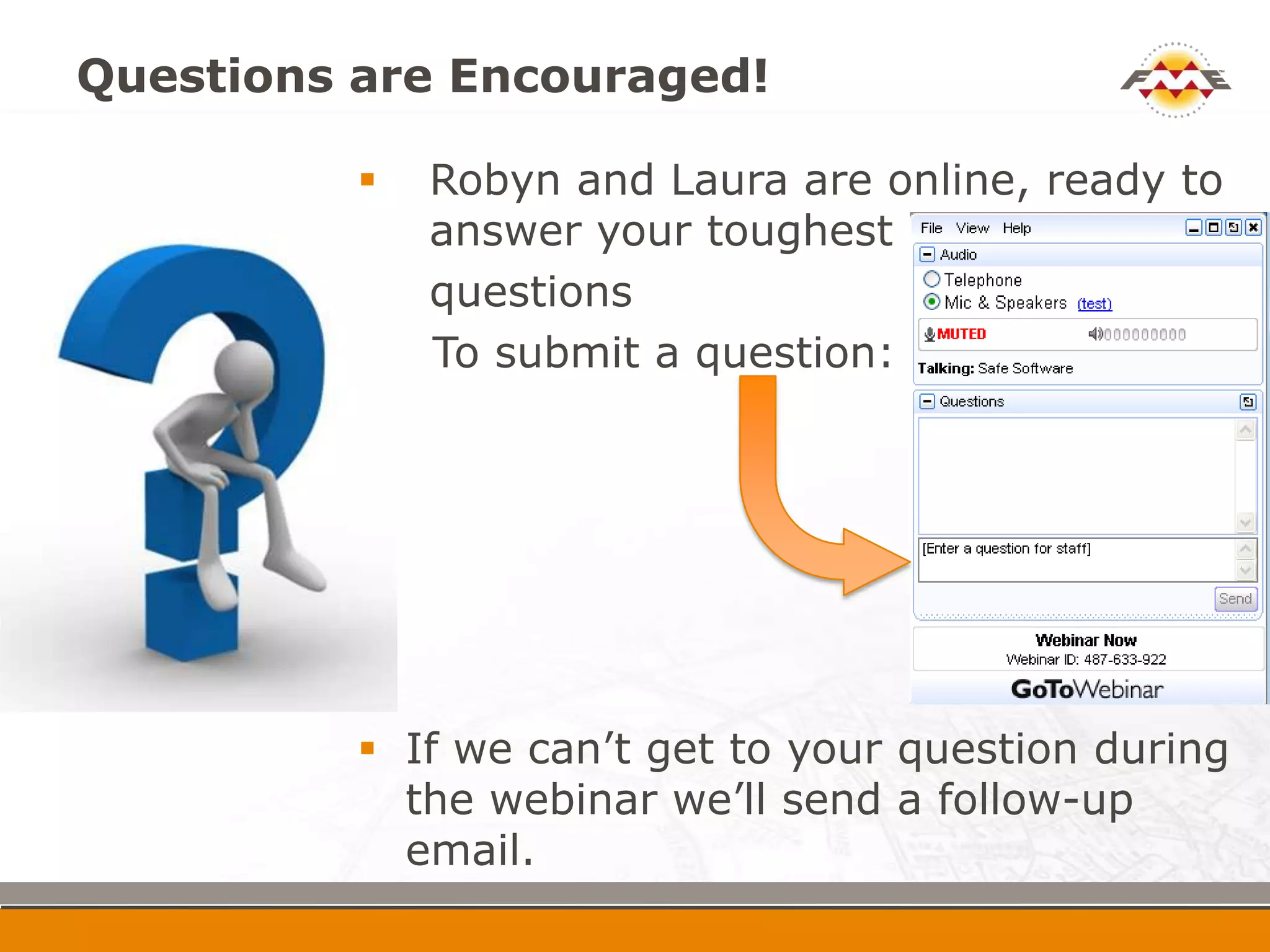
Questions are Encouraged!

             Robyn and Laura are online, ready to
              answer your toughest
             questions
              To submit a question:


             If we can’t get to your question during
              the webinar we’ll send a follow-up
              email.
Many Geodatabase Formats

   Esri Geodatabase (File Geodatabase ArcObjects)

   Esri Geodatabase (File Geodatabase API)

   Esri Geodatabase (File Geodatabase Raster Dataset)

   Esri Geodatabase (Personal Geodatabase)

   Esri Geodatabase (XML Workspace Document)

   Esri Geodatabase (ArcSDE Geodatabase)

   Esri Geodatabase (ArcSDE Geodatabase Raster Dataset)


                                                           7
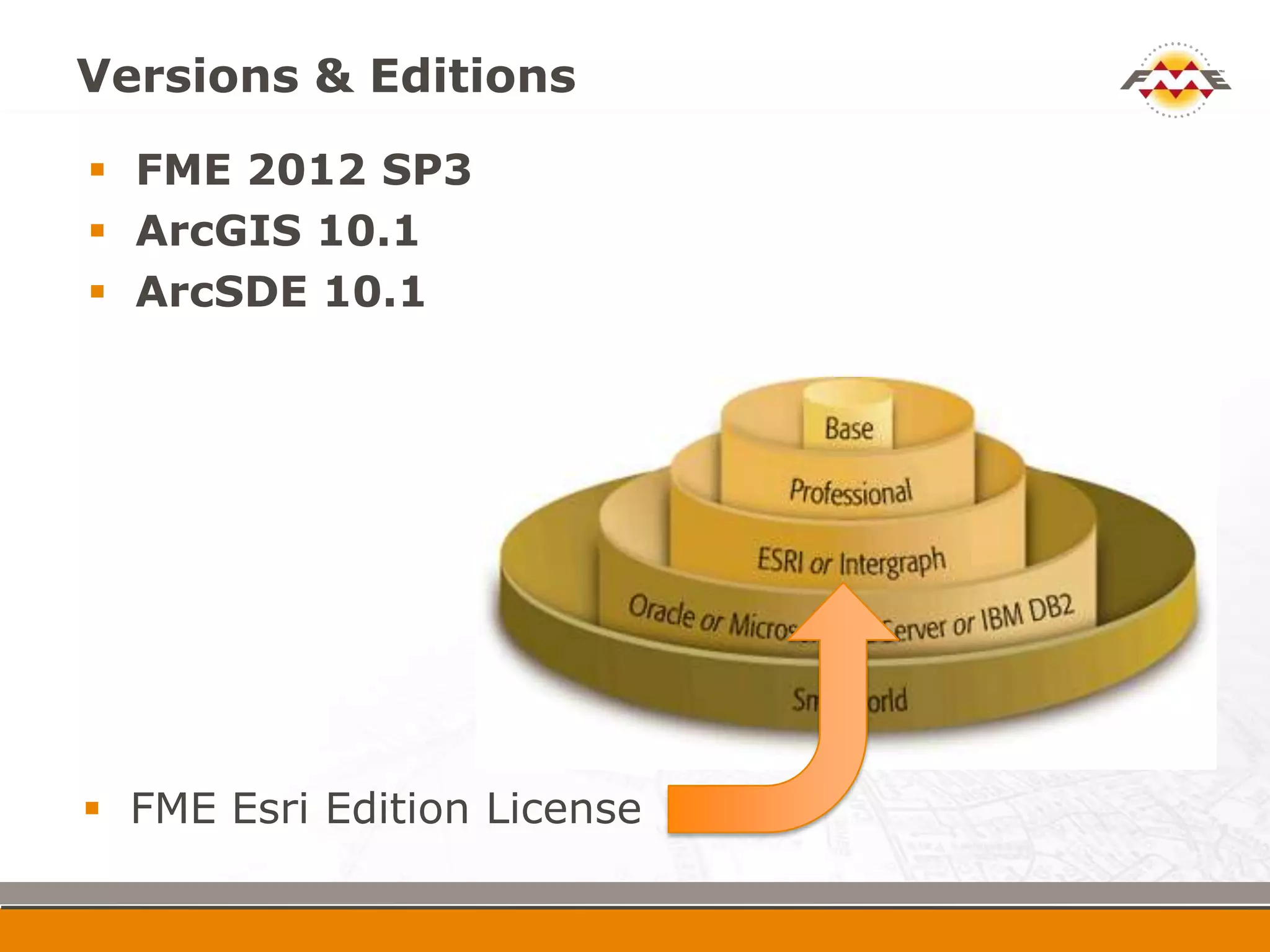
Versions & Editions
 FME 2012 SP3
 ArcGIS 10.1
 ArcSDE 10.1


 FME Esri Edition License
Poll Questions: About you!


 ArcGIS use
Annotation Demo


 Create sounding annotation features and load to
  SoundingFeatureAnno


                                                    10
Annotation Review


 Never write directly to annotation fields
 Use geodb_ format attributes
 Reference geodb_anno_class_id using subtype
  code or code from symbol collection
 Reference geodb_symbol_id using symbol id
  found in symbol collection


                                                11
Domain & Subtype Demos


 Read from multiple buoy layers in ENC and write
  to BuoyFeature, populating BUOY_TYPE
         4 = BOYLAT
         5 = BOYSAW
         6 = BOYSPP


 Create new feature class with new domain


                                                    12
Domain & Subtype Review


 Can write to subtype/domain code or description
 AttributeValueMapper is a key transformer
 Subtypes are validated by default; domains are
  validated if “validate features to write” is “yes”
 Can create subtype or domains and write to
  existing ones
 Cannot modify existing subtypes or domains


                                                       13
Attachments Demo


 Load photographs (i.e. JPEG images) into an
  attachment table and setup the relationship class
  entries with the associated lake features


                                                  14
Attachments Review


 Must be built with ArcGIS tools (cannot create
  them with FME), or with an XML geodatabase
  template file
 Set up the following format attributes:
        geodb_feature_has_relationships
        geodb_oid
        geodb_rel_origin_oid
        geodb_rel_destination_oid
        geodb_type


                                                   15
Metadata Demo


 Updating existing metadata


                               16
Metadata Review


 When reading metadata switch “Feature Read
  Mode” to “metadata”
 geodb_metadata_string holds xml metadata
 FME has many XML transformers
 Lots of XML/metadata recorded webinars
   http://www.safe.com/learning/webinars/


                                               17
Raster Demo


 Take a set of tiled raster files, mosaic them, and
  write them to ArcSDE Geodatabase Raster
  Dataset


                                                       18
Raster Review


 Many raster transformers in FME
 Check out FMEPedia raster landing page
  http://fmepedia.safe.com/topic/raster


                                           19
FME Training
Time Limited Offer!

   Winners Will Have Until August 31
    to register for any online course

   View the offerings at:
      http://fme.ly/online


                                        AUGUST


                                         31
What’s Next?
 Personalized web demo –         sales@safe.com
 Try FME Desktop
 Upcoming webinars:
         What’s New in ArcGIS 10.1 Data Interoperability
          Extension (August 21st)
         Preparing LiDAR for Use in ArcGIS 10.1 with the Data
          Interoperability Extension (August 23rd)
         How to Easily Load Data into ArcGIS for Local
          Government (August 30th)
    http://safe.com/learning/webinars/

    Training options:
    http://www.safe.com/learning/training/
Question & Answer Period


                           Ge
                             od
    E                          at
  FM                             ab
                                   a   se
Thanks for Attending!

 Webinar recording link and follow-up
  will be sent to you via email

 Info:
   info@safe.com

 Still have questions?
   www.safe.com/support
   Try www.fmepedia.com


                                Mita & Mark
                                     www.safe.com

Tips for Manipulating Data in Esri Geodatabase using FME

  • 1.
    Tips for ManipulatingData in Esri Geodatabase using FME Mita Hajirakar Mark Stoakes FME Desktop Support Manager Manager, Professional Services
  • 2.
    Safe Software Inc. Secret HQ: Vancouver, 95+ exuberant employees B.C. Thousands of happy customers, certified professionals, trainers, system integrators, and value added resellers; all around the globe!
  • 3.
    FME Technology Capabilities The only complete spatial data transformation solution  Translate spatial data from one format to another 287 supported formats in FME 2012  Transform spatial data into the precise data model you need 400+ data transformation tools
  • 4.
    Poll Questions: Aboutyou!  FME use
  • 5.
    Agenda  Demos  Manipulating annotation properties  Writing to domains and subtypes  Loading geodatabase attachments  Updating metadata  Mosaicking and loading rasters  Follow-up  Webinar recording and materials
  • 6.
    Questions are Encouraged!  Robyn and Laura are online, ready to answer your toughest  questions To submit a question:  If we can’t get to your question during the webinar we’ll send a follow-up email.
  • 7.
    Many Geodatabase Formats  Esri Geodatabase (File Geodatabase ArcObjects)  Esri Geodatabase (File Geodatabase API)  Esri Geodatabase (File Geodatabase Raster Dataset)  Esri Geodatabase (Personal Geodatabase)  Esri Geodatabase (XML Workspace Document)  Esri Geodatabase (ArcSDE Geodatabase)  Esri Geodatabase (ArcSDE Geodatabase Raster Dataset) 7
  • 8.
    Versions & Editions FME 2012 SP3  ArcGIS 10.1  ArcSDE 10.1  FME Esri Edition License
  • 9.
    Poll Questions: Aboutyou!  ArcGIS use
  • 10.
    Annotation Demo  Createsounding annotation features and load to SoundingFeatureAnno 10
  • 11.
    Annotation Review  Neverwrite directly to annotation fields  Use geodb_ format attributes  Reference geodb_anno_class_id using subtype code or code from symbol collection  Reference geodb_symbol_id using symbol id found in symbol collection 11
  • 12.
    Domain & SubtypeDemos  Read from multiple buoy layers in ENC and write to BuoyFeature, populating BUOY_TYPE  4 = BOYLAT  5 = BOYSAW  6 = BOYSPP  Create new feature class with new domain 12
  • 13.
    Domain & SubtypeReview  Can write to subtype/domain code or description  AttributeValueMapper is a key transformer  Subtypes are validated by default; domains are validated if “validate features to write” is “yes”  Can create subtype or domains and write to existing ones  Cannot modify existing subtypes or domains 13
  • 14.
    Attachments Demo  Loadphotographs (i.e. JPEG images) into an attachment table and setup the relationship class entries with the associated lake features 14
  • 15.
    Attachments Review  Mustbe built with ArcGIS tools (cannot create them with FME), or with an XML geodatabase template file  Set up the following format attributes:  geodb_feature_has_relationships  geodb_oid  geodb_rel_origin_oid  geodb_rel_destination_oid  geodb_type 15
  • 16.
    Metadata Demo  Updatingexisting metadata 16
  • 17.
    Metadata Review  Whenreading metadata switch “Feature Read Mode” to “metadata”  geodb_metadata_string holds xml metadata  FME has many XML transformers  Lots of XML/metadata recorded webinars  http://www.safe.com/learning/webinars/ 17
  • 18.
    Raster Demo  Takea set of tiled raster files, mosaic them, and write them to ArcSDE Geodatabase Raster Dataset 18
  • 19.
    Raster Review  Manyraster transformers in FME  Check out FMEPedia raster landing page http://fmepedia.safe.com/topic/raster 19
  • 20.
  • 21.
    Time Limited Offer!  Winners Will Have Until August 31 to register for any online course  View the offerings at:  http://fme.ly/online AUGUST 31
  • 22.
    What’s Next?  Personalizedweb demo – sales@safe.com  Try FME Desktop  Upcoming webinars:  What’s New in ArcGIS 10.1 Data Interoperability Extension (August 21st)  Preparing LiDAR for Use in ArcGIS 10.1 with the Data Interoperability Extension (August 23rd)  How to Easily Load Data into ArcGIS for Local Government (August 30th) http://safe.com/learning/webinars/  Training options: http://www.safe.com/learning/training/
  • 23.
    Question & AnswerPeriod Ge od E at FM ab a se
  • 24.
    Thanks for Attending! Webinar recording link and follow-up will be sent to you via email  Info: info@safe.com  Still have questions? www.safe.com/support Try www.fmepedia.com Mita & Mark www.safe.com