Tips About
Accessibility for Online
Learning Instructors
✋ Type questions in the Q&A window during the presentation
⏺ This webinar is being recorded & will be available for replay
💬 To view live captions, please click the CC icon
📱 www.3playmedia.com l @3playmedia l #a11y
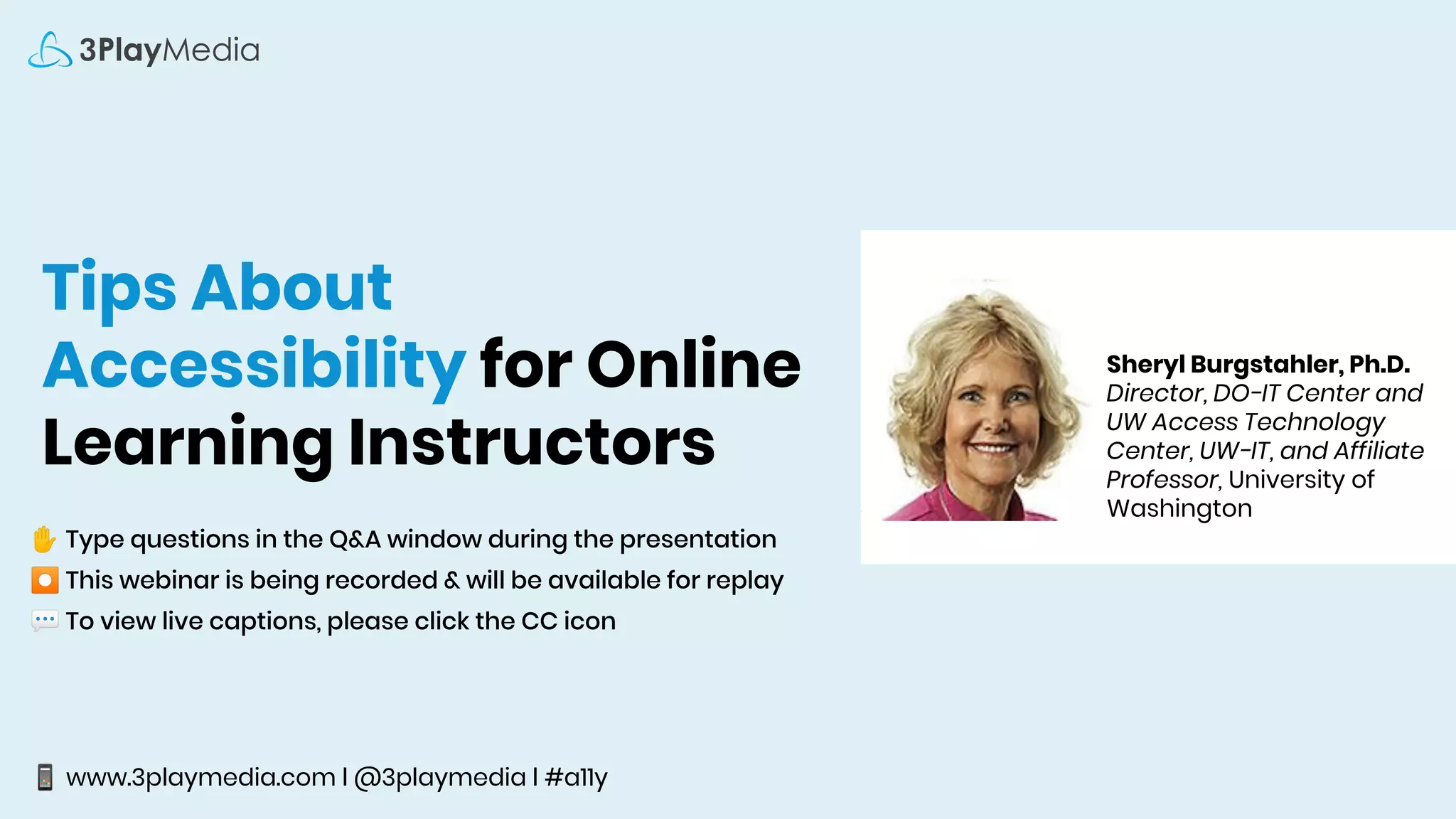
Sheryl Burgstahler, Ph.D.
Director, DO-IT Center and
UW Access Technology
Center, UW-IT, and Affiliate
Professor, University of
Washington
Sheryl Burgstahler, Ph. D.
Director, Accessible Technology Services (ATS)
sherylb@uw.edu
Tips about accessibility
for online learning
instructors
Reference:
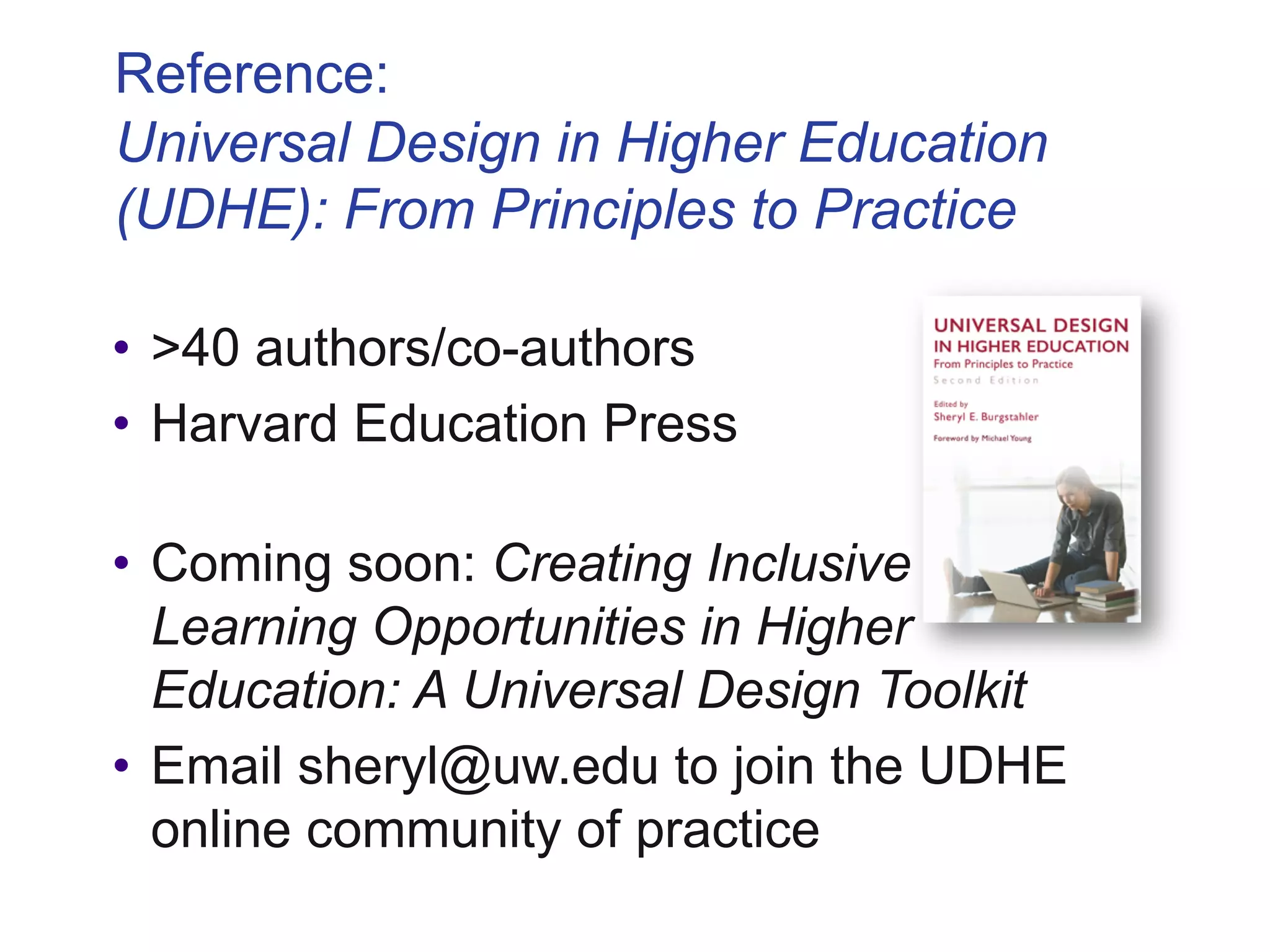
Universal Design in Higher Education
(UDHE): From Principles to Practice
• >40 authors/co-authors
• Harvard Education Press
• Coming soon: Creating Inclusive
Learning Opportunities in Higher
Education: A Universal Design Toolkit
• Email sheryl@uw.edu to join the UDHE
online community of practice
2 Units in ATS”
IT Accessibility Team
§ 1984–
§ Funded by UW
DO-IT Center
§ USA, 1992–
Supported with federal, state,
corporate, private funds
§ DO-IT Japan, 2007–
§ Center on UD in Education, 1999–
Disabilities
Opportunities
Internetworking
Technology
When it comes to accessibility…
What do faculty need
to know?
Harvard • University of Cincinnati •
Youngstown State University • University of
Colorado-Boulder • University of Montana-
Missoula • UC Berkeley • South Carolina
Technical College System • Louisiana Tech
University • MIT • Maricopa Community
College District • Florida State University •
CSU Fullerton • California Community
Colleges • Ohio State University • Cornell •
University of Kentucky • Harvard…
What do they have in common?
“Accessible” means a person with a disability is
afforded the opportunity to acquire the same
information, engage in the same interactions, &
enjoy the same services as a person without a
disability in an equally effective & equally
integrated manner, with substantially equivalent
ease of use. The person with a disability must be
able to obtain the information as fully, equally &
independently as a person without a disability.
-DoJ, OCR Resolutions
What does “accessible” IT mean?
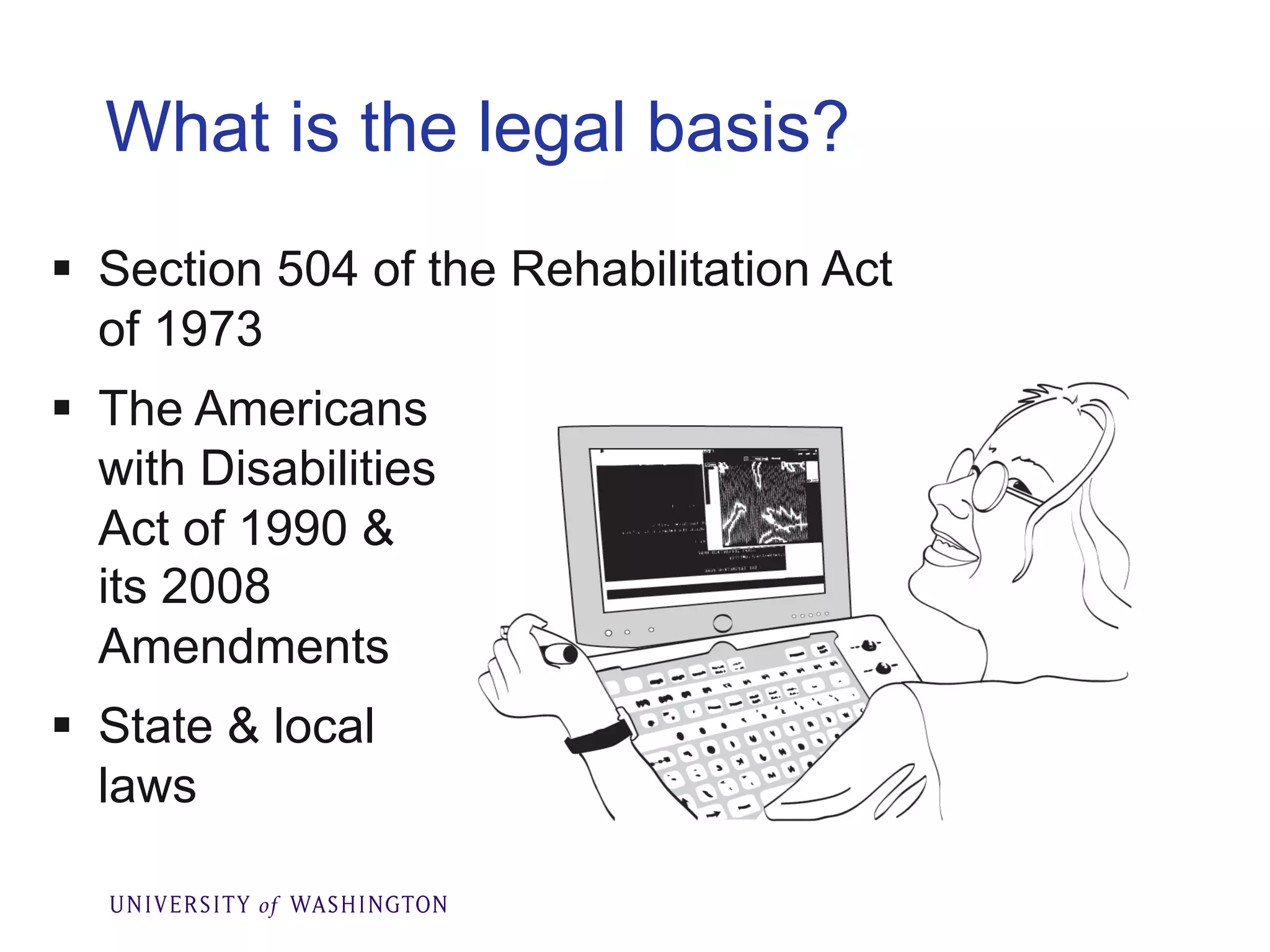
What is the legal basis?
§ Section 504 of the Rehabilitation Act
of 1973
§ The Americans
with Disabilities
Act of 1990 &
its 2008
Amendments
§ State & local
laws
>Year: 1995
>Instructors: Me & Dr. Norm Coombs
>Title: Adaptive Tech. for People with
Disabilities
>Technology: Email, discussion list, Gopher
server, telnet, file transfer protocol
>Online materials: In text format
>Postal mailed materials: Publications,
captioned & audio described VHS videos
The first online course at UW
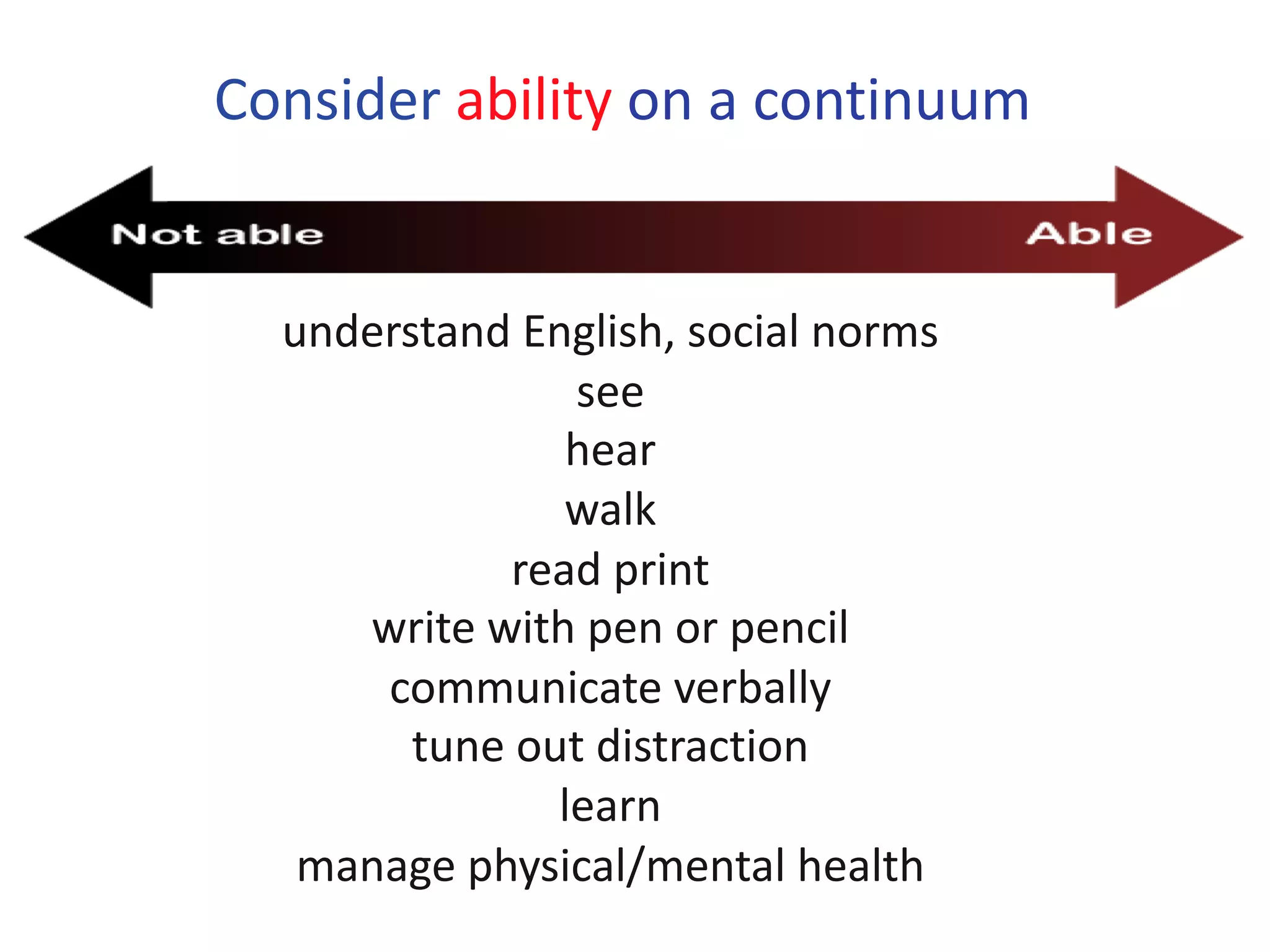
Consider ability on a continuum
understand English, social norms
see
hear
walk
read print
write with pen or pencil
communicate verbally
tune out distraction
learn
manage physical/mental health
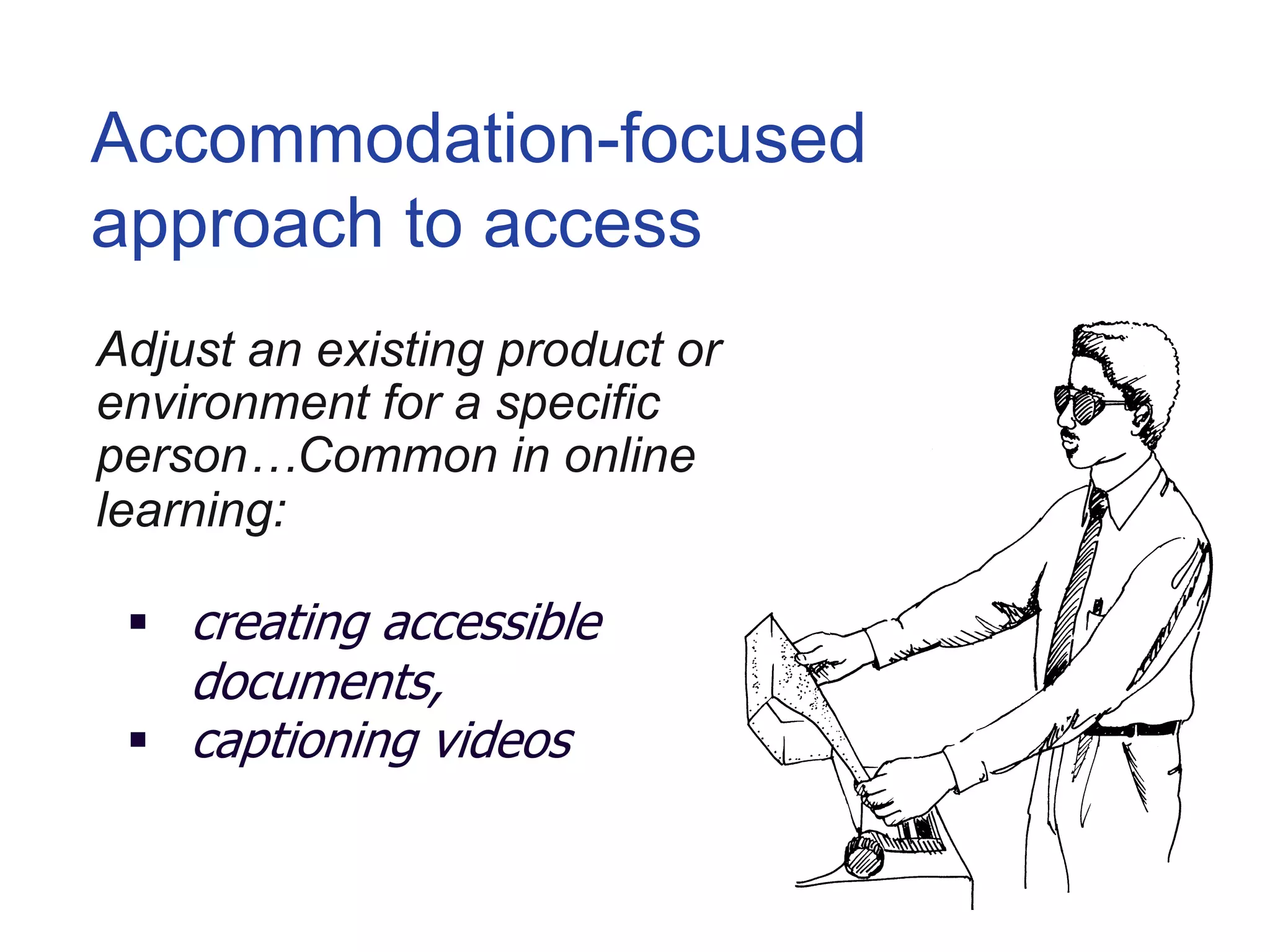
Adjust an existing product or
environment for a specific
person…Common in online
learning:
§ creating accessible
documents,
§ captioning videos
Accommodation-focused
approach to access
But sometimes it is the design
of the product or environment
that should be reconsidered…
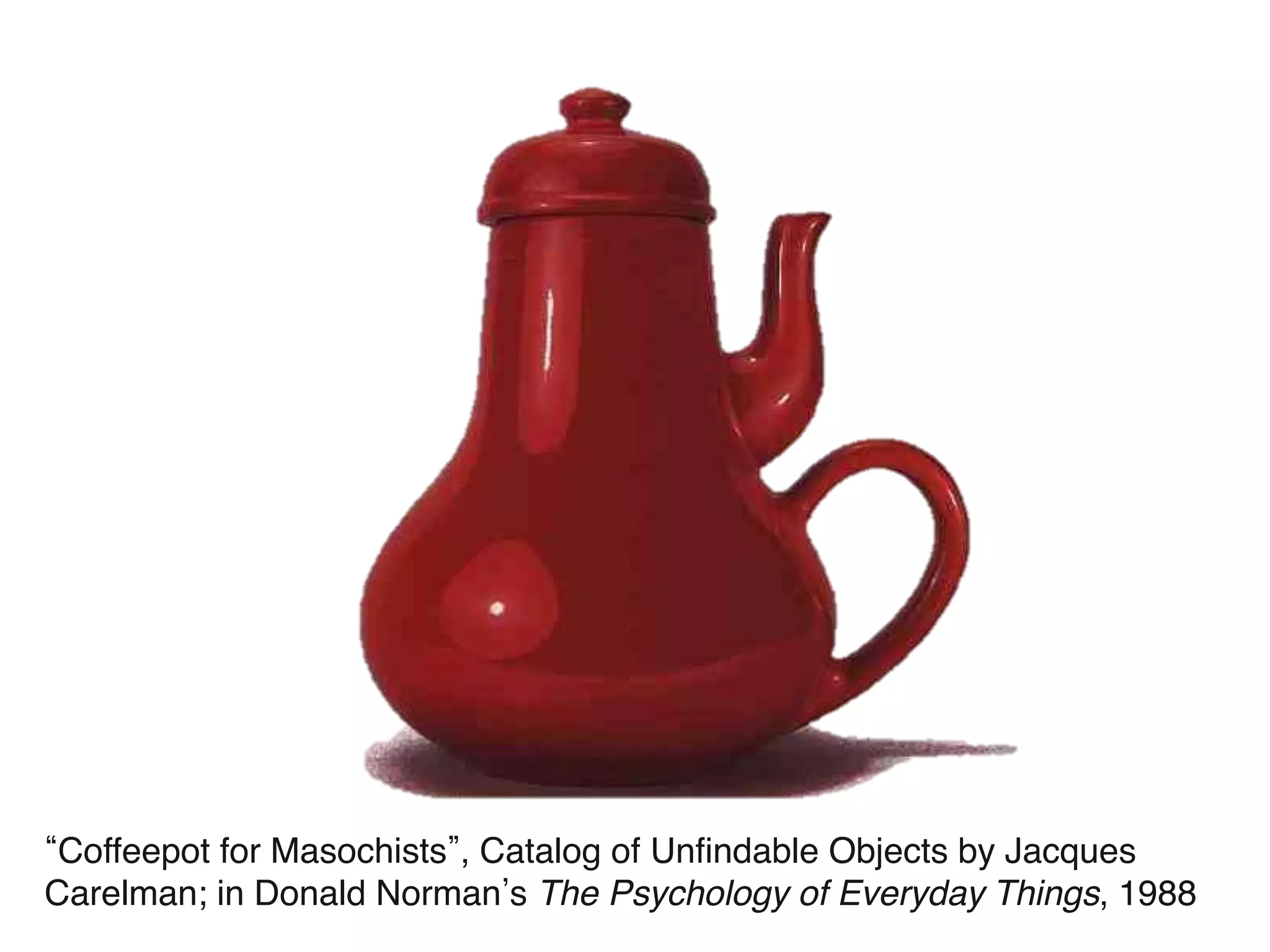
Coffeepot for Masochists , Catalog of Unfindable Objects by Jacques
Carelman; in Donald Norman s The Psychology of Everyday Things, 1988
Universal design =
“the design of products &
environments to be usable
by all people, to the
greatest extent possible,
without the need for
adaptation or specialized
design.”
The Center for Universal Design
www.design.ncsu.edu/cud
Proactive design terminology
§ accessible design
§ usable design
§ inclusive design
§ universal design
§ barrier-free
design
§ design for all
§ …
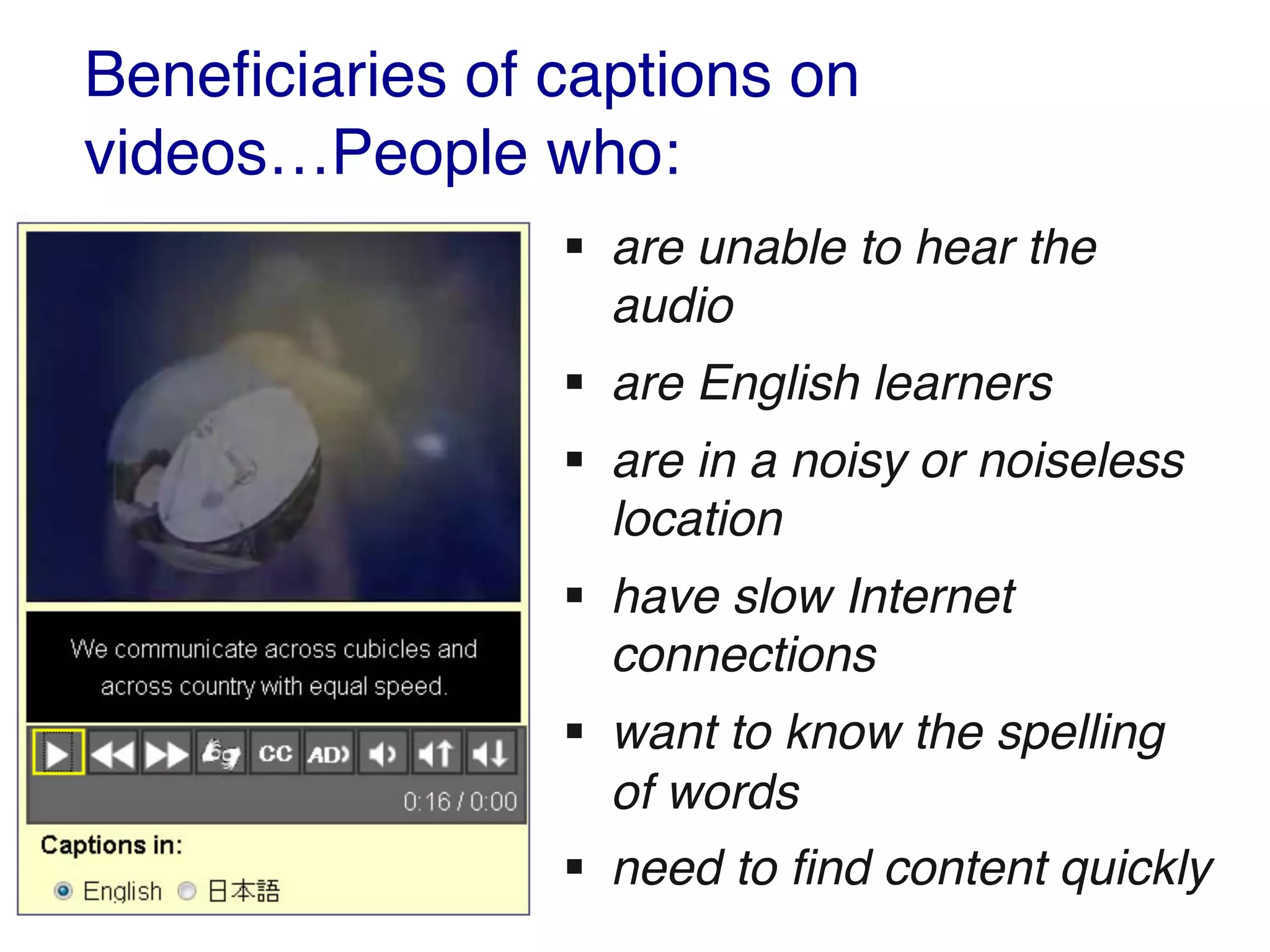
Beneficiaries of captions on
videos…People who:
§ are unable to hear the
audio
§ are English learners
§ are in a noisy or noiseless
location
§ have slow Internet
connections
§ want to know the spelling
of words
§ need to find content quickly
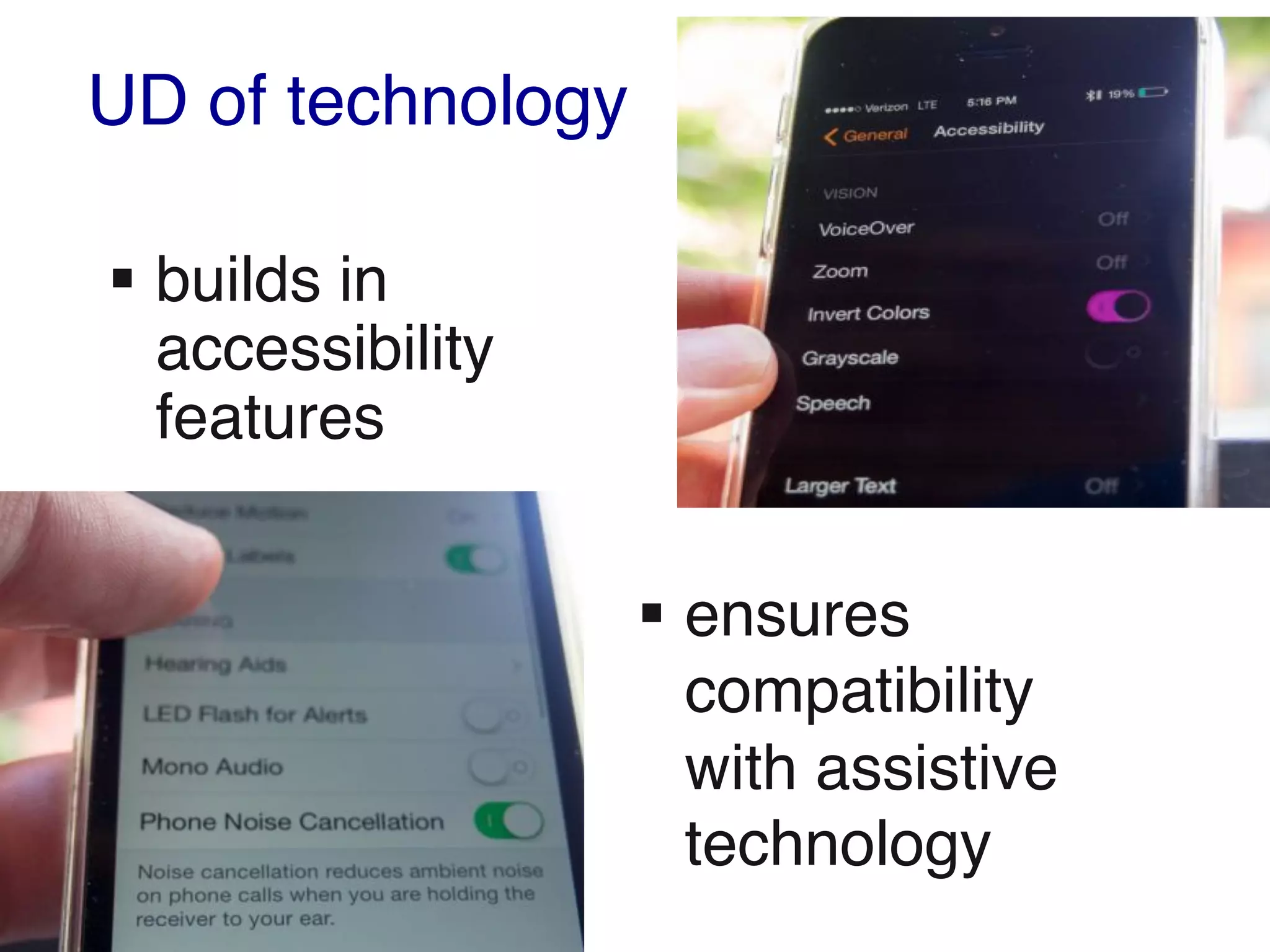
UD of technology
§ builds in
accessibility
features
§ ensures
compatibility
with assistive
technology
Provide multiple ways to:
§ gain knowledge
§ interact
§ demonstrate knowledge
In applying UD to online learning:
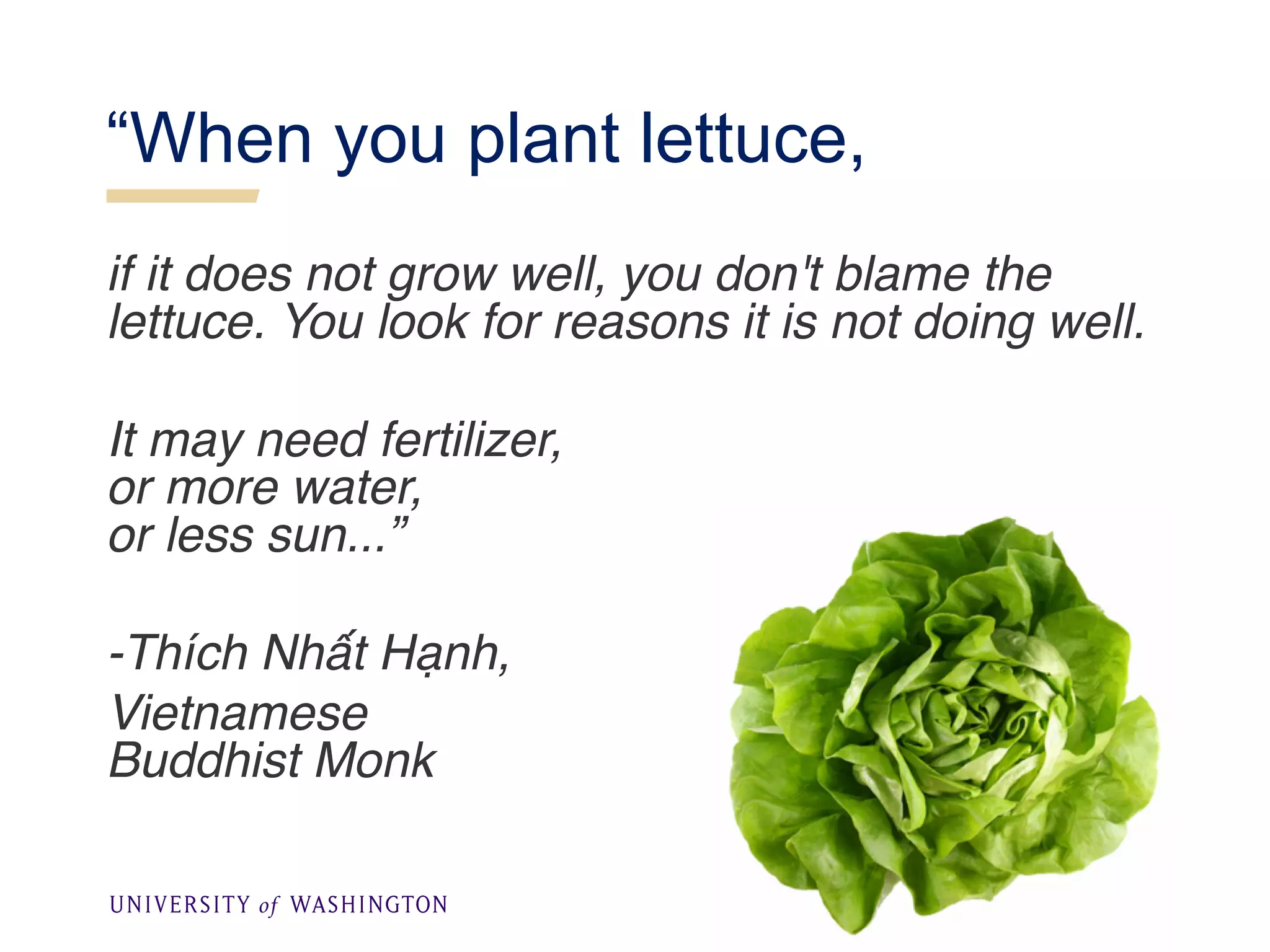
“When you plant lettuce,
if it does not grow well, you don't blame the
lettuce. You look for reasons it is not doing well.
It may need fertilizer,
or more water,
or less sun...”
-Thích Nhất Hạnh,
Vietnamese
Buddhist Monk
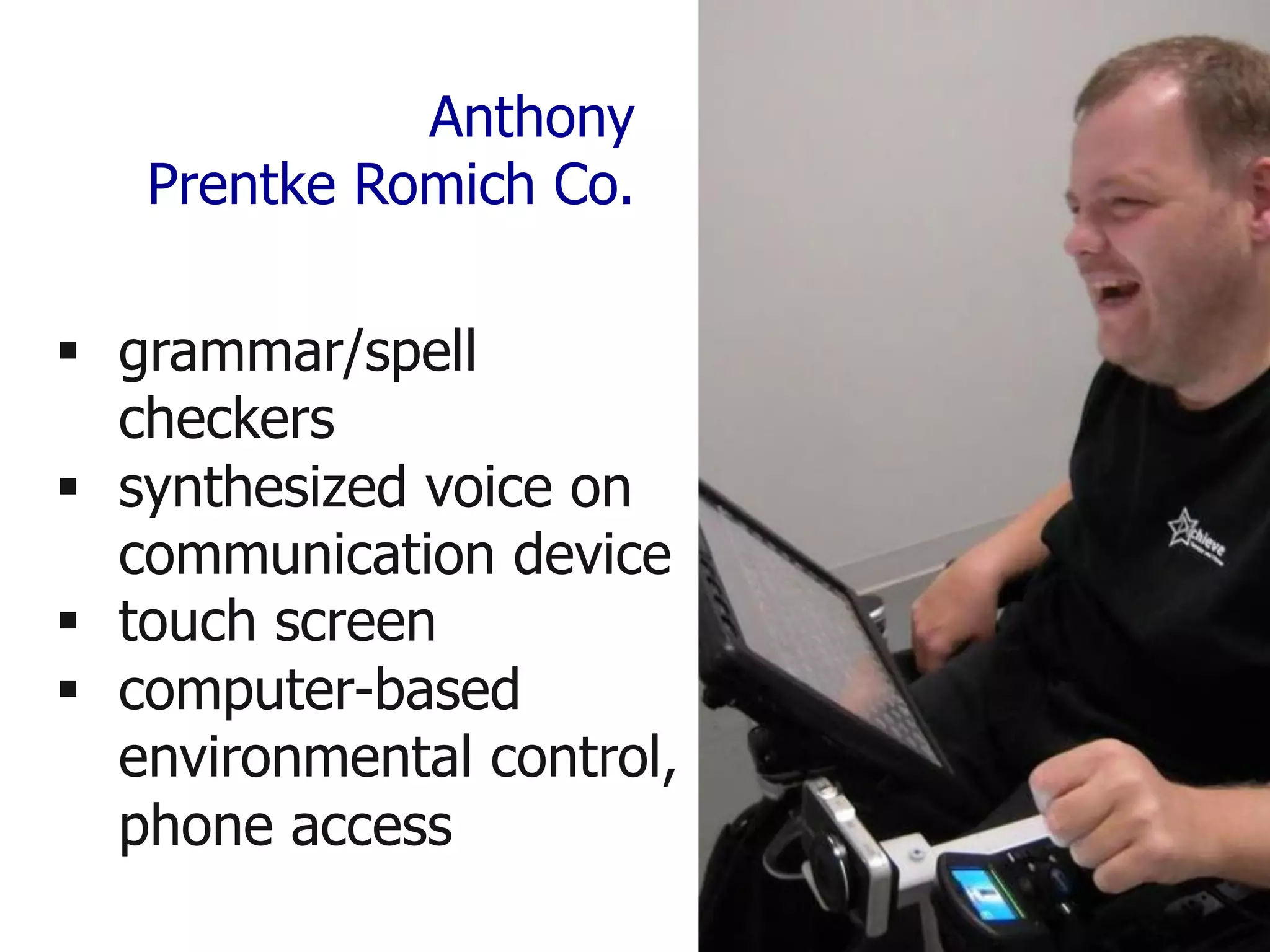
Anthony
Prentke Romich Co.
§ grammar/spell
checkers
§ synthesized voice on
communication device
§ touch screen
§ computer-based
environmental control,
phone access
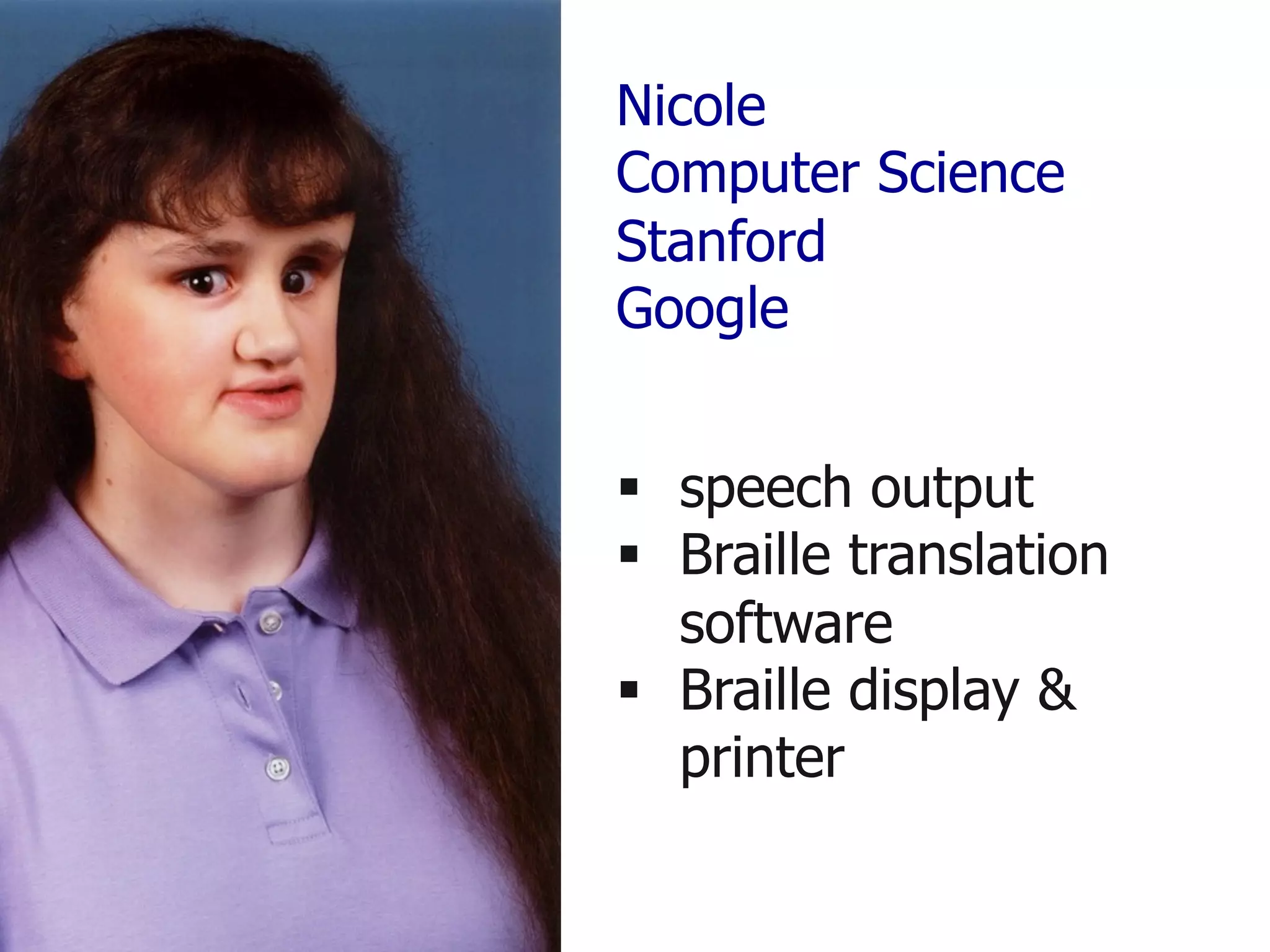
Nicole
Computer Science
Stanford
Google
§ speech output
§ Braille translation
software
§ Braille display &
printer
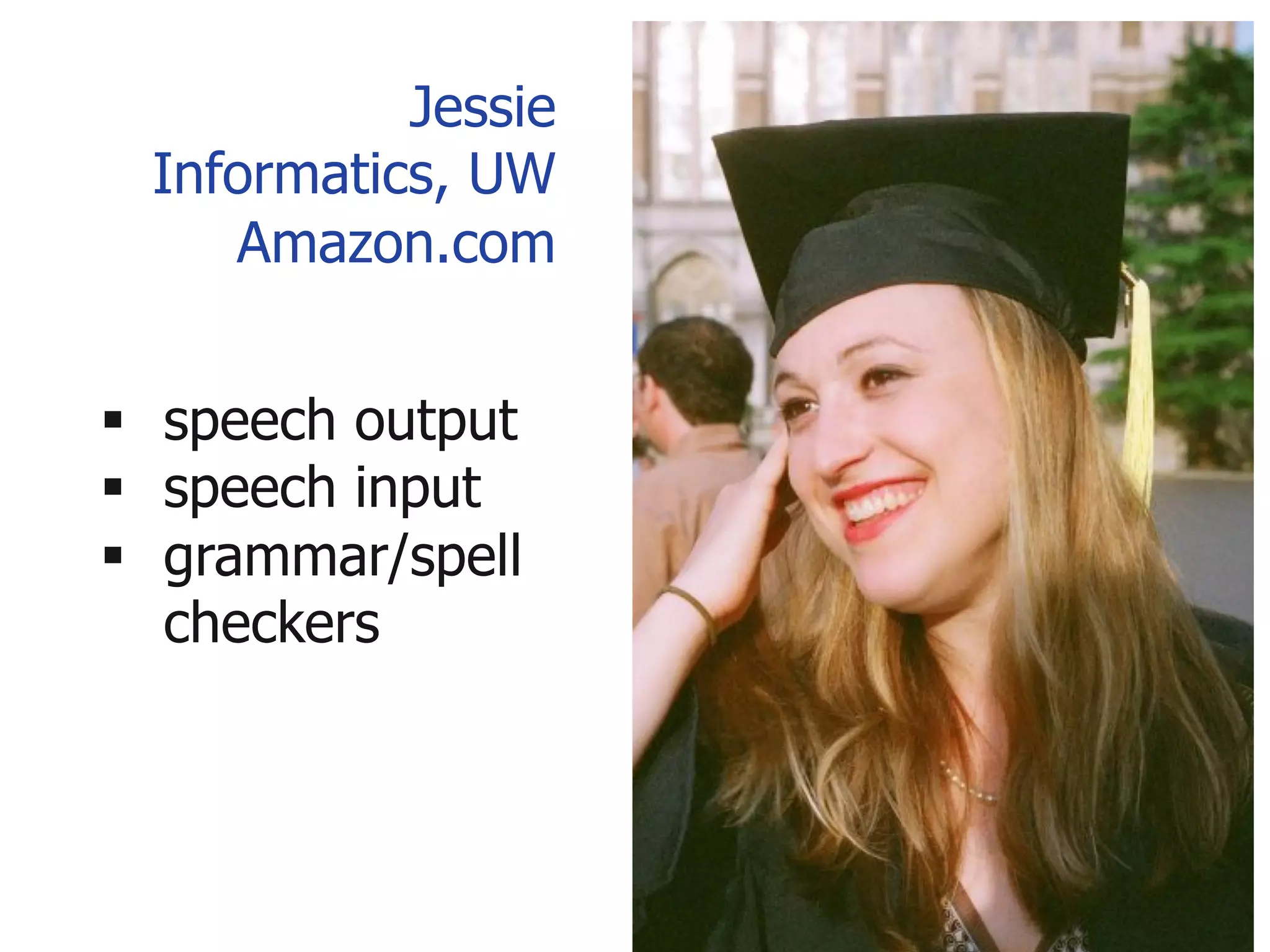
Jessie
Informatics, UW
Amazon.com
§ speech output
§ speech input
§ grammar/spell
checkers
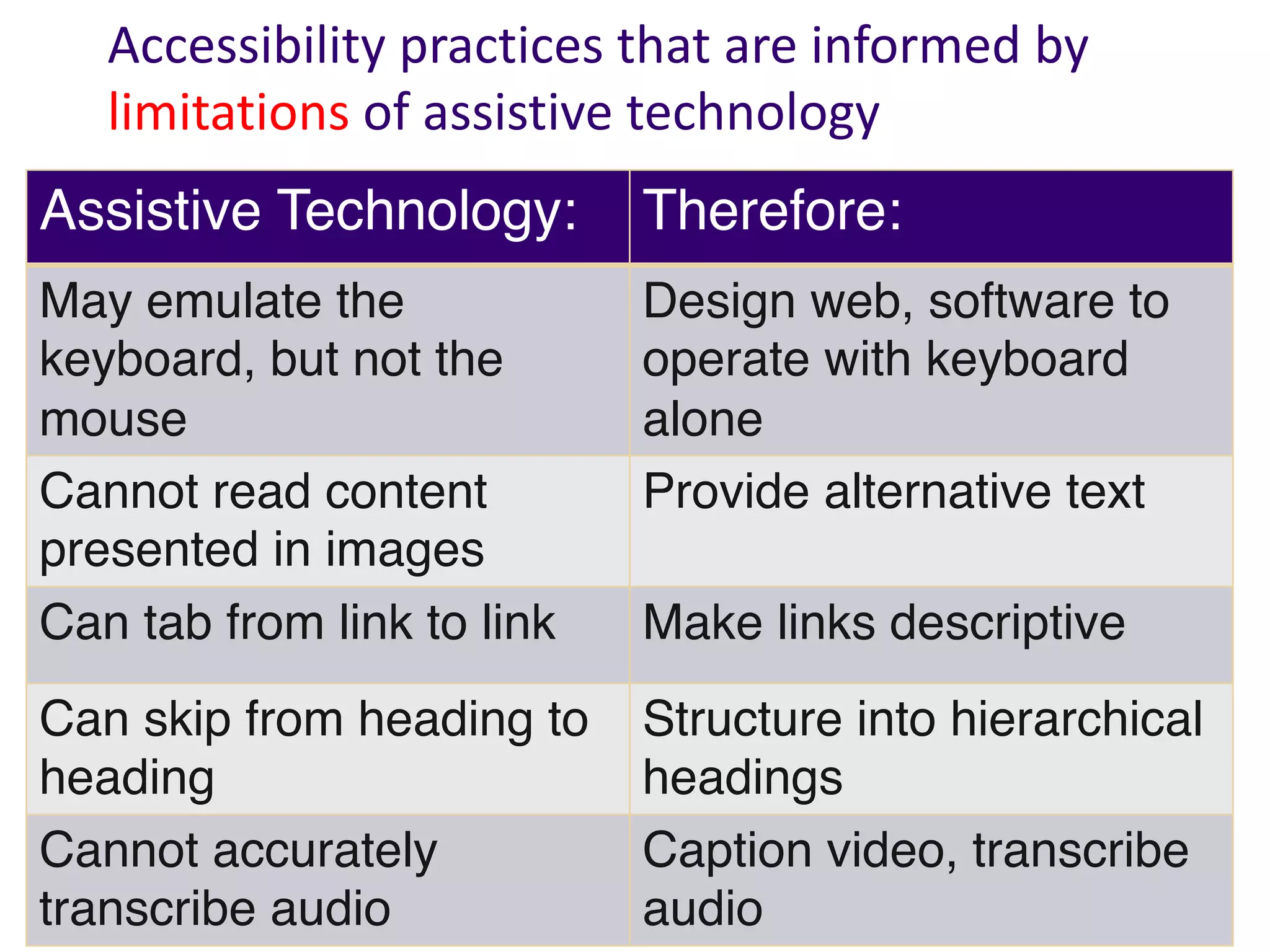
Assistive Technology: Therefore:
May emulate the
keyboard, but not the
mouse
Design web, software to
operate with keyboard
alone
Cannot read content
presented in images
Provide alternative text
Can tab from link to link Make links descriptive
Can skip from heading to
heading
Structure into hierarchical
headings
Cannot accurately
transcribe audio
Caption video, transcribe
audio
Accessibility practices that are informed by
limitations of assistive technology
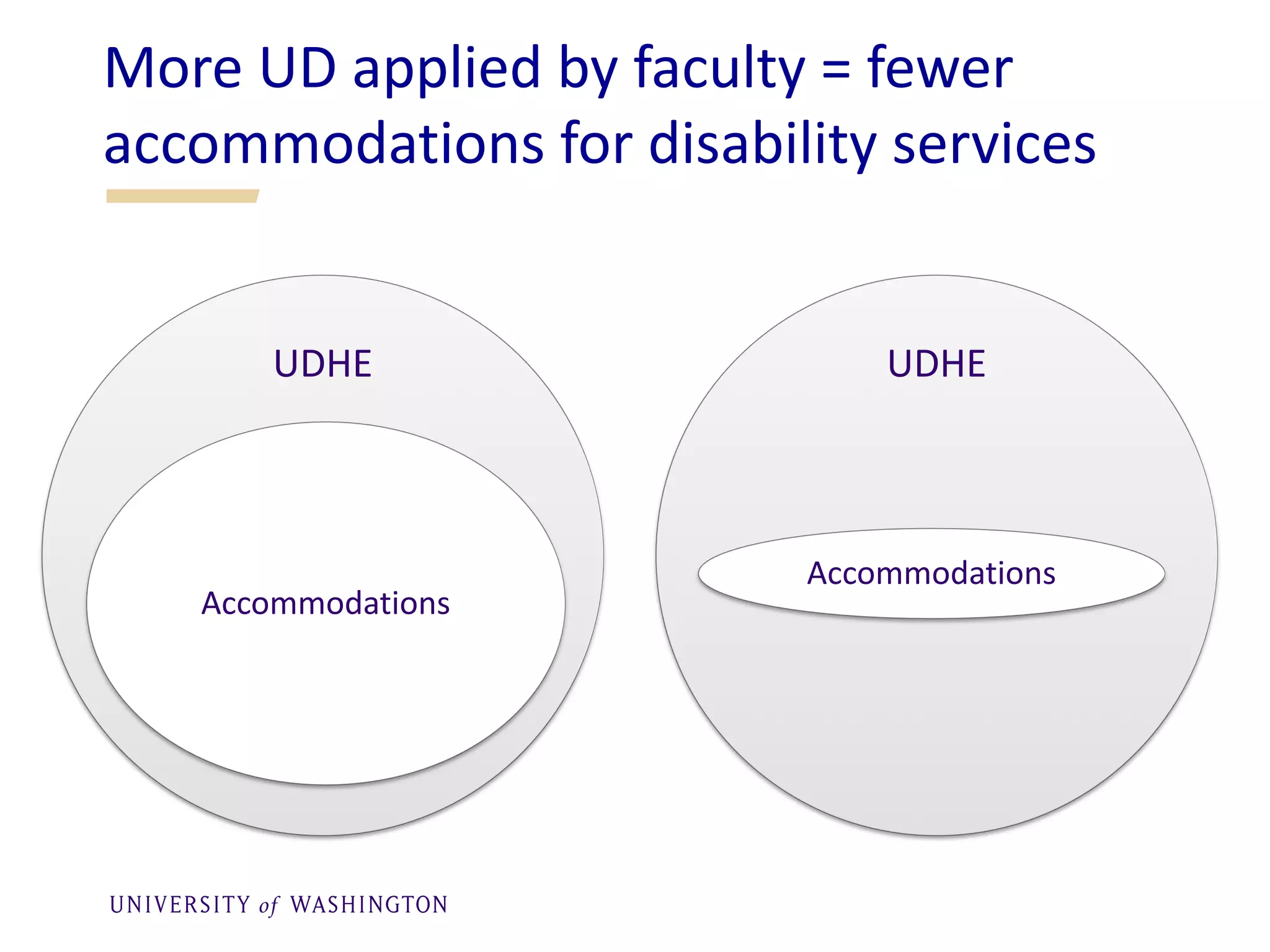
More UD applied by faculty = fewer
accommodations for disability services
UDHE
Accommodations
UDHE
Accommodations
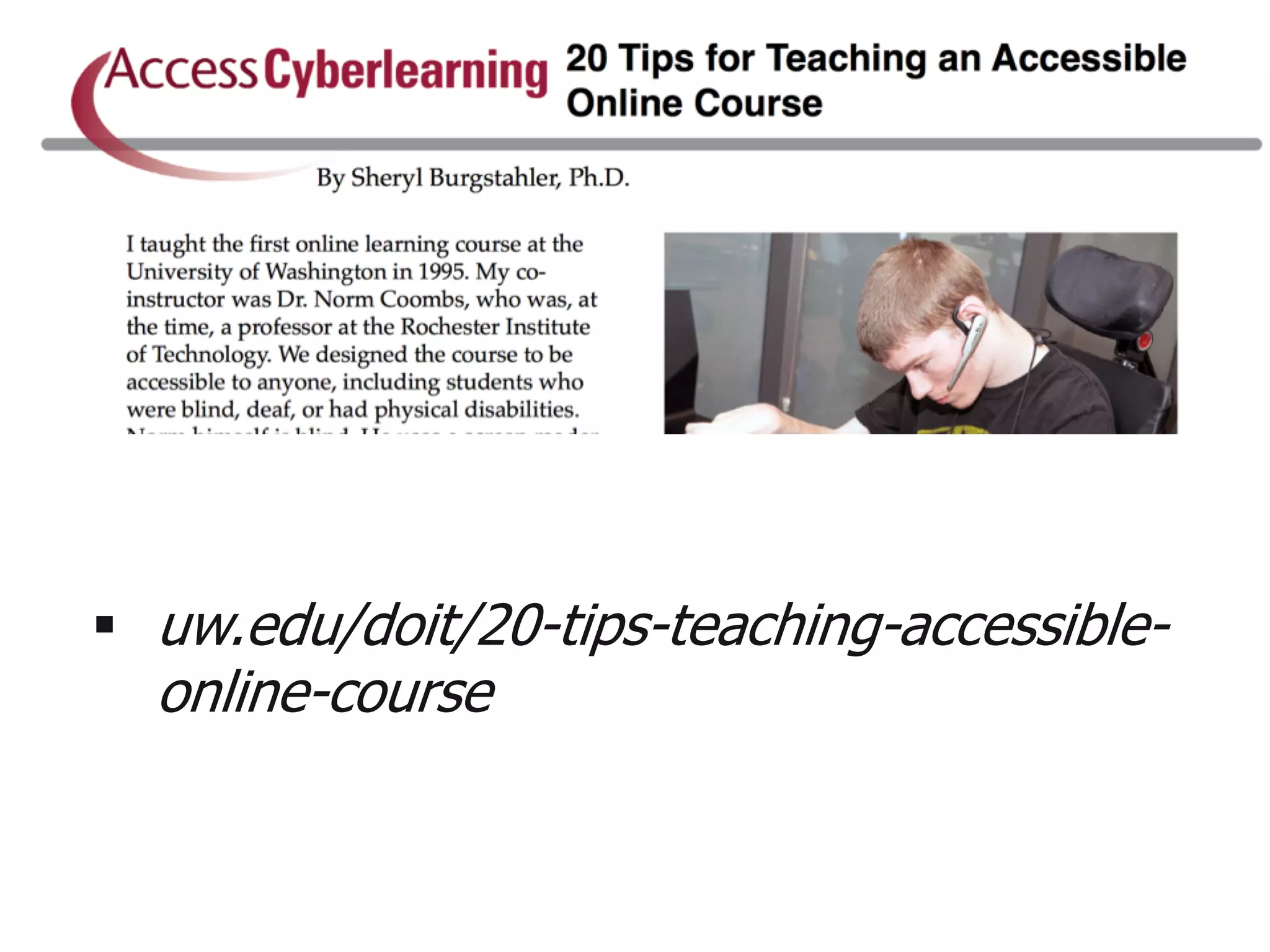
§ uw.edu/doit/20-tips-teaching-accessible-
online-course
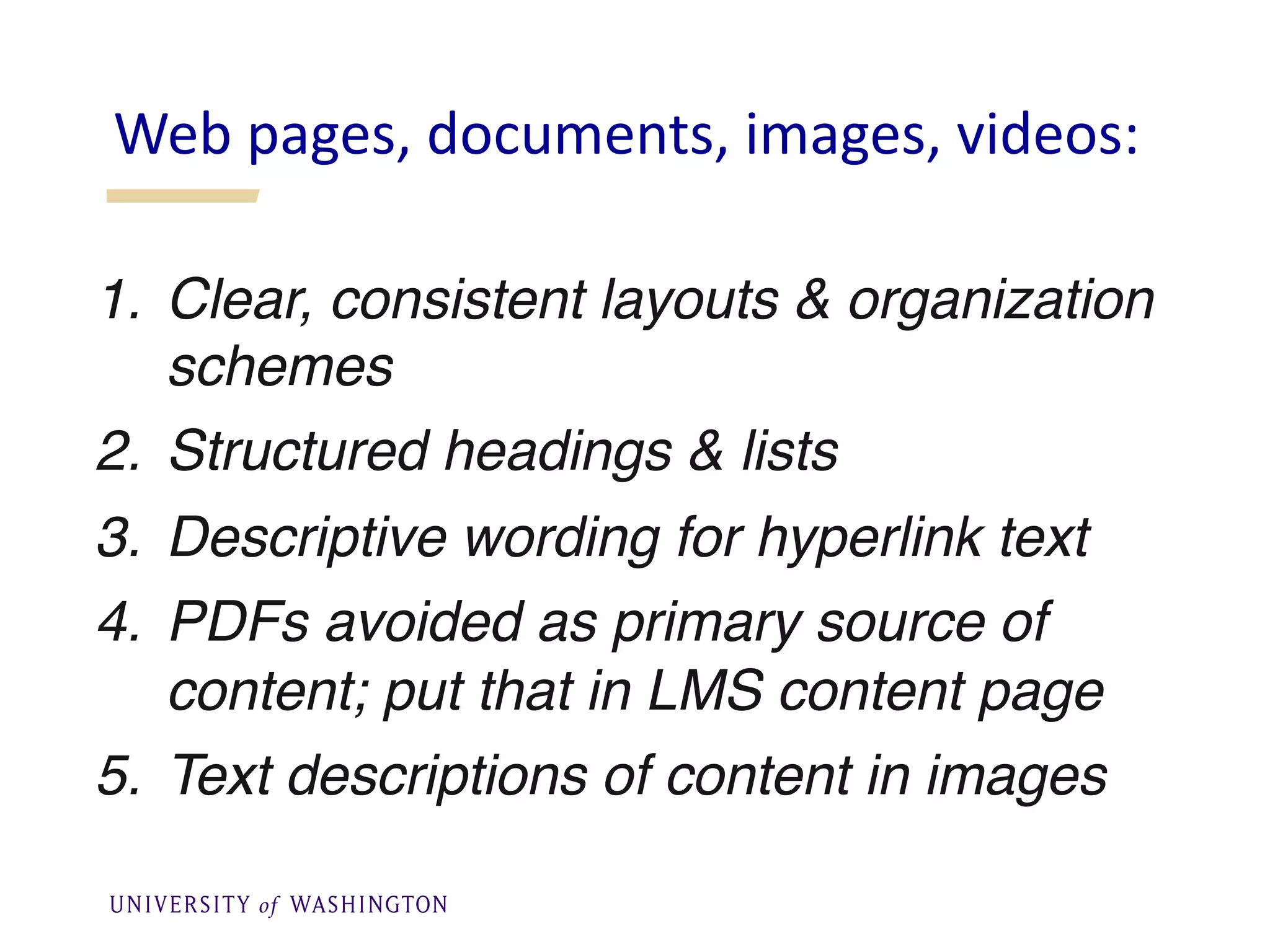
1. Clear, consistent layouts & organization
schemes
2. Structured headings & lists
3. Descriptive wording for hyperlink text
4. PDFs avoided as primary source of
content; put that in LMS content page
5. Text descriptions of content in images
Web pages, documents, images, videos:
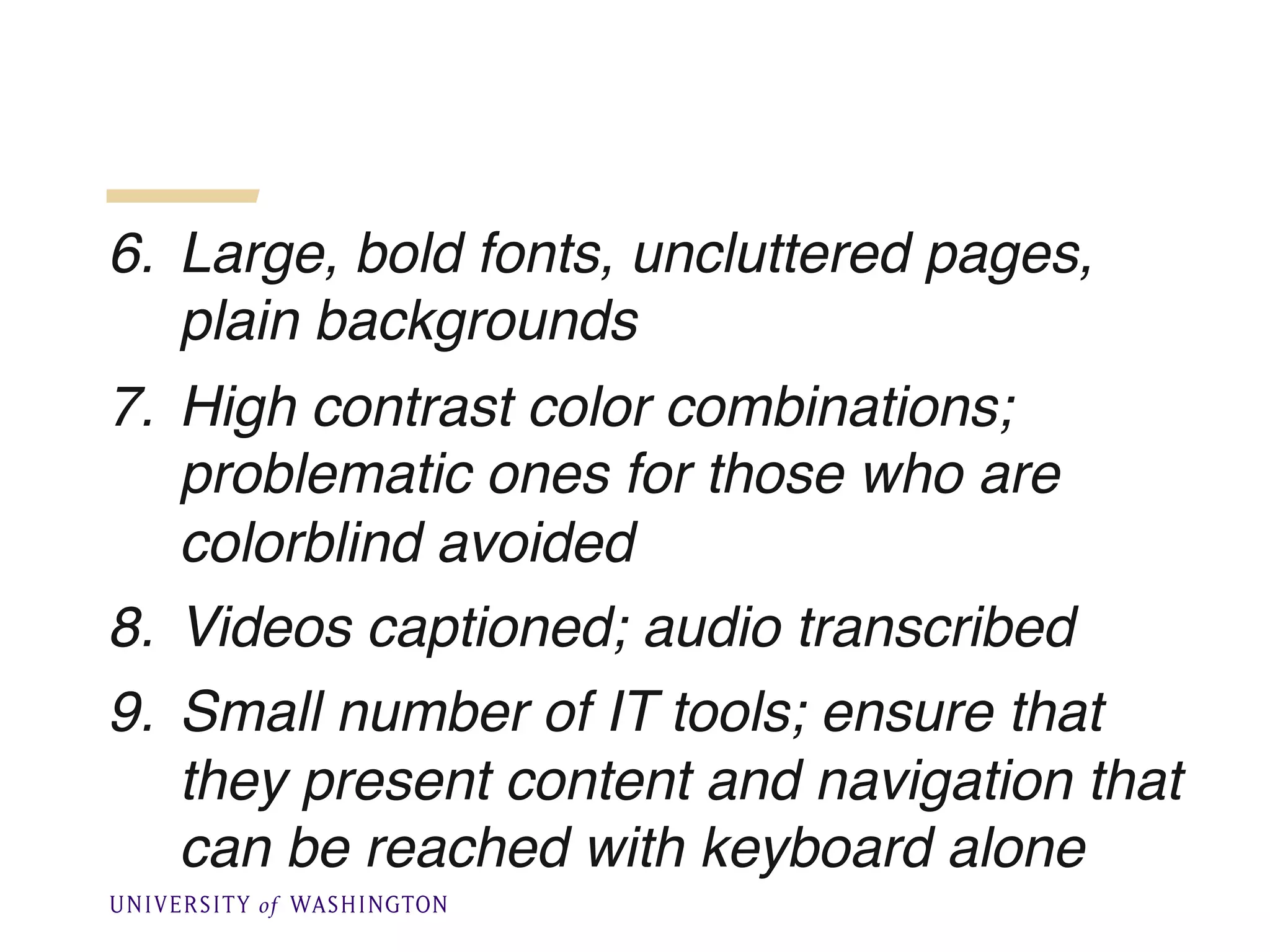
6. Large, bold fonts, uncluttered pages,
plain backgrounds
7. High contrast color combinations;
problematic ones for those who are
colorblind avoided
8. Videos captioned; audio transcribed
9. Small number of IT tools; ensure that
they present content and navigation that
can be reached with keyboard alone
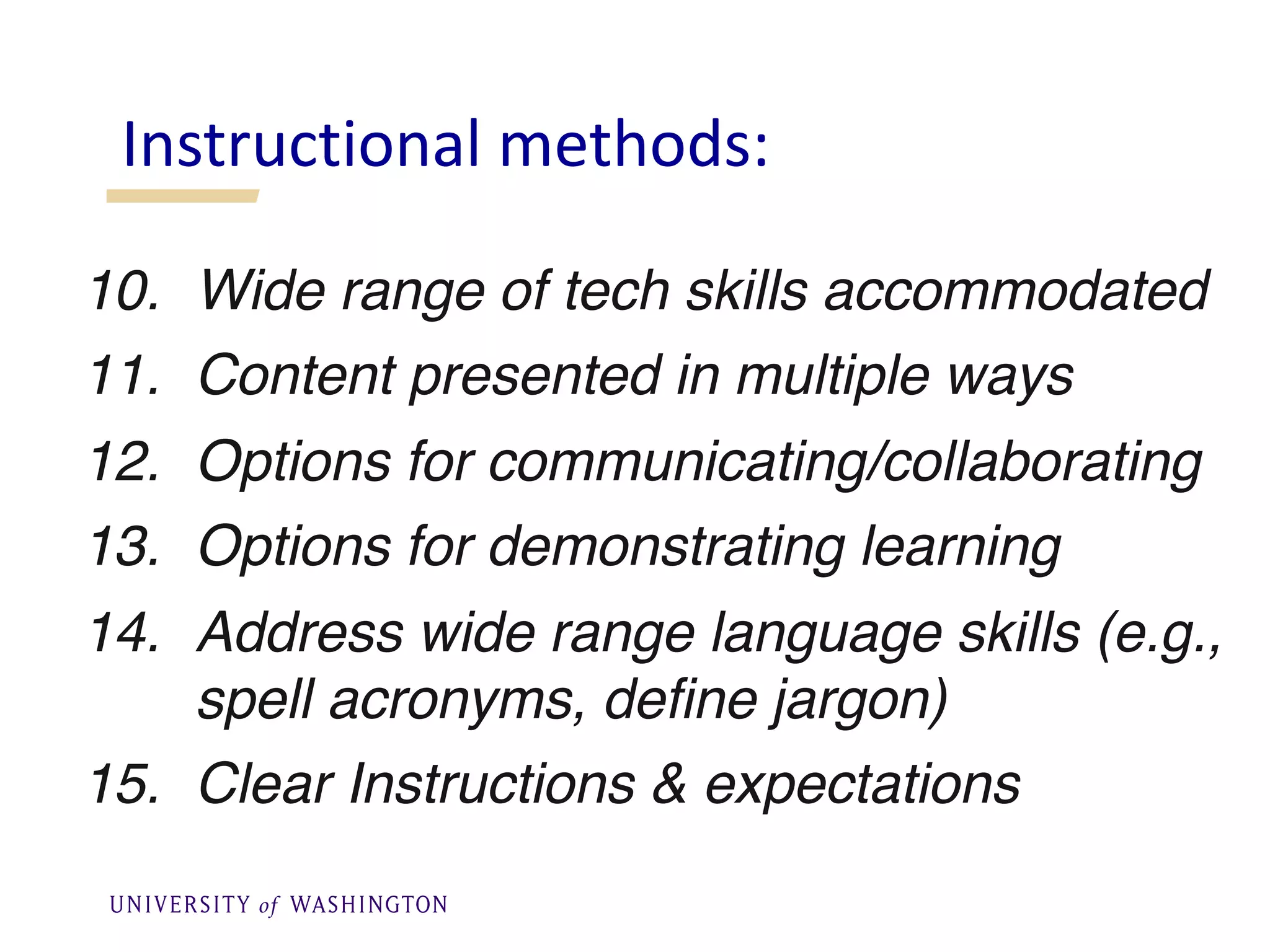
10. Wide range of tech skills accommodated
11. Content presented in multiple ways
12. Options for communicating/collaborating
13. Options for demonstrating learning
14. Address wide range language skills (e.g.,
spell acronyms, define jargon)
15. Clear Instructions & expectations
Instructional methods:
16. Examples, assignments relevant to
diverse audience
17. Outlines, other scaffolding tools provided
18. Adequate opportunities for practice
19. Adequate time provided for activities,
projects, tests
20. Feedback on parts of project & corrective
opportunities provided
In the course there is a group
assignment telling students to discuss
questions in small groups & submit their
answers to the instructor.
How could the assignment ensure
accessibility?
What could you do?
• In one assignment students search the
Internet for examples of universally
designed spaces.
• How can I design the assignment so that
it is accessible to everyone?
What could you do?
§ I expect that students should have good
writing skills BEFORE they take my
class, but each term a few of them do
not.
§ What could I do to help students who
struggle with writing assignments without
reducing course requirements?
What could you do?
UD is an attitude, a goal that
§ values diversity, equity, & inclusion
§ promotes best practices & does not
lower standards
§ is proactive & can be implemented
incrementally
§ benefits everyone & minimizes the
need for accommodations
Q&A
Sheryl Burgstahler, sherylb@uw.edu
uw.edu/doit/20-tips-teaching-
accessible-online-course
uw.edu/doit/accessdl
uw.edu/accessibility
uw.edu/doit/videos

Tips About Accessibility for Online Learning Instructors

  • 1.
    Tips About Accessibility forOnline Learning Instructors ✋ Type questions in the Q&A window during the presentation ⏺ This webinar is being recorded & will be available for replay 💬 To view live captions, please click the CC icon 📱 www.3playmedia.com l @3playmedia l #a11y Sheryl Burgstahler, Ph.D. Director, DO-IT Center and UW Access Technology Center, UW-IT, and Affiliate Professor, University of Washington
  • 2.
    Sheryl Burgstahler, Ph.D. Director, Accessible Technology Services (ATS) sherylb@uw.edu Tips about accessibility for online learning instructors
  • 3.
    Reference: Universal Design inHigher Education (UDHE): From Principles to Practice • >40 authors/co-authors • Harvard Education Press • Coming soon: Creating Inclusive Learning Opportunities in Higher Education: A Universal Design Toolkit • Email sheryl@uw.edu to join the UDHE online community of practice
  • 4.
    2 Units inATS” IT Accessibility Team § 1984– § Funded by UW DO-IT Center § USA, 1992– Supported with federal, state, corporate, private funds § DO-IT Japan, 2007– § Center on UD in Education, 1999– Disabilities Opportunities Internetworking Technology
  • 6.
    When it comesto accessibility… What do faculty need to know?
  • 7.
    Harvard • Universityof Cincinnati • Youngstown State University • University of Colorado-Boulder • University of Montana- Missoula • UC Berkeley • South Carolina Technical College System • Louisiana Tech University • MIT • Maricopa Community College District • Florida State University • CSU Fullerton • California Community Colleges • Ohio State University • Cornell • University of Kentucky • Harvard… What do they have in common?
  • 8.
    “Accessible” means aperson with a disability is afforded the opportunity to acquire the same information, engage in the same interactions, & enjoy the same services as a person without a disability in an equally effective & equally integrated manner, with substantially equivalent ease of use. The person with a disability must be able to obtain the information as fully, equally & independently as a person without a disability. -DoJ, OCR Resolutions What does “accessible” IT mean?
  • 9.
    What is thelegal basis? § Section 504 of the Rehabilitation Act of 1973 § The Americans with Disabilities Act of 1990 & its 2008 Amendments § State & local laws
  • 10.
    >Year: 1995 >Instructors: Me& Dr. Norm Coombs >Title: Adaptive Tech. for People with Disabilities >Technology: Email, discussion list, Gopher server, telnet, file transfer protocol >Online materials: In text format >Postal mailed materials: Publications, captioned & audio described VHS videos The first online course at UW
  • 11.
    Consider ability ona continuum understand English, social norms see hear walk read print write with pen or pencil communicate verbally tune out distraction learn manage physical/mental health
  • 12.
    Adjust an existingproduct or environment for a specific person…Common in online learning: § creating accessible documents, § captioning videos Accommodation-focused approach to access
  • 13.
    But sometimes itis the design of the product or environment that should be reconsidered…
  • 14.
    Coffeepot for Masochists, Catalog of Unfindable Objects by Jacques Carelman; in Donald Norman s The Psychology of Everyday Things, 1988
  • 15.
    Universal design = “thedesign of products & environments to be usable by all people, to the greatest extent possible, without the need for adaptation or specialized design.” The Center for Universal Design www.design.ncsu.edu/cud
  • 16.
    Proactive design terminology §accessible design § usable design § inclusive design § universal design § barrier-free design § design for all § …
  • 17.
    Beneficiaries of captionson videos…People who: § are unable to hear the audio § are English learners § are in a noisy or noiseless location § have slow Internet connections § want to know the spelling of words § need to find content quickly
  • 18.
    UD of technology §builds in accessibility features § ensures compatibility with assistive technology
  • 19.
    Provide multiple waysto: § gain knowledge § interact § demonstrate knowledge In applying UD to online learning:
  • 20.
    “When you plantlettuce, if it does not grow well, you don't blame the lettuce. You look for reasons it is not doing well. It may need fertilizer, or more water, or less sun...” -Thích Nhất Hạnh, Vietnamese Buddhist Monk
  • 21.
    Anthony Prentke Romich Co. §grammar/spell checkers § synthesized voice on communication device § touch screen § computer-based environmental control, phone access
  • 22.
    Nicole Computer Science Stanford Google § speechoutput § Braille translation software § Braille display & printer
  • 23.
    Jessie Informatics, UW Amazon.com § speechoutput § speech input § grammar/spell checkers
  • 24.
    Assistive Technology: Therefore: Mayemulate the keyboard, but not the mouse Design web, software to operate with keyboard alone Cannot read content presented in images Provide alternative text Can tab from link to link Make links descriptive Can skip from heading to heading Structure into hierarchical headings Cannot accurately transcribe audio Caption video, transcribe audio Accessibility practices that are informed by limitations of assistive technology
  • 25.
    More UD appliedby faculty = fewer accommodations for disability services UDHE Accommodations UDHE Accommodations
  • 26.
  • 27.
    1. Clear, consistentlayouts & organization schemes 2. Structured headings & lists 3. Descriptive wording for hyperlink text 4. PDFs avoided as primary source of content; put that in LMS content page 5. Text descriptions of content in images Web pages, documents, images, videos:
  • 28.
    6. Large, boldfonts, uncluttered pages, plain backgrounds 7. High contrast color combinations; problematic ones for those who are colorblind avoided 8. Videos captioned; audio transcribed 9. Small number of IT tools; ensure that they present content and navigation that can be reached with keyboard alone
  • 29.
    10. Wide rangeof tech skills accommodated 11. Content presented in multiple ways 12. Options for communicating/collaborating 13. Options for demonstrating learning 14. Address wide range language skills (e.g., spell acronyms, define jargon) 15. Clear Instructions & expectations Instructional methods:
  • 30.
    16. Examples, assignmentsrelevant to diverse audience 17. Outlines, other scaffolding tools provided 18. Adequate opportunities for practice 19. Adequate time provided for activities, projects, tests 20. Feedback on parts of project & corrective opportunities provided
  • 31.
    In the coursethere is a group assignment telling students to discuss questions in small groups & submit their answers to the instructor. How could the assignment ensure accessibility? What could you do?
  • 32.
    • In oneassignment students search the Internet for examples of universally designed spaces. • How can I design the assignment so that it is accessible to everyone? What could you do?
  • 33.
    § I expectthat students should have good writing skills BEFORE they take my class, but each term a few of them do not. § What could I do to help students who struggle with writing assignments without reducing course requirements? What could you do?
  • 34.
    UD is anattitude, a goal that § values diversity, equity, & inclusion § promotes best practices & does not lower standards § is proactive & can be implemented incrementally § benefits everyone & minimizes the need for accommodations
  • 35.