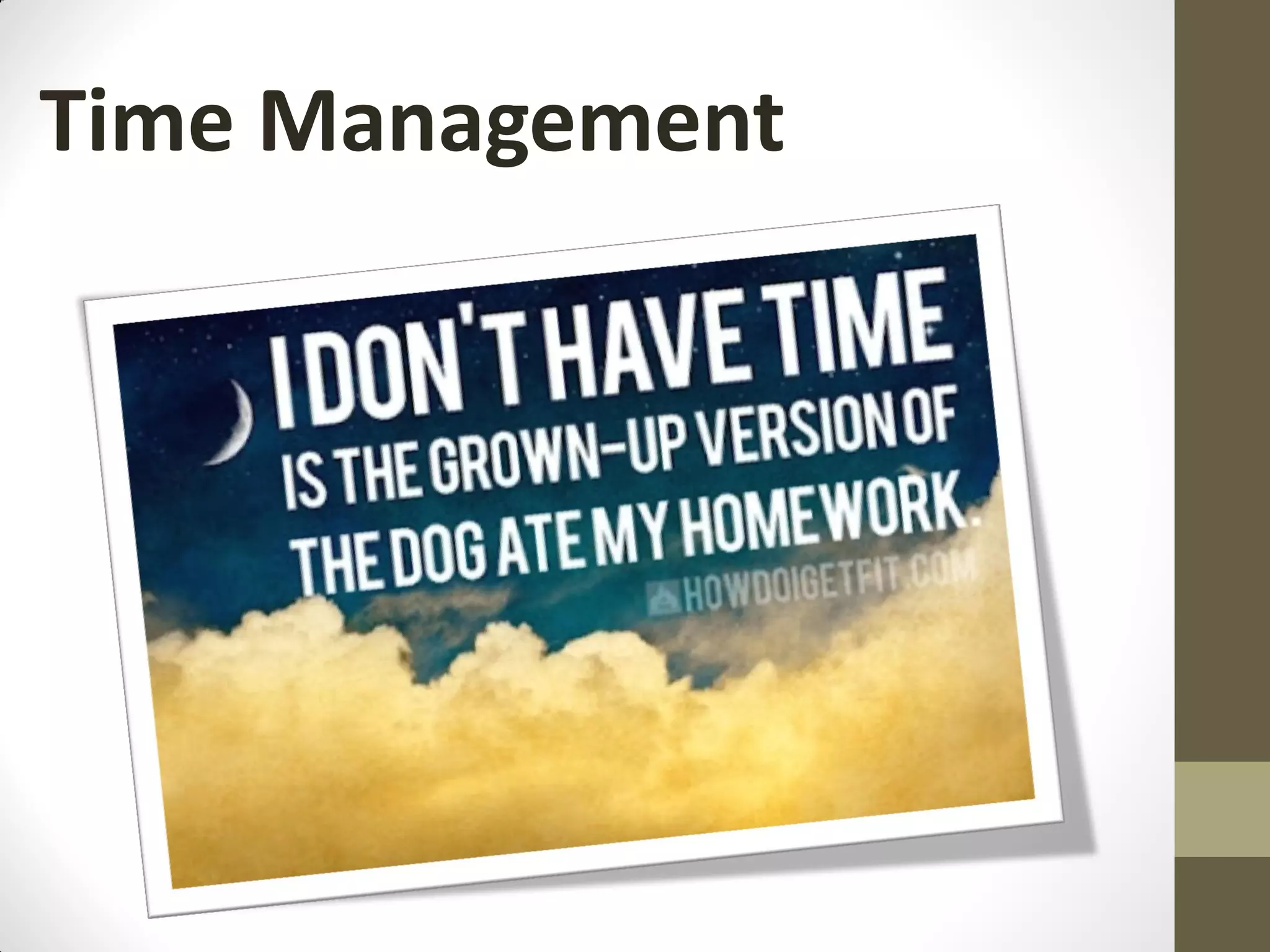
Time Management
Flow of the session…
1.   Defining time management
2.   10 Common Time Management Mistakes
3.   Time thieves and how to get rid of them
4.   What can you use in order to improve your
     time management skills?
       • ABC Analysis
       • Pareto Analysis
       • Eisenhower method
5.   Tips & Tricks (how to manage my day, how to deal with huge
     tasks, how to delegate, how to manage my emails, )
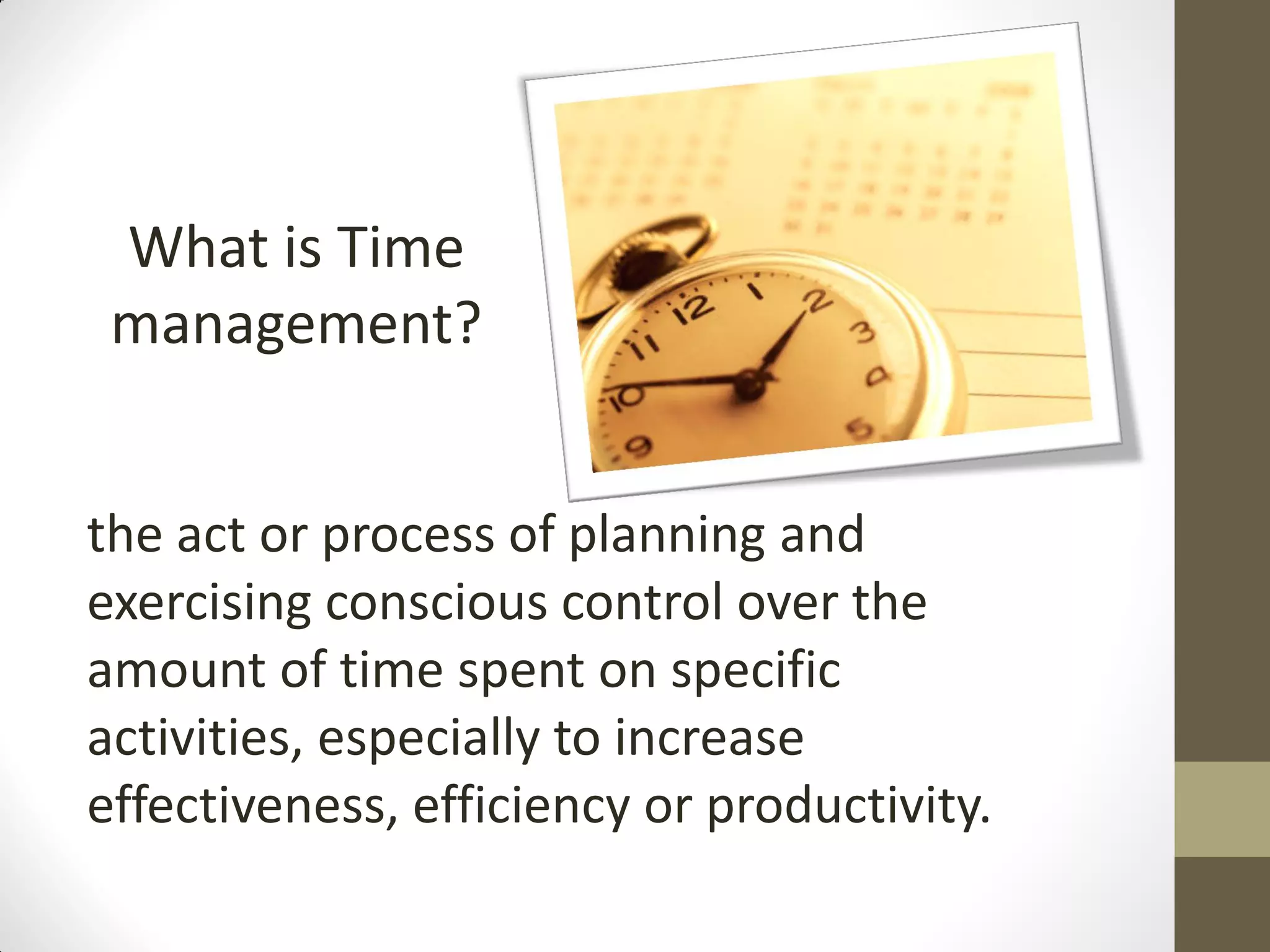
What is Time
 management?


the act or process of planning and
exercising conscious control over the
amount of time spent on specific
activities, especially to increase
effectiveness, efficiency or productivity.
10 Common Time
Management Mistakes
Mistake #1. Failing to Keep a To-Do List

             Mistake #2. Not Setting Personal Goals
Mistake #3. Not Prioritizing

              Mistake #4. Failing to Manage Distractions
Mistake #5. Procrastination
              Mistake #6. Taking on too Much
Mistake #7. Thriving on "Busy"

              Mistake #8. Multitasking
Mistake #9. Not Taking Breaks

              Mistake #10. Ineffectively Scheduling Tasks
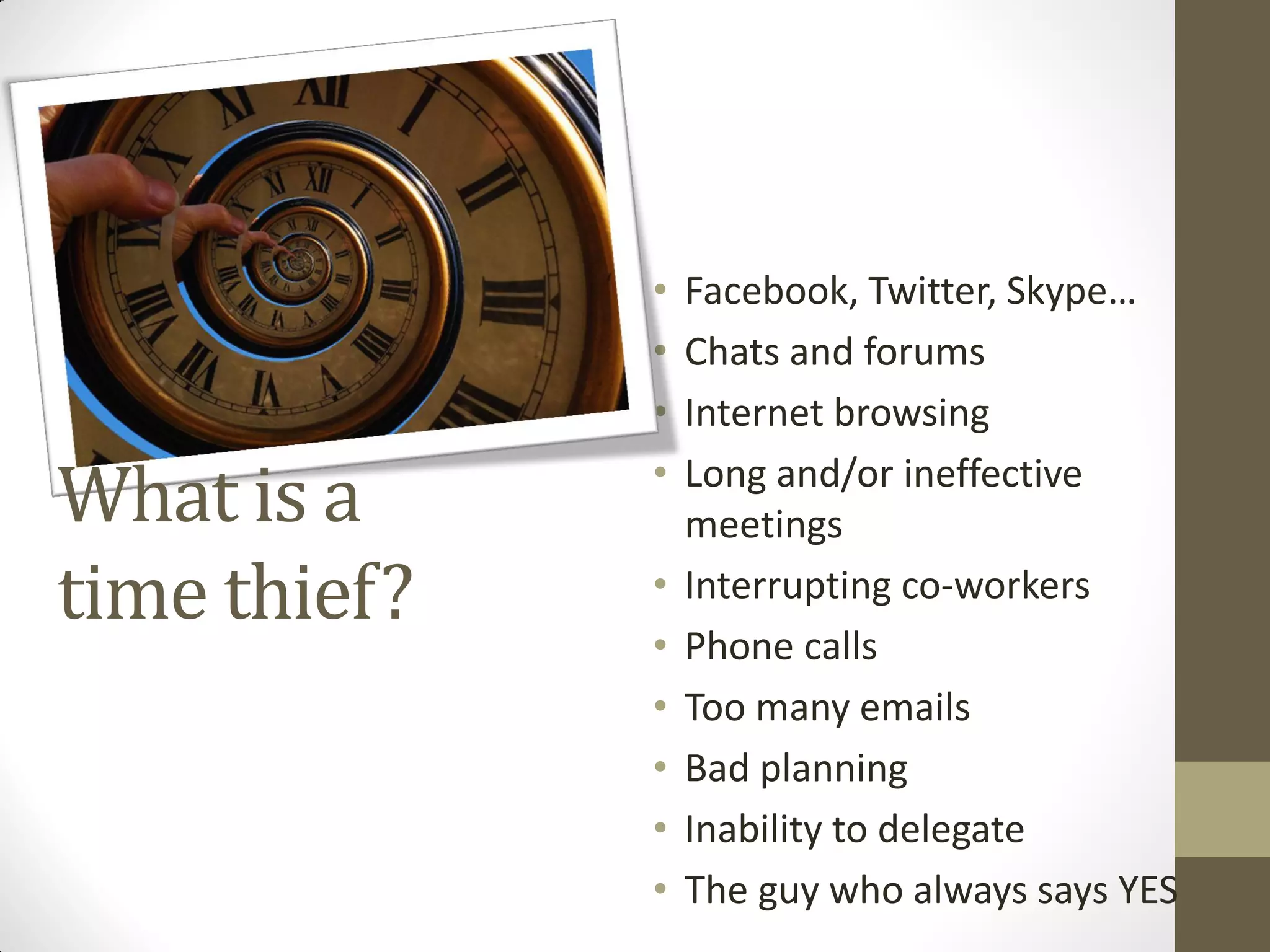
•   Facebook, Twitter, Skype…
              •   Chats and forums
              •   Internet browsing

What is a     •   Long and/or ineffective
                  meetings
time thief?   •   Interrupting co-workers
              •   Phone calls
              •   Too many emails
              •   Bad planning
              •   Inability to delegate
              •   The guy who always says YES
Which are your time thieves?
How could you get rid of the time thieves?
• Facebook, Twitter, Skype… & Chats and forums & Internet browsing
   • SOLUTION – set a time when you check everything and except that time stay away from these
     channels. Time flies here and then you will start to panic because you don’t have time to finish your
     tasks
• Long and/or ineffective meetings
   • SOLUTION – set from the beginning a clear outcome of the meeting and a clear agenda. A very good
     idea, when you have team meetings if also to assign some roles in the team:
        •   Time keeper – that will let you know how much time you still have to discuss different subjects (based on the
            agenda set before)
        •   Output keeper – that will note down the discussion points and main decisions taken
        •   Meeting leaders – who runs the meeting and has the overview on where you need to get
• Interrupting co-workers
   • SOLUTION – ask people in specific times not to disturb you (have a do not disturb sign)
• Phone calls & Too many emails
   • SOLUTION – set a specific time when you answer all these emails and calls (except urgent ones of
     course). Stop checking your email every 5 minutes
• Bad planning
   • SOLUTION – work constantly on improving your planning by tracking your daily schedule and how you
     managed the time that you had.
• Inability to delegate
   • SOLUTION – don’t do everything yourself. Delegate so that others can also learn how to do certain
     things.
• The guy who always says YES
   • SOLUTION –Think about your time availability, if you actually need to take on another task
Useful tools to use in your time
        management 
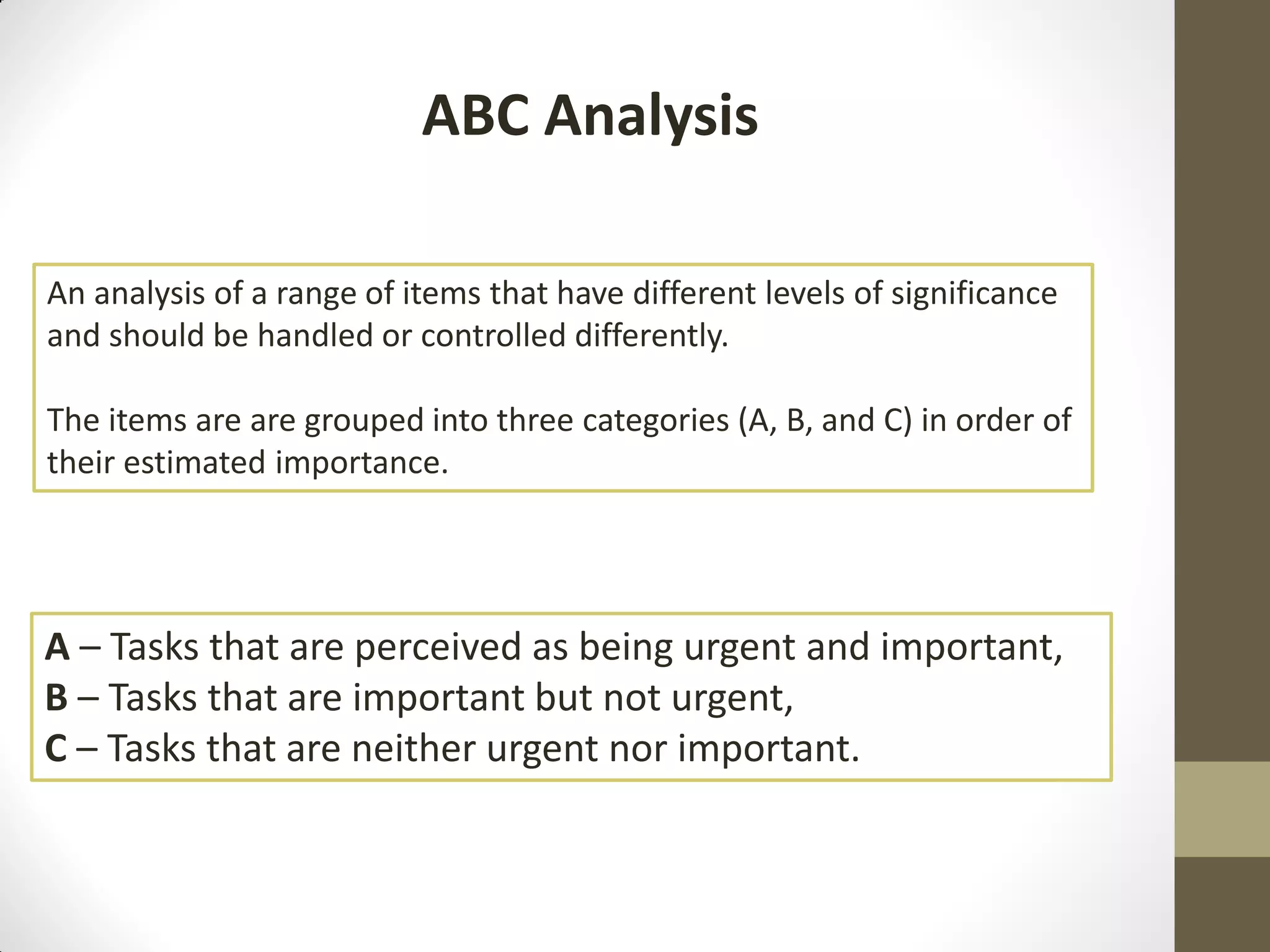
ABC Analysis

An analysis of a range of items that have different levels of significance
and should be handled or controlled differently.

The items are are grouped into three categories (A, B, and C) in order of
their estimated importance.


A – Tasks that are perceived as being urgent and important,
B – Tasks that are important but not urgent,
C – Tasks that are neither urgent nor important.
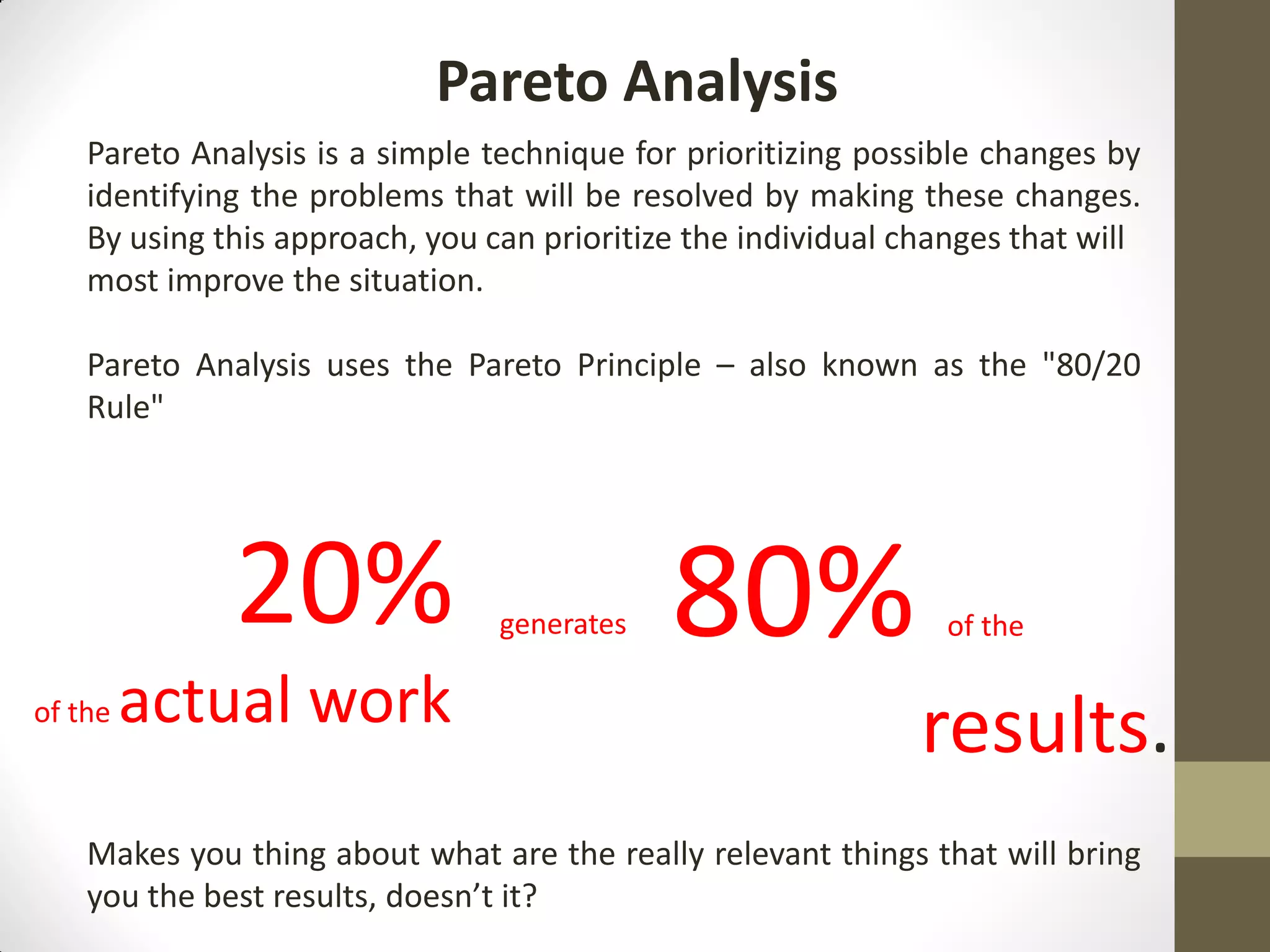
Pareto Analysis
    Pareto Analysis is a simple technique for prioritizing possible changes by
    identifying the problems that will be resolved by making these changes.
    By using this approach, you can prioritize the individual changes that will
    most improve the situation.

    Pareto Analysis uses the Pareto Principle – also known as the "80/20
    Rule"


              20%                generates   80%                 of the

of the   actual work                                           results.
    Makes you thing about what are the really relevant things that will bring
    you the best results, doesn’t it?
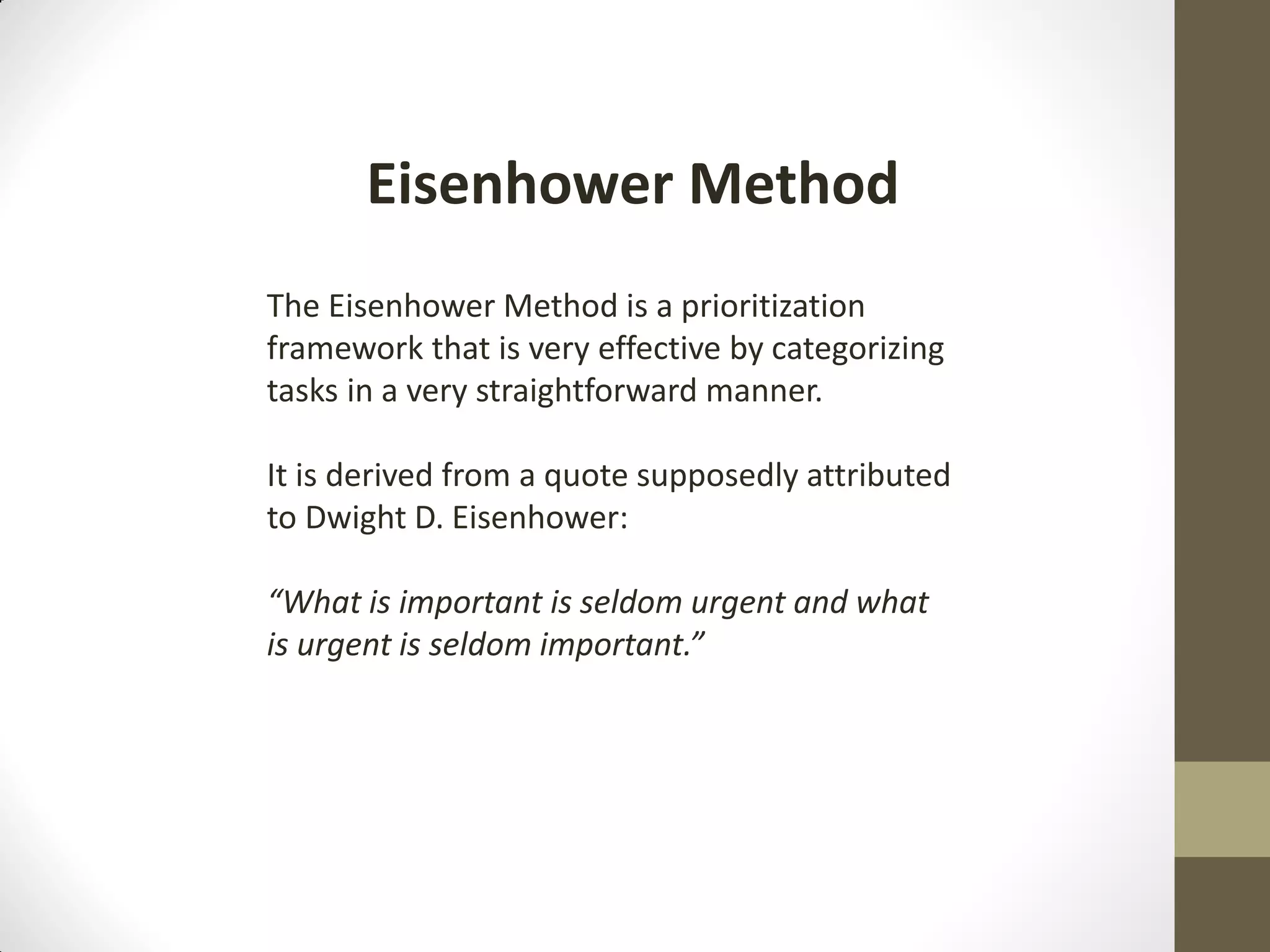
Eisenhower Method
The Eisenhower Method is a prioritization
framework that is very effective by categorizing
tasks in a very straightforward manner.

It is derived from a quote supposedly attributed
to Dwight D. Eisenhower:

“What is important is seldom urgent and what
is urgent is seldom important.”
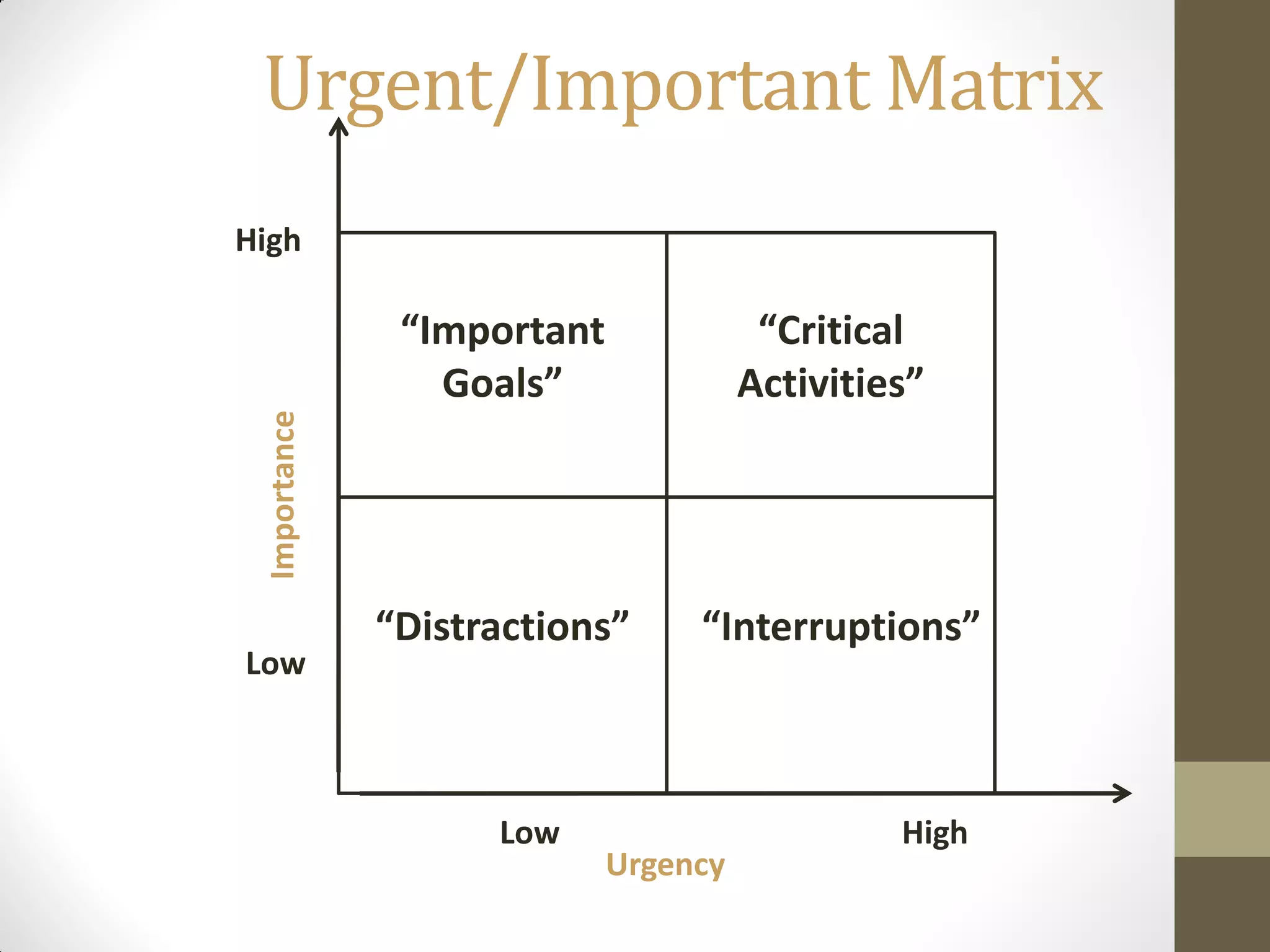
Urgent/Important Matrix
High

               “Important              “Critical
                 Goals”               Activities”
 Importance


              “Distractions”     “Interruptions”
Low


                    Low                        High
                            Urgency
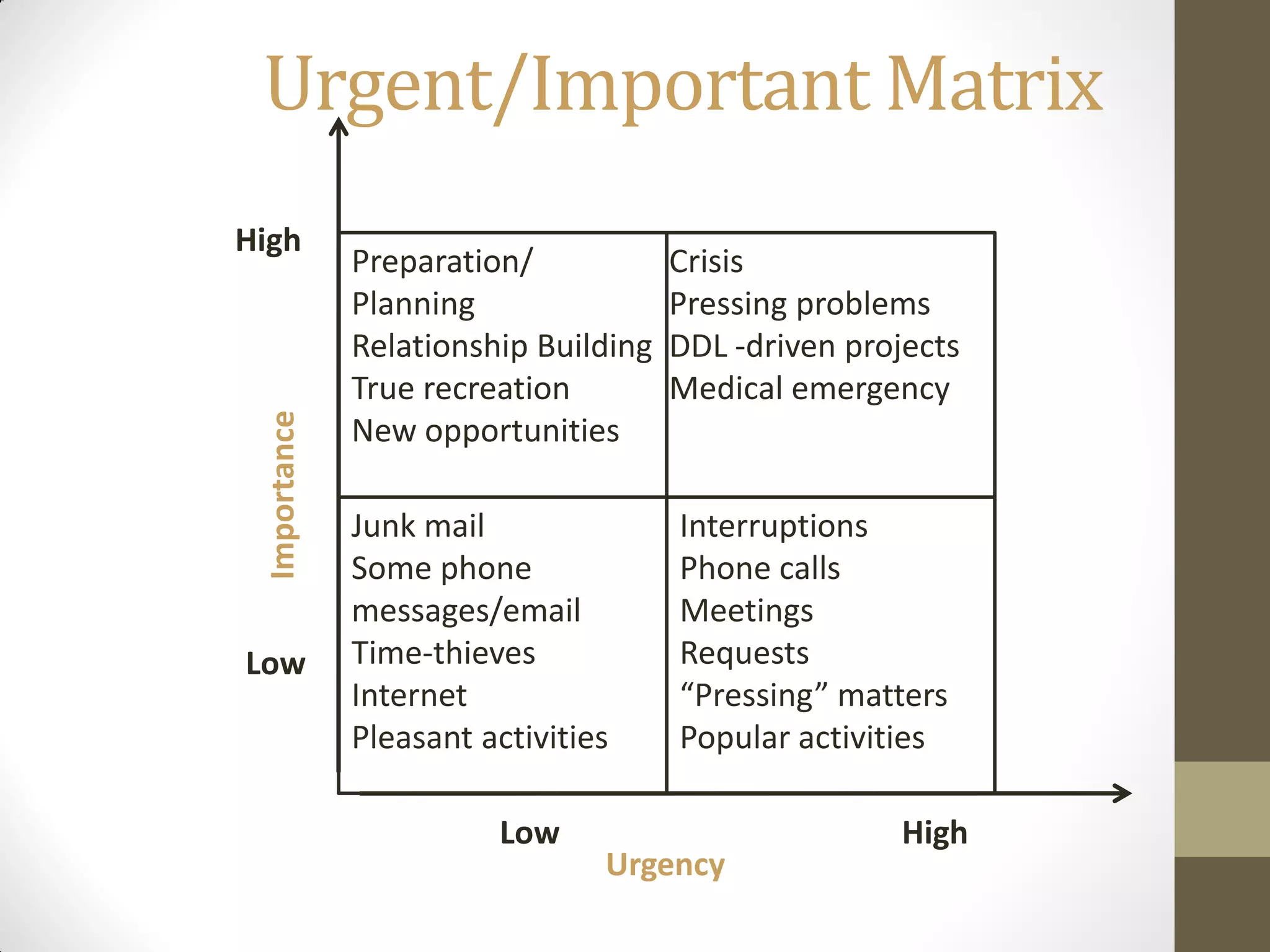
Urgent/Important Matrix
High
              Preparation/            Crisis
              Planning                Pressing problems
              Relationship Building   DDL -driven projects
              True recreation         Medical emergency
 Importance


              New opportunities

              Junk mail               Interruptions
              Some phone              Phone calls
              messages/email          Meetings
Low           Time-thieves            Requests
              Internet                “Pressing” matters
              Pleasant activities     Popular activities

                        Low                           High
                                Urgency
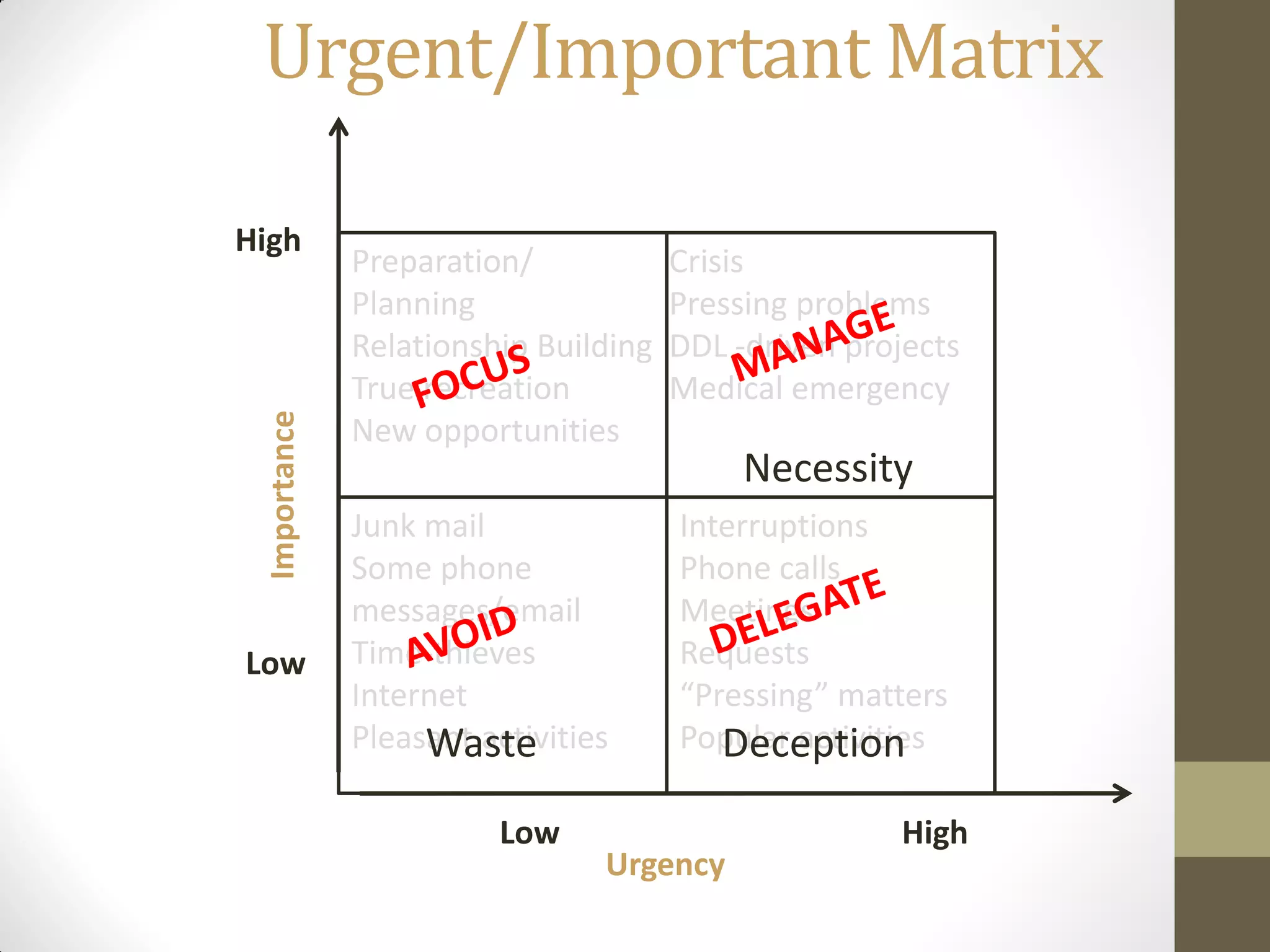
Urgent/Important Matrix

High
              Preparation/            Crisis
              Planning                Pressing problems
              Relationship Building   DDL -driven projects
              True recreation         Medical emergency
 Importance


              New opportunities
                                           Necessity
              Junk mail               Interruptions
              Some phone              Phone calls
              messages/email          Meetings
Low           Time-thieves            Requests
              Internet                “Pressing” matters
              Pleasant activities
                   Waste              Popular activities
                                         Deception
                        Low                           High
                                Urgency
Tips & Tricks
Managing my daily schedule
    How do you do that?
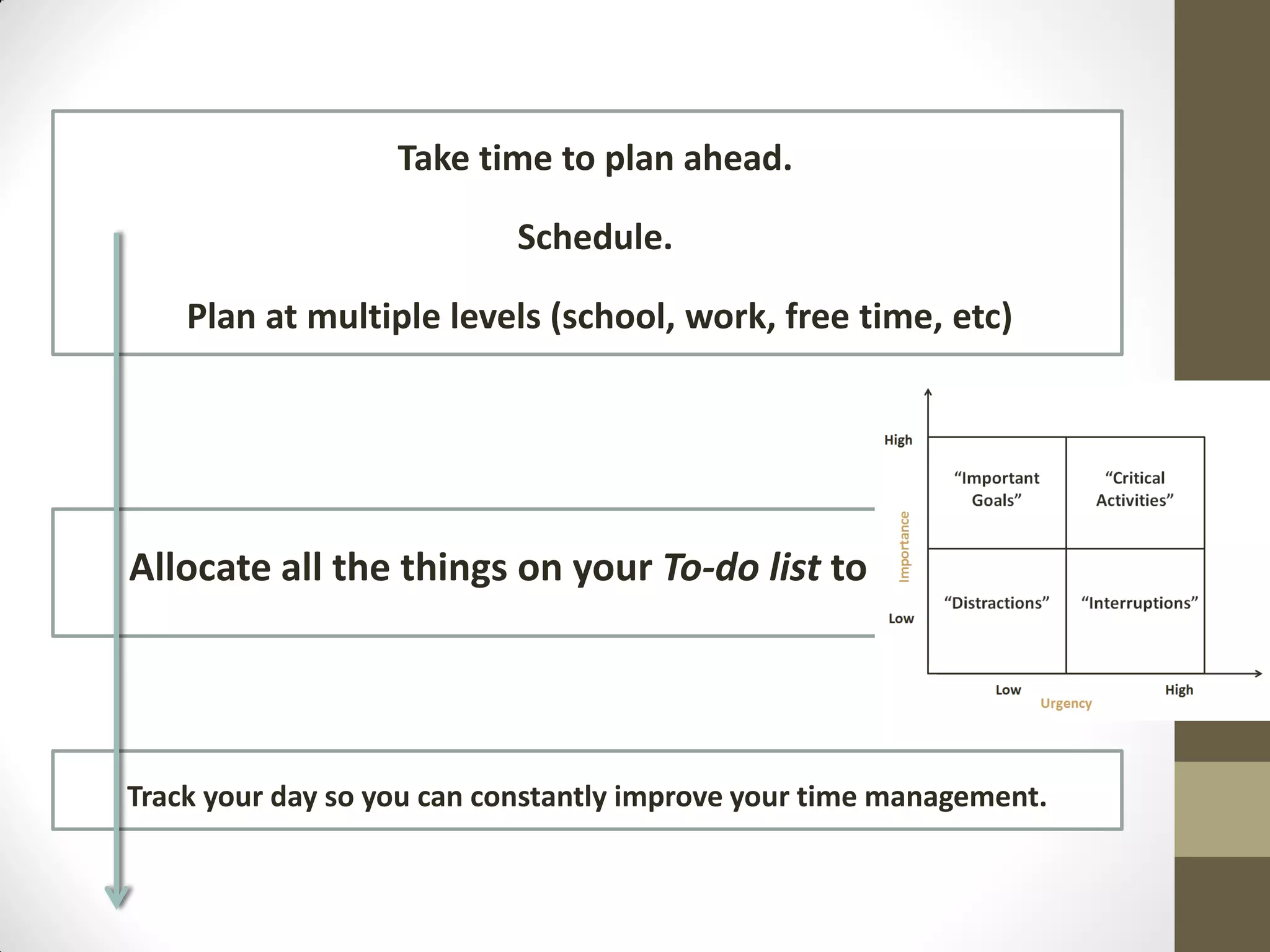
Take time to plan ahead.

                           Schedule.

    Plan at multiple levels (school, work, free time, etc)


Allocate all the things on your To-do list to


Track your day so you can constantly improve your time management.
What should I do if…
• The task is very big.

• The task is very important.

• I don’t know where to start from.

• A difficult decision has to be made.

• Something unpleasant has to do with it
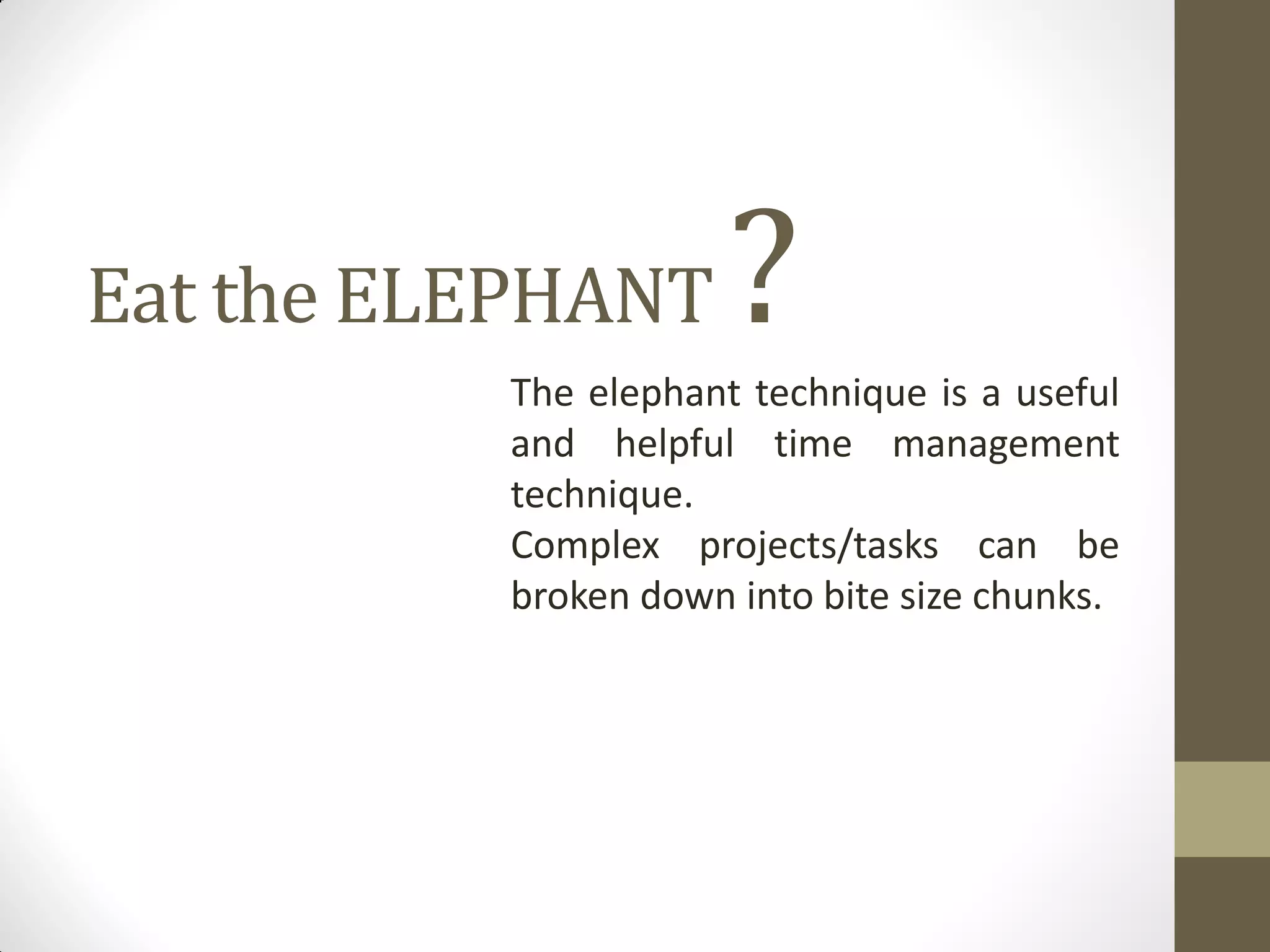
Eat the ELEPHANT      ?
          The elephant technique is a useful
          and helpful time management
          technique.
          Complex projects/tasks can be
          broken down into bite size chunks.
Managing my daily schedule
    How do you do that?
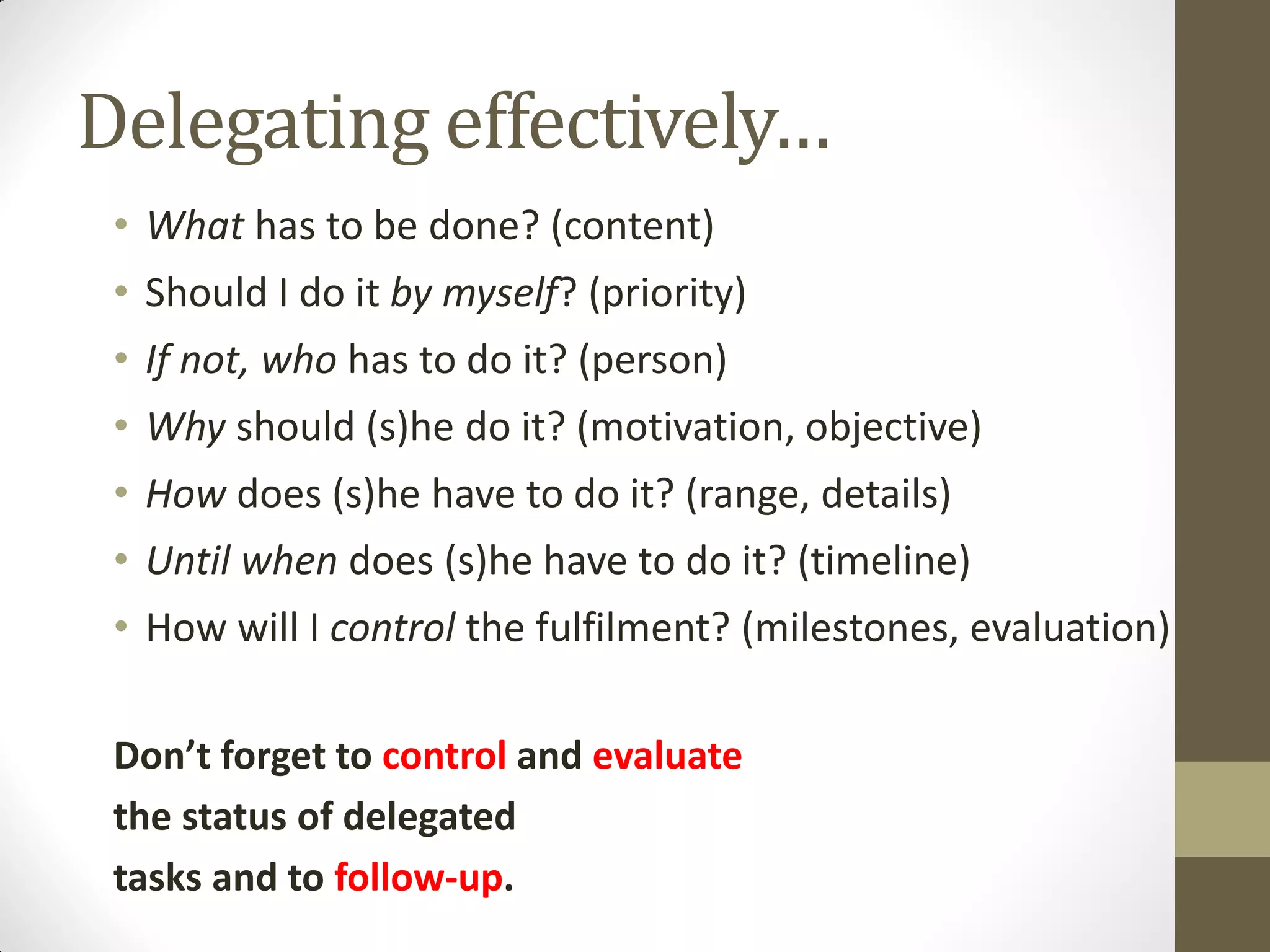
Delegating effectively…
 • What has to be done? (content)
 • Should I do it by myself? (priority)
 • If not, who has to do it? (person)
 • Why should (s)he do it? (motivation, objective)
 • How does (s)he have to do it? (range, details)
 • Until when does (s)he have to do it? (timeline)
 • How will I control the fulfilment? (milestones, evaluation)

 Don’t forget to control and evaluate
 the status of delegated
 tasks and to follow-up.
Delegating effectively…
 • Treat your people well.
 • Challenge your people.
 • Give your people a goal, not procedures.
 • Tell the importance of each task.
 • Communicate clearly.
 • Be specific:
                -- Give a specific thing to do
                -- Set a specific date and time
                -- Specific penalty / reward
How should I manage my
       emails?
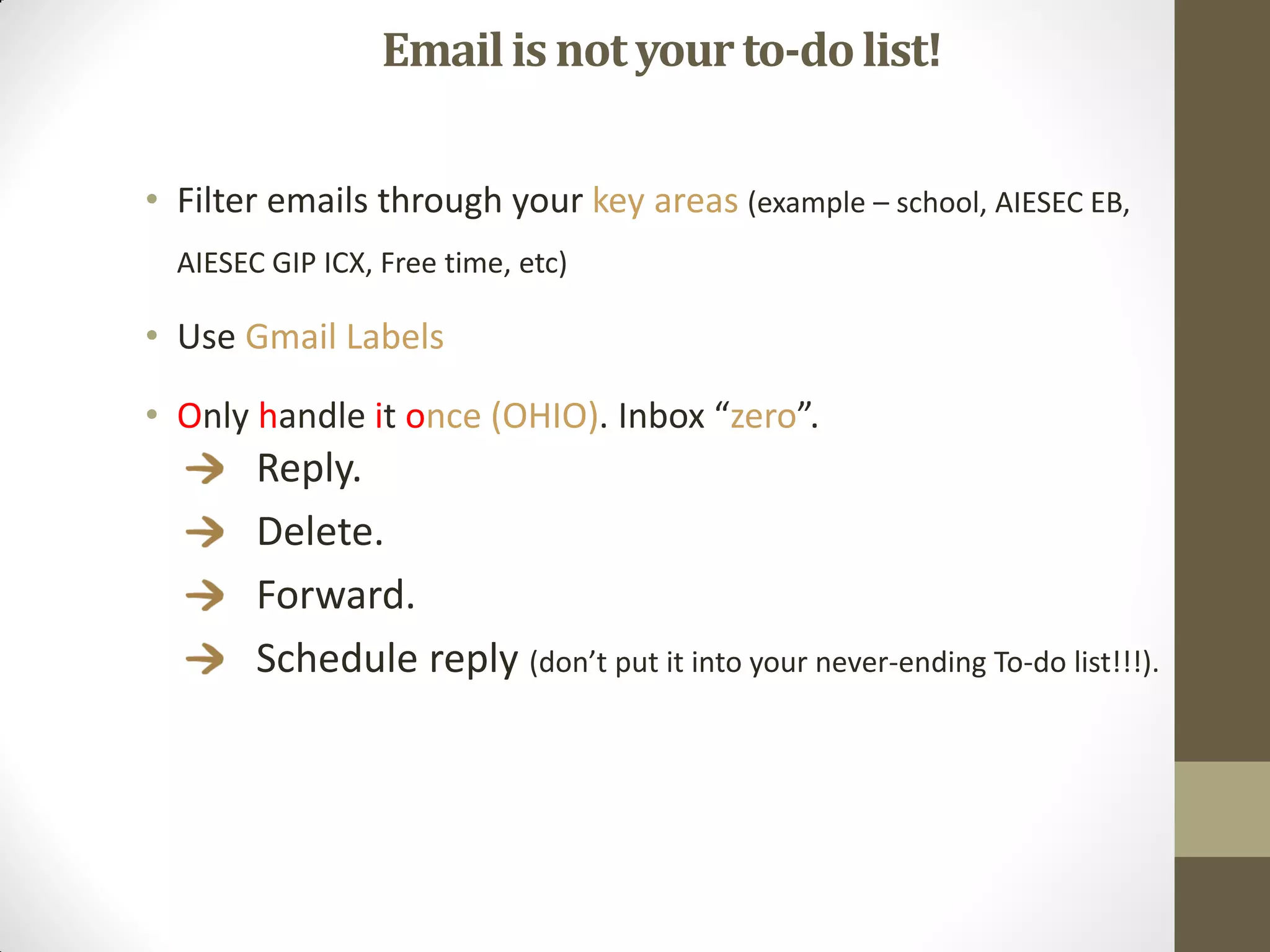
Email is not your to-do list!

• Filter emails through your key areas (example – school, AIESEC EB,
  AIESEC GIP ICX, Free time, etc)

• Use Gmail Labels

• Only handle it once (OHIO). Inbox “zero”.
        Reply.
        Delete.
        Forward.
        Schedule reply (don’t put it into your never-ending To-do list!!!).
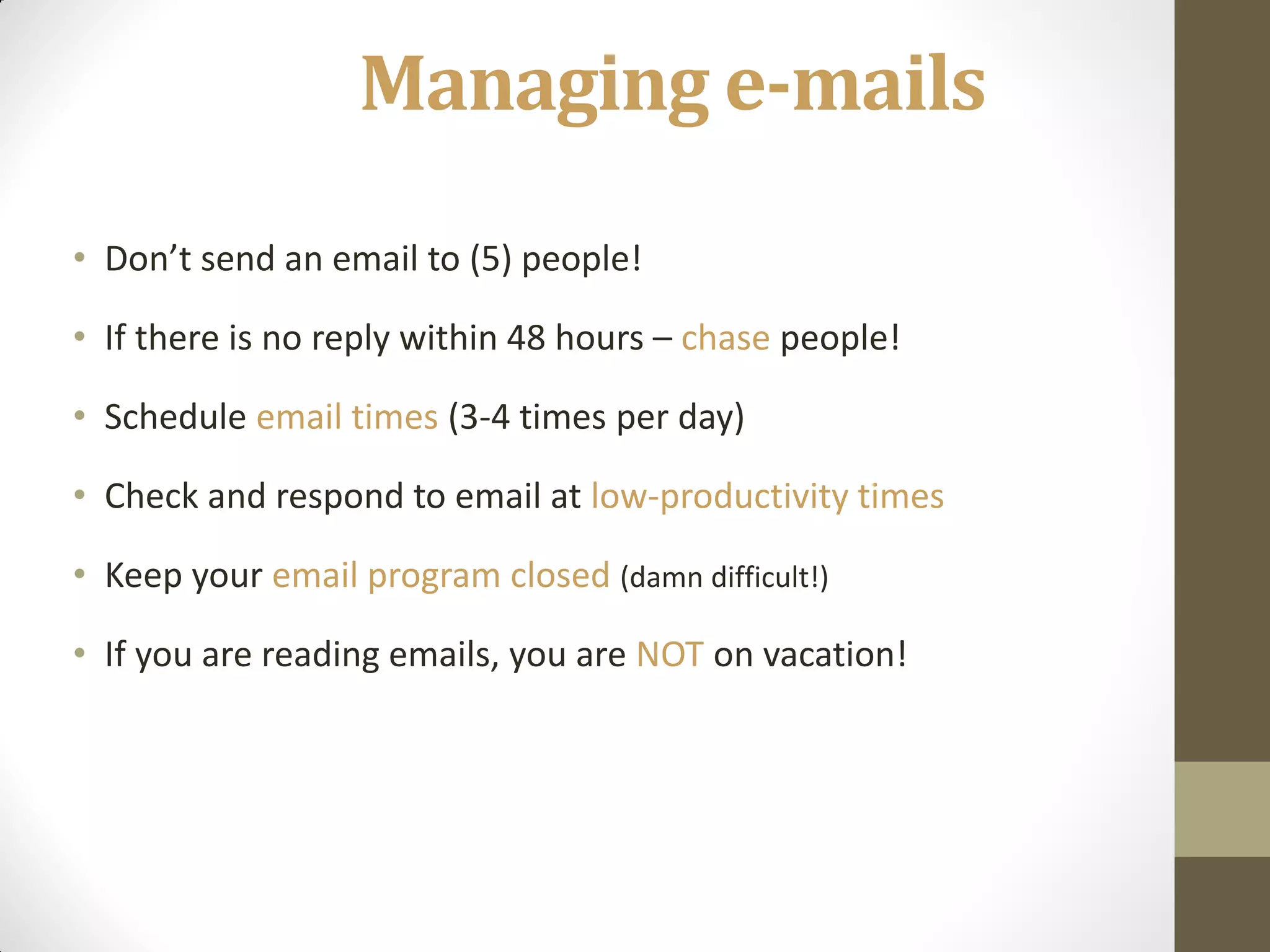
Managing e-mails
• Don’t send an email to (5) people!

• If there is no reply within 48 hours – chase people!

• Schedule email times (3-4 times per day)

• Check and respond to email at low-productivity times

• Keep your email program closed (damn difficult!)

• If you are reading emails, you are NOT on vacation!
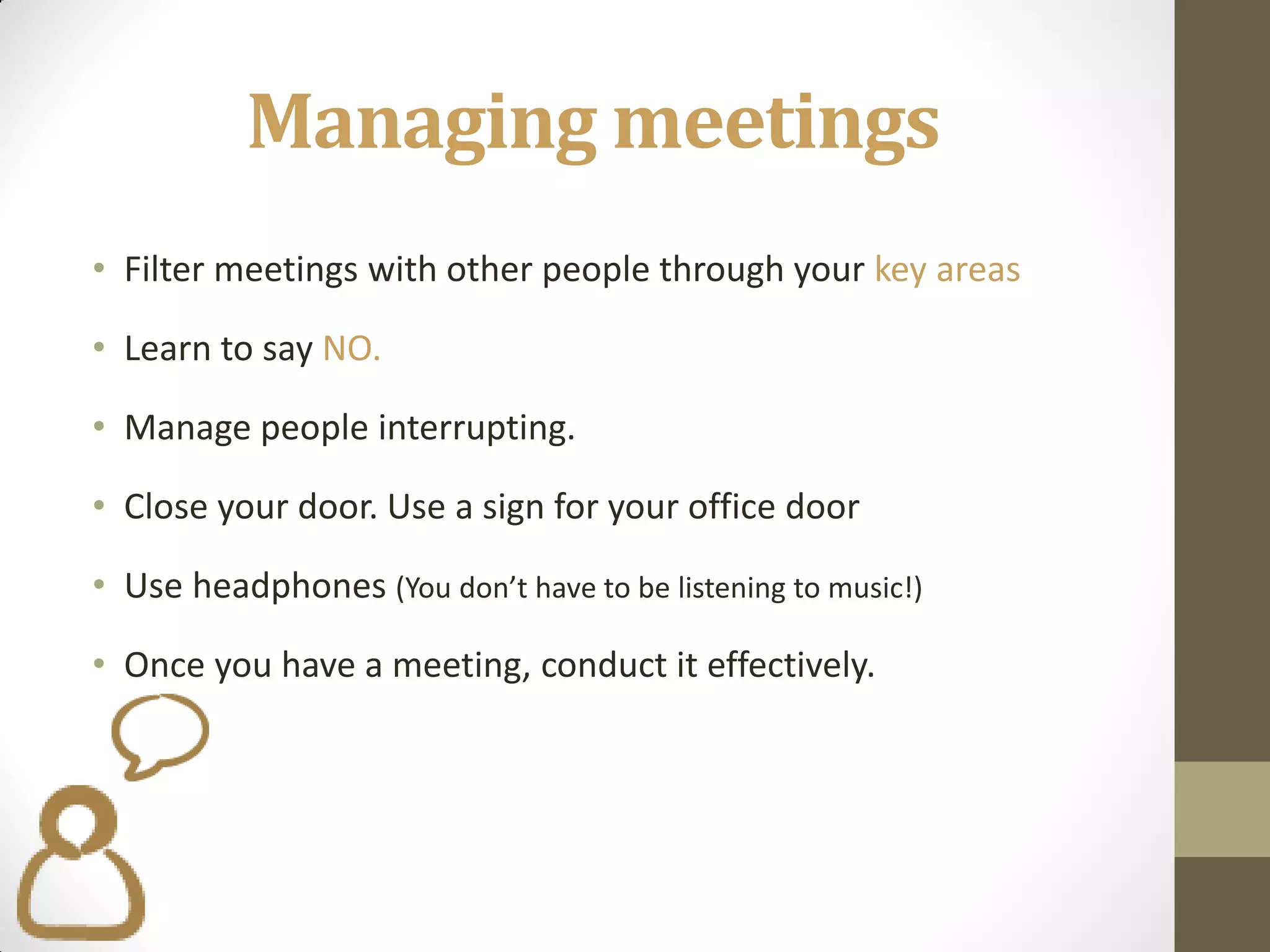
Managing meetings
• Filter meetings with other people through your key areas

• Learn to say NO.

• Manage people interrupting.

• Close your door. Use a sign for your office door

• Use headphones (You don’t have to be listening to music!)

• Once you have a meeting, conduct it effectively.
Managing my environments
• Keep your desk clean and organized.
• Get rid of paper piles you’ll never come to read. A file system is
  essential.
• Use labels for hard copy documents.
• Arrange facilities conveniently (phone, printer, book shelves etc).
• Keep your Desktop clean.
• Structure your files and folders according to key
       areas.
What did you learn?


What can you do starting today
so that you can improve your
time management?

Time management

  • 1.
  • 2.
    Flow of thesession… 1. Defining time management 2. 10 Common Time Management Mistakes 3. Time thieves and how to get rid of them 4. What can you use in order to improve your time management skills? • ABC Analysis • Pareto Analysis • Eisenhower method 5. Tips & Tricks (how to manage my day, how to deal with huge tasks, how to delegate, how to manage my emails, )
  • 3.
    What is Time management? the act or process of planning and exercising conscious control over the amount of time spent on specific activities, especially to increase effectiveness, efficiency or productivity.
  • 4.
  • 5.
    Mistake #1. Failingto Keep a To-Do List Mistake #2. Not Setting Personal Goals Mistake #3. Not Prioritizing Mistake #4. Failing to Manage Distractions Mistake #5. Procrastination Mistake #6. Taking on too Much Mistake #7. Thriving on "Busy" Mistake #8. Multitasking Mistake #9. Not Taking Breaks Mistake #10. Ineffectively Scheduling Tasks
  • 6.
    Facebook, Twitter, Skype… • Chats and forums • Internet browsing What is a • Long and/or ineffective meetings time thief? • Interrupting co-workers • Phone calls • Too many emails • Bad planning • Inability to delegate • The guy who always says YES
  • 7.
    Which are yourtime thieves?
  • 8.
    How could youget rid of the time thieves? • Facebook, Twitter, Skype… & Chats and forums & Internet browsing • SOLUTION – set a time when you check everything and except that time stay away from these channels. Time flies here and then you will start to panic because you don’t have time to finish your tasks • Long and/or ineffective meetings • SOLUTION – set from the beginning a clear outcome of the meeting and a clear agenda. A very good idea, when you have team meetings if also to assign some roles in the team: • Time keeper – that will let you know how much time you still have to discuss different subjects (based on the agenda set before) • Output keeper – that will note down the discussion points and main decisions taken • Meeting leaders – who runs the meeting and has the overview on where you need to get • Interrupting co-workers • SOLUTION – ask people in specific times not to disturb you (have a do not disturb sign) • Phone calls & Too many emails • SOLUTION – set a specific time when you answer all these emails and calls (except urgent ones of course). Stop checking your email every 5 minutes • Bad planning • SOLUTION – work constantly on improving your planning by tracking your daily schedule and how you managed the time that you had. • Inability to delegate • SOLUTION – don’t do everything yourself. Delegate so that others can also learn how to do certain things. • The guy who always says YES • SOLUTION –Think about your time availability, if you actually need to take on another task
  • 9.
    Useful tools touse in your time management 
  • 10.
    ABC Analysis An analysisof a range of items that have different levels of significance and should be handled or controlled differently. The items are are grouped into three categories (A, B, and C) in order of their estimated importance. A – Tasks that are perceived as being urgent and important, B – Tasks that are important but not urgent, C – Tasks that are neither urgent nor important.
  • 11.
    Pareto Analysis Pareto Analysis is a simple technique for prioritizing possible changes by identifying the problems that will be resolved by making these changes. By using this approach, you can prioritize the individual changes that will most improve the situation. Pareto Analysis uses the Pareto Principle – also known as the "80/20 Rule" 20% generates 80% of the of the actual work results. Makes you thing about what are the really relevant things that will bring you the best results, doesn’t it?
  • 12.
    Eisenhower Method The EisenhowerMethod is a prioritization framework that is very effective by categorizing tasks in a very straightforward manner. It is derived from a quote supposedly attributed to Dwight D. Eisenhower: “What is important is seldom urgent and what is urgent is seldom important.”
  • 13.
    Urgent/Important Matrix High “Important “Critical Goals” Activities” Importance “Distractions” “Interruptions” Low Low High Urgency
  • 14.
    Urgent/Important Matrix High Preparation/ Crisis Planning Pressing problems Relationship Building DDL -driven projects True recreation Medical emergency Importance New opportunities Junk mail Interruptions Some phone Phone calls messages/email Meetings Low Time-thieves Requests Internet “Pressing” matters Pleasant activities Popular activities Low High Urgency
  • 15.
    Urgent/Important Matrix High Preparation/ Crisis Planning Pressing problems Relationship Building DDL -driven projects True recreation Medical emergency Importance New opportunities Necessity Junk mail Interruptions Some phone Phone calls messages/email Meetings Low Time-thieves Requests Internet “Pressing” matters Pleasant activities Waste Popular activities Deception Low High Urgency
  • 16.
  • 17.
    Managing my dailyschedule How do you do that?
  • 18.
    Take time toplan ahead. Schedule. Plan at multiple levels (school, work, free time, etc) Allocate all the things on your To-do list to Track your day so you can constantly improve your time management.
  • 19.
    What should Ido if… • The task is very big. • The task is very important. • I don’t know where to start from. • A difficult decision has to be made. • Something unpleasant has to do with it
  • 20.
    Eat the ELEPHANT ? The elephant technique is a useful and helpful time management technique. Complex projects/tasks can be broken down into bite size chunks.
  • 21.
    Managing my dailyschedule How do you do that?
  • 22.
    Delegating effectively… •What has to be done? (content) • Should I do it by myself? (priority) • If not, who has to do it? (person) • Why should (s)he do it? (motivation, objective) • How does (s)he have to do it? (range, details) • Until when does (s)he have to do it? (timeline) • How will I control the fulfilment? (milestones, evaluation) Don’t forget to control and evaluate the status of delegated tasks and to follow-up.
  • 23.
    Delegating effectively… •Treat your people well. • Challenge your people. • Give your people a goal, not procedures. • Tell the importance of each task. • Communicate clearly. • Be specific: -- Give a specific thing to do -- Set a specific date and time -- Specific penalty / reward
  • 24.
    How should Imanage my emails?
  • 25.
    Email is notyour to-do list! • Filter emails through your key areas (example – school, AIESEC EB, AIESEC GIP ICX, Free time, etc) • Use Gmail Labels • Only handle it once (OHIO). Inbox “zero”. Reply. Delete. Forward. Schedule reply (don’t put it into your never-ending To-do list!!!).
  • 26.
    Managing e-mails • Don’tsend an email to (5) people! • If there is no reply within 48 hours – chase people! • Schedule email times (3-4 times per day) • Check and respond to email at low-productivity times • Keep your email program closed (damn difficult!) • If you are reading emails, you are NOT on vacation!
  • 27.
    Managing meetings • Filtermeetings with other people through your key areas • Learn to say NO. • Manage people interrupting. • Close your door. Use a sign for your office door • Use headphones (You don’t have to be listening to music!) • Once you have a meeting, conduct it effectively.
  • 28.
    Managing my environments •Keep your desk clean and organized. • Get rid of paper piles you’ll never come to read. A file system is essential. • Use labels for hard copy documents. • Arrange facilities conveniently (phone, printer, book shelves etc). • Keep your Desktop clean. • Structure your files and folders according to key areas.
  • 29.
    What did youlearn? What can you do starting today so that you can improve your time management?